

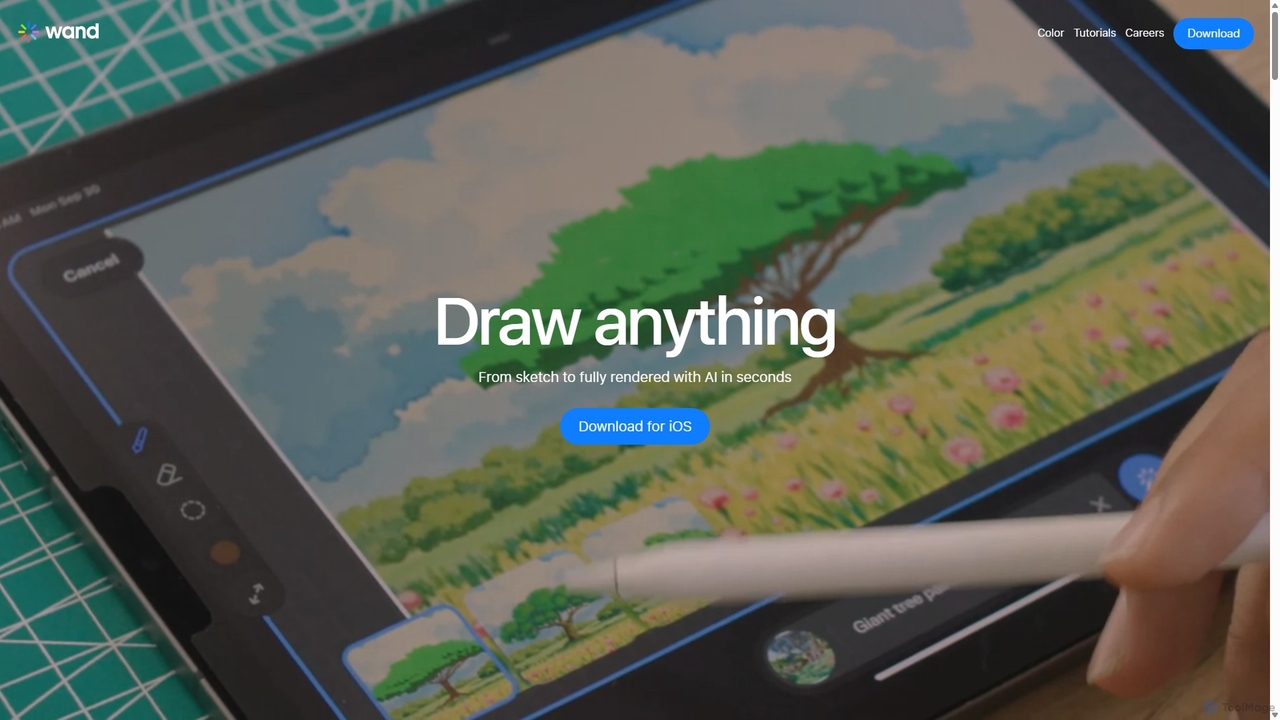
Wand Overview
Wand is a cutting-edge AI-powered art and design application built natively for iOS, transforming your iPhone and iPad into a powerful creative studio. It masterfully merges the intuitive feel of traditional digital drawing with the limitless potential of artificial intelligence. Whether you're a professional illustrator, a design student, or a creative hobbyist, Wand provides a suite of advanced tools to bring your imagination to life, enhance your workflow, and push the boundaries of your artistic expression.
The core philosophy of Wand is to act as a creative partner. It doesn't just generate images; it collaborates with you. You can start with a simple sketch and use AI to explore different styles, color palettes, and compositions. The platform is designed to be intuitive, allowing you to focus on your art while the AI handles the heavy lifting, from complex rendering to rapid colorization.
How to use Wand
Getting started with Wand is a seamless process designed for artists of all levels. First, download the Wand app from the Apple App Store onto your iPhone or iPad. You can begin a new project by opening a blank canvas or importing an existing sketch or image. Use the sophisticated custom brush engine to lay down your initial ideas, just as you would in any professional drawing application. Once your base drawing is ready, you can unleash the AI's power. Browse the preloaded style library to apply unique aesthetics to your work with a single tap. For coloring, utilize the 'Wand Color' feature to add vibrant hues in a snap. To refine your artwork, use the regional iterative editing tool to make precise adjustments to specific areas without affecting the rest of the image. Complex projects are made easy with multi-layer support, allowing you to organize, edit, and blend elements non-destructively. Finally, when your masterpiece is complete, export it as a high-quality transparent PNG, perfect for professional use.
Core Features of Wand
- Custom Brush Engine: Offers a wide range of brushes with precise control, enabling you to create stunning, professional-quality artwork with limitless creative possibilities.
- Preloaded Style Library: Instantly embody a specific aesthetic with a diverse library of preloaded custom styles, serving as unique artistic templates to refine your outputs.
- Multi-Layer Support: Navigate complex designs with robust layer support, allowing for seamless editing, blending, and organization of multiple elements in a non-destructive workflow.
- Regional Iterative Editing: Make precise, targeted adjustments to specific areas of your artwork, ensuring every detail meets your exact standards.
- Wand Color: A powerful feature that allows you to add color to your sketches and line art in an instant, dramatically speeding up your workflow.
- Secure Private Models: Keep your work, styles, and datasets safe with secure private models, ensuring your creations are protected and accessible only by you.
- Dynamic Morph Intensity: Achieve the perfect effect with intuitive controls over the strength and nature of each AI-driven modification.
- Dataset Storage: Manage, store, and reuse your images and assets in a personal dataset library, streamlining your workflow and saving valuable time.
- Export Transparent PNGs: Export your artwork in a high-quality, transparent PNG format, ideal for professional design projects, web graphics, and integration into other software.
Use Cases for Wand
Wand is a versatile tool suitable for a wide range of creative professionals and enthusiasts. Concept artists can use it to rapidly generate and iterate on character and environment designs. Illustrators and graphic designers can accelerate their workflow, from initial sketch to final colored piece, and experiment with new styles effortlessly. Art students can leverage Wand as a learning tool to develop their skills more efficiently, experiment with AI assistance, and build a diverse portfolio. Social media managers and content creators can quickly produce unique, eye-catching visuals for their campaigns. For hobbyists, it provides an accessible yet powerful platform to explore their creativity without the steep learning curve of traditional professional software.
Advantages of Wand
Wand's primary advantage lies in its unique fusion of user control and AI efficiency. It boosts creativity by allowing artists to explore avenues that would be too time-consuming manually. It saves significant time by automating repetitive tasks like coloring and style application. The native iOS support ensures a smooth, responsive, and consistent experience across both iPhone and iPad. For students and aspiring artists, it offers professional-level tools at a student-friendly price point, making high-end digital art creation more accessible. The secure, private models also give professionals peace of mind that their unique styles and works-in-progress are protected.
Pricing and Plans
Wand operates on a freemium model. Users can download the app and access a range of core features for free. For access to the full suite of advanced tools, including the complete style library, unlimited private model storage, and premium features, users can subscribe to a Pro plan. The pricing is designed to be accessible, with special considerations for students. For the most current pricing information, please visit the Wand page on the Apple App Store.
Traffic
Latest traffic
Status
Monthly traffic trend
- 2025-9: 63.6K
- 2026-1: 82.8K
- 2026-2: 37.2K
- 2026-3: 25.8K
- 2026-4: 24.8K
- 2026-5: 22.4K
Geography
Top 5 countries / regions
- 🇺🇸United States35.6%
- 🇷🇺Russia22.4%
- 🇧🇷Brazil16.5%
- 🇬🇧United Kingdom14.3%
- 🇲🇽Mexico11.1%
Top keywords
| Keyword | Cost per click |
|---|---|
| wand | $0.59 |
| wand ai | $3.64 |
| wand app | $1.38 |
| wand draw | $0.00 |
| приложение wand | $0.00 |
Wand Alternatives

Aicoloringpages
Aicoloringpages is an AI-powered tool that generates unique, printable coloring pages from simple text prompts. Leveraging DALL-E 3 technology, it allows users to create endless designs for children, educators, and hobbyists. The platform is user-friendly, cost-effective, and offers various credit-based plans to suit different needs, from a free trial to advanced packages.
Image Generation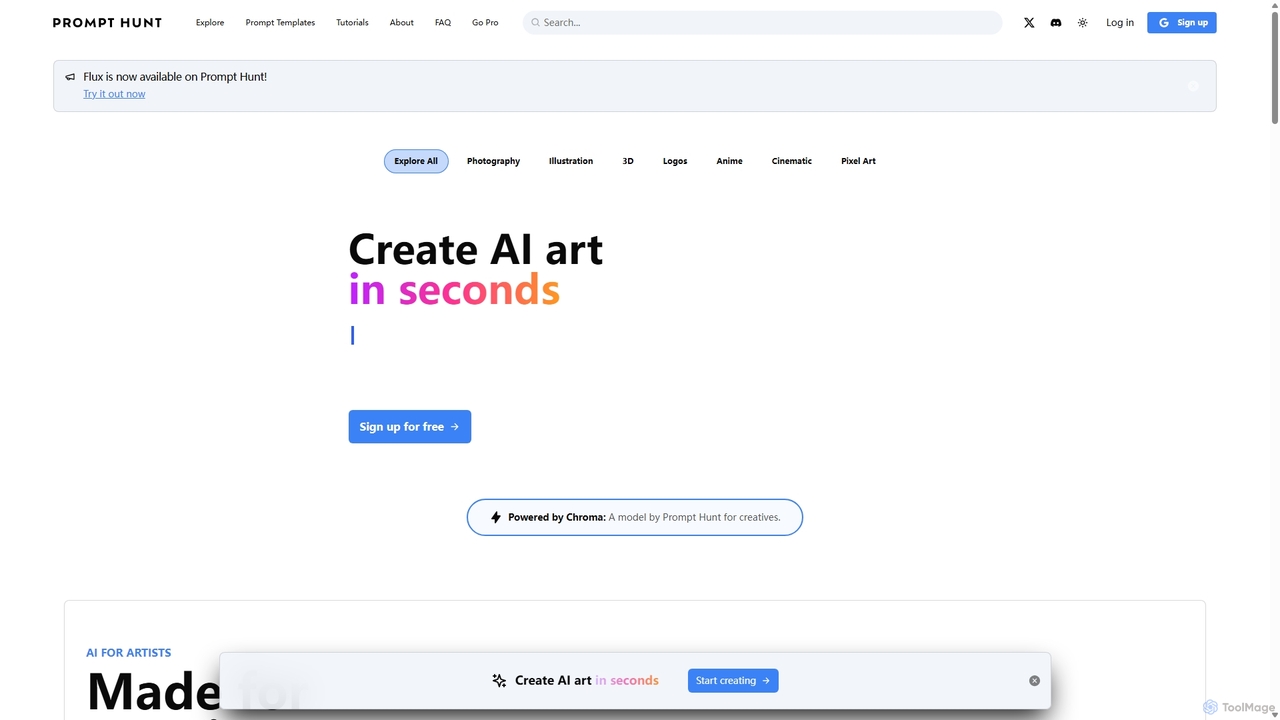
Prompt Hunt
Prompt Hunt is an AI art platform designed for creatives to explore, create, and share high-quality AI-generated images. It features a powerful proprietary model called Chroma, an extensive library of prompt templates, and an intuitive interface, making it easy for both beginners and experts to produce stunning visuals.
Illustration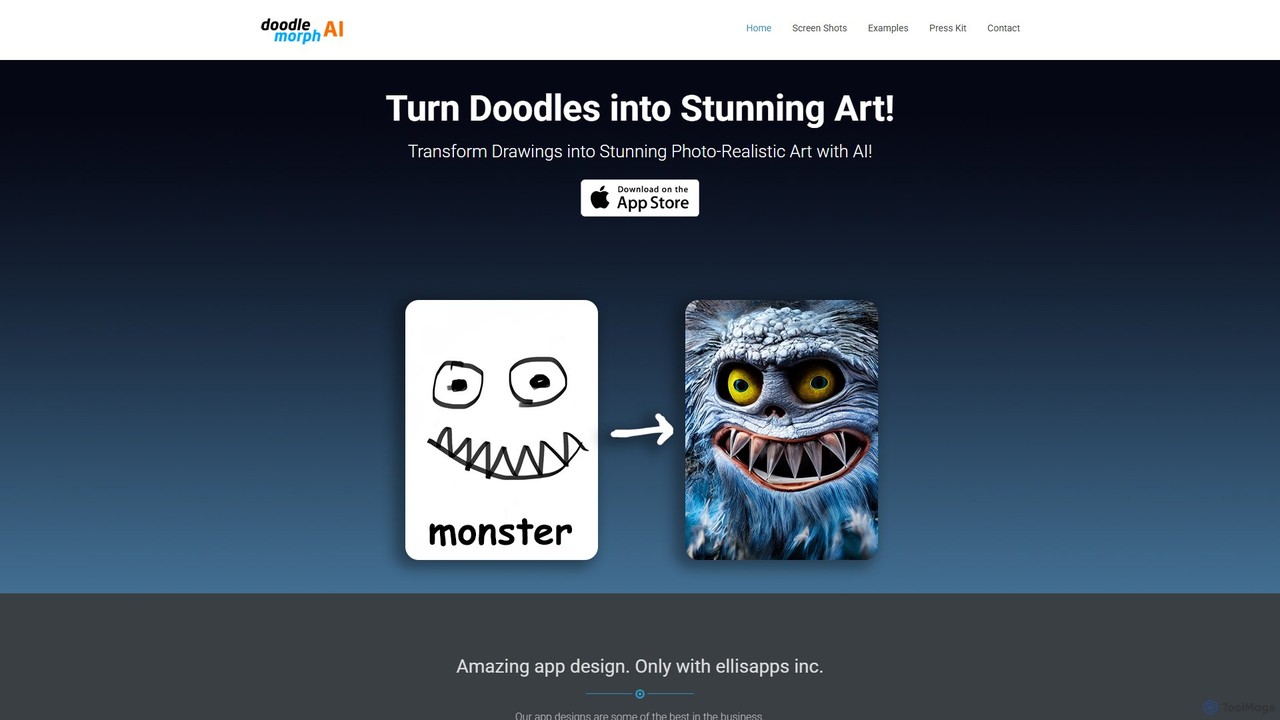
Doodlemorph AI
Doodlemorph AI is a mobile app that transforms your simple doodles and sketches into stunning, photo-realistic, or stylized works of art using advanced AI. Unleash your creativity by turning rough ideas into detailed masterpieces in seconds, with various artistic styles.
Image Generation
Etana
Etana is an AI-powered drawing and sketch tool designed to empower artists by prioritizing their creative intent. It transforms artistic visions into digital art more faithfully, ensuring the artist remains central to the creative process.
Digital Art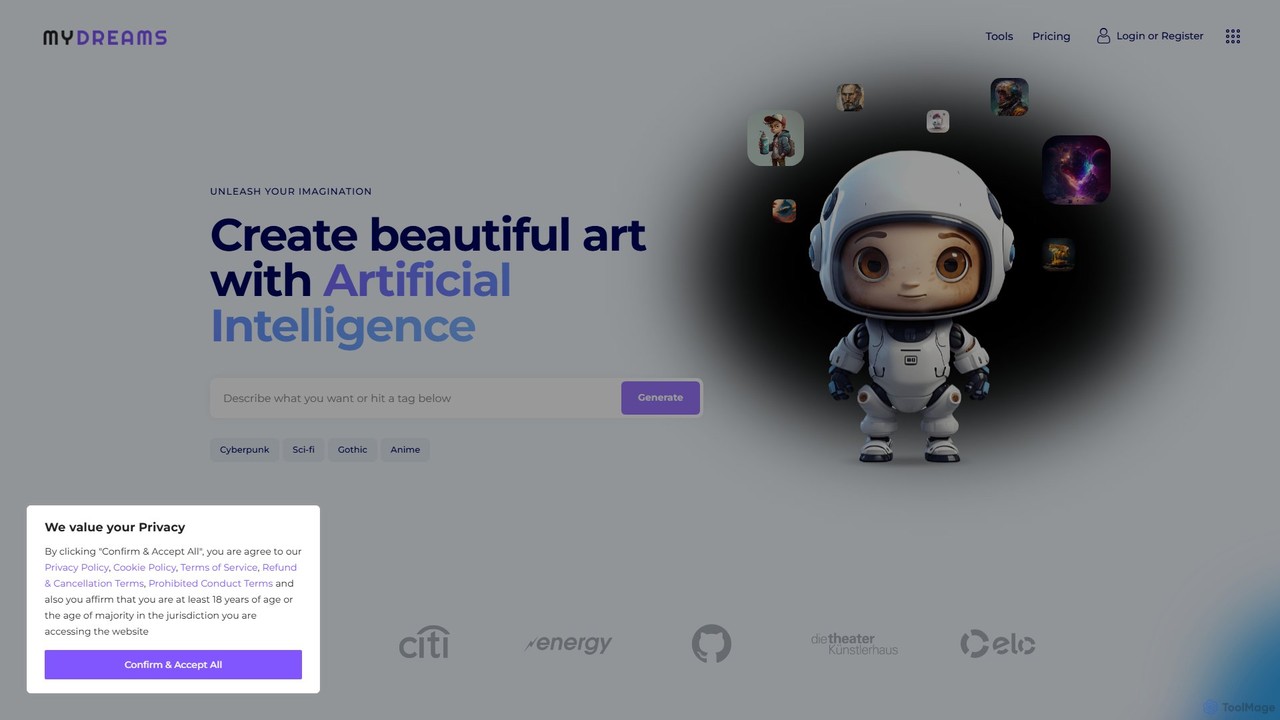
My Dreams Studio
My Dreams Studio is an AI-powered art generator that transforms your text prompts into stunning, dream-like visual creations. Specializing in surreal, fantasy, and abstract styles, it provides a creative suite for artists, designers, and anyone looking to visualize their imagination. Turn your wildest ideas into unique digital art with ease.
Image GenerationWand Categories
Wand Jobs
Wand Embed Widget
Copy this embed code to place the badge on your blog, article, or product site and send readers directly to this ToolMage detail page.

Related AI tools
Scribble Diffusion
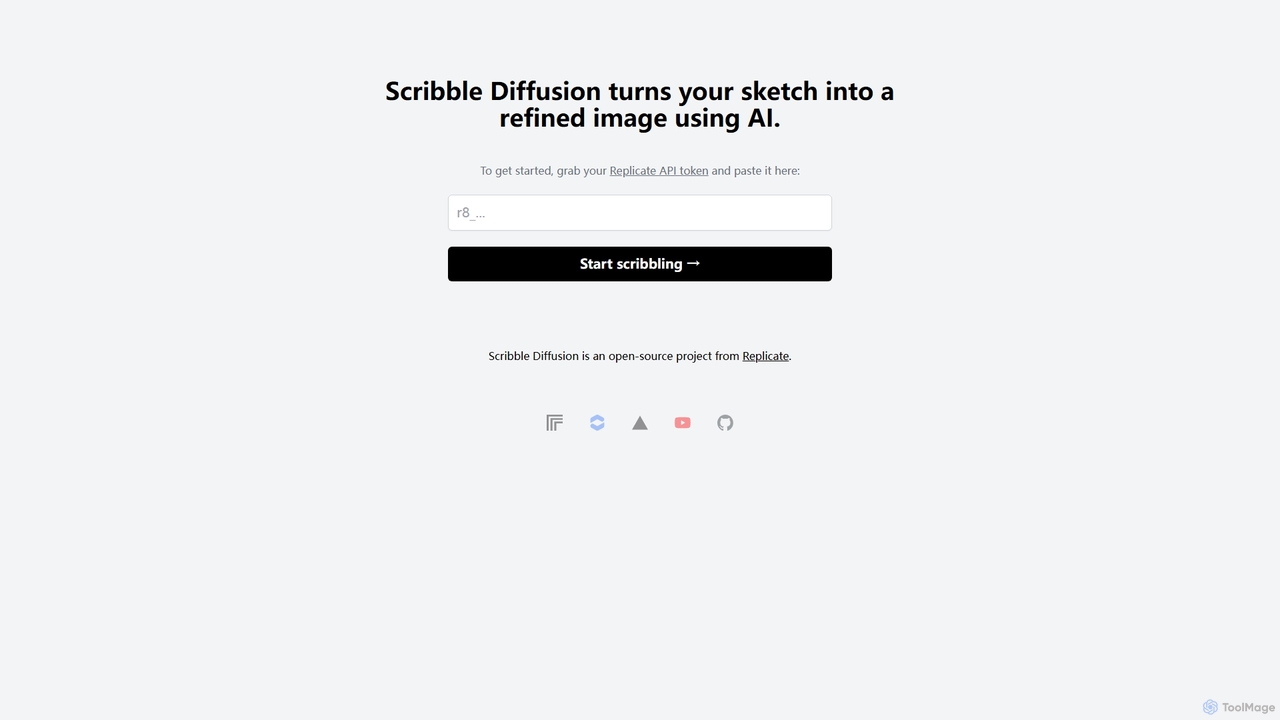
Scribble Diffusion is a powerful AI tool that transforms your simple sketches and doodles into detailed, high-quality images. Just draw a rough outline, provide a text prompt, and watch as the AI brings your vision to life with stunning artistic detail. It's an open-source project, making it accessible for both creative exploration and developer integration via API.
Creative Tools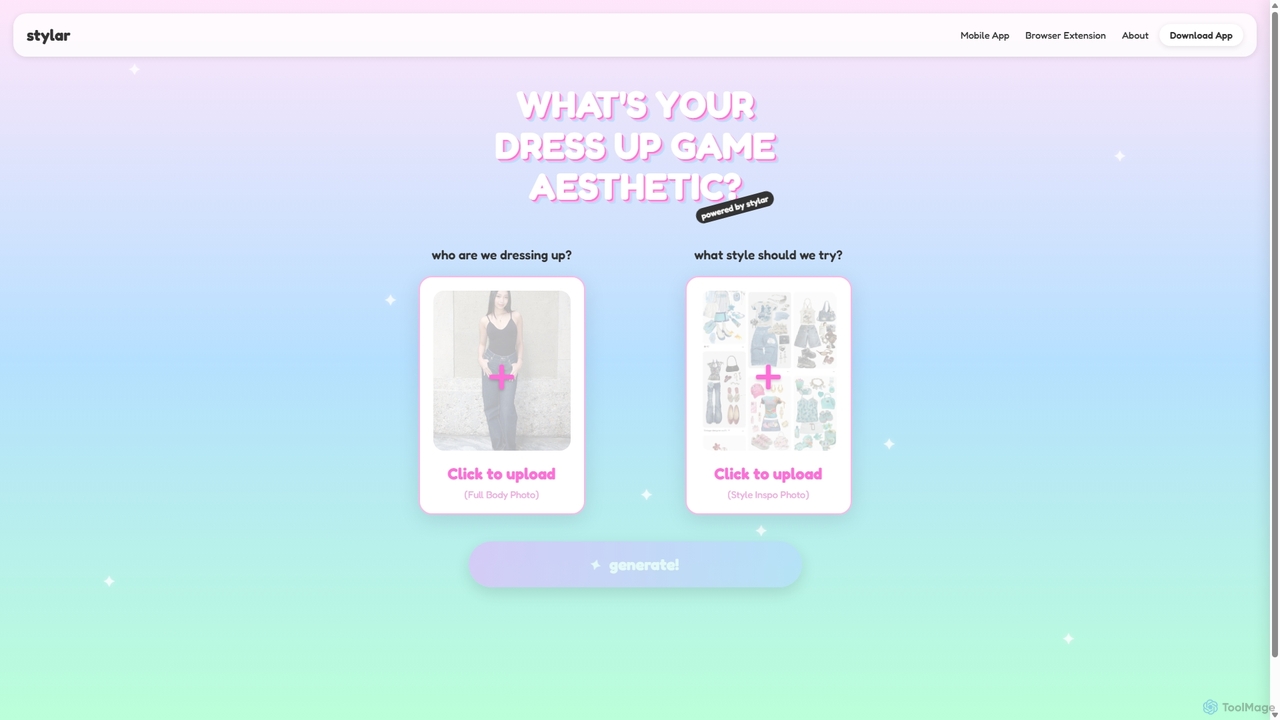
Stylar
Stylar is an all-in-one AI creative suite for artists and designers, offering precise control over image generation. It combines text-to-image, image-to-image, and composition tools with a user-friendly layer-based interface. Ideal for fashion design, character creation, and concept art, Stylar empowers users to bring their exact creative vision to life with unparalleled control and flexibility across web, mobile, and browser extension platforms.
Generative Art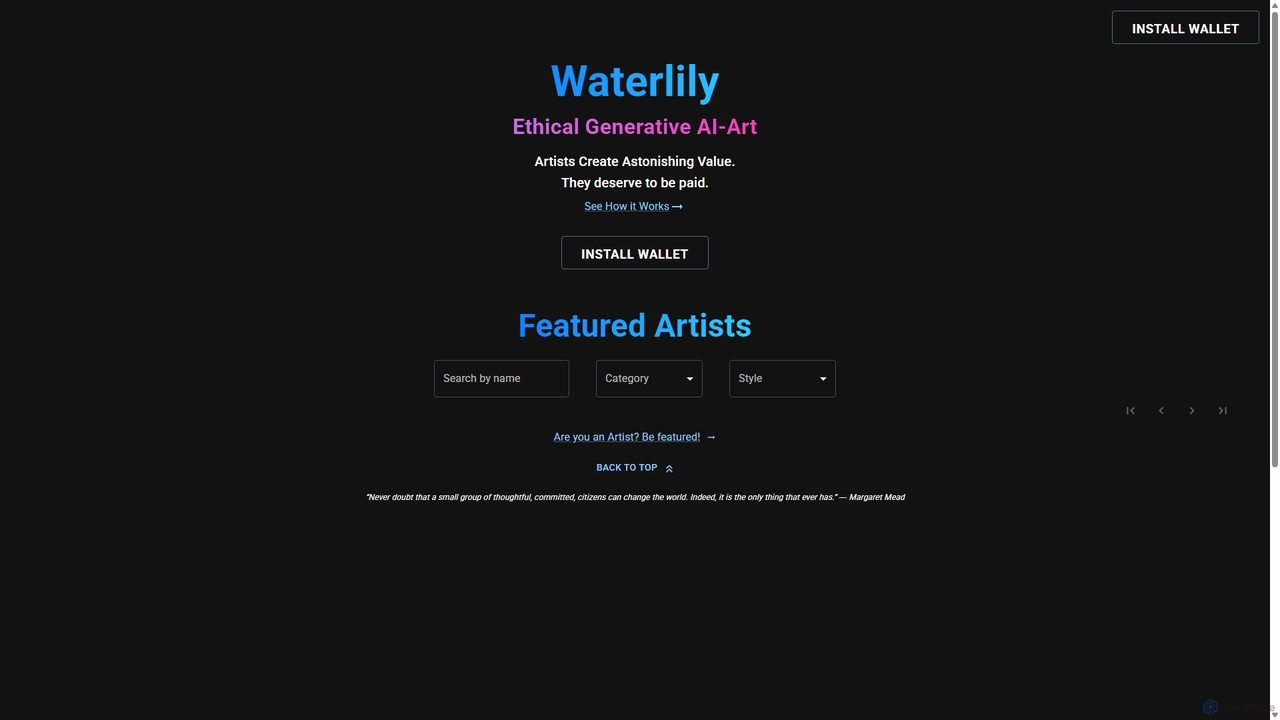
Waterlily
Waterlily is an ethical generative AI art platform that empowers artists by creating AI models based on their unique styles. It ensures artists are fairly compensated for every artwork generated, using Web3 technology for transparent royalty distribution.
Art Generation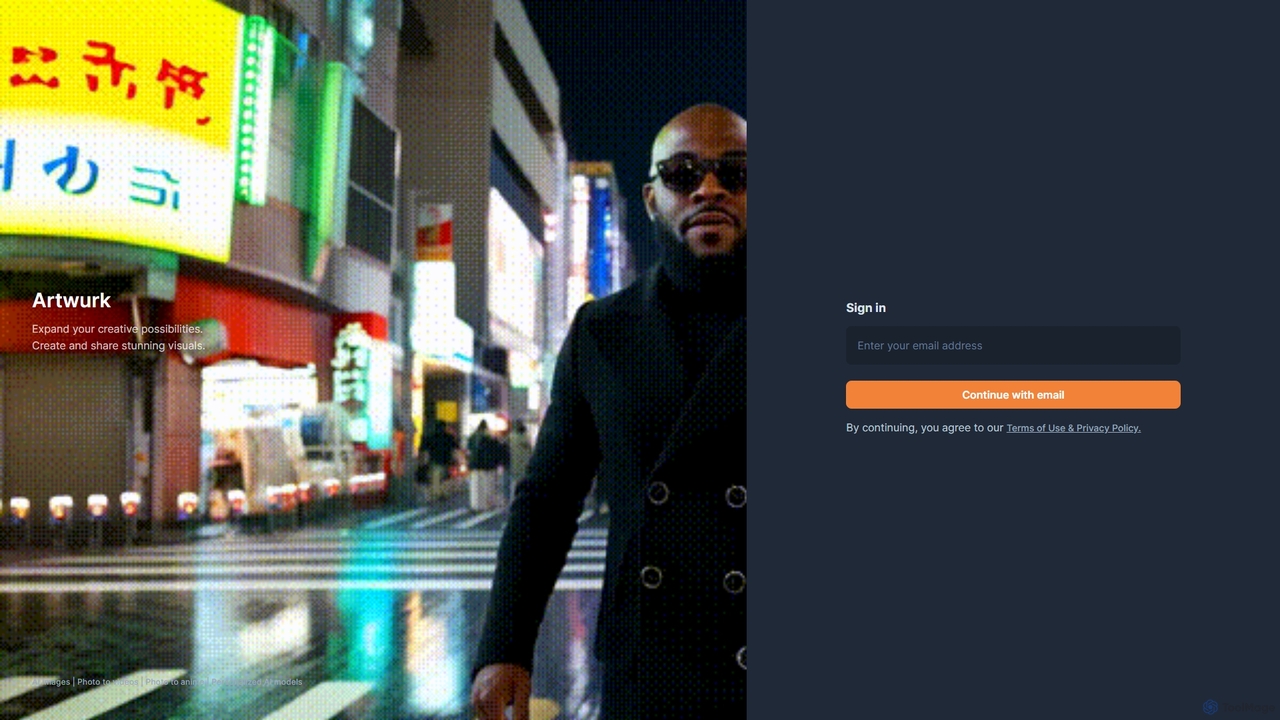
Artwurk
Artwurk is an AI-powered creative suite that expands your artistic possibilities. It allows you to generate stunning images from text, transform static photos into dynamic videos or anime-style art, and even train personalized AI models for consistent and unique visuals. It's an all-in-one platform for creators, marketers, and artists.
Avatars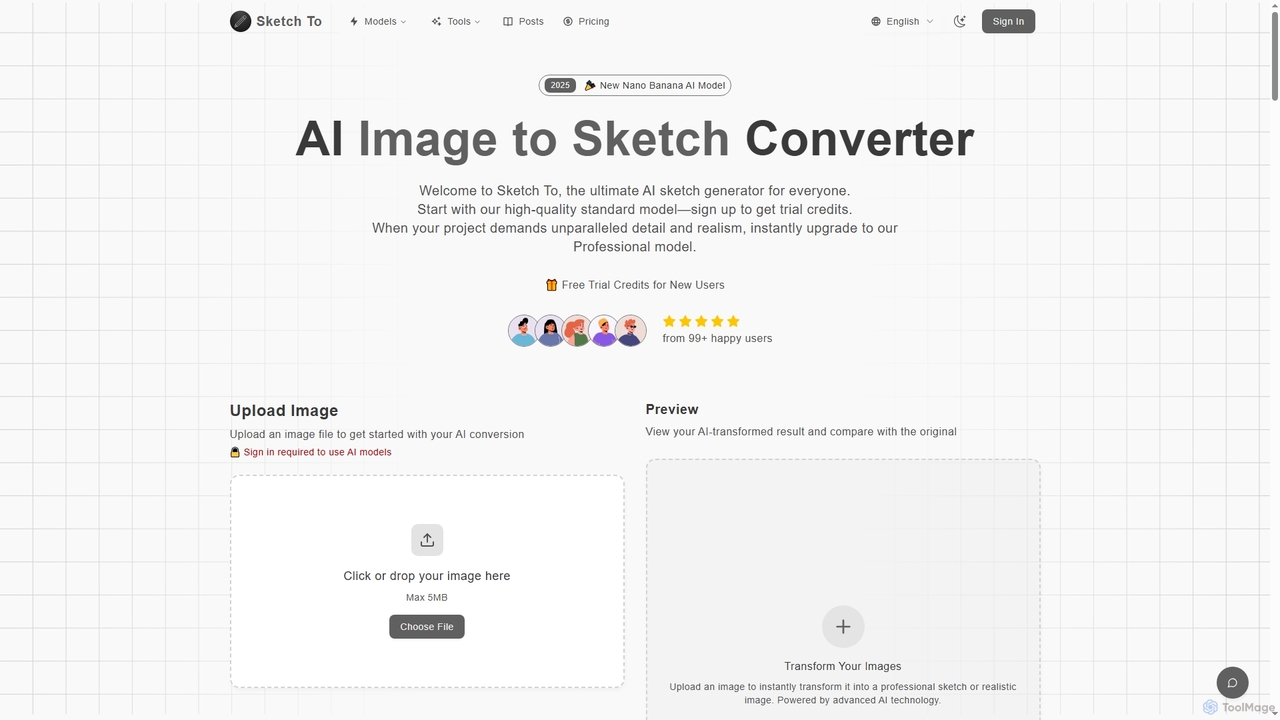
Sketch To
Sketch To is a versatile AI platform that transforms images into sketches and sketches into realistic photos. It also serves as a powerful hub for multiple advanced text-to-image models like Nano Banana, Seedream 4.0, and HunYuan 3.0, enabling users to generate high-quality, detailed visuals from simple text prompts. It offers both free trial and professional plans for various creative needs.
Digital Art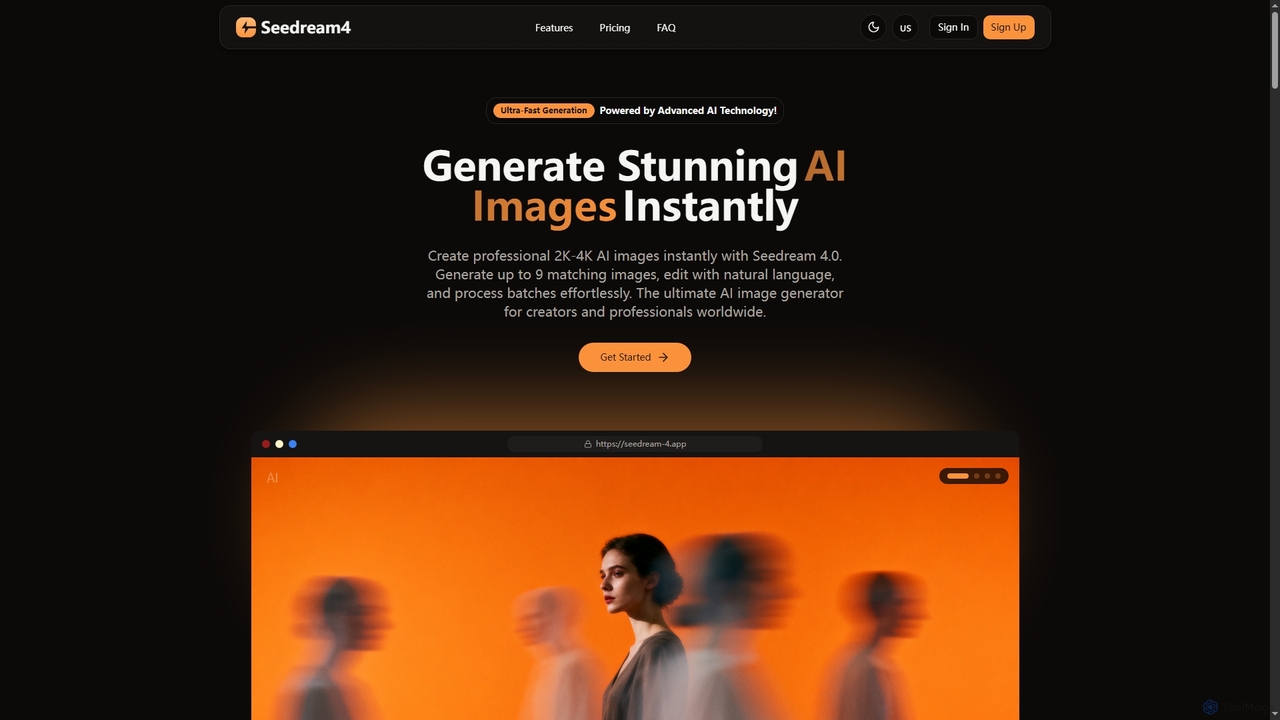
Seedream 4
Seedream 4 is a professional AI image generator and editor developed by ByteDance, capable of producing ultra-fast, highly realistic, and detailed images up to 4K resolution. It offers advanced features like text-to-image, image-to-image, creative upscaling, and multi-image generation, making it a powerful tool for digital artists and content creators.
Digital ArtPrompt Hunt
Prompt Hunt is an AI art platform designed for creatives to explore, create, and share high-quality AI-generated images. It features a powerful proprietary model called Chroma, an extensive library of prompt templates, and an intuitive interface, making it easy for both beginners and experts to produce stunning visuals.
Illustration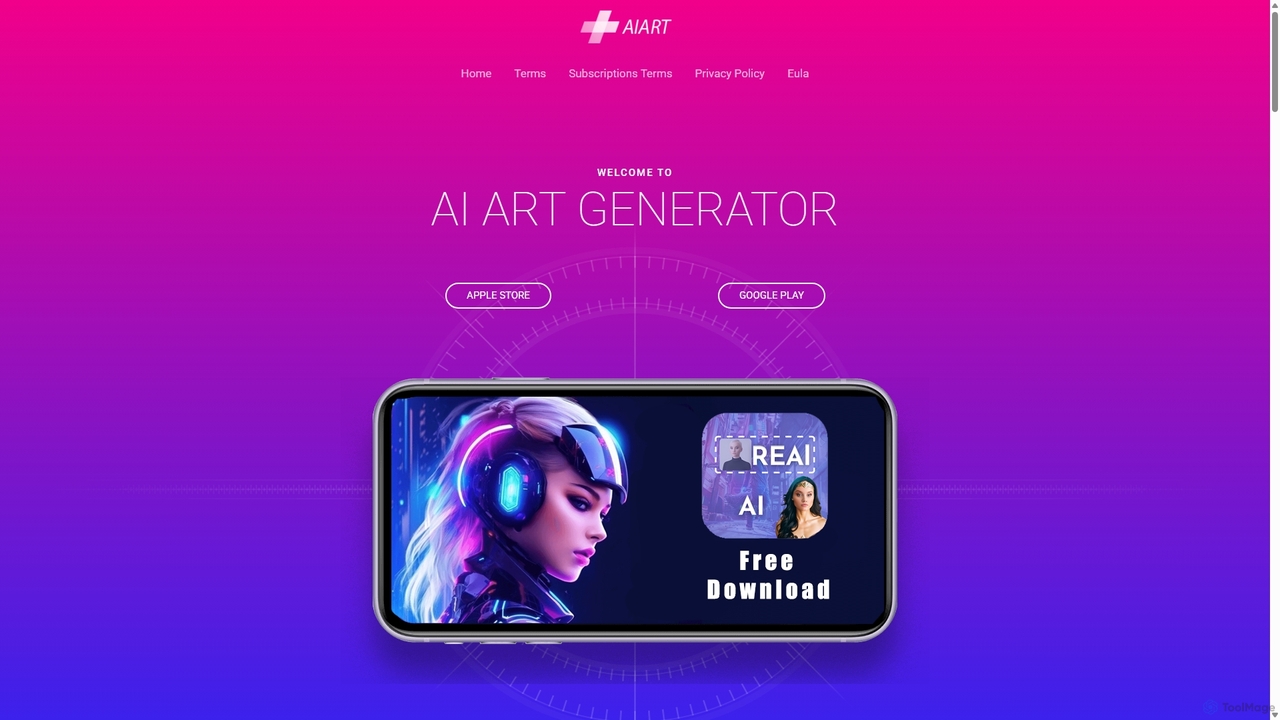
AI Art Generator
AI Art Generator is a powerful mobile application for iOS and Android that transforms your text prompts into stunning, high-quality images. Leveraging advanced artificial intelligence, it allows users to create unique digital art, photos, and illustrations effortlessly. Ideal for artists, designers, content creators, and hobbyists looking to unleash their creativity on the go.
Digital Art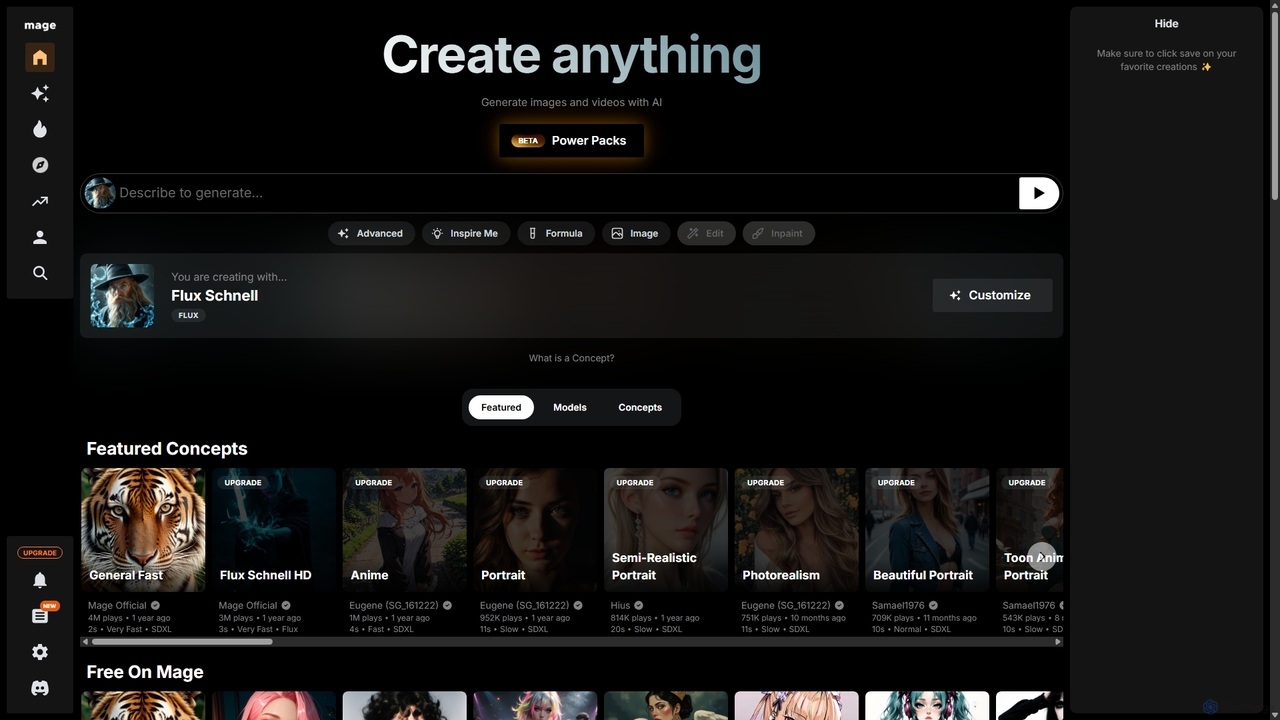
Mage
Mage is a powerful and versatile AI image and video generator offering free, unlimited creation capabilities. It provides access to a vast array of models like Stable Diffusion, Flux, and Wan, enabling users to generate diverse content from photorealistic portraits to anime and abstract art. With advanced features including LoRA, ControlNet, inpainting, and video animation, Mage caters to both beginners and professional artists seeking extensive creative control.
For Fun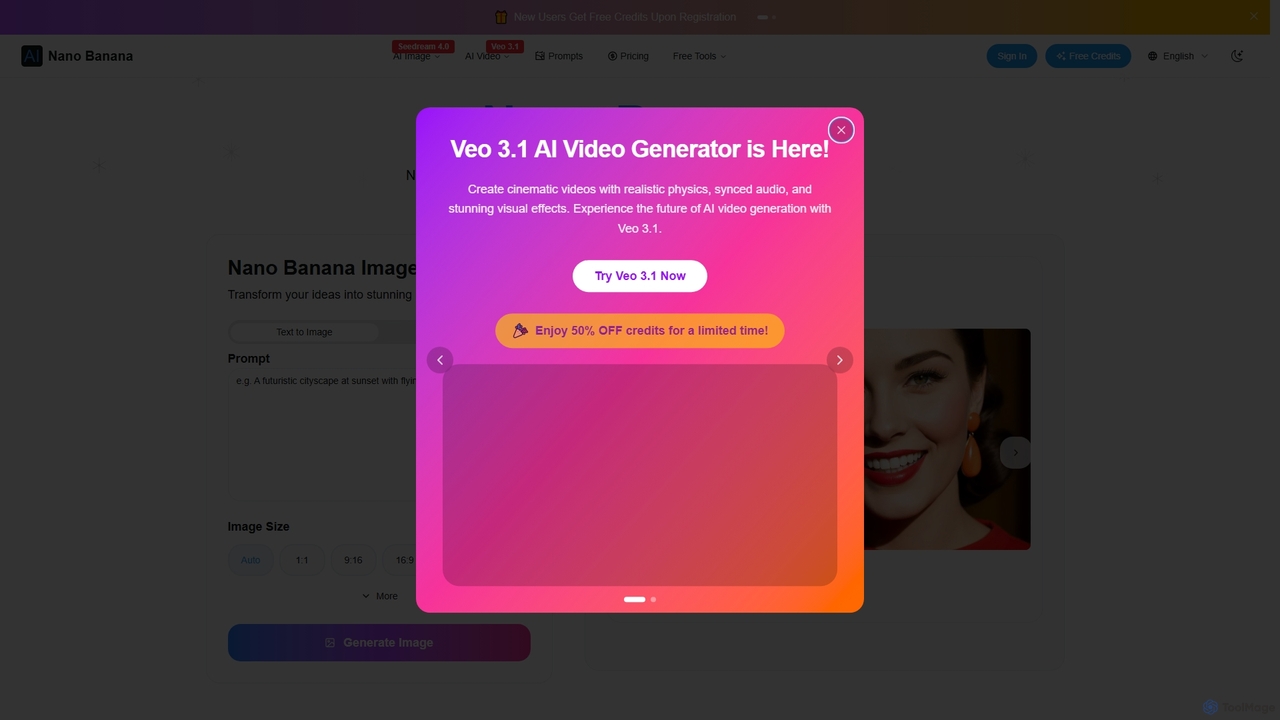
Nano Banana
Nano Banana is an AI-powered image editor driven by natural language prompts, utilizing Gemini 2.5 Flash Image technology. It excels at precise, effortless edits while maintaining character consistency, scene layout, and lighting across various images.
3D Figure Generation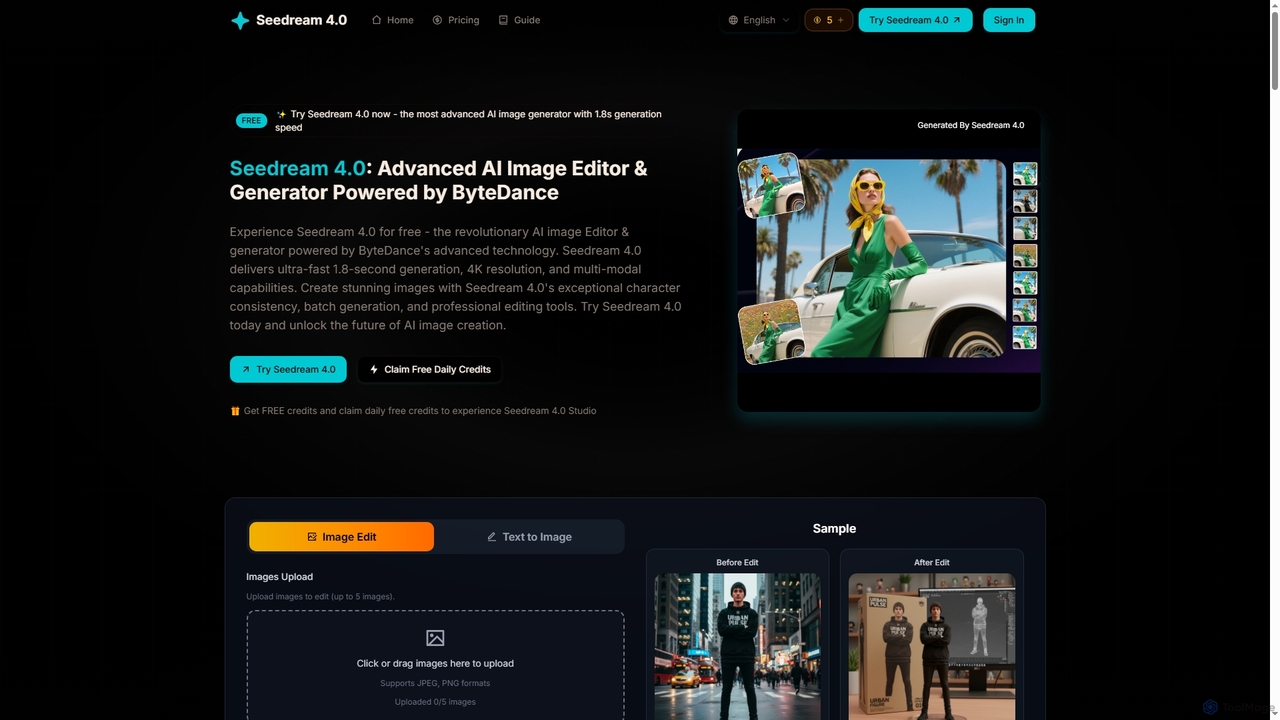
Seedream 4
Seedream 4 is an advanced AI image editor and generator powered by ByteDance's cutting-edge technology. It offers ultra-fast 1.8-second generation, 4K resolution, multi-modal capabilities, and exceptional character consistency for professional creative workflows.
Graphic Design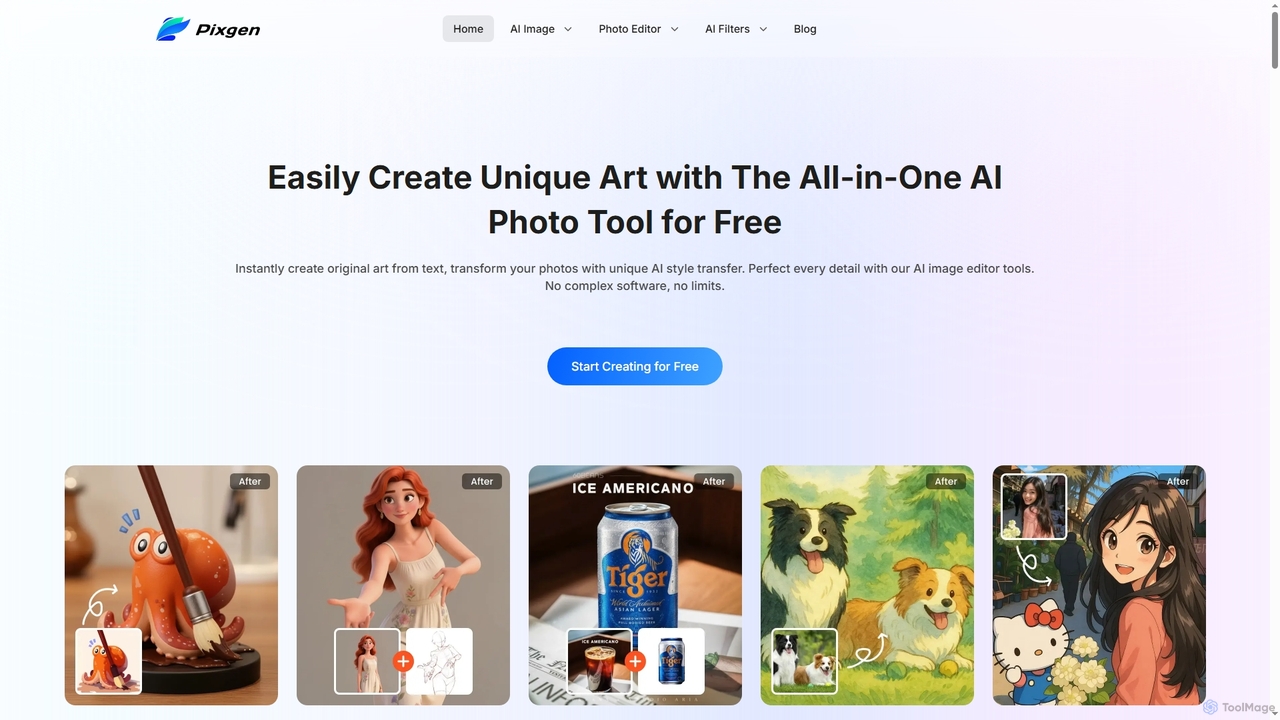
Pixgen
Pixgen is a free, all-in-one AI-powered online platform for creating, editing, and stylizing images. It allows users to generate unique art from text prompts, transform photos with AI style transfers, and perfect details using advanced editing tools like background removal, object erasure, and image enhancement. Designed for ease of use, Pixgen offers a seamless creative workflow without watermarks or hidden costs.
Style Transfer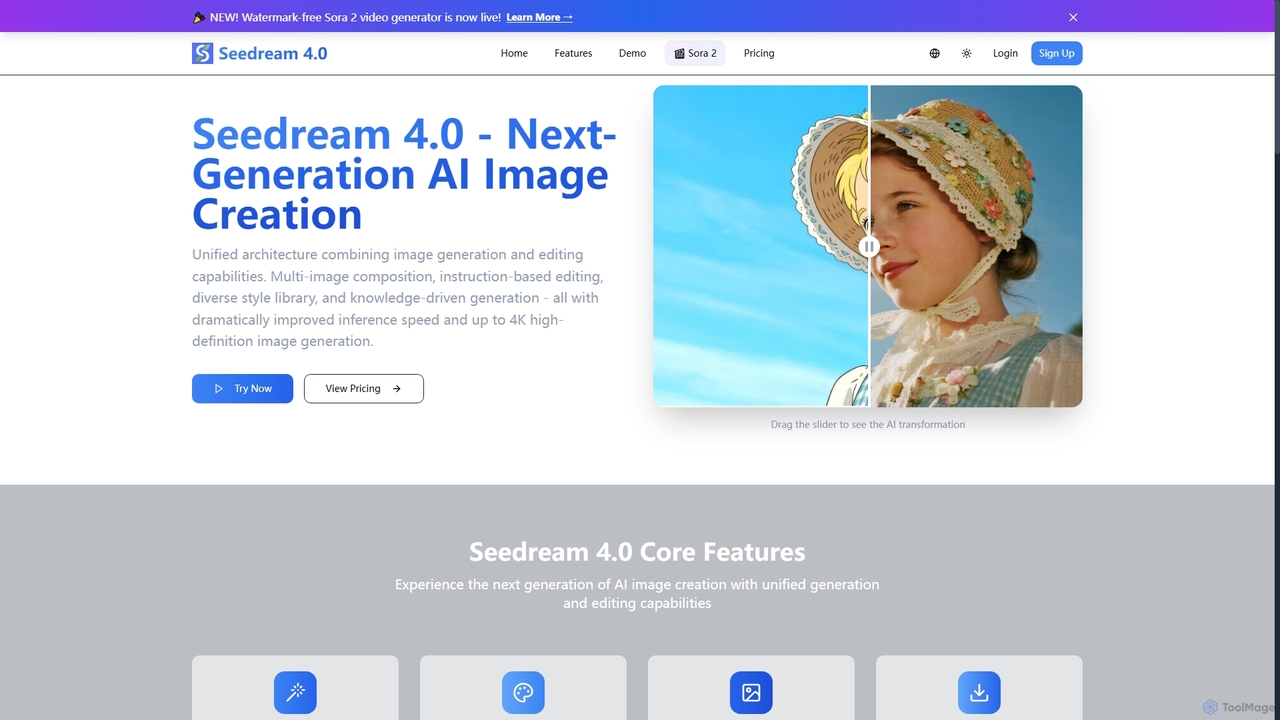
Seedream 4.0
Seedream 4.0 is a next-generation AI image creation platform that unifies image generation and editing. It features multi-image composition, instruction-based editing, a diverse style library, and knowledge-driven generation. Users can create high-definition images up to 4K with dramatically improved inference speed, making complex visual tasks efficient and precise.
Creative Tools
Artimator
Artimator is a versatile, all-in-one AI art and image generator. It leverages powerful models like Stable Diffusion 3, SDXL, and Leonardo Diffusion to transform text prompts into unique, high-resolution images. It offers free generation, photo-to-sketch conversion, AI-powered object removal, and full commercial rights for all created artwork, making it ideal for artists, marketers, and creators.
Generative ArtEtana
Etana is an AI-powered drawing and sketch tool designed to empower artists by prioritizing their creative intent. It transforms artistic visions into digital art more faithfully, ensuring the artist remains central to the creative process.
Digital Art
Wand Comments (0)
Sign in to comment.
Sign inNo comments yet.