
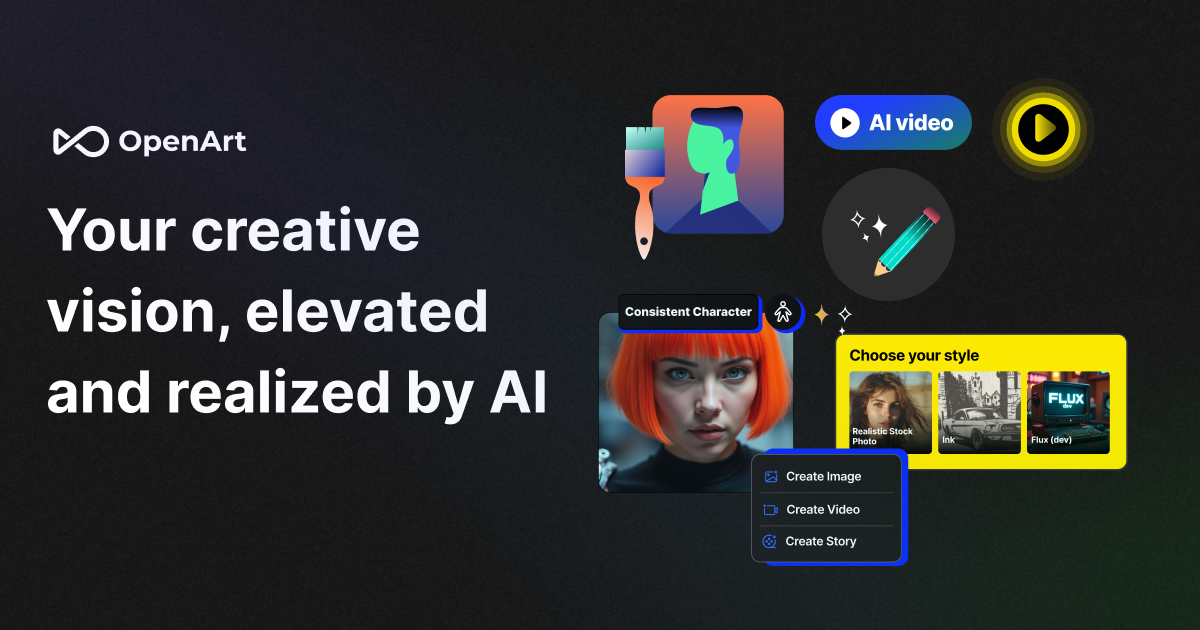
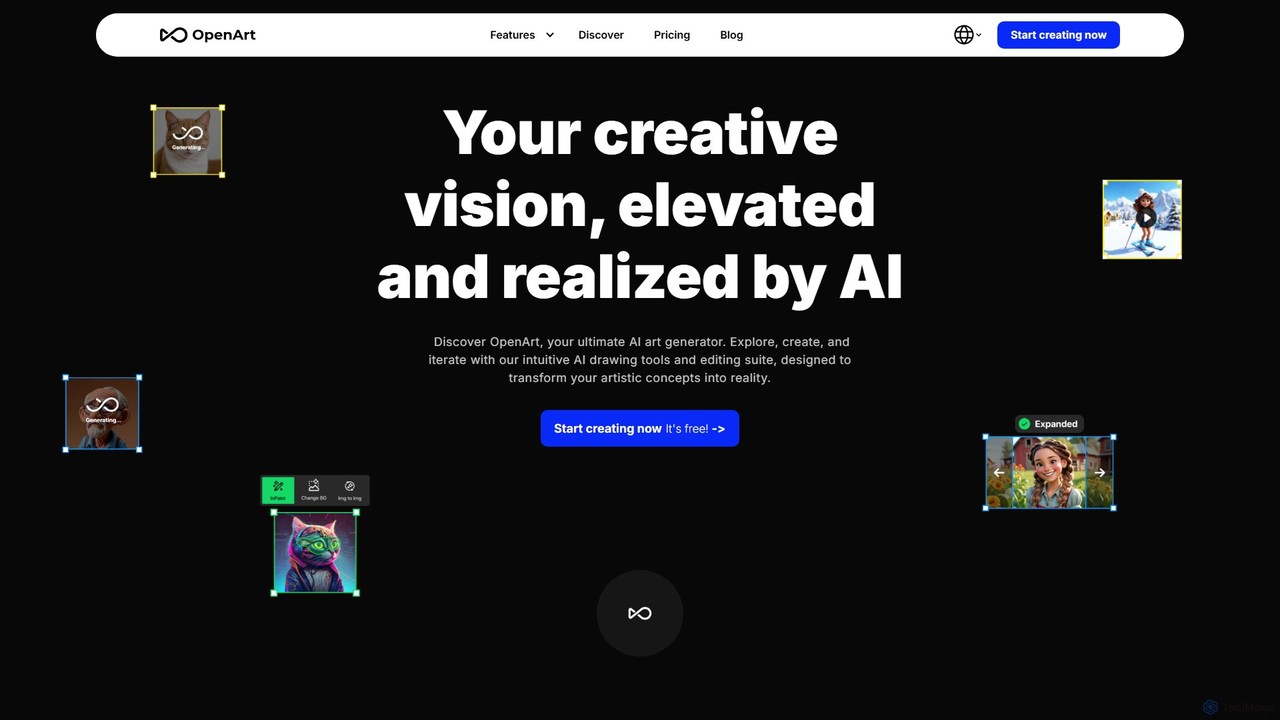
OpenArt Overview
OpenArt is a versatile and powerful AI-powered art platform designed for a wide range of users, from beginners to professional artists and businesses. It enables users to transform textual descriptions into stunning visual artworks using state-of-the-art generative AI models like Stable Diffusion XL. Beyond simple generation, OpenArt distinguishes itself with a comprehensive suite of advanced editing tools and the unique capability for users to train their own custom AI models, offering unparalleled creative control.
How to use OpenArt
Getting started with OpenArt is straightforward, catering to various creative workflows:
- AI Image Generation: The core function begins with writing a detailed text prompt. To achieve the best results, users should be specific about the subject, style (e.g., 'in the style of Van Gogh', 'photorealistic', 'anime'), composition, mood, and color palette. The platform's Prompt Book provides extensive examples and guidance to help craft effective prompts.
- Custom Model Training: For a truly unique output, users can train their own AI models. This involves selecting a model type (style, character, face, object), providing a clear description, and uploading 4 to 128 high-quality sample images. Once trained, the model can generate images that are consistent with the user's specific vision.
- Advanced Image Editing: Existing or newly generated images can be refined using a vast array of tools. This includes using 'Inpainting' to add or replace elements within an image, 'Creative Upscale' to enhance resolution up to 4K, 'Object Remover' to clean up pictures, and 'AI Filters' to completely change the style of a photo.
- Image-to-Image & Sketch-to-Image: Users can upload their own photos or sketches and use them as a basis for new creations. Features like Image Guidance and ControlNet allow the AI to transform a source image into a new style or a fully rendered artwork.
Core Features of OpenArt
- AI Art Generator: Creates high-quality images from text prompts using various models, including Stable Diffusion XL.
- Custom AI Model Training: Users can train personalized models for consistent characters, unique art styles, faces, or objects.
- Comprehensive Editing Suite: An extensive collection of tools including AI Inpainting, Generative Fill, Object Removal (watermarks, people, text), Background Remover, and more.
- Image Upscaling: Multiple upscalers to enhance resolution, including a 4K Super Resolution upscaler, an anime-specific upscaler, and photo restoration tools.
- AI Filters & Style Transfer: A massive library of filters to transform photos into styles like anime, Disney, comic book, or famous artist paintings. Users can also change seasons, lighting, and textures.
- Creative Tools: Features like Sketch to Image, Creative Variations, and Consistent Character generation provide powerful workflows for artists and designers.
- Community & Resources: Access to an active Discord community, a detailed Prompt Book, style palettes, and tutorials to help users improve their skills.
Use Cases for OpenArt
OpenArt is a valuable tool for various applications:
- Digital Artists & Illustrators: Quickly generate concepts, create unique character designs, and produce finished artworks in a fraction of the time.
- Graphic Designers & Marketers: Create custom visuals for marketing campaigns, social media content, and advertisements without needing stock photos.
- Game Developers & Animators: Rapidly visualize characters, environments, and assets for games and animated projects.
- Fan Art Creators: Generate high-quality fan art of favorite characters from anime, movies, and comics in countless styles.
- Hobbyists & Enthusiasts: Explore creativity and learn about art generation in an accessible, user-friendly environment with a generous free plan.
Advantages of OpenArt
OpenArt stands out due to its focus on quality, control, and community. Its key advantages include the ability to fine-tune models for specific artistic visions, a vast and powerful set of integrated editing tools that go far beyond simple generation, and a strong emphasis on user education. This combination makes it an all-in-one solution that supports the entire creative process, from initial idea to final polished image, while fostering a collaborative environment for users to learn and grow.
Pricing and Plans
OpenArt offers a flexible pricing structure to suit different needs:
- Free Plan: 100% free with no credit card required. Includes daily free credits for basic models, up to 4 parallel generations, and a one-time bonus of 20 credits for premium features.
- Starter Plan: Designed for frequent experimenters, offering 5,000 credits/month, 8 parallel generations, access to 20+ public models, 2 custom fine-tuned models, and all premium AI tools.
- Hobbyist Plan: The most popular plan for enthusiasts. Includes 15,000 credits/month, 16 parallel generations, 4 custom fine-tuned models per month, and all Starter features.
- Pro Plan: For dedicated creators and businesses. Provides UNLIMITED credits, up to 32 parallel generations, 8 new custom models per month, faster generation speeds, and all Hobbyist features.
Traffic
Latest traffic
Status
Monthly traffic trend
- 2025-9: 8.8M
- 2026-1: 10.0M
- 2026-2: 8.9M
- 2026-3: 9.1M
- 2026-4: 9.1M
- 2026-5: 10.9M
Geography
Top 5 countries / regions
- 🇺🇸United States47.1%
- 🇮🇳India29.4%
- 🇬🇧United Kingdom8.6%
- 🇵🇰Pakistan8.3%
- 🇨🇦Canada6.5%
Traffic sources
| Source type | Percentage |
|---|---|
Direct | 89.8% |
Referral | 8.2% |
Email | 2.0% |
Top keywords
| Keyword | Cost per click |
|---|---|
| kling ai | $0.32 |
| open art | $0.45 |
| openart | $0.44 |
| openart ai | $0.40 |
| pixverse ai | $0.13 |
OpenArt Videos on YouTube


Wade McMaster - Creator Impact
Wade McMaster - Creator Impact

Emma's Productivity Lab
OpenArt Alternatives

OmniGen AI
OmniGen AI is a powerful, open-source AI image generation platform that unifies text-to-image, image editing, and controlled generation into a single framework. Leveraging advanced Diffusion Transformer models and OminiControl technology, it allows users to create stunning, high-quality visuals from text prompts, edit existing images with precision, and utilize features like virtual try-on, background removal, and subject-driven generation with unprecedented ease and control.
Virtual Try On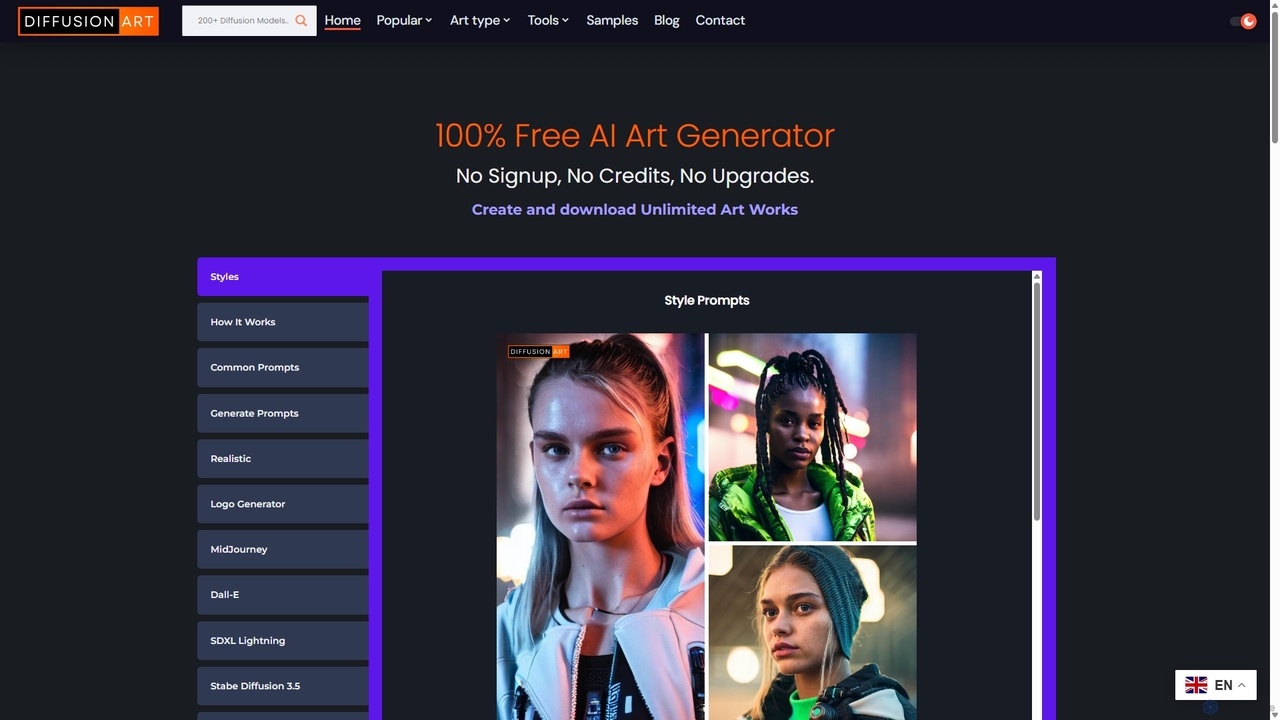
DiffusionArt.co
DiffusionArt.co is a 100% free AI art generator offering unlimited image creation without sign-ups or credits. It provides access to hundreds of hosted Stable Diffusion models for various styles like art, anime, and photorealism. Features include multi-model generation, prompt assistance, and integrated editing tools like upscaling and background removal, all accessible through a user-friendly web interface.
Art Generation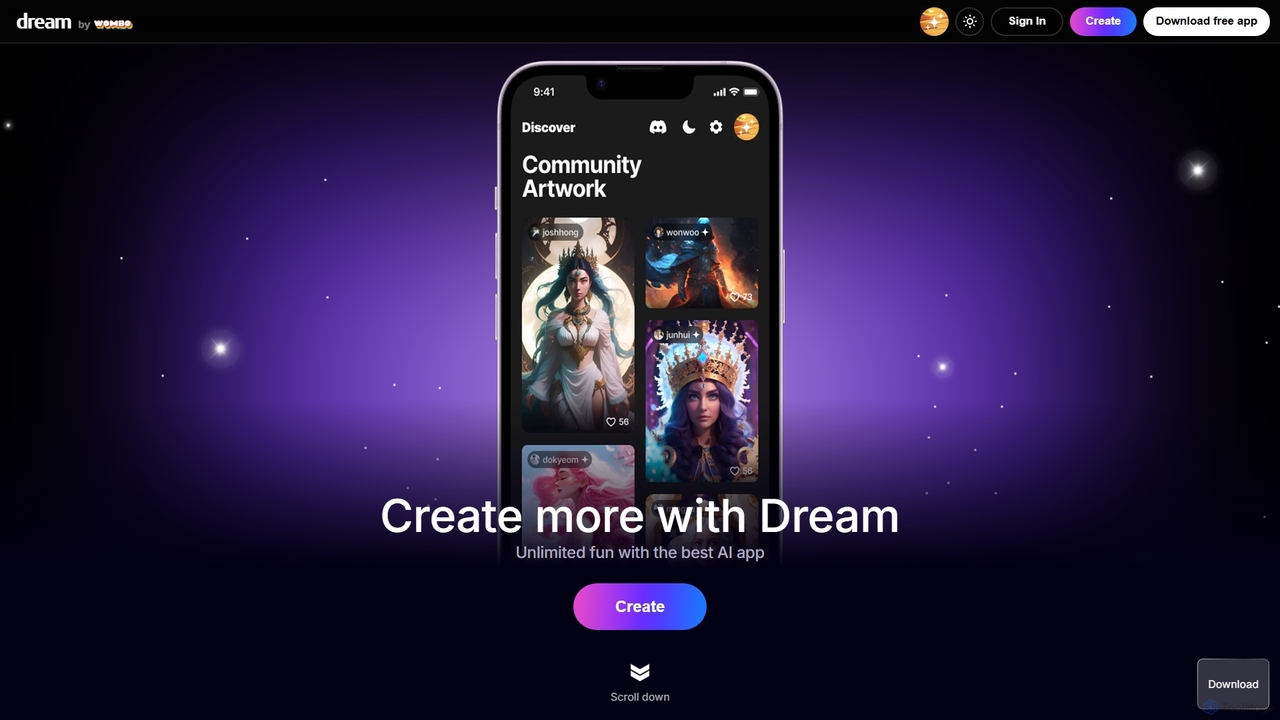
WOMBO Dream
WOMBO Dream is a powerful AI art generator that transforms your text prompts into stunning, unique paintings in seconds. Choose from a vast library of art styles, from surrealism to anime, and bring your creative ideas to life. Available on web and mobile.
Creative Tools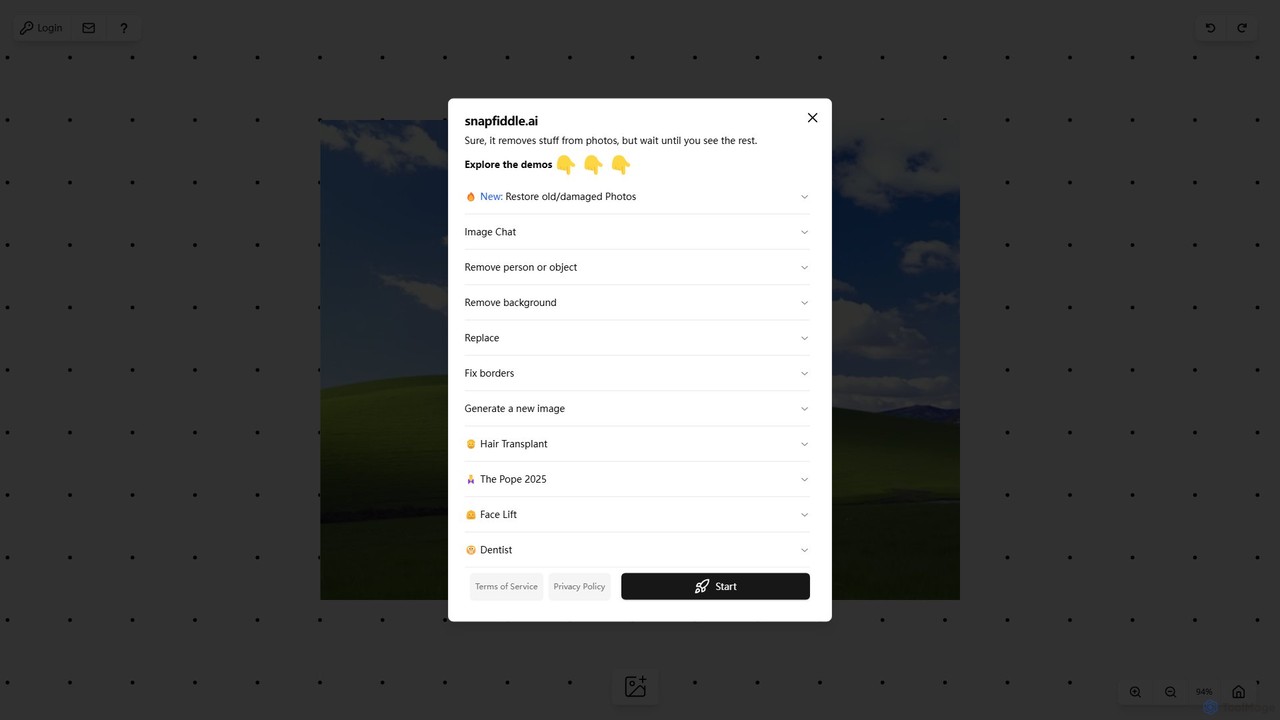
snapfiddle.ai
snapfiddle.ai is a comprehensive AI-powered image editing suite. It allows users to effortlessly remove objects, restore old photos, remove backgrounds, generate new images, and perform advanced edits like face lifts or hair transplants through an intuitive web interface.
Image Generation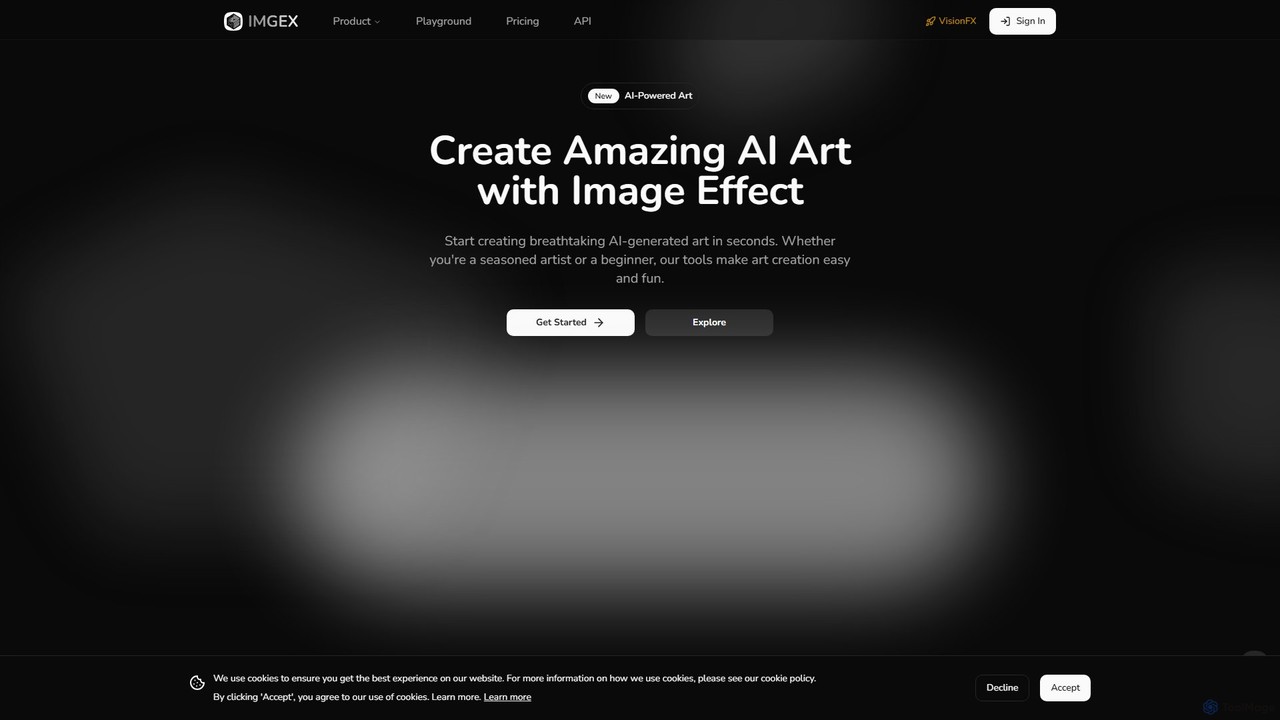
imgex
Imgex is a comprehensive AI media generation suite that transforms text and images into stunning visual art and videos. It offers a wide range of tools, including text-to-image, image-to-video, AI editing, upscaling, and a unique free image-to-prompt generator, catering to artists, designers, and creators.
Image EditingOpenArt Categories
OpenArt Embed Widget
Copy this embed code to place the badge on your blog, article, or product site and send readers directly to this ToolMage detail page.

Related AI tools
stablediffusionai.ai
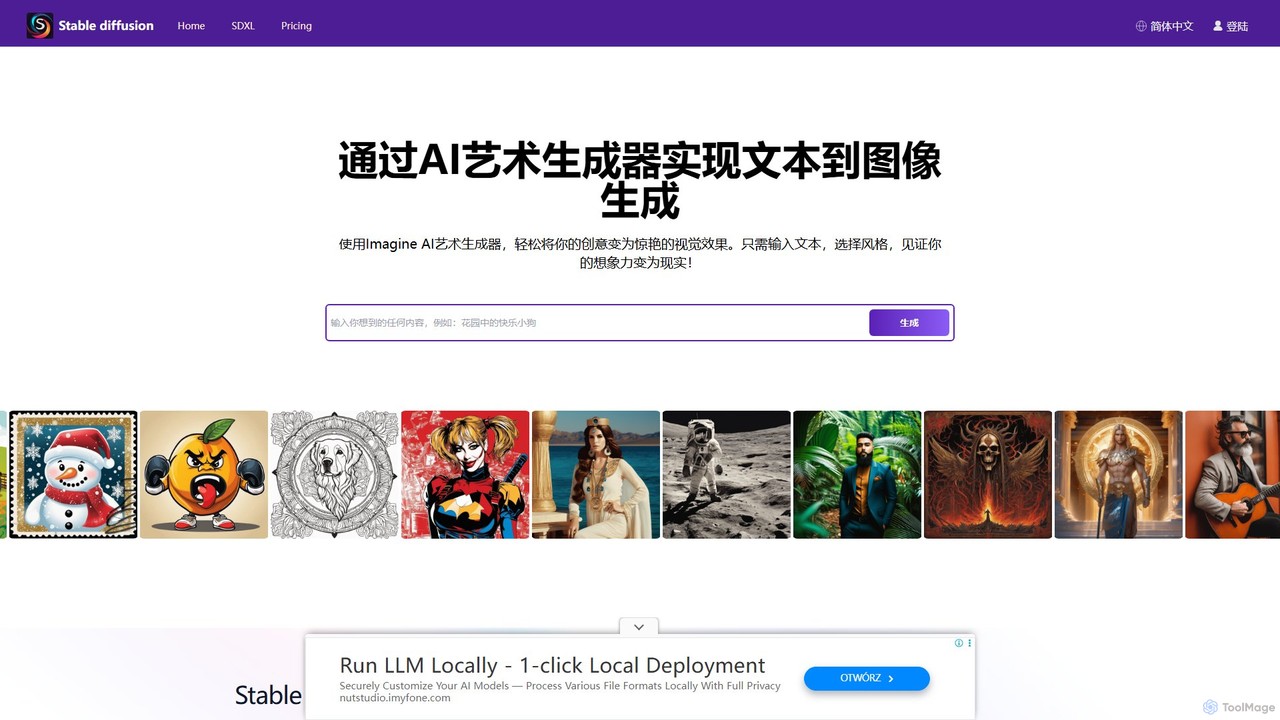
stablediffusionai.ai is a user-friendly online platform for generating high-quality AI art using the powerful Stable Diffusion XL model. It allows users to transform text prompts into stunning visuals, offering features like preset styles, negative prompts, and high-resolution output. Suitable for both beginners and experienced artists, it provides a simple interface to explore advanced AI image generation, including image editing and model customization with LoRAs and embeddings. A freemium model offers both free access and premium plans for enhanced features.
Ai Art
ArtSpace.ai
ArtSpace.ai is a powerful AI image generator that transforms text prompts into unique, high-quality art and photorealistic images in seconds. It features a comprehensive suite of editing tools, including 4K upscaling, background removal, inpainting, and outpainting. With multiple AI models for various styles like anime and photorealism, it's an all-in-one solution for creators, marketers, and designers seeking to produce stunning visuals efficiently and affordably.
Digital Art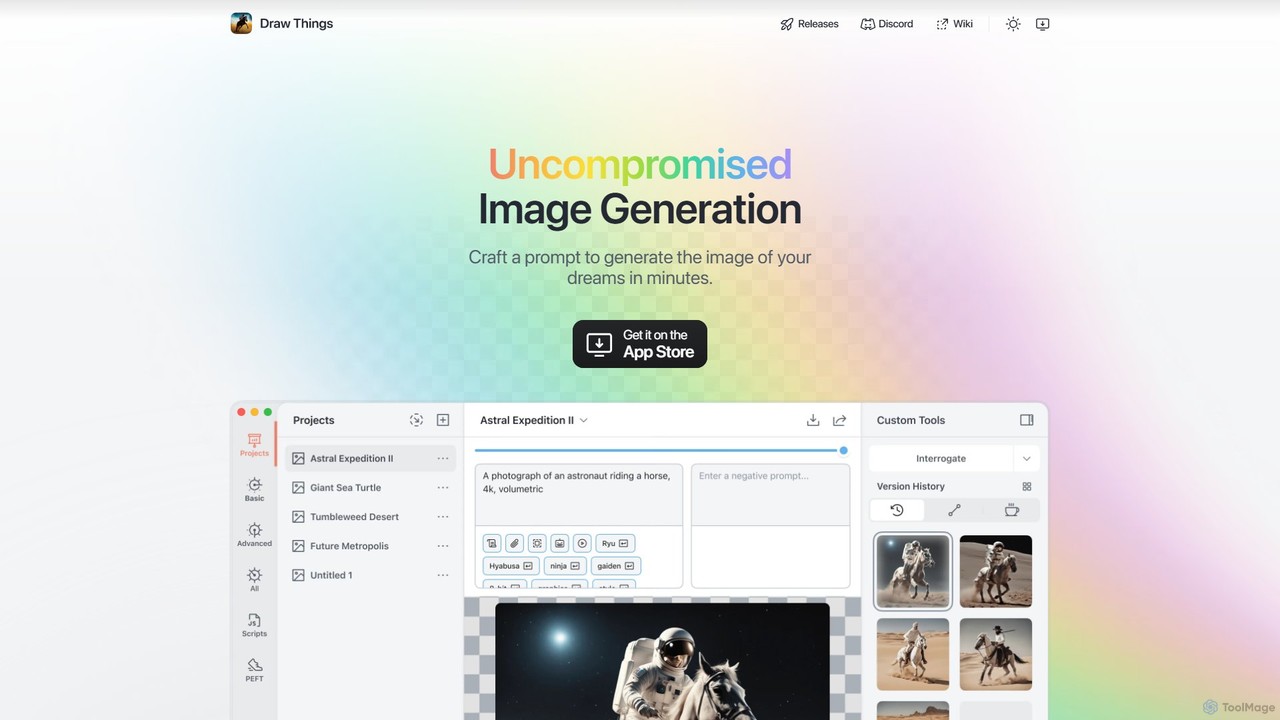
Draw Things
Draw Things is a powerful, free AI image generation app for iPhone, iPad, and Mac. It runs entirely offline on your device, ensuring 100% privacy. Create stunning art from text prompts, edit with advanced tools like in-painting, out-painting, and pose control, and manage your creative process with a non-destructive workflow. It's a full-featured art studio in your pocket, with no subscriptions or server costs.
Digital Art
getalpaca.io
getalpaca.io is a powerful AI plugin for Adobe Photoshop that integrates Stable Diffusion's image generation capabilities directly into your workflow. Create stunning visuals, concepts, and assets from text prompts without ever leaving Photoshop, streamlining your creative process.
Generative Art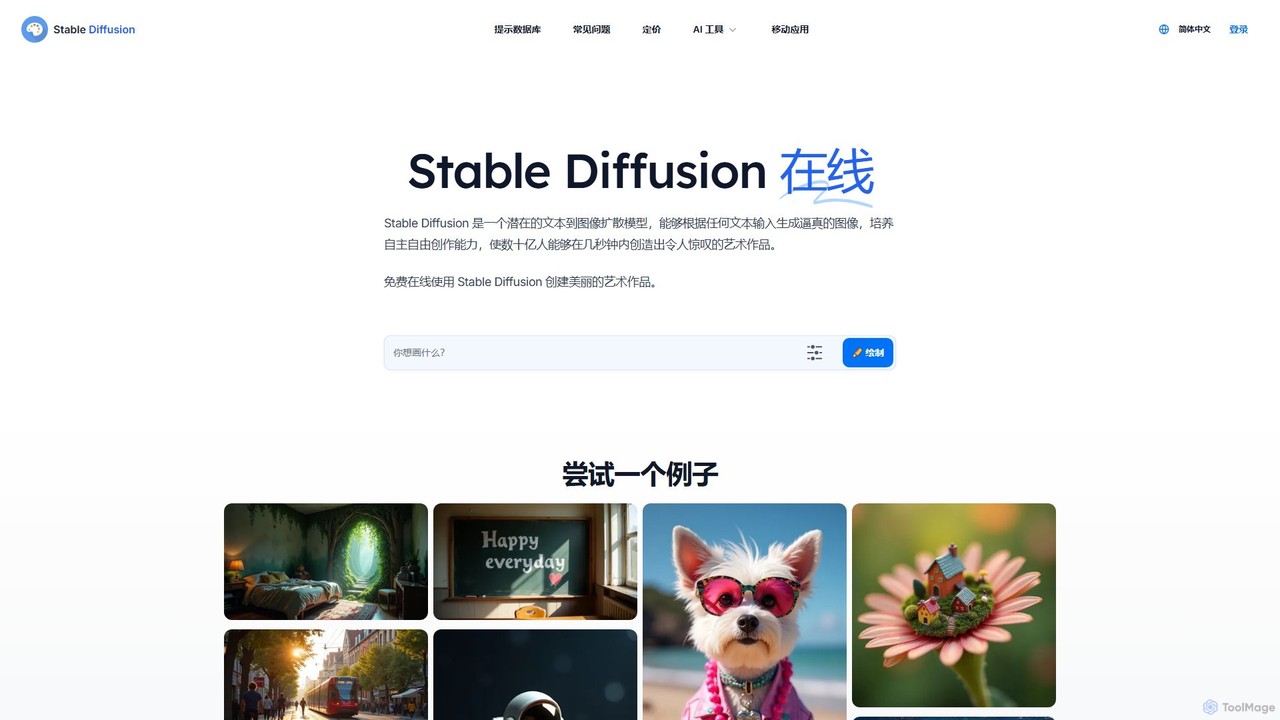
Stable Diffusion Online
Stable Diffusion Online is a free and user-friendly web tool for creating high-quality, photorealistic images from text prompts. Powered by the advanced Stable Diffusion XL (SDXL) and SDXL Turbo models, it allows anyone to generate stunning AI art in seconds without any technical setup. It emphasizes privacy, requires no registration, and includes a massive searchable database of over 9 million prompts to inspire your creations. All generated images are in the public domain (CC0).
Generative Art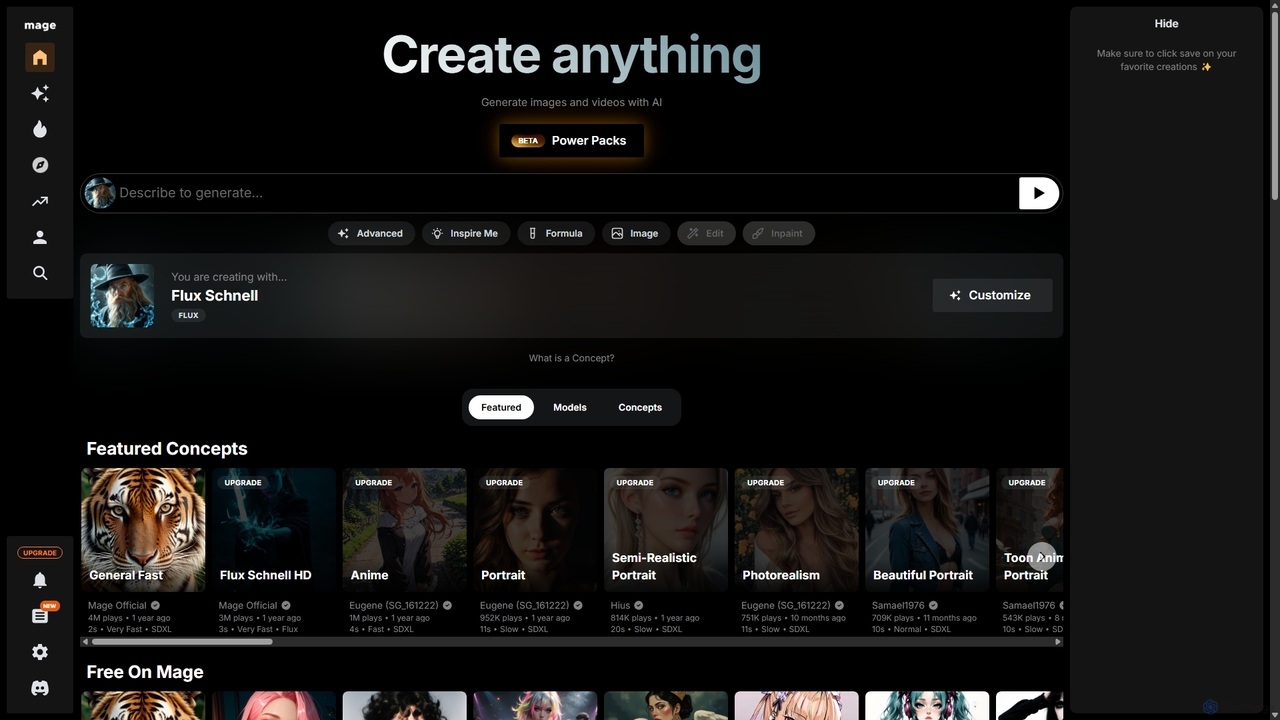
Mage
Mage is a powerful and versatile AI image and video generator offering free, unlimited creation capabilities. It provides access to a vast array of models like Stable Diffusion, Flux, and Wan, enabling users to generate diverse content from photorealistic portraits to anime and abstract art. With advanced features including LoRA, ControlNet, inpainting, and video animation, Mage caters to both beginners and professional artists seeking extensive creative control.
For Fun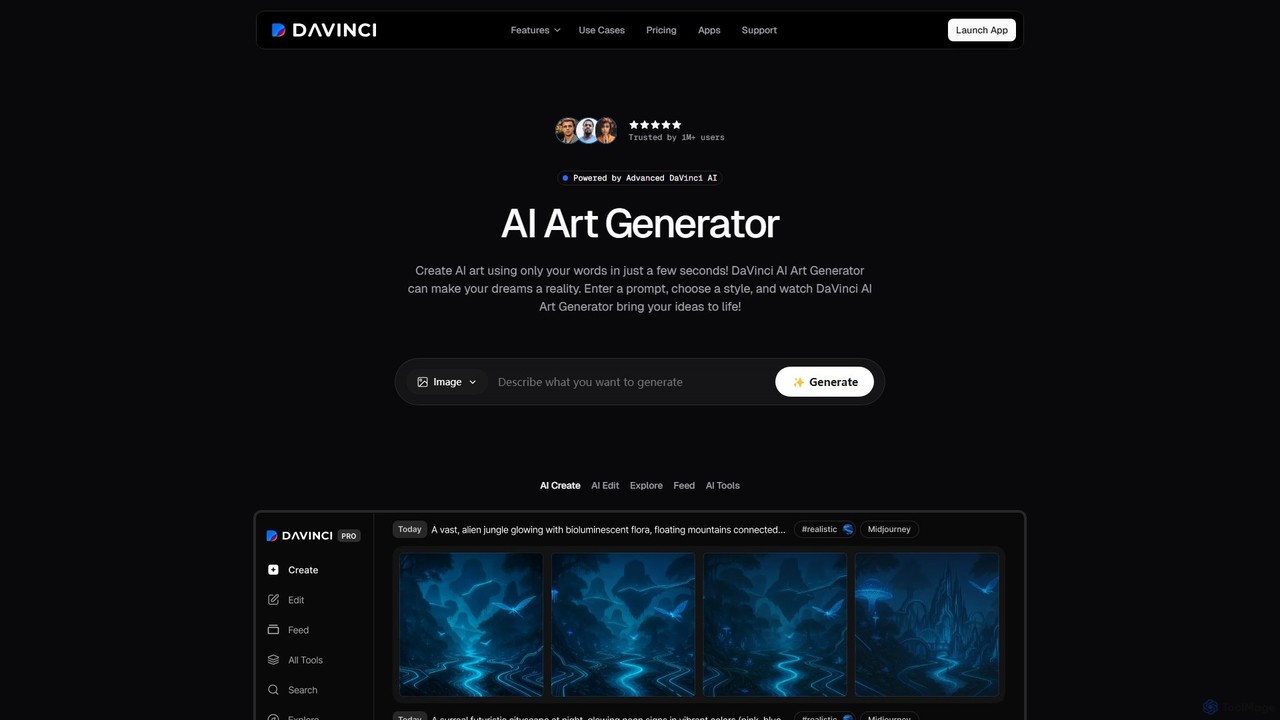
DaVinci
DaVinci is an all-in-one AI creative platform that transforms text and images into stunning art, tattoos, avatars, and logos. Powered by advanced models like DALL-E 3 and Stable Diffusion, it allows users to generate unique visuals instantly. With a user-friendly interface, a wide array of styles, and powerful editing tools, DaVinci is perfect for artists, marketers, and anyone looking to bring their creative ideas to life on both web and mobile.
Tattoo Design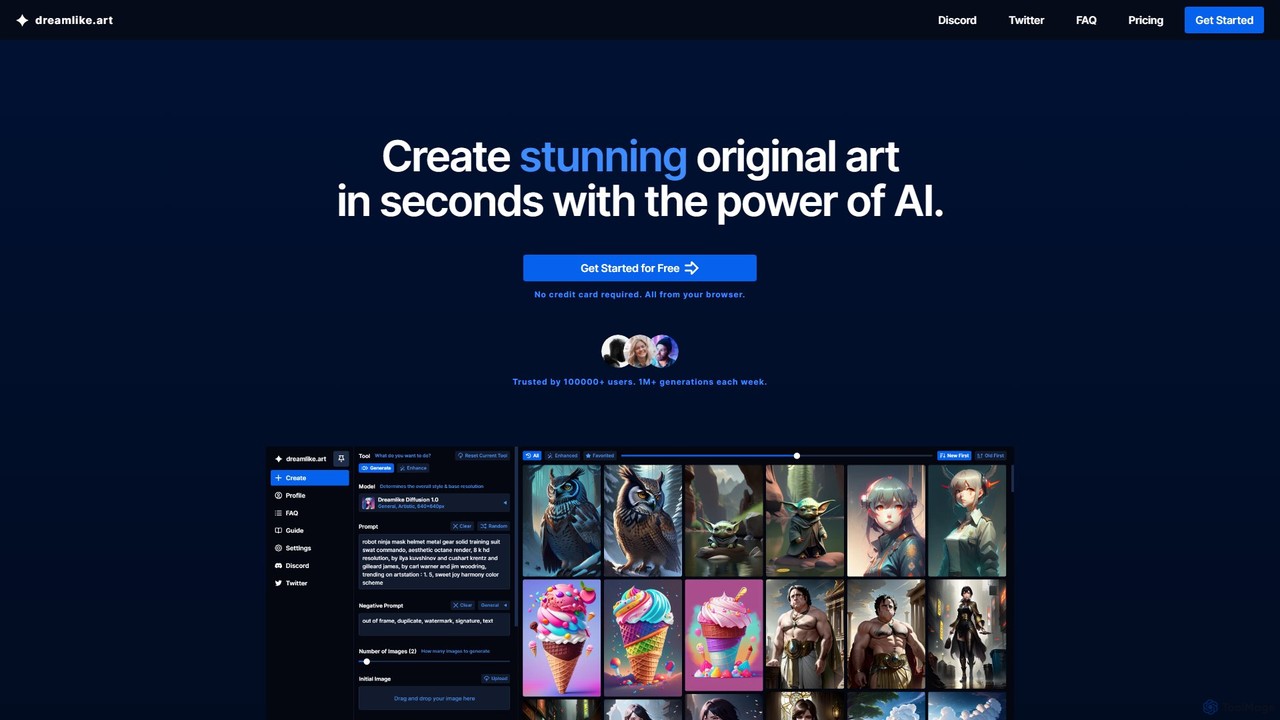
dreamlike.art
dreamlike.art is a powerful, browser-based AI art generator that uses Stable Diffusion and other advanced models to create stunning, original artwork in seconds. It offers a suite of tools for generation, editing, upscaling, and more, all accessible through a user-friendly interface. A generous free plan is available.
Graphics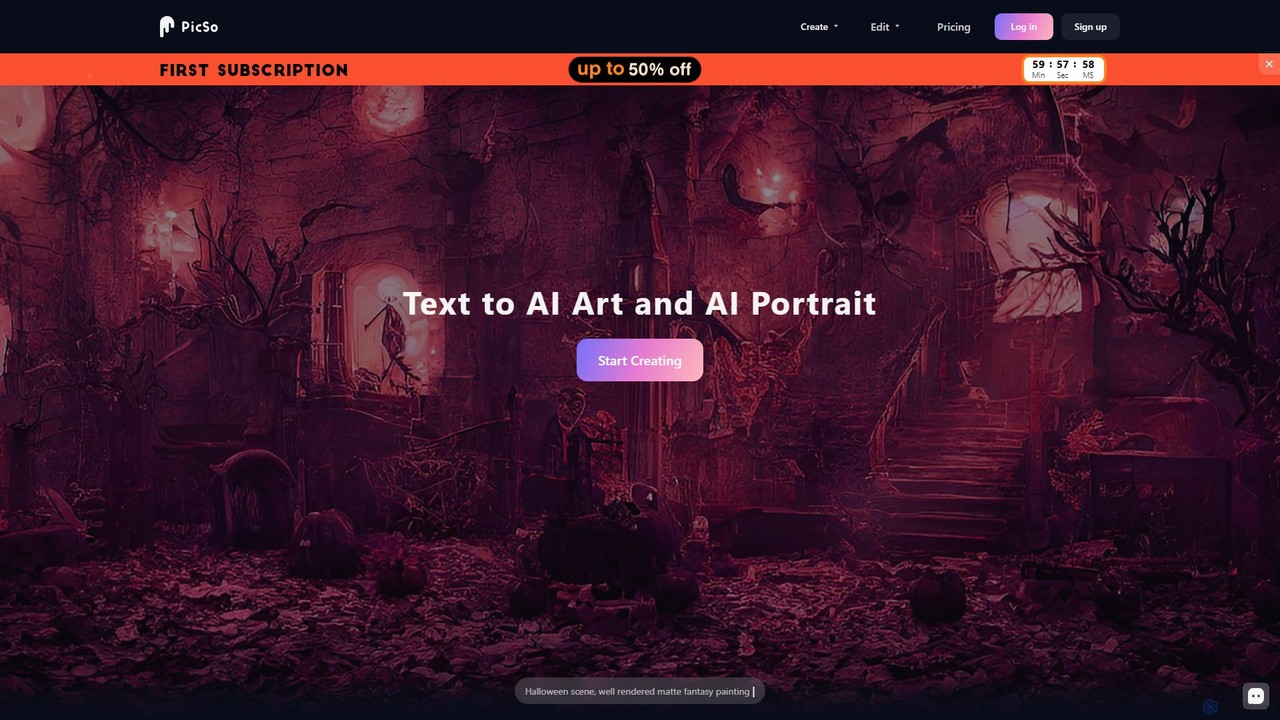
PicSo
PicSo is a versatile AI art generator that transforms text prompts into stunning images and creates realistic AI portraits. It supports a wide range of art styles and offers editing capabilities, making it ideal for artists, designers, and content creators. Available on both web and mobile platforms.
Avatar Generation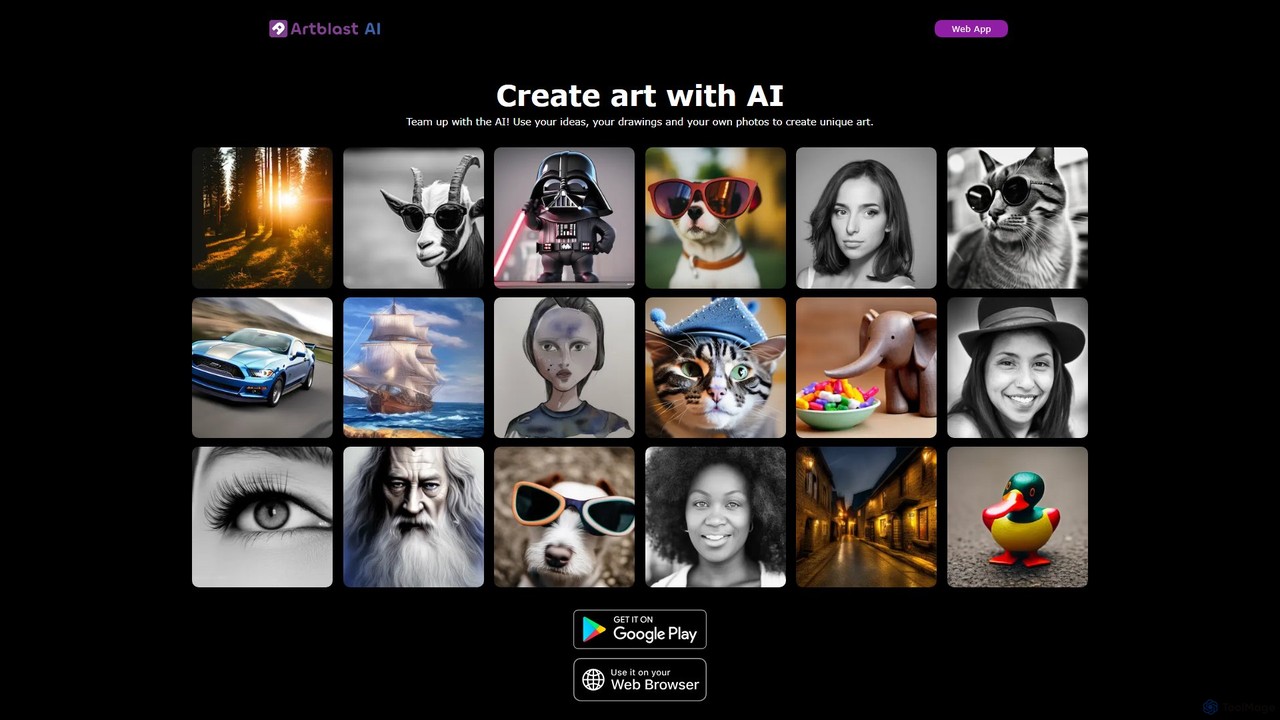
ArtBlast AI
ArtBlast AI is a powerful web-based platform that transforms your ideas into unique art. It allows users to generate stunning images from text, sketches, and existing photos. Key features include Smart Sketch for turning doodles into masterpieces, image-to-image variations, and the innovative 'Unclip' tool for expanding images beyond their original borders.
Image Editing
artifymaster
Artifymaster is an advanced AI art generator designed for artists, designers, and creators. It transforms text prompts into high-quality, unique images with a suite of powerful tools for granular control over style, composition, and detail, enabling the creation of professional-grade digital artwork.
Graphics
foxify
foxify is a powerful AI art generator that transforms text prompts into stunning, high-quality images. Leveraging advanced generative models, it allows artists, designers, and creators to visualize their ideas in seconds, offering a wide range of artistic styles and customization options.
Graphics
Jyek
Jyek is an AI agent platform that understands objectives, creates execution plans, uses tools, and delivers verifiable results for complex, multi-step tasks.
Automation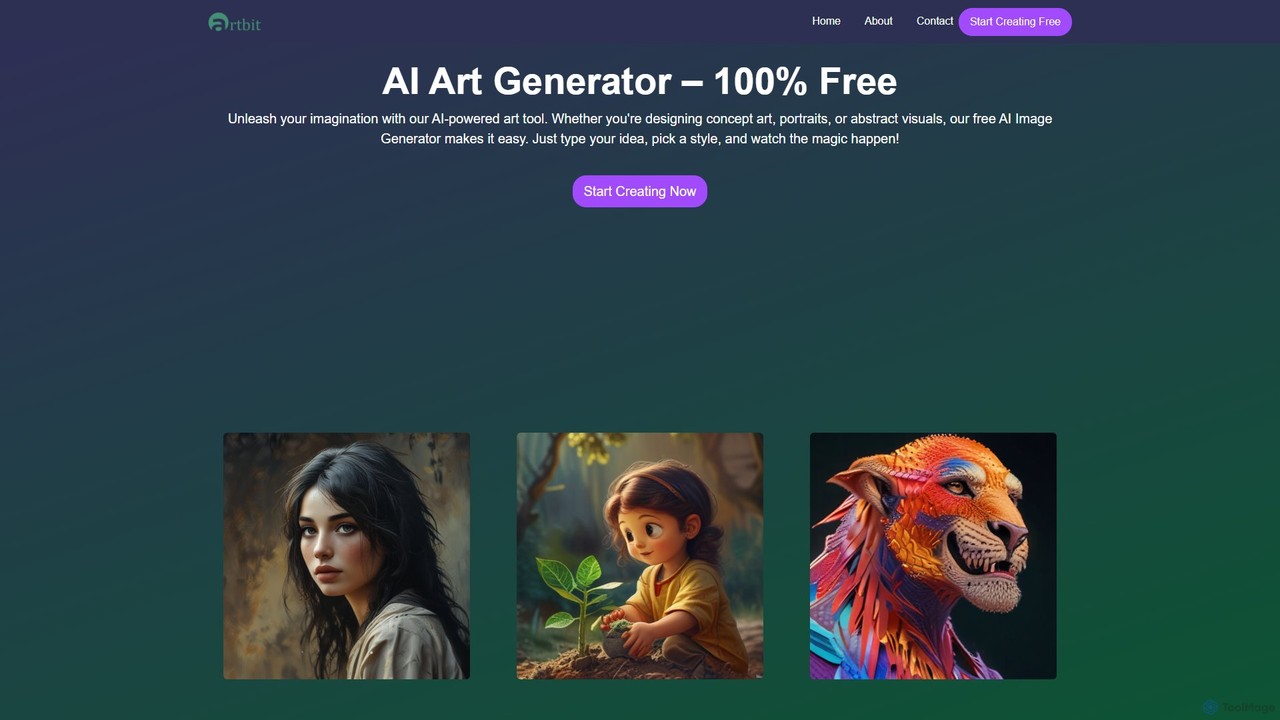
artbit
artbit is a 100% free AI art generator that transforms text prompts into high-quality images. Leveraging advanced AI engines, it offers lightning-fast generation, over 60 artistic styles, and extensive customization options. It's designed for everyone, from beginners to professional creators, to produce stunning visuals for art, social media, and design projects.
Graphics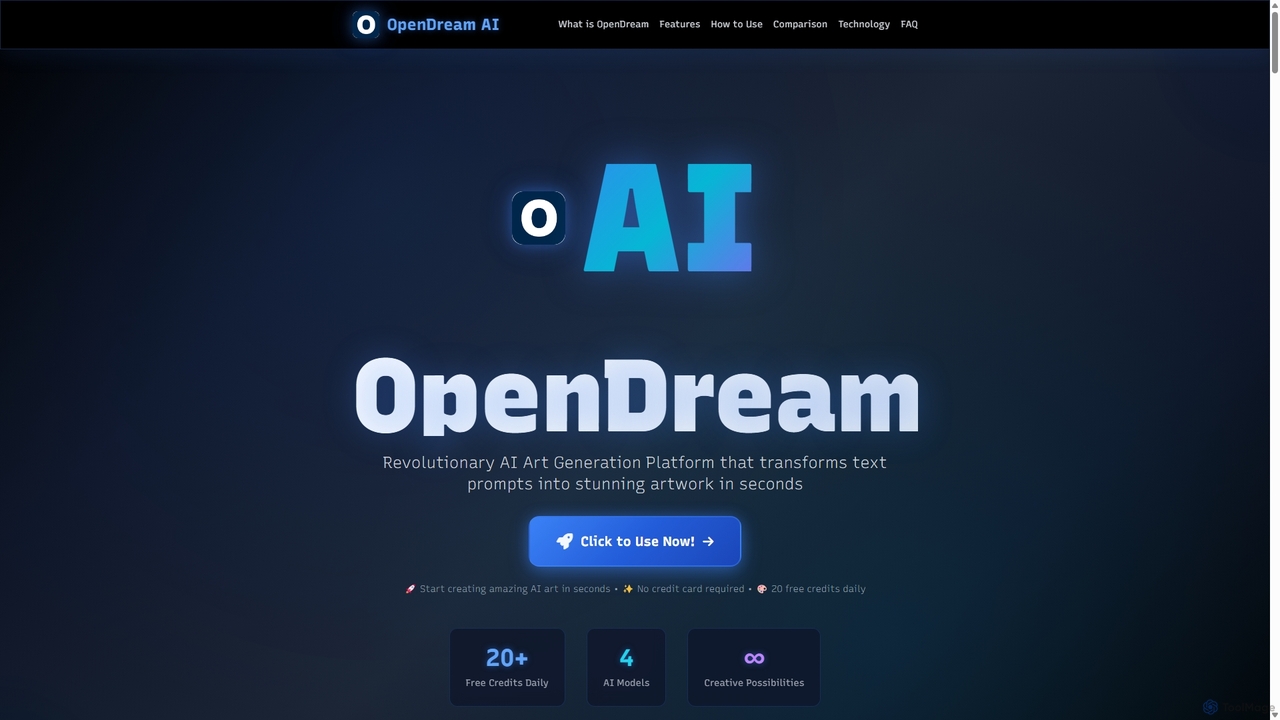
OpenDream
OpenDream is a user-friendly AI art generation platform that transforms text prompts into stunning images in seconds. It offers multiple AI models, including Stable Diffusion, for diverse styles like photorealism and anime. With a generous free tier providing 20 daily credits and full commercial rights on all creations, it's accessible to everyone from hobbyists to professional designers.
Graphics
OpenArt Comments (0)
Sign in to comment.
Sign inNo comments yet.