


getalpaca.io Overview
getalpaca.io is a revolutionary AI-powered plugin designed specifically for Adobe Photoshop users. It seamlessly integrates the immense power of Stable Diffusion, a leading text-to-image generation model, directly into the familiar Photoshop interface. This tool is built for graphic designers, digital artists, illustrators, and marketing professionals who want to enhance their creativity and accelerate their workflow. Instead of juggling multiple applications or web services for AI image creation and then importing them for editing, getalpaca.io allows you to generate, refine, and composite AI-generated art all within a single, cohesive environment. It acts as a creative co-pilot, helping you visualize concepts, generate assets, and overcome creative blocks with unprecedented speed and ease.
How to use getalpaca.io
Using getalpaca.io is designed to be intuitive and fit naturally into the existing Photoshop workflow. Here’s a typical process:
- Installation: First, download and install the getalpaca.io plugin for your version of Adobe Photoshop. Once installed, you can access it through the 'Plugins' panel in Photoshop.
- Open the Panel: Launch the getalpaca.io panel. It will appear as a dockable window within your workspace.
- Text-to-Image: In the 'Text-to-Image' tab, write a detailed description (prompt) of the image you want to create. For example, 'A cinematic, photorealistic shot of a vintage red car driving on a coastal road during a misty sunset.'
- Set Parameters: Adjust various settings to fine-tune your output. You can select different models or styles (e.g., Photorealistic, Anime, Digital Art), specify the image dimensions, and set the number of images to generate.
- Generate: Click the 'Generate' button. The plugin will process your request and, after a short wait, the generated images will appear in the panel.
- Add to Canvas: Simply click on your preferred image, and it will be added to your Photoshop project as a new, separate layer. This non-destructive approach allows you to move, resize, mask, and blend the AI-generated element with your existing work using all of Photoshop's powerful tools.
Core Features of getalpaca.io
- Seamless Photoshop Integration: Works as a native plugin panel inside Photoshop, eliminating the need to switch contexts or applications.
- Advanced Text-to-Image Generation: Leverages the power of Stable Diffusion to turn simple text descriptions into high-quality, complex images.
- Image-to-Image (Img2Img): Use an existing image or a rough sketch as a starting point. The AI will reinterpret and transform it based on your text prompt, maintaining the original composition.
- Inpainting & Outpainting: Select an area of your image to seamlessly remove, replace, or add elements using AI. Expand the canvas of your image with Outpainting, and the AI will intelligently fill in the new space.
- Upscaling: Increase the resolution of your AI-generated images or any other image layer with AI-powered upscalers, enhancing detail and quality for print or high-resolution displays.
- Layer-Based Workflow: Every generated image is placed on a new layer, ensuring a non-destructive and flexible editing process that professional designers are accustomed to.
- Model & Style Selection: Access a variety of pre-trained models and style presets to achieve specific aesthetics, from photorealism to fantasy art, with a single click.
Use Cases for getalpaca.io
The plugin is versatile and can be applied across various creative fields:
- Concept Art & Ideation: Quickly generate multiple visual concepts for characters, environments, and props, accelerating the pre-production phase.
- Marketing & Advertising: Create unique and eye-catching visuals for social media campaigns, website banners, and advertisements without the need for stock photos.
- Photo Manipulation & Retouching: Use Inpainting to effortlessly remove unwanted objects from photos or add realistic elements that were never there.
- Product Design: Generate mockups by placing products in various AI-generated scenes and environments.
- Digital Illustration: Use the generated images as a base for digital paintings, as textures, or as inspiration to break through creative blocks.
Advantages of getalpaca.io
The primary advantage of getalpaca.io is the massive boost in workflow efficiency. By bringing generation capabilities into the editing environment, it saves hours of work. It empowers creativity by allowing for rapid experimentation. Users can combine the limitless potential of AI generation with the precision and control of Photoshop's industry-standard editing tools. This synergy allows for a level of artistic control that standalone AI generators cannot offer.
Pricing and Plans
getalpaca.io is expected to operate on a freemium model. This typically includes:
- Free Trial/Plan: A limited number of free image generation credits for new users to test the full capabilities of the plugin.
- Subscription Plans: Monthly or annual subscription tiers (e.g., Starter, Pro, Agency) that provide a set number of credits per month, faster generation speeds, and access to premium features like advanced models or higher resolution upscaling.
- Credit Packs: For users with inconsistent needs, pay-as-you-go credit packs may be available for purchase.
For the most accurate and up-to-date pricing information, please visit the official getalpaca.io website.
Traffic
getalpaca.io Alternatives
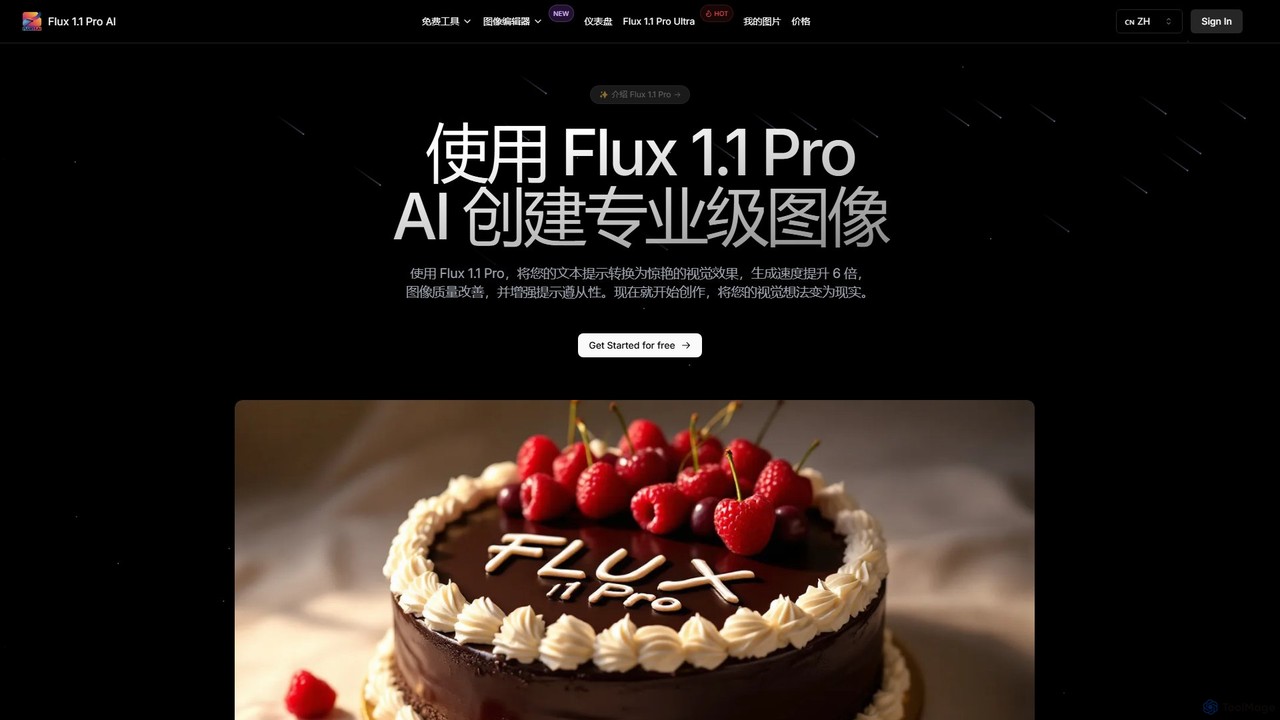
Flux 1.1
Flux 1.1 is an advanced AI image generation suite developed by Black Forest Labs. It transforms text prompts into professional-grade visuals with exceptional speed and quality. Featuring versions like Pro and Pro Ultra, it offers up to 4K resolution, superior prompt adherence, in-image text, and a range of specialized tools for artists, designers, and creative professionals.
Generative Art
aivisions.app
aivisions.app is a powerful AI image generation platform that transforms text prompts into stunning, high-quality visuals. Designed for artists, designers, and marketers, it offers a suite of advanced tools, including various art styles, precise control over image composition, and fast rendering. Whether you're creating concept art, marketing materials, or unique digital masterpieces, aivisions.app provides an intuitive and versatile canvas for your imagination.
Generative Art
Adobe Firefly
Adobe Firefly is a family of creative generative AI models from Adobe. It enables users to generate high-quality images, text effects, and color palettes from simple text prompts. Designed to be commercially safe, it's integrated into Adobe's Creative Cloud apps like Photoshop and Illustrator, and also available as a standalone web application, empowering creators with new ways to ideate, create, and communicate.
Generative Art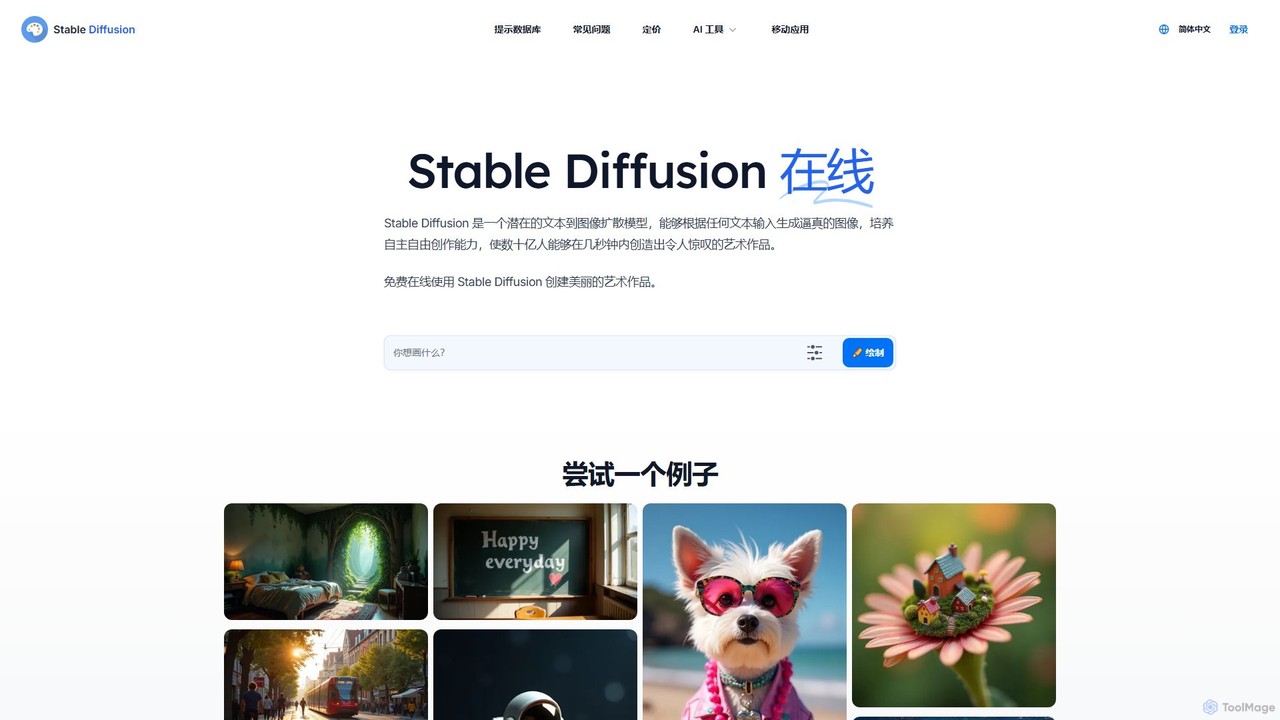
Stable Diffusion Online
Stable Diffusion Online is a free and user-friendly web tool for creating high-quality, photorealistic images from text prompts. Powered by the advanced Stable Diffusion XL (SDXL) and SDXL Turbo models, it allows anyone to generate stunning AI art in seconds without any technical setup. It emphasizes privacy, requires no registration, and includes a massive searchable database of over 9 million prompts to inspire your creations. All generated images are in the public domain (CC0).
Generative Art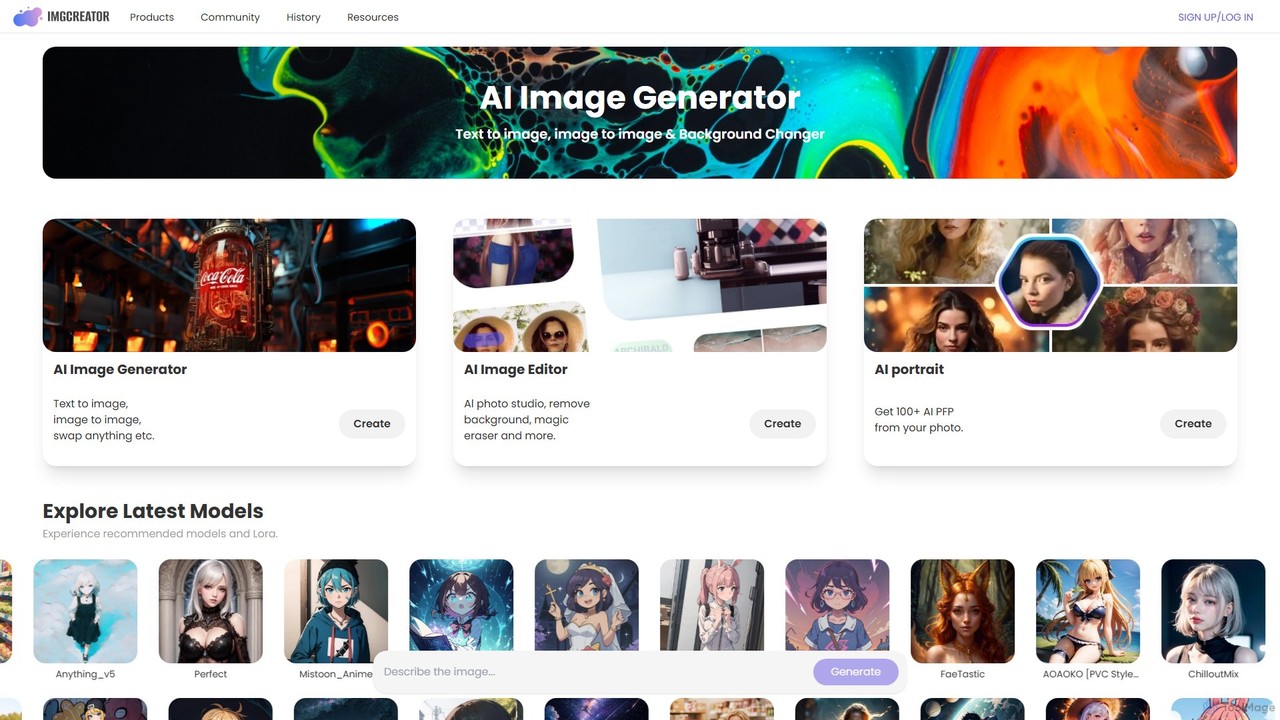
imgcreator
imgcreator is a powerful AI creative suite for generating and editing images. It offers text-to-image, image-to-image, an extensive library of art models (Lora), an AI photo studio with background removal, magic eraser, and an AI portrait generator for creating unique PFPs.
Generative Artgetalpaca.io Categories
getalpaca.io Embed Widget
Copy this embed code to place the badge on your blog, article, or product site and send readers directly to this ToolMage detail page.

Related AI tools
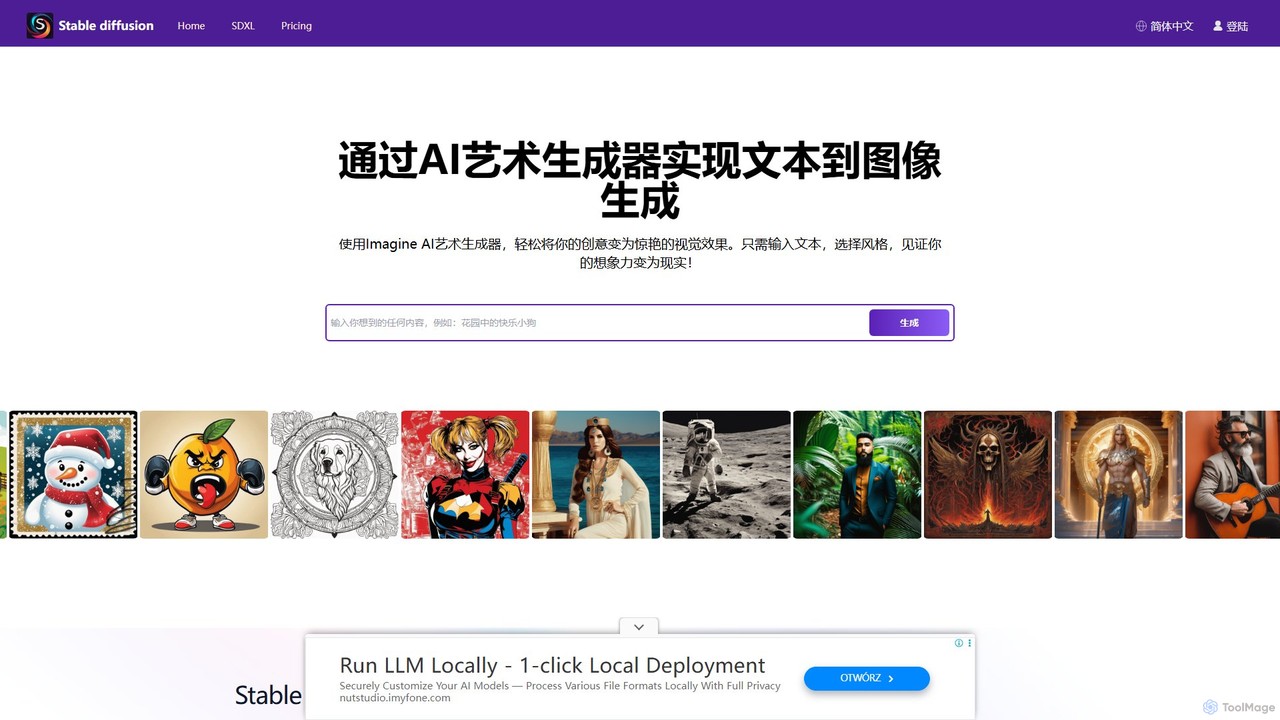
stablediffusionai.ai
stablediffusionai.ai is a user-friendly online platform for generating high-quality AI art using the powerful Stable Diffusion XL model. It allows users to transform text prompts into stunning visuals, offering features like preset styles, negative prompts, and high-resolution output. Suitable for both beginners and experienced artists, it provides a simple interface to explore advanced AI image generation, including image editing and model customization with LoRAs and embeddings. A freemium model offers both free access and premium plans for enhanced features.
Ai Art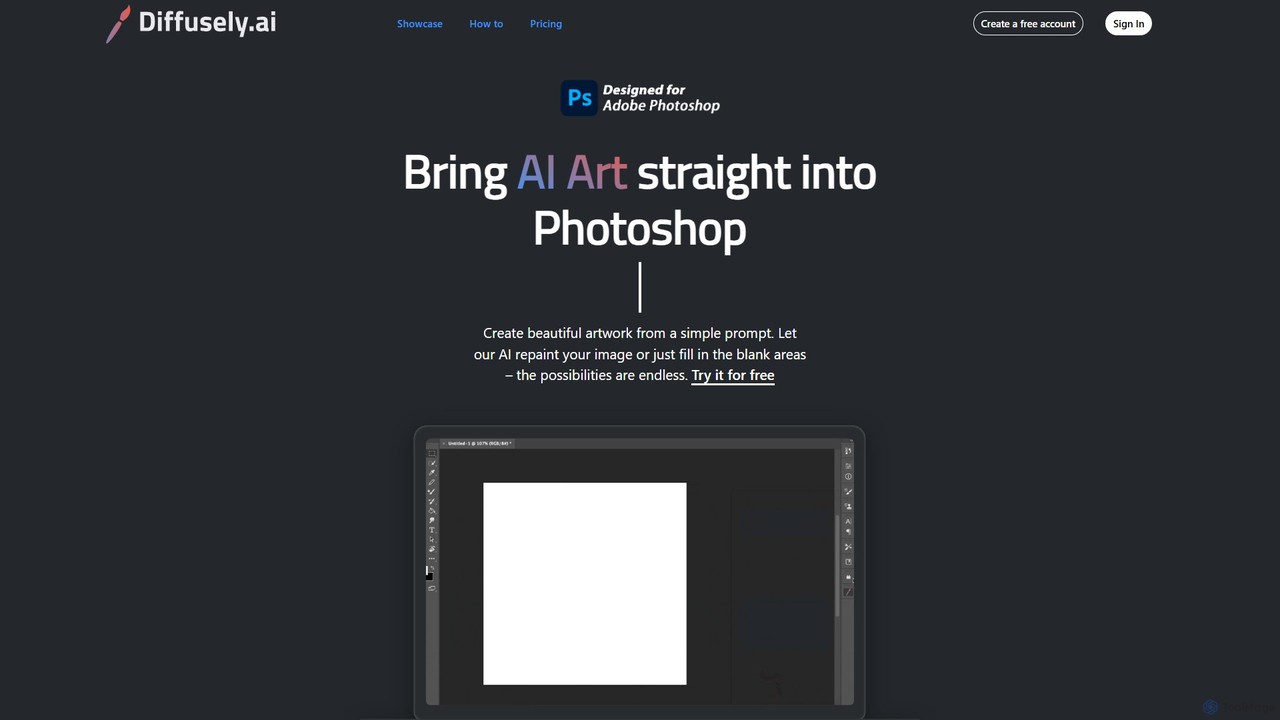
diffusely
An AI art generation plugin for Adobe Photoshop that allows you to create, edit, and enhance images directly within your workflow using simple text prompts. Ideal for artists, designers, and photographers.
Generative Art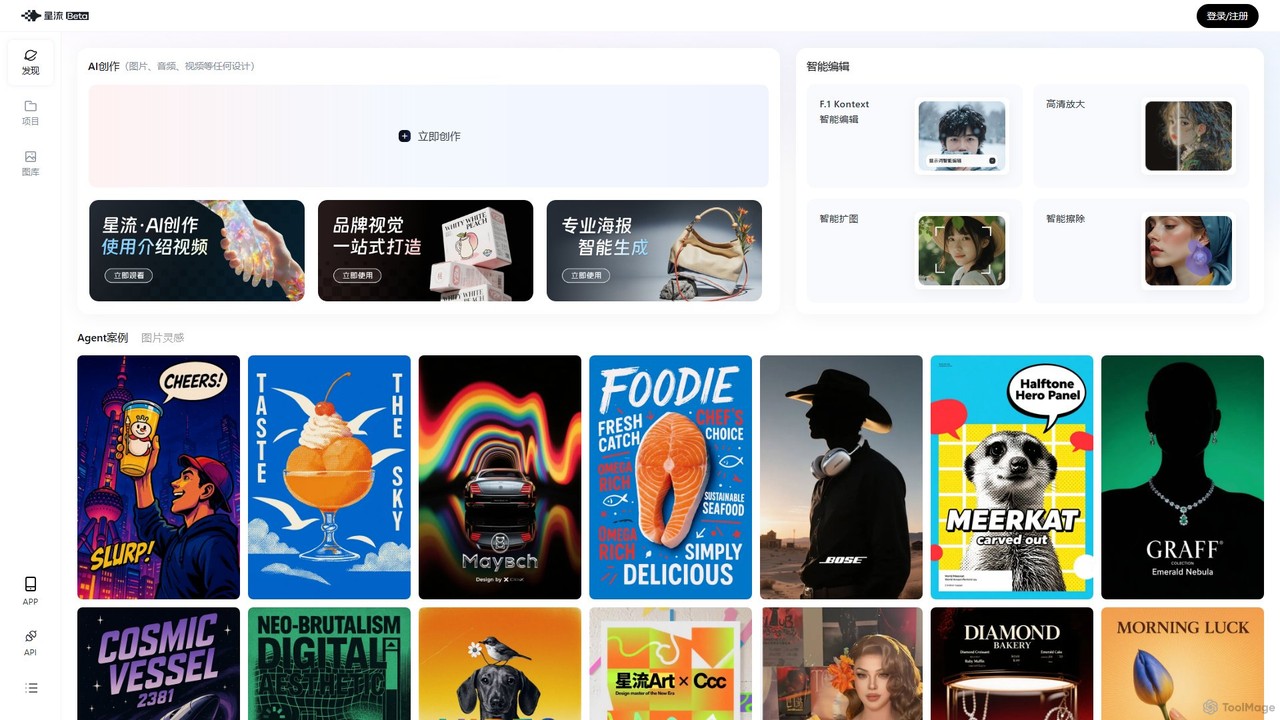
Xingliu
Xingliu is a next-generation AI creation suite that seamlessly integrates content generation and smart editing. Create stunning images, posters, and designs from text prompts, and refine them with powerful tools like HD upscaling, smart outpainting, object removal, and background cutout. It's an all-in-one platform for designers, marketers, and creators to bring their ideas to life effortlessly.
Image GenerationFlux 1.1
Flux 1.1 is an advanced AI image generation suite developed by Black Forest Labs. It transforms text prompts into professional-grade visuals with exceptional speed and quality. Featuring versions like Pro and Pro Ultra, it offers up to 4K resolution, superior prompt adherence, in-image text, and a range of specialized tools for artists, designers, and creative professionals.
Generative Artaivisions.app
aivisions.app is a powerful AI image generation platform that transforms text prompts into stunning, high-quality visuals. Designed for artists, designers, and marketers, it offers a suite of advanced tools, including various art styles, precise control over image composition, and fast rendering. Whether you're creating concept art, marketing materials, or unique digital masterpieces, aivisions.app provides an intuitive and versatile canvas for your imagination.
Generative Art
DreamStudio
DreamStudio is the official web interface for Stability AI's Stable Diffusion models. It's a powerful AI image generation tool that allows users to create high-quality, unique images from text descriptions. It offers advanced controls, various models, and editing features like inpainting and outpainting, catering to artists, designers, and creators of all levels.
Generative Art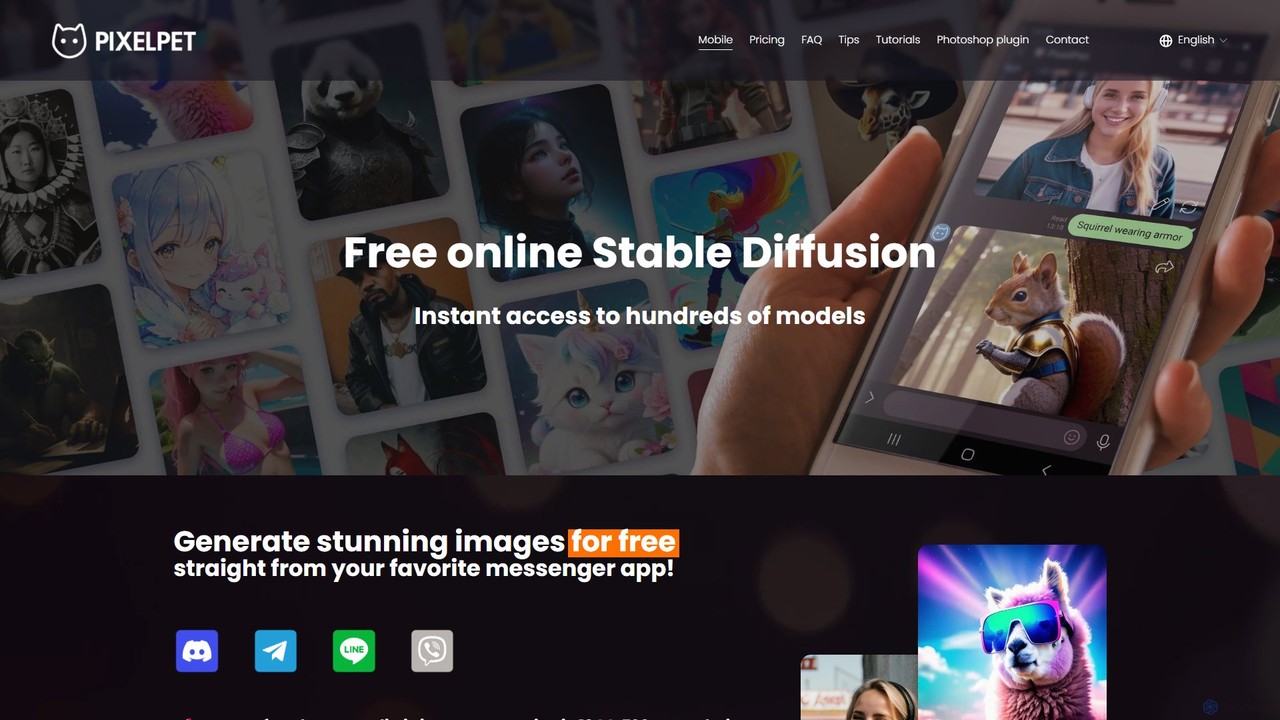
PixelPet
PixelPet is a free, user-friendly AI image generator powered by Stable Diffusion. It integrates seamlessly into your favorite messenger apps like Telegram, Discord, and LINE, and also offers a powerful Photoshop plugin. Generate high-quality, hyper-realistic images instantly from text prompts, with features like automatic prompt enhancement and upscaling.
Image Generation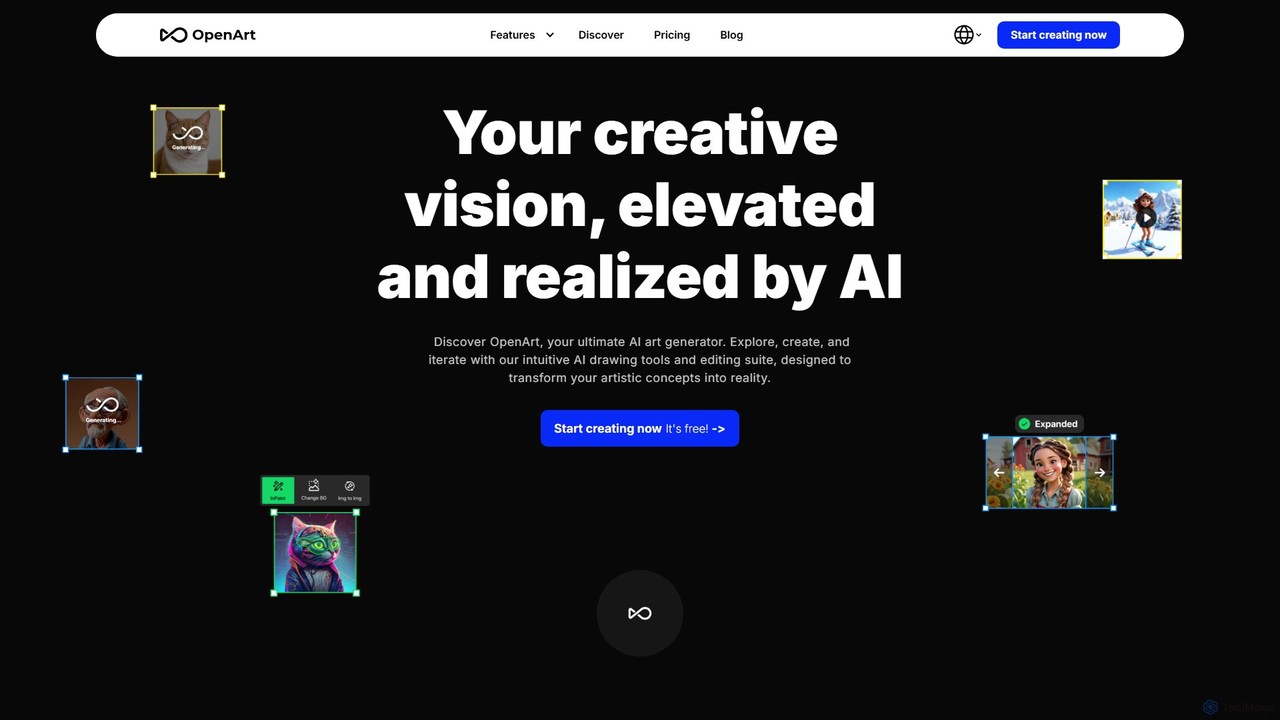
OpenArt
OpenArt is a powerful AI art platform for creating and editing images. It features an advanced AI image generator, a comprehensive suite of editing tools, and the unique ability to train custom AI models for specific styles or characters. Ideal for artists, designers, and hobbyists, it offers both free and professional plans.
Art Generation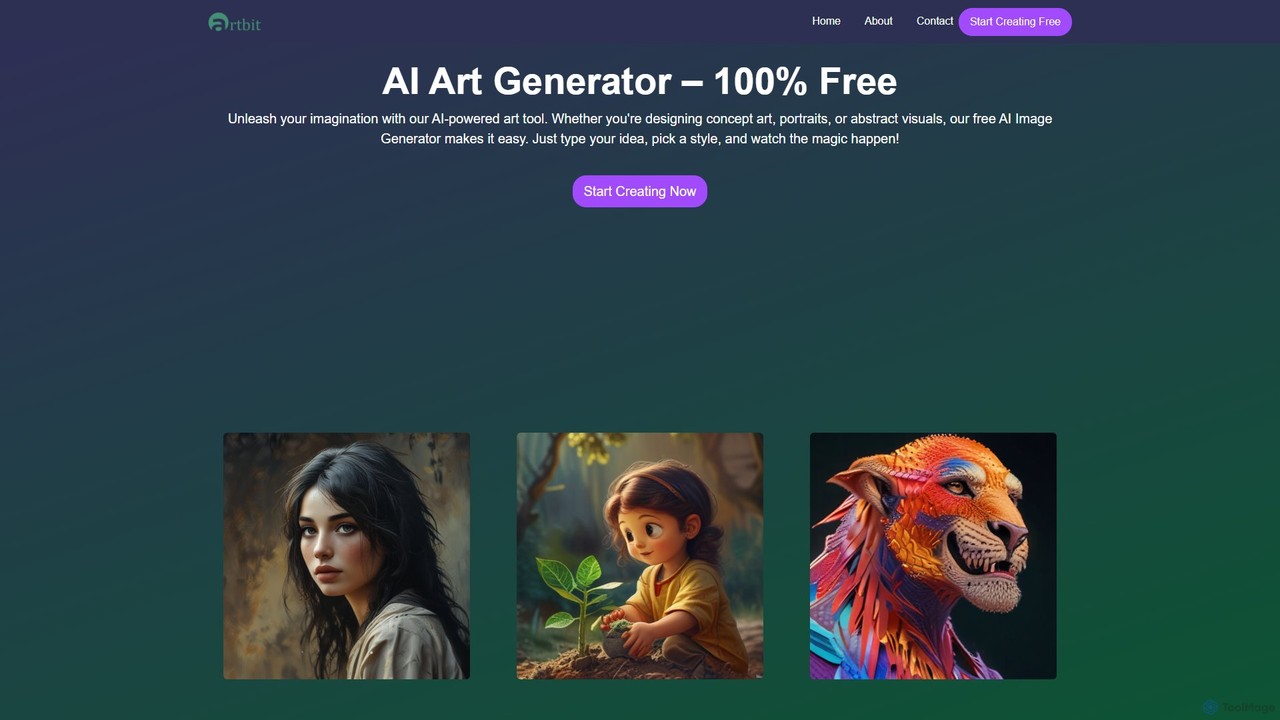
artbit
artbit is a 100% free AI art generator that transforms text prompts into high-quality images. Leveraging advanced AI engines, it offers lightning-fast generation, over 60 artistic styles, and extensive customization options. It's designed for everyone, from beginners to professional creators, to produce stunning visuals for art, social media, and design projects.
GraphicsAdobe Firefly
Adobe Firefly is a family of creative generative AI models from Adobe. It enables users to generate high-quality images, text effects, and color palettes from simple text prompts. Designed to be commercially safe, it's integrated into Adobe's Creative Cloud apps like Photoshop and Illustrator, and also available as a standalone web application, empowering creators with new ways to ideate, create, and communicate.
Generative ArtStable Diffusion Online
Stable Diffusion Online is a free and user-friendly web tool for creating high-quality, photorealistic images from text prompts. Powered by the advanced Stable Diffusion XL (SDXL) and SDXL Turbo models, it allows anyone to generate stunning AI art in seconds without any technical setup. It emphasizes privacy, requires no registration, and includes a massive searchable database of over 9 million prompts to inspire your creations. All generated images are in the public domain (CC0).
Generative Artimgcreator
imgcreator is a powerful AI creative suite for generating and editing images. It offers text-to-image, image-to-image, an extensive library of art models (Lora), an AI photo studio with background removal, magic eraser, and an AI portrait generator for creating unique PFPs.
Generative Art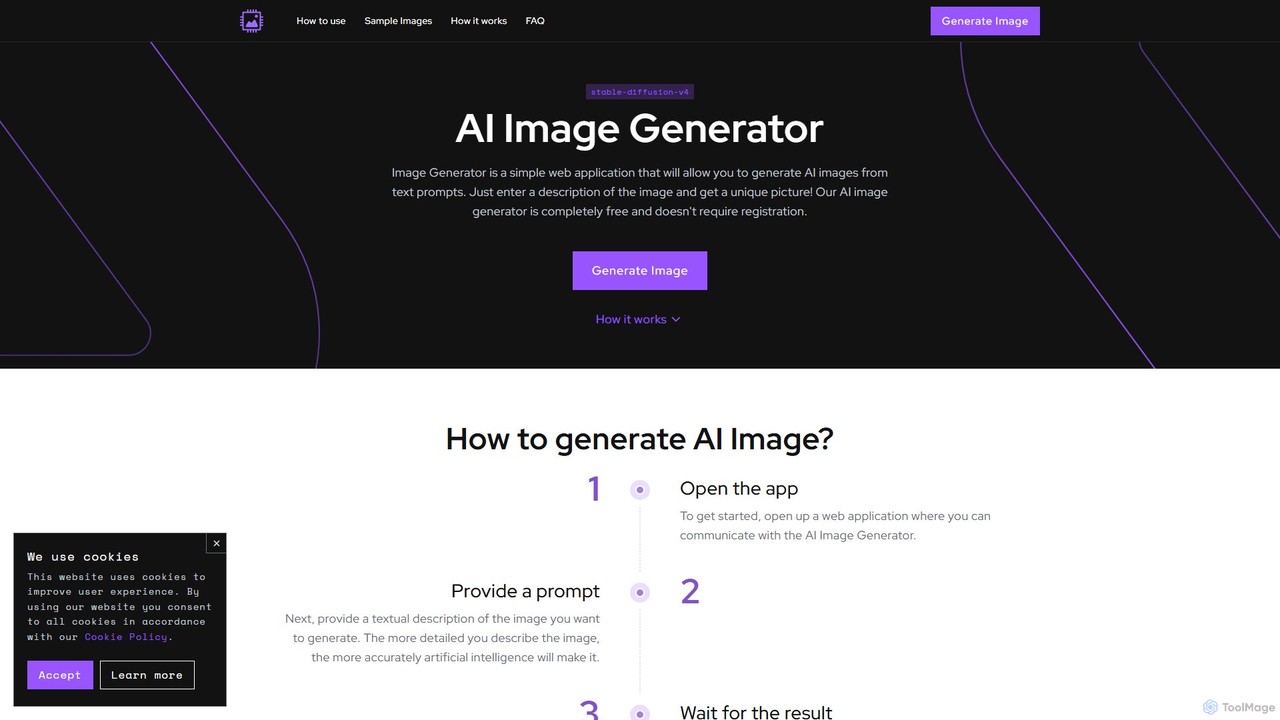
image_generator
A completely free, web-based AI image generator that creates unique images from text prompts. Powered by Stable Diffusion, it requires no registration and offers customization options like negative prompts and image dimensions. Ideal for artists, designers, and hobbyists for personal projects.
Generative Art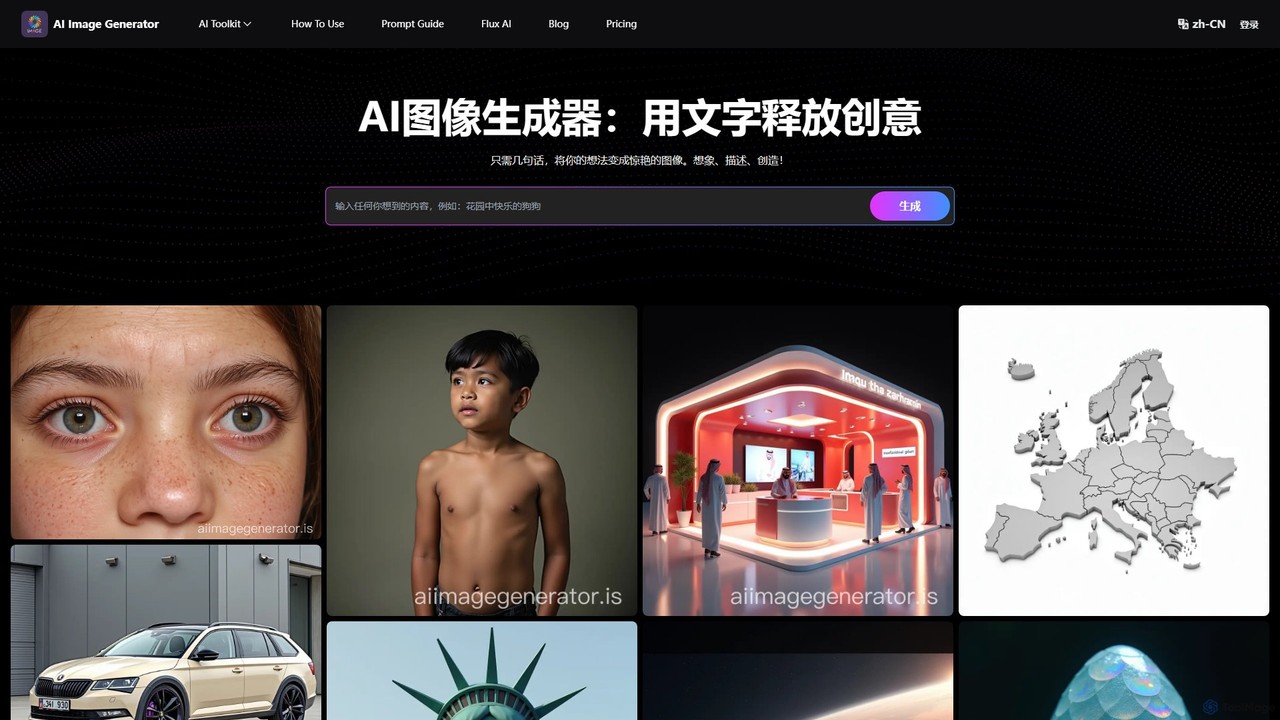
AI Image Generator
A free, web-based AI tool that transforms text descriptions into stunning images using advanced models like Stable Diffusion XL. It offers various styles, including realistic, anime, and 3D, making it ideal for artists, designers, marketers, and hobbyists. Users can easily generate unique, high-quality visuals for commercial or personal projects by simply writing a prompt, selecting a model, and choosing dimensions.
Generative Art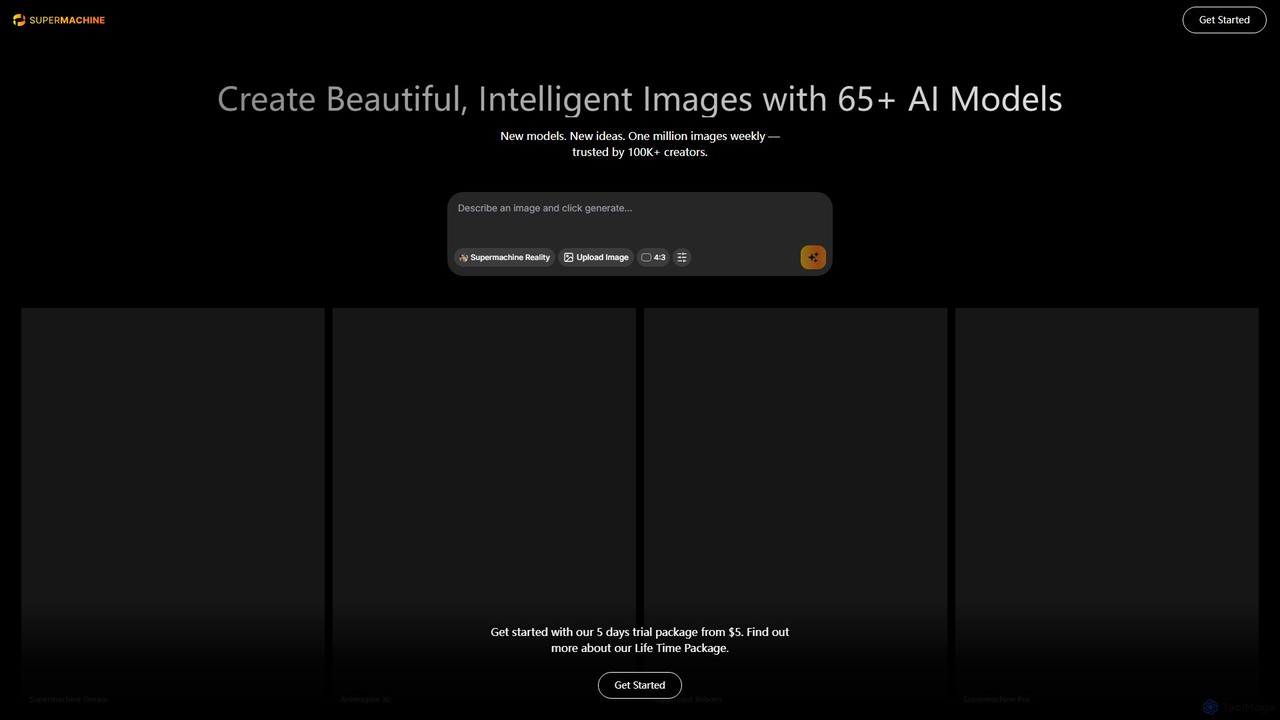
supermachine
supermachine is a powerful AI image generation platform offering access to over 65 specialized models. It enables creators to produce beautiful, intelligent images from text prompts, catering to a wide range of styles from photorealistic and anime to abstract art. Trusted by over 100,000 creators, it's a versatile tool for artists, marketers, and designers.
Generative Art
getalpaca.io Comments (0)
Sign in to comment.
Sign inNo comments yet.