Design Best in category 8 results Design Assistant AI Tool

Popular AI tools in the Design Assistant field of Design include NUMI、Asimov Institute、Design Buddy、dotbrand、InstaWebAI、imagevariations、Refire Design、getalpaca.io, etc., helping you quickly improve efficiency.

InstaWebAI

InstaWebAI

InstaWebAI is an AI-powered platform that instantly creates professional, multi-page websites from a simple business description. No coding …

3.0K
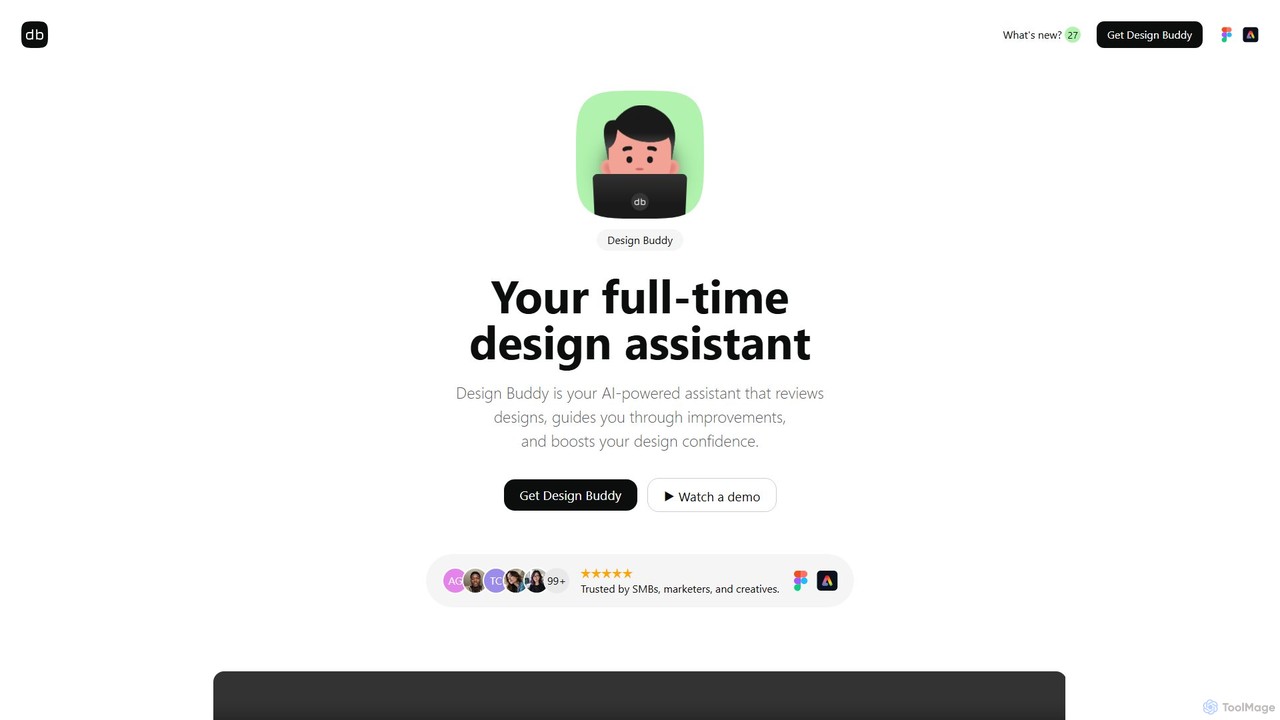
Design Buddy

Design Buddy

Design Buddy is an AI-powered plugin for Figma and Adobe Express that acts as a full-time design assistant. …

6.7K
getalpaca.io

getalpaca.io

getalpaca.io is a powerful AI plugin for Adobe Photoshop that integrates Stable Diffusion's image generation capabilities directly into …

2.6K
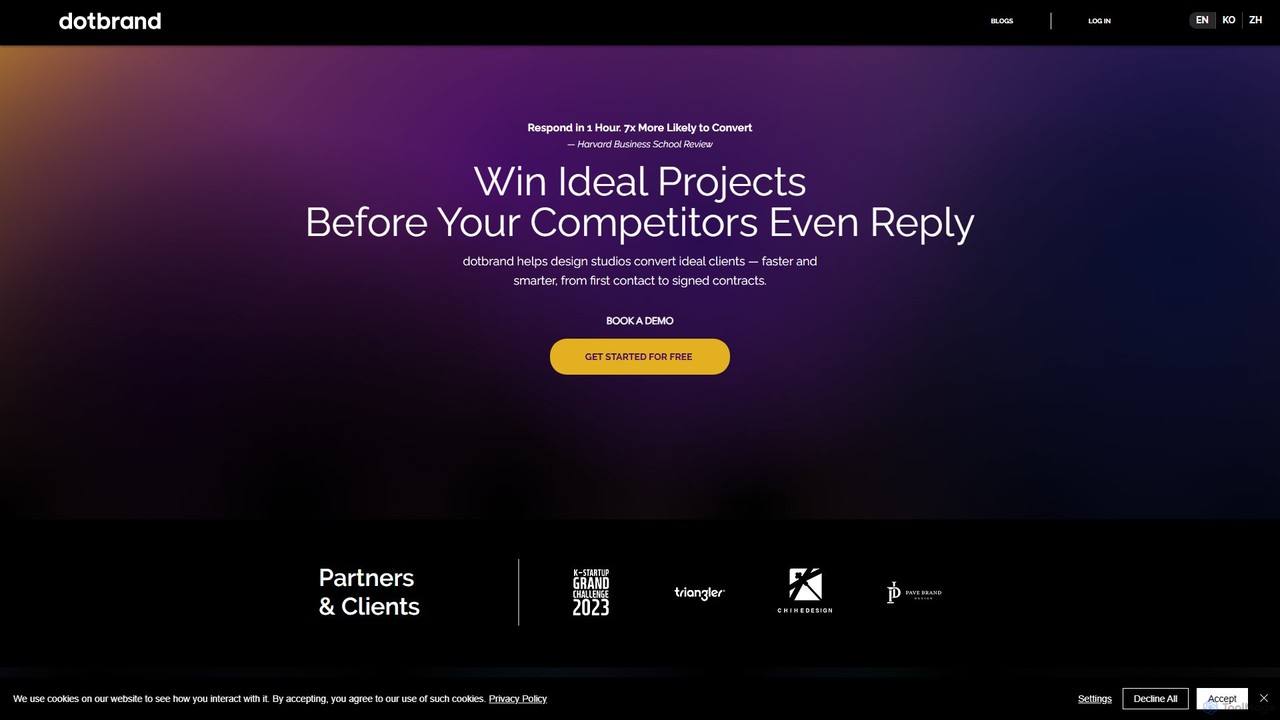
dotbrand

dotbrand

dotbrand is an AI Sales Agent designed for creative and design businesses. It automates client communication from first …

5.1K
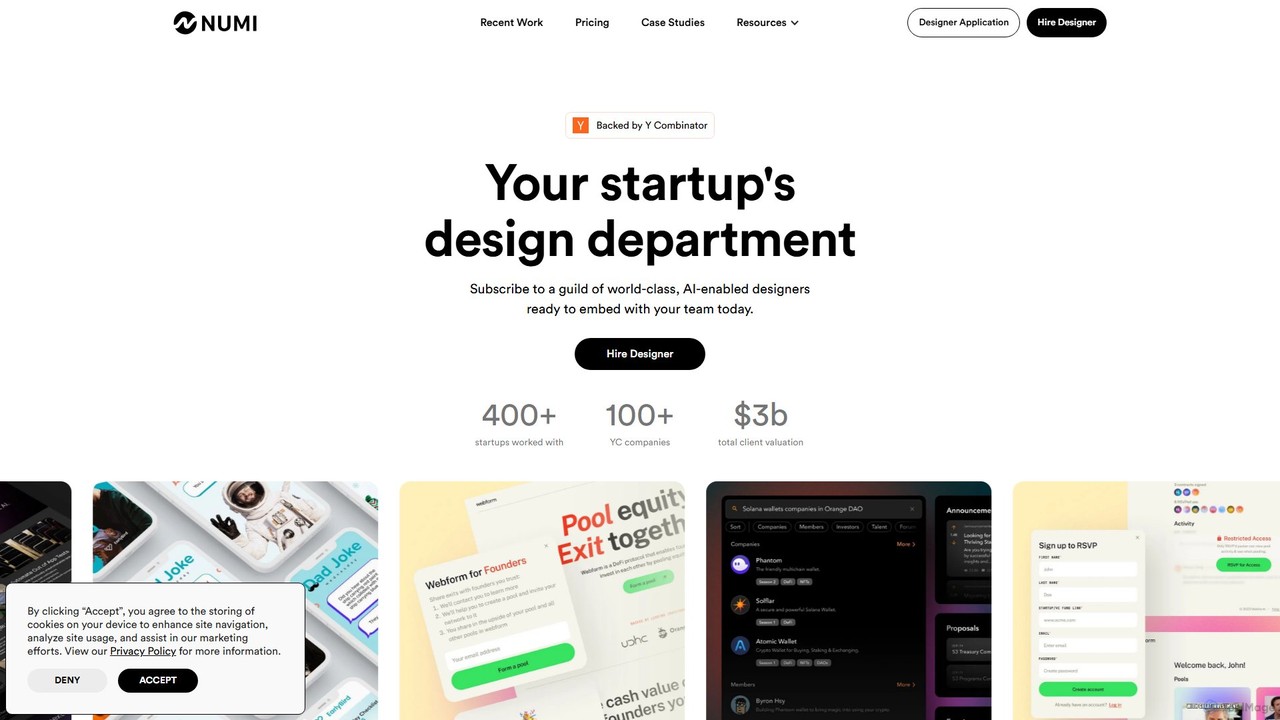
NUMI

NUMI

NUMI offers a subscription-based design department for startups, backed by Y Combinator. Get access to a guild of …

14.0K
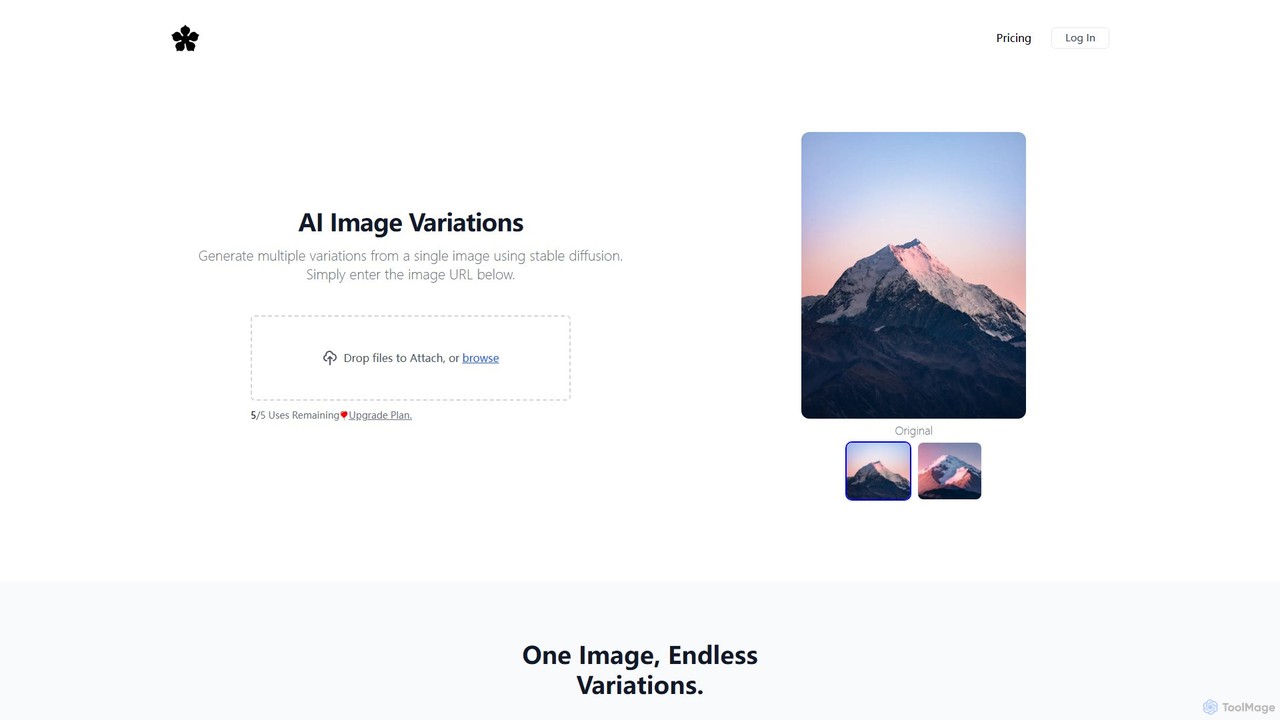
imagevariations

imagevariations

An AI-powered tool that uses Stable Diffusion to generate multiple unique, copyright-free variations from a single image. Simply …

2.7K
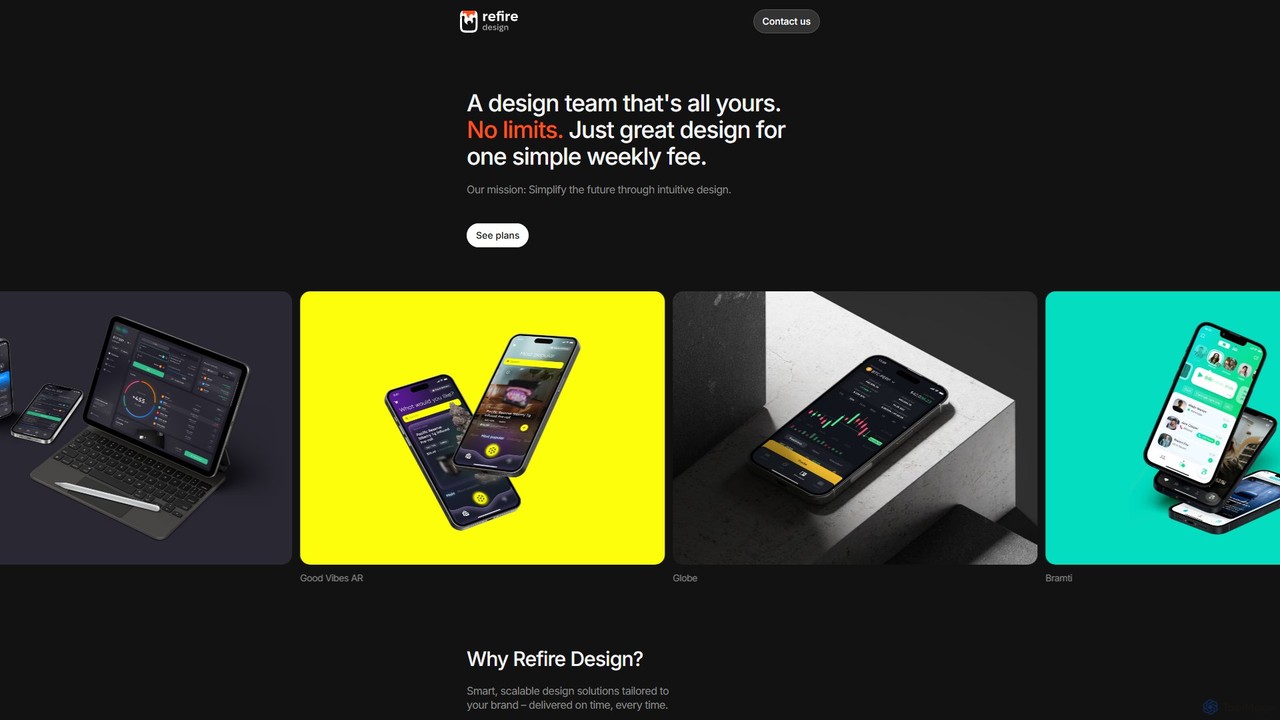
Refire Design

Refire Design

Refire Design offers an on-demand, dedicated design team through a simple weekly subscription. Get unlimited design requests for …

2.6K
Free
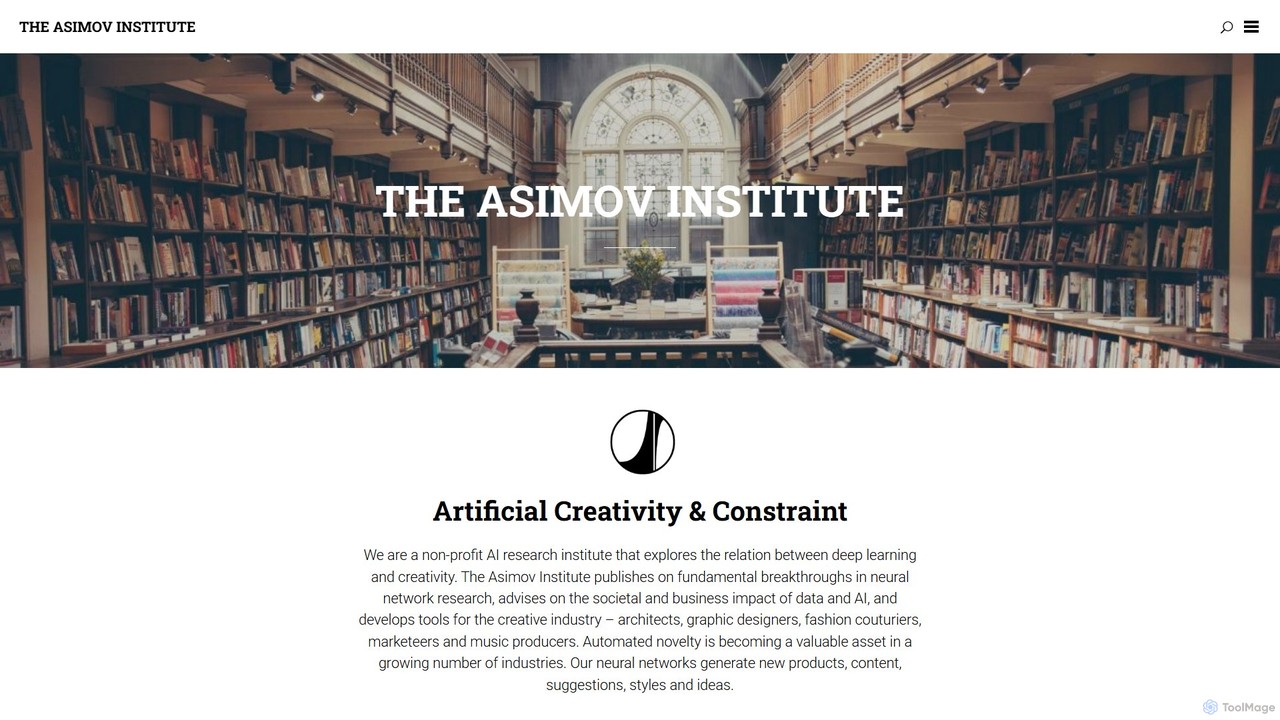
Asimov Institute

Asimov Institute

A non-profit AI research institute dedicated to exploring the intersection of deep learning and creativity. It develops generative …

12.0K

About Design Assistant

AI Design Assistants are tools that use artificial intelligence to automate and streamline the graphic design process. They act as a creative partner, analyzing content and design goals to suggest layouts, color palettes, and typography. These assistants help users create professional-looking visuals for marketing, social media, and presentations without extensive design skills. They excel at generating multiple design variations and ensuring brand consistency across all materials.

Core Features

  • Smart Layouts: Automatically arranges text and images into balanced and aesthetically pleasing compositions.
  • Brand Kit Integration: Instantly applies your brand's colors, fonts, and logos to any design for consistent branding.
  • Content-Aware Resizing: Intelligently adapts a single design to various formats and dimensions, such as social media posts or banners.
  • Template Generation: Creates numerous unique design variations from a single template and set of assets.
  • Element Suggestions: Recommends relevant icons, photos, and graphics based on the design's context.

Use Cases

These tools are widely used by marketing teams, content creators, and small business owners for creating social media graphics, ad creatives, and business presentations. UI/UX designers also leverage them to rapidly prototype layouts and explore visual directions, accelerating the initial stages of the design process.

How to Choose

When selecting a Design Assistant, consider its integration with your existing workflow, the quality and variety of its templates, and its ability to manage and apply brand guidelines. Also, evaluate the user interface's ease of use and the pricing model based on your expected usage volume and team size.

Design AssistantUse Cases

1

Rapid Creation of Social Media Campaigns

A social media manager needs to produce daily content for multiple platforms. Using an AI Design Assistant, they input the post text and key images. The tool automatically generates dozens of on-brand layout variations for Instagram posts, stories, and Facebook banners. This process reduces design time from hours to minutes, allowing the manager to focus on content strategy and engagement.

2

Consistent Business Presentation Design

A consultant is preparing a client presentation. Instead of manually designing each slide, they input their text content into an AI Design Assistant. The tool suggests professional layouts, applies the company's brand colors and fonts, and recommends appropriate icons for key data points. This ensures a polished, consistent look throughout the deck and saves significant preparation time.

3

Generating Diverse Ad Creatives for A/B Testing

A digital marketer wants to test which ad visual performs best. They provide the AI Design Assistant with a product image, a headline, and a call-to-action. The assistant generates 20+ different ad variations by changing background colors, font styles, and image placement. This allows for efficient A/B testing to identify the most effective creative and optimize campaign ROI.

4

Automating E-commerce Promotional Banners

An e-commerce store owner needs to create banners for a weekend sale. They upload product photos and sale details to the Design Assistant. The tool instantly produces a set of banners in various sizes for the website homepage, email newsletters, and social media ads, all while maintaining the store's visual identity.

5

Streamlining UI/UX Mockup Exploration

A UI/UX designer is in the early stages of designing a new app screen. They use an AI Design Assistant to quickly generate multiple layout options for the screen's components, such as buttons, text blocks, and image placeholders. This accelerates the ideation phase, enabling them to explore more design possibilities before committing to a final wireframe.

6

Local Business Marketing Material Production

The owner of a local cafe needs to create a new menu and a promotional flyer. Lacking professional design software, they use an AI Design Assistant. By selecting a template and inputting their menu items and event details, the tool generates a print-ready menu and flyer that align with the cafe's cozy brand aesthetic, saving on freelance designer costs.

Design AssistantFrequently Asked Questions