
Design Buddy Overview
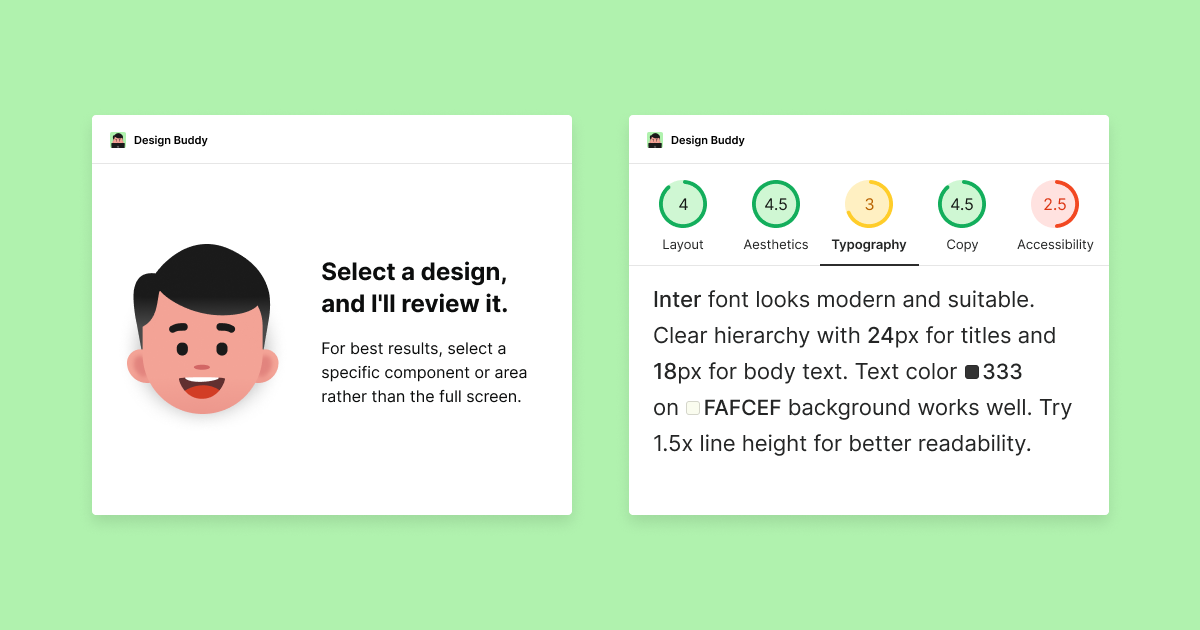
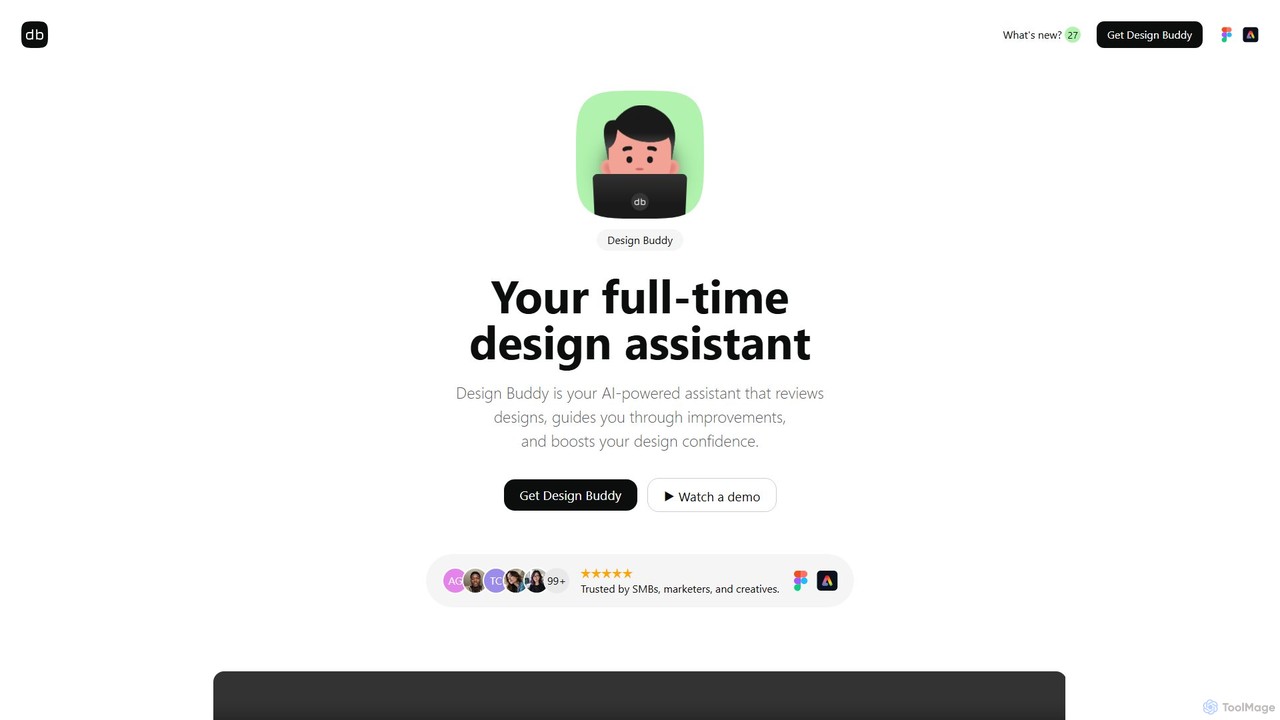
Design Buddy is an intelligent, AI-powered design assistant created to function as a seamless plugin for Figma and an add-on for Adobe Express. It serves as a dedicated partner for designers, marketers, and creative professionals, offering instant and insightful reviews for a wide array of design types. Whether you're working on a complex UI for a web app, a mobile interface, a social media post, or a logo, Design Buddy analyzes your work and provides structured, actionable feedback to elevate its quality.
The tool is designed to be an integral part of the creative process, helping to identify often-overlooked flaws before they reach stakeholders. By providing objective scores and detailed suggestions across key design principles like layout, color theory, typography, and accessibility, it empowers users to iterate and refine their work with confidence. This preemptive review process minimizes the need for extensive revisions, saving valuable time and resources for individuals and teams alike.
How to use Design Buddy
Getting started with Design Buddy is a straightforward process designed for maximum efficiency:
- Installation and Activation: First, choose a subscription plan on the Design Buddy website. You will instantly receive an API key. Install the Design Buddy plugin in Figma or the add-on in Adobe Express and enter the API key to activate it.
- Select Your Design: On your Figma or Adobe Express canvas, select the frame, component, or group of elements you want to have reviewed.
- Request a Review: With your design selected, simply click the "Review this design" button within the plugin. For more targeted feedback, you can specify the design type (e.g., mobile UI, logo, social post).
- Analyze Feedback: Design Buddy will quickly provide a detailed report, broken down into categories like Aesthetics, Layout, Typography, and Accessibility. The feedback is streamed category by category, so you can start reading immediately.
- Iterate and Re-review: Implement the suggested changes in your design. Once you're ready, you can use the "Re-review" button to get an updated assessment and track your score improvements. You can also save the feedback directly onto your canvas as a sticky note for easy reference.
Core Features of Design Buddy
- AI-Powered Design Analysis: Delivers expert-level feedback on layout, hierarchy, color palette, typography, and accessibility.
- Specialized Design Type Recognition: Automatically identifies and provides tailored reviews for various design types, including web/mobile UIs, wireframes, illustrations, logos, app icons, flyers, and social media posts.
- Structured Feedback with Scoring: Assigns objective scores to each design category, allowing you to quantify improvements and track progress across iterations.
- Aesthetics and Visual Appeal: A dedicated "Aesthetics" category evaluates the overall visual harmony, use of space, and consistency of your design.
- Seamless Integration: Works directly within your favorite design tools as a plugin for Figma and FigJam, and an add-on for Adobe Express.
- Iterative and Conversational Reviews: The tool remembers previous feedback, allowing for a continuous and contextual conversation as you refine your design.
- Educational Component: Provides links to in-depth articles on design principles relevant to your specific project, helping you learn and grow as a designer.
- Workflow Enhancements: Features include saving feedback as sticky notes, a "Before vs. After" visual comparison, and streaming feedback to reduce wait times.
Use Cases for Design Buddy
Design Buddy is a versatile tool for a wide range of users:
- Junior Designers: Gain an instant mentor to learn design best practices, understand core principles, and build confidence.
- Senior Designers: Use it as a reliable second pair of eyes to catch minor errors and ensure consistency, especially under tight deadlines.
- Marketing Teams & SMBs: Create professional-grade marketing materials like social posts, banners, and flyers without needing a dedicated senior designer.
- Product Managers and Teams: Preemptively review designs to ensure quality and alignment before presenting to stakeholders, streamlining the feedback loop.
- Freelancers: Accelerate the design process, improve the quality of deliverables, and impress clients with polished, well-reasoned designs.
Advantages of Design Buddy
Using Design Buddy offers a significant competitive edge. It dramatically speeds up the design-review-iterate cycle by providing instant feedback, eliminating the delays of waiting for human reviews. This leads to higher quality, more consistent work by catching subtle flaws that might otherwise be missed. For designers, it's a confidence booster, offering objective, data-driven validation. For teams, it's a cost-effective solution that functions like an extra teammate dedicated to quality assurance. Furthermore, its educational aspect fosters continuous skill development for all users.
Pricing and Plans
Design Buddy offers several subscription tiers to fit different needs, all with a 7-day free trial:
- Starter pack: Ideal for individuals or those exploring the tool. Includes 50 reviews per month for $5 per month (+ tax).
- Regular route: Suited for professional designers and freelancers with regular project work. Includes 150 reviews per month for $15 per month (+ tax).
- Dynamic team: Tailored for collaborative teams requiring frequent and in-depth reviews. Includes 500 reviews per month for $50 per month (+ tax).
Your monthly quota is calculated on a 30-day rolling cycle, ensuring it always reflects your usage over the last 30 days.
Traffic
Latest traffic
Status
Monthly traffic trend
- 2025-9: 3.7K
- 2026-1: 3.5K
- 2026-2: 4.6K
- 2026-3: 4.2K
- 2026-4: 4.1K
- 2026-5: 3.2K
Geography
Top 5 countries / regions
- 🇺🇸United States58.3%
- 🇮🇳India38.9%
- 🇪🇸Spain2.9%
Top keywords
| Keyword | Cost per click |
|---|---|
| buddy ai designer | $0.00 |
| designbuddy | $0.00 |
| getdesign | $0.00 |
| is there an ai that can review graphic design | $0.00 |
| layout techniques | $0.00 |
Design Buddy Alternatives
Google Workspace
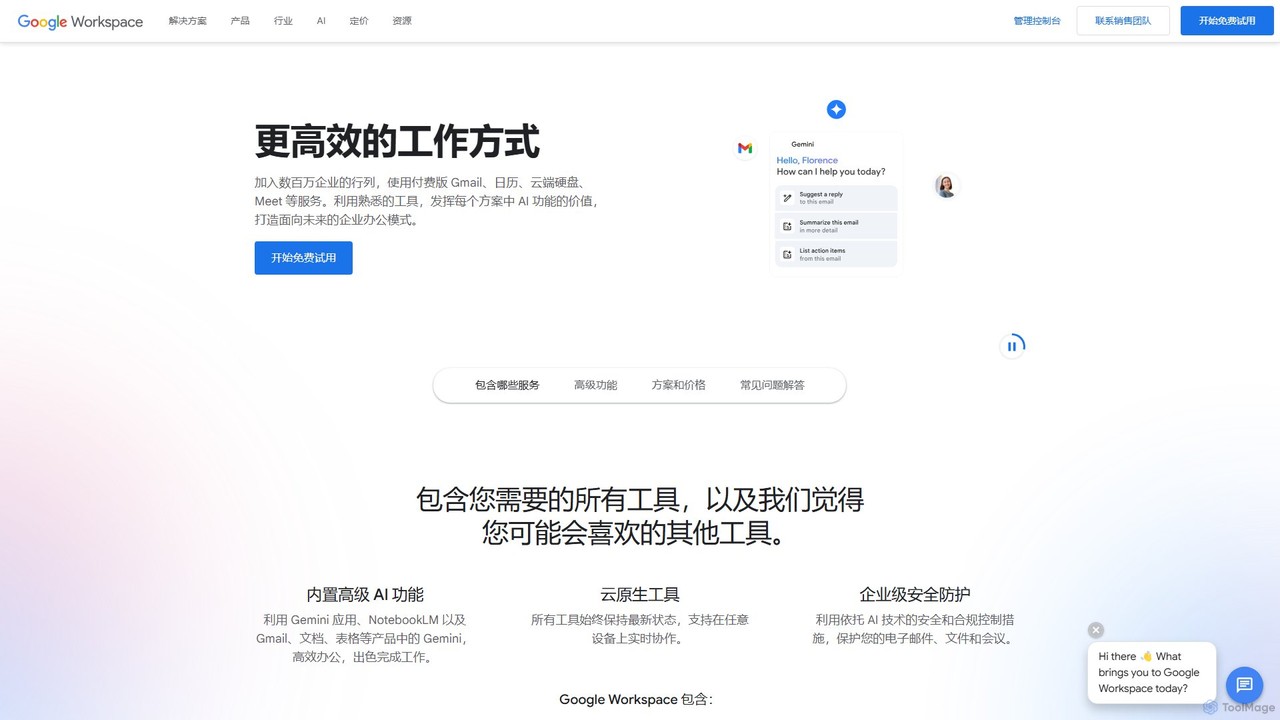
Google Workspace is an integrated suite of secure, cloud-native collaboration and productivity apps powered by Google AI. It includes Gmail, Docs, Drive, Calendar, Meet, and more, designed to help teams of all sizes connect, create, and collaborate efficiently and securely from any device.
Office Suite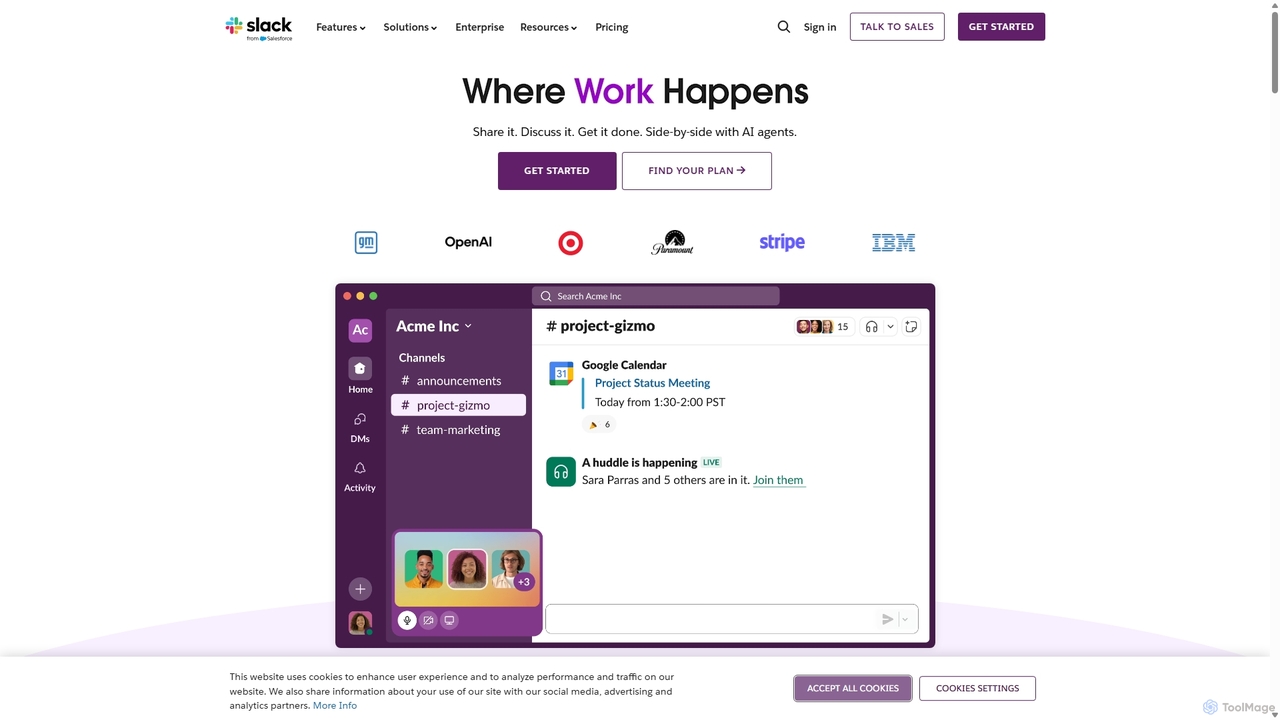
Slack
Slack is an AI-powered collaboration hub that connects your people, partners, and tools. It replaces email with faster, better-organized communication through channels. With integrated AI, workflow automation, and thousands of apps, Slack centralizes your work to boost productivity and streamline project management.
Project Management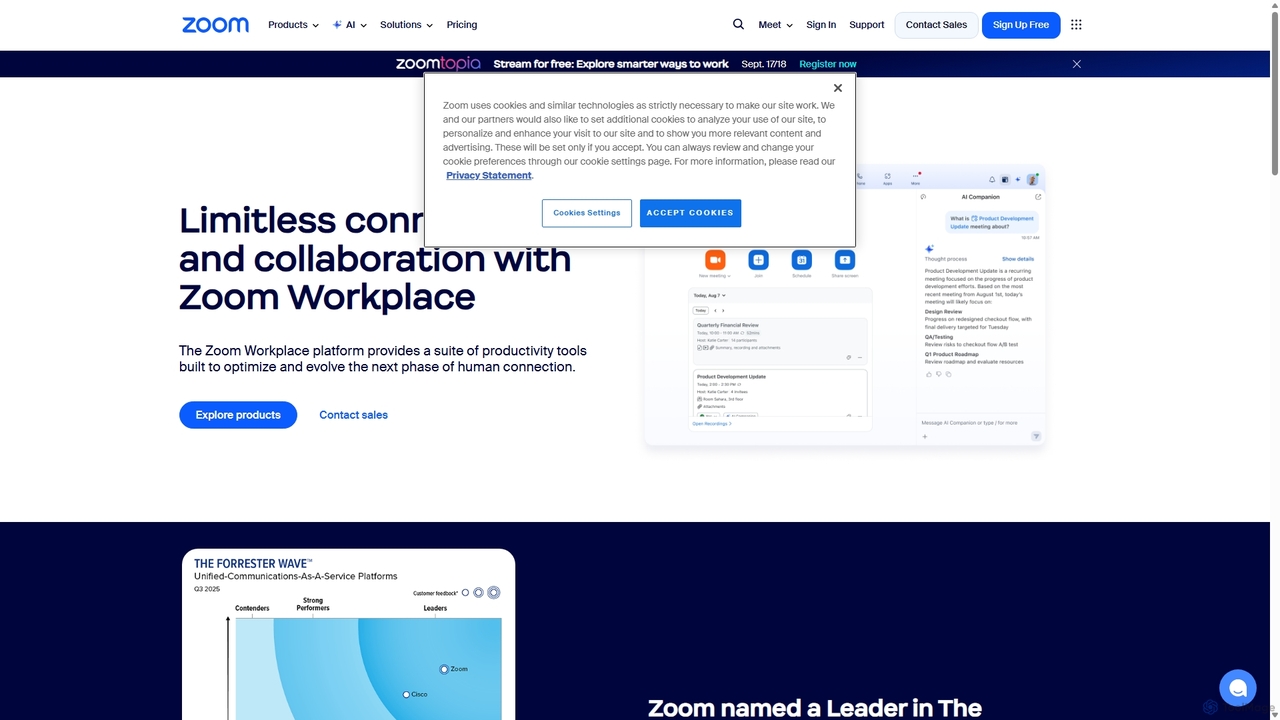
Zoom
Zoom is an AI-first, unified collaboration platform that connects people through video meetings, phone calls, team chat, webinars, and more. Featuring the AI Companion, it streamlines workflows, summarizes meetings, and enhances productivity for remote and hybrid teams across all industries.
Meeting Management
Feishu
Feishu is an all-in-one enterprise collaboration and management platform powered by AI. It integrates instant messaging, video conferencing, collaborative docs, project management, and HR tools into a single, seamless experience. Designed for modern teams, Feishu enhances productivity, streamlines workflows, and leverages AI to provide smart summaries, knowledge Q&A, and business process automation, helping organizations achieve efficient growth.
Human Resources
DingTalk
DingTalk is an all-in-one enterprise collaboration and management platform powered by AI. It integrates instant messaging, video conferencing, project management, and a full office suite with advanced AI capabilities like intelligent assistants, automated meeting summaries, and AI-powered data analysis. Designed for businesses of all sizes, it streamlines workflows, enhances productivity, and digitizes organizational operations from HR to finance.
ManagementDesign Buddy Categories
Design Buddy Embed Widget
Copy this embed code to place the badge on your blog, article, or product site and send readers directly to this ToolMage detail page.

Related AI tools

Little Bro
Little Bro is an AI-powered design assistant and user research simulator for Figma. It helps designers think like their users by simulating various user personas and scenarios, providing contextual feedback to catch usability issues, overcome creative blocks, and ship designs with confidence.
User Research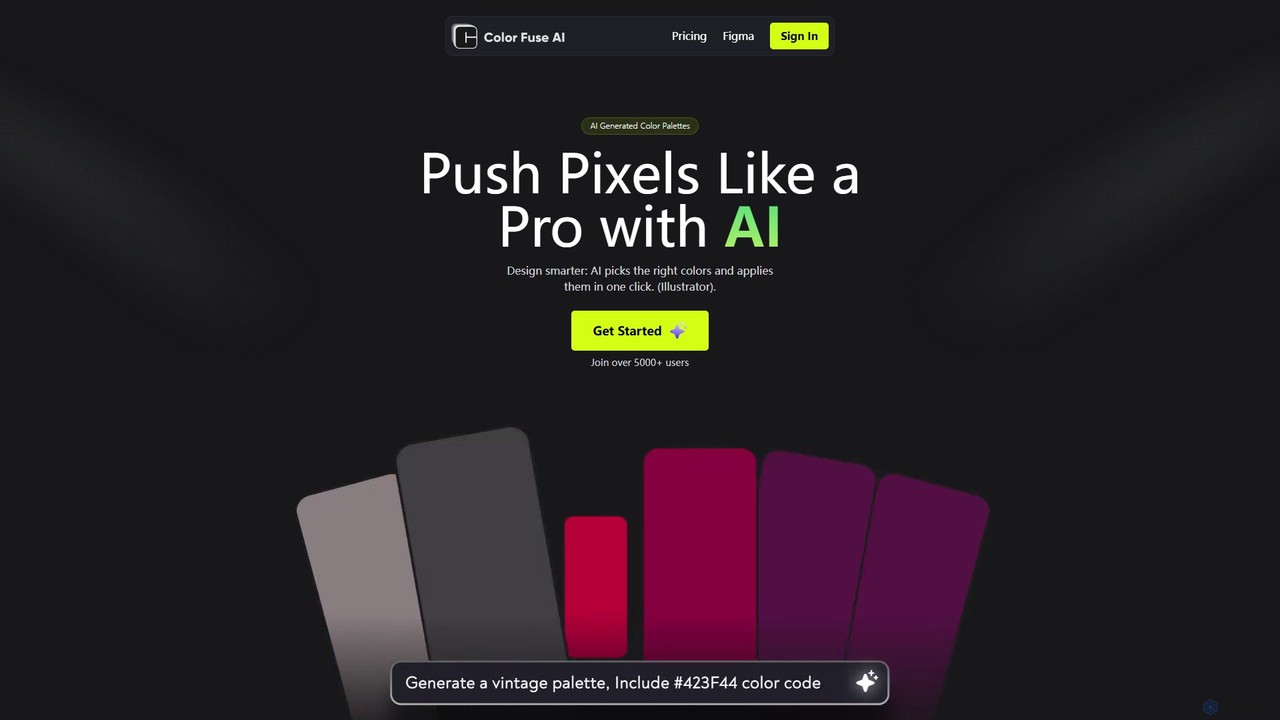
Color Fuse AI
Color Fuse AI is an AI-powered chat assistant that generates stunning color palettes from simple text prompts. It integrates seamlessly with Figma, Adobe Illustrator, and Photoshop, allowing designers to find, customize, and apply perfect color schemes with a single click, dramatically speeding up the design workflow.
Illustration
Khroma
Khroma is an AI-powered color tool for designers that learns your personal aesthetic preferences. By training a neural network with colors you like, it generates an infinite number of unique and beautiful color palettes, which can be viewed as typography, gradients, or on custom images. It's a powerful assistant for discovering, searching, and saving color combinations for any design project.
Generative Art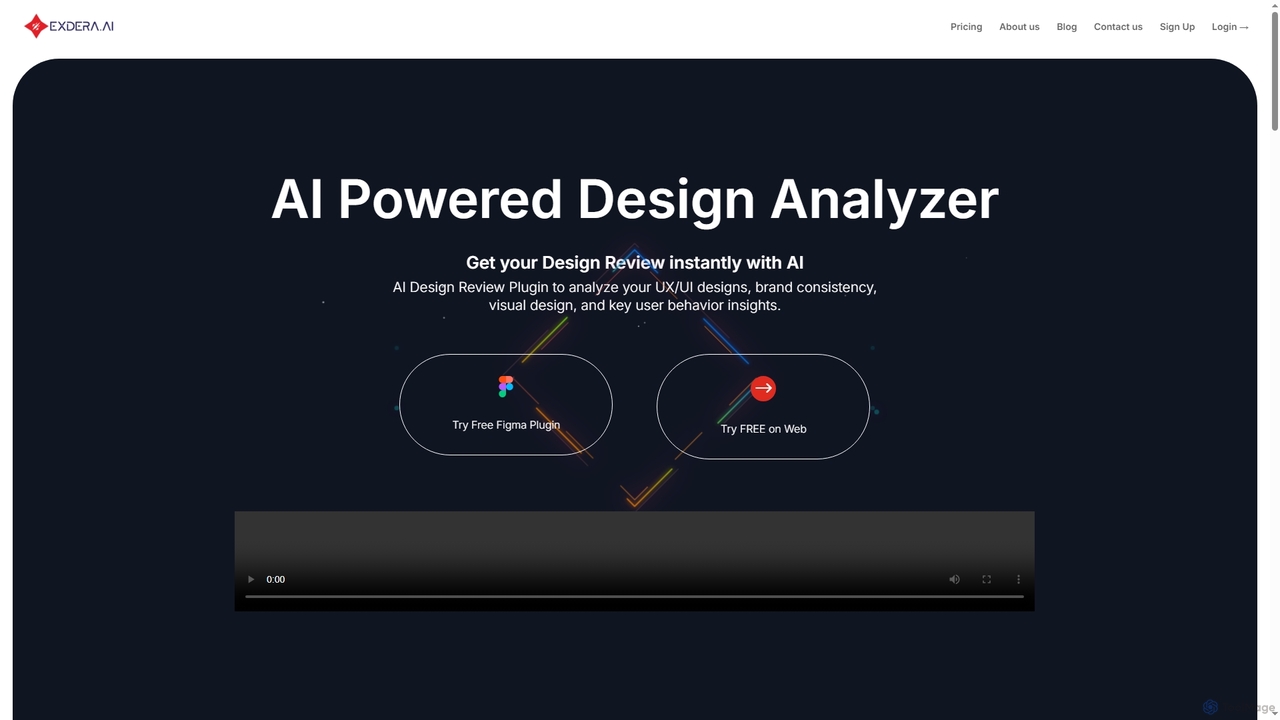
Exdera
Exdera is an AI-powered design review tool available as a Figma plugin and web application. It instantly analyzes UX/UI designs, brand consistency, visual elements, and user behavior, providing actionable insights to optimize designs for better engagement and conversions without guesswork.
Design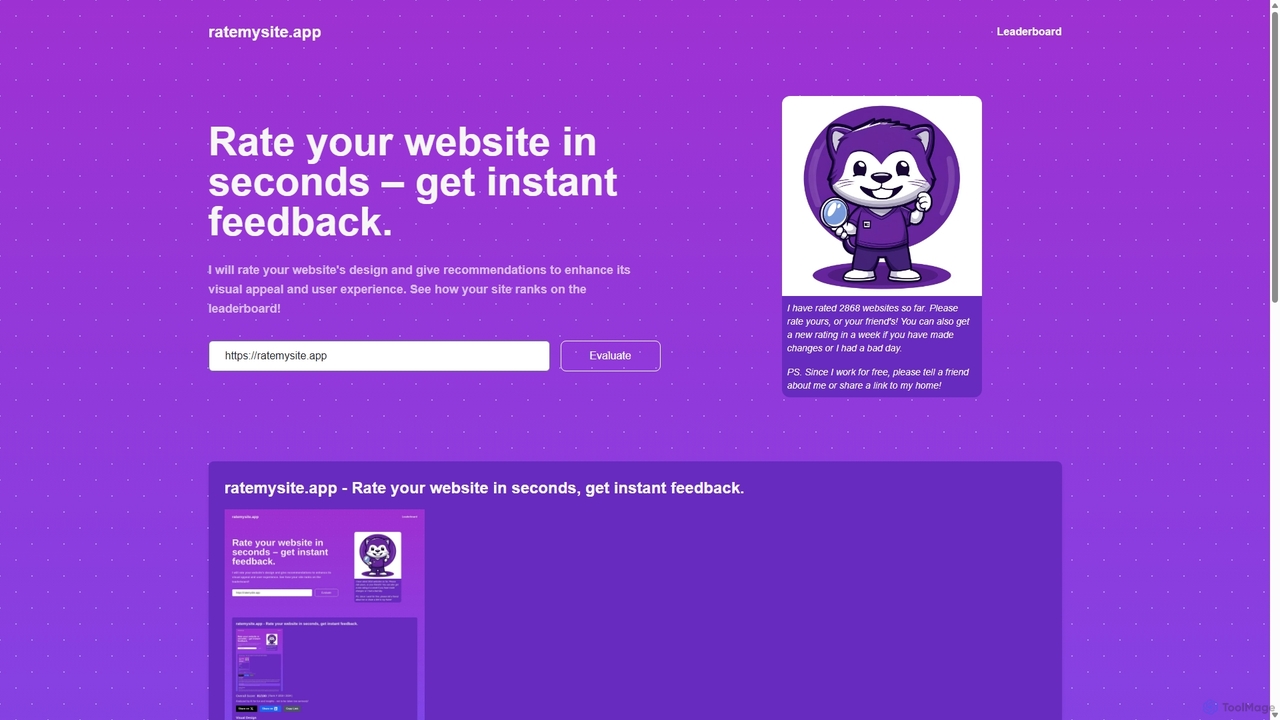
Ratemysite.app
An AI-powered tool that instantly rates your website's design, layout, and content. Get a detailed score out of 100, actionable recommendations to improve visual appeal and user experience, and see how your site ranks on a global leaderboard. It's fast, free, and requires no signup.
Website Design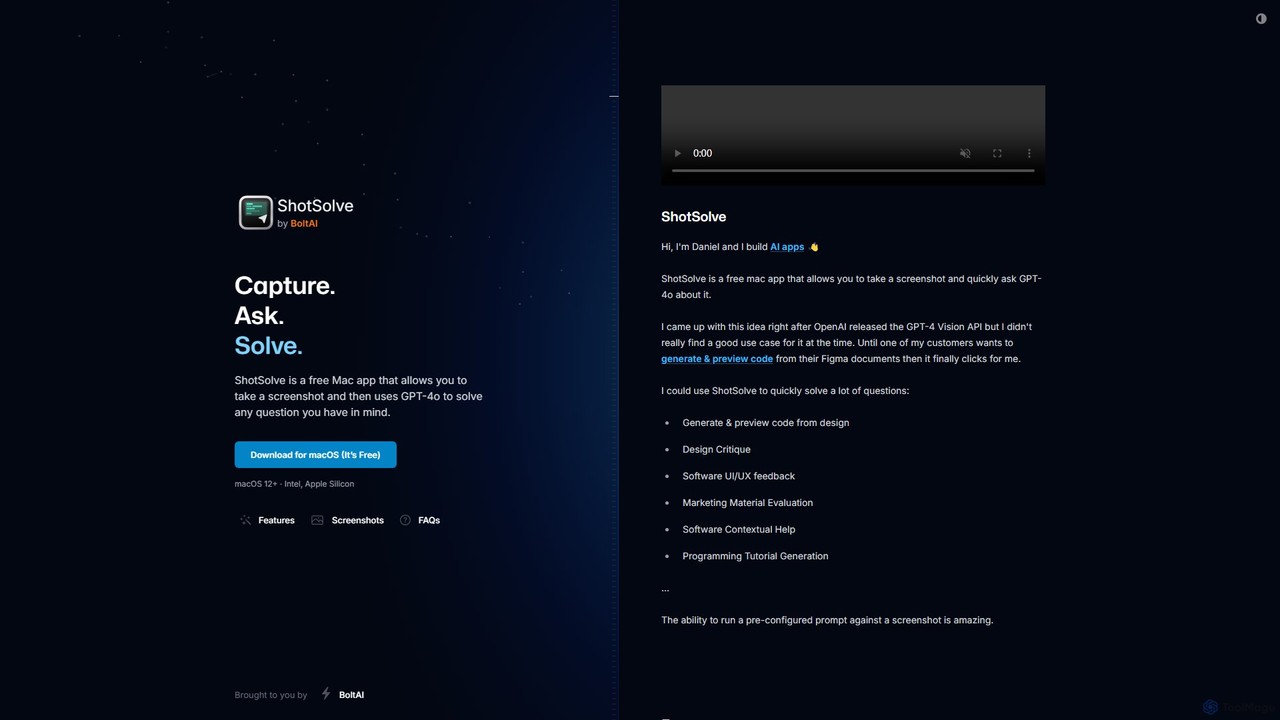
ShotSolve
ShotSolve is a free native Mac app that empowers users to instantly solve problems using AI. Simply take a screenshot with a universal shortcut, ask a question, and get an answer from GPT-4o. It's perfect for developers, designers, and marketers for tasks like code generation from designs, UI/UX feedback, and contextual help. It's lightweight, privacy-focused, and requires your own OpenAI API key.
Feedback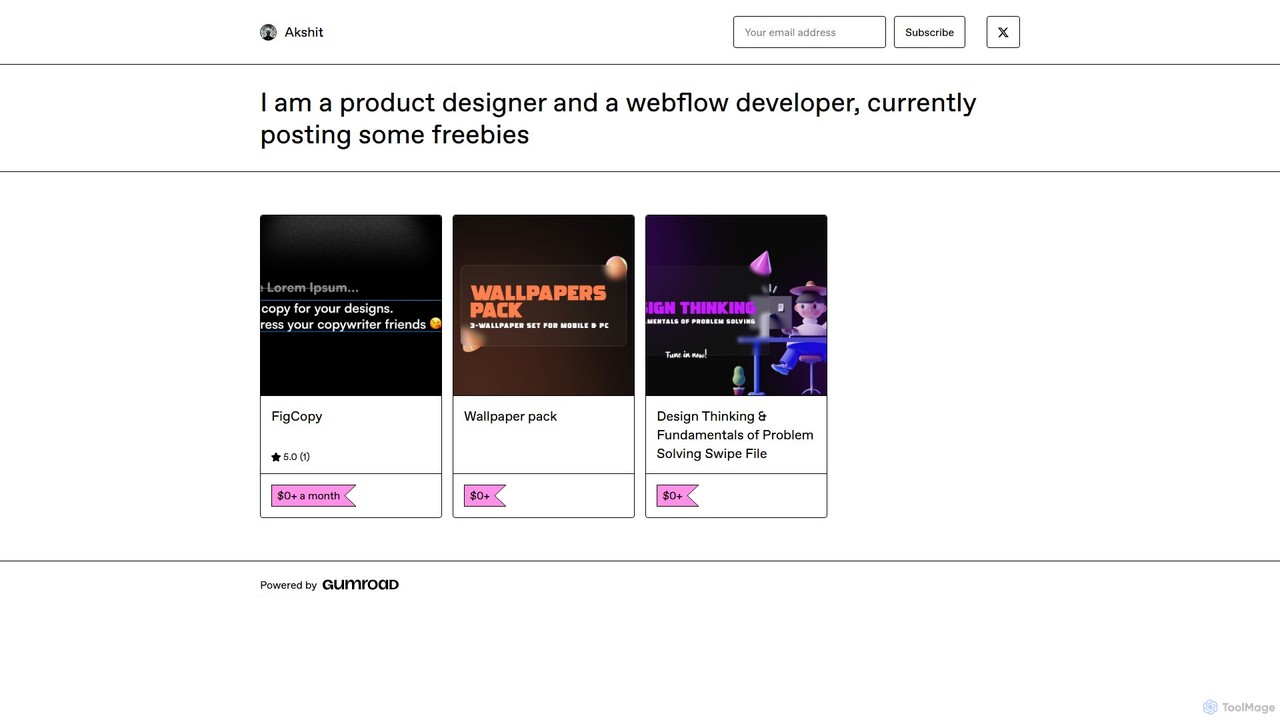
FigCopy
FigCopy is an AI-powered Figma plugin that replaces dummy text with high-quality, context-aware copy. Select a text layer, provide some context, and instantly generate compelling headlines, CTAs, and body text. It streamlines the design workflow, enhances collaboration, and helps you create more realistic and professional designs. Perfect for UI/UX designers, web designers, and marketing teams.
Copywriting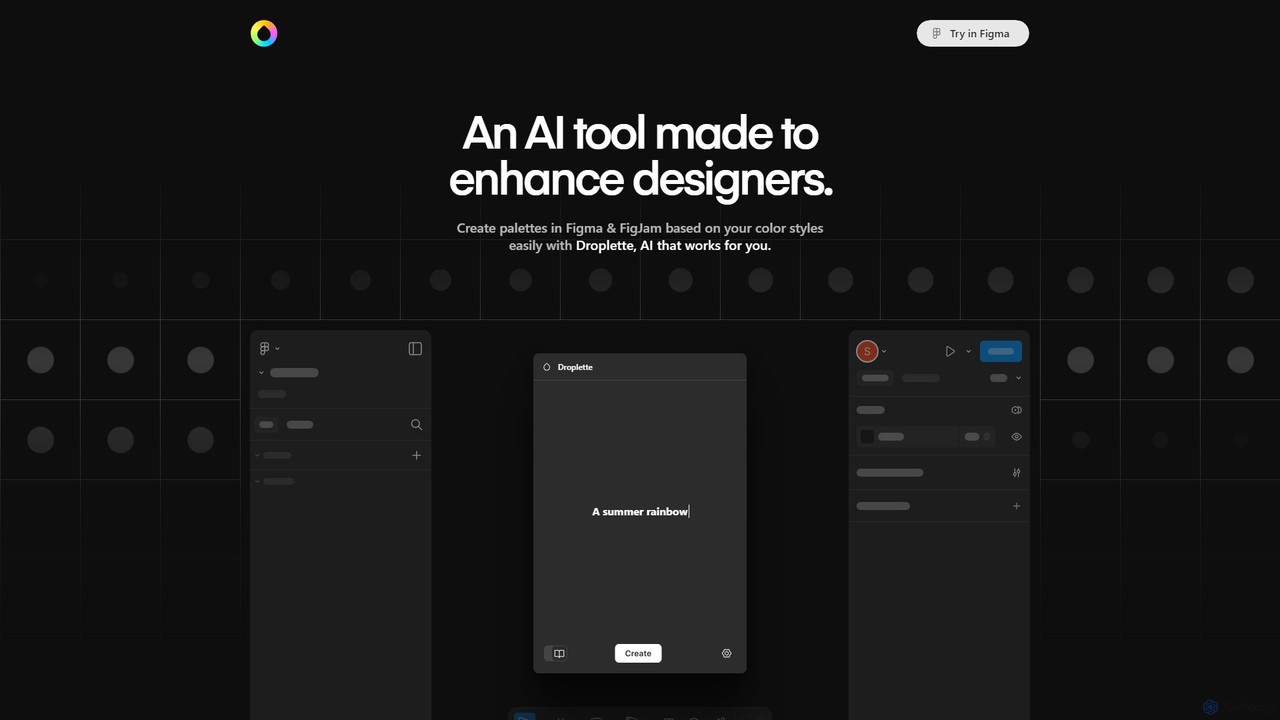
Droplette
Droplette is an intelligent AI-powered color palette generator designed as a plugin for Figma and FigJam. It helps designers create unique and harmonious color schemes by extracting colors from frames, syncing with existing color styles, or generating new palettes from scratch. It offers an intuitive interface for real-time adjustments and iterations, streamlining the design workflow.
Color PaletteGoogle Workspace
Google Workspace is an integrated suite of secure, cloud-native collaboration and productivity apps powered by Google AI. It includes Gmail, Docs, Drive, Calendar, Meet, and more, designed to help teams of all sizes connect, create, and collaborate efficiently and securely from any device.
Office SuiteSlack
Slack is an AI-powered collaboration hub that connects your people, partners, and tools. It replaces email with faster, better-organized communication through channels. With integrated AI, workflow automation, and thousands of apps, Slack centralizes your work to boost productivity and streamline project management.
Project ManagementZoom
Zoom is an AI-first, unified collaboration platform that connects people through video meetings, phone calls, team chat, webinars, and more. Featuring the AI Companion, it streamlines workflows, summarizes meetings, and enhances productivity for remote and hybrid teams across all industries.
Meeting ManagementFeishu
Feishu is an all-in-one enterprise collaboration and management platform powered by AI. It integrates instant messaging, video conferencing, collaborative docs, project management, and HR tools into a single, seamless experience. Designed for modern teams, Feishu enhances productivity, streamlines workflows, and leverages AI to provide smart summaries, knowledge Q&A, and business process automation, helping organizations achieve efficient growth.
Human ResourcesDingTalk
DingTalk is an all-in-one enterprise collaboration and management platform powered by AI. It integrates instant messaging, video conferencing, project management, and a full office suite with advanced AI capabilities like intelligent assistants, automated meeting summaries, and AI-powered data analysis. Designed for businesses of all sizes, it streamlines workflows, enhances productivity, and digitizes organizational operations from HR to finance.
Management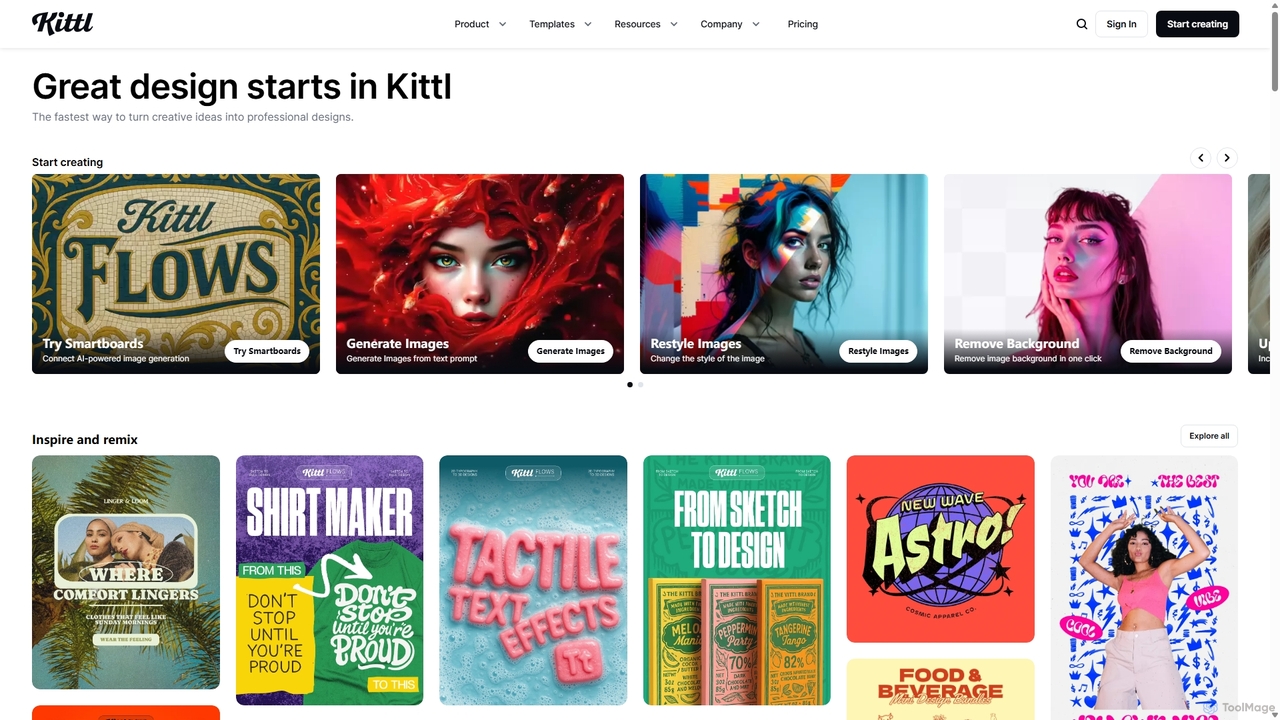
Kittl
Kittl is an intuitive, AI-powered collaborative design platform that simplifies the creation of professional graphics. It combines an advanced editor, powerful AI tools, a vast asset library, and unique text effects, making it ideal for everything from logos and t-shirts to social media posts and marketing materials.
Graphic Design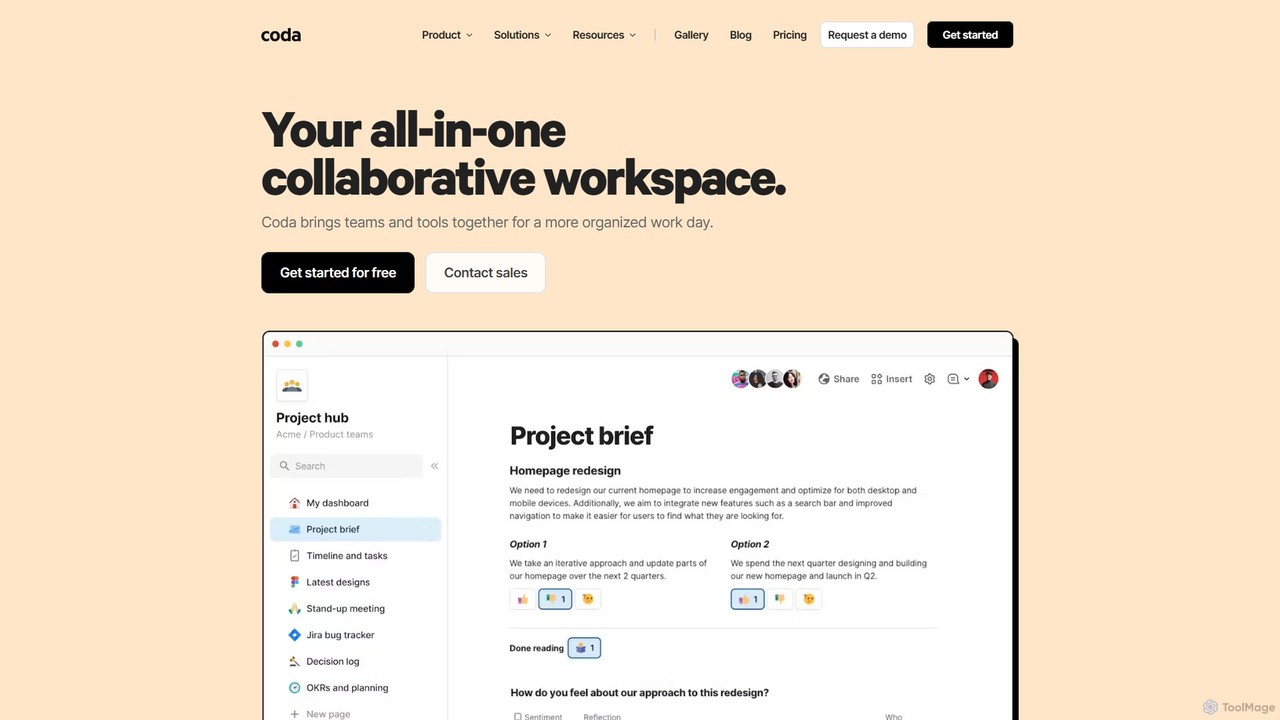
Coda
Coda is an all-in-one collaborative workspace that blends documents, spreadsheets, and applications into a single, flexible surface. Powered by Coda AI, it helps teams centralize information, automate workflows, and make faster decisions. Replace your scattered tool stack with a unified platform for writing, tracking, and building custom solutions.
Knowledge Base
Design Buddy Comments (0)
Sign in to comment.
Sign inNo comments yet.