

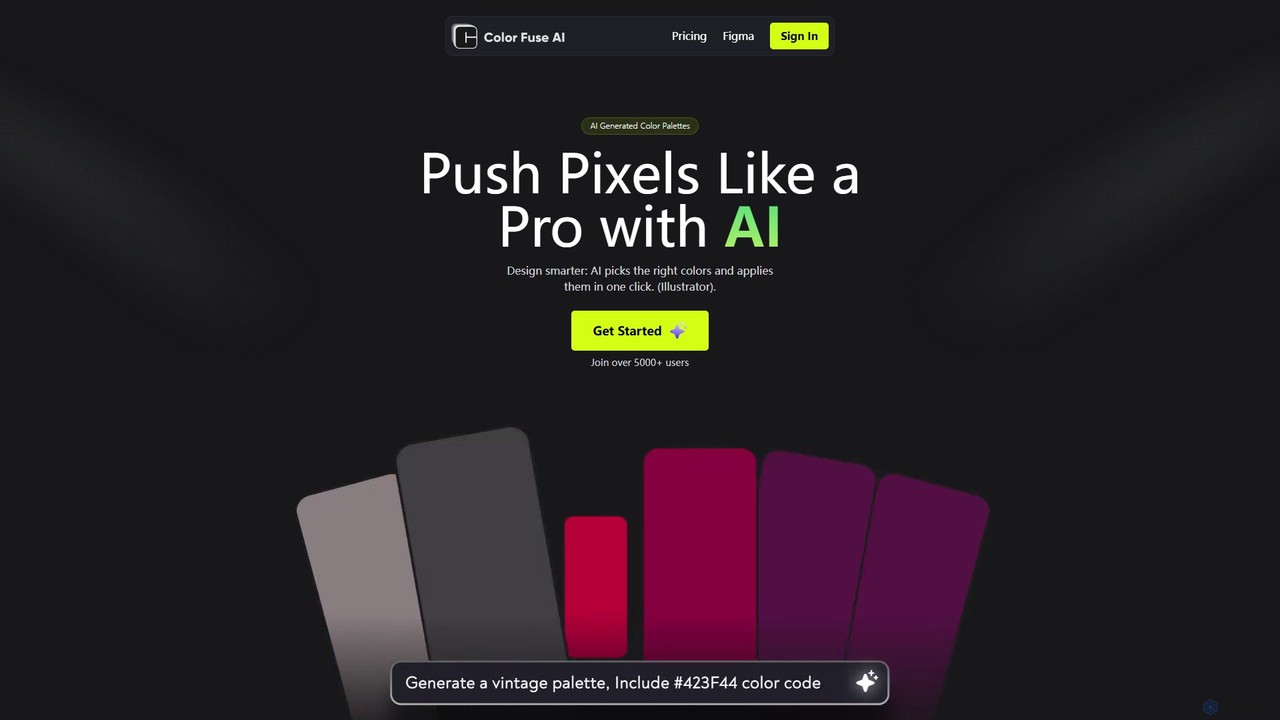
Color Fuse AI Overview
Color Fuse AI revolutionizes the way designers work with color. Say goodbye to endless scrolling through color libraries and the creative block that comes with choosing the perfect palette. This intelligent tool acts as your personal AI design assistant, generating beautiful and harmonious color schemes from simple conversational prompts. Designed for professionals and enthusiasts alike, Color Fuse AI integrates directly into your favorite design software, including Adobe Illustrator, Photoshop, and Figma, to create a seamless and efficient workflow.
With over 5,000 users, Color Fuse AI is trusted by designers to accelerate their creative process and produce professional-grade results. Whether you're designing a user interface, creating a brand identity, or illustrating a masterpiece, the tool's AI-driven suggestions provide endless inspiration while ensuring color theory principles are respected.
How to use Color Fuse AI
Getting started with Color Fuse AI is simple and intuitive, designed to fit right into your existing creative process. Here’s a step-by-step guide:
- Access the Tool: You can use Color Fuse AI directly on their website for quick palette generation or install the dedicated plugin/extension for Adobe Illustrator (2022 or later), Photoshop (2022 or later), or Figma.
- Generate with AI Chat: Open the AI assistant and type a description of the mood, style, or concept you're aiming for. For example, you could type "a calming palette for a yoga app," "vibrant and energetic colors for a music festival poster," or "a sophisticated, dark-mode UI scheme."
- Review and Customize: The AI will instantly generate a palette based on your prompt. You can then fine-tune the results by adjusting individual colors, changing their order, or asking the AI for variations.
- One-Click Apply: Once you're satisfied with the palette, apply it directly to your design elements in Illustrator, Photoshop, or Figma with a single click. This feature dramatically reduces the manual work of updating color styles.
- Save and Sync (Pro Plan): With the Pro plan, you can save your favorite palettes to a personal cloud library. This allows you to access and reuse your color schemes across different projects and devices, ensuring brand consistency and efficiency.
Core Features of Color Fuse AI
- AI Conversational Palette Generation: Use natural language to describe your vision and let the AI generate unique and relevant color palettes instantly.
- Seamless Design Tool Integration: Works as a plugin for Figma and an extension (ZXP file) for Adobe Illustrator and Photoshop (2022+), bringing AI power directly into your workspace.
- One-Click Color Application: Instantly apply the generated color palette to your selected objects or entire artboards in Illustrator and other supported tools, saving valuable time.
- Palette Customization: Easily modify the generated palettes. Adjust hues, saturation, and brightness, or add and remove colors to perfectly match your design needs.
- Color Scheme Generation: Beyond simple palettes, the AI can generate specific color schemes like monochromatic, analogous, complementary, and triadic based on a single color or concept.
- Cloud Palette Library (Pro Feature): Save your best color palettes to the cloud and access them from anywhere, on any device, ensuring a consistent and organized workflow.
Use Cases for Color Fuse AI
Color Fuse AI is a versatile tool for a wide range of creative professionals:
- UI/UX Designers: Quickly create and iterate on color schemes for websites and mobile applications. Ensure accessibility and visual harmony across all user interface components.
- Graphic Designers: Develop compelling color palettes for branding projects, logos, marketing materials, and social media campaigns.
- Illustrators and Digital Artists: Discover unique and inspiring color combinations for illustrations, character designs, and digital paintings.
- Web Developers: Select and implement color variables for CSS and web projects, ensuring a cohesive look and feel.
- Marketing Teams: Design on-brand presentations, infographics, and advertisements with professionally curated color schemes.
Advantages of Color Fuse AI
Integrating Color Fuse AI into your workflow offers significant benefits:
- Boost Efficiency: Automates the time-consuming task of color research and selection, allowing you to focus on the creative aspects of your project.
- Overcome Creative Blocks: Provides endless color inspiration on demand, helping you discover new combinations you might not have considered.
- Ensure Professionalism: The AI generates palettes based on color theory principles, resulting in harmonious and visually appealing designs.
- Streamlined Workflow: By integrating directly with major design tools, it eliminates the need to switch between different apps and websites, keeping you in your creative flow.
- Consistency Across Projects: The ability to save and sync palettes (Pro feature) makes it easy to maintain brand consistency across all your designs.
Pricing and Plans
Color Fuse AI offers a flexible pricing model to suit different needs:
- Free Plan ($0/month): Perfect for getting started and casual use. This plan includes access to the AI conversational assistant, color scheme generation, palette customization, the AI color palette generator, and one-click apply in Illustrator. No credit card is required.
- Pro Plan ($8/month): Designed for professional designers and teams. The Pro plan includes all the features of the Free plan, plus the crucial ability to save palettes to a cloud library and access them from anywhere, across all supported design tools (Illustrator, Photoshop, Figma). This is ideal for managing multiple projects and maintaining brand consistency.
Traffic
Latest traffic
Status
Monthly traffic trend
- 2025-9: 1.2K
- 2026-1: 2.6K
- 2026-2: 2.3K
- 2026-3: 1.0K
- 2026-4: 876
- 2026-5: 702
Geography
Top 5 countries / regions
- 🇺🇸United States71.5%
- 🇮🇳India28.5%
Top keywords
| Keyword | Cost per click |
|---|---|
| ai color palette generator | $2.65 |
| color fuse ai | $0.00 |
| colour combination for website like chatboat | $0.00 |
| fuse ai | $6.17 |
| getting pallets with ai based on one color | $0.00 |
Color Fuse AI Alternatives
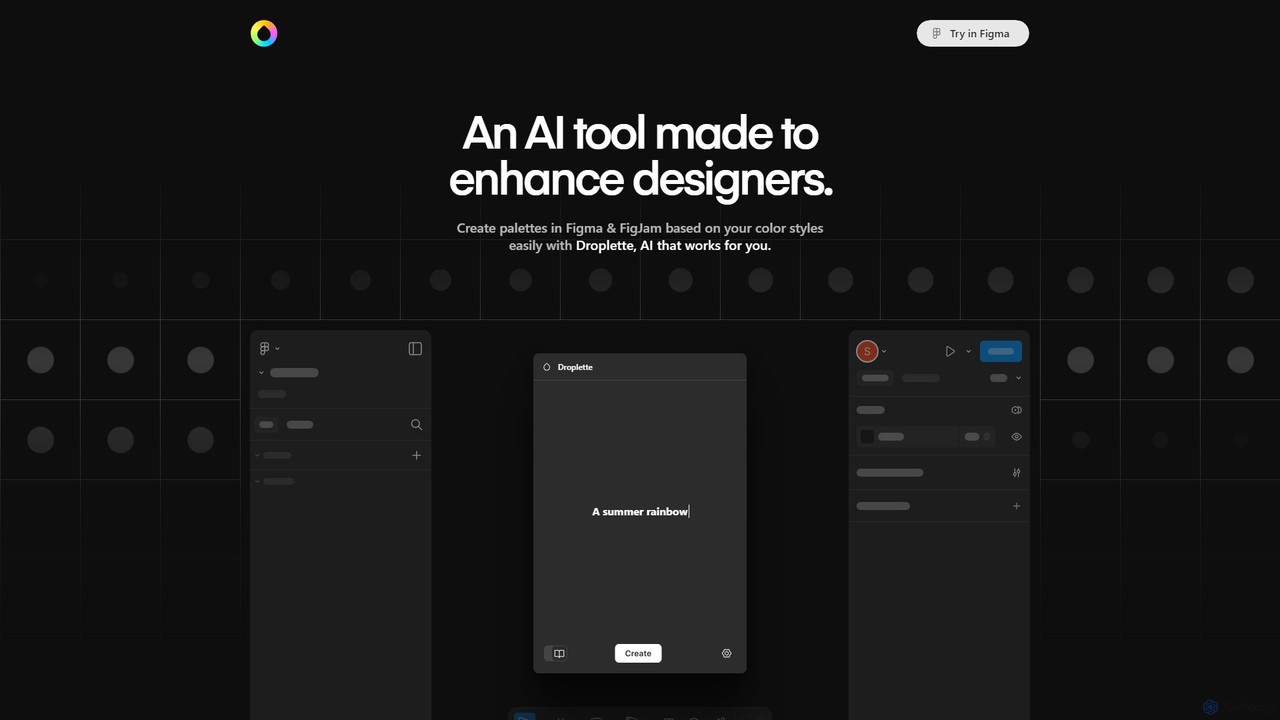
Droplette
Droplette is an intelligent AI-powered color palette generator designed as a plugin for Figma and FigJam. It helps designers create unique and harmonious color schemes by extracting colors from frames, syncing with existing color styles, or generating new palettes from scratch. It offers an intuitive interface for real-time adjustments and iterations, streamlining the design workflow.
Color Palette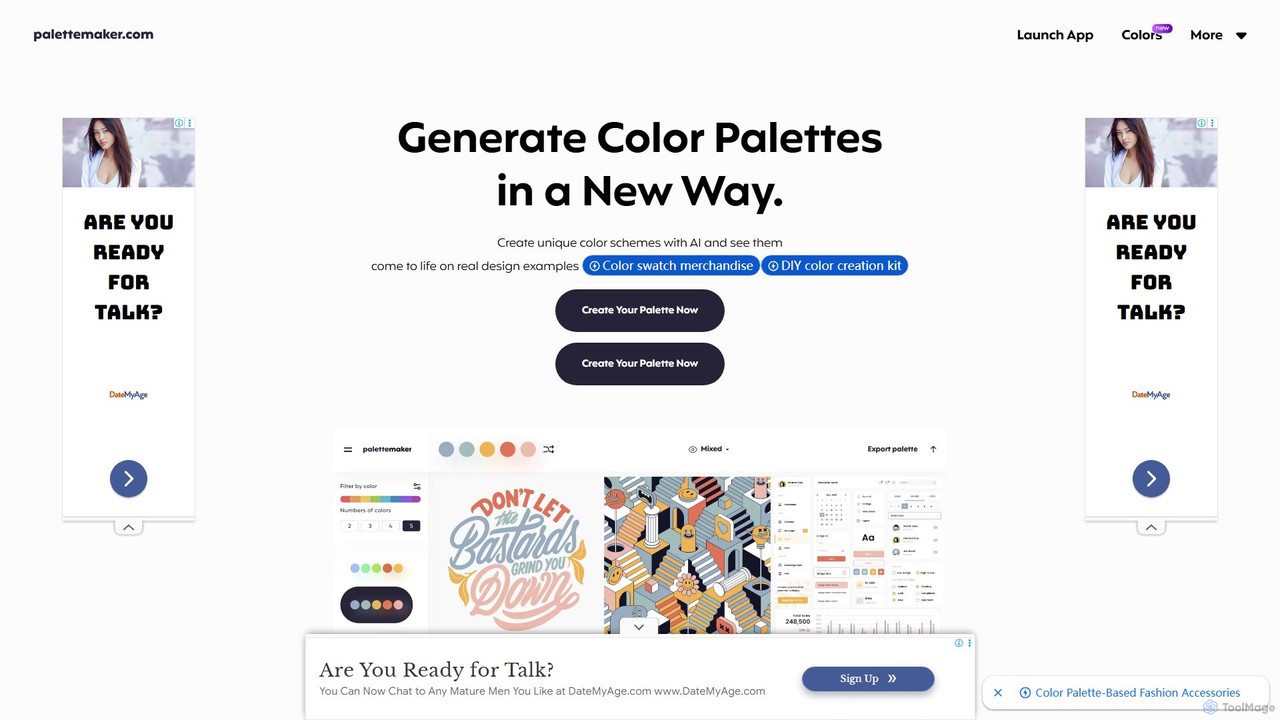
PaletteMaker
PaletteMaker is a free, AI-powered color palette generator that allows designers and creatives to create and instantly preview color schemes on real-world design mockups. It supports various creative fields like UI/UX, branding, and illustration, offering powerful export options for professional workflows.
Inspiration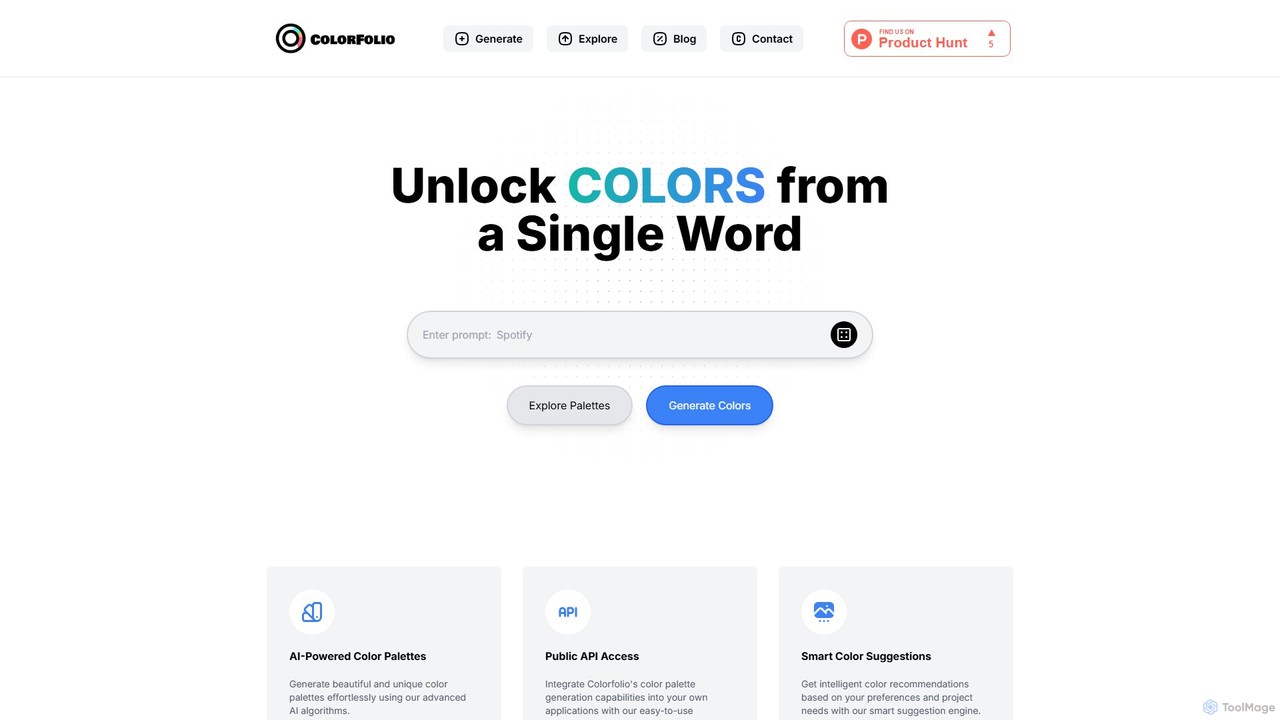
Colorfolio
Colorfolio is an AI-powered color palette generator that creates beautiful and unique color schemes from a single word or text prompt. Ideal for designers, developers, and brand managers, it simplifies the color selection process with smart suggestions and offers a public API for integration.
Color Palette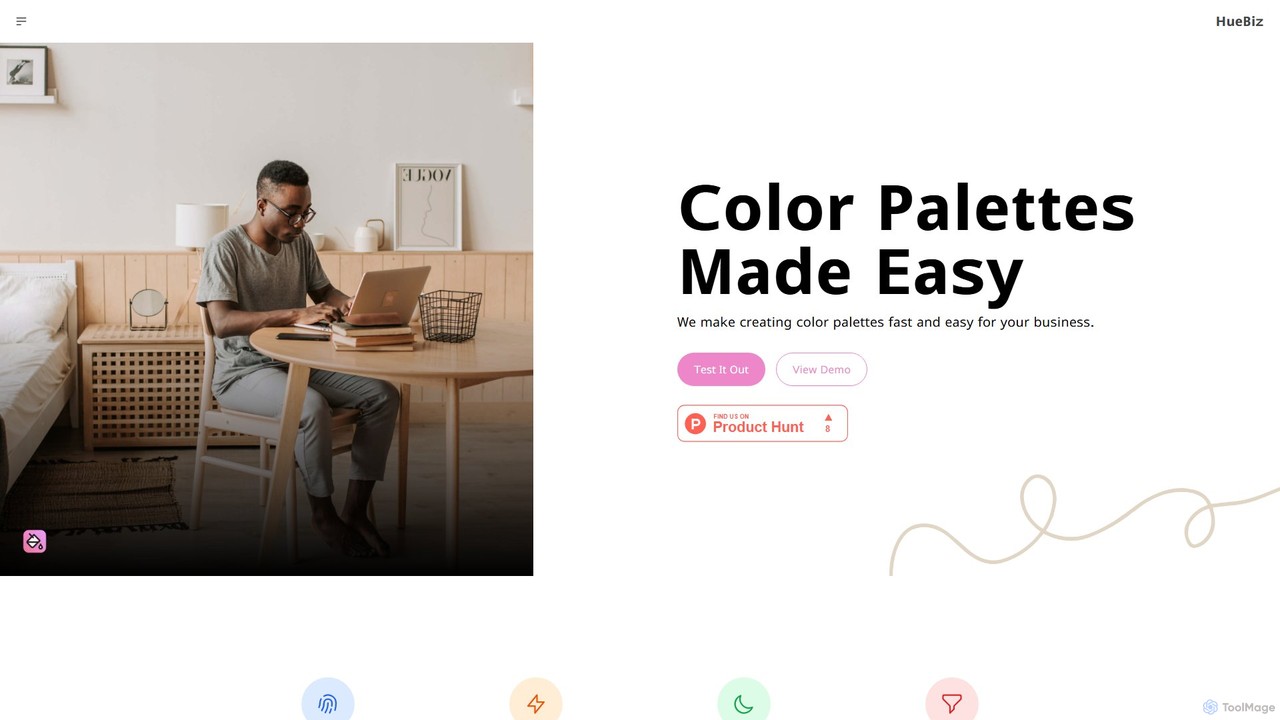
HueBizz
HueBizz is an AI-powered color palette generator that helps businesses create fast, easy, and effective color schemes. It leverages AI to analyze market trends and brand identity, delivering tailored palettes for various industries, complete with dynamic light and dark mode adjustments.
Color Palette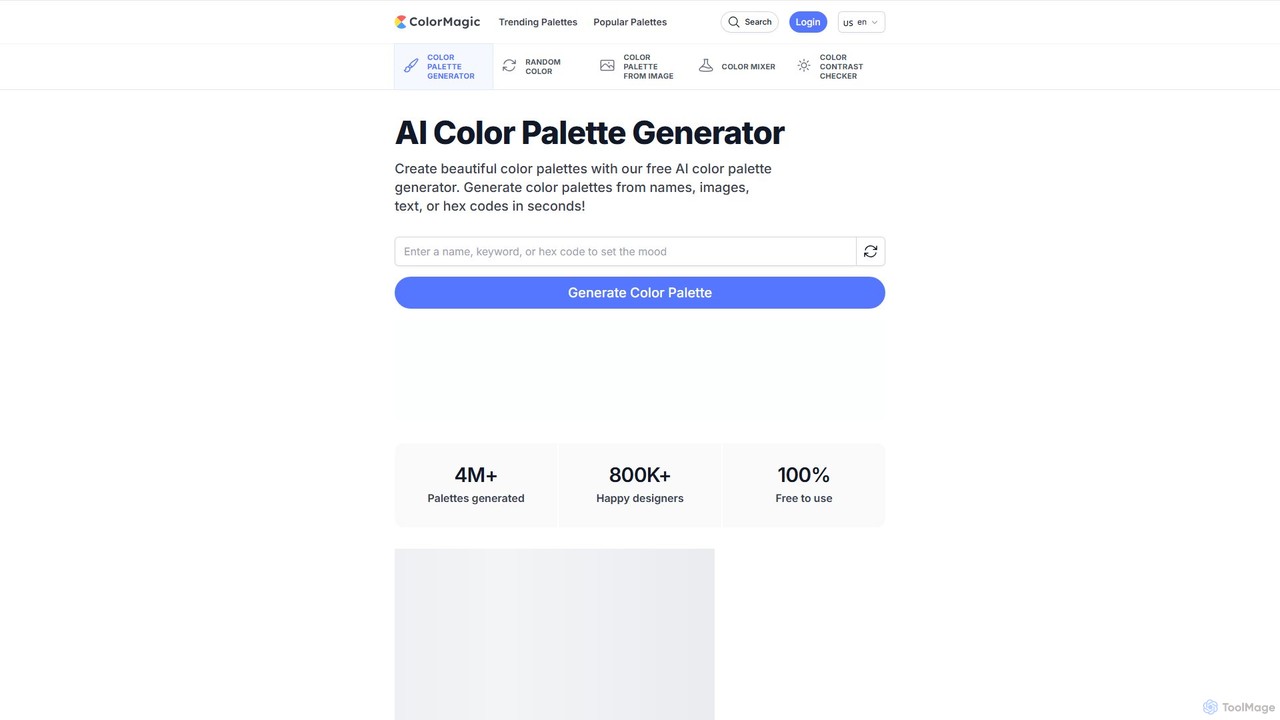
ColorMagic
ColorMagic is a free AI-powered color palette generator. It allows designers, artists, and developers to instantly create beautiful and harmonious color schemes from text prompts, keywords, images, or hex codes. It's a versatile tool for finding color inspiration and practical design assets.
Color PaletteColor Fuse AI Categories
Color Fuse AI Embed Widget
Copy this embed code to place the badge on your blog, article, or product site and send readers directly to this ToolMage detail page.

Related AI tools
MyColorHub
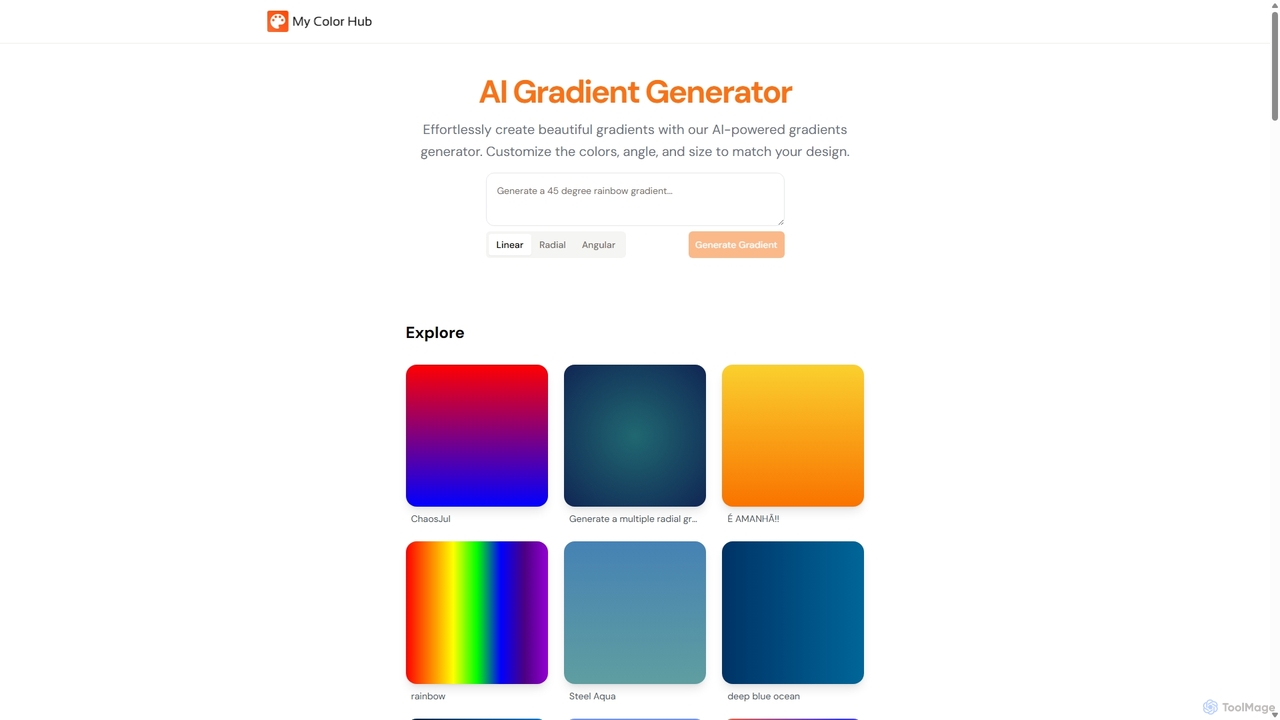
MyColorHub is an AI-powered gradient generator that effortlessly creates beautiful, unique color gradients from simple text prompts. Describe a mood, a scene, or a color combination, and the AI will generate stunning linear, radial, or angular gradients. It's an intuitive tool for designers, developers, and content creators to quickly find inspiration and generate custom color schemes for their projects.
GraphicsDroplette
Droplette is an intelligent AI-powered color palette generator designed as a plugin for Figma and FigJam. It helps designers create unique and harmonious color schemes by extracting colors from frames, syncing with existing color styles, or generating new palettes from scratch. It offers an intuitive interface for real-time adjustments and iterations, streamlining the design workflow.
Color PaletteColorMagic
ColorMagic is a free AI-powered color palette generator. It allows designers, artists, and developers to instantly create beautiful and harmonious color schemes from text prompts, keywords, images, or hex codes. It's a versatile tool for finding color inspiration and practical design assets.
Color Palette
Huemint
Huemint is an AI-powered color palette generator that uses machine learning to create unique and harmonious color schemes for brands, websites, graphics, and illustrations. It provides contextual previews to visualize how colors work together in real-world applications.
Inspiration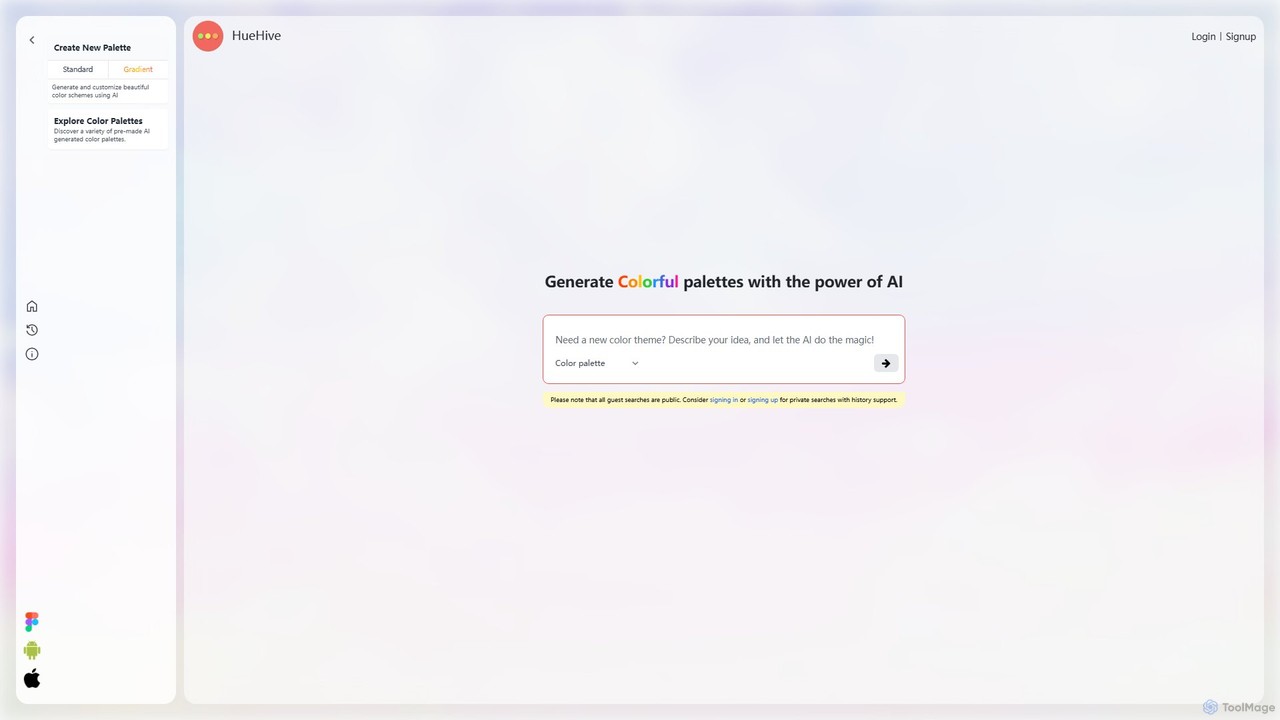
HueHive
HueHive is an AI-powered color palette and gradient generator that transforms text prompts into beautiful, unique color schemes. Ideal for designers, developers, and creatives, it simplifies the color selection process. Explore a vast library of community-generated palettes or create your own private schemes with a user account. Get inspired and accelerate your design workflow with context-aware, AI-generated colors.
Color Palette Generator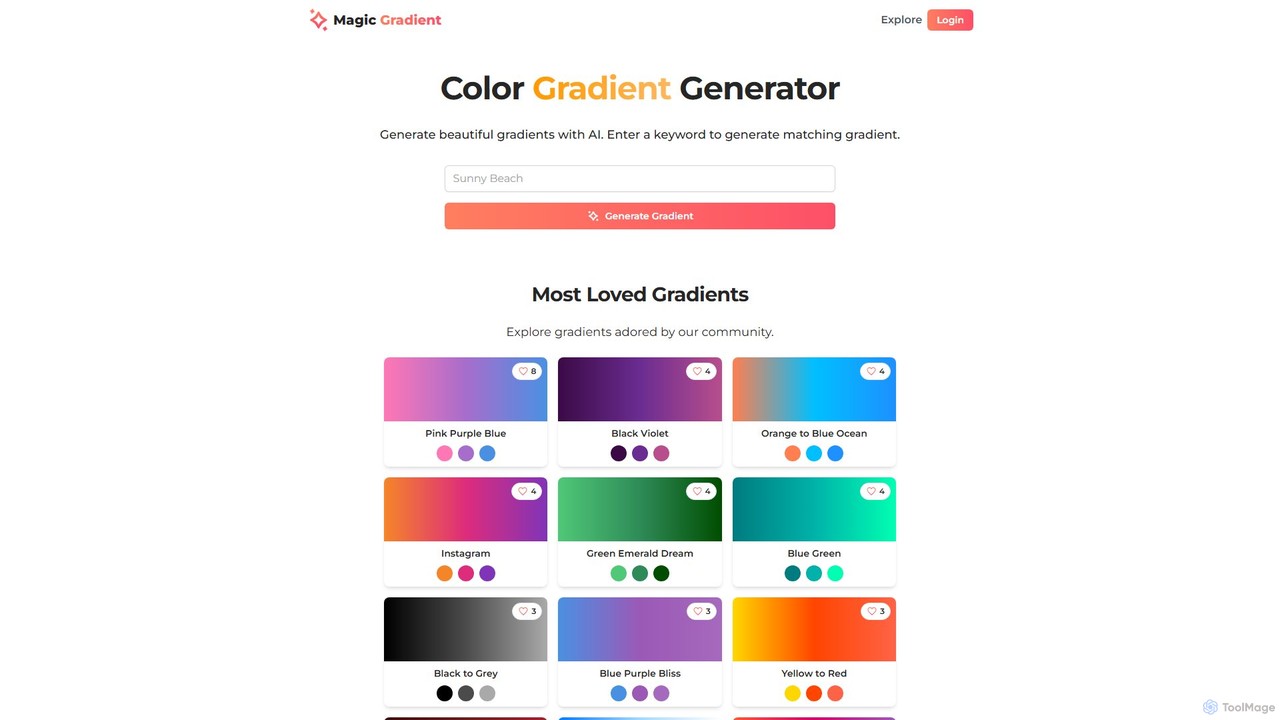
magicgradient
An AI-powered design suite for creating stunning color gradients, customizable SVG waves, and gradient-filled SVGs. Simply enter a keyword to generate unique color schemes, or use the advanced tools to create dynamic backgrounds and assets for your web and graphic design projects.
Color Palette Generator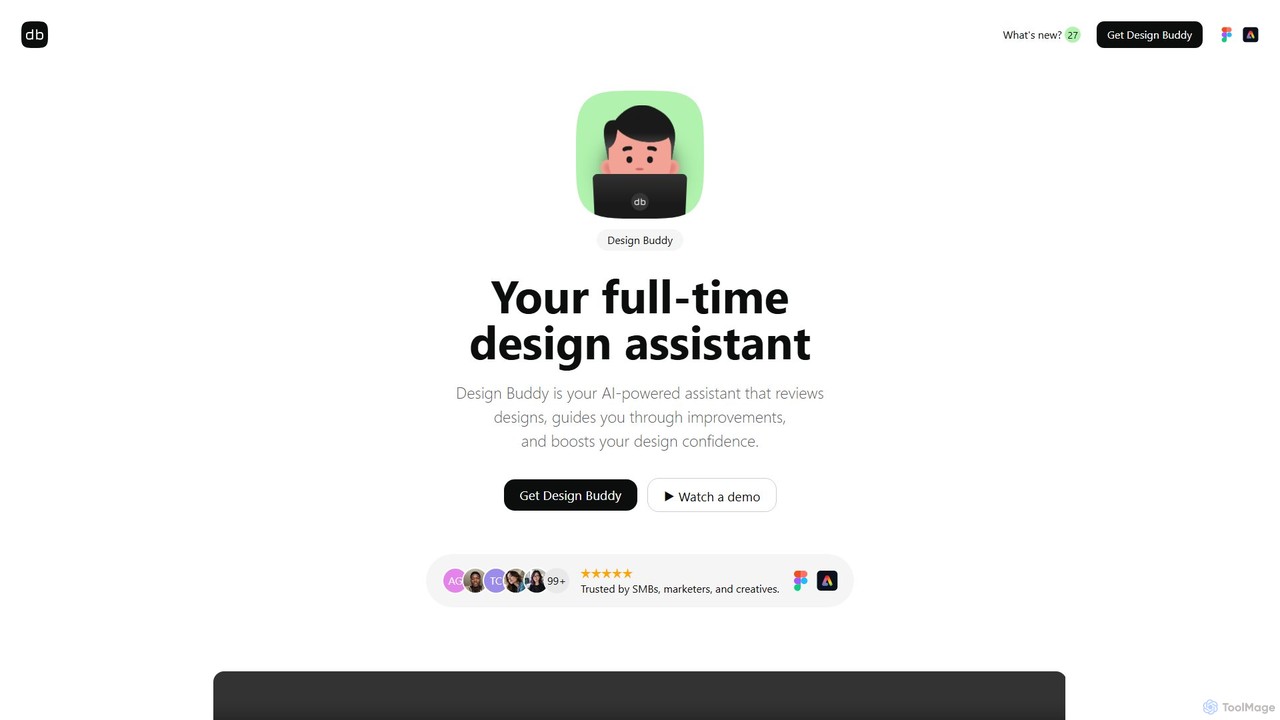
Design Buddy
Design Buddy is an AI-powered plugin for Figma and Adobe Express that acts as a full-time design assistant. It provides instant, insightful reviews on your designs, covering layout, color, typography, and accessibility, helping you improve your work and boost your design confidence.
Developer Tools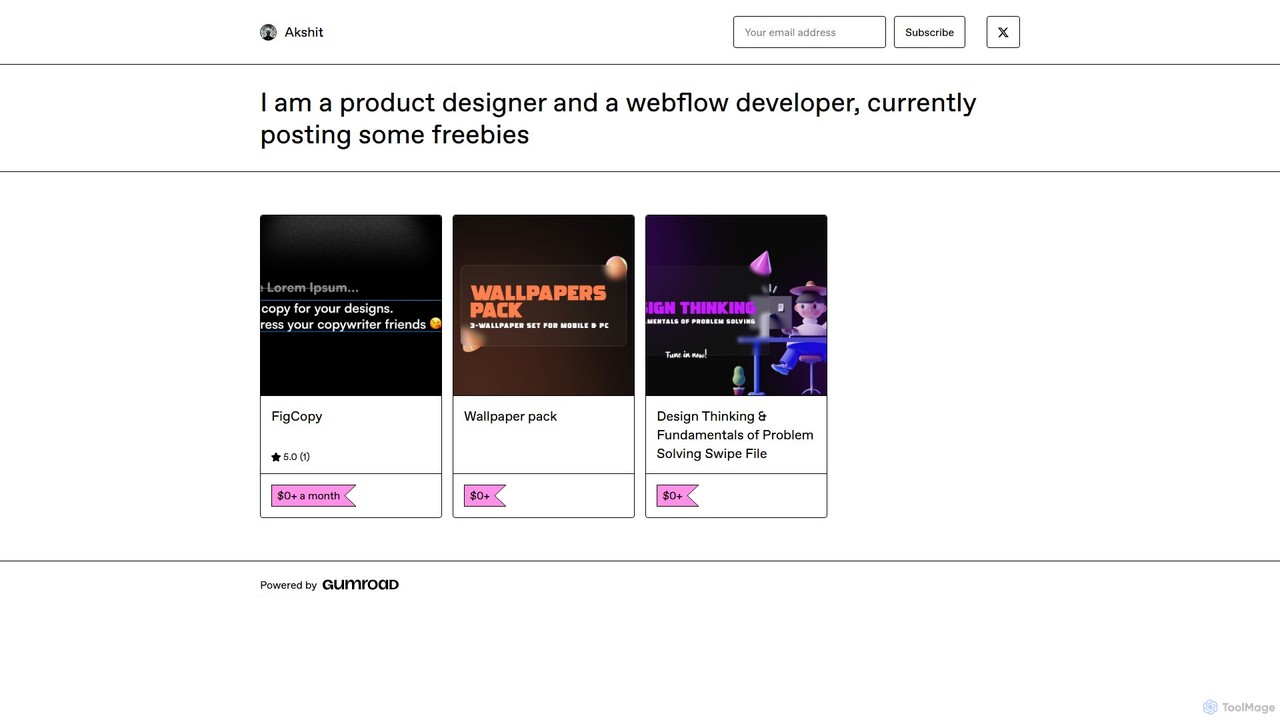
FigCopy
FigCopy is an AI-powered Figma plugin that replaces dummy text with high-quality, context-aware copy. Select a text layer, provide some context, and instantly generate compelling headlines, CTAs, and body text. It streamlines the design workflow, enhances collaboration, and helps you create more realistic and professional designs. Perfect for UI/UX designers, web designers, and marketing teams.
CopywritingPaletteMaker
PaletteMaker is a free, AI-powered color palette generator that allows designers and creatives to create and instantly preview color schemes on real-world design mockups. It supports various creative fields like UI/UX, branding, and illustration, offering powerful export options for professional workflows.
Inspiration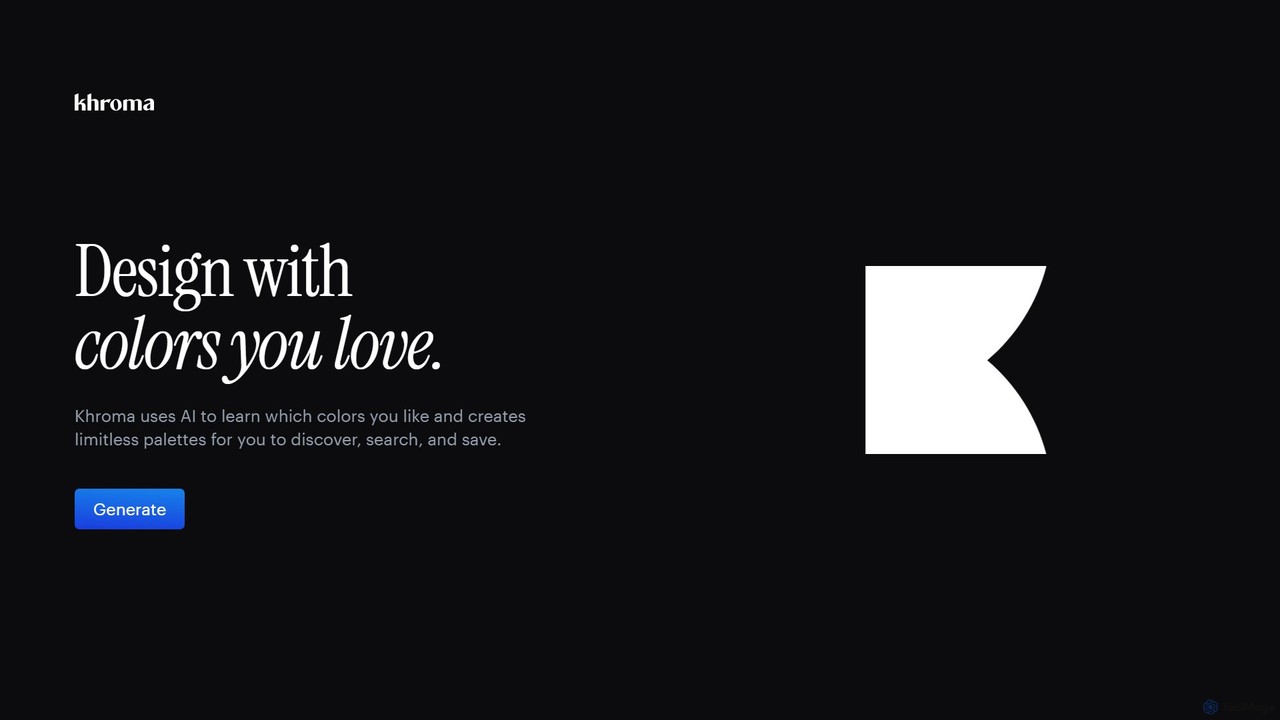
Khroma
Khroma is an AI-powered color tool for designers that learns your personal aesthetic preferences. By training a neural network with colors you like, it generates an infinite number of unique and beautiful color palettes, which can be viewed as typography, gradients, or on custom images. It's a powerful assistant for discovering, searching, and saving color combinations for any design project.
Generative Art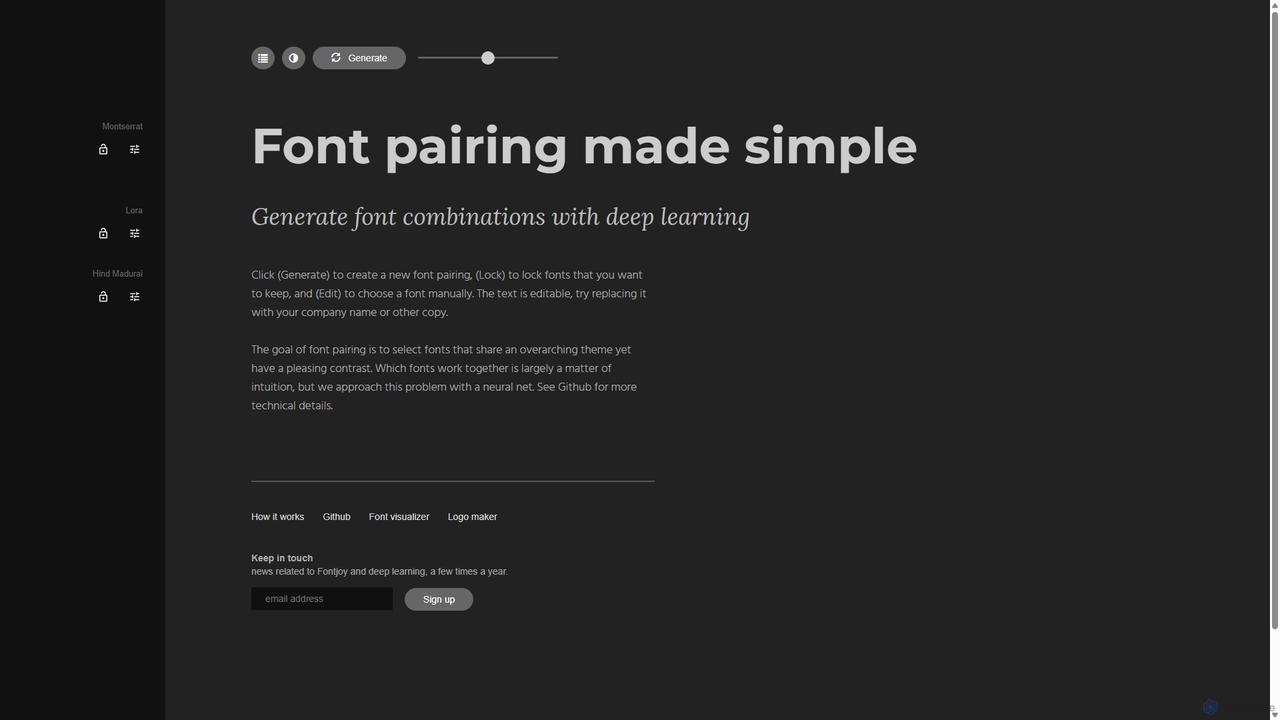
Fontjoy
Fontjoy is an AI-powered tool that helps designers and developers generate beautiful and harmonious font pairings with a single click. Using deep learning, it intelligently selects fonts for headings, subheadings, and body text that balance contrast and similarity, streamlining the design process.
Typography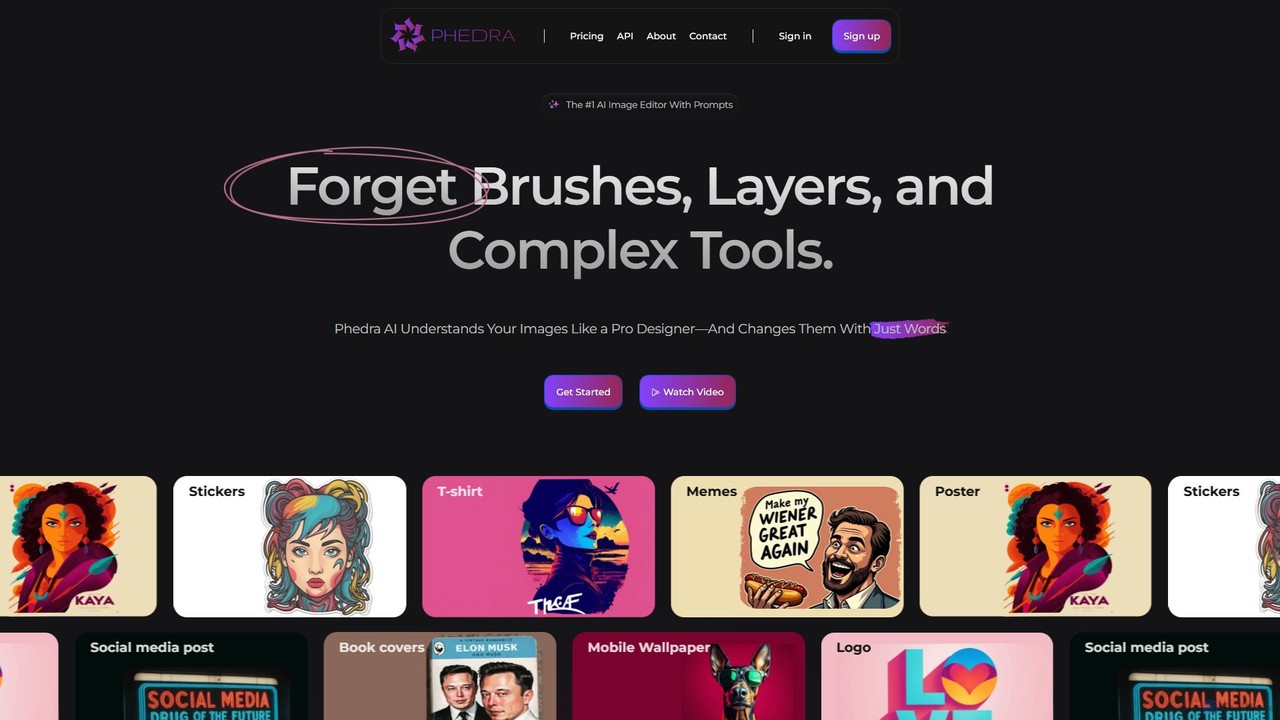
Phedra
Phedra is an AI-powered image editor that transforms your photos using simple text prompts. Instead of complex tools, you can add or remove objects, change styles, replace backgrounds, and modify text with natural language commands. It's designed for everyone, from marketers to individuals, to create professional-quality designs like social media posts, logos, and t-shirts effortlessly.
Graphic Design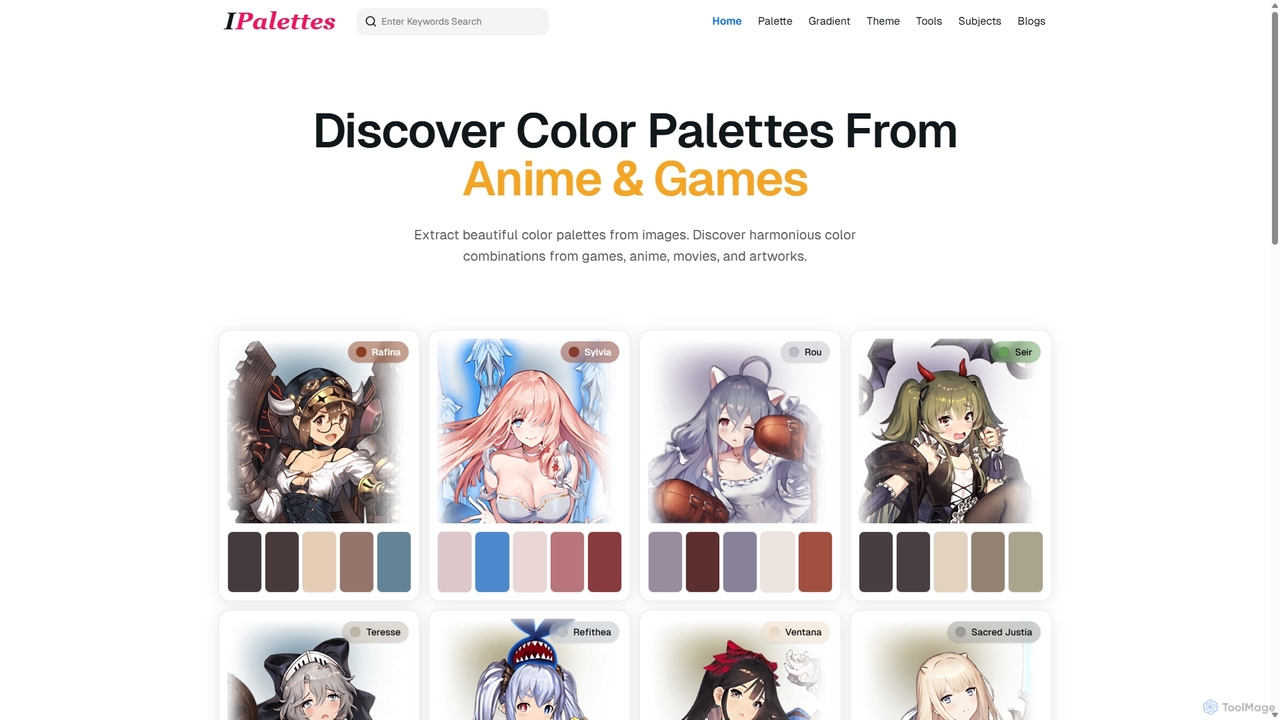
Ipalettes
Ipalettes is an AI-powered suite of tools for designers and developers, offering instant generation of color palettes, gradients, and shadcn/ui themes from simple text prompts. Discover unique color combinations and draw inspiration from a vast library derived from games, anime, and art.
Color Palette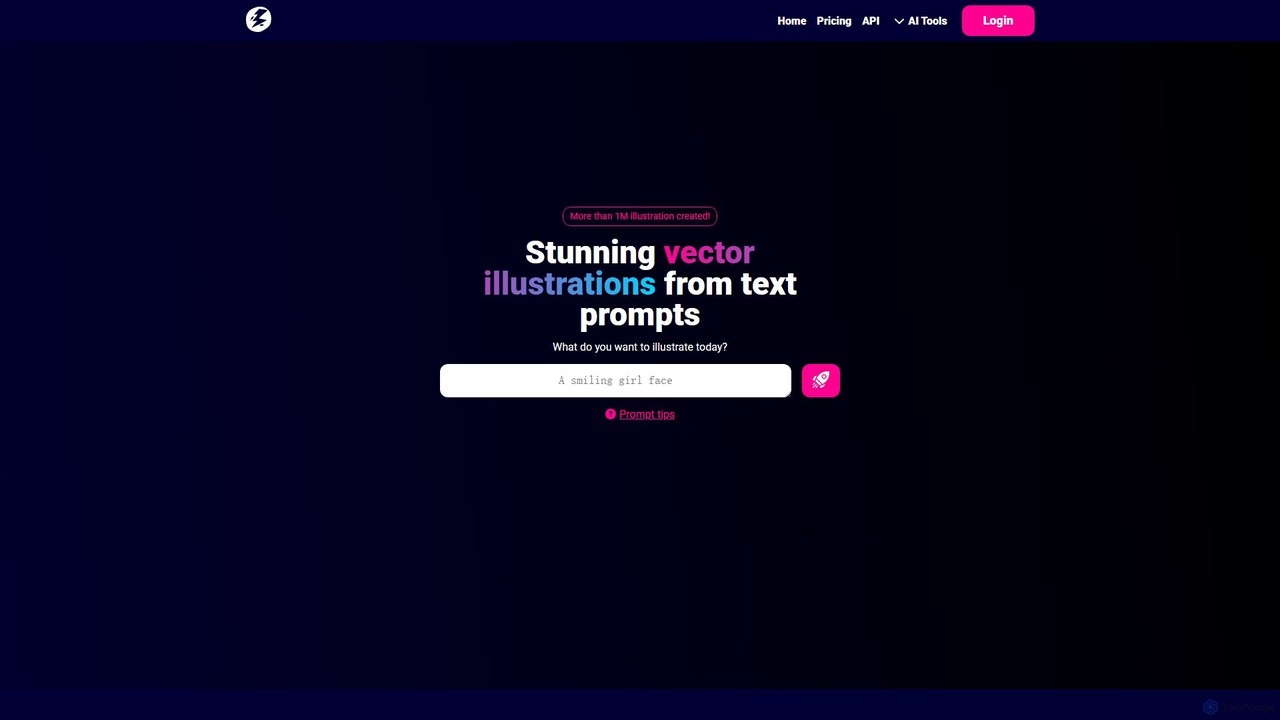
illustroke
Illustroke is a generative AI tool that transforms text prompts into high-quality, editable vector illustrations (SVG). Ideal for creating website graphics, logos, and icons, it offers over 40 distinct styles and provides fully scalable and customizable results in seconds, bridging the gap between imagination and professional design assets.
Illustration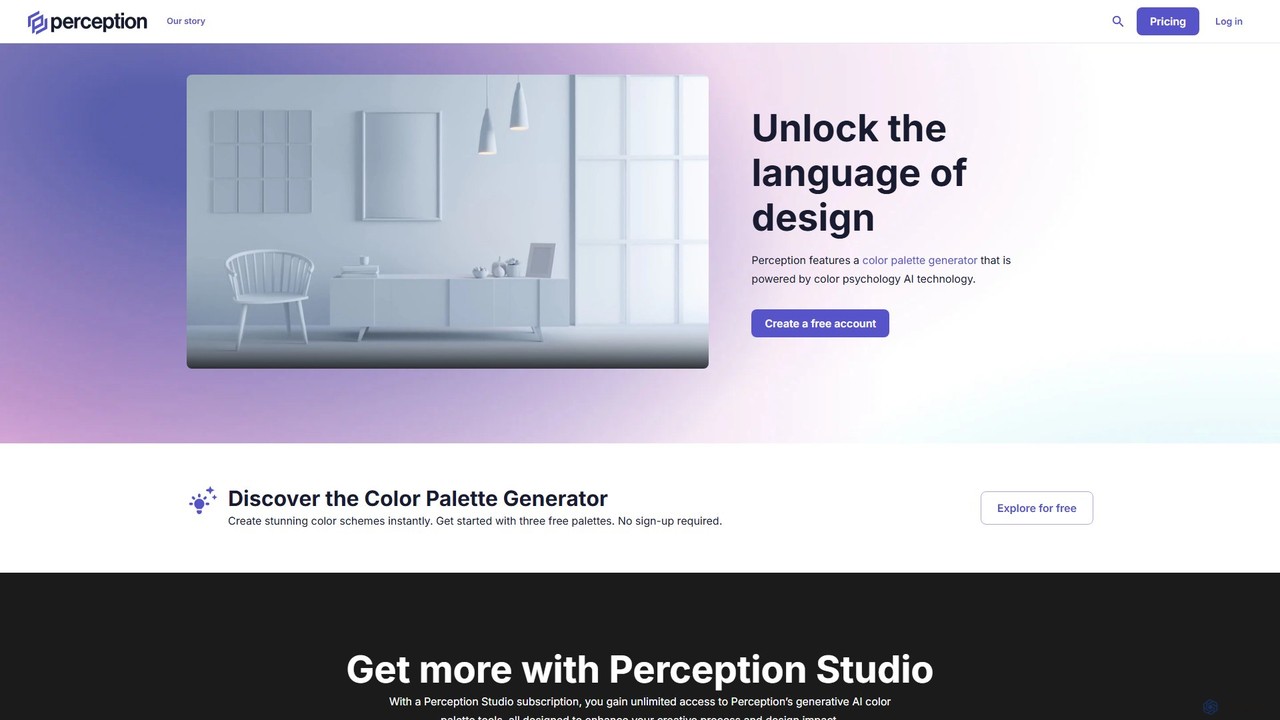
Perception
Perception is an AI-powered design intelligence platform that generates color palettes based on color psychology. It helps designers and creators build emotionally resonant color schemes using simple text prompts, analyze existing palettes, and explore a vast library of over 50 million AI-generated options to make impactful design choices.
Generative Art
Color Fuse AI Comments (0)
Sign in to comment.
Sign inNo comments yet.