magicgradient
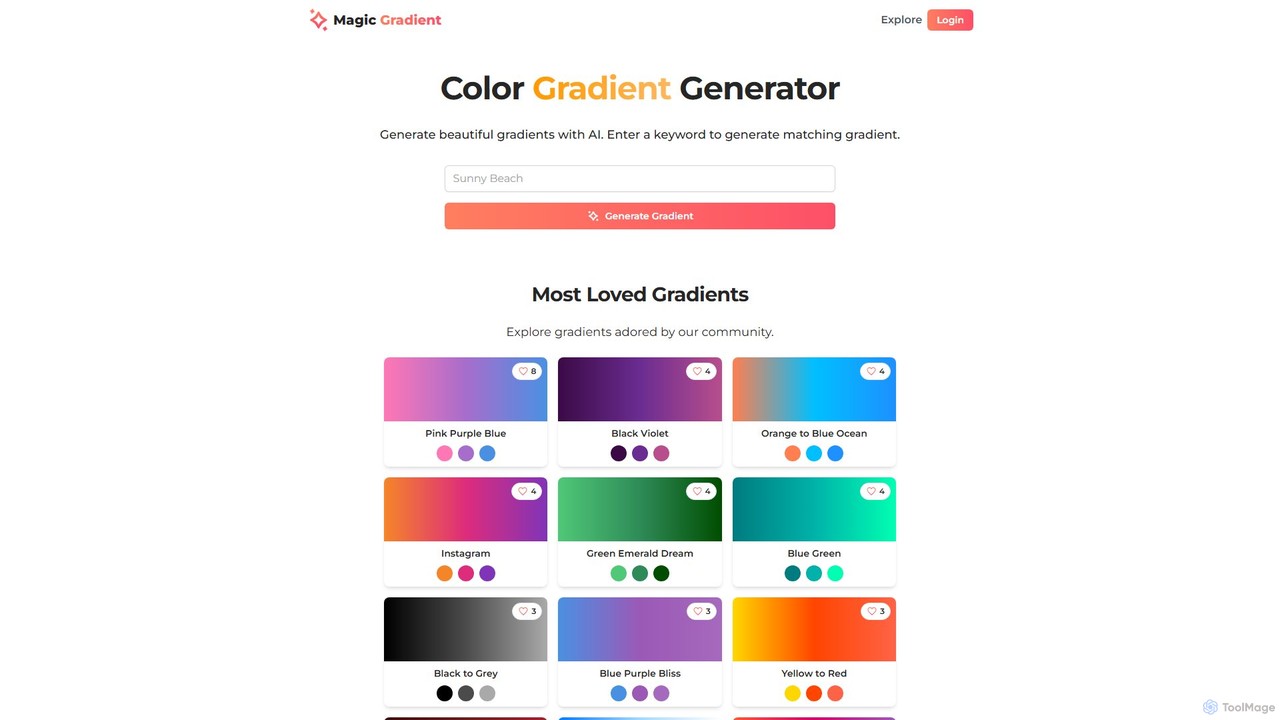
An AI-powered design suite for creating stunning color gradients, customizable SVG waves, and gradient-filled SVGs. Simply enter a …
An AI-powered design suite for creating stunning color gradients, customizable SVG waves, and gradient-filled SVGs. Simply enter a keyword to generate unique color schemes, or use the advanced tools to create dynamic backgrounds and assets for your web and graphic design projects.
HueHive
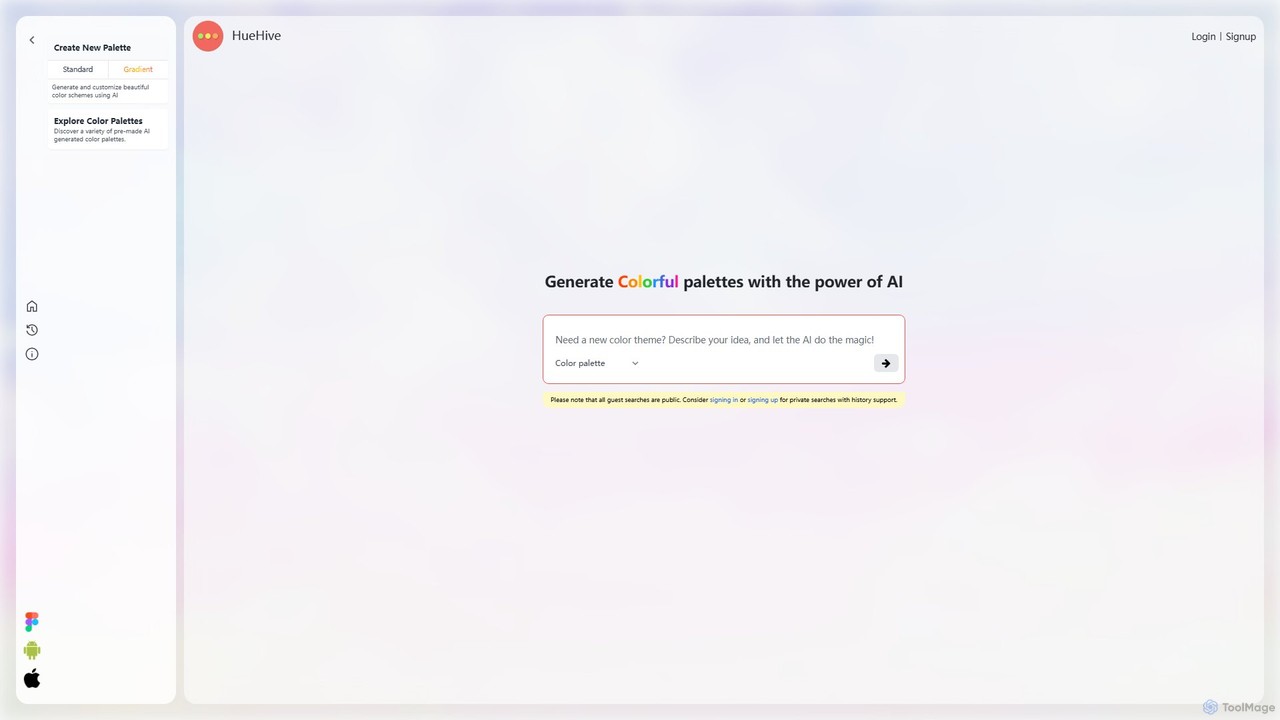
HueHive is an AI-powered color palette and gradient generator that transforms text prompts into beautiful, unique color schemes. …
HueHive is an AI-powered color palette and gradient generator that transforms text prompts into beautiful, unique color schemes. Ideal for designers, developers, and creatives, it simplifies the color selection process. Explore a vast library of community-generated palettes or create your own private schemes with a user account. Get inspired and accelerate your design workflow with context-aware, AI-generated colors.
About Color Palette Generator
AI Color Palette Generators are tools that automatically create harmonious color schemes from inputs like images, text prompts, or a single color. They use algorithms based on color theory and machine learning to suggest complementary, analogous, or triadic palettes. These tools accelerate the design workflow for designers, marketers, and developers by providing visually appealing and contextually relevant color combinations instantly. Many also include features like accessibility checks and live previews on UI mockups, ensuring both aesthetic and functional quality.
Core Features
- Palette from Image: Extracts dominant or representative colors from an uploaded photograph or illustration.
- Text-to-Palette Generation: Creates a color scheme based on a descriptive text prompt, such as "calm beach sunset."
- Color Theory Models: Automatically generates palettes based on established rules like complementary, triadic, and analogous.
- Accessibility Audits: Includes tools to check color contrast ratios against WCAG standards for readability.
- Real-time Previews: Shows how the generated palette will look on sample websites, app interfaces, or branding materials.
Use Cases
These tools are widely used in UI/UX design for creating app and website interfaces, in branding for developing consistent visual identities, and by digital artists for establishing a color foundation for their work. Marketers also use them to design cohesive social media campaigns and presentations that align with brand guidelines.
How to Choose
When selecting a Color Palette Generator, consider the available input methods (image, text, color wheel). Evaluate the level of customization, such as adjusting shades, tints, and tones. Check for essential export formats like CSS, SVG, or Adobe Swatch Exchange (.ase). Finally, prioritize tools with built-in accessibility checkers if your project requires compliance with web standards.

Color Palette GeneratorUse Cases
Creating a Brand Identity Color Scheme
A brand strategist or designer developing a new visual identity can upload a mood board image that captures the brand's essence. The AI tool analyzes the image and extracts a primary, secondary, and accent color palette. The designer can then fine-tune the shades, check contrast ratios for WCAG compliance to ensure readability on digital assets, and export the final hex codes and RGB values for the official brand style guide. This process ensures a cohesive and accessible brand presence across all marketing materials.
UI/UX Design for a New Mobile App
A UI/UX designer is tasked with creating a color scheme for a new wellness app. Instead of starting from scratch, they input a single primary brand color into the generator. The tool instantly creates a full palette, including lighter and darker shades for interactive states (hover, pressed), neutral grays for text and backgrounds, and semantic colors for success, warning, and error messages. The designer can preview the palette on pre-built UI components within the tool, allowing for rapid iteration and ensuring a visually consistent and user-friendly interface.
Generating Palettes from a Photograph
A digital artist wants to create an illustration inspired by the colors of a specific landscape photograph. They upload the high-resolution image to the color palette generator. The tool's algorithm identifies and extracts the 5-10 most dominant and harmonious colors, capturing the mood of the photo. The artist can then directly import this palette into their digital painting software (like Procreate or Photoshop) to use as a consistent and natural-looking color foundation for their artwork, ensuring the final piece retains the original photo's atmosphere.
Developing Thematic Social Media Content
A social media manager needs to create a visually cohesive feed for an upcoming seasonal campaign (e.g., 'Autumn Vibes'). They use a text-to-palette generator and input the prompt "warm and cozy autumn afternoon." The AI generates a palette of oranges, browns, and deep reds. The manager exports this palette and shares it with the content creation team. This ensures that all graphics, photos, and videos produced for the campaign use a consistent color scheme, strengthening the campaign's theme and improving brand recognition on the feed.
Interior Design Mood Board Creation
An interior designer is creating a concept for a client's living room. They start with a photo of a key piece of furniture, like a blue velvet sofa. By uploading this photo to a palette generator, they instantly get a complementary color scheme including soft grays, warm woods, and a mustard yellow accent. This AI-generated palette provides a professional starting point for selecting paint colors, fabrics, and accessories, ensuring all elements in the room will work together harmoniously and saving hours of manual color matching.
Designing Accessible Data Visualization Charts
A data analyst needs to create a series of charts for a corporate report. To ensure the charts are readable for everyone, including those with color vision deficiencies, they use an AI palette generator with a built-in accessibility checker. The tool generates a color-blind safe palette with high-contrast colors. The analyst can apply this palette to their bar charts and pie graphs, confident that the data will be clearly distinguishable and compliant with accessibility standards, making the report more inclusive and effective.