

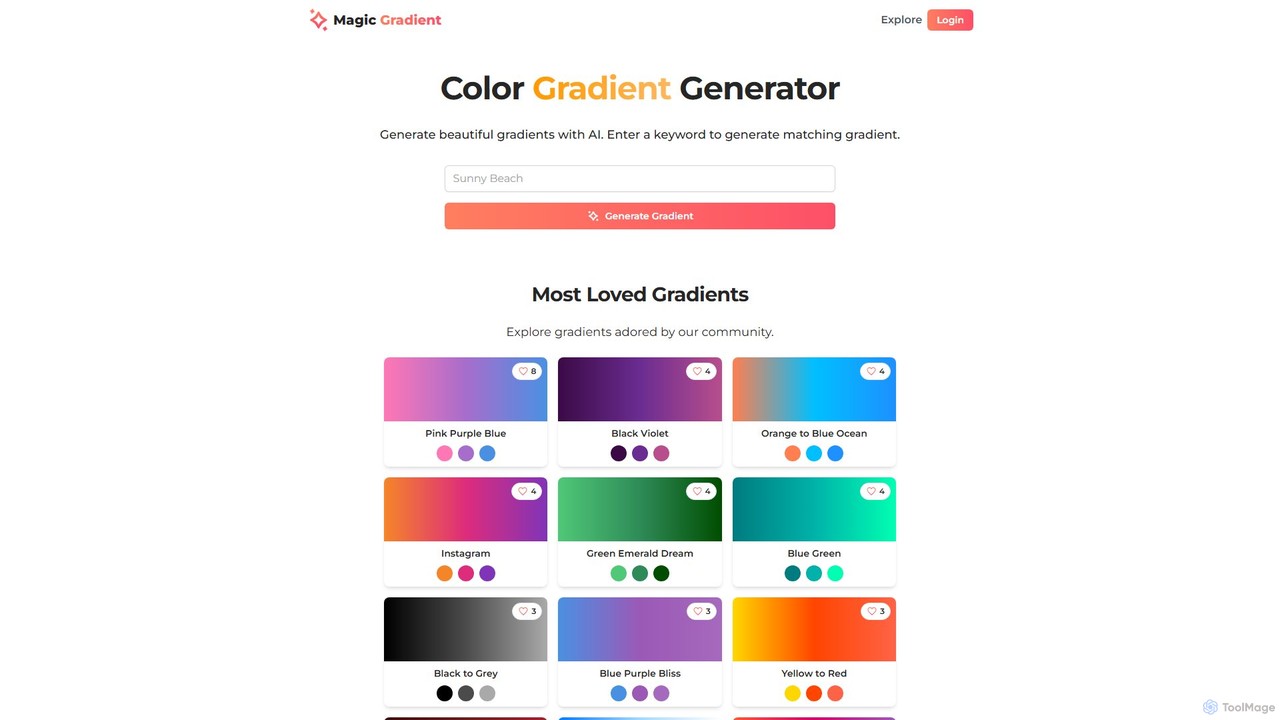
magicgradient Overview
Magicgradient is a versatile and intuitive online tool designed to empower designers and developers with the ability to create beautiful and complex color gradients effortlessly. Leveraging artificial intelligence, it simplifies the color selection process and offers a suite of utilities for generating dynamic visual assets. Whether you're designing a website, creating a brand identity, or developing a mobile app, Magicgradient provides the tools you need to produce visually striking results.
The platform is more than just a simple gradient picker. It features an AI-powered generator that creates harmonious color combinations based on a single keyword, tapping into a vast understanding of color theory and context. Additionally, it hosts a large, community-curated library of pre-made gradients, allowing users to explore popular and trending color schemes. For more advanced applications, Magicgradient includes an SVG Wave Generator and an SVG Fill Gradient Converter, making it a comprehensive resource for modern design needs.
How to use magicgradient
Using Magicgradient is straightforward across its different features:
- AI Gradient Generator: On the main page, simply type a keyword (e.g., "ocean sunset," "forest morning," "cyberpunk city") into the input field and click "Generate Gradient." The AI will instantly produce a relevant and aesthetically pleasing gradient, complete with HEX color codes for immediate use. You can also browse the extensive collections and community-loved gradients for inspiration.
- SVG Wave Generator: Navigate to the SVG Wave Generator. Here, you can customize your wave by adding or removing colors from the gradient, adjusting the gradient's direction, changing the wave's shape (cubic, roundy, pointy), and modifying its frequency. Once you are satisfied with the preview, you can download the final product as a clean SVG file.
- SVG Fill Gradient Converter: Go to the SVG Fill Gradient Converter. You can either paste your SVG code directly or upload an SVG file. Then, define the gradient you want to apply by selecting colors, choosing the gradient type (linear or radial), and setting the angle. The tool will generate the new SVG with the gradient fill, ready for download.
Core Features of magicgradient
- AI Keyword-based Generation: Creates unique color gradients from text prompts, saving time and sparking creativity.
- SVG Wave Generator: Produces customizable, smooth, and scalable SVG wave backgrounds with full control over colors, shape, and frequency.
- SVG Fill Gradient Converter: Easily applies linear or radial gradients to any existing SVG icon or illustration.
- Extensive Gradient Library: Explore thousands of pre-made gradients, organized into collections like "Minimalist," "Vibrant," "Ocean," and "Modern."
- Community-Driven Inspiration: Discover and use gradients that are loved and favorited by other users.
- Direct Code Export: Instantly get HEX color codes and Tailwind CSS classes for seamless integration into your projects.
Use Cases for magicgradient
Magicgradient is ideal for a wide range of creative and technical professionals:
- Web Designers & Developers: Quickly create eye-catching hero sections, backgrounds, buttons, and other UI elements. The SVG wave generator is perfect for modern, dynamic layouts.
- Graphic Designers: Generate unique color palettes for branding, marketing materials, social media posts, and presentations.
- App Developers: Design beautiful and engaging user interfaces for mobile applications.
- Content Creators: Enhance visuals for blogs, videos, and infographics with professional-grade color schemes.
Advantages of magicgradient
The primary advantage of Magicgradient is its combination of simplicity and power. The AI generator removes the guesswork from color selection, while the advanced SVG tools provide a level of customization typically found in paid desktop software. It's an all-in-one, browser-based solution that streamlines the design workflow, boosts creativity, and is accessible to everyone, regardless of skill level.
Pricing and Plans
Magicgradient is completely free to use. All features, including the AI gradient generator, SVG wave generator, and SVG fill converter, are available without any cost or subscription, making it an invaluable tool for students, freelancers, and professionals alike.
Traffic
Latest traffic
Status
Monthly traffic trend
- 2025-9: 436
- 2026-1: 151
- 2026-2: 1.2K
- 2026-3: 2.7K
- 2026-4: 3.5K
- 2026-5: 3.8K
Geography
Top 5 countries / regions
- 🇺🇸United States39.9%
- 🇮🇳India29.7%
- 🇨🇦Canada10.9%
- 🇫🇷France9.8%
- 🇩🇪Germany9.7%
Top keywords
| Keyword | Cost per click |
|---|---|
| cool gradients | $0.00 |
| css gradient animation generator | $0.00 |
| css gradient transition generator | $0.00 |
| directional flow gradient animation | $0.00 |
| magicgradient.com | $0.00 |
magicgradient Alternatives
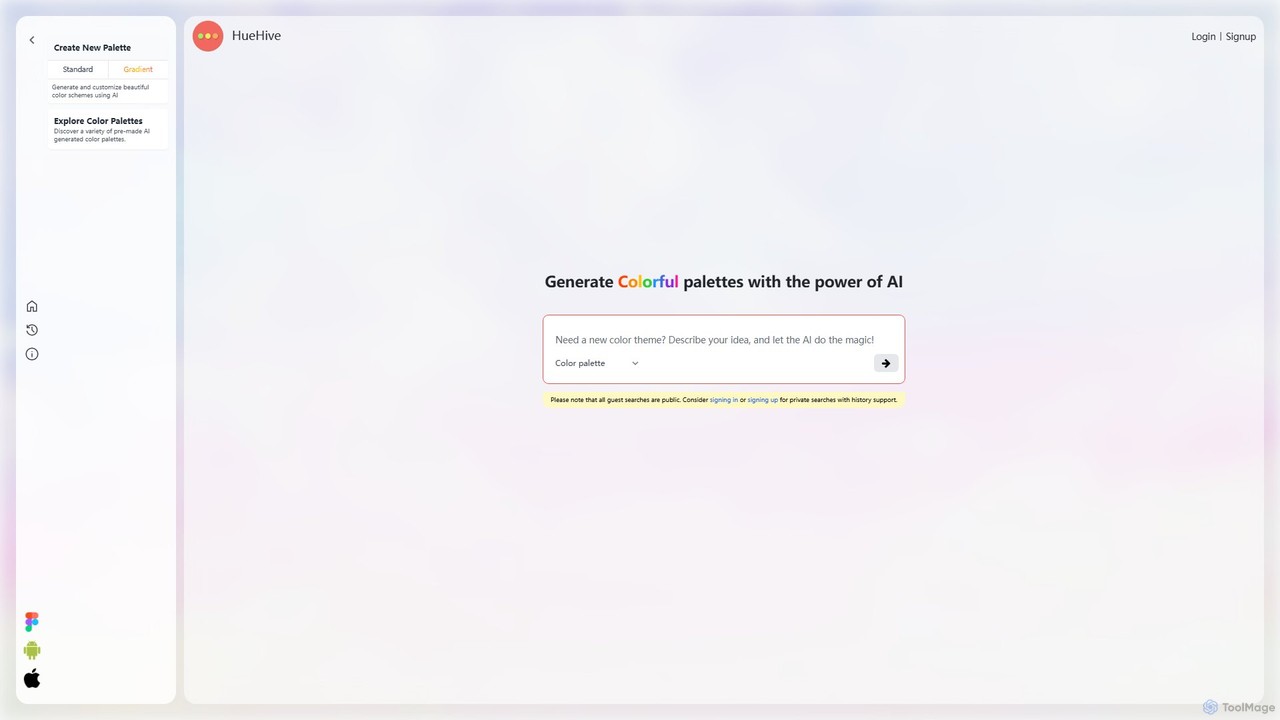
HueHive
HueHive is an AI-powered color palette and gradient generator that transforms text prompts into beautiful, unique color schemes. Ideal for designers, developers, and creatives, it simplifies the color selection process. Explore a vast library of community-generated palettes or create your own private schemes with a user account. Get inspired and accelerate your design workflow with context-aware, AI-generated colors.
Color Palette Generator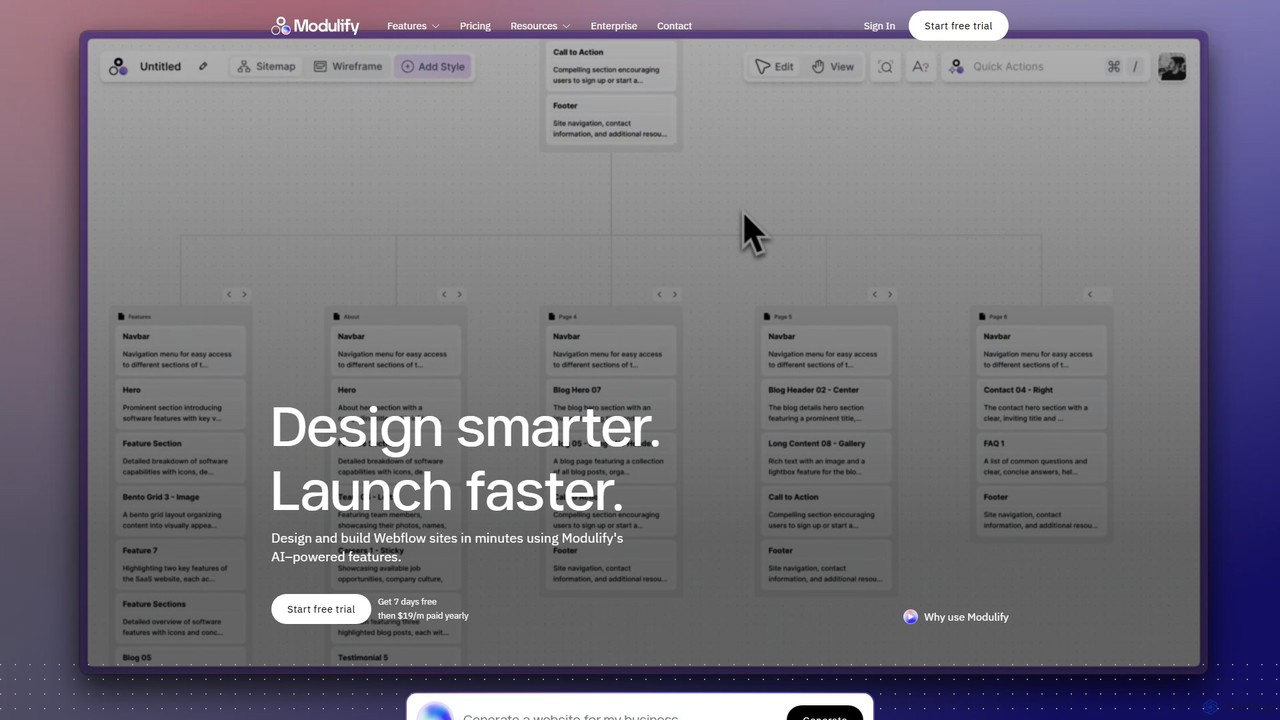
Modulify
Modulify is an AI-powered website builder designed to accelerate the Webflow design process. It enables users to generate sitemaps, wireframes, and fully styled, responsive websites from simple text prompts. Ideal for freelancers, creative agencies, and businesses, it streamlines development from idea to launch in minutes.
Website Builder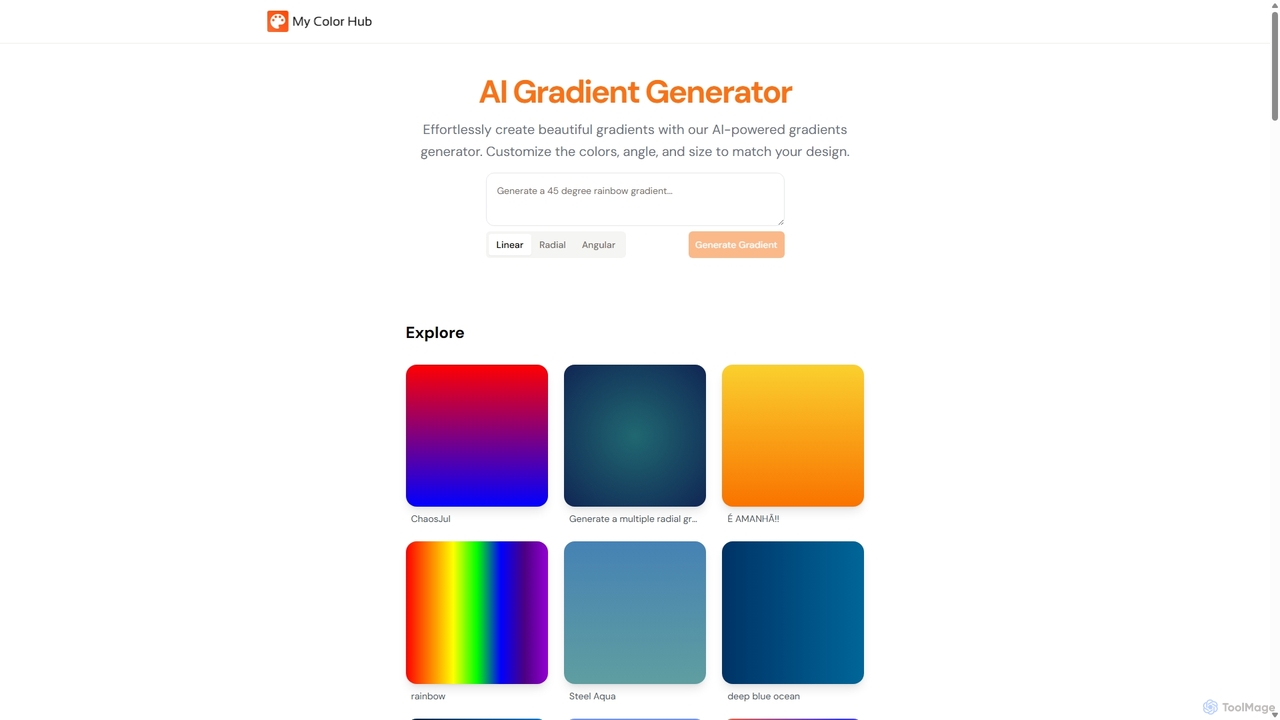
MyColorHub
MyColorHub is an AI-powered gradient generator that effortlessly creates beautiful, unique color gradients from simple text prompts. Describe a mood, a scene, or a color combination, and the AI will generate stunning linear, radial, or angular gradients. It's an intuitive tool for designers, developers, and content creators to quickly find inspiration and generate custom color schemes for their projects.
Graphics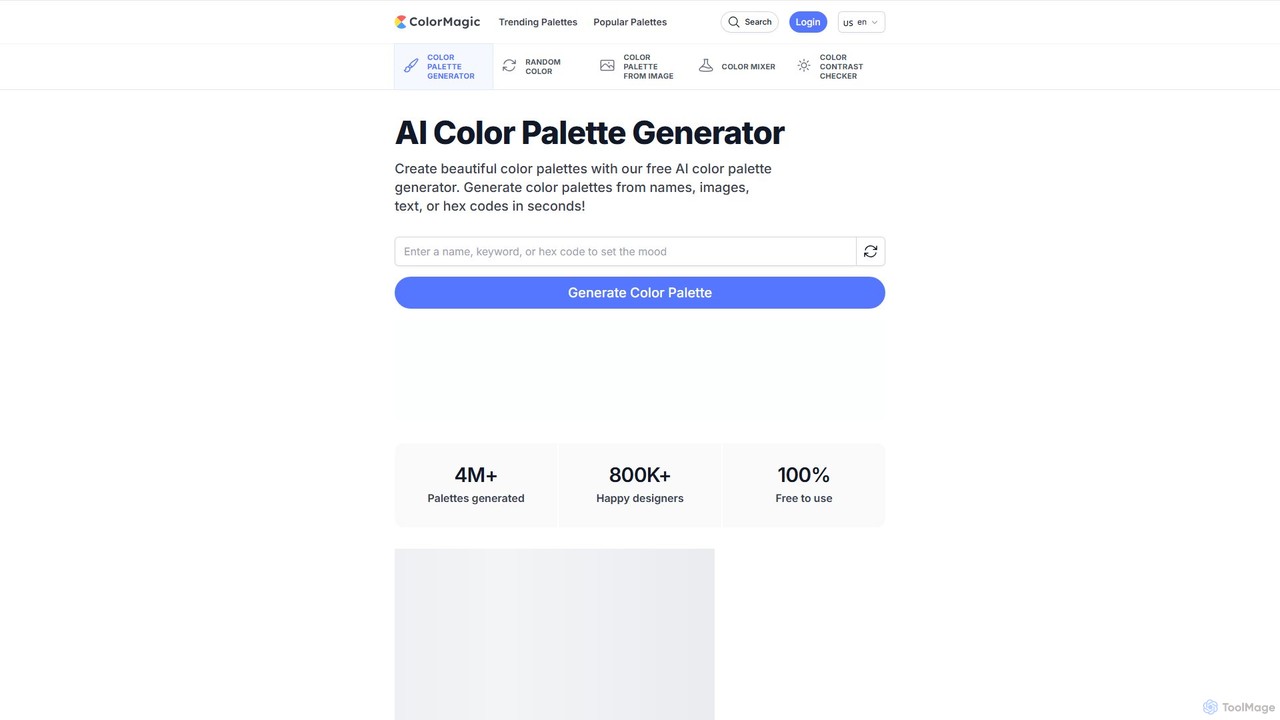
ColorMagic
ColorMagic is a free AI-powered color palette generator. It allows designers, artists, and developers to instantly create beautiful and harmonious color schemes from text prompts, keywords, images, or hex codes. It's a versatile tool for finding color inspiration and practical design assets.
Color Palette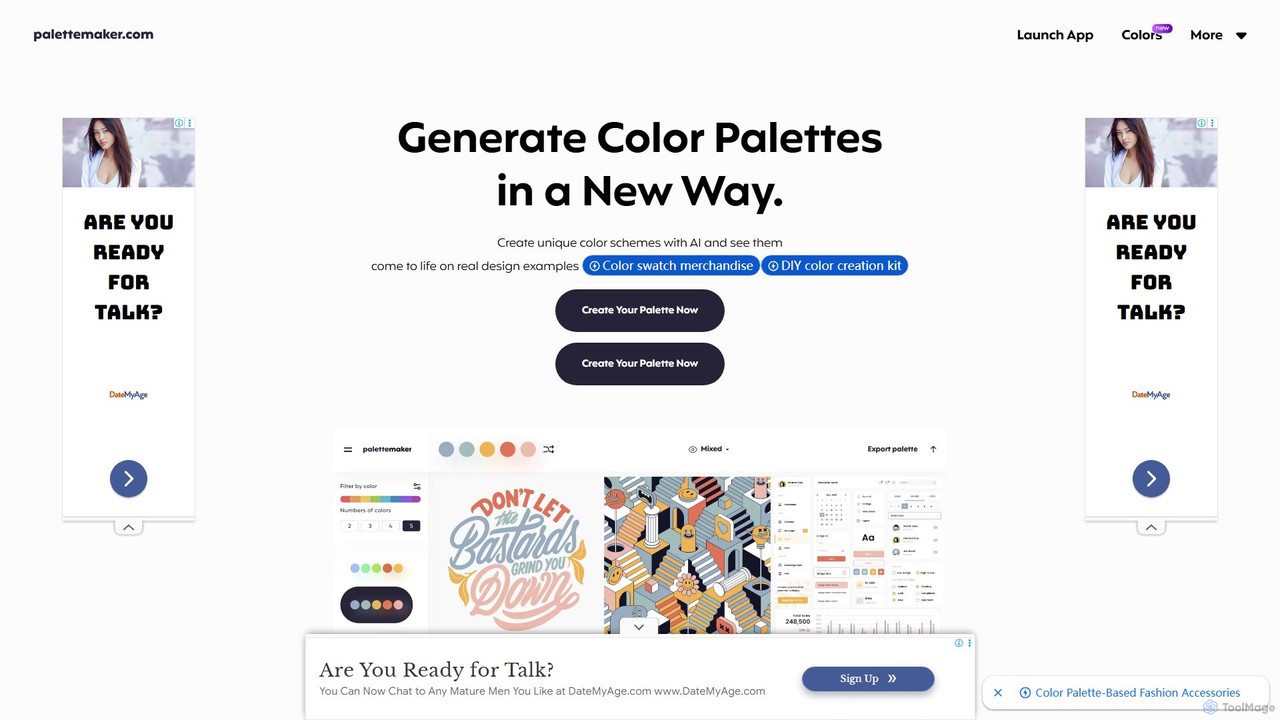
PaletteMaker
PaletteMaker is a free, AI-powered color palette generator that allows designers and creatives to create and instantly preview color schemes on real-world design mockups. It supports various creative fields like UI/UX, branding, and illustration, offering powerful export options for professional workflows.
Inspirationmagicgradient Categories
magicgradient Embed Widget
Copy this embed code to place the badge on your blog, article, or product site and send readers directly to this ToolMage detail page.

Related AI tools
HueHive
HueHive is an AI-powered color palette and gradient generator that transforms text prompts into beautiful, unique color schemes. Ideal for designers, developers, and creatives, it simplifies the color selection process. Explore a vast library of community-generated palettes or create your own private schemes with a user account. Get inspired and accelerate your design workflow with context-aware, AI-generated colors.
Color Palette GeneratorMyColorHub
MyColorHub is an AI-powered gradient generator that effortlessly creates beautiful, unique color gradients from simple text prompts. Describe a mood, a scene, or a color combination, and the AI will generate stunning linear, radial, or angular gradients. It's an intuitive tool for designers, developers, and content creators to quickly find inspiration and generate custom color schemes for their projects.
GraphicsColorMagic
ColorMagic is a free AI-powered color palette generator. It allows designers, artists, and developers to instantly create beautiful and harmonious color schemes from text prompts, keywords, images, or hex codes. It's a versatile tool for finding color inspiration and practical design assets.
Color PalettePaletteMaker
PaletteMaker is a free, AI-powered color palette generator that allows designers and creatives to create and instantly preview color schemes on real-world design mockups. It supports various creative fields like UI/UX, branding, and illustration, offering powerful export options for professional workflows.
Inspiration
Ggradient
Ggradient is an AI-powered tool for designers and developers to effortlessly create stunning and unique color gradients. Generate beautiful gradients from text prompts, images, or a single color, and export them as CSS, SVG, or PNG for seamless integration into any project.
Graphics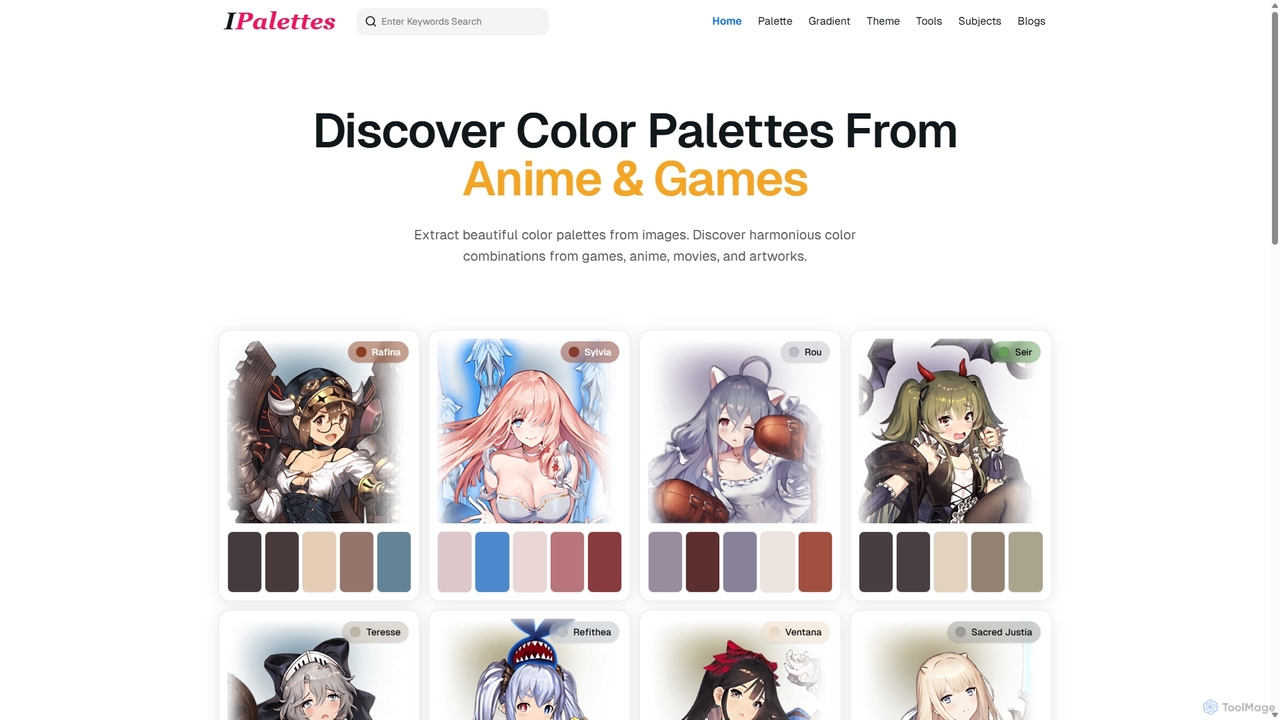
Ipalettes
Ipalettes is an AI-powered suite of tools for designers and developers, offering instant generation of color palettes, gradients, and shadcn/ui themes from simple text prompts. Discover unique color combinations and draw inspiration from a vast library derived from games, anime, and art.
Color Palette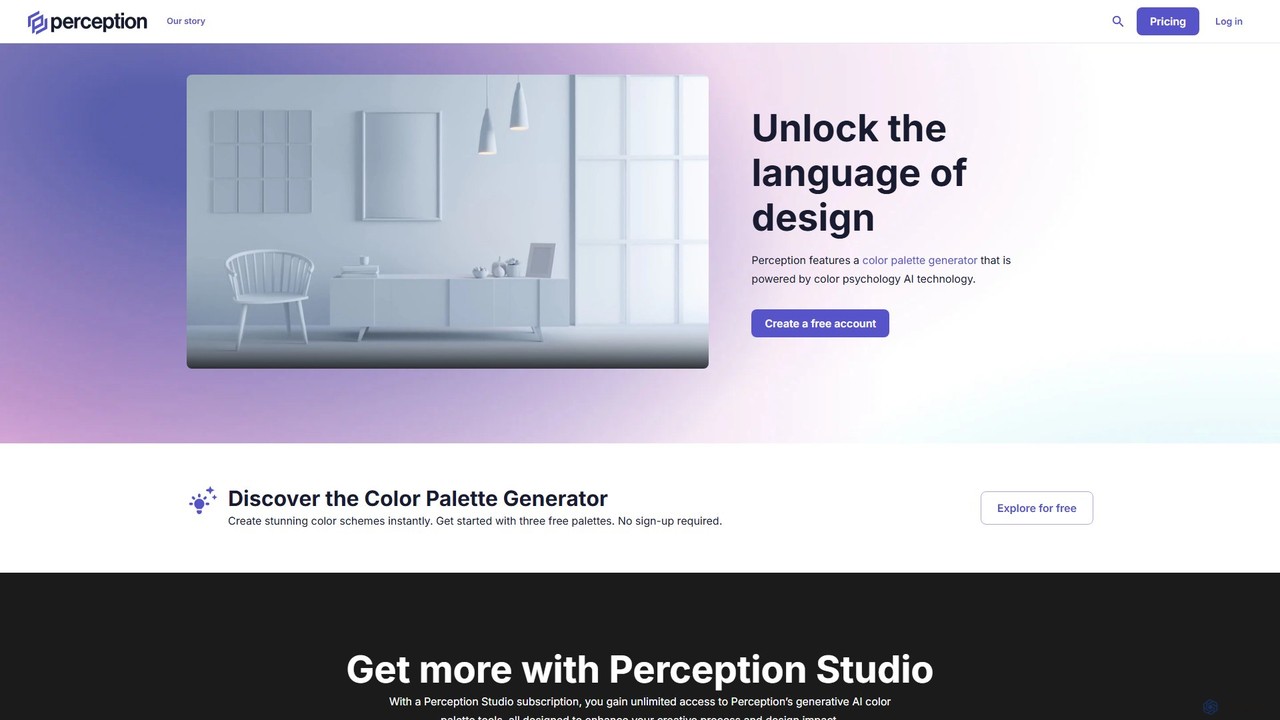
Perception
Perception is an AI-powered design intelligence platform that generates color palettes based on color psychology. It helps designers and creators build emotionally resonant color schemes using simple text prompts, analyze existing palettes, and explore a vast library of over 50 million AI-generated options to make impactful design choices.
Generative Art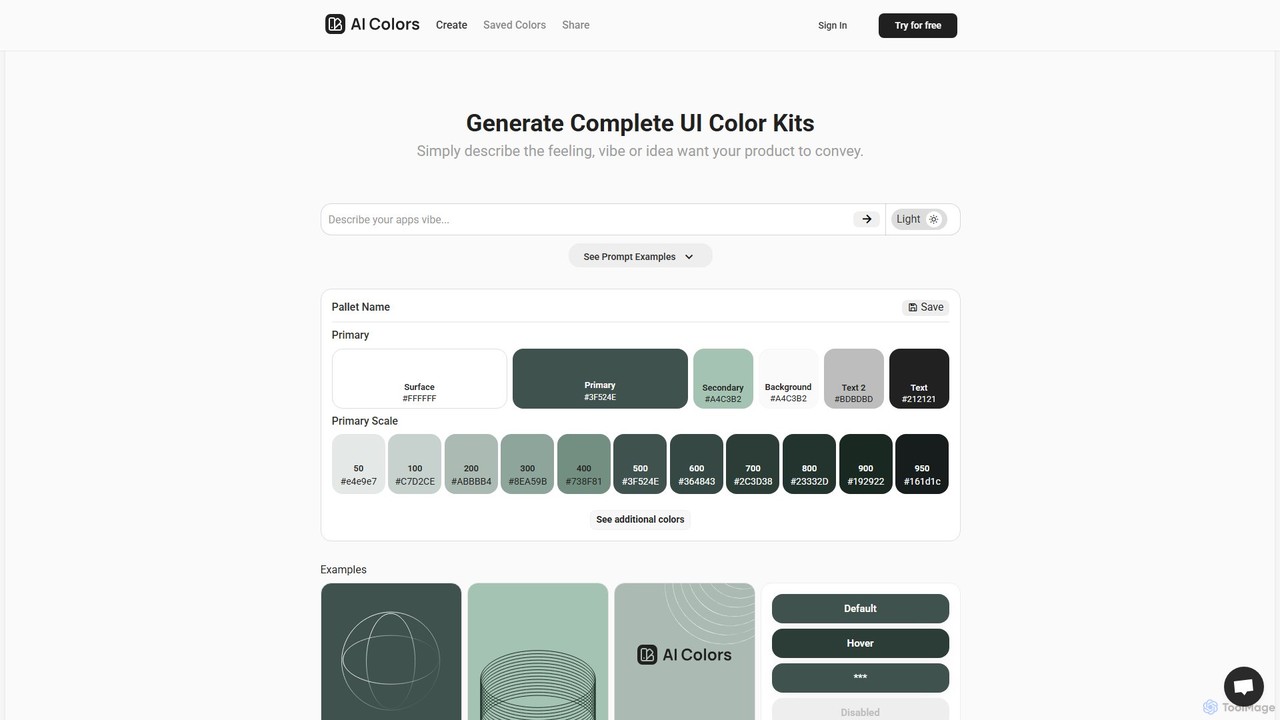
aicolors
aicolors is an AI-powered color palette generator that creates complete, ready-to-use UI color kits from simple text prompts. Describe a feeling, vibe, or idea, and instantly get a harmonious and functional color scheme for your web or app design projects.
Color Palette
ipalettes
ipalettes is an AI-powered color palette generator that creates stunning color schemes from text prompts, images, or URLs. Ideal for designers, developers, and creatives, it instantly translates ideas and visuals into harmonious and usable color palettes, streamlining the design workflow.
Inspiration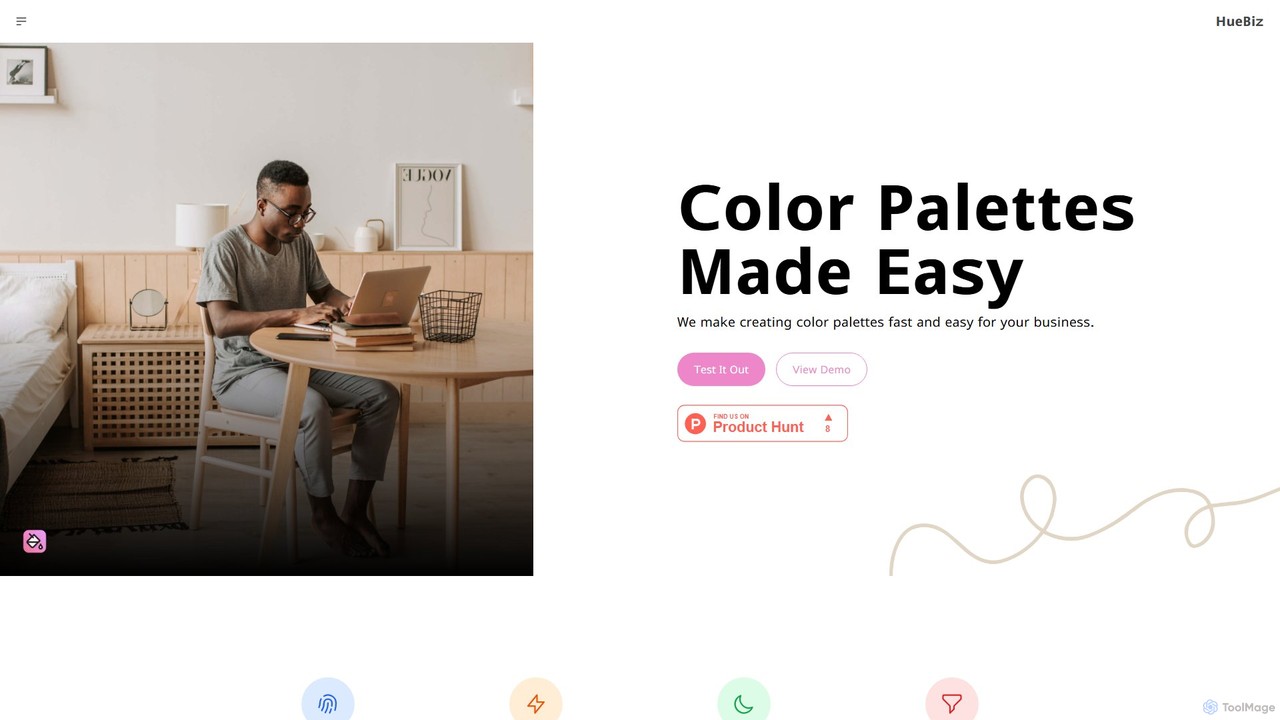
HueBizz
HueBizz is an AI-powered color palette generator that helps businesses create fast, easy, and effective color schemes. It leverages AI to analyze market trends and brand identity, delivering tailored palettes for various industries, complete with dynamic light and dark mode adjustments.
Color PaletteModulify
Modulify is an AI-powered website builder designed to accelerate the Webflow design process. It enables users to generate sitemaps, wireframes, and fully styled, responsive websites from simple text prompts. Ideal for freelancers, creative agencies, and businesses, it streamlines development from idea to launch in minutes.
Website Builder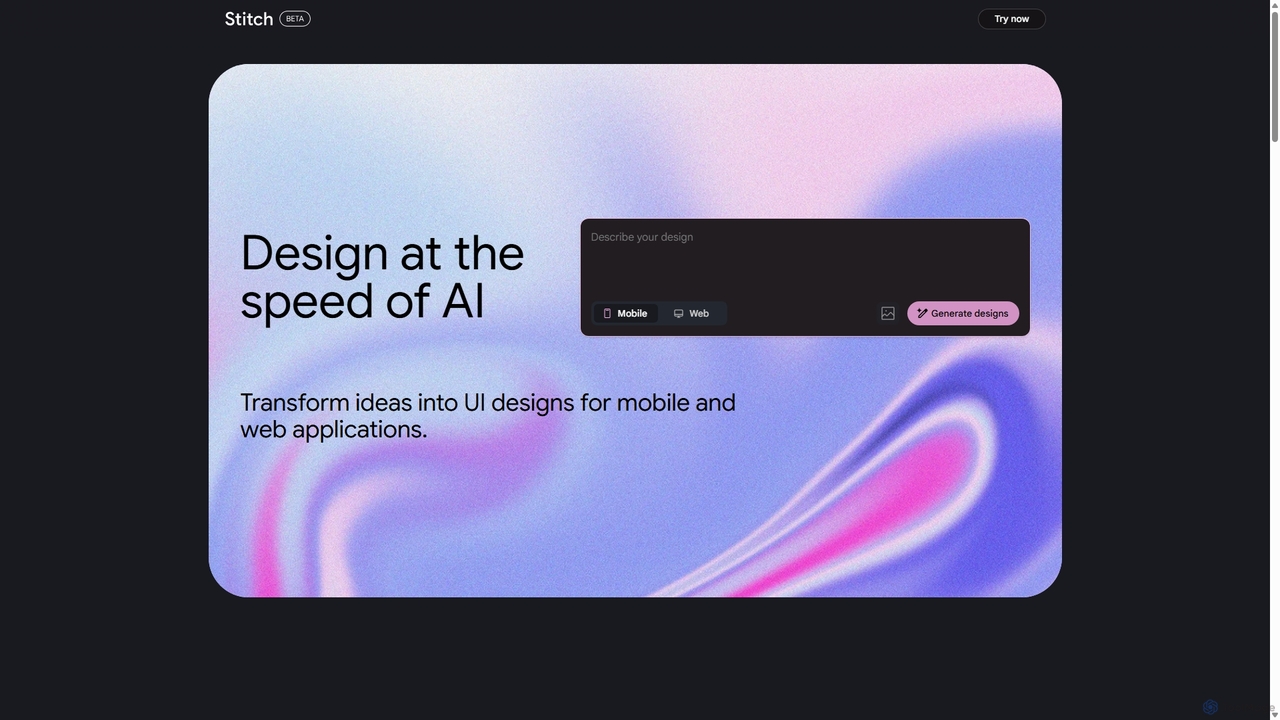
Stitch
Stitch is a revolutionary AI-powered design platform by Google that transforms text prompts and rough sketches into high-fidelity mockups and prototypes. It streamlines the design workflow, enabling creators to rapidly ideate, iterate, and generate stunning visuals, UI/UX designs, and complete design systems with unprecedented speed and efficiency.
Generative Design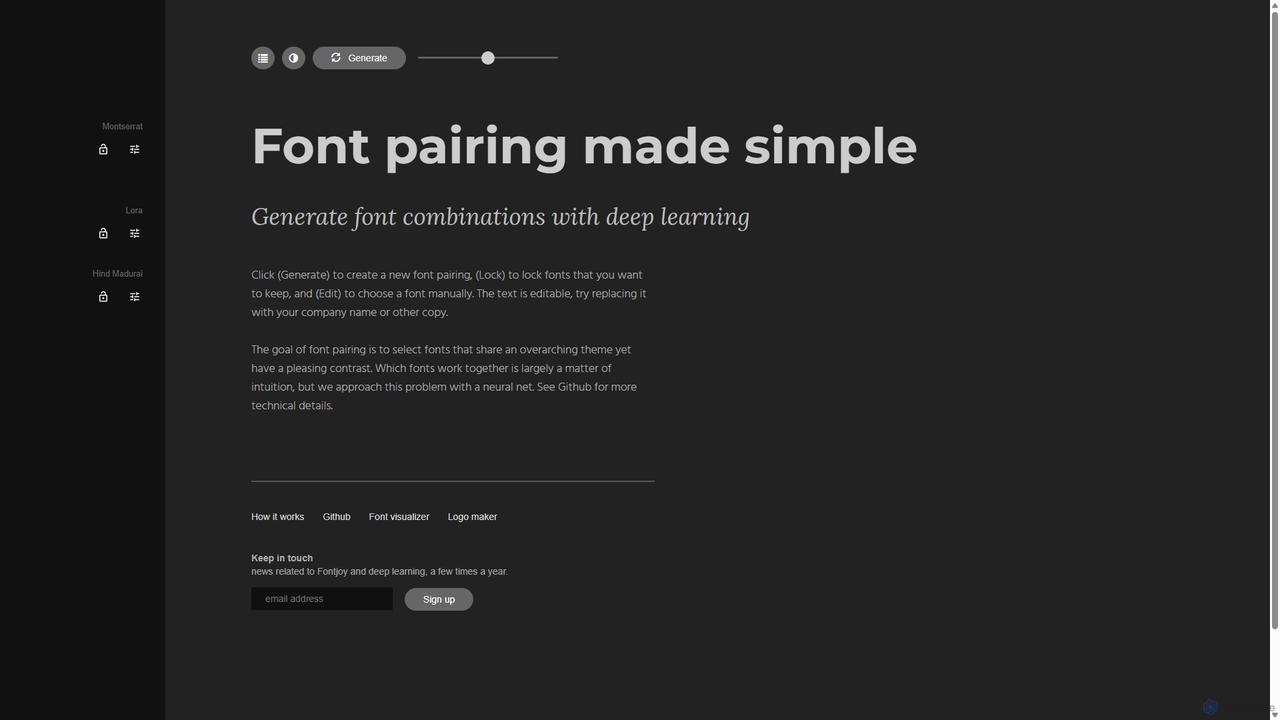
Fontjoy
Fontjoy is an AI-powered tool that helps designers and developers generate beautiful and harmonious font pairings with a single click. Using deep learning, it intelligently selects fonts for headings, subheadings, and body text that balance contrast and similarity, streamlining the design process.
Typography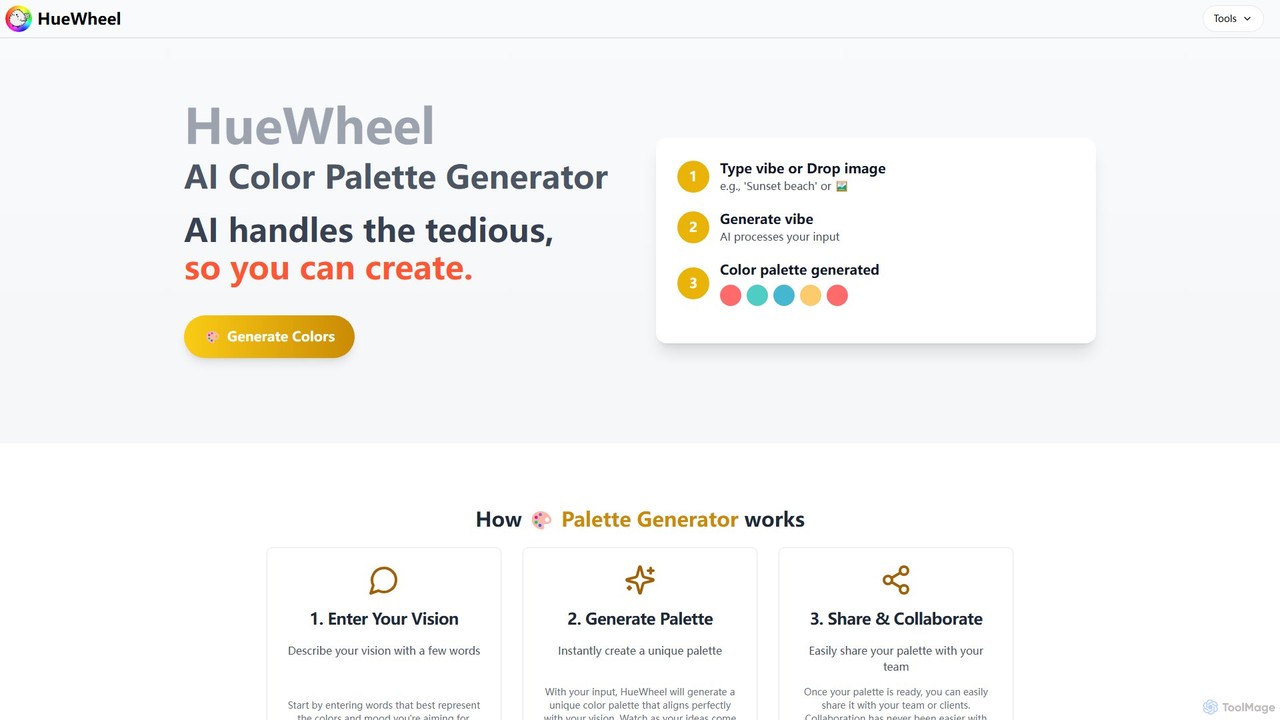
huewheel
huewheel is an AI-powered color palette generator that creates stunning color combinations from natural language descriptions or image uploads. It's designed for designers, developers, and creatives to quickly find harmonious and trending palettes. The platform includes a comprehensive Color Studio for fine-tuning, a Mockup Generator for previews, and a community gallery for endless inspiration.
Inspiration
Vivid
Vivid is an AI-powered SVG icon and illustration generator. It allows users to create unique, high-quality, and infinitely scalable vector graphics simply by describing them in natural language. It's an ideal tool for designers, developers, and marketers who need custom visuals quickly.
Icon Generation
magicgradient Comments (0)
Sign in to comment.
Sign inNo comments yet.