
PaletteMaker Overview
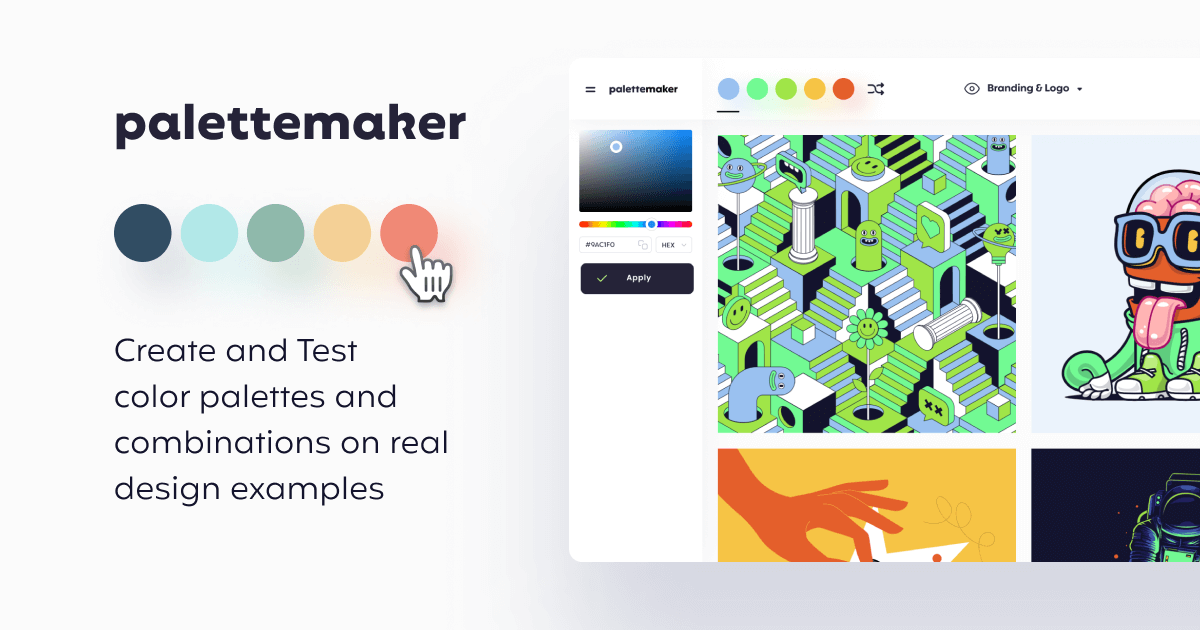
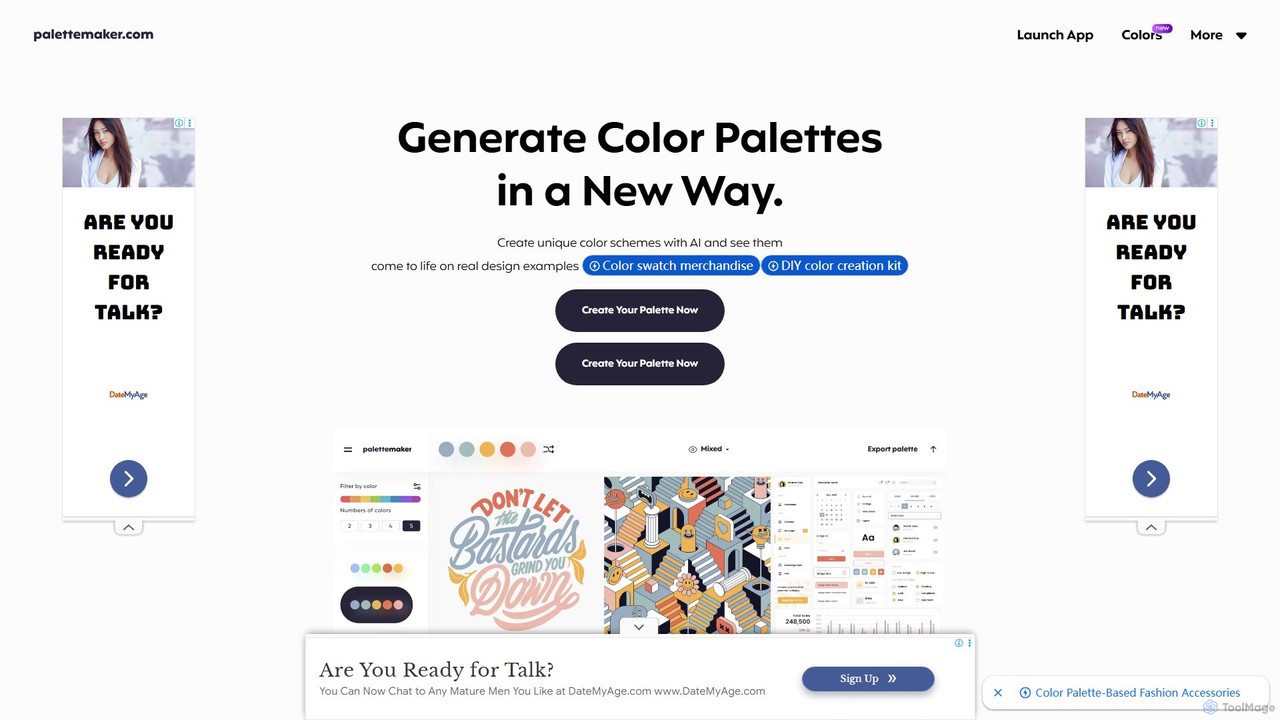
PaletteMaker is a unique and intuitive AI tool designed for creative professionals, designers, and color enthusiasts. Created by a senior visual designer, it addresses a common challenge in the design process: understanding how a color palette will actually look and feel when applied to a real project. Unlike traditional palette generators that only show color swatches, PaletteMaker allows you to create or generate color schemes and instantly test their behavior on a wide range of pre-made design examples. This live preview functionality covers the most common creative fields, including logo design, UI/UX, patterns, posters, illustrations, and more, providing immediate visual feedback and accelerating the decision-making process.
The tool was born out of the need for a faster, more visual way to experiment with color. It recognizes that a palette that works for an illustration might not be suitable for a UI/UX design. By offering diverse mockups, PaletteMaker helps users judge the harmony, contrast, and overall impact of their color choices in a practical context.
How to use PaletteMaker
PaletteMaker offers a straightforward and flexible workflow for creating the perfect color palette. Users can approach it in several ways:
- AI-Powered Generation: Use the AI generator to explore palettes. You can filter options based on color tone and the desired number of colors to quickly find inspiring combinations.
- Manual Creation from Scratch: For a more hands-on approach, you can build a palette color by color. The platform provides guidance, such as the 'hand-crafted' method for a 5-color palette: start with a bold accent color, add a second bold color, then two neutral colors, and finish with a final complementary accent.
- Applying Color Rules: The tool supports established design principles like the 60/30/10 rule. For instance, when creating a 3-color palette, you can use the landing page preview to see how a dominant color (60%), a secondary color (30%), and an accent color (10%) work together in a balanced layout.
- Live Preview and Refinement: As you add or change colors, all design previews update in real-time. This allows you to instantly see how your choices affect different applications, from logos on various backgrounds to complex mobile app interfaces.
Core Features of PaletteMaker
- AI Color Palette Generation: Automatically create color schemes with filters for tone and complexity.
- Live Design Previews: Instantly visualize palettes on a diverse set of real-world mockups, including Web/Mobile UI, Branding & Logos, Illustrations, Typography, Posters, and Patterns.
- Manual Palette Crafting: Full control to meticulously select and arrange each color in your palette.
- Powerful Export Options: Seamlessly integrate your palettes into your workflow by exporting them in various formats, including Procreate, Adobe Swatch Exchange (ASE), Image, and even Code (CSS, etc.).
- Color Theory Education: The site includes resources and articles on color theory basics to help users make more meaningful and effective color choices.
- Completely Free: PaletteMaker is offered as a completely free tool for the design community, with a commitment to keeping it that way.
Use Cases for PaletteMaker
PaletteMaker is a versatile tool suitable for a wide range of users and projects:
- UI/UX Designers: Quickly test and validate color schemes for websites, mobile apps, and software interfaces to ensure usability and aesthetic appeal.
- Graphic Designers & Brand Strategists: Develop and present cohesive color palettes for branding projects, logos, and marketing materials.
- Illustrators and Artists: Find harmonious and impactful color combinations for digital art and illustrations.
- Web Developers: Generate and export color values as code to streamline the front-end development process.
- Students and Hobbyists: Learn about color interaction and theory in a practical, hands-on environment without any cost.
Advantages of PaletteMaker
The primary advantage of PaletteMaker is its ability to bridge the gap between abstract color theory and practical application. By providing instant, context-rich visual feedback, it saves designers significant time and reduces the guesswork involved in color selection. Its creation by a seasoned designer ensures that it addresses real-world workflow pain points. Furthermore, being completely free and offering professional export formats makes it an accessible and powerful tool for everyone, from beginners to seasoned experts.
Pricing and Plans
PaletteMaker is completely free to use. The creator has stated that the tool is a passion project for the design community and will remain free forever.
Traffic
Latest traffic
Status
Monthly traffic trend
- 2025-9: 138.6K
- 2026-1: 138.7K
- 2026-2: 103.0K
- 2026-3: 98.6K
- 2026-4: 97.4K
- 2026-5: 90.1K
Geography
Top 5 countries / regions
- 🇺🇸United States42.9%
- 🇮🇩Indonesia15.5%
- 🇲🇽Mexico14.5%
- 🇩🇪Germany14.0%
- 🇳🇬Nigeria13.2%
Traffic sources
| Source type | Percentage |
|---|---|
Direct | 79.2% |
Referral | 20.8% |
Top keywords
| Keyword | Cost per click |
|---|---|
| luxury purple color code | $0.00 |
| palette maker | $3.00 |
| palettemaker | $1.65 |
| rainbow | $0.29 |
| what color is clear | $0.00 |
PaletteMaker Videos on YouTube

PaletteMaker Alternatives
HueBizz
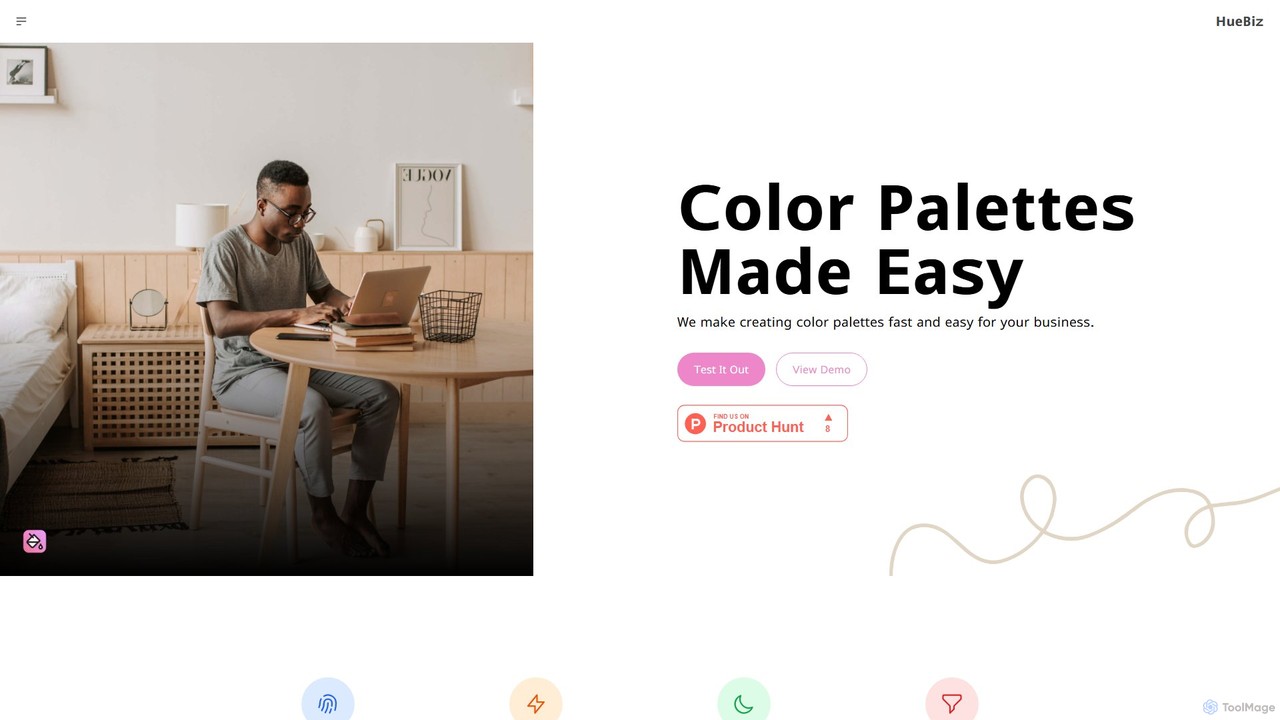
HueBizz is an AI-powered color palette generator that helps businesses create fast, easy, and effective color schemes. It leverages AI to analyze market trends and brand identity, delivering tailored palettes for various industries, complete with dynamic light and dark mode adjustments.
Color Palette
ipalettes
ipalettes is an AI-powered color palette generator that creates stunning color schemes from text prompts, images, or URLs. Ideal for designers, developers, and creatives, it instantly translates ideas and visuals into harmonious and usable color palettes, streamlining the design workflow.
Inspiration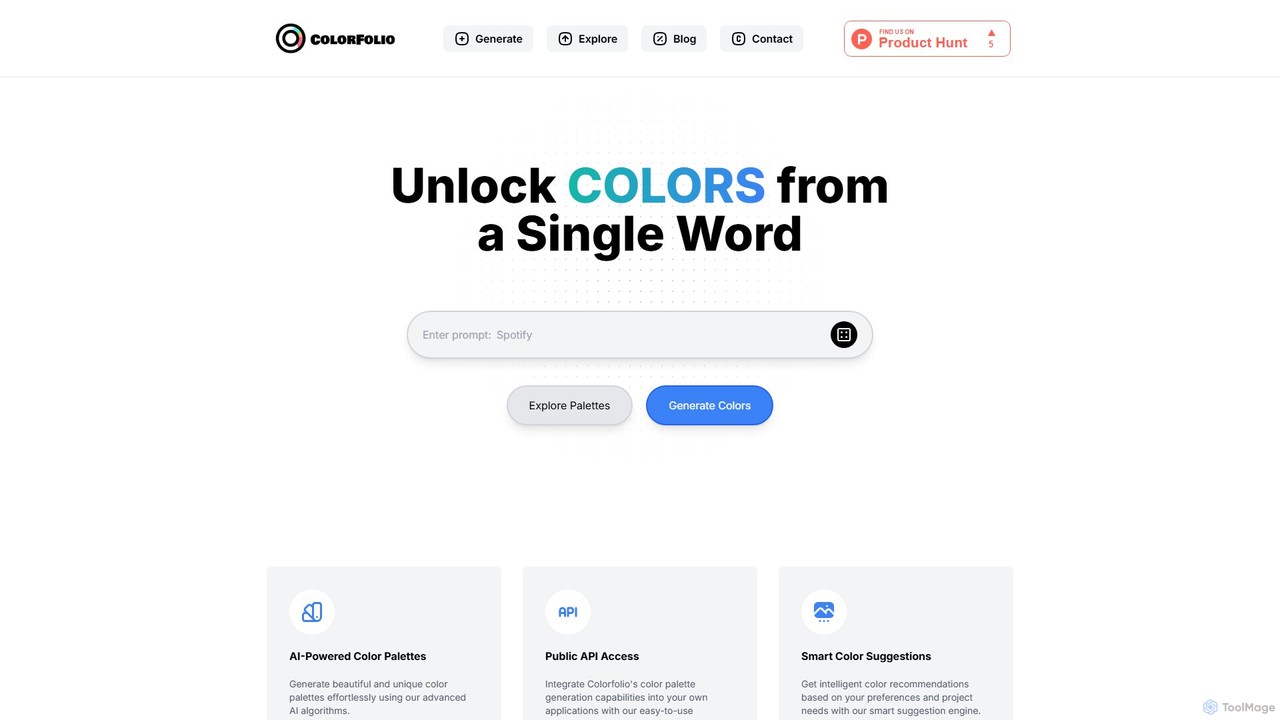
Colorfolio
Colorfolio is an AI-powered color palette generator that creates beautiful and unique color schemes from a single word or text prompt. Ideal for designers, developers, and brand managers, it simplifies the color selection process with smart suggestions and offers a public API for integration.
Color Palette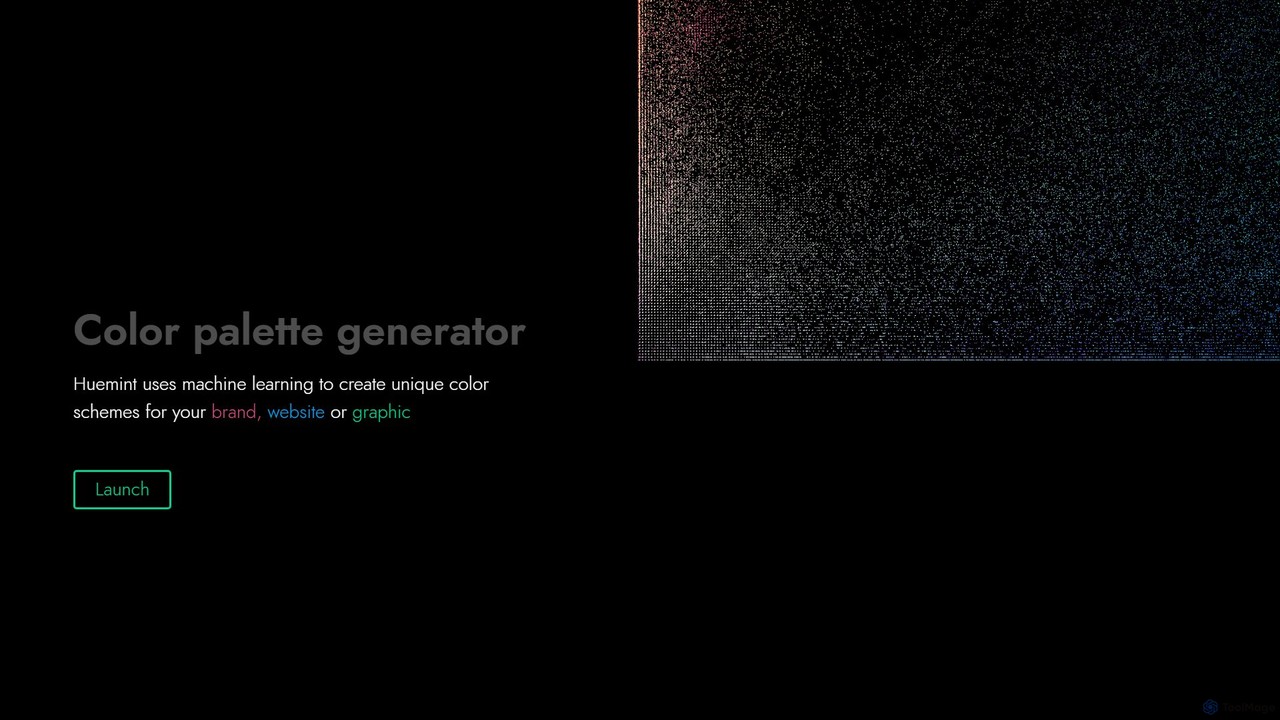
Huemint
Huemint is an AI-powered color palette generator that uses machine learning to create unique and harmonious color schemes for brands, websites, graphics, and illustrations. It provides contextual previews to visualize how colors work together in real-world applications.
Inspiration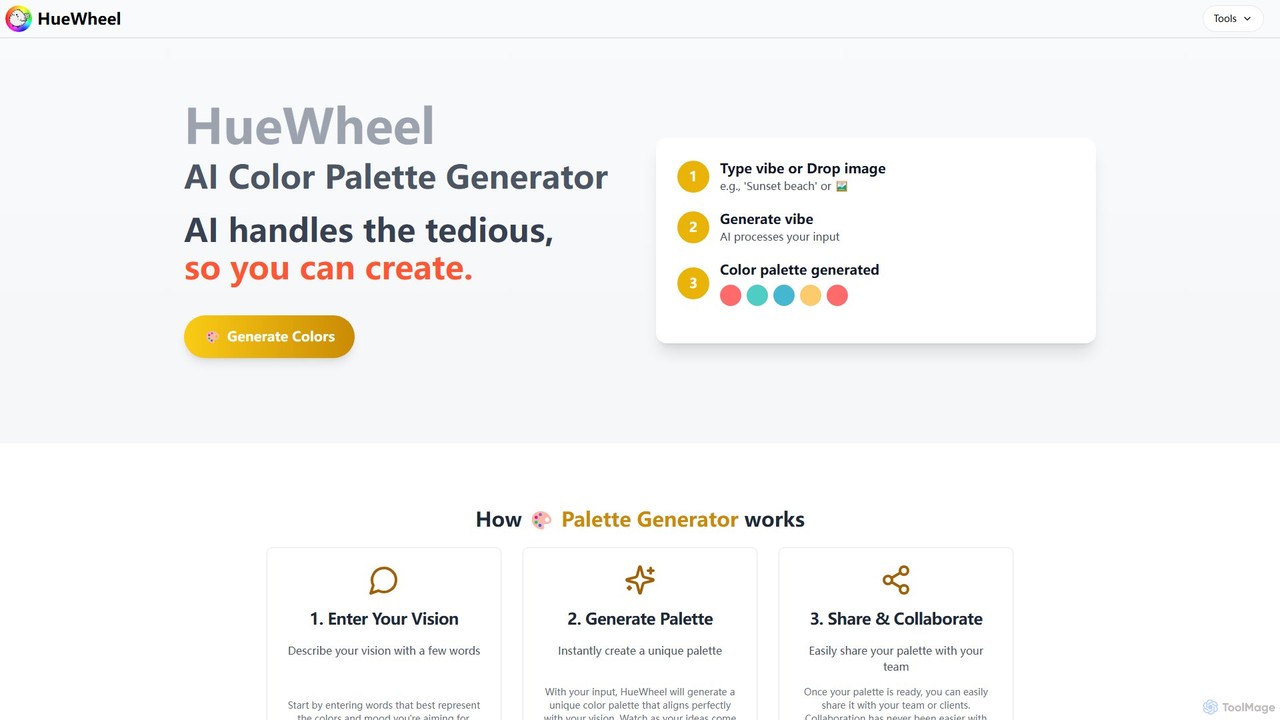
huewheel
huewheel is an AI-powered color palette generator that creates stunning color combinations from natural language descriptions or image uploads. It's designed for designers, developers, and creatives to quickly find harmonious and trending palettes. The platform includes a comprehensive Color Studio for fine-tuning, a Mockup Generator for previews, and a community gallery for endless inspiration.
InspirationPaletteMaker Categories
PaletteMaker Embed Widget
Copy this embed code to place the badge on your blog, article, or product site and send readers directly to this ToolMage detail page.

Related AI tools
HueBizz
HueBizz is an AI-powered color palette generator that helps businesses create fast, easy, and effective color schemes. It leverages AI to analyze market trends and brand identity, delivering tailored palettes for various industries, complete with dynamic light and dark mode adjustments.
Color Paletteipalettes
ipalettes is an AI-powered color palette generator that creates stunning color schemes from text prompts, images, or URLs. Ideal for designers, developers, and creatives, it instantly translates ideas and visuals into harmonious and usable color palettes, streamlining the design workflow.
InspirationColorfolio
Colorfolio is an AI-powered color palette generator that creates beautiful and unique color schemes from a single word or text prompt. Ideal for designers, developers, and brand managers, it simplifies the color selection process with smart suggestions and offers a public API for integration.
Color Palette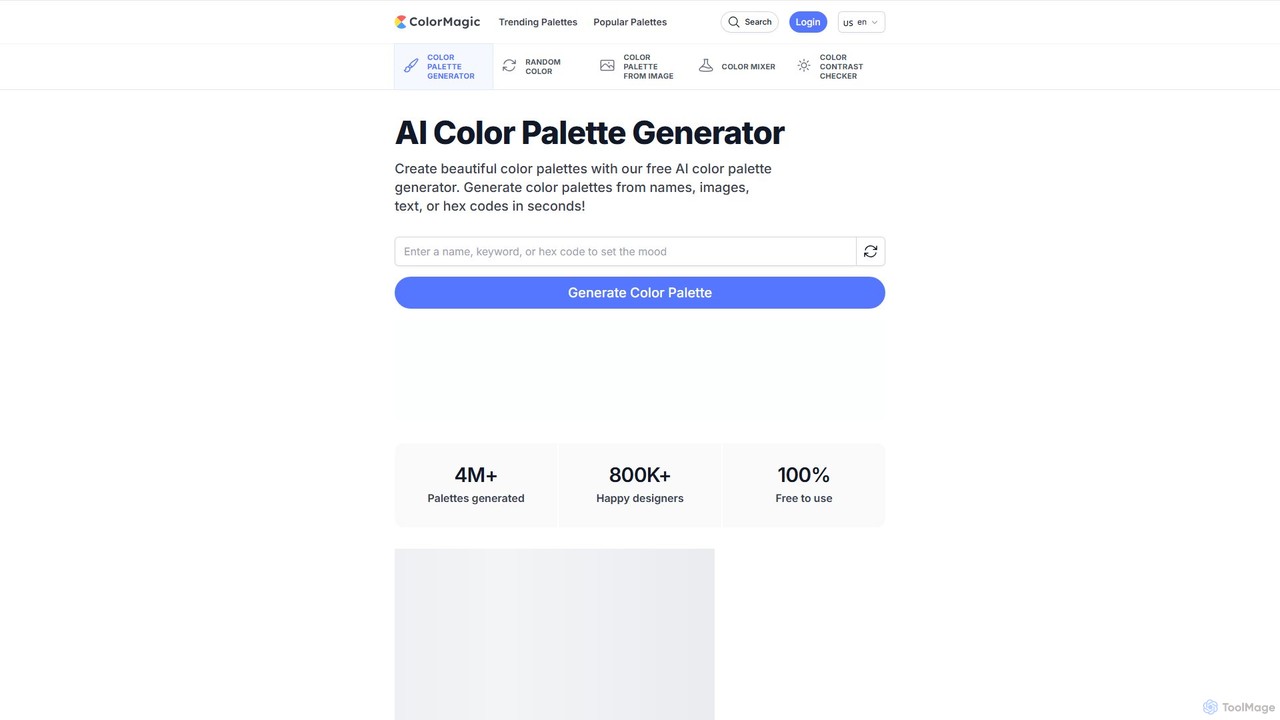
ColorMagic
ColorMagic is a free AI-powered color palette generator. It allows designers, artists, and developers to instantly create beautiful and harmonious color schemes from text prompts, keywords, images, or hex codes. It's a versatile tool for finding color inspiration and practical design assets.
Color Palette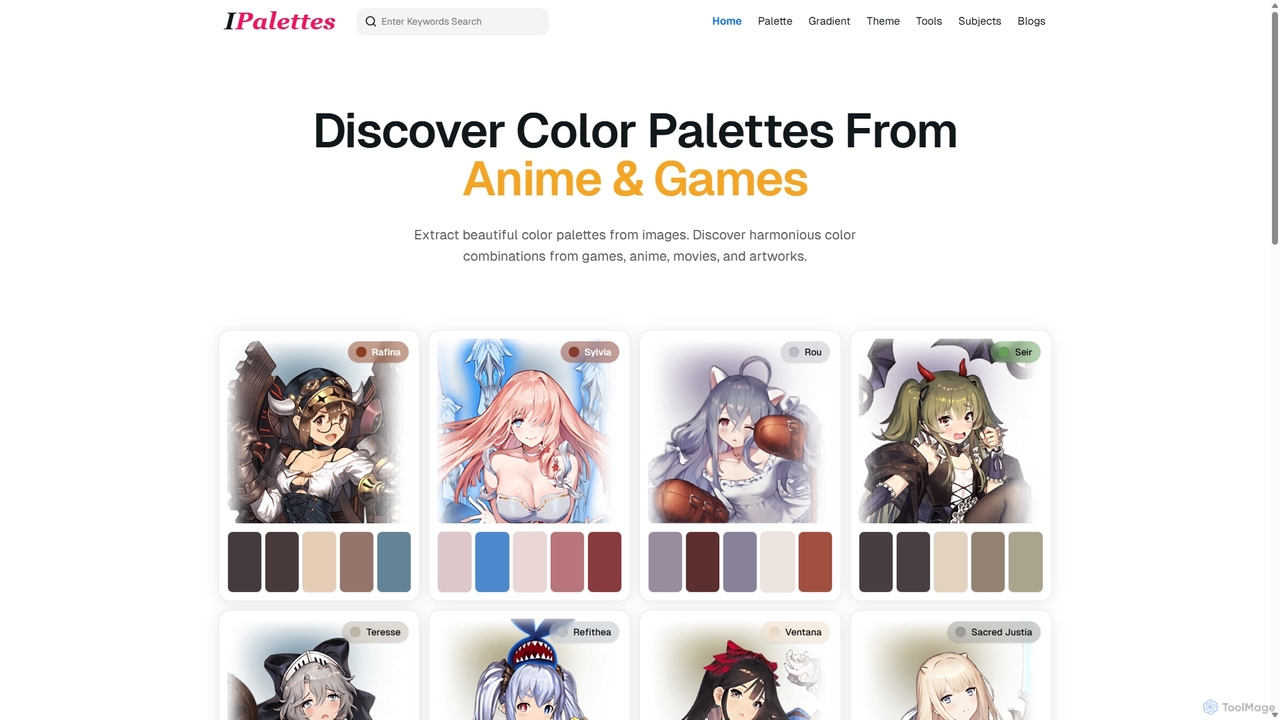
Ipalettes
Ipalettes is an AI-powered suite of tools for designers and developers, offering instant generation of color palettes, gradients, and shadcn/ui themes from simple text prompts. Discover unique color combinations and draw inspiration from a vast library derived from games, anime, and art.
Color Palette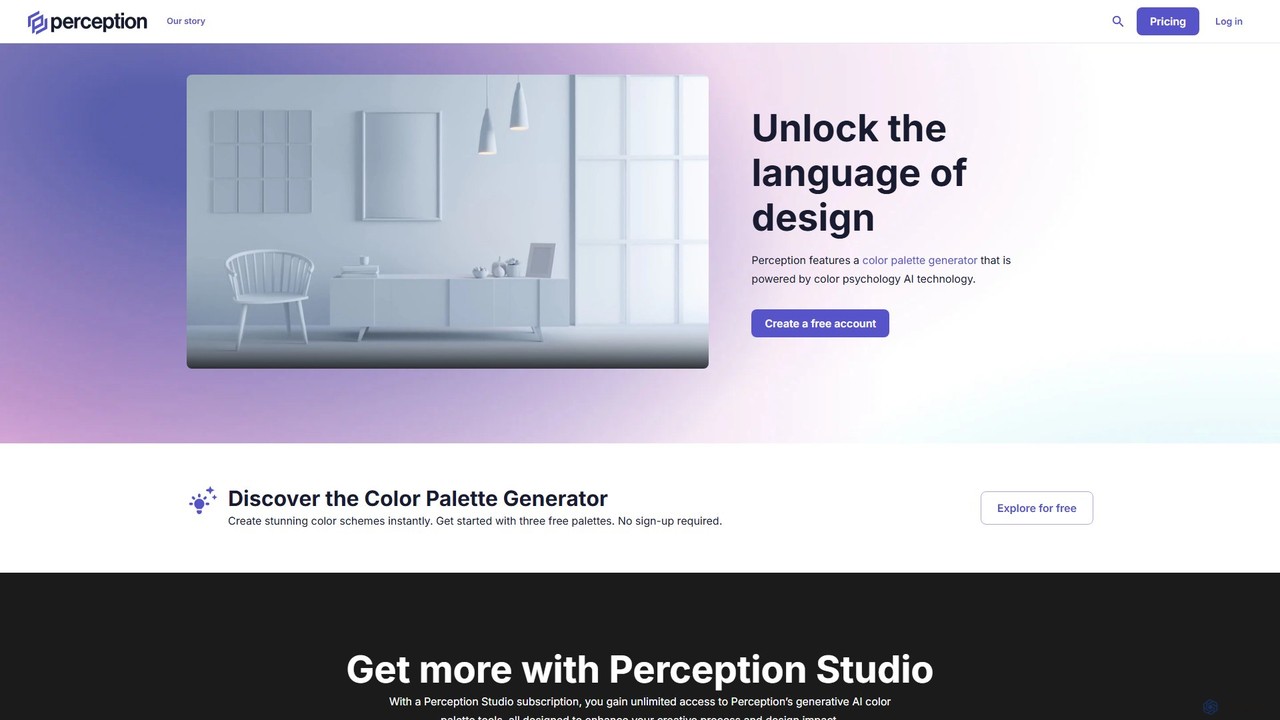
Perception
Perception is an AI-powered design intelligence platform that generates color palettes based on color psychology. It helps designers and creators build emotionally resonant color schemes using simple text prompts, analyze existing palettes, and explore a vast library of over 50 million AI-generated options to make impactful design choices.
Generative Art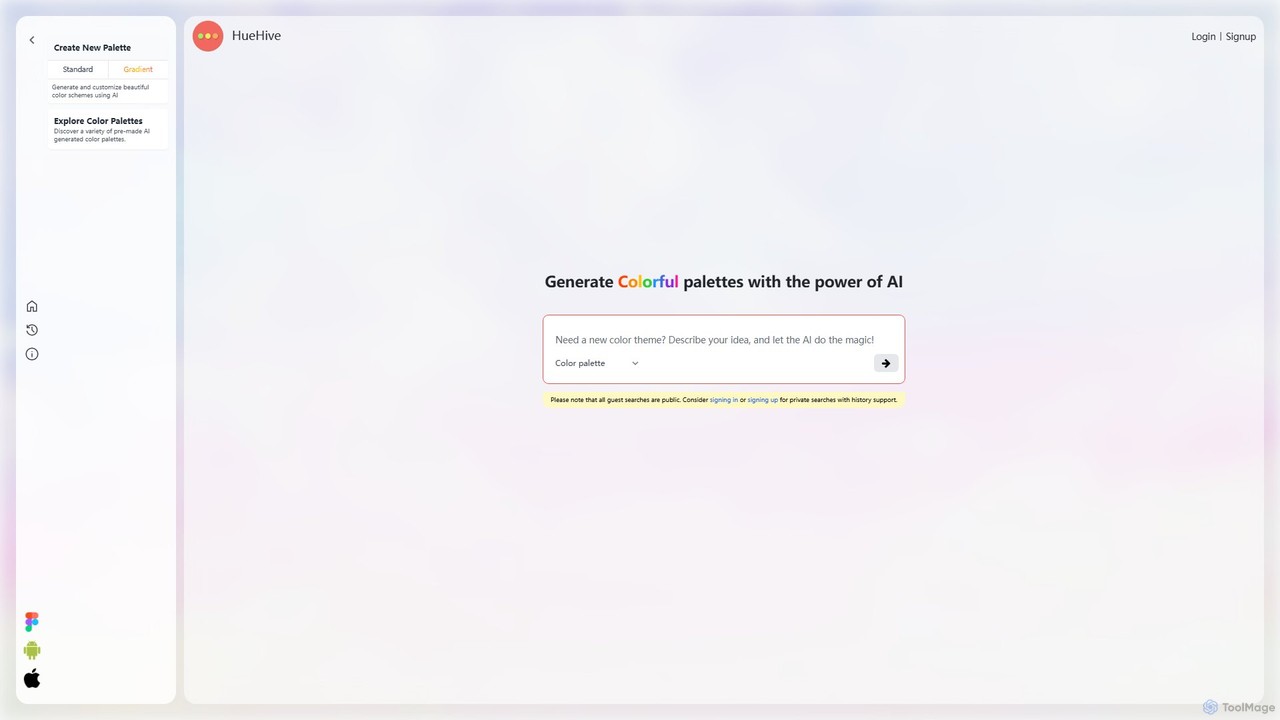
HueHive
HueHive is an AI-powered color palette and gradient generator that transforms text prompts into beautiful, unique color schemes. Ideal for designers, developers, and creatives, it simplifies the color selection process. Explore a vast library of community-generated palettes or create your own private schemes with a user account. Get inspired and accelerate your design workflow with context-aware, AI-generated colors.
Color Palette Generator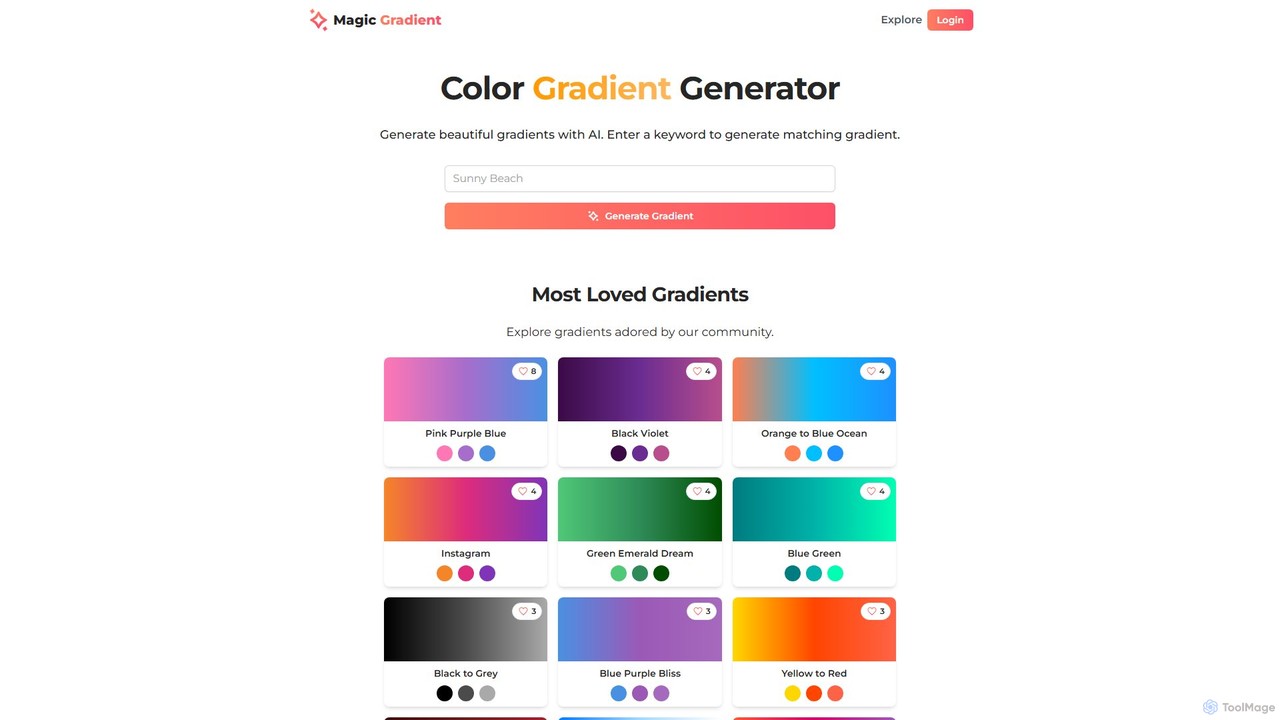
magicgradient
An AI-powered design suite for creating stunning color gradients, customizable SVG waves, and gradient-filled SVGs. Simply enter a keyword to generate unique color schemes, or use the advanced tools to create dynamic backgrounds and assets for your web and graphic design projects.
Color Palette GeneratorHuemint
Huemint is an AI-powered color palette generator that uses machine learning to create unique and harmonious color schemes for brands, websites, graphics, and illustrations. It provides contextual previews to visualize how colors work together in real-world applications.
Inspiration
Jyek
Jyek is an AI agent platform that understands objectives, creates execution plans, uses tools, and delivers verifiable results for complex, multi-step tasks.
Automationhuewheel
huewheel is an AI-powered color palette generator that creates stunning color combinations from natural language descriptions or image uploads. It's designed for designers, developers, and creatives to quickly find harmonious and trending palettes. The platform includes a comprehensive Color Studio for fine-tuning, a Mockup Generator for previews, and a community gallery for endless inspiration.
Inspiration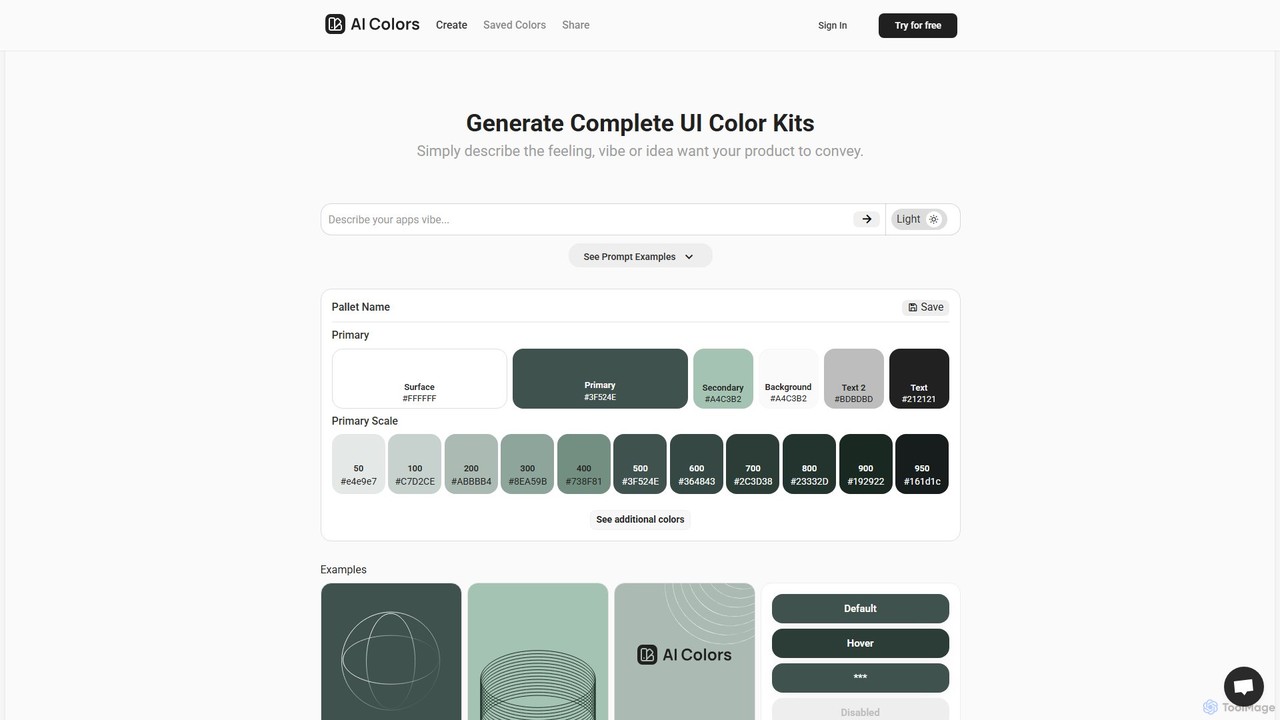
aicolors
aicolors is an AI-powered color palette generator that creates complete, ready-to-use UI color kits from simple text prompts. Describe a feeling, vibe, or idea, and instantly get a harmonious and functional color scheme for your web or app design projects.
Color Palette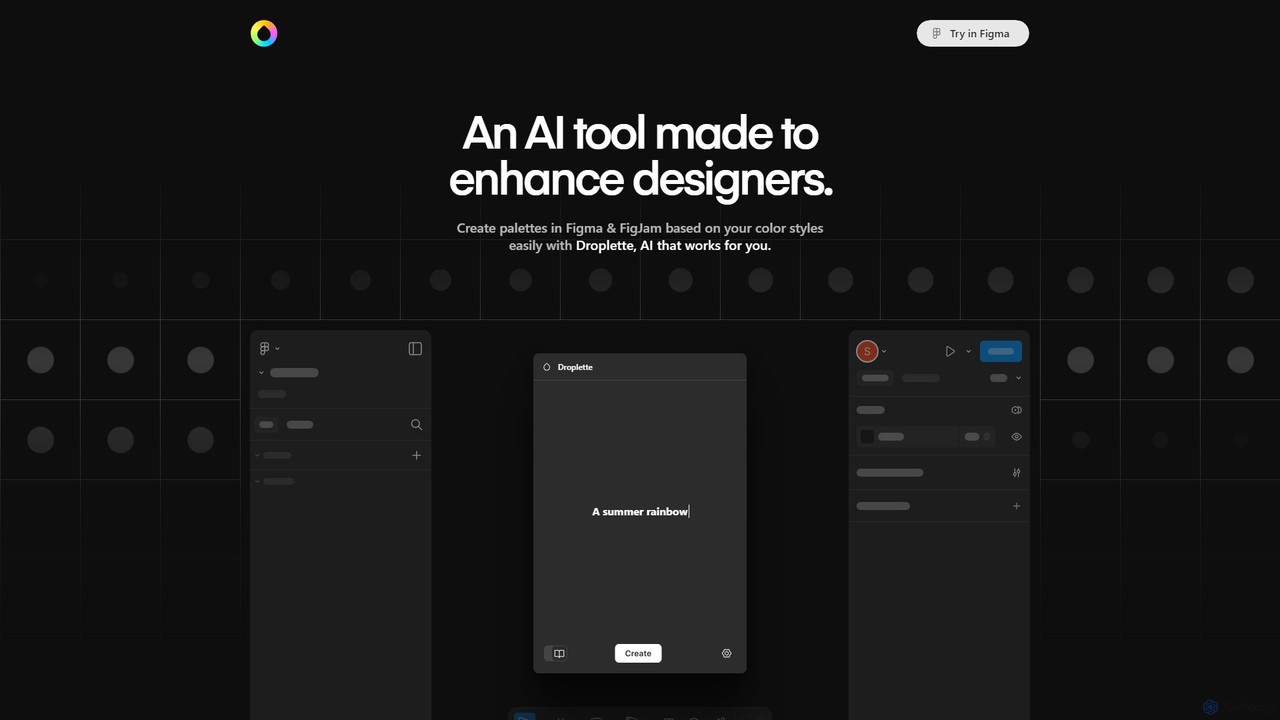
Droplette
Droplette is an intelligent AI-powered color palette generator designed as a plugin for Figma and FigJam. It helps designers create unique and harmonious color schemes by extracting colors from frames, syncing with existing color styles, or generating new palettes from scratch. It offers an intuitive interface for real-time adjustments and iterations, streamlining the design workflow.
Color Palette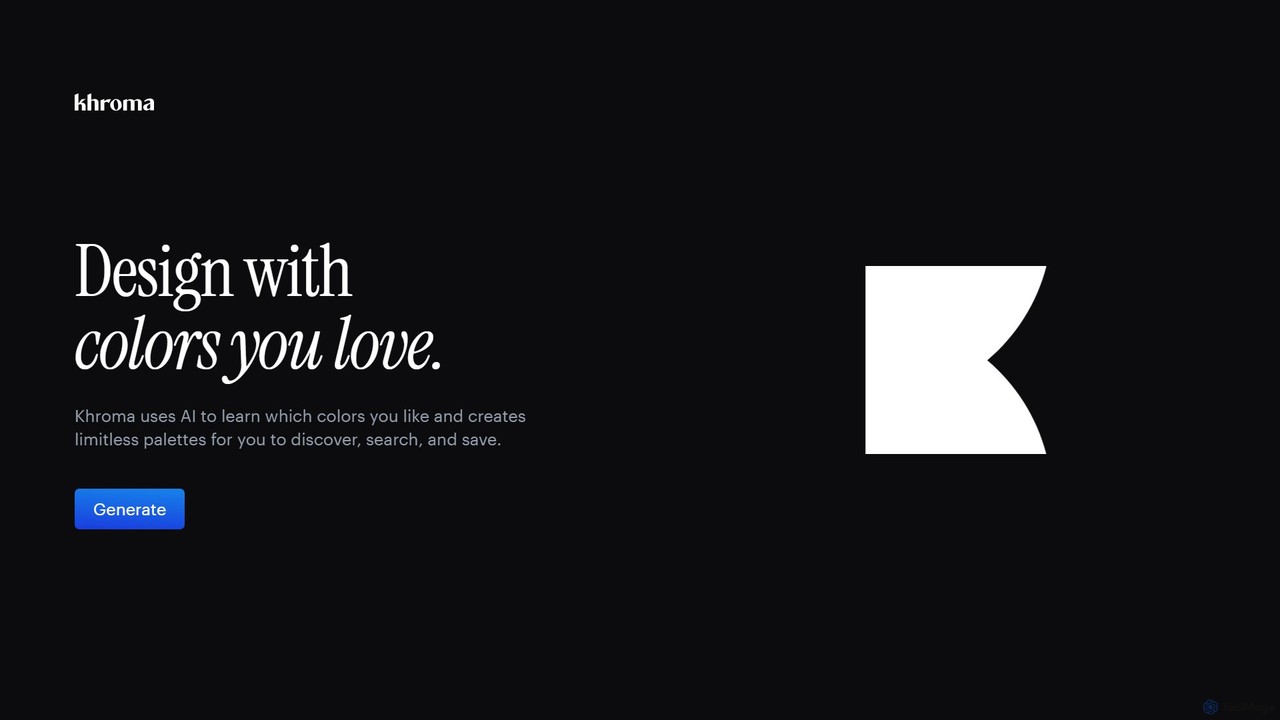
Khroma
Khroma is an AI-powered color tool for designers that learns your personal aesthetic preferences. By training a neural network with colors you like, it generates an infinite number of unique and beautiful color palettes, which can be viewed as typography, gradients, or on custom images. It's a powerful assistant for discovering, searching, and saving color combinations for any design project.
Generative Art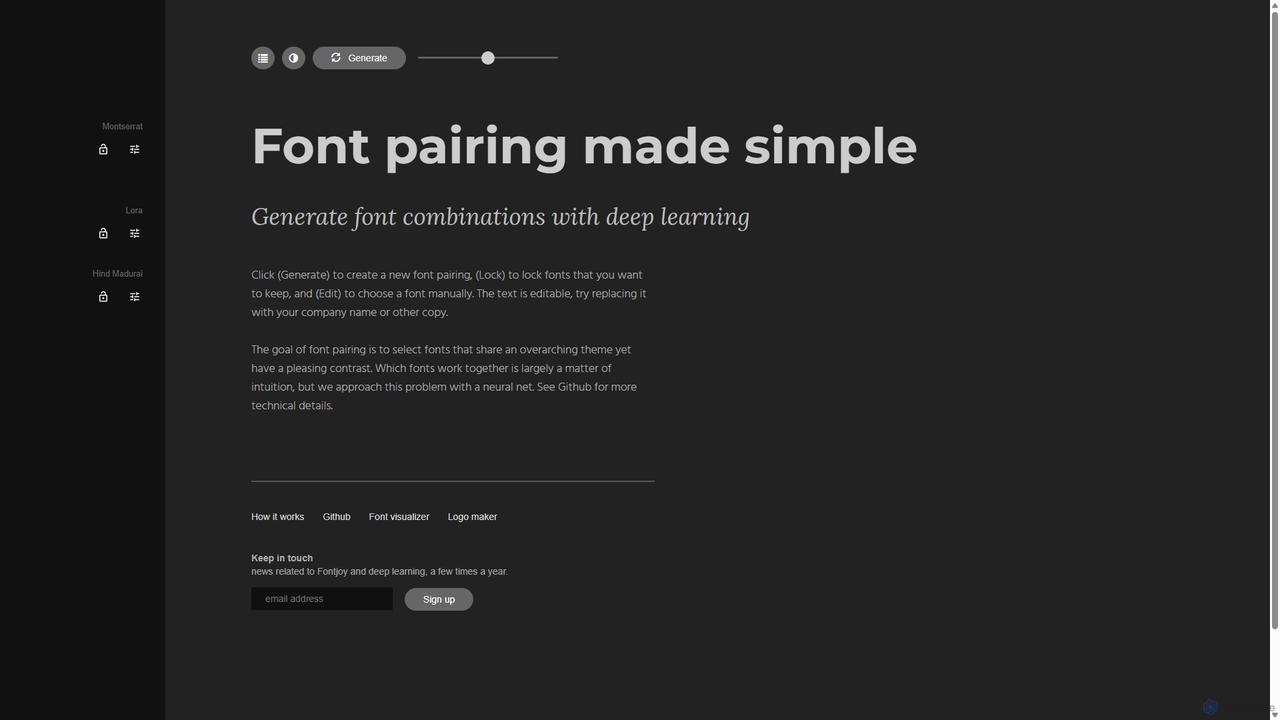
Fontjoy
Fontjoy is an AI-powered tool that helps designers and developers generate beautiful and harmonious font pairings with a single click. Using deep learning, it intelligently selects fonts for headings, subheadings, and body text that balance contrast and similarity, streamlining the design process.
Typography
PaletteMaker Comments (0)
Sign in to comment.
Sign inNo comments yet.