Productivity Best in category 30 results Design Assistant AI Tool

Popular AI tools in the Design Assistant field of Productivity include PixAI、Imagine、Artguru、Pacdora、Xingliu、Photosonic、Shakker、AIDesigner、tusiart、Fontjoy, etc., helping you quickly improve efficiency.

AIDesigner

AIDesigner

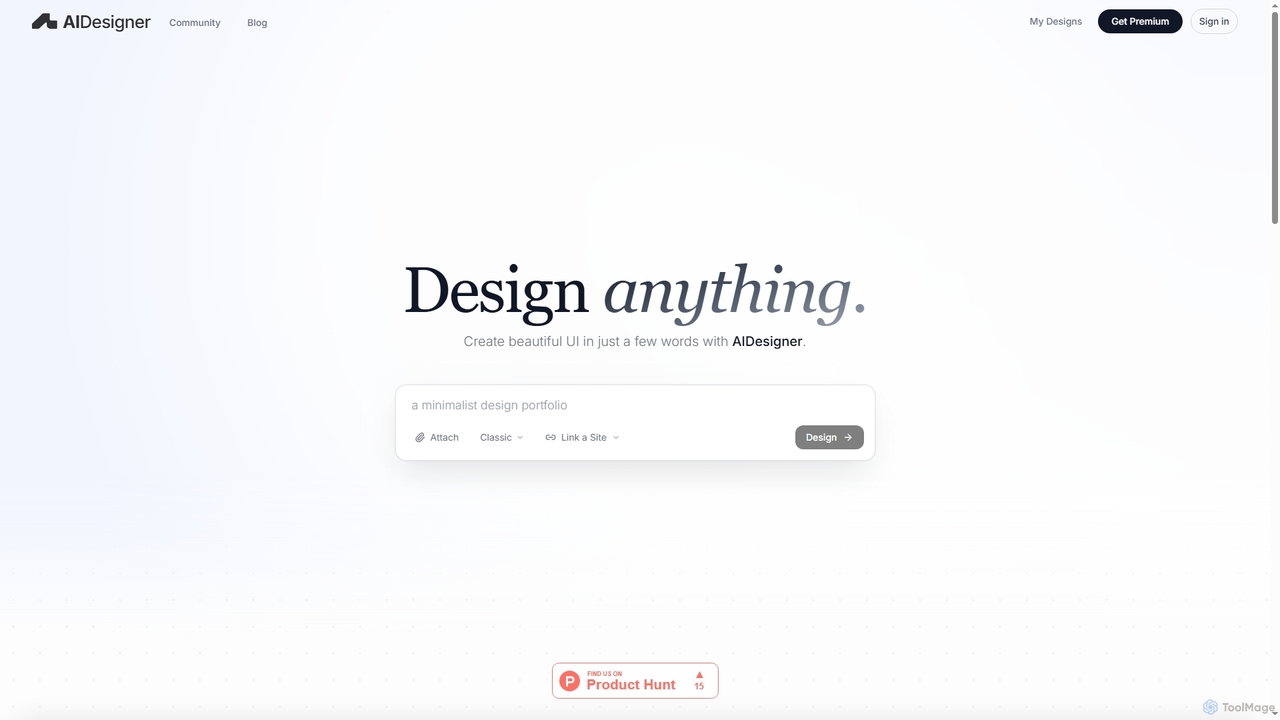
AIDesigner is an advanced AI-powered platform that transforms textual descriptions into stunning UX/UI designs. It offers a unique …

182.2K
Vibeart

Vibeart

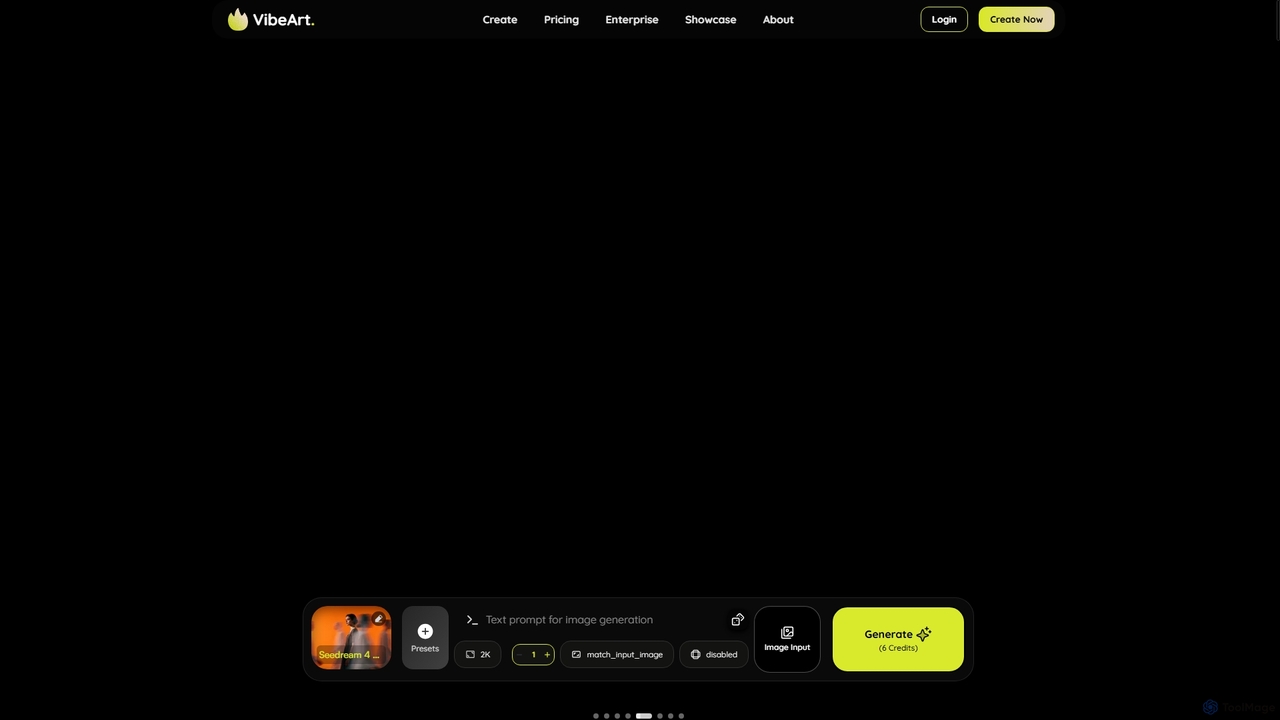
Vibeart is a multi-model AI image and video agent that transforms ideas into high-quality visuals. It features automatic …

2.9K
Waterlily

Waterlily

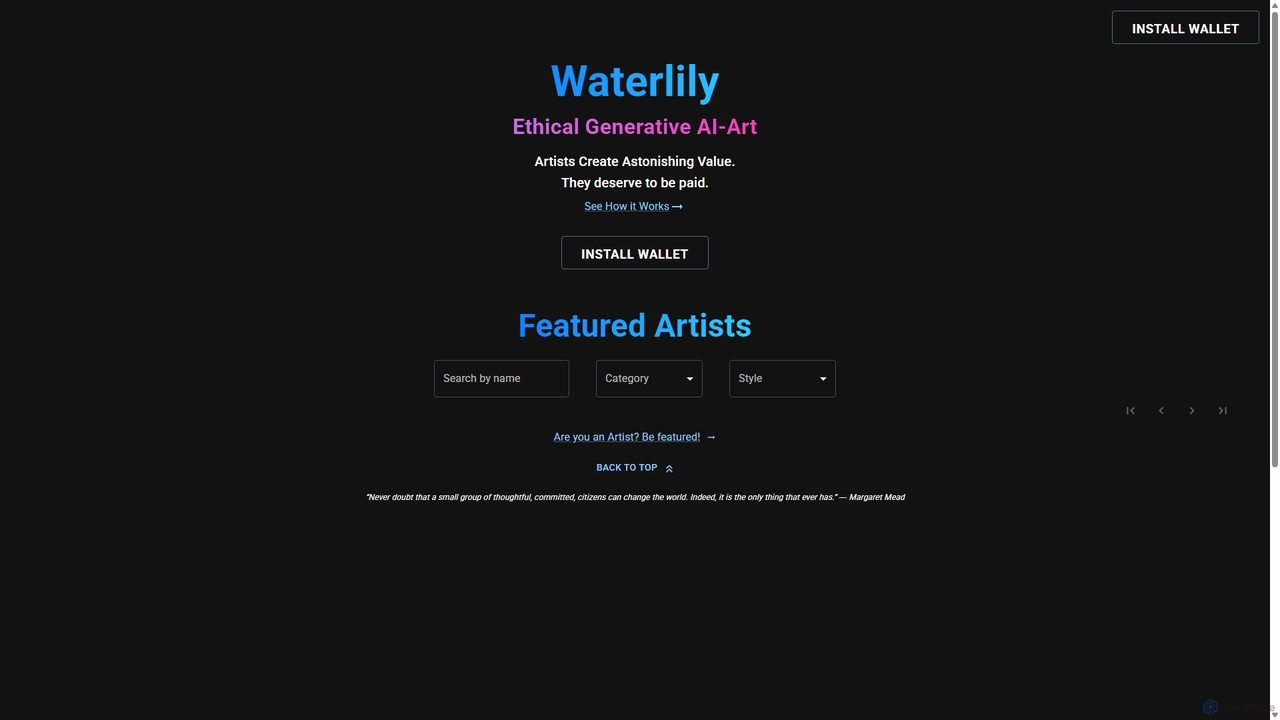
Waterlily is an ethical generative AI art platform that empowers artists by creating AI models based on their …

2.7K
Free
Fontjoy

Fontjoy

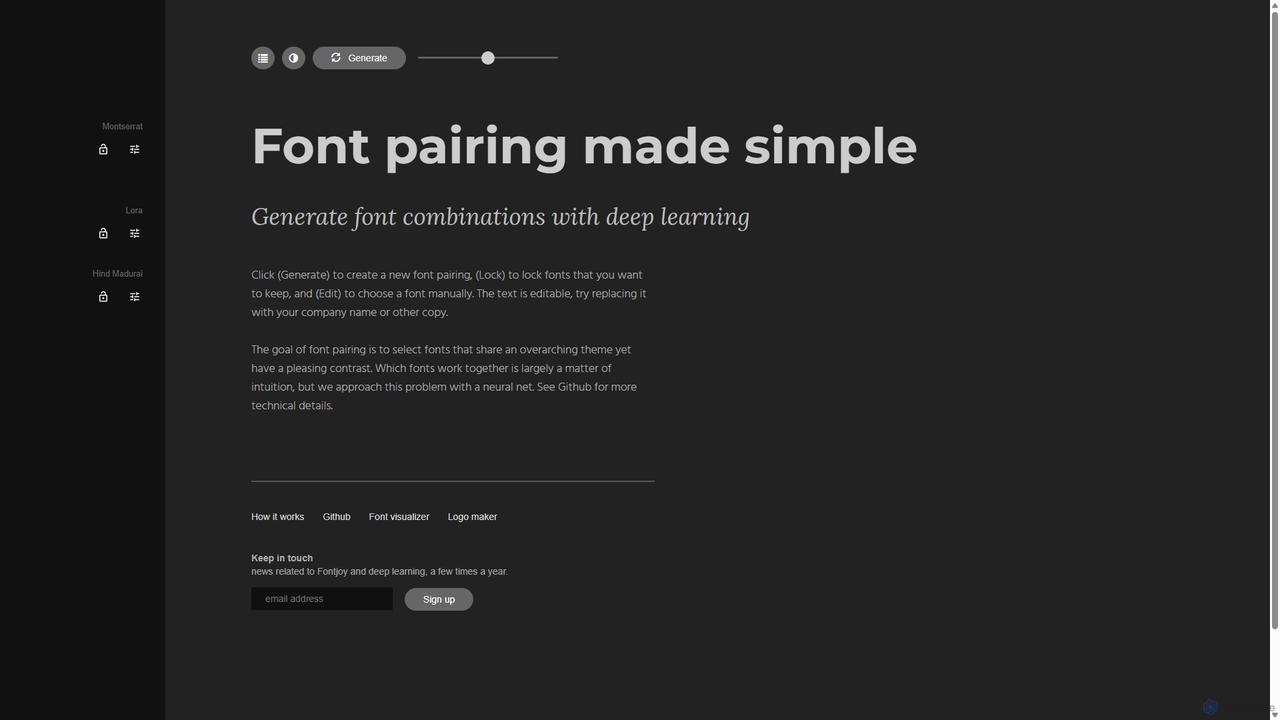
Fontjoy is an AI-powered tool that helps designers and developers generate beautiful and harmonious font pairings with a …

111.4K
Airbrush

Airbrush

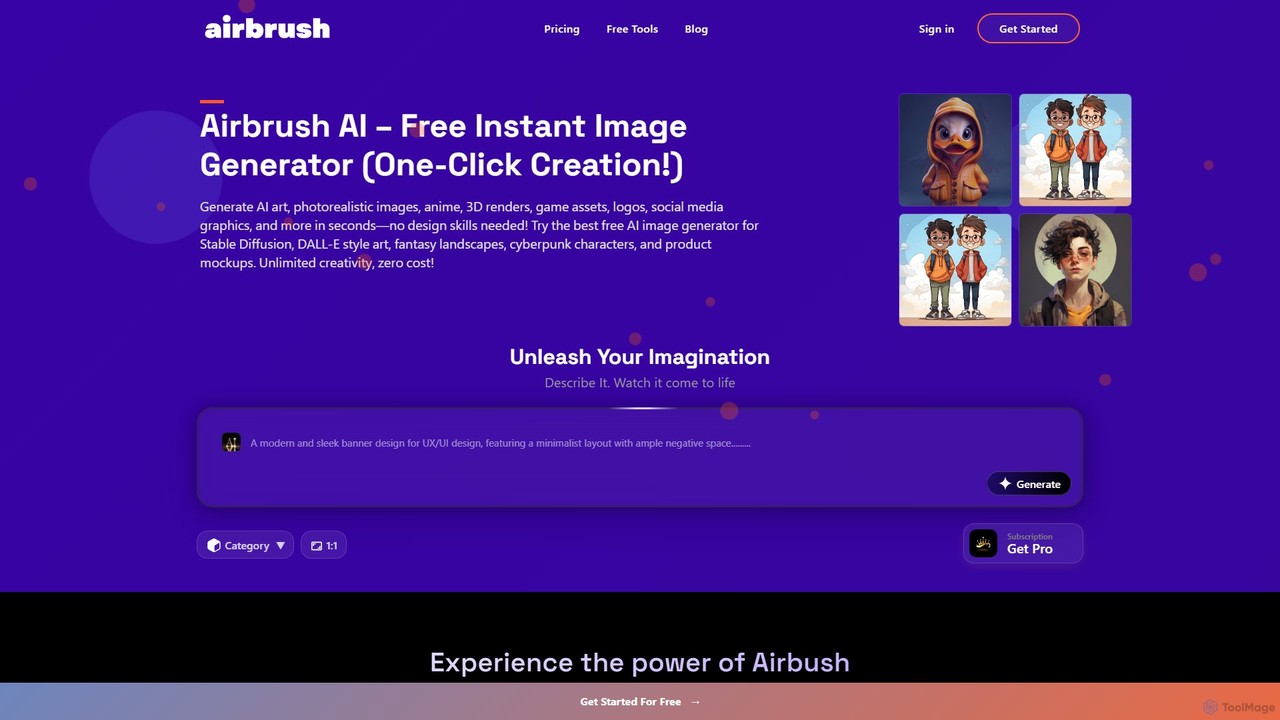
Airbrush is a powerful AI image and art generator that transforms text prompts into stunning visuals, stock photos, …

16.2K
PixAI

PixAI

PixAI is a leading AI art generator specializing in high-quality anime and cartoon styles. It offers a suite …

9.4M
dimensions.ink

dimensions.ink

Dimensions.ink is an AI-powered creative suite for generating stunning 2D and 3D visuals. It transforms text prompts into …

2.8K
Shakker

Shakker

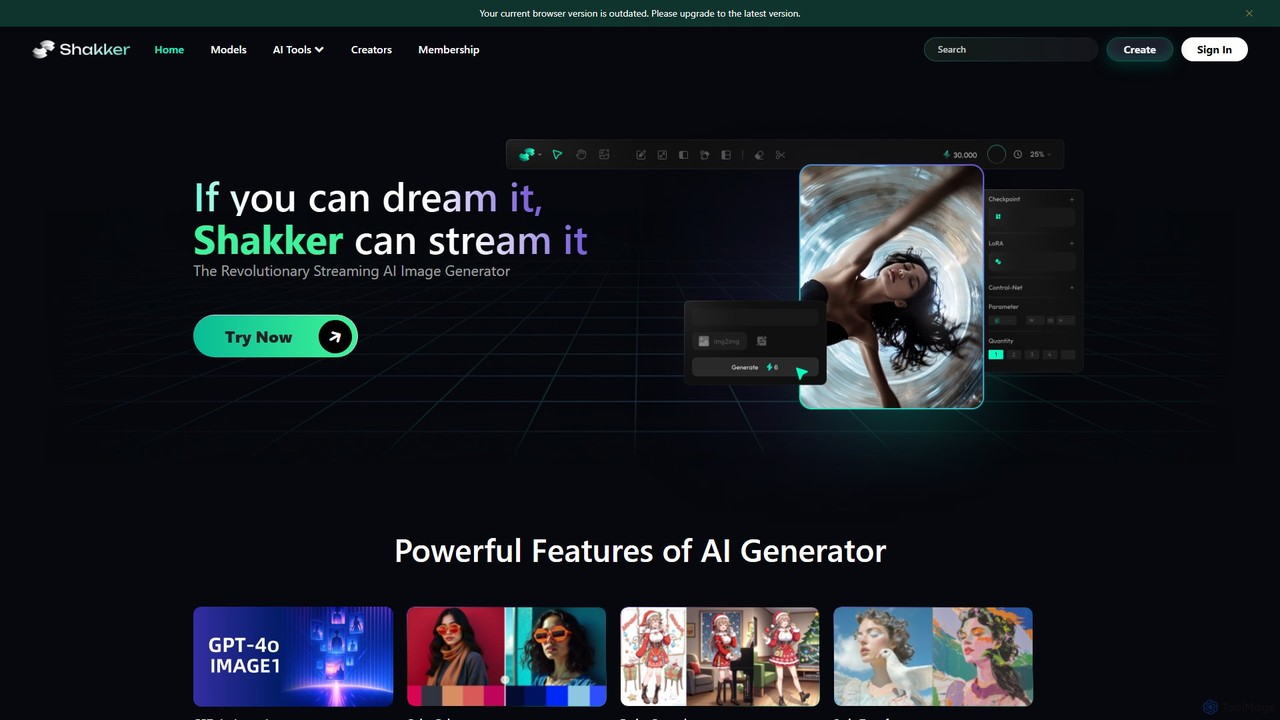
Shakker is an all-in-one generative AI design platform, offering a vast library of diverse models (including FLUX and …

273.7K
Phedra

Phedra

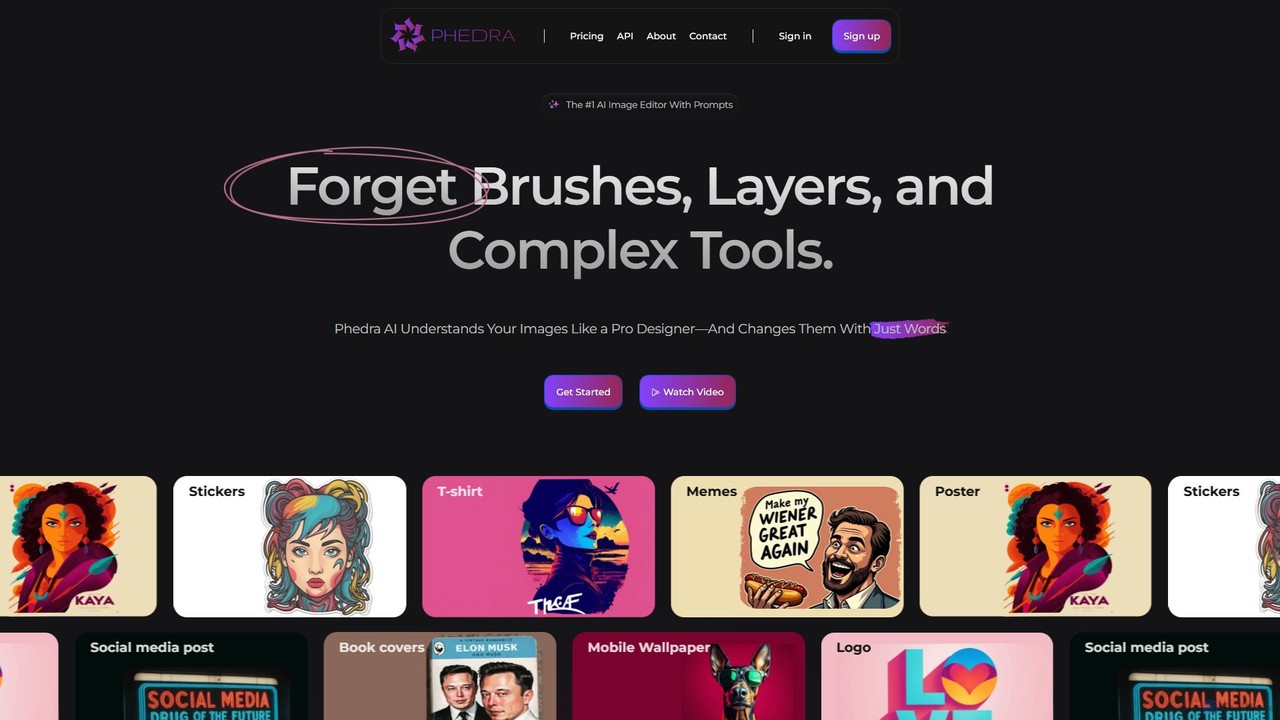
Phedra is an AI-powered image editor that transforms your photos using simple text prompts. Instead of complex tools, …

28.3K
KickRender

KickRender

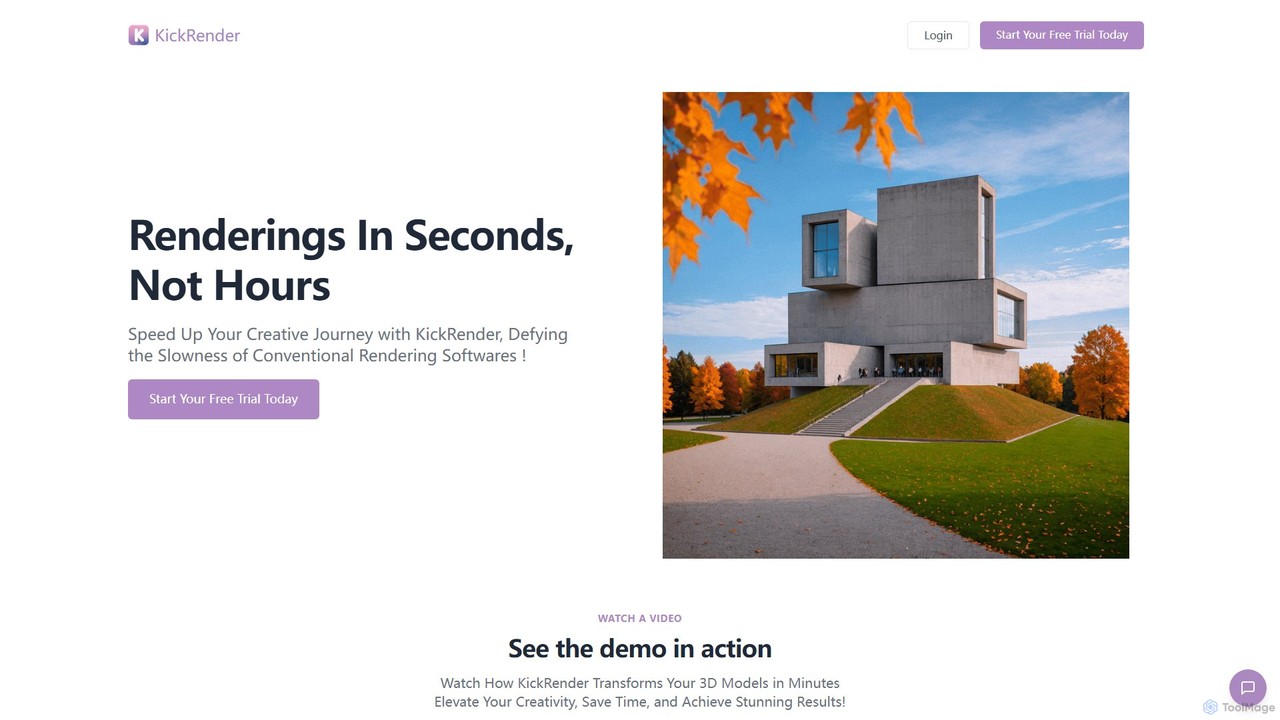
KickRender is an AI-powered rendering tool that transforms 3D models and sketches into stunning visualizations in seconds. It …

2.8K
Artguru

Artguru

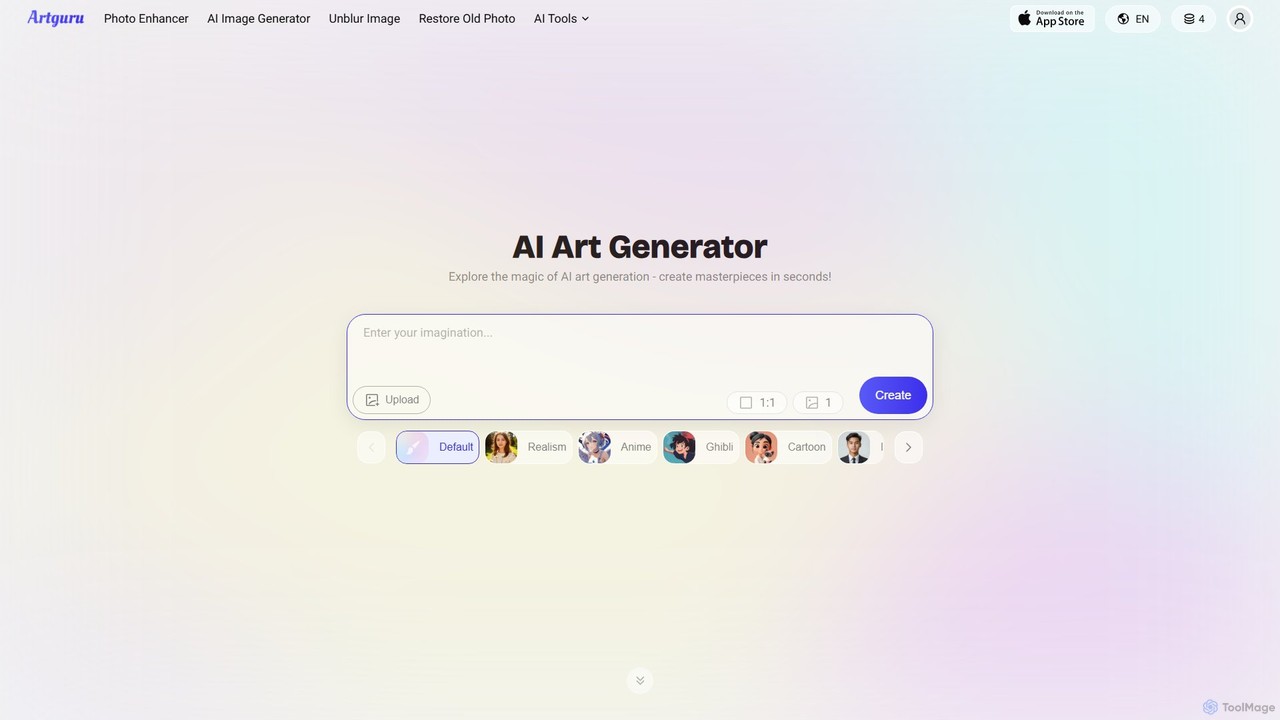
Artguru is a versatile AI creative suite for generating unique art from text or photos and enhancing images. …

2.1M
Colorfolio

Colorfolio

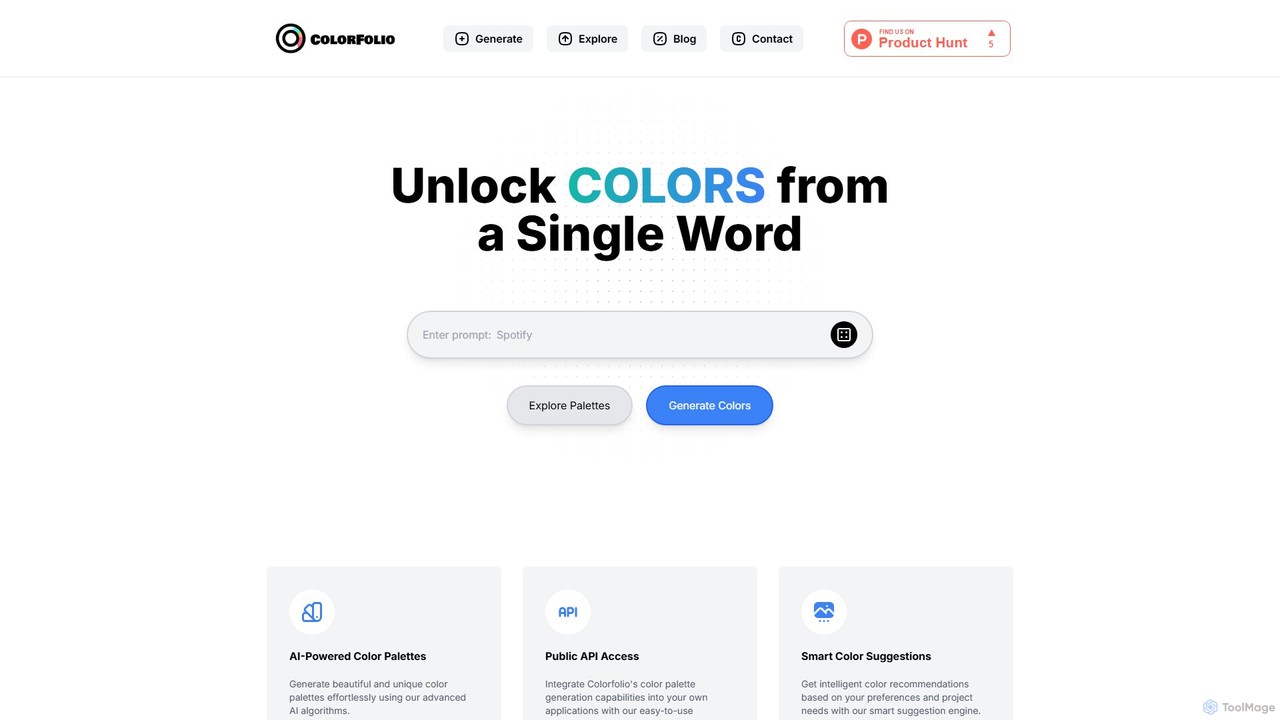
Colorfolio is an AI-powered color palette generator that creates beautiful and unique color schemes from a single word …

2.7K
Free
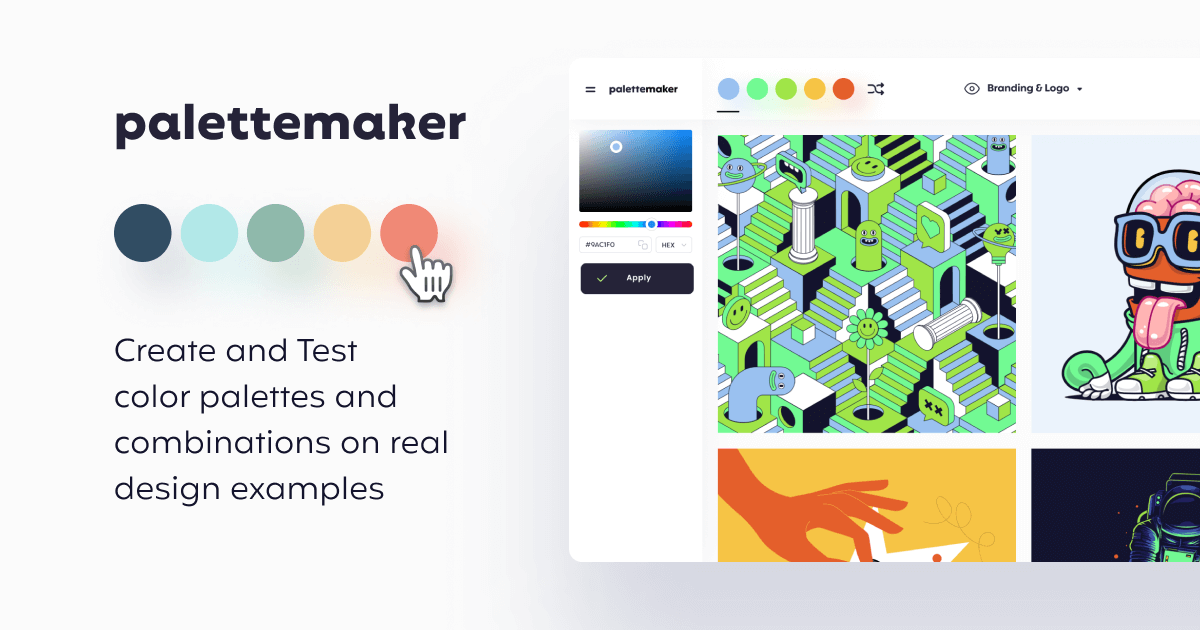
PaletteMaker

PaletteMaker

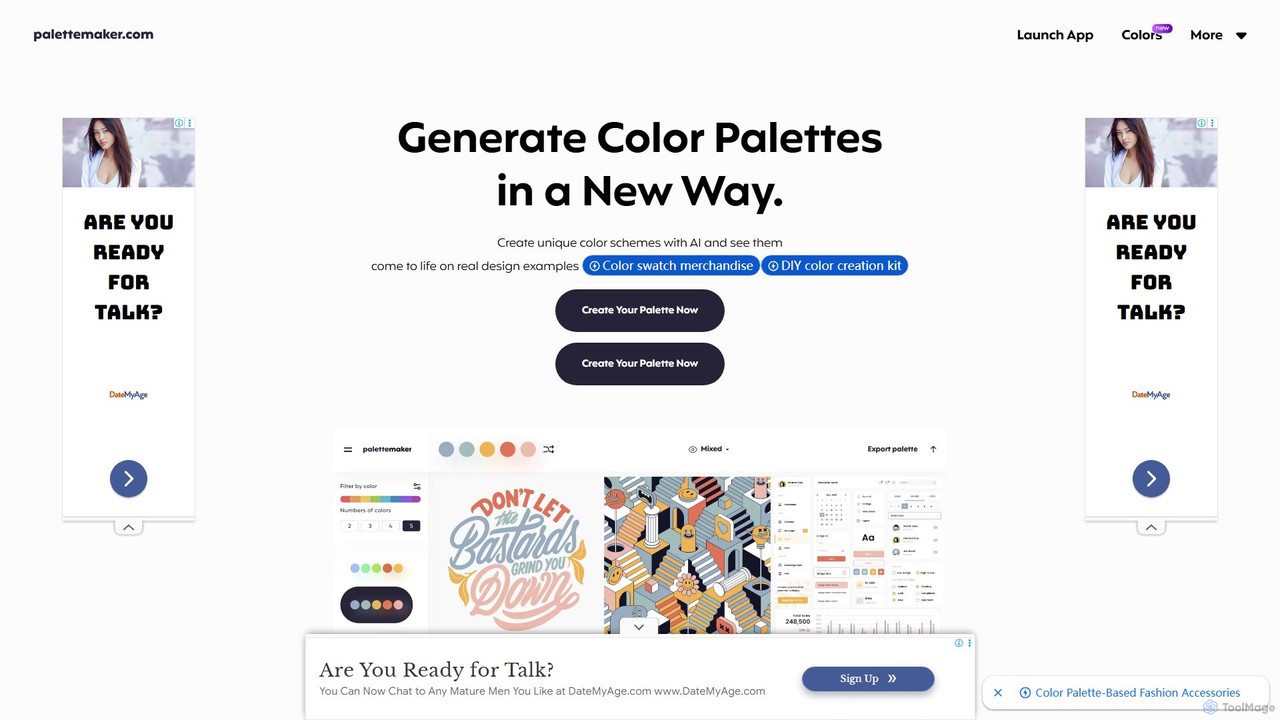
PaletteMaker is a free, AI-powered color palette generator that allows designers and creatives to create and instantly preview …

100.3K
immagic

immagic

An all-in-one AI creative suite for generating stunning images and videos. It integrates multiple advanced AI models like …

3.0K
Leo AI

Leo AI

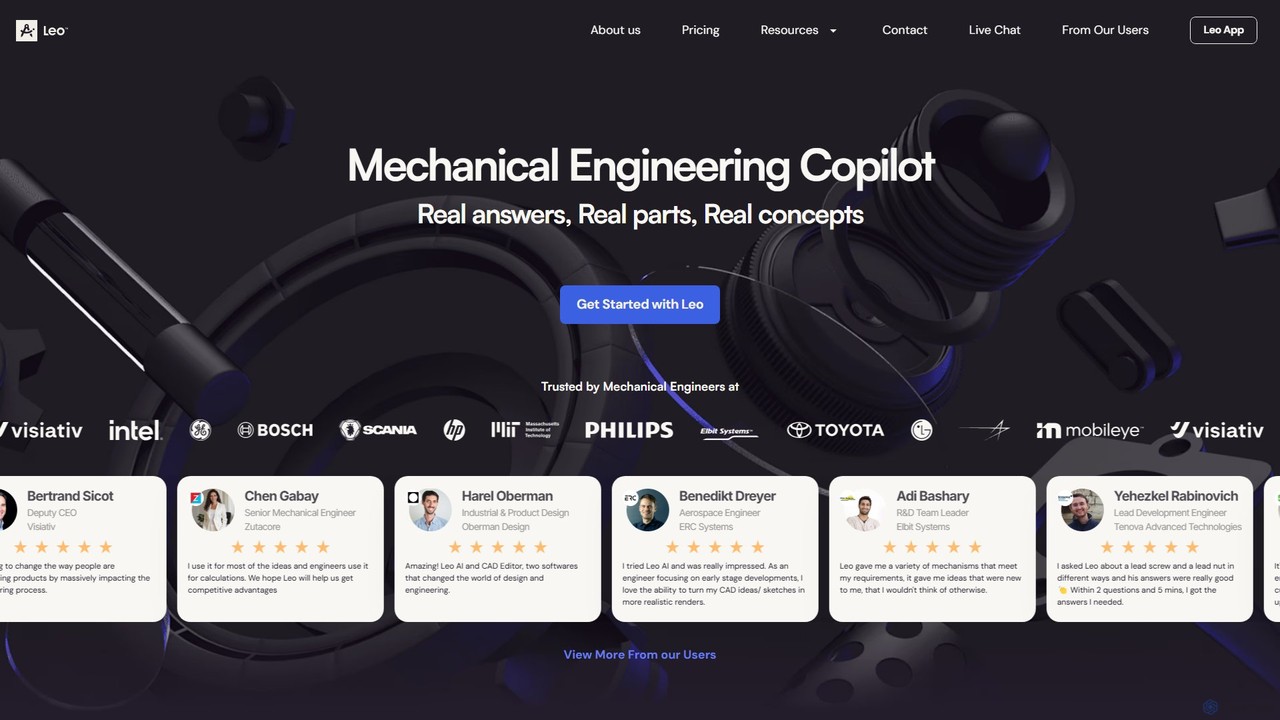
Leo AI is an AI-powered engineering design copilot specifically for mechanical engineers. It accelerates product design by answering …

106.5K
Wondr AI

Wondr AI

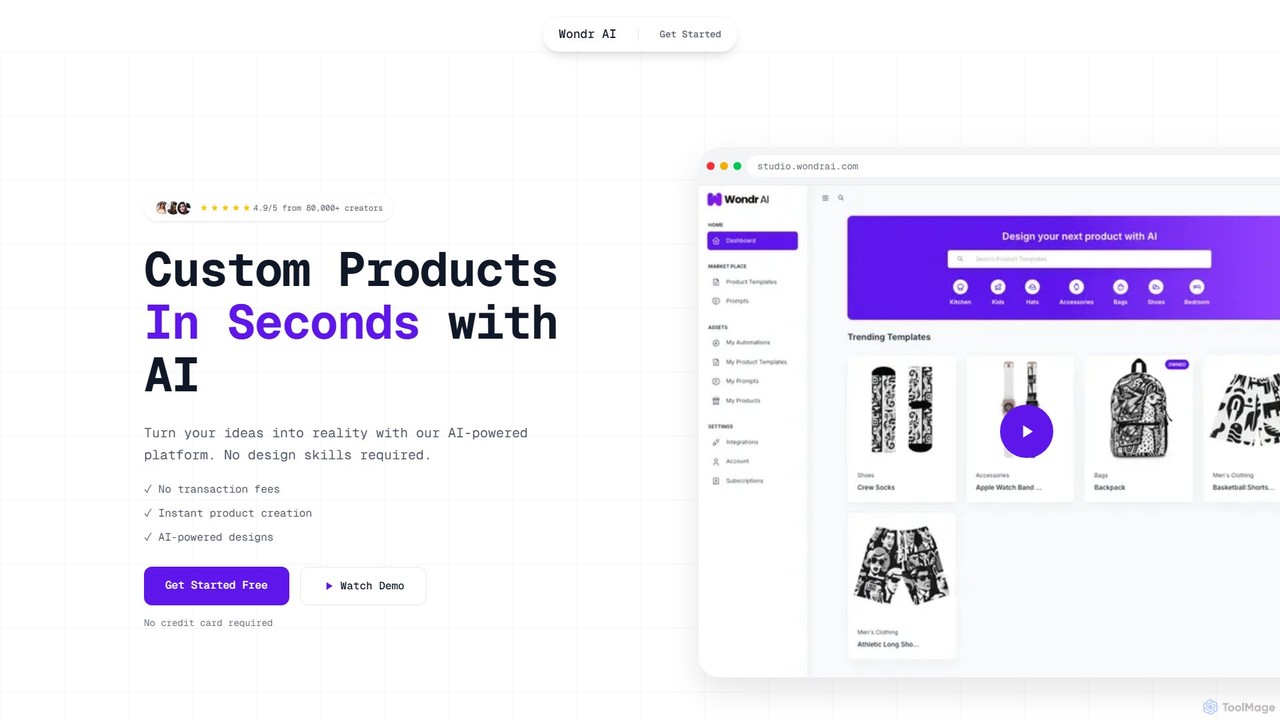
Wondr AI is an AI-powered platform designed for the Print-On-Demand (POD) industry. It enables creators and entrepreneurs to …

4.8K
Photosonic

Photosonic

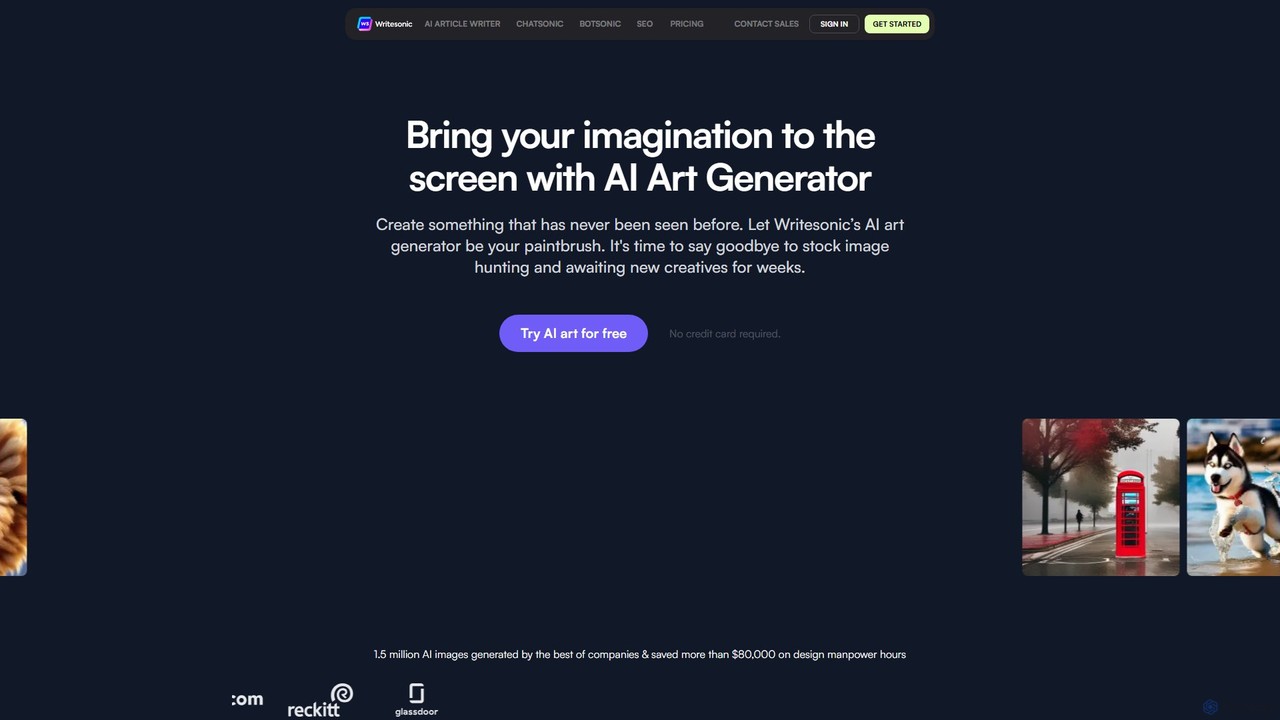
Photosonic is an AI art generator by Writesonic that transforms text prompts into unique, high-quality images. It supports …

401.1K
Droplette

Droplette

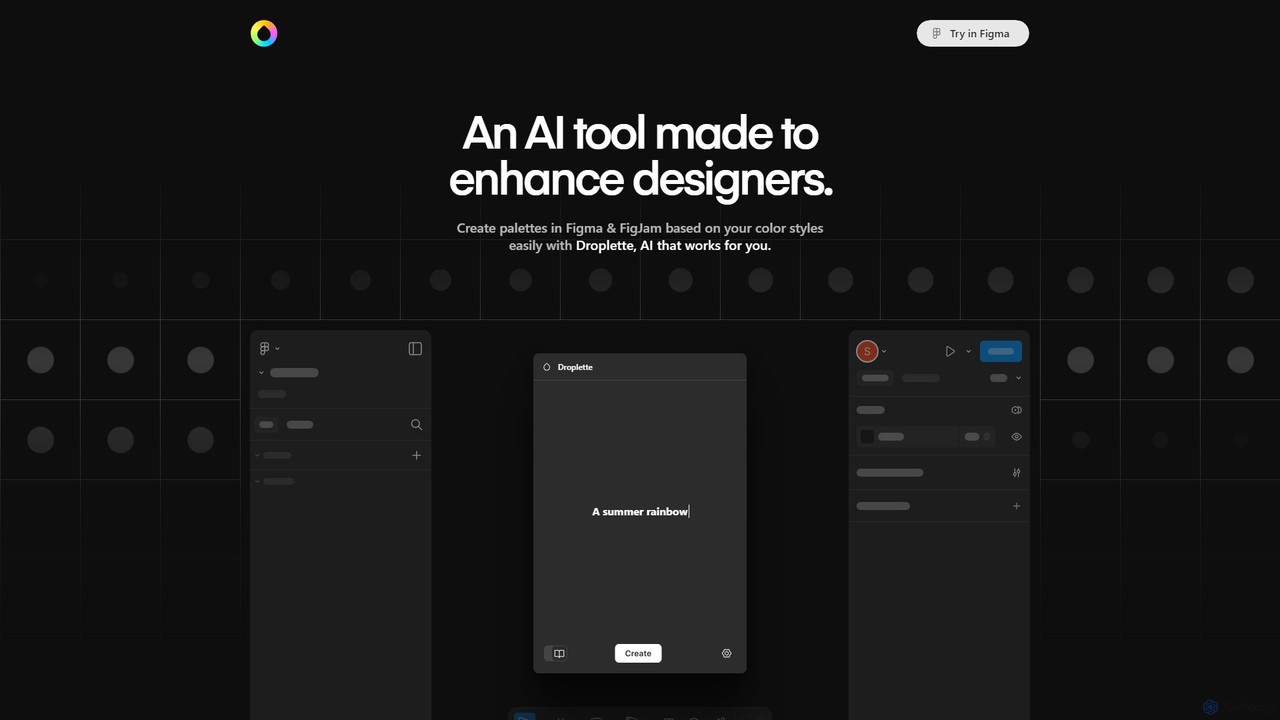
Droplette is an intelligent AI-powered color palette generator designed as a plugin for Figma and FigJam. It helps …

2.8K
Xingliu

Xingliu

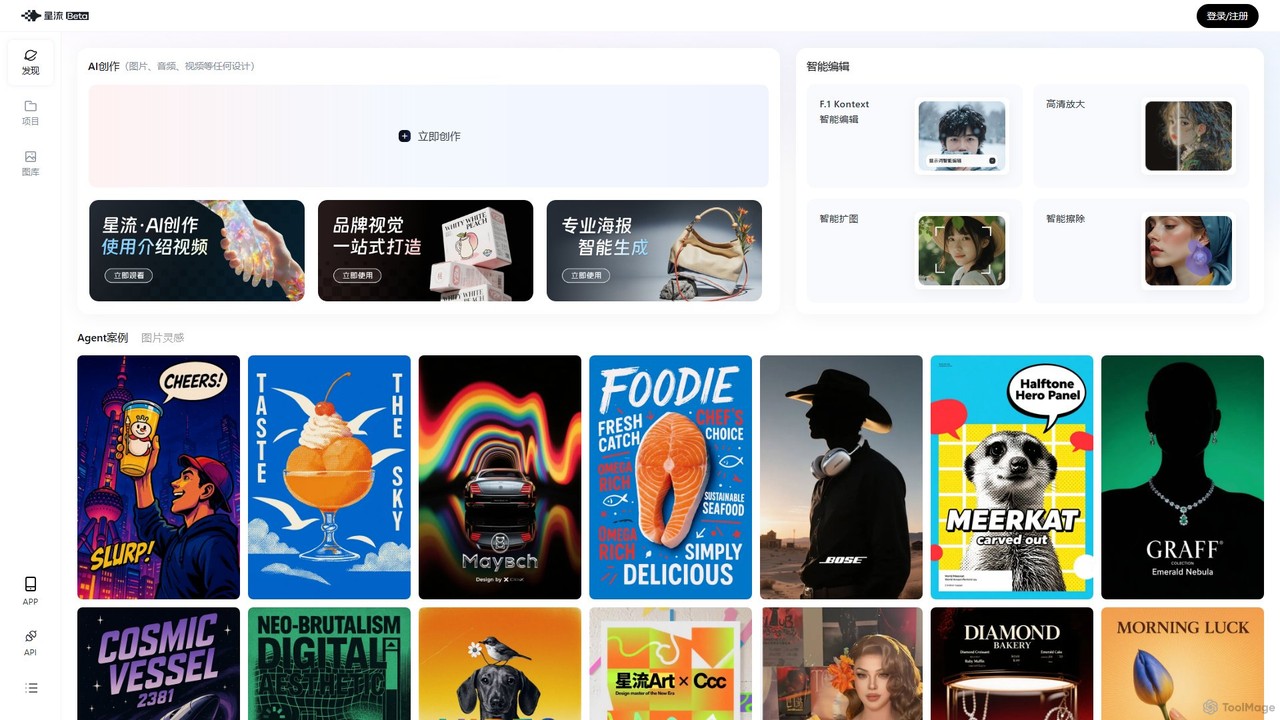
Xingliu is a next-generation AI creation suite that seamlessly integrates content generation and smart editing. Create stunning images, …

530.5K
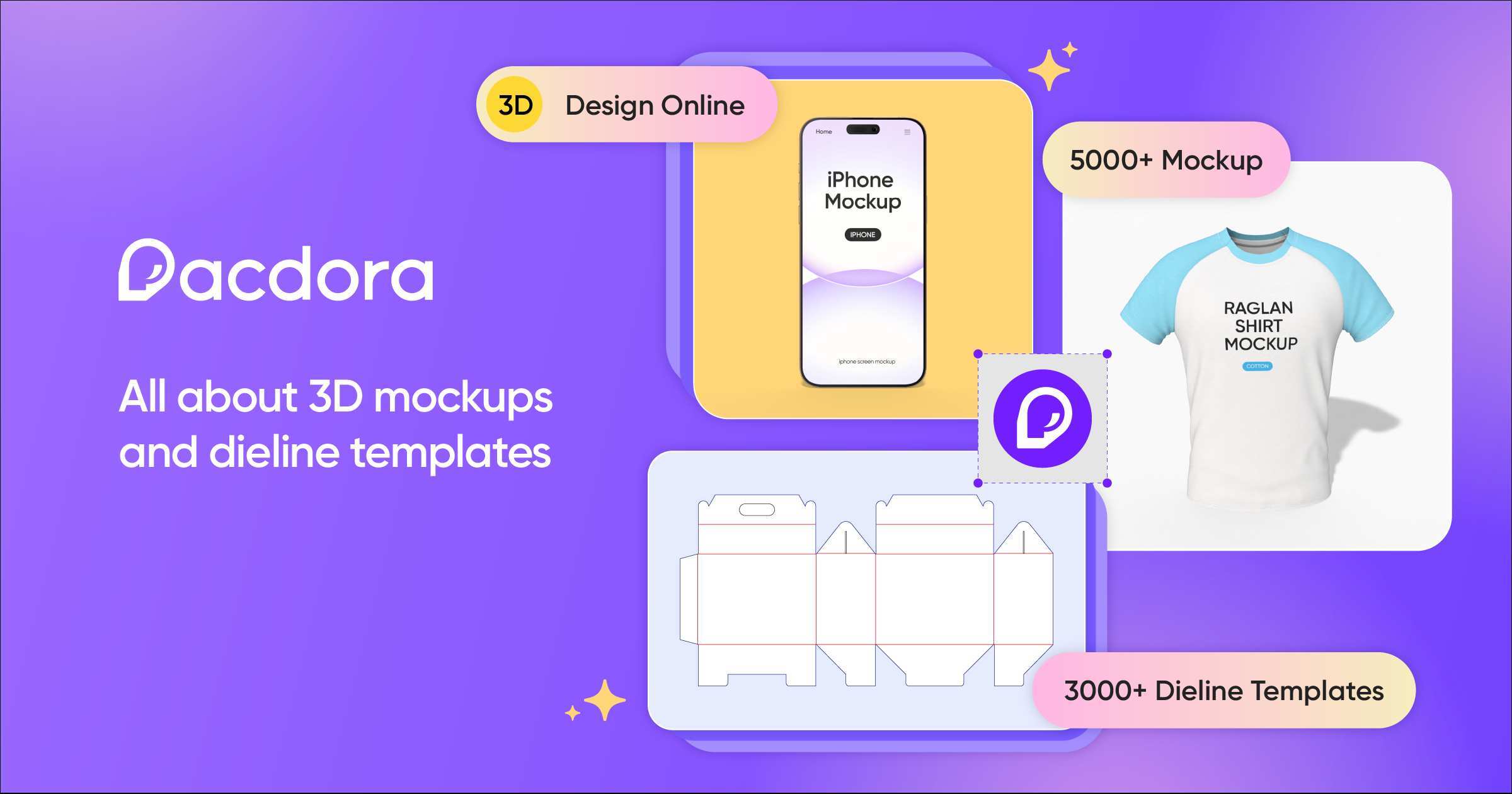
Pacdora

Pacdora

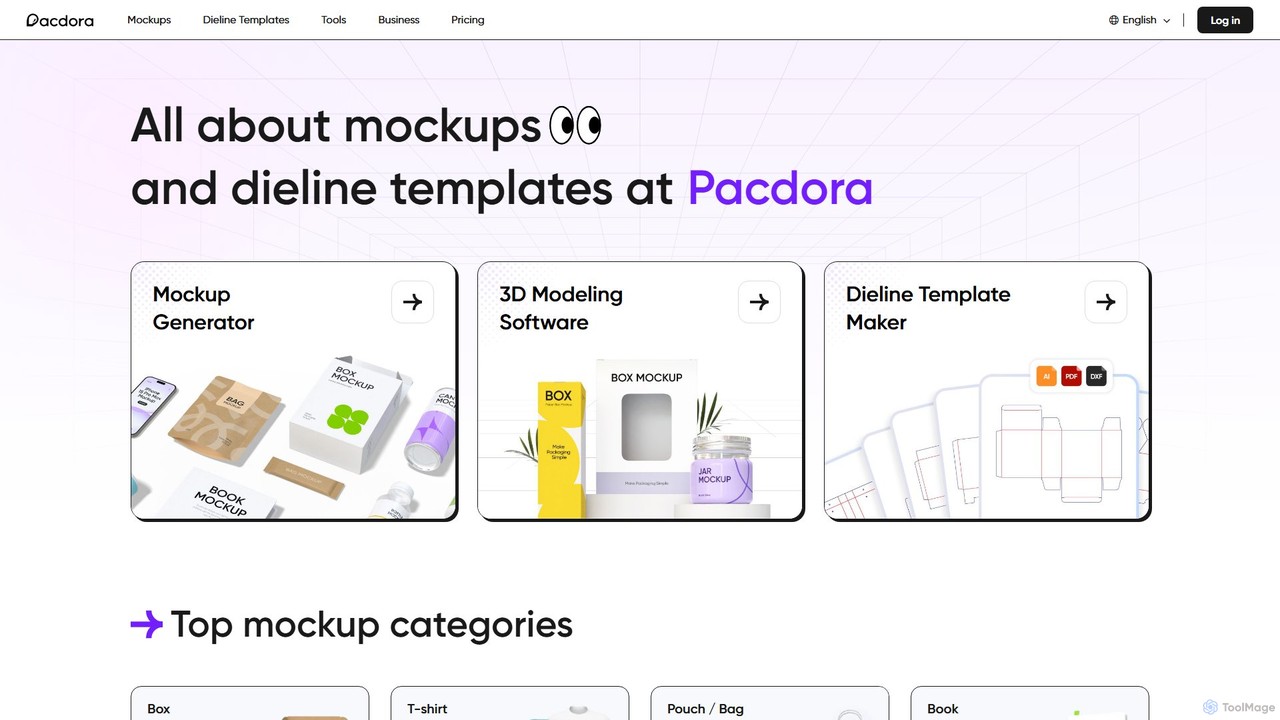
Pacdora is an all-in-one online design platform specializing in 3D mockups, dieline templates, and product visualization. It features …

1.6M
Free
Ask LukeW

Ask LukeW

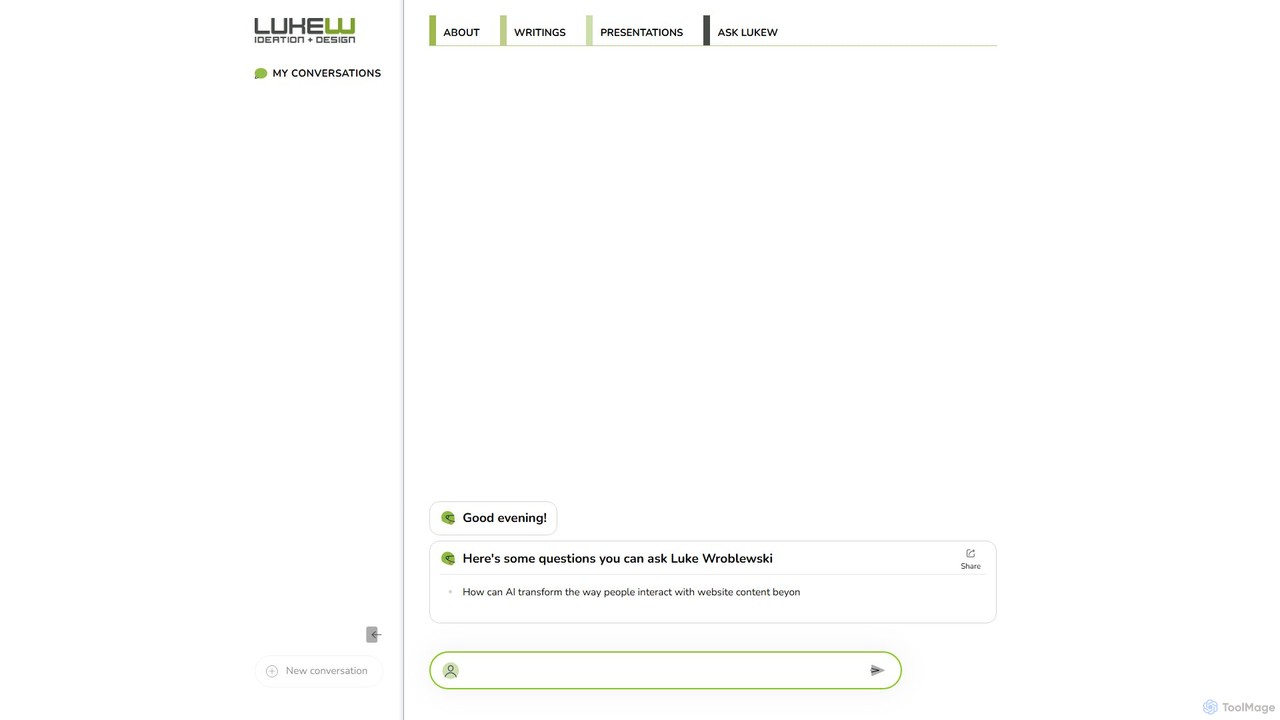
An AI-powered chatbot trained on the extensive knowledge and works of Luke Wroblewski, a leading expert in product …

3.4K
cre8tiveAI

cre8tiveAI

cre8tiveAI is a comprehensive online AI platform designed for creative tasks, offering a suite of tools for photo …

54.1K
Color Fuse AI

Color Fuse AI

Color Fuse AI is an AI-powered chat assistant that generates stunning color palettes from simple text prompts. It …

3.6K
HueBizz

HueBizz

HueBizz is an AI-powered color palette generator that helps businesses create fast, easy, and effective color schemes. It …

2.9K
aidesigns

aidesigns

aidesigns is an AI-powered design platform that transforms ideas into stunning visual assets. It specializes in creating unique …

2.7K
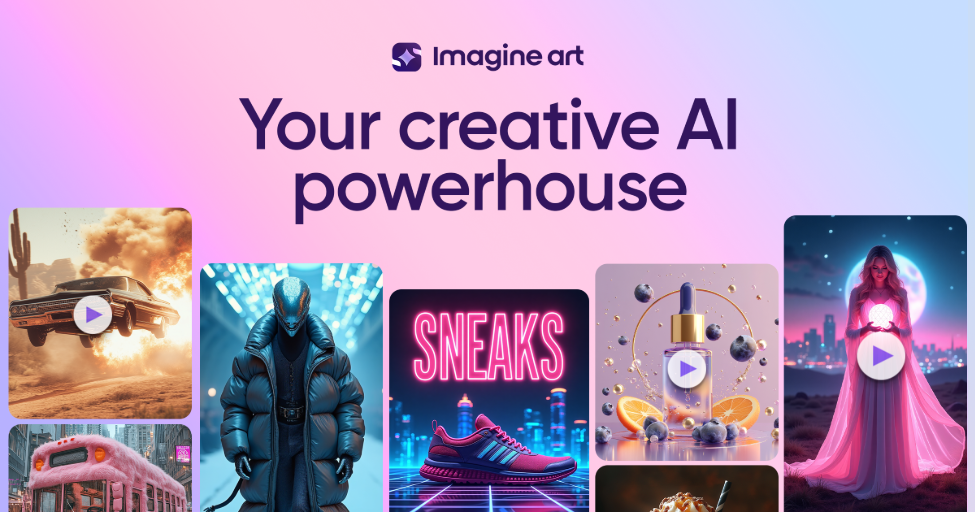
Imagine

Imagine

Imagine is a powerful AI art and video generator that transforms text prompts into stunning visuals. It offers …

3.3M
Resleeve

Resleeve

Resleeve is an AI-powered fashion design platform that enables designers to transform creative ideas into high-fidelity, realistic images …

51.4K
PicPik.ai

PicPik.ai

PicPik.ai is a professional-grade AI art generator and Photoshop plugin designed for designers and creative teams. It offers …

2.7K
restylar

restylar

Restylar is an advanced AI image-to-image generator that transforms your photos using simple text prompts. Easily restyle images …

15.0K
tusiart

tusiart

tusiart is a comprehensive AI model sharing community and online creation platform. It allows users to discover, share, …

174.3K

About Design Assistant

Design Assistant tools are AI-powered applications that leverage artificial intelligence to streamline and enhance various stages of the design process. These tools utilize machine learning algorithms to automate repetitive tasks, generate creative assets, and provide intelligent suggestions, empowering designers, marketers, and content creators to optimize their visual content workflows. As a sub-category of Productivity tools, Design Assistants focus specifically on accelerating visual creation and iteration, making design more accessible and efficient for both professionals and novices.

Core Features

  • Automated Asset Generation: Instantly create images, icons, patterns, or variations based on text prompts or existing designs.
  • Intelligent Layout & Composition: Receive AI-driven suggestions for optimal visual hierarchy, spacing, and element arrangement.
  • Background Removal & Editing: Quickly isolate subjects, remove unwanted elements, or enhance image quality with AI precision.
  • Color Palette & Typography Suggestions: Generate harmonious color schemes and font pairings tailored to specific brand guidelines or moods.
  • Design Upscaling & Enhancement: Improve resolution, clarity, and overall quality of visual assets without manual effort.

Use Cases

Design Assistant tools are invaluable for marketing teams needing to produce high volumes of campaign visuals, graphic designers seeking to accelerate concept development, and e-commerce businesses optimizing product imagery. They are also widely adopted by content creators for generating engaging social media graphics and by web developers for quickly creating UI elements and mockups, significantly reducing manual design time.

How to Choose

When selecting an AI Design Assistant, consider its core functionalities and how well they align with your specific design needs, such as image generation, editing, or layout assistance. Evaluate the quality and versatility of its AI models, ensuring the output meets your aesthetic and technical standards. Look for seamless integration with your existing design software or workflow, and assess the pricing model relative to the features offered and your budget. Finally, prioritize tools with an intuitive user interface and robust support for a smooth user experience.

Design AssistantUse Cases

1

Automating Social Media Visuals for Marketing Campaigns

Marketing teams often need to produce a high volume of diverse visual content for various social media platforms. An AI Design Assistant allows marketers to quickly generate multiple versions of ad creatives, banner images, and post graphics by simply inputting text prompts or uploading existing brand assets. This significantly reduces the time spent on manual design, ensures brand consistency across channels, and enables rapid A/B testing of visual concepts to optimize campaign performance.

2

Rapid Prototyping and Iteration for UI/UX Design

UI/UX designers can leverage Design Assistant tools to accelerate the initial stages of product development. By inputting basic wireframes or textual descriptions, designers can instantly generate various layout options, component styles, and color schemes for user interfaces. This capability facilitates rapid prototyping, allowing for quick iteration and exploration of design concepts, gathering early feedback, and making informed decisions without extensive manual effort, thereby speeding up the entire design cycle.

3

Generating Personalized Marketing Collateral at Scale

Businesses aiming for highly personalized customer engagement can use AI Design Assistants to create tailored marketing materials. For example, an e-commerce platform can automatically generate unique product banners or email headers for different customer segments based on their browsing history or preferences. This level of personalization, achieved efficiently through AI, enhances customer relevance, improves engagement rates, and drives conversions by presenting visuals that resonate directly with individual users.

4

Enhancing and Optimizing E-commerce Product Imagery

Online retailers frequently deal with large catalogs of product images that require consistent quality and optimization. Design Assistant tools can automate tasks like background removal, image upscaling, color correction, and even generating lifestyle mockups from simple product shots. This ensures professional-looking product pages, reduces manual photo editing time, and helps create a cohesive brand aesthetic, ultimately improving customer perception and sales.

5

Ensuring Brand Guideline Adherence Across Visual Assets

For large organizations or agencies managing multiple brands, maintaining consistent visual identity is crucial but challenging. AI Design Assistants can be configured with specific brand guidelines, including color palettes, typography, logos, and imagery styles. The tools then automatically apply these rules when generating or modifying designs, ensuring every visual asset, from presentations to marketing materials, adheres strictly to brand standards, minimizing errors and maintaining brand integrity.

6

Transforming Textual Content into Engaging Infographics

Content creators and educators often need to convert complex textual information into easily digestible visual formats like infographics or presentations. Design Assistant tools can take raw text, identify key data points, and suggest visual representations, layouts, and iconographies. This capability streamlines the creation of engaging educational materials, blog post visuals, or report summaries, making information more accessible and impactful for the audience without requiring advanced graphic design skills.

Design AssistantFrequently Asked Questions