ToolMage
Sign in

Best 1 Cad AI tools for Developer Tools

Popular Cad AI tools in Developer Tools include Leo AI, helping you work more efficiently.

Leo AI
Freemium

Leo AI

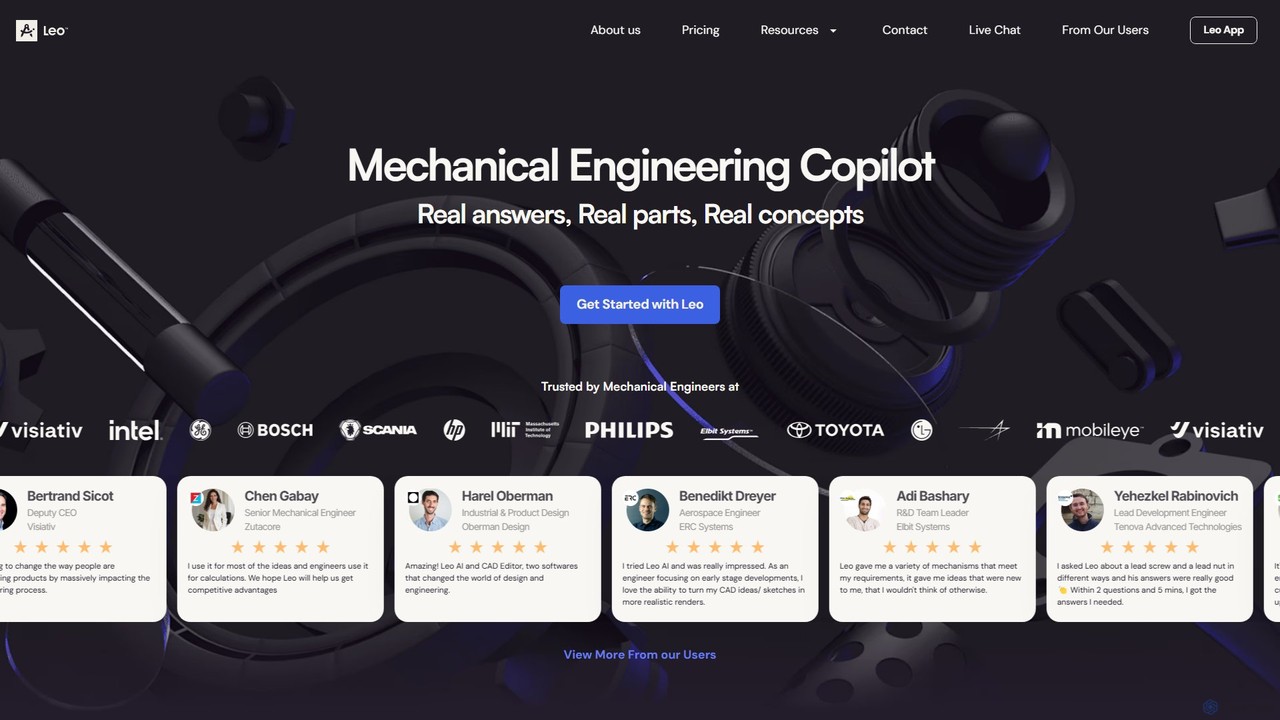
Leo AI is an AI-powered engineering design copilot specifically for mechanical engineers. It accelerates product design by answering technical questions, solving complex calculations, finding standard parts, and brainstorming 3D concepts. By integrating with CAD, PDM, and internal data, Leo AI acts as an intelligent partner, turning ideas into products faster than ever.

Cad
Visits 125.3KFavorites 75Likes 82

About Cad

AI-powered CAD tools are a specialized segment within developer tools, leveraging artificial intelligence to enhance and automate computer-aided design processes. These tools utilize advanced algorithms for tasks like generative design, intelligent optimization, and automated feature recognition, significantly accelerating product development cycles and improving design quality. They empower engineers, designers, and developers to explore complex design spaces, optimize performance, and streamline workflows from concept to manufacturing.

Core Features

  • Generative Design: Automatically creates multiple design options based on specified parameters, materials, and performance requirements.
  • Design Optimization: AI analyzes designs for structural integrity, material usage, manufacturability, and cost-effectiveness, suggesting improvements.
  • Feature Recognition & Automation: Identifies common design patterns or features within models, automating repetitive tasks and standardizing components.
  • Intelligent Simulation: Enhances traditional simulation processes by predicting outcomes faster or suggesting optimal test conditions.
  • 2D to 3D Conversion: Converts sketches or 2D drawings into detailed 3D models with AI assistance, reducing manual modeling time.

Use Cases

AI-powered CAD tools are invaluable for industries requiring rapid innovation and precision. They are used in automotive for lightweight component design, aerospace for optimizing aerodynamic structures, and consumer electronics for compact and efficient product enclosures. Developers leverage these tools to integrate design directly into their development pipelines, ensuring design feasibility and performance from the earliest stages.

How to Choose

When selecting an AI CAD tool, consider its generative design capabilities, the range of optimization algorithms offered, and its integration with existing engineering and development software. Evaluate the user interface for ease of use, the learning curve for your team, and the tool's ability to handle complex geometries and material properties. Scalability, cloud-based features, and pricing models are also crucial factors for long-term adoption.

Featured tool rankings

Cad use cases

1

Automated Component Design for Manufacturing

Mechanical engineers leverage AI CAD tools to automatically generate and optimize complex mechanical components for specific manufacturing processes like 3D printing or CNC machining. By inputting performance requirements and material constraints, the AI explores thousands of design iterations, identifying the most efficient and robust structures. This significantly reduces design time, material waste, and ensures optimal part performance, accelerating the product development cycle from concept to production.

2

Generative Design for Automotive Components

Automotive engineers use AI CAD to automatically generate lightweight yet strong designs for vehicle components like brackets, chassis parts, or engine mounts. By inputting performance criteria, material properties, and manufacturing constraints, the AI explores thousands of design iterations, identifying optimal geometries that reduce weight, improve fuel efficiency, and maintain structural integrity, significantly cutting down design time and material costs.

3

Architectural Concept Generation and Optimization

Architects and urban planners use AI CAD to rapidly generate diverse architectural concepts for buildings or urban layouts. By defining site constraints, programmatic requirements, and aesthetic preferences, the AI can propose multiple design variations, optimizing for factors like natural light, energy efficiency, or structural integrity. This allows for quick exploration of innovative forms and efficient evaluation of design alternatives, significantly enhancing the early-stage design process and client presentations.

4

Optimizing Aerospace Structural Designs

Aerospace developers leverage AI-powered CAD for optimizing aircraft wing structures or fuselage components. The AI analyzes stress points, aerodynamic forces, and material fatigue, suggesting design modifications that enhance performance, reduce drag, and extend component lifespan, while adhering to strict safety regulations. This allows for faster iteration and validation of complex designs.

5

Product Design Iteration and Optimization

Industrial designers utilize AI CAD to rapidly iterate on product aesthetics, ergonomics, and functionality. The AI can suggest material choices, manufacturing process optimizations, and even predict user interaction based on design parameters. This enables designers to quickly explore numerous design variations, receive instant feedback on performance metrics, and refine products for market readiness, drastically shortening the time-to-market for new innovations.

6

Rapid Prototyping in Consumer Electronics

Product designers in consumer electronics utilize AI CAD to quickly iterate on enclosure designs for new gadgets. The AI can generate multiple ergonomic and aesthetically pleasing variations based on internal component layouts and user interaction points. This accelerates the conceptual design phase, allowing for rapid virtual prototyping and testing before physical manufacturing.

7

Automated Fixture and Jig Design for Manufacturing

Manufacturing engineers employ AI CAD to automate the design of custom fixtures and jigs required for production lines. By providing specifications for the part to be held and the manufacturing process, the AI generates precise and efficient support structures, ensuring accurate machining and assembly. This reduces lead times for tooling and minimizes human error.

8

Civil Engineering Infrastructure Planning

Civil engineers employ AI CAD tools to automate and optimize the planning and design of large-scale infrastructure projects like roads, bridges, and utility networks. By integrating topographical data, traffic flow predictions, and environmental regulations, the AI can generate optimal layouts, calculate material requirements, and simulate performance under various conditions. This ensures compliance, minimizes construction costs, and enhances the long-term sustainability and efficiency of public works.

9

Automated Electrical Schematics and PCB Layout

Electrical engineers and developers utilize AI CAD for automating the generation of complex electrical schematics and printed circuit board (PCB) layouts. By inputting functional specifications and component libraries, the AI can intelligently route traces, optimize component placement for signal integrity, and ensure manufacturability. This significantly reduces manual design errors, accelerates the development of electronic devices, and allows for rapid prototyping of new circuit designs.

10

AI-Assisted Architectural Conceptualization

Architects and urban planners use AI CAD to rapidly explore conceptual designs for buildings or urban layouts. Based on site conditions, functional requirements, and environmental factors (like sunlight and wind), the AI can generate diverse spatial arrangements and structural forms, providing a broad range of starting points for detailed design development and sustainability analysis.

11

Game Asset Creation and Optimization

Game developers and 3D artists employ AI CAD to accelerate the creation and optimization of 3D models for game environments, characters, and props. By providing high-level descriptions or concept art, the AI can generate detailed 3D assets, optimize mesh density for performance, and even suggest texture mappings. This streamlines the asset pipeline, reduces manual modeling effort, and ensures that game assets are optimized for various platforms and rendering engines, enhancing development efficiency.

12

Converting Legacy 2D Drawings to 3D Models

Engineering teams working with legacy systems use AI CAD to convert vast archives of 2D technical drawings into accurate 3D digital models. The AI interprets lines, dimensions, and annotations from scanned blueprints, automatically reconstructing parametric 3D models. This streamlines the digitization process, making old designs compatible with modern simulation and manufacturing workflows.

Cad FAQ

What are AI-powered CAD tools?

AI-powered CAD tools are advanced software solutions that integrate artificial intelligence to automate and enhance various aspects of computer-aided design. They go beyond traditional CAD by leveraging AI for tasks like generative design, intelligent modeling, and automated analysis. These tools help engineers, architects, and designers create, optimize, and validate 2D and 3D models more efficiently, reducing manual effort and accelerating the design process from conceptualization to production.

What are AI-powered CAD tools?

AI-powered CAD tools are software applications that integrate artificial intelligence capabilities into the computer-aided design process. They go beyond traditional CAD by using algorithms for tasks such as generative design, intelligent optimization, automated feature recognition, and predictive analysis. These tools help engineers and designers create, analyze, and refine designs more efficiently and innovatively, often exploring solutions that human designers might overlook.

How to choose the right AI CAD tool?

Selecting an AI CAD tool involves evaluating several factors. Prioritize tools with strong generative design and optimization capabilities relevant to your industry. Consider its compatibility with your existing software ecosystem (e.g., PLM, CAM). Assess the user interface's intuitiveness, the learning curve, and the availability of training resources. Finally, compare pricing models, cloud integration options, and the vendor's support and update policies to ensure long-term value.

How do AI CAD tools differ from traditional CAD software?

The primary difference lies in automation and intelligence. Traditional CAD relies heavily on manual input and rule-based operations, requiring designers to explicitly define every detail. AI CAD, however, uses machine learning algorithms to understand design intent, generate multiple design options (generative design), optimize structures based on performance criteria, and automate repetitive tasks like drafting or component placement. This leads to faster iteration, more innovative solutions, and reduced human error compared to conventional methods.

What are the key capabilities of AI CAD?

Key capabilities of AI CAD include generative design, where AI creates design alternatives based on specified constraints and goals. Design optimization allows AI to refine existing designs for performance, cost, or manufacturability. Automated feature recognition helps in standardizing parts and automating repetitive modeling tasks. Additionally, AI can enhance simulations, predict material behavior, and assist in converting 2D data to 3D models, significantly accelerating the design and development process.

What are the main benefits of using AI in CAD?

Integrating AI into CAD offers several significant benefits. Firstly, it dramatically accelerates the design process through generative design and intelligent automation, reducing time-to-market. Secondly, AI enhances design quality by optimizing for performance, manufacturability, and cost, leading to superior products. Thirdly, it fosters innovation by exploring design spaces that human designers might overlook. Finally, AI minimizes human error in repetitive tasks, ensuring greater accuracy and consistency across projects, ultimately boosting overall productivity and efficiency.

Who typically uses AI CAD tools?

AI CAD tools are primarily used by professionals in various engineering and design disciplines. This includes mechanical engineers for product development, civil engineers for infrastructure planning, architects for building design, and industrial designers for consumer goods. Additionally, developers and researchers in fields like robotics, aerospace, and automotive often utilize these tools for advanced simulation, generative design, and integrating design processes into automated workflows, pushing the boundaries of traditional design and manufacturing.

How do AI CAD tools differ from traditional CAD software?

Traditional CAD software provides tools for manual design, drafting, and modeling, requiring explicit instructions from the user. AI CAD tools, while retaining core CAD functionalities, introduce intelligence and automation. They can autonomously generate designs, suggest optimizations, learn from existing data, and perform complex analyses with minimal human input. This shift enables designers to focus on higher-level problem-solving and innovation, rather than repetitive manual tasks, leading to more efficient and often superior design outcomes.

What are the main benefits of using AI in CAD?

The main benefits of integrating AI into CAD include significantly accelerated design cycles, allowing for faster iteration and time-to-market. AI enhances design quality by exploring a wider range of optimal solutions, leading to improved performance, reduced material usage, and lower manufacturing costs. It also fosters innovation by enabling designers to tackle more complex problems and discover novel geometries. Furthermore, AI automates repetitive tasks, freeing up engineers and designers to focus on creative and strategic aspects of their work.

What should I look for when choosing an AI CAD solution?

When selecting an AI CAD solution, prioritize its generative design capabilities, ensuring it can explore a wide range of design options based on your parameters. Look for robust simulation and analysis features that provide accurate performance predictions. Consider its integration with your existing engineering ecosystem and compatibility with industry-standard file formats. Evaluate the user interface for ease of use, the availability of APIs for custom automation, and the vendor's support for ongoing development and training. Scalability and cloud-based collaboration are also key for future-proofing your investment.