

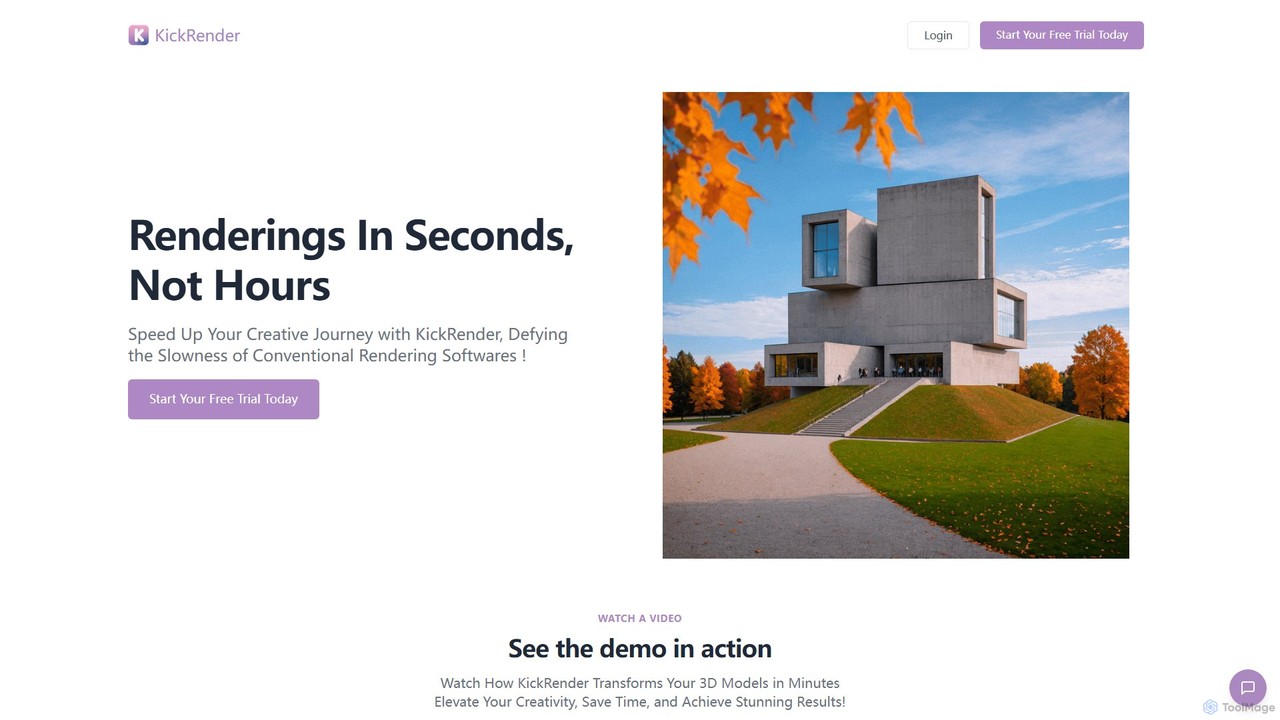
KickRender Overview
KickRender is an innovative AI-powered application designed to revolutionize the 3D rendering workflow for architects, designers, and creators. It addresses the primary bottleneck in the design process: the time-consuming nature of traditional rendering. With KickRender, what used to take hours can now be accomplished in mere seconds, allowing for unprecedented speed in creative exploration and iteration.
The tool is built to be exceptionally user-friendly, eliminating the steep learning curve often associated with professional rendering software. It empowers users to transform their 3D models, or even simple sketches, into photorealistic and stylized visualizations using natural language. By simply describing the desired atmosphere, materials, lighting, and style, KickRender's advanced AI interprets the input and generates high-quality images instantly. This intuitive process democratizes rendering, making it accessible to everyone on the design team, not just visualization experts.
How to use KickRender
Getting started with KickRender is a straightforward, three-step process designed for maximum efficiency:
- Import Your Model or Sketch: Users have multiple ways to bring their designs into the application. For Rhino 7/8 users, a dedicated plugin provides a seamless workflow, allowing them to export their current view directly to KickRender with a single click. For users of other software like Archicad, Revit, or Sketchup, any JPG or PNG image of their 3D model or even a hand-drawn sketch can be easily dragged and dropped into the interface.
- Describe Your Vision: This is where the AI magic happens. In the text prompt field, you describe the final image you envision. You can specify details like 'sunny afternoon light,' 'brushed concrete walls,' 'a modern Scandinavian interior,' or 'a building surrounded by a lush forest.' The prompt can be up to 10,000 characters, allowing for highly detailed descriptions.
- Render and Iterate: With a single click on the 'Render' button, the AI processes your model and prompt to generate a visualization. The true power lies in iteration; if the result isn't perfect, you can tweak the prompt and click again to get a new version in seconds. This rapid feedback loop encourages experimentation and helps refine the design vision faster than ever before.
Core Features of KickRender
- AI-Powered Rendering Engine: Utilizes cutting-edge AI to interpret text prompts and convert 3D models and sketches into high-quality renderings.
- Ultra-Fast Generation: Delivers rendering results in seconds, dramatically accelerating the design and iteration cycle.
- Seamless Rhino 7/8 Integration: A dedicated plugin allows for a direct, one-click workflow from Rhino to KickRender.
- Broad Software Compatibility: Works with any 3D modeling software by supporting JPG and PNG image imports, including Archicad, Revit, and Sketchup.
- Intuitive Prompt-Based Control: Users guide the rendering process with natural language descriptions, eliminating the need for complex settings adjustments.
- Sketch-to-Render Capability: Transforms conceptual sketches into polished visualizations, bridging the gap between early ideas and realistic presentations.
- Drag-and-Drop Functionality: A simple and accessible interface that requires no prior rendering expertise.
Use Cases for KickRender
KickRender is a versatile tool for various creative professionals:
- Architectural Visualization: Architects can quickly generate multiple exterior and interior design options, testing different materials, lighting conditions, and landscaping for client presentations.
- Concept Design & Ideation: During the early stages of a project, designers can rapidly visualize and iterate on concepts without being slowed down by rendering times.
- Interior Design: Interior designers can create photorealistic previews of spaces, experimenting with different furniture styles, color palettes, and decor in real-time.
- Product Design: Product designers can turn their 3D models into realistic product shots for marketing materials or internal reviews.
Advantages of KickRender
The primary advantage of KickRender is the immense speed it brings to the creative process. This speed translates into a more fluid and dynamic design workflow, where ideas can be tested and refined without delay. It democratizes high-quality rendering, making it an accessible tool for the entire team, not just specialists. This fosters greater creativity and collaboration, as it lowers the barrier to visualizing and communicating design intent. Furthermore, its simple subscription model is cost-effective compared to traditional rendering farms or hiring dedicated visualization artists.
Pricing and Plans
KickRender offers a simple and transparent subscription plan with a free trial to get started.
- Subscription Plan: $29 per month.
- What's Included: The plan provides 1500 monthly renders, the ability to use prompts up to 10,000 characters, a license for up to 3 users, and includes all future updates and customer support.
- Trial and Cancellation: A free trial period is available, and the subscription is only charged after the trial ends. Users can cancel their subscription at any time. Invoices and receipts are provided for easy company reimbursement.
Traffic
Latest traffic
Status
Monthly traffic trend
- 2025-8: 93
- 2025-9: 500
- 2026-3: 0
- 2026-4: 0
- 2026-5: 231
Geography
Top 5 countries / regions
- 🇩🇪Germany58.9%
- 🇲🇦Morocco41.1%
Top keywords
| Keyword | Cost per click |
|---|---|
| kitrender | $0.00 |
| viewrender ai | $0.00 |
KickRender Alternatives
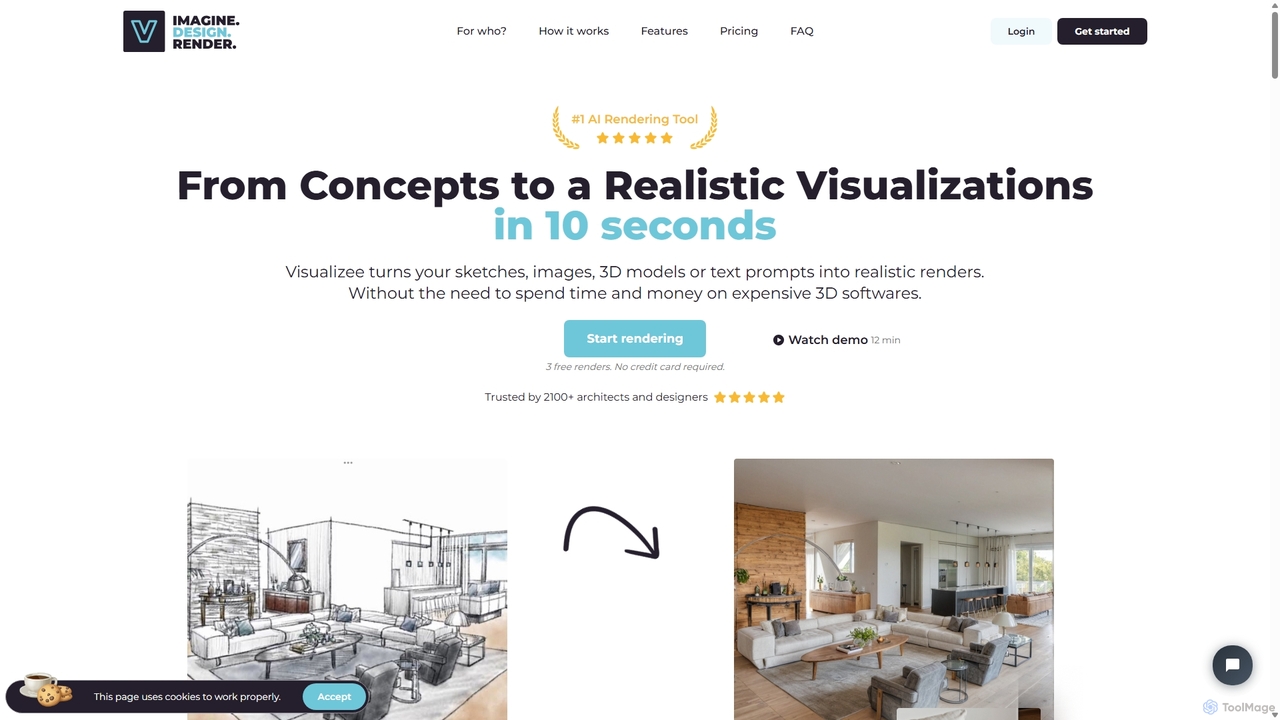
Visualizee.ai
Visualizee.ai is a leading AI rendering tool that transforms sketches, 3D models, and text prompts into high-resolution (up to 8K) photorealistic visuals in seconds. Ideal for architects, designers, and creators, it features advanced tools like inpainting and upscaling to bring creative ideas to life with precision and speed.
Visualization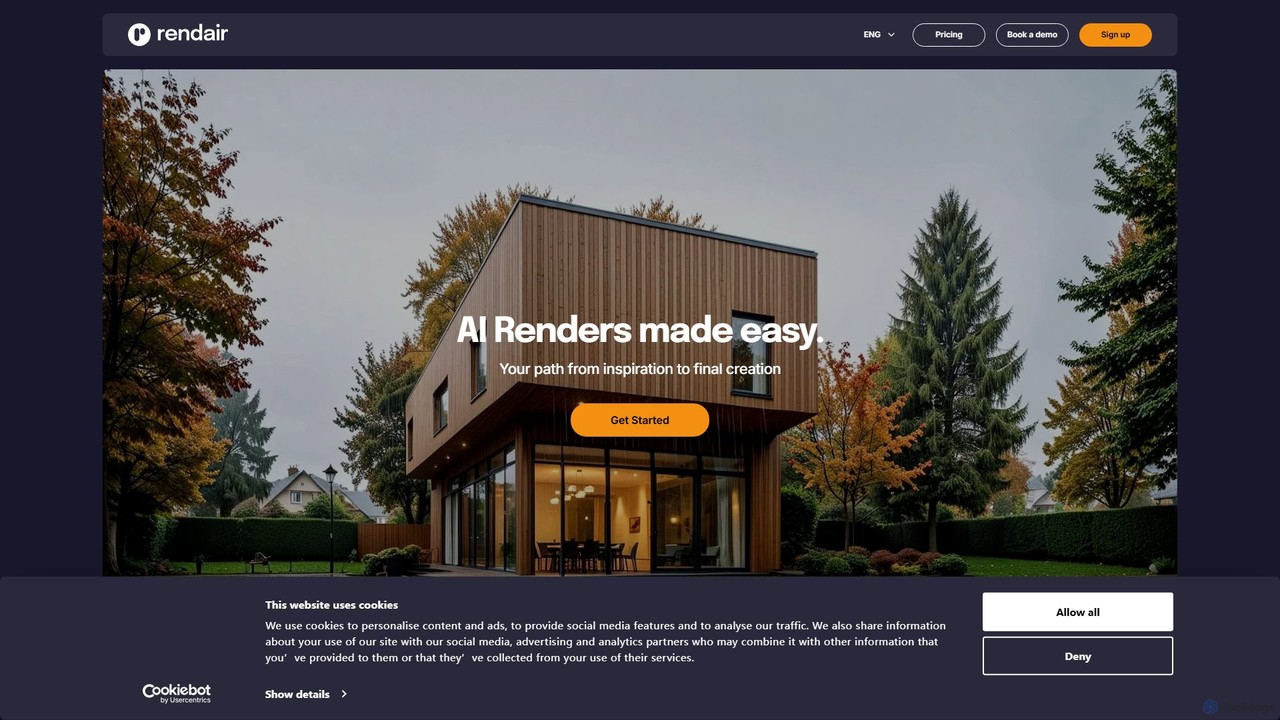
Rendair
Rendair is an AI-powered rendering platform that transforms sketches, 3D models, and photos into photorealistic visualizations in minutes. Designed for architects, interior designers, and real estate professionals, it simplifies and accelerates the design and marketing workflow, making high-quality renders accessible to everyone.
3D Rendering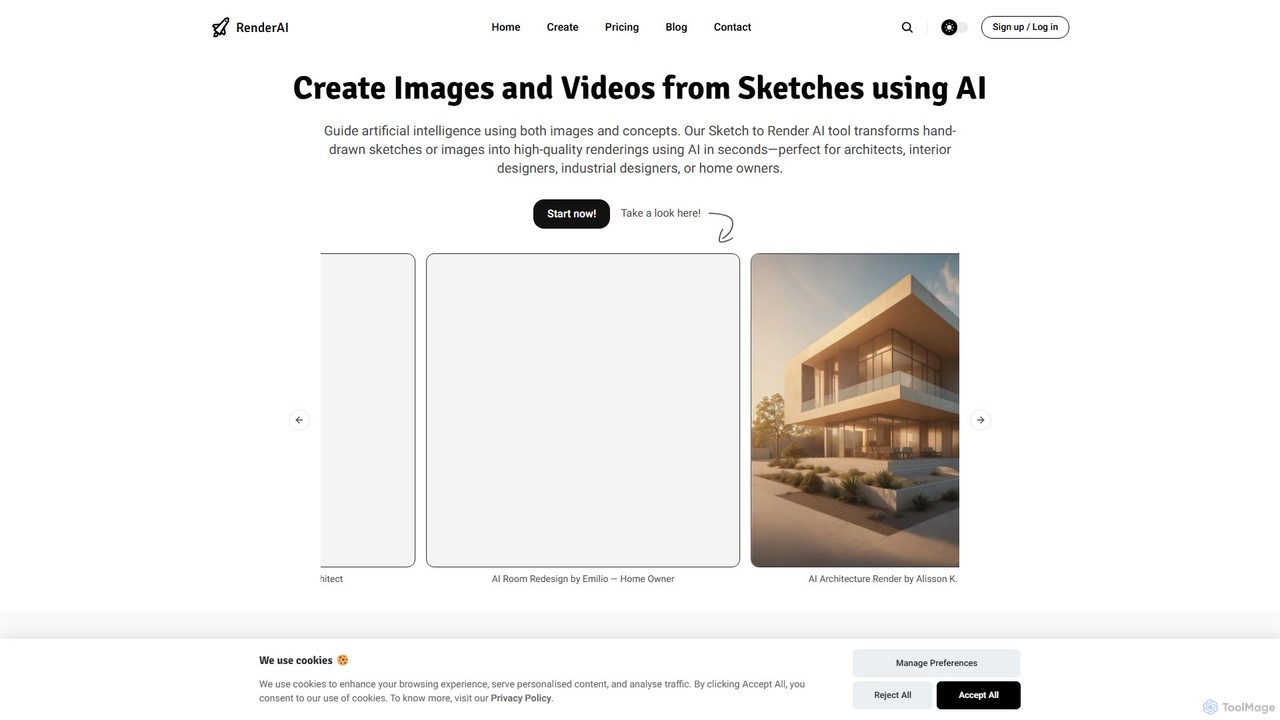
RenderAI
RenderAI is an AI-powered platform that transforms sketches, drawings, and screenshots into photorealistic renders and videos in seconds. Designed for architects, designers, marketers, and homeowners, it eliminates the need for complex 3D software, enabling rapid visualization of concepts for presentations, marketing, and project approvals.
3D
dimensions.ink
Dimensions.ink is an AI-powered creative suite for generating stunning 2D and 3D visuals. It transforms text prompts into high-quality concept art, product mockups, architectural visualizations, and intricate 3D models, empowering designers, artists, and creators to bring their ideas to life with unprecedented speed and ease.
Concept Art
Home Design
Home Design is a professional AI-powered platform that revolutionizes interior, exterior, and garden design. It allows users to transform existing spaces or generate new designs from text, offering stunning visualizations without requiring any signup or payment.
VisualizationKickRender Categories
KickRender Embed Widget
Copy this embed code to place the badge on your blog, article, or product site and send readers directly to this ToolMage detail page.

Related AI tools
Visualizee.ai
Visualizee.ai is a leading AI rendering tool that transforms sketches, 3D models, and text prompts into high-resolution (up to 8K) photorealistic visuals in seconds. Ideal for architects, designers, and creators, it features advanced tools like inpainting and upscaling to bring creative ideas to life with precision and speed.
VisualizationRenderAI
RenderAI is an AI-powered platform that transforms sketches, drawings, and screenshots into photorealistic renders and videos in seconds. Designed for architects, designers, marketers, and homeowners, it eliminates the need for complex 3D software, enabling rapid visualization of concepts for presentations, marketing, and project approvals.
3D
LookX
LookX is an AI-powered design platform specifically for architecture and interior design. It transforms text, sketches, and images into high-quality renderings and videos in real-time. Features include custom model training, plugins for SketchUp and Rhino, and advanced prompt assistance to accelerate the creative workflow for designers and architects.
Architecture
CRXAI
CRXAI is an AI-powered rendering and visualization tool specifically designed for architects and designers. It transforms text prompts, 3D models, sketches, and photos into high-quality, photorealistic architectural visuals, streamlining the design workflow and accelerating creative exploration.
3DRendair
Rendair is an AI-powered rendering platform that transforms sketches, 3D models, and photos into photorealistic visualizations in minutes. Designed for architects, interior designers, and real estate professionals, it simplifies and accelerates the design and marketing workflow, making high-quality renders accessible to everyone.
3D Renderingdimensions.ink
Dimensions.ink is an AI-powered creative suite for generating stunning 2D and 3D visuals. It transforms text prompts into high-quality concept art, product mockups, architectural visualizations, and intricate 3D models, empowering designers, artists, and creators to bring their ideas to life with unprecedented speed and ease.
Concept Art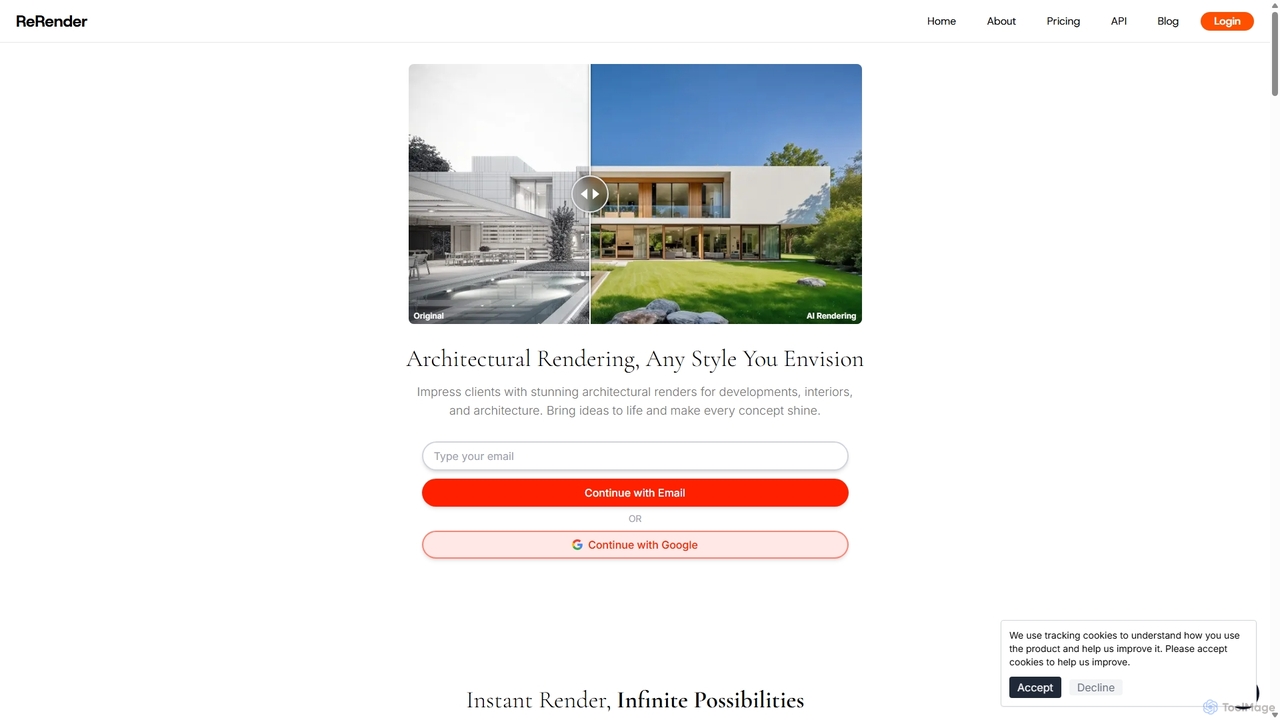
ReRender AI
ReRender AI is a powerful AI-driven platform that transforms architectural sketches, 3D models, and photos into stunning, photorealistic renderings in seconds. Designed for architects, interior designers, and real estate developers, it streamlines the design visualization process with customizable styles, detailed environmental controls, and rapid generation speeds.
Architecture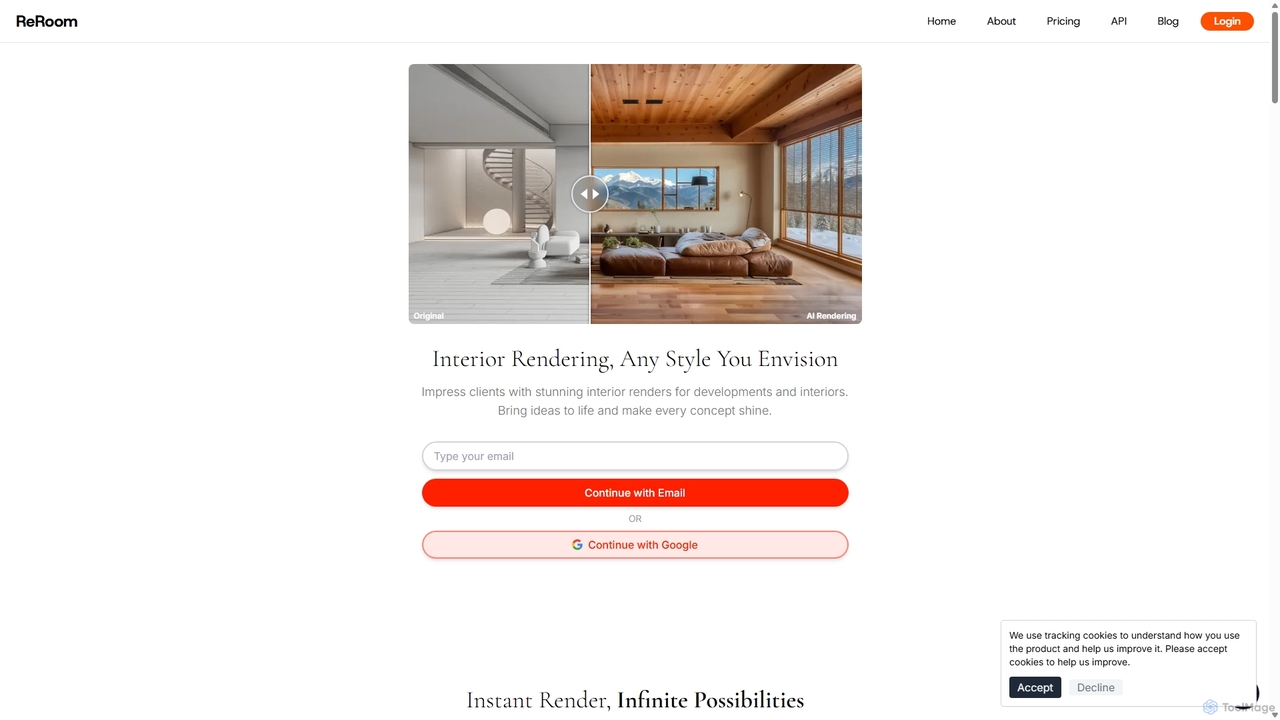
ReRoom AI
ReRoom AI is a powerful AI-driven platform for architects, interior designers, and real estate professionals. It instantly transforms sketches, 3D models, and photos into photorealistic interior and exterior renders. Offering a wide range of styles and detailed customization, it streamlines the design visualization process, bringing creative visions to life in seconds.
Architecture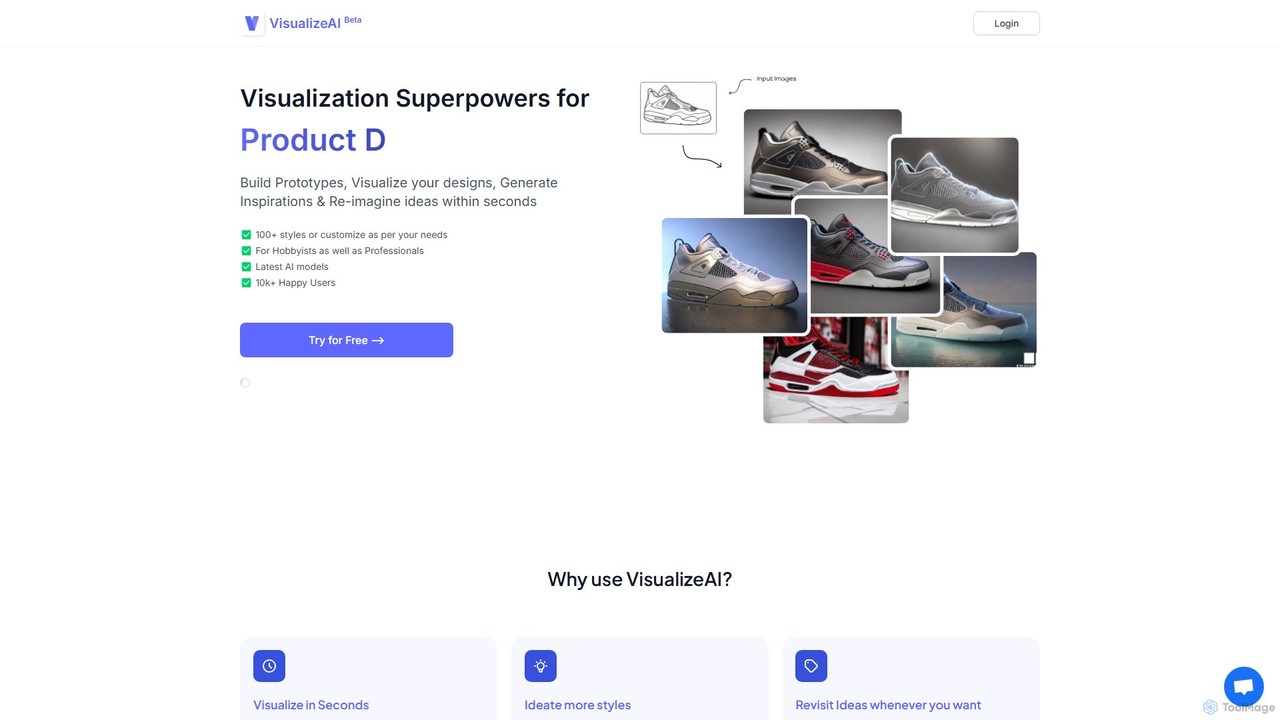
VisualizeAI
VisualizeAI is an AI-powered design visualization tool that transforms sketches, images, and basic models into high-quality renders in seconds. It's designed for architects, interior designers, and product designers to rapidly prototype, generate inspiration, and re-imagine ideas with over 100 styles.
Architecture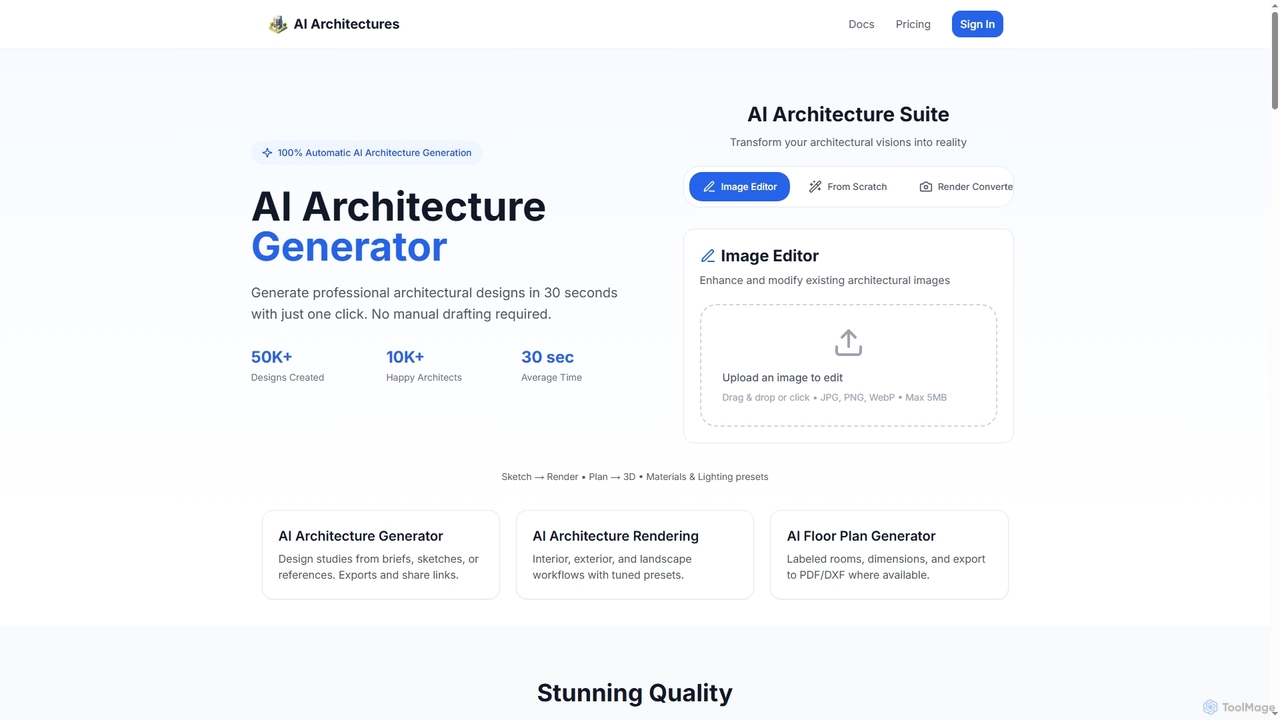
AI Architectures
AI Architectures is an advanced AI platform designed for architects and designers, enabling 100% automatic generation of professional architectural designs, floor plans, and photorealistic renders in seconds. It transforms sketches, briefs, or existing images into stunning visualizations for various architectural scenarios.
Rendering
Typus.ai
Typus.ai is an AI-powered platform for architects and 3D artists, transforming CAD drawings, sketches, and 3D models into stunning architectural visualizations. It offers precise control through features like Regional Prompting and Style Transfer, preserving the original design structure while enabling rapid creation of high-quality, commercially licensed renderings.
Architecture
Jeweality
Jeweality is an AI-powered platform designed for the jewelry industry, enabling designers and manufacturers to transform ideas, sketches, and text into professional, high-quality jewelry designs and renders in minutes.
Image GeneratorHome Design
Home Design is a professional AI-powered platform that revolutionizes interior, exterior, and garden design. It allows users to transform existing spaces or generate new designs from text, offering stunning visualizations without requiring any signup or payment.
Visualization
Coohom
Coohom is an all-in-one, cloud-based 3D design platform for interior designers, architects, and retailers. It enables users to create 2D/3D floor plans, generate photorealistic renderings and 720° panoramas in minutes, and visualize designs with a massive library of 3D models. Its AI-powered features streamline the entire design-to-visualization workflow.
3D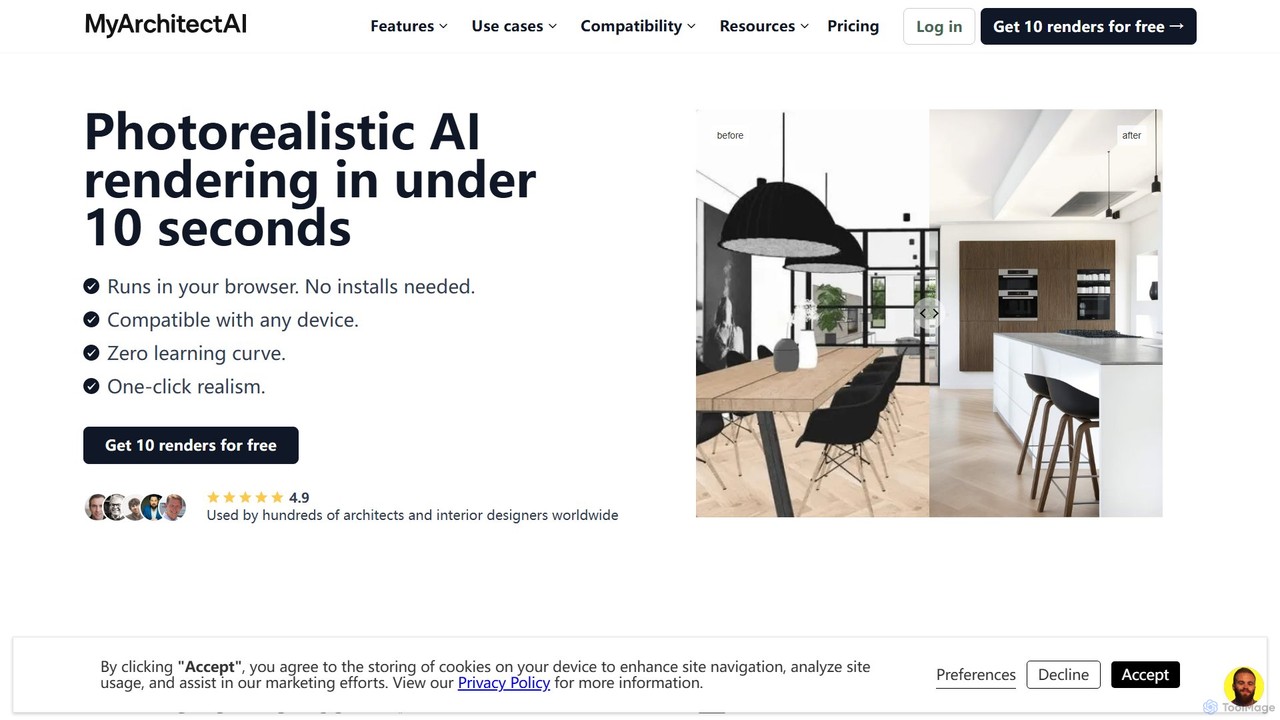
MyArchitectAI
MyArchitectAI is an AI-powered rendering software designed for architects and interior designers. It transforms sketches, CAD designs, and line drawings into photorealistic visualizations in seconds. The platform requires no specialized skills or expensive hardware, making high-quality rendering accessible to all. It offers a free trial of 10 renders.
Architecture
KickRender Comments (0)
Sign in to comment.
Sign inNo comments yet.