

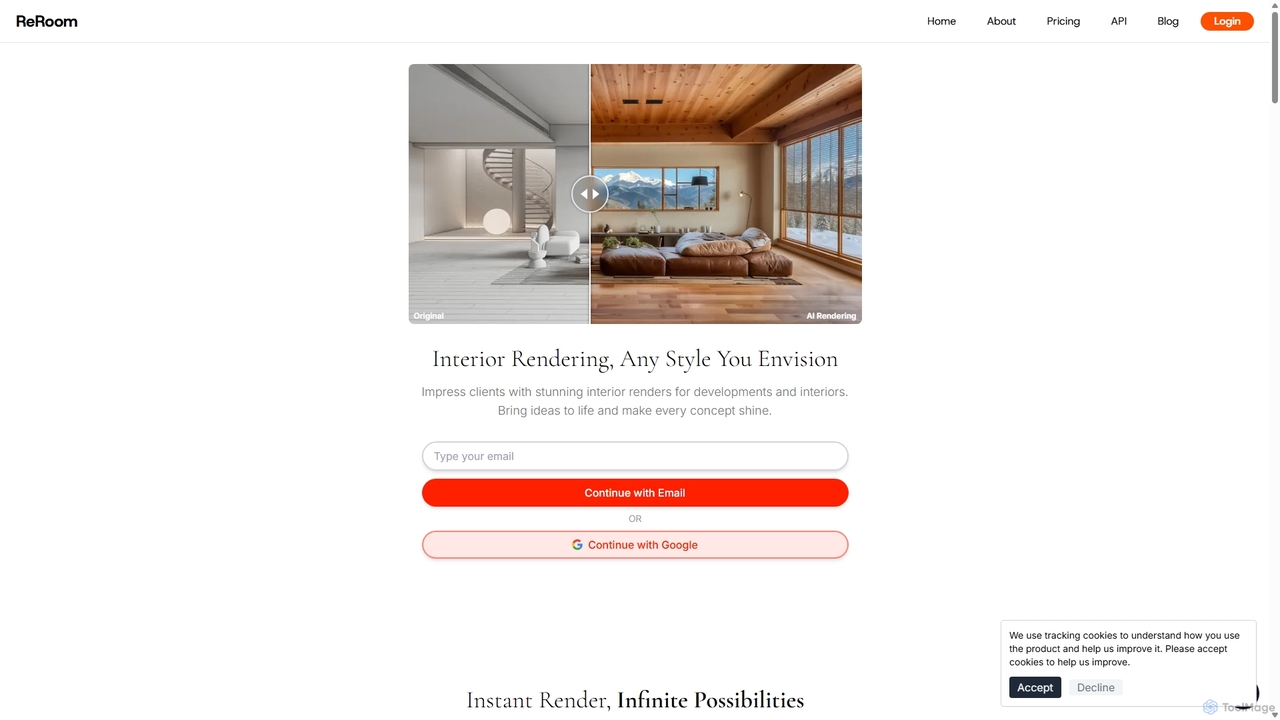
ReRoom AI Overview
ReRoom AI is a state-of-the-art design tool that revolutionizes the process of architectural and interior visualization. By harnessing the power of advanced artificial intelligence, it empowers designers, architects, and creative professionals to transform their concepts into stunning, photorealistic renders with unprecedented speed and ease. Whether you're starting with a simple sketch, a detailed 3D model, or a photograph, ReRoom AI can interpret your input and generate high-quality images in any style you can imagine, bridging the gap between idea and reality.
The platform is designed to be intuitive and accessible to everyone, from seasoned professionals to students just beginning their creative journey. It eliminates the steep learning curves and time-consuming processes associated with traditional rendering software. With a user-friendly interface, ReRoom AI allows for rapid iteration and exploration of different design possibilities, making it an indispensable tool for client presentations, marketing materials, and portfolio development. The service supports both interior and exterior scenes, providing a comprehensive solution for all visualization needs.
How to use ReRoom AI
The workflow in ReRoom AI is streamlined for maximum efficiency and creativity. Users can generate professional-grade renders by following a few simple steps:
- Upload Your Source Image: Begin by uploading your design concept. This can be a 3D model screenshot, a photograph of an existing space, a hand-drawn sketch, or a digital drawing. The platform supports common image formats like JPG, JPEG, and PNG.
- Choose Your Style: Select from a wide variety of preset styles to quickly apply a specific aesthetic to your design, such as Modern, Minimalist, Scandinavian, or Industrial. Alternatively, you can write a custom text prompt to describe the exact style you envision.
- Define Details and Environment: Refine your render by specifying environmental details. You can control the time of day (e.g., golden hour, midday sun), the season (e.g., summer, winter), the surrounding landscape, and the sky conditions.
- Refine with Prompts: Use the prompt box to describe any specific modifications or enhancements you want to see. For even better results, enable the 'Auto-Prompt' feature, which uses AI to refine your wording for optimal output.
- Select a Rendering Mode: Choose from three distinct modes to control the AI's creative interpretation: 'Precise' mode stays very close to the original input, 'Creative' mode takes more artistic liberties, and 'Balance' mode offers a mix of both.
- Generate: Click the 'Render' button. The AI will process your request and generate a stunning, high-quality image in approximately 20 seconds.
Core Features of ReRoom AI
- AI Interior & Exterior Rendering: Generate photorealistic images for both indoor spaces and building exteriors.
- Multi-Format Input: Accepts a wide range of inputs, including 3D models, photos, and sketches, making it highly versatile.
- Advanced Style Customization: Offers a rich library of preset styles and the ability to generate unique styles via custom text prompts.
- Environmental Controls: Fine-tune renders with specific settings for time of day, season, landscape, and weather.
- Flexible Rendering Modes: Three modes (Precise, Balance, Creative) give users control over the AI's adherence to the source image versus its creative freedom.
- Auto-Prompt Enhancement: An AI-powered feature that helps refine user prompts to achieve better and more accurate results.
- High-Speed Generation: Delivers high-quality renders in seconds, dramatically accelerating the design workflow.
- Image Enhancement Suite: Includes additional tools to upscale image resolution, make precise edits, and enhance overall quality.
Use Cases for ReRoom AI
ReRoom AI is a versatile tool suitable for various professional and creative applications:
- Interior Designers: Quickly create multiple design variations and mood boards for client consultations, allowing for real-time feedback and faster decision-making.
- Architects: Visualize exterior building designs in different contexts, materials, and lighting conditions to present compelling project proposals.
- Real Estate Professionals: Create virtual staging for empty properties, enhance listing photos, or showcase renovation potential to attract more buyers.
- Marketing Agencies: Produce high-quality visual content for property development brochures, websites, and social media campaigns.
- Students and Educators: An accessible tool for learning about architectural visualization and experimenting with design concepts without the need for expensive software.
Advantages of ReRoom AI
The platform offers significant advantages over traditional methods:
- Efficiency: Reduces rendering time from hours or days to mere seconds.
- Accessibility: No specialized hardware or complex software knowledge is required, making professional rendering accessible to all.
- Cost-Effective: Provides a powerful rendering solution at a fraction of the cost of traditional software licenses and rendering farms.
- Creative Exploration: Enables users to explore infinite design possibilities quickly and effortlessly, fostering greater creativity.
Pricing and Plans
While specific pricing details are subject to change, ReRoom AI typically operates on a freemium model, offering various tiers to suit different user needs. A plausible structure would be:
- Free Plan: Ideal for trial and casual use, offering a limited number of free renders per month, with basic features and watermarked outputs.
- Pro Plan: A monthly or annual subscription designed for individual professionals, providing a generous number of monthly renders, access to all premium styles, higher resolution outputs, and no watermarks.
- Business Plan: Tailored for agencies and teams, offering unlimited renders, team collaboration features, priority support, and potentially API access for custom integrations.
Users are encouraged to visit the official ReRoom AI website for the most current and detailed pricing information.
Traffic
Latest traffic
Status
Monthly traffic trend
- 2025-9: 155.9K
- 2026-1: 208.5K
- 2026-2: 133.5K
- 2026-3: 121.8K
- 2026-4: 129.3K
- 2026-5: 100.9K
Geography
Top 5 countries / regions
- 🇲🇳Mongolia27.3%
- 🇺🇸United States24.0%
- 🇮🇩Indonesia18.4%
- 🇹🇼Taiwan15.2%
- 🇲🇽Mexico15.1%
Traffic sources
| Source type | Percentage |
|---|---|
Direct | 81.3% |
Referral | 11.6% |
Email | 7.1% |
Top keywords
| Keyword | Cost per click |
|---|---|
| ai for kitchen design or shee slice | $0.00 |
| ai interior design | $1.25 |
| ai室内设计工具 | $0.00 |
| reroom | $0.36 |
| reroom ai | $0.31 |
ReRoom AI Alternatives
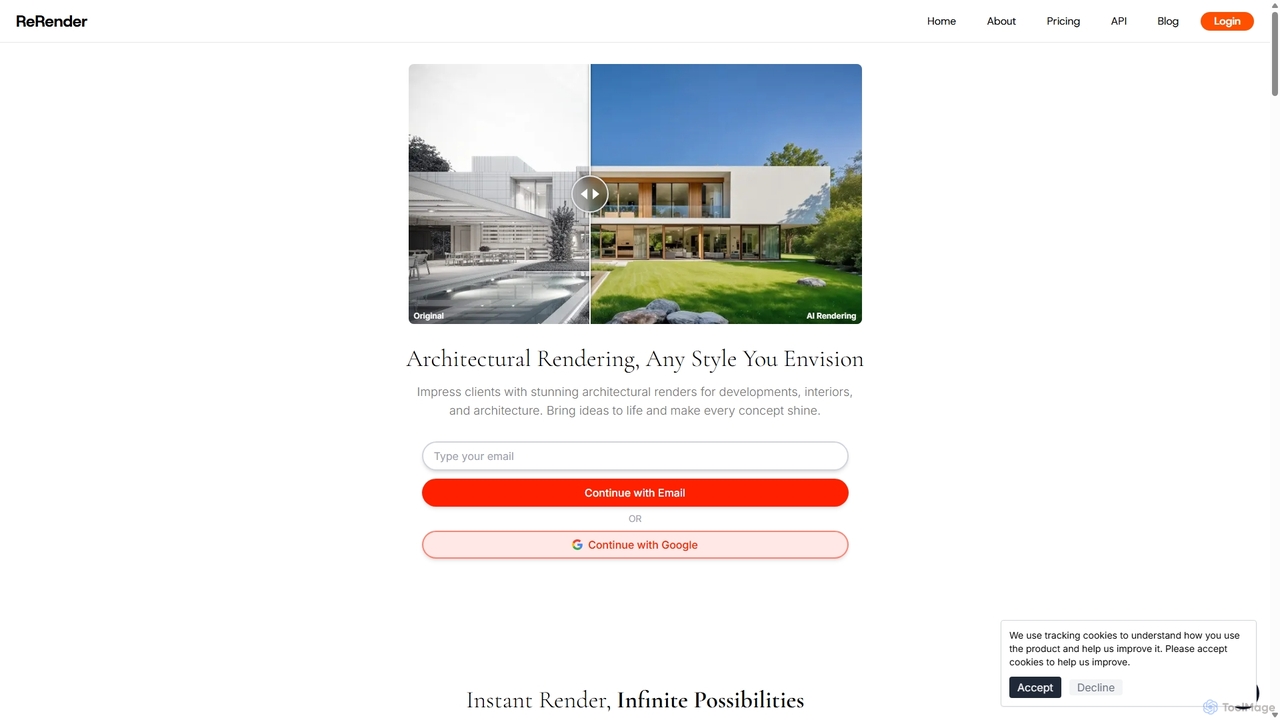
ReRender AI
ReRender AI is a powerful AI-driven platform that transforms architectural sketches, 3D models, and photos into stunning, photorealistic renderings in seconds. Designed for architects, interior designers, and real estate developers, it streamlines the design visualization process with customizable styles, detailed environmental controls, and rapid generation speeds.
Architecture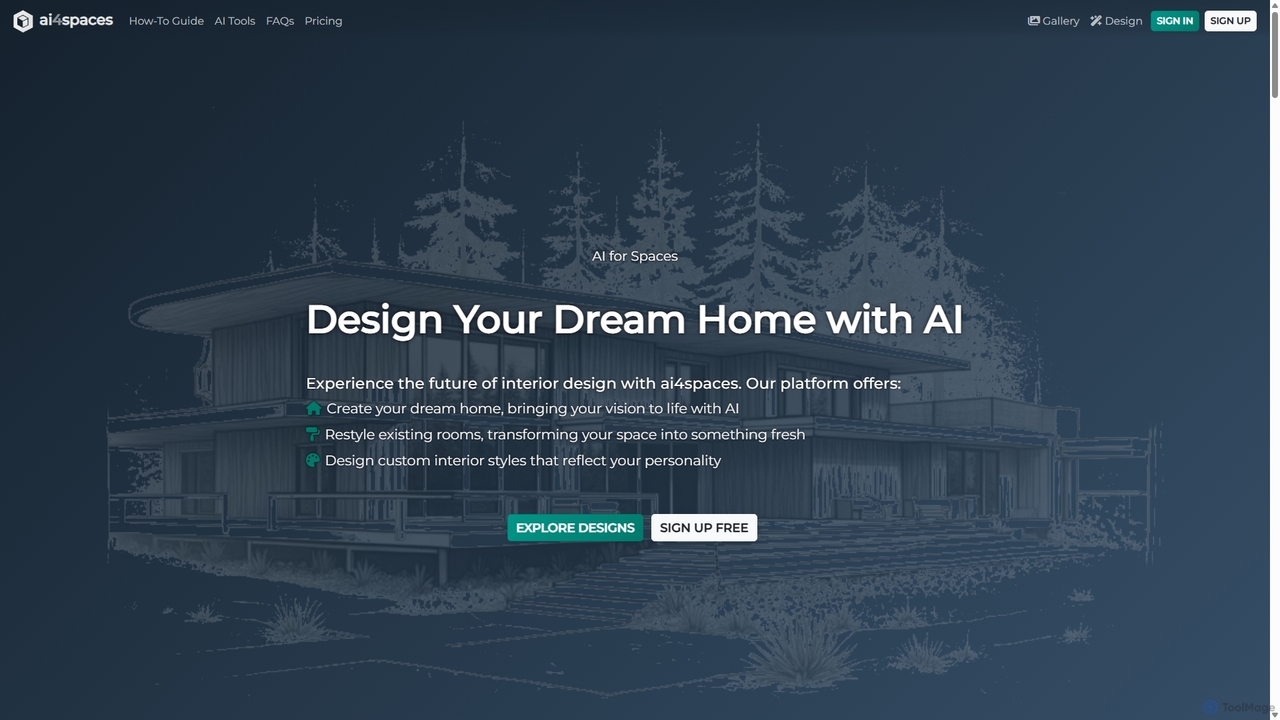
Ai4spaces
Ai4spaces is an AI-powered platform for interior design, architecture, and home renovation. It transforms photos, sketches, or text prompts into stunning, photorealistic visualizations. Generate designs, create video walkthroughs, 360° panoramas, and upscale images, making it ideal for interior designers, architects, real estate agents, and homeowners.
Architecture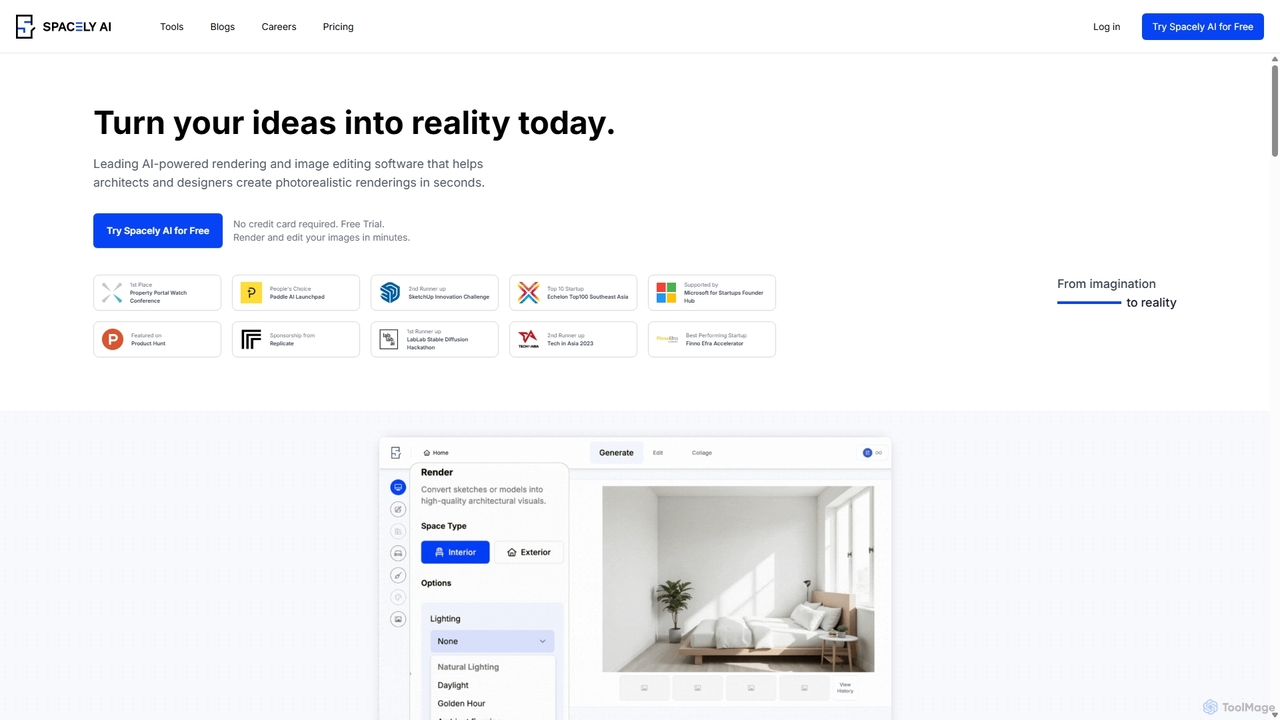
Spacely
Spacely is an AI-powered design platform that enables architects, interior designers, and real estate professionals to generate photorealistic interior and exterior renderings in seconds. It offers a suite of tools for virtual staging, style transfer, and precise image editing, transforming sketches or photos into stunning visualizations effortlessly.
Architecture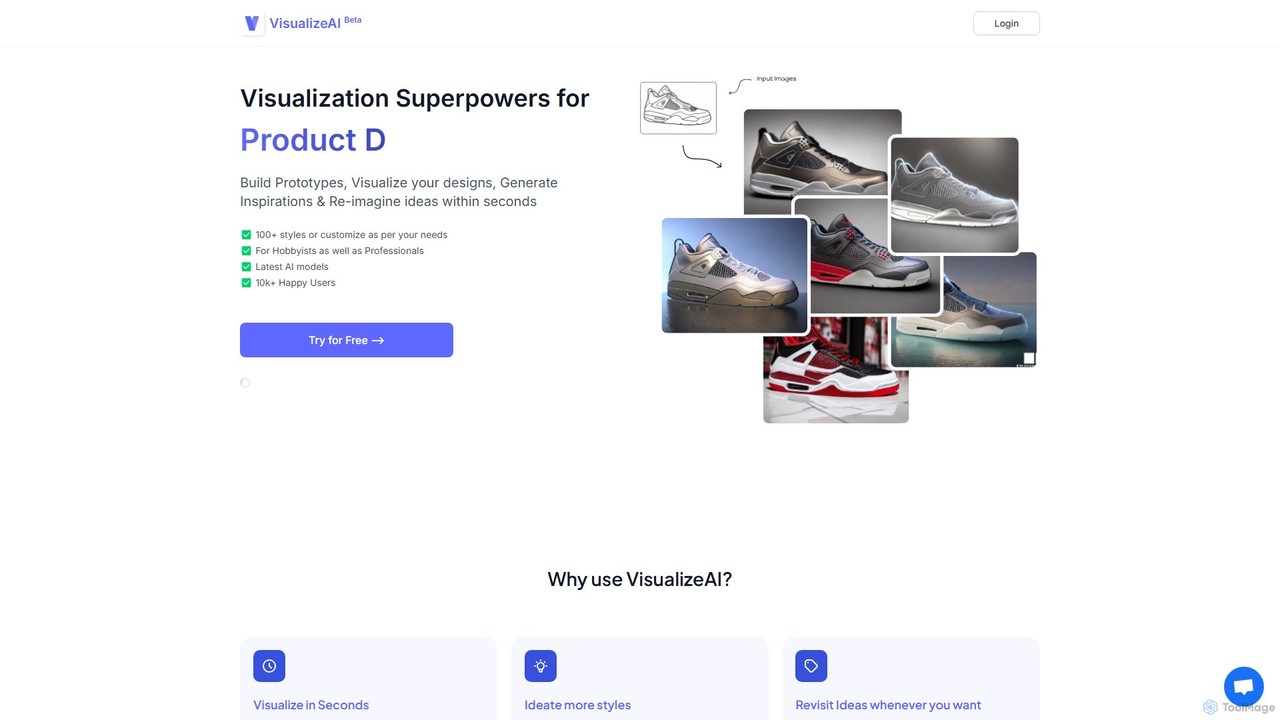
VisualizeAI
VisualizeAI is an AI-powered design visualization tool that transforms sketches, images, and basic models into high-quality renders in seconds. It's designed for architects, interior designers, and product designers to rapidly prototype, generate inspiration, and re-imagine ideas with over 100 styles.
Architecture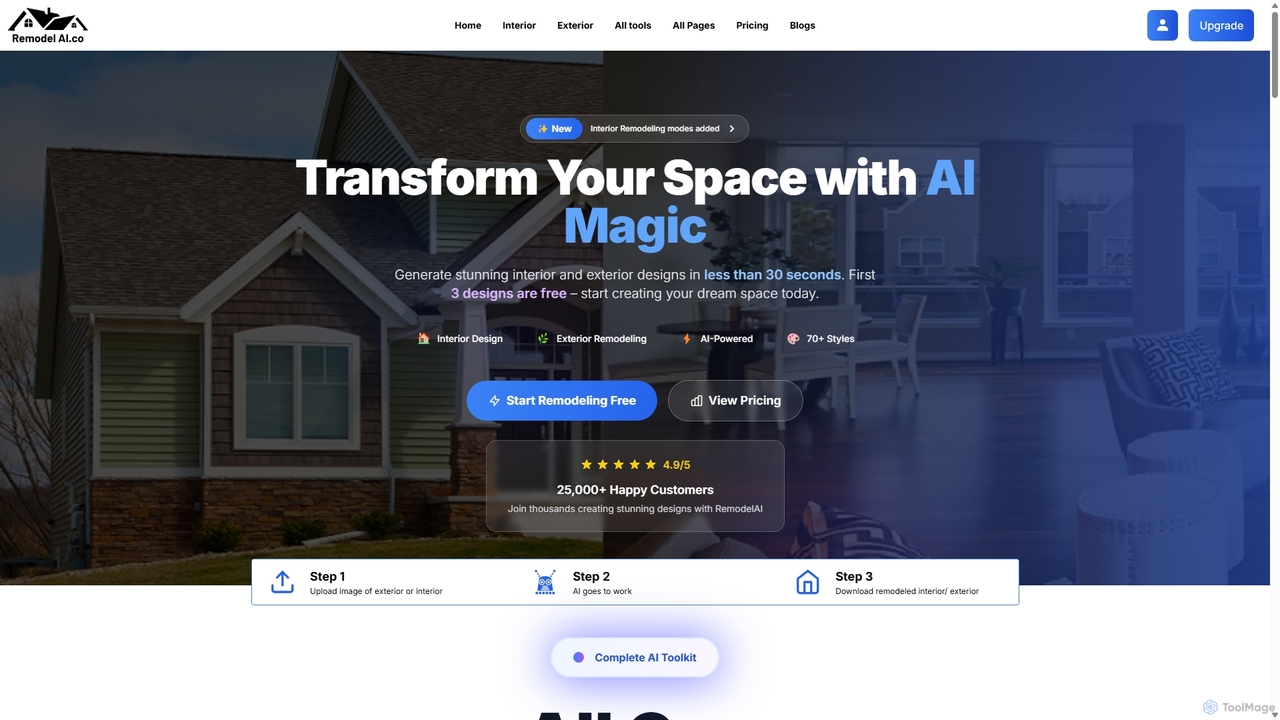
Remodel AI
Remodel AI is an AI-powered design platform that transforms home remodeling. Generate stunning interior and exterior designs, visualize architectural changes, and create landscape plans in under 30 seconds. With over 70 styles, it's perfect for homeowners, interior designers, and real estate agents to bring their vision to life effortlessly and affordably. Start with three free designs.
ArchitectureReRoom AI Categories
ReRoom AI Jobs
ReRoom AI Embed Widget
Copy this embed code to place the badge on your blog, article, or product site and send readers directly to this ToolMage detail page.

Related AI tools
ReRender AI
ReRender AI is a powerful AI-driven platform that transforms architectural sketches, 3D models, and photos into stunning, photorealistic renderings in seconds. Designed for architects, interior designers, and real estate developers, it streamlines the design visualization process with customizable styles, detailed environmental controls, and rapid generation speeds.
Architecture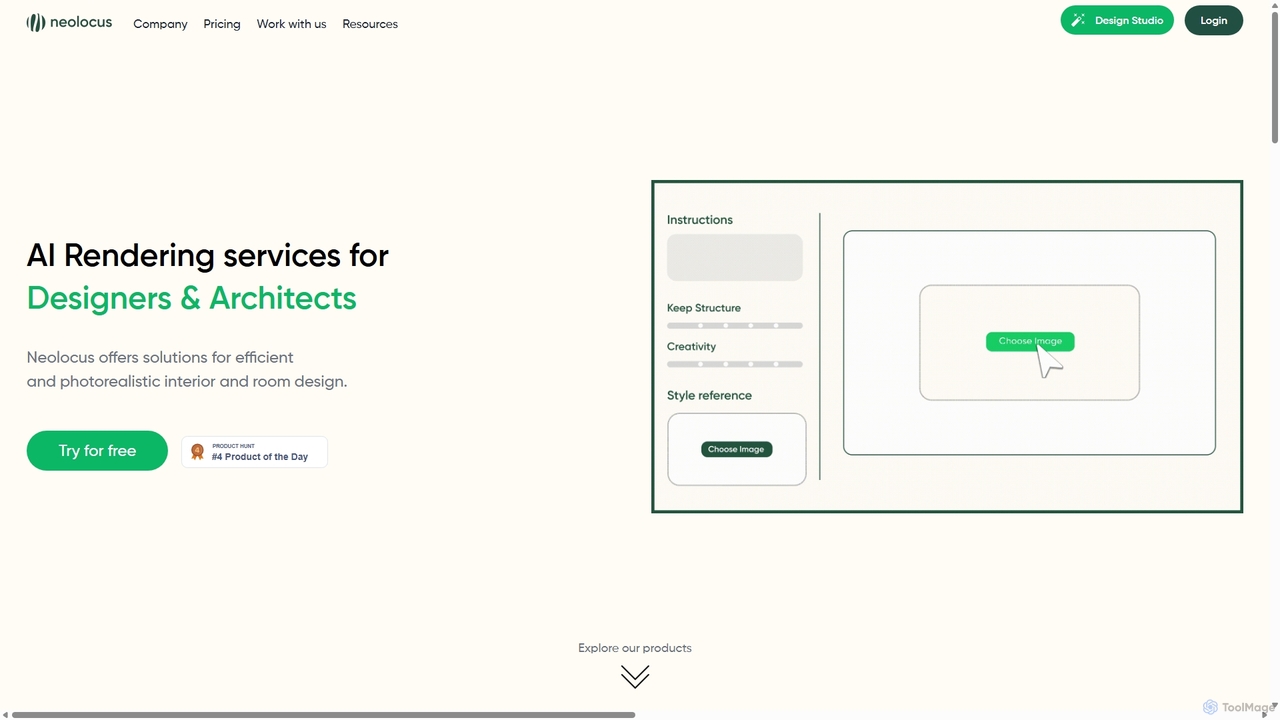
Neolocus
Neolocus is a powerful AI rendering platform designed for architects, interior designers, and 3D artists. It transforms sketches, 3D models, and screenshots from software like SketchUp and Revit into photorealistic interior and exterior renders in minutes, drastically reducing rendering time and accelerating the design prototyping cycle.
Image GenerationAi4spaces
Ai4spaces is an AI-powered platform for interior design, architecture, and home renovation. It transforms photos, sketches, or text prompts into stunning, photorealistic visualizations. Generate designs, create video walkthroughs, 360° panoramas, and upscale images, making it ideal for interior designers, architects, real estate agents, and homeowners.
Architecture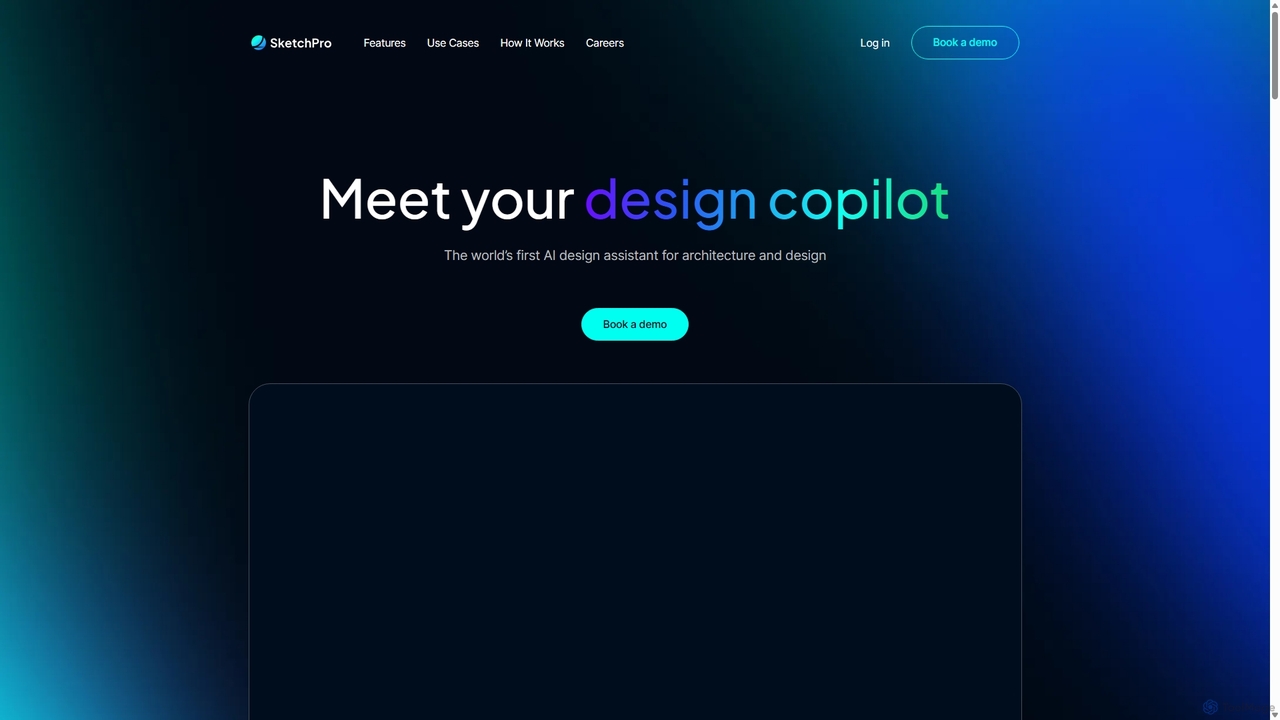
SketchPro
SketchPro is an AI-powered design copilot for architects, interior designers, and real estate developers. It transforms sketches, 3D models, or photos into high-quality, realistic renders in seconds. Users can apply style references, give text-based instructions for edits, and instantly change materials to accelerate their design workflow and visualize concepts with unprecedented speed and flexibility.
Architectural Visualization
Paintit.ai
Paintit.ai is an AI-powered interior design and virtual staging platform that transforms room photos, sketches, or blueprints into photorealistic 3D visualizations. It enables users to experiment with various styles, furniture, and materials, generating complete room designs in minutes.
Interior Design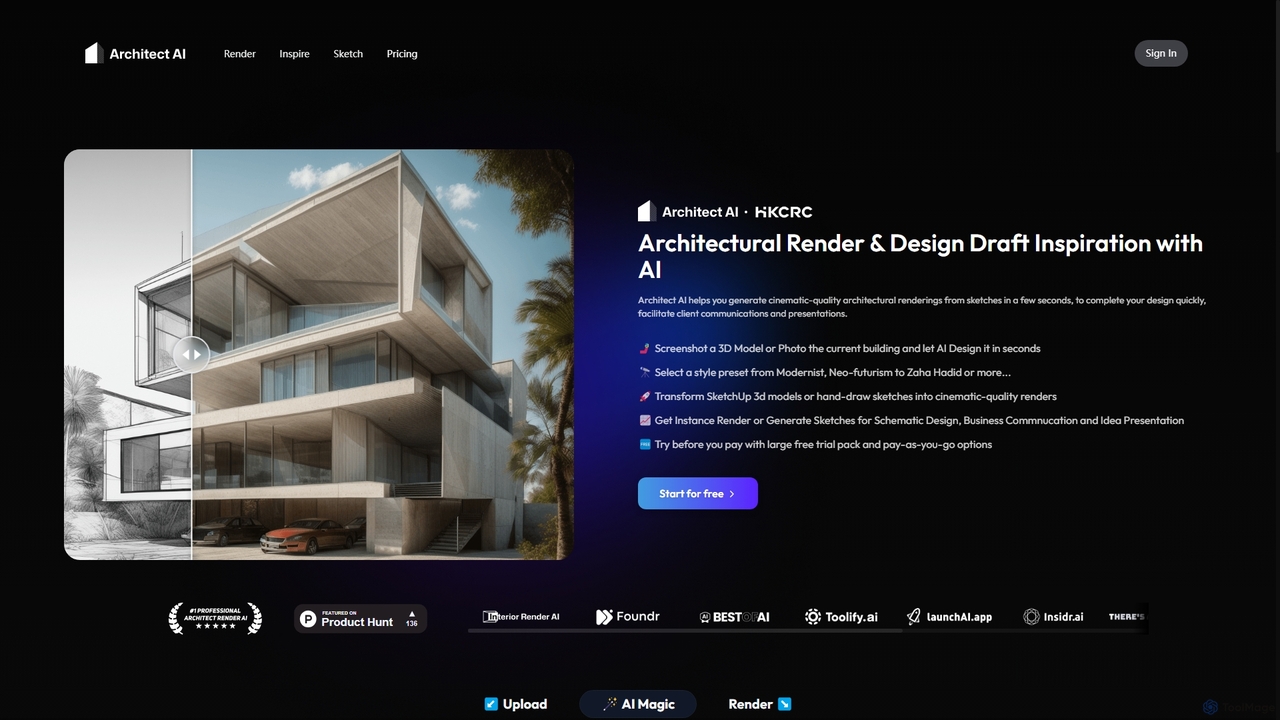
Architect AI
Architect AI is a powerful tool for architects and designers, transforming sketches, 3D models, and photos into cinematic-quality architectural renderings in seconds. It offers a vast library of styles, environments, and materials, enabling rapid visualization and idea exploration. Ideal for client presentations, portfolio building, and accelerating the design workflow from concept to photorealistic image.
Architecture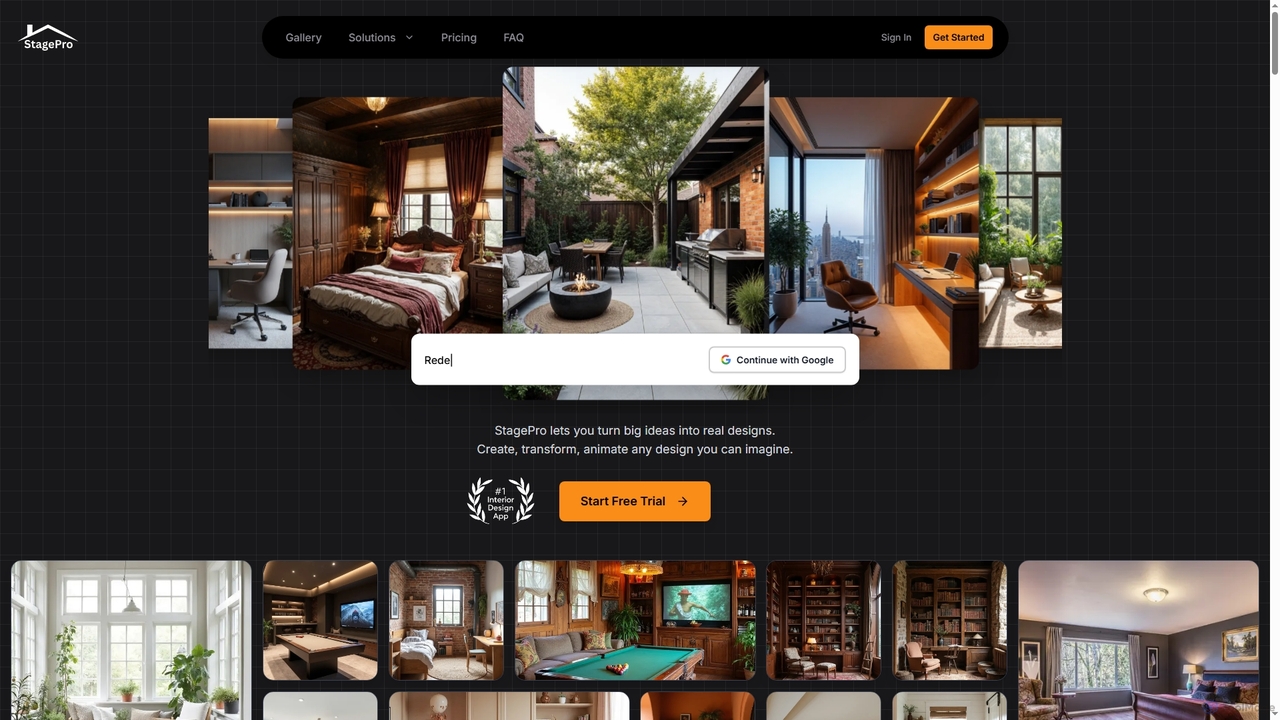
StagePro
StagePro is an advanced AI-powered interior and exterior design tool that transforms any space into photorealistic visualizations in seconds. It offers over 100 design styles, virtual staging, landscape planning, furniture try-on, and video generation, empowering real estate agents, designers, and homeowners to create stunning, market-ready visuals with ease.
Visualization
Renovate AI
Renovate AI is an innovative AI-powered tool that instantly transforms interior and exterior spaces. Users can upload a photo, select a design style, and visualize stunning renovations, virtual staging, and design concepts in seconds, making home improvement and property visualization effortless.
Architectural Visualization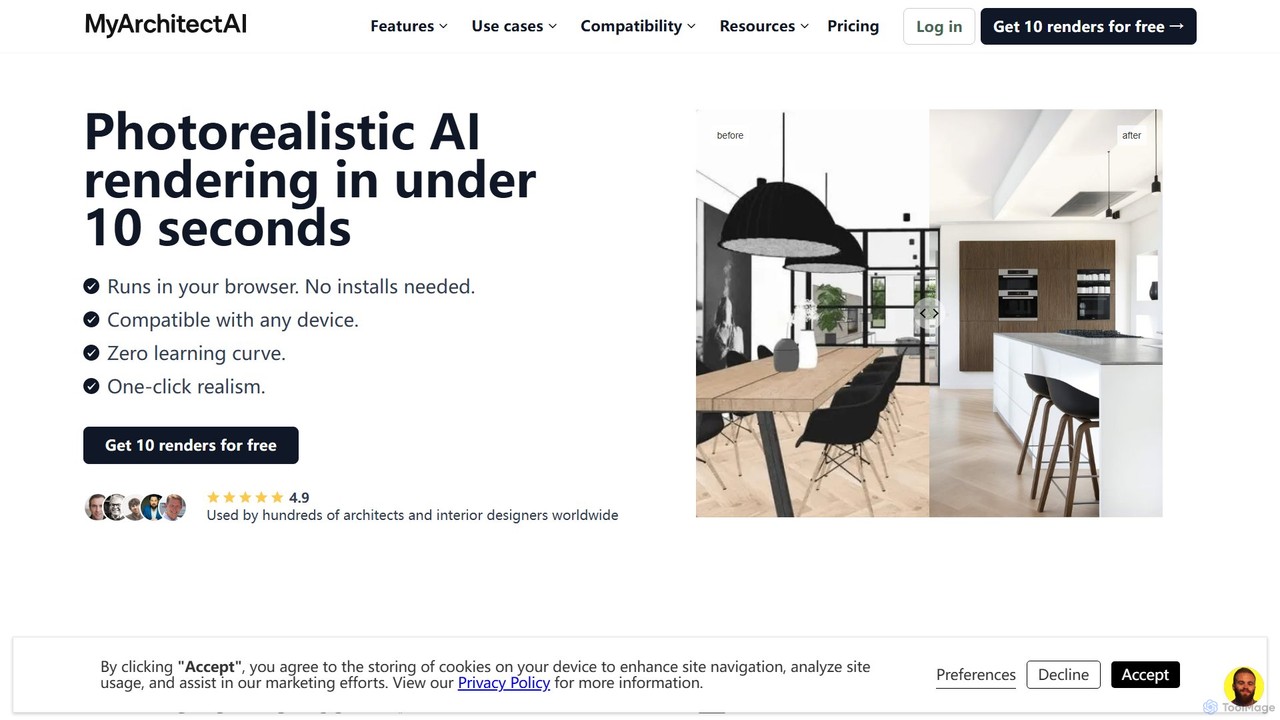
MyArchitectAI
MyArchitectAI is an AI-powered rendering software designed for architects and interior designers. It transforms sketches, CAD designs, and line drawings into photorealistic visualizations in seconds. The platform requires no specialized skills or expensive hardware, making high-quality rendering accessible to all. It offers a free trial of 10 renders.
Architecture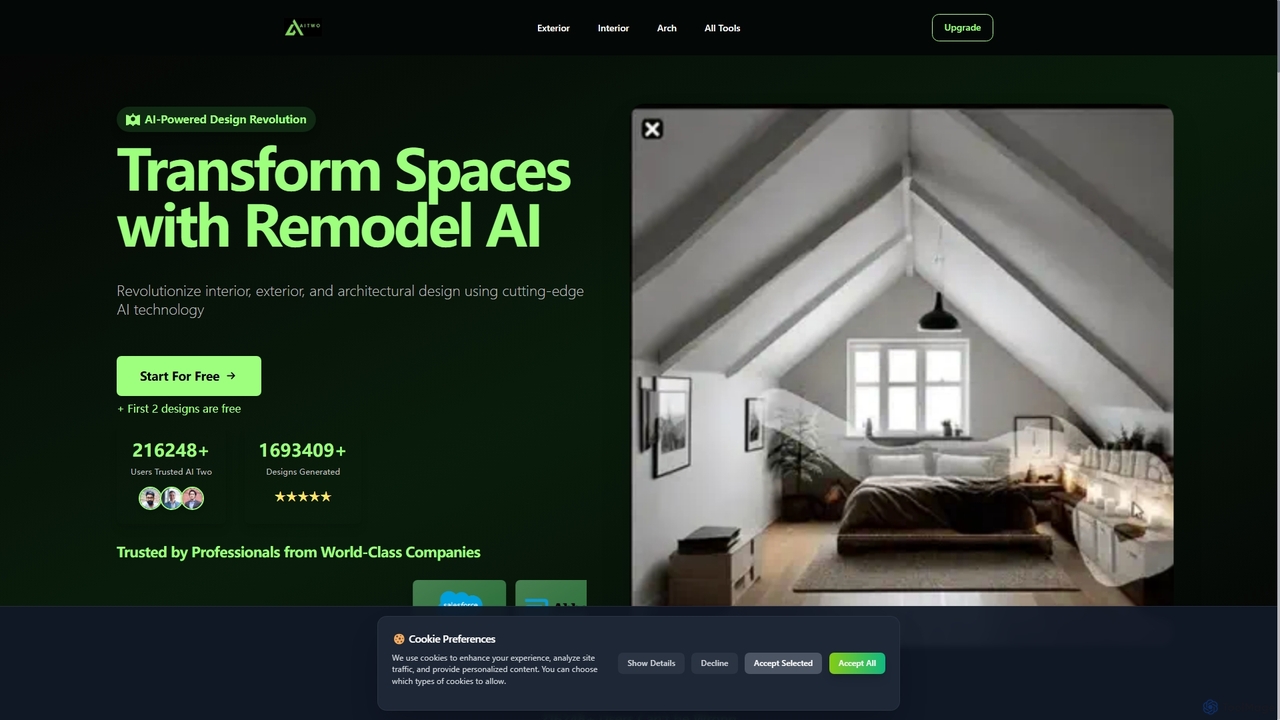
Aitwo
Aitwo is an AI-powered design platform that revolutionizes interior, exterior, and architectural design. Effortlessly generate stunning redesigns, virtual staging, and landscaping concepts in seconds. Ideal for homeowners, designers, architects, and real estate agents, it offers over 60 styles to transform any space, from a simple photo upload to a photorealistic render, saving time and money.
Architectural Design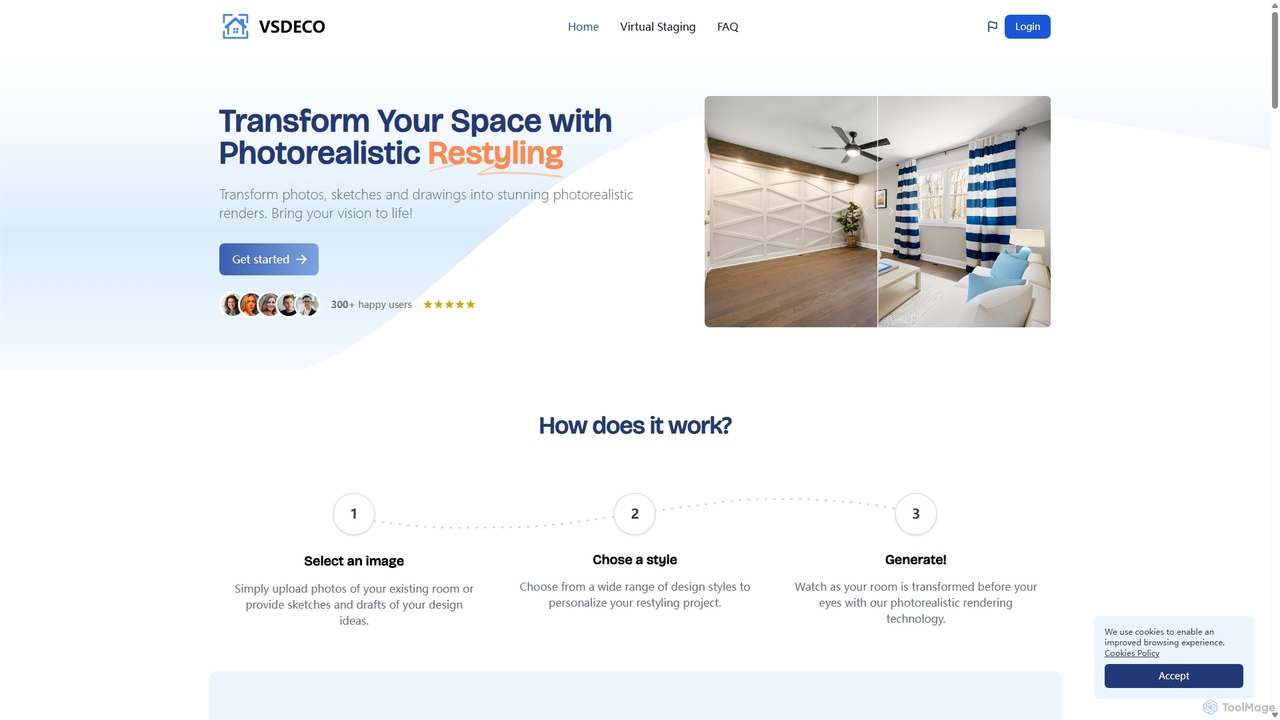
VSDECO
VSDECO is an AI-powered platform for virtual home staging and interior design. It transforms photos, sketches, and 3D models into stunning, photorealistic renders. Ideal for realtors, designers, and homeowners, it allows users to furnish empty rooms, restyle existing spaces, declutter visuals, and visualize designs effortlessly, saving time and money on physical staging.
Interior Design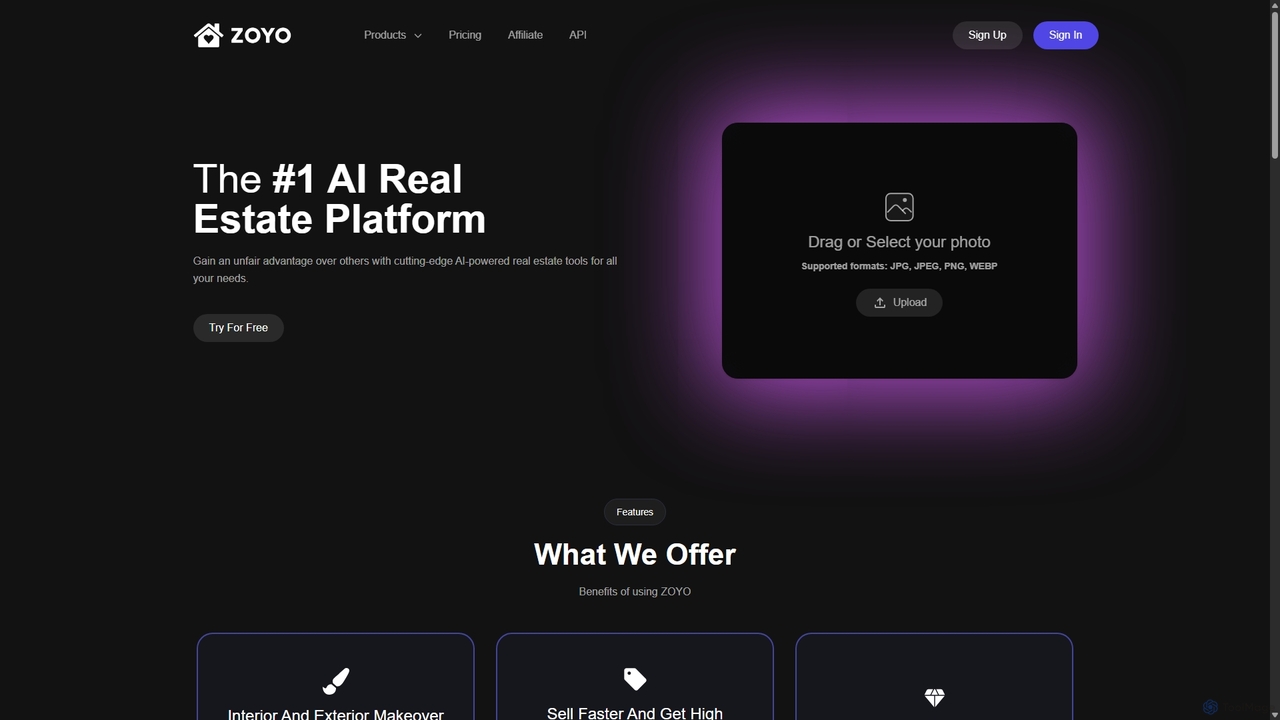
ZOYO
ZOYO is an AI-powered real estate platform designed for realtors, designers, and homeowners. It offers a suite of tools for interior and exterior design, virtual staging, image enhancement, and converting sketches to realistic renders. The platform aims to enhance property listings, accelerate sales, and simplify the design visualization process, providing high-quality results in seconds.
Interior Design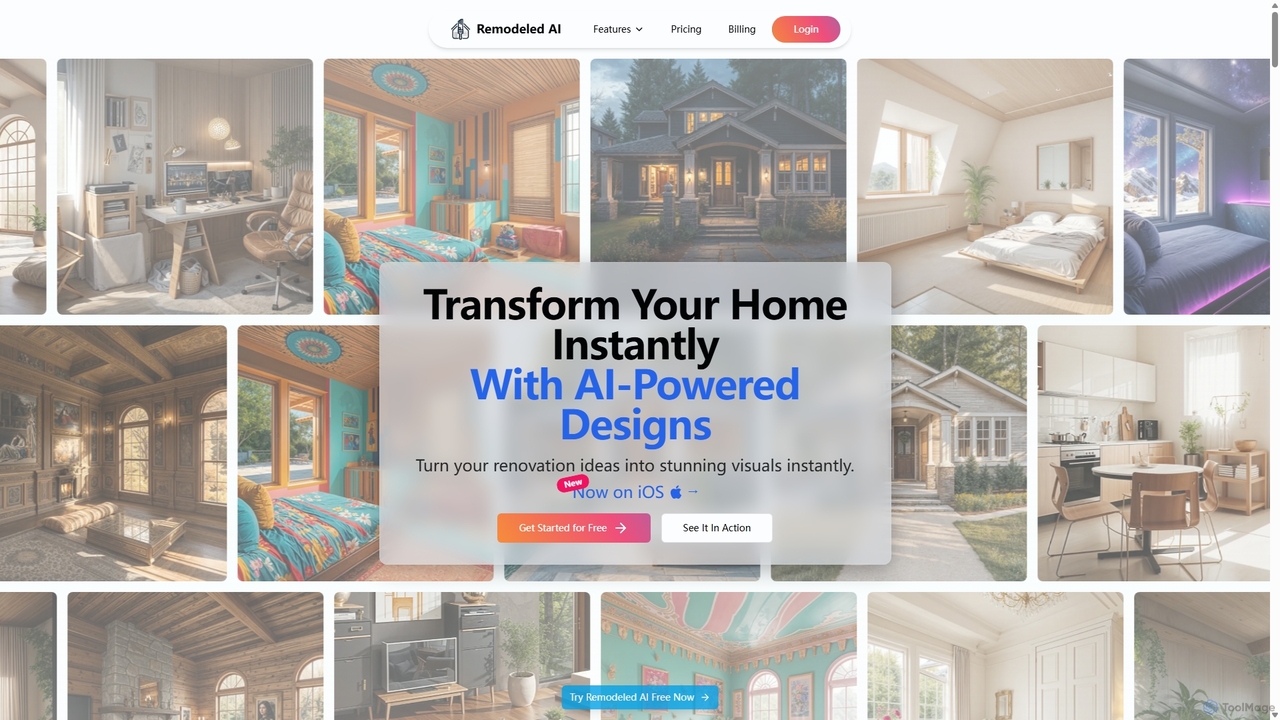
Remodeled AI
Remodeled AI is an AI-powered platform that instantly transforms your home and space design ideas into stunning, photorealistic visuals. Ideal for homeowners, interior designers, and real estate agents, it offers tools for remodeling, virtual staging, photo enhancement, and more. Simply upload a photo, choose a style, and see your vision come to life in seconds.
Interior Design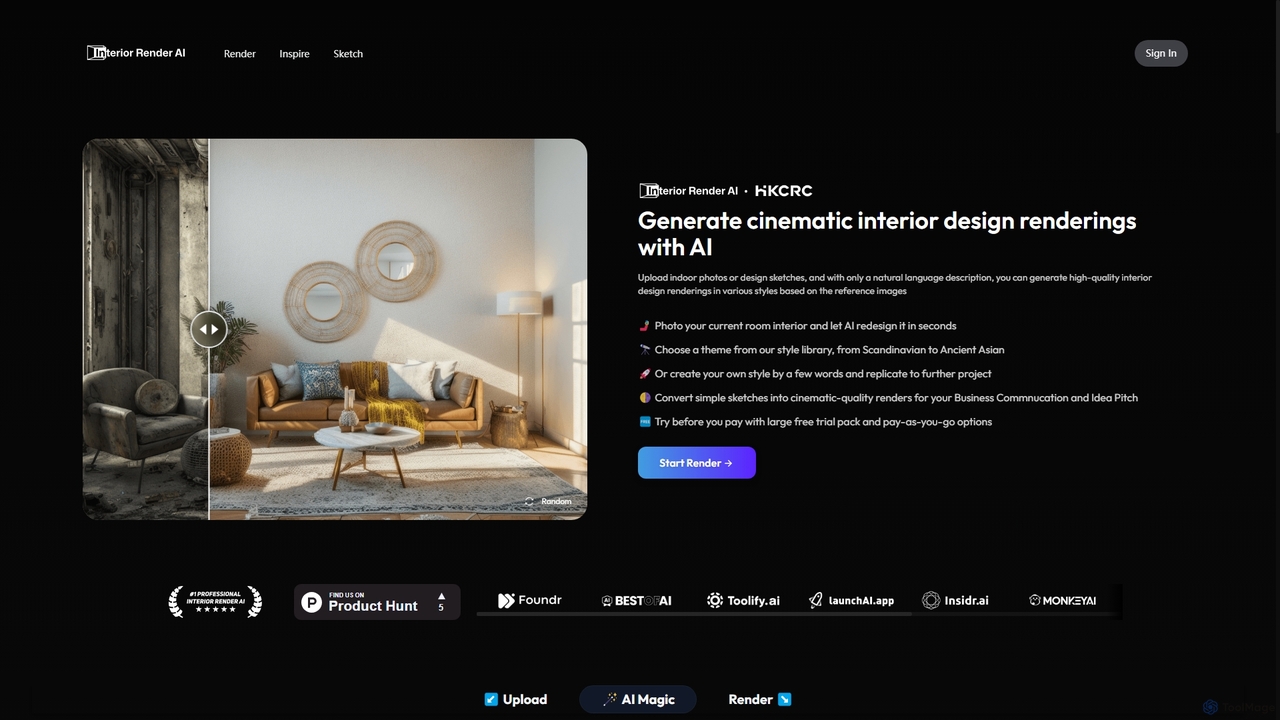
Interior Render AI
An AI-powered tool that transforms room photos and sketches into professional, cinematic-quality interior design renderings. Users can apply various styles from a vast library or create custom ones with simple text prompts, making it ideal for designers and homeowners to visualize ideas instantly.
Interior DesignVisualizeAI
VisualizeAI is an AI-powered design visualization tool that transforms sketches, images, and basic models into high-quality renders in seconds. It's designed for architects, interior designers, and product designers to rapidly prototype, generate inspiration, and re-imagine ideas with over 100 styles.
Architecture
ReRoom AI Comments (0)
Sign in to comment.
Sign inNo comments yet.