

Neolocus Overview
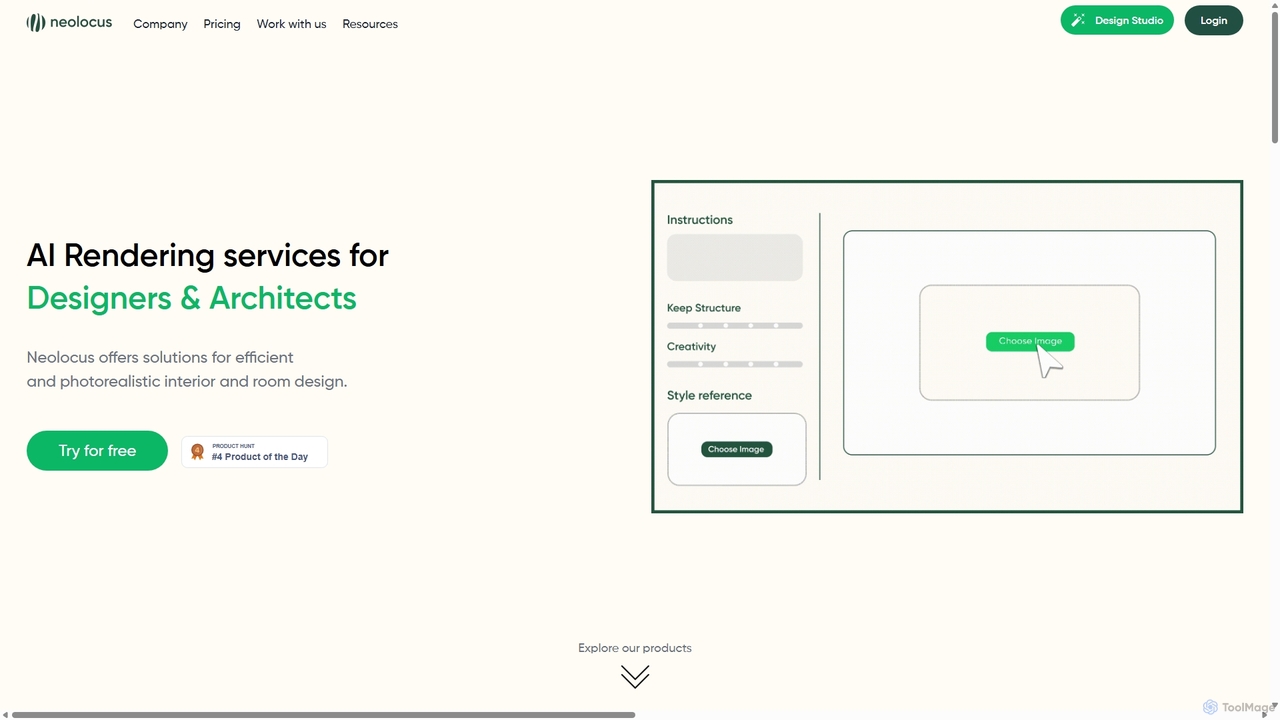
Neolocus is a revolutionary AI-powered rendering suite built to empower architects, interior designers, and creative professionals. It addresses the time-consuming and often tedious process of traditional 3D rendering by leveraging generative AI to produce stunning, photorealistic visualizations in a fraction of the time. By simply uploading a basic sketch, a 3D model from software like SketchUp or Revit, or even a simple screenshot, users can generate high-quality interior and exterior designs, explore style variations, and refine their concepts with unprecedented speed and ease. This platform is not just a tool but a creative partner, designed to shorten the prototyping cycle and bring design ideas to life with remarkable clarity and efficiency.
How to use Neolocus
Getting started with Neolocus is designed to be intuitive and straightforward. The process allows professionals to quickly integrate AI into their workflow:
- Upload Your Design: Begin by uploading your source file. This can be a sketch from SketchUp or Revit, a screenshot of a 3D space, or a previous render you wish to modify.
- Choose an AI Tool: Select the appropriate tool from the AI Rendering Playground. Use 'Interior AI' or 'Exterior AI' for initial renders, 'Style Swap AI' to apply a new aesthetic, or 'Modify AI' to change specific parts of an image.
- Provide Context: Use simple text prompts to guide the AI on style, materials, lighting, and mood. For the 'Style Swap' feature, you can also upload a reference image to dictate the desired aesthetic.
- Generate & Refine: Click 'Start' to generate the render, a process that takes only seconds. You can then use tools like 'Magic Removal' to fix minor imperfections or '4K Upscale' to enhance the resolution for professional presentations. The platform also offers tutorials and guides to help users master advanced settings like creativity levels and prompt influence for optimal results.
Core Features of Neolocus
- Interior & Exterior AI: Generate realistic renders directly from SketchUp/Revit sketches or 3D screenshots, bringing concepts to life instantly.
- Imagine AI: Brainstorm and generate new design concepts and render ideas from simple text prompts, overcoming creative blocks.
- Style Swap AI: Transfer the complete aesthetic, lighting, and mood from a reference image to your own render, ensuring stylistic consistency.
- Modify AI: Select and alter any specific section of your render using text prompts for targeted changes, offering precise control over the final image.
- Tiling AI: Easily change and visualize different materials for facades, walls, or floors within your render, perfect for material studies.
- Magic Removal AI: Intelligently erase unwanted objects or fix small imperfections in your generated images with a single click.
- 4K Upscale AI: Enhance the resolution of your renders from tools like SketchUp, Revit, Enscape, or Lumion to a crisp 4K quality, ready for high-end presentations.
- AI Rendering Playground: A comprehensive suite that houses all the generative AI applications in a user-friendly interface.
Use Cases for Neolocus
Neolocus is versatile and caters to various professional needs:
- Architects: Rapidly prototype architectural designs, visualize different facade materials with 'Tiling AI', and create compelling client presentations without waiting hours for traditional renders.
- Interior Designers: Generate multiple design options for a single space, experiment with different styles using 'Style Swap AI', and create realistic visualizations of dream homes, restaurants, or commercial spaces for clients.
- Real Estate Developers & Marketers: Create high-quality marketing visuals for properties before they are built, using 'Exterior AI' for buildings and 'Interior AI' for virtual staging.
- 3D Artists: Accelerate their workflow by using 'Imagine AI' for initial concept generation and '4K Upscale' for final image polishing.
Advantages of Neolocus
- Efficiency: Reduces rendering time from hours to mere minutes, dramatically increasing productivity.
- Photorealism: Produces high-quality, realistic images that accurately visualize design concepts.
- Ease of Use: An intuitive interface that is accessible to professionals without extensive rendering expertise.
- Creative Exploration: Enables rapid iteration and experimentation with different styles, materials, and ideas.
- Cost-Effective: Provides a powerful rendering solution at a fraction of the cost of traditional rendering software and hardware setups.
- Commercial License: Paid plans include a commercial license, allowing use of the renders for professional projects.
Pricing and Plans
Neolocus offers a flexible pricing structure to suit different needs:
- Free Plan: $0 per month. Includes 30 free credits to get started, watermark-free outputs, priority generation speed, and a commercial license. No credit card required.
- Starter Plan: A one-time purchase of $18 for 200 credits. This plan is ideal for users with occasional needs and includes all premium features.
- PRO Plan: A monthly subscription for heavy users. Priced at $39/month (often with an introductory offer like $24/month for the first 3 months). This plan offers unlimited generations and all premium features.
- Credit System: Most AI generation tasks cost 10 credits per generation.
Traffic
Latest traffic
Status
Monthly traffic trend
- 2025-9: 22.1K
- 2026-1: 17.6K
- 2026-2: 16.4K
- 2026-3: 23.5K
- 2026-4: 16.4K
- 2026-5: 14.5K
Geography
Top 5 countries / regions
- 🇺🇸United States34.6%
- 🇮🇩Indonesia19.8%
- 🇬🇧United Kingdom15.9%
- 🇩🇪Germany15.9%
- 🇮🇳India13.9%
Top keywords
| Keyword | Cost per click |
|---|---|
| ai rendering free | $0.94 |
| ai room design free unlimited | $0.00 |
| ai room design planner free | $0.00 |
| ai room planner | $0.97 |
| neolocus | $0.00 |
Neolocus Alternatives

Coohom
Coohom is an all-in-one, cloud-based 3D design platform for interior designers, architects, and retailers. It enables users to create 2D/3D floor plans, generate photorealistic renderings and 720° panoramas in minutes, and visualize designs with a massive library of 3D models. Its AI-powered features streamline the entire design-to-visualization workflow.
3D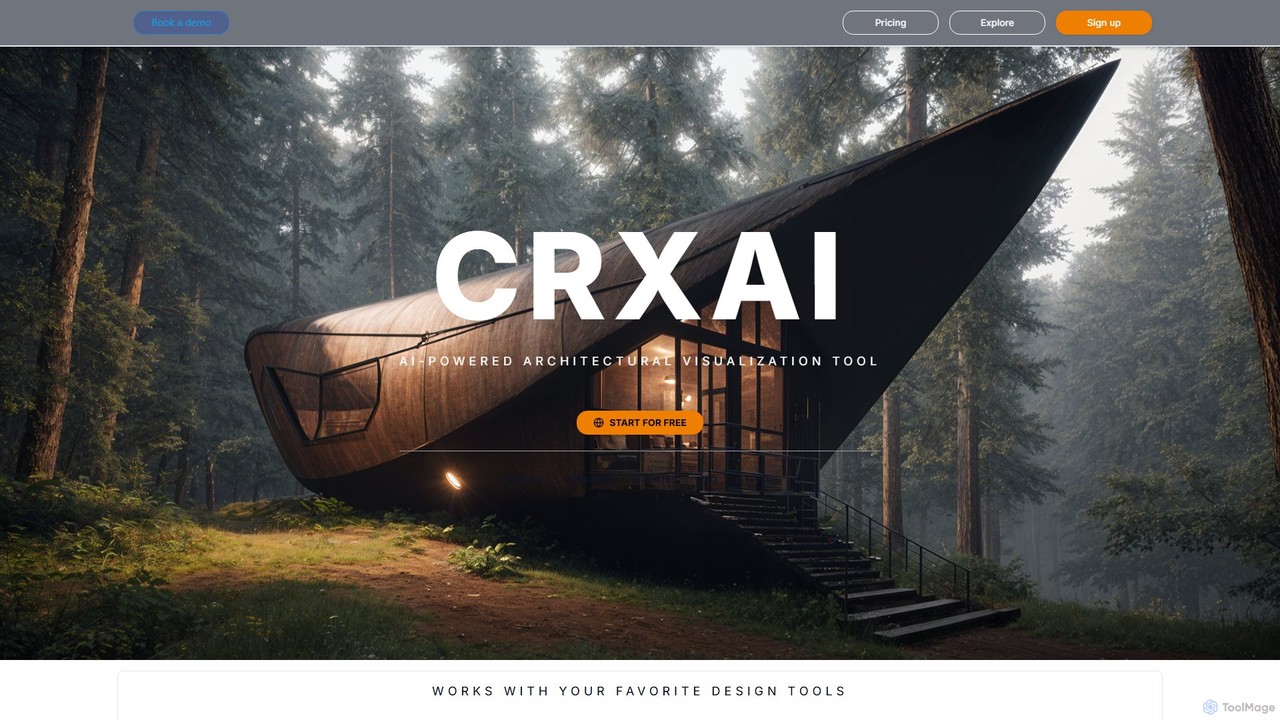
CRXAI
CRXAI is an AI-powered rendering and visualization tool specifically designed for architects and designers. It transforms text prompts, 3D models, sketches, and photos into high-quality, photorealistic architectural visuals, streamlining the design workflow and accelerating creative exploration.
3D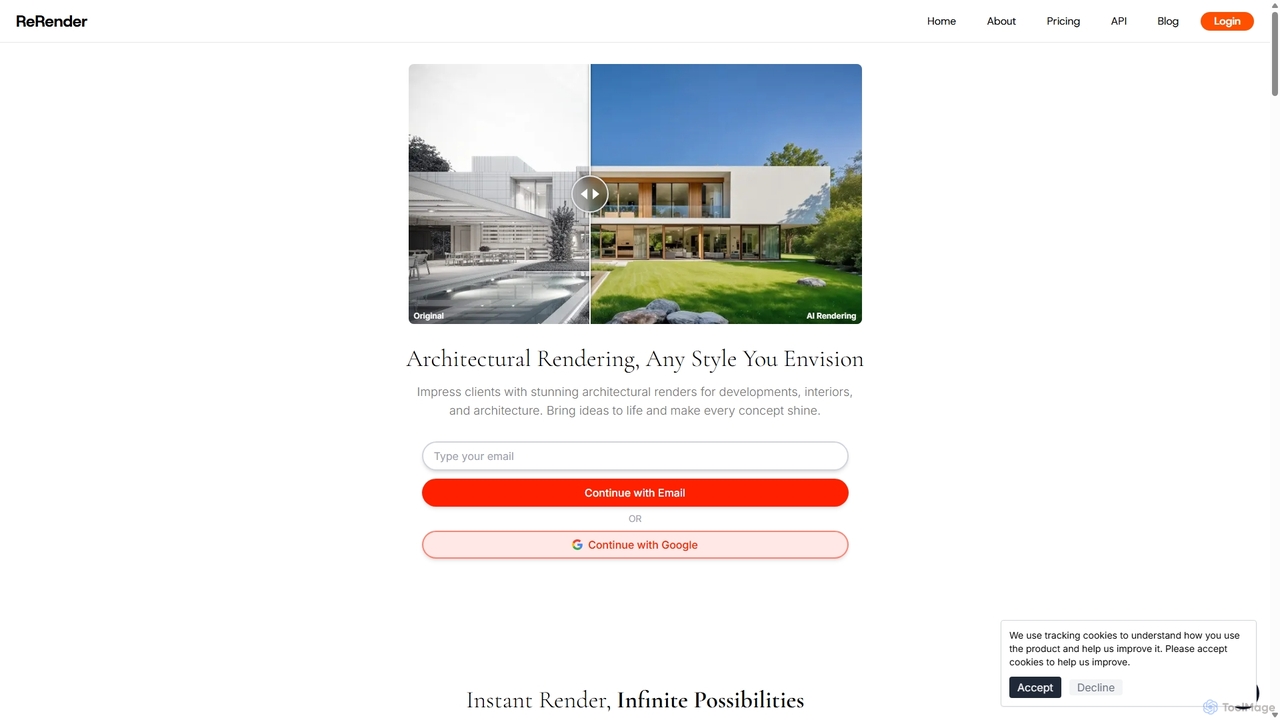
ReRender AI
ReRender AI is a powerful AI-driven platform that transforms architectural sketches, 3D models, and photos into stunning, photorealistic renderings in seconds. Designed for architects, interior designers, and real estate developers, it streamlines the design visualization process with customizable styles, detailed environmental controls, and rapid generation speeds.
Architecture
AiHouse
AiHouse is an all-in-one, AI-powered 3D interior design and manufacturing software. It enables professionals to create photorealistic visualizations, 2D/3D floor plans, and interactive virtual tours in minutes. With a library of over 80 million 3D models and seamless design-to-manufacturing integration, AiHouse streamlines the entire workflow for interior designers, architects, and furniture businesses, boosting sales and efficiency.
3D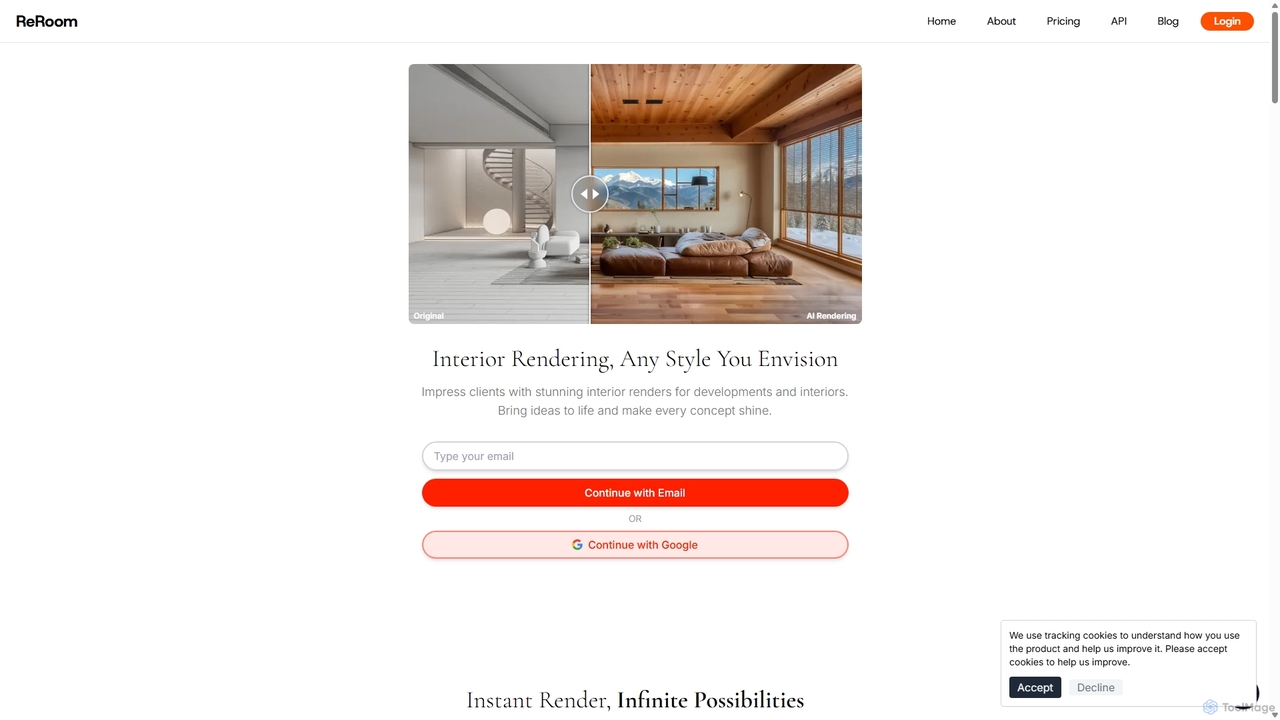
ReRoom AI
ReRoom AI is a powerful AI-driven platform for architects, interior designers, and real estate professionals. It instantly transforms sketches, 3D models, and photos into photorealistic interior and exterior renders. Offering a wide range of styles and detailed customization, it streamlines the design visualization process, bringing creative visions to life in seconds.
ArchitectureNeolocus Categories
Neolocus Jobs
Neolocus Embed Widget
Copy this embed code to place the badge on your blog, article, or product site and send readers directly to this ToolMage detail page.

Related AI tools
ReRender AI
ReRender AI is a powerful AI-driven platform that transforms architectural sketches, 3D models, and photos into stunning, photorealistic renderings in seconds. Designed for architects, interior designers, and real estate developers, it streamlines the design visualization process with customizable styles, detailed environmental controls, and rapid generation speeds.
ArchitectureReRoom AI
ReRoom AI is a powerful AI-driven platform for architects, interior designers, and real estate professionals. It instantly transforms sketches, 3D models, and photos into photorealistic interior and exterior renders. Offering a wide range of styles and detailed customization, it streamlines the design visualization process, bringing creative visions to life in seconds.
Architecture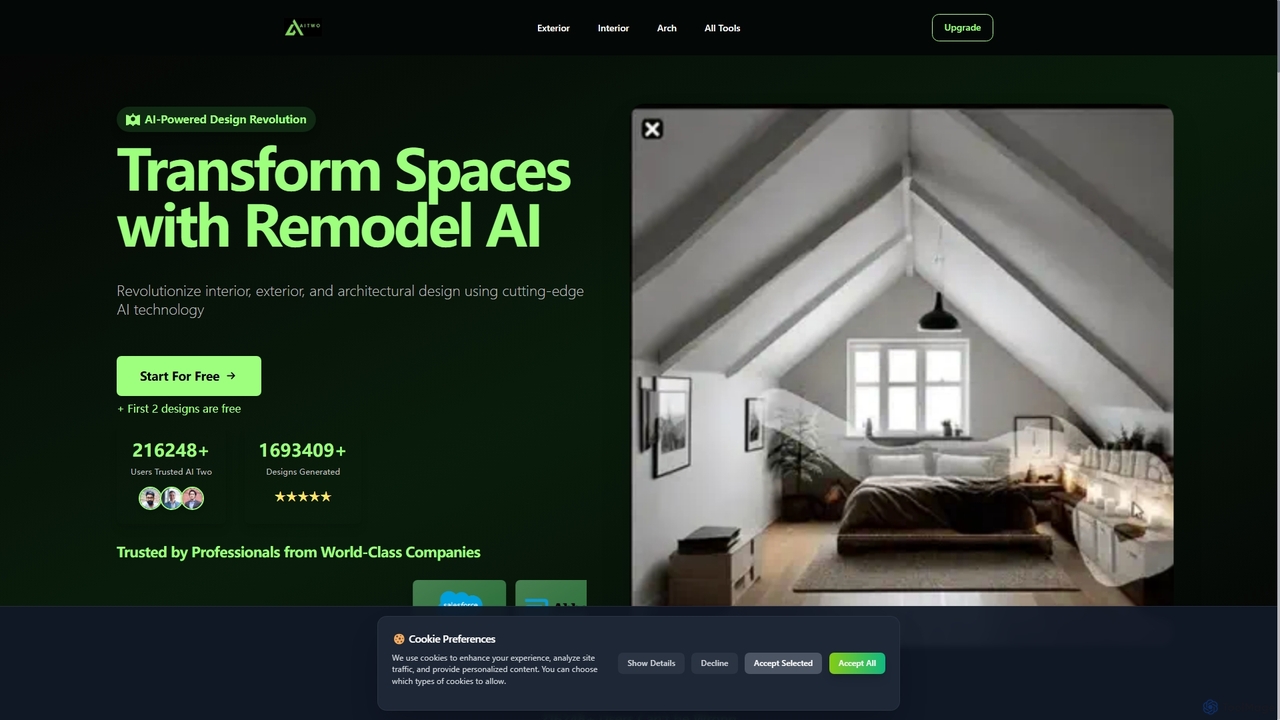
Aitwo
Aitwo is an AI-powered design platform that revolutionizes interior, exterior, and architectural design. Effortlessly generate stunning redesigns, virtual staging, and landscaping concepts in seconds. Ideal for homeowners, designers, architects, and real estate agents, it offers over 60 styles to transform any space, from a simple photo upload to a photorealistic render, saving time and money.
Architectural Design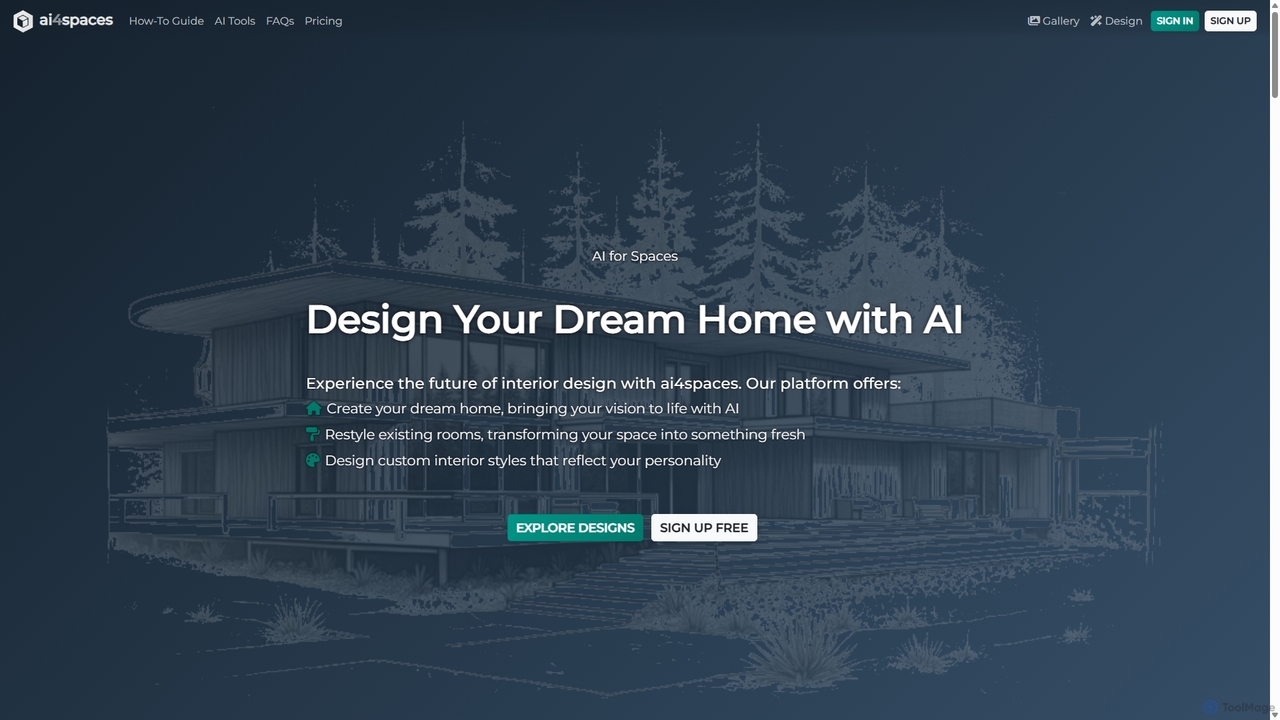
Ai4spaces
Ai4spaces is an AI-powered platform for interior design, architecture, and home renovation. It transforms photos, sketches, or text prompts into stunning, photorealistic visualizations. Generate designs, create video walkthroughs, 360° panoramas, and upscale images, making it ideal for interior designers, architects, real estate agents, and homeowners.
Architecture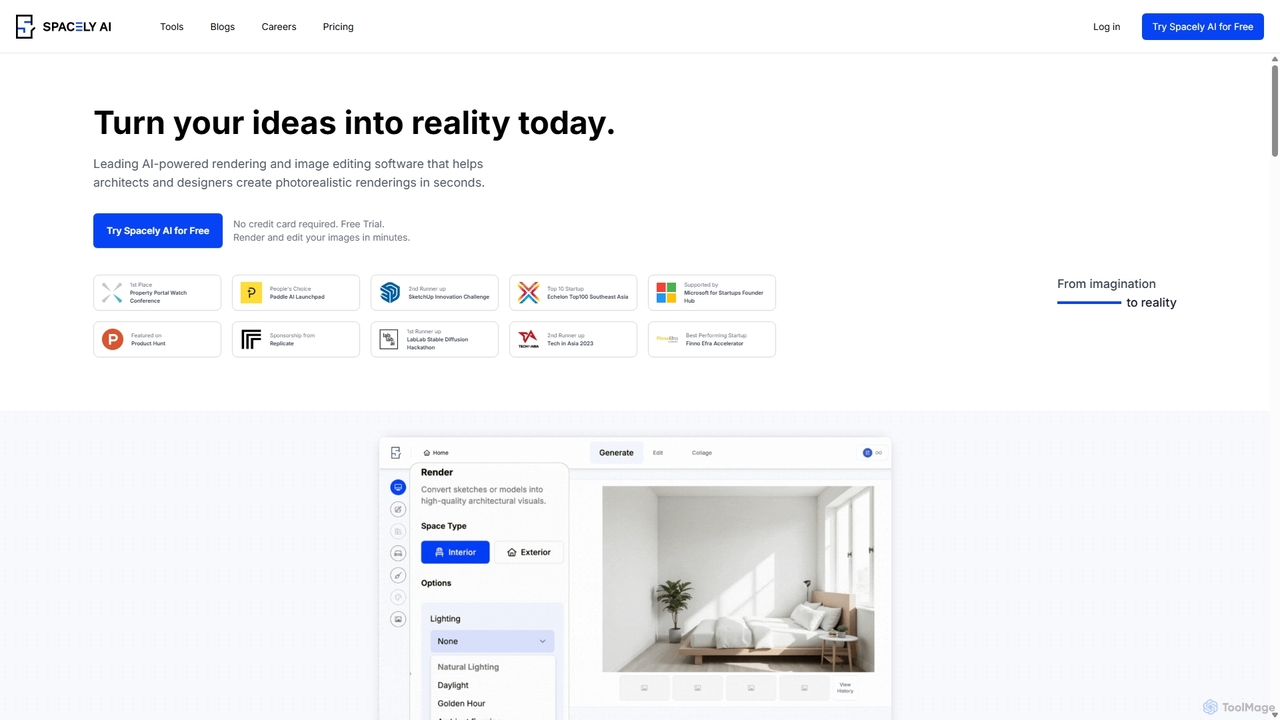
Spacely
Spacely is an AI-powered design platform that enables architects, interior designers, and real estate professionals to generate photorealistic interior and exterior renderings in seconds. It offers a suite of tools for virtual staging, style transfer, and precise image editing, transforming sketches or photos into stunning visualizations effortlessly.
Architecture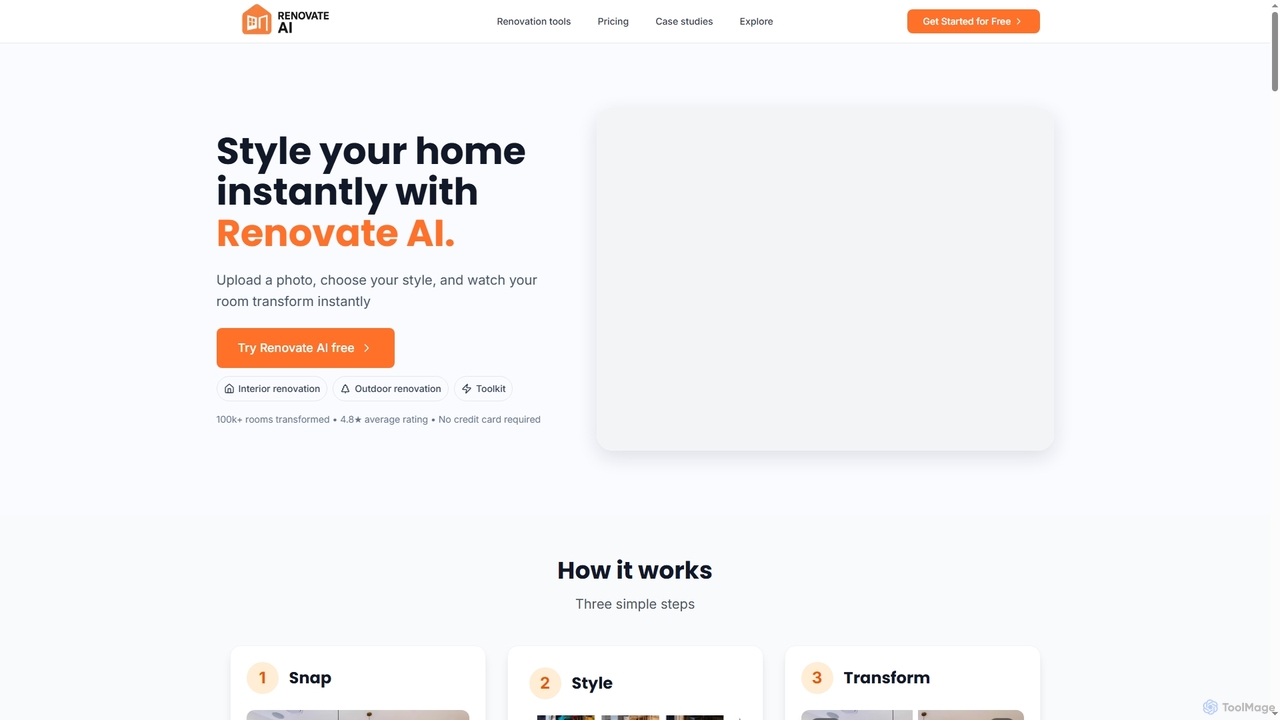
Renovate AI
Renovate AI is an innovative AI-powered tool that instantly transforms interior and exterior spaces. Users can upload a photo, select a design style, and visualize stunning renovations, virtual staging, and design concepts in seconds, making home improvement and property visualization effortless.
Architectural Visualization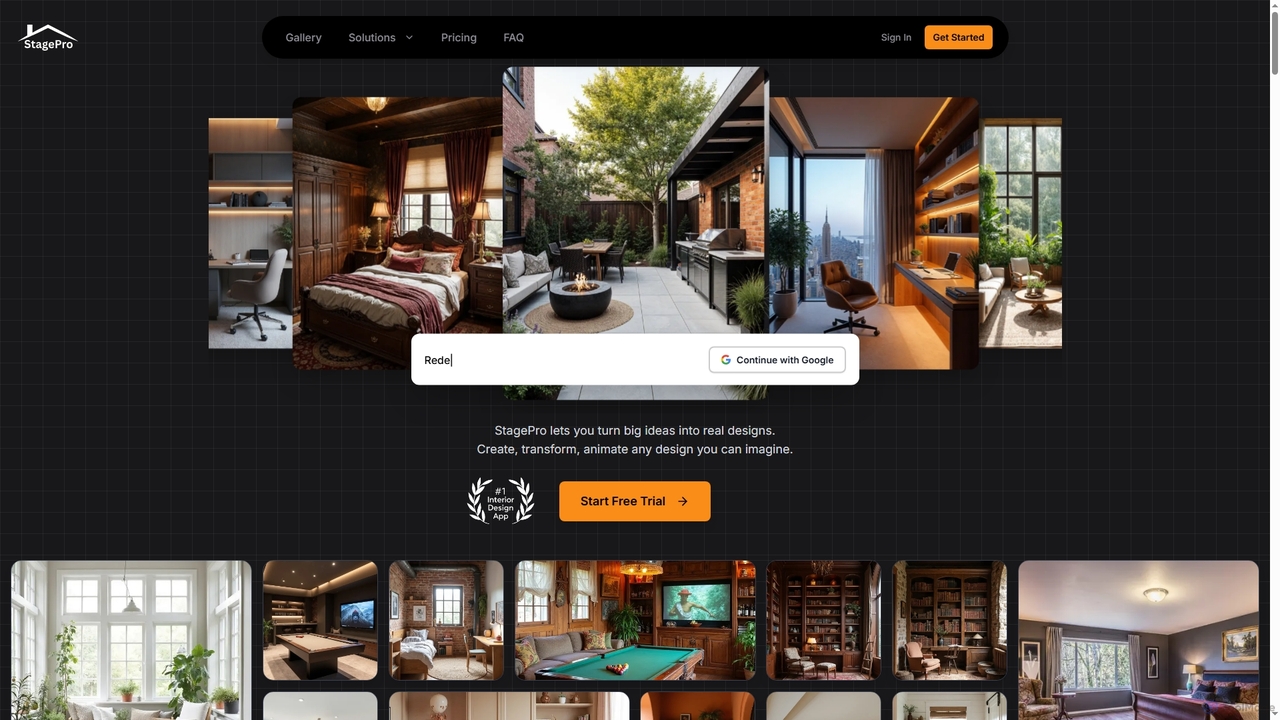
StagePro
StagePro is an advanced AI-powered interior and exterior design tool that transforms any space into photorealistic visualizations in seconds. It offers over 100 design styles, virtual staging, landscape planning, furniture try-on, and video generation, empowering real estate agents, designers, and homeowners to create stunning, market-ready visuals with ease.
Visualization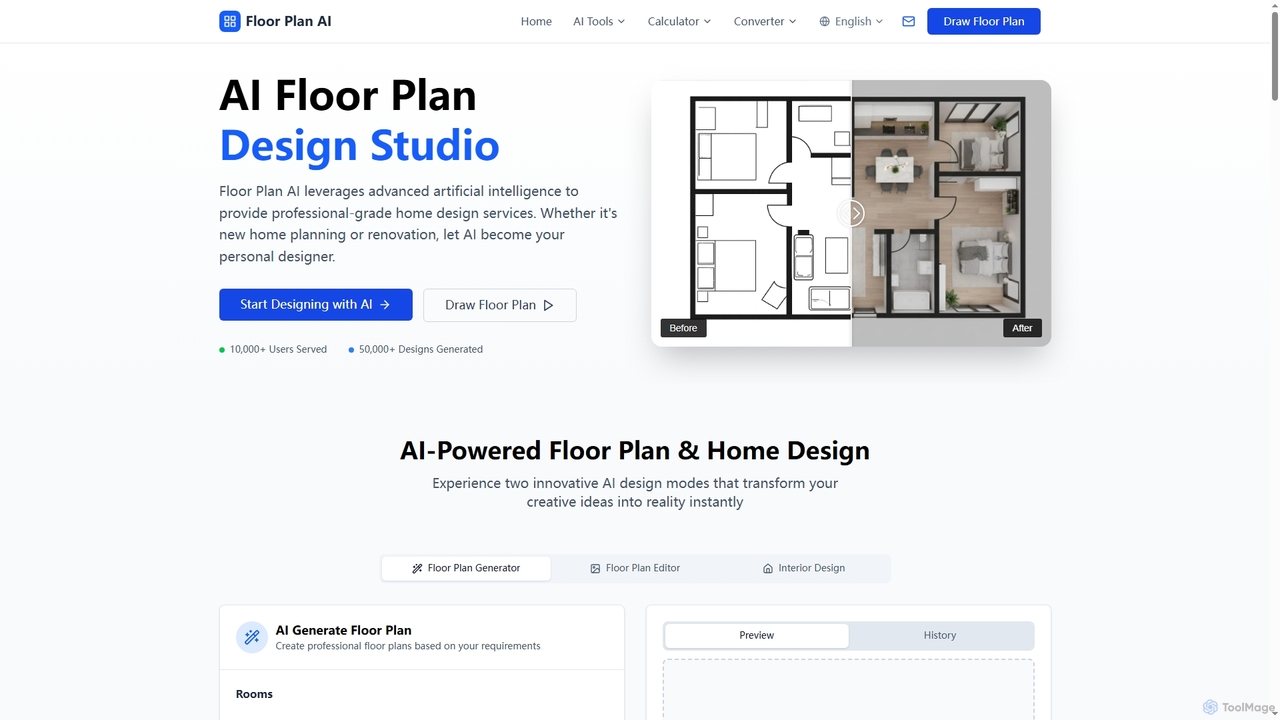
Floor Plan
Floor Plan is an advanced AI-powered platform offering comprehensive home and architectural design solutions. It enables users to generate 2D floor plans, transform sketches into photorealistic images, create stunning 3D visualizations from 2D layouts, and instantly stage empty rooms with AI-driven interior designs. Ideal for professionals and homeowners seeking fast, accurate, and creative design tools.
Floor Planning
Spatiastudio
Spatiastudio is an AI-powered design tool that transforms interior, exterior, and garden spaces in seconds. Simply upload a photo of your space, describe your vision, and instantly generate stunning redesigns, virtual staging concepts, and landscape ideas.
Interior Design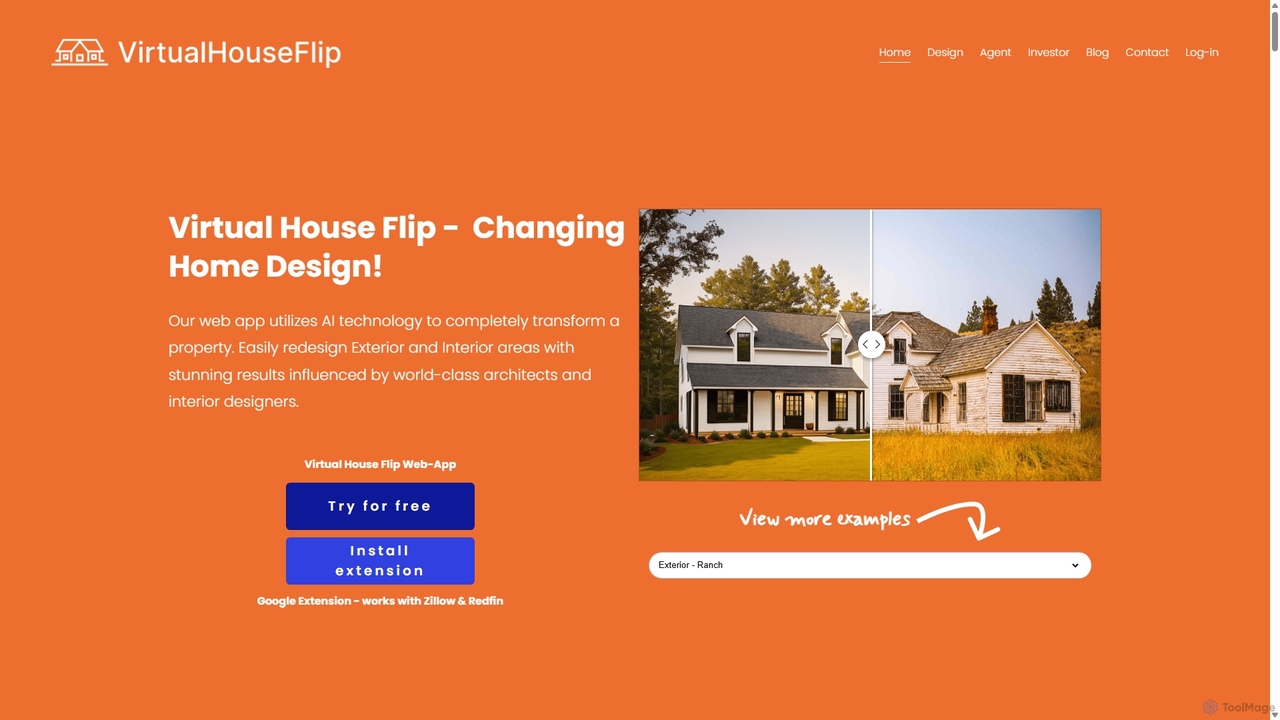
Virtual House Flip
Virtual House Flip is an AI-powered design tool that transforms home interiors and exteriors. Simply upload a photo to instantly generate stunning redesigns, visualize remodels, and explore new decor styles. Ideal for homeowners, real estate agents, and designers.
Interior Design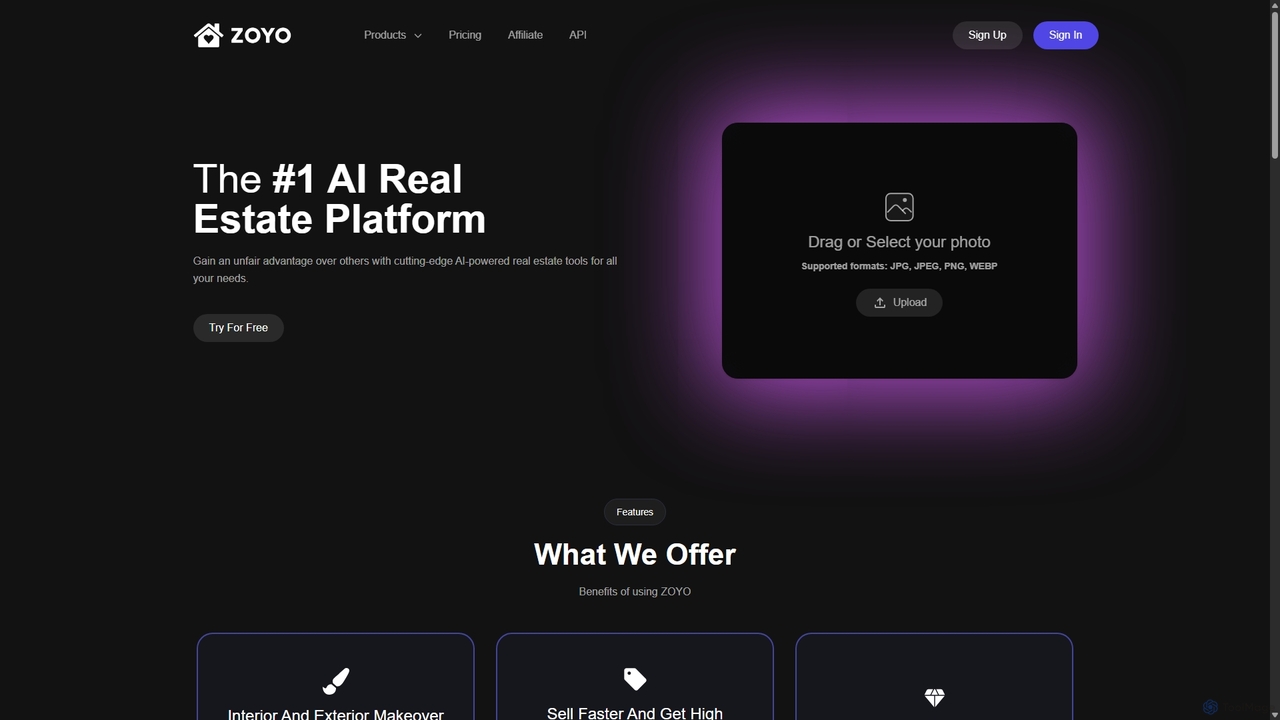
ZOYO
ZOYO is an AI-powered real estate platform designed for realtors, designers, and homeowners. It offers a suite of tools for interior and exterior design, virtual staging, image enhancement, and converting sketches to realistic renders. The platform aims to enhance property listings, accelerate sales, and simplify the design visualization process, providing high-quality results in seconds.
Interior Design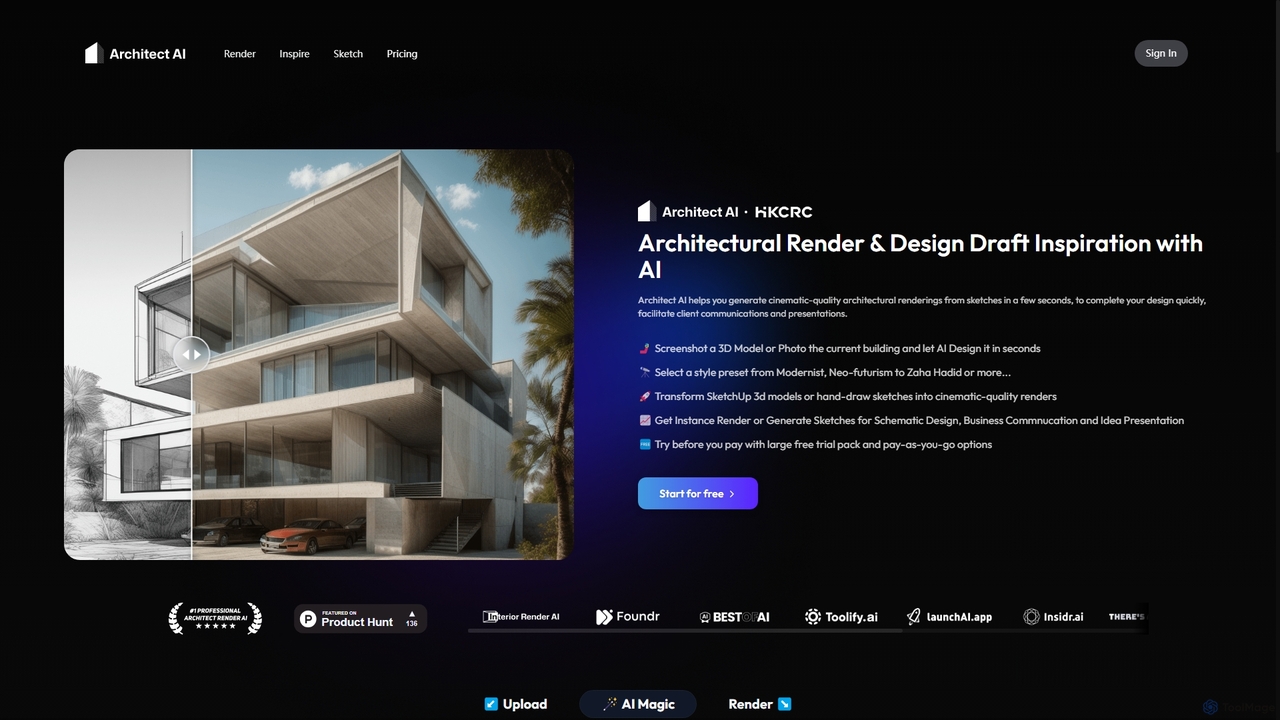
Architect AI
Architect AI is a powerful tool for architects and designers, transforming sketches, 3D models, and photos into cinematic-quality architectural renderings in seconds. It offers a vast library of styles, environments, and materials, enabling rapid visualization and idea exploration. Ideal for client presentations, portfolio building, and accelerating the design workflow from concept to photorealistic image.
Architecture
SketchPro
SketchPro is an AI-powered design copilot for architects, interior designers, and real estate developers. It transforms sketches, 3D models, or photos into high-quality, realistic renders in seconds. Users can apply style references, give text-based instructions for edits, and instantly change materials to accelerate their design workflow and visualize concepts with unprecedented speed and flexibility.
Architectural Visualization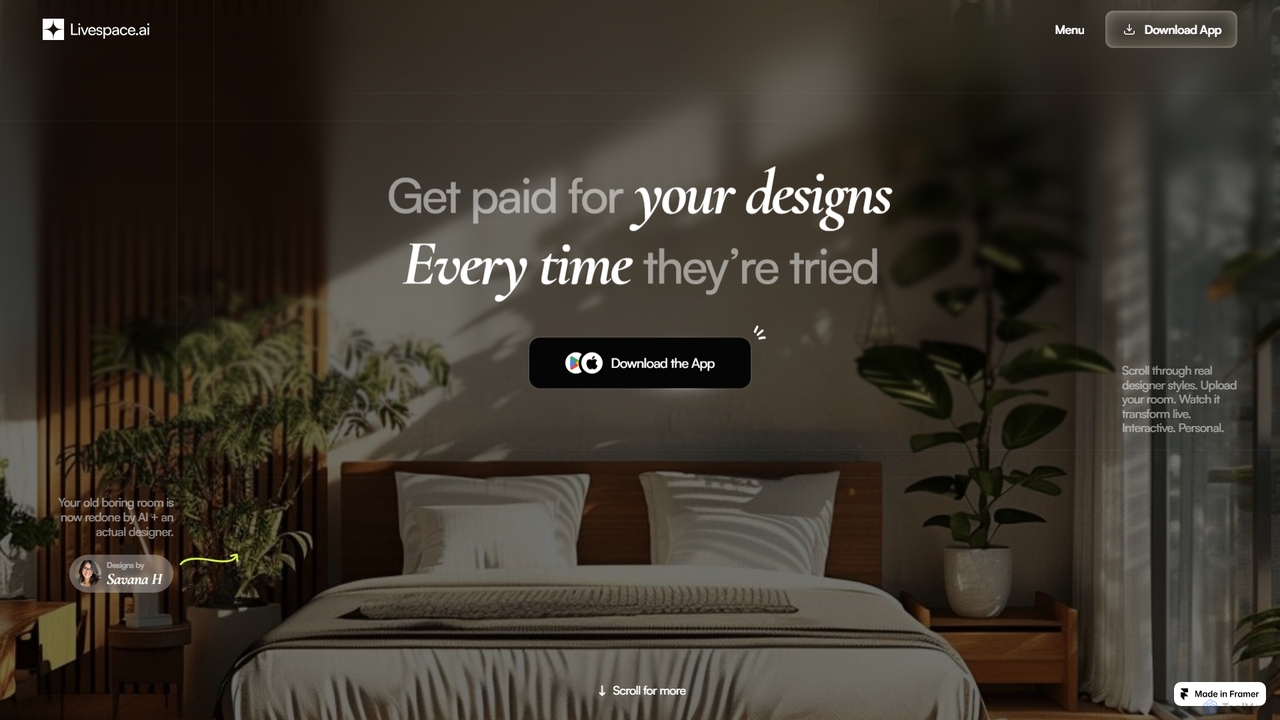
Livespace
Livespace is an AI-powered platform connecting interior designers with homeowners. Designers can monetize their work by uploading designs, which users can then instantly and interactively visualize in their own rooms. It offers a passive income stream for creators and a practical design tool for users.
Image GenerationCRXAI
CRXAI is an AI-powered rendering and visualization tool specifically designed for architects and designers. It transforms text prompts, 3D models, sketches, and photos into high-quality, photorealistic architectural visuals, streamlining the design workflow and accelerating creative exploration.
3D
Neolocus Comments (0)
Sign in to comment.
Sign inNo comments yet.