

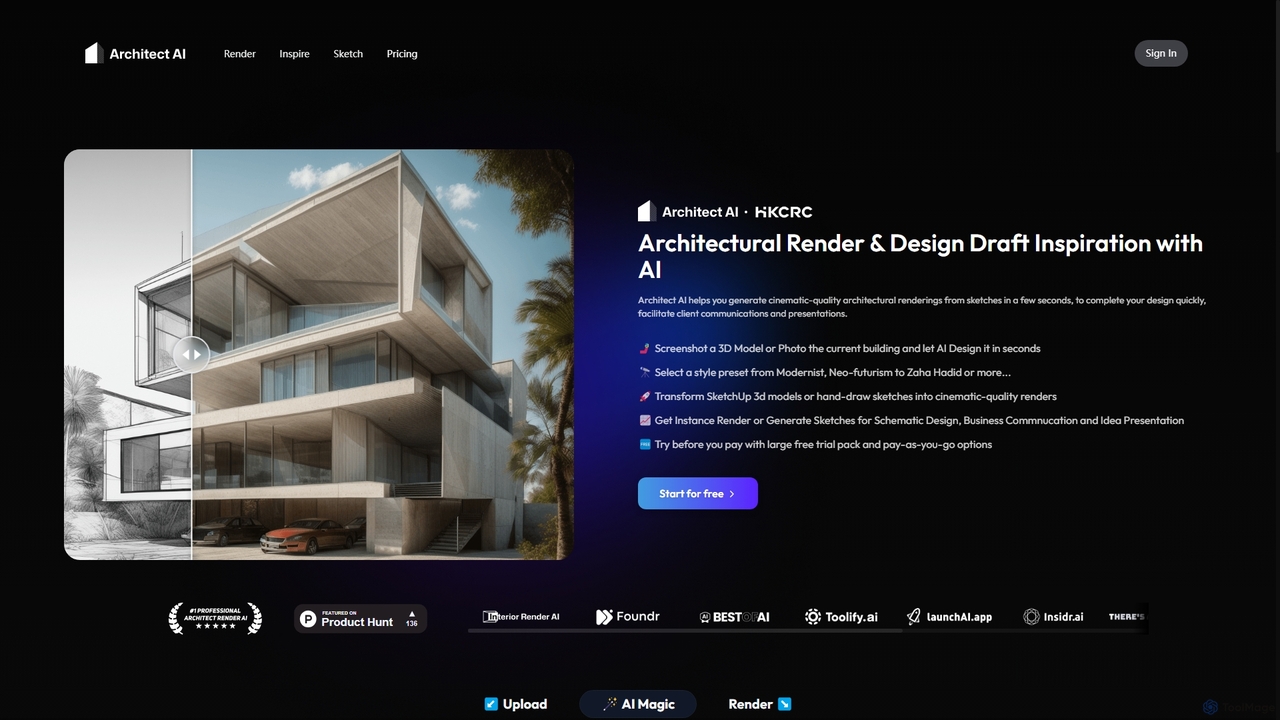
Architect AI Overview
Architect AI is a revolutionary platform designed to accelerate the architectural design and visualization process. It leverages advanced AI, acting as a "GPT for architecture," to transform simple inputs like hand-drawn sketches, 3D model screenshots (from software like SketchUp), or existing building photos into stunning, photorealistic renderings. This tool is built for architects, designers, and students who need to quickly generate high-quality visuals for client communication, presentations, and design exploration, drastically reducing the time and cost associated with traditional rendering methods.
How to use Architect AI
The workflow is designed for simplicity and speed, allowing users to bring their ideas to life in just a few steps:
- Upload Your Concept: Begin by uploading your source image. This can be a hand-drawn sketch, a screenshot from a 3D modeling program, or a photograph of an existing structure.
- Select a Style: Choose from an extensive library of architectural styles, from historical movements like Renaissance and Gothic to modern aesthetics like Modernism, Brutalism, and Parametricism. You can even emulate the style of famous architects like Zaha Hadid or Frank Lloyd Wright.
- Customize the Scene: Refine your rendering by adjusting various parameters. Select the environment (e.g., Forest, Urban, Sea view), weather conditions (e.g., Sunny, Raining, Foggy), and primary exterior materials (e.g., Brick, Glass, Concrete).
- Generate and Refine: Click the "Render" button. The AI will process your input and settings to generate a cinematic-quality image in seconds. You can further refine the output by adjusting parameters or using natural language prompts to describe your desired changes.
Core Features of Architect AI
- Sketch-to-Render: Instantly convert conceptual sketches into detailed, realistic renderings, bridging the gap between initial idea and final vision.
- 3D Model & Photo Transformation: Enhance screenshots from software like SketchUp or photos of existing buildings with new styles, materials, and environments.
- Extensive Style Library: Access a vast selection of architectural styles, including Modernist, Neo-futurism, Brutalism, and styles inspired by legendary architects.
- Detailed Scene Customization: Control the environment (forest, city, mountains), weather (sunny, rainy, snowy), time of day, and exterior materials to create the perfect context for your design.
- Natural Language Control: Use simple text prompts to guide the AI and fine-tune the rendering details, offering an intuitive way to control the output.
- Rapid Generation: Produces high-quality visuals in seconds, compared to the hours or days required for traditional rendering software.
- Data Privacy: A strong commitment to user privacy, ensuring that uploaded and generated content is not used for AI training or shared with third parties.
Use Cases for Architect AI
Architect AI is a versatile tool suitable for various professional and academic scenarios:
- Conceptual Design & Idea Exploration: Quickly visualize multiple design options and styles for a project in its early stages.
- Client Presentations: Create compelling, easy-to-understand visuals to communicate design intent to clients and stakeholders, facilitating better feedback.
- Portfolio Development: Generate a diverse range of high-quality renderings to showcase in professional portfolios and on websites.
- Academic Projects: Students can use it to create professional-level visuals for their architectural projects and presentations without a steep learning curve.
- Renovation & Remodeling: Visualize potential changes to existing buildings by uploading a photo and applying new designs and materials.
Advantages of Architect AI
The platform offers significant benefits over traditional methods:
- Efficiency: Drastically reduces rendering time from hours to seconds, accelerating the entire design workflow and allowing for more iterations.
- Accessibility: Makes high-end rendering accessible to everyone, regardless of their technical skill with complex rendering software.
- Creativity Boost: Allows for rapid experimentation with different styles, materials, and settings, fostering creative exploration and innovation.
- Improved Communication: Photorealistic visuals help bridge the communication gap between architects and non-technical clients, leading to better feedback and faster approvals.
- Flexible Pricing: The pay-as-you-go model without mandatory subscriptions offers a low-barrier entry and a cost-effective solution for users with varying needs.
Pricing and Plans
Architect AI operates on a flexible, non-subscription model. Users can try the service for free with a complimentary trial pack. After the trial, they can purchase credits on a pay-as-you-go basis. This model is ideal for freelancers and firms who prefer to pay only for what they use without being tied to a monthly contract.
- Free Trial: A generous free trial pack is available for new users to test the platform's capabilities.
- Pay-As-You-Go Credits:
- 10 Credits: $1.99
- 50 Credits: $5.99
- 100 Credits: $8.99
Traffic
Latest traffic
Status
Monthly traffic trend
- 2025-9: 24.2K
- 2026-1: 18.2K
- 2026-2: 13.2K
- 2026-3: 16.2K
- 2026-4: 25.4K
- 2026-5: 19.8K
Geography
Top 5 countries / regions
- 🇮🇩Indonesia29.0%
- 🇦🇪United Arab Emirates25.8%
- 🇺🇸United States19.0%
- 🇮🇳India13.4%
- 🇷🇺Russia12.7%
Top keywords
| Keyword | Cost per click |
|---|---|
| ai architect | $2.29 |
| ai gambar desain bangunan | $0.00 |
| architect ai | $3.83 |
| render ai | $0.57 |
| the architect ai | $5.24 |
Architect AI Alternatives
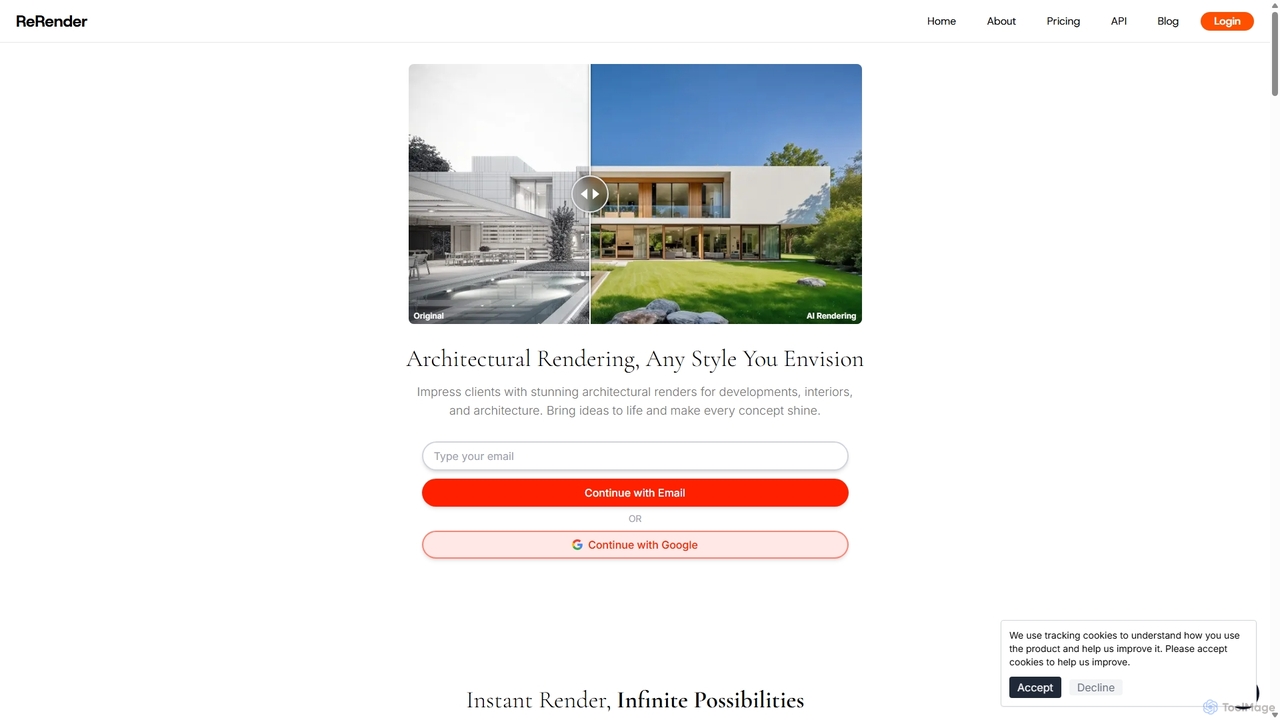
ReRender AI
ReRender AI is a powerful AI-driven platform that transforms architectural sketches, 3D models, and photos into stunning, photorealistic renderings in seconds. Designed for architects, interior designers, and real estate developers, it streamlines the design visualization process with customizable styles, detailed environmental controls, and rapid generation speeds.
Architecture
SketchPro
SketchPro is an AI-powered design copilot for architects, interior designers, and real estate developers. It transforms sketches, 3D models, or photos into high-quality, realistic renders in seconds. Users can apply style references, give text-based instructions for edits, and instantly change materials to accelerate their design workflow and visualize concepts with unprecedented speed and flexibility.
Architectural Visualization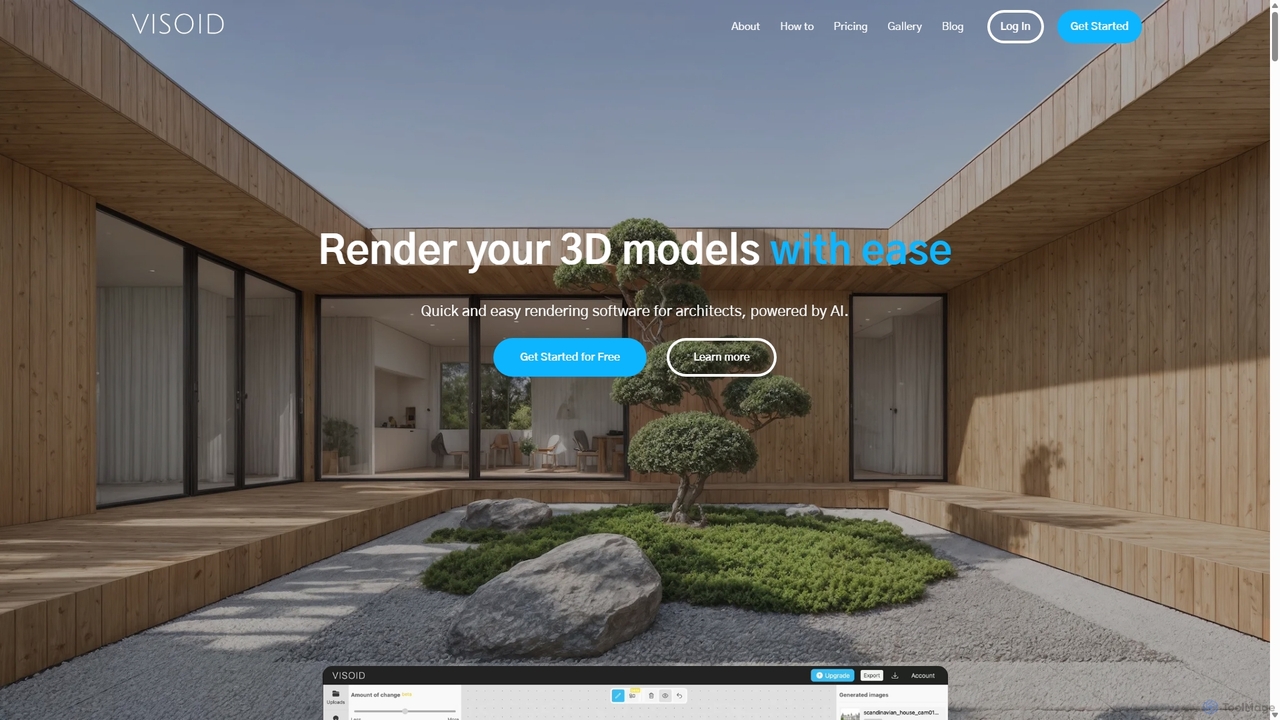
Visoid
Visoid is an AI-powered rendering platform designed for architects, interior designers, and 3D artists. It transforms sketches and 3D models from software like SketchUp, Revit, and Archicad into stunning, photorealistic visualizations in seconds, dramatically accelerating the design and presentation workflow.
Architecture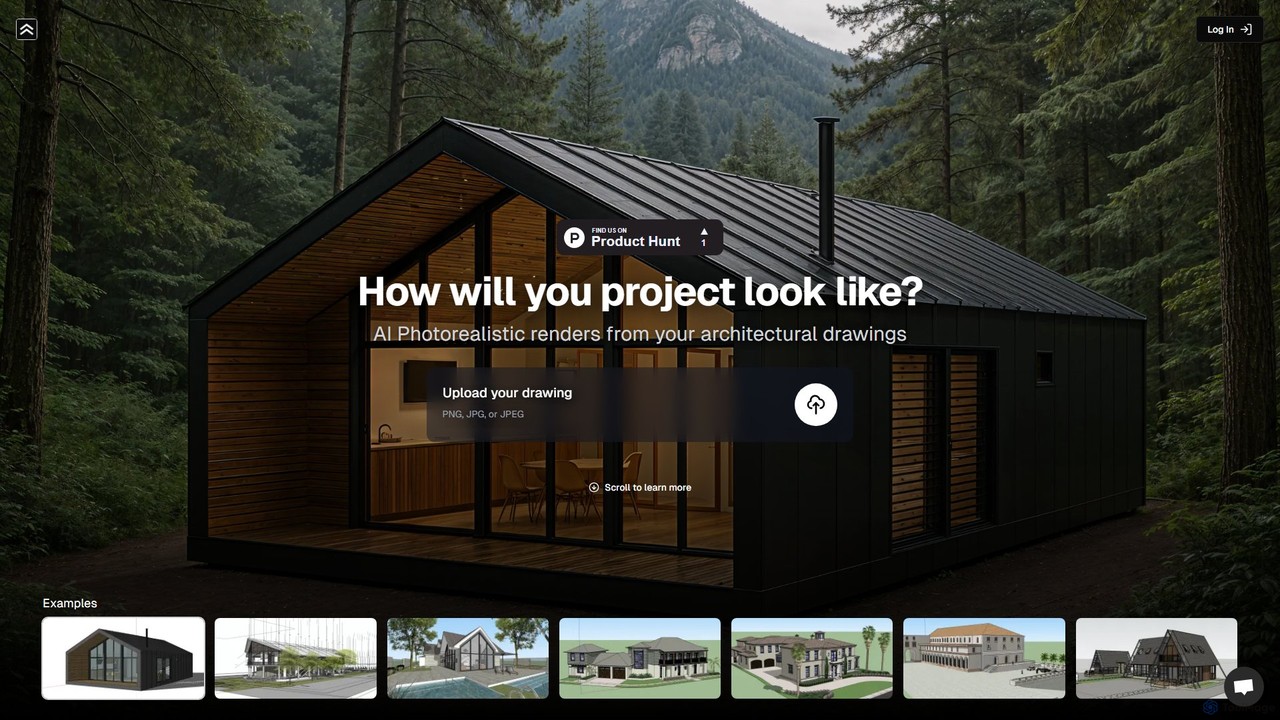
renderahouse
renderahouse is an AI-powered platform that transforms architectural drawings, sketches, and blueprints into stunning, photorealistic renders in seconds. It offers various environmental settings, accurate lighting, and material textures, making it ideal for architects and designers to visualize and present projects without complex software or long rendering times.
Architecture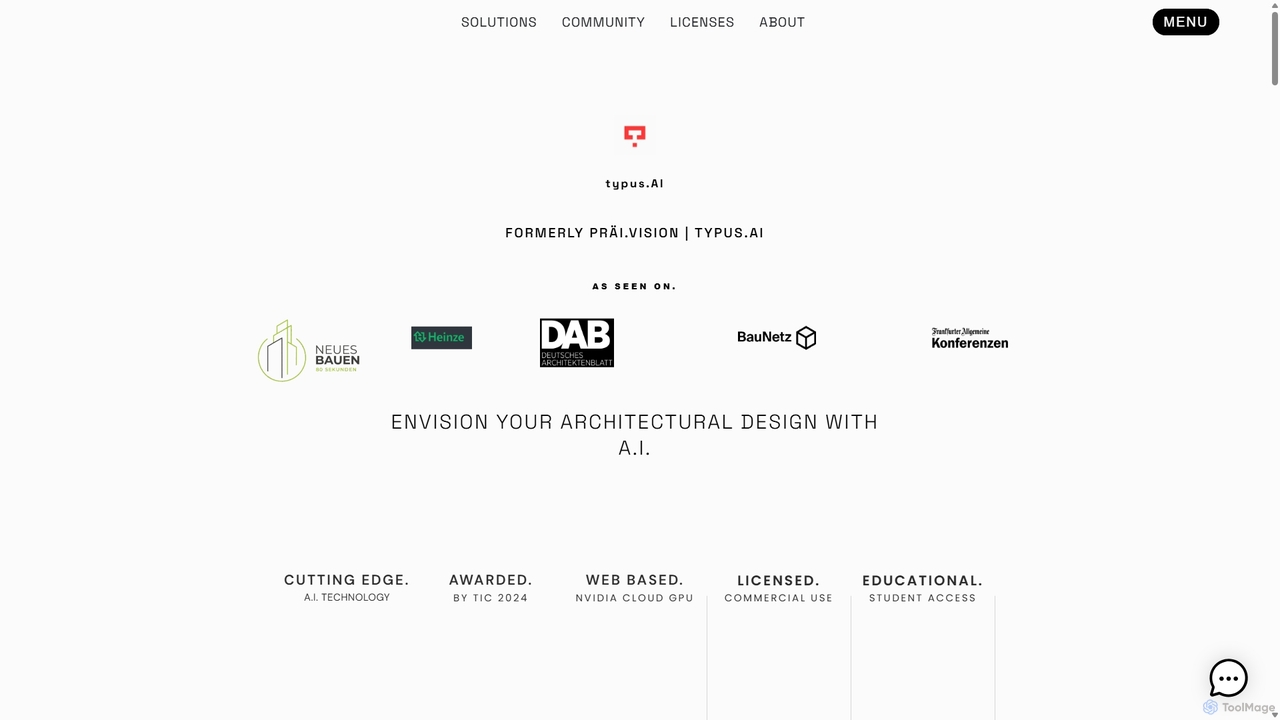
TYPUS.AI
TYPUS.AI is an advanced AI visualization platform for architects, designers, and 3D artists. It instantly transforms CAD drawings, 3D models, and simple sketches into stunning, photorealistic or stylized architectural renderings. The tool preserves the core design structure while offering powerful features like regional prompting for material control, style transfer, and high-resolution upscaling, streamlining the entire visualization workflow.
3DArchitect AI Categories
Architect AI Jobs
Architect AI Embed Widget
Copy this embed code to place the badge on your blog, article, or product site and send readers directly to this ToolMage detail page.

Related AI tools
SketchPro
SketchPro is an AI-powered design copilot for architects, interior designers, and real estate developers. It transforms sketches, 3D models, or photos into high-quality, realistic renders in seconds. Users can apply style references, give text-based instructions for edits, and instantly change materials to accelerate their design workflow and visualize concepts with unprecedented speed and flexibility.
Architectural VisualizationReRender AI
ReRender AI is a powerful AI-driven platform that transforms architectural sketches, 3D models, and photos into stunning, photorealistic renderings in seconds. Designed for architects, interior designers, and real estate developers, it streamlines the design visualization process with customizable styles, detailed environmental controls, and rapid generation speeds.
Architecture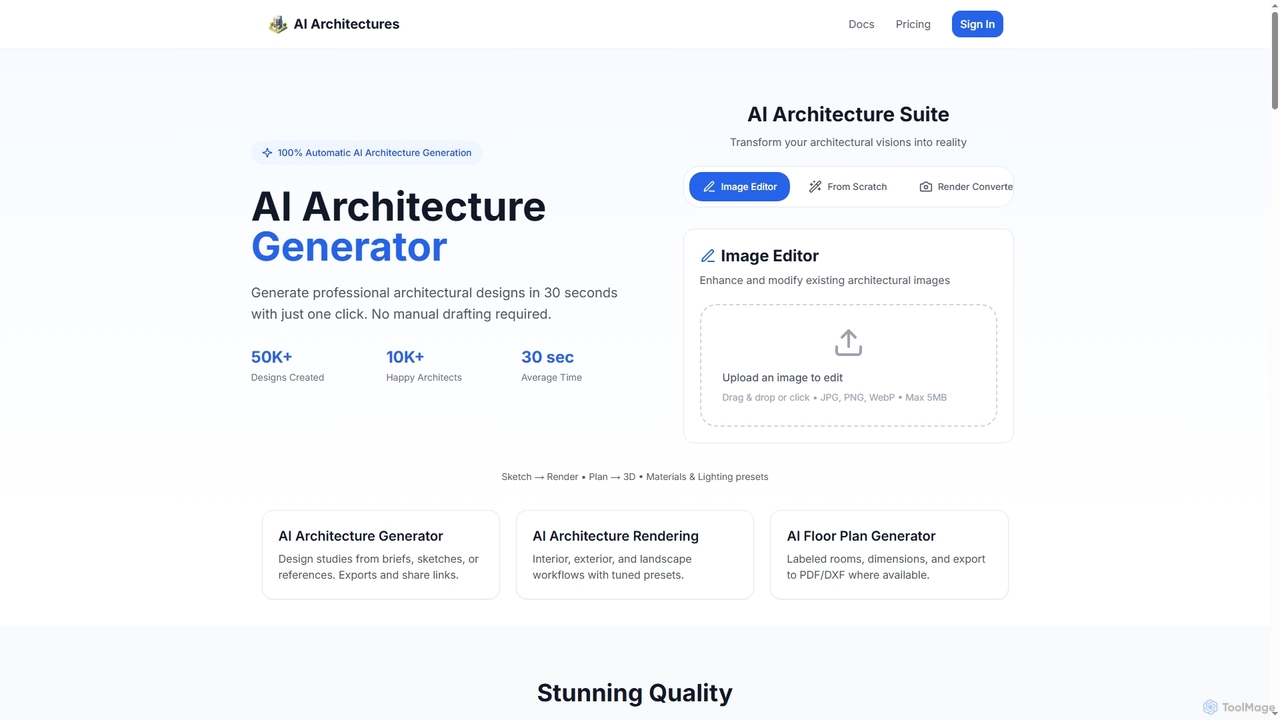
AI Architectures
AI Architectures is an advanced AI platform designed for architects and designers, enabling 100% automatic generation of professional architectural designs, floor plans, and photorealistic renders in seconds. It transforms sketches, briefs, or existing images into stunning visualizations for various architectural scenarios.
Rendering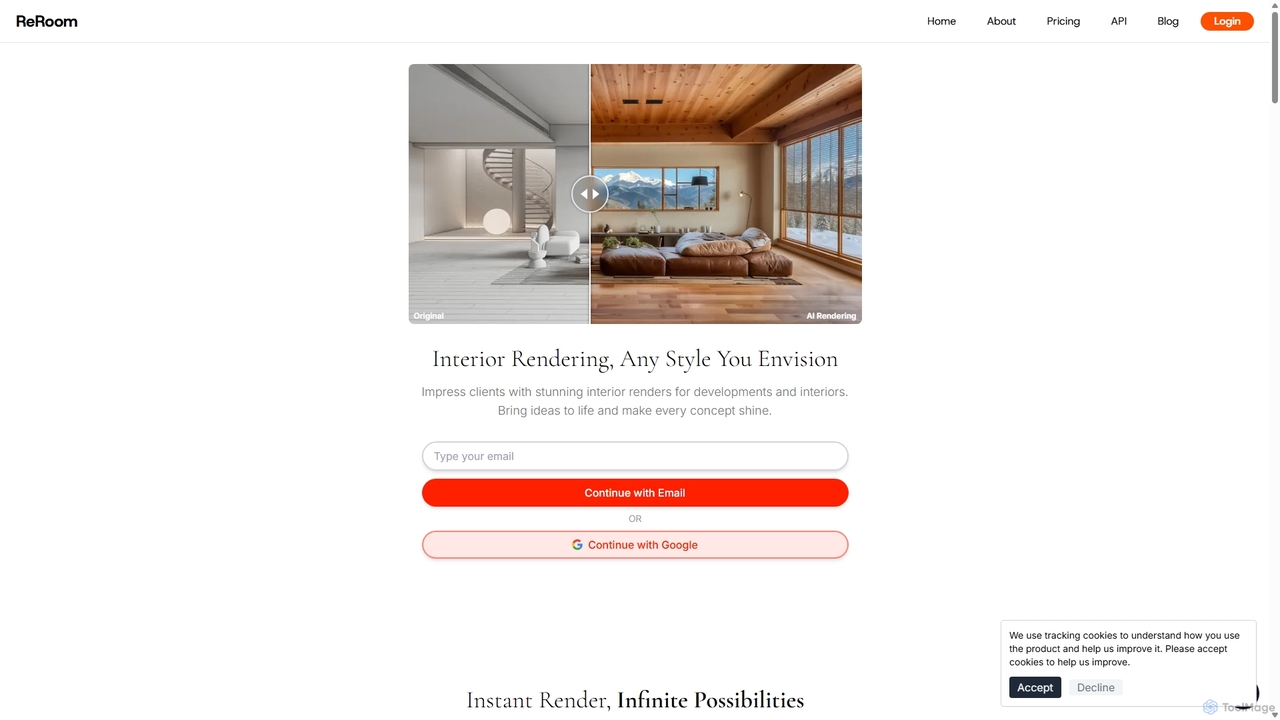
ReRoom AI
ReRoom AI is a powerful AI-driven platform for architects, interior designers, and real estate professionals. It instantly transforms sketches, 3D models, and photos into photorealistic interior and exterior renders. Offering a wide range of styles and detailed customization, it streamlines the design visualization process, bringing creative visions to life in seconds.
ArchitectureTYPUS.AI
TYPUS.AI is an advanced AI visualization platform for architects, designers, and 3D artists. It instantly transforms CAD drawings, 3D models, and simple sketches into stunning, photorealistic or stylized architectural renderings. The tool preserves the core design structure while offering powerful features like regional prompting for material control, style transfer, and high-resolution upscaling, streamlining the entire visualization workflow.
3DVisoid
Visoid is an AI-powered rendering platform designed for architects, interior designers, and 3D artists. It transforms sketches and 3D models from software like SketchUp, Revit, and Archicad into stunning, photorealistic visualizations in seconds, dramatically accelerating the design and presentation workflow.
Architecturerenderahouse
renderahouse is an AI-powered platform that transforms architectural drawings, sketches, and blueprints into stunning, photorealistic renders in seconds. It offers various environmental settings, accurate lighting, and material textures, making it ideal for architects and designers to visualize and present projects without complex software or long rendering times.
Architecture
Jyek
Jyek is an AI agent platform that understands objectives, creates execution plans, uses tools, and delivers verifiable results for complex, multi-step tasks.
Automation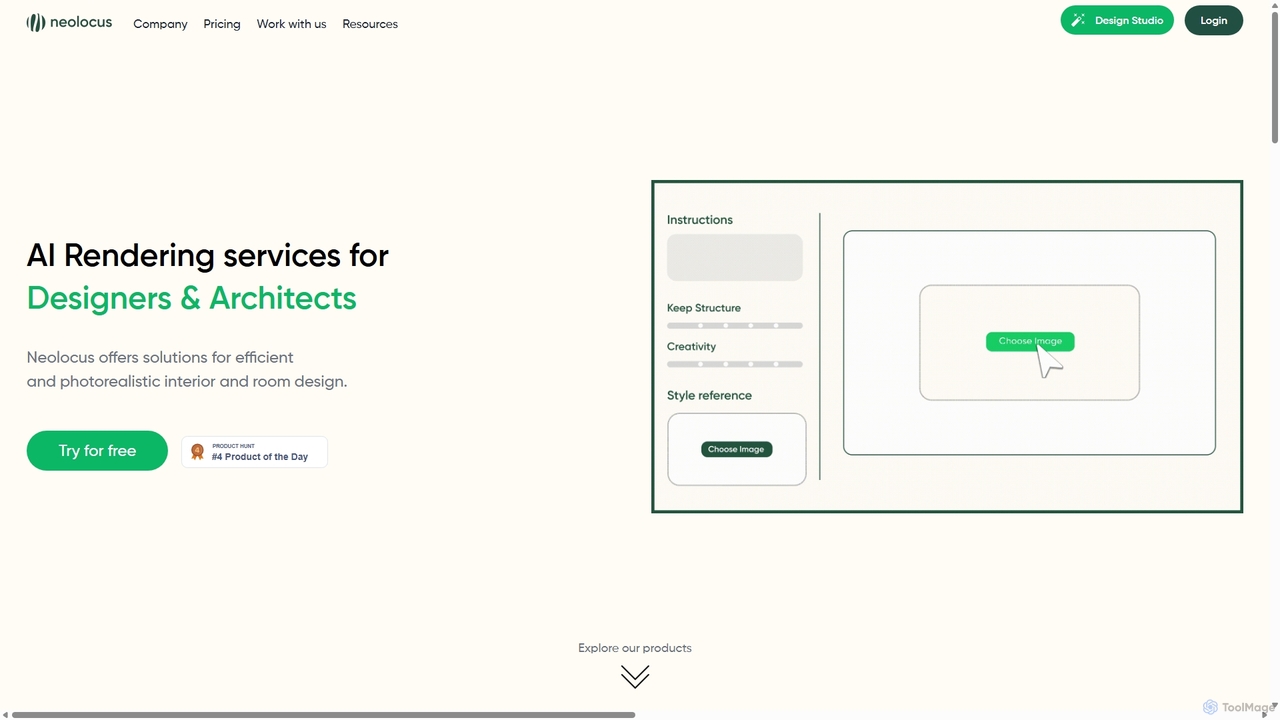
Neolocus
Neolocus is a powerful AI rendering platform designed for architects, interior designers, and 3D artists. It transforms sketches, 3D models, and screenshots from software like SketchUp and Revit into photorealistic interior and exterior renders in minutes, drastically reducing rendering time and accelerating the design prototyping cycle.
Image Generation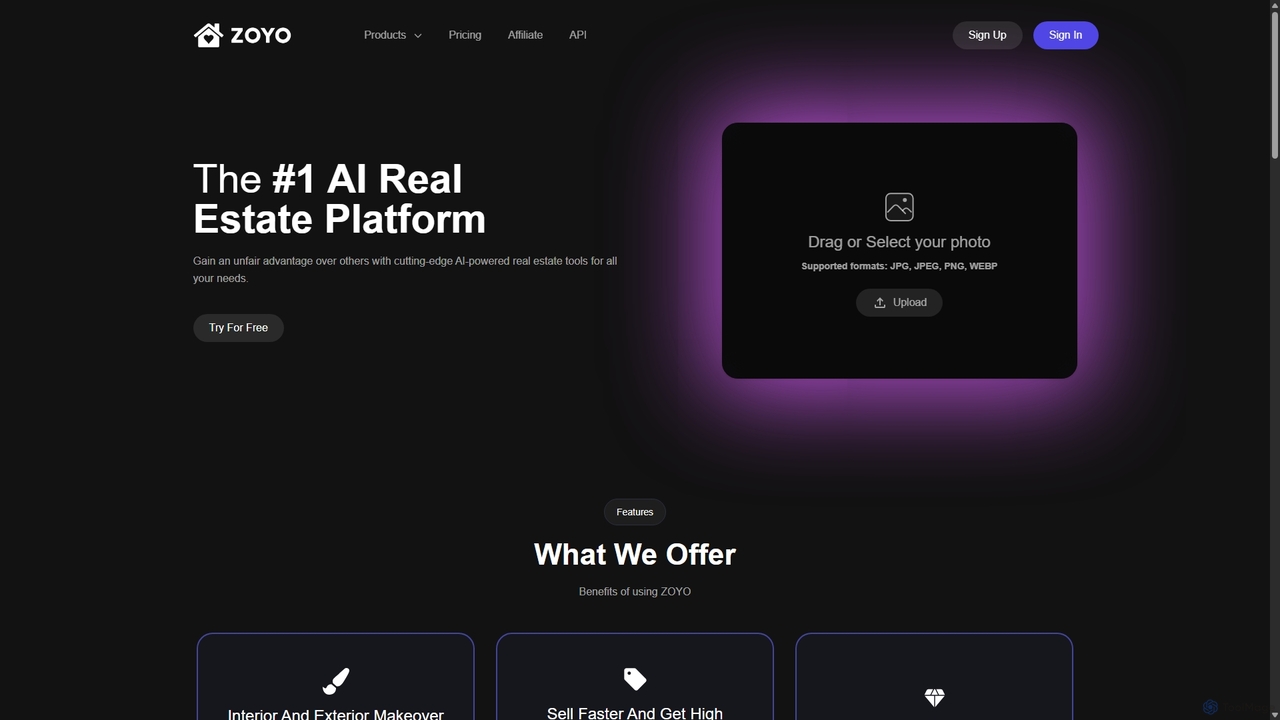
ZOYO
ZOYO is an AI-powered real estate platform designed for realtors, designers, and homeowners. It offers a suite of tools for interior and exterior design, virtual staging, image enhancement, and converting sketches to realistic renders. The platform aims to enhance property listings, accelerate sales, and simplify the design visualization process, providing high-quality results in seconds.
Interior Design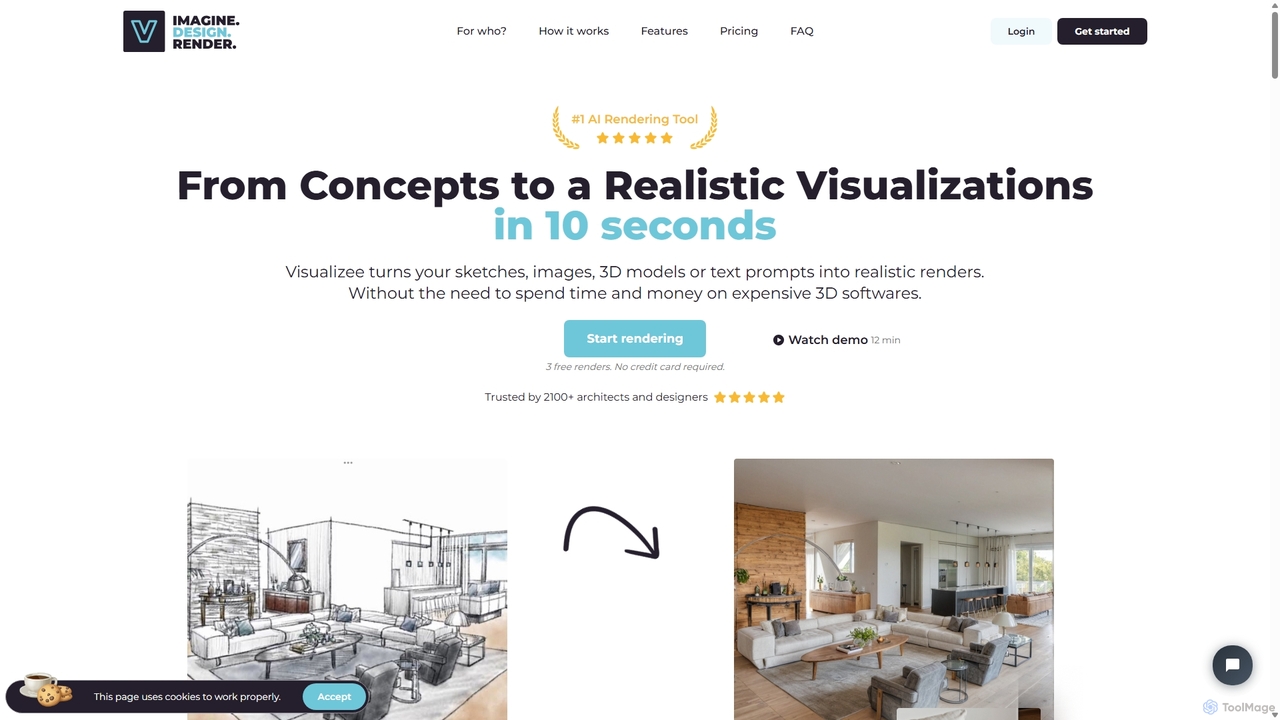
Visualizee.ai
Visualizee.ai is a leading AI rendering tool that transforms sketches, 3D models, and text prompts into high-resolution (up to 8K) photorealistic visuals in seconds. Ideal for architects, designers, and creators, it features advanced tools like inpainting and upscaling to bring creative ideas to life with precision and speed.
Visualization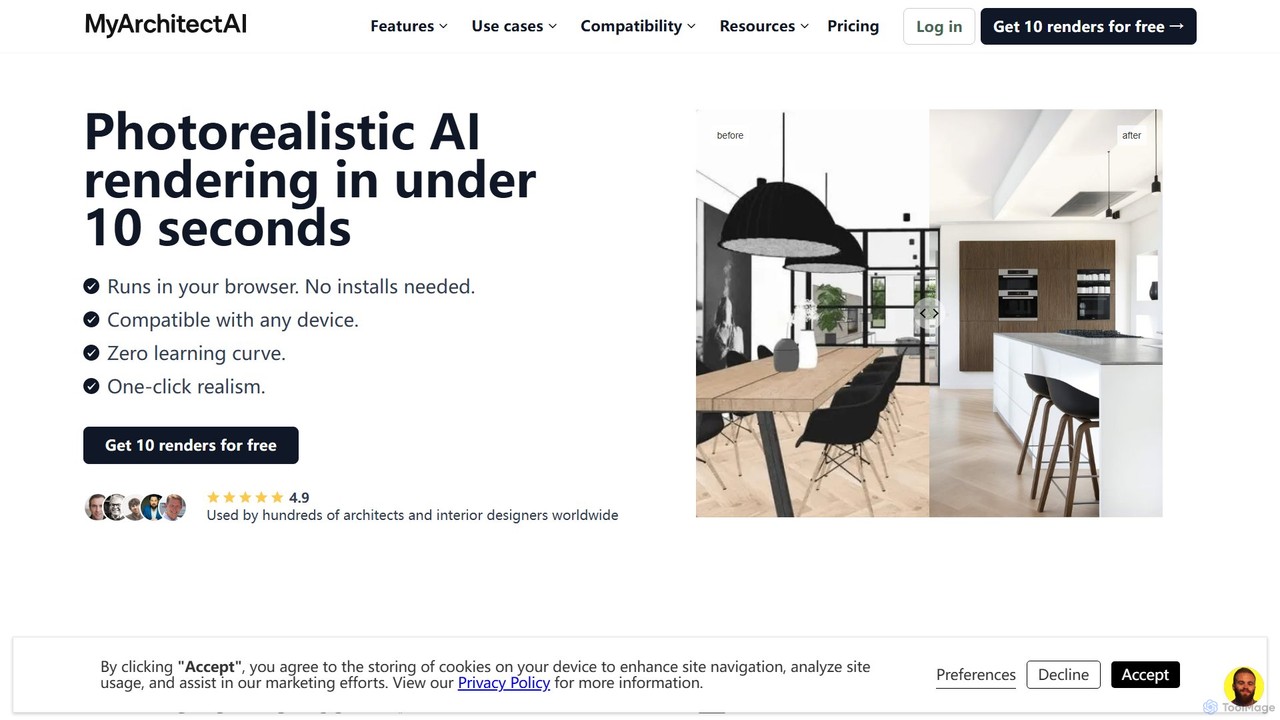
MyArchitectAI
MyArchitectAI is an AI-powered rendering software designed for architects and interior designers. It transforms sketches, CAD designs, and line drawings into photorealistic visualizations in seconds. The platform requires no specialized skills or expensive hardware, making high-quality rendering accessible to all. It offers a free trial of 10 renders.
Architecture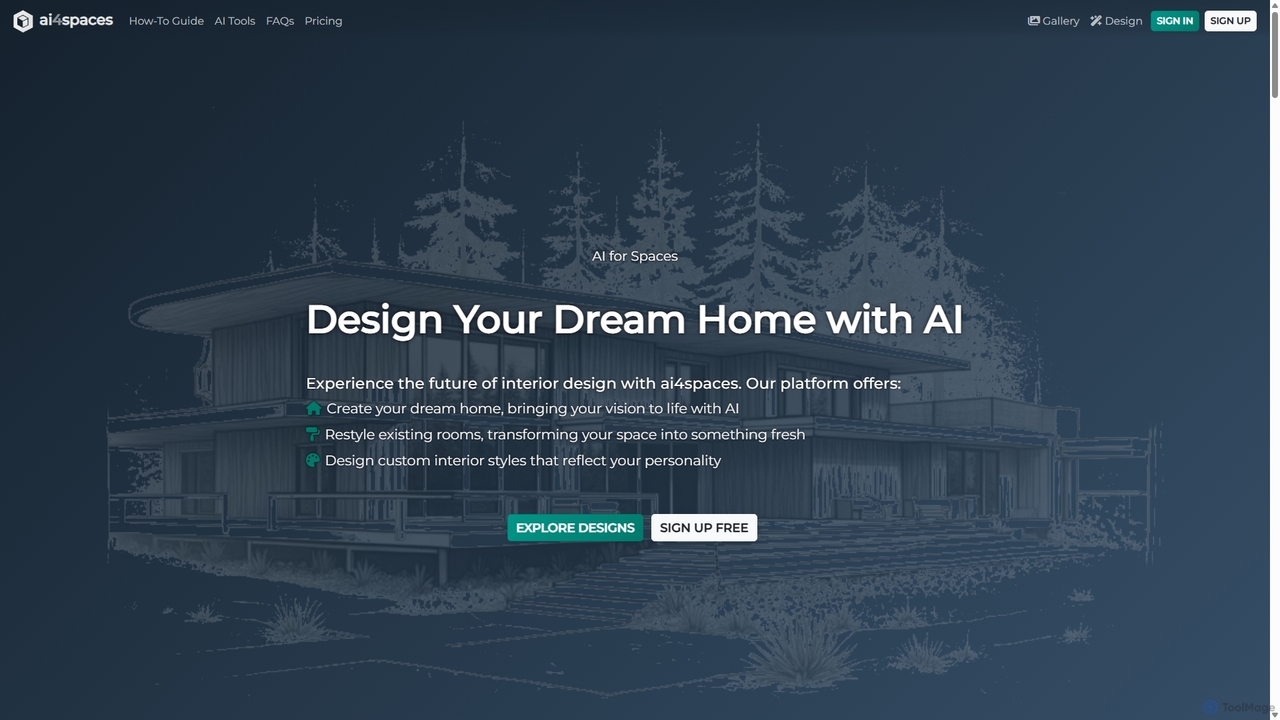
Ai4spaces
Ai4spaces is an AI-powered platform for interior design, architecture, and home renovation. It transforms photos, sketches, or text prompts into stunning, photorealistic visualizations. Generate designs, create video walkthroughs, 360° panoramas, and upscale images, making it ideal for interior designers, architects, real estate agents, and homeowners.
Architecture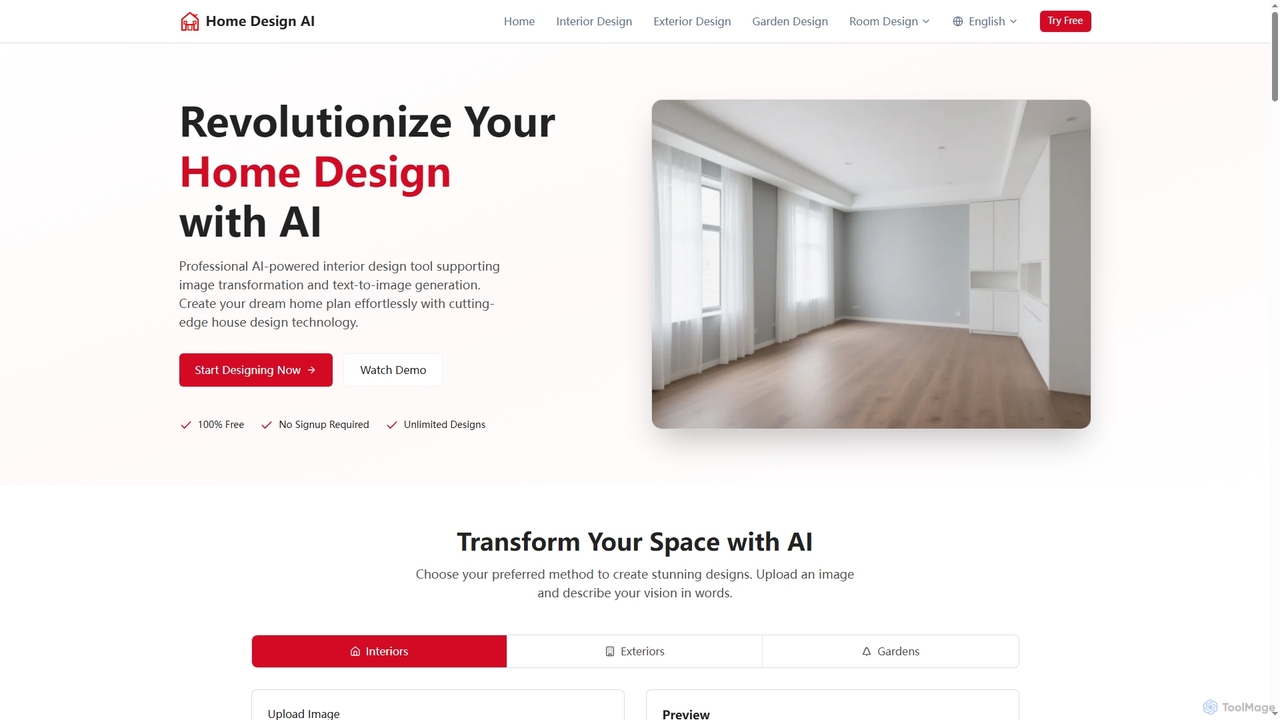
Home Design
Home Design is a professional AI-powered platform that revolutionizes interior, exterior, and garden design. It allows users to transform existing spaces or generate new designs from text, offering stunning visualizations without requiring any signup or payment.
Visualization
Renovate AI
Renovate AI is an AI-powered platform for home renovation and interior design. It allows users to upload photos of their spaces and instantly generate realistic redesigns in various styles. It's designed for homeowners, real estate agents, designers, and contractors to visualize changes effortlessly.
Interior Design
Architect AI Comments (0)
Sign in to comment.
Sign inNo comments yet.