

TYPUS.AI Overview
TYPUS.AI (formerly known as PRÄI.VISION and also associated with the name Yanus) is a revolutionary, web-based AI platform designed to empower architects, interior designers, and 3D artists. It bridges the gap between initial concepts and final presentations by generating high-quality architectural visualizations in a matter of seconds. By leveraging cutting-edge AI technology and NVIDIA cloud GPUs, TYPUS.AI interprets a wide range of inputs—from rough sketches and CAD drawings to detailed 3D models—and transforms them into compelling, lifelike images. The platform is built for efficiency and ease of use, requiring no specialized rendering knowledge, making it an indispensable tool for professionals looking to accelerate their creative process and communicate their vision more effectively.
How to use TYPUS.AI
The workflow in TYPUS.AI is designed to be intuitive and straightforward, allowing users to go from concept to final render in just a few steps:
- Upload Your Design: Start by uploading your input file. TYPUS.AI supports a variety of formats, including CAD drawings, site photos, screenshots of 3D models, hand-drawn sketches, and diagrams. For a more integrated workflow, you can use the free plugins for popular 3D software (like Rhino, SketchUp, or Revit) to send your model directly to the platform.
- Describe Your Vision with Prompts: Use text prompts to guide the AI. Describe the desired atmosphere, lighting, time of day, and environment. With the powerful Regional Prompting feature, you can assign specific materials and textures (e.g., "brushed concrete wall," "lacquered wood floor") to different areas of your design by using color maps or selections.
- Select a Mode and Generate: Choose from various visualization modes to match your project's needs. The 'REAL' mode aims for photorealism, while 'STYLE' modes offer artistic interpretations like 'Black Pen Sketch' or 'Mixed Media Collage'. There are also specialized modes like 'AERIAL' for bird's-eye views and 'ELEVATION' for facade studies. Click generate and let the AI work its magic.
- Tweak and Iterate: Once you have an initial image, use the 'TWEAK' toolset to refine it. Apply different artistic styles with Style Transfer, correct or add elements with Inpainting and Outpainting, or adjust the lighting with the Relighting tool. This allows for rapid iteration without needing to re-render from scratch.
- Refine and Upscale: For the final output, use the 'REFINE' tools. Upscale your image by 2x or 4x to achieve stunning high-resolution results, up to 13K, perfect for printing or detailed client presentations.
Core Features of TYPUS.AI
- Structure-Preserving AI: The AI core technology fully preserves the geometry and structure of your input model, ensuring the generated visualization is a true representation of your design.
- Regional Prompting: Gain granular control over materials and textures. Assign specific finishes to different surfaces within your image for unparalleled realism and detail.
- Multiple Input Compatibility: Works seamlessly with CAD files, BIM models (via plugins), sketches, photos, and colormaps, offering flexibility for every stage of the design process.
- Diverse Visualization Modes: Go beyond standard photorealism with a range of modes, including Realistic, Aerial, Elevation, and various artistic styles like sketches and collages.
- Advanced Image Editing Suite: A comprehensive set of tools for tweaking and refining images, including Style Transfer, Inpainting, Outpainting, and Relighting, all within the platform.
- High-Resolution Upscaling: Elevate your final visuals with a powerful AI upscaler that can increase image resolution up to 13K, ensuring crisp and detailed outputs.
- Web-Based and Plugin Integrations: Access the tool from any browser without powerful local hardware. Free plugins for major 3D software streamline the workflow between your design environment and the visualization platform.
- Commercial License: All images generated under a paid subscription come with a full commercial license, giving you complete ownership and freedom to use them in your projects.
Use Cases for TYPUS.AI
TYPUS.AI is a versatile tool that can be applied across various professional scenarios:
- Conceptual Design: Quickly generate multiple design variations and mood boards to explore different aesthetic directions in the early stages of a project.
- Client Presentations: Create stunning, easy-to-understand visuals that help clients connect with the design vision, leading to faster approvals.
- Architectural Competitions: Produce a large volume of high-quality renderings in a short amount of time, giving you a competitive edge.
- Real Estate Marketing: Develop photorealistic images of unbuilt properties to attract potential buyers and investors.
- Interior Design: Experiment with different materials, furniture layouts, and lighting schemes to perfect the interior space.
- Urban Planning: Visualize large-scale developments and their impact on the surrounding environment from an aerial perspective.
Advantages of TYPUS.AI
Adopting TYPUS.AI into your workflow offers significant advantages:
- Massive Time Savings: Reduce rendering times from hours or days to mere seconds, freeing up valuable time for design and creative tasks.
- Democratized Visualization: Its user-friendly interface makes high-end rendering accessible to everyone on the team, not just visualization specialists.
- Enhanced Creativity: The speed of generation encourages experimentation, allowing designers to explore more options than ever before.
- Cost Efficiency: Lowers the need for expensive rendering hardware, software licenses, and outsourcing to visualization studios.
- Improved Communication: Clear, realistic visuals facilitate better communication and understanding between designers, clients, and stakeholders.
Pricing and Plans
TYPUS.AI operates on a freemium model, offering plans suitable for different user needs:
- Free Plan: Ideal for testing the platform. Users can create a free account to generate a limited number of images. This plan may have longer queue times and does not include a commercial license.
- Professional Plan: Designed for individual architects and designers. This subscription-based plan offers a generous number of monthly rendering credits, faster processing speeds, access to all advanced features (including upscaling and editing tools), and a full commercial license for all generated images.
- Team/Enterprise Plan: Tailored for architectural firms and large design studios. It includes a larger pool of shared credits, priority support, team management features, and potential for custom integrations.
- Student Access: TYPUS.AI provides special access for students and educators, supporting the next generation of designers.
For detailed and up-to-date pricing, please visit the official TYPUS.AI website.
TYPUS.AI Alternatives
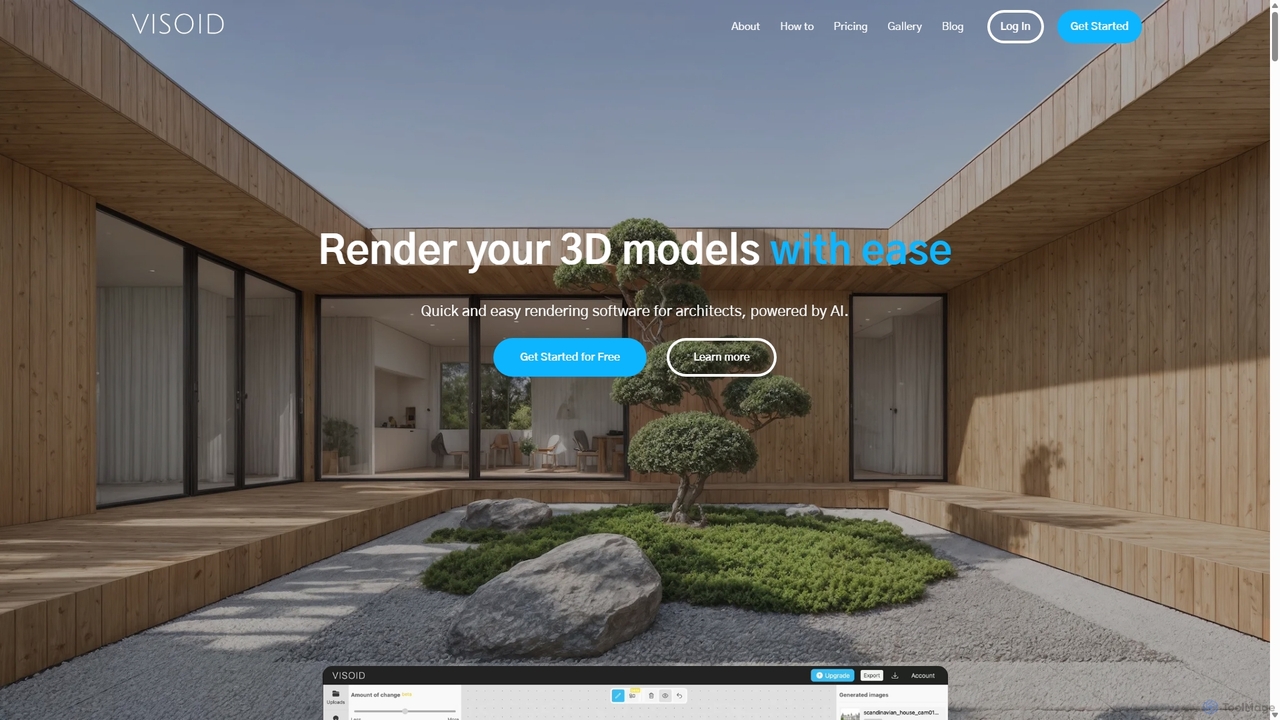
Visoid
Visoid is an AI-powered rendering platform designed for architects, interior designers, and 3D artists. It transforms sketches and 3D models from software like SketchUp, Revit, and Archicad into stunning, photorealistic visualizations in seconds, dramatically accelerating the design and presentation workflow.
Architecture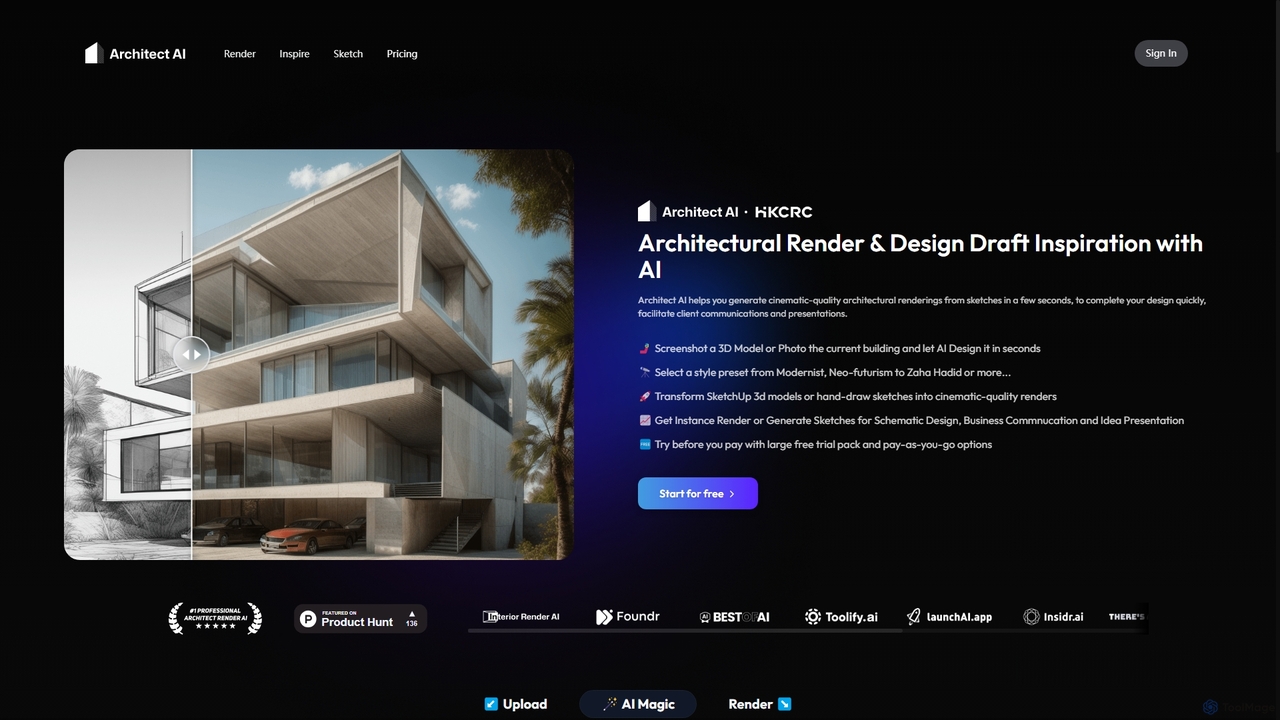
Architect AI
Architect AI is a powerful tool for architects and designers, transforming sketches, 3D models, and photos into cinematic-quality architectural renderings in seconds. It offers a vast library of styles, environments, and materials, enabling rapid visualization and idea exploration. Ideal for client presentations, portfolio building, and accelerating the design workflow from concept to photorealistic image.
Architecture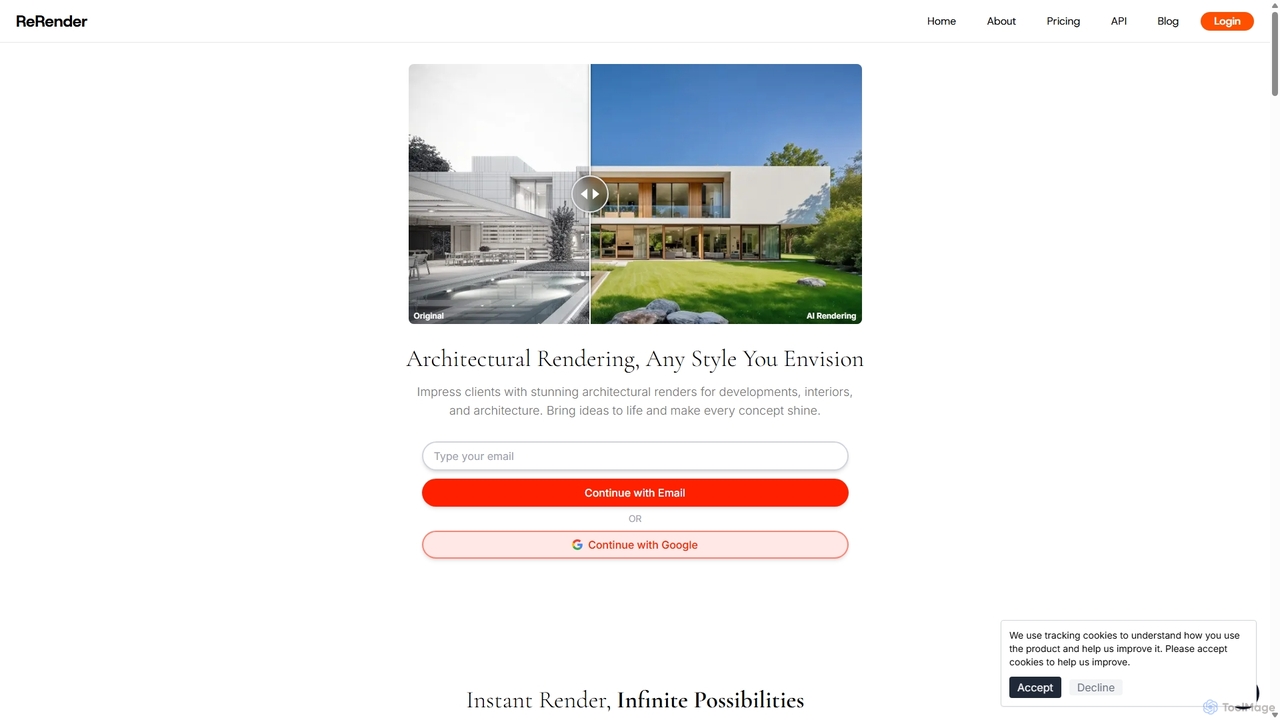
ReRender AI
ReRender AI is a powerful AI-driven platform that transforms architectural sketches, 3D models, and photos into stunning, photorealistic renderings in seconds. Designed for architects, interior designers, and real estate developers, it streamlines the design visualization process with customizable styles, detailed environmental controls, and rapid generation speeds.
Architecture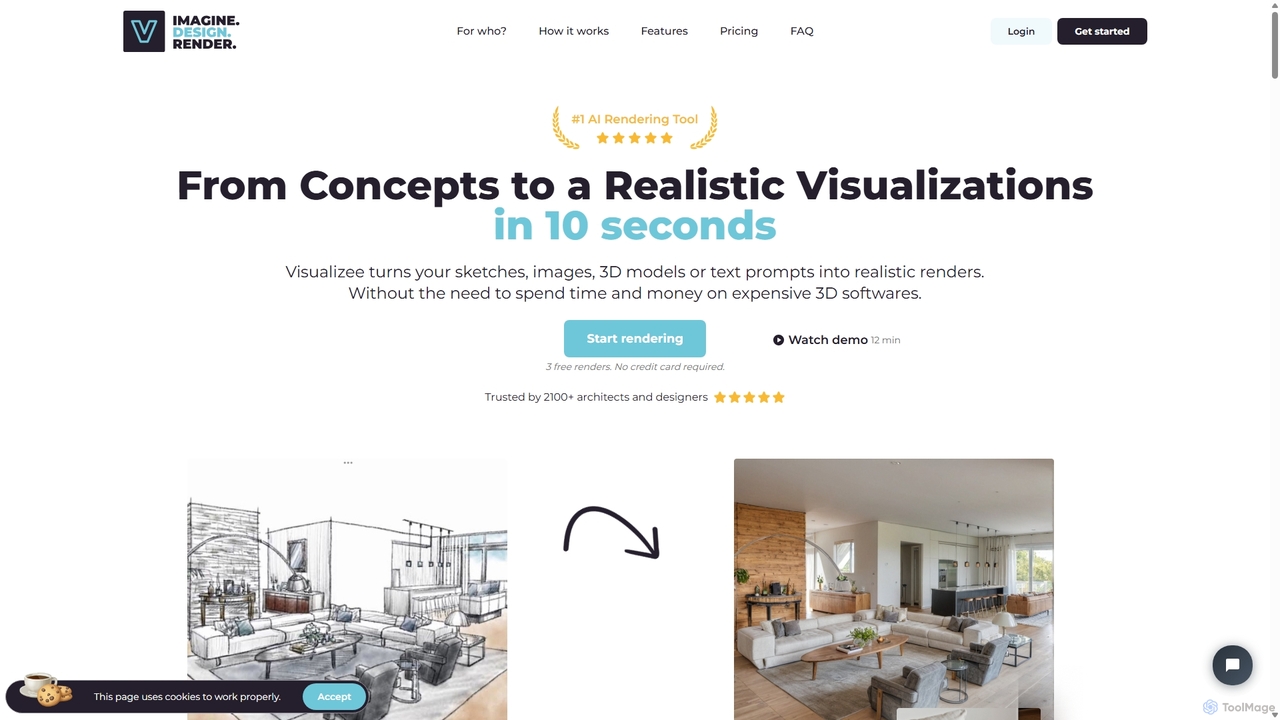
Visualizee.ai
Visualizee.ai is a leading AI rendering tool that transforms sketches, 3D models, and text prompts into high-resolution (up to 8K) photorealistic visuals in seconds. Ideal for architects, designers, and creators, it features advanced tools like inpainting and upscaling to bring creative ideas to life with precision and speed.
Visualization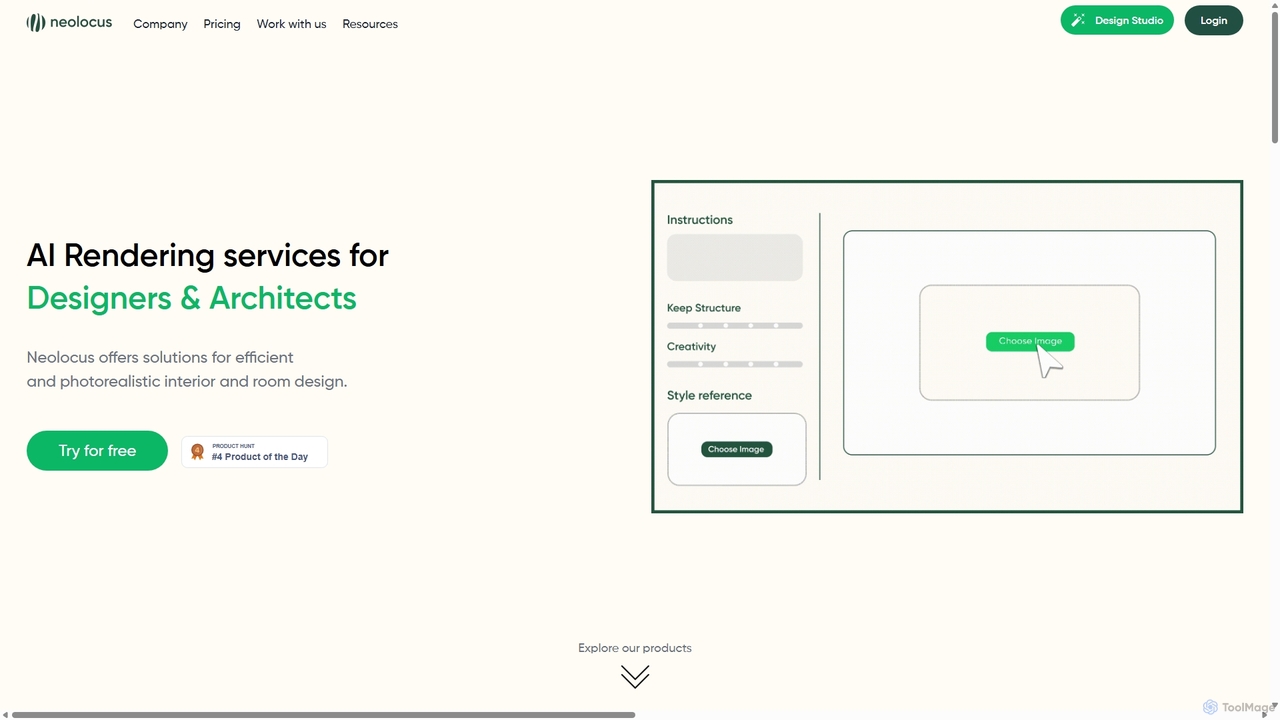
Neolocus
Neolocus is a powerful AI rendering platform designed for architects, interior designers, and 3D artists. It transforms sketches, 3D models, and screenshots from software like SketchUp and Revit into photorealistic interior and exterior renders in minutes, drastically reducing rendering time and accelerating the design prototyping cycle.
Image GenerationTYPUS.AI Categories
TYPUS.AI Jobs
TYPUS.AI Embed Widget
Copy this embed code to place the badge on your blog, article, or product site and send readers directly to this ToolMage detail page.

Related AI tools
Visoid
Visoid is an AI-powered rendering platform designed for architects, interior designers, and 3D artists. It transforms sketches and 3D models from software like SketchUp, Revit, and Archicad into stunning, photorealistic visualizations in seconds, dramatically accelerating the design and presentation workflow.
Architecture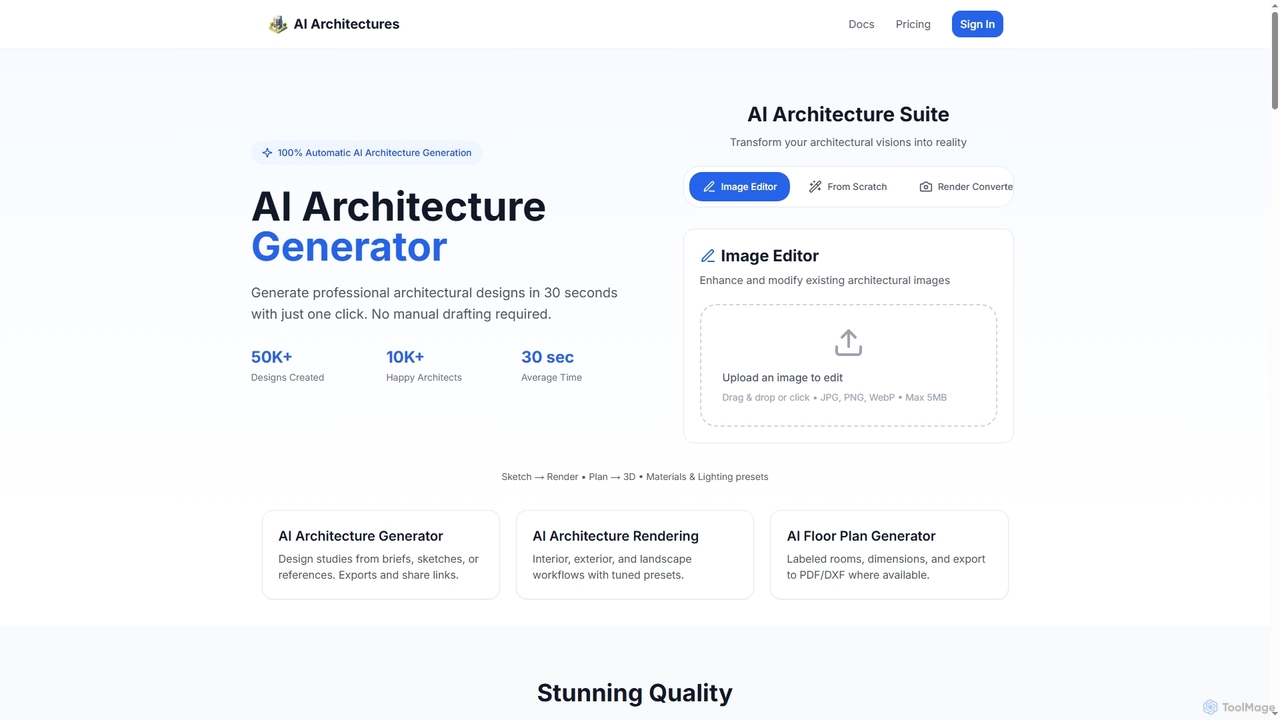
AI Architectures
AI Architectures is an advanced AI platform designed for architects and designers, enabling 100% automatic generation of professional architectural designs, floor plans, and photorealistic renders in seconds. It transforms sketches, briefs, or existing images into stunning visualizations for various architectural scenarios.
Rendering
Jyek
Jyek is an AI agent platform that understands objectives, creates execution plans, uses tools, and delivers verifiable results for complex, multi-step tasks.
AutomationArchitect AI
Architect AI is a powerful tool for architects and designers, transforming sketches, 3D models, and photos into cinematic-quality architectural renderings in seconds. It offers a vast library of styles, environments, and materials, enabling rapid visualization and idea exploration. Ideal for client presentations, portfolio building, and accelerating the design workflow from concept to photorealistic image.
Architecture
SketchPro
SketchPro is an AI-powered design copilot for architects, interior designers, and real estate developers. It transforms sketches, 3D models, or photos into high-quality, realistic renders in seconds. Users can apply style references, give text-based instructions for edits, and instantly change materials to accelerate their design workflow and visualize concepts with unprecedented speed and flexibility.
Architectural VisualizationReRender AI
ReRender AI is a powerful AI-driven platform that transforms architectural sketches, 3D models, and photos into stunning, photorealistic renderings in seconds. Designed for architects, interior designers, and real estate developers, it streamlines the design visualization process with customizable styles, detailed environmental controls, and rapid generation speeds.
ArchitectureVisualizee.ai
Visualizee.ai is a leading AI rendering tool that transforms sketches, 3D models, and text prompts into high-resolution (up to 8K) photorealistic visuals in seconds. Ideal for architects, designers, and creators, it features advanced tools like inpainting and upscaling to bring creative ideas to life with precision and speed.
Visualization
Typus.ai
Typus.ai is an AI-powered platform for architects and 3D artists, transforming CAD drawings, sketches, and 3D models into stunning architectural visualizations. It offers precise control through features like Regional Prompting and Style Transfer, preserving the original design structure while enabling rapid creation of high-quality, commercially licensed renderings.
ArchitectureNeolocus
Neolocus is a powerful AI rendering platform designed for architects, interior designers, and 3D artists. It transforms sketches, 3D models, and screenshots from software like SketchUp and Revit into photorealistic interior and exterior renders in minutes, drastically reducing rendering time and accelerating the design prototyping cycle.
Image Generation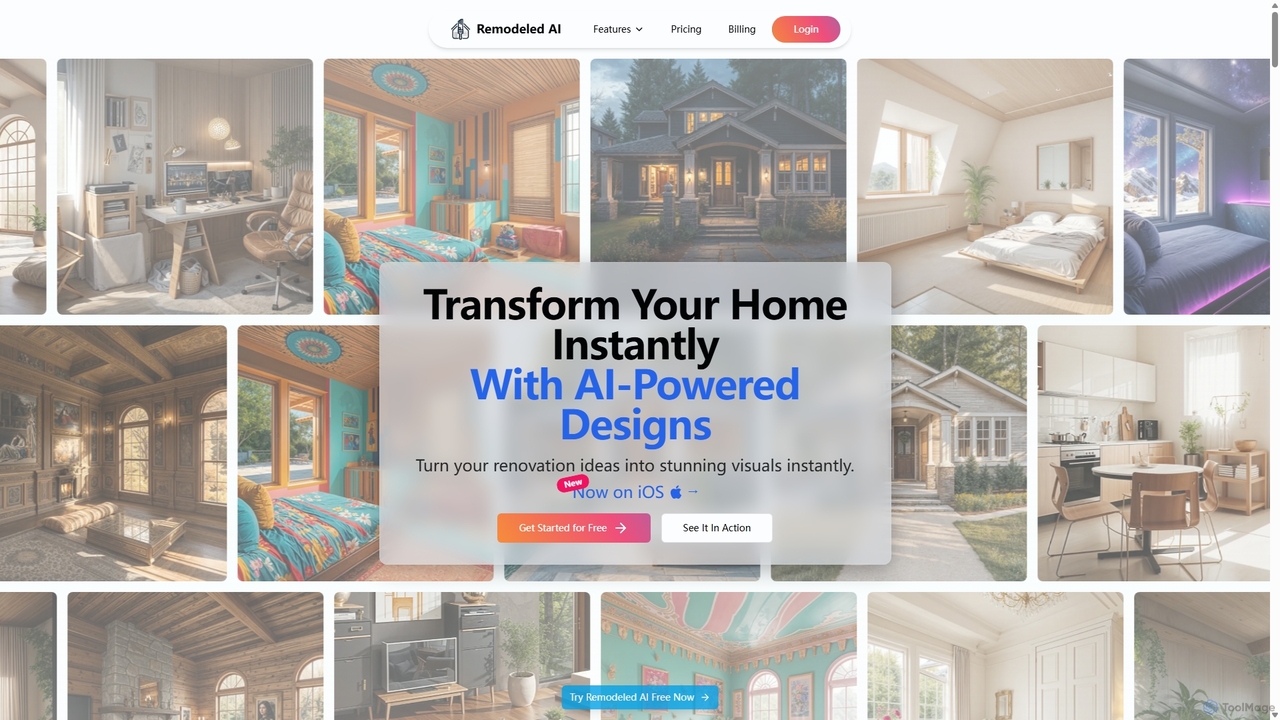
Remodeled AI
Remodeled AI is an AI-powered platform that instantly transforms your home and space design ideas into stunning, photorealistic visuals. Ideal for homeowners, interior designers, and real estate agents, it offers tools for remodeling, virtual staging, photo enhancement, and more. Simply upload a photo, choose a style, and see your vision come to life in seconds.
Interior Design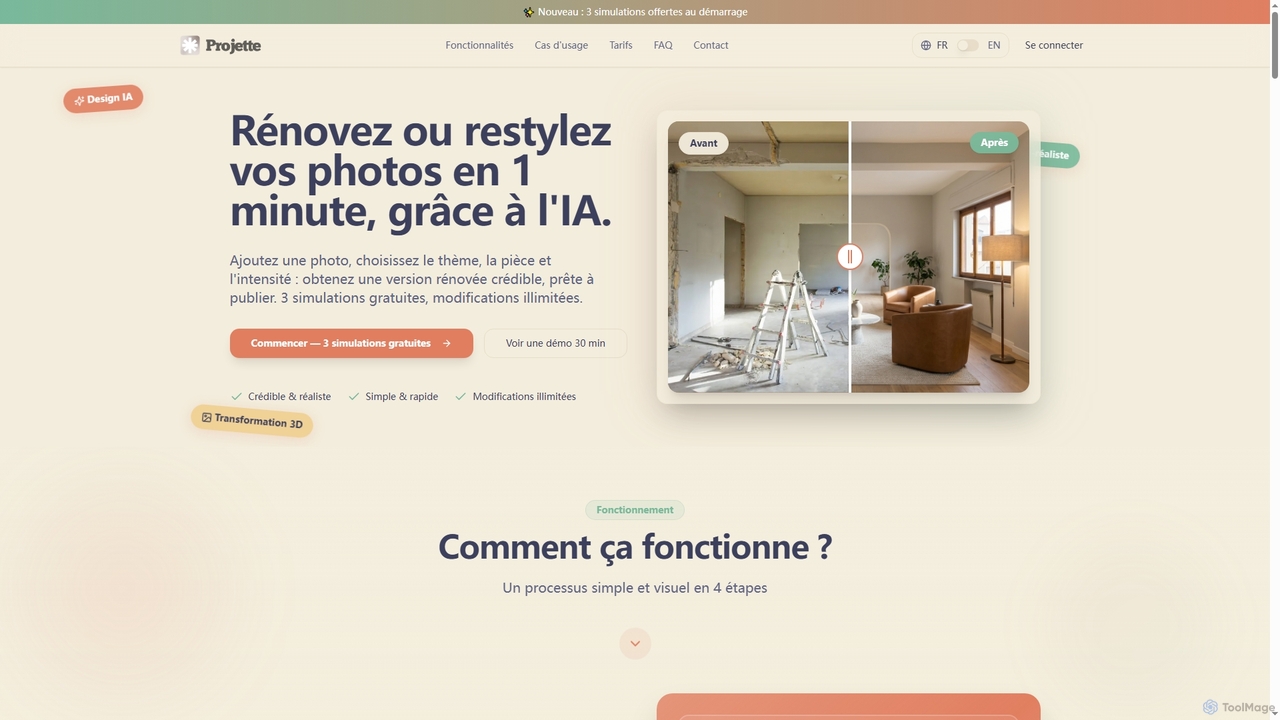
Projette
Projette is an AI-powered virtual home staging tool that transforms property photos in under a minute. Designed for real estate professionals, it renovates and restyles interiors with over 10 professional styles and adjustable intensity, providing photo-realistic results to help clients visualize a property's potential.
Interior Design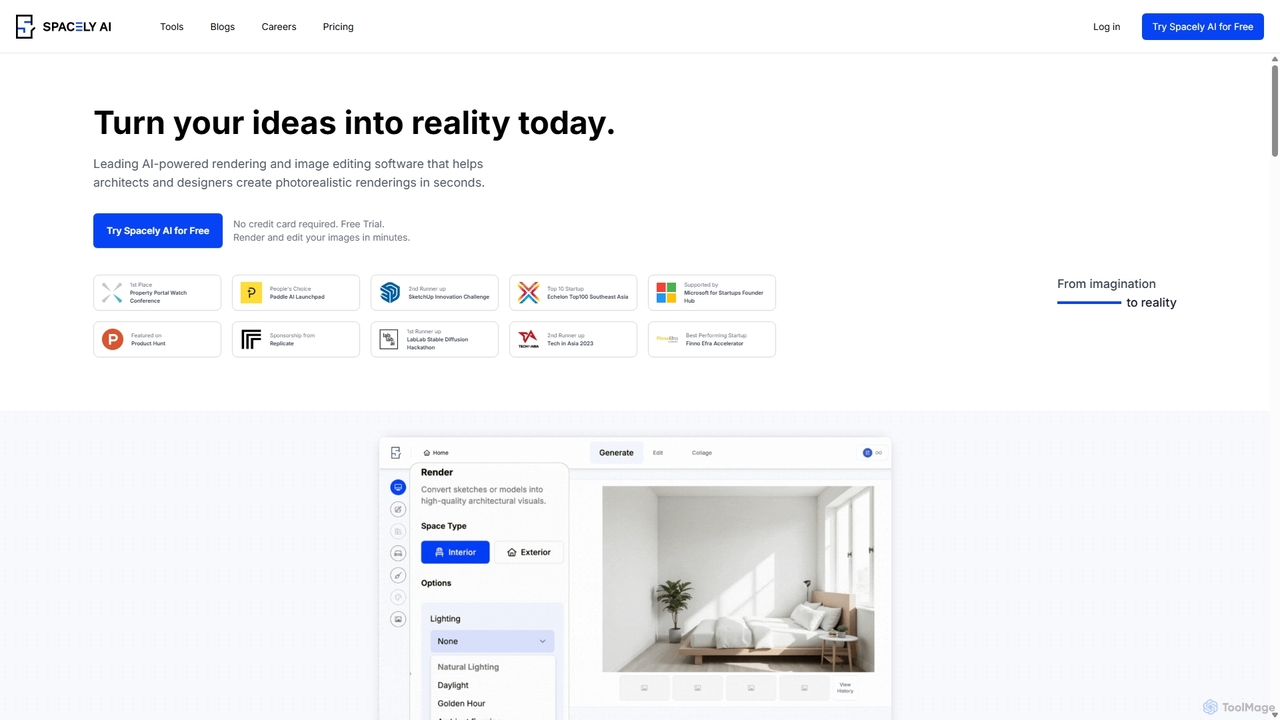
Spacely
Spacely is an AI-powered design platform that enables architects, interior designers, and real estate professionals to generate photorealistic interior and exterior renderings in seconds. It offers a suite of tools for virtual staging, style transfer, and precise image editing, transforming sketches or photos into stunning visualizations effortlessly.
Architecture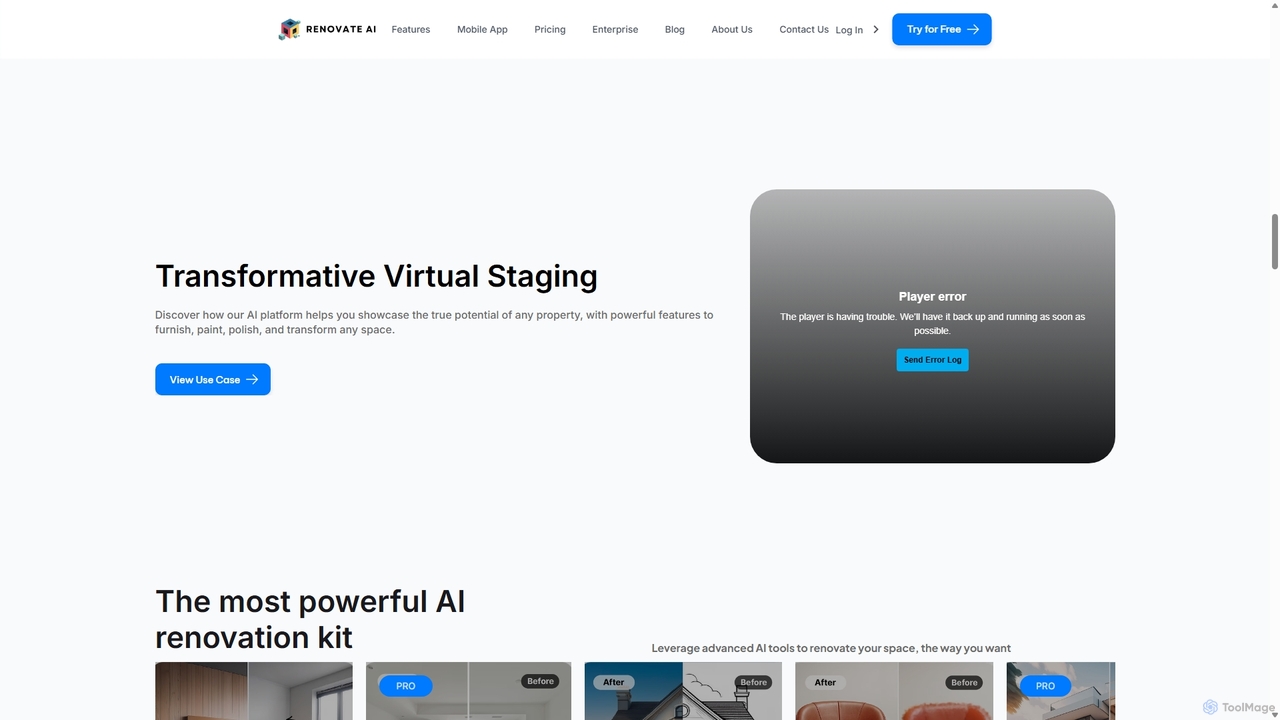
Renovate AI
Renovate AI is an AI-powered platform for home renovation and interior design. It allows users to upload photos of their spaces and instantly generate realistic redesigns in various styles. It's designed for homeowners, real estate agents, designers, and contractors to visualize changes effortlessly.
Interior Design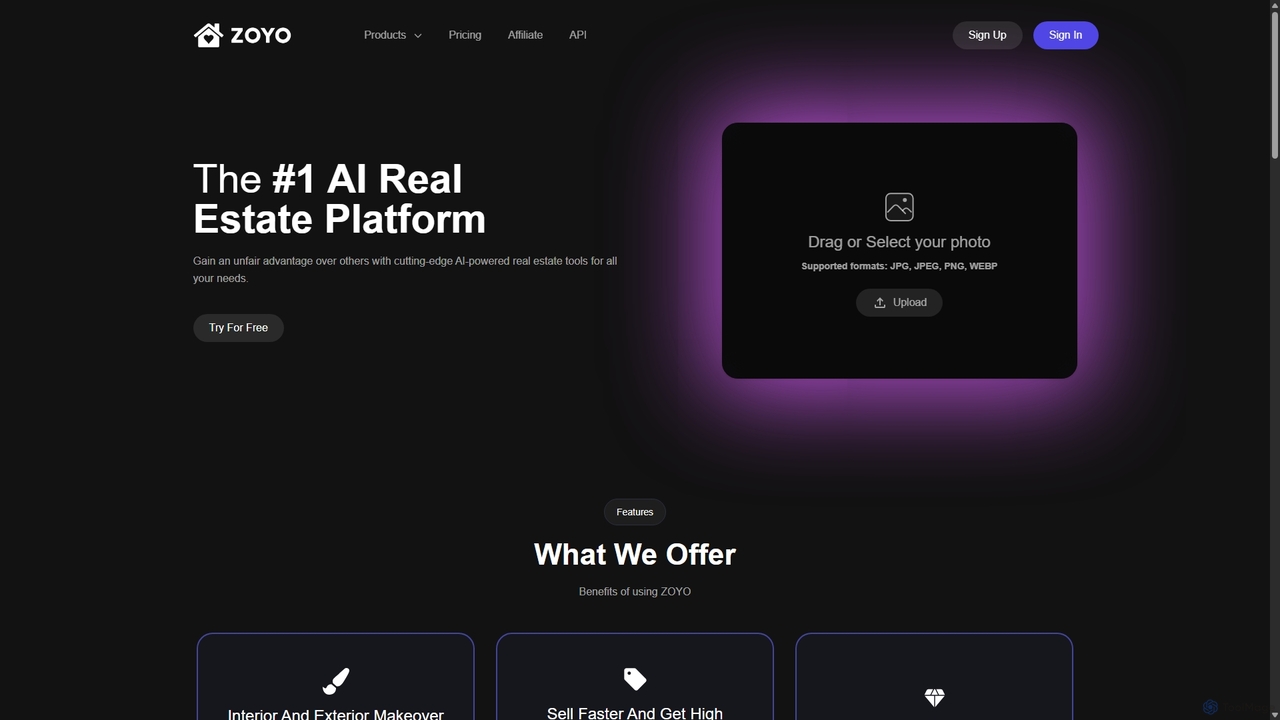
ZOYO
ZOYO is an AI-powered real estate platform designed for realtors, designers, and homeowners. It offers a suite of tools for interior and exterior design, virtual staging, image enhancement, and converting sketches to realistic renders. The platform aims to enhance property listings, accelerate sales, and simplify the design visualization process, providing high-quality results in seconds.
Interior Design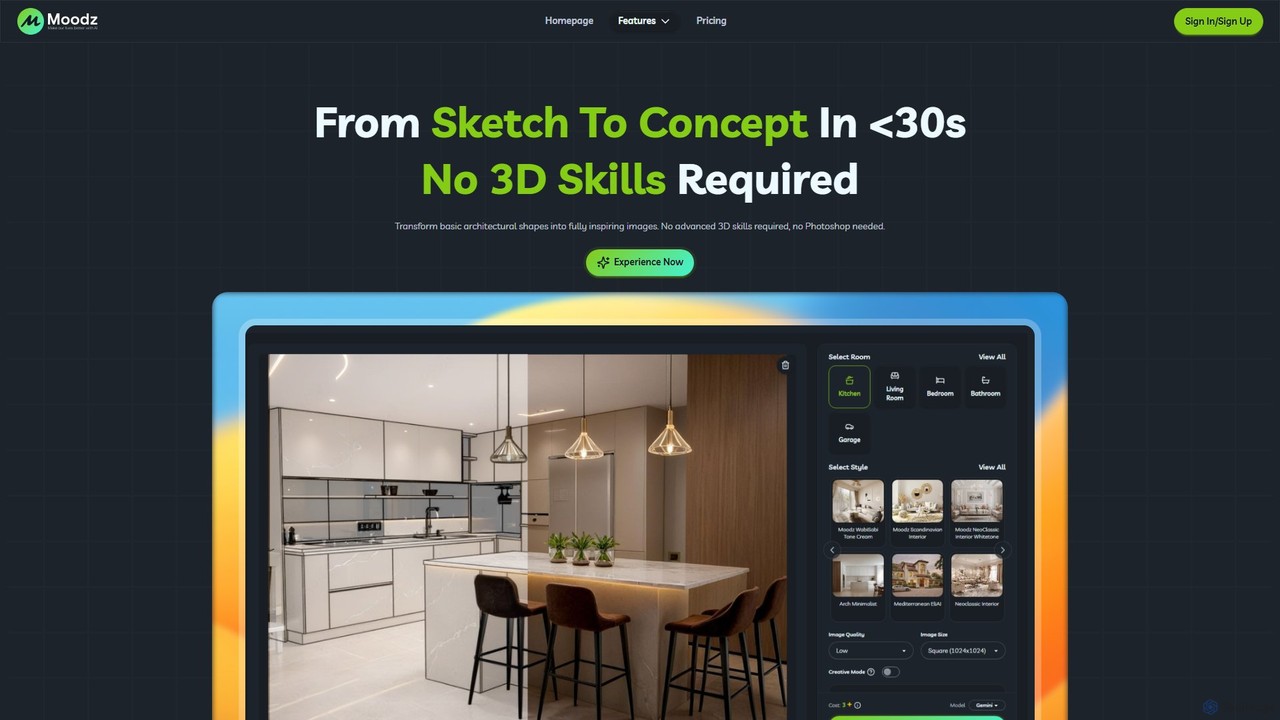
moodz
Moodz is an AI-powered design platform that transforms architectural sketches, basic shapes, and ideas into stunning, realistic visuals in seconds. It's built for architects, interior designers, and homeowners, requiring no advanced 3D or Photoshop skills to generate high-quality renderings, explore materials, and visualize spaces.
Architecture
TYPUS.AI Comments (0)
Sign in to comment.
Sign inNo comments yet.