Image Best in category 2 results Architecture AI Tool

Popular AI tools in the Architecture field of Image include mnml.ai、TYPUS.AI, etc., helping you quickly improve efficiency.

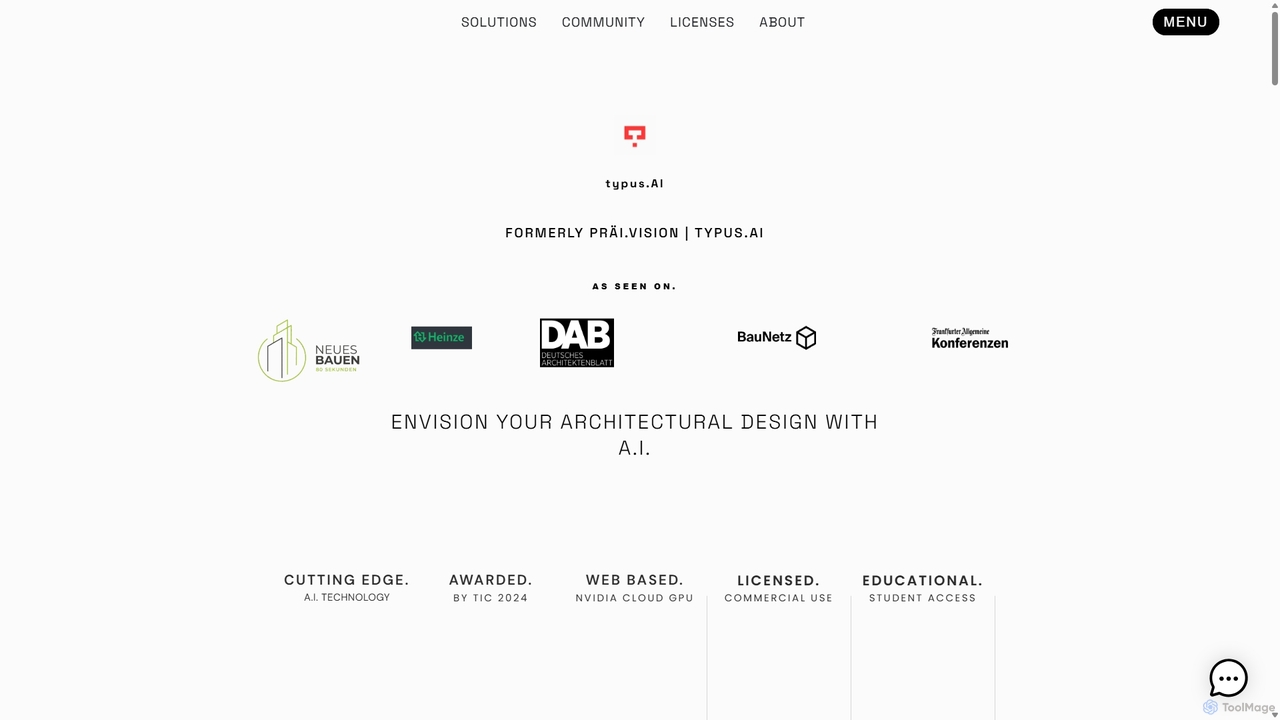
TYPUS.AI

TYPUS.AI

TYPUS.AI is an advanced AI visualization platform for architects, designers, and 3D artists. It instantly transforms CAD drawings, …

2.4K
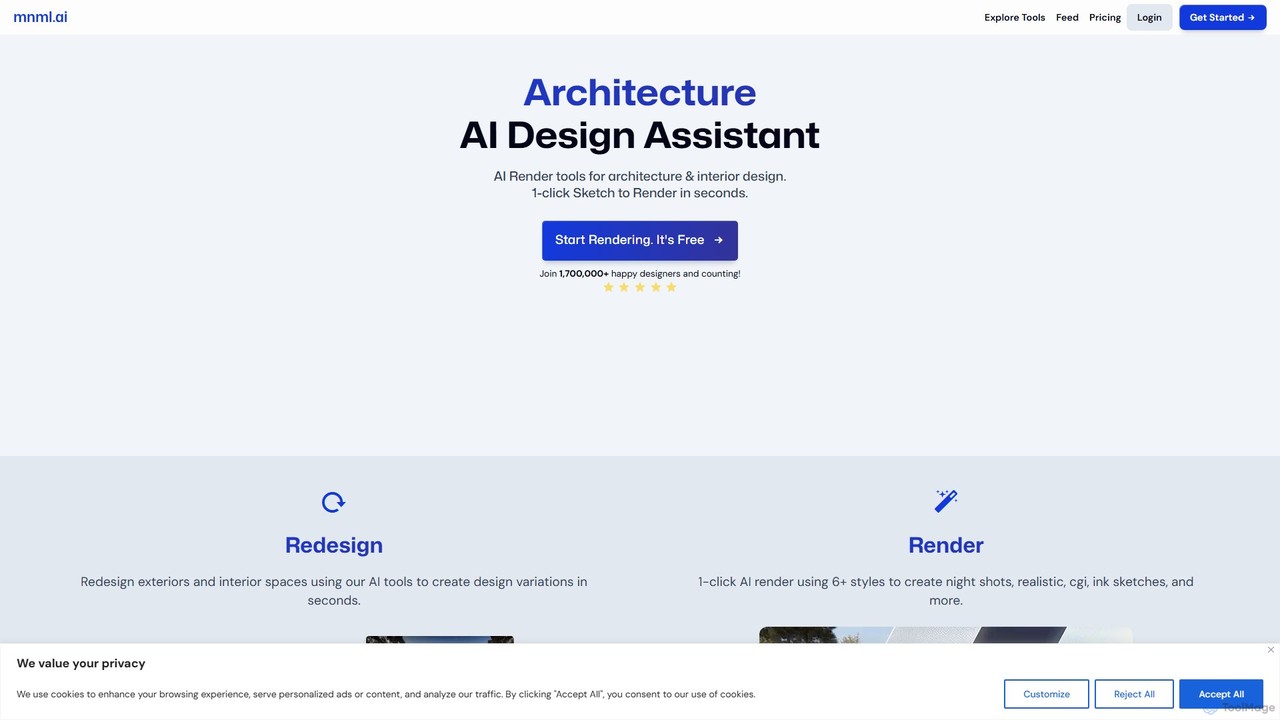
mnml.ai

mnml.ai

An AI-powered design assistant for architects and interior designers. It transforms sketches, 3D models, and text prompts into …

340.3K

About Architecture

AI Architecture tools are a specialized category of image generators designed to create, visualize, and iterate on architectural concepts. These tools leverage advanced generative models to transform text descriptions, sketches, or even simple 3D models into detailed architectural renderings and design variations. Their primary value lies in accelerating the early-stage design process, enabling rapid exploration of ideas, and enhancing communication with clients through photorealistic visuals. They serve as powerful assistants for creative ideation before moving to technical drafting in CAD or BIM software.

Core Features

  • Conceptual Generation: Creates diverse architectural designs and floor plans from text prompts or sketches.
  • Photorealistic Rendering: Transforms simple models or line drawings into high-fidelity, lifelike images.
  • Style and Material Application: Instantly applies various architectural styles (e.g., Modernist, Brutalist) or materials (e.g., wood, concrete) to a design.
  • Iterative Design Refinement: Allows for quick modifications and generates variations based on user feedback.
  • Environment Simulation: Visualizes buildings in different contexts, such as lighting conditions, weather, or landscapes.

Use Cases

These tools are primarily used by architects, interior designers, urban planners, and real estate developers. They are invaluable during the conceptual phase of a project for brainstorming, creating mood boards, and producing compelling visuals for client presentations and marketing materials. Students and hobbyists also use them to explore architectural ideas without the steep learning curve of professional software.

How to Choose

When selecting an AI Architecture tool, consider the quality and realism of the output. Evaluate its ability to understand architectural terminology and constraints. Key factors include integration with existing workflows (e.g., plugins for SketchUp, Revit), the variety of styles it can generate, the level of control over details like lighting and materials, and the speed of rendering.

ArchitectureUse Cases

1

Rapid Conceptual Design for Client Pitches

An architect preparing for a client meeting needs to present multiple design concepts for a new residential building. Instead of spending days modeling each option in CAD, they use an AI architecture tool. By inputting text prompts like 'modernist villa with large glass windows and a flat roof, surrounded by a lush garden' and providing a basic massing sketch, the tool generates a dozen photorealistic variations in minutes. This allows the architect to present a rich portfolio of ideas, facilitating a more productive discussion and faster client approval on the design direction.

2

Interior Design Mood Board and Visualization

An interior designer is working on a living room renovation. To align with the client's vision, the designer uses an AI tool to generate visual concepts. They input prompts like 'cozy Scandinavian living room, oak flooring, large windows with natural light, minimalist furniture, and a touch of green plants.' The AI produces several high-quality images that serve as a dynamic mood board. The designer can then quickly iterate on these visuals, changing color palettes, furniture styles, or lighting, providing the client with a clear and inspiring picture of the final outcome before any physical work begins.

3

Real Estate Marketing and Pre-Visualization

A real estate developer needs to market a new apartment complex that is still under construction. To attract potential buyers, they use an AI architecture tool to generate compelling marketing images. By uploading the architectural floor plans and specifying styles like 'luxury modern apartment with city views' or 'family-friendly condo with warm tones,' the tool produces a variety of high-quality interior and exterior renderings. These visuals are then used on websites, in brochures, and on social media to showcase the property's potential, helping to secure sales long before construction is complete.

4

Urban Planning and Massing Studies

An urban planning firm is tasked with proposing a new development in a dense city block. They use an AI architecture tool to quickly generate and visualize different massing models. By defining parameters such as maximum height, floor area ratio, and desired public space, the AI can generate multiple building configurations. This allows planners to study the impact of each option on sunlight access for neighboring buildings, wind patterns, and the overall skyline. The visual outputs provide a powerful communication tool for community consultations and stakeholder meetings.

5

Facade Material and Style Exploration

During the design development phase, an architectural team wants to explore different facade options for an office building. Using an AI tool with 'image-to-image' capabilities, they upload a basic 3D render of the building. They then apply prompts like 'facade with vertical wooden louvers,' 'curtain wall with reflective blue glass,' or 'brutalist concrete exterior.' The tool instantly generates realistic visualizations of these options on the original building model. This process saves significant time compared to manually remodeling and re-rendering each material, allowing for a more thorough exploration of aesthetic possibilities.

6

Visualizing Renovation and Addition Projects

A homeowner wants to build an extension to their house but struggles to visualize the final result. A contractor or architect uses an AI tool to help. They take a photo of the existing house and, using inpainting or outpainting features, sketch the rough shape of the new addition. With a prompt like 'modern two-story glass extension,' the AI generates a realistic image showing how the new structure would integrate with the old one. This provides a clear, tangible vision for the homeowner, helping them make confident decisions about the project's scope and style.

ArchitectureFrequently Asked Questions