

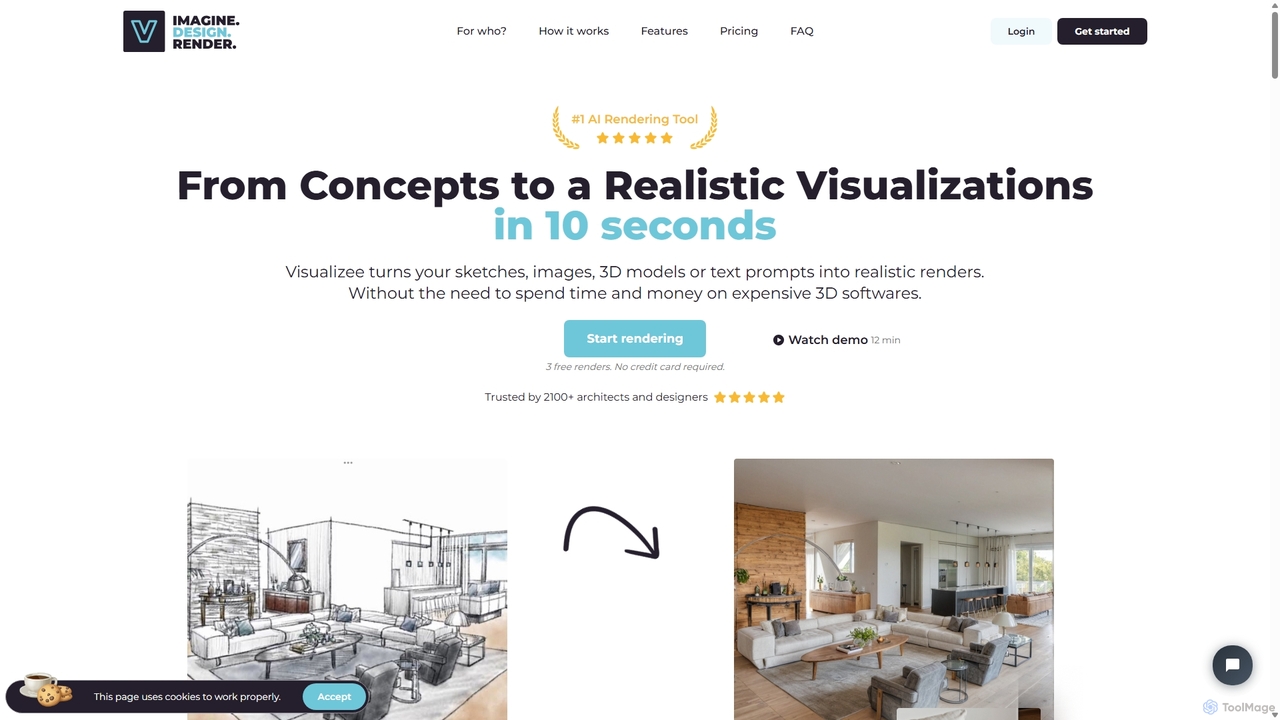
Visualizee.ai Overview
Visualizee.ai is a revolutionary AI-powered rendering platform designed to empower architects, interior designers, product designers, and concept artists. It streamlines the creative process by transforming initial concepts into stunning, photorealistic visuals with remarkable speed and precision. Whether you're starting with a simple sketch, a detailed 3D model, or just a text description, Visualizee.ai can bring your vision to life in resolutions up to 8K.
The platform is built to be intuitive, allowing users to move from imagination to a high-quality render in just a few simple steps. It bridges the gap between conceptual design and realistic visualization, eliminating the long rendering times and complex software traditionally associated with this work. This makes it an invaluable tool for rapid prototyping, client presentations, and exploring creative variations without significant time investment.
How to use Visualizee.ai
The workflow in Visualizee.ai is designed for efficiency and ease of use, typically following a three-step process:
- Upload Your Concept: Begin by providing your starting point. You can upload a 2D image such as a hand-drawn sketch or a digital drawing (JPG, PNG formats are supported). Alternatively, for more detailed projects, you can upload a 3D model (FBX, OBJ, GLTF formats are accepted). If you're in the early stages of ideation and just want to explore possibilities, you can skip this step and start directly with a text prompt.
- Set Up Render Parameters: Once your concept is uploaded, you use the 'magic wand' tool to open the rendering window. Here, you define the final output. Write a detailed text prompt describing the scene, style, materials, lighting, and atmosphere you want to achieve (e.g., "a modern house with deep color design and warm wood, stunning sunset"). You can also add negative prompts to exclude unwanted elements. Adjust other parameters to fine-tune the result.
- Generate and Refine: Click 'Generate' and the AI will produce a high-quality render in just a few seconds. If the initial result isn't perfect, you can easily generate new variations. For minor adjustments, the powerful inpainting feature allows you to select specific parts of the image and regenerate them with a new prompt, giving you precise control over the final details without having to re-render the entire scene.
Core Features of Visualizee.ai
- High-Resolution Rendering: Generate images in stunning quality, with support for resolutions up to 8K, perfect for professional presentations and print.
- Multiple Input Types: Supports a wide range of inputs, including text prompts, 2D sketches (sketch-to-render), and 3D models from popular software.
- Advanced Editing Tools: Features powerful inpainting capabilities to fix or alter specific areas of an image, and an upscaling tool to enhance resolution and detail.
- Rapid Generation Speed: Renders are typically generated in a matter of seconds, dramatically accelerating the design and iteration process.
- Versatile Style Control: Through detailed text prompts, users can control a vast array of styles, from photorealistic architectural renders to futuristic cyberpunk scenes.
- Support for Various 3D Formats: Accepts common 3D model formats like FBX, OBJ, and GLTF, ensuring compatibility with most design workflows.
Use Cases for Visualizee.ai
Visualizee.ai is a versatile tool applicable across multiple creative industries:
- Architectural Visualization: Architects can quickly turn their initial sketches or low-detail 3D models into photorealistic renders of buildings, showcasing different materials, lighting conditions, and environments.
- Interior Design: Designers can create multiple design concepts for a room, experimenting with furniture, color palettes, and decor styles to present to clients.
- Product Design: Visualize product concepts, from furniture and cars to electronics, in various settings and materials before physical prototyping.
- Concept Art and Entertainment: Artists and game developers can generate high-quality concept art for characters, environments, and props, such as a "futuristic Samurai in cyberpunk Tokyo" or a "Ninja in a cybernetic forest."
- Marketing and Advertising: Create compelling visuals for marketing campaigns without the need for expensive photoshoots.
Advantages of Visualizee.ai
Visualizee.ai offers a significant competitive edge by being a game-changer for creative professionals. It democratizes high-end rendering, making it accessible and affordable. The platform drastically reduces the time from concept to final image, allowing for more creative exploration and faster client feedback loops. Its user-friendly interface lowers the technical barrier, enabling designers to focus on creativity rather than complex software settings.
Pricing and Plans
Visualizee.ai operates on a freemium model, making it accessible for everyone to get started. It offers:
- Free Plan: A free tier is available, allowing users to test the core features and generate a limited number of renders.
- Paid Plans: For professional and heavy users, affordable subscription plans are available, starting from just $9 per month. These plans offer higher resolution limits, more render credits, and access to all advanced features.
Traffic
Latest traffic
Status
Monthly traffic trend
- 2025-9: 3.4K
- 2026-1: 22.9K
- 2026-2: 23.4K
- 2026-3: 24.3K
- 2026-4: 24.4K
- 2026-5: 18.7K
Geography
Top 5 countries / regions
- 🇺🇸United States41.0%
- 🇮🇳India19.0%
- 🇻🇳Vietnam17.6%
- 🇷🇺Russia11.9%
- 🇩🇪Germany10.5%
Top keywords
| Keyword | Cost per click |
|---|---|
| ai exterior paint visualizer | $0.00 |
| best ai visualizers for automotive design | $0.00 |
| ia game hud | $0.00 |
| rendair free alternative | $0.00 |
| visualizee | $0.00 |
Visualizee.ai Alternatives

Coohom
Coohom is an all-in-one, cloud-based 3D design platform for interior designers, architects, and retailers. It enables users to create 2D/3D floor plans, generate photorealistic renderings and 720° panoramas in minutes, and visualize designs with a massive library of 3D models. Its AI-powered features streamline the entire design-to-visualization workflow.
3D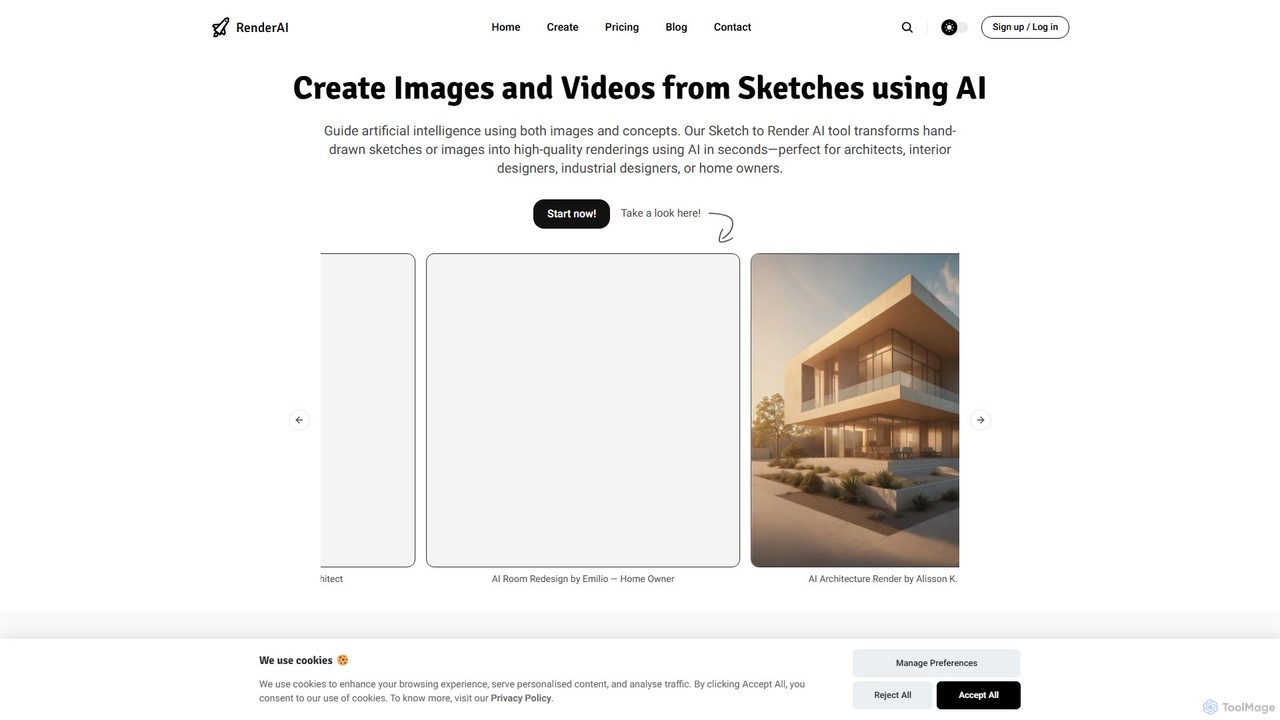
RenderAI
RenderAI is an AI-powered platform that transforms sketches, drawings, and screenshots into photorealistic renders and videos in seconds. Designed for architects, designers, marketers, and homeowners, it eliminates the need for complex 3D software, enabling rapid visualization of concepts for presentations, marketing, and project approvals.
3D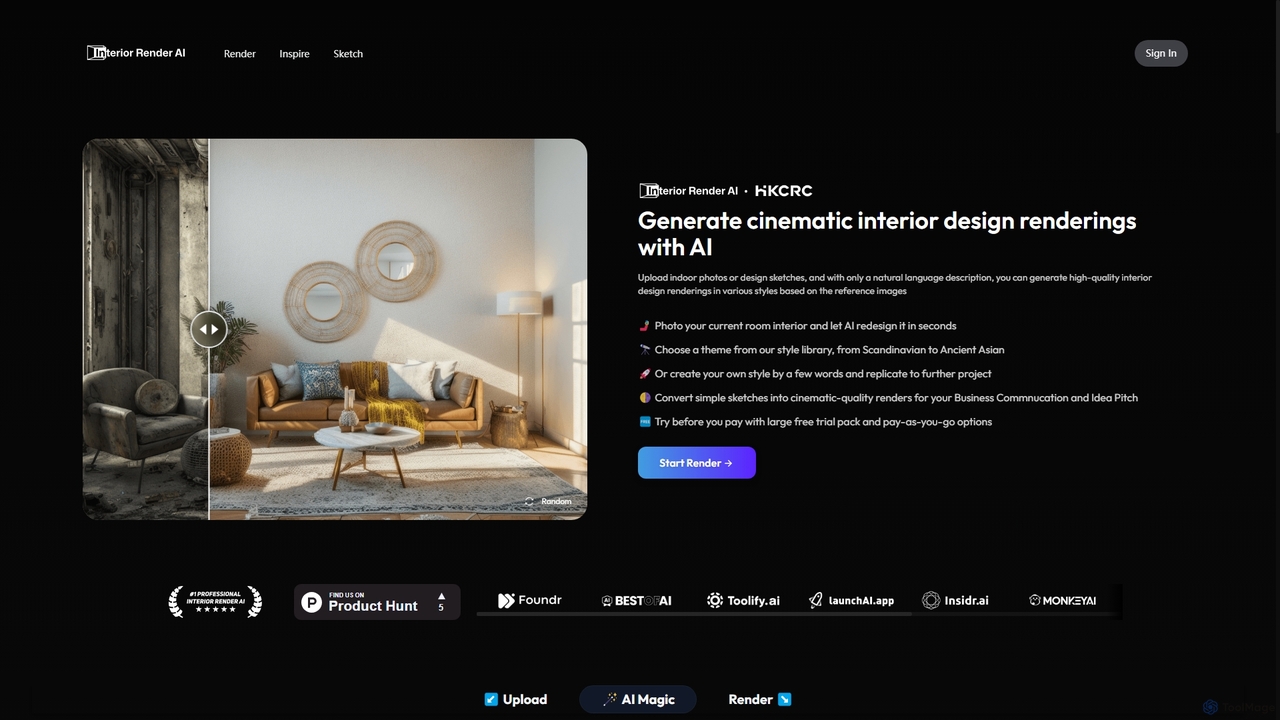
Interior Render AI
An AI-powered tool that transforms room photos and sketches into professional, cinematic-quality interior design renderings. Users can apply various styles from a vast library or create custom ones with simple text prompts, making it ideal for designers and homeowners to visualize ideas instantly.
Interior Design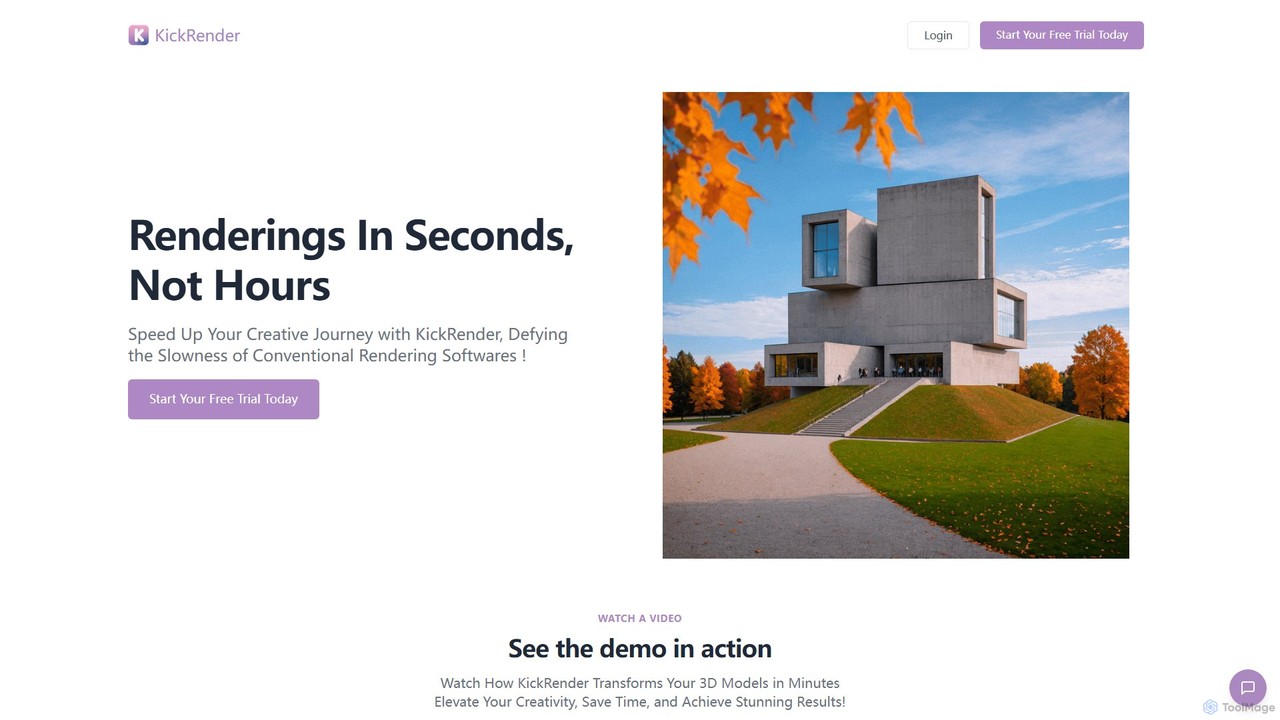
KickRender
KickRender is an AI-powered rendering tool that transforms 3D models and sketches into stunning visualizations in seconds. It integrates seamlessly with Rhino and supports image uploads from Archicad, Revit, and Sketchup. By using simple text prompts, designers and architects can rapidly iterate on ideas, bypassing the slow process of traditional rendering.
Visualization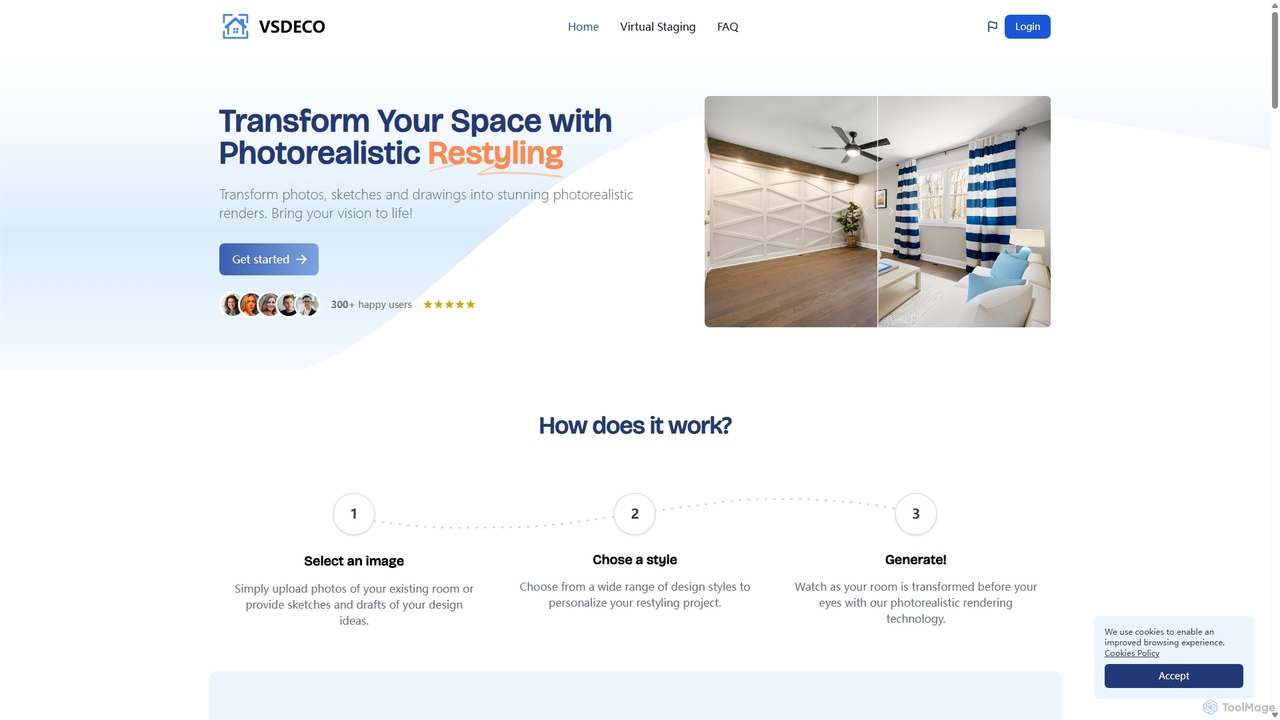
VSDECO
VSDECO is an AI-powered platform for virtual home staging and interior design. It transforms photos, sketches, and 3D models into stunning, photorealistic renders. Ideal for realtors, designers, and homeowners, it allows users to furnish empty rooms, restyle existing spaces, declutter visuals, and visualize designs effortlessly, saving time and money on physical staging.
Interior DesignVisualizee.ai Categories
Visualizee.ai Jobs
Visualizee.ai Embed Widget
Copy this embed code to place the badge on your blog, article, or product site and send readers directly to this ToolMage detail page.

Related AI tools
RenderAI
RenderAI is an AI-powered platform that transforms sketches, drawings, and screenshots into photorealistic renders and videos in seconds. Designed for architects, designers, marketers, and homeowners, it eliminates the need for complex 3D software, enabling rapid visualization of concepts for presentations, marketing, and project approvals.
3DKickRender
KickRender is an AI-powered rendering tool that transforms 3D models and sketches into stunning visualizations in seconds. It integrates seamlessly with Rhino and supports image uploads from Archicad, Revit, and Sketchup. By using simple text prompts, designers and architects can rapidly iterate on ideas, bypassing the slow process of traditional rendering.
Visualization
DreamStudio
DreamStudio is the official web interface for Stability AI's Stable Diffusion models. It's a powerful AI image generation tool that allows users to create high-quality, unique images from text descriptions. It offers advanced controls, various models, and editing features like inpainting and outpainting, catering to artists, designers, and creators of all levels.
Generative Art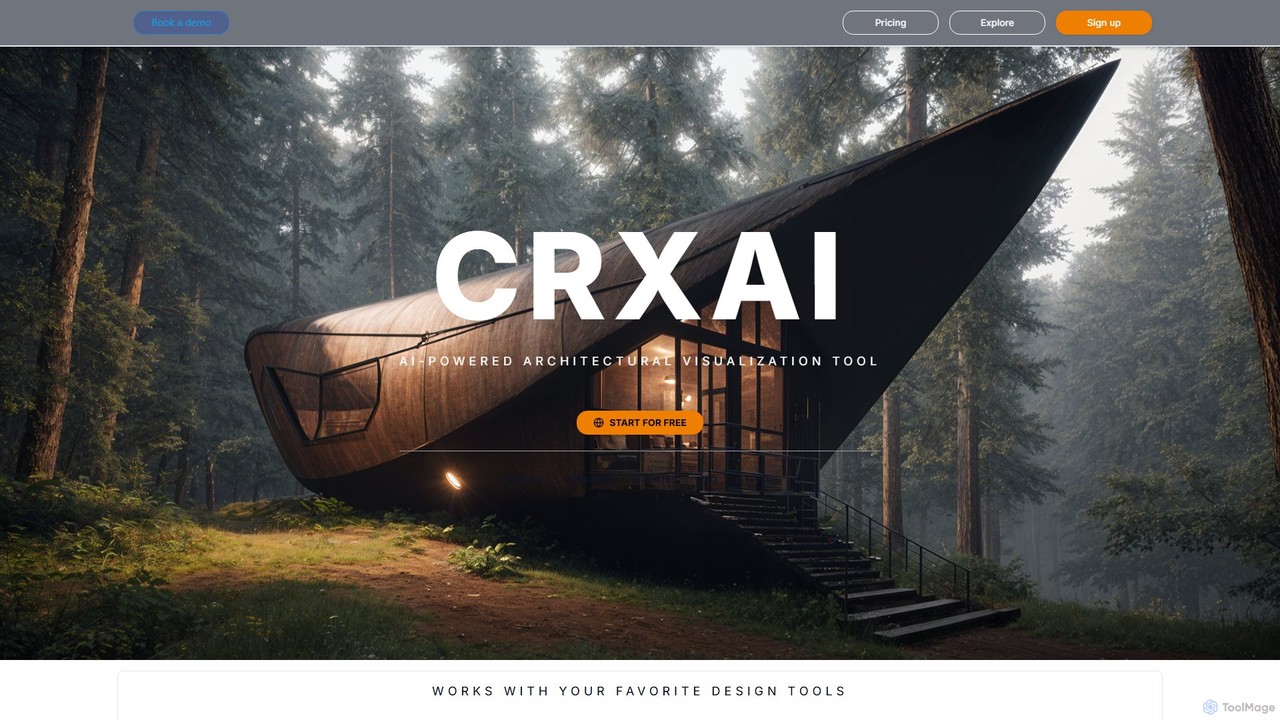
CRXAI
CRXAI is an AI-powered rendering and visualization tool specifically designed for architects and designers. It transforms text prompts, 3D models, sketches, and photos into high-quality, photorealistic architectural visuals, streamlining the design workflow and accelerating creative exploration.
3D
Jyek
Jyek is an AI agent platform that understands objectives, creates execution plans, uses tools, and delivers verifiable results for complex, multi-step tasks.
AutomationCoohom
Coohom is an all-in-one, cloud-based 3D design platform for interior designers, architects, and retailers. It enables users to create 2D/3D floor plans, generate photorealistic renderings and 720° panoramas in minutes, and visualize designs with a massive library of 3D models. Its AI-powered features streamline the entire design-to-visualization workflow.
3DInterior Render AI
An AI-powered tool that transforms room photos and sketches into professional, cinematic-quality interior design renderings. Users can apply various styles from a vast library or create custom ones with simple text prompts, making it ideal for designers and homeowners to visualize ideas instantly.
Interior DesignVSDECO
VSDECO is an AI-powered platform for virtual home staging and interior design. It transforms photos, sketches, and 3D models into stunning, photorealistic renders. Ideal for realtors, designers, and homeowners, it allows users to furnish empty rooms, restyle existing spaces, declutter visuals, and visualize designs effortlessly, saving time and money on physical staging.
Interior Design
DiffusionHub
DiffusionHub is a cloud-based platform for AI image generation, providing easy access to a vast library of Stable Diffusion models. It empowers users to create high-quality AI art and images through an intuitive interface, without the need for powerful local hardware. Ideal for artists, designers, and enthusiasts.
Generative Art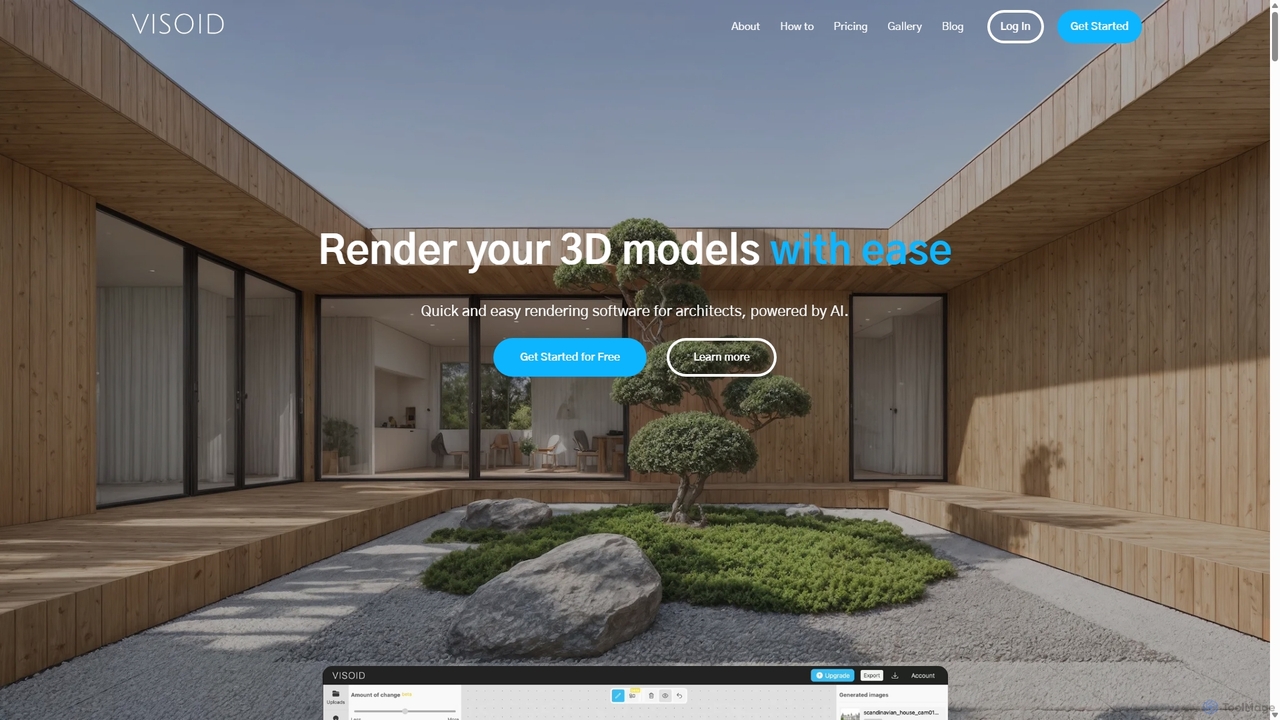
Visoid
Visoid is an AI-powered rendering platform designed for architects, interior designers, and 3D artists. It transforms sketches and 3D models from software like SketchUp, Revit, and Archicad into stunning, photorealistic visualizations in seconds, dramatically accelerating the design and presentation workflow.
Architecture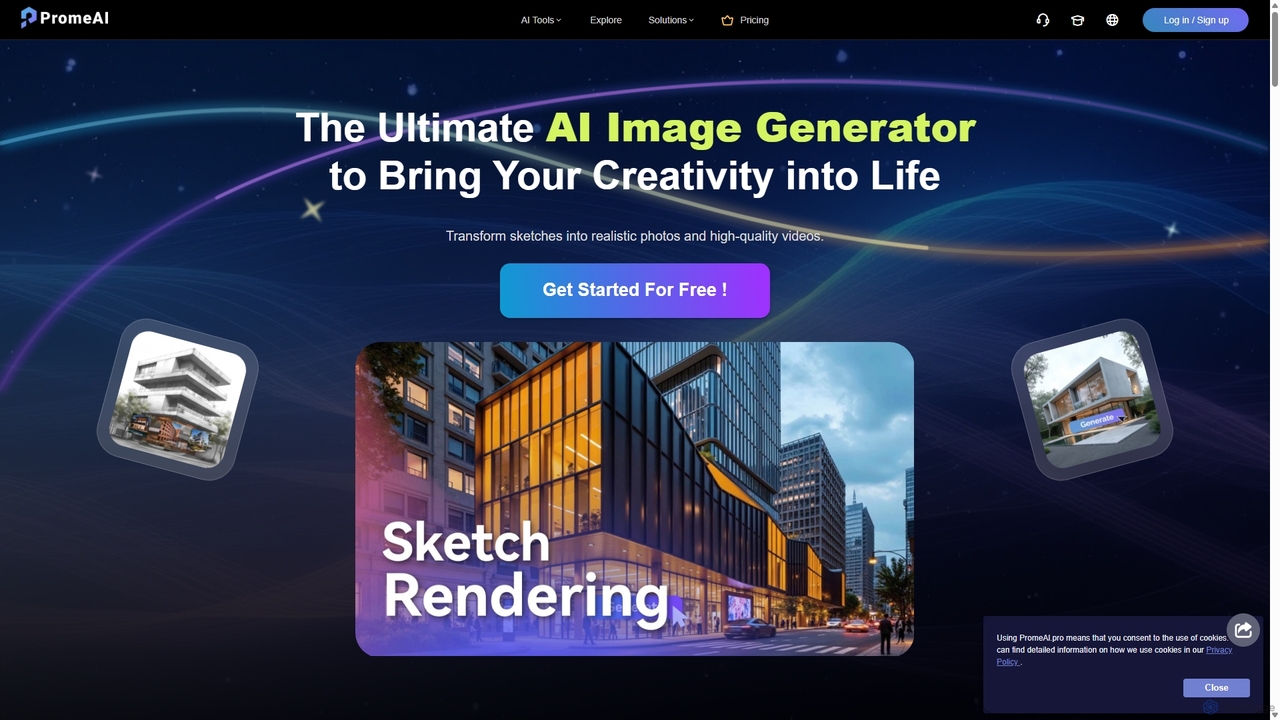
PromeAI
PromeAI is a comprehensive AI-powered design assistant offering a suite of tools for image and video creation. It excels at transforming sketches into photorealistic renderings, generating images from text, and providing advanced editing capabilities. Tailored for professionals in architecture, interior design, product design, and game development, it streamlines creative workflows and enhances productivity.
Image Generation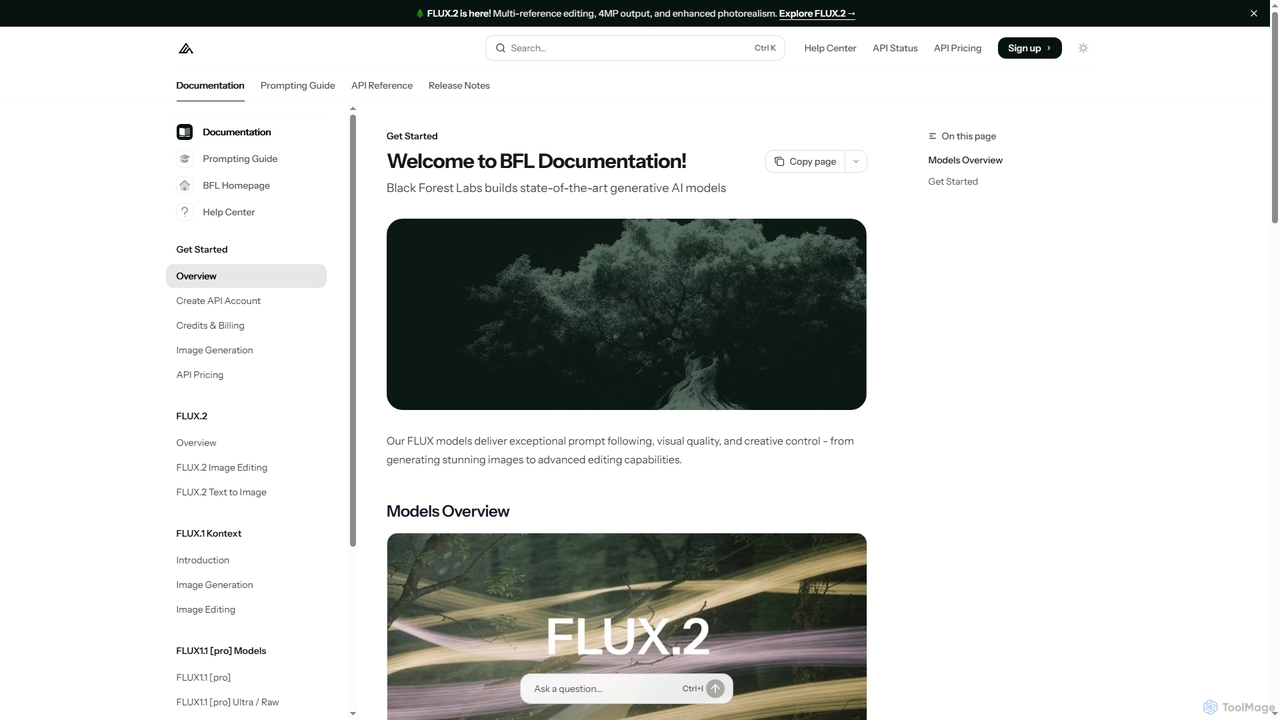
FLUX
FLUX by Black Forest Labs offers advanced AI models for photorealistic image generation and multi-reference editing. It provides precise control over visual elements, supports high-resolution output, and integrates via API for production workflows.
Image Editing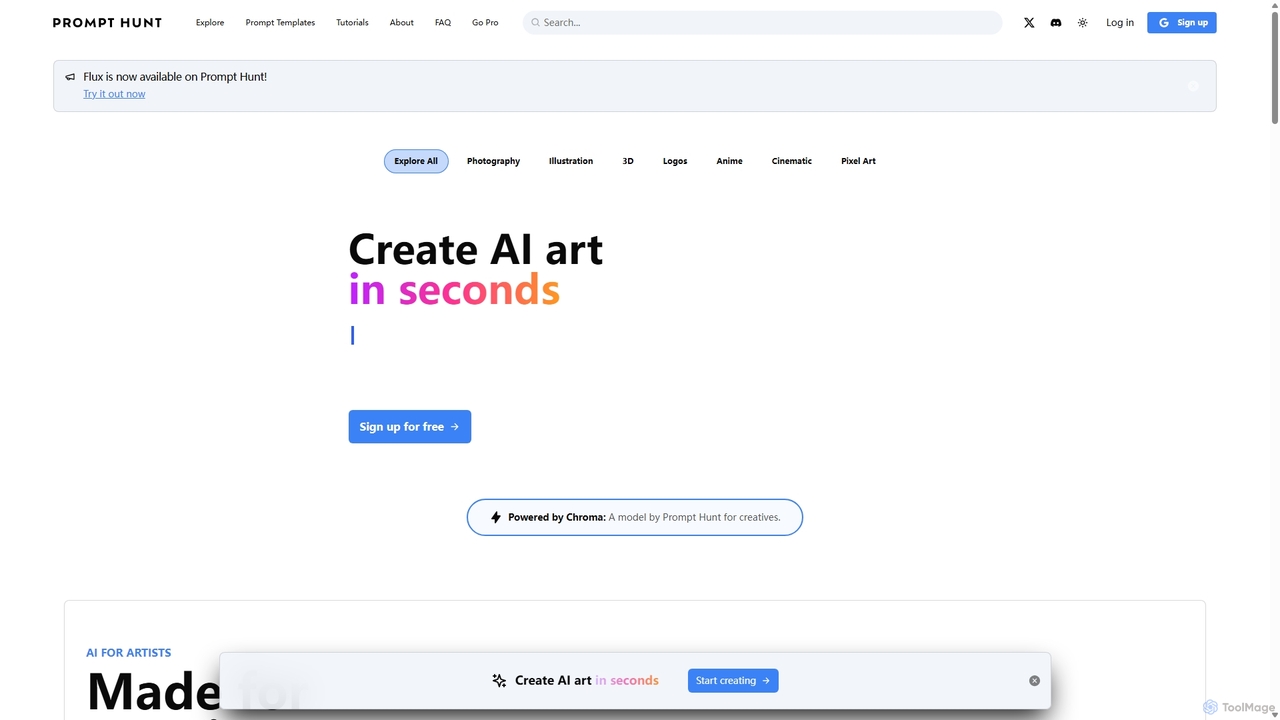
Prompt Hunt
Prompt Hunt is an AI art platform designed for creatives to explore, create, and share high-quality AI-generated images. It features a powerful proprietary model called Chroma, an extensive library of prompt templates, and an intuitive interface, making it easy for both beginners and experts to produce stunning visuals.
Illustration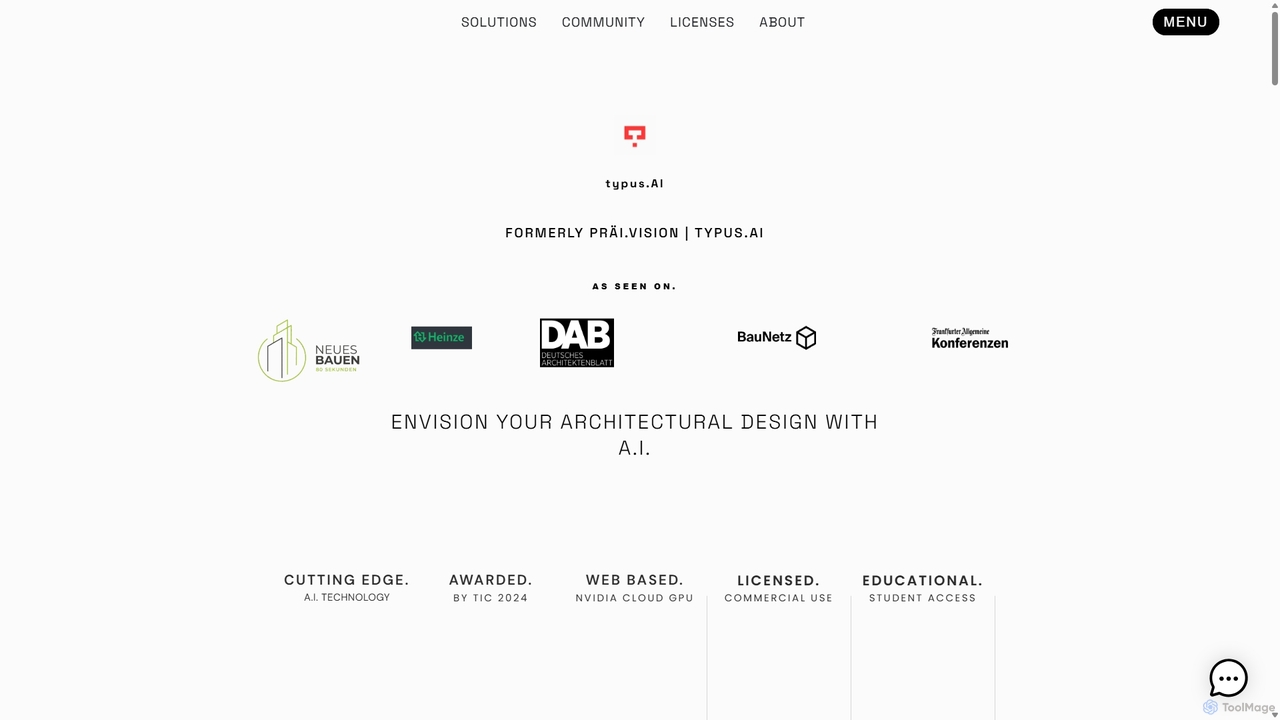
TYPUS.AI
TYPUS.AI is an advanced AI visualization platform for architects, designers, and 3D artists. It instantly transforms CAD drawings, 3D models, and simple sketches into stunning, photorealistic or stylized architectural renderings. The tool preserves the core design structure while offering powerful features like regional prompting for material control, style transfer, and high-resolution upscaling, streamlining the entire visualization workflow.
3D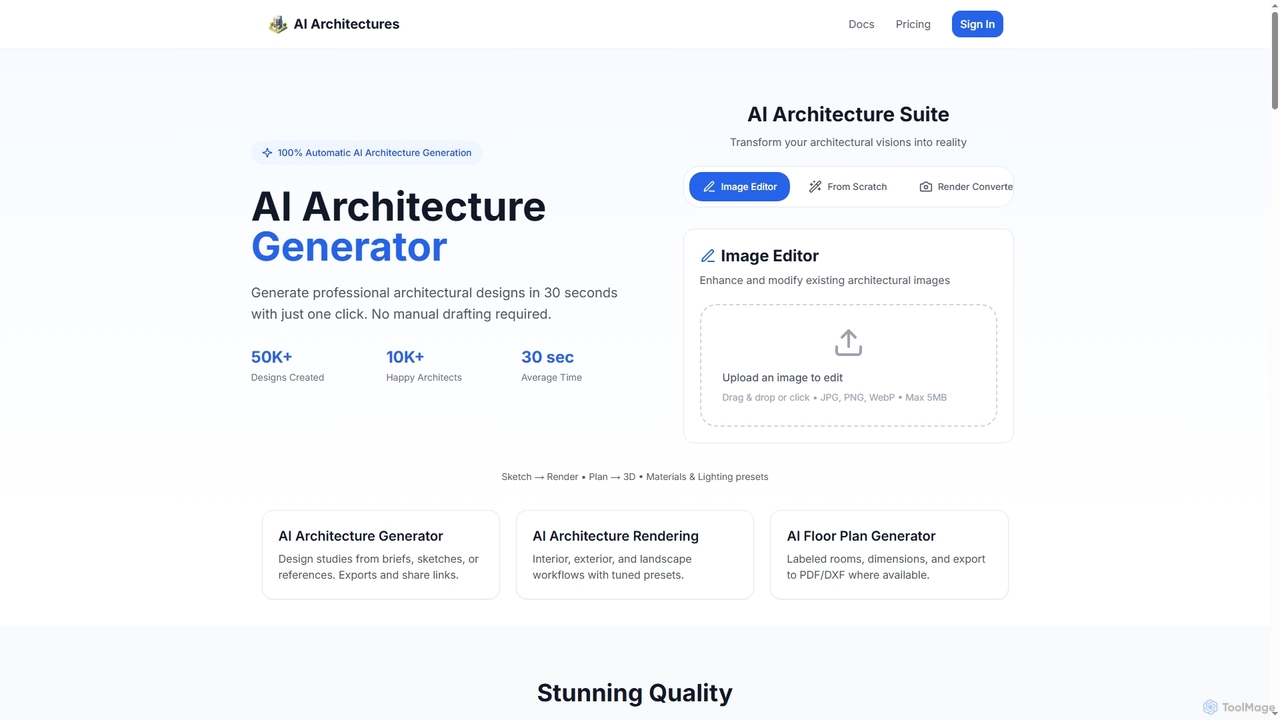
AI Architectures
AI Architectures is an advanced AI platform designed for architects and designers, enabling 100% automatic generation of professional architectural designs, floor plans, and photorealistic renders in seconds. It transforms sketches, briefs, or existing images into stunning visualizations for various architectural scenarios.
Rendering
Visualizee.ai Comments (0)
Sign in to comment.
Sign inNo comments yet.