

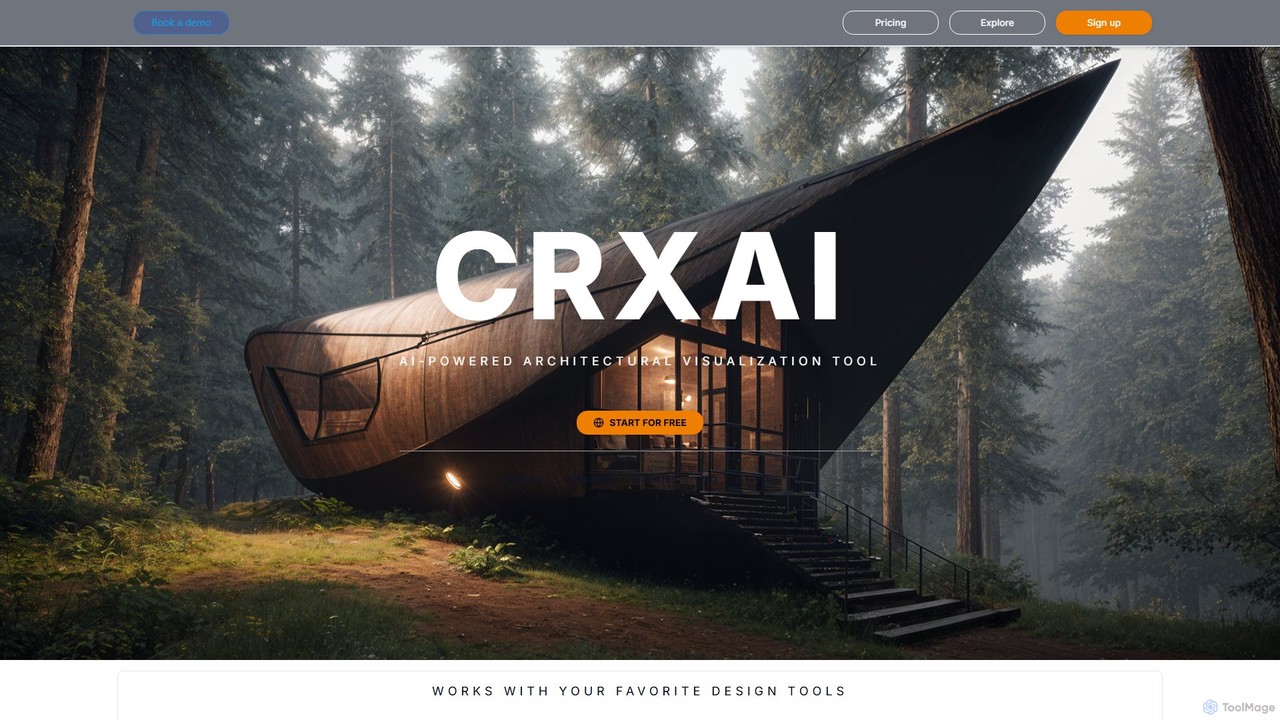
CRXAI Overview
CRXAI is a cutting-edge, AI-powered architectural visualization platform built to revolutionize the way architects and designers bring their ideas to life. It serves as a comprehensive suite of tools that significantly accelerates the rendering process, enabling the creation of stunning, photorealistic visuals from a variety of inputs. Whether you're at the initial concept stage or preparing final presentations, CRXAI integrates seamlessly into your workflow, supporting popular design software and offering unparalleled creative flexibility.
The platform is designed to be intuitive, allowing users to generate complex scenes and detailed renders in seconds, a task that would traditionally take hours or even days. By leveraging advanced AI models, CRXAI empowers professionals to iterate on designs rapidly, explore countless variations, and communicate their vision with greater clarity and impact. From interior spaces to exterior facades, CRXAI provides the tools needed to produce high-fidelity imagery that captivates clients and stakeholders.
How to use CRXAI
Using CRXAI is a straightforward process designed for efficiency. First, users sign up on the platform, which offers a free trial to get started. Once logged in, you can begin creating by choosing one of the multiple input methods:
- Text to Render: Simply describe your architectural vision in words. Use detailed prompts to specify style, materials, lighting, and atmosphere, and the AI will generate a high-quality render based on your description.
- 3D Model to AI Render: Upload your 3D models directly from software like SketchUp, Revit, Blender, or Rhino. CRXAI's AI will then transform your basic models into photorealistic images. This can be done via the web platform or the dedicated CRXAI Desktop application for a more integrated experience.
- Sketch to Render: Take a rough concept sketch, upload it, and watch as the AI elevates it into a polished, concept-ready visual. This is perfect for early-stage ideation.
- Real Photos to Render: Use an existing photograph of a site or building as a base. The AI can then modify, enhance, or completely reimagine the space based on your prompts.
- Refine and Edit: After generating an image, use the AI Image Editor to make precise adjustments. Add, remove, or change elements within the render using simple text prompts for inpainting or outpainting.
- Generate Variations: Select a single generated image and create infinite design options and variations to explore different aesthetics or details.
Core Features of CRXAI
- Multi-Input Rendering: Supports text, 3D models, sketches, and real photos as starting points for generation.
- Dedicated AI Models: Features specialized models for different tasks, including an 'Ideation Model' for quick concepts, and 'Visionary' and 'Visualization' models for high-fidelity, photorealistic outputs.
- AI Image Editor: An integrated tool for precise, prompt-based editing, allowing users to add, remove, or customize elements within their renders.
- CRXAI Desktop Application: A dedicated Windows app that seamlessly integrates with major architectural software like Autodesk Revit, SketchUp, Rhino, and Archicad.
- CyNex AI Prompt Assistant: An intelligent assistant that helps users generate optimized and effective text prompts to achieve better rendering results.
- Generate Variations: Quickly create multiple design alternatives from a single image to explore different styles, materials, and lighting conditions.
- Inspiration Gallery: An 'Explore' page showcasing a curated collection of AI-generated images to spark creativity and demonstrate the platform's capabilities.
- Continuous Updates: The platform is regularly updated with improved models, new features, and a better user experience, as seen in releases like CRXAI 1.5.
Use Cases for CRXAI
CRXAI is versatile and can be applied across various stages of the architectural and design process:
- Conceptual Design: Architects can rapidly visualize early-stage ideas from simple sketches or text descriptions to establish a project's direction.
- Client Presentations: Generate stunning, lifelike renders from 3D models to create compelling presentations that help clients visualize the final project.
- Design Iteration: Effortlessly produce dozens of design variations to explore different materials, color palettes, and structural changes without manual remodeling.
- Renovation and Remodeling: Use photos of an existing space to generate realistic visuals of proposed renovations and additions.
- Marketing and Portfolio: Create high-quality, professional images for use in marketing materials, websites, and professional portfolios.
Advantages of CRXAI
CRXAI offers significant advantages over traditional rendering methods. Its primary benefit is the massive reduction in time and effort required to produce high-quality visuals. The platform's speed allows for a more dynamic and iterative design process. Its seamless integration with industry-standard software eliminates workflow friction. Furthermore, its user-friendly interface and tools like the CyNex prompt assistant make advanced AI technology accessible to all designers, regardless of their technical expertise in rendering.
Pricing and Plans
CRXAI operates on a freemium model. Users can start with a free plan to explore the basic features and generate a limited number of images. For more extensive use, CRXAI offers paid subscriptions, such as 'Personal' and 'Professional' plans. These plans provide a larger number of generation credits (including separate credits for the CyNex AI assistant), access to advanced models, and priority support. For businesses and larger teams, custom enterprise solutions and demos are available upon request. For the most current pricing details, please visit the official CRXAI website.
CRXAI Alternatives
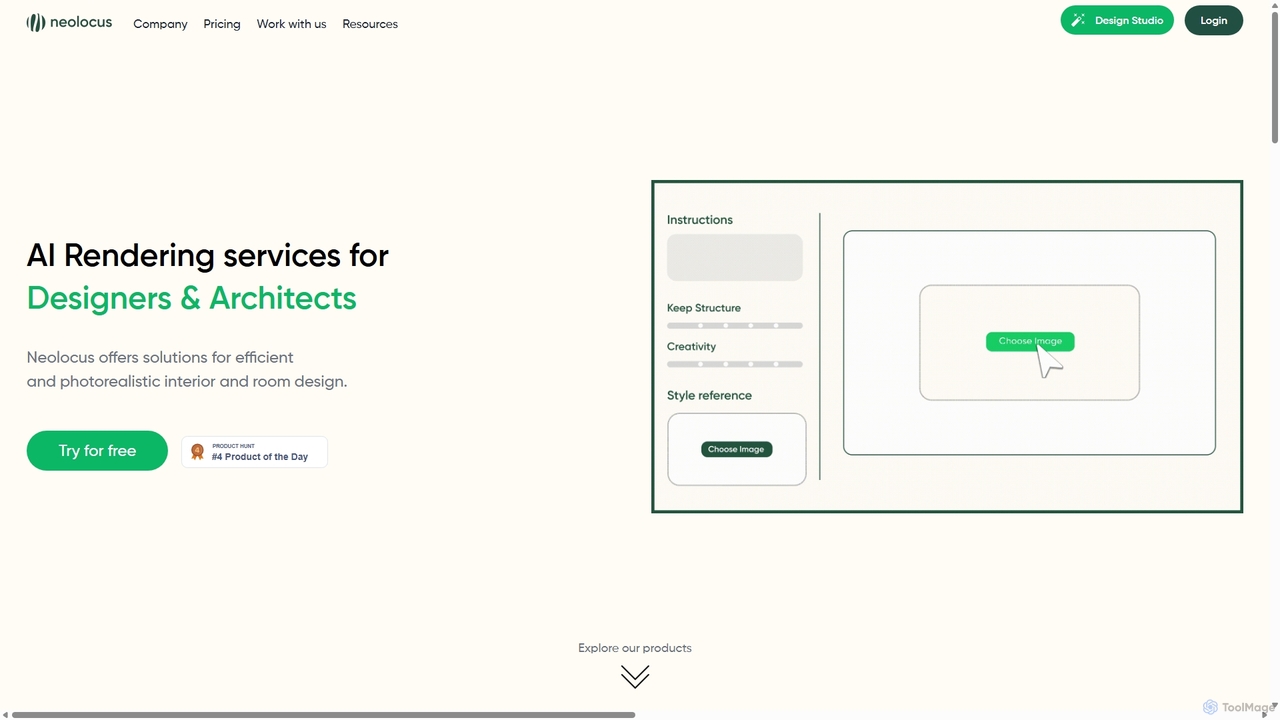
Neolocus
Neolocus is a powerful AI rendering platform designed for architects, interior designers, and 3D artists. It transforms sketches, 3D models, and screenshots from software like SketchUp and Revit into photorealistic interior and exterior renders in minutes, drastically reducing rendering time and accelerating the design prototyping cycle.
Image Generation
Coohom
Coohom is an all-in-one, cloud-based 3D design platform for interior designers, architects, and retailers. It enables users to create 2D/3D floor plans, generate photorealistic renderings and 720° panoramas in minutes, and visualize designs with a massive library of 3D models. Its AI-powered features streamline the entire design-to-visualization workflow.
3D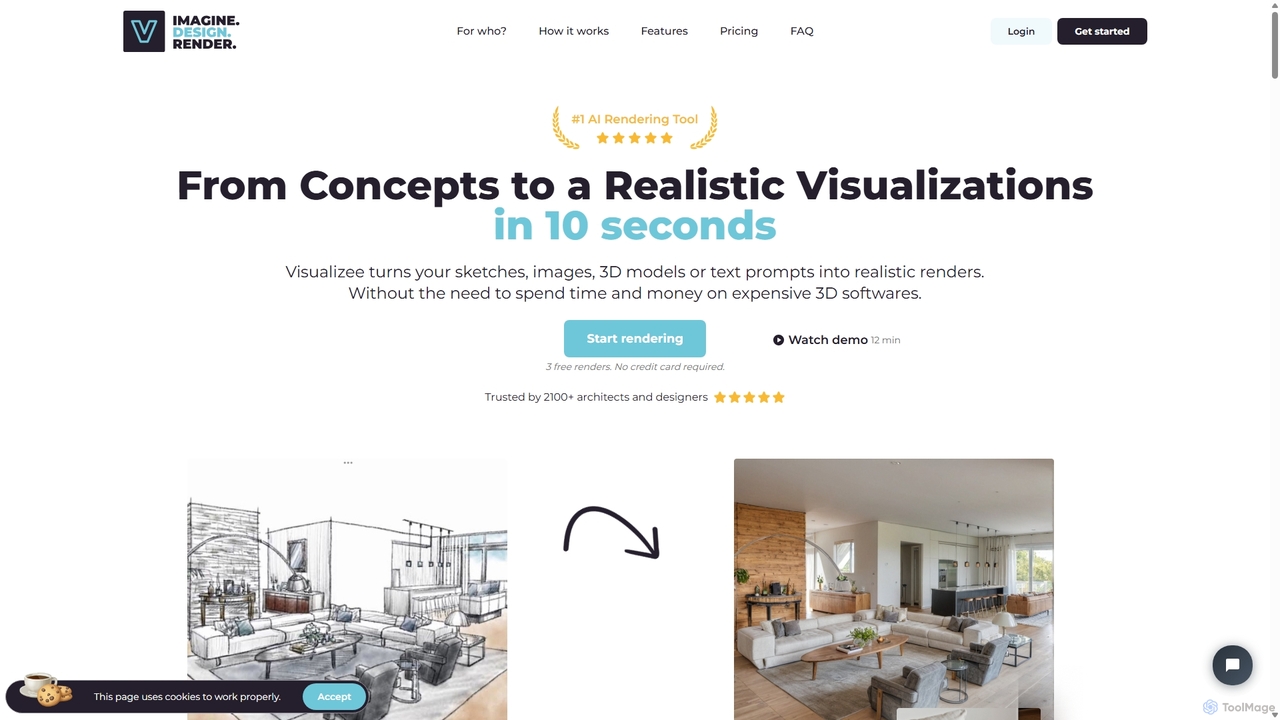
Visualizee.ai
Visualizee.ai is a leading AI rendering tool that transforms sketches, 3D models, and text prompts into high-resolution (up to 8K) photorealistic visuals in seconds. Ideal for architects, designers, and creators, it features advanced tools like inpainting and upscaling to bring creative ideas to life with precision and speed.
Visualization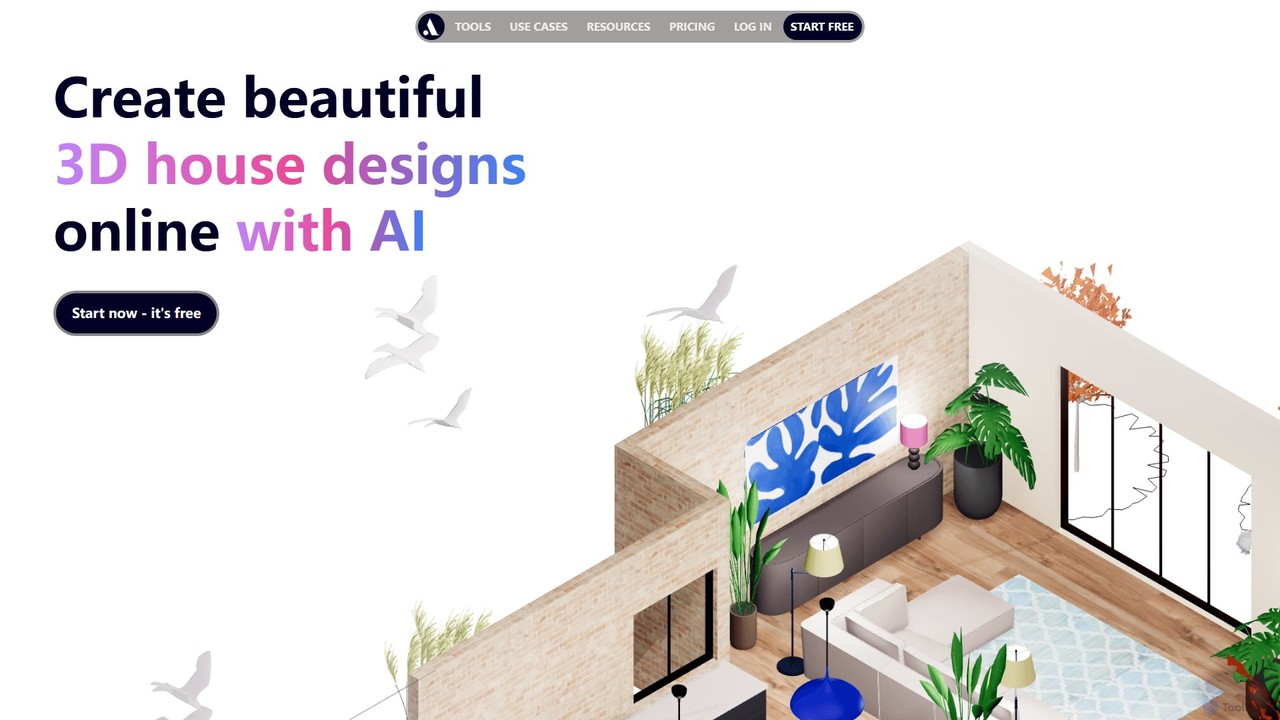
arcadium3d
Arcadium3D is an AI-powered, browser-based tool for creating stunning 2D and 3D house plans and interior designs. Its intuitive, game-like interface makes it easy for interior designers, architects, and DIY enthusiasts to visualize, design, and share projects in real-time without any software downloads. It offers a vast library of furniture, lighting, and materials for realistic renderings.
3D
AiHouse
AiHouse is an all-in-one, AI-powered 3D interior design and manufacturing software. It enables professionals to create photorealistic visualizations, 2D/3D floor plans, and interactive virtual tours in minutes. With a library of over 80 million 3D models and seamless design-to-manufacturing integration, AiHouse streamlines the entire workflow for interior designers, architects, and furniture businesses, boosting sales and efficiency.
3DCRXAI Categories
CRXAI Embed Widget
Copy this embed code to place the badge on your blog, article, or product site and send readers directly to this ToolMage detail page.

Related AI tools
Visualizee.ai
Visualizee.ai is a leading AI rendering tool that transforms sketches, 3D models, and text prompts into high-resolution (up to 8K) photorealistic visuals in seconds. Ideal for architects, designers, and creators, it features advanced tools like inpainting and upscaling to bring creative ideas to life with precision and speed.
Visualization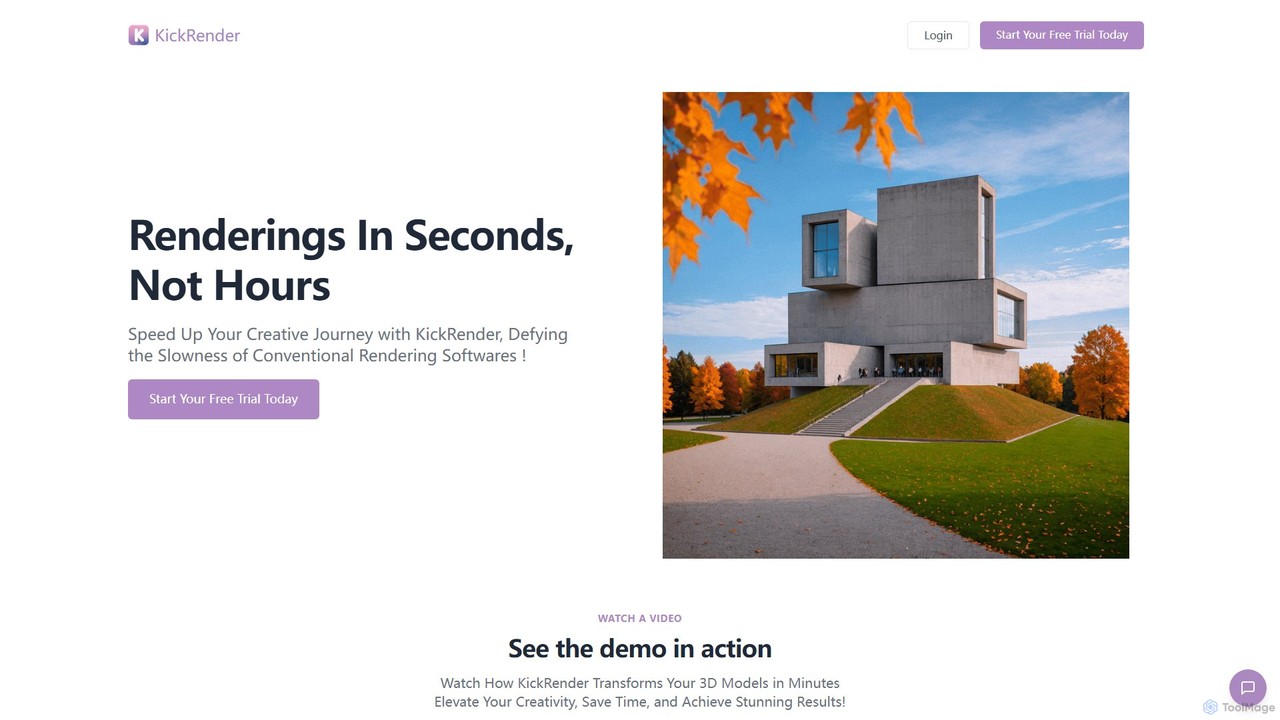
KickRender
KickRender is an AI-powered rendering tool that transforms 3D models and sketches into stunning visualizations in seconds. It integrates seamlessly with Rhino and supports image uploads from Archicad, Revit, and Sketchup. By using simple text prompts, designers and architects can rapidly iterate on ideas, bypassing the slow process of traditional rendering.
VisualizationNeolocus
Neolocus is a powerful AI rendering platform designed for architects, interior designers, and 3D artists. It transforms sketches, 3D models, and screenshots from software like SketchUp and Revit into photorealistic interior and exterior renders in minutes, drastically reducing rendering time and accelerating the design prototyping cycle.
Image Generation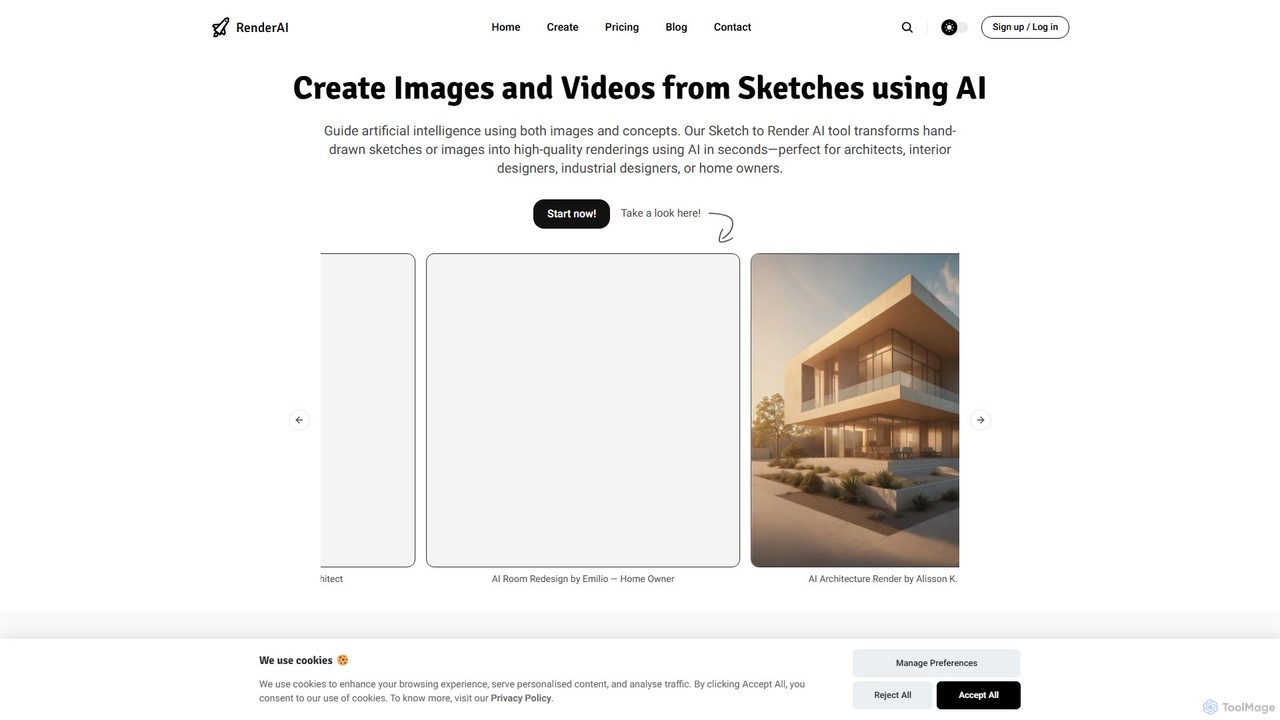
RenderAI
RenderAI is an AI-powered platform that transforms sketches, drawings, and screenshots into photorealistic renders and videos in seconds. Designed for architects, designers, marketers, and homeowners, it eliminates the need for complex 3D software, enabling rapid visualization of concepts for presentations, marketing, and project approvals.
3D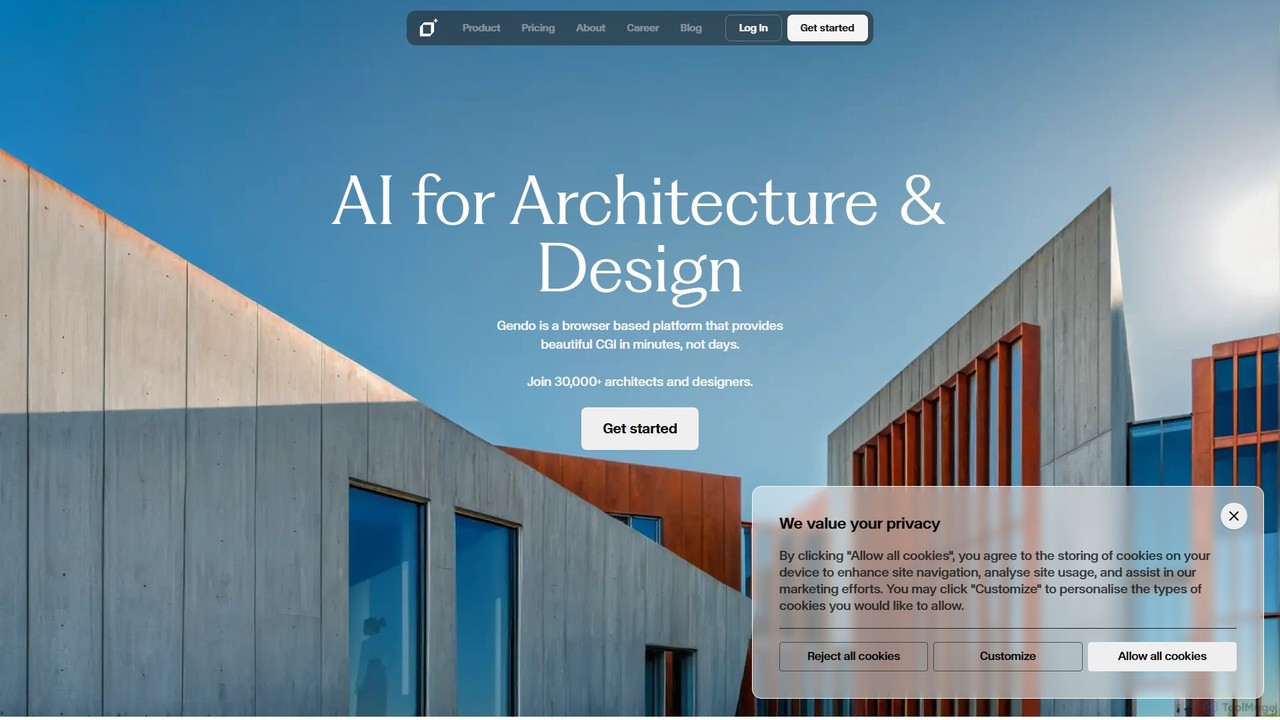
Gendo
Gendo is an AI-powered, browser-based platform for architects and designers to create high-quality CGI visualizations in minutes. It transforms sketches and designs into realistic images, allows for instant material changes, and offers versatile style transfers, streamlining the entire design and rendering workflow.
Generative Art
LookX
LookX is an AI-powered design platform specifically for architecture and interior design. It transforms text, sketches, and images into high-quality renderings and videos in real-time. Features include custom model training, plugins for SketchUp and Rhino, and advanced prompt assistance to accelerate the creative workflow for designers and architects.
Architecture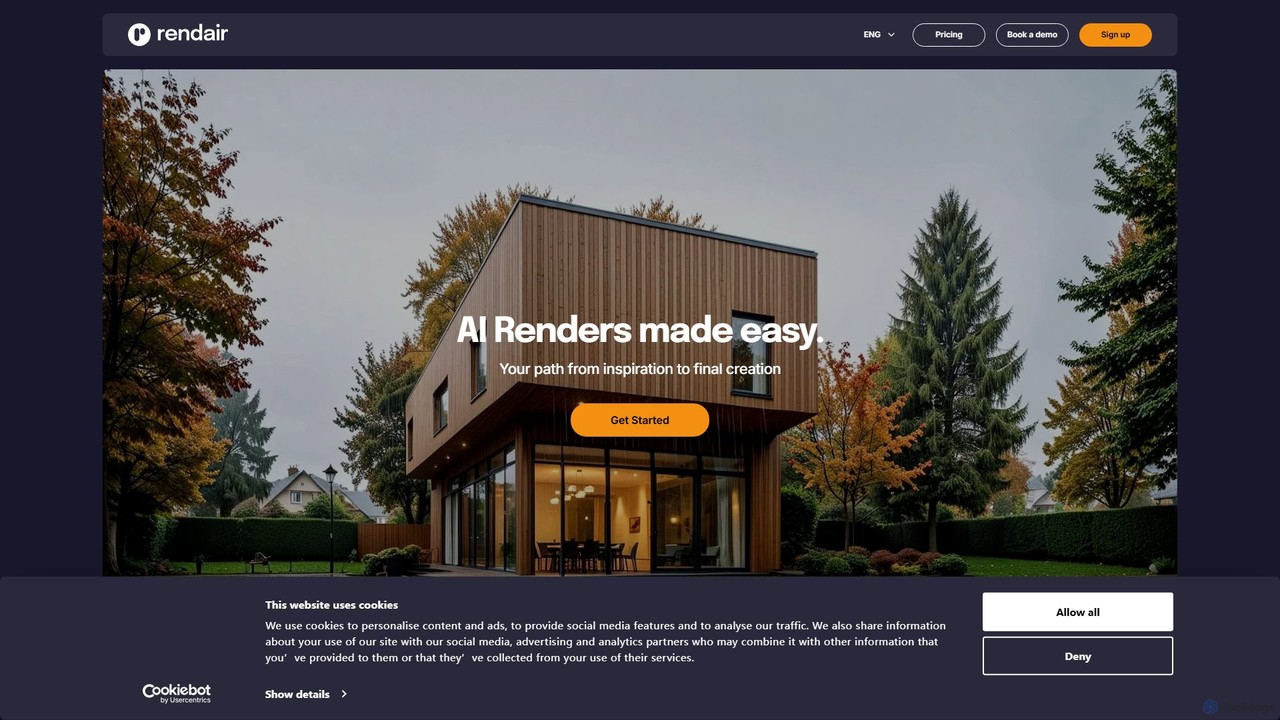
Rendair
Rendair is an AI-powered rendering platform that transforms sketches, 3D models, and photos into photorealistic visualizations in minutes. Designed for architects, interior designers, and real estate professionals, it simplifies and accelerates the design and marketing workflow, making high-quality renders accessible to everyone.
3D Rendering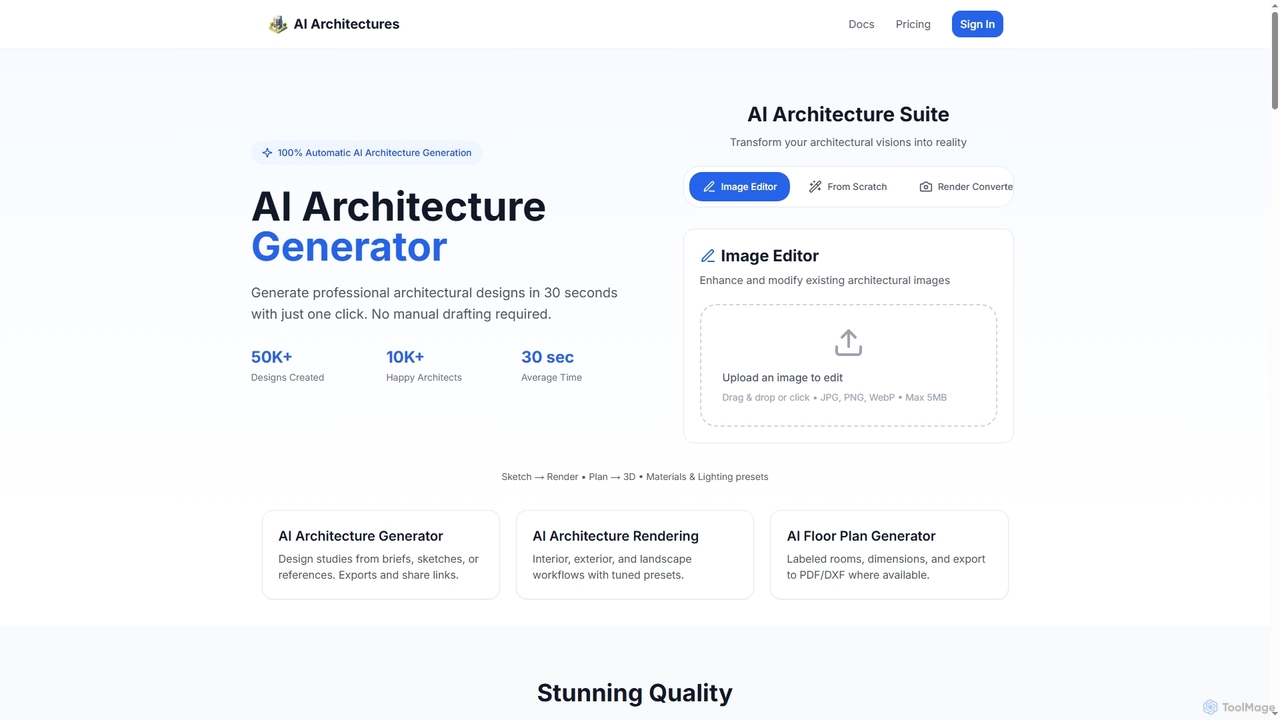
AI Architectures
AI Architectures is an advanced AI platform designed for architects and designers, enabling 100% automatic generation of professional architectural designs, floor plans, and photorealistic renders in seconds. It transforms sketches, briefs, or existing images into stunning visualizations for various architectural scenarios.
RenderingCoohom
Coohom is an all-in-one, cloud-based 3D design platform for interior designers, architects, and retailers. It enables users to create 2D/3D floor plans, generate photorealistic renderings and 720° panoramas in minutes, and visualize designs with a massive library of 3D models. Its AI-powered features streamline the entire design-to-visualization workflow.
3D
TYPUS.AI
TYPUS.AI is an advanced AI visualization platform for architects, designers, and 3D artists. It instantly transforms CAD drawings, 3D models, and simple sketches into stunning, photorealistic or stylized architectural renderings. The tool preserves the core design structure while offering powerful features like regional prompting for material control, style transfer, and high-resolution upscaling, streamlining the entire visualization workflow.
3D
Jeweality
Jeweality is an AI-powered platform designed for the jewelry industry, enabling designers and manufacturers to transform ideas, sketches, and text into professional, high-quality jewelry designs and renders in minutes.
Image Generator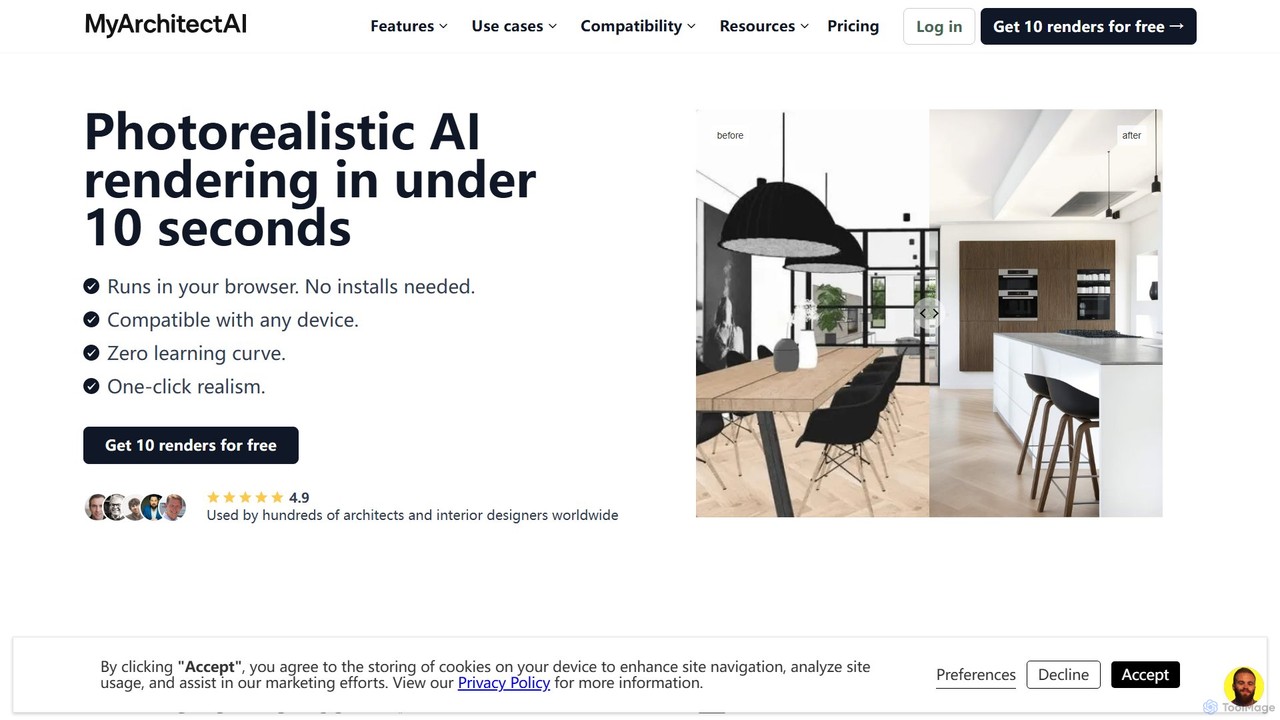
MyArchitectAI
MyArchitectAI is an AI-powered rendering software designed for architects and interior designers. It transforms sketches, CAD designs, and line drawings into photorealistic visualizations in seconds. The platform requires no specialized skills or expensive hardware, making high-quality rendering accessible to all. It offers a free trial of 10 renders.
Architecture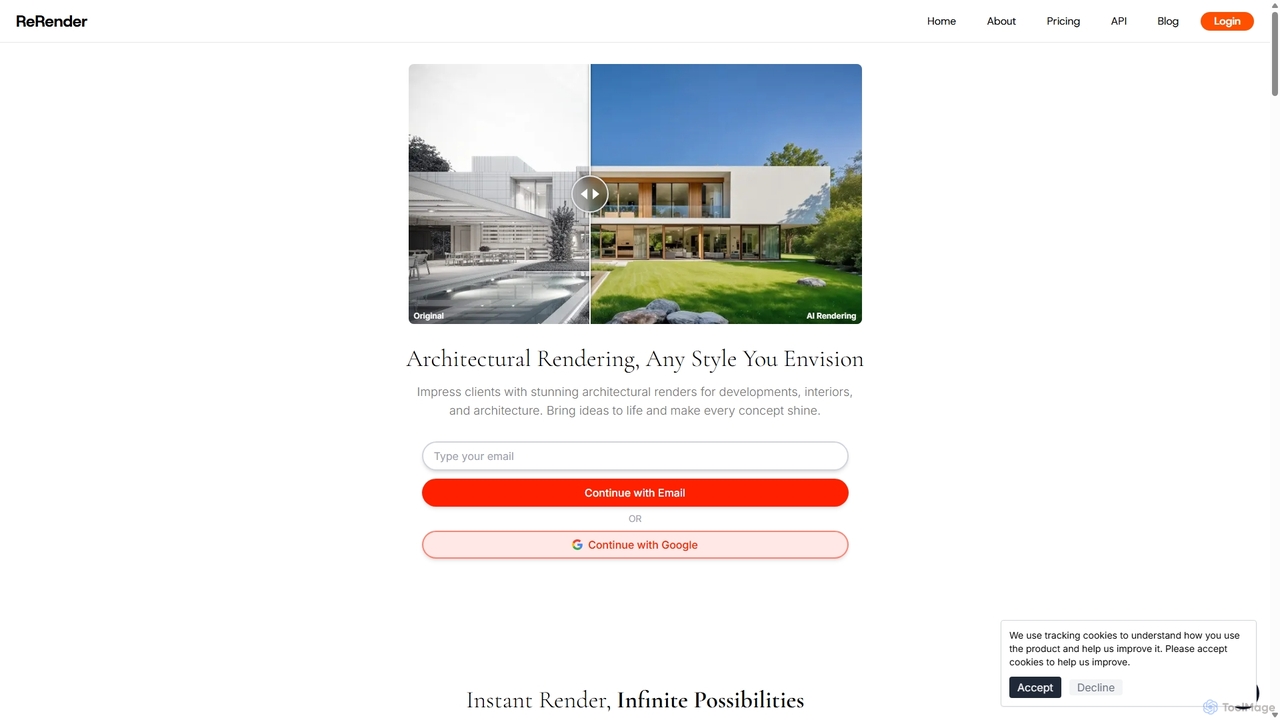
ReRender AI
ReRender AI is a powerful AI-driven platform that transforms architectural sketches, 3D models, and photos into stunning, photorealistic renderings in seconds. Designed for architects, interior designers, and real estate developers, it streamlines the design visualization process with customizable styles, detailed environmental controls, and rapid generation speeds.
Architecture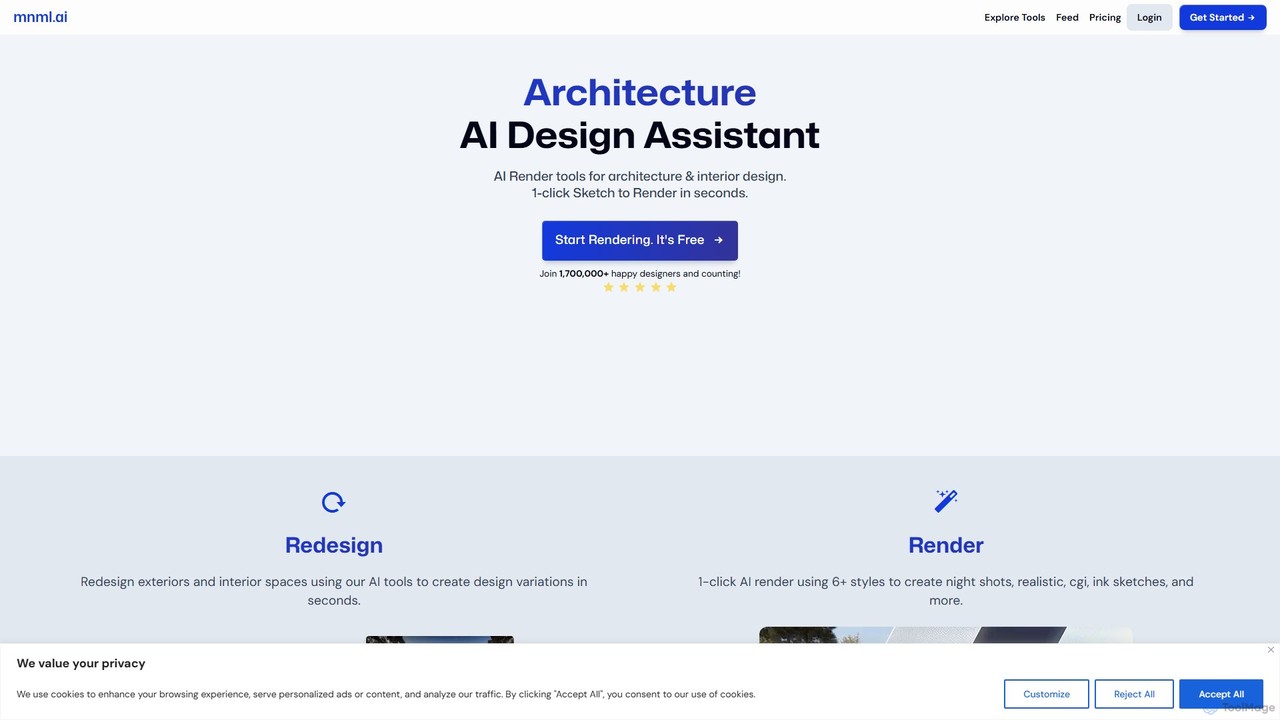
mnml.ai
An AI-powered design assistant for architects and interior designers. It transforms sketches, 3D models, and text prompts into high-quality architectural and interior renderings in seconds. Featuring over 12 specialized tools, it facilitates rapid redesign, style exploration, and visualization for exteriors, interiors, landscapes, and masterplans, streamlining the entire design workflow.
Interior Design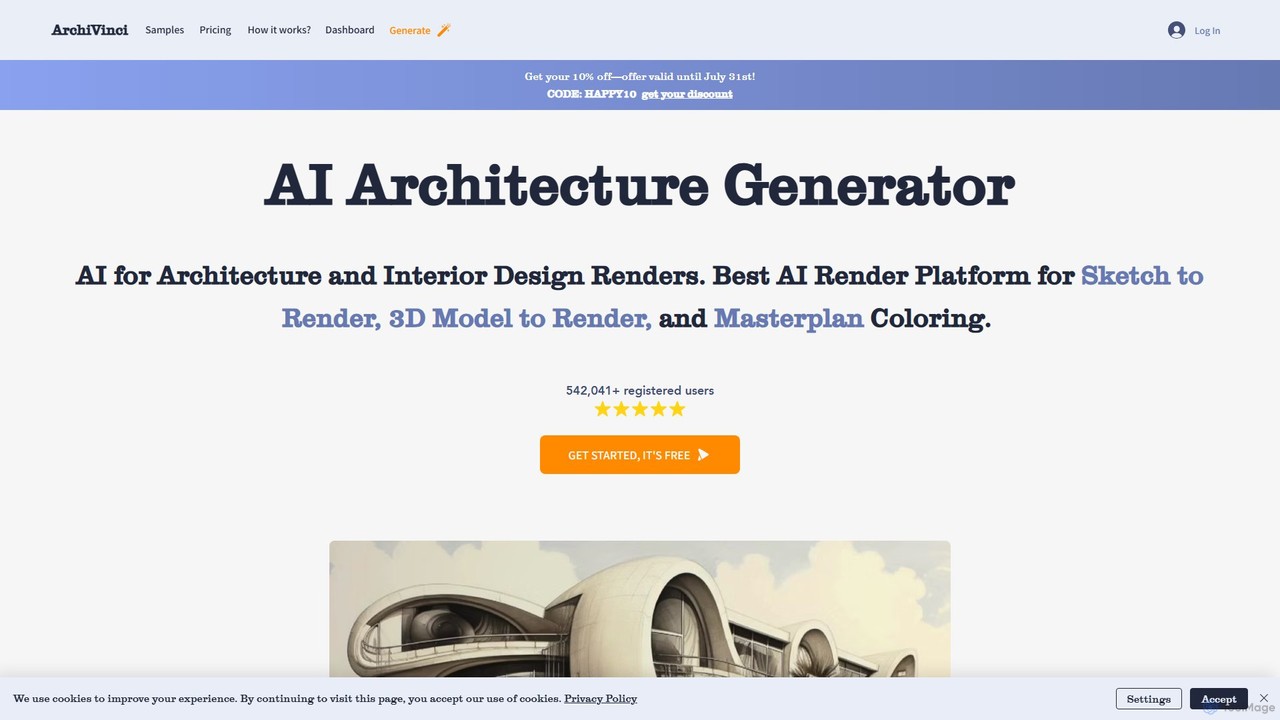
ArchiVinci
ArchiVinci is an AI-powered design platform for architects and interior designers. It transforms sketches, photos, and 3D models into stunning, photorealistic renders in seconds. With features for exterior design, interior redesign, virtual staging, and masterplan coloring, ArchiVinci streamlines the entire architectural visualization process, offering a wide range of styles and powerful modification tools to bring creative visions to life effortlessly.
Architecture
CRXAI Comments (0)
Sign in to comment.
Sign inNo comments yet.