

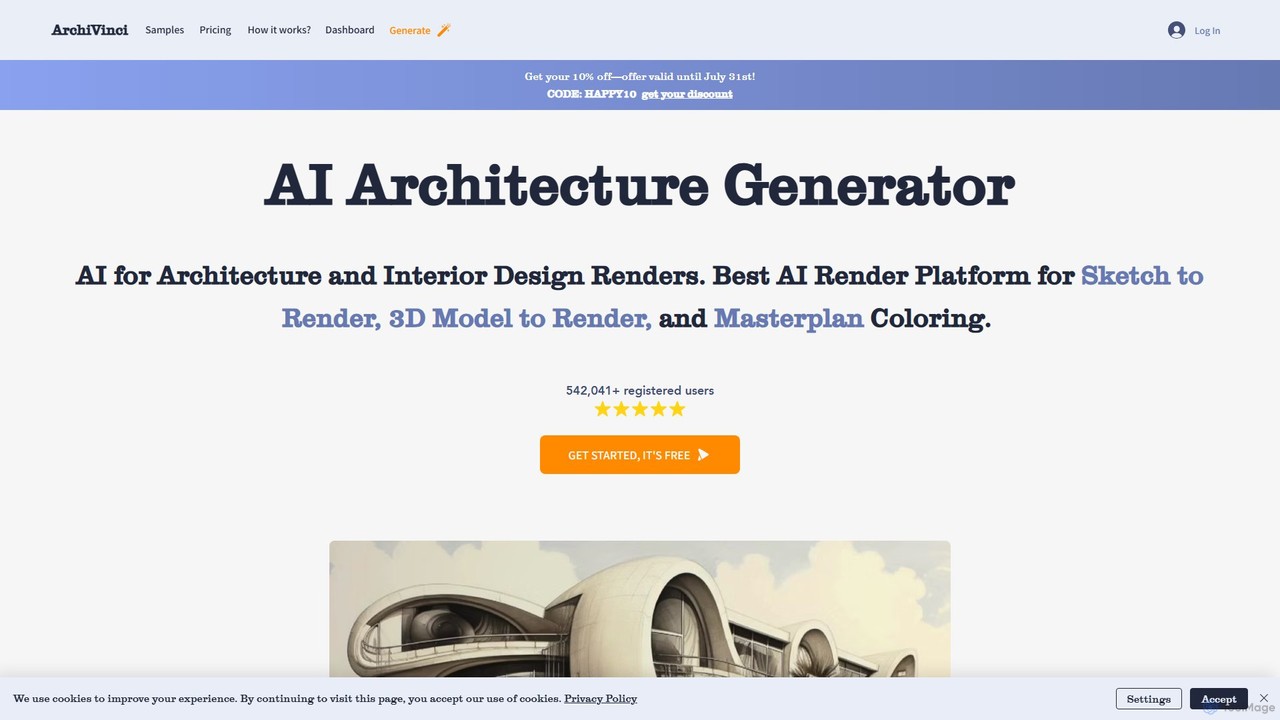
ArchiVinci Overview
ArchiVinci is an innovative and comprehensive suite of AI-driven design tools specifically engineered for architects, interior designers, real estate professionals, and design enthusiasts. It serves as a powerful AI render platform that dramatically accelerates the design and visualization workflow. By leveraging advanced artificial intelligence, ArchiVinci can transform simple inputs like hand-drawn sketches, photos, screenshots, or complex 3D models into detailed, high-quality architectural renders in a matter of seconds. With a user base of over 500,000 registered users, it has established itself as a go-to solution for modern design challenges.
The platform covers a wide spectrum of design needs, from initial concept to final presentation. Whether you're looking to create exterior visualizations, redesign an interior space, color a large-scale masterplan, or virtually stage an empty property, ArchiVinci provides a dedicated, user-friendly tool for the job. It supports models from popular software like SketchUp, 3ds Max, and Revit, ensuring seamless integration into existing workflows.
How to use ArchiVinci
Using ArchiVinci is designed to be an intuitive and straightforward process, even for those without extensive technical rendering knowledge:
- Upload Your Design: Start by uploading your source material. This can be a freehand sketch, a photograph of a space, a screenshot, or a 3D model file from software like SketchUp or Blender.
- Choose a Tool and Style: Select the appropriate AI tool for your task, such as 'Exterior Design', 'Interior Design', 'Masterplan Coloring', or 'Modify Room'. Then, browse and select from a wide variety of design styles, such as Modern, Concrete, Country, and more.
- Generate with AI: With a single click, the AI engine processes your input and applies the chosen style, generating a high-quality render almost instantly. For more specific results, you can use the 'Dream' module with a text prompt or the 'Style Match' tool with a reference image.
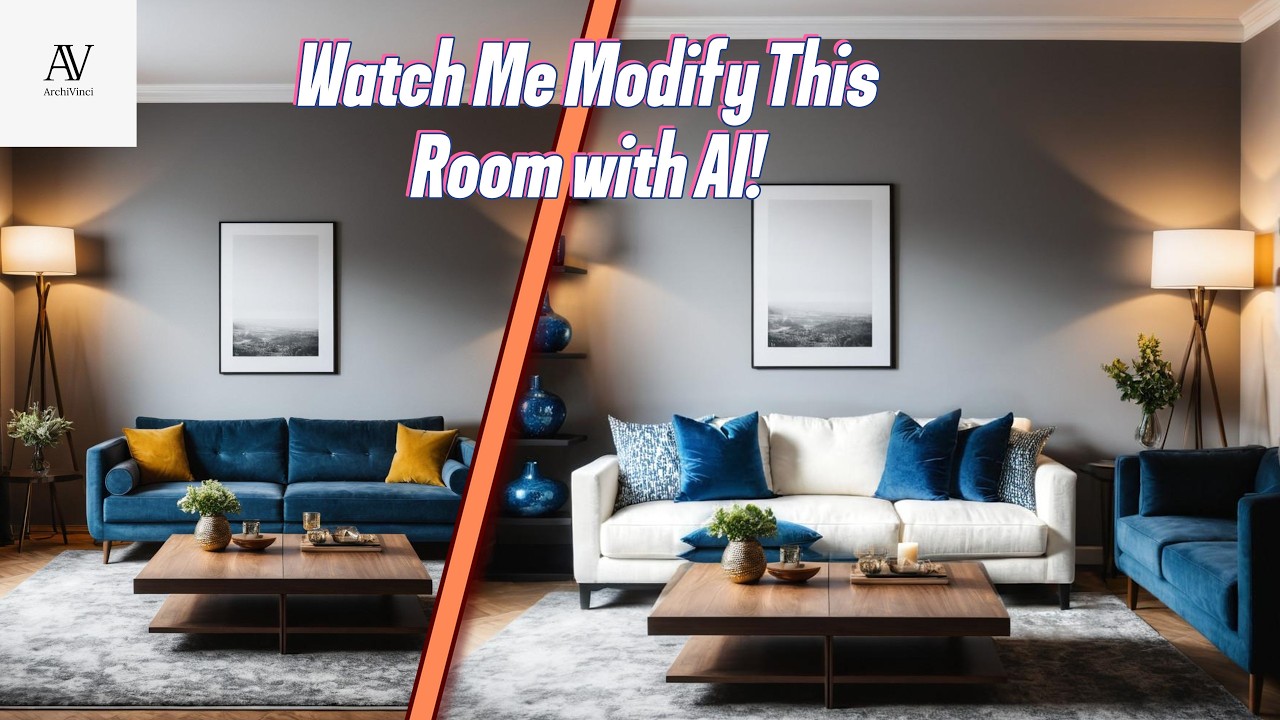
- Refine and Modify: Use the 'Modify' tools to make targeted changes. Select any area of your render to alter its color, texture, or add/remove elements. The 'Furnish Room' tool can populate an empty space with realistic furniture and decor.
- Upscale and Finalize: Once you are satisfied with the design, you can upscale the image to a higher resolution for professional presentations or client deliverables.
Core Features of ArchiVinci
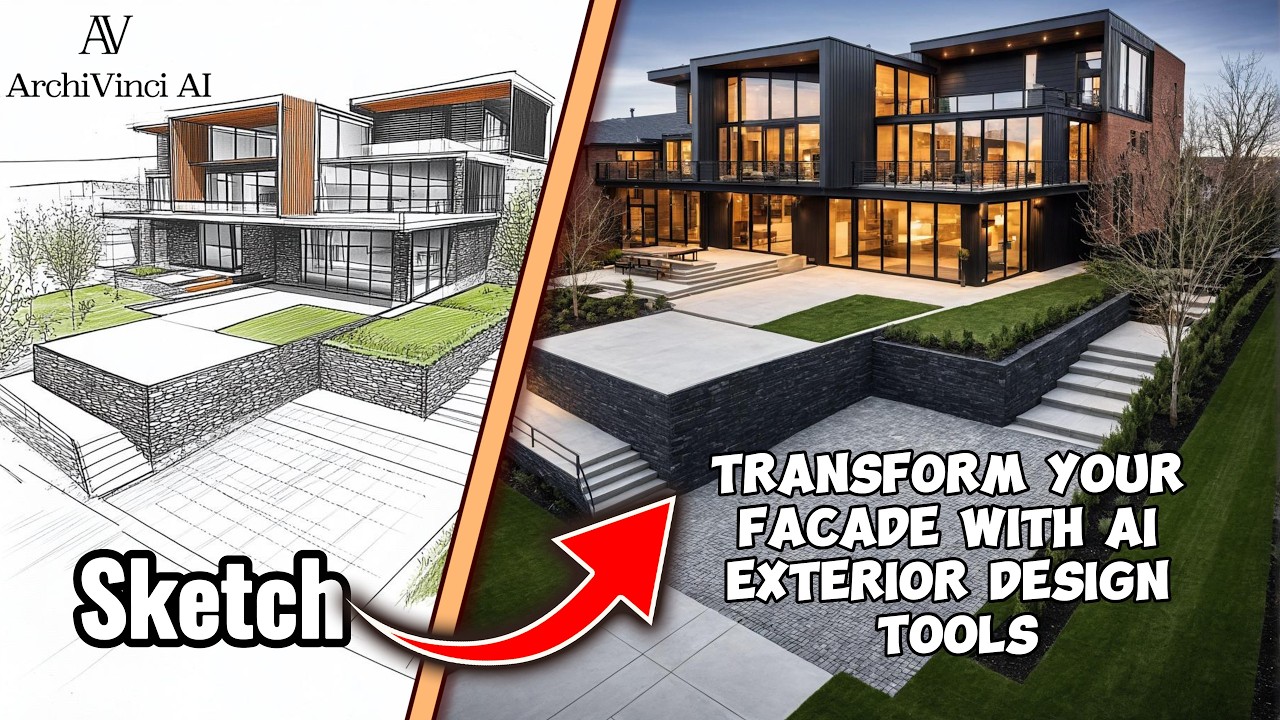
- Sketch to Render: Instantly converts rough sketches and doodles into polished, photorealistic architectural designs.
- 3D Model to Render: Seamlessly renders 3D models from SketchUp, 3ds Max, Revit, and Blender, transforming them into stunning visuals while preserving design integrity.
- Interior & Exterior Design AI: Generates countless design alternatives for both interior spaces and building exteriors, including AI-powered landscape generation.
- Masterplan Coloring: Effortlessly adds vibrant, realistic colors and textures to complex masterplans and site plans in seconds.
- Modify & Furnish Tools: Powerful features that allow users to select and modify specific parts of a design or furnish an empty room with one click, perfect for virtual staging.
- Exact Render: A precision tool that renders 3D models while faithfully maintaining the original textures, colors, and design lines, giving the user full control over the output.
- Style Match: Blends your design with a style reference image, allowing the AI to enhance your space with new elements in your desired aesthetic.
- Dream Module: Transforms text-based ideas and prompts into fully realized architectural designs and furnished spaces.
Use Cases for ArchiVinci
Architects & Urban Planners: Quickly generate multiple design concepts from initial sketches for client feedback. Visualize and color large-scale masterplans for urban development projects.
Interior Designers: Create realistic mockups of room designs, experiment with different color palettes, furniture layouts, and decor styles. Provide clients with photorealistic virtual staging of empty spaces.
Real Estate Professionals: Enhance property listings by virtually staging empty homes to help potential buyers visualize the space. Showcase renovation potential by generating redesigns of outdated interiors or exteriors.
Students & Hobbyists: Bring academic projects or personal design ideas to life without the steep learning curve and cost of traditional rendering software.
Advantages of ArchiVinci
Time-Saving: Reduces the design and rendering process from days or hours to mere seconds, significantly boosting productivity.
User-Friendly: An intuitive interface makes advanced architectural visualization accessible to everyone, regardless of technical skill level.
Versatility: A single platform that caters to a wide array of design tasks, including architectural, interior, landscape, and masterplan design.
Creative Freedom: Empowers users to explore a vast range of design possibilities and iterate on ideas quickly and effortlessly.
Cost-Effective: Provides a powerful alternative to expensive rendering software and outsourcing costs, with a free tier to get started.
Pricing and Plans
ArchiVinci operates on a freemium model, making it accessible for users to start for free. The free plan allows you to explore the core features and generate a limited number of renders. For professional and commercial use, ArchiVinci offers several paid subscription plans that provide more render credits, higher resolution outputs, access to all advanced features, and priority support. The tiered plans are designed to scale with the needs of individual designers, small studios, and large architectural firms. For the most up-to-date and detailed pricing information, please visit the official ArchiVinci website.
Traffic
Latest traffic
Status
Monthly traffic trend
- 2025-9: 145.4K
- 2026-1: 238.2K
- 2026-2: 233.3K
- 2026-3: 263.6K
- 2026-4: 264.9K
- 2026-5: 266.9K
Geography
Top 5 countries / regions
- 🇺🇸United States38.6%
- 🇬🇧United Kingdom21.6%
- 🇮🇳India15.7%
- 🇷🇺Russia14.4%
- 🇮🇹Italy9.6%
Traffic sources
| Source type | Percentage |
|---|---|
Direct | 84.0% |
Referral | 15.2% |
Email | 0.7% |
Top keywords
| Keyword | Cost per click |
|---|---|
| ai interior design | $1.25 |
| ai render | $1.21 |
| archivinci | $1.69 |
| archivinci ai | $0.29 |
| interior design ai | $1.04 |
ArchiVinci Videos on YouTube



ArchiVinci Alternatives
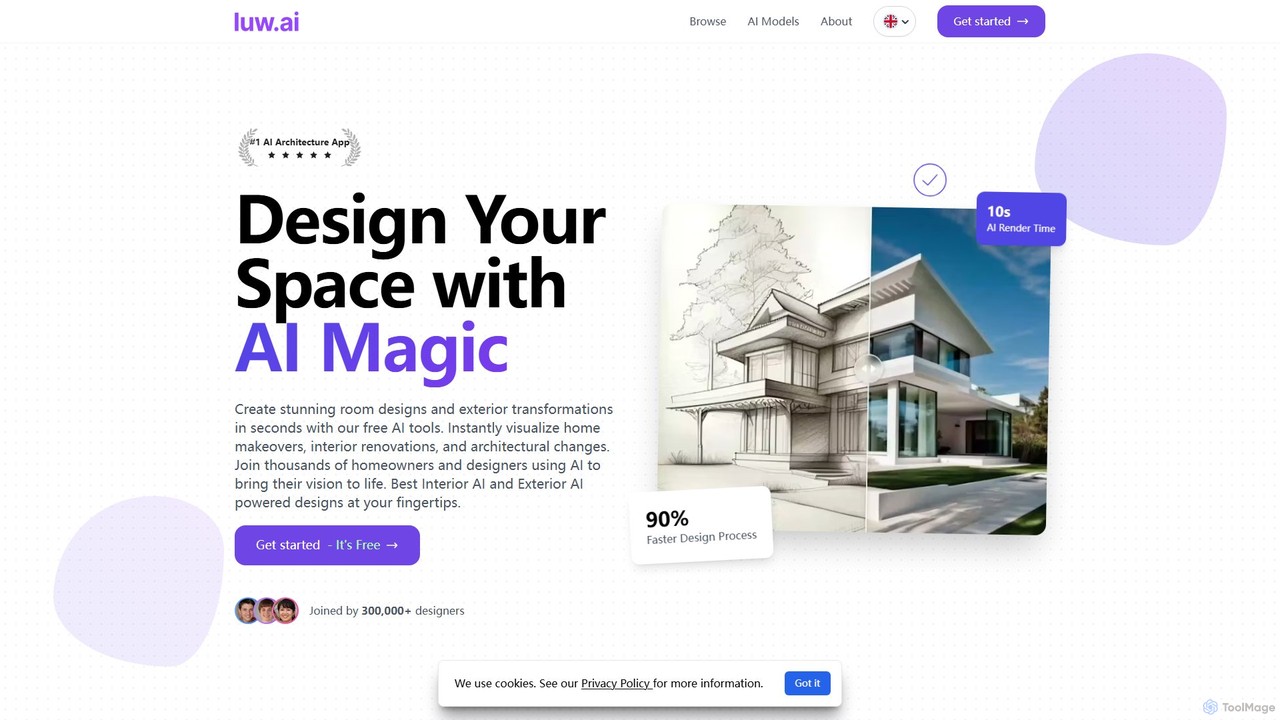
Luw.ai
Luw.ai is a comprehensive AI-powered design suite for architects, designers, and homeowners. It instantly transforms photos, sketches, or 3D models into stunning interior and exterior designs, architectural renders, and 3D flythrough videos. Featuring a wide array of tools like Interior AI, Exterior AI, Sketch to Render, and ArchiGPT, it streamlines the design process, making professional-quality visualizations accessible to everyone in seconds.
Architecture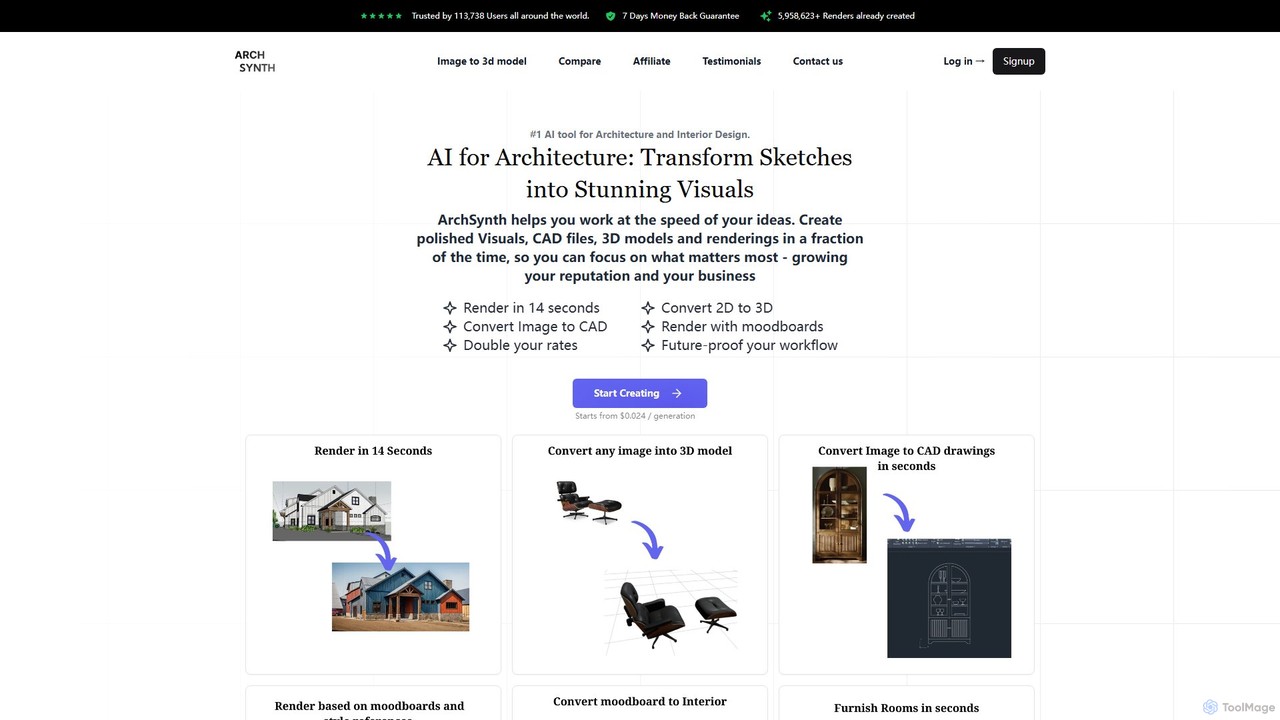
Archsynth
Archsynth is an all-in-one AI platform for architects and interior designers, transforming sketches, images, and text into stunning renders, 3D models, and CAD files in seconds. It streamlines the design workflow with features like AI remodeling, virtual staging, and landscape design, boosting productivity and creativity.
Generation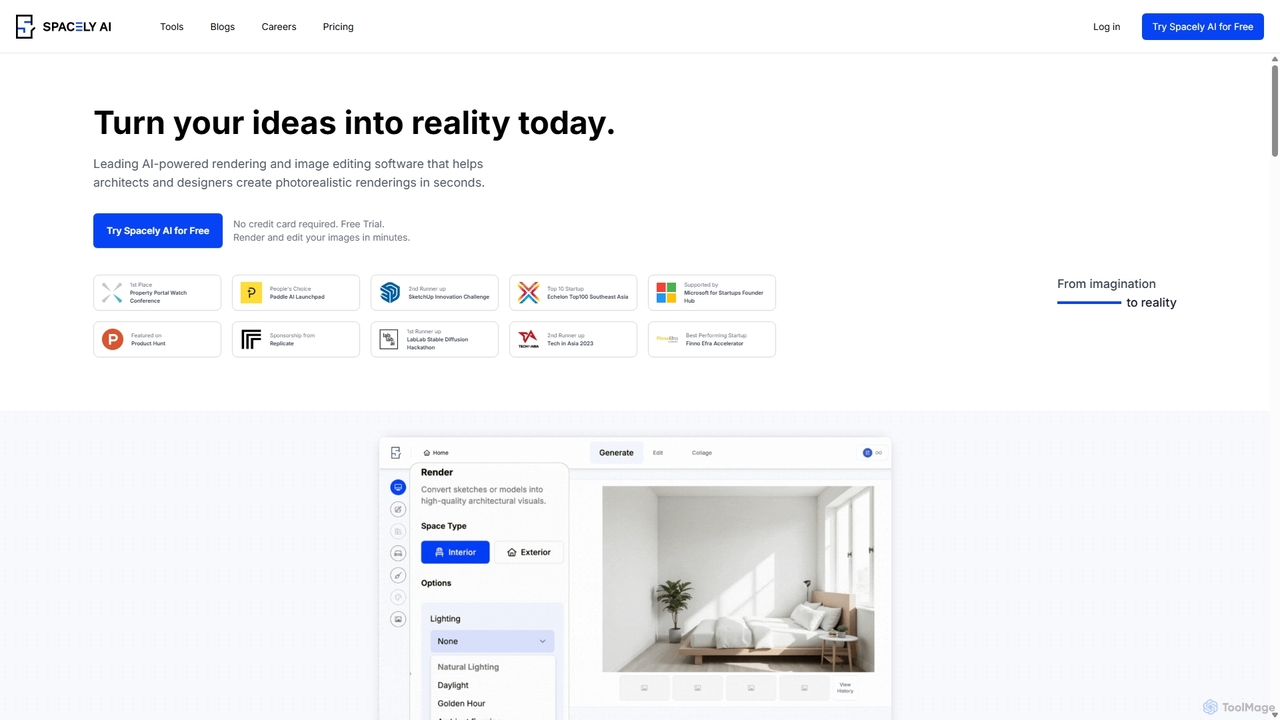
Spacely
Spacely is an AI-powered design platform that enables architects, interior designers, and real estate professionals to generate photorealistic interior and exterior renderings in seconds. It offers a suite of tools for virtual staging, style transfer, and precise image editing, transforming sketches or photos into stunning visualizations effortlessly.
Architecture
designedbyai
An AI-powered design platform that generates stunning, high-quality designs for interior, exterior, and landscape projects. Upload an image of your space, choose a style, and receive multiple unique, 8K design concepts in hours, saving significant time and money on professional design services.
Architecture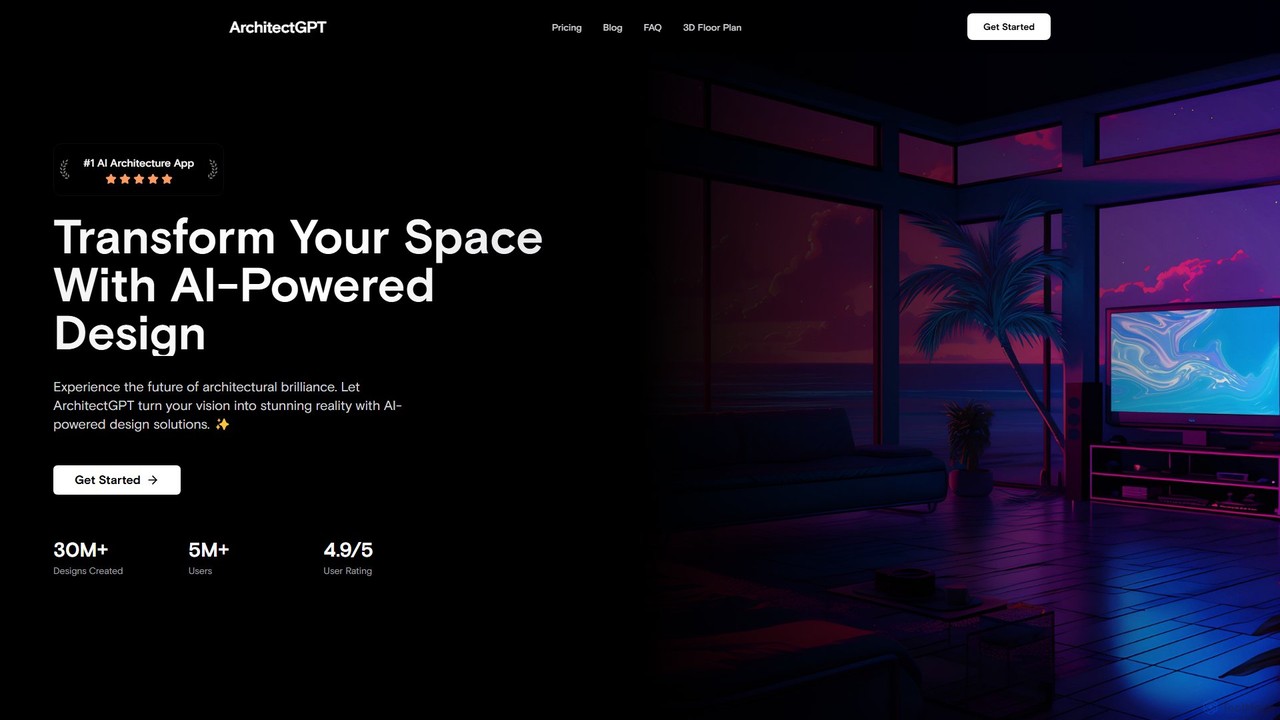
ArchitectGPT
ArchitectGPT is an AI-powered design platform for architects, interior designers, and real estate professionals. Instantly transform photos of spaces, convert CAD drawings into photorealistic renders, and explore endless design variations. Features include a Magic Editor for targeted changes, text-based editing, 4K upscaling, and a suite of tools to streamline the design and visualization workflow, saving time and costs.
ArchitectureArchiVinci Categories
ArchiVinci Embed Widget
Copy this embed code to place the badge on your blog, article, or product site and send readers directly to this ToolMage detail page.

Related AI tools
Luw.ai
Luw.ai is a comprehensive AI-powered design suite for architects, designers, and homeowners. It instantly transforms photos, sketches, or 3D models into stunning interior and exterior designs, architectural renders, and 3D flythrough videos. Featuring a wide array of tools like Interior AI, Exterior AI, Sketch to Render, and ArchiGPT, it streamlines the design process, making professional-quality visualizations accessible to everyone in seconds.
ArchitectureArchsynth
Archsynth is an all-in-one AI platform for architects and interior designers, transforming sketches, images, and text into stunning renders, 3D models, and CAD files in seconds. It streamlines the design workflow with features like AI remodeling, virtual staging, and landscape design, boosting productivity and creativity.
Generation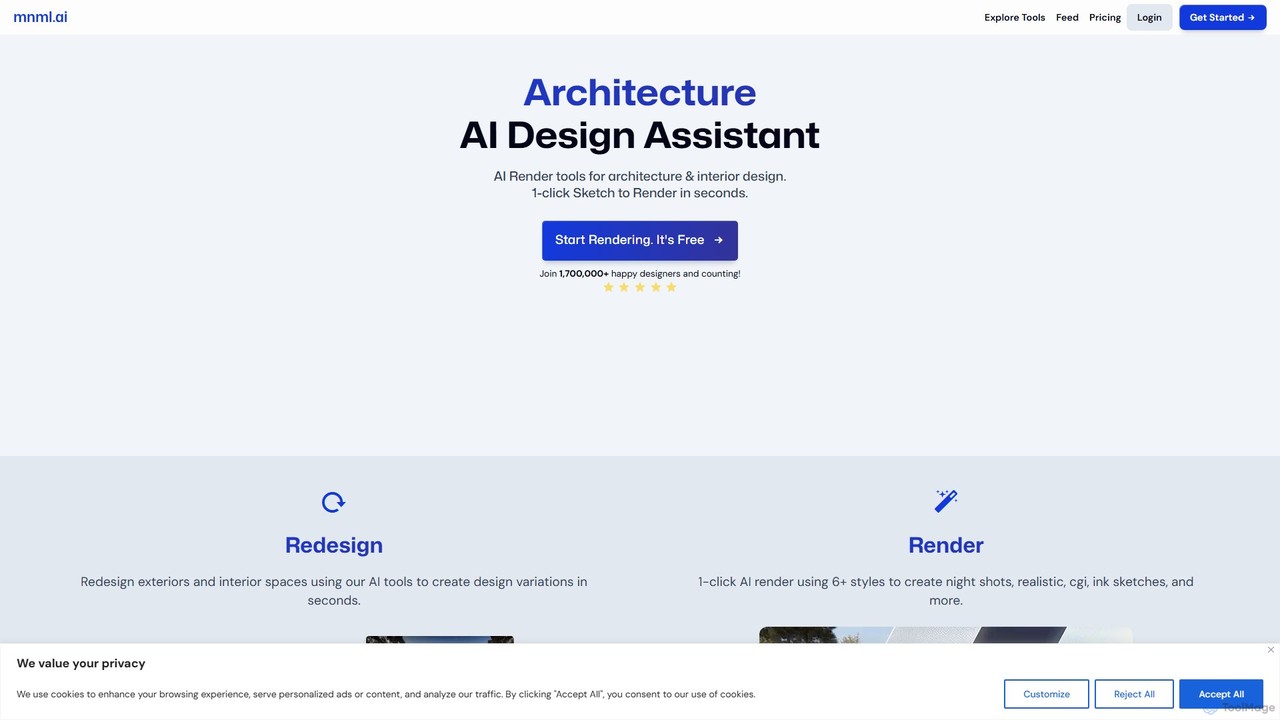
mnml.ai
An AI-powered design assistant for architects and interior designers. It transforms sketches, 3D models, and text prompts into high-quality architectural and interior renderings in seconds. Featuring over 12 specialized tools, it facilitates rapid redesign, style exploration, and visualization for exteriors, interiors, landscapes, and masterplans, streamlining the entire design workflow.
Interior DesignSpacely
Spacely is an AI-powered design platform that enables architects, interior designers, and real estate professionals to generate photorealistic interior and exterior renderings in seconds. It offers a suite of tools for virtual staging, style transfer, and precise image editing, transforming sketches or photos into stunning visualizations effortlessly.
ArchitectureArchitectGPT
ArchitectGPT is an AI-powered design platform for architects, interior designers, and real estate professionals. Instantly transform photos of spaces, convert CAD drawings into photorealistic renders, and explore endless design variations. Features include a Magic Editor for targeted changes, text-based editing, 4K upscaling, and a suite of tools to streamline the design and visualization workflow, saving time and costs.
Architecture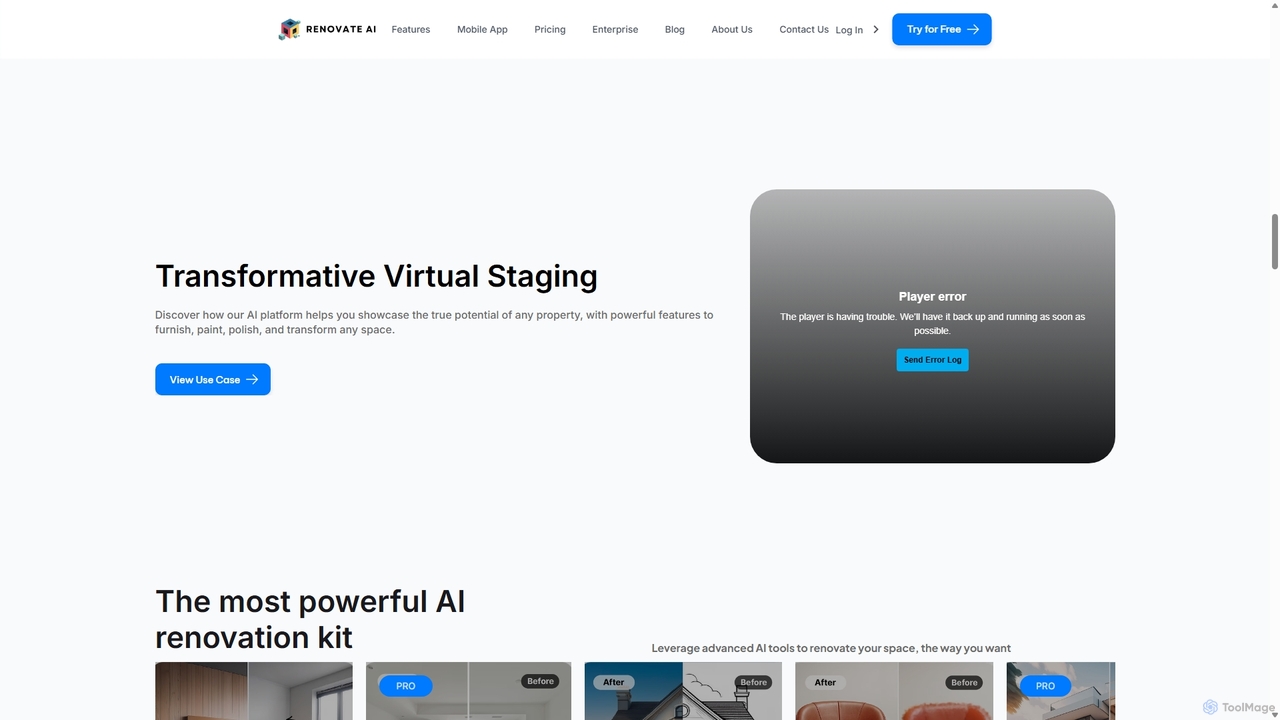
Renovate AI
Renovate AI is an AI-powered platform for home renovation and interior design. It allows users to upload photos of their spaces and instantly generate realistic redesigns in various styles. It's designed for homeowners, real estate agents, designers, and contractors to visualize changes effortlessly.
Interior Design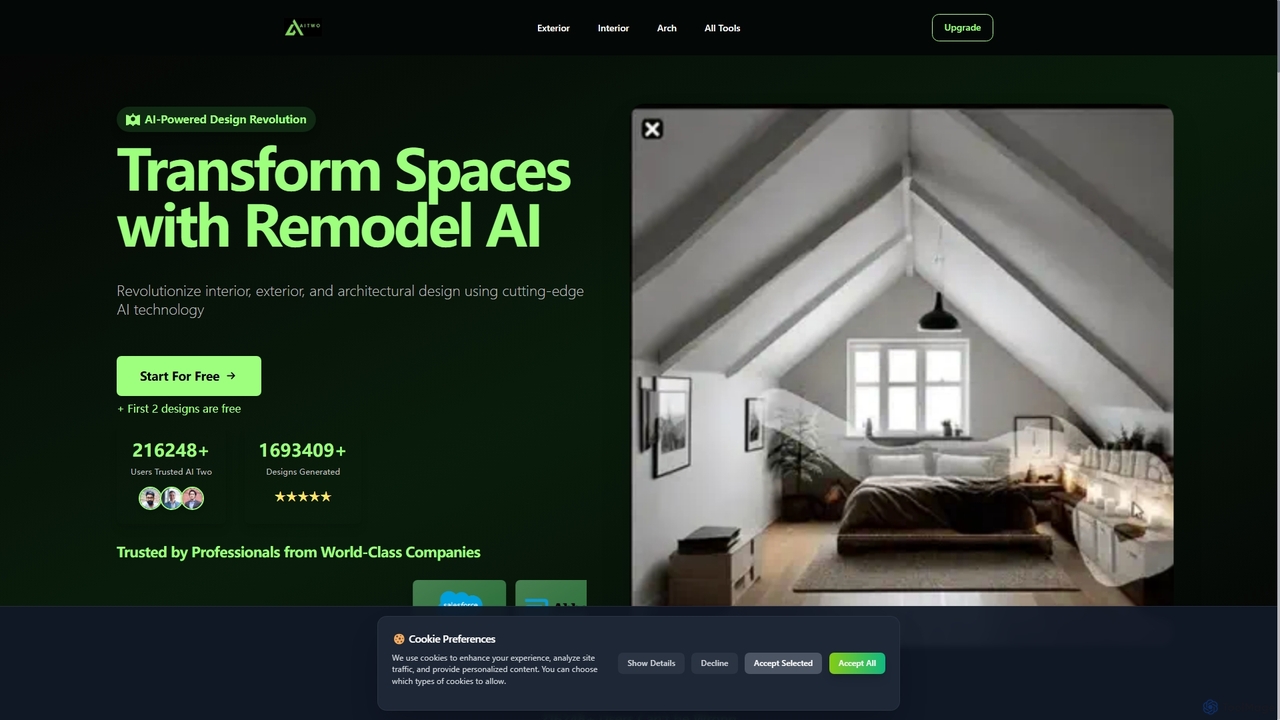
Aitwo
Aitwo is an AI-powered design platform that revolutionizes interior, exterior, and architectural design. Effortlessly generate stunning redesigns, virtual staging, and landscaping concepts in seconds. Ideal for homeowners, designers, architects, and real estate agents, it offers over 60 styles to transform any space, from a simple photo upload to a photorealistic render, saving time and money.
Architectural Design
AiHouse
AiHouse is an all-in-one, AI-powered 3D interior design and manufacturing software. It enables professionals to create photorealistic visualizations, 2D/3D floor plans, and interactive virtual tours in minutes. With a library of over 80 million 3D models and seamless design-to-manufacturing integration, AiHouse streamlines the entire workflow for interior designers, architects, and furniture businesses, boosting sales and efficiency.
3D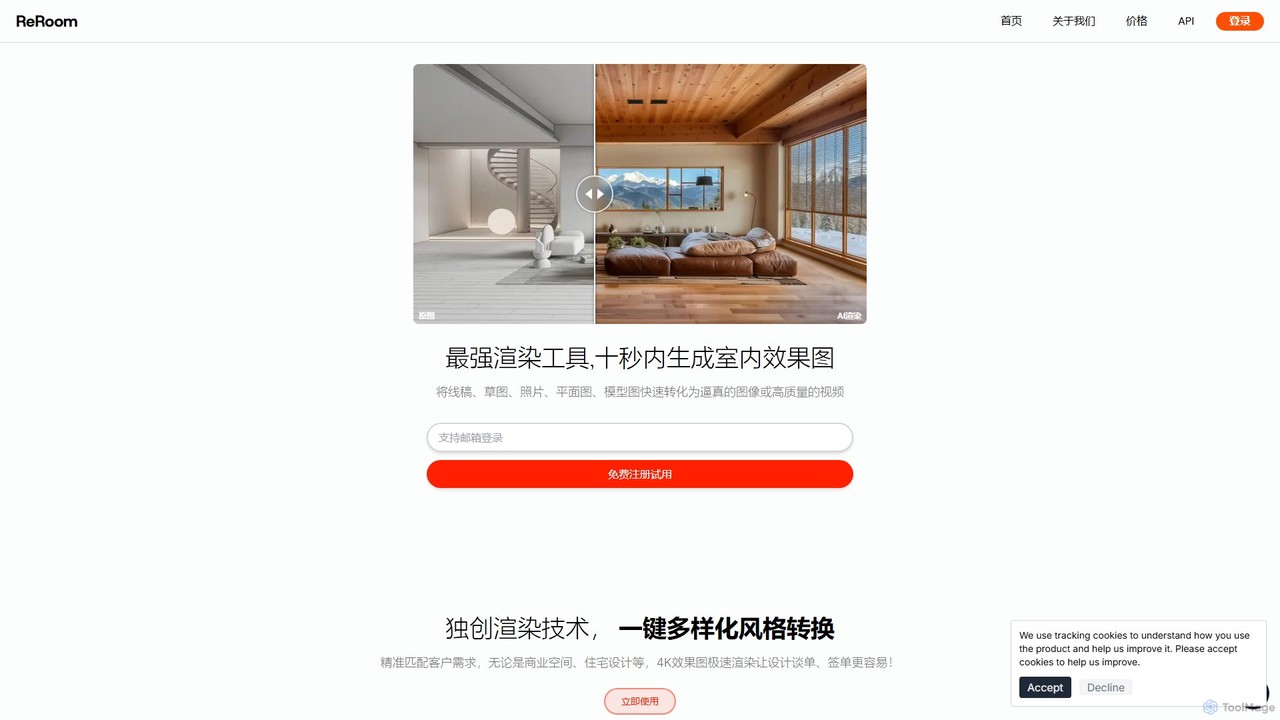
reroom
reroom is an AI-powered design tool that revolutionizes interior design and architectural visualization. It rapidly transforms sketches, photos, or floor plans into photorealistic 4K renderings and videos. With features like one-click style changes, multi-angle consistency, and detailed editing, it empowers designers, architects, and real estate professionals to visualize and present ideas with unprecedented speed and ease.
Interior Design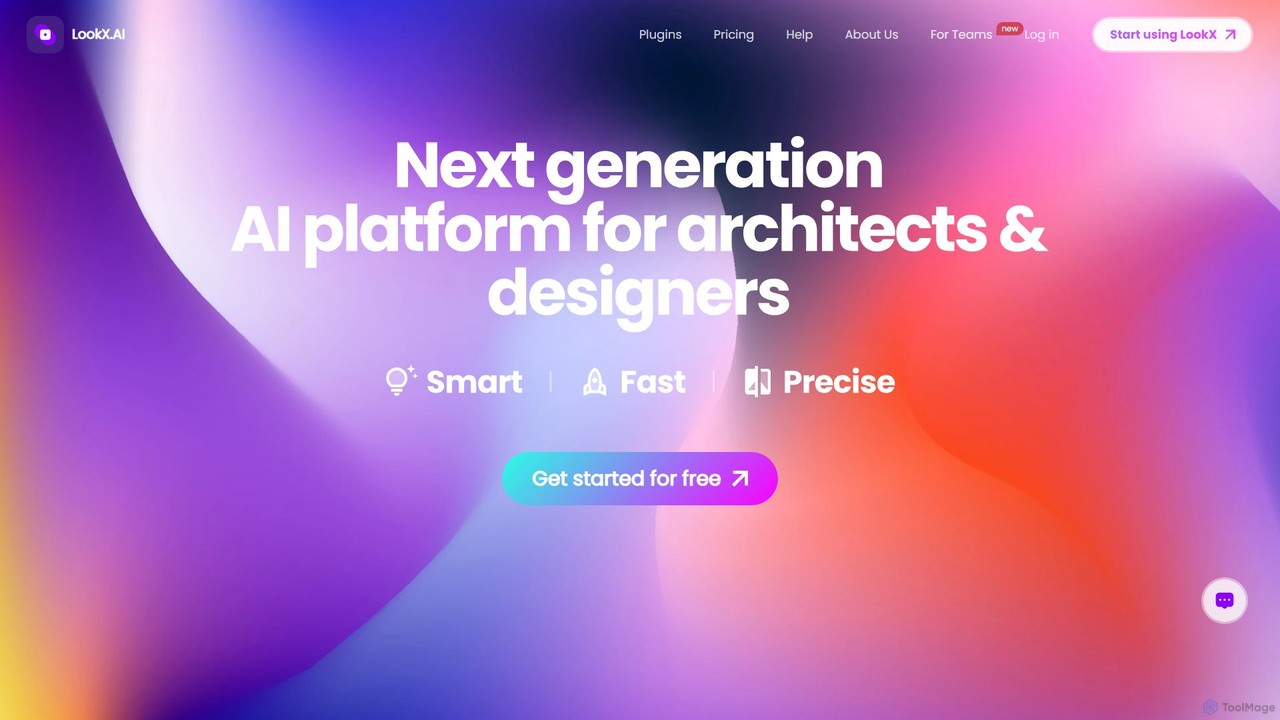
LookX
LookX is an AI-powered design platform specifically for architecture and interior design. It transforms text, sketches, and images into high-quality renderings and videos in real-time. Features include custom model training, plugins for SketchUp and Rhino, and advanced prompt assistance to accelerate the creative workflow for designers and architects.
Architecture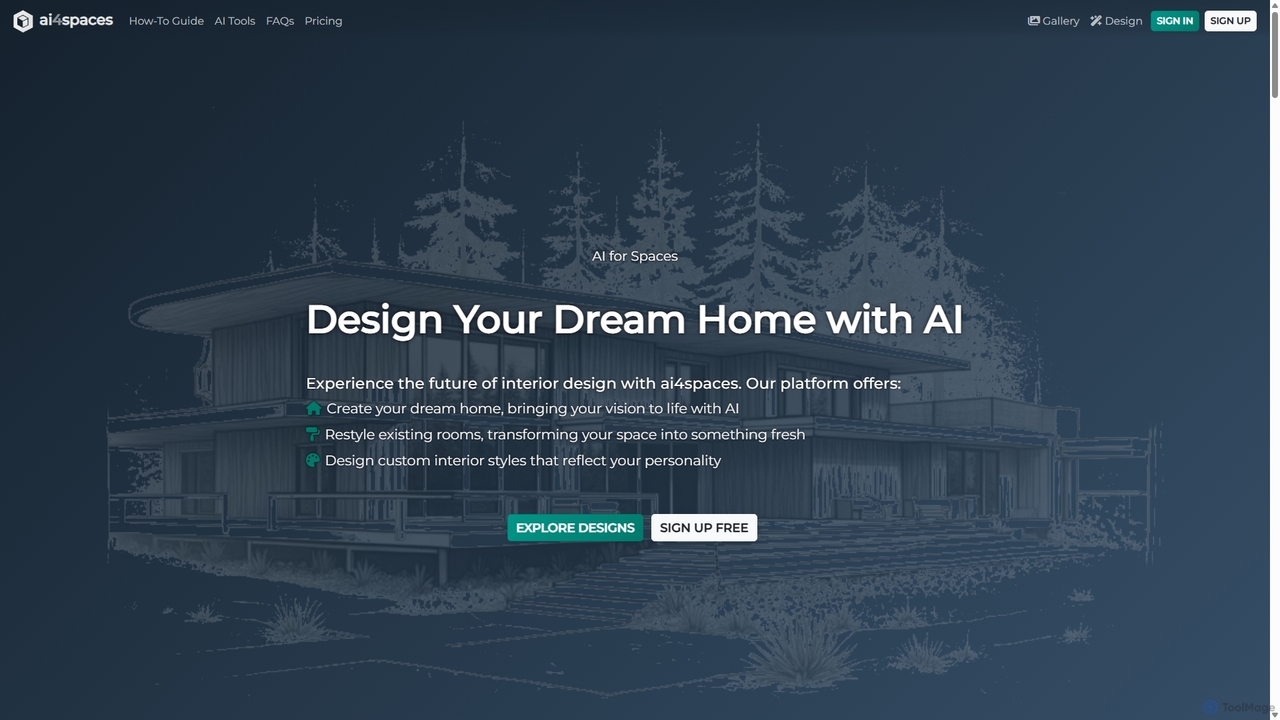
Ai4spaces
Ai4spaces is an AI-powered platform for interior design, architecture, and home renovation. It transforms photos, sketches, or text prompts into stunning, photorealistic visualizations. Generate designs, create video walkthroughs, 360° panoramas, and upscale images, making it ideal for interior designers, architects, real estate agents, and homeowners.
Architecture
Homestyler
Homestyler is a powerful, user-friendly online 3D home design platform that allows users to create stunning interior designs and floor plans. Leveraging AI, it can instantly convert 2D plans into 3D models. With a massive library of real-world furniture, a simple drag-and-drop interface, and high-quality cloud rendering, it's an ideal tool for interior designers, homeowners, and students to visualize and bring their design ideas to life.
Interior Design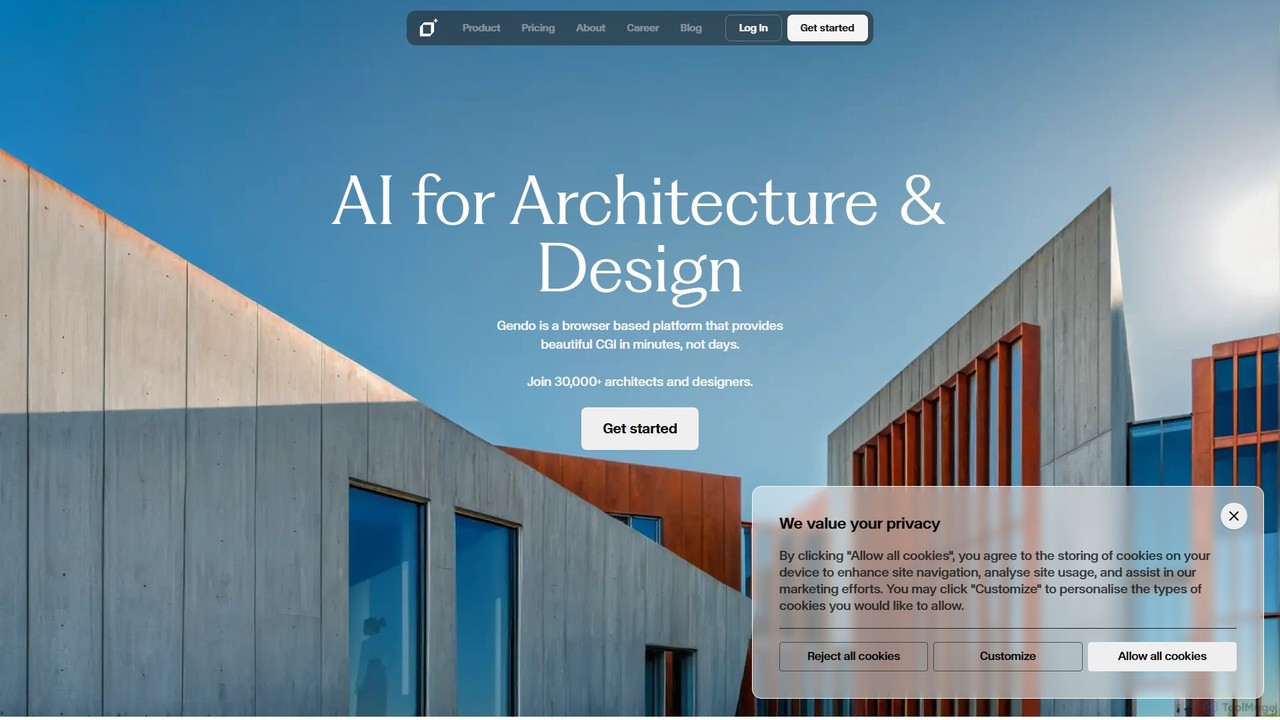
Gendo
Gendo is an AI-powered, browser-based platform for architects and designers to create high-quality CGI visualizations in minutes. It transforms sketches and designs into realistic images, allows for instant material changes, and offers versatile style transfers, streamlining the entire design and rendering workflow.
Generative Art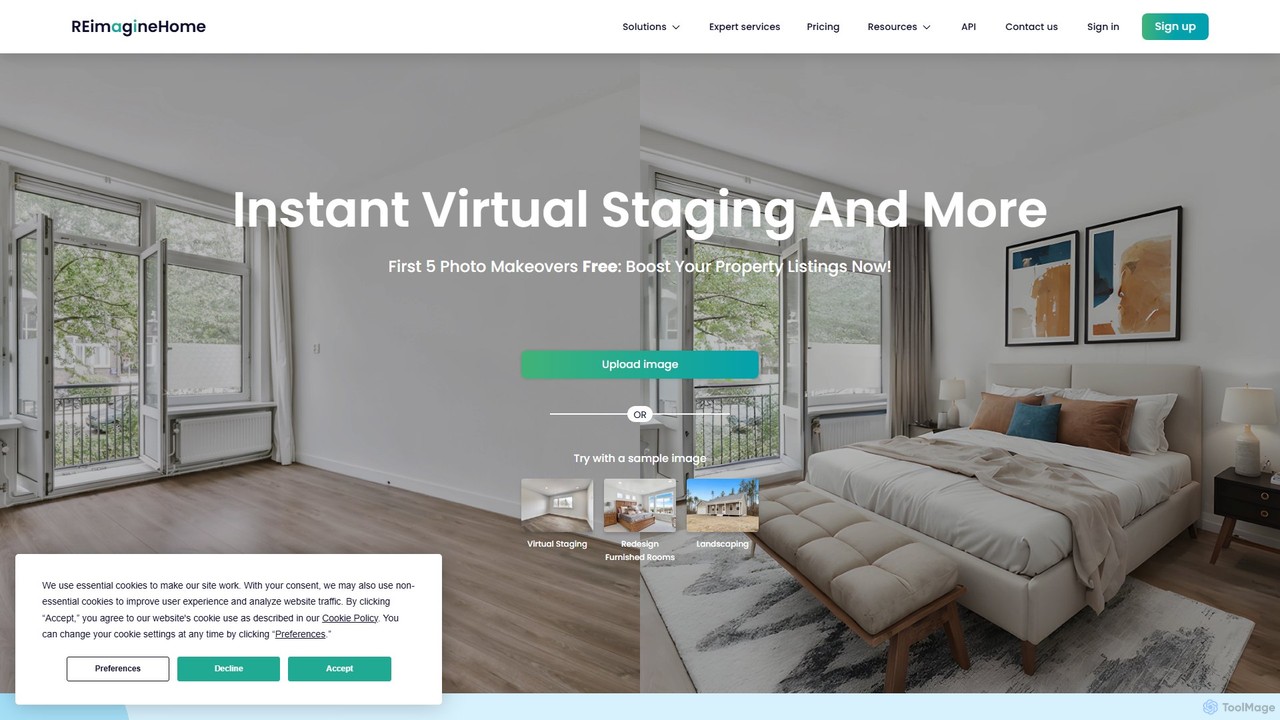
reimaginehome
reimaginehome is an AI-powered design tool that instantly generates ideas for interior design, virtual staging, landscaping, and exterior rendering. It helps real estate agents, designers, and homeowners transform property photos in seconds, showcasing potential and accelerating sales with photorealistic visuals.
Interior Design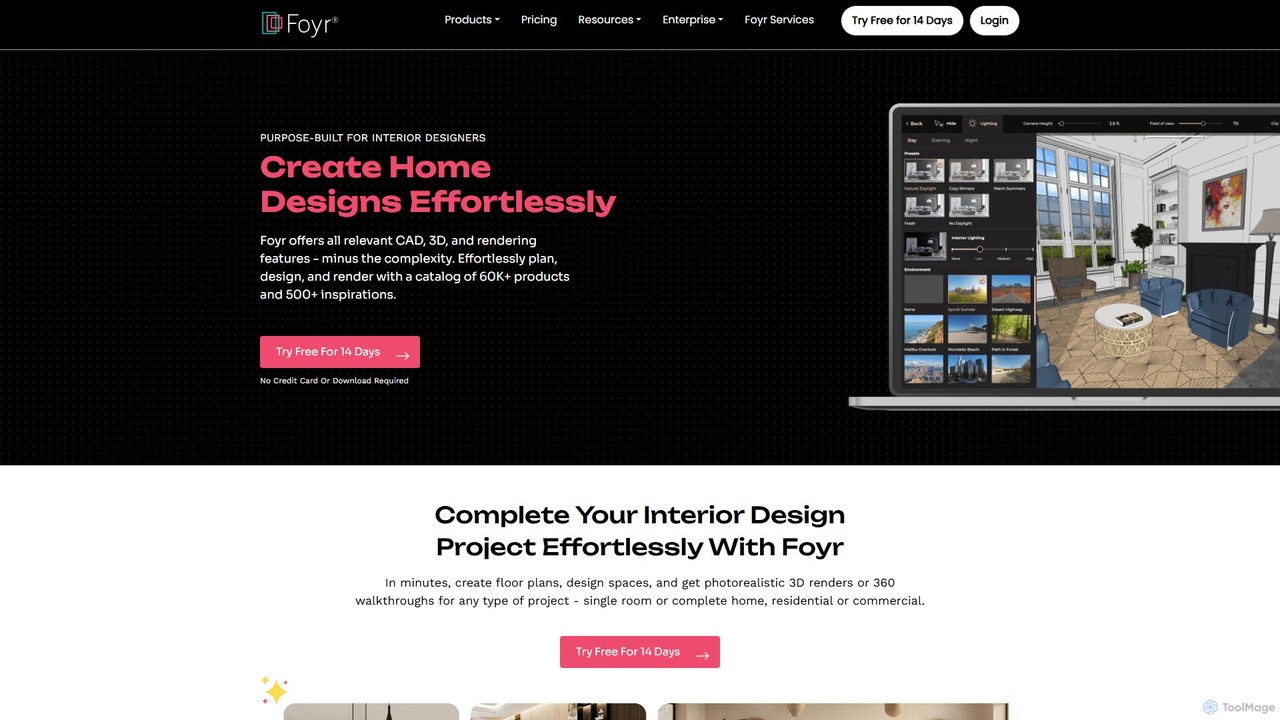
Foyr
Foyr is an all-in-one, cloud-based interior design software that empowers designers to create stunning 3D floor plans, photorealistic 4K renders, and immersive virtual walkthroughs in minutes. Its intuitive interface and vast 3D asset library streamline the entire design workflow, from initial concept to client presentation, making professional-grade design accessible to everyone.
Interior Design
ArchiVinci Comments (0)
Sign in to comment.
Sign inNo comments yet.