ToolMage
Sign in

Best 2 Generator for Image

Popular Generator in Image include ArchiVinci and Klyra, helping you work more efficiently.

ArchiVinci
Freemium

ArchiVinci

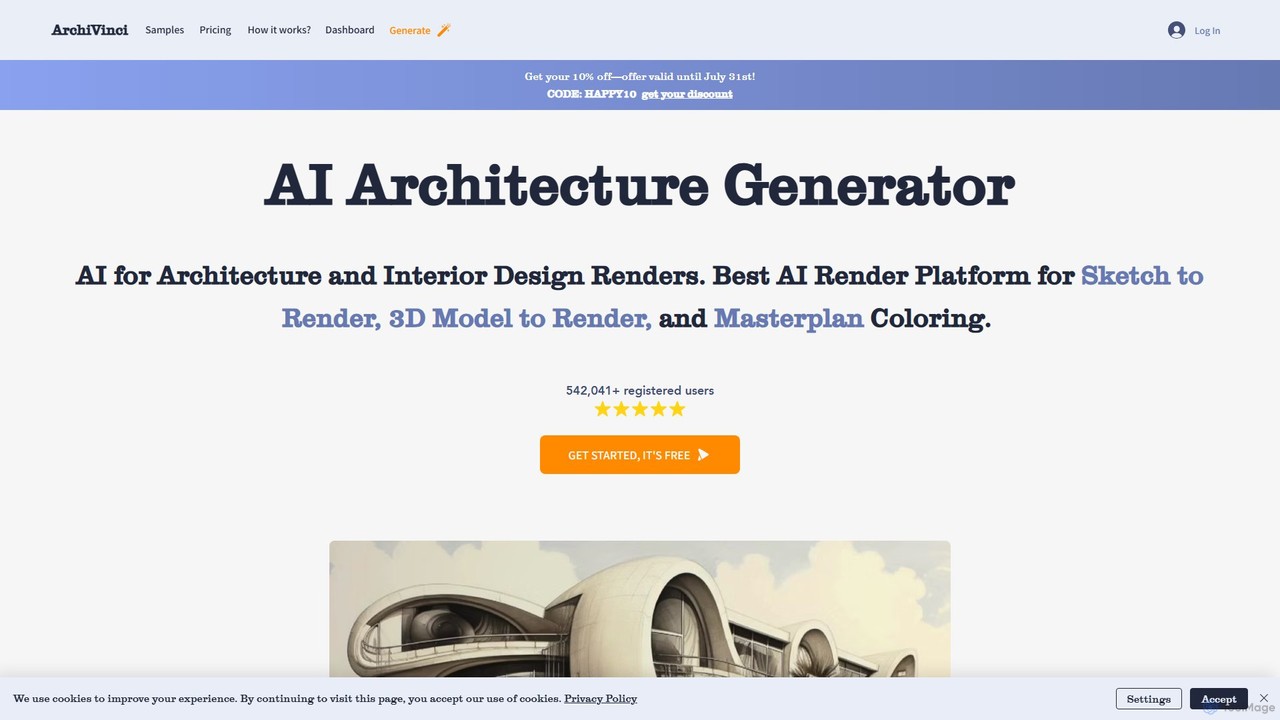
ArchiVinci is an AI-powered design platform for architects and interior designers. It transforms sketches, photos, and 3D models into stunning, photorealistic renders in seconds. With features for exterior design, interior redesign, virtual staging, and masterplan coloring, ArchiVinci streamlines the entire architectural visualization process, offering a wide range of styles and powerful modification tools to bring creative visions to life effortlessly.

Architecture
Visits 273.2KFavorites 141Likes 141
Klyra
Freemium

Klyra

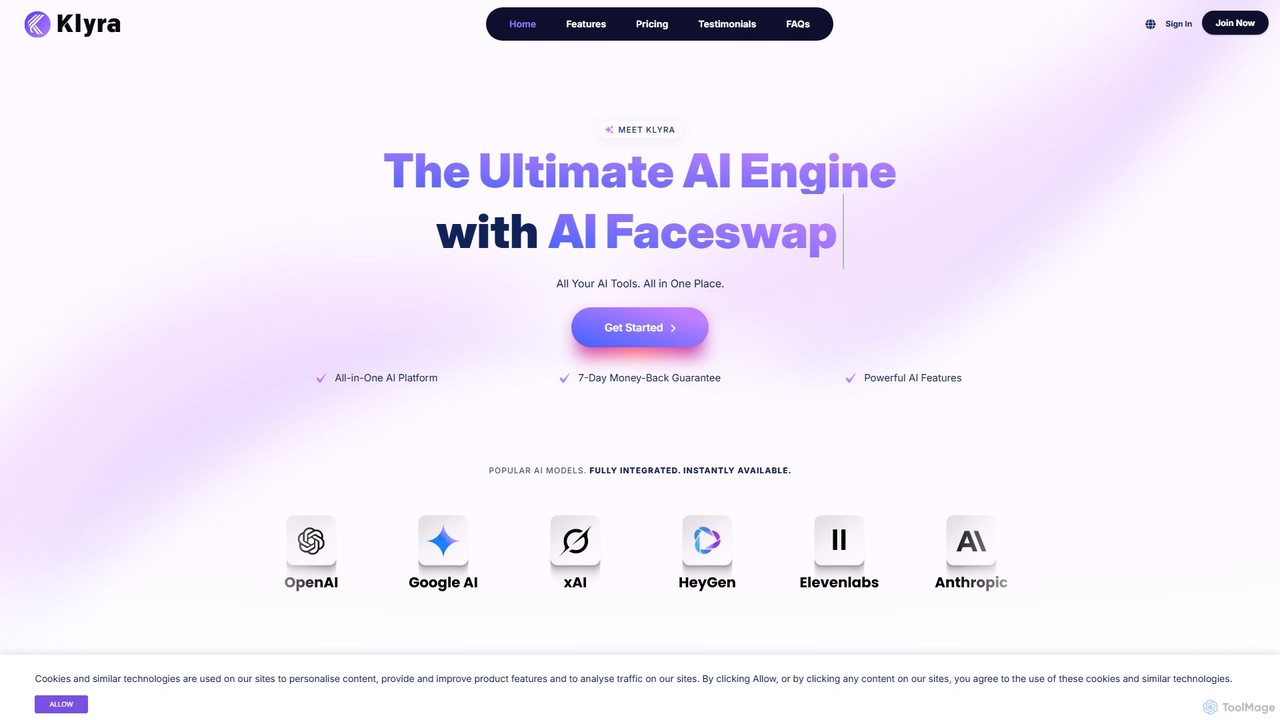
Klyra is an all-in-one AI platform for creating stunning content. It integrates tools for AI video generation, music composition, voice cloning, image creation, faceswapping, AI writing, and chatbots. It's designed for creators, marketers, and businesses to streamline their creative workflow in a single, powerful application.

Voice Generation
Visits 8.6KFavorites 148Likes 146

About Generator

AI Image Generators are a class of tools that create entirely new, original images from text descriptions or other inputs. These tools typically leverage advanced deep learning models, such as diffusion or GANs, to interpret prompts and synthesize visuals that match the specified content, style, and composition. Their primary value lies in rapidly generating unique visual content for creative projects, marketing campaigns, and conceptual design, bypassing the need for traditional photography or manual illustration. This technology empowers users to visualize ideas instantly, accelerating creative workflows and unlocking new possibilities for visual expression.

Core Features

  • Text-to-Image Generation: Creates detailed images from written descriptions, translating words into pixels.
  • Style Control & Customization: Allows users to specify artistic styles, such as photorealistic, anime, cartoon, or oil painting.
  • Image-to-Image Transformation: Modifies an existing image based on a text prompt, altering its style or content.
  • Parameter Adjustment: Provides control over aspects like aspect ratio, resolution, seed number, and negative prompts to refine the output.
  • Inpainting & Outpainting: Fills in missing parts of an image or extends its boundaries with contextually appropriate content.

Use Cases

AI Image Generators are widely used by digital artists for concept art, marketers for creating unique ad creatives and social media content, and game developers for generating assets and environments. They are also valuable for writers seeking book cover illustrations and designers prototyping product visuals without costly photoshoots.

How to Choose

When selecting an AI Image Generator, consider the output image quality and resolution. Evaluate the diversity of available styles and the level of control over the generation process. Also, compare pricing models (e.g., subscription vs. pay-per-image), generation speed, and whether the tool offers an API for integration with other applications. Finally, review the terms of service regarding commercial use of generated images.

Generator use cases

1

Generate Marketing & Ad Creatives

A marketing team needs fresh visuals for a new social media campaign promoting a sustainable product. Instead of organizing a costly photoshoot, they use an AI Image Generator. By inputting prompts like 'minimalist product shot of a bamboo toothbrush on a mossy rock, soft morning light, photorealistic', they generate dozens of high-quality, on-brand images in minutes. This allows them to A/B test different visual concepts quickly, increasing campaign engagement while reducing production costs and time by over 80%.

2

Conceptual Art for Games and Films

A concept artist is tasked with designing a new fantasy creature for a video game. To quickly explore a wide range of ideas, they use an AI Image Generator. They can iterate rapidly by providing prompts like 'bioluminescent forest dragon, crystalline scales, ethereal glow, cinematic concept art'. The tool generates multiple visual interpretations, helping the artist to refine the creature's design, color palette, and overall mood much faster than traditional sketching. This process accelerates the pre-production phase and provides a rich pool of ideas for the development team.

3

Unique Illustrations for Blogs and Social Media

A content creator runs a blog about historical events and needs custom images that are more engaging than generic stock photos. Using an AI Image Generator, they can create specific scenes by prompting 'a bustling Roman market in Pompeii, detailed crowd, style of a 19th-century oil painting'. This provides them with an endless supply of unique, thematically consistent visuals for their articles and social media posts. It elevates the quality of their content, increases reader engagement, and helps establish a distinct visual identity for their brand without hiring an illustrator.

4

Architectural and Interior Design Visualization

An interior designer wants to show a client several different design concepts for their living room. Instead of creating time-consuming 3D models for each idea, the designer uses an AI Image Generator with an image-to-image function. They upload a photo of the current room and use prompts like 'modern Scandinavian living room with oak furniture, large windows, and a neutral color palette, photorealistic render'. The AI generates realistic visualizations of each concept, allowing the client to see the potential outcome clearly and make decisions faster. This streamlines the design approval process significantly.

5

Product Mockups and Prototyping

A startup is developing a new line of eco-friendly water bottles and needs to visualize them in various lifestyle settings for an investor presentation. Using an AI Image Generator, the product designer can generate mockups by prompting 'a sleek, matte black water bottle with a wooden cap on a yoga mat next to a window, morning light'. They can quickly create dozens of variations showing the product in different environments (e.g., on a hiker's backpack, on an office desk) without any physical prototypes or photography, enabling faster feedback and more compelling presentations.

6

Personalized Art and Avatars

An individual wants a unique avatar for their social media profiles that reflects their personality. Instead of using a generic photo or a simple cartoon maker, they use an AI Image Generator. They can input a detailed description like 'portrait of a person with silver hair and glasses, reading a book in a cozy library, digital art, vibrant colors'. The generator produces a highly personalized and artistic image that stands out. This allows anyone, regardless of artistic skill, to create custom avatars, profile pictures, or even decorative art for their home that is truly one-of-a-kind.

Generator FAQ

What is an AI Image Generator?

An AI Image Generator is a tool that uses artificial intelligence, particularly deep learning models like diffusion or GANs, to create new images from text prompts. Users describe the image they want in words, and the AI synthesizes a visual representation. These tools can produce a wide range of styles, from photorealistic pictures to abstract art, making them powerful assets for artists, designers, and content creators who need original visual content quickly.

How to choose the right AI Image Generator?

To choose the right AI Image Generator, consider these factors:

  • Image Quality & Resolution: Does the tool produce high-resolution, detailed images that meet your standards?
  • Style Versatility: Does it offer a wide range of artistic styles (e.g., photorealistic, anime, 3D render) that fit your needs?
  • Ease of Use: Is the interface intuitive for your skill level? Some tools are simple, while others offer advanced controls.
  • Pricing Model: Compare subscription plans, credit-based systems, or free tiers. Ensure the cost aligns with your usage volume.
  • Commercial Use Rights: Check the terms of service to confirm you can use the generated images for your intended purpose (e.g., marketing, merchandise).
What's the difference between an AI Image Generator and an AI Image Editor?

The key difference lies in their primary function: creation versus modification. An AI Image Generator creates entirely new images from scratch based on text prompts. An AI Image Editor, on the other hand, works with existing images to modify or enhance them. Common editor functions include background removal, object removal, color correction, and upscaling. While some tools blur the lines by offering both capabilities, a generator's core purpose is to synthesize something that didn't exist before.

Can I use AI-generated images for commercial purposes?

The ability to use AI-generated images commercially depends entirely on the terms of service of the specific tool you use. Some generators grant users full ownership and commercial rights, while others may restrict commercial use, especially on free plans. The legal landscape around AI-generated content and copyright is also complex and evolving. It is crucial to always read and understand the licensing agreement of your chosen AI Image Generator before using its output for any business-related projects to avoid potential legal issues.

How do AI Image Generators work?

Most modern AI Image Generators work using a technology called diffusion models. These models are trained on vast datasets containing billions of image-text pairs. The process works in two main steps: first, the model learns to add 'noise' to an image until it becomes unrecognizable. Then, it learns to reverse the process, starting from random noise and a text prompt, it skillfully removes the noise step-by-step to construct a new image that matches the description. This allows them to generate highly detailed and coherent images from complex text prompts.