ToolMage
Sign in

Best 6 Art AI tools for Image

Popular Art AI tools in Image include Vondy, Waifu Labs, dreamwalker.fun, aighibli, CRXAI, and Quasi, helping you work more efficiently.

Waifu Labs
Free

Waifu Labs

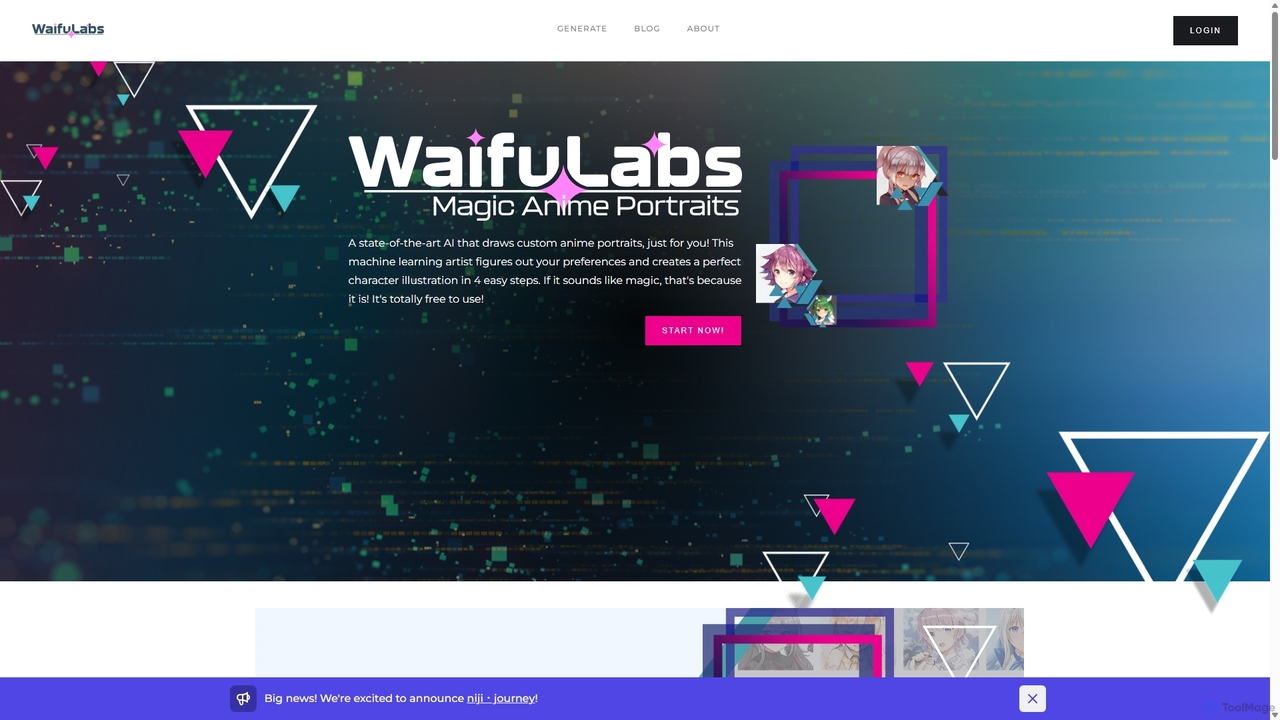
Waifu Labs is an AI-powered tool that generates unique, high-quality anime-style character portraits. Developed by Sizigi Studios, it uses advanced GAN technology to create custom 'waifus' and 'husbandos' through an intuitive, step-by-step process, allowing users to bring their ideal anime characters to life.

Generative Art
Visits 44.8KFavorites 164Likes 175
Quasi
Freemium

Quasi

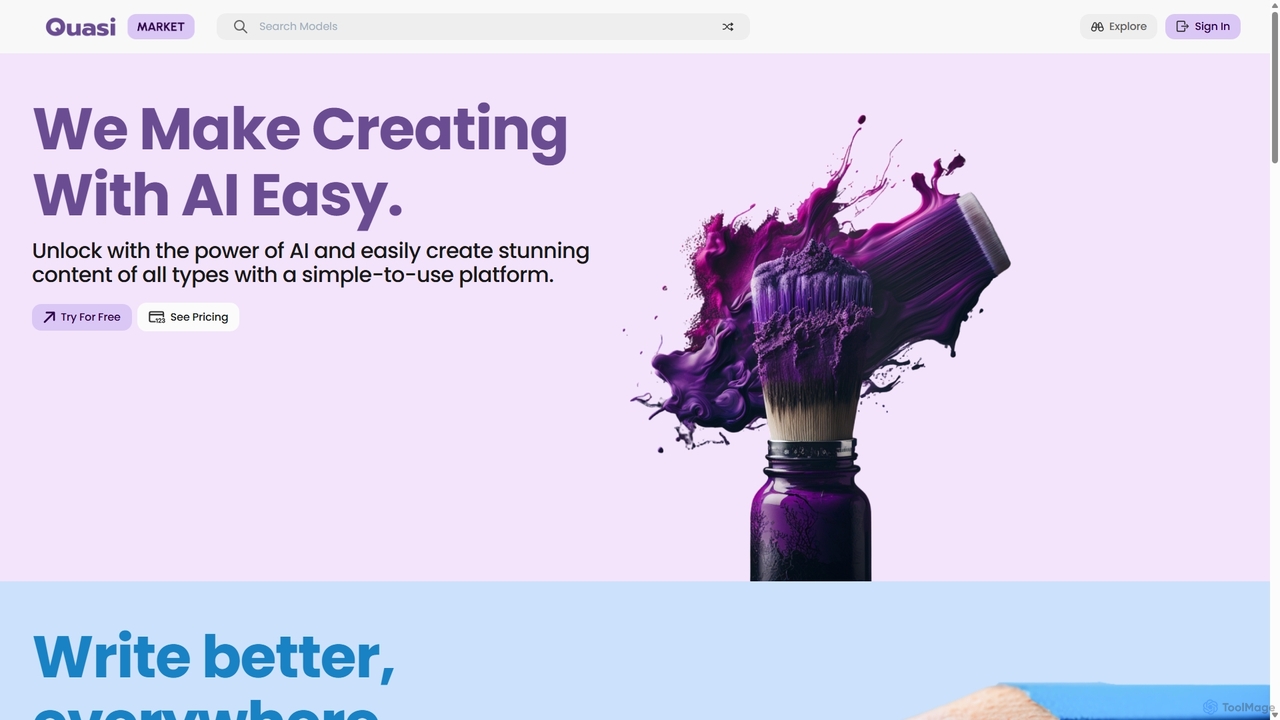
Quasi is an all-in-one AI creation marketplace designed to make content generation easy and accessible. It offers a diverse suite of tools for writing, image generation, music creation, coding assistance, and personalized learning, empowering creators of all types to produce stunning, unique content in seconds.

Developer Tools
Visits 3.9KFavorites 127Likes 127
aighibli
Freemium

aighibli

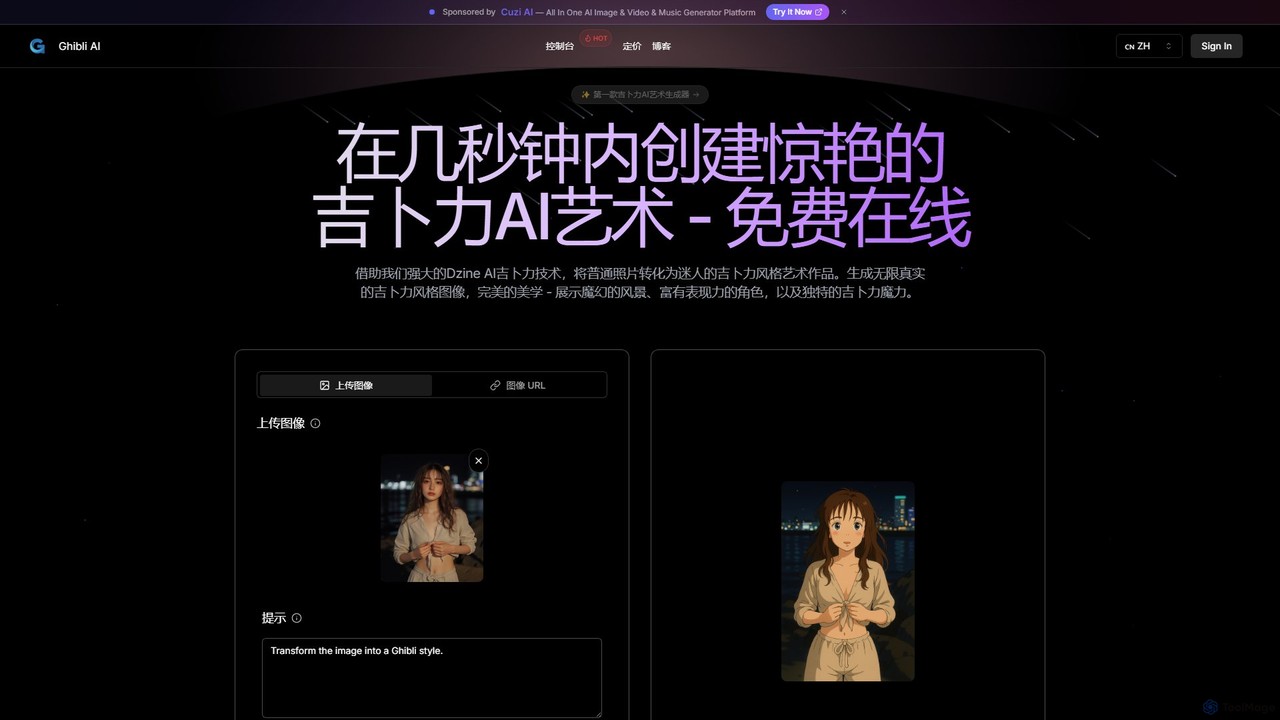
aighibli is a specialized AI art generator that transforms text prompts and photos into the iconic and enchanting style of Studio Ghibli. Create magical landscapes, expressive characters, and unique scenes in seconds. Ideal for artists, designers, fans, and content creators looking to capture the Ghibli aesthetic.

Illustration
Visits 4.5KFavorites 109Likes 111
CRXAI
Freemium

CRXAI

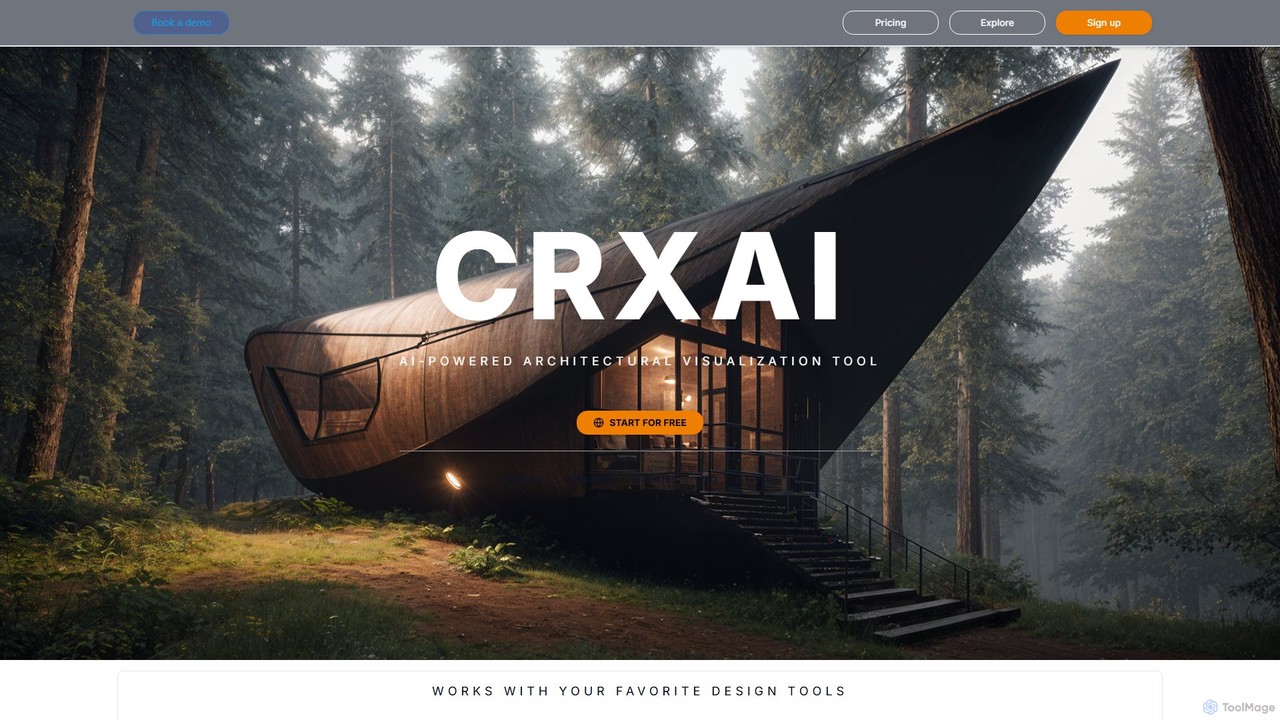
CRXAI is an AI-powered rendering and visualization tool specifically designed for architects and designers. It transforms text prompts, 3D models, sketches, and photos into high-quality, photorealistic architectural visuals, streamlining the design workflow and accelerating creative exploration.

3D
Visits 4KFavorites 143Likes 142
dreamwalker.fun
Freemium

dreamwalker.fun

Dreamwalker is an AI-powered creative platform that transforms your text prompts into surreal, dream-like images and short animations. It specializes in generating fantastical and abstract visuals, making it an ideal tool for artists, designers, and storytellers to explore the depths of their imagination and bring abstract concepts to life.

Creative
Visits 4.5KFavorites 105Likes 116
Vondy
Freemium

Vondy

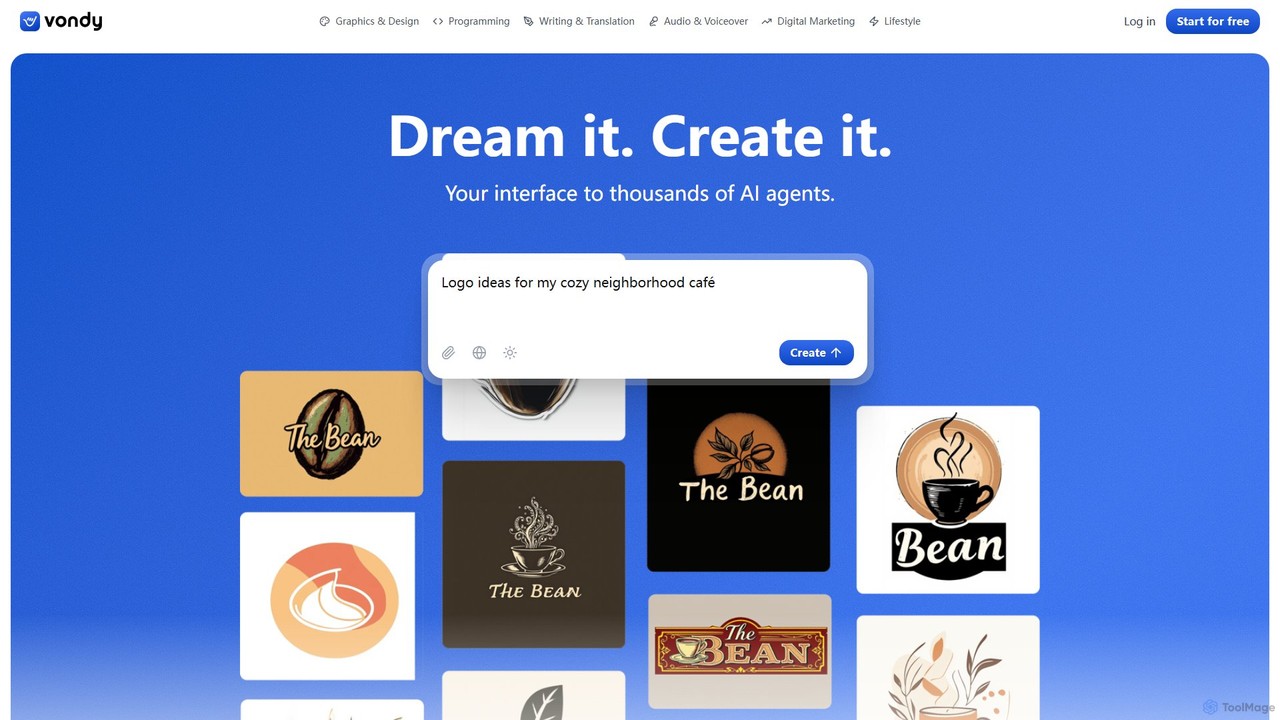
Vondy is an all-in-one AI creation platform, offering a massive library of over 40,000 specialized generators. It empowers users to instantly create visuals, audio, text, and code, streamlining the creative process from idea to finished asset without needing complex prompt engineering.

Voiceover
Visits 493.7KFavorites 97Likes 94

About Art

AI Art tools are a specialized category of image generators focused on creating visually expressive and aesthetically unique works. They utilize advanced generative models, often trained on vast datasets of classic and contemporary art, to translate text prompts or source images into original artistic creations. This enables artists, designers, and creators to explore novel visual concepts, mimic specific artistic styles, and produce digital artworks with a high degree of creative control. Unlike general-purpose image generators, these tools prioritize stylistic diversity, conceptual interpretation, and aesthetic quality over simple photorealism.

Core Features

  • Style Mimicry & Transfer: Apply the aesthetic of famous paintings, art movements, or specific artists to new or existing images.
  • Conceptual Generation: Transform abstract ideas, emotions, or complex narratives into unique visual representations.
  • Fine-Grained Aesthetic Control: Adjust parameters like brushstroke style, color palette, composition, and texture for precise artistic direction.
  • Artistic Prompt Engineering: Utilize complex, descriptive prompts incorporating art history terms, techniques, and moods.
  • High-Resolution Output: Generate artworks at resolutions suitable for professional printing, digital exhibition, and large-format displays.

Use Cases

These tools are primarily used by digital artists for inspiration and creation, concept artists in the gaming and film industries for rapid visualization, and graphic designers seeking unique visual assets. They are also popular among hobbyists and content creators for producing original illustrations, abstract backgrounds, and social media content that stands out.

How to Choose

When selecting an AI Art tool, evaluate the diversity of its style library and its capacity for customization. Assess the level of granular control offered over artistic elements like lighting and composition. Also, consider the maximum output resolution for your intended use (e.g., print vs. web) and review the licensing terms to ensure they align with your commercial or personal project needs.

Featured tool rankings

Art use cases

1

Concept Art for Game Development

A game artist needs to visualize a new character in a 'cyberpunk-meets-baroque' style. They use an AI Art tool to rapidly generate dozens of visual concepts by inputting detailed prompts. This process allows for quick iteration on the character's armor, mood, and color scheme, saving days of manual sketching and providing a rich pool of ideas for the final design.

2

Unique Illustrations for Editorial Content

A content creator for an online magazine needs a unique header image for an article about 'the future of dreams.' Instead of using generic stock photos, they input an abstract prompt like 'lucid dream in a digital forest, surrealism style, glowing neon flora' into an AI Art tool. The result is a captivating, non-stock image that perfectly matches the article's theme and enhances reader engagement.

3

Abstract Art for Print and Interior Decor

An interior designer wants to offer clients custom wall art. They use an AI Art tool to generate high-resolution abstract pieces based on a client's preferred color palette and emotional keywords (e.g., 'serene, flowing, warm tones, minimalist'). The final pieces are printed on canvas, providing a unique and personalized decor element that is perfectly tailored to the client's space.

4

Album Cover Design for Musicians

An independent musician needs a striking album cover for their new electronic track. Lacking a large budget for a graphic designer, they use an AI Art tool with prompts describing the music's sound and mood, such as 'glitchy synthwave, retro-futuristic cityscape, neon rain, vaporwave style.' This allows them to generate a visually unique cover that reflects their artistic identity and captures the essence of their music affordably.

5

Exploring Personal Creativity and Artistic Styles

An art student is exploring different artistic movements for a project. They upload their own sketches and use the style transfer feature of an AI Art tool to see how their work would look in the style of Van Gogh, Picasso, or Hokusai. This process serves as a powerful educational tool, helping them to deconstruct and understand composition, color theory, and technique from various masters, accelerating their learning and creative development.

6

Generating Unique NFT Collections

An NFT artist plans to launch a collection of 1,000 unique avatars. They define a base character and use an AI Art tool with programmatic inputs or batch processing features. This allows them to efficiently generate hundreds of variations with different artistic styles, backgrounds, and accessories, creating a diverse and large-scale collection while maintaining a cohesive artistic vision.

Art FAQ

What are AI Art tools?

AI Art tools are specialized AI image generators designed to create artistic and expressive visuals. Unlike tools focused on photorealism, they prioritize aesthetic qualities, allowing users to generate images in countless styles, from classical painting to modern abstract art. They work by interpreting text prompts or analyzing source images to produce new, original artworks.

How do AI Art tools differ from general AI Image generators?

The main difference lies in their focus. General AI image generators often aim for photorealism to create realistic scenes, people, or products for marketing or practical use. AI Art tools, however, prioritize artistic expression. They offer more control over stylistic elements, support abstract concepts, and are trained on datasets that emphasize art history and diverse aesthetics, making them better suited for creative and conceptual work.

How do I choose the right AI Art tool?

To choose the right tool, consider these factors:

  • Style Variety: Does the tool offer a wide range of artistic styles that match your creative vision?
  • Control Level: How much control do you have over the output? Look for tools with advanced settings for composition, color, and texture.
  • Resolution: Ensure the tool can generate images at a high enough resolution for your needs (e.g., for printing).
  • User Interface: Is the platform intuitive and easy to use, especially regarding prompt engineering?
  • Licensing: Check the terms of use for commercial projects if you plan to sell or use the art professionally.
Can AI Art tools replicate a specific artist's style?

Yes, many AI Art tools can generate images 'in the style of' famous artists because their models have been trained on vast datasets of art history. The result is not a copy but a new creation that emulates the stylistic characteristics of the artist, such as their brushstrokes, color palette, and composition. Users should be mindful of potential copyright and ethical considerations when using living artists' names in prompts for commercial purposes.

Who are AI Art tools for?

AI Art tools are for a wide range of users. This includes:

  • Digital Artists: For inspiration, rapid prototyping, and creating final pieces.
  • Concept Artists: To quickly visualize characters, environments, and props for games and films.
  • Graphic Designers: To create unique backgrounds, textures, and illustrative elements.
  • Content Creators & Marketers: To produce original visuals for social media, blogs, and campaigns.
  • Hobbyists & Enthusiasts: For anyone wanting to explore their creativity and produce beautiful images without extensive technical skill.