ToolMage
Sign in

Best 5 Visualization AI tools for Architecture

Popular Visualization AI tools in Architecture include Home Design, Visualizee.ai, StagePro, KickRender, and Spacemintai, helping you work more efficiently.

Spacemintai
Freemium

Spacemintai

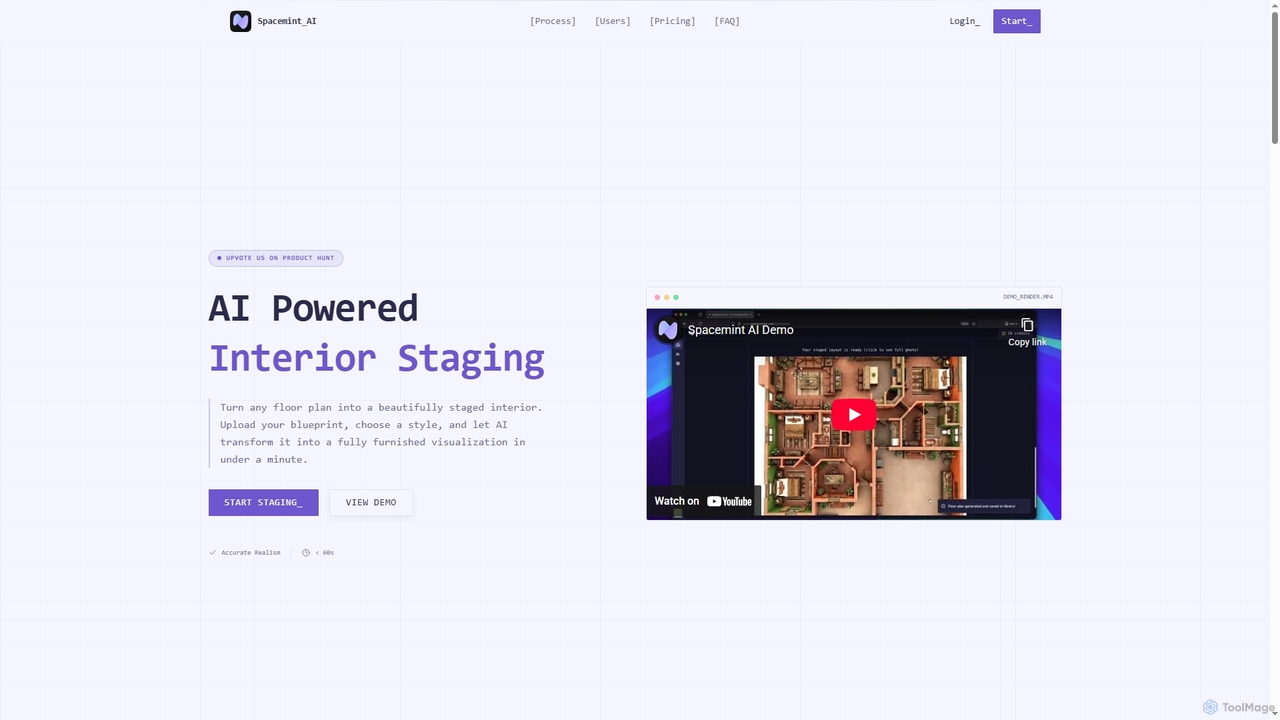
An AI-powered tool that transforms floor plans into fully staged, realistic interior visualizations in under a minute. Designed for real estate agents, interior designers, and developers to create compelling property presentations from simple blueprints.

Visualization
Visits 6.5KFavorites 81Likes 96
StagePro
Paid

StagePro

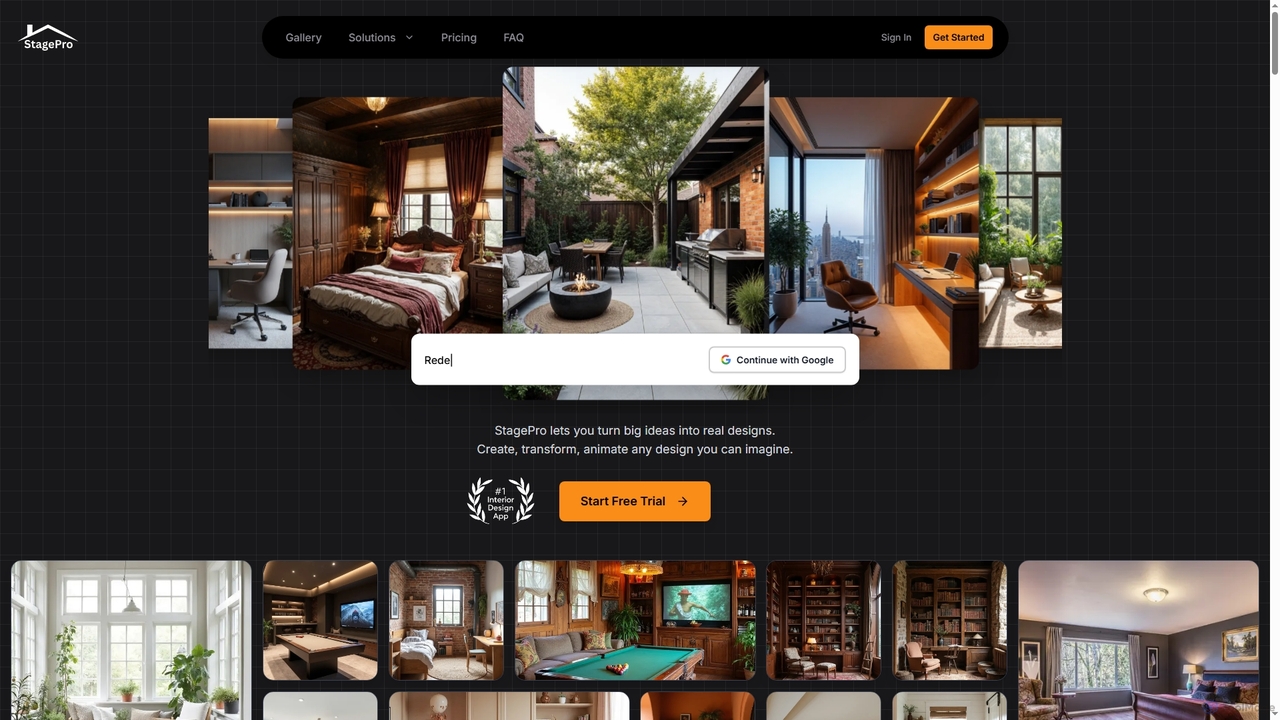
StagePro is an advanced AI-powered interior and exterior design tool that transforms any space into photorealistic visualizations in seconds. It offers over 100 design styles, virtual staging, landscape planning, furniture try-on, and video generation, empowering real estate agents, designers, and homeowners to create stunning, market-ready visuals with ease.

Visualization
Visits 11.3KFavorites 114Likes 147
Home Design
Free

Home Design

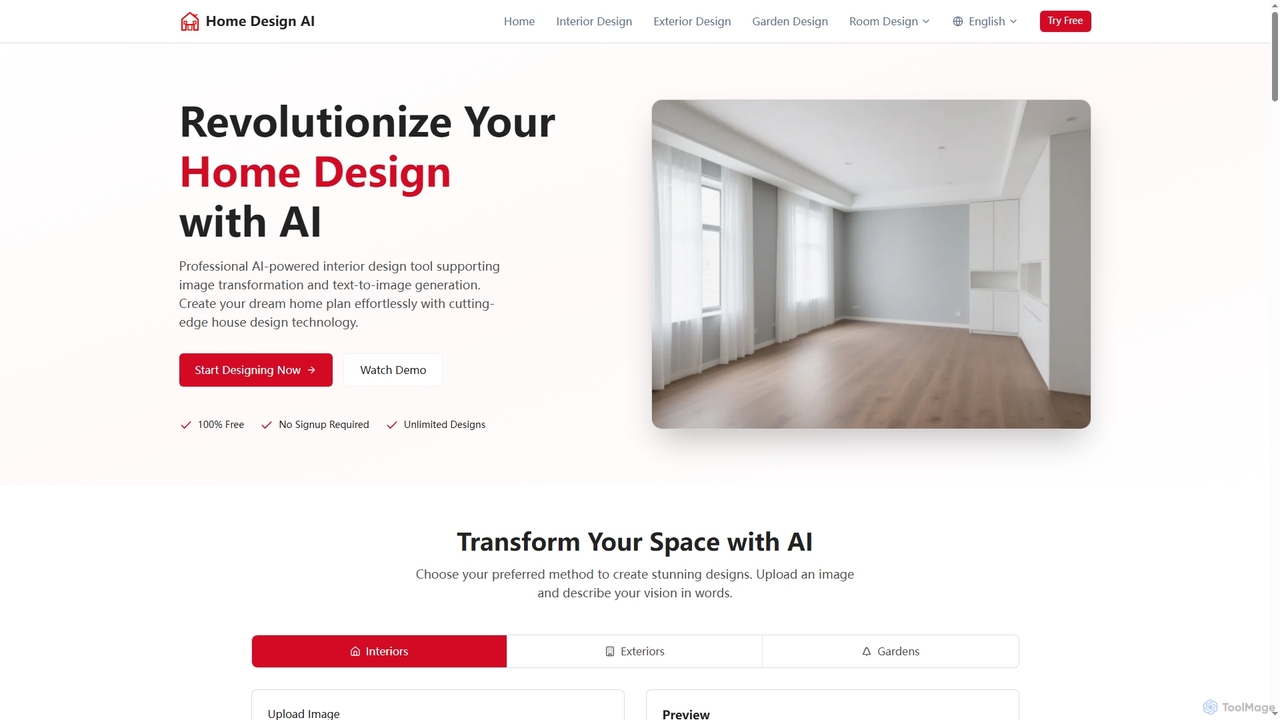
Home Design is a professional AI-powered platform that revolutionizes interior, exterior, and garden design. It allows users to transform existing spaces or generate new designs from text, offering stunning visualizations without requiring any signup or payment.

Visualization
Visits 263.2KFavorites 119Likes 130
Visualizee.ai
Freemium

Visualizee.ai

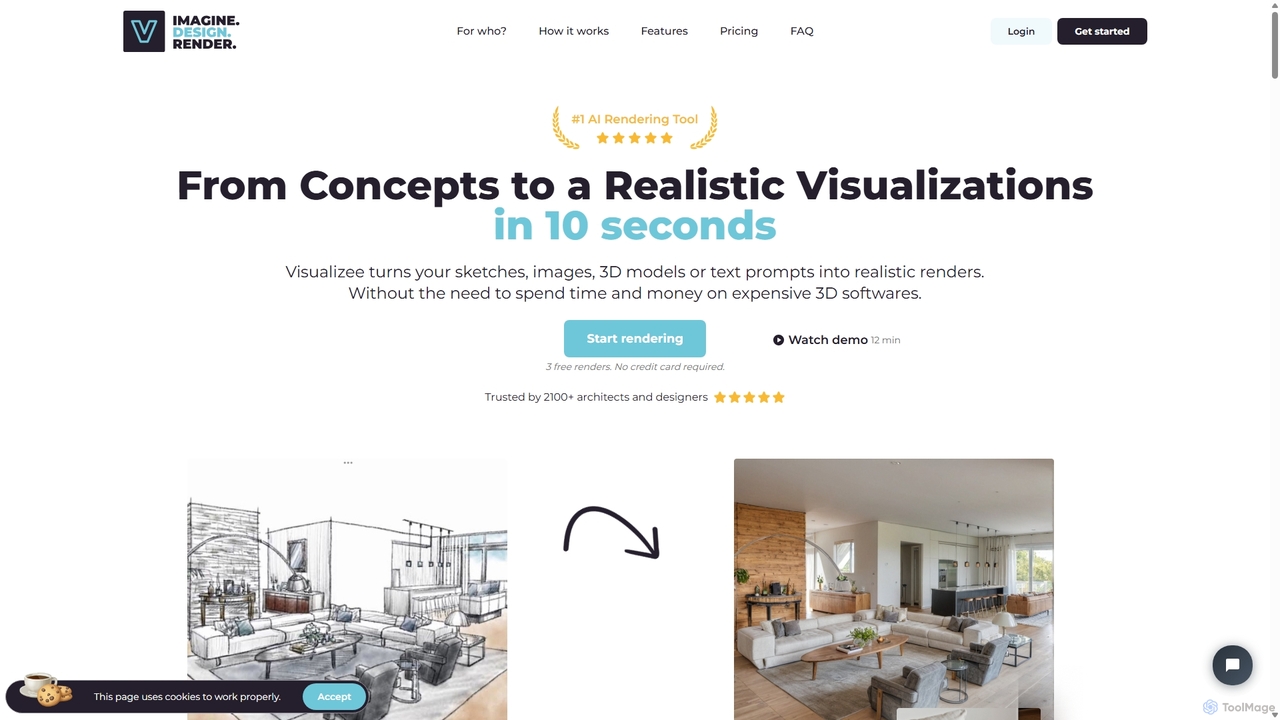
Visualizee.ai is a leading AI rendering tool that transforms sketches, 3D models, and text prompts into high-resolution (up to 8K) photorealistic visuals in seconds. Ideal for architects, designers, and creators, it features advanced tools like inpainting and upscaling to bring creative ideas to life with precision and speed.

Visualization
Visits 25.1KFavorites 129Likes 141
KickRender
Freemium

KickRender

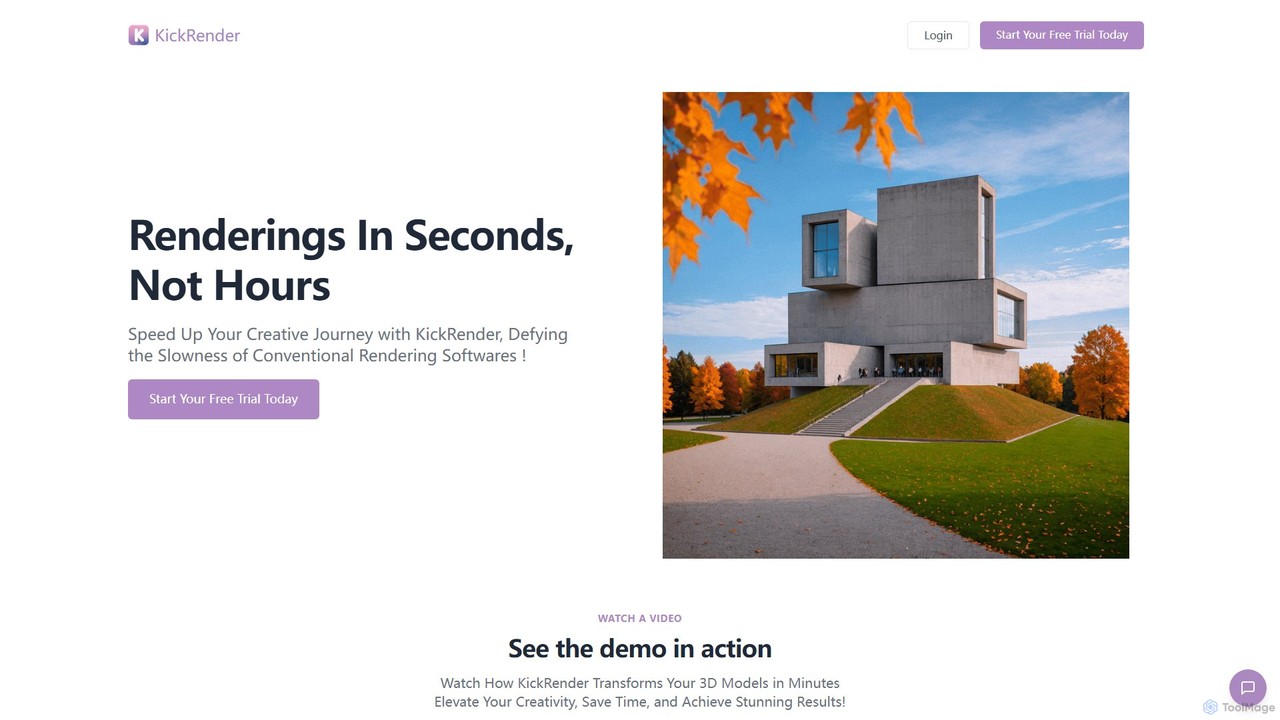
KickRender is an AI-powered rendering tool that transforms 3D models and sketches into stunning visualizations in seconds. It integrates seamlessly with Rhino and supports image uploads from Archicad, Revit, and Sketchup. By using simple text prompts, designers and architects can rapidly iterate on ideas, bypassing the slow process of traditional rendering.

Visualization
Visits 6.7KFavorites 163Likes 163

About Visualization

AI Visualization tools for architecture are a class of software that uses artificial intelligence to generate highly realistic images, animations, and interactive experiences from 2D or 3D models. These tools leverage generative models and real-time rendering engines to transform basic architectural designs into compelling visual narratives. They significantly accelerate the design iteration and client communication process by producing high-quality visuals in a fraction of the time required by traditional methods. This allows architects and designers to explore more creative options and present concepts with greater impact.

Core Features

  • Photorealistic Rendering: Instantly generates high-fidelity images from 3D models, complete with realistic lighting, materials, and environments.
  • Style Transfer & Ideation: Applies various architectural or artistic styles to a base model, enabling rapid exploration of different design aesthetics.
  • Virtual Staging: Automatically furnishes empty spaces with realistic 3D assets based on style preferences, ideal for real estate marketing.
  • Real-time Walkthroughs: Creates interactive, navigable 3D environments that allow clients to experience a space before it's built.
  • Environment Generation: Populates scenes with realistic context, such as landscaping, people, and weather conditions, to enhance realism.

Use Cases

These tools are primarily used by architects, interior designers, real estate developers, and urban planners. They are essential in the early conceptual design phase for quick ideation, during client presentations to communicate vision effectively, and in the marketing phase to create compelling promotional materials for properties not yet constructed.

How to Choose

When selecting an AI visualization tool, consider the quality and realism of the output. Evaluate its integration capabilities with your existing CAD or BIM software (like Revit, SketchUp, or ArchiCAD). Assess the rendering speed and ease of use, particularly whether it uses simple text prompts or requires more complex parameter adjustments. Finally, review the available asset libraries and pricing models to ensure they align with your project needs and budget.

Visualization use cases

1

Generating Photorealistic Renders for Real Estate Marketing

A real estate marketing team needs to create compelling visuals for a new apartment complex that is still under construction. Instead of waiting weeks for a traditional rendering studio, they upload the basic 3D model to an AI visualization tool. Using text prompts like 'modern Scandinavian living room, afternoon sun, oak flooring,' the tool generates dozens of high-resolution, fully-staged images in minutes. This allows them to launch their marketing campaign months earlier, populating brochures, websites, and social media with stunning visuals that attract potential buyers long before the property is finished.

2

Rapid Interior Design Ideation and Client Feedback

An interior designer is working with a client who is unsure about the style for their new home. The designer uses an AI visualization tool to quickly iterate on design concepts. They take a simple 3D model of the living room and apply different styles instantly. In a single session, they can show the client the same room in minimalist, industrial, art deco, and coastal styles. The client can immediately react, providing clear feedback like 'I like the lighting from the industrial style but the furniture from the coastal one.' This drastically shortens the concept phase from weeks to a single meeting, leading to faster client approval.

3

Creating Interactive VR Walkthroughs for Client Presentations

An architectural firm is pitching a design for a new corporate headquarters. To provide an immersive experience, they use an AI visualization tool to convert their BIM model into a real-time, interactive VR walkthrough. During the presentation, stakeholders can put on a VR headset and 'walk' through the proposed building, experiencing the scale of the atrium, the flow between departments, and the views from executive offices. This level of immersion is far more persuasive than static images or pre-rendered videos, helping the firm to secure the contract by allowing clients to truly feel the space.

4

Urban Planning and Environmental Impact Simulation

An urban planning department is evaluating the visual impact of a proposed skyscraper on the city skyline. They use an AI visualization tool to place the 3D model of the building into a digital twin of the city. The tool can simulate how the building will look at different times of day, casting realistic shadows and reflections. It can also generate visuals under various weather conditions, like a rainy evening or a sunny morning. This allows planners and community stakeholders to accurately assess the aesthetic and environmental impact before any construction begins, facilitating more informed public consultations and decision-making.

5

Automated Virtual Staging for Property Listings

A real estate agent has photos of a vacant property and wants to make it more appealing to potential buyers online. Using an AI virtual staging tool, they upload the photos of the empty rooms. The AI automatically detects the room type (e.g., bedroom, kitchen), dimensions, and lighting. The agent then selects a style like 'contemporary' or 'farmhouse,' and the tool populates the rooms with appropriate, high-quality 3D furniture and decor. The entire process takes less than an hour for a whole house, compared to days of work for a manual 3D artist. The resulting staged photos significantly increase online engagement and help buyers visualize themselves living in the space.

6

Conceptual Massing and Façade Design Exploration

During the early stages of a project, an architect needs to explore various options for a building's overall form (massing) and exterior appearance (façade). They use an AI visualization tool that can generate design variations from a simple sketch or block model. By providing prompts like 'deconstructivist façade with glass and steel' or 'brutalist concrete form with deep-set windows,' the architect can see dozens of unique conceptual designs in minutes. This allows for a much broader exploration of creative possibilities than manual sketching or modeling would permit in the same timeframe, leading to more innovative and refined final designs.

Visualization FAQ

What is AI Visualization in architecture?

AI Visualization in architecture refers to the use of artificial intelligence to automatically generate realistic images, animations, and interactive 3D models from architectural data. Unlike traditional rendering which is a manual and time-consuming process, AI tools can interpret simple inputs like 3D models or even text prompts to produce a wide range of high-quality visual outputs in minutes. This technology is used to accelerate design exploration, improve client communication, and create compelling marketing materials.

How does AI Visualization differ from traditional 3D rendering?

The main difference lies in speed and process. Traditional 3D rendering requires an artist to manually set up lighting, materials, cameras, and then wait for hours or even days for the computer to calculate the final image. AI visualization automates most of this process. It uses trained models to generate images or apply styles almost instantly. This makes AI tools ideal for rapid ideation and producing many variations, whereas traditional rendering is better suited for producing a single, highly controlled final image for high-stakes presentations or competitions.

How to choose the right AI architectural visualization tool?

Choosing the right tool depends on your specific needs. Consider the following factors:

  • Integration: Does it work well with your primary design software (e.g., Revit, SketchUp, Rhino)? A seamless workflow is crucial.
  • Output Quality: Review the tool's portfolio. Does the realism and aesthetic match the quality you need for your projects?
  • Ease of Use: Is the interface intuitive? Does it rely on text prompts, which are easy to learn, or complex settings that require more training?
  • Speed: How quickly can it generate high-quality results? This is especially important for fast-paced design iterations.
  • Cost: Evaluate the pricing model (subscription, per-image, etc.) and determine if it provides good value for your usage frequency.
What skills are needed to use AI visualization tools?

The skills required vary by tool. For prompt-based generators, the primary skill is 'prompt engineering'—the ability to write clear, descriptive text to guide the AI to the desired outcome. For tools that integrate with 3D software, a fundamental understanding of 3D modeling and architectural concepts is necessary. However, compared to traditional rendering software, the technical barrier to entry is generally much lower. Strong design sensibility and an understanding of composition, lighting, and materials remain crucial to guide the AI and select the best results.

Can AI visualization tools completely replace architects or 3D artists?

No, these tools are designed to augment, not replace, human creativity and expertise. While AI can generate impressive visuals quickly, it lacks the critical thinking, problem-solving abilities, and contextual understanding of a professional architect or designer. These tools are best seen as powerful assistants that handle the time-consuming task of visualization, freeing up professionals to focus on higher-level tasks like conceptual design, client relationships, and technical detailing. The final creative direction and quality control still rely heavily on human skill.