ToolMage
Sign in

Best 7 Architecture AI tools for Productivity

Popular Architecture AI tools in Productivity include Coohom, PromeAI, Polycam, arcadium3d, AiHouse, Neolocus, and CRXAI, helping you work more efficiently.

Coohom
Freemium

Coohom

Coohom is an all-in-one, cloud-based 3D design platform for interior designers, architects, and retailers. It enables users to create 2D/3D floor plans, generate photorealistic renderings and 720° panoramas in minutes, and visualize designs with a massive library of 3D models. Its AI-powered features streamline the entire design-to-visualization workflow.

3D
Visits 1.6MFavorites 131Likes 127
Neolocus
Freemium

Neolocus

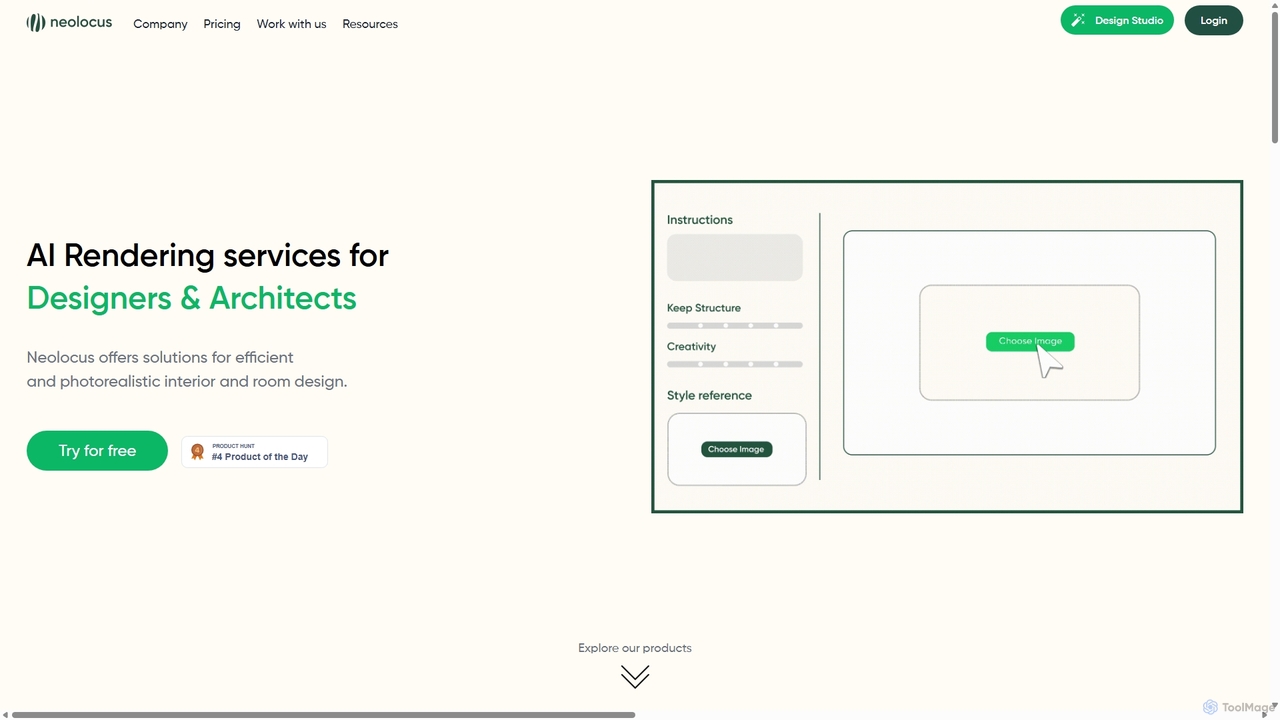
Neolocus is a powerful AI rendering platform designed for architects, interior designers, and 3D artists. It transforms sketches, 3D models, and screenshots from software like SketchUp and Revit into photorealistic interior and exterior renders in minutes, drastically reducing rendering time and accelerating the design prototyping cycle.

Image Generation
Visits 19.7KFavorites 133Likes 138
PromeAI
Freemium

PromeAI

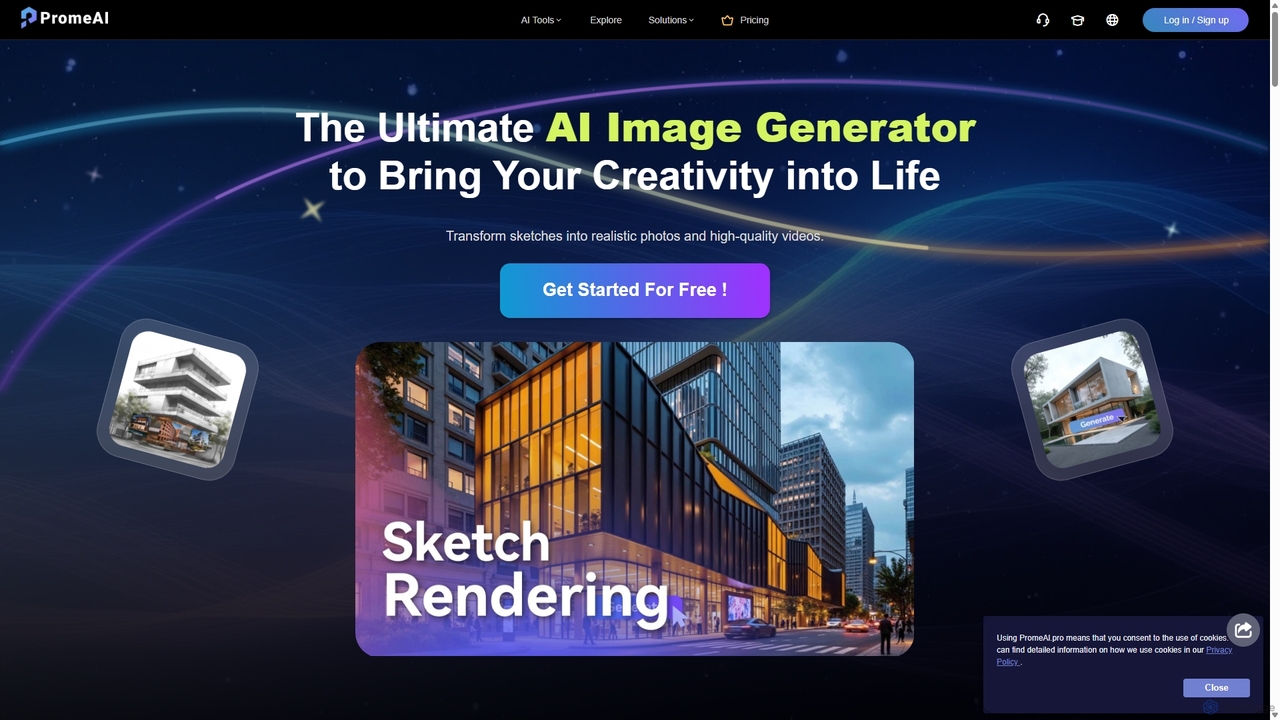
PromeAI is a comprehensive AI-powered design assistant offering a suite of tools for image and video creation. It excels at transforming sketches into photorealistic renderings, generating images from text, and providing advanced editing capabilities. Tailored for professionals in architecture, interior design, product design, and game development, it streamlines creative workflows and enhances productivity.

Image Generation
Visits 862.1KFavorites 98Likes 115
arcadium3d
Freemium

arcadium3d

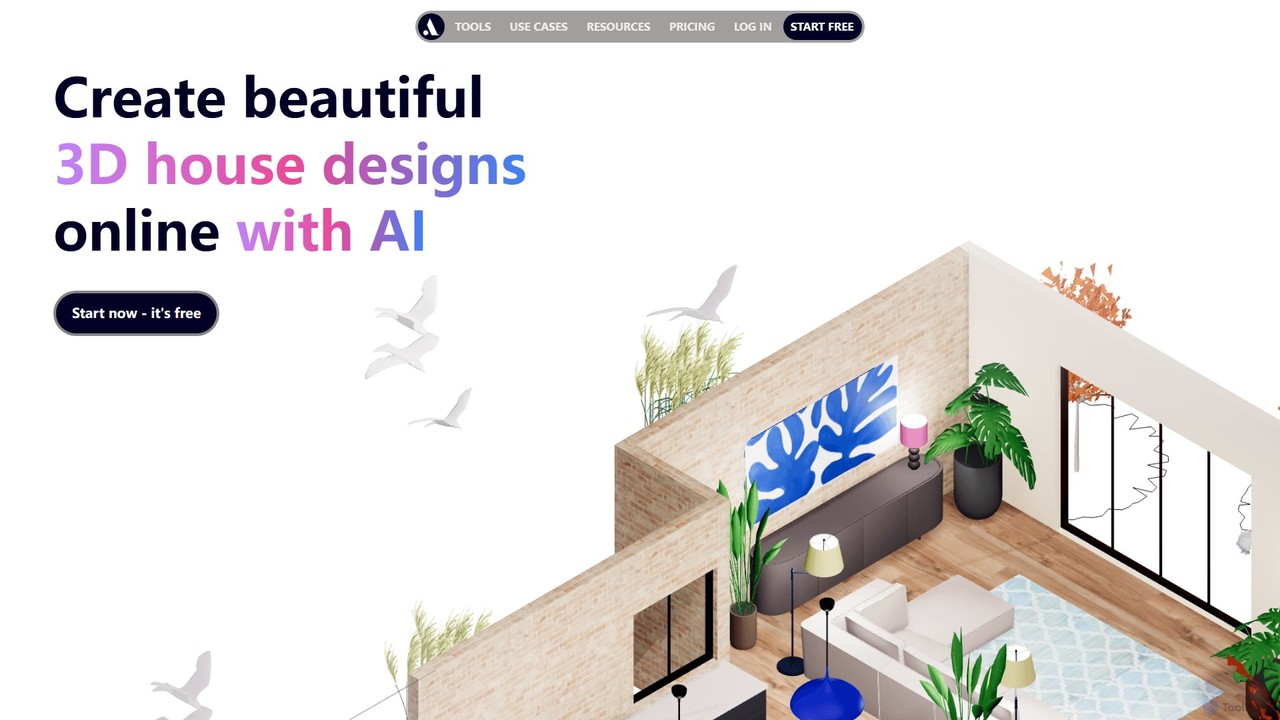
Arcadium3D is an AI-powered, browser-based tool for creating stunning 2D and 3D house plans and interior designs. Its intuitive, game-like interface makes it easy for interior designers, architects, and DIY enthusiasts to visualize, design, and share projects in real-time without any software downloads. It offers a vast library of furniture, lighting, and materials for realistic renderings.

3D
Visits 218.3KFavorites 117Likes 95
CRXAI
Freemium

CRXAI

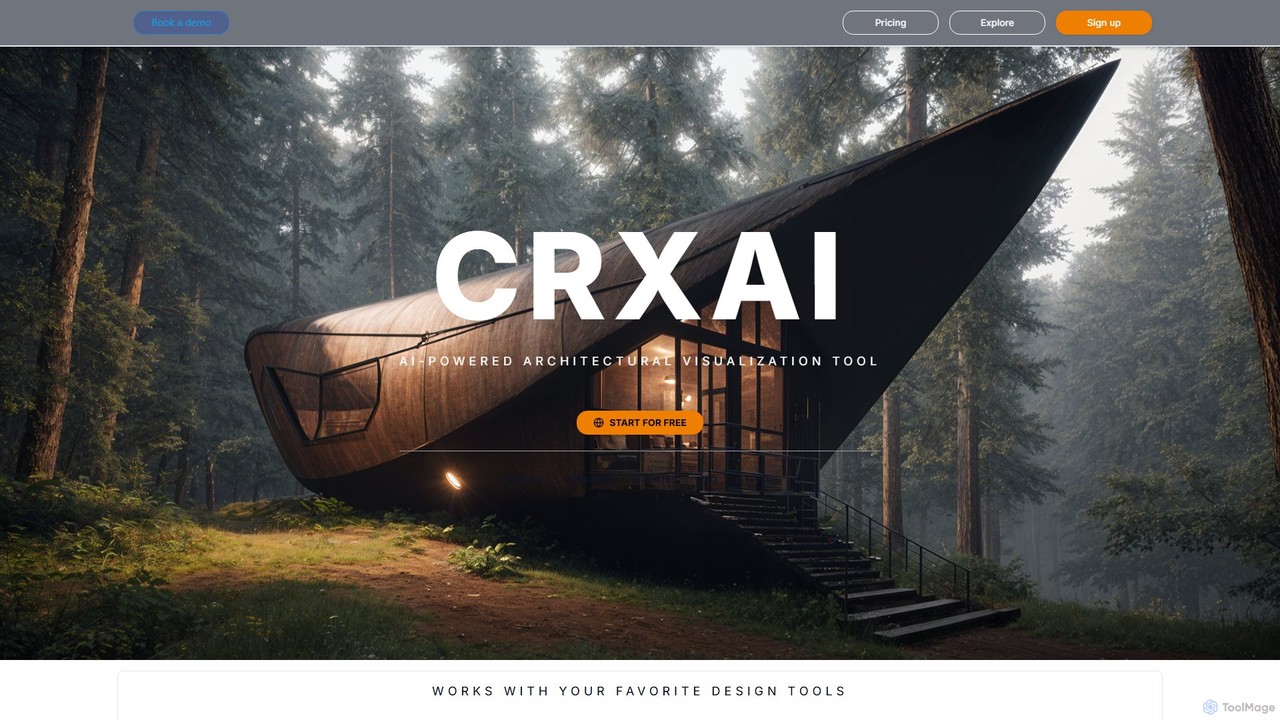
CRXAI is an AI-powered rendering and visualization tool specifically designed for architects and designers. It transforms text prompts, 3D models, sketches, and photos into high-quality, photorealistic architectural visuals, streamlining the design workflow and accelerating creative exploration.

3D
Visits 4.5KFavorites 148Likes 147
AiHouse
Freemium

AiHouse

AiHouse is an all-in-one, AI-powered 3D interior design and manufacturing software. It enables professionals to create photorealistic visualizations, 2D/3D floor plans, and interactive virtual tours in minutes. With a library of over 80 million 3D models and seamless design-to-manufacturing integration, AiHouse streamlines the entire workflow for interior designers, architects, and furniture businesses, boosting sales and efficiency.

3D
Visits 118.6KFavorites 128Likes 127
Polycam
Freemium

Polycam

Polycam is a leading 3D capture application for iOS, Android, and Web, using LiDAR and photogrammetry to create high-quality 3D models, floor plans, and drone maps. It's designed for professionals in architecture, construction, real estate, and e-commerce, as well as for creators and hobbyists.

3D Modeling
Visits 622.5KFavorites 137Likes 142

About Architecture

AI Architecture tools are a specialized category of AI-powered solutions designed to assist in the planning, design, and optimization of software systems, cloud infrastructure, and enterprise architectures. These tools leverage artificial intelligence and machine learning to automate complex design tasks, analyze existing structures, and suggest improvements, significantly enhancing the efficiency and quality of architectural work. They provide intelligent assistance for creating robust, scalable, and maintainable digital foundations.

Core Features

  • Automated Diagram Generation: Automatically creates system diagrams (e.g., UML, ERD, cloud topology) from textual descriptions, code, or existing infrastructure.
  • Design Pattern Suggestions: Identifies common architectural patterns and recommends suitable ones based on project requirements and constraints.
  • Dependency Mapping & Analysis: Visualizes relationships between components, services, and data flows, highlighting potential bottlenecks or single points of failure.
  • Performance & Security Optimization: Analyzes architectural designs for potential performance issues, security vulnerabilities, and compliance gaps, suggesting remedies.
  • Codebase Architecture Extraction: Reverse-engineers existing codebases to generate architectural diagrams and identify technical debt.

Use Cases

AI Architecture tools are invaluable for software development teams, cloud engineers, and enterprise architects. They streamline the initial design phase by generating conceptual models, assist in refactoring legacy systems by mapping dependencies, and help optimize cloud resource allocation for cost and performance. These tools enable faster iteration on designs and provide deeper insights into system complexities.

How to Choose

When selecting an AI Architecture tool, consider its integration capabilities with your existing development environment (IDEs, cloud platforms), the range of architectural styles and diagram types it supports, and the accuracy of its AI suggestions. Evaluate its ability to handle your specific project scale and complexity, along with its collaboration features for team-based design. Pricing models and the level of technical expertise required for effective use are also crucial factors.

Featured tool rankings

Architecture use cases

1

Automating Initial System Design

Software architects can input high-level requirements or user stories into an AI architecture tool, which then generates preliminary system diagrams, component breakdowns, and data flow models. This accelerates the conceptual design phase, providing a visual starting point for further refinement and discussion, saving days of manual diagramming.

2

Optimizing Cloud Infrastructure Costs

DevOps engineers utilize AI architecture tools to analyze current cloud deployments or design new ones, identifying redundant resources, suggesting more cost-effective service configurations, or recommending auto-scaling policies. The AI can simulate different scenarios to predict cost savings and performance impacts before implementation.

3

Refactoring Legacy Codebases

Development teams facing a monolithic legacy application can use AI architecture tools to parse the codebase, automatically generate dependency graphs, and identify logical boundaries for potential microservices extraction. This helps in systematically breaking down complex systems into manageable, independent services, reducing refactoring risks.

4

Ensuring Security by Design

Security architects integrate AI architecture tools into their design process to proactively identify potential security vulnerabilities within proposed system architectures. The AI can flag common design flaws, suggest secure communication protocols, or recommend appropriate access control mechanisms, embedding security from the outset.

5

Visualizing Enterprise IT Landscape

Enterprise architects employ AI tools to ingest data from various IT systems, applications, and business processes to create comprehensive, up-to-date visual maps of the entire enterprise architecture. This provides a holistic view for strategic planning, identifying redundancies, and ensuring alignment between business goals and IT capabilities.

6

Designing Scalable Microservices Architectures

For new projects, development teams can leverage AI architecture tools to design highly scalable and resilient microservices. The AI assists in defining service boundaries, inter-service communication patterns (e.g., message queues, APIs), and data consistency strategies, ensuring the architecture can handle future growth and demand.

Architecture FAQ

What are AI Architecture tools?

AI Architecture tools are software solutions that use artificial intelligence to assist in the design, analysis, and optimization of software, cloud, and enterprise architectures. They automate tasks like diagram generation, identify design patterns, analyze dependencies, and suggest improvements for scalability, security, and performance, making the architectural process more efficient and insightful.

How do AI Architecture tools differ from traditional diagramming software?

Traditional diagramming software provides a canvas for manual drawing, requiring users to define every element and connection. AI Architecture tools, however, leverage AI to intelligently generate diagrams from code, text, or requirements, analyze existing designs for flaws, and offer proactive suggestions for optimization. They move beyond mere visualization to provide intelligent design assistance and validation.

What are the key benefits of using AI in architecture design?

The primary benefits include increased efficiency through automation of diagramming and analysis, improved design quality by identifying potential issues early, and enhanced consistency by suggesting best practices and design patterns. AI tools also enable faster iteration on designs, reduce human error, and provide deeper insights into complex system interdependencies, leading to more robust and scalable architectures.

Who can benefit most from AI Architecture tools?

Software architects, system designers, cloud engineers, DevOps professionals, and enterprise architects are the primary beneficiaries. These tools are particularly useful for teams working on complex distributed systems, microservices, or large-scale cloud deployments, where manual architectural design and analysis can be time-consuming and prone to errors. They also assist in refactoring legacy systems.

What should I look for when selecting an AI Architecture tool?

Key factors include the tool's ability to integrate with your existing development ecosystem (IDEs, CI/CD, cloud providers), the types of architectural diagrams and models it supports (e.g., UML, C4, cloud-specific), and the accuracy and relevance of its AI-driven suggestions. Also consider its collaboration features, scalability for large projects, pricing structure, and the level of support for different programming languages or cloud platforms.