

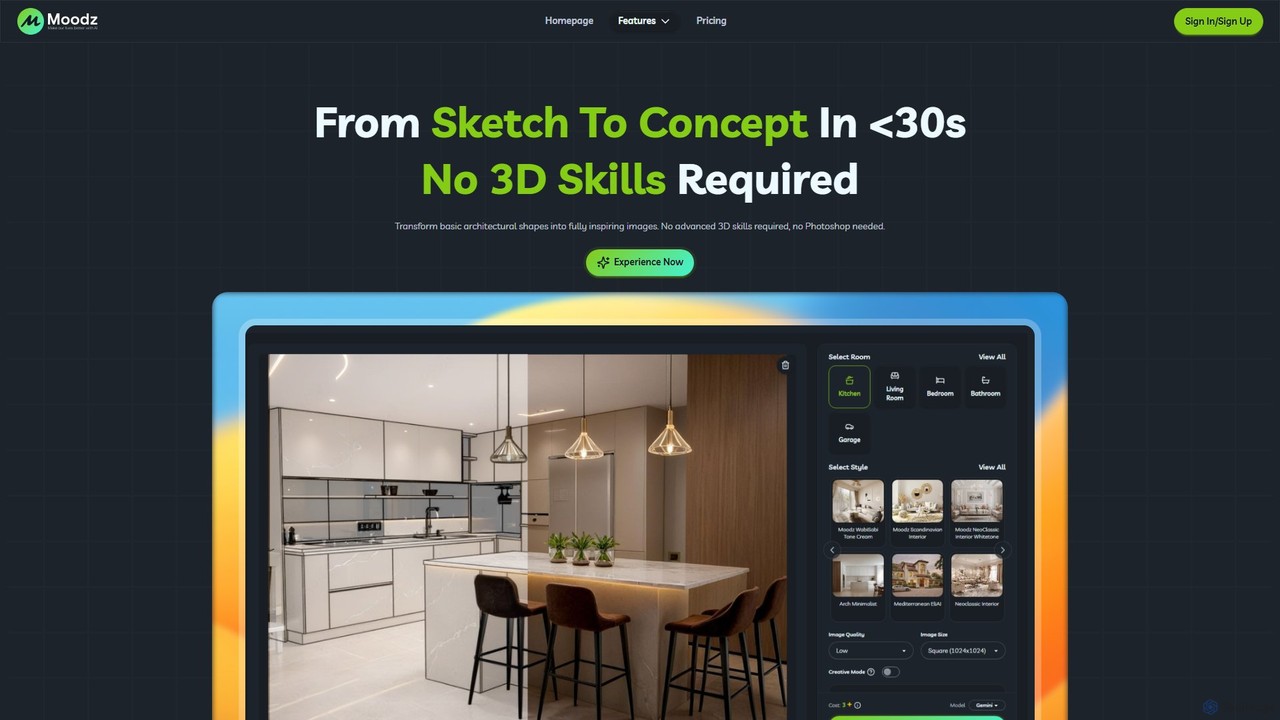
moodz Overview
Moodz is a specialized AI tool designed to revolutionize the architectural and interior design process. It empowers users to convert simple sketches, 2D plans, or basic 3D models into fully realized, photorealistic images in under 30 seconds. This platform is meticulously crafted for professionals and enthusiasts alike, including architects, freelance 3D artists, homeowners, and students, eliminating the need for complex 3D modeling software or time-consuming post-production in Photoshop.
The core philosophy of Moodz is to accelerate the creative workflow, allowing for rapid ideation and client presentation. By simply uploading an image and adjusting intuitive settings, users can explore countless design variations, material finishes, and perspectives, making the design process more dynamic and efficient. Unlike general-purpose AI models, Moodz is fine-tuned with architectural knowledge, understanding the nuances of space, light, and materials to produce contextually relevant and aesthetically pleasing results.
How to use moodz
Getting started with Moodz is a straightforward, three-step process designed for maximum efficiency:
- Choose a Feature & Upload Your Image: Begin by selecting the appropriate tool for your task, whether it's rendering a sketch, enhancing an existing image, or colorizing a masterplan. Upload your source file—this can be a rough hand-drawn sketch, a line drawing, a basic 3D model screenshot, or even a photo of an existing space.
- Customize Your Settings: Once your image is uploaded, use the simple and intuitive controls to define your vision. You can specify materials (e.g., 'oak wood floor', 'marble countertop'), choose from various design styles (e.g., 'minimalist', 'industrial'), adjust camera angles, and set the lighting mood. The platform offers pre-built, optimized prompts to guide you, so no expert prompt-writing skills are needed.
- Generate & Get Results Instantly: With your settings configured, click the "Generate" button. The AI will process your request and deliver a high-quality, finished image within seconds. You can then download the result, share it with clients or colleagues, or continue iterating on the design.
Core Features of moodz
- Sketch to Concept: Instantly transforms rough sketches and line drawings into polished, inspiring concept images.
- Multiple Views from One Sketch: Generate various camera angles and perspectives from a single input image, providing a comprehensive look at the design.
- From Furniture to Full Room: Effortlessly furnish an empty room or design a complete interior space by describing the desired elements.
- Smart Material Replace: Intelligently swap out materials and finishes on any surface in your image with just a few clicks.
- Render Upgrade: Enhance the quality of your existing, basic 3D renders, adding realism, better lighting, and textures.
- AI Masterplan Colorization: Quickly and beautifully colorize black-and-white site plans and masterplans, bringing them to life for presentations.
- Architect-Oriented UI: A user interface and workflow specifically designed to meet the needs of architects and designers.
Use Cases for moodz
Moodz is a versatile tool for various users:
- Architects: Quickly visualize multiple design options for client meetings, explore material finishes in the early concept stage, and save hours on presentations.
- Freelance 3D Artists: Speed up rendering workflows, generate creative variations for scenes, and boost overall productivity and delivery speed.
- Homeowners: See your future home or renovation project come to life. Experiment with different layouts, materials, and furniture before making costly decisions.
- Students: Elevate academic projects and portfolios by turning basic sketches into professional, high-quality visuals in minutes.
- Real Estate Agents: Create virtual staging for empty properties or showcase the potential of a space with AI-generated renovation concepts.
Advantages of moodz
Moodz stands out from other design and AI tools with several key advantages. Its primary benefit is incredible speed, reducing rendering times from hours or days to mere seconds. It democratizes design by being highly accessible, requiring no specialized 3D or rendering software skills. Furthermore, it is specifically optimized for architectural design, providing more accurate and relevant results than general AI image generators. This specialization is evident in its intuitive workflow, pre-built prompts, and understanding of architectural context, making it a highly efficient and integrated tool for design professionals.
Pricing and Plans
Moodz operates on a flexible, credit-based pricing model, allowing users to pay per use rather than being tied to a monthly subscription. Users purchase credit packs, and each image generation deducts a certain number of credits from their account. This model is ideal for varying workloads. The available plans are:
- Basic: A starter pack perfect for new users or those with occasional needs, offering a set number of credits to begin generating images.
- Pro: A best-value option designed for frequent creators and professionals who require a larger volume of credits at a better per-credit rate.
- VIP: The largest credit pack, built for power users, agencies, and studios that need maximum output at the lowest possible cost per image.
Pricing may vary based on region. Credits are tied to the purchasing account and are non-transferable. Users can upgrade or buy more credits at any time.
moodz Alternatives
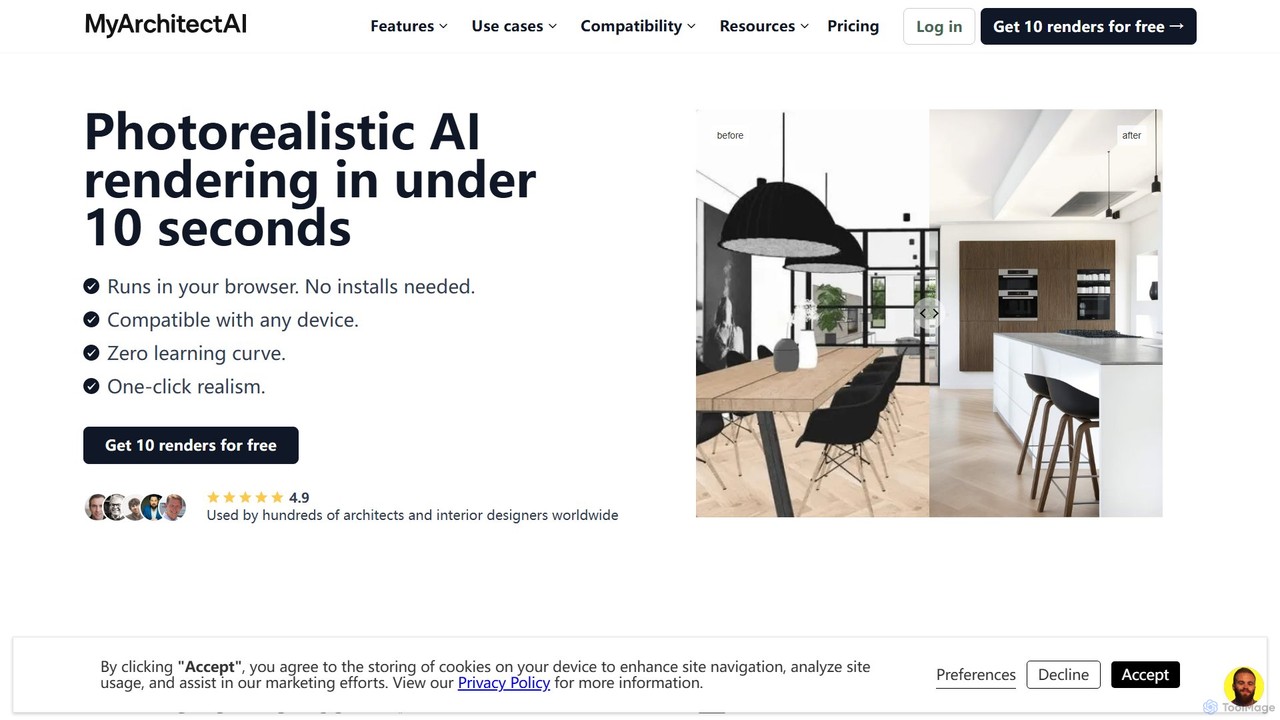
MyArchitectAI
MyArchitectAI is an AI-powered rendering software designed for architects and interior designers. It transforms sketches, CAD designs, and line drawings into photorealistic visualizations in seconds. The platform requires no specialized skills or expensive hardware, making high-quality rendering accessible to all. It offers a free trial of 10 renders.
Architecture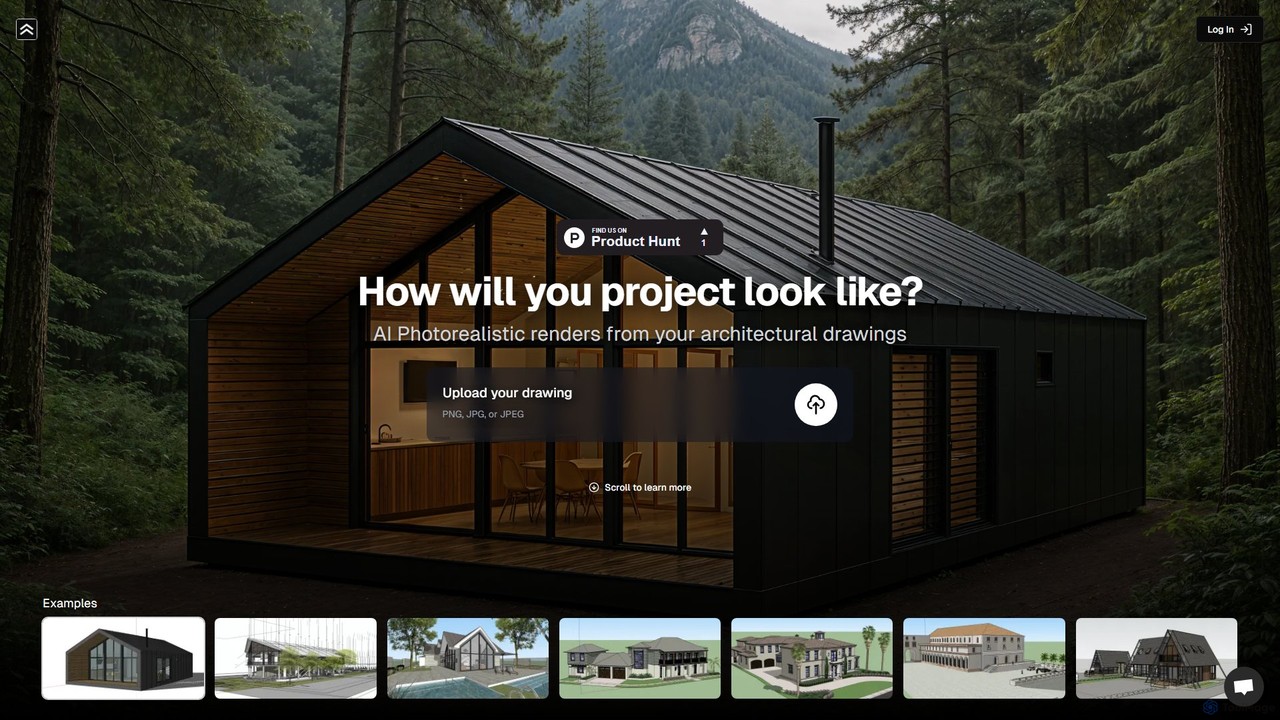
renderahouse
renderahouse is an AI-powered platform that transforms architectural drawings, sketches, and blueprints into stunning, photorealistic renders in seconds. It offers various environmental settings, accurate lighting, and material textures, making it ideal for architects and designers to visualize and present projects without complex software or long rendering times.
Architecture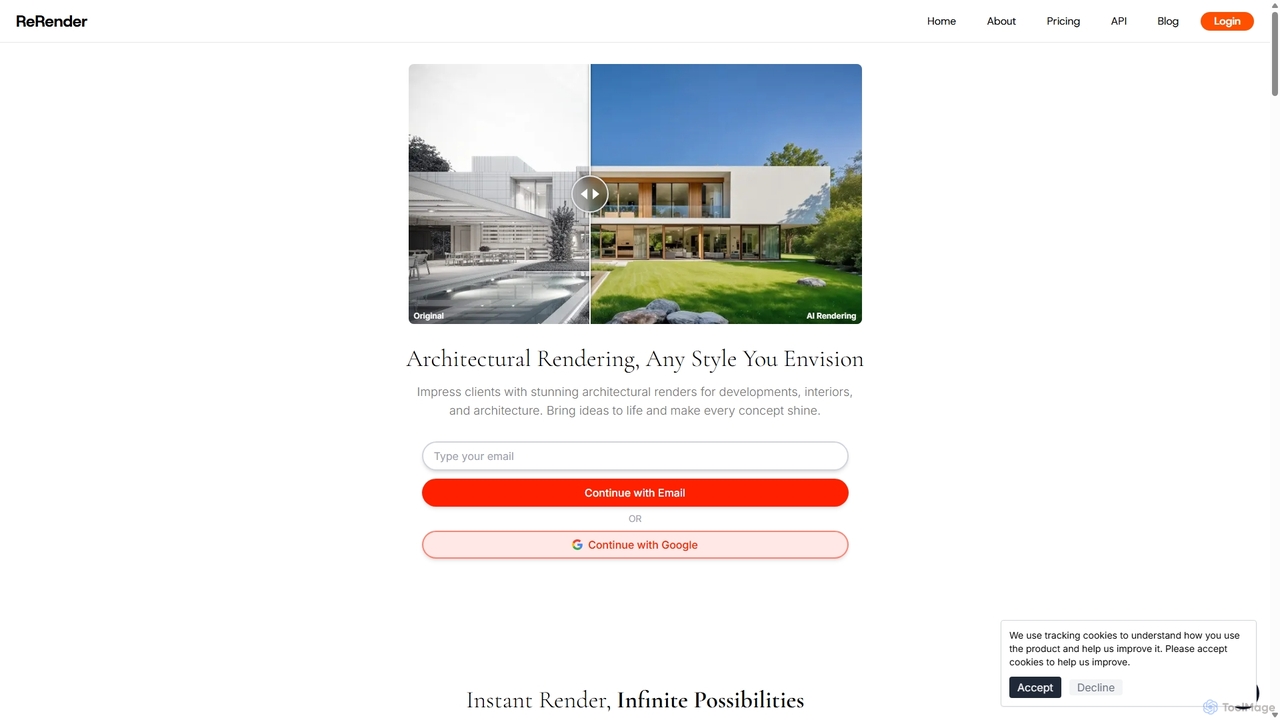
ReRender AI
ReRender AI is a powerful AI-driven platform that transforms architectural sketches, 3D models, and photos into stunning, photorealistic renderings in seconds. Designed for architects, interior designers, and real estate developers, it streamlines the design visualization process with customizable styles, detailed environmental controls, and rapid generation speeds.
Architecture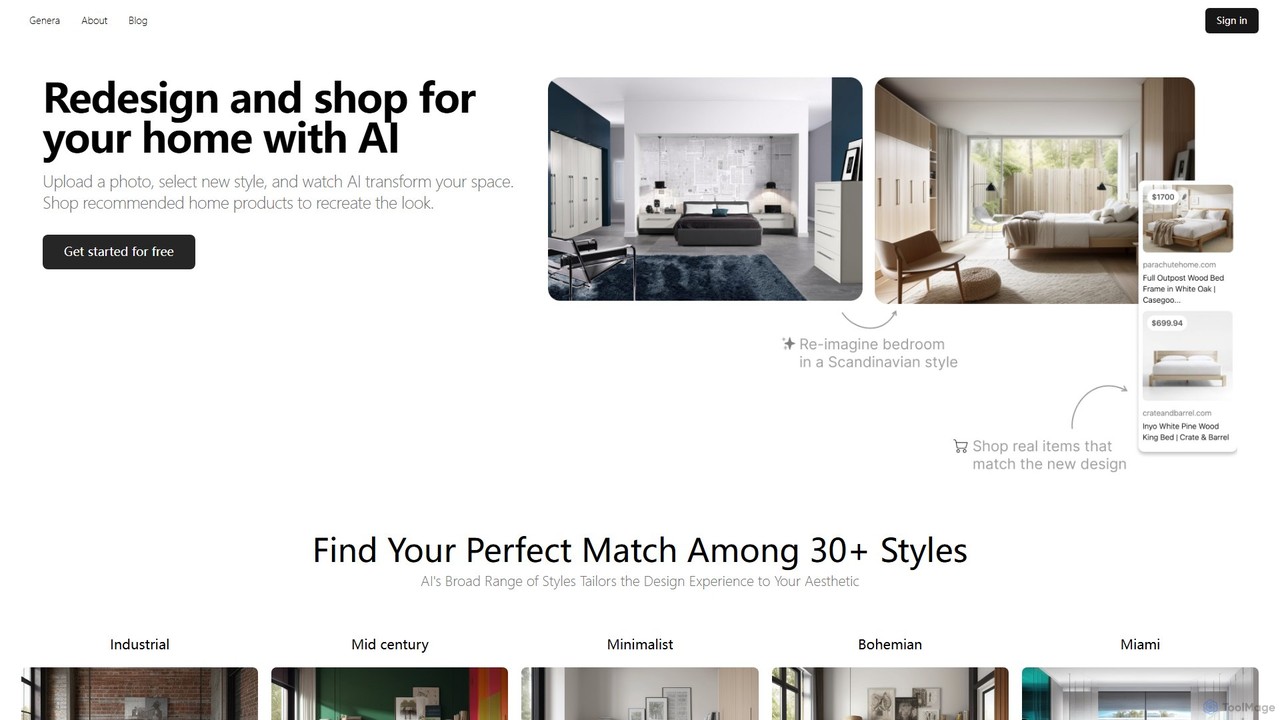
arch_e
arch_e is an AI-powered tool for architects and designers, transforming architectural sketches and text descriptions into photorealistic renders in seconds. Trained on thousands of architectural images, it accelerates the design visualization process, allowing for rapid exploration of concepts and styles.
Architecture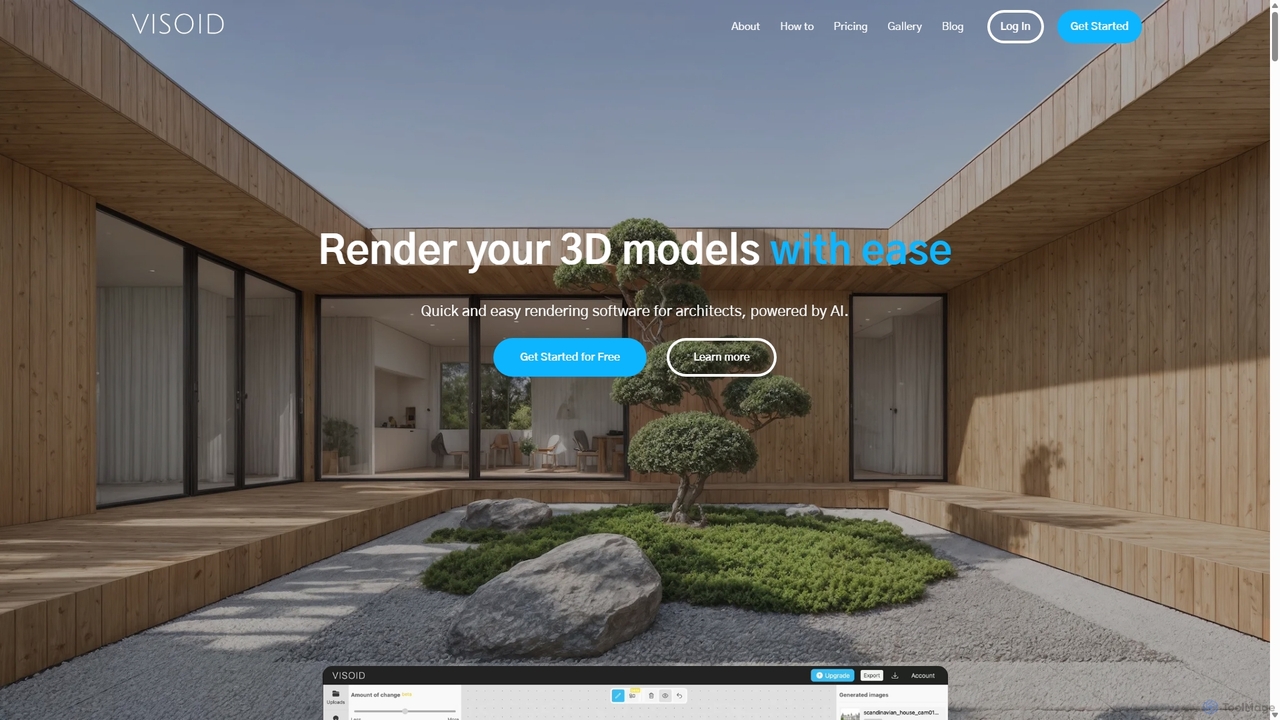
Visoid
Visoid is an AI-powered rendering platform designed for architects, interior designers, and 3D artists. It transforms sketches and 3D models from software like SketchUp, Revit, and Archicad into stunning, photorealistic visualizations in seconds, dramatically accelerating the design and presentation workflow.
Architecturemoodz Categories
moodz Embed Widget
Copy this embed code to place the badge on your blog, article, or product site and send readers directly to this ToolMage detail page.

Related AI tools
MyArchitectAI
MyArchitectAI is an AI-powered rendering software designed for architects and interior designers. It transforms sketches, CAD designs, and line drawings into photorealistic visualizations in seconds. The platform requires no specialized skills or expensive hardware, making high-quality rendering accessible to all. It offers a free trial of 10 renders.
Architecturerenderahouse
renderahouse is an AI-powered platform that transforms architectural drawings, sketches, and blueprints into stunning, photorealistic renders in seconds. It offers various environmental settings, accurate lighting, and material textures, making it ideal for architects and designers to visualize and present projects without complex software or long rendering times.
Architecture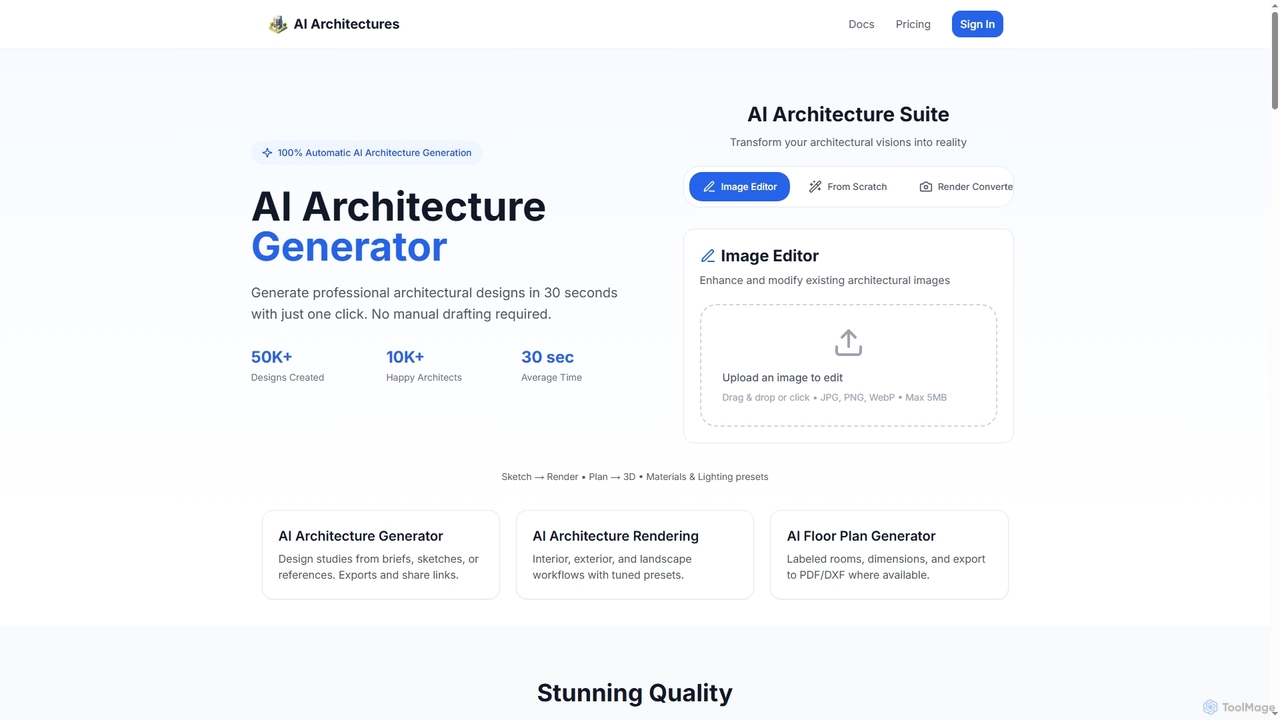
AI Architectures
AI Architectures is an advanced AI platform designed for architects and designers, enabling 100% automatic generation of professional architectural designs, floor plans, and photorealistic renders in seconds. It transforms sketches, briefs, or existing images into stunning visualizations for various architectural scenarios.
RenderingReRender AI
ReRender AI is a powerful AI-driven platform that transforms architectural sketches, 3D models, and photos into stunning, photorealistic renderings in seconds. Designed for architects, interior designers, and real estate developers, it streamlines the design visualization process with customizable styles, detailed environmental controls, and rapid generation speeds.
Architecture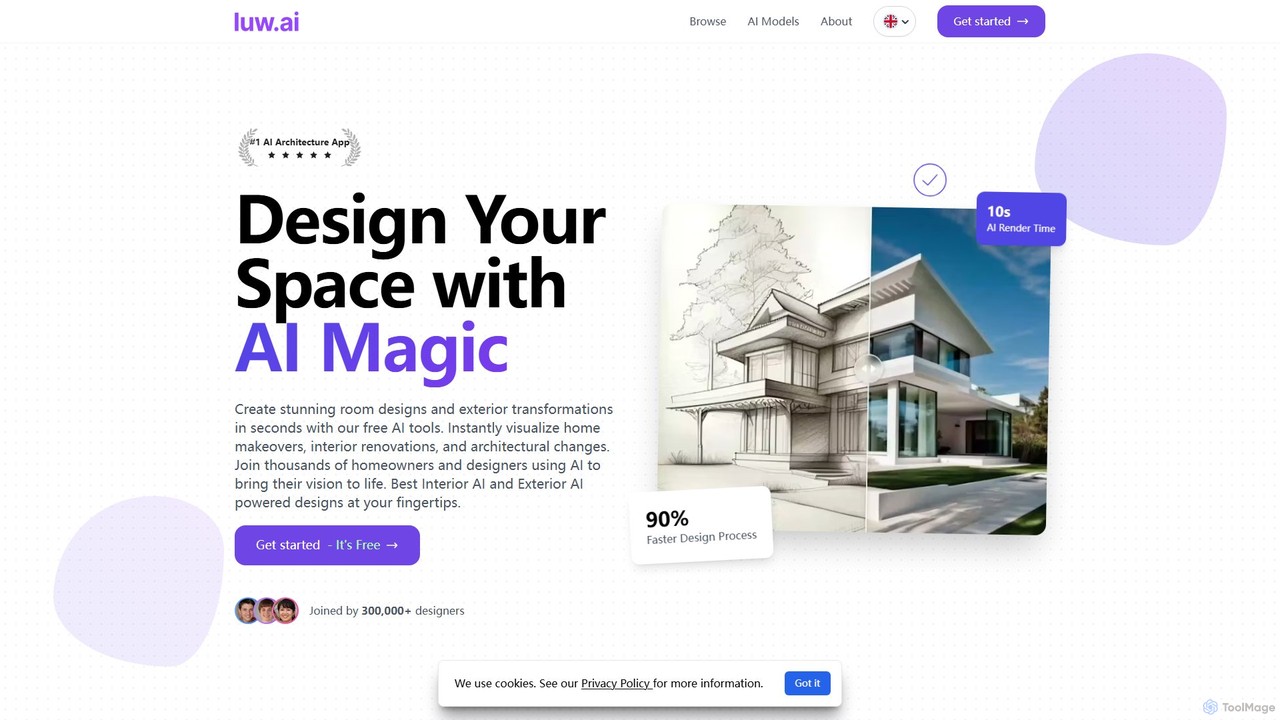
Luw.ai
Luw.ai is a comprehensive AI-powered design suite for architects, designers, and homeowners. It instantly transforms photos, sketches, or 3D models into stunning interior and exterior designs, architectural renders, and 3D flythrough videos. Featuring a wide array of tools like Interior AI, Exterior AI, Sketch to Render, and ArchiGPT, it streamlines the design process, making professional-quality visualizations accessible to everyone in seconds.
Architecture
Jyek
Jyek is an AI agent platform that understands objectives, creates execution plans, uses tools, and delivers verifiable results for complex, multi-step tasks.
Automation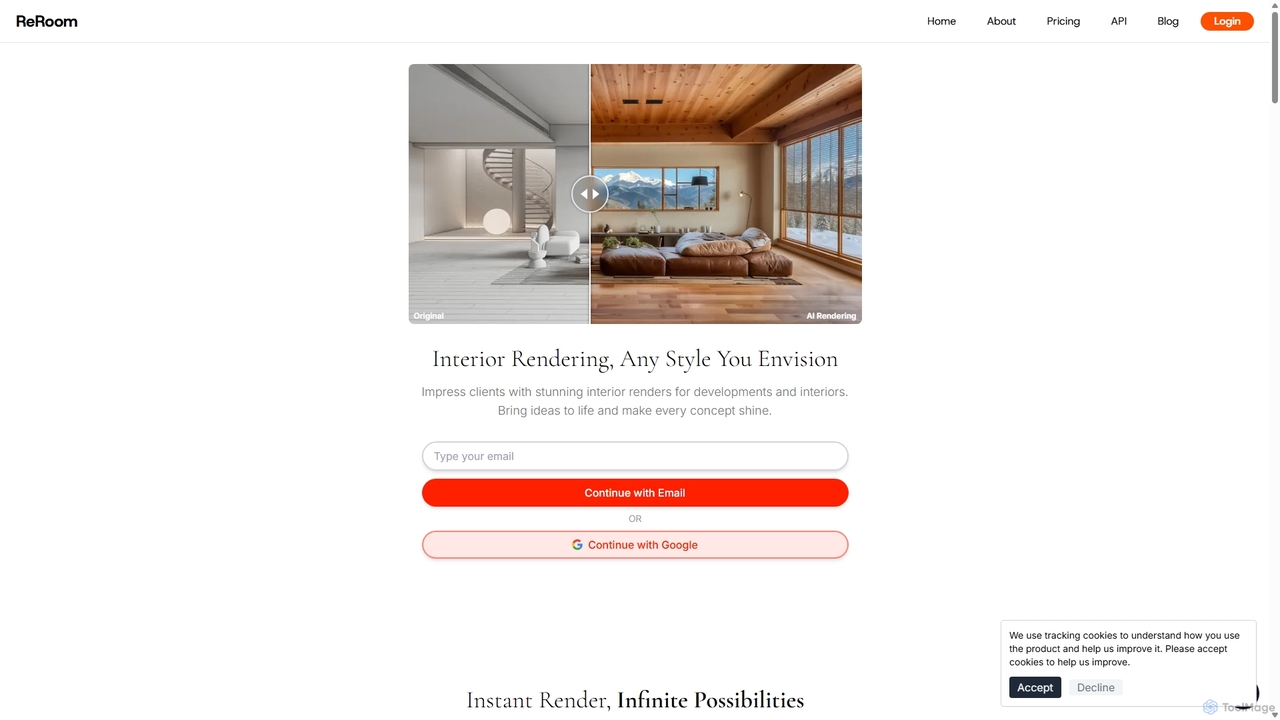
ReRoom AI
ReRoom AI is a powerful AI-driven platform for architects, interior designers, and real estate professionals. It instantly transforms sketches, 3D models, and photos into photorealistic interior and exterior renders. Offering a wide range of styles and detailed customization, it streamlines the design visualization process, bringing creative visions to life in seconds.
Architecture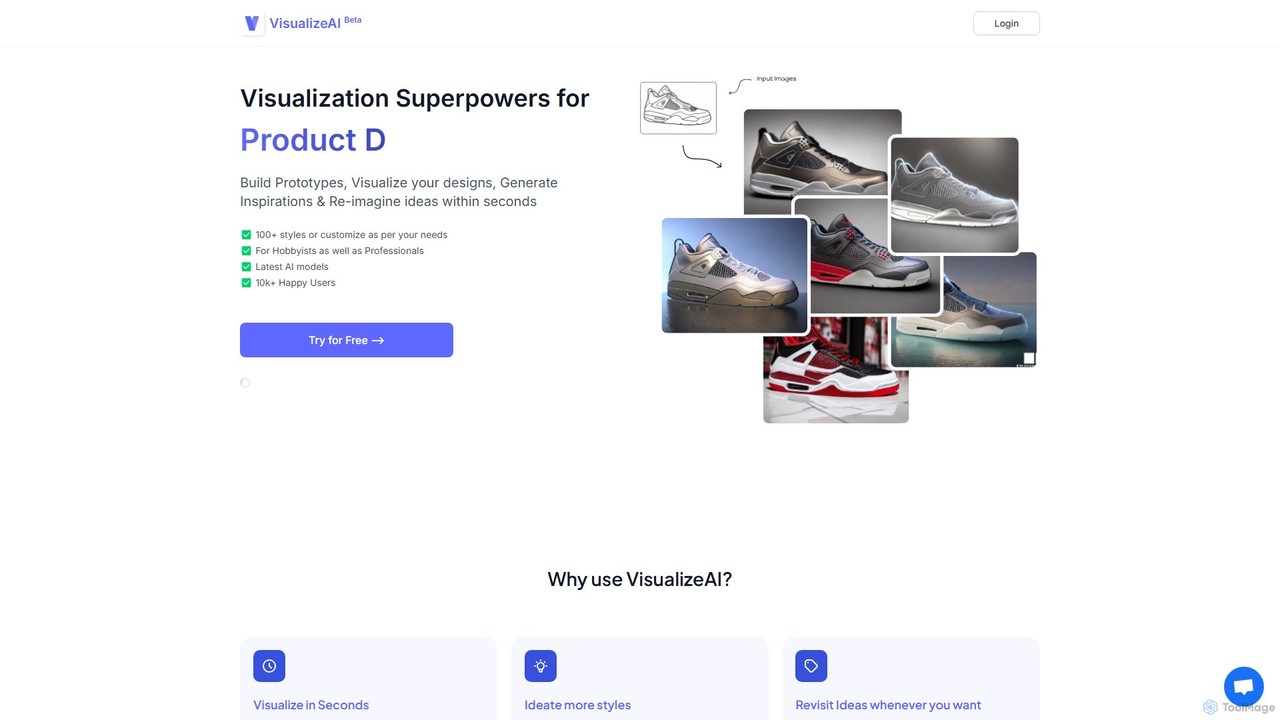
VisualizeAI
VisualizeAI is an AI-powered design visualization tool that transforms sketches, images, and basic models into high-quality renders in seconds. It's designed for architects, interior designers, and product designers to rapidly prototype, generate inspiration, and re-imagine ideas with over 100 styles.
Architecture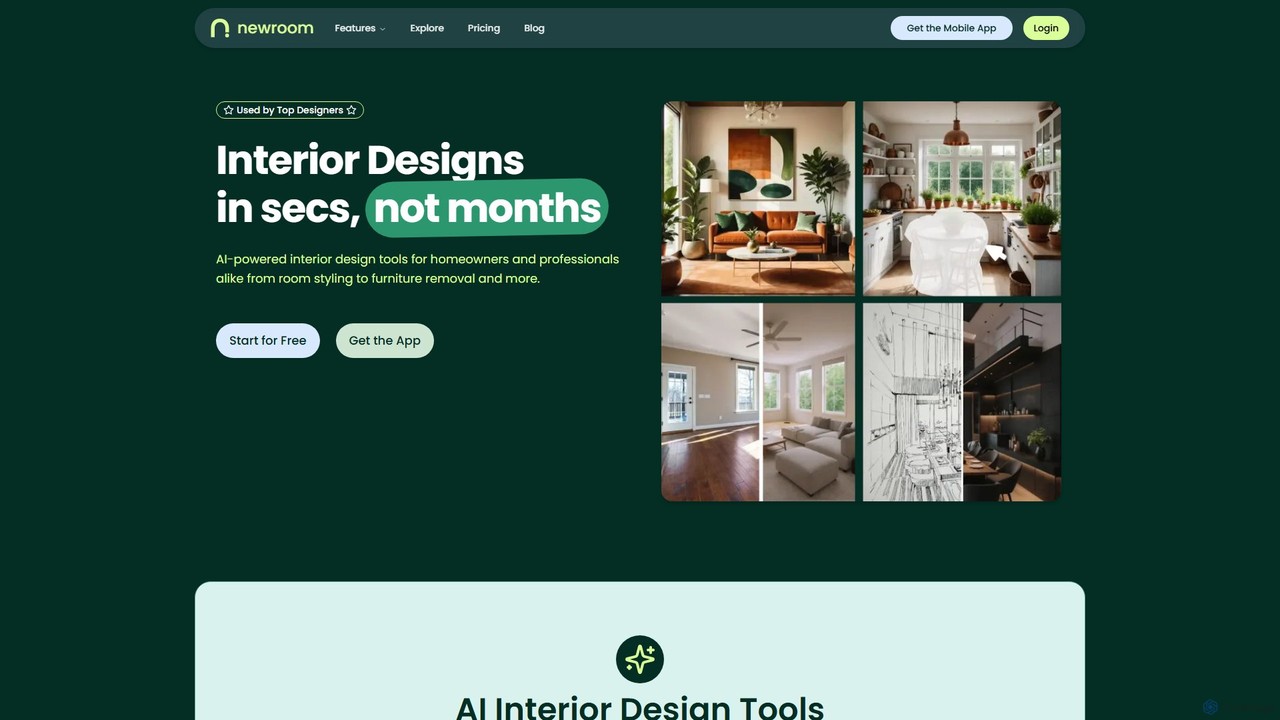
newroom
NewRoom is an AI-powered interior design platform for homeowners and professionals. It generates stunning interior designs in seconds, offering features like room styling, virtual staging, furniture replacement, and AI-powered image editing. Transform empty rooms or redesign existing spaces effortlessly.
Interior Design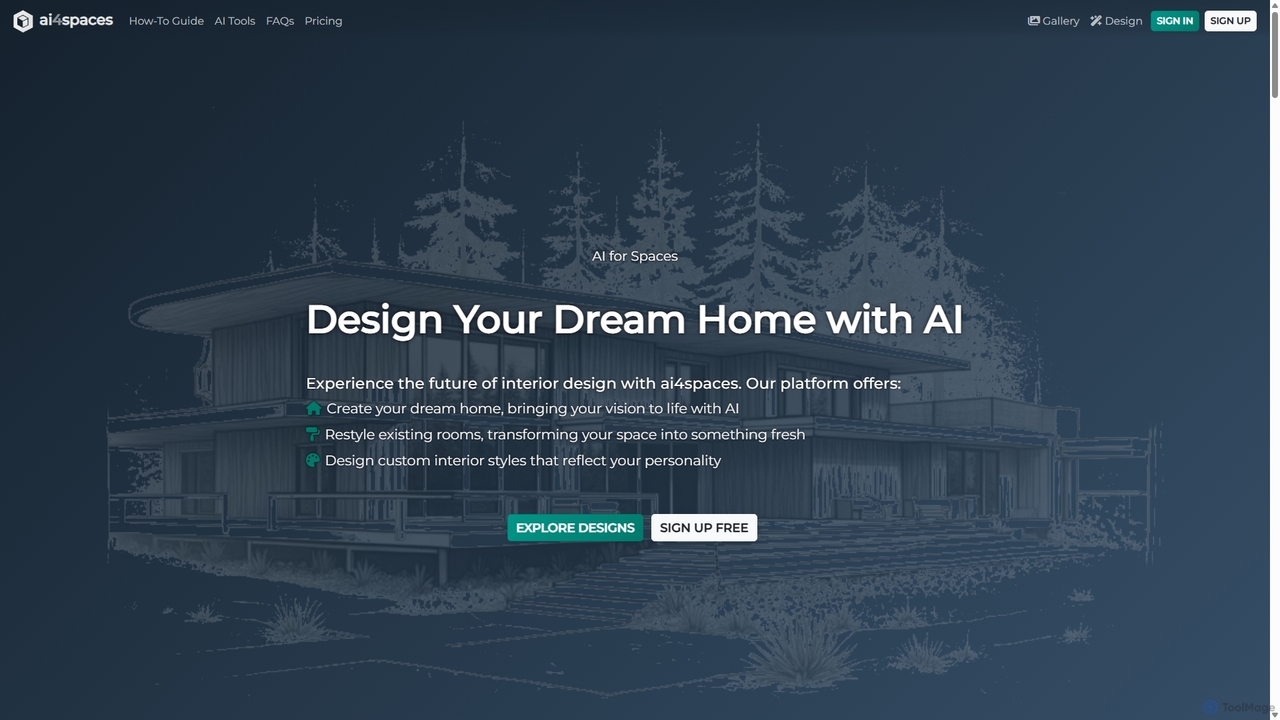
Ai4spaces
Ai4spaces is an AI-powered platform for interior design, architecture, and home renovation. It transforms photos, sketches, or text prompts into stunning, photorealistic visualizations. Generate designs, create video walkthroughs, 360° panoramas, and upscale images, making it ideal for interior designers, architects, real estate agents, and homeowners.
Architecture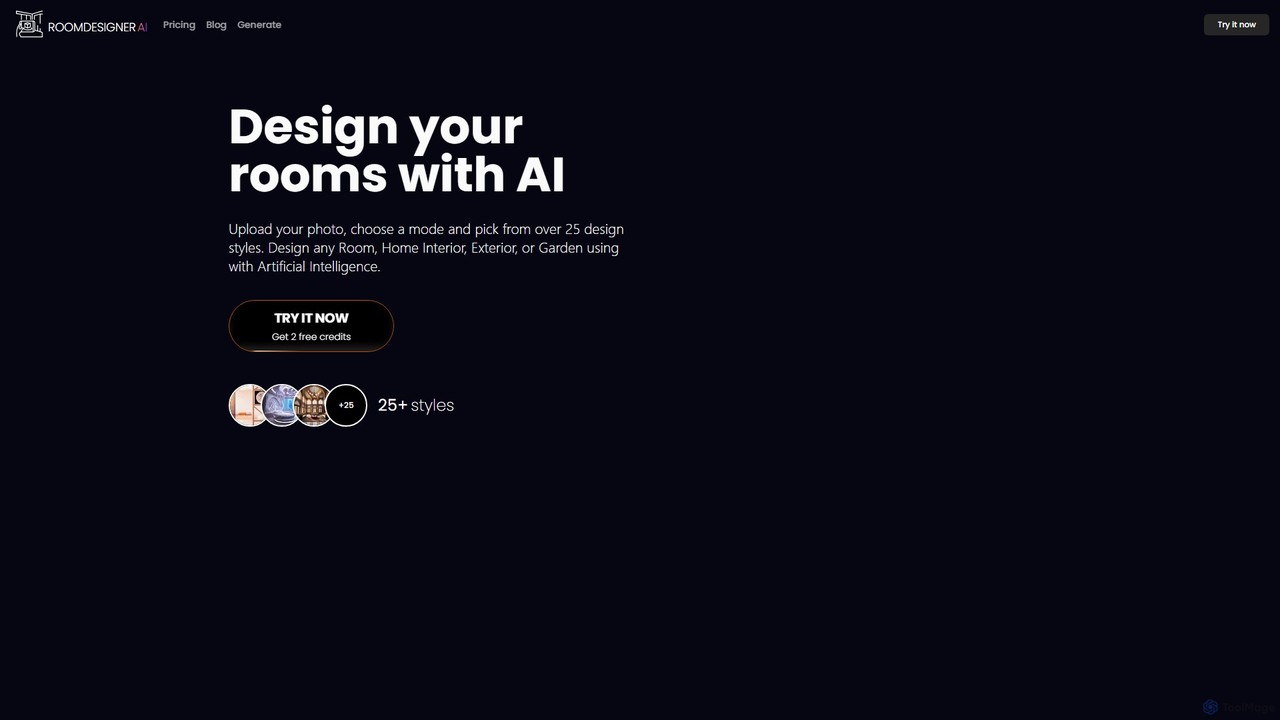
roomdesigner.ai
An AI-powered tool for interior design, virtual staging, and architectural visualization. Upload a photo or sketch to redesign interiors, exteriors, and gardens in over 50 styles. Ideal for homeowners, real estate agents, and designers to create photorealistic renders and stage properties in seconds, boosting sales and streamlining design workflows.
Interior Design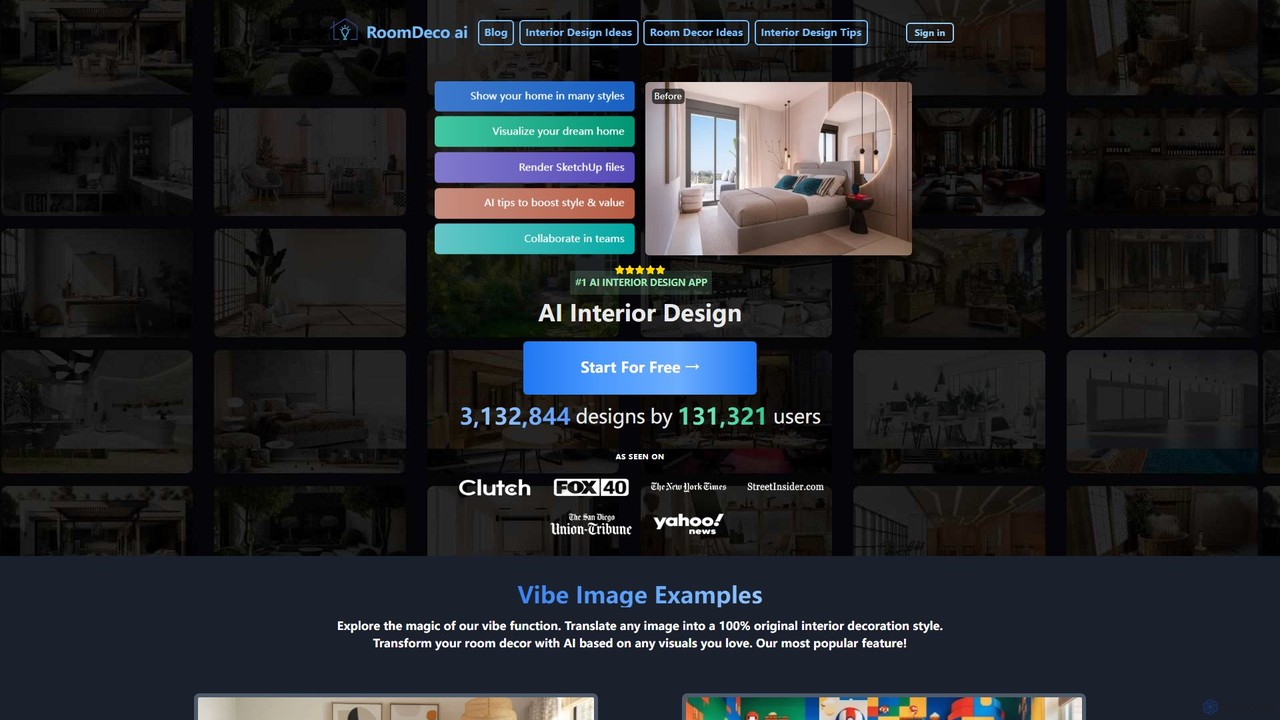
roomdeco
roomdeco is an AI-powered interior design tool that transforms room photos, sketches, or even text prompts into stunning, photorealistic designs in seconds. It offers virtual staging, style generation, cost analysis, and collaboration features for homeowners, real estate agents, and designers.
Interior Design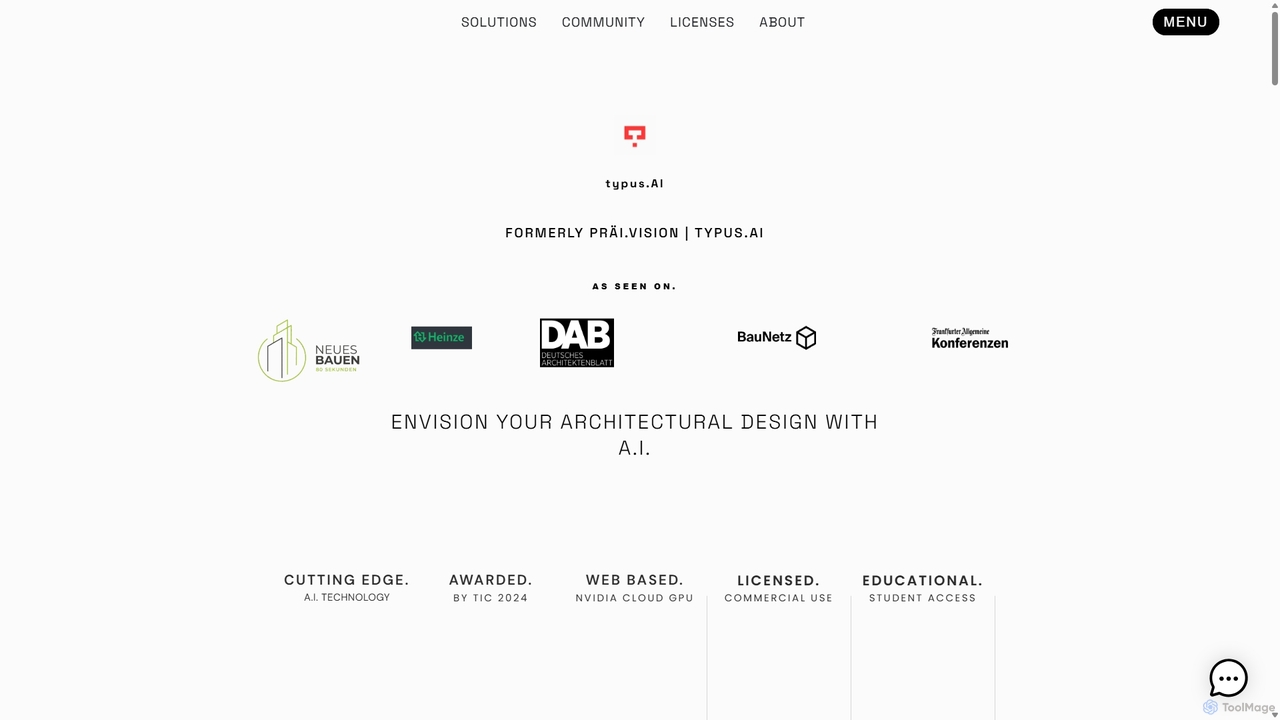
TYPUS.AI
TYPUS.AI is an advanced AI visualization platform for architects, designers, and 3D artists. It instantly transforms CAD drawings, 3D models, and simple sketches into stunning, photorealistic or stylized architectural renderings. The tool preserves the core design structure while offering powerful features like regional prompting for material control, style transfer, and high-resolution upscaling, streamlining the entire visualization workflow.
3D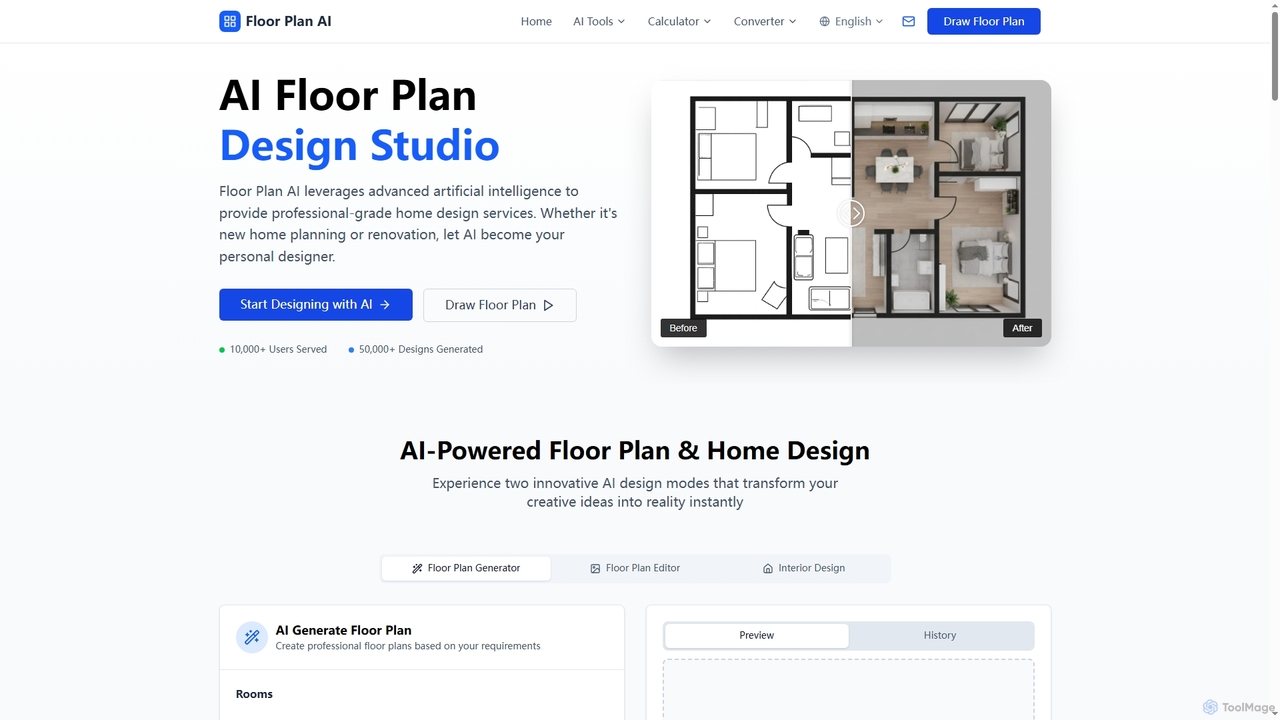
Floor Plan
Floor Plan is an advanced AI-powered platform offering comprehensive home and architectural design solutions. It enables users to generate 2D floor plans, transform sketches into photorealistic images, create stunning 3D visualizations from 2D layouts, and instantly stage empty rooms with AI-driven interior designs. Ideal for professionals and homeowners seeking fast, accurate, and creative design tools.
Floor Planning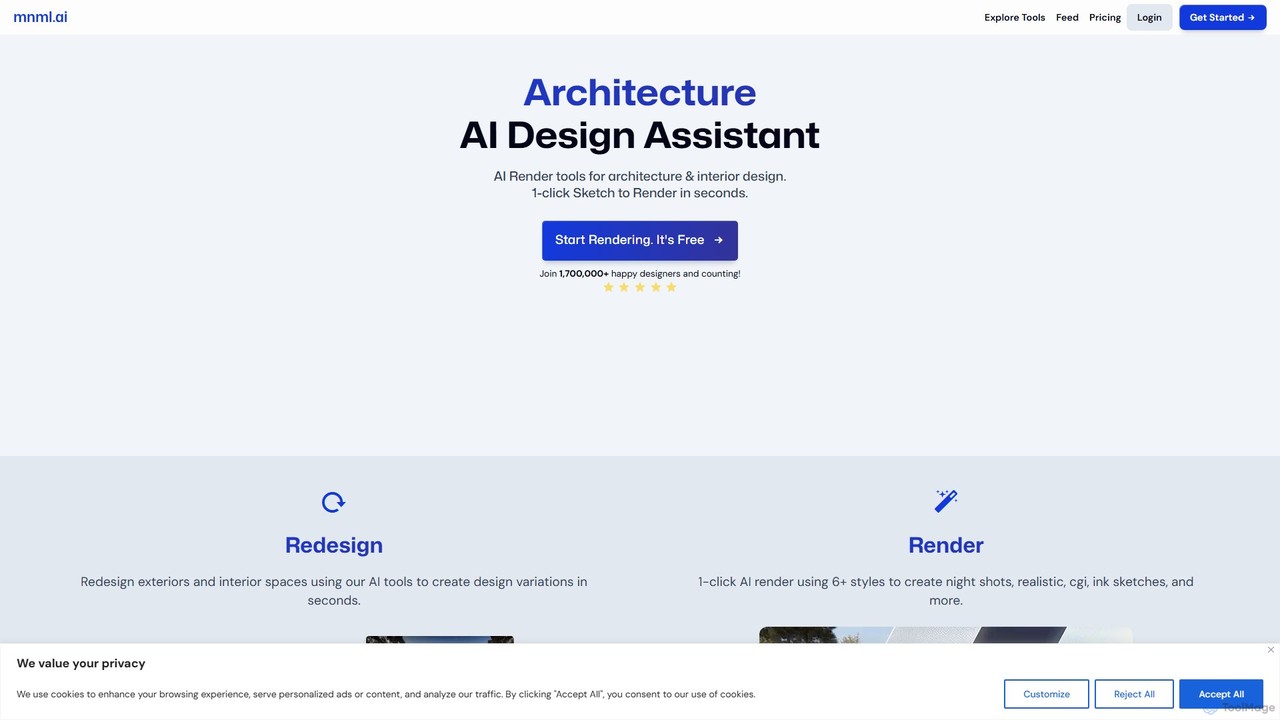
mnml.ai
An AI-powered design assistant for architects and interior designers. It transforms sketches, 3D models, and text prompts into high-quality architectural and interior renderings in seconds. Featuring over 12 specialized tools, it facilitates rapid redesign, style exploration, and visualization for exteriors, interiors, landscapes, and masterplans, streamlining the entire design workflow.
Interior Design
moodz Comments (0)
Sign in to comment.
Sign inNo comments yet.