Image Best in category 3 results Rendering AI Tool

Popular AI tools in the Rendering field of Image include ReRender AI、Architect AI、SketchPro, etc., helping you quickly improve efficiency.

SketchPro

SketchPro

SketchPro is an AI-powered design copilot for architects, interior designers, and real estate developers. It transforms sketches, 3D …

5.3K
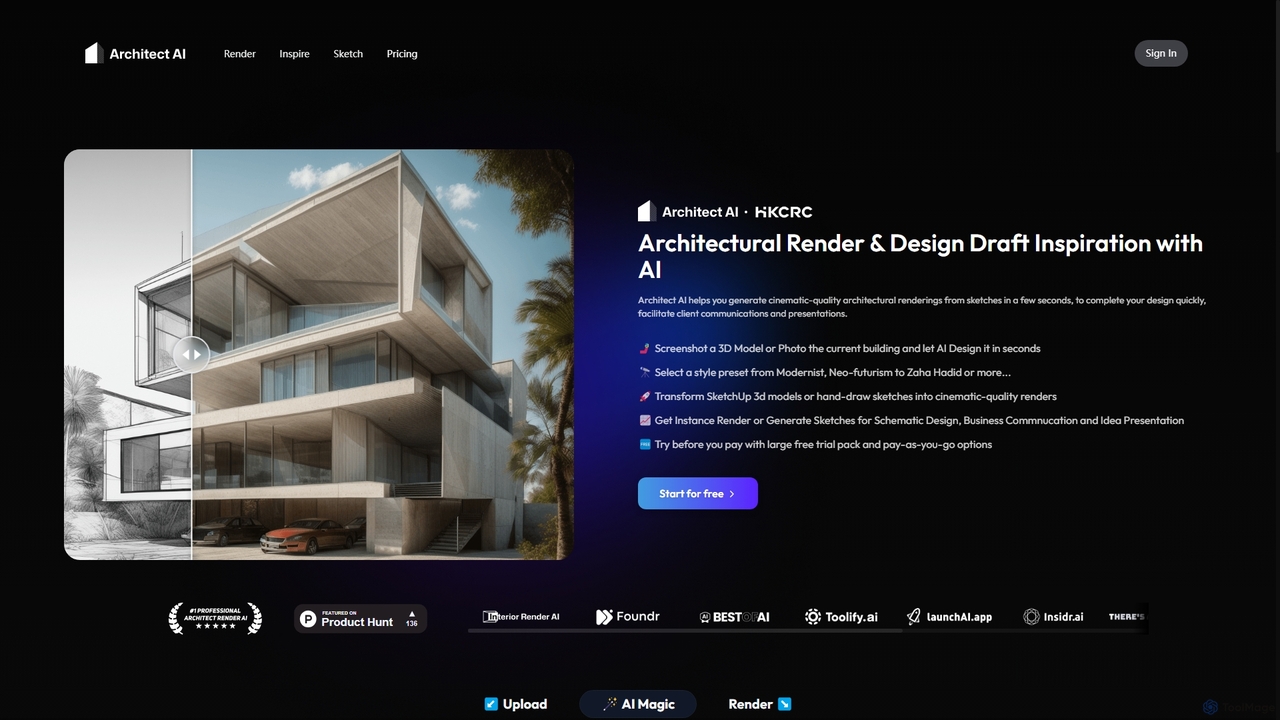
Architect AI

Architect AI

Architect AI is a powerful tool for architects and designers, transforming sketches, 3D models, and photos into cinematic-quality …

27.6K
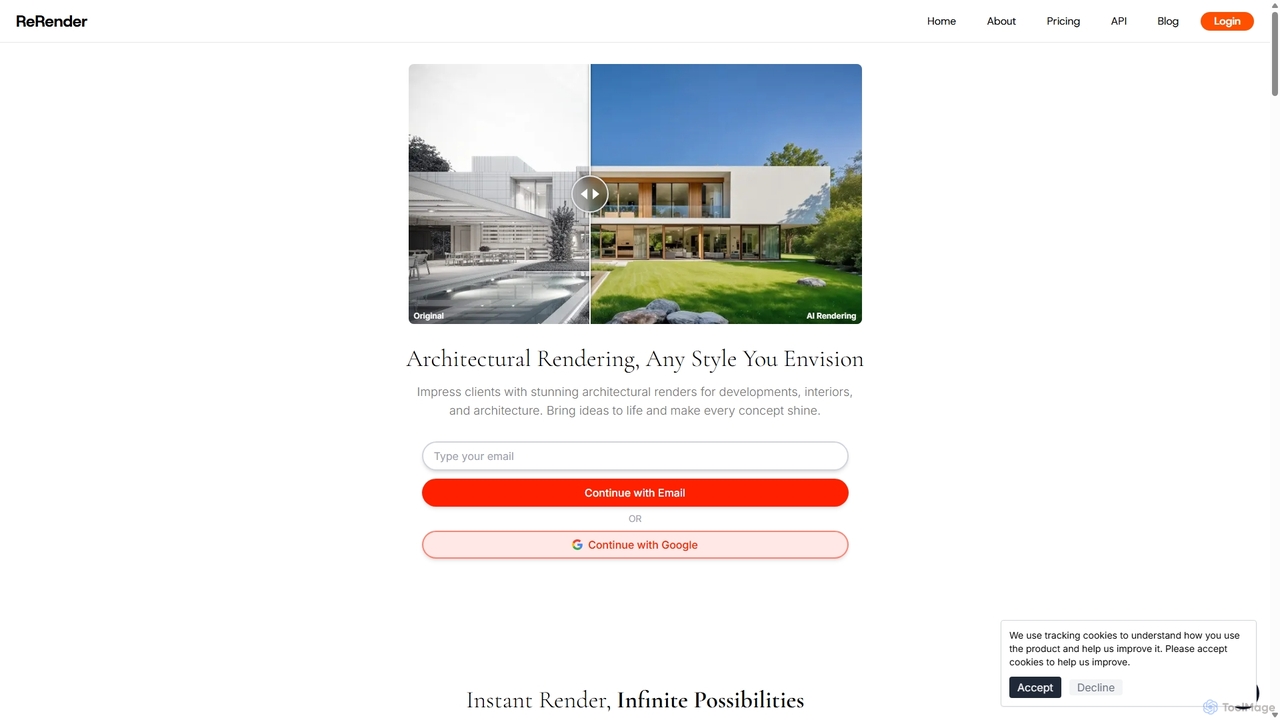
ReRender AI

ReRender AI

ReRender AI is a powerful AI-driven platform that transforms architectural sketches, 3D models, and photos into stunning, photorealistic …

391.2K

About Rendering

AI Rendering tools are a specialized category within AI Image tools that leverage artificial intelligence to generate high-quality, often photorealistic, visual representations from 3D models or abstract data. These tools utilize advanced algorithms to simulate light, materials, and textures, significantly accelerating the creation of complex scenes and visual effects. They empower designers, artists, and engineers to produce stunning visuals with unprecedented speed and realism, transforming workflows in various creative and industrial sectors.

Core Features

  • Photorealistic Output: Generates images with lifelike detail, accurate lighting, and material properties.
  • Real-time Visualization: Enables instant feedback and interactive exploration of 3D scenes during design.
  • Automated Scene Optimization: Intelligently adjusts rendering settings for optimal quality and speed.
  • Material and Texture Synthesis: Creates realistic surface properties and textures from simple inputs or descriptions.
  • Style Transfer for Rendering: Applies artistic styles or specific visual aesthetics to rendered outputs.

Applicable Scenarios

AI rendering tools are indispensable in fields requiring high-fidelity visual content. Architectural firms use them for realistic building visualizations, allowing clients to experience designs before construction. Product designers leverage AI rendering to create compelling marketing visuals and prototypes without physical production. Game developers integrate these tools for efficient asset creation and dynamic in-game lighting, enhancing player immersion.

How to Choose

When selecting an AI rendering tool, consider its compatibility with your existing 3D software and asset pipelines. Evaluate the quality and realism of its output, especially for specific material types or lighting conditions. Assess its rendering speed and whether it supports real-time capabilities for interactive workflows. Finally, review its pricing model, scalability for large projects, and the availability of cloud rendering options.

RenderingUse Cases

1

Accelerate Architectural Visualization

Architectural designers can utilize AI rendering tools to rapidly transform 3D building models into photorealistic images and walkthroughs. By automating complex lighting calculations and material applications, these tools allow designers to generate multiple design iterations and client presentations in a fraction of the time, significantly reducing project timelines and enhancing client understanding of proposed structures.

2

Enhance Product Design & Marketing

Product designers and marketing teams employ AI rendering to create high-quality visual prototypes and marketing assets for new products. Instead of costly physical prototypes or traditional photography, AI tools can render products with various materials, lighting, and environments, enabling quick design validation and the production of diverse promotional content before manufacturing begins, saving both time and resources.

3

Streamline Game Asset Creation

Game developers leverage AI rendering for efficient creation and integration of 3D assets and environments. These tools can quickly render complex character models, environmental props, and intricate textures, often with real-time feedback. This accelerates the asset pipeline, allows for dynamic lighting adjustments, and helps achieve consistent visual quality across diverse game scenes, improving development speed and visual fidelity.

4

Produce High-Quality Animation Frames

Animation studios use AI rendering to speed up the computationally intensive process of rendering individual frames for animated films and series. AI algorithms can optimize render times, denoise images, and even upscale resolutions, allowing artists to focus more on creative aspects. This significantly reduces the overall production time and costs associated with generating high-resolution animated sequences.

5

Create Immersive Virtual Reality Environments

VR content creators utilize AI rendering to build highly detailed and immersive virtual reality environments. By efficiently rendering complex 3D scenes with accurate depth and perspective, these tools enable the creation of realistic virtual worlds for training simulations, interactive experiences, or virtual tours. This enhances user immersion and reduces the performance overhead typically associated with high-fidelity VR graphics.

6

Generate Scientific & Medical Visualizations

Researchers and medical professionals apply AI rendering to visualize complex scientific data, molecular structures, or anatomical models. These tools can transform abstract datasets into clear, interpretable 3D renderings, aiding in discovery, education, and surgical planning. The ability to quickly generate accurate and detailed visualizations helps in communicating complex information effectively and supports advanced analytical processes.

RenderingFrequently Asked Questions