ToolMage
Sign in

Best 4 Image Generation AI tools for Ai

Popular Image Generation AI tools in Ai include MiriCanvas, bigesj, SpreeAI, and Livespace, helping you work more efficiently.

Livespace
Freemium

Livespace

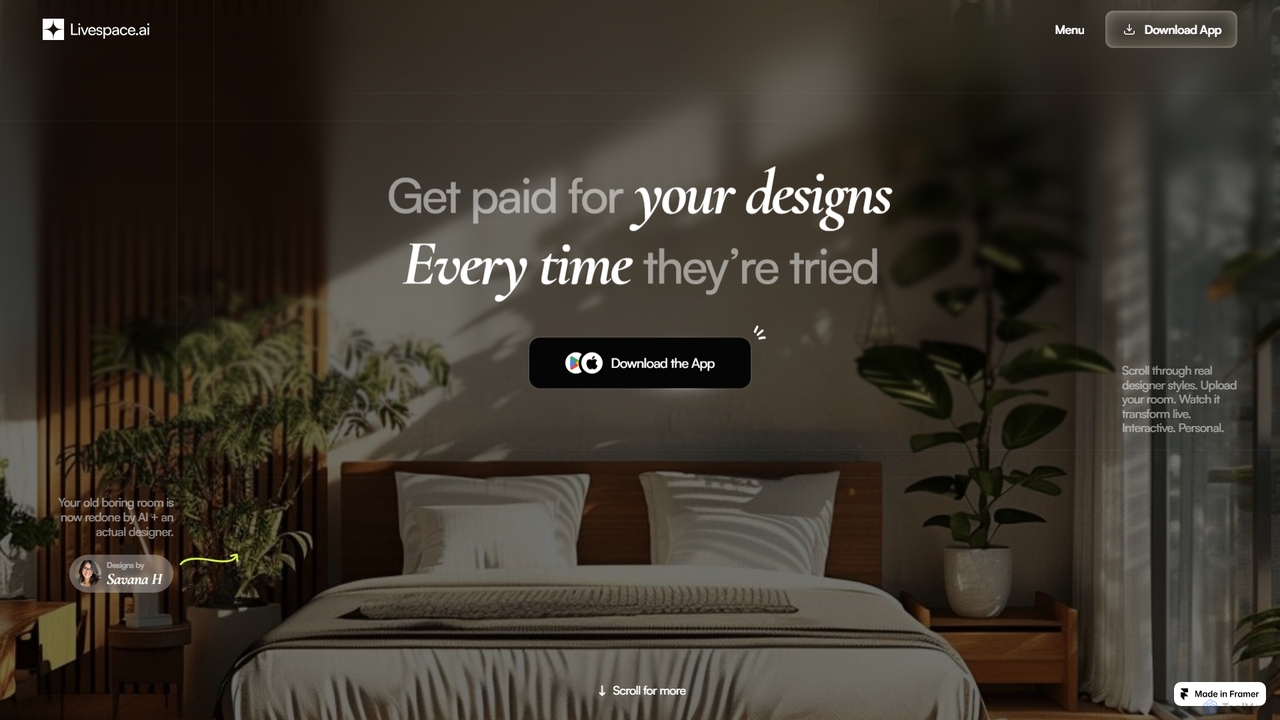
Livespace is an AI-powered platform connecting interior designers with homeowners. Designers can monetize their work by uploading designs, which users can then instantly and interactively visualize in their own rooms. It offers a passive income stream for creators and a practical design tool for users.

Image Generation
Visits 4.3KFavorites 144Likes 155
SpreeAI
Paid

SpreeAI

SpreeAI offers a cutting-edge, AI-powered virtual try-on solution for fashion e-commerce brands. Its photorealistic technology allows customers to see how clothes look on their own bodies in real-time, directly on the retailer's website or app. This immersive experience is designed to boost customer confidence, increase conversion rates, and significantly reduce product returns, providing a competitive edge in the digital fashion landscape.

Image Generation
Visits 11.9KFavorites 113Likes 127
bigesj
Freemium

bigesj

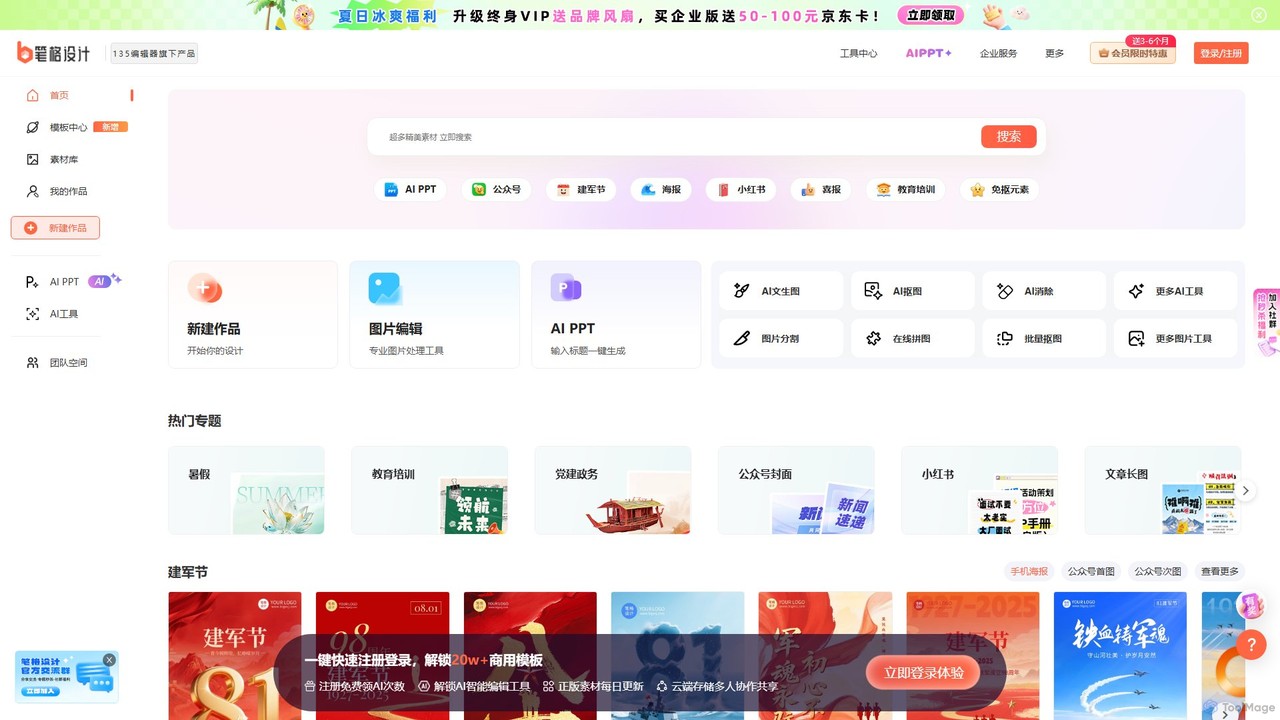
bigesj is an AI-powered online graphic design platform that simplifies the creation of professional visuals. It offers a vast library of templates, an intuitive editor, and powerful AI tools like AI PPT generation, text-to-image, and one-click background removal, empowering users to create stunning designs for marketing, social media, and business without prior experience.

Image Generation
Visits 30.7KFavorites 128Likes 130
MiriCanvas
Freemium

MiriCanvas

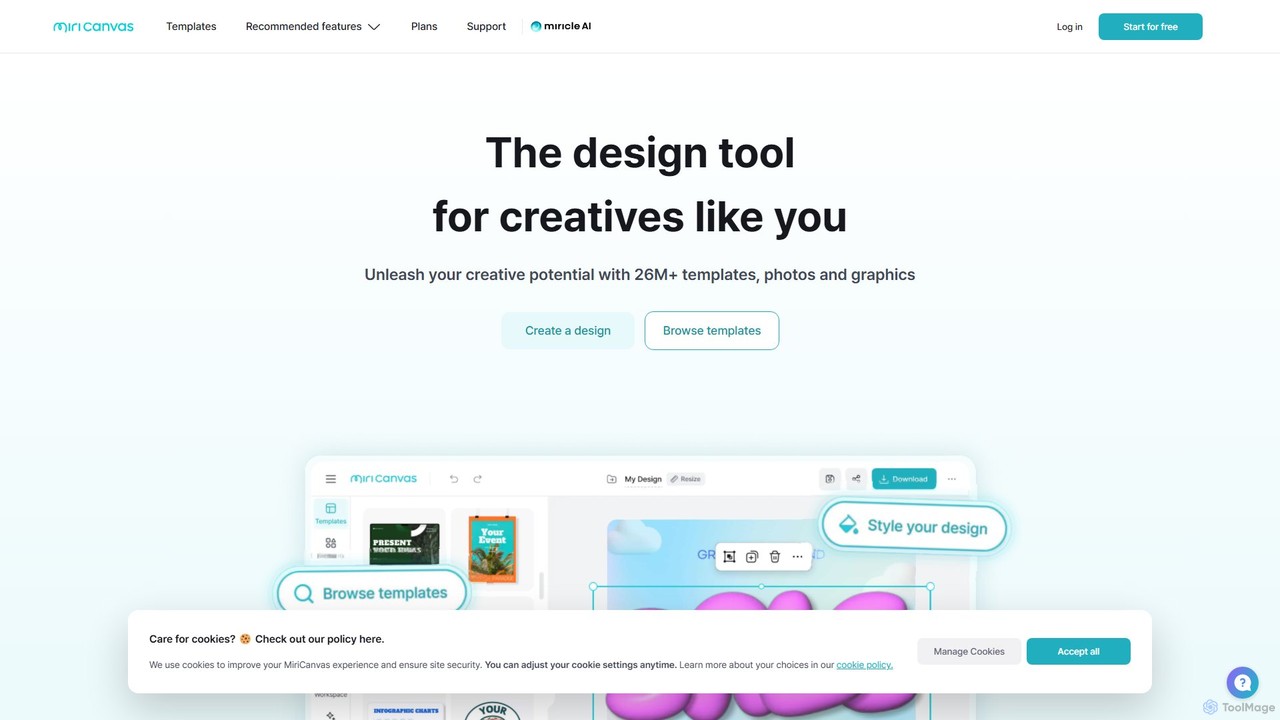
MiriCanvas is a versatile, AI-powered online design platform that makes graphic design accessible to everyone. It offers a vast library of over 26 million templates and assets for creating presentations, social media content, videos, and more. With intuitive AI tools like an AI presentation generator, background remover, and AI image generator, users can produce professional-quality designs quickly and effortlessly, across any device.

Image Generation
Visits 9.8MFavorites 160Likes 135

About Image Generation

Image Generation tools are a category of AI tools that automatically create visual content from text descriptions, existing images, or other data inputs. Leveraging advanced deep learning models like GANs and Diffusion Models, these tools empower users to rapidly produce unique graphics, illustrations, and photos. They significantly accelerate creative workflows across various industries, from marketing to game development, by transforming abstract ideas into tangible visuals.

Core Features

  • Text-to-Image Synthesis: Generate diverse images from simple text prompts.
  • Image-to-Image Translation: Transform existing images into new styles or variations.
  • Inpainting & Outpainting: Fill missing parts of an image or extend its boundaries seamlessly.
  • Style Transfer: Apply artistic styles from one image to another.
  • ControlNet Integration: Guide image generation with precise control over pose, depth, and edges.

Use Cases

Content creators, marketers, and designers frequently utilize image generation tools to produce unique visuals for social media, advertisements, and presentations. Developers can generate assets for games and virtual environments, while architects and interior designers use them for rapid concept visualization. These tools are also invaluable for artists exploring new creative directions and generating inspiration.

How to Choose

When selecting an image generation tool, consider the quality and realism of the output, the variety of available models and styles, and the ease of use for prompt engineering. Evaluate the speed of generation, the cost per image or subscription model, and the community support for custom models. Integration capabilities with existing design software and the ability to fine-tune models for specific needs are also crucial factors.

Featured tool rankings

Image Generation use cases

1

Designing Game Character Concepts

Game artists can use AI image generation to quickly iterate on character designs. By inputting text descriptions of a character's appearance, personality, and style, the tool generates multiple visual concepts. This allows artists to explore a wide range of ideas in minutes, significantly accelerating the initial concept art phase and providing diverse options for team review before committing to detailed modeling.

2

Creating Unique Marketing Campaign Visuals

Marketing teams leverage image generation tools to produce eye-catching visuals for digital campaigns without relying solely on stock photos or expensive photoshoots. A marketer can describe a desired scene, product placement, or abstract concept, and the AI generates bespoke images. This ensures brand uniqueness, helps A/B test different visual themes, and keeps content fresh across various platforms like social media and banner ads.

3

Generating Product Mockups for E-commerce

E-commerce businesses can utilize image generation to create diverse product mockups and lifestyle shots. Instead of costly photoshoots for every product variation, a seller can input product details and desired settings (e.g., 't-shirt on a beach model,' 'mug in a cozy cafe'). The AI generates realistic mockups, helping visualize products in different contexts, enhancing product listings, and reducing time-to-market for new items.

4

Illustrating Blog Posts and Articles

Content creators and bloggers use image generation to produce custom illustrations and header images for their articles. Instead of searching for generic stock photos, they can input the article's theme or key concepts as prompts. The AI generates unique, contextually relevant visuals that enhance reader engagement, break up text, and reinforce the article's message, making content more appealing and professional.

5

Visualizing Architectural and Interior Design Concepts

Architects and interior designers employ AI image generation for rapid visualization of design concepts. By providing floor plans, material descriptions, or desired aesthetic styles, the tools can render various design options. This allows for quick exploration of different layouts, color schemes, and furniture arrangements, facilitating client feedback and accelerating the design iteration process before detailed CAD work begins.

6

Developing Storyboards for Film and Animation

Filmmakers and animators can use image generation to quickly create visual storyboards. By inputting scene descriptions, character actions, and camera angles, the AI generates a sequence of images that visually represent the narrative flow. This helps in pre-visualization, allows for rapid experimentation with shot compositions, and provides a clear visual guide for the production team, streamlining the pre-production phase.

Image Generation FAQ

What are AI Image Generation tools?

AI Image Generation tools are advanced software applications that use artificial intelligence, primarily deep learning models like Diffusion Models, to create new images from various inputs. These inputs can include text descriptions (text-to-image), existing images (image-to-image), or even sketches. Their core function is to transform abstract ideas or data into unique, high-quality visual content, enabling rapid prototyping and creative exploration across diverse fields.

How do AI Image Generation tools work?

AI Image Generation tools typically work by training large neural networks on vast datasets of images and their corresponding descriptions. When a user provides a prompt (e.g., text), the AI model, often a Diffusion Model, iteratively refines a noisy image until it matches the prompt's description. This process involves understanding the semantic meaning of the input and synthesizing visual elements to construct a coherent and contextually relevant image, often with remarkable detail and artistic style.

What is the difference between AI Image Generation and AI Image Editing?

AI Image Generation focuses on creating entirely new images from scratch based on prompts or existing data, essentially 'imagining' visuals. In contrast, AI Image Editing tools modify or enhance existing images, performing tasks like background removal, object manipulation, color correction, or upscaling. While both use AI for visual tasks, generation creates new content, whereas editing refines or alters pre-existing content. Image generation is about creation, editing is about transformation.

Who can benefit from using AI Image Generation tools?

A wide range of professionals and enthusiasts can benefit from AI Image Generation tools. This includes content creators, marketers, and social media managers who need unique visuals quickly; graphic designers and artists seeking inspiration or rapid prototyping; game developers for concept art and asset generation; architects and interior designers for visualization; and even researchers for synthetic data generation. Anyone needing to visualize ideas or create custom imagery efficiently will find these tools valuable.

What factors should I consider when choosing an AI Image Generation tool?

When selecting an AI Image Generation tool, consider the quality and style of the generated images, as different models excel in various aesthetics (e.g., photorealism, artistic). Evaluate the ease of use for prompt engineering and the level of control offered (e.g., ControlNet features). Look at the speed of generation, pricing structure (free tiers, subscription, pay-per-use), and the community support or availability of custom models. Finally, assess its integration capabilities with your existing creative workflow.