
PixAI Overview
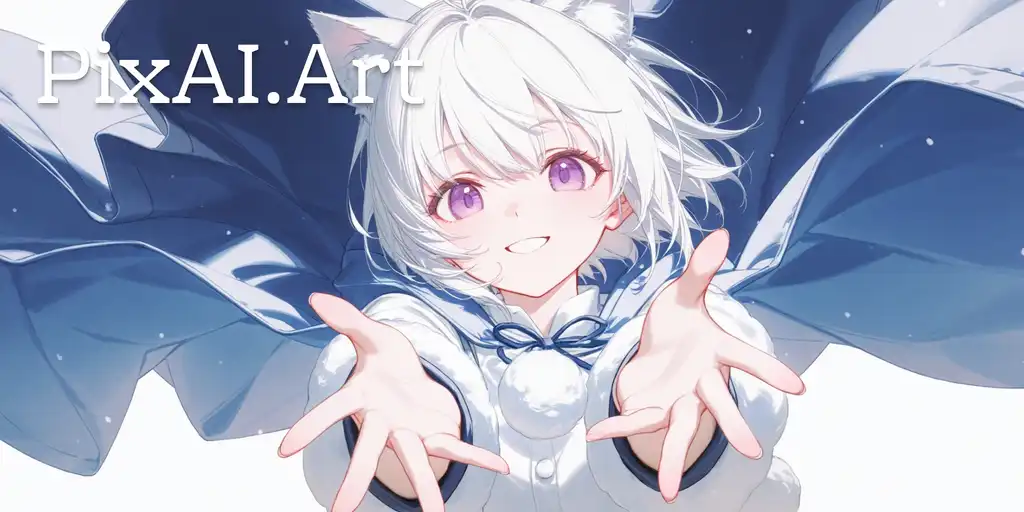
PixAI is a comprehensive and innovative AI art generation platform designed specifically for creators and enthusiasts of anime, manga, and cartoon styles. It stands out in the crowded field of AI image generators with its deep focus on producing high-quality, stylistically consistent artwork. The platform combines a powerful and versatile generation engine with a rich set of creative tools and a thriving community, making it a one-stop-shop for digital artists, game developers, content creators, and hobbyists.
At its core, PixAI transforms text prompts into stunning visual art. Users can describe any scene, character, or concept, and the AI will interpret the input to generate a unique image. The platform is built to be accessible for newcomers while offering the depth and control that professional artists demand. With a vast library of pre-trained models and the unique ability for users to train and share their own LoRA (Low-Rank Adaptation) models, the creative possibilities are virtually limitless. This allows for the creation of art in very specific styles or featuring consistent characters across multiple images.
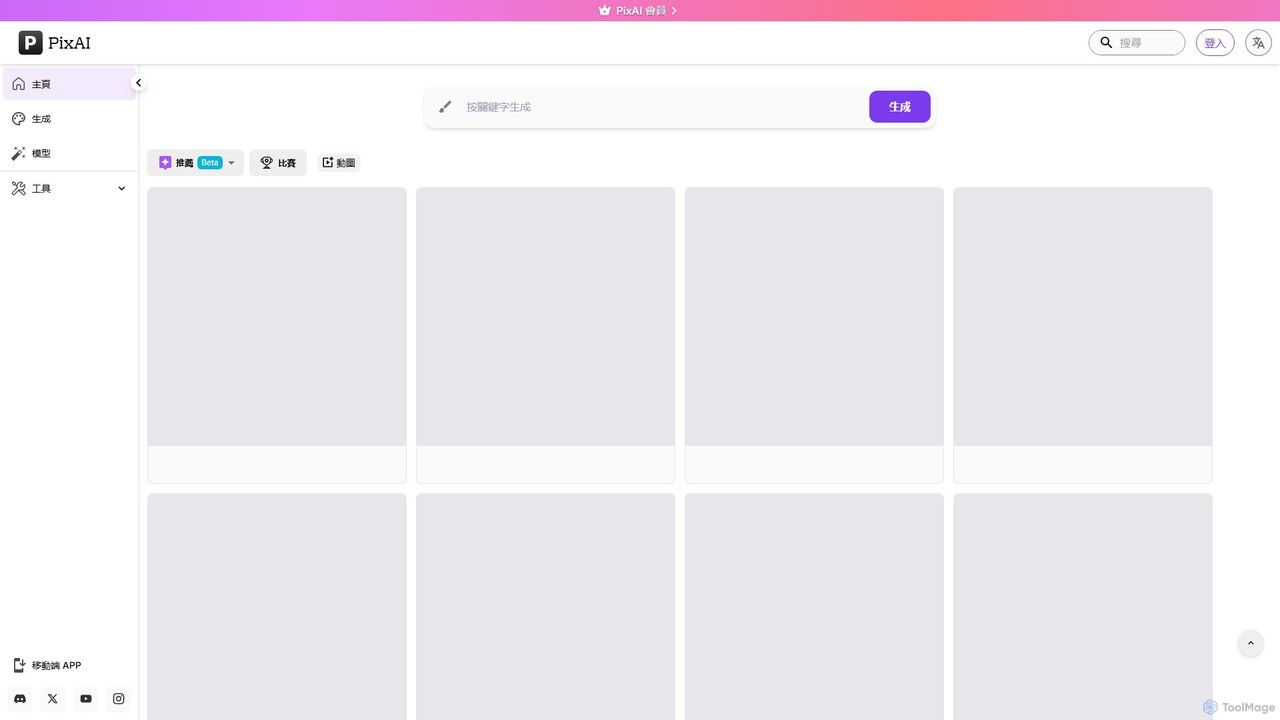
How to use PixAI
Getting started with PixAI is a straightforward process designed to get you creating in minutes:
- Sign Up: Create a free account on the PixAI website or through the mobile app. New users are typically greeted with a starting balance of credits for generating images.
- Navigate to the Generator: Access the main AI generation panel where you will input your creative ideas.
- Craft Your Prompt: In the text box, write a detailed description of the image you want to create. Be specific about the character's appearance, clothing, background, and overall mood. You can also use a negative prompt to specify what you want to avoid in the image.
- Select a Model: Choose from PixAI's official high-quality models or browse the extensive community library for a LoRA model that matches your desired character or art style.
- Adjust Advanced Settings: Fine-tune your creation by adjusting parameters such as aspect ratio, image resolution, sampling steps, and CFG scale for more precise control over the output.
- Generate and Refine: Click the 'Generate' button and let the AI work its magic. Once the image is created, you can use PixAI's built-in tools to further refine it.
- Enhance and Edit: Use the Image Upscaler to increase the resolution and detail of your artwork, or use the Inpainting tool to selectively edit or add elements to specific parts of the image.
- Share and Explore: Share your final creation with the vibrant PixAI community, enter contests, and explore the work of other artists for inspiration.
Core Features of PixAI
- High-Quality Anime Generation: A specialized engine optimized for creating detailed and stylistically accurate anime and cartoon art.
- Extensive Model Library: Access to a massive collection of official and community-trained LoRA models, allowing for unparalleled customization of characters, styles, poses, and concepts.
- Advanced Creative Tools: A full suite of editing tools including a high-resolution Image Upscaler, Inpainting for precise edits, and ControlNet for fine-grained control over composition and character poses.
- LoRA Model Training: A unique feature that allows users to train their own custom LoRA models on specific characters or art styles for consistent and personalized results.
- Vibrant Community Hub: An integrated platform for artists to share their creations, discover prompts from top-rated works, participate in themed contests, and engage with fellow creators.
- Mobile App: A fully-featured mobile application for both iOS and Android, enabling users to generate and edit art on the go.
- Generous Free Tier: Provides users with daily or weekly credits to generate images for free, making the platform highly accessible.
Use Cases for PixAI
PixAI is a versatile tool that caters to a wide range of creative needs:
- Anime & Manga Artists: Quickly generate character concepts, promotional illustrations, fan art, and background scenes.
- Game Developers: Create concept art for characters, environments, and assets for both indie and larger-scale game projects.
- Content Creators: Design unique YouTube thumbnails, social media avatars, banners, and other visual content to stand out.
- Writers and Storytellers: Visualize characters, settings, and key scenes from their novels, screenplays, or tabletop RPG campaigns.
- Hobbyists and Art Enthusiasts: Explore creative ideas, generate personalized wallpapers, create custom profile pictures, and simply have fun bringing their imagination to life.
Advantages of PixAI
PixAI offers several key advantages:
- Superior Anime Style: Its models are finely tuned for anime aesthetics, delivering results that are often superior to more generalized AI art generators.
- Community-Driven Variety: The user-generated LoRA library provides an ever-expanding universe of styles and characters that no single company could offer.
- All-in-One Ecosystem: It seamlessly integrates generation, advanced editing, model training, and a social community into a single, user-friendly platform.
- Accessibility: The freemium model ensures that anyone can start creating without an initial investment, while premium options cater to power users.
- Cross-Platform Availability: Create on your desktop via the website or on the move with the dedicated mobile app.
Pricing and Plans
PixAI operates on a freemium model that balances free access with premium features:
- Free Plan: Users receive a recurring allowance of free credits (e.g., daily or weekly) that can be used to generate a significant number of images. This plan provides access to most of the platform's core features and a wide selection of community models.
- PixAI Membership (Paid Subscription): For more frequent users and professionals, PixAI offers monthly or annual subscription plans. These memberships typically include a large bundle of monthly credits, faster generation queues, priority access to new features and models, increased limits on LoRA training, and other exclusive perks. The pricing is tiered to accommodate different levels of usage and needs.
Traffic
Latest traffic
Status
Monthly traffic trend
- 2026-1: 10.4M
- 2026-2: 8.4M
- 2026-3: 9.2M
- 2026-4: 9.4M
- 2026-5: 9.7M
Geography
Top 5 countries / regions
- 🇯🇵Japan76.7%
- 🇺🇸United States12.2%
- 🇹🇼Taiwan4.3%
- 🇰🇷South Korea3.5%
- 🇩🇪Germany3.3%
Traffic sources
| Source type | Percentage |
|---|---|
Direct | 91.5% |
Referral | 8.1% |
Email | 0.4% |
PixAI Videos on YouTube

Digital Product Wizard
TechMora AI

Digital Delegator

サファはユーチューバー【AIイラスト】

PixAI Alternatives
AniGen AI
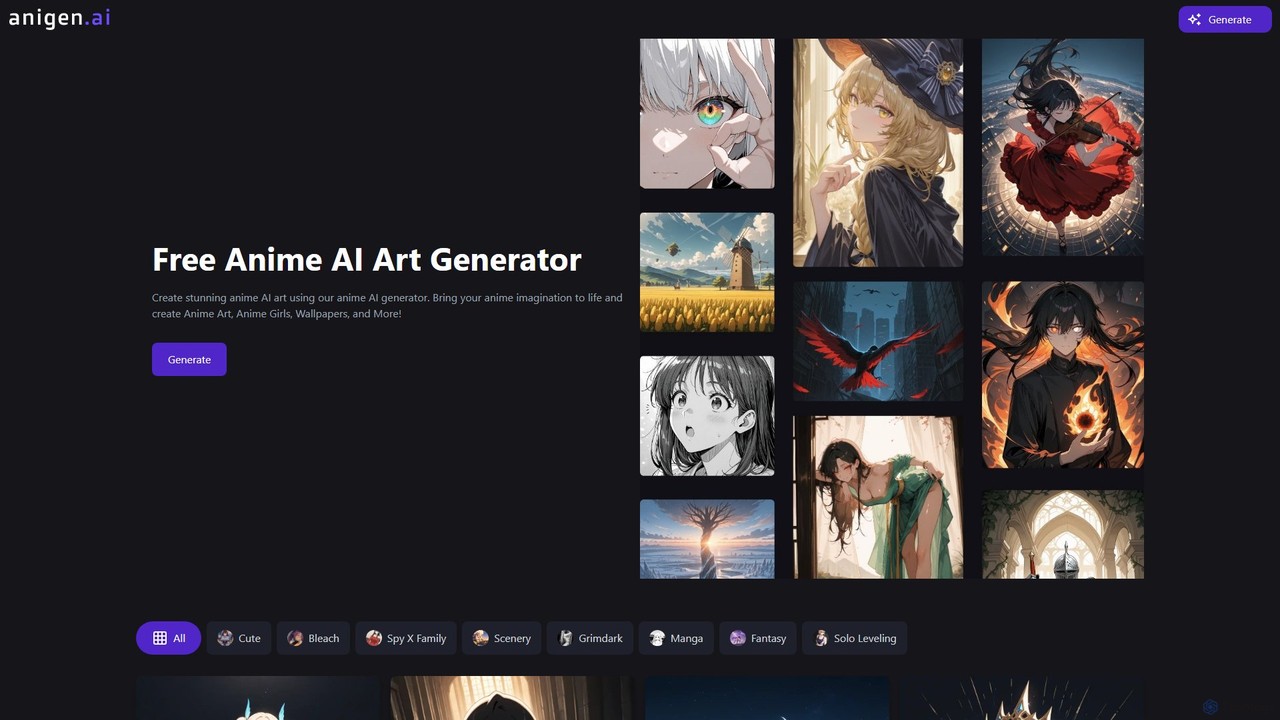
AniGen AI is a free, specialized AI art generator for creating stunning anime-style images. It leverages advanced Styles LoRA technology, allowing users to easily apply specific and consistent artistic styles, from popular series like Bleach and Spy X Family to broader genres like fantasy and grimdark. Bring your imagination to life by creating unique anime characters, wallpapers, and illustrations with unparalleled ease and control.
Generative Art
SeaArt
SeaArt is an all-in-one AI creativity platform and community for generating high-quality images, videos, audio, and interactive characters. It offers a vast library of models, advanced tools like ComfyUI, and custom model training, catering to everyone from beginners to professional artists and developers.
Voice Synthesis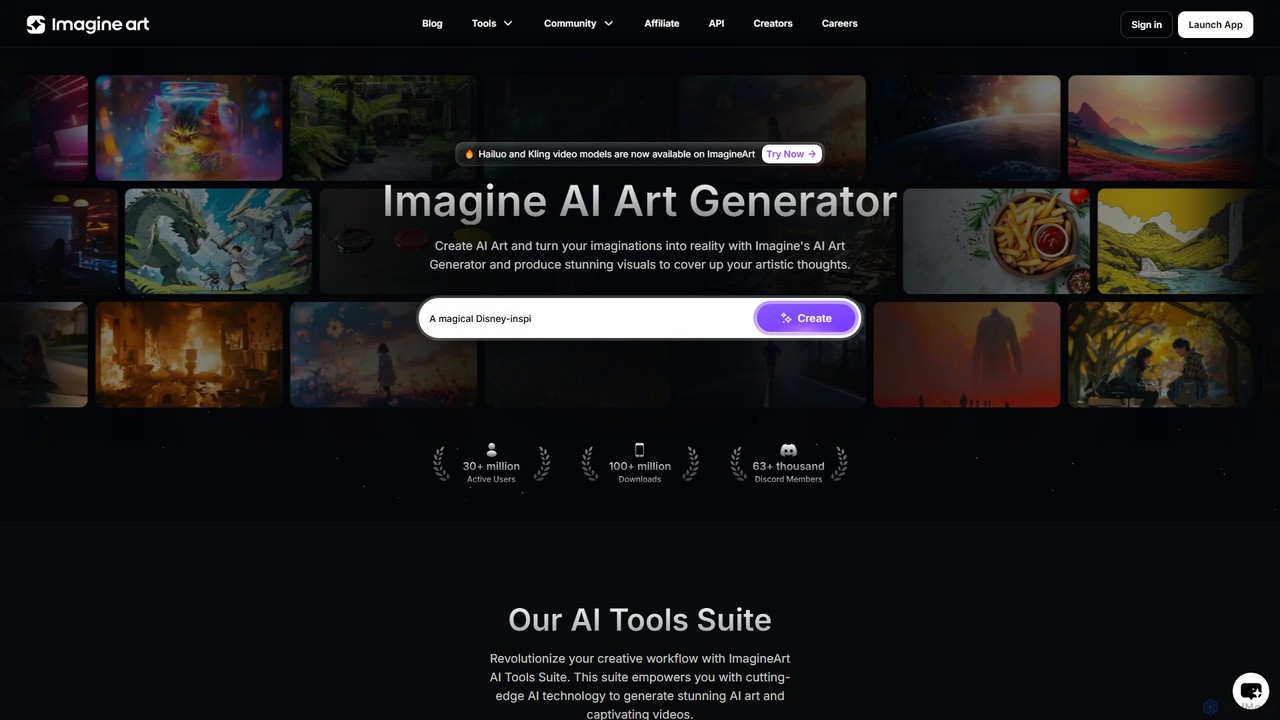
Imagine
Imagine is a powerful AI art and video generator that transforms text prompts into stunning visuals. It offers a comprehensive suite of tools, including text-to-image, image reference, character creation, and video generation. With various artistic styles, advanced editing features, and plans for both individuals and businesses, it's designed to overcome creative blocks and accelerate workflows for artists, designers, marketers, and developers.
Image Generation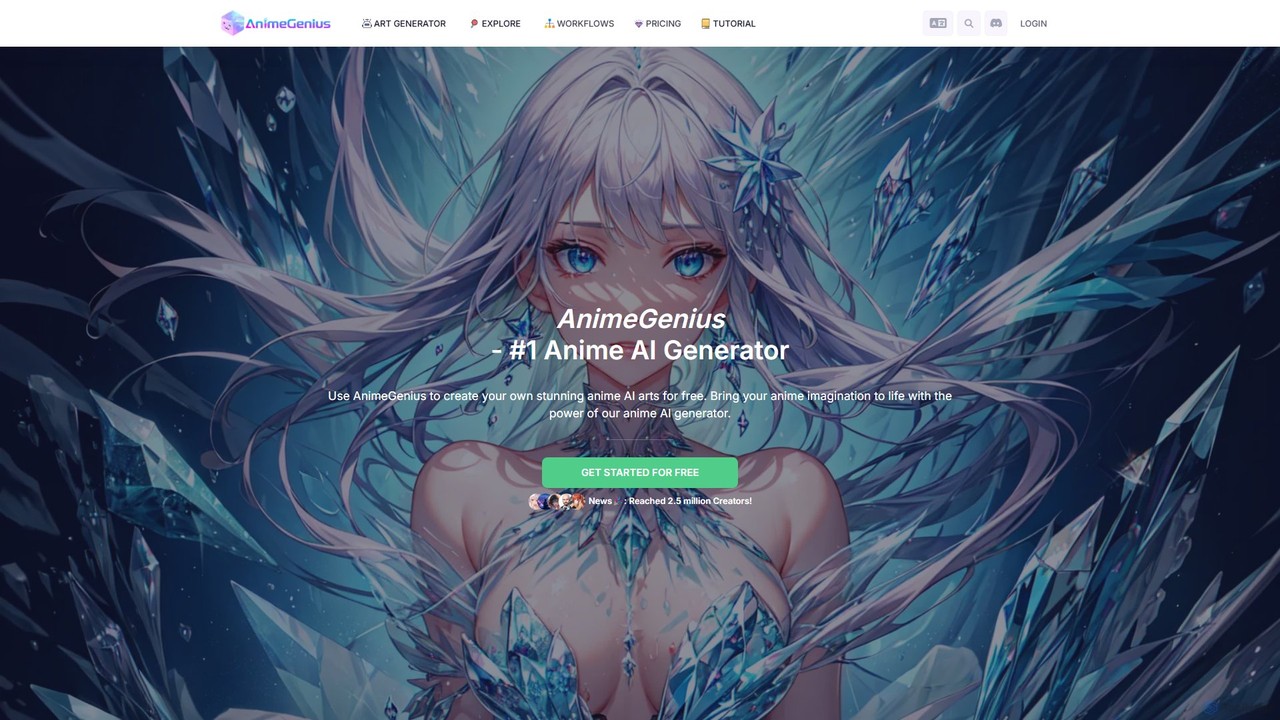
AnimeGenius
AnimeGenius is a powerful and free-to-use AI anime art generator. It allows users to create high-quality anime-style images, characters, and even short videos from text prompts, photos, or simple sketches. With a user-friendly interface and a vast library of styles, it's designed for both beginners and experienced artists to bring their imagination to life in seconds.
Avatar Maker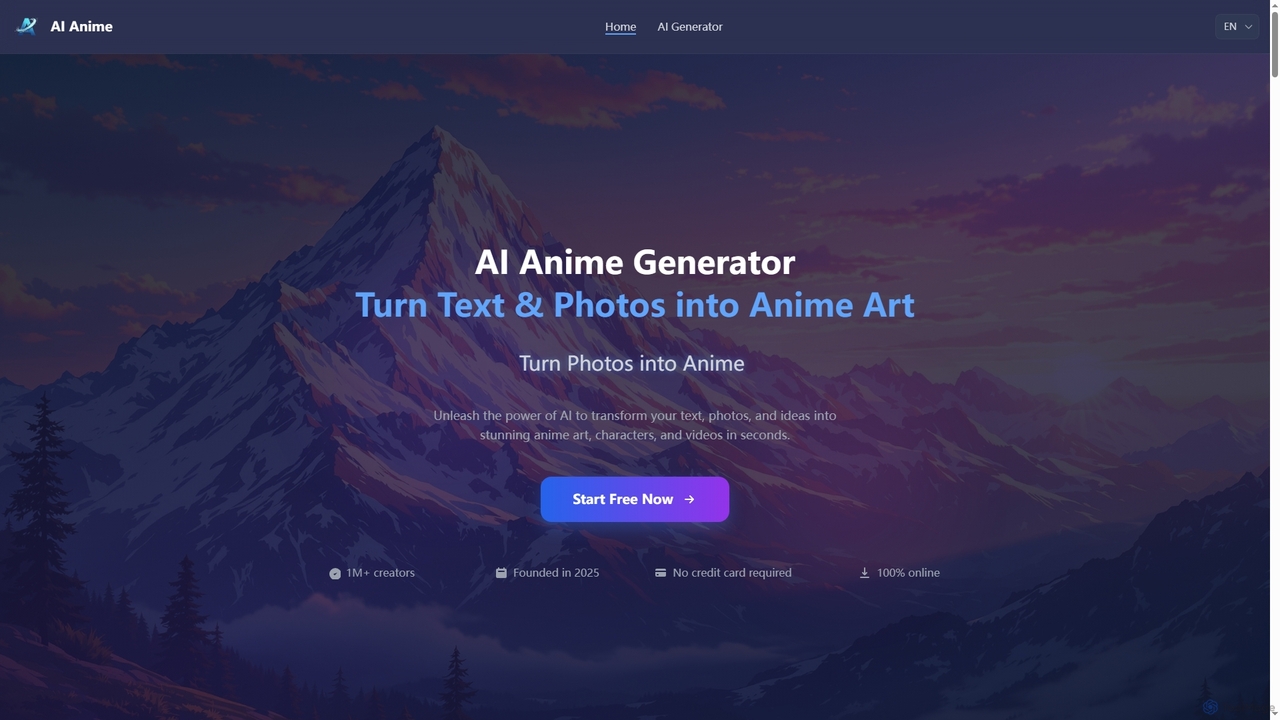
Aianime
Aianime is a free AI-powered suite for creating high-quality anime art. It transforms text and photos into unique anime characters, scenes, and videos in seconds. It offers various styles, requires no registration, and provides 60 free generations daily.
Avatar MakerPixAI Categories
PixAI Embed Widget
Copy this embed code to place the badge on your blog, article, or product site and send readers directly to this ToolMage detail page.

Related AI tools
AniGen AI
AniGen AI is a free, specialized AI art generator for creating stunning anime-style images. It leverages advanced Styles LoRA technology, allowing users to easily apply specific and consistent artistic styles, from popular series like Bleach and Spy X Family to broader genres like fantasy and grimdark. Bring your imagination to life by creating unique anime characters, wallpapers, and illustrations with unparalleled ease and control.
Generative Art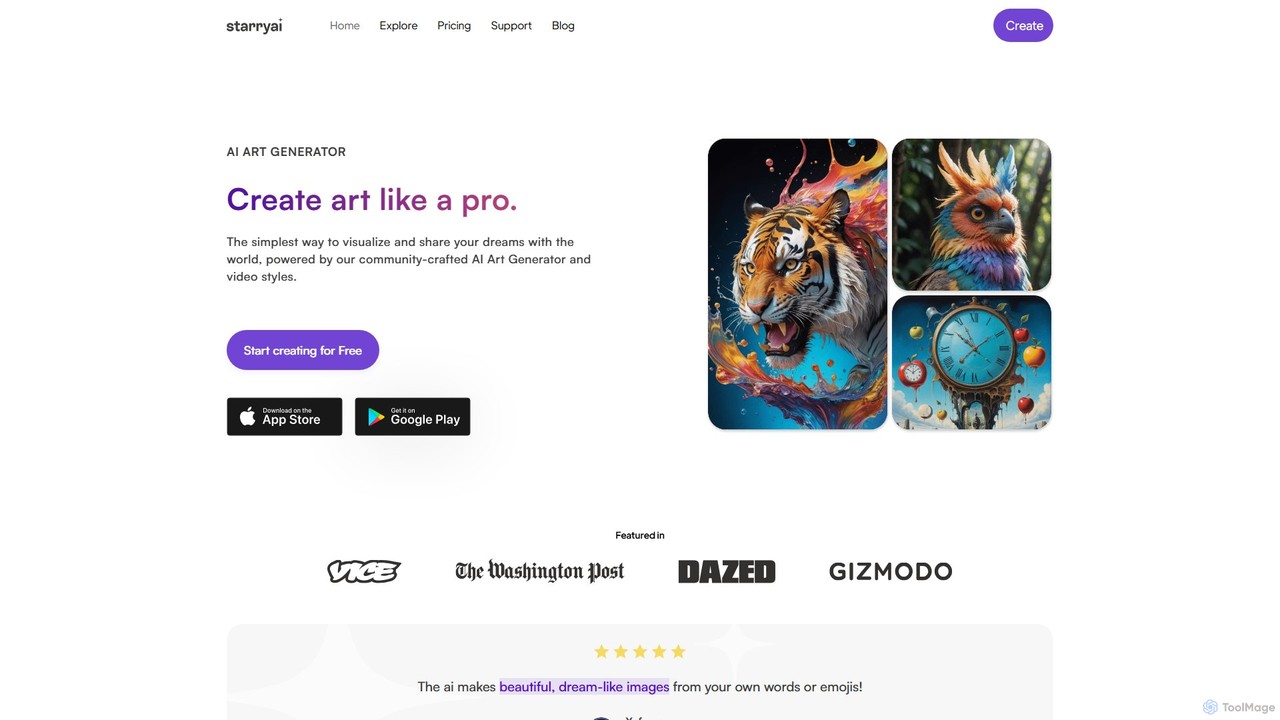
starryai
starryai is a powerful AI art and video generator that transforms your text prompts into unique, high-quality visuals. It offers a user-friendly experience with over 1000 styles, making it accessible for both beginners and professionals. Users get 25 free, watermark-free images daily and retain full ownership and commercial rights to their creations. It's an ideal tool for artists, designers, and marketers.
Art Generation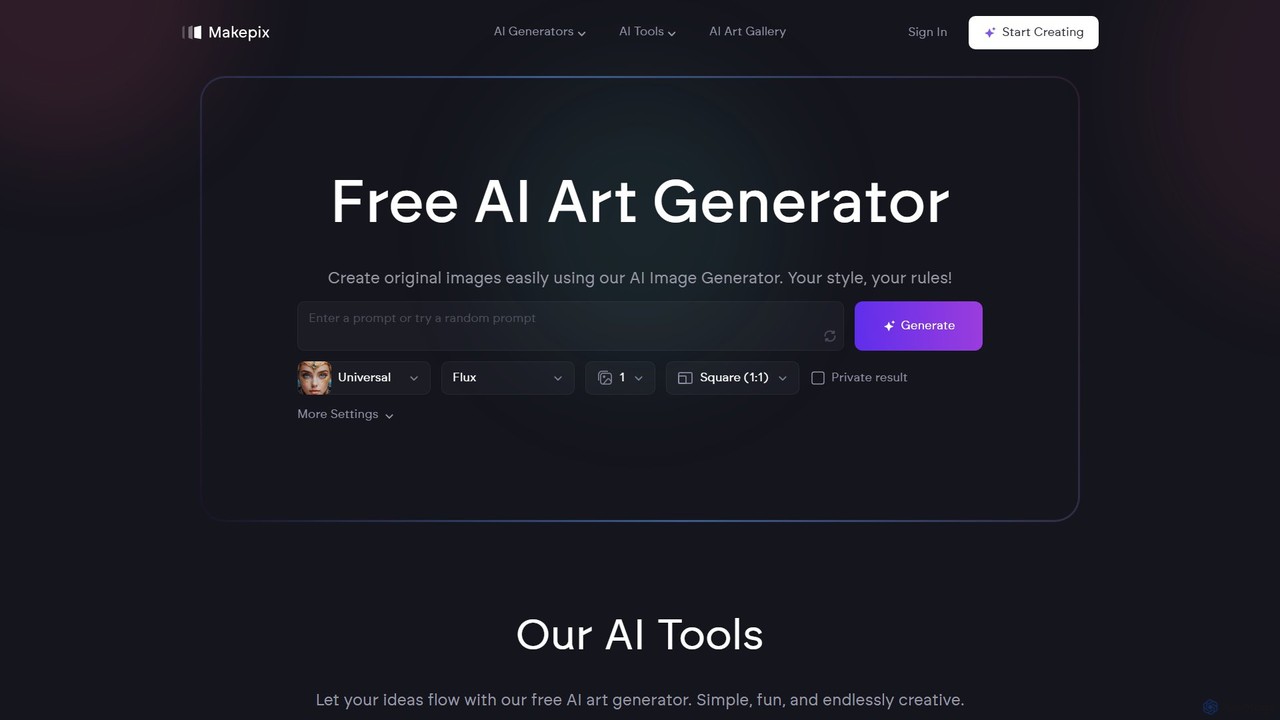
makepix
Makepix is a versatile and free AI art generator that allows users to create original images from text or photos. It offers a comprehensive suite of tools, including specialized generators for anime, characters, faces, and tattoos, alongside advanced editing features like background removal, image upscaling, and uncropping. It's designed for both beginners and professionals, making creativity simple, fun, and endlessly accessible.
Image Generation
Makepix
A powerful and versatile AI image generation platform offering a suite of tools to create stunning visuals from text or images. It features specialized generators for anime, characters, faces, and more, alongside advanced editing functions like upscaling, background removal, and image-to-video conversion. Ideal for artists, marketers, and creators of all levels.
Generative ArtSeaArt
SeaArt is an all-in-one AI creativity platform and community for generating high-quality images, videos, audio, and interactive characters. It offers a vast library of models, advanced tools like ComfyUI, and custom model training, catering to everyone from beginners to professional artists and developers.
Voice Synthesis
Jyek
Jyek is an AI agent platform that understands objectives, creates execution plans, uses tools, and delivers verifiable results for complex, multi-step tasks.
AutomationImagine
Imagine is a powerful AI art and video generator that transforms text prompts into stunning visuals. It offers a comprehensive suite of tools, including text-to-image, image reference, character creation, and video generation. With various artistic styles, advanced editing features, and plans for both individuals and businesses, it's designed to overcome creative blocks and accelerate workflows for artists, designers, marketers, and developers.
Image Generation
Mage
Mage is a powerful and versatile AI image and video generator offering free, unlimited creation capabilities. It provides access to a vast array of models like Stable Diffusion, Flux, and Wan, enabling users to generate diverse content from photorealistic portraits to anime and abstract art. With advanced features including LoRA, ControlNet, inpainting, and video animation, Mage caters to both beginners and professional artists seeking extensive creative control.
For FunAnimeGenius
AnimeGenius is a powerful and free-to-use AI anime art generator. It allows users to create high-quality anime-style images, characters, and even short videos from text prompts, photos, or simple sketches. With a user-friendly interface and a vast library of styles, it's designed for both beginners and experienced artists to bring their imagination to life in seconds.
Avatar MakerAianime
Aianime is a free AI-powered suite for creating high-quality anime art. It transforms text and photos into unique anime characters, scenes, and videos in seconds. It offers various styles, requires no registration, and provides 60 free generations daily.
Avatar Maker
dreamlike.art
dreamlike.art is a powerful, browser-based AI art generator that uses Stable Diffusion and other advanced models to create stunning, original artwork in seconds. It offers a suite of tools for generation, editing, upscaling, and more, all accessible through a user-friendly interface. A generous free plan is available.
Graphics
PicSo
PicSo is a versatile AI art generator that transforms text prompts into stunning images and creates realistic AI portraits. It supports a wide range of art styles and offers editing capabilities, making it ideal for artists, designers, and content creators. Available on both web and mobile platforms.
Avatar Generation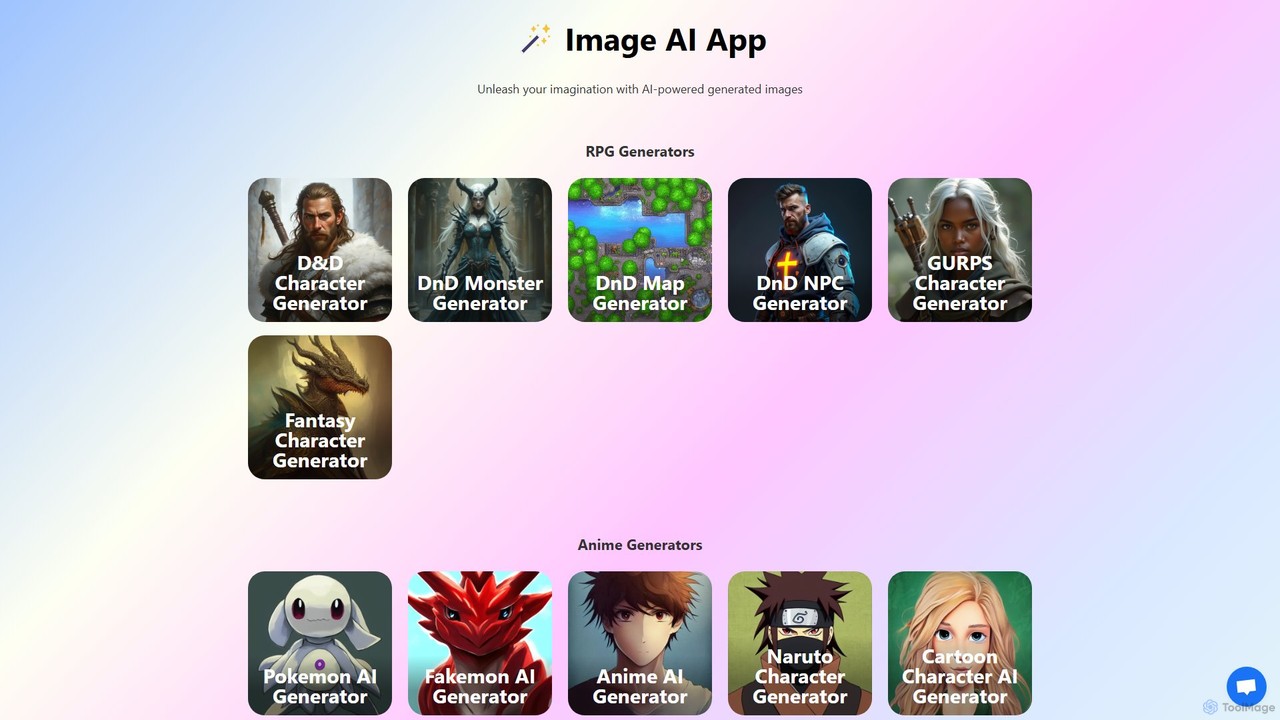
Image AI
Image AI is a comprehensive suite of specialized AI-powered generators for creating images, characters, maps, and more. It focuses on RPGs like Dungeons & Dragons, anime, and fantasy art, offering tools like NPC generators with backstories, Pokémon creators, and map makers. It also includes image enhancement features like upscaling and background removal, all powered by models like Stable Diffusion and ChatGPT.
Character Creation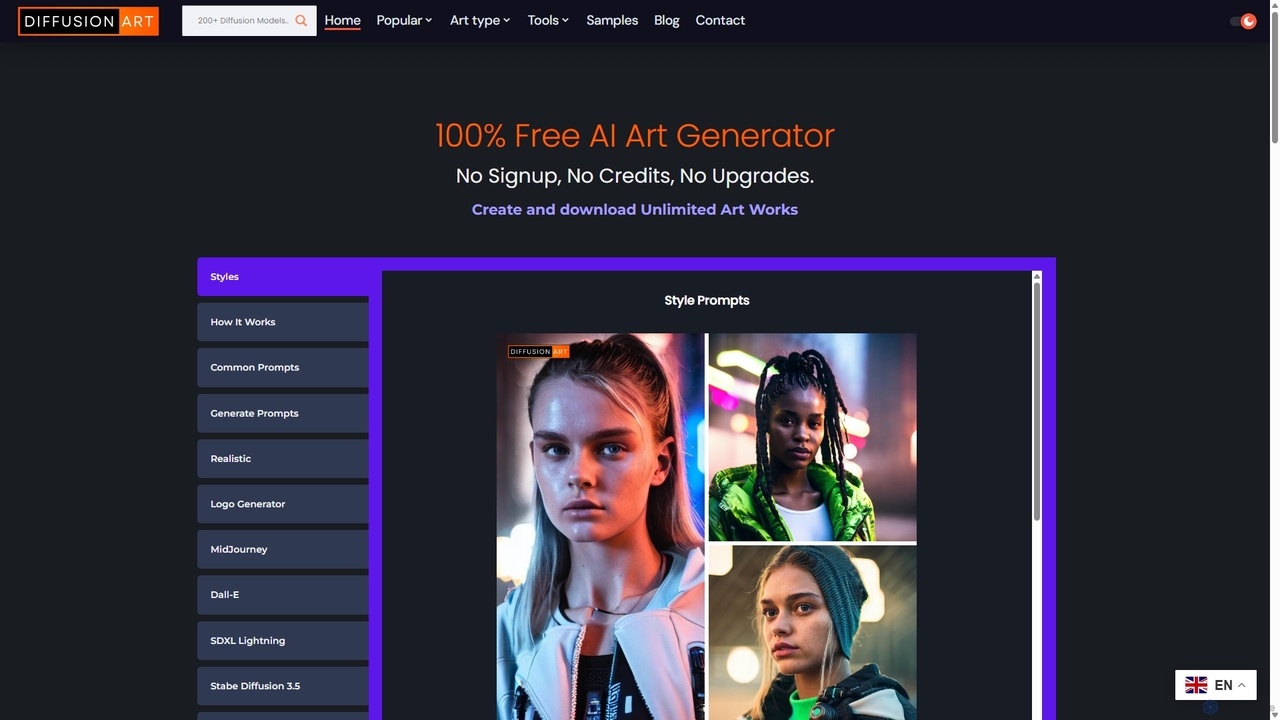
DiffusionArt.co
DiffusionArt.co is a 100% free AI art generator offering unlimited image creation without sign-ups or credits. It provides access to hundreds of hosted Stable Diffusion models for various styles like art, anime, and photorealism. Features include multi-model generation, prompt assistance, and integrated editing tools like upscaling and background removal, all accessible through a user-friendly web interface.
Art Generation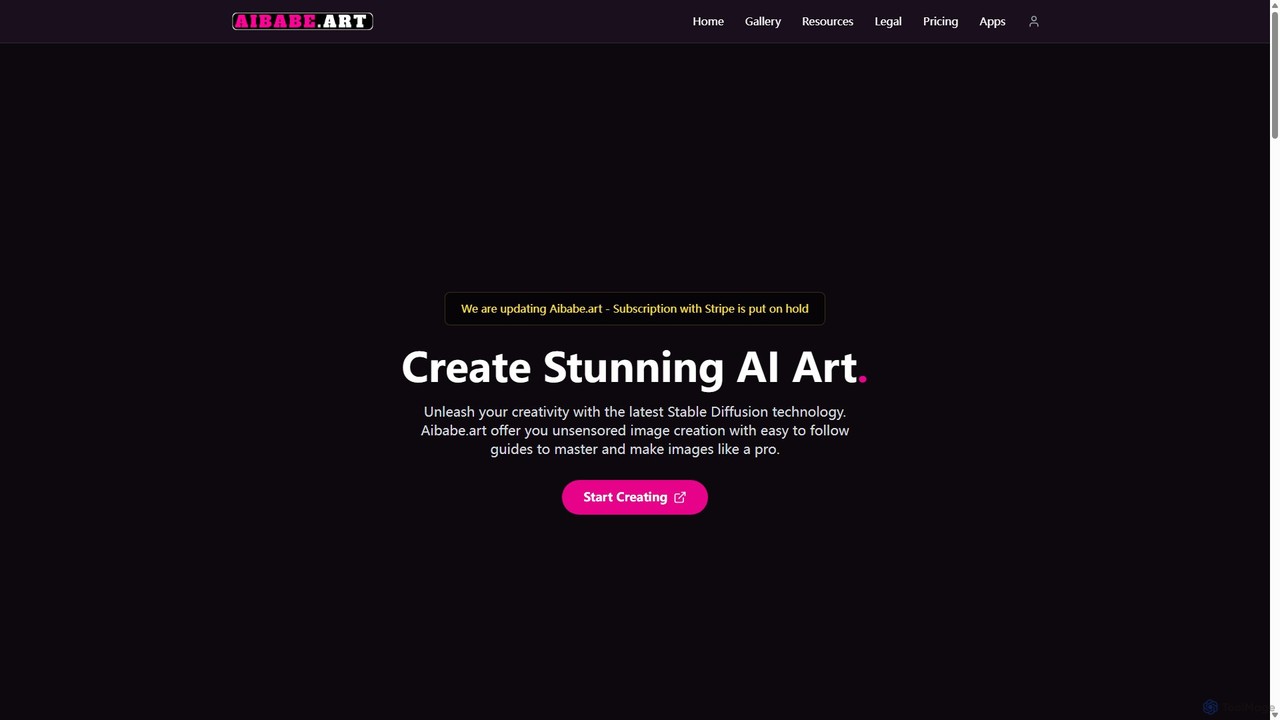
AIBabe.art
AIBabe.art is an AI art generator powered by Stable Diffusion, specializing in creating stunning, high-quality images of characters. It offers a user-friendly interface with diverse models and advanced controls, catering to artists, designers, and hobbyists who want to bring their character concepts to life, from photorealistic portraits to anime styles.
Character Design
PixAI Comments (0)
Sign in to comment.
Sign inNo comments yet.