

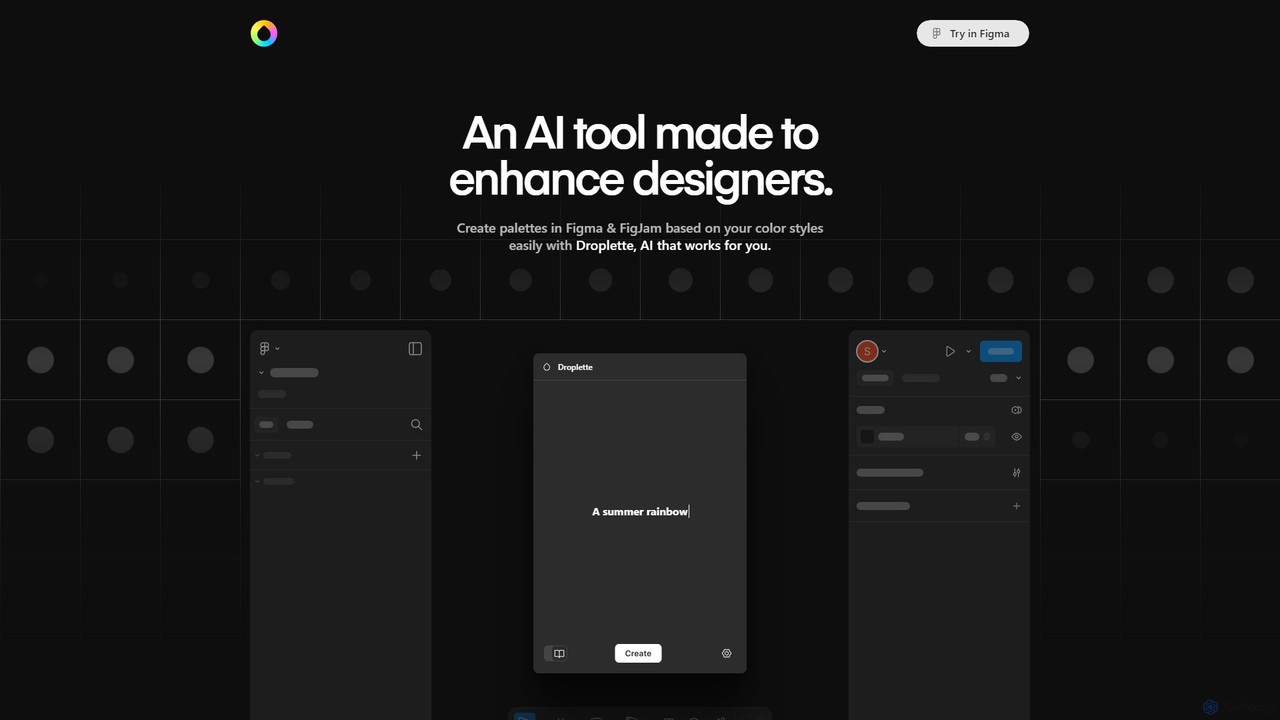
Droplette Overview
Droplette is a smart AI-powered color palette generator built to enhance the workflow of designers directly within Figma and FigJam. This powerful plugin leverages artificial intelligence to help you create beautiful, harmonious, and unique color palettes with ease. Whether you're starting a new project, looking for inspiration, or trying to expand an existing brand's color system, Droplette acts as your intelligent design assistant, saving you time and overcoming creative blocks.
The tool is designed for seamless integration. It can analyze the colors within your selected frames or images and use them as a foundation for new, context-aware palettes. Alternatively, you can sync it with your established Figma color styles, ensuring that all AI-generated suggestions remain on-brand. This flexibility makes Droplette suitable for a wide range of design tasks, from UI/UX design and branding to digital illustration and marketing material creation.
How to use Droplette
Using Droplette is a straightforward process integrated into your Figma workflow:
- Installation: Find and install the Droplette plugin from the Figma Community marketplace.
- Setup: Droplette requires you to bring your own OpenAI API key. Once installed, open the plugin and enter your API key in the settings to activate the AI features. This one-time setup connects the plugin to the powerful language models that generate the palettes.
- Choose Your Method: You have several ways to start. You can select one or more frames on your canvas, and Droplette will automatically extract the prominent colors to use as a base. You can also manually select specific colors you want to work with or sync the plugin with your document's existing color styles.
- Generate Palettes: With your base colors selected, click the generate button. The AI will process your input and suggest a variety of unique color palettes.
- Adjust and Refine: If a generated palette is close but not perfect, you can easily tweak it. The interface allows you to adjust individual colors, lock the ones you like, and regenerate the rest.
- Iterate with AI: Continue iterating as much as you need. You can suggest specific colors to take forward into the next generation or start again from scratch for a completely new set of ideas.
- Apply to Your Design: Once you're satisfied, you can easily apply the new colors to your designs or save them as new color styles in Figma.
Core Features of Droplette
- AI-Powered Palette Generation: Utilizes advanced AI to create aesthetically pleasing and contextually relevant color combinations.
- Multiple Input Sources: Generate palettes by extracting colors from selected frames/images, using specific seed colors, or syncing with existing Figma color styles.
- Figma & FigJam Integration: Works as a native plugin directly inside your design environment, eliminating the need for external tools and context switching.
- Real-time Adjustments: Provides an intuitive interface to fine-tune, lock, and modify generated colors on the fly.
- Iterative Design Workflow: Supports endless creative exploration by allowing you to regenerate palettes based on your feedback and adjustments.
- Brand Consistency: The ability to sync with Figma's color styles helps ensure all generated palettes align with your established brand guidelines.
Use Cases for Droplette
Droplette is a versatile tool for various creative professionals:
- UI/UX Designers: Quickly generate and test color schemes for new websites, mobile apps, and software interfaces.
- Brand Strategists: Develop comprehensive and unique color systems for new brand identities or expand existing ones.
- Digital Illustrators: Find inspiration and create harmonious color palettes for illustrations and digital art within Figma or FigJam.
- Marketing Professionals: Design on-brand marketing materials, social media graphics, and presentations with cohesive color themes.
- Web Developers: Rapidly prototype color variations for web projects directly in the design phase.
Advantages of Droplette
Droplette offers several key advantages over traditional methods of color selection:
- Efficiency: Automates the time-consuming process of finding and testing color combinations, allowing designers to focus on more strategic tasks.
- Creativity: Acts as a source of inspiration, helping to break creative blocks by suggesting unexpected yet harmonious color palettes.
- Control: Balances AI automation with full user control, allowing for precise adjustments to meet specific design requirements.
- Simplicity: Features a simple setup and an intuitive user interface that is easy to learn and use.
- Affordability: Offers a one-time payment model, making it a cost-effective tool without the burden of recurring subscriptions.
Pricing and Plans
Droplette is available for a single, one-time payment, with no subscriptions or recurring fees. The pricing is structured as follows:
- Special Launch Price: $9
- Regular Price: $20
Note: Users must provide their own OpenAI API key. The cost of using the OpenAI API is separate and depends on your individual usage. This model keeps the plugin's price low while giving users control over their API expenses.
Droplette Alternatives
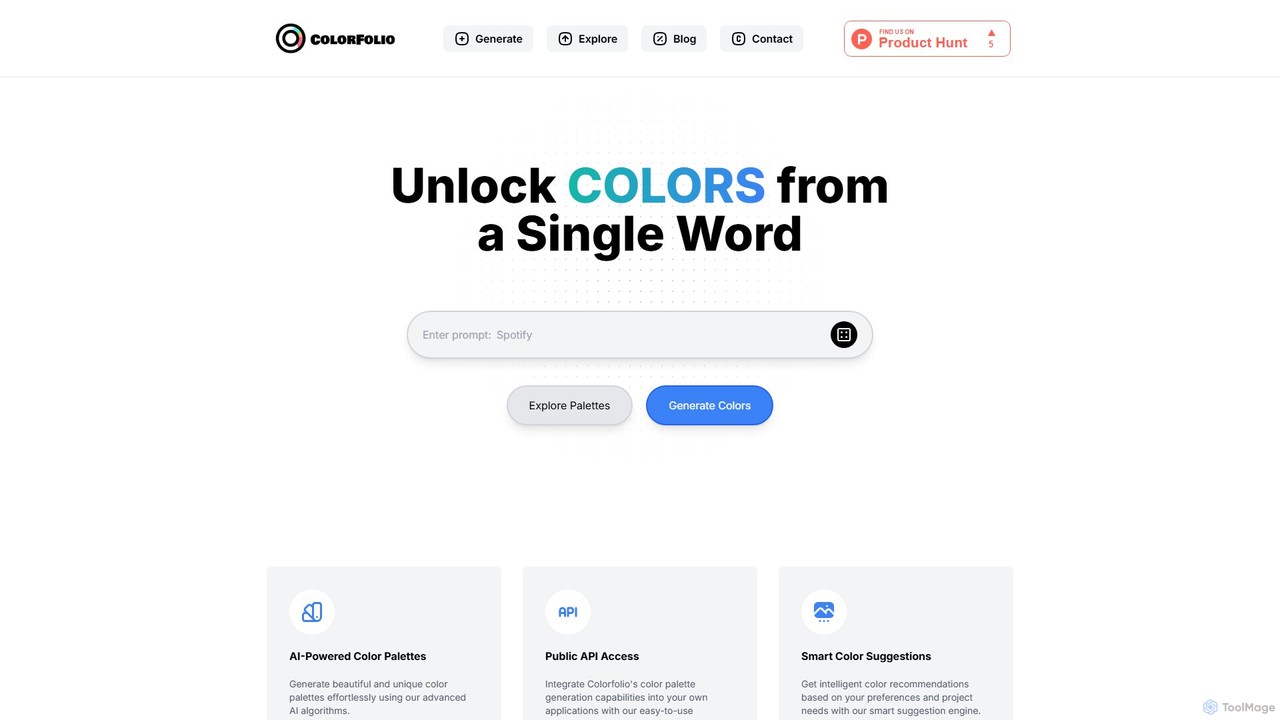
Colorfolio
Colorfolio is an AI-powered color palette generator that creates beautiful and unique color schemes from a single word or text prompt. Ideal for designers, developers, and brand managers, it simplifies the color selection process with smart suggestions and offers a public API for integration.
Color Palette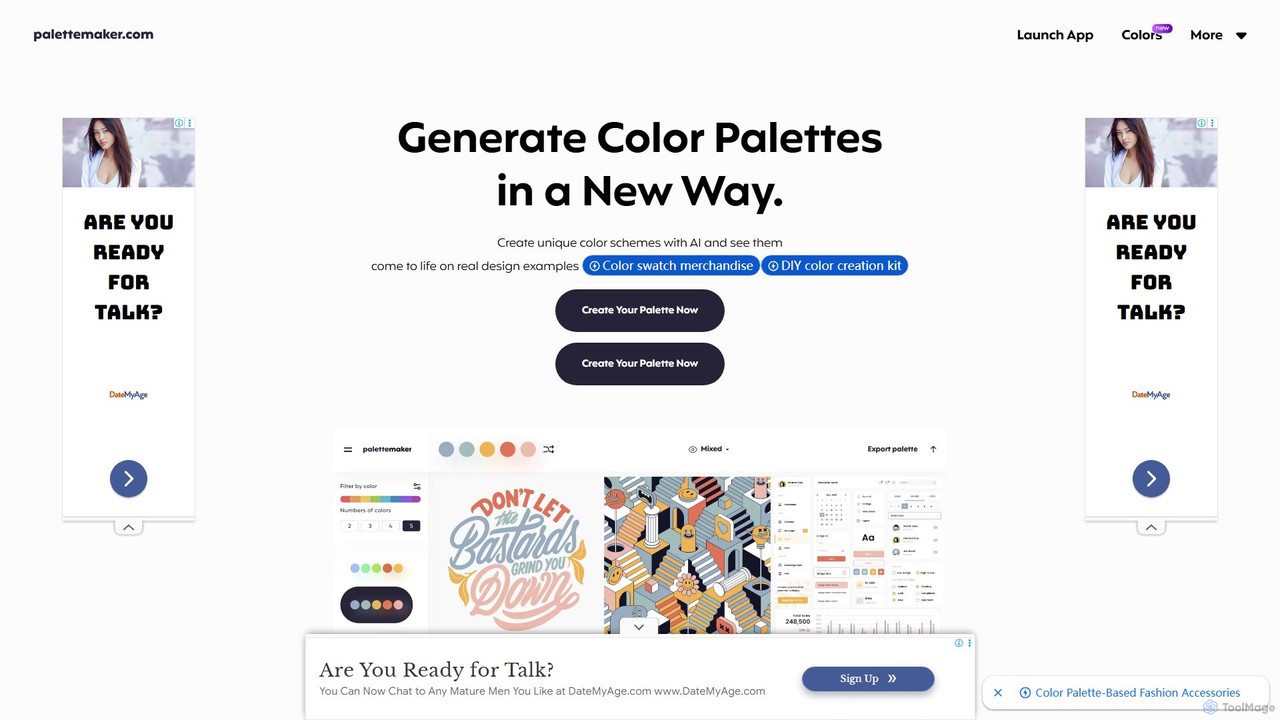
PaletteMaker
PaletteMaker is a free, AI-powered color palette generator that allows designers and creatives to create and instantly preview color schemes on real-world design mockups. It supports various creative fields like UI/UX, branding, and illustration, offering powerful export options for professional workflows.
Inspiration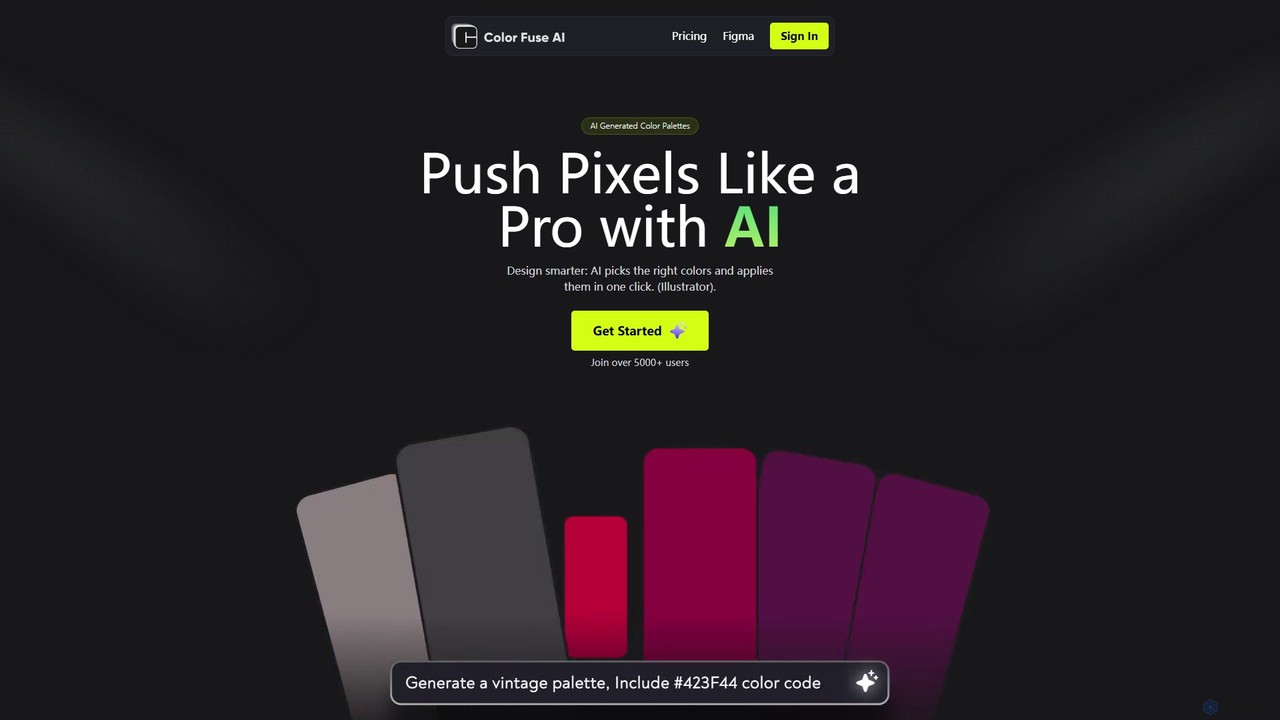
Color Fuse AI
Color Fuse AI is an AI-powered chat assistant that generates stunning color palettes from simple text prompts. It integrates seamlessly with Figma, Adobe Illustrator, and Photoshop, allowing designers to find, customize, and apply perfect color schemes with a single click, dramatically speeding up the design workflow.
Illustration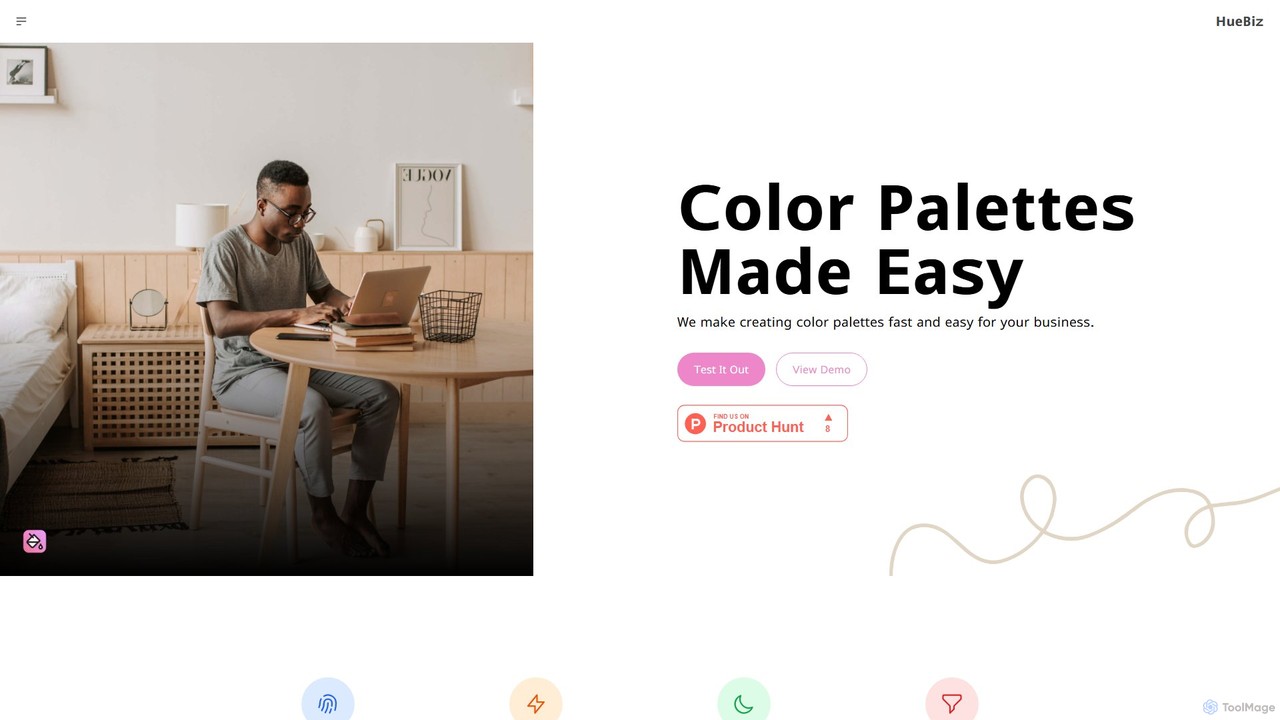
HueBizz
HueBizz is an AI-powered color palette generator that helps businesses create fast, easy, and effective color schemes. It leverages AI to analyze market trends and brand identity, delivering tailored palettes for various industries, complete with dynamic light and dark mode adjustments.
Color Palette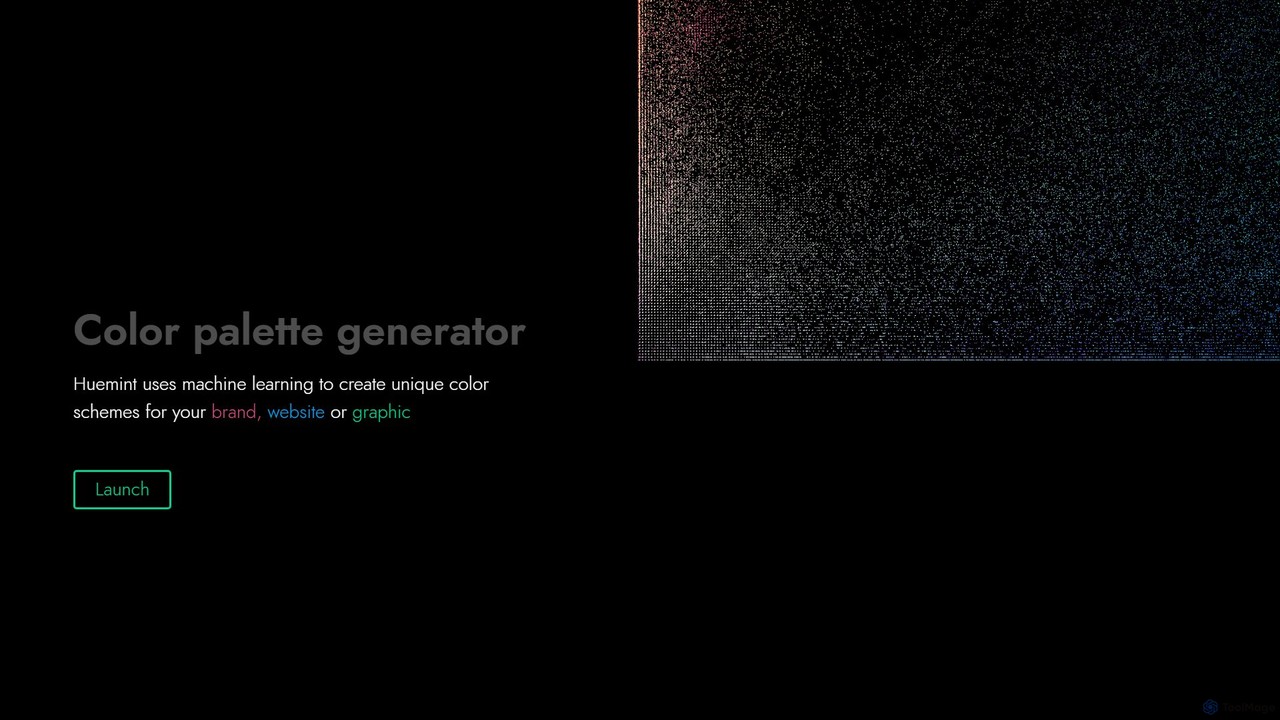
Huemint
Huemint is an AI-powered color palette generator that uses machine learning to create unique and harmonious color schemes for brands, websites, graphics, and illustrations. It provides contextual previews to visualize how colors work together in real-world applications.
InspirationDroplette Categories
Droplette Embed Widget
Copy this embed code to place the badge on your blog, article, or product site and send readers directly to this ToolMage detail page.

Related AI tools
Huemint
Huemint is an AI-powered color palette generator that uses machine learning to create unique and harmonious color schemes for brands, websites, graphics, and illustrations. It provides contextual previews to visualize how colors work together in real-world applications.
InspirationColorfolio
Colorfolio is an AI-powered color palette generator that creates beautiful and unique color schemes from a single word or text prompt. Ideal for designers, developers, and brand managers, it simplifies the color selection process with smart suggestions and offers a public API for integration.
Color PalettePaletteMaker
PaletteMaker is a free, AI-powered color palette generator that allows designers and creatives to create and instantly preview color schemes on real-world design mockups. It supports various creative fields like UI/UX, branding, and illustration, offering powerful export options for professional workflows.
InspirationColor Fuse AI
Color Fuse AI is an AI-powered chat assistant that generates stunning color palettes from simple text prompts. It integrates seamlessly with Figma, Adobe Illustrator, and Photoshop, allowing designers to find, customize, and apply perfect color schemes with a single click, dramatically speeding up the design workflow.
IllustrationHueBizz
HueBizz is an AI-powered color palette generator that helps businesses create fast, easy, and effective color schemes. It leverages AI to analyze market trends and brand identity, delivering tailored palettes for various industries, complete with dynamic light and dark mode adjustments.
Color Palette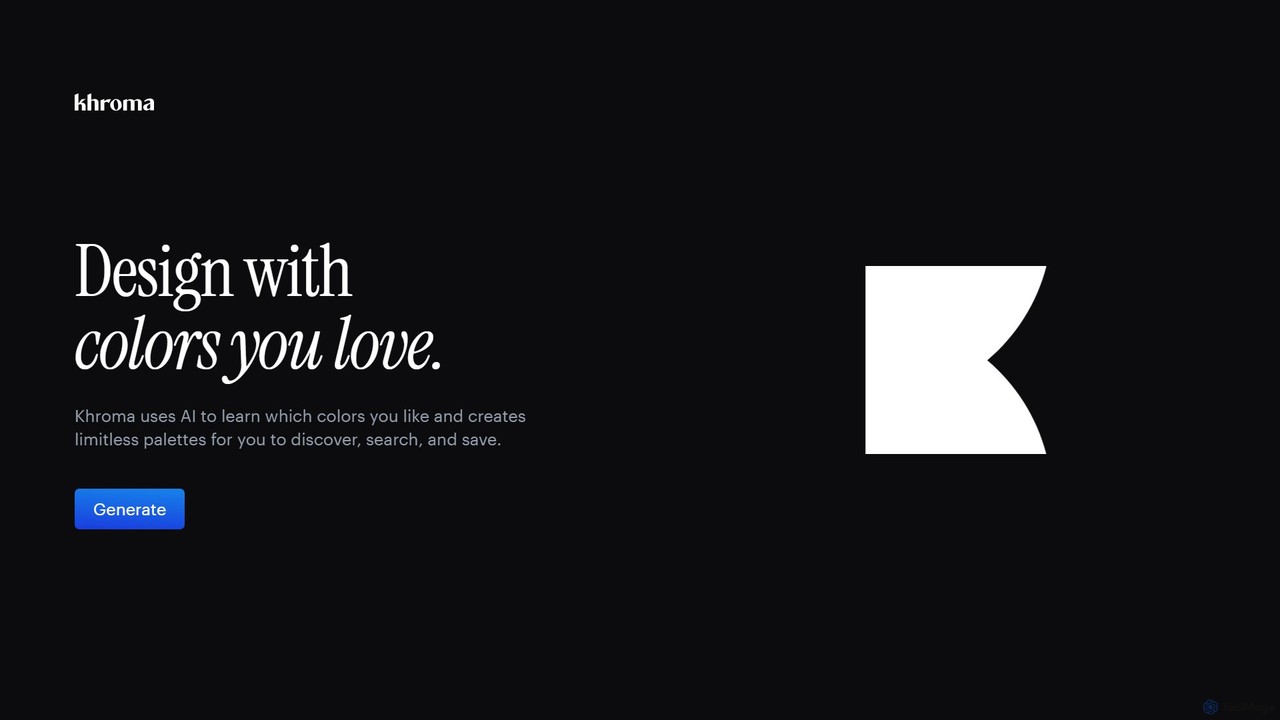
Khroma
Khroma is an AI-powered color tool for designers that learns your personal aesthetic preferences. By training a neural network with colors you like, it generates an infinite number of unique and beautiful color palettes, which can be viewed as typography, gradients, or on custom images. It's a powerful assistant for discovering, searching, and saving color combinations for any design project.
Generative Art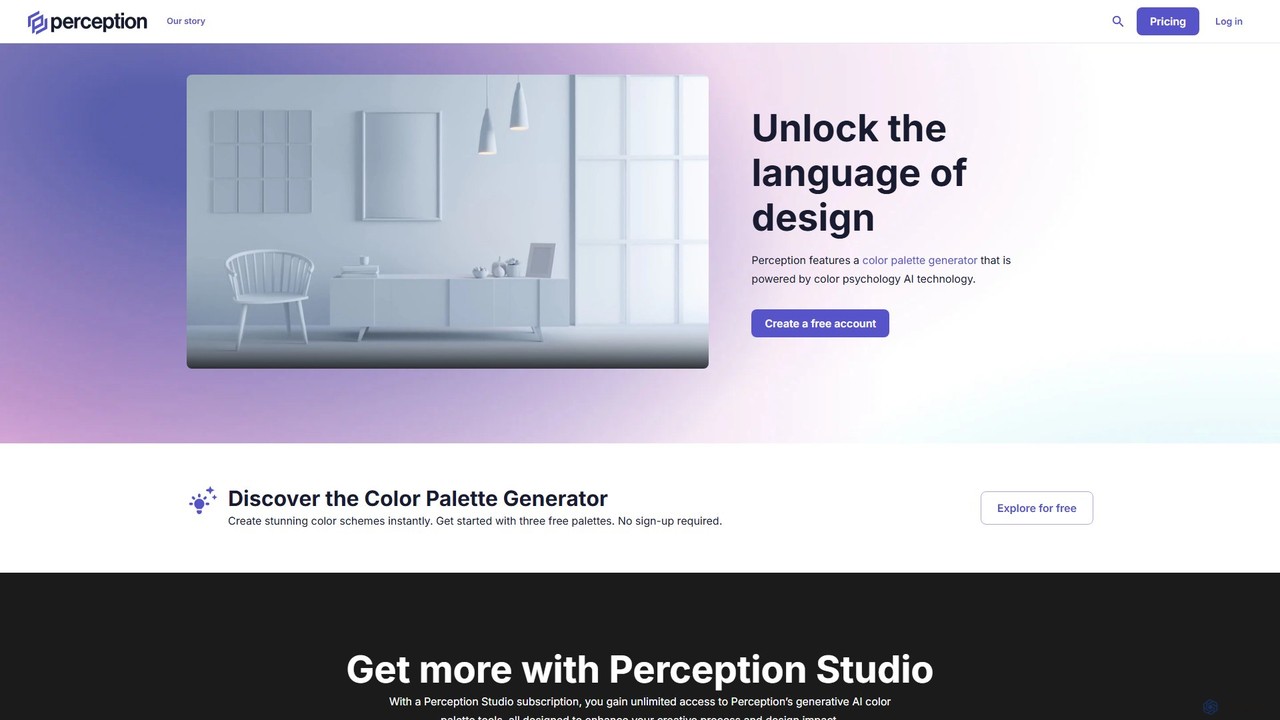
Perception
Perception is an AI-powered design intelligence platform that generates color palettes based on color psychology. It helps designers and creators build emotionally resonant color schemes using simple text prompts, analyze existing palettes, and explore a vast library of over 50 million AI-generated options to make impactful design choices.
Generative Art
ipalettes
ipalettes is an AI-powered color palette generator that creates stunning color schemes from text prompts, images, or URLs. Ideal for designers, developers, and creatives, it instantly translates ideas and visuals into harmonious and usable color palettes, streamlining the design workflow.
Inspiration
Ggradient
Ggradient is an AI-powered tool for designers and developers to effortlessly create stunning and unique color gradients. Generate beautiful gradients from text prompts, images, or a single color, and export them as CSS, SVG, or PNG for seamless integration into any project.
Graphics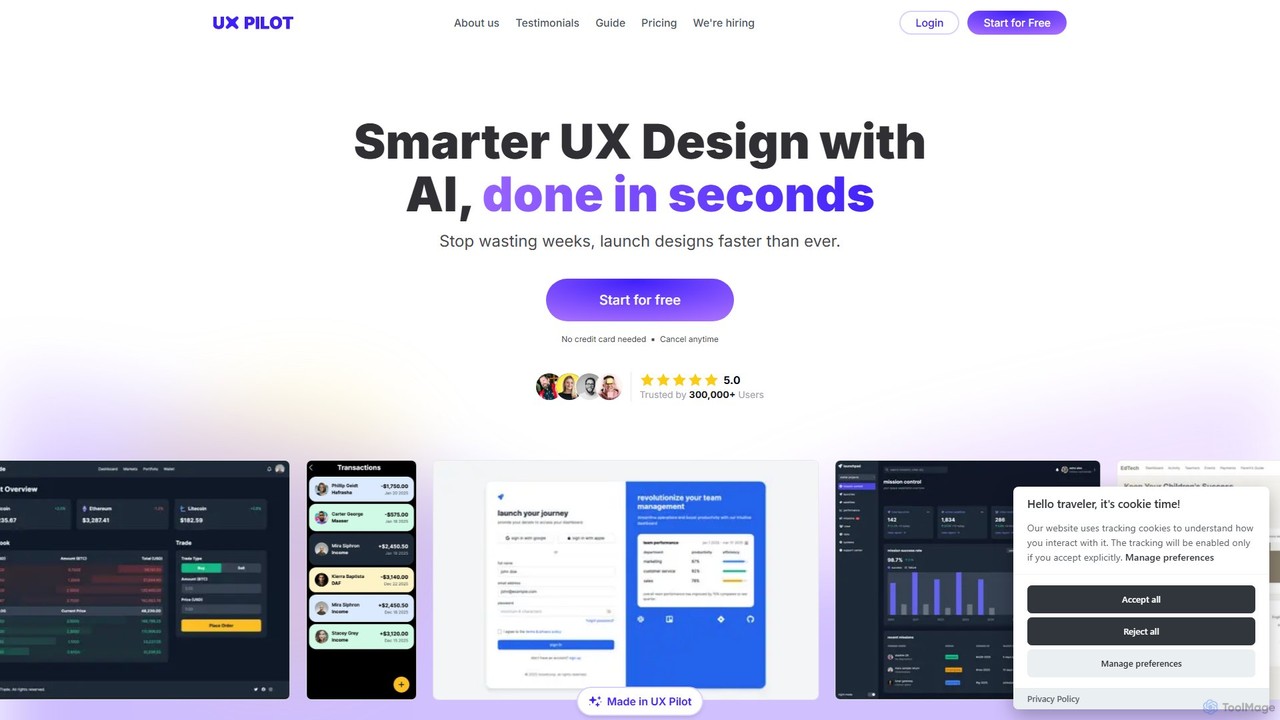
UX Pilot
UX Pilot is an AI-powered design platform that accelerates the UX/UI workflow. It enables designers, product teams, and founders to generate high-fidelity designs, wireframes, screen flows, and prototypes from simple text prompts in seconds. With deep Figma integration, it streamlines the entire process from ideation to handoff.
Ui Ux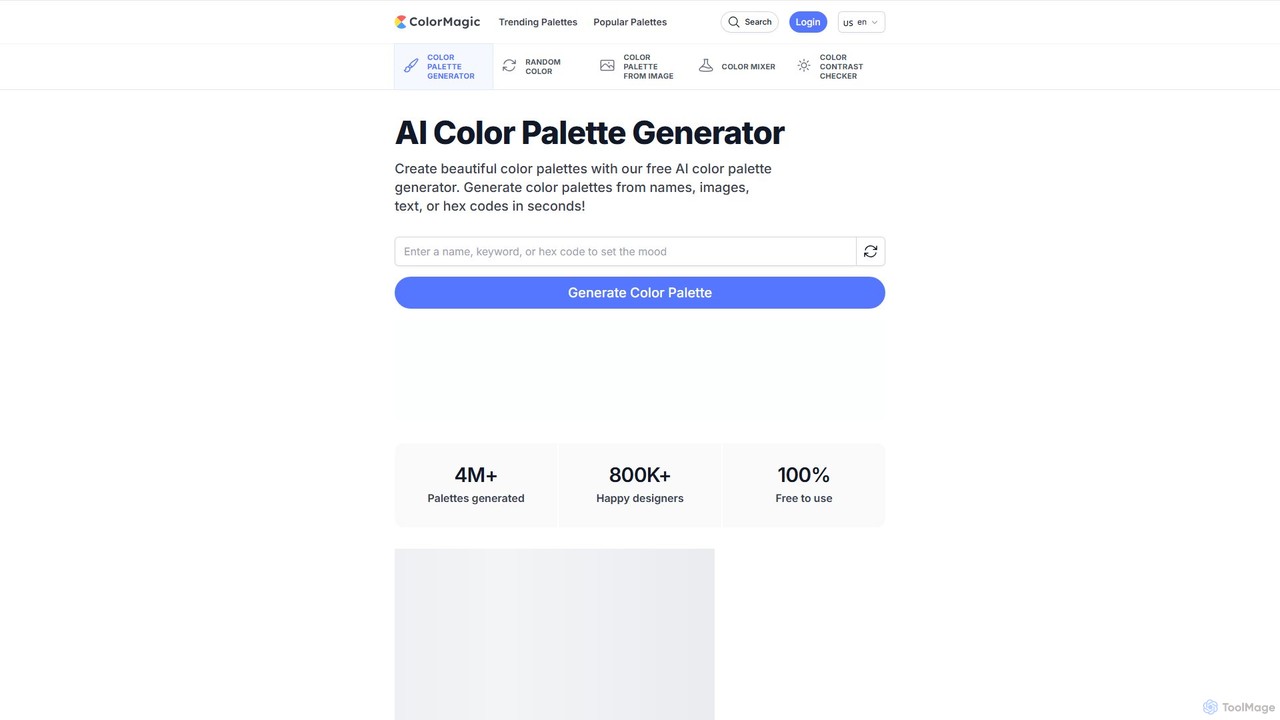
ColorMagic
ColorMagic is a free AI-powered color palette generator. It allows designers, artists, and developers to instantly create beautiful and harmonious color schemes from text prompts, keywords, images, or hex codes. It's a versatile tool for finding color inspiration and practical design assets.
Color Palette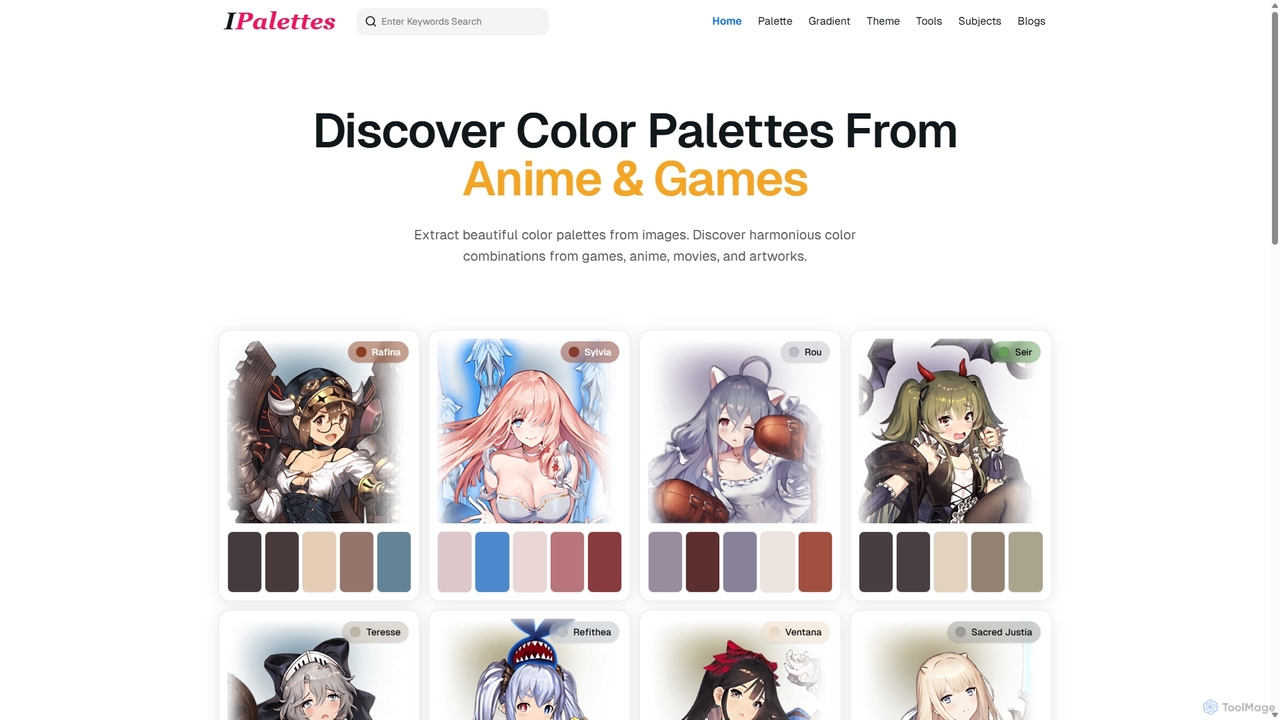
Ipalettes
Ipalettes is an AI-powered suite of tools for designers and developers, offering instant generation of color palettes, gradients, and shadcn/ui themes from simple text prompts. Discover unique color combinations and draw inspiration from a vast library derived from games, anime, and art.
Color Palette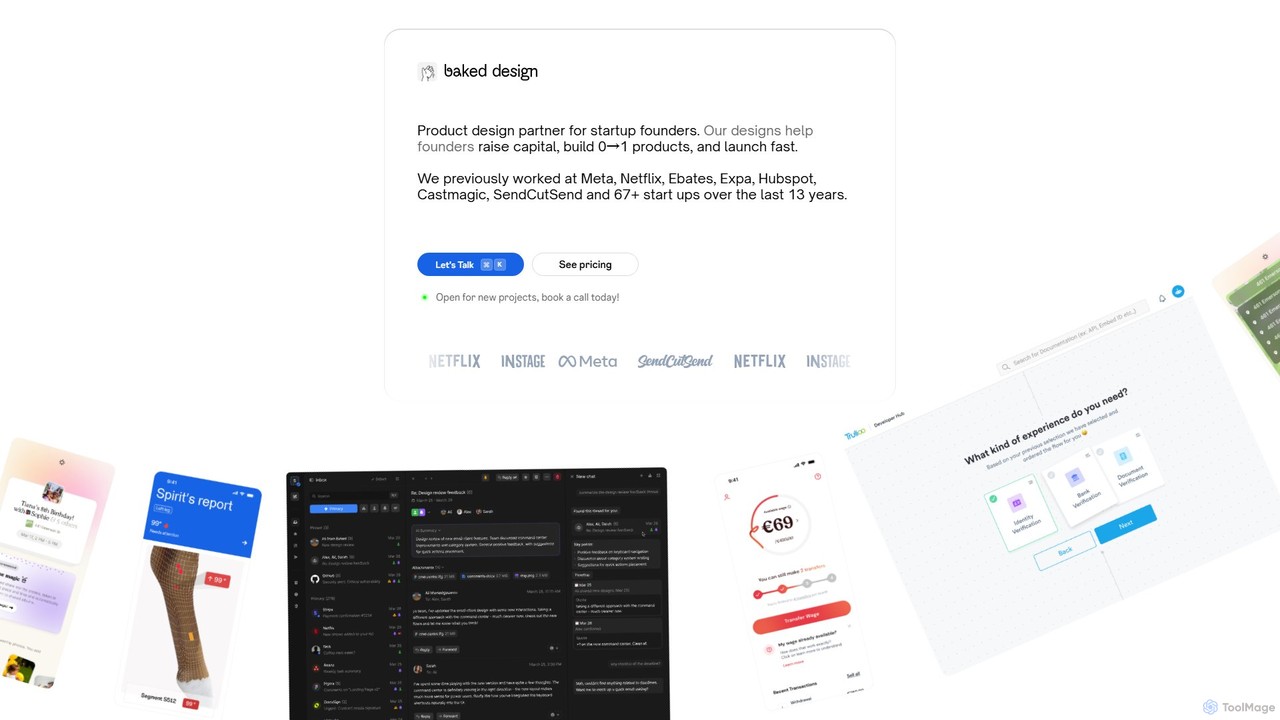
Baked Design
Baked Design is a product design partner for startups, offering world-class design services on a flexible monthly subscription. Get access to senior designers from Meta, Netflix, and Hubspot to help you build 0→1 products, raise capital, and launch faster. Services include product design, UI/UX, branding, and marketing websites.
Startups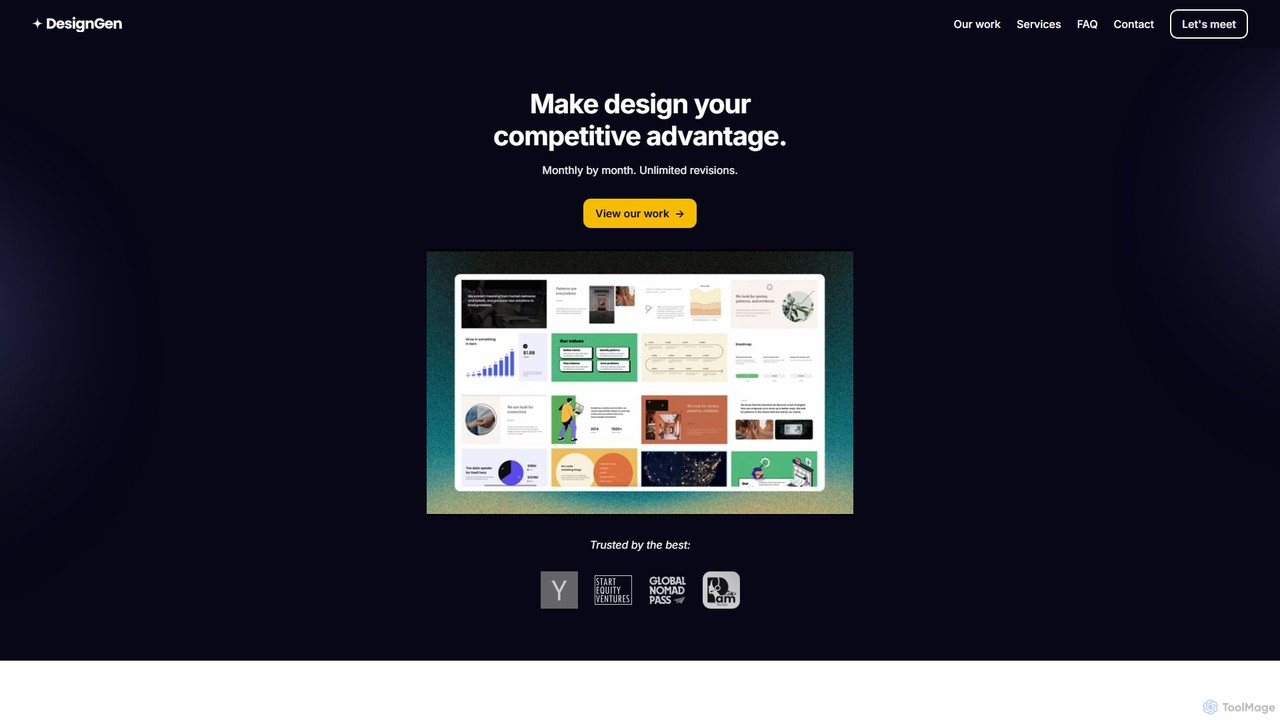
DesignGen
DesignGen is a design-as-a-service subscription that provides businesses with top-notch, human-led design for a flat monthly fee. Get unlimited design requests and revisions for branding, UI/UX, websites, and more. Led by an experienced designer, it offers a flexible and cost-effective alternative to hiring a full-time team, ensuring high-quality design becomes your competitive advantage.
Ui Ux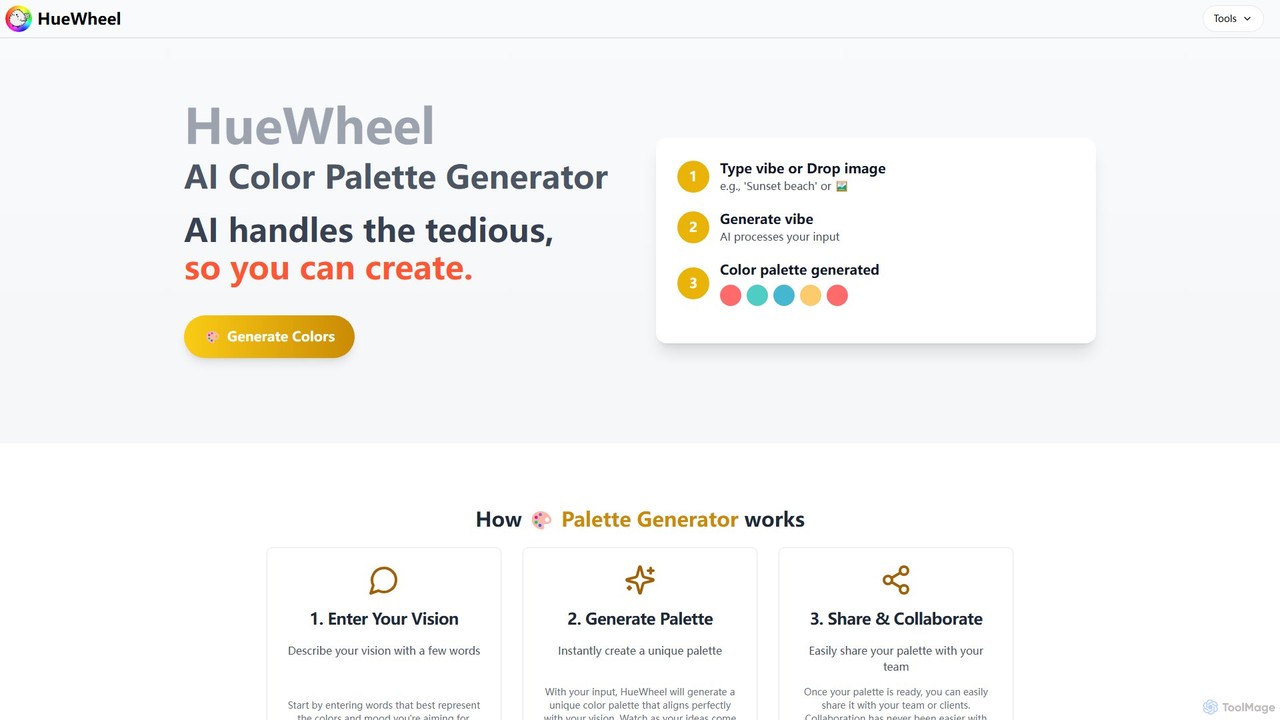
huewheel
huewheel is an AI-powered color palette generator that creates stunning color combinations from natural language descriptions or image uploads. It's designed for designers, developers, and creatives to quickly find harmonious and trending palettes. The platform includes a comprehensive Color Studio for fine-tuning, a Mockup Generator for previews, and a community gallery for endless inspiration.
Inspiration
Droplette Comments (0)
Sign in to comment.
Sign inNo comments yet.