

Ggradient Overview
Ggradient is a cutting-edge, AI-driven platform designed to revolutionize the way designers, developers, and creatives work with color gradients. By leveraging advanced artificial intelligence, Ggradient transforms simple inputs—such as text descriptions, uploaded images, or even a single color—into complex, aesthetically pleasing gradients in seconds. This tool eliminates the tedious process of manual color selection and adjustment, allowing users to focus on creativity and innovation. Whether you're designing a website background, a mobile app UI, a social media graphic, or a presentation, Ggradient provides an endless stream of inspiration and ready-to-use assets.
How to use Ggradient
Using Ggradient is an intuitive and straightforward process designed for maximum efficiency:
- Choose Your Generation Method: Start by selecting how you want to create your gradient. You can choose from 'Text to Gradient', 'Image to Gradient', or 'Color to Gradient'.
- Provide Your Input: If you chose 'Text to Gradient', simply type a descriptive prompt like "a serene beach sunset" or "cyberpunk city night." For 'Image to Gradient', upload any image, and the AI will analyze its color palette to extract a harmonious gradient. For 'Color to Gradient', pick a single base color, and the AI will generate complementary gradients.
- Generate and Refine: Click the generate button and watch as the AI produces a variety of unique gradient options. You can then browse the results and select your favorite.
- Customize Your Gradient: Once you've chosen a gradient, you can fine-tune it. Adjust the angle, change the gradient type (linear, radial), add or remove color stops, and modify individual colors to perfectly match your vision.
- Export for Your Project: When you're satisfied with your creation, export it in the format you need. Ggradient offers multiple export options, including CSS code for web developers, SVG files for scalable vector graphics, and high-resolution PNG images for general design use.
Core Features of Ggradient
- AI Text-to-Gradient Generation: Describe a mood, a scene, or a concept, and the AI will interpret your words to create a fitting color gradient.
- Image Color Palette Extraction: Upload any photograph or illustration, and Ggradient will intelligently extract the dominant colors to generate a beautiful, context-aware gradient.
- Harmonious Gradient Expansion: Start with a single brand color, and the AI will build a full, harmonious gradient palette around it, ensuring brand consistency.
- Real-time Interactive Editor: Manipulate gradient angles, color stops, and types with an instant visual preview of your changes.
- Multiple Export Formats: Seamlessly integrate your gradients into any workflow with one-click exports for CSS, SVG, and PNG.
- Inspiration Library: Explore a curated gallery of gradients created by the community and save your favorite creations to your personal collections for future use.
Use Cases for Ggradient
Ggradient is a versatile tool suitable for a wide range of professional and creative applications:
- Web & UI/UX Design: Create eye-catching backgrounds for websites, hero sections, app splash screens, and interactive UI elements like buttons and cards.
- Graphic Design & Branding: Design stunning visuals for social media posts, marketing banners, logos, and branding style guides.
- Presentation Design: Elevate your PowerPoint or Google Slides presentations with custom, professional-looking background gradients.
- Frontend Development: Speed up development by instantly generating clean, cross-browser compatible CSS gradient code.
- Digital Art & Illustration: Find unique color combinations and bases for digital paintings and illustrations.
Advantages of Ggradient
Ggradient offers significant advantages over traditional methods of gradient creation:
- Unmatched Speed: Generate dozens of high-quality gradient options in the time it would take to manually create one.
- Endless Creativity: Break through creative blocks with AI-generated suggestions you might not have considered.
- Ease of Use: No advanced knowledge of color theory is required. The AI handles the complexity, making beautiful design accessible to everyone.
- High-Quality Output: All generated gradients are based on principles of color harmony, ensuring professional and visually appealing results.
- Seamless Workflow Integration: With versatile export options, Ggradient fits perfectly into existing design and development pipelines.
Pricing and Plans
Ggradient operates on a freemium model to cater to different user needs:
- Free Plan: Perfect for students and hobbyists. This plan includes a limited number of AI generations per month, access to basic editing tools, and standard-resolution PNG exports.
- Pro Plan ($10/month): Ideal for freelancers and professionals. This plan offers unlimited AI generations, access to all advanced customization tools, high-resolution exports (PNG, SVG), CSS code export, and the ability to save gradients to private collections.
- Team Plan ($30/month for 5 users): Designed for agencies and design teams. It includes all Pro features plus shared team libraries for collaboration, centralized billing, and priority support.
Ggradient Alternatives
MyColorHub
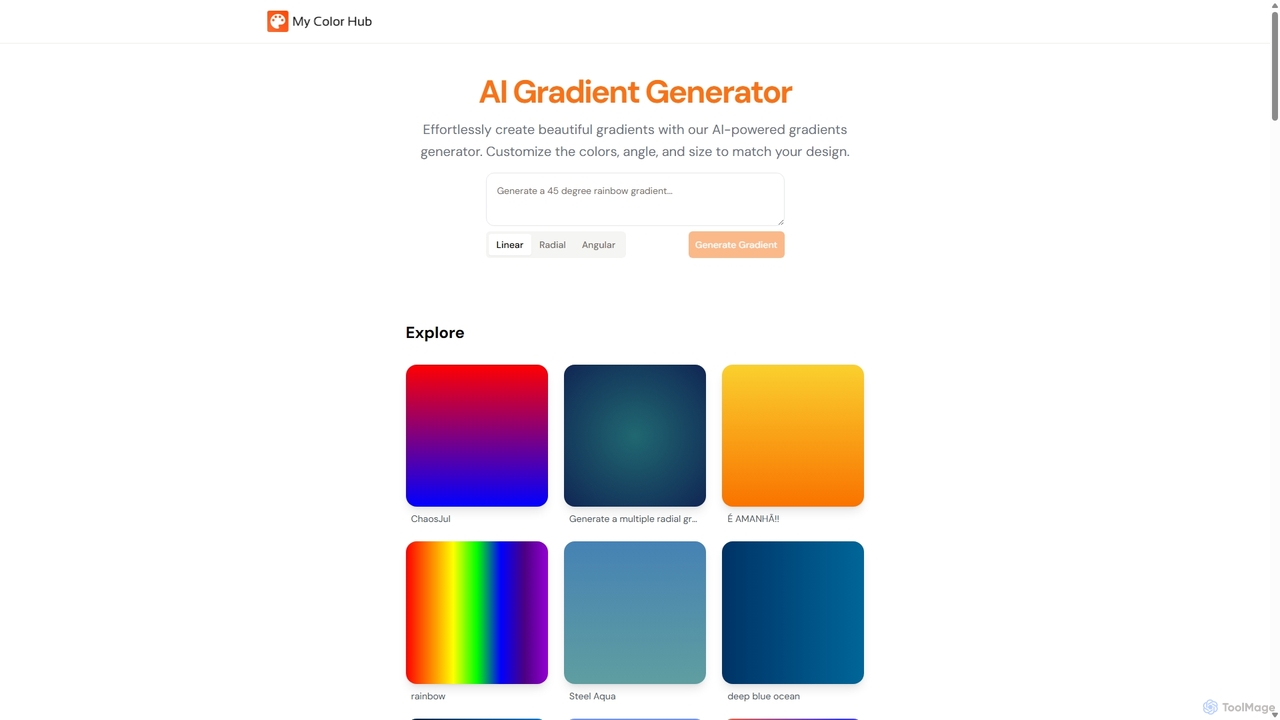
MyColorHub is an AI-powered gradient generator that effortlessly creates beautiful, unique color gradients from simple text prompts. Describe a mood, a scene, or a color combination, and the AI will generate stunning linear, radial, or angular gradients. It's an intuitive tool for designers, developers, and content creators to quickly find inspiration and generate custom color schemes for their projects.
Graphics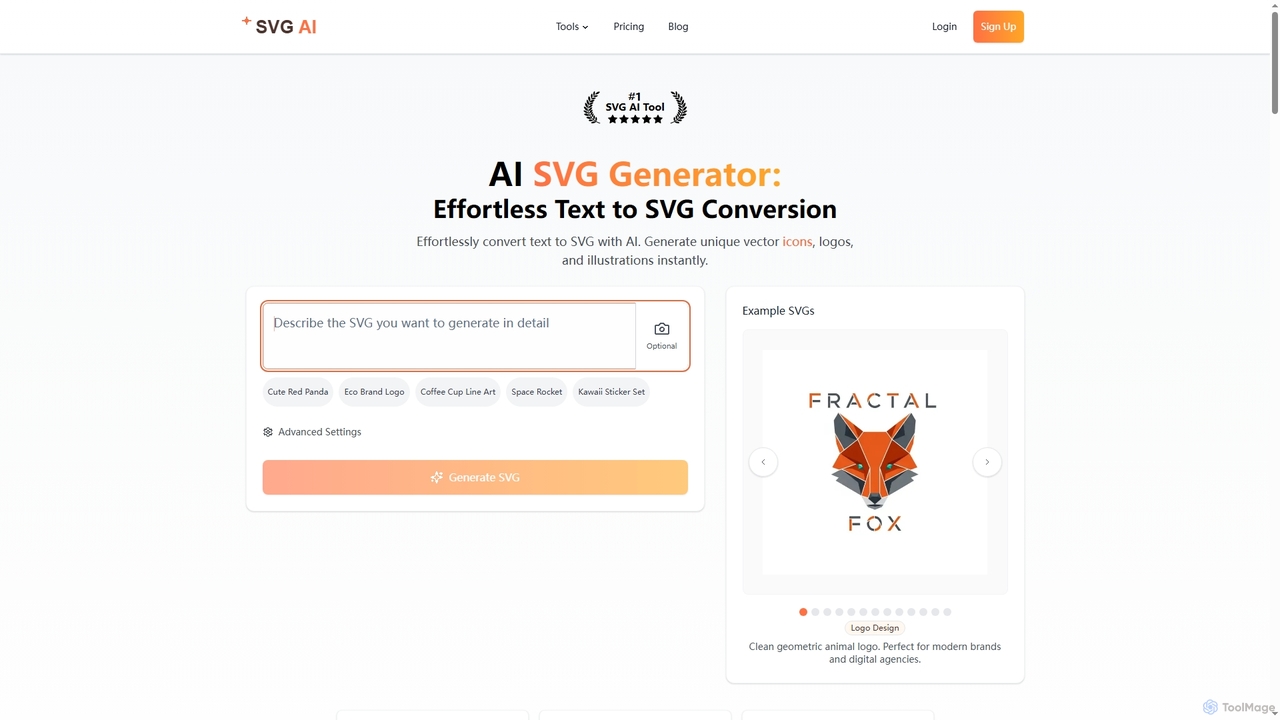
Svgai
Svgai is an AI-powered platform that instantly converts text descriptions into high-quality, scalable vector graphics (SVGs). It's designed for creating unique logos, icons, and illustrations with clean, production-ready code, supporting over 50 languages.
Graphics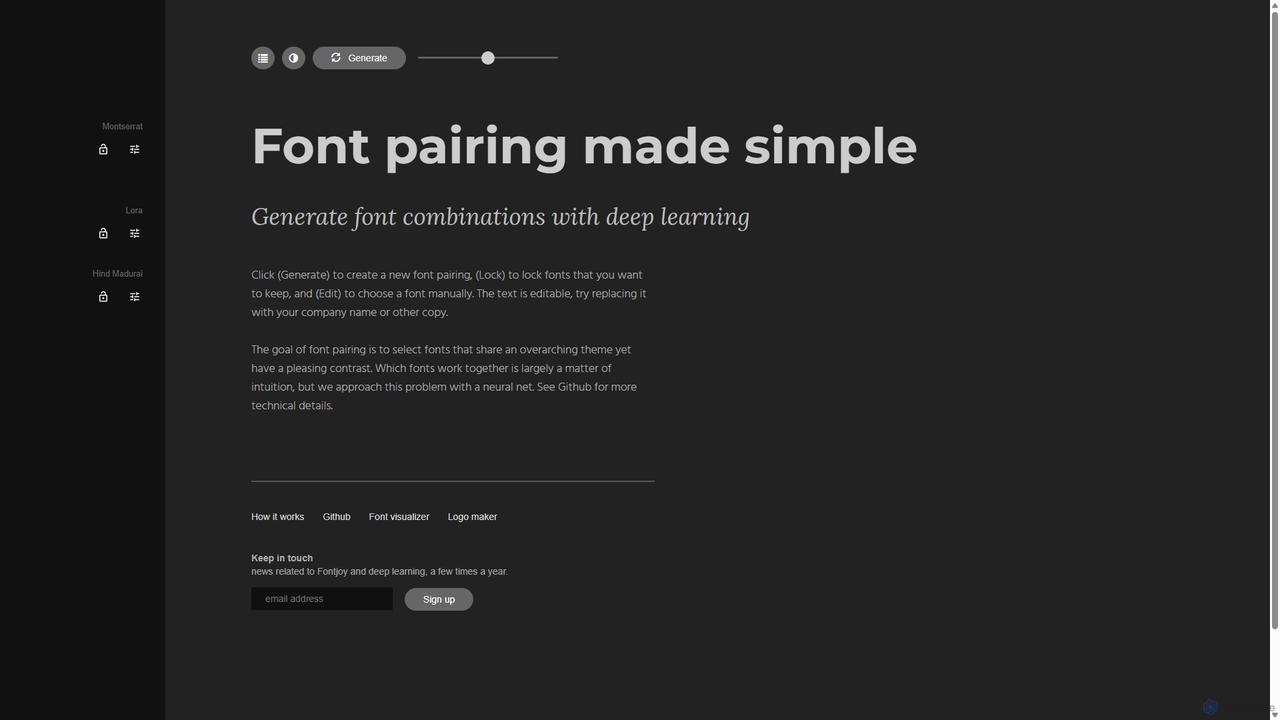
Fontjoy
Fontjoy is an AI-powered tool that helps designers and developers generate beautiful and harmonious font pairings with a single click. Using deep learning, it intelligently selects fonts for headings, subheadings, and body text that balance contrast and similarity, streamlining the design process.
Typography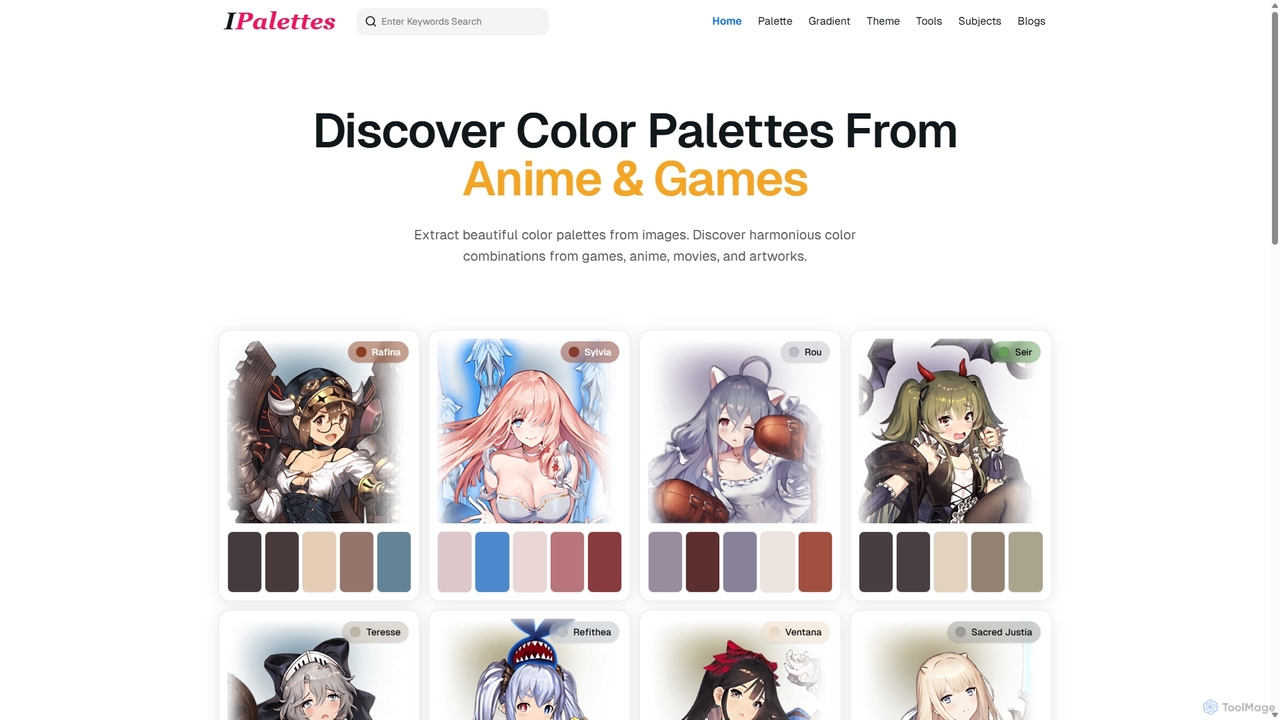
Ipalettes
Ipalettes is an AI-powered suite of tools for designers and developers, offering instant generation of color palettes, gradients, and shadcn/ui themes from simple text prompts. Discover unique color combinations and draw inspiration from a vast library derived from games, anime, and art.
Color Palette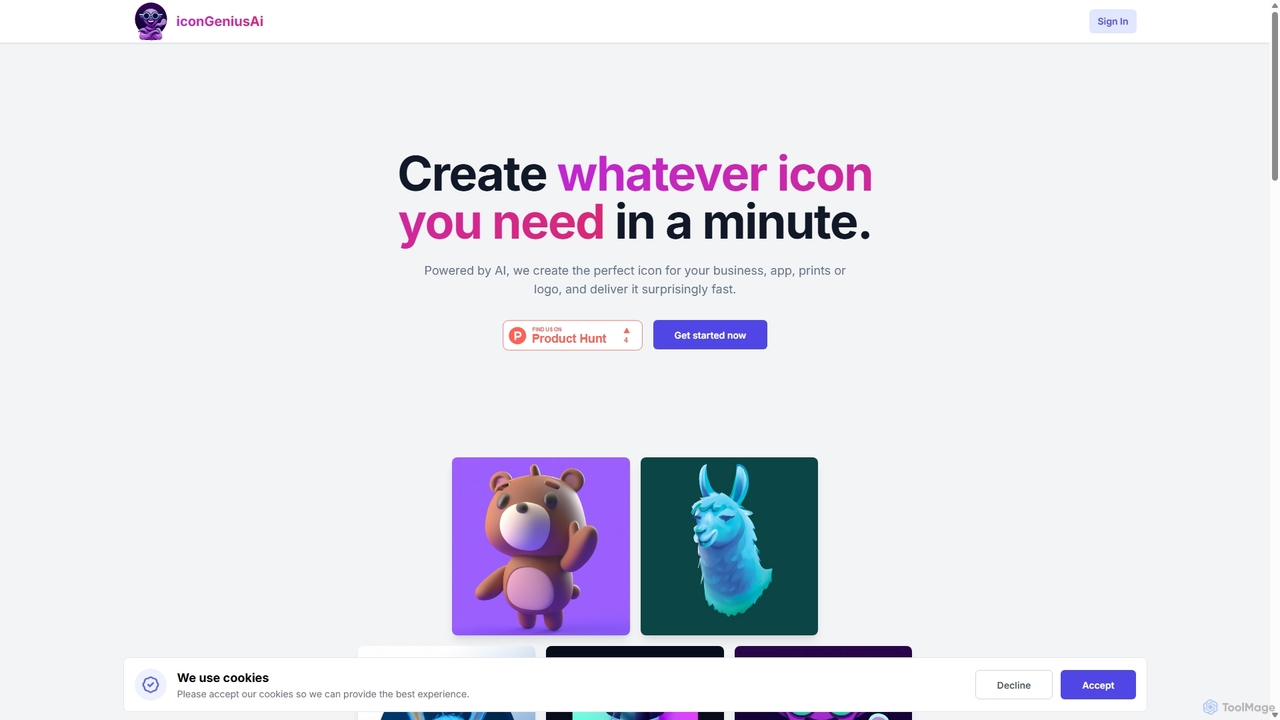
IconGeniusAi
iconGeniusAi is an AI-powered tool that allows users to create custom, high-resolution icons in minutes. Simply describe your desired icon, choose a color and style, and the AI generates unique visuals for your business, app, or personal projects. It offers a flexible, credit-based system instead of a recurring subscription.
GraphicsGgradient Categories
Ggradient Jobs
Ggradient Embed Widget
Copy this embed code to place the badge on your blog, article, or product site and send readers directly to this ToolMage detail page.

Related AI tools
MyColorHub
MyColorHub is an AI-powered gradient generator that effortlessly creates beautiful, unique color gradients from simple text prompts. Describe a mood, a scene, or a color combination, and the AI will generate stunning linear, radial, or angular gradients. It's an intuitive tool for designers, developers, and content creators to quickly find inspiration and generate custom color schemes for their projects.
GraphicsIpalettes
Ipalettes is an AI-powered suite of tools for designers and developers, offering instant generation of color palettes, gradients, and shadcn/ui themes from simple text prompts. Discover unique color combinations and draw inspiration from a vast library derived from games, anime, and art.
Color PaletteFontjoy
Fontjoy is an AI-powered tool that helps designers and developers generate beautiful and harmonious font pairings with a single click. Using deep learning, it intelligently selects fonts for headings, subheadings, and body text that balance contrast and similarity, streamlining the design process.
Typography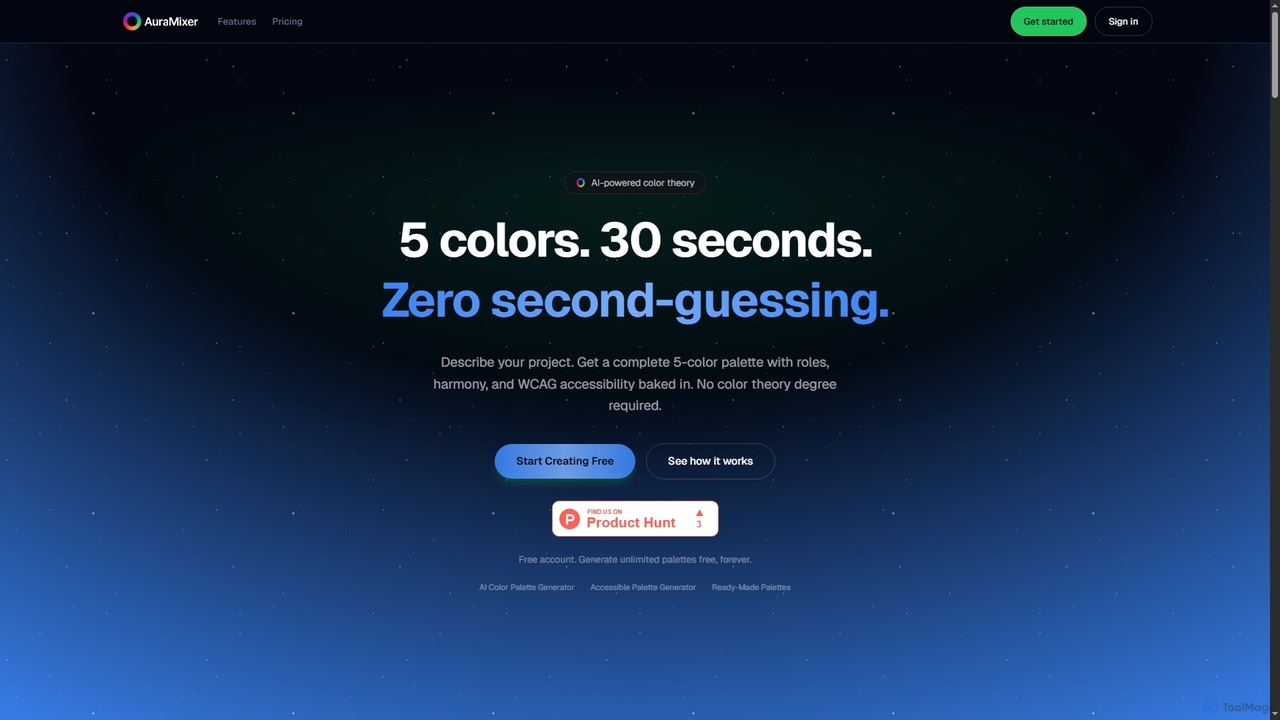
Aura Mixer
Aura Mixer is an AI-powered color palette generator that creates professional, accessible 5-color palettes in seconds. It applies real color theory, ensuring WCAG AA compliance and balanced color distribution for UI/UX design, web development, and branding projects.
Design Tools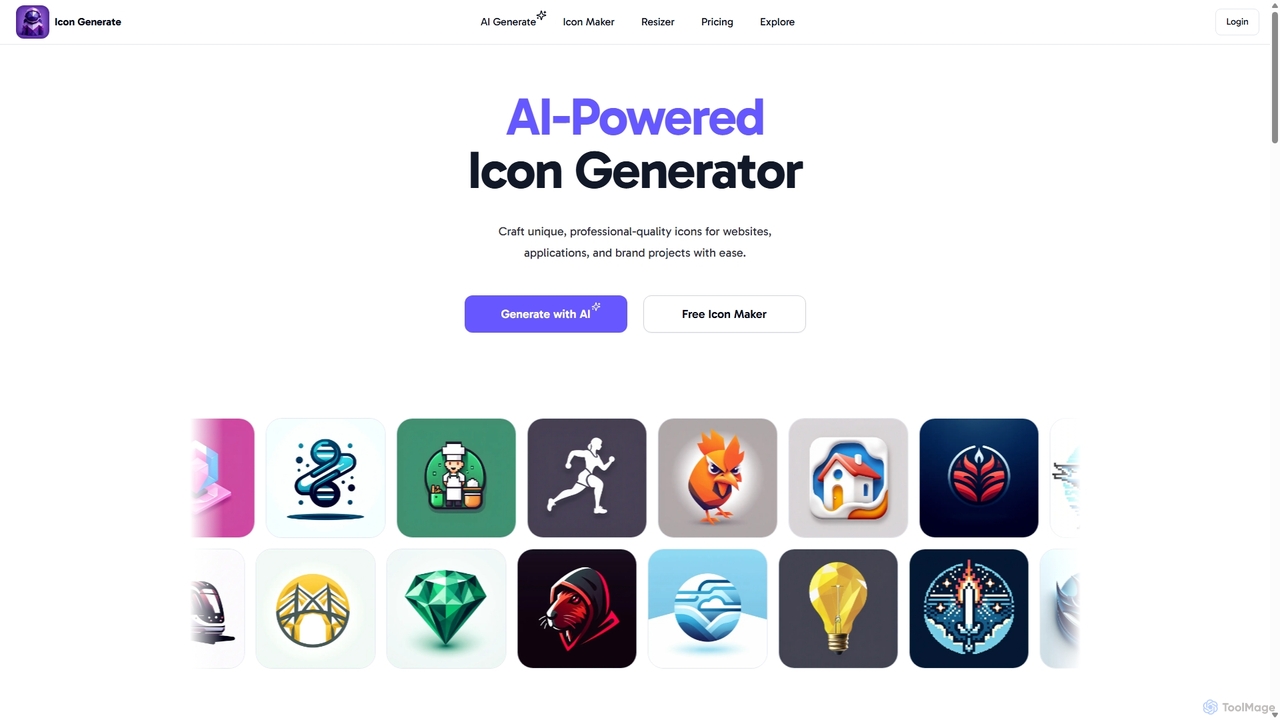
Icongenerate
Icongenerate is an AI-powered icon generator that allows users to create unique, professional-quality icons for websites, applications, and branding projects. Simply describe your desired icon, choose from a wide range of styles like 3D, Pixelated, and Minimalistic, and let the AI bring your vision to life in seconds. It also offers a free icon maker for customizing existing icons, making it a versatile tool for designers, developers, and creators of all skill levels.
Icon GenerationSvgai
Svgai is an AI-powered platform that instantly converts text descriptions into high-quality, scalable vector graphics (SVGs). It's designed for creating unique logos, icons, and illustrations with clean, production-ready code, supporting over 50 languages.
GraphicsIconGeniusAi
iconGeniusAi is an AI-powered tool that allows users to create custom, high-resolution icons in minutes. Simply describe your desired icon, choose a color and style, and the AI generates unique visuals for your business, app, or personal projects. It offers a flexible, credit-based system instead of a recurring subscription.
Graphics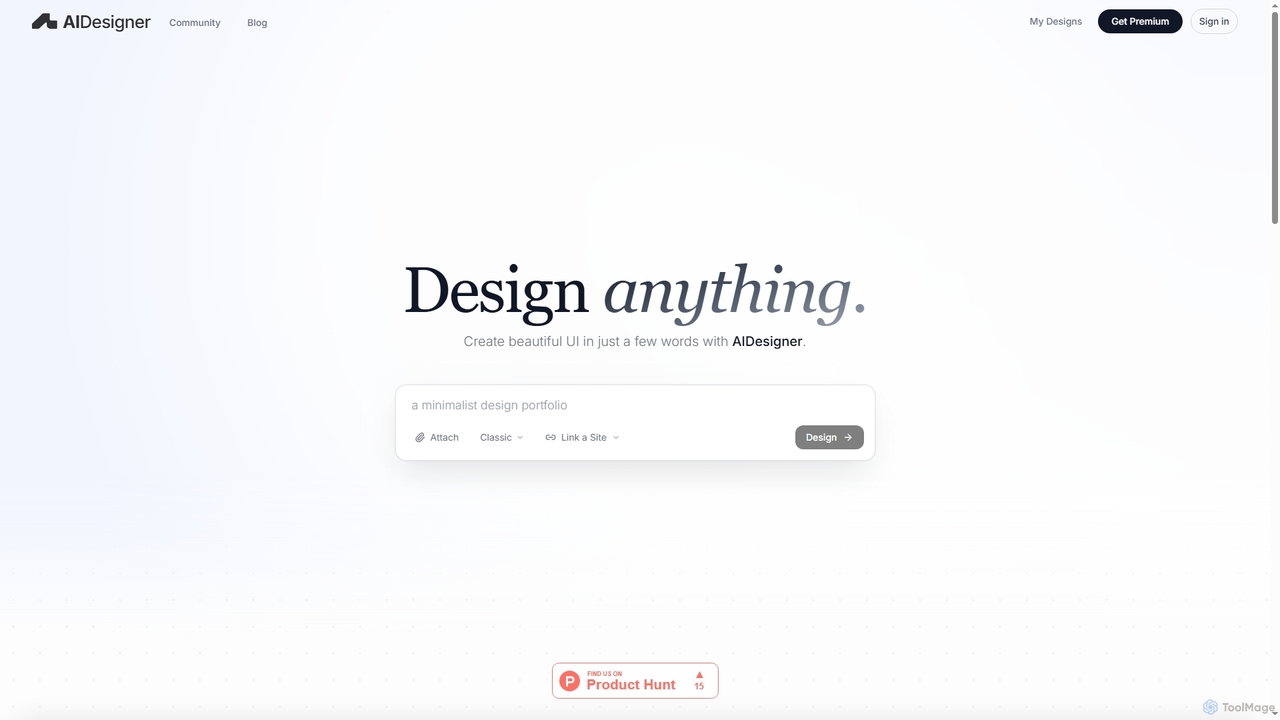
AIDesigner
AIDesigner is an advanced AI-powered platform that transforms textual descriptions into stunning UX/UI designs. It offers a unique approach to design generation, enabling users to create beautiful websites, mobile apps, and portfolios without the generic 'AI look.' With a rich library of production-ready templates and powerful customization options, AIDesigner empowers creators to rapidly prototype and launch visually distinctive digital experiences.
User Experience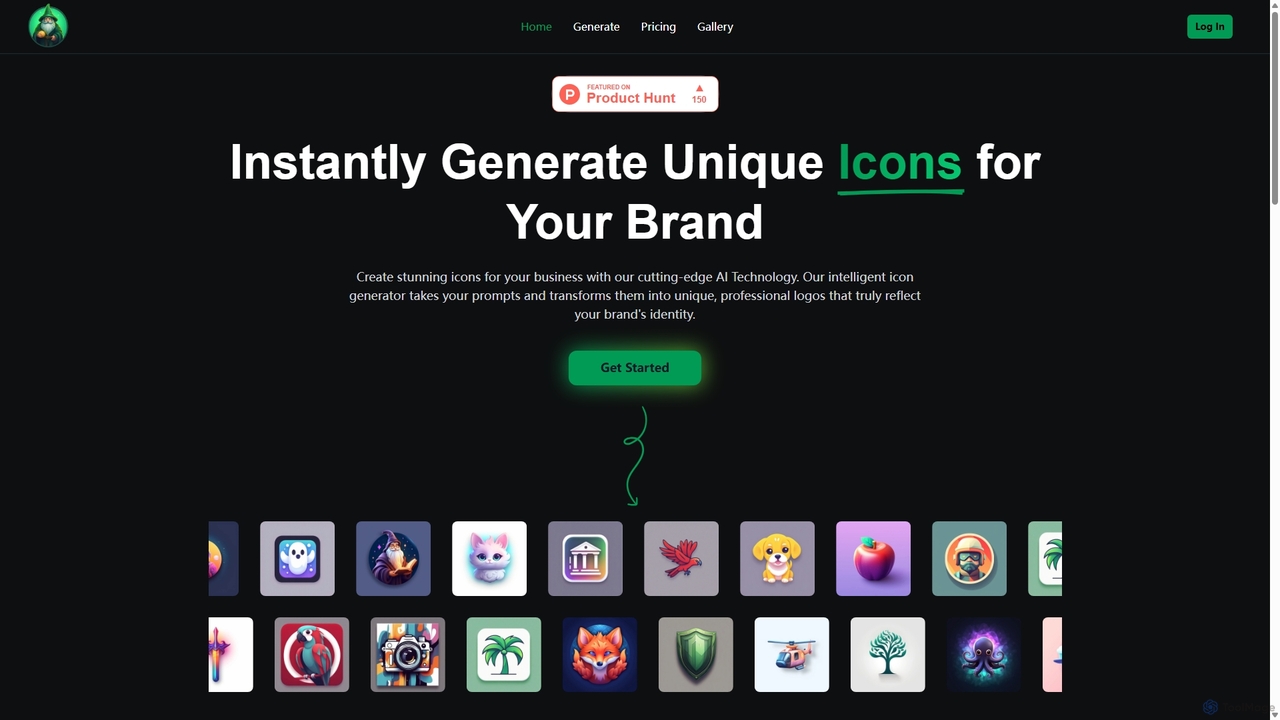
IconWizardAI
IconWizardAI is an AI-powered icon generator that allows users to create stunning, unique, and professional icons from simple text prompts. It offers a streamlined process, customization options for color and style, and is designed for developers, designers, and marketers to produce high-quality visual assets quickly and cost-effectively.
Image Generation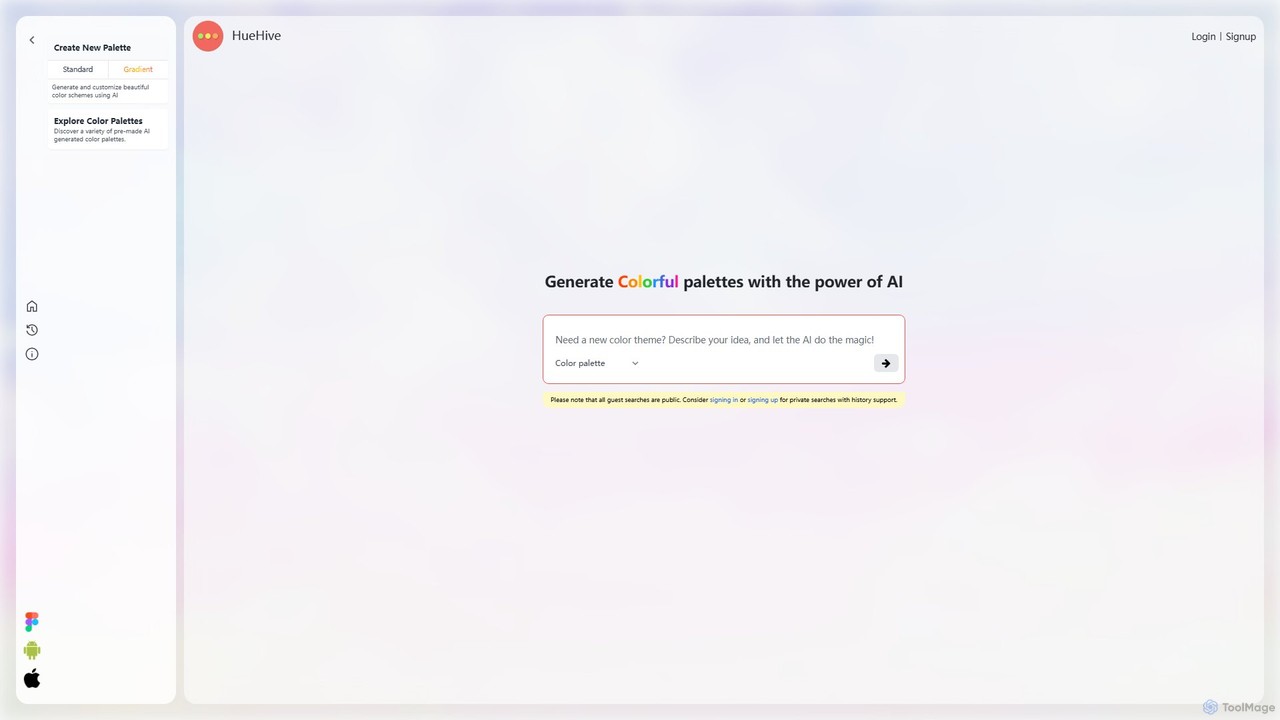
HueHive
HueHive is an AI-powered color palette and gradient generator that transforms text prompts into beautiful, unique color schemes. Ideal for designers, developers, and creatives, it simplifies the color selection process. Explore a vast library of community-generated palettes or create your own private schemes with a user account. Get inspired and accelerate your design workflow with context-aware, AI-generated colors.
Color Palette Generator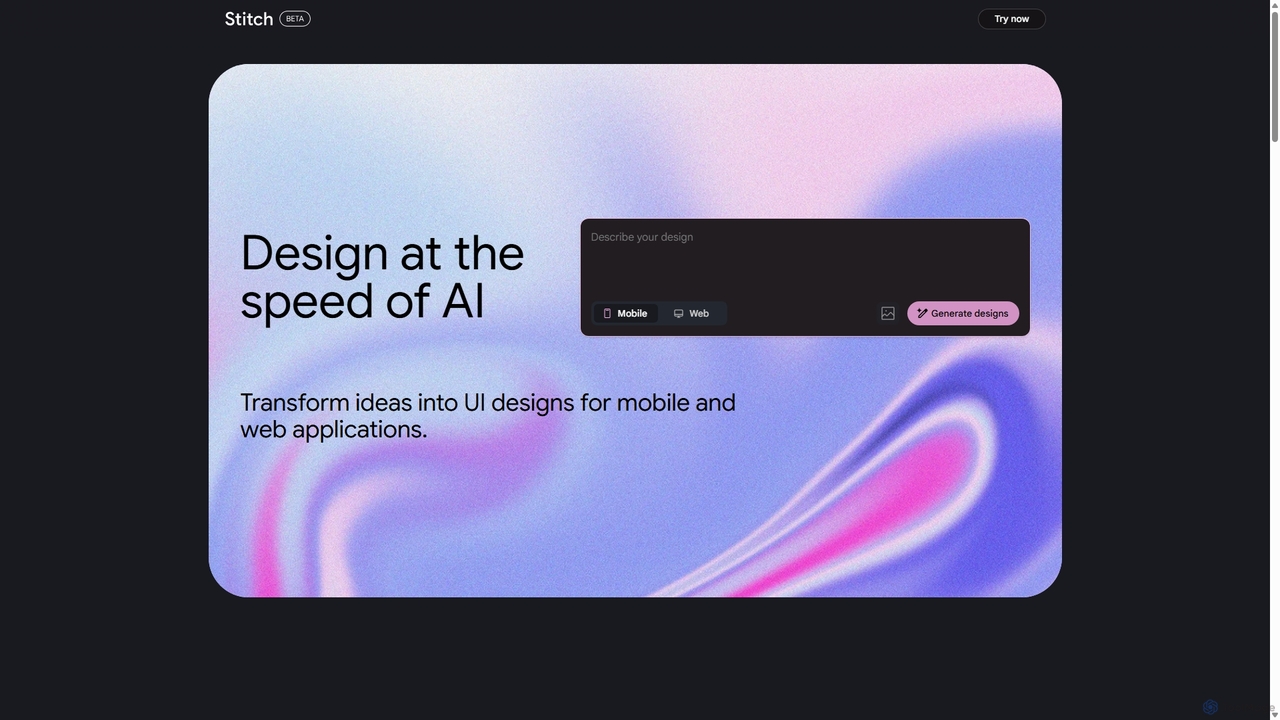
Stitch
Stitch is a revolutionary AI-powered design platform by Google that transforms text prompts and rough sketches into high-fidelity mockups and prototypes. It streamlines the design workflow, enabling creators to rapidly ideate, iterate, and generate stunning visuals, UI/UX designs, and complete design systems with unprecedented speed and efficiency.
Generative Design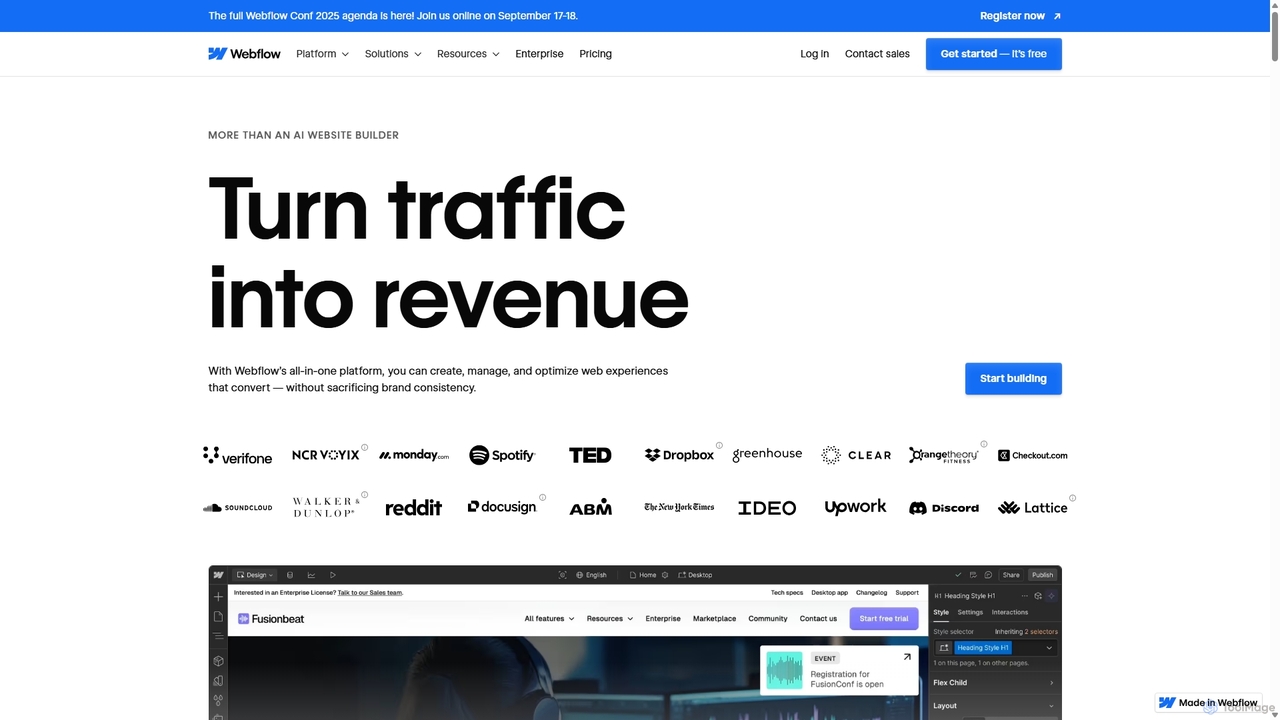
Webflow
Webflow is a visual development platform that empowers users to design, build, and launch professional, custom websites without writing code. It combines a powerful visual designer, a flexible CMS, and high-performance hosting into a single platform, enhanced with AI features for faster creation and optimization.
Web Design
Relume
Relume is an AI-powered platform that accelerates the website design and building process. It enables users to generate sitemaps and wireframes from a simple prompt, create comprehensive style guides, and access a vast library of over 1000+ components. With seamless export to Figma, Webflow, and React, Relume streamlines the entire workflow for designers, developers, and agencies, turning ideas into high-fidelity designs in minutes.
Website Builder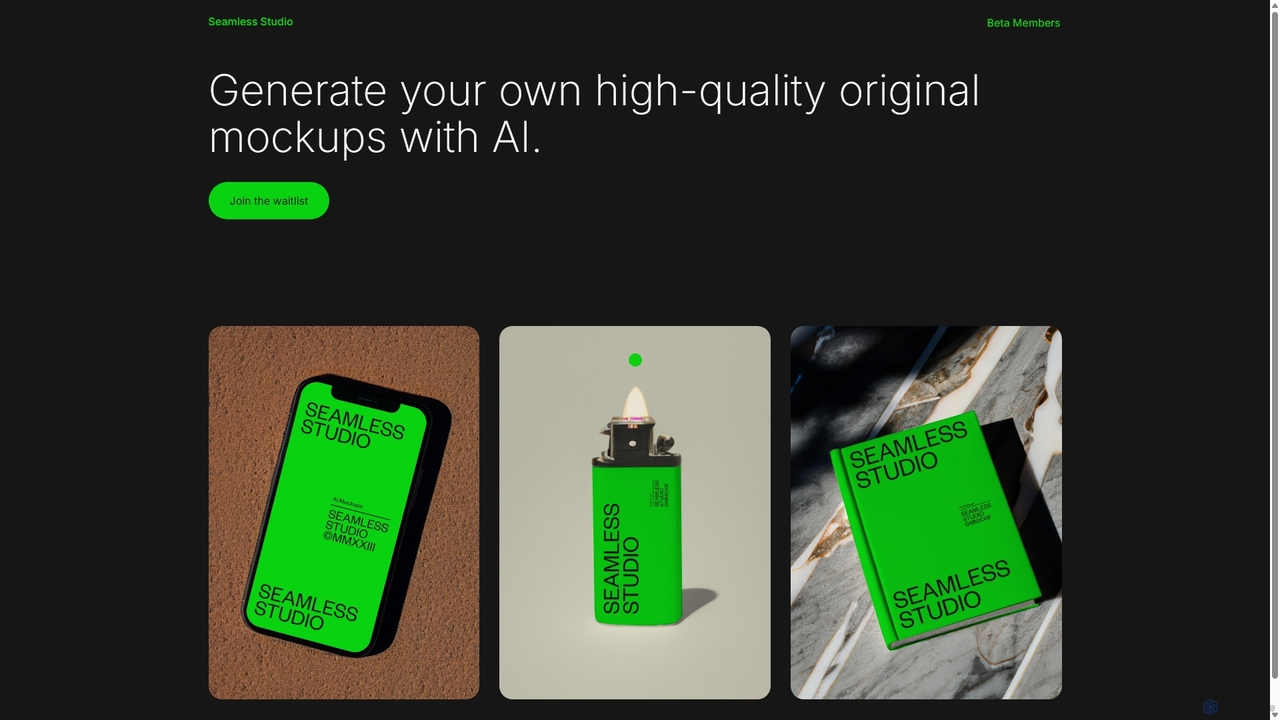
Seamless Studio
Seamless Studio is an AI-powered platform designed to generate high-quality, original mockups in seconds. It helps designers, marketers, and e-commerce owners create unique and realistic product visuals without the need for expensive photoshoots or complex software.
Mockup Generation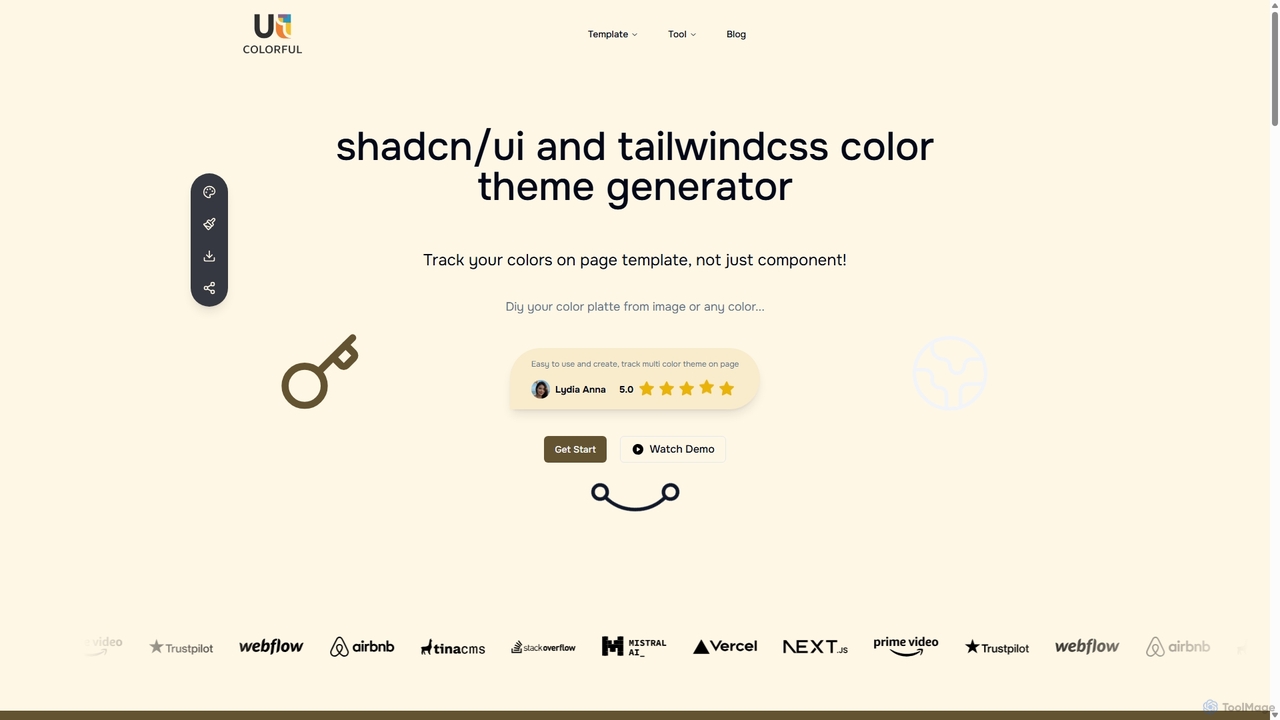
Uicolorful
An AI-powered color theme generator for developers and designers using shadcn/ui and Tailwind CSS. Effortlessly create unique, cohesive color palettes from images or custom selections, preview them live on templates, and export them as CSS variables in multiple formats (HEX, RGB, HSL) to streamline your web design workflow.
Color Palette
Ggradient Comments (0)
Sign in to comment.
Sign inNo comments yet.