ToolMage
Sign in

Best 13 Frontend AI tools for Developer Tools

Popular Frontend AI tools in Developer Tools include Svgai, Fontjoy, HueHive, Ant for Figma, Ipalettes, CallToInspiration, Rayst Gradients, Uicolorful, BuninUX, and Iconkit.dev, helping you work more efficiently.

Svgai
Freemium

Svgai

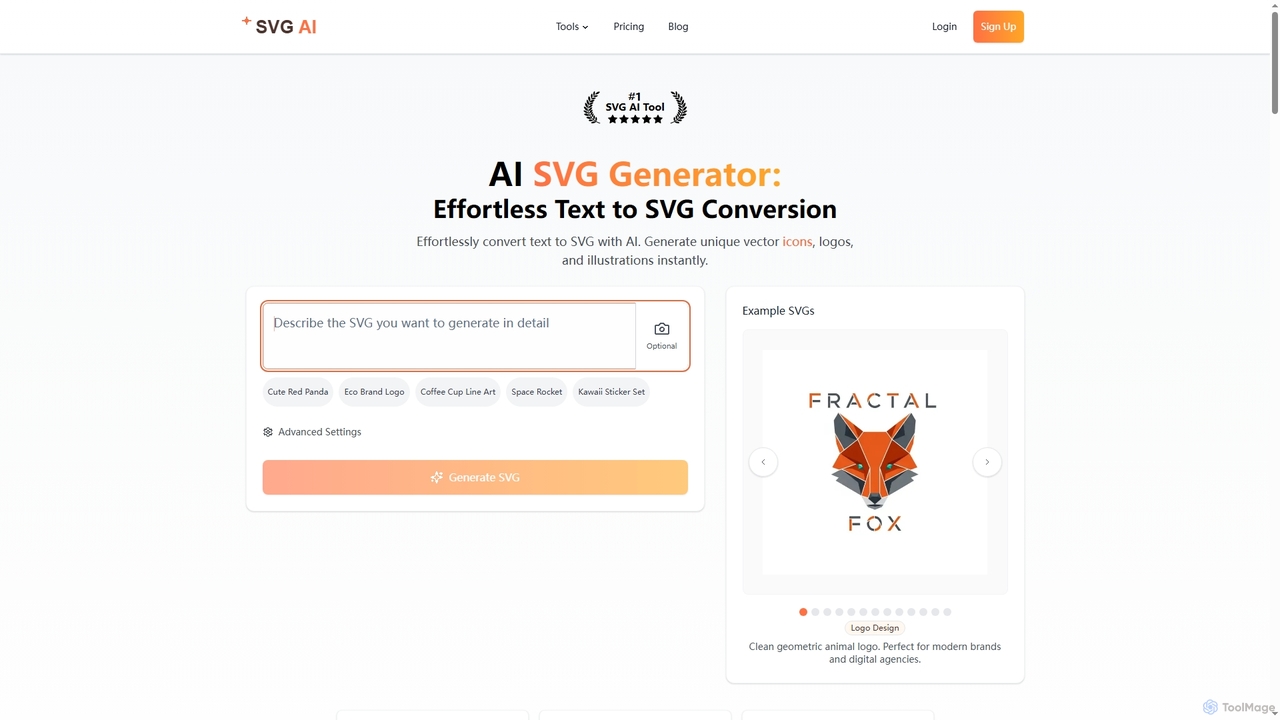
Svgai is an AI-powered platform that instantly converts text descriptions into high-quality, scalable vector graphics (SVGs). It's designed for creating unique logos, icons, and illustrations with clean, production-ready code, supporting over 50 languages.

Graphics
Visits 176.4KFavorites 194Likes 195
Ggradient
Freemium

Ggradient

Ggradient is an AI-powered tool for designers and developers to effortlessly create stunning and unique color gradients. Generate beautiful gradients from text prompts, images, or a single color, and export them as CSS, SVG, or PNG for seamless integration into any project.

Graphics
Visits 6.4KFavorites 126Likes 128
Ipalettes
Free

Ipalettes

Ipalettes is an AI-powered suite of tools for designers and developers, offering instant generation of color palettes, gradients, and shadcn/ui themes from simple text prompts. Discover unique color combinations and draw inspiration from a vast library derived from games, anime, and art.

Color Palette
Visits 16.8KFavorites 156Likes 145
Iconkit.dev
Paid

Iconkit.dev

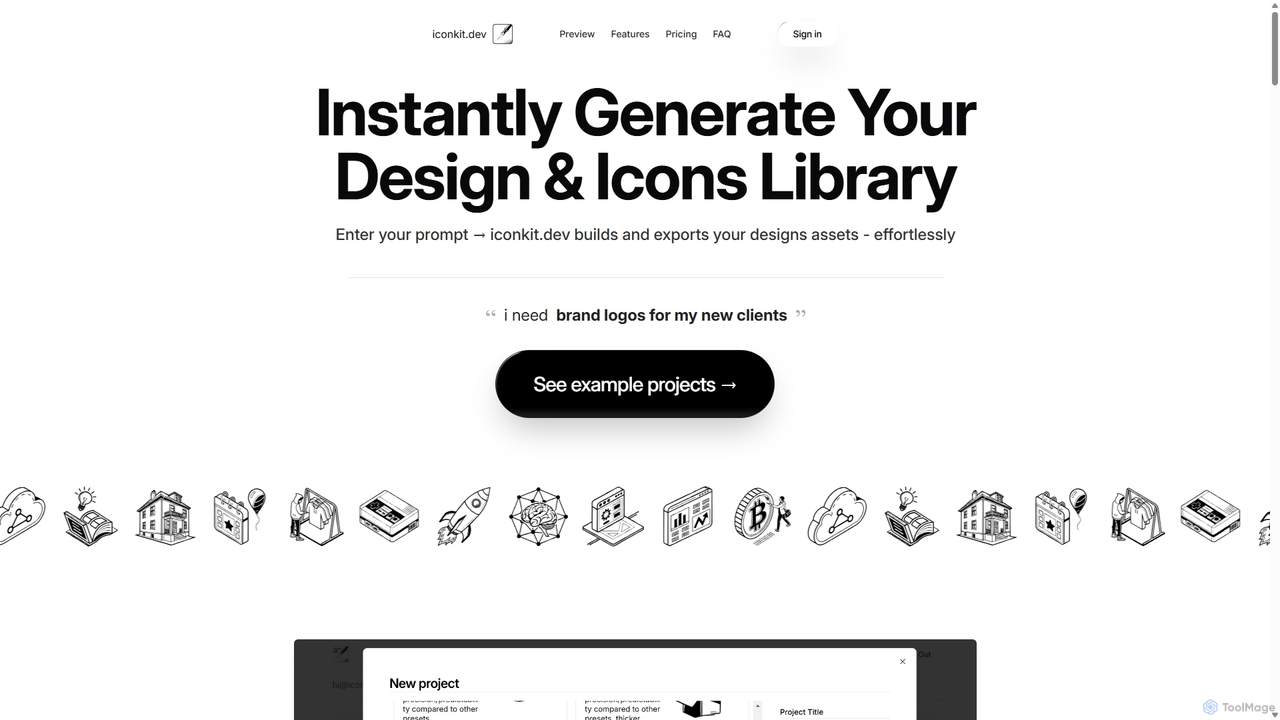
Iconkit.dev is an AI-powered generator that instantly creates entire icon and design libraries from simple text prompts. Designed for developers, designers, and marketers, it streamlines workflows by providing ready-to-use, customizable vector assets compatible with popular frameworks like React and Next.js, eliminating design bottlenecks.

Icons
Visits 6.5KFavorites 106Likes 121
Fontjoy
Free

Fontjoy

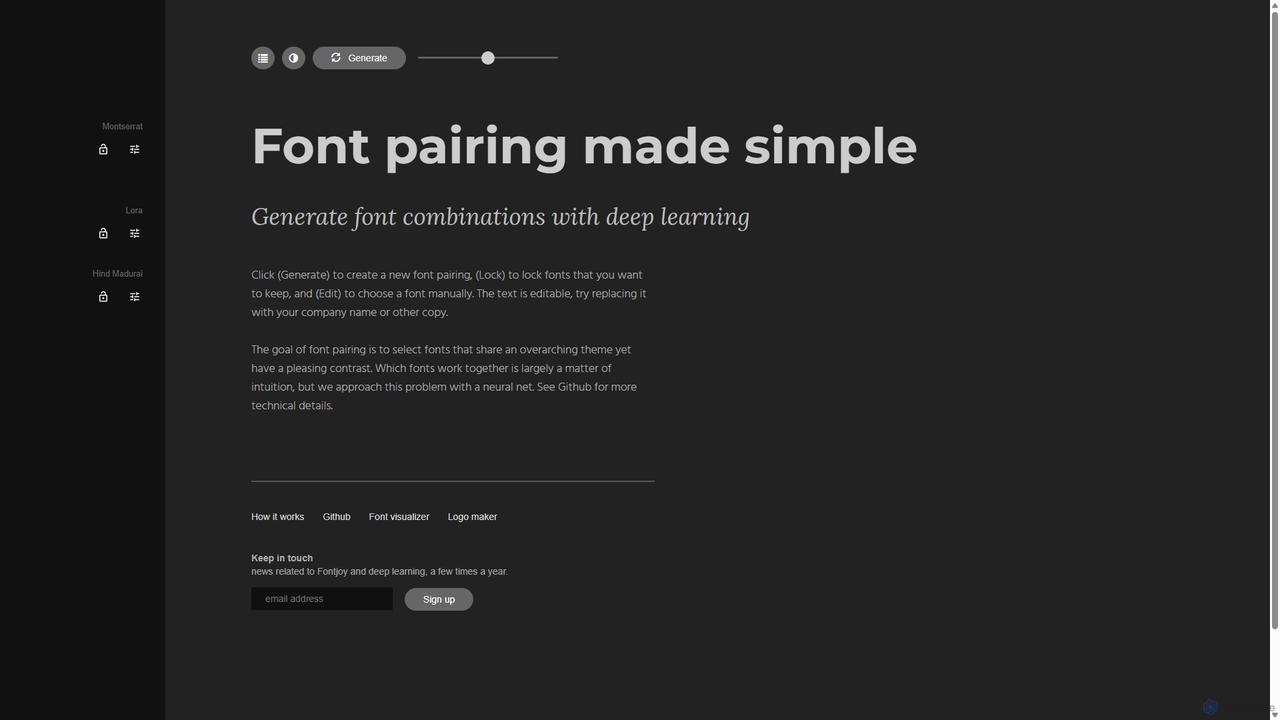
Fontjoy is an AI-powered tool that helps designers and developers generate beautiful and harmonious font pairings with a single click. Using deep learning, it intelligently selects fonts for headings, subheadings, and body text that balance contrast and similarity, streamlining the design process.

Typography
Visits 118.5KFavorites 126Likes 118
Uicolorful
Free

Uicolorful

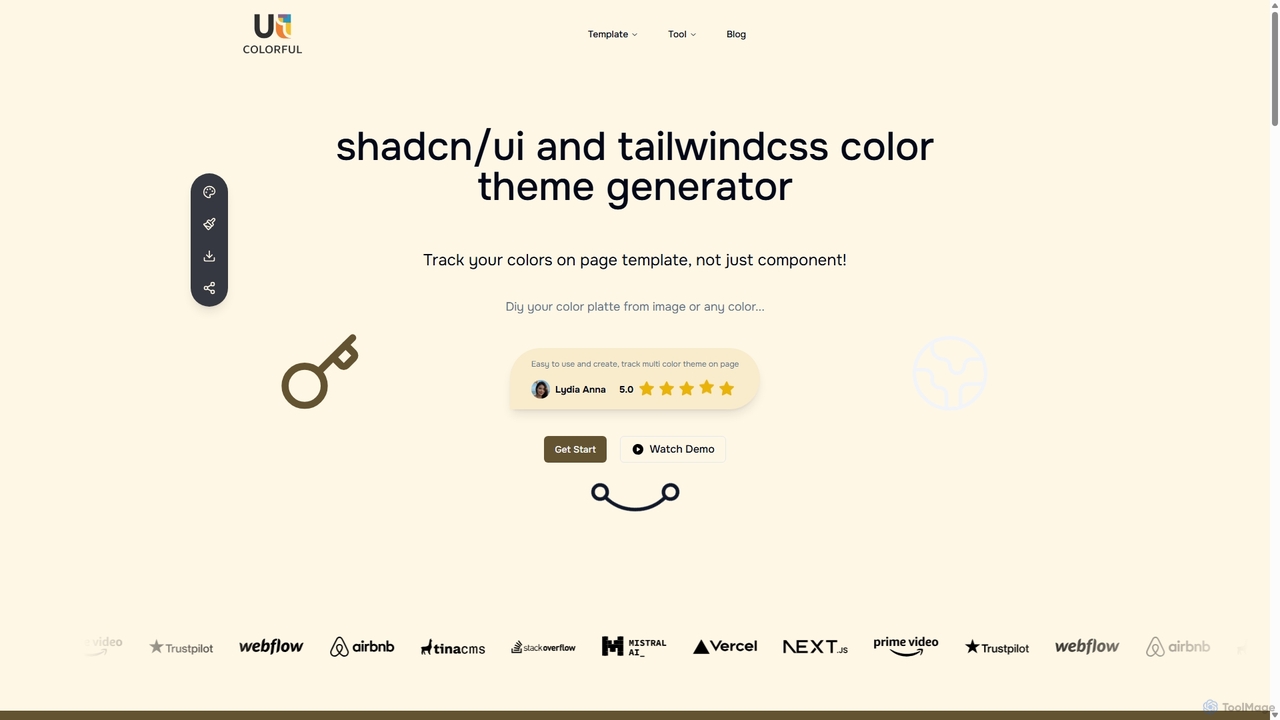
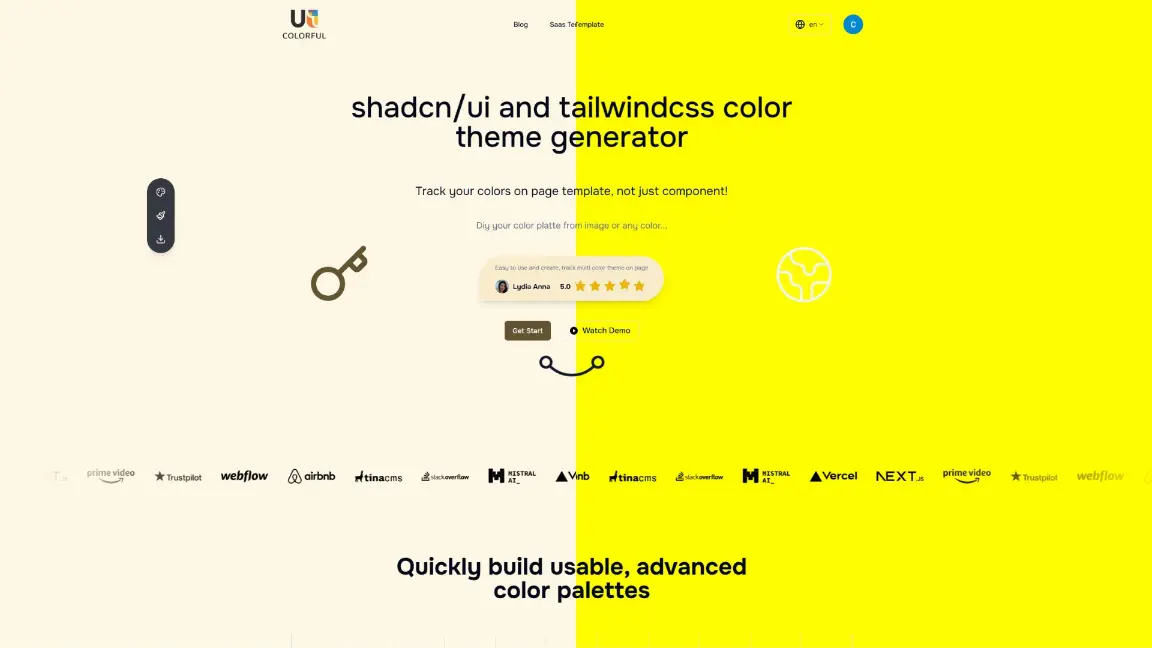
An AI-powered color theme generator for developers and designers using shadcn/ui and Tailwind CSS. Effortlessly create unique, cohesive color palettes from images or custom selections, preview them live on templates, and export them as CSS variables in multiple formats (HEX, RGB, HSL) to streamline your web design workflow.

Color Palette
Visits 7.2KFavorites 162Likes 162
Ant for Figma
Paid

Ant for Figma

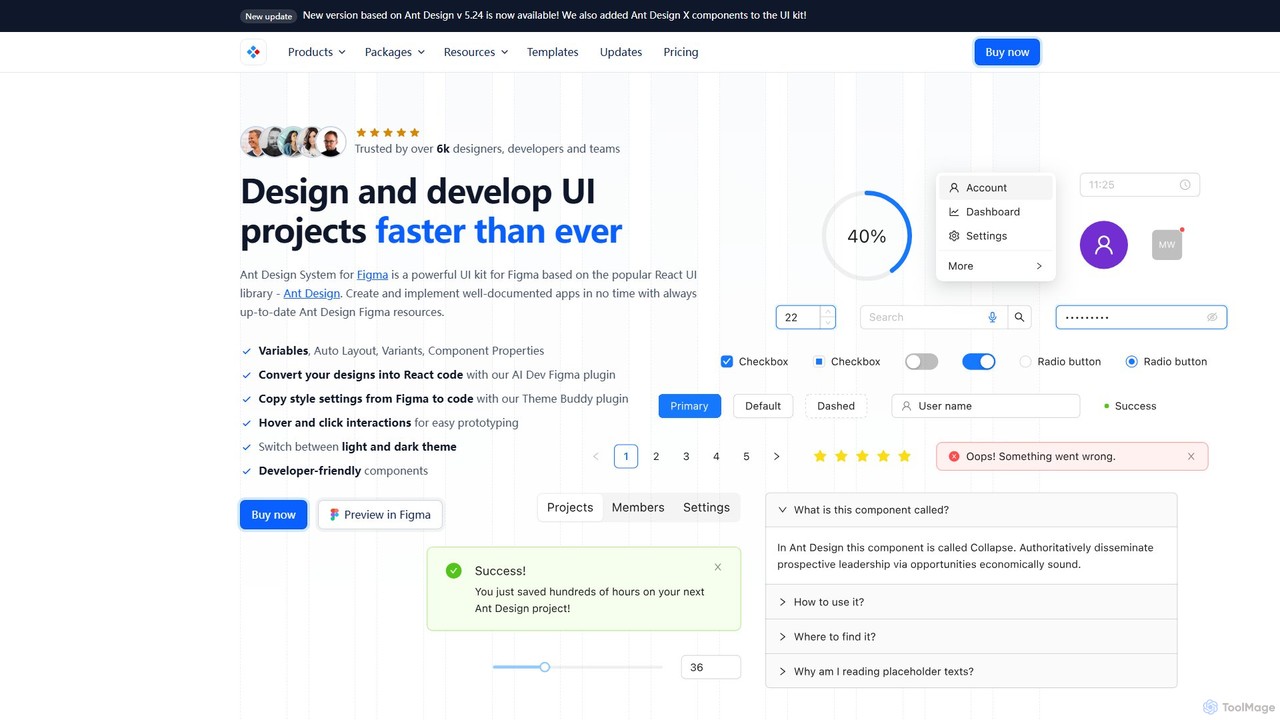
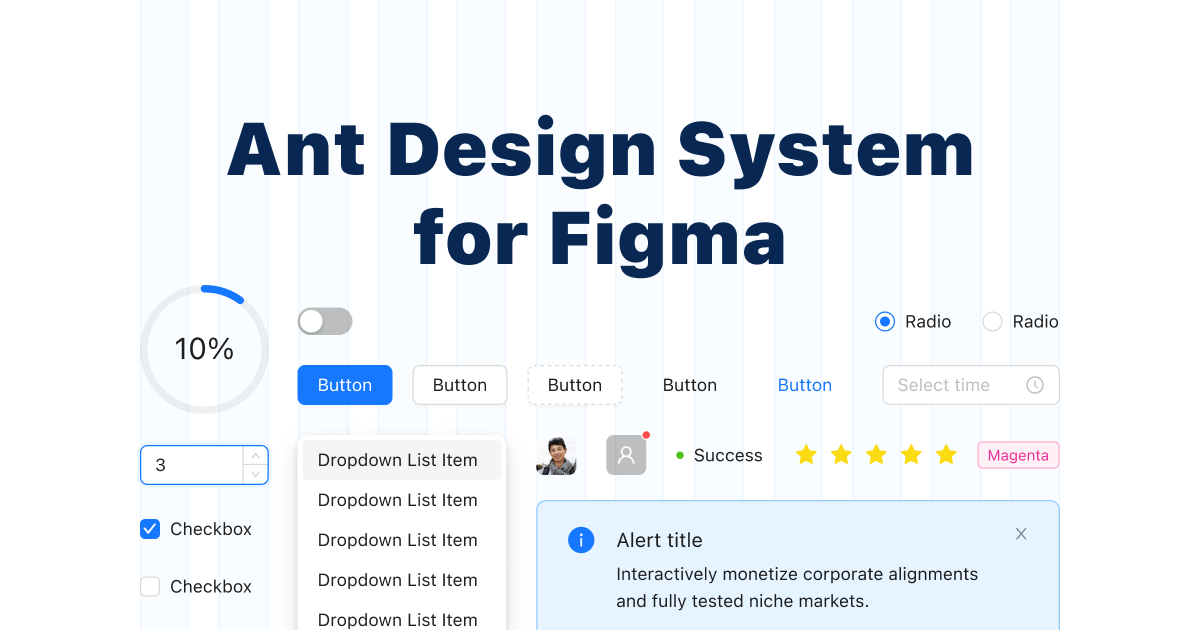
A comprehensive Ant Design system and UI kit for Figma, created to accelerate the design and development workflow. It provides a massive library of customizable components, templates, and plugins, ensuring perfect consistency between Figma designs and Ant Design React code.

Ui Kit
Visits 35.7KFavorites 130Likes 126
Rayst Gradients
Free

Rayst Gradients

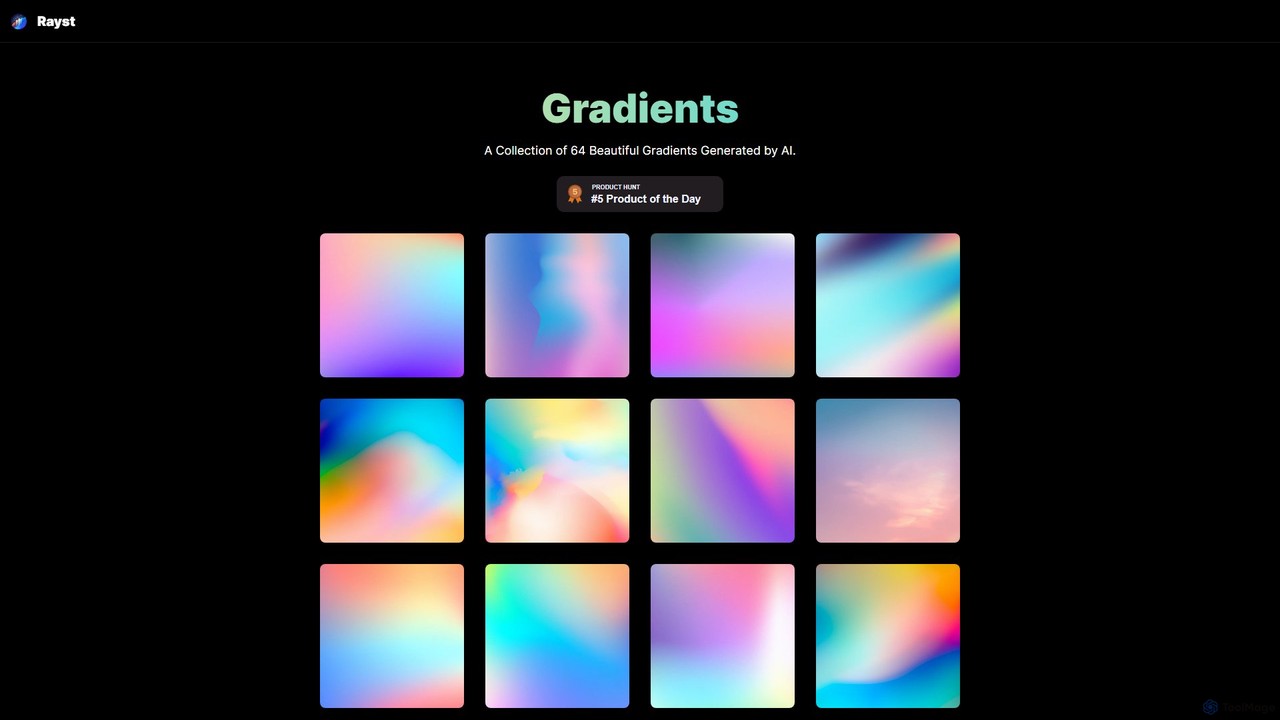
A curated collection of 64 beautiful, AI-generated gradients. Available for free download and use in both commercial and non-commercial projects without any permission required. Ideal for designers, developers, and content creators seeking unique and vibrant backgrounds.

Graphics
Visits 7.4KFavorites 157Likes 154
CallToInspiration
Paid

CallToInspiration

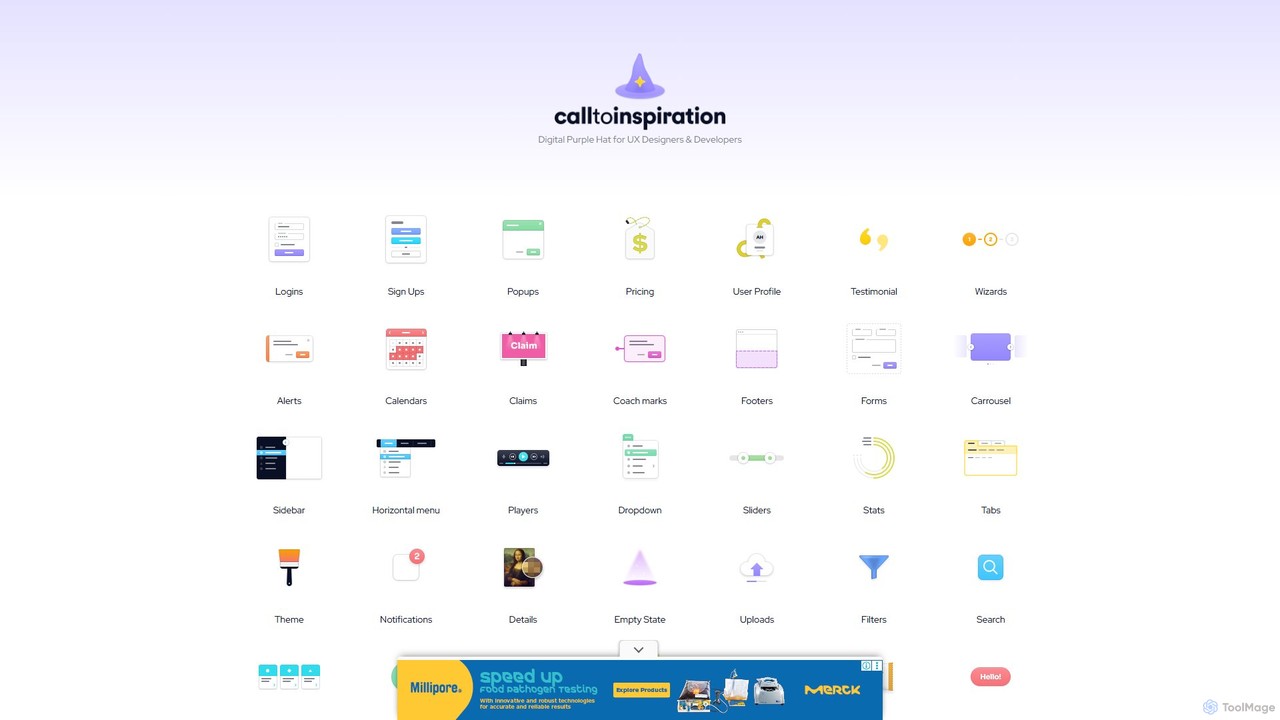
A comprehensive design inspiration library for UX/UI designers and developers. It offers a massive, curated collection of real-world examples for various interface components like login forms, pricing tables, and user profiles, helping to overcome creative blocks and accelerate the design process.

Ui Ux
Visits 7.6KFavorites 114Likes 128
ipalettes
Freemium

ipalettes

ipalettes is an AI-powered color palette generator that creates stunning color schemes from text prompts, images, or URLs. Ideal for designers, developers, and creatives, it instantly translates ideas and visuals into harmonious and usable color palettes, streamlining the design workflow.

Inspiration
Visits 6.4KFavorites 151Likes 153
HueHive
Freemium

HueHive

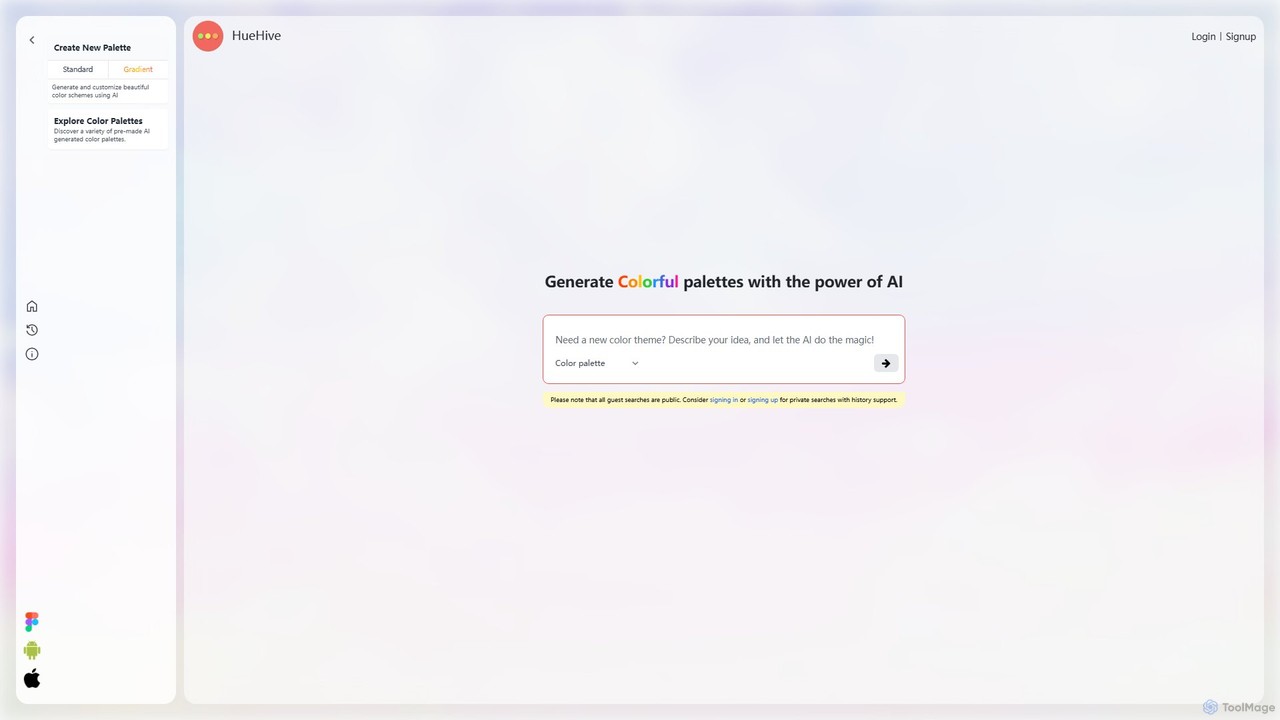
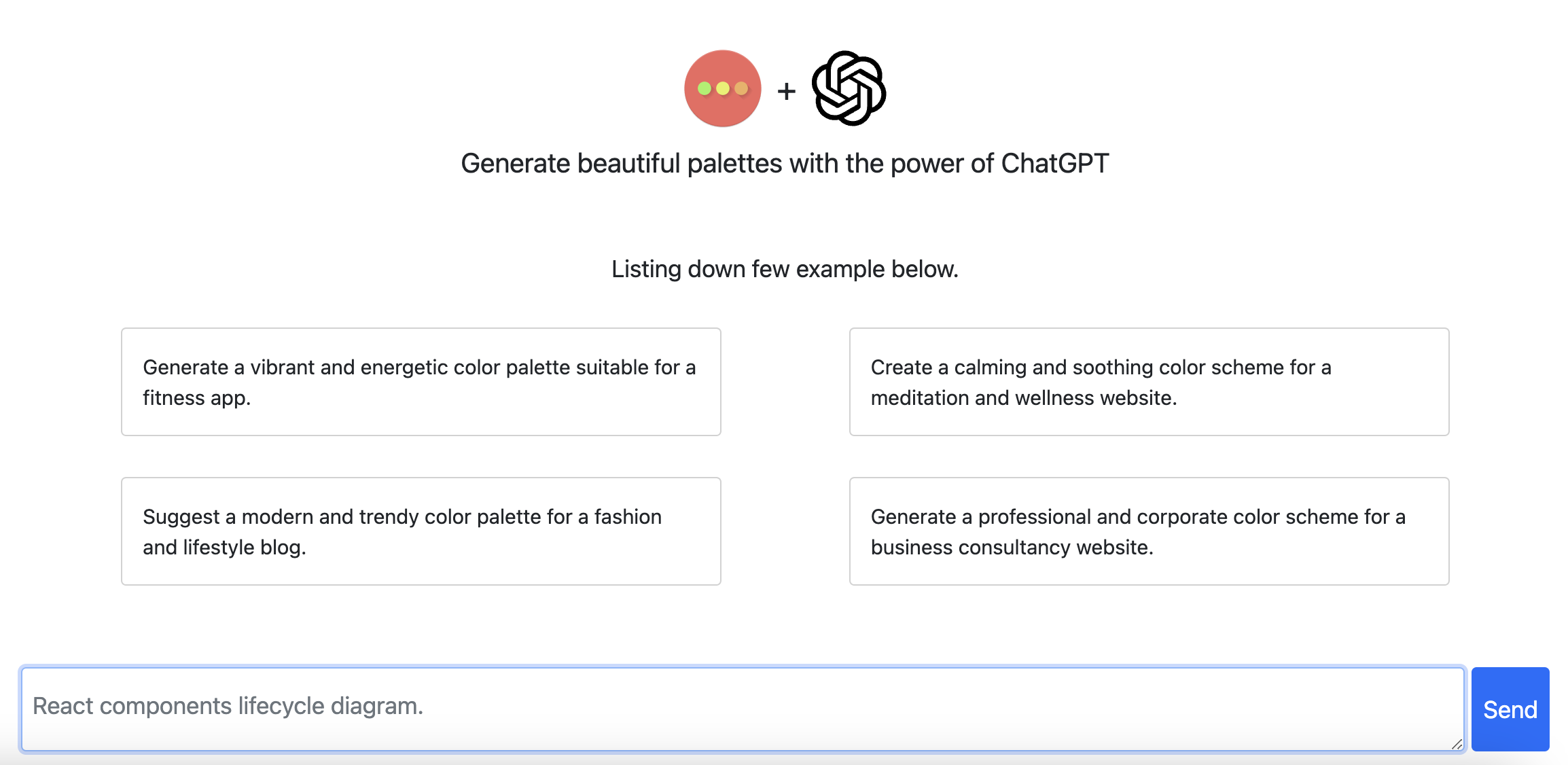
HueHive is an AI-powered color palette and gradient generator that transforms text prompts into beautiful, unique color schemes. Ideal for designers, developers, and creatives, it simplifies the color selection process. Explore a vast library of community-generated palettes or create your own private schemes with a user account. Get inspired and accelerate your design workflow with context-aware, AI-generated colors.

Color Palette Generator
Visits 37.1KFavorites 124Likes 138
BuninUX
Paid

BuninUX

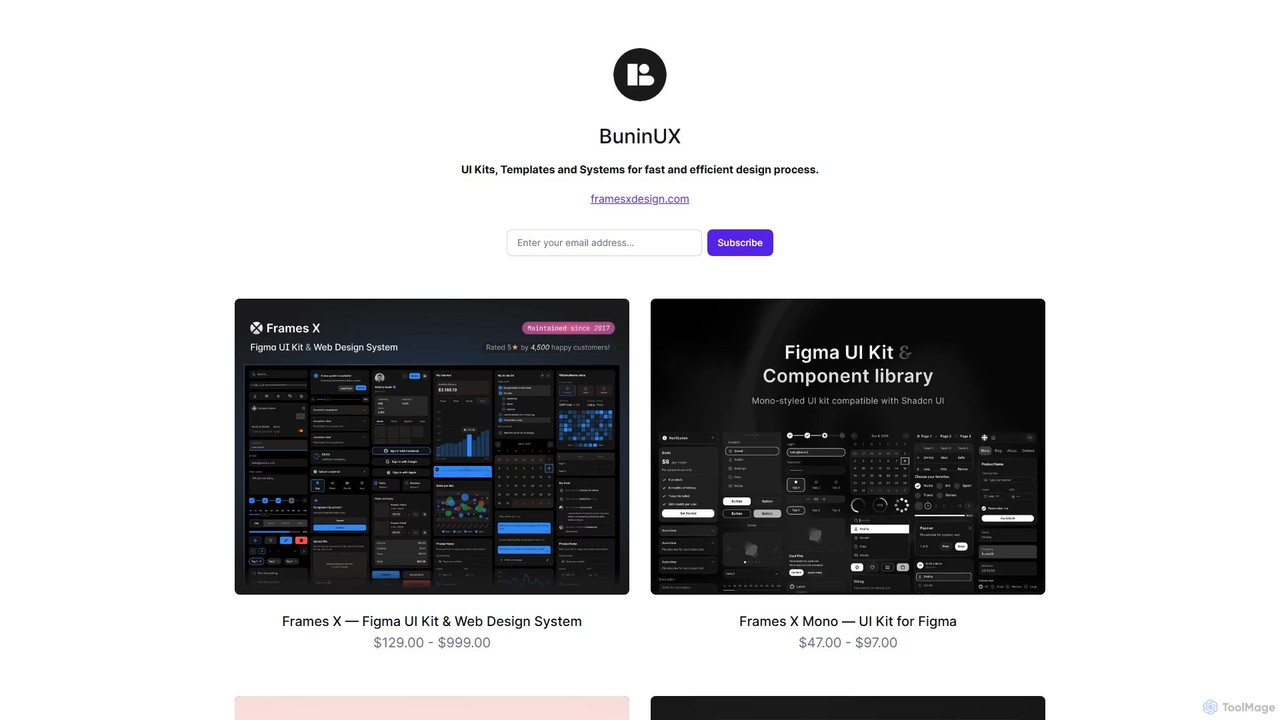
BuninUX offers a premium collection of UI kits, design systems, and templates for Figma and Framer. It's designed for UI/UX designers, developers, and teams to accelerate their design workflow, build beautiful websites and applications, and maintain design consistency with professional, ready-to-use components.

Ui Kits
Visits 6.6KFavorites 157Likes 163
HueBizz
Freemium

HueBizz

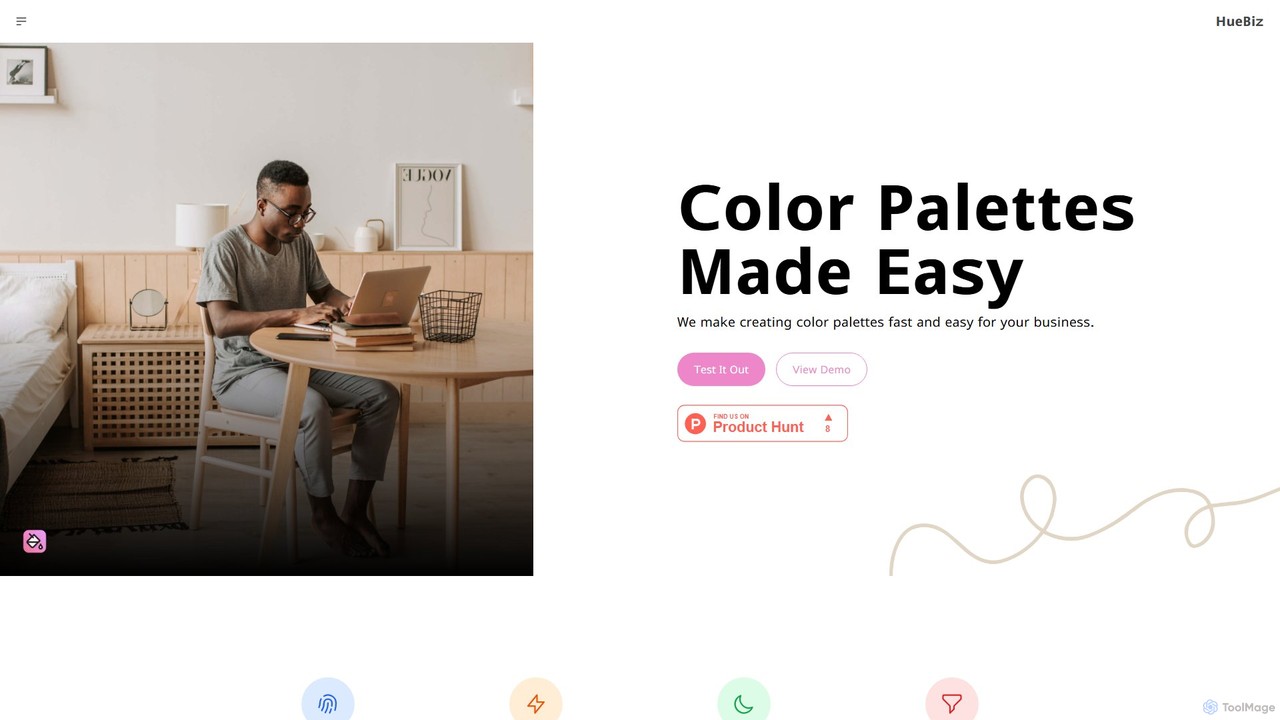
HueBizz is an AI-powered color palette generator that helps businesses create fast, easy, and effective color schemes. It leverages AI to analyze market trends and brand identity, delivering tailored palettes for various industries, complete with dynamic light and dark mode adjustments.

Color Palette
Visits 6.5KFavorites 120Likes 132

About Frontend

AI Frontend tools are a specialized category of developer tools that use artificial intelligence to automate and accelerate the creation of user interfaces (UI) and user experiences (UX). These tools analyze design patterns, code structures, and user inputs to generate code, create components, and perform automated tests. They significantly reduce manual coding, allowing developers to build, iterate, and deploy responsive and interactive web applications more efficiently. This focus on the visual and interactive layer distinguishes them within the broader developer tool ecosystem.

Core Features

  • Code Generation from Prompts: Creates HTML, CSS, and JavaScript code for UI components based on natural language descriptions or visual inputs.
  • Intelligent Code Completion: Offers context-aware suggestions for frontend frameworks like React, Vue, and Angular, speeding up development.
  • Automated UI Testing: Deploys AI agents to navigate applications, identify visual bugs, and test for usability issues across devices.
  • Design-to-Code Conversion: Transforms design files from platforms like Figma or sketches into functional frontend code.
  • Code Refactoring & Optimization: Analyzes existing frontend code and suggests improvements for performance, accessibility, and maintainability.

Use Cases

These tools are primarily used by frontend developers, UI/UX designers, and full-stack engineers. They are valuable in agile development environments for rapid prototyping, building component libraries from design systems, and automating the tedious aspects of cross-browser testing. Product teams also use them to quickly create interactive mockups and A/B test different UI variations without extensive engineering resources.

How to Choose

When selecting an AI Frontend tool, consider its compatibility with your existing tech stack (e.g., React, Vue, Svelte). Evaluate the quality and customizability of the generated code. Assess its integration capabilities with design tools (Figma, Sketch) and IDEs (VS Code). Finally, consider the specific task you need to automate—whether it's initial code generation, testing, or code optimization—as different tools specialize in different areas.

Featured tool rankings

Frontend use cases

1

Accelerate UI Prototyping from Design Files

A UI/UX designer finalizes a high-fidelity mockup for a new dashboard in Figma. Instead of a frontend developer manually translating every element into code, they use an AI Frontend tool. The tool analyzes the Figma file, identifies components like buttons, charts, and tables, and generates clean, structured code in a chosen framework like React. This process reduces the initial development time from days to hours, allowing the team to build an interactive prototype for user testing much faster and ensuring a high degree of visual consistency between design and implementation.

2

Automate Cross-Browser and Responsive Testing

A quality assurance (QA) team is responsible for ensuring a new e-commerce site works flawlessly on all major browsers and devices. Manually testing every user flow on Chrome, Firefox, Safari, and various screen sizes is time-consuming and prone to human error. By deploying an AI Frontend testing tool, they can automate this process. An AI agent navigates the site, adds items to the cart, proceeds to checkout, and checks for visual regressions or broken layouts. The tool generates a detailed report with screenshots, pinpointing issues and saving the QA team dozens of hours per release cycle.

3

Generate UI Component Variations for A/B Testing

A product manager wants to test whether a green or blue 'Buy Now' button leads to more conversions. Traditionally, this would require a developer to create two separate branches of code. Using an AI Frontend tool, the manager can simply describe the variations needed: 'Create a version of this component with a blue background and white text.' The tool generates the necessary code snippets for both versions, which can be easily integrated into an A/B testing platform. This empowers non-technical team members to run experiments quickly, fostering a culture of data-driven design without consuming developer time.

4

Refactor Legacy Code for Modern Frameworks

A development team inherits an old web application built with jQuery and vanilla CSS. To improve maintainability and performance, they need to migrate it to a modern framework like Vue.js. This is a daunting manual task. They use an AI Frontend tool with refactoring capabilities. The tool analyzes sections of the old jQuery code, understands the UI logic, and suggests equivalent components in Vue.js. It can also convert legacy CSS to a utility-first framework like Tailwind CSS. While not a fully automatic process, it automates 70-80% of the conversion, allowing developers to focus on complex logic and architecture.

5

Intelligent Code Completion for Complex Logic

A frontend developer is building a complex data visualization component with D3.js that involves intricate state management and data binding. Standard code completion tools might only suggest basic syntax. An AI Frontend tool, trained on millions of code repositories, understands the context of D3.js. It provides intelligent suggestions for chaining methods, structuring data transformations, and implementing interactive features. This acts like a pair programmer, reducing the need to constantly look up documentation and helping the developer write more efficient and idiomatic code, ultimately saving significant development time.

6

Create Accessible UI Components from Scratch

A junior developer is tasked with building a custom dropdown menu that complies with WCAG accessibility standards. This involves managing ARIA attributes, keyboard navigation, and focus states, which can be complex. Instead of starting from scratch, the developer provides a prompt to an AI Frontend tool: 'Create a fully accessible dropdown component in React with keyboard navigation.' The AI generates a component complete with proper state management, event handlers for keyboard inputs (like Escape and Arrow keys), and correct ARIA roles. This not only saves time but also serves as a learning tool, demonstrating best practices for building inclusive web interfaces.

Frontend FAQ

What are AI Frontend tools?

AI Frontend tools are specialized software that use artificial intelligence to assist in and automate the development of web and application user interfaces (UI). Unlike general-purpose code assistants, they are specifically focused on frontend tasks. Key functions include converting design mockups into code, generating UI components from text prompts, providing context-aware code suggestions for frameworks like React or Vue, and automating visual and usability testing. Their primary goal is to accelerate the development lifecycle, reduce repetitive coding, and help developers build better interfaces faster.

How to choose the right AI Frontend tool?

Choosing the right tool depends on your specific needs. Consider the following factors:

  • Framework Compatibility: Ensure the tool supports your primary frontend framework, such as React, Vue, Angular, or Svelte.
  • Core Functionality: Identify your main bottleneck. Do you need help with initial UI generation from designs, intelligent code completion, or automated testing? Choose a tool that excels in that area.
  • Integration: Check for integrations with your existing workflow, including design tools like Figma and IDEs like VS Code.
  • Code Quality: Evaluate the quality, readability, and maintainability of the code it generates. Look for tools that produce clean, semantic, and customizable code.
  • Learning Curve: Assess how easy it is to learn and incorporate the tool into your team's daily processes.
What's the difference between AI Frontend tools and general AI code assistants?

The main difference is specialization. General AI code assistants (like GitHub Copilot) are trained on a vast range of programming languages and domains, providing assistance for backend, frontend, data science, and more. AI Frontend tools, however, are specifically optimized for the challenges of UI/UX development. They have a deeper understanding of frontend frameworks, design principles, accessibility standards, and visual testing. This specialization allows them to perform tasks like converting a Figma design to React code or identifying a misaligned button, which are typically beyond the scope of a general-purpose code assistant.

Can AI Frontend tools replace frontend developers?

No, AI Frontend tools are not designed to replace developers but to augment their abilities. They excel at automating repetitive, time-consuming, and pattern-based tasks, such as writing boilerplate code, converting designs, or running tests. This frees up developers to focus on more complex, creative, and strategic work, such as system architecture, user experience strategy, performance optimization, and solving unique business problems. These tools act as powerful assistants or 'pair programmers,' enhancing productivity and allowing developers to achieve more, rather than making their roles obsolete.

What programming languages and frameworks do these tools support?

Support varies significantly between tools, but most AI Frontend tools focus on the core technologies of the web. The most commonly supported languages are:

  • JavaScript/TypeScript: The foundation of modern web development.
  • HTML & CSS: Essential for structure and styling.

For frameworks, support is typically centered on the most popular ones:

  • React: Widely supported due to its large ecosystem and usage.
  • Vue.js: Another popular choice with strong support in many tools.
  • Angular: Often supported, especially by enterprise-focused tools.
  • Svelte & others: Support for newer or less common frameworks is growing but less consistent.

It is crucial to check the specific documentation of any tool to confirm compatibility with your exact tech stack before committing to it.