

ipalettes Overview
ipalettes is an innovative, AI-driven tool designed to revolutionize the way designers, developers, and creatives discover and create color palettes. It addresses the common challenge of finding the perfect color scheme by leveraging artificial intelligence to generate harmonious and contextually relevant palettes from various inputs. Whether you have a specific idea described in text, an inspiring image, or a website you admire, ipalettes can instantly extract and formulate a beautiful and functional color palette, saving you hours of manual work and overcoming creative blocks.
The platform is built on a sophisticated AI model that understands color theory, emotional context, and visual aesthetics. It doesn't just pick random colors; it analyzes the input to understand the underlying mood, theme, and objects. For example, a text prompt like 'a serene Japanese garden in spring' will yield a palette with soft pinks, fresh greens, and earthy tones, perfectly capturing the described atmosphere. This makes ipalettes an indispensable assistant for anyone involved in visual creation.
How to use ipalettes
Using ipalettes is designed to be an intuitive and seamless experience, allowing users to generate palettes in just a few simple steps:
- Choose Your Input Method: Start by selecting how you want to generate your palette. You can choose from 'Text Prompt', 'Image Upload', or 'URL'.
- Provide Your Input: If you chose 'Text Prompt', simply type a descriptive phrase (e.g., 'cyberpunk city at night', 'warm minimalist living room'). If you chose 'Image Upload', select an image file from your device. For 'URL', paste the web address of the site you want to analyze.
- Generate the Palette: Click the 'Generate' button. The AI will process your input and present an initial color palette in seconds.
- Refine and Customize: Explore the generated palette. You can lock specific colors that you love and ask the AI to generate new alternatives for the unlocked ones. You can also manually adjust the hue, saturation, and brightness of each color.
- Export and Use: Once you are satisfied with your palette, you can easily export it. Copy individual hex codes or RGB values, or download the entire palette as an SVG, PNG, or CSS file to integrate directly into your design tools like Figma, Sketch, or your codebase.
Core Features of ipalettes
- AI Generation from Text: Translates descriptive text prompts into unique and fitting color palettes.
- Image Color Extraction: Upload any image to automatically extract its dominant and complementary colors.
- Website Palette Analysis: Enter a URL to deconstruct a website's color scheme for inspiration or analysis.
- Advanced Customization: Lock colors, fine-tune individual shades, and explore endless variations of a palette.
- Multiple Export Formats: Supports exporting palettes as HEX, RGB, HSL, CSS, SVG, and PNG for seamless workflow integration.
- Personal Palette Library: Save your favorite generated palettes to a personal library for future reference and use.
- Inspiration Feed: Discover trending palettes and see what other creatives are making to stay inspired.
Use Cases for ipalettes
ipalettes is a versatile tool suitable for a wide range of professional and personal projects:
- UI/UX Design: Quickly create cohesive and accessible color schemes for websites and mobile applications.
- Branding and Marketing: Develop a strong brand identity by generating palettes that reflect the brand's values and personality.
- Graphic Design: Find the perfect colors for logos, illustrations, posters, and social media content.
- Interior Design: Visualize and plan color schemes for rooms and spaces based on mood boards or inspirational photos.
- Digital Art and Illustration: Overcome color choice paralysis and find unique color combinations for artwork.
- Web Development: Instantly generate CSS variables or Tailwind CSS configurations from a visual theme.
Advantages of ipalettes
The primary advantage of ipalettes is its ability to blend AI-powered efficiency with creative control. It significantly speeds up the design process by automating the often time-consuming task of color selection. The AI provides context-aware suggestions that are often more creative and harmonious than what might be achieved through manual trial and error. Its intuitive interface makes it accessible to both seasoned professionals and beginners, democratizing high-quality design. Furthermore, the ability to save and manage palettes ensures consistency across large and ongoing projects.
Pricing and Plans
ipalettes operates on a freemium model, making it accessible to everyone.
- Free Plan: Perfect for students and hobbyists, this plan allows users to generate a limited number of palettes per day, with access to basic generation features (text and image) and standard export options.
- Pro Plan: Aimed at professional designers and freelancers, this plan offers unlimited palette generations, generation from URLs, advanced customization tools, high-resolution exports, and access to a personal library to save unlimited palettes.
- Team Plan: Designed for agencies and design teams, this plan includes all Pro features plus collaborative workspaces, shared palette libraries, and centralized billing for multiple users.
ipalettes Alternatives
PaletteMaker
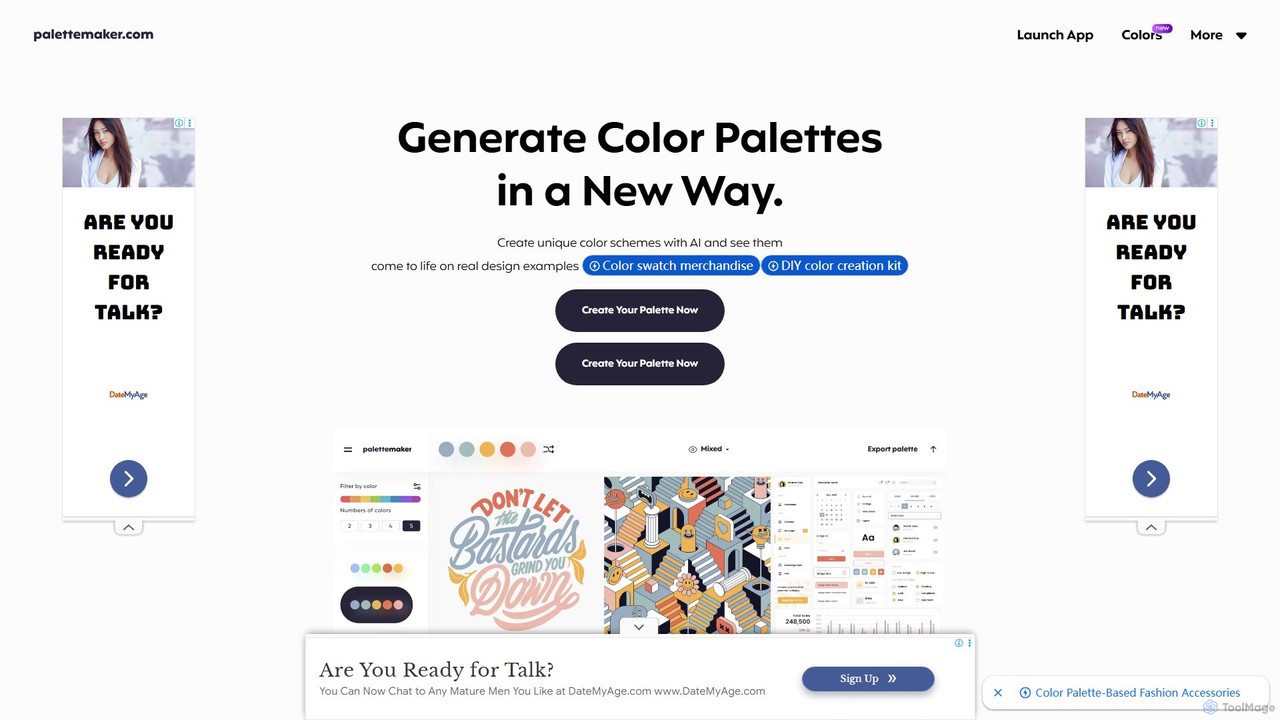
PaletteMaker is a free, AI-powered color palette generator that allows designers and creatives to create and instantly preview color schemes on real-world design mockups. It supports various creative fields like UI/UX, branding, and illustration, offering powerful export options for professional workflows.
Inspiration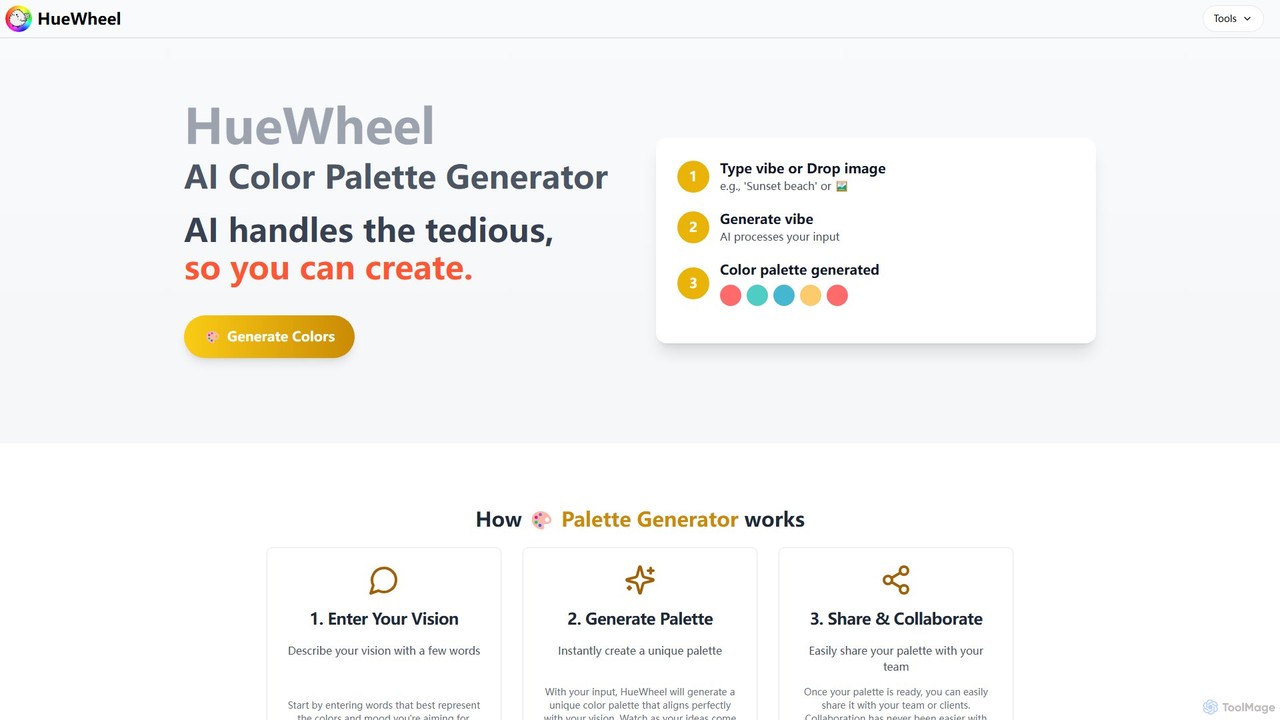
huewheel
huewheel is an AI-powered color palette generator that creates stunning color combinations from natural language descriptions or image uploads. It's designed for designers, developers, and creatives to quickly find harmonious and trending palettes. The platform includes a comprehensive Color Studio for fine-tuning, a Mockup Generator for previews, and a community gallery for endless inspiration.
Inspiration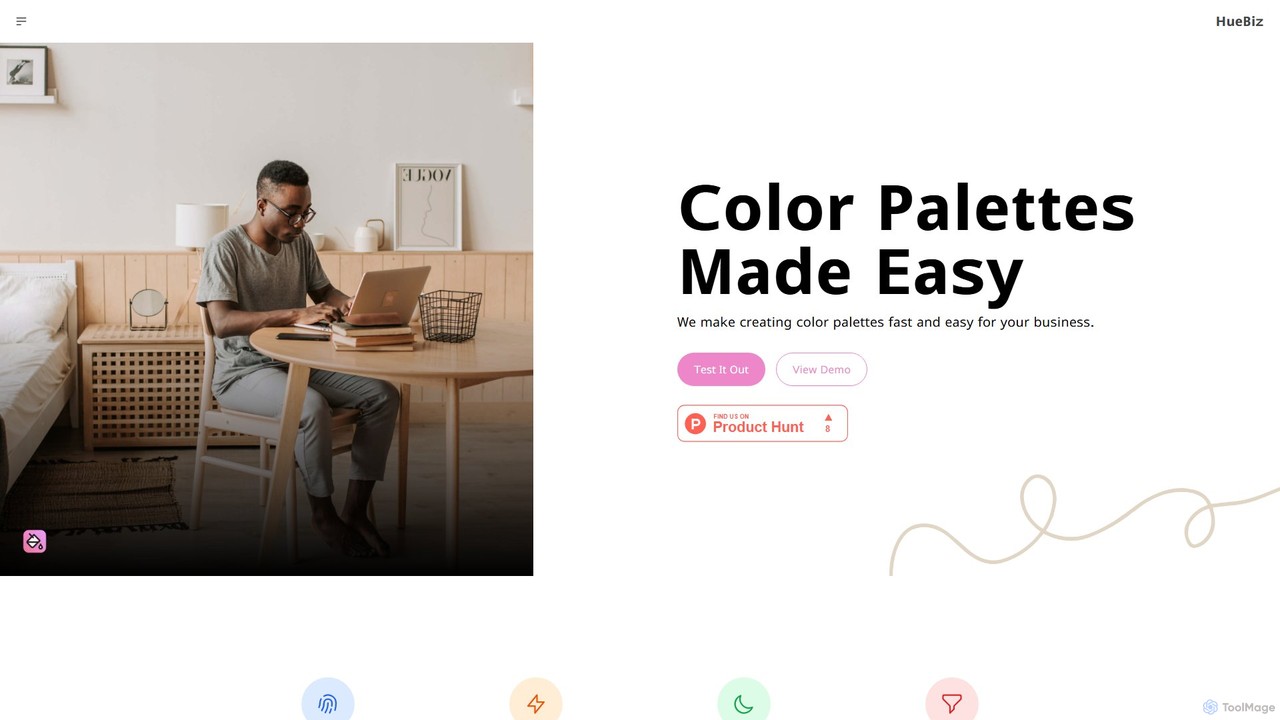
HueBizz
HueBizz is an AI-powered color palette generator that helps businesses create fast, easy, and effective color schemes. It leverages AI to analyze market trends and brand identity, delivering tailored palettes for various industries, complete with dynamic light and dark mode adjustments.
Color Palette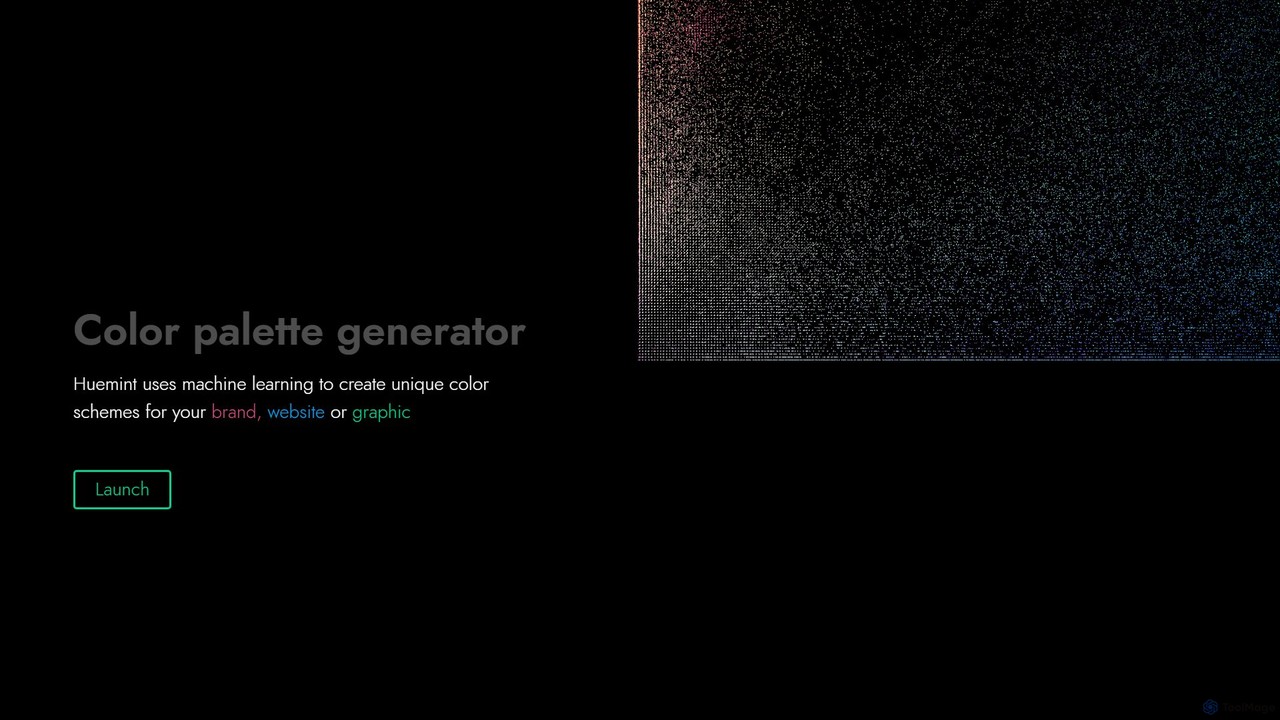
Huemint
Huemint is an AI-powered color palette generator that uses machine learning to create unique and harmonious color schemes for brands, websites, graphics, and illustrations. It provides contextual previews to visualize how colors work together in real-world applications.
Inspiration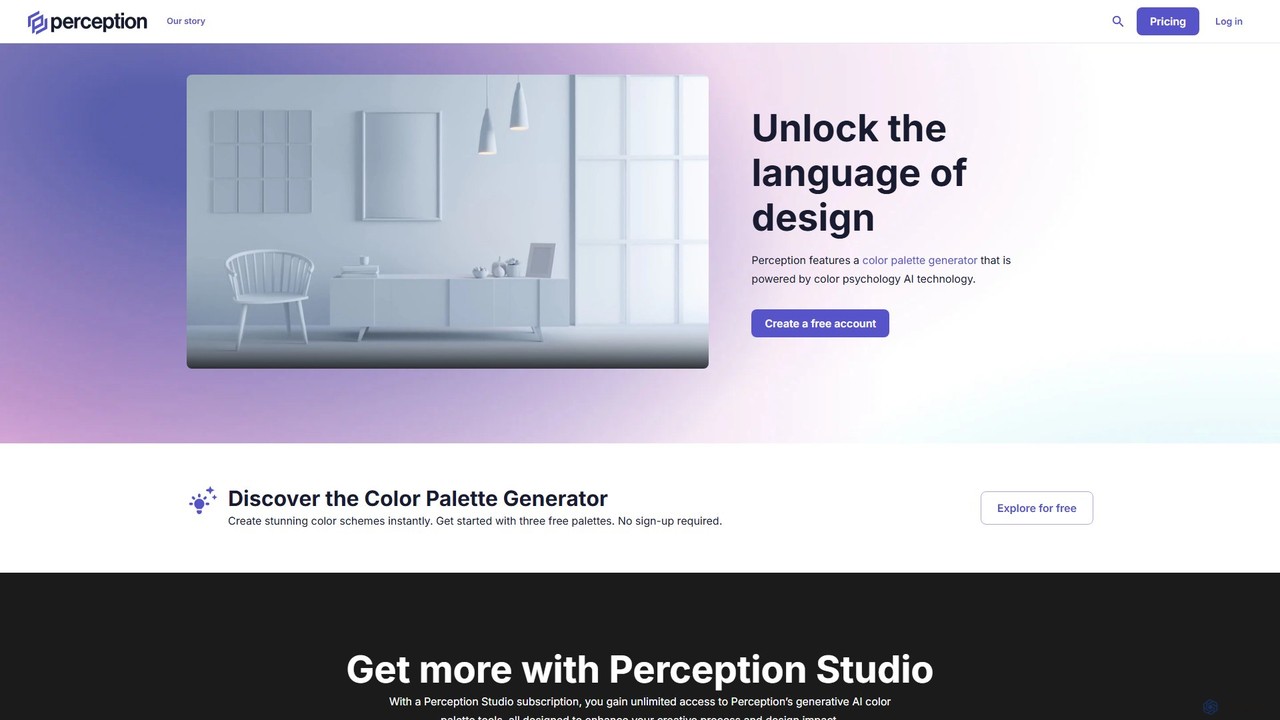
Perception
Perception is an AI-powered design intelligence platform that generates color palettes based on color psychology. It helps designers and creators build emotionally resonant color schemes using simple text prompts, analyze existing palettes, and explore a vast library of over 50 million AI-generated options to make impactful design choices.
Generative Artipalettes Categories
ipalettes Embed Widget
Copy this embed code to place the badge on your blog, article, or product site and send readers directly to this ToolMage detail page.

Related AI tools
Perception
Perception is an AI-powered design intelligence platform that generates color palettes based on color psychology. It helps designers and creators build emotionally resonant color schemes using simple text prompts, analyze existing palettes, and explore a vast library of over 50 million AI-generated options to make impactful design choices.
Generative Art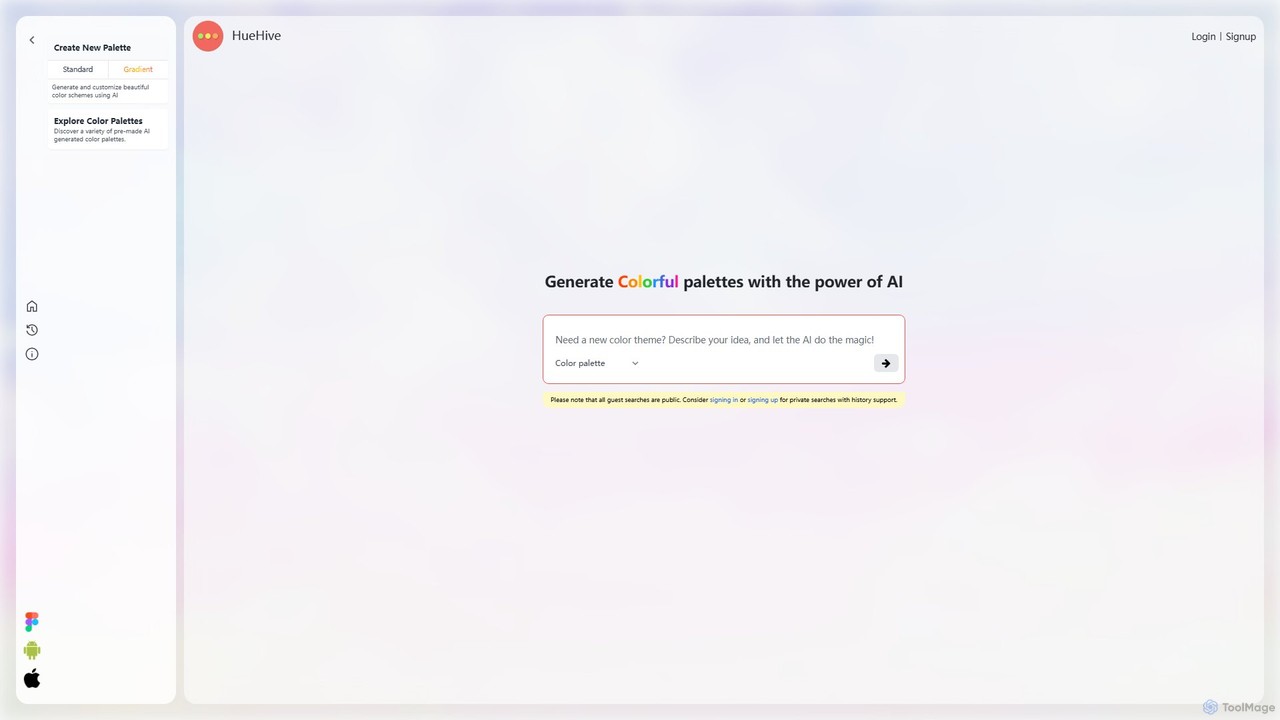
HueHive
HueHive is an AI-powered color palette and gradient generator that transforms text prompts into beautiful, unique color schemes. Ideal for designers, developers, and creatives, it simplifies the color selection process. Explore a vast library of community-generated palettes or create your own private schemes with a user account. Get inspired and accelerate your design workflow with context-aware, AI-generated colors.
Color Palette GeneratorPaletteMaker
PaletteMaker is a free, AI-powered color palette generator that allows designers and creatives to create and instantly preview color schemes on real-world design mockups. It supports various creative fields like UI/UX, branding, and illustration, offering powerful export options for professional workflows.
Inspirationhuewheel
huewheel is an AI-powered color palette generator that creates stunning color combinations from natural language descriptions or image uploads. It's designed for designers, developers, and creatives to quickly find harmonious and trending palettes. The platform includes a comprehensive Color Studio for fine-tuning, a Mockup Generator for previews, and a community gallery for endless inspiration.
InspirationHueBizz
HueBizz is an AI-powered color palette generator that helps businesses create fast, easy, and effective color schemes. It leverages AI to analyze market trends and brand identity, delivering tailored palettes for various industries, complete with dynamic light and dark mode adjustments.
Color Palette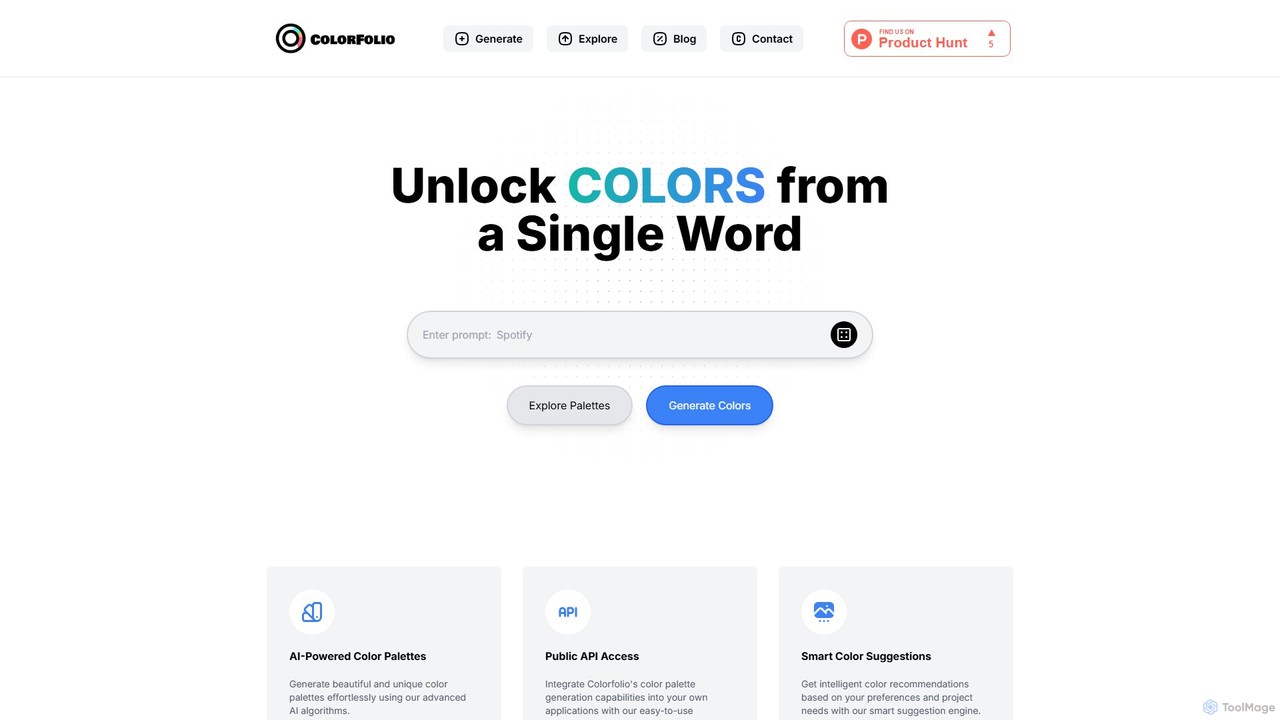
Colorfolio
Colorfolio is an AI-powered color palette generator that creates beautiful and unique color schemes from a single word or text prompt. Ideal for designers, developers, and brand managers, it simplifies the color selection process with smart suggestions and offers a public API for integration.
Color PaletteHuemint
Huemint is an AI-powered color palette generator that uses machine learning to create unique and harmonious color schemes for brands, websites, graphics, and illustrations. It provides contextual previews to visualize how colors work together in real-world applications.
Inspiration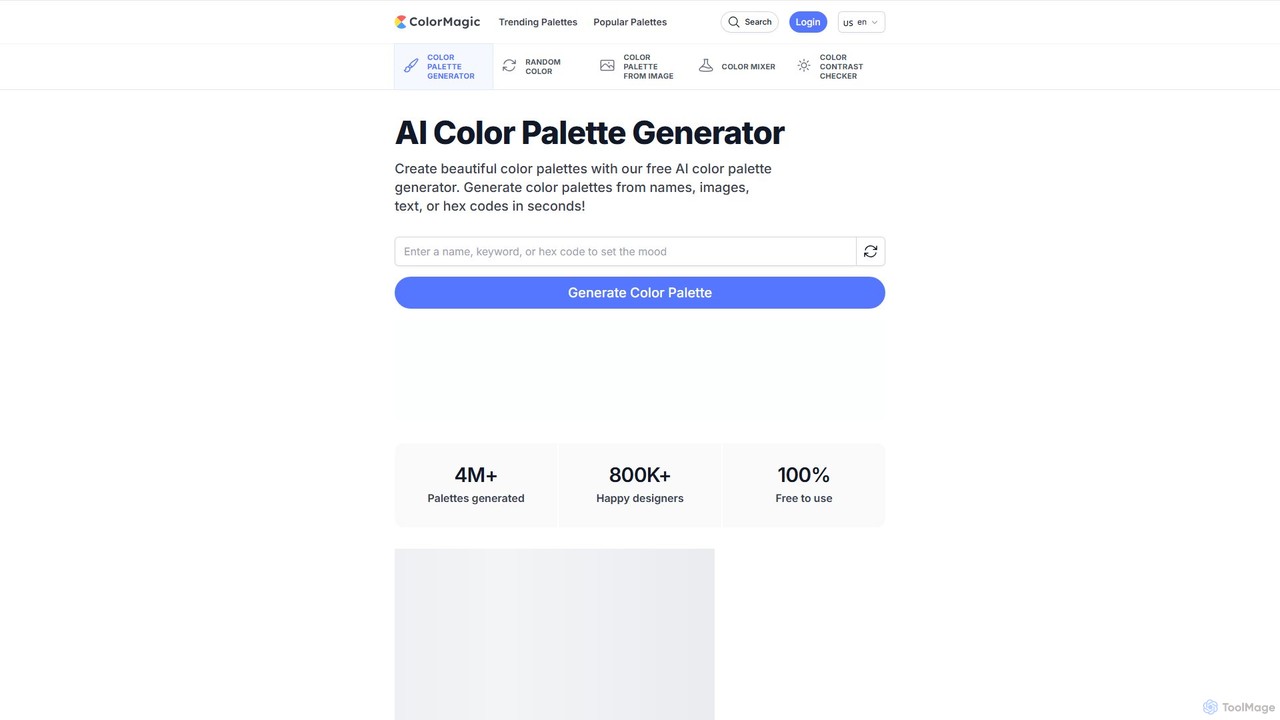
ColorMagic
ColorMagic is a free AI-powered color palette generator. It allows designers, artists, and developers to instantly create beautiful and harmonious color schemes from text prompts, keywords, images, or hex codes. It's a versatile tool for finding color inspiration and practical design assets.
Color Palette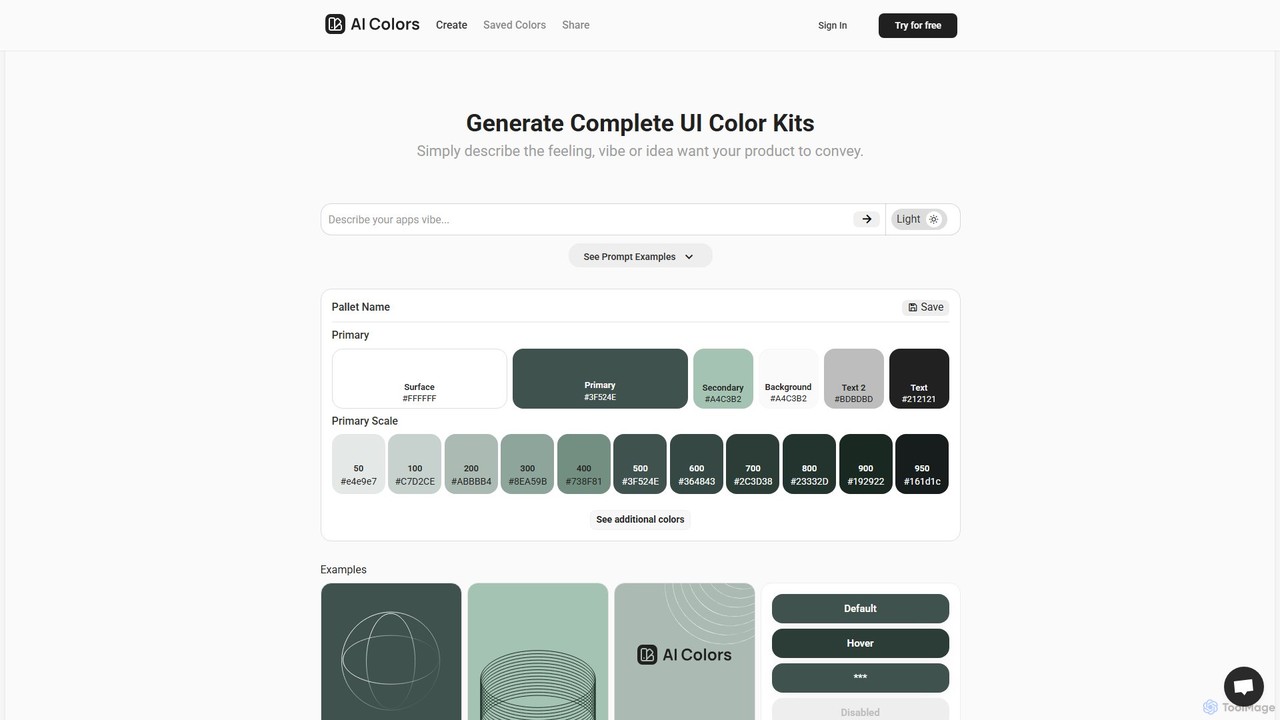
aicolors
aicolors is an AI-powered color palette generator that creates complete, ready-to-use UI color kits from simple text prompts. Describe a feeling, vibe, or idea, and instantly get a harmonious and functional color scheme for your web or app design projects.
Color Palette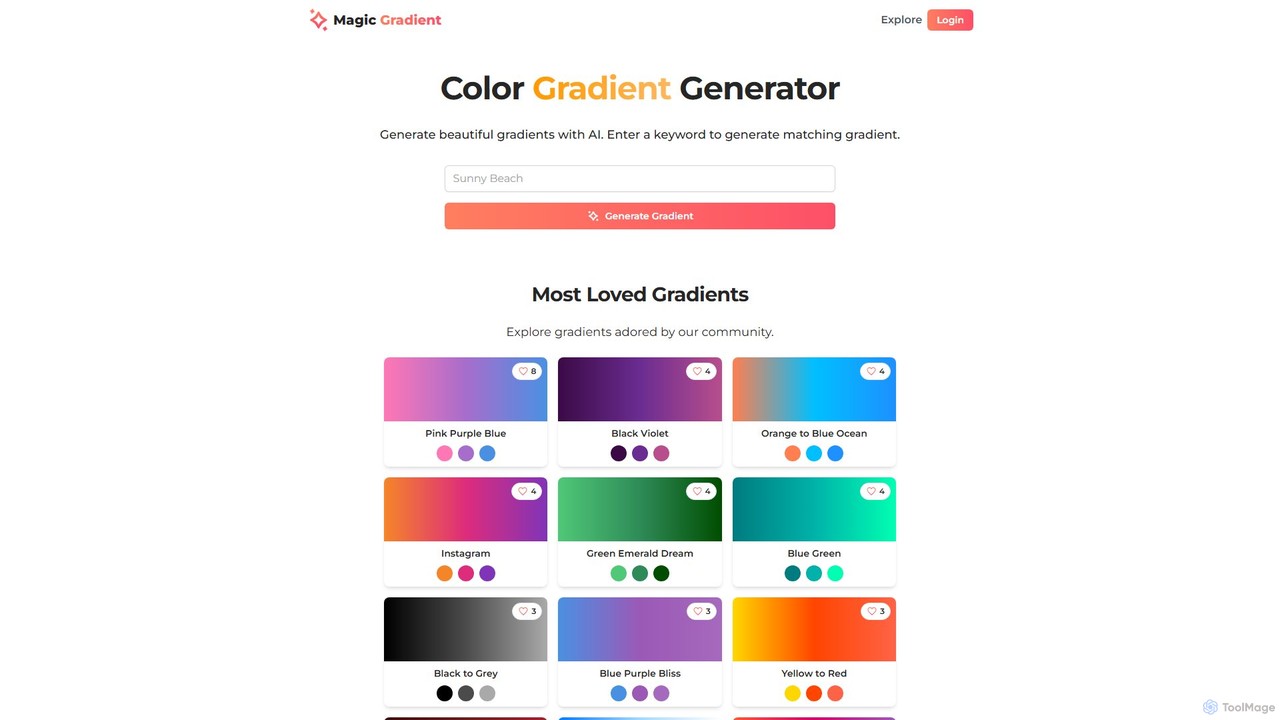
magicgradient
An AI-powered design suite for creating stunning color gradients, customizable SVG waves, and gradient-filled SVGs. Simply enter a keyword to generate unique color schemes, or use the advanced tools to create dynamic backgrounds and assets for your web and graphic design projects.
Color Palette Generator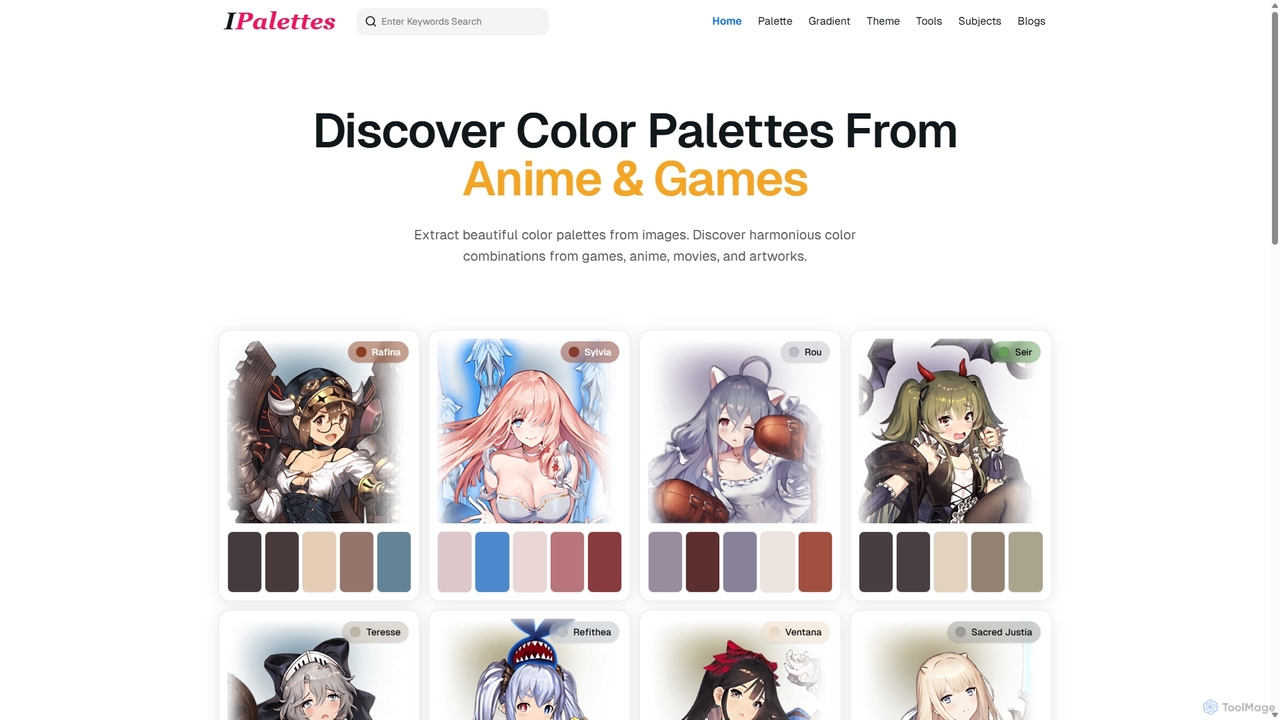
Ipalettes
Ipalettes is an AI-powered suite of tools for designers and developers, offering instant generation of color palettes, gradients, and shadcn/ui themes from simple text prompts. Discover unique color combinations and draw inspiration from a vast library derived from games, anime, and art.
Color Palette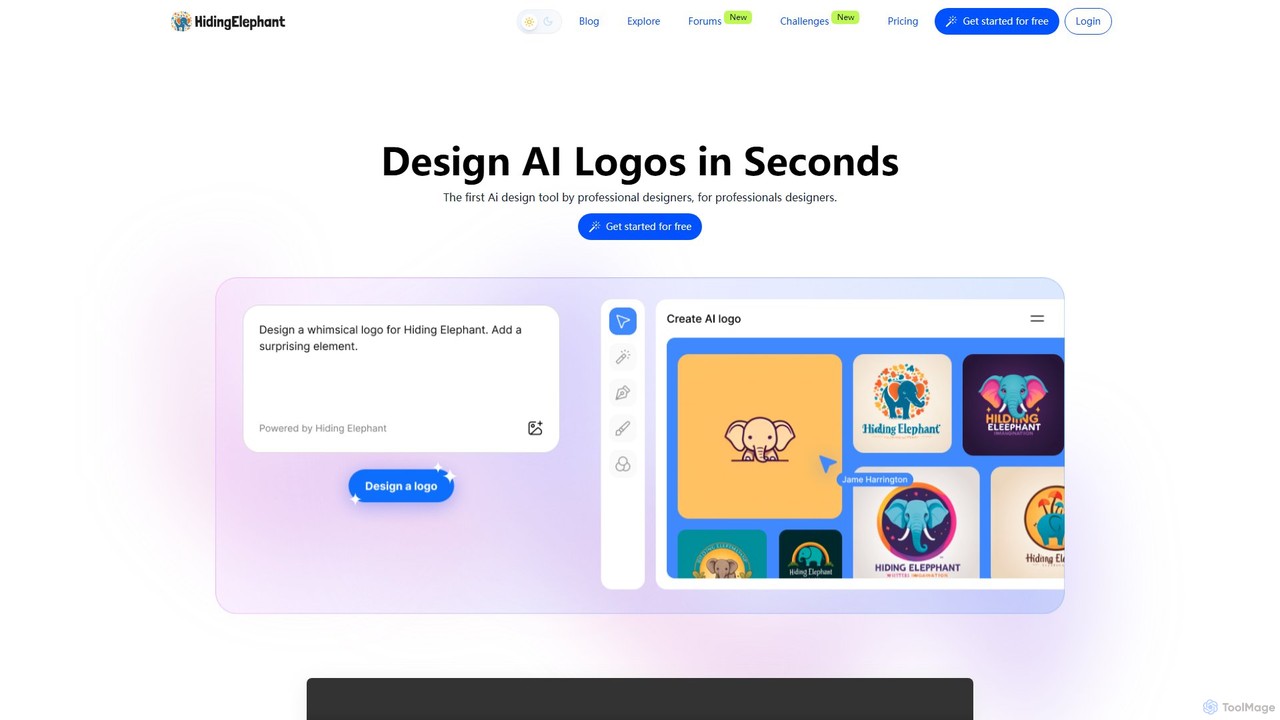
hidingelephant
Hidingelephant is an AI design tool built by professional designers for professionals. It specializes in generating unique, custom logos and designs from text prompts in seconds, featuring one-click vectorization and collaborative tools to streamline the creative workflow.
Logo Generation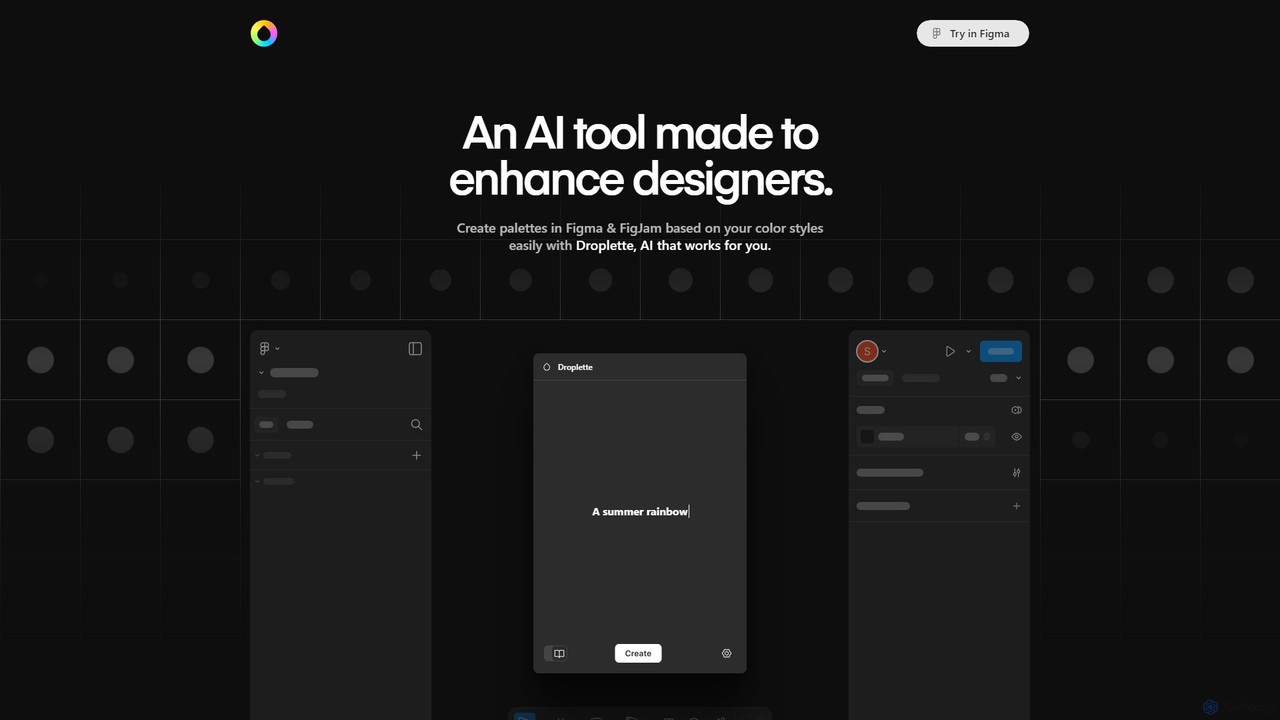
Droplette
Droplette is an intelligent AI-powered color palette generator designed as a plugin for Figma and FigJam. It helps designers create unique and harmonious color schemes by extracting colors from frames, syncing with existing color styles, or generating new palettes from scratch. It offers an intuitive interface for real-time adjustments and iterations, streamlining the design workflow.
Color Palette
Iconifyai
Iconifyai is an AI-powered icon generator that creates unique, high-quality app icons in seconds. Simply describe your desired icon, choose from over 11 styles and colors, and receive professional-grade designs for iOS, Android, websites, and more. It's a fast, affordable, and easy-to-use solution for developers, designers, and entrepreneurs.
Icon Generation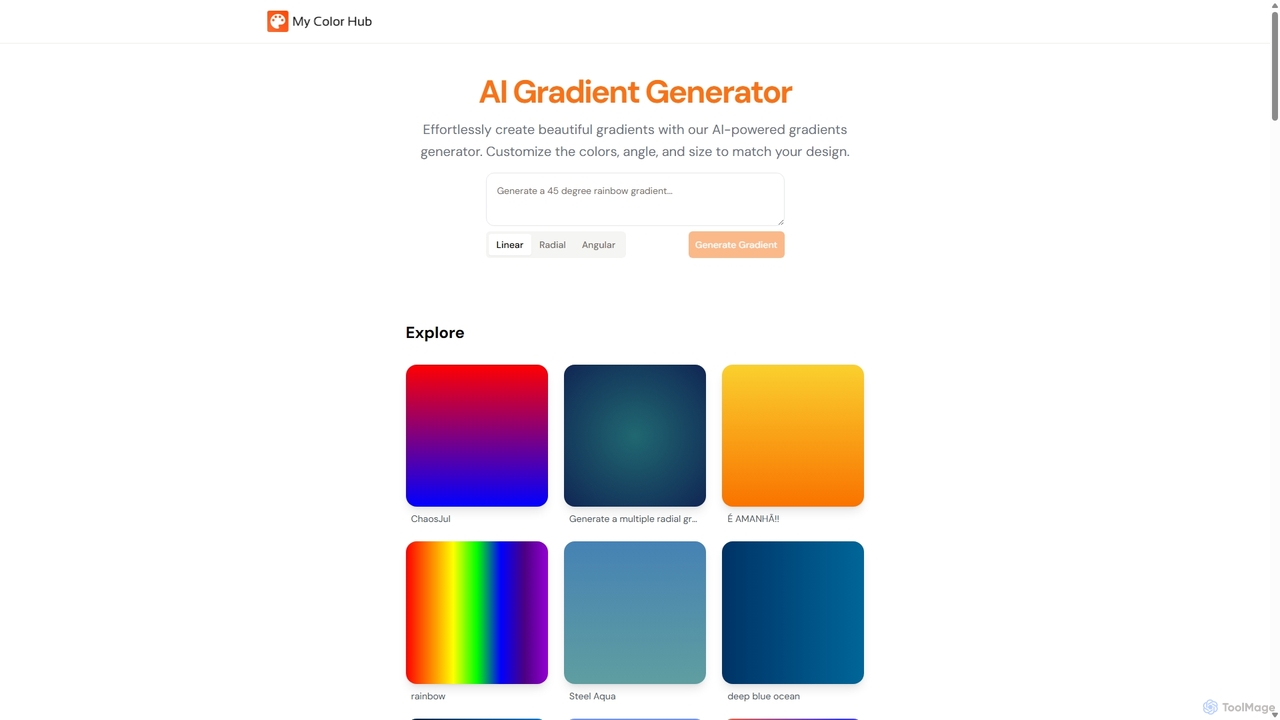
MyColorHub
MyColorHub is an AI-powered gradient generator that effortlessly creates beautiful, unique color gradients from simple text prompts. Describe a mood, a scene, or a color combination, and the AI will generate stunning linear, radial, or angular gradients. It's an intuitive tool for designers, developers, and content creators to quickly find inspiration and generate custom color schemes for their projects.
Graphics
ipalettes Comments (0)
Sign in to comment.
Sign inNo comments yet.