
ColorMagic Overview
ColorMagic is an innovative and free AI-powered tool designed to simplify and inspire the color selection process for creatives of all levels. Whether you're a professional designer, a digital artist, a web developer, or someone who needs a beautiful color scheme for a project, ColorMagic offers a suite of intuitive tools to generate stunning palettes in seconds. By leveraging artificial intelligence, it can interpret text prompts, keywords, brand names, and even extract colors directly from images to create contextually relevant and aesthetically pleasing combinations. With a community of over 800,000 users and millions of palettes generated, it has become a go-to resource for overcoming creative blocks and ensuring color harmony in any design.
How to use ColorMagic
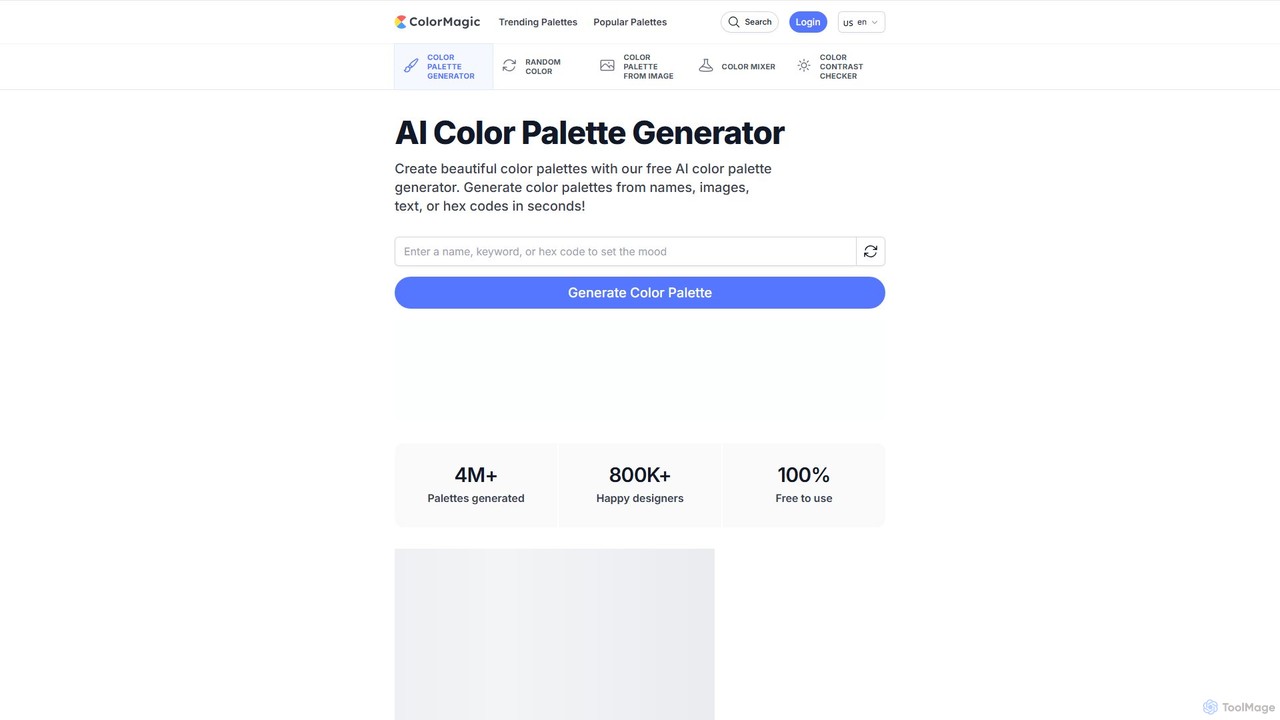
Using ColorMagic is a straightforward and efficient process, designed to get you from idea to a usable palette in just a few clicks:
- Provide an Input: Start by entering your creative prompt. This can be anything from a simple keyword (e.g., "ocean sunset"), a theme ("bohemian"), a brand name, a descriptive text, or even a specific HEX color code you want to build a palette around. Alternatively, you can upload an image to have the AI extract its core colors.
- Generate the Palette: Click the "Generate Color Palette" button. The AI will instantly process your input and present you with a unique, harmonious color palette.
- Export and Use: Once you have a palette you love, you can easily integrate it into your workflow. Copy individual color codes (HEX, RGB), copy the entire palette's CSS code, generate CSS for stunning gradient effects, or download the palette as a PNG image for your mood boards.
- Save Your Favorites: If you create a free account, you can save your favorite palettes with the heart icon for future reference, building a personal library of color inspiration.
Core Features of ColorMagic
- AI Palette Generator from Text: Type any keyword, theme, or phrase to generate a matching color palette. The AI understands context to deliver relevant results.
- AI Palette Generator from Image: Upload any photo or illustration, and the tool will intelligently extract a beautiful and representative color scheme.
- Random Color Generator: A simple yet effective tool for discovering a single random color, perfect for when you need a spark of inspiration.
- Color Mixer: Experiment by blending different colors together. Adjust color ratios in real-time to create the perfect custom shade and combination.
- CSS Gradient Generator: For every generated palette, ColorMagic provides ready-to-use CSS code for creating beautiful linear and radial gradient backgrounds.
- Inspirational Palette Library: Explore thousands of pre-generated color palettes categorized by style and theme, such as Pastel, Luxury, 1980s, Minimalist, Y2K, and Japanese, to kickstart your creative process.
Use Cases for ColorMagic
ColorMagic is a versatile tool suitable for a wide range of creative and professional applications:
- Web & UI/UX Design: Quickly create cohesive color schemes for websites, mobile apps, and user interfaces.
- Branding & Marketing: Develop brand identities by generating palettes that reflect a company's values or product themes.
- Graphic Design: Find the perfect colors for logos, posters, social media graphics, and other marketing materials.
- Art & Illustration: Generate color palettes for characters, environments, and digital paintings to ensure a harmonious look.
- Social Media Management: Create a consistent and aesthetically pleasing Instagram feed by extracting colors from a screenshot of your grid.
- Interior Design: Explore color combinations for room decor and mood boards.
- Presentations & Reports: Elevate the visual appeal of documents and slideshows with professional-level color schemes.
Advantages of ColorMagic
ColorMagic stands out with several key benefits:
- Ease of Use: The interface is incredibly intuitive, making professional-level color design accessible to everyone, including non-designers.
- AI-Powered Inspiration: It goes beyond simple color picking by understanding context, helping to generate unique and meaningful palettes.
- Completely Free: All core features are available at no cost, making it a highly accessible tool for students, freelancers, and professionals alike.
- Speed and Efficiency: Generate and export palettes in seconds, significantly speeding up the design workflow.
- Versatile Export Options: Provides practical outputs like HEX/RGB codes, CSS snippets, and PNG files that can be used directly in projects.
Pricing and Plans
ColorMagic is proud to be a completely free tool for the design community. All its powerful features, including the AI palette generators, color mixer, and CSS gradient generator, are available to everyone at no cost. Users can optionally create a free account to save their favorite palettes.
Traffic
Latest traffic
Status
Monthly traffic trend
- 2025-9: 250.4K
- 2026-1: 194.4K
- 2026-2: 136.2K
- 2026-3: 162.7K
- 2026-4: 182.0K
- 2026-5: 299.5K
Geography
Top 5 countries / regions
- 🇺🇸United States85.0%
- 🇦🇺Australia6.5%
- 🇪🇸Spain3.4%
- 🇯🇵Japan2.7%
- 🇬🇧United Kingdom2.4%
Traffic sources
| Source type | Percentage |
|---|---|
Direct | 58.0% |
Referral | 41.5% |
Email | 0.5% |
Top keywords
| Keyword | Cost per click |
|---|---|
| ai color palette generator | $2.65 |
| color magic | $0.80 |
| colormagic | $1.33 |
| color mixer | $0.90 |
| color palette generator | $1.82 |
ColorMagic Videos on YouTube

ColorMagic Alternatives
Perception
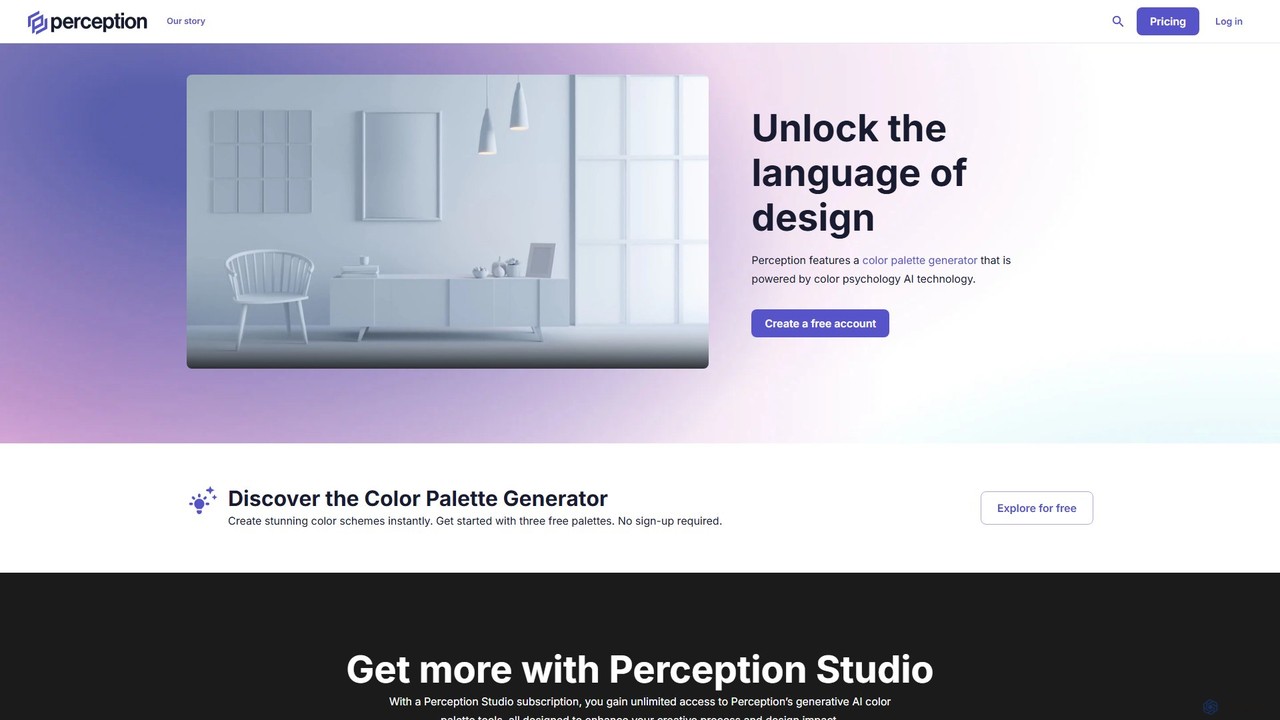
Perception is an AI-powered design intelligence platform that generates color palettes based on color psychology. It helps designers and creators build emotionally resonant color schemes using simple text prompts, analyze existing palettes, and explore a vast library of over 50 million AI-generated options to make impactful design choices.
Generative Art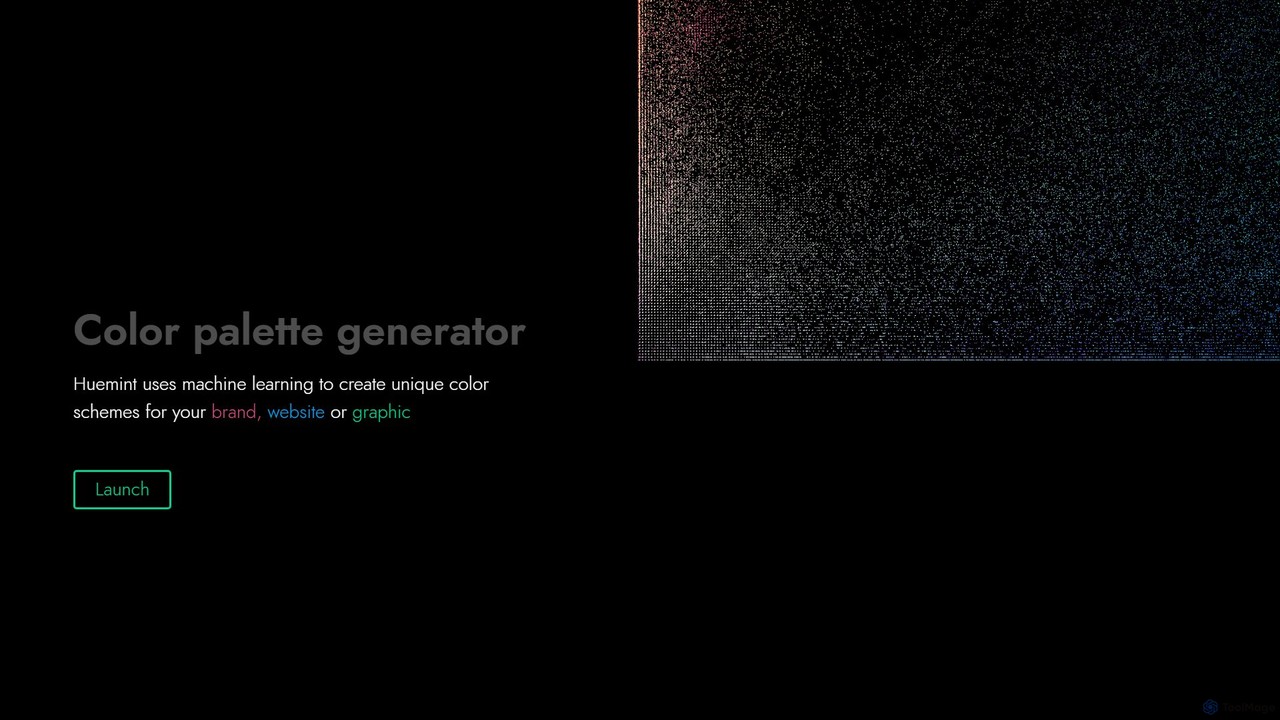
Huemint
Huemint is an AI-powered color palette generator that uses machine learning to create unique and harmonious color schemes for brands, websites, graphics, and illustrations. It provides contextual previews to visualize how colors work together in real-world applications.
Inspiration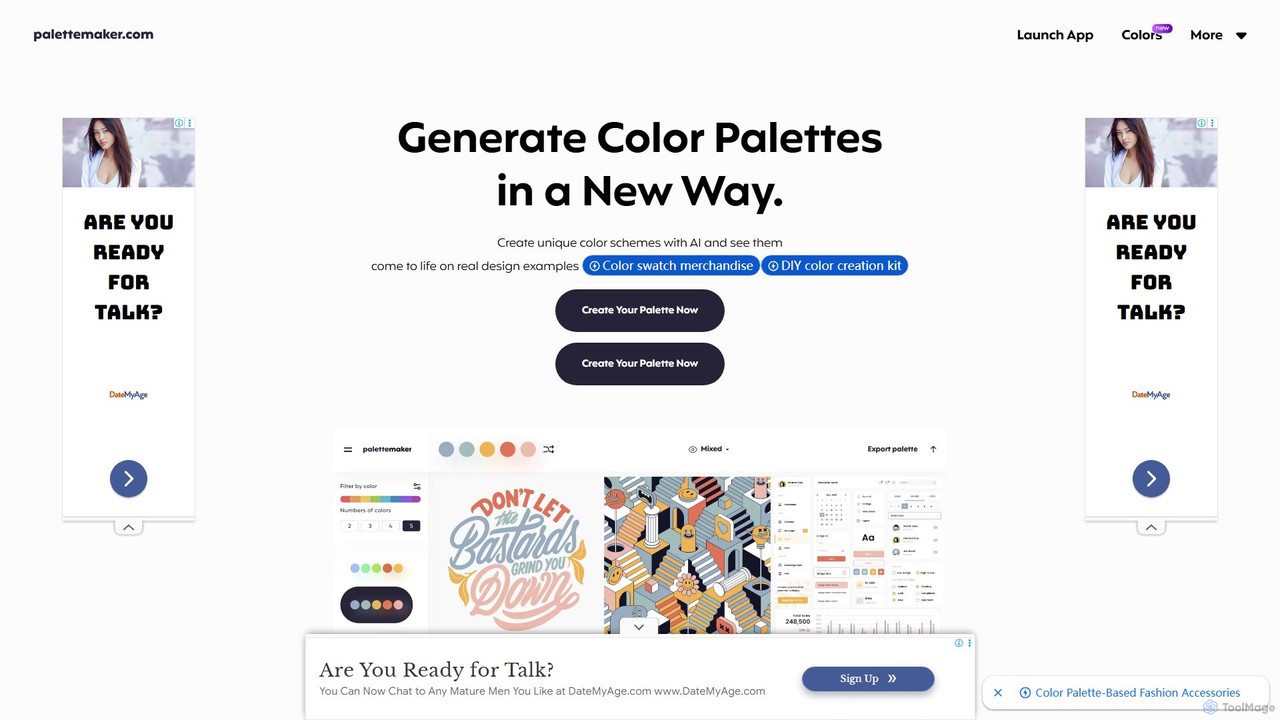
PaletteMaker
PaletteMaker is a free, AI-powered color palette generator that allows designers and creatives to create and instantly preview color schemes on real-world design mockups. It supports various creative fields like UI/UX, branding, and illustration, offering powerful export options for professional workflows.
Inspiration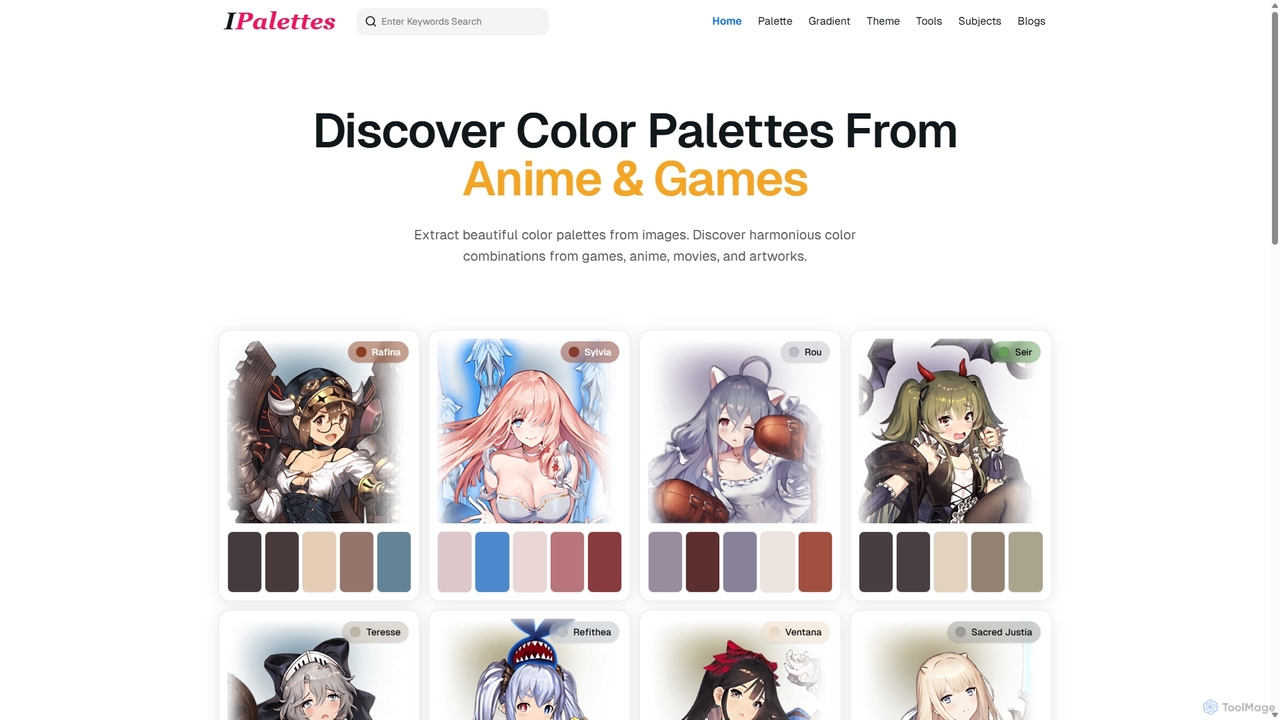
Ipalettes
Ipalettes is an AI-powered suite of tools for designers and developers, offering instant generation of color palettes, gradients, and shadcn/ui themes from simple text prompts. Discover unique color combinations and draw inspiration from a vast library derived from games, anime, and art.
Color Palette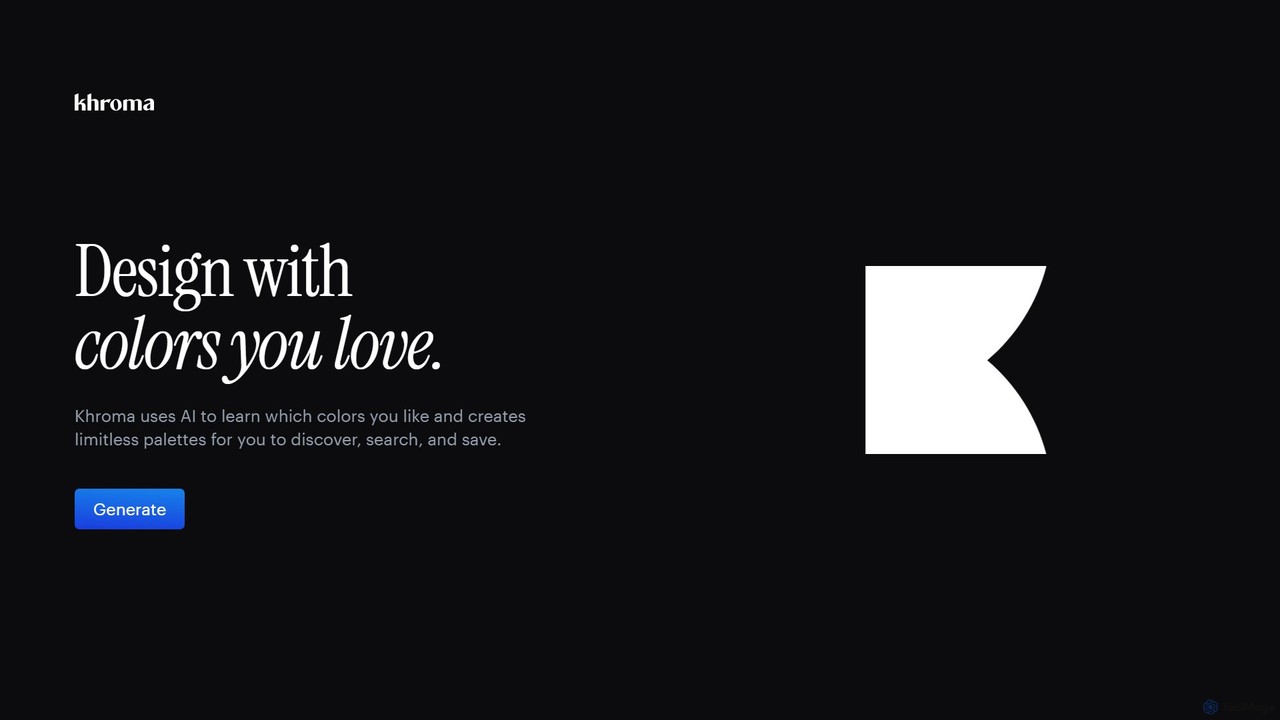
Khroma
Khroma is an AI-powered color tool for designers that learns your personal aesthetic preferences. By training a neural network with colors you like, it generates an infinite number of unique and beautiful color palettes, which can be viewed as typography, gradients, or on custom images. It's a powerful assistant for discovering, searching, and saving color combinations for any design project.
Generative ArtColorMagic Categories
ColorMagic Embed Widget
Copy this embed code to place the badge on your blog, article, or product site and send readers directly to this ToolMage detail page.

Related AI tools
Huemint
Huemint is an AI-powered color palette generator that uses machine learning to create unique and harmonious color schemes for brands, websites, graphics, and illustrations. It provides contextual previews to visualize how colors work together in real-world applications.
InspirationPaletteMaker
PaletteMaker is a free, AI-powered color palette generator that allows designers and creatives to create and instantly preview color schemes on real-world design mockups. It supports various creative fields like UI/UX, branding, and illustration, offering powerful export options for professional workflows.
InspirationIpalettes
Ipalettes is an AI-powered suite of tools for designers and developers, offering instant generation of color palettes, gradients, and shadcn/ui themes from simple text prompts. Discover unique color combinations and draw inspiration from a vast library derived from games, anime, and art.
Color Palette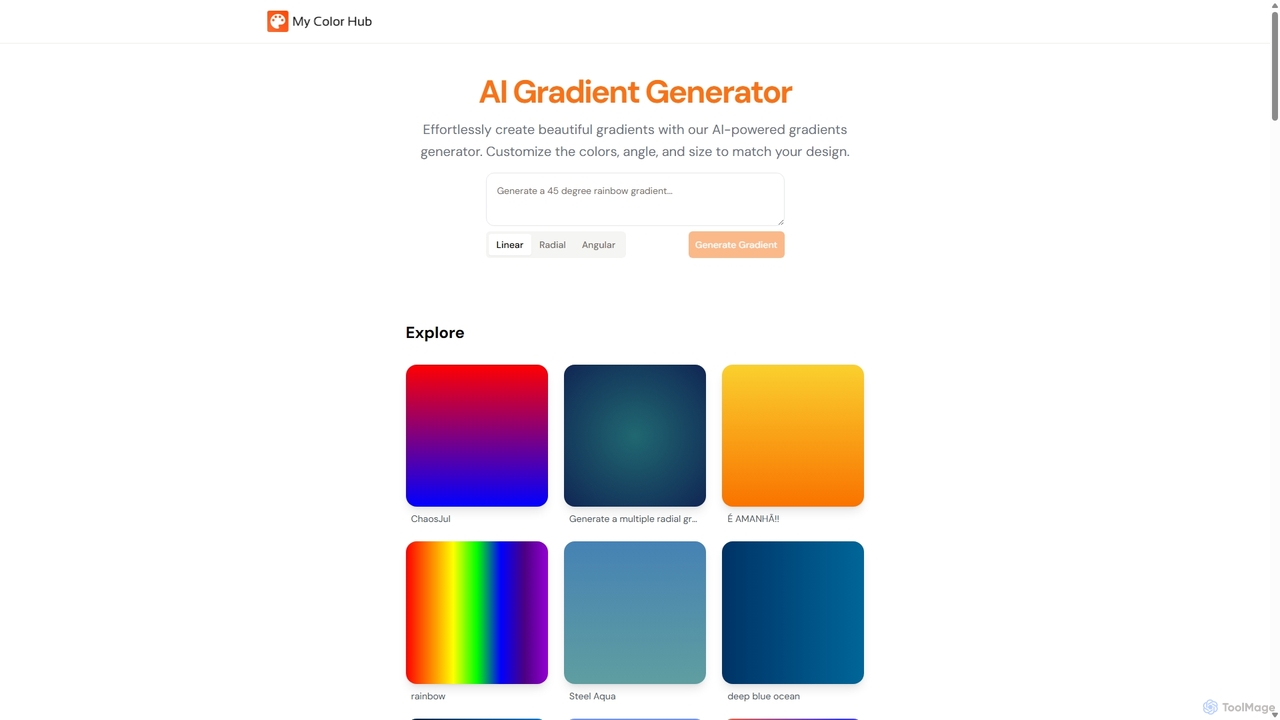
MyColorHub
MyColorHub is an AI-powered gradient generator that effortlessly creates beautiful, unique color gradients from simple text prompts. Describe a mood, a scene, or a color combination, and the AI will generate stunning linear, radial, or angular gradients. It's an intuitive tool for designers, developers, and content creators to quickly find inspiration and generate custom color schemes for their projects.
Graphics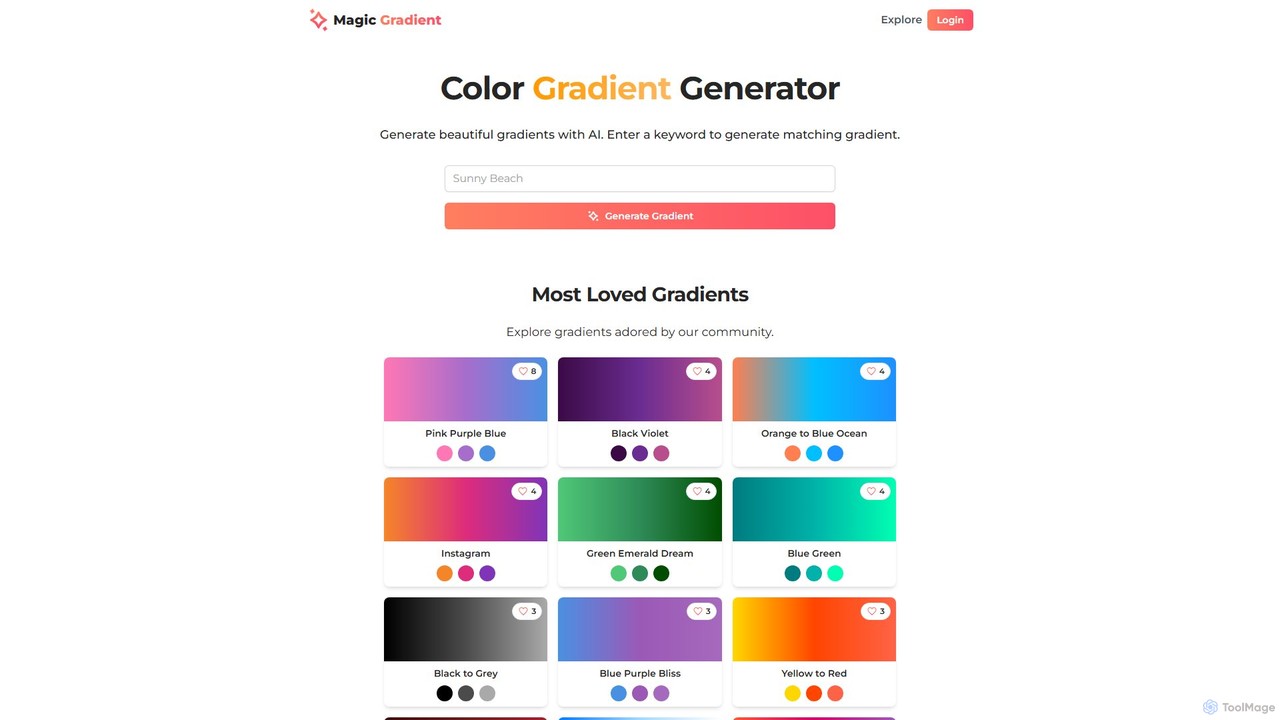
magicgradient
An AI-powered design suite for creating stunning color gradients, customizable SVG waves, and gradient-filled SVGs. Simply enter a keyword to generate unique color schemes, or use the advanced tools to create dynamic backgrounds and assets for your web and graphic design projects.
Color Palette GeneratorKhroma
Khroma is an AI-powered color tool for designers that learns your personal aesthetic preferences. By training a neural network with colors you like, it generates an infinite number of unique and beautiful color palettes, which can be viewed as typography, gradients, or on custom images. It's a powerful assistant for discovering, searching, and saving color combinations for any design project.
Generative Art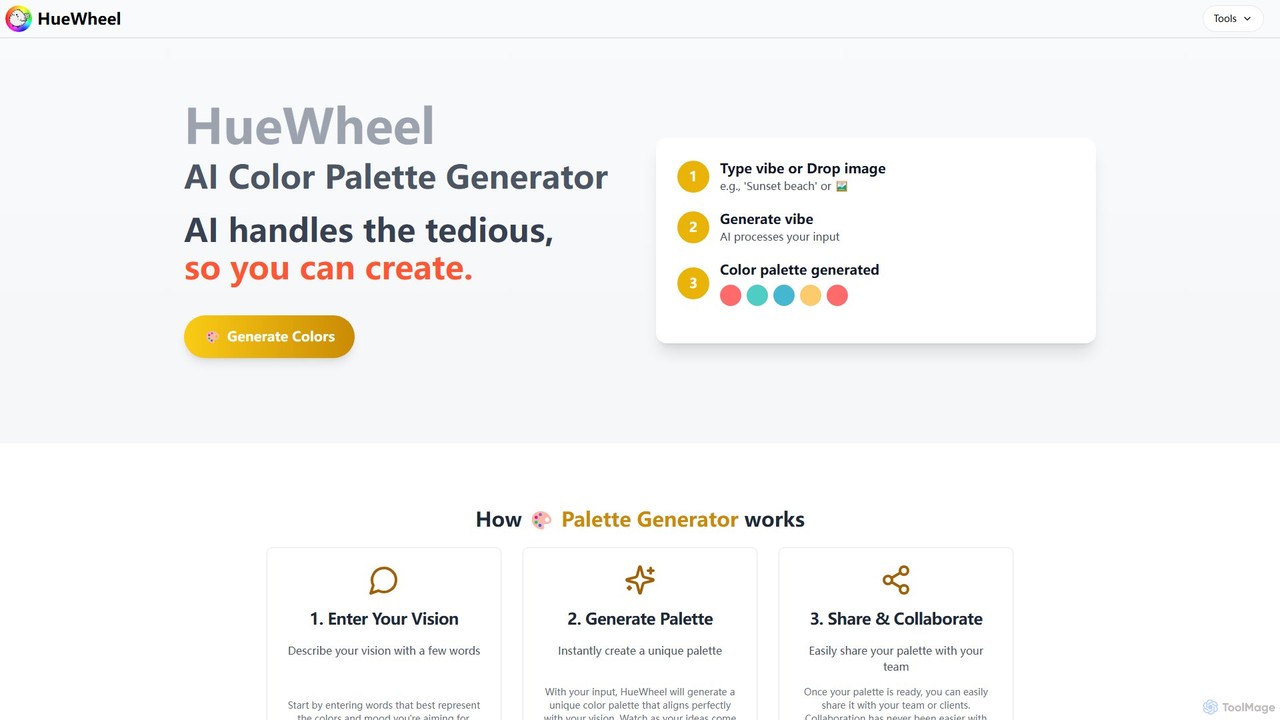
huewheel
huewheel is an AI-powered color palette generator that creates stunning color combinations from natural language descriptions or image uploads. It's designed for designers, developers, and creatives to quickly find harmonious and trending palettes. The platform includes a comprehensive Color Studio for fine-tuning, a Mockup Generator for previews, and a community gallery for endless inspiration.
Inspiration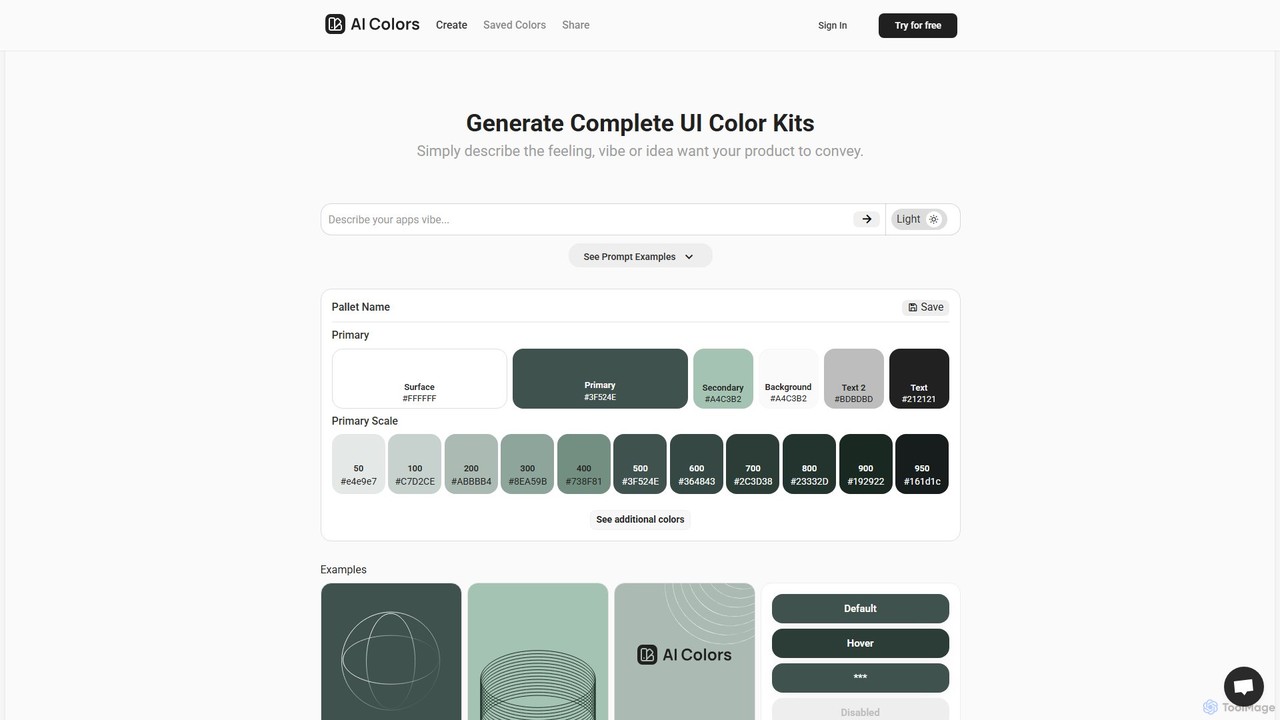
aicolors
aicolors is an AI-powered color palette generator that creates complete, ready-to-use UI color kits from simple text prompts. Describe a feeling, vibe, or idea, and instantly get a harmonious and functional color scheme for your web or app design projects.
Color Palette
ipalettes
ipalettes is an AI-powered color palette generator that creates stunning color schemes from text prompts, images, or URLs. Ideal for designers, developers, and creatives, it instantly translates ideas and visuals into harmonious and usable color palettes, streamlining the design workflow.
Inspiration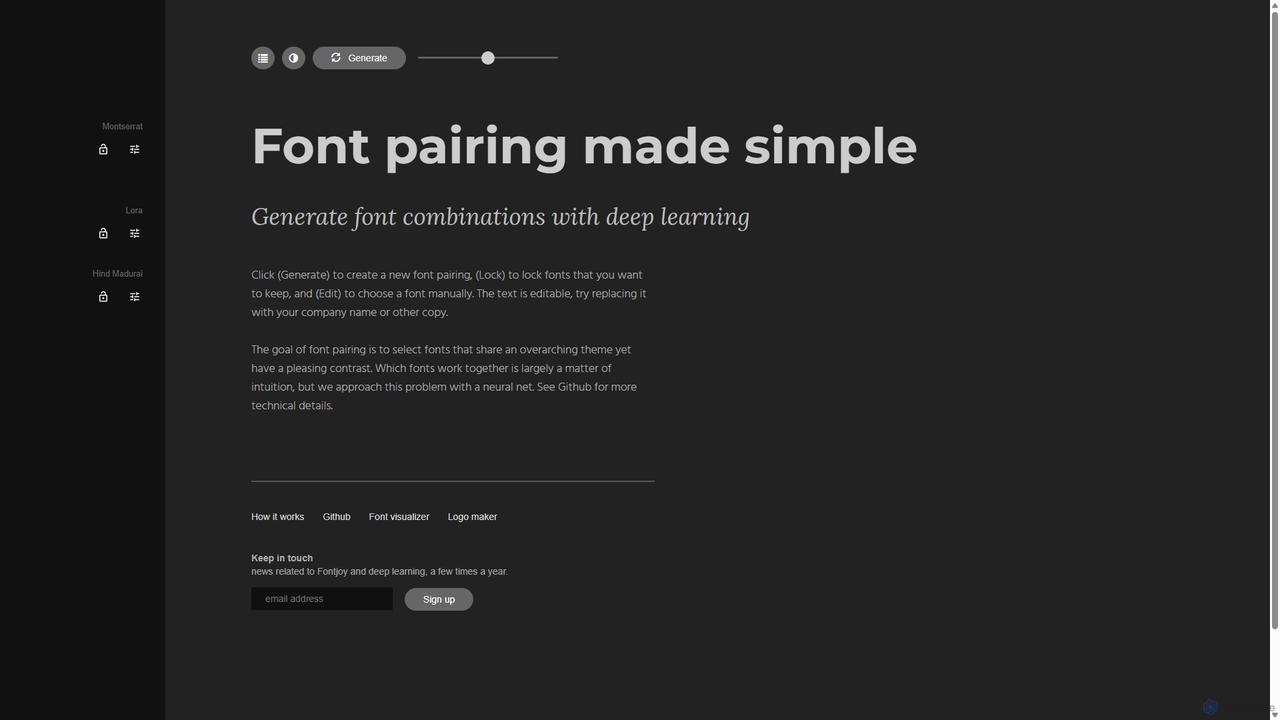
Fontjoy
Fontjoy is an AI-powered tool that helps designers and developers generate beautiful and harmonious font pairings with a single click. Using deep learning, it intelligently selects fonts for headings, subheadings, and body text that balance contrast and similarity, streamlining the design process.
TypographyPerception
Perception is an AI-powered design intelligence platform that generates color palettes based on color psychology. It helps designers and creators build emotionally resonant color schemes using simple text prompts, analyze existing palettes, and explore a vast library of over 50 million AI-generated options to make impactful design choices.
Generative Art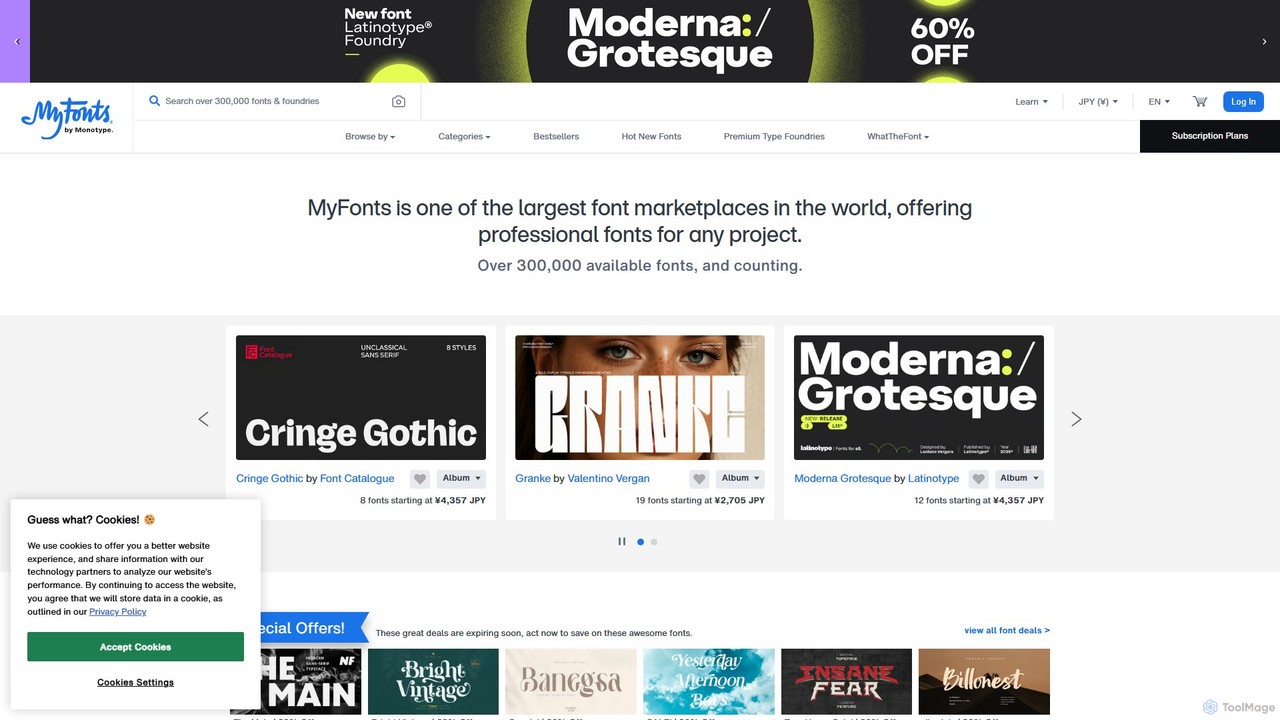
MyFonts
A comprehensive digital font marketplace offering a vast library of typefaces for web and print. MyFonts features the powerful AI-driven tool, "WhatTheFont," which can identify fonts from any image, making it an essential resource for designers, developers, and creatives seeking the perfect font for their projects.
Fonts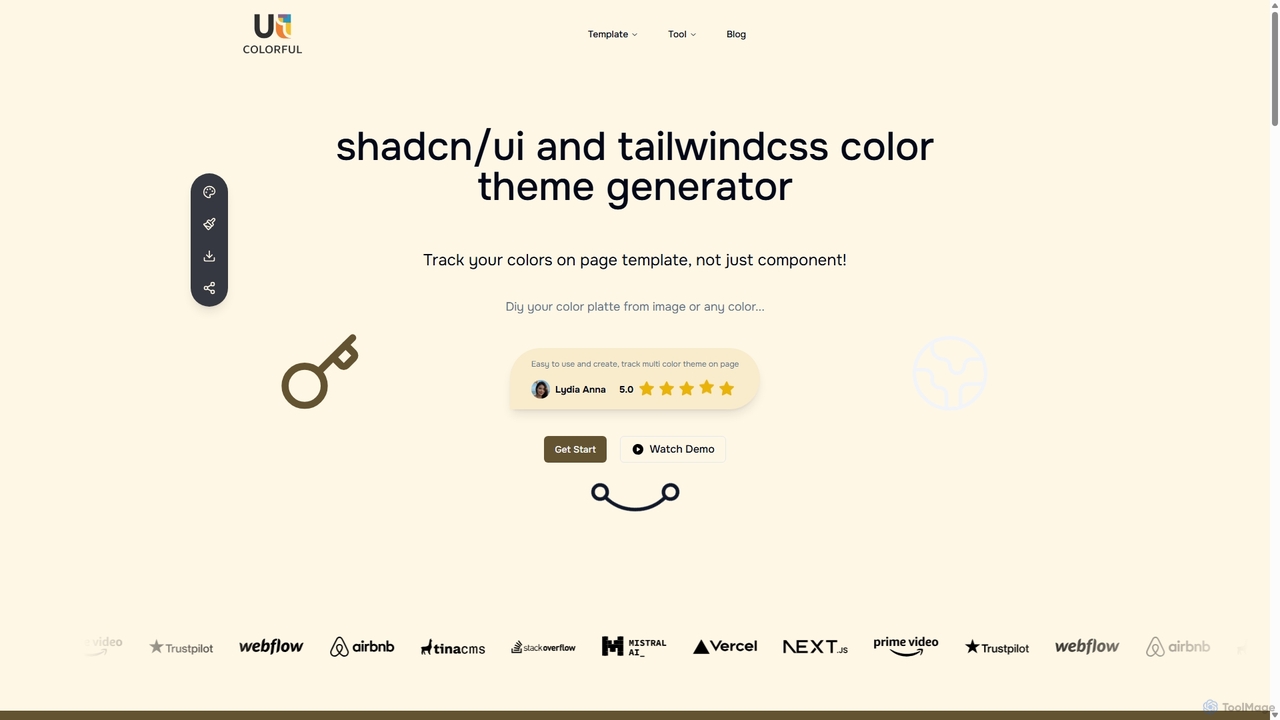
Uicolorful
An AI-powered color theme generator for developers and designers using shadcn/ui and Tailwind CSS. Effortlessly create unique, cohesive color palettes from images or custom selections, preview them live on templates, and export them as CSS variables in multiple formats (HEX, RGB, HSL) to streamline your web design workflow.
Color Palette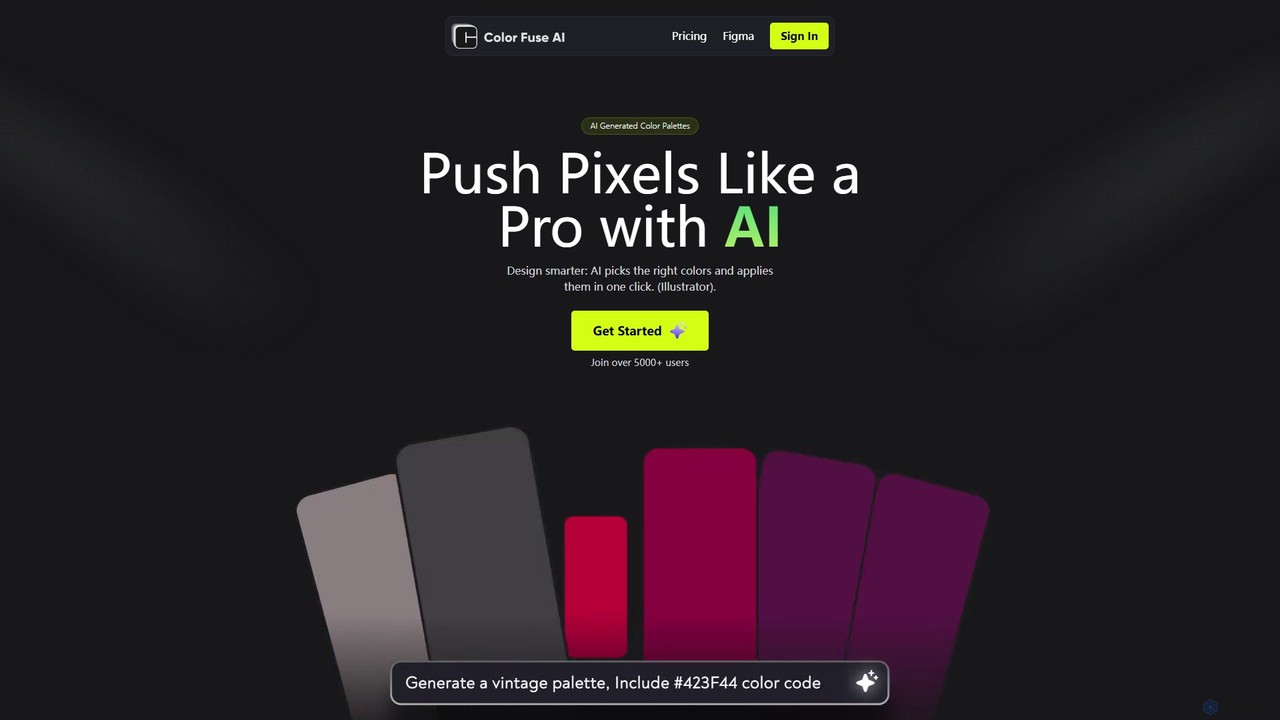
Color Fuse AI
Color Fuse AI is an AI-powered chat assistant that generates stunning color palettes from simple text prompts. It integrates seamlessly with Figma, Adobe Illustrator, and Photoshop, allowing designers to find, customize, and apply perfect color schemes with a single click, dramatically speeding up the design workflow.
Illustration
HueBizz
HueBizz is an AI-powered color palette generator that helps businesses create fast, easy, and effective color schemes. It leverages AI to analyze market trends and brand identity, delivering tailored palettes for various industries, complete with dynamic light and dark mode adjustments.
Color Palette
ColorMagic Comments (0)
Sign in to comment.
Sign inNo comments yet.