ColorMagic
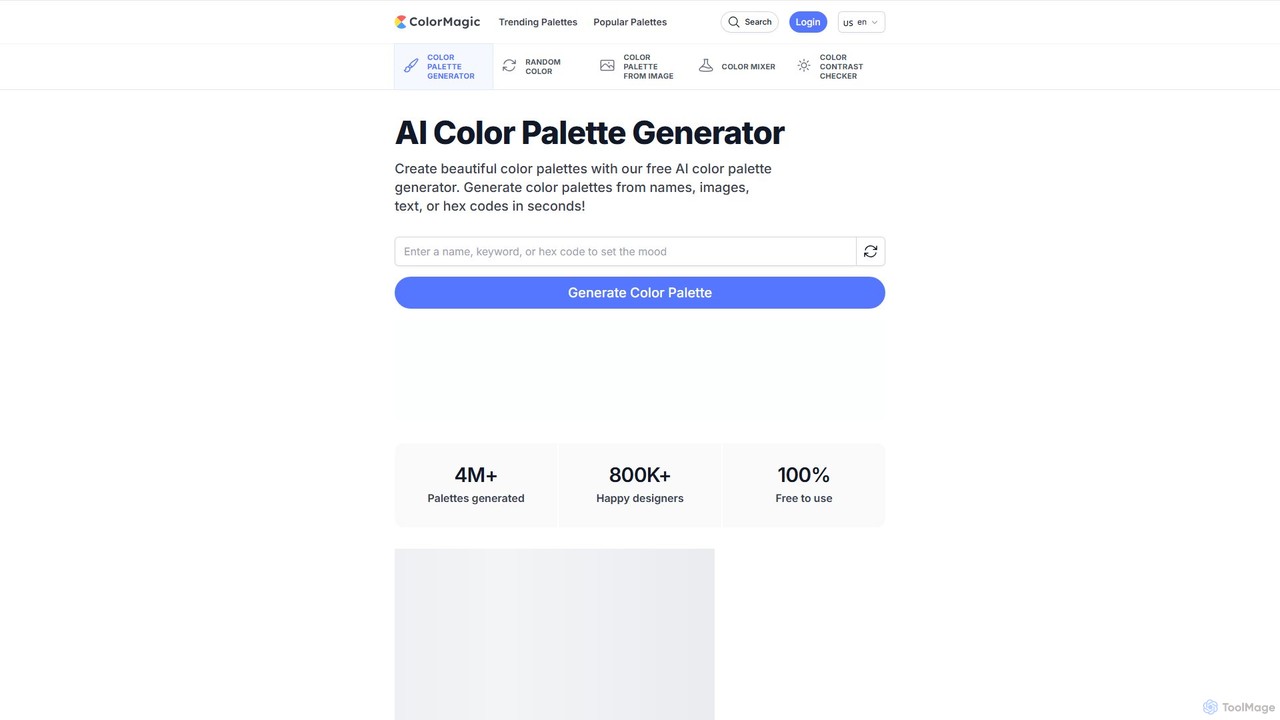
ColorMagic is a free AI-powered color palette generator. It allows designers, artists, and developers to instantly create beautiful …
ColorMagic is a free AI-powered color palette generator. It allows designers, artists, and developers to instantly create beautiful and harmonious color schemes from text prompts, keywords, images, or hex codes. It's a versatile tool for finding color inspiration and practical design assets.
About Css
AI CSS tools are specialized utilities that leverage artificial intelligence to automate and enhance the creation, optimization, and maintenance of Cascading Style Sheets (CSS). They interpret inputs like natural language prompts, design files, or existing code to generate clean, efficient, and responsive styles. This process significantly reduces manual coding time for developers, helps maintain code quality in large-scale projects, and lowers the barrier to implementing complex visual designs and animations.
Core Features
- Natural Language to CSS: Generates style rules and entire components from plain text descriptions.
- Design-to-Code Conversion: Converts visual mockups from platforms like Figma or Sketch into functional CSS code.
- Code Optimization: Analyzes existing stylesheets to remove unused rules, shorten selectors, and improve performance.
- Responsive Layout Generation: Automatically creates media queries and flexible box or grid layouts for various screen sizes.
- Complex Animation Creation: Builds intricate keyframe animations and transitions from simple descriptive prompts.
Use Cases
These tools are primarily used by frontend developers, UI/UX designers, and full-stack engineers. Common applications include rapid prototyping of web interfaces, converting high-fidelity designs into pixel-perfect code, and refactoring legacy CSS projects to improve performance and maintainability. They are also valuable for quickly creating custom animations without deep CSS knowledge.
How to Choose
When selecting an AI CSS tool, evaluate its integration with your design software (e.g., Figma, Sketch plugins). Assess the quality and readability of the generated code and its compatibility with frameworks like Tailwind CSS or BEM. Also, consider the tool's learning curve and whether its output is easily customizable for your specific project needs.

CssUse Cases
Rapid UI Prototyping from a Text Prompt
A frontend developer needs to quickly build a prototype for a new landing page section. Instead of writing HTML and CSS from scratch, they use an AI CSS tool. They type a prompt like, 'Create a hero section with a dark background, a large centered title, a subtitle below it, and a bright call-to-action button.' The AI instantly generates the necessary HTML structure and responsive CSS, allowing the developer to have a functional visual component in minutes instead of hours, dramatically speeding up the iteration cycle with designers and stakeholders.
Converting Figma Designs to Production-Ready Code
A UI/UX designer finalizes a complex component design in Figma, including intricate layouts, spacing, and responsive behaviors. A developer then uses an AI CSS tool with a Figma plugin. With a single click, the tool analyzes the design's layers, auto-layout properties, and constraints, then converts it into clean, semantic HTML and CSS, often using a framework like Tailwind CSS. This eliminates the tedious and error-prone process of manually translating visual design into code, ensuring pixel-perfect implementation and saving significant development time.
Optimizing and Refactoring Legacy CSS
A maintenance team inherits a large, old web application with a bloated and convoluted CSS file of over 10,000 lines. Manually refactoring this is a high-risk task. They use an AI CSS optimization tool to analyze the entire codebase. The tool identifies and flags unused CSS selectors, suggests ways to combine redundant styles, and recommends modern CSS techniques (like using CSS variables or grid) to simplify the layout code. This automated analysis provides a clear roadmap for safely refactoring the CSS, improving site performance and making future maintenance much easier.
Generating Complex CSS Animations on the Fly
A content creator wants to add a unique, eye-catching animation to a blog post's header but lacks advanced CSS animation skills. Using an AI CSS tool, they describe the desired effect: 'Make the title text appear letter by letter with a soft glow effect, then have an underline draw itself from left to right.' The AI interprets this, generates the necessary `@keyframes` rules and animation properties, and provides the code snippet. This empowers users without deep technical expertise to create sophisticated, custom animations that would otherwise require a specialist developer.
Automating Responsive Design Adjustments
A developer has built a complex data grid component that looks great on desktop but breaks on smaller screens. Instead of manually writing numerous media queries, they input the component's code into an AI CSS tool. The AI analyzes the layout and suggests a responsive strategy, such as converting the layout to flexbox with wrapping, reducing font sizes at specific breakpoints, or collapsing certain columns into a dropdown menu on mobile. It then generates the required CSS, saving the developer from the tedious trial-and-error process of making the component fully responsive.
Building Components with Utility-First Classes
A developer working with Tailwind CSS wants to build a card component. Instead of manually looking up and typing out a long string of utility classes, they describe the component to an AI tool: 'A white card with rounded corners, a soft shadow, padding, a top image, a bold title, and a gray description text.' The AI generates the complete HTML structure with the correct Tailwind CSS classes applied (e.g., `bg-white`, `rounded-lg`, `shadow-md`, `p-4`). This acts as an intelligent autocompletion, speeding up development and reducing the cognitive load of remembering specific class names.