

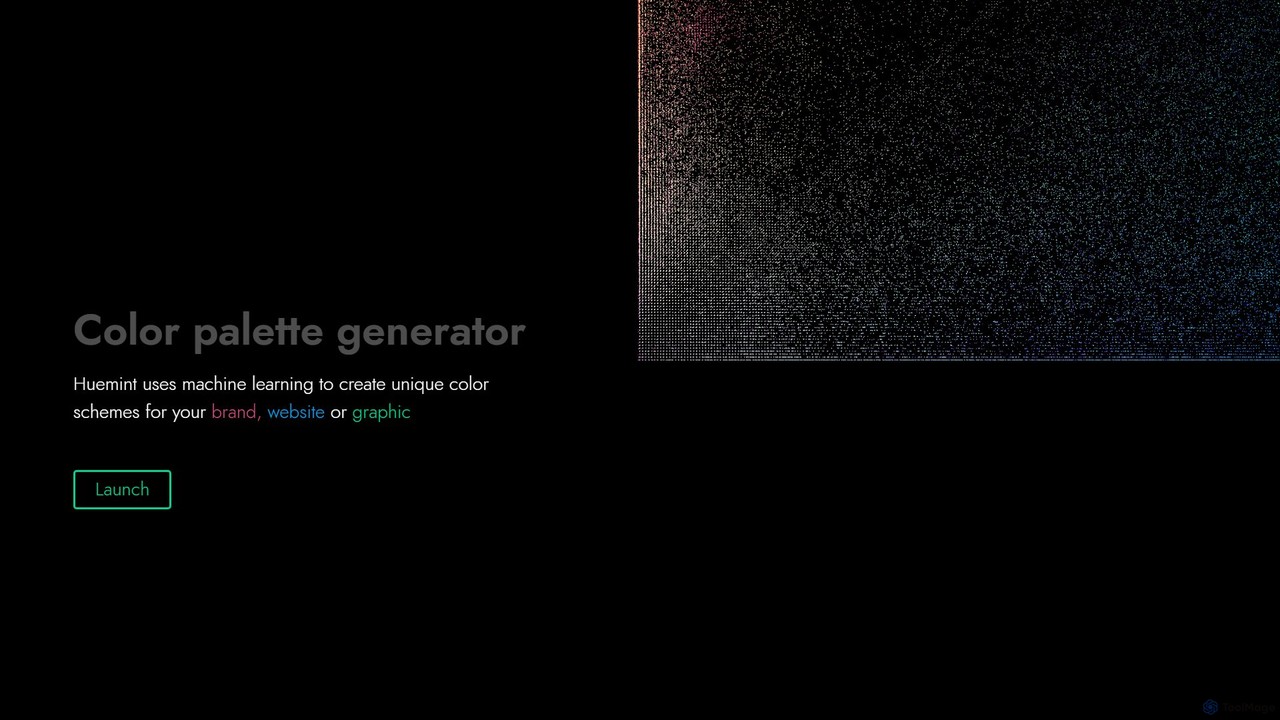
Huemint Overview
Huemint is a sophisticated AI-driven color palette generator designed to simplify and elevate the color selection process for designers, developers, and creators. Unlike traditional color tools that offer random combinations, Huemint leverages machine learning to understand color theory and context. It generates unique, aesthetically pleasing, and functional color schemes tailored to specific use cases such as branding, web design, and digital illustration. The platform's intelligence lies in its ability to not only suggest colors but also to show how they will interact in a final product, providing valuable visual context that bridges the gap between a color swatch and its real-world application.
The core philosophy of Huemint is to provide smart, context-aware color suggestions. Whether you're building a brand identity from scratch, designing a multi-page website, or creating a vibrant illustration, Huemint adapts its algorithm to fit the need. This ensures that the generated palettes are not just beautiful but also practical and effective for their intended purpose, helping users create visually cohesive and impactful designs with greater speed and confidence.
How to use Huemint
Using Huemint is an intuitive and interactive process. Here’s a typical workflow:
- Select a Use Case: Start by choosing a generation model from the menu that matches your project. Options include 'Brand', 'Website' (with 1, 2, or 3 accent colors), 'Gradient', 'Illustration', 'Monochrome', and even 'Bootstrap' for web developers.
- Generate a Palette: Click the 'Generate' button (or simply press the spacebar). The AI will instantly create a full color palette and apply it to a live, interactive preview on the right side of the screen. This allows you to see the colors in action immediately.
- Lock Your Favorite Colors: If you find a color you love, simply click on its circular swatch at the top of the screen to lock it. This tells the AI to keep this color in the palette.
- Iterate and Refine: With one or more colors locked, generate again. Huemint's machine learning model will now find new colors that are compatible and harmonious with your locked selections. You can repeat this process, locking more colors as you go, to fine-tune your perfect palette.
- Upload an Image: For inspiration from an existing visual, use the 'Upload image' feature. Huemint will analyze the image and extract a cohesive color palette from it.
- Export Your Palette: Once you are satisfied with your color scheme, you can easily copy the hex codes for each color to use in your design software, CSS, or any other application.
Core Features of Huemint
- Machine Learning Engine: Utilizes a sophisticated AI to generate color combinations that are contextually appropriate and visually harmonious.
- Contextual Previews: Instantly visualizes the generated palettes on mockups of websites, brand assets, gradients, and illustrations.
- Interactive Color Locking: Allows users to lock preferred colors and generate new complementary colors, enabling an iterative and controlled design process.
- Multiple Generation Models: Offers specialized generators for various needs, including brand identity, websites with different accent color counts, gradients, monochrome schemes, and illustrations.
- Image to Palette Extraction: Users can upload any image to extract a beautiful and relevant color scheme.
- One-Click Generation: Simple and fast interface allows for rapid exploration of countless color possibilities.
- Hex Code Export: Easily copy and paste color codes for seamless integration into any design workflow.
Use Cases for Huemint
Huemint is a versatile tool suitable for a wide range of creative and technical professionals:
- Web Designers & Developers: Quickly generate palettes for websites, including background, text, and multiple accent colors. The Bootstrap model is particularly useful for developers using the framework.
- Brand Strategists & Marketers: Create unique and memorable color schemes that form the foundation of a new brand's visual identity.
- Graphic Designers: Find the perfect colors for logos, social media posts, posters, and other marketing collateral.
- UI/UX Designers: Select accessible and aesthetically pleasing color combinations for application interfaces and user experiences.
- Artists & Illustrators: Discover unique palettes that bring digital illustrations and artworks to life.
- Content Creators: Ensure a consistent and appealing visual theme across presentations, videos, and other digital content.
Advantages of Huemint
Huemint stands out from other color palette tools due to its intelligent approach. Its main advantage is the use of machine learning to provide context-aware suggestions, which saves significant time and removes the guesswork from color selection. The live preview feature is a game-changer, as it helps users make more informed decisions by seeing the palette in a realistic application. The iterative process enabled by color locking gives users full creative control while still benefiting from AI-powered suggestions. It is both a powerful tool for professional designers and an accessible starting point for beginners.
Pricing and Plans
Huemint is a completely free tool. There are no subscription fees, hidden costs, or premium features. It is available for everyone to use directly from their web browser, making it an accessible and valuable resource for any creative project.
Traffic
Latest traffic
Status
Monthly traffic trend
- 2025-9: 176.6K
- 2026-1: 173.5K
- 2026-2: 124.2K
- 2026-3: 139.2K
- 2026-4: 151.9K
- 2026-5: 161.0K
Geography
Top 5 countries / regions
- 🇲🇽Mexico37.2%
- 🇺🇸United States20.5%
- 🇮🇳India18.0%
- 🇹🇭Thailand14.7%
- 🇰🇷South Korea9.7%
Traffic sources
| Source type | Percentage |
|---|---|
Direct | 87.7% |
Referral | 9.7% |
Email | 2.7% |
Top keywords
| Keyword | Cost per click |
|---|---|
| ai color palette generator | $2.65 |
| ai kombinasi warna | $0.00 |
| color palette generator | $1.82 |
| finne hjemmeside paletter | $0.00 |
| huemint | $4.76 |
Huemint Alternatives
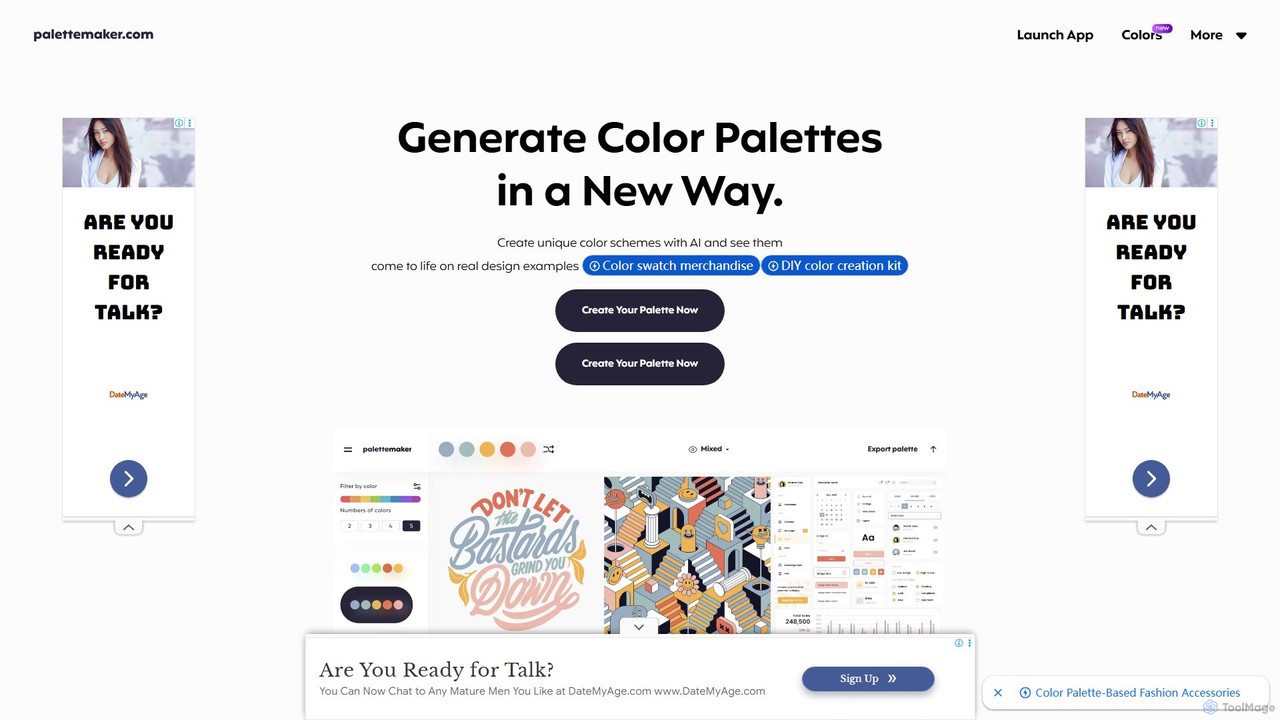
PaletteMaker
PaletteMaker is a free, AI-powered color palette generator that allows designers and creatives to create and instantly preview color schemes on real-world design mockups. It supports various creative fields like UI/UX, branding, and illustration, offering powerful export options for professional workflows.
Inspiration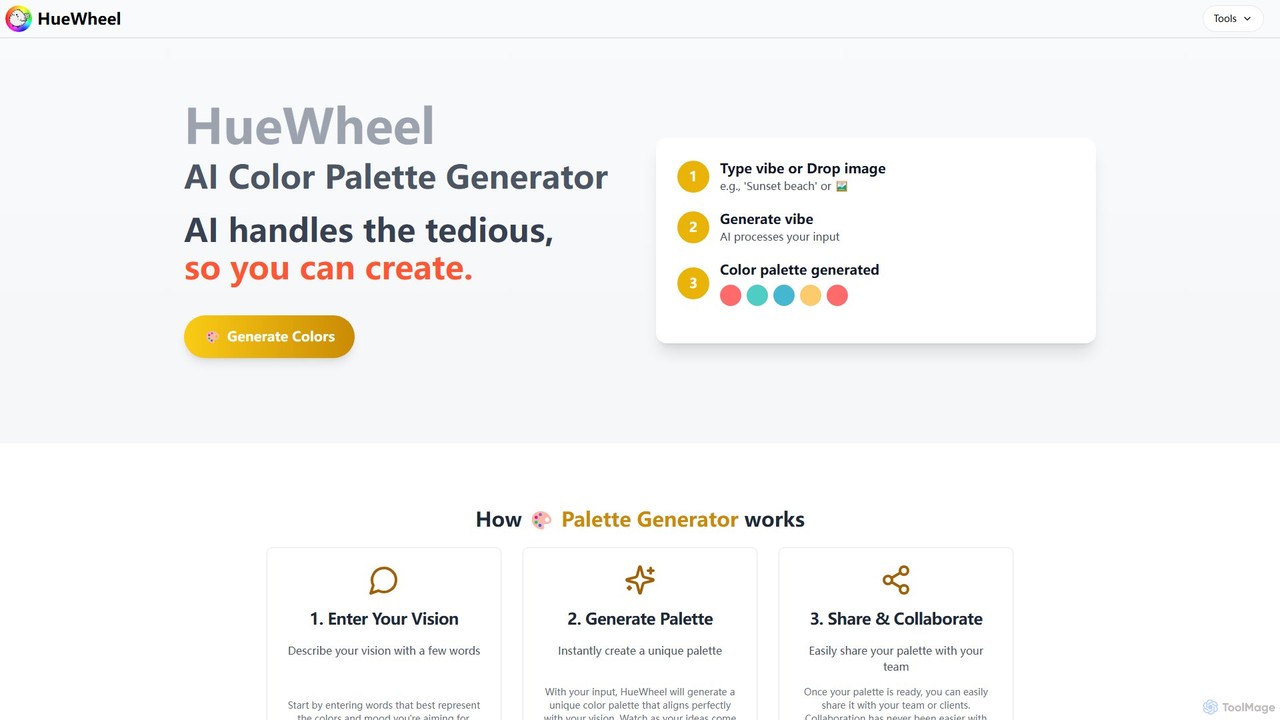
huewheel
huewheel is an AI-powered color palette generator that creates stunning color combinations from natural language descriptions or image uploads. It's designed for designers, developers, and creatives to quickly find harmonious and trending palettes. The platform includes a comprehensive Color Studio for fine-tuning, a Mockup Generator for previews, and a community gallery for endless inspiration.
Inspiration
ipalettes
ipalettes is an AI-powered color palette generator that creates stunning color schemes from text prompts, images, or URLs. Ideal for designers, developers, and creatives, it instantly translates ideas and visuals into harmonious and usable color palettes, streamlining the design workflow.
Inspiration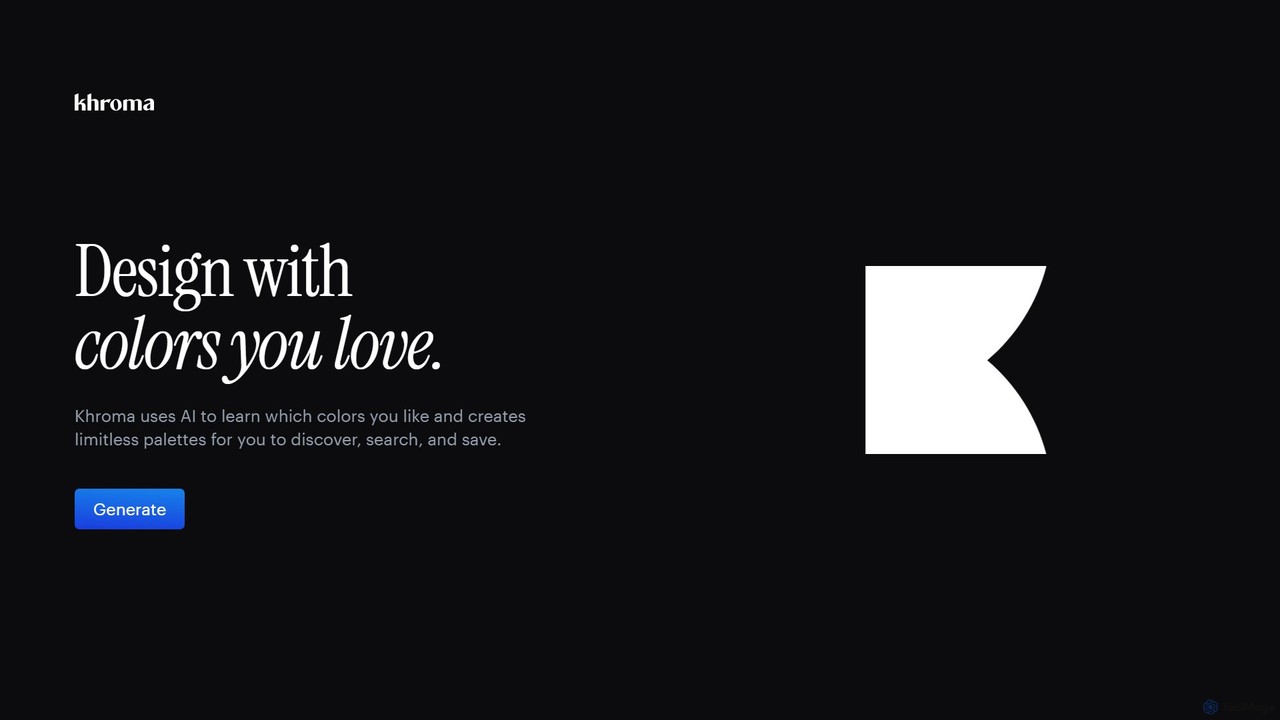
Khroma
Khroma is an AI-powered color tool for designers that learns your personal aesthetic preferences. By training a neural network with colors you like, it generates an infinite number of unique and beautiful color palettes, which can be viewed as typography, gradients, or on custom images. It's a powerful assistant for discovering, searching, and saving color combinations for any design project.
Generative Art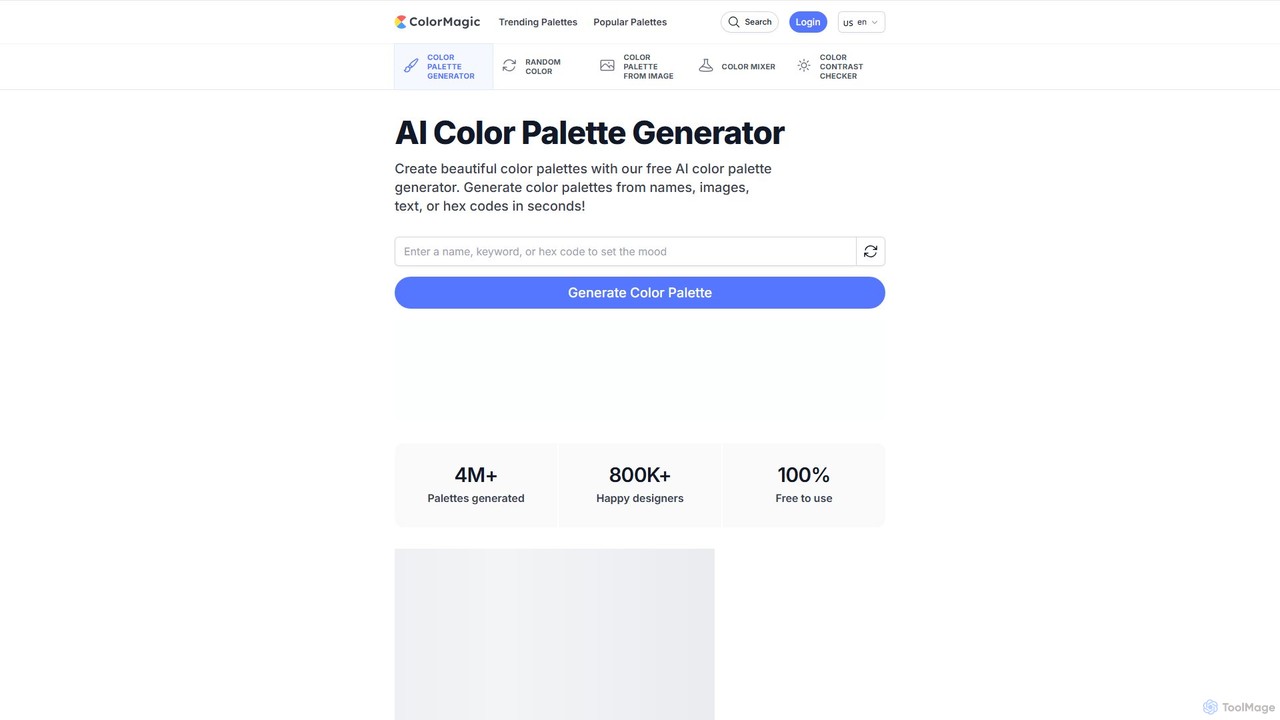
ColorMagic
ColorMagic is a free AI-powered color palette generator. It allows designers, artists, and developers to instantly create beautiful and harmonious color schemes from text prompts, keywords, images, or hex codes. It's a versatile tool for finding color inspiration and practical design assets.
Color PaletteHuemint Categories
Huemint Embed Widget
Copy this embed code to place the badge on your blog, article, or product site and send readers directly to this ToolMage detail page.

Related AI tools
Khroma
Khroma is an AI-powered color tool for designers that learns your personal aesthetic preferences. By training a neural network with colors you like, it generates an infinite number of unique and beautiful color palettes, which can be viewed as typography, gradients, or on custom images. It's a powerful assistant for discovering, searching, and saving color combinations for any design project.
Generative ArtColorMagic
ColorMagic is a free AI-powered color palette generator. It allows designers, artists, and developers to instantly create beautiful and harmonious color schemes from text prompts, keywords, images, or hex codes. It's a versatile tool for finding color inspiration and practical design assets.
Color Palette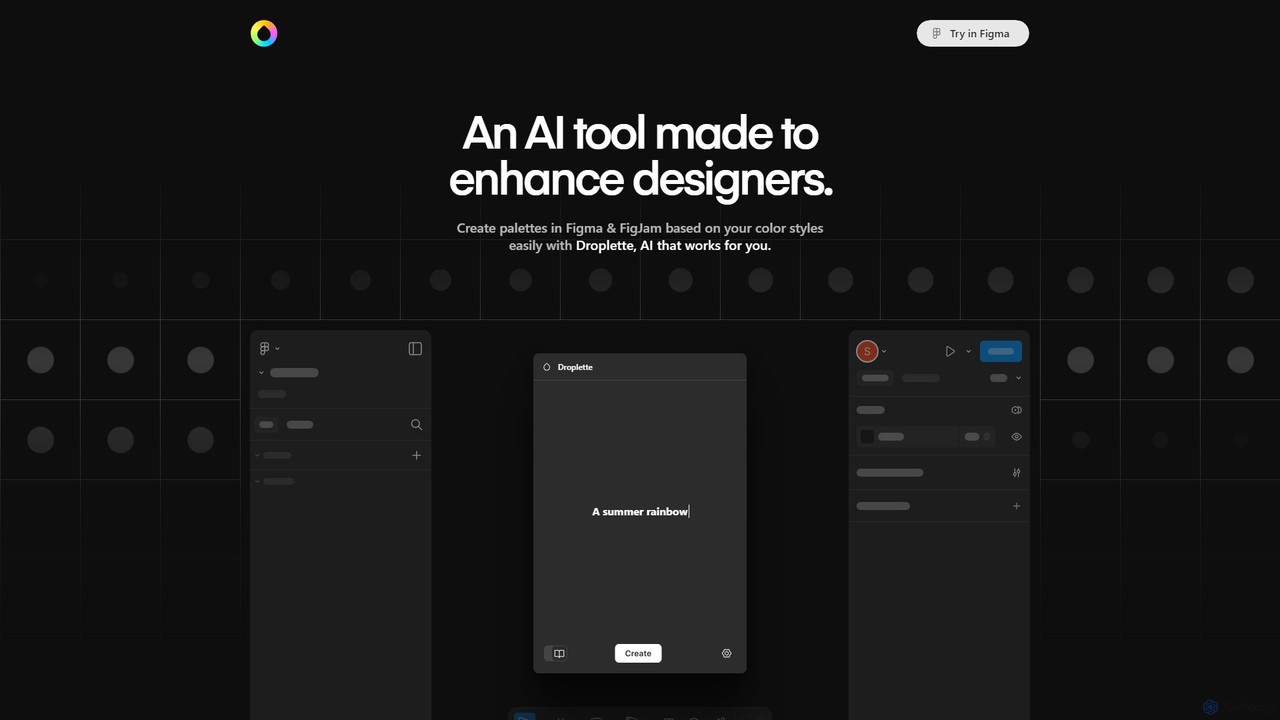
Droplette
Droplette is an intelligent AI-powered color palette generator designed as a plugin for Figma and FigJam. It helps designers create unique and harmonious color schemes by extracting colors from frames, syncing with existing color styles, or generating new palettes from scratch. It offers an intuitive interface for real-time adjustments and iterations, streamlining the design workflow.
Color Palette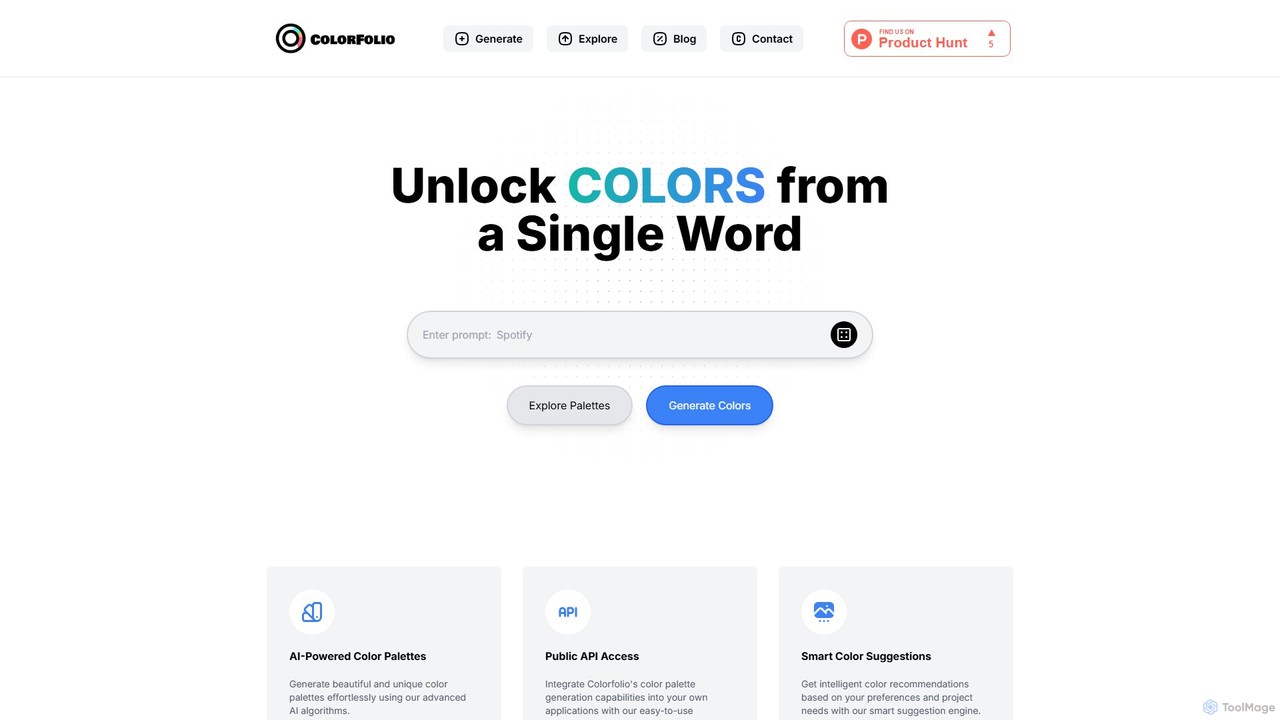
Colorfolio
Colorfolio is an AI-powered color palette generator that creates beautiful and unique color schemes from a single word or text prompt. Ideal for designers, developers, and brand managers, it simplifies the color selection process with smart suggestions and offers a public API for integration.
Color Palette
Jyek
Jyek is an AI agent platform that understands objectives, creates execution plans, uses tools, and delivers verifiable results for complex, multi-step tasks.
AutomationPaletteMaker
PaletteMaker is a free, AI-powered color palette generator that allows designers and creatives to create and instantly preview color schemes on real-world design mockups. It supports various creative fields like UI/UX, branding, and illustration, offering powerful export options for professional workflows.
Inspirationhuewheel
huewheel is an AI-powered color palette generator that creates stunning color combinations from natural language descriptions or image uploads. It's designed for designers, developers, and creatives to quickly find harmonious and trending palettes. The platform includes a comprehensive Color Studio for fine-tuning, a Mockup Generator for previews, and a community gallery for endless inspiration.
Inspirationipalettes
ipalettes is an AI-powered color palette generator that creates stunning color schemes from text prompts, images, or URLs. Ideal for designers, developers, and creatives, it instantly translates ideas and visuals into harmonious and usable color palettes, streamlining the design workflow.
Inspiration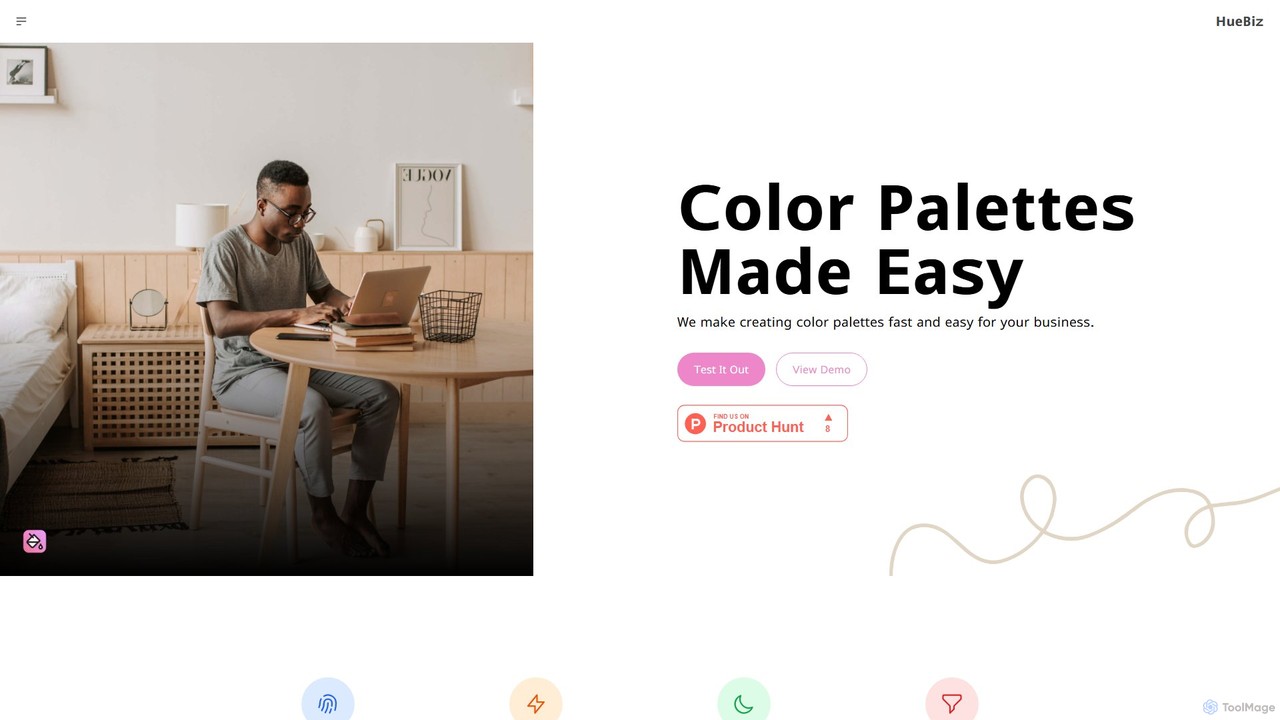
HueBizz
HueBizz is an AI-powered color palette generator that helps businesses create fast, easy, and effective color schemes. It leverages AI to analyze market trends and brand identity, delivering tailored palettes for various industries, complete with dynamic light and dark mode adjustments.
Color Palette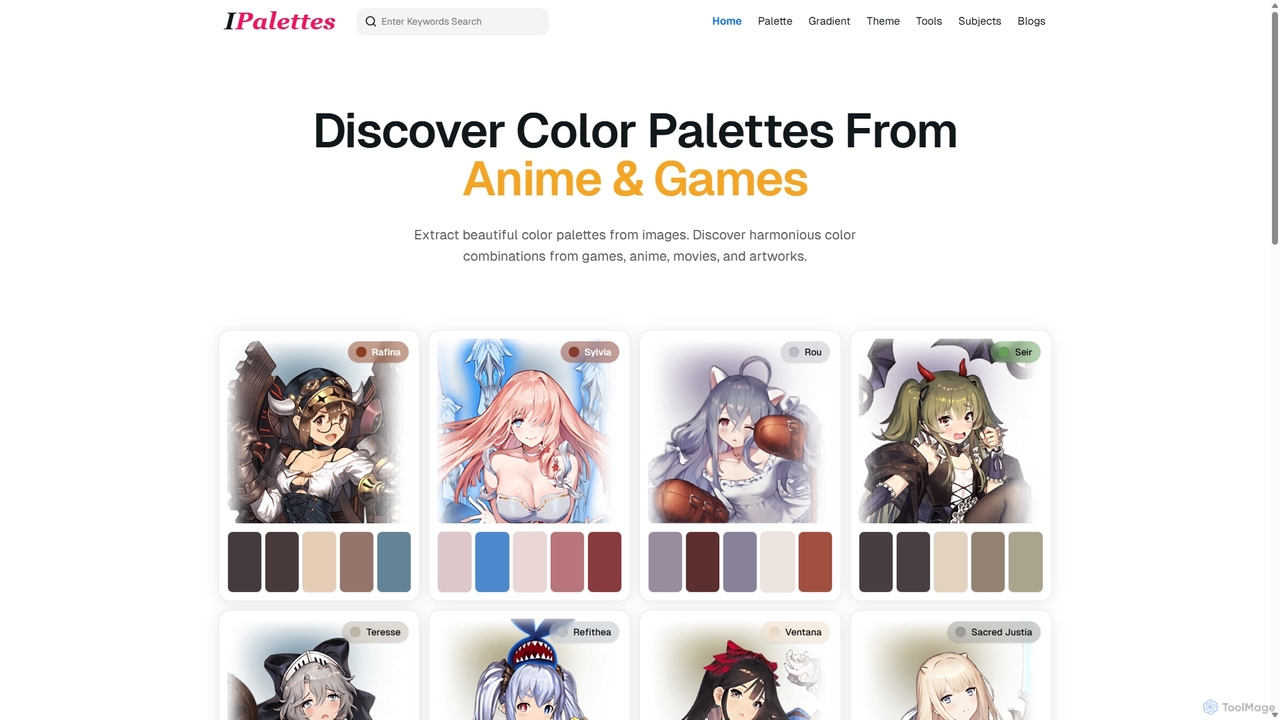
Ipalettes
Ipalettes is an AI-powered suite of tools for designers and developers, offering instant generation of color palettes, gradients, and shadcn/ui themes from simple text prompts. Discover unique color combinations and draw inspiration from a vast library derived from games, anime, and art.
Color Palette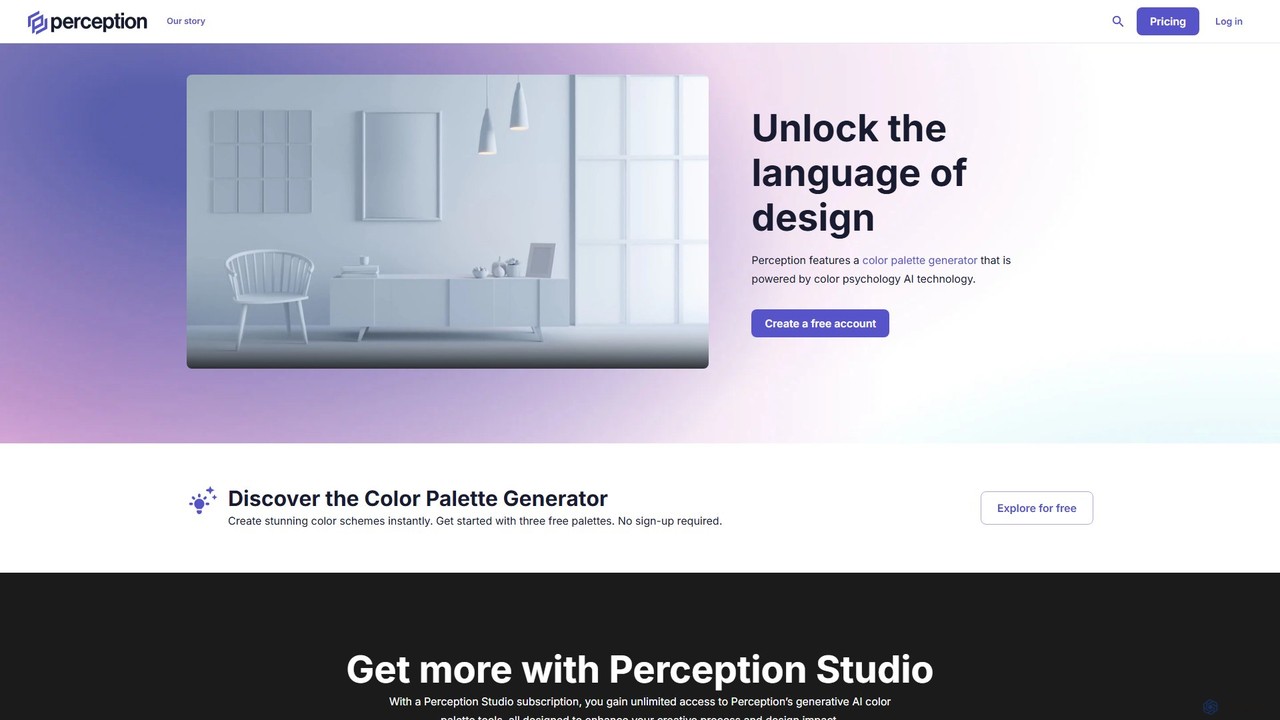
Perception
Perception is an AI-powered design intelligence platform that generates color palettes based on color psychology. It helps designers and creators build emotionally resonant color schemes using simple text prompts, analyze existing palettes, and explore a vast library of over 50 million AI-generated options to make impactful design choices.
Generative Art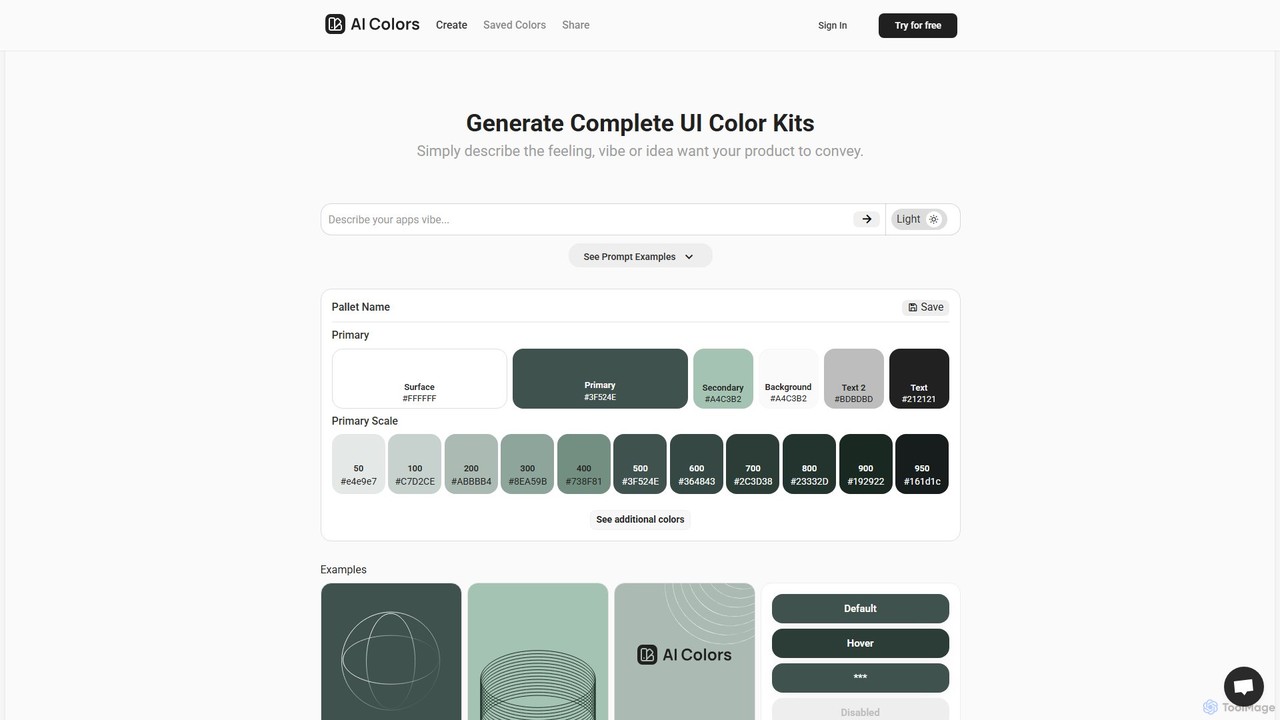
aicolors
aicolors is an AI-powered color palette generator that creates complete, ready-to-use UI color kits from simple text prompts. Describe a feeling, vibe, or idea, and instantly get a harmonious and functional color scheme for your web or app design projects.
Color Palette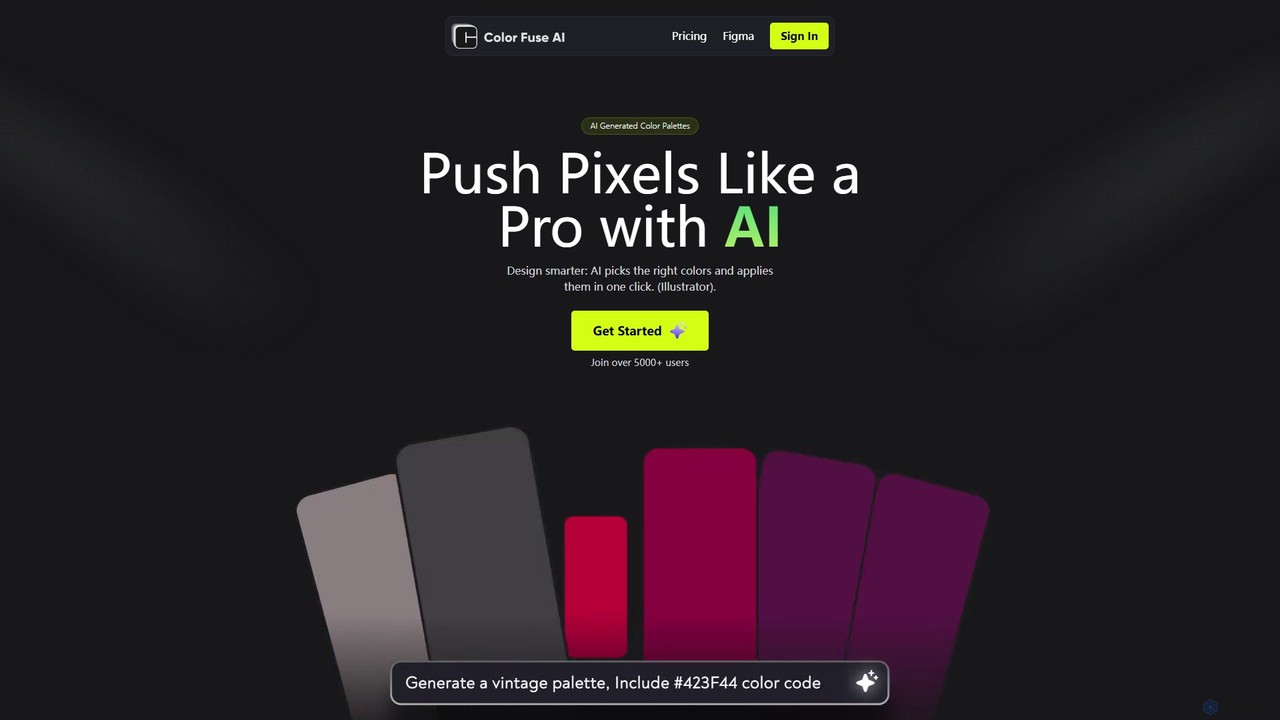
Color Fuse AI
Color Fuse AI is an AI-powered chat assistant that generates stunning color palettes from simple text prompts. It integrates seamlessly with Figma, Adobe Illustrator, and Photoshop, allowing designers to find, customize, and apply perfect color schemes with a single click, dramatically speeding up the design workflow.
Illustration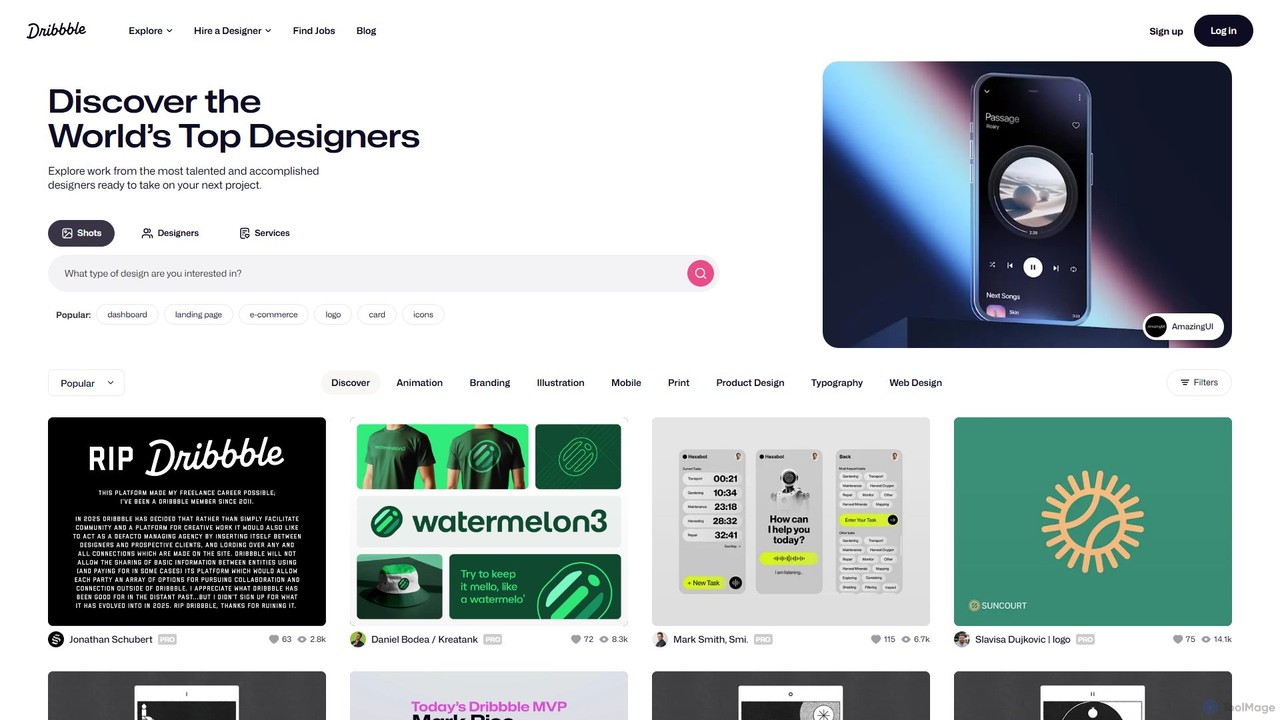
Dribbble
Dribbble is the leading online community for creative professionals and designers worldwide. It serves as a portfolio platform, a source of inspiration, and a marketplace where designers can showcase their work, connect with peers, and find job opportunities. From UI/UX and branding to illustration and animation, Dribbble is the go-to destination for discovering top design talent and creative work.
Social Network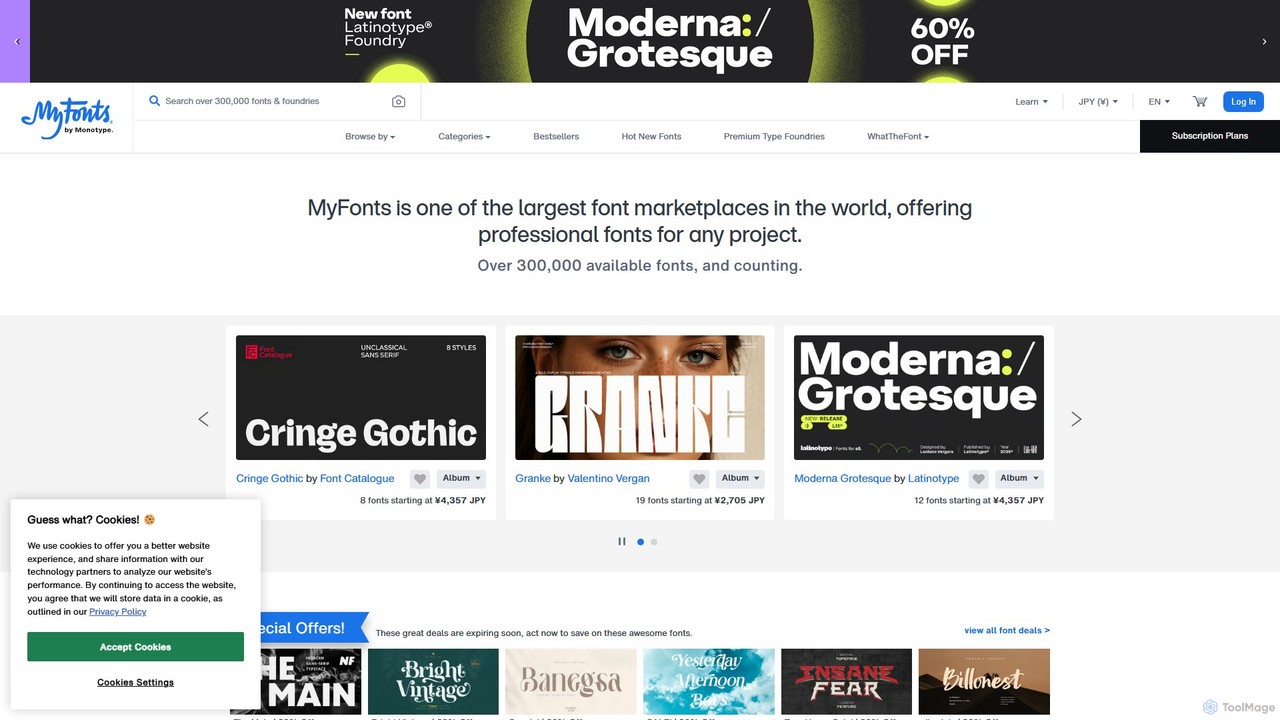
MyFonts
A comprehensive digital font marketplace offering a vast library of typefaces for web and print. MyFonts features the powerful AI-driven tool, "WhatTheFont," which can identify fonts from any image, making it an essential resource for designers, developers, and creatives seeking the perfect font for their projects.
Fonts
Huemint Comments (0)
Sign in to comment.
Sign inNo comments yet.