
aicolors Overview
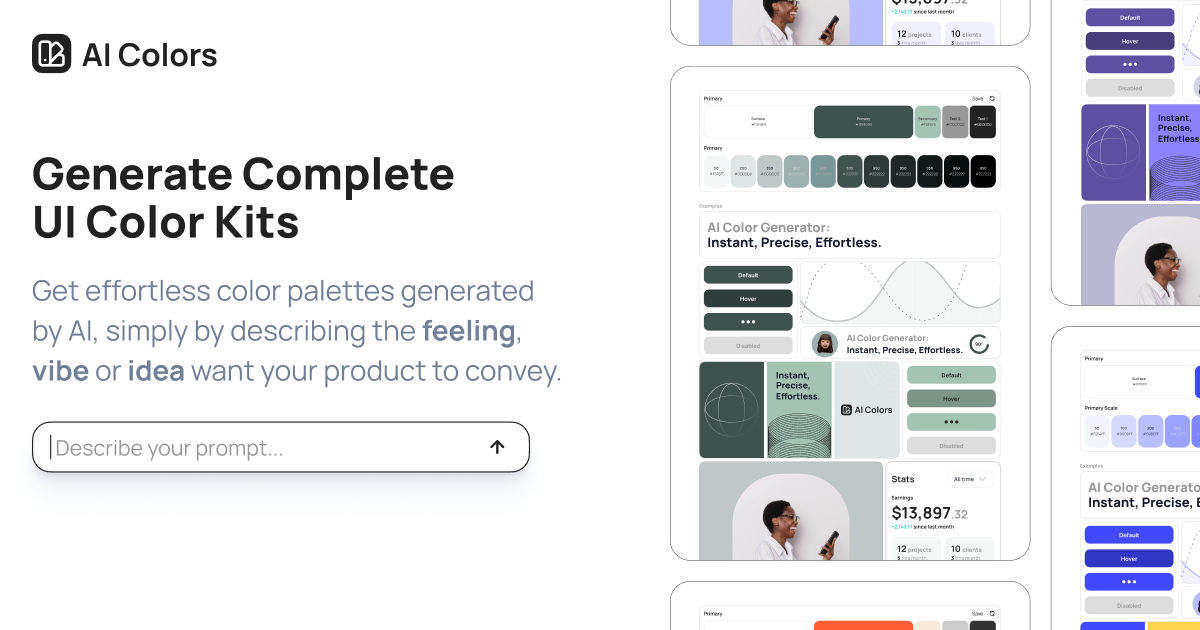
aicolors is a revolutionary design tool that leverages artificial intelligence to simplify and accelerate the process of color selection for digital products. It empowers designers, developers, and creators to generate comprehensive UI color palettes by simply describing the desired mood, feeling, or concept in natural language. This intuitive approach eliminates the guesswork and extensive knowledge of color theory typically required, allowing users to go from a simple idea to a complete, production-ready color system in seconds.
The platform is designed to be more than just a simple color picker. When you input a prompt like "a serene and trustworthy financial app" or "a vibrant and energetic gaming interface," aicolors doesn't just return a few swatches. It generates a full-fledged UI color kit, including primary, secondary, surface, background, and text colors. This ensures that every element of your design has a designated, harmonious color, creating a cohesive and professional user experience.
How to use aicolors
Using aicolors is an incredibly straightforward and efficient process:
- Enter a Prompt: Navigate to the aicolors website and find the text input field. Type a descriptive phrase that captures the essence of your project. For example: "dark mode for a sci-fi analytics dashboard," "a warm and earthy e-commerce site for handmade goods," or "a clean, minimalist, and professional corporate portal."
- Generate the Palette: With a single click, the AI analyzes your prompt and generates a complete color palette tailored to your description.
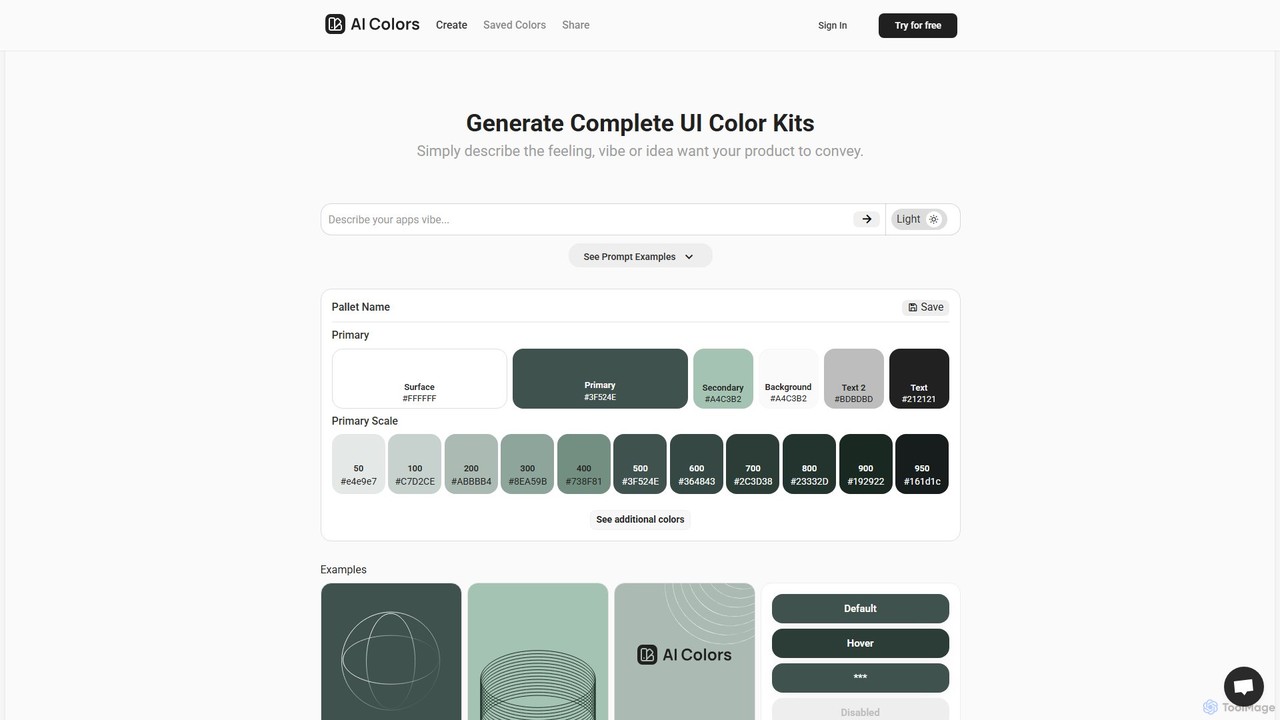
- Review and Visualize: The tool immediately displays the generated colors. This includes the primary color, secondary color, surface, background, and various text shades. Crucially, it also presents these colors in a live UI preview, showing how they would look on components like buttons, charts, cards, and forms. This instant visualization is key to understanding the palette's real-world application.
- Explore the Scales: aicolors provides a full tonal scale (from 50 to 950) for the primary color, which is essential for creating depth, states (like hover or disabled), and visual hierarchy in your UI. It also generates a functional greyscale and standard system colors for success, warning, and error messages.
- Implement Your Colors: Once you are satisfied with the palette, you can easily copy the HEX codes for each color. You can then paste these values directly into your design tool (like Figma, Sketch, Adobe XD) or your project's CSS files.
Core Features of aicolors
- AI Prompt-Based Generation: Translates natural language descriptions (feelings, vibes, ideas) into beautiful and functional color palettes.
- Complete UI Color Kits: Generates a full system including primary, secondary, surface, background, and multiple text colors.
- Comprehensive Tonal Scales: Automatically creates a 9-step tonal scale for the primary color, perfect for detailed UI design and component states.
- System & Greyscale Palettes: Provides pre-defined colors for system notifications (success, warning, error) and a versatile greyscale for neutral elements.
- Live UI Previews: Instantly visualizes the generated palette on a realistic dashboard mockup, allowing for immediate feedback on usability and aesthetics.
- Typeface Suggestions: Recommends complementary typefaces to match the mood and style of the color palette.
- Effortless Export: Simple one-click copying of HEX color codes for seamless integration into any design or development workflow.
Use Cases for aicolors
aicolors is a versatile tool suitable for a wide range of users and projects:
- UI/UX Designers: Rapidly brainstorm, prototype, and iterate on color schemes for new applications and websites, saving hours of manual work.
- Frontend Developers: Quickly establish a robust and accessible color system for a project without needing deep design expertise.
- Product Managers & Startups: Create visually appealing mockups and MVPs with a professional look and feel, even with limited design resources.
- Branding Specialists: Experiment with color combinations that align with a brand's core values and messaging.
- Indie Hackers & Solo Entrepreneurs: Build beautiful products single-handedly by leveraging AI to handle the complex task of color selection.
Advantages of aicolors
The primary advantage of aicolors is its incredible speed and ease of use. It democratizes design by making professional-grade color selection accessible to everyone, regardless of their experience level. It overcomes creative blocks by providing instant inspiration. Furthermore, the output is highly practical; by providing a complete system with tonal scales and live previews, it ensures the generated palettes are not just beautiful but also functional and usable in real-world applications, significantly streamlining the design-to-development handoff.
Pricing and Plans
aicolors typically operates on a freemium model, making its core features accessible to everyone.
- Free Plan: Users can likely generate a certain number of color palettes for free, making it perfect for students, hobbyists, or quick experiments.
- Pro Plan (Hypothetical): For professional users, a paid plan would likely offer benefits such as unlimited palette generations, the ability to save, organize, and manage palettes in a personal library, advanced export options (e.g., CSS variables, Tailwind config, JSON), and potentially team collaboration features. Please visit the official website for the most current pricing information.
Traffic
Latest traffic
Status
Monthly traffic trend
- 2025-9: 2.0K
- 2026-1: 649
- 2026-2: 246
- 2026-3: 49
- 2026-4: 1.0K
- 2026-5: 918
Geography
Top 5 countries / regions
- 🇺🇸United States100.0%
Top keywords
| Keyword | Cost per click |
|---|---|
| acolor | $0.00 |
| aicolours | $0.00 |
| ai配色 | $0.00 |
| colors ai | $0.00 |
| tailwind color palette | $0.00 |
aicolors Alternatives
huewheel
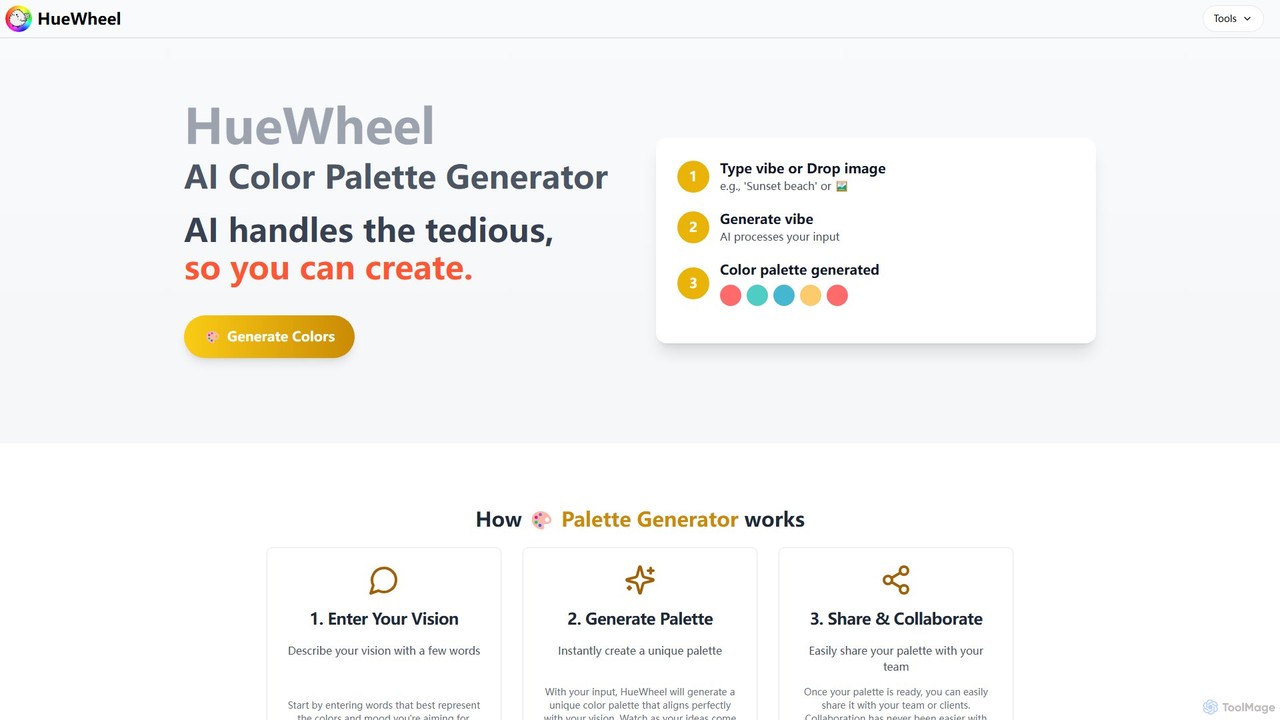
huewheel is an AI-powered color palette generator that creates stunning color combinations from natural language descriptions or image uploads. It's designed for designers, developers, and creatives to quickly find harmonious and trending palettes. The platform includes a comprehensive Color Studio for fine-tuning, a Mockup Generator for previews, and a community gallery for endless inspiration.
Inspiration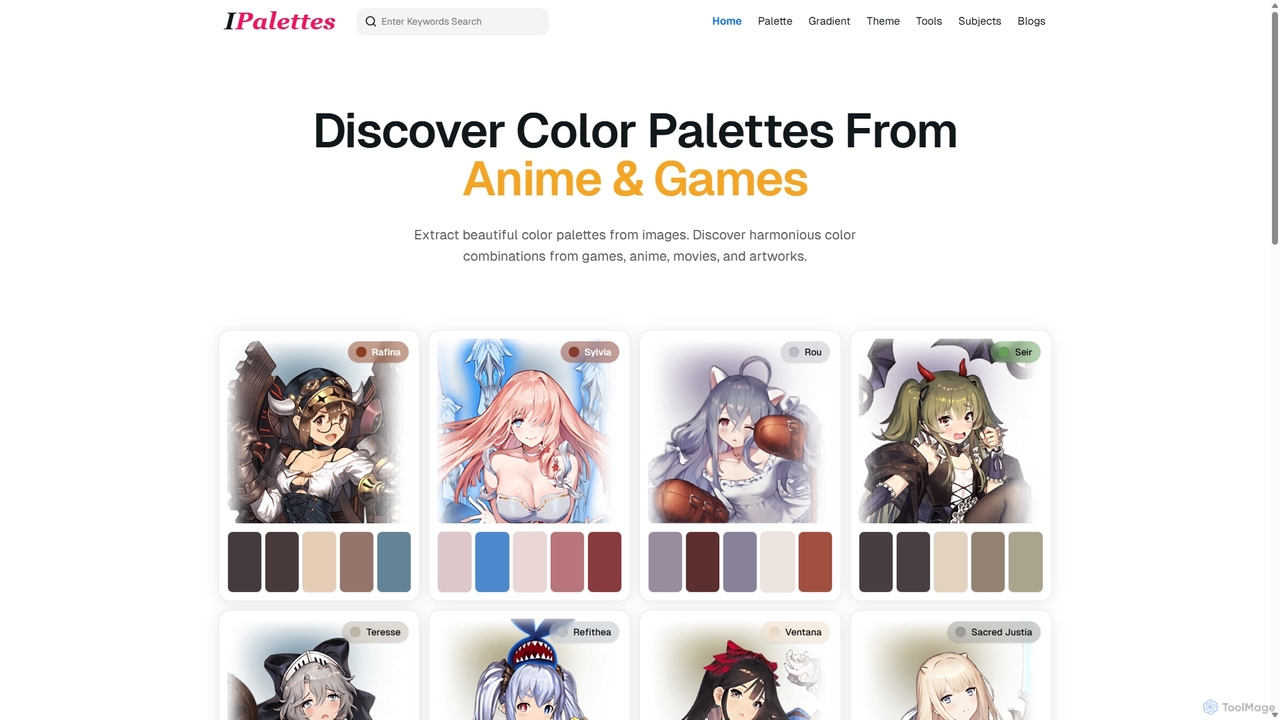
Ipalettes
Ipalettes is an AI-powered suite of tools for designers and developers, offering instant generation of color palettes, gradients, and shadcn/ui themes from simple text prompts. Discover unique color combinations and draw inspiration from a vast library derived from games, anime, and art.
Color Palette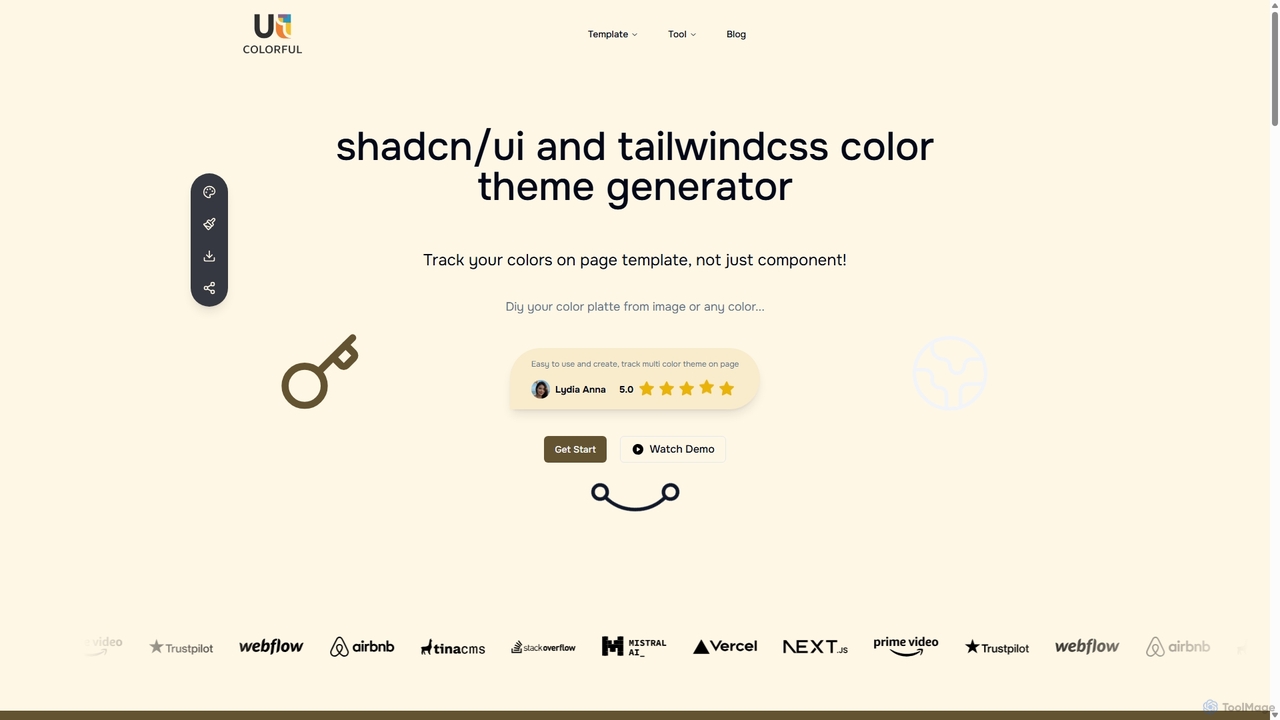
Uicolorful
An AI-powered color theme generator for developers and designers using shadcn/ui and Tailwind CSS. Effortlessly create unique, cohesive color palettes from images or custom selections, preview them live on templates, and export them as CSS variables in multiple formats (HEX, RGB, HSL) to streamline your web design workflow.
Color Palette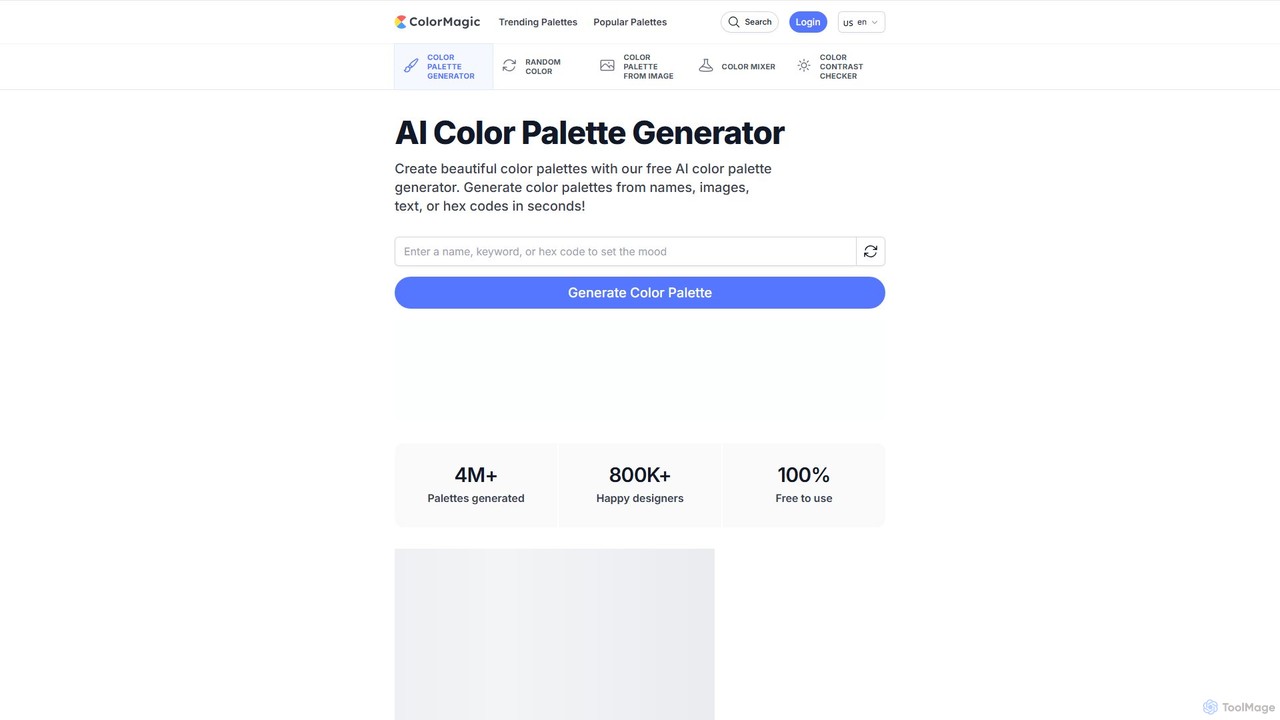
ColorMagic
ColorMagic is a free AI-powered color palette generator. It allows designers, artists, and developers to instantly create beautiful and harmonious color schemes from text prompts, keywords, images, or hex codes. It's a versatile tool for finding color inspiration and practical design assets.
Color Palette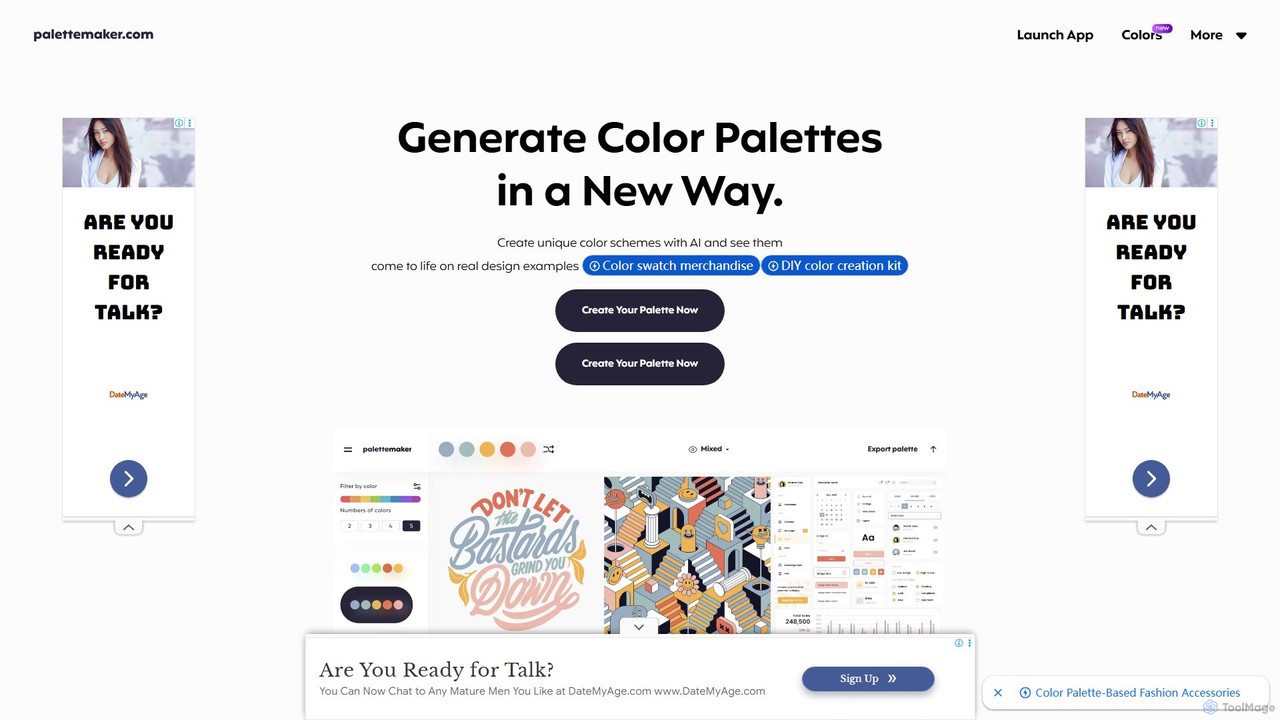
PaletteMaker
PaletteMaker is a free, AI-powered color palette generator that allows designers and creatives to create and instantly preview color schemes on real-world design mockups. It supports various creative fields like UI/UX, branding, and illustration, offering powerful export options for professional workflows.
Inspirationaicolors Categories
aicolors Embed Widget
Copy this embed code to place the badge on your blog, article, or product site and send readers directly to this ToolMage detail page.

Related AI tools
huewheel
huewheel is an AI-powered color palette generator that creates stunning color combinations from natural language descriptions or image uploads. It's designed for designers, developers, and creatives to quickly find harmonious and trending palettes. The platform includes a comprehensive Color Studio for fine-tuning, a Mockup Generator for previews, and a community gallery for endless inspiration.
InspirationIpalettes
Ipalettes is an AI-powered suite of tools for designers and developers, offering instant generation of color palettes, gradients, and shadcn/ui themes from simple text prompts. Discover unique color combinations and draw inspiration from a vast library derived from games, anime, and art.
Color PaletteUicolorful
An AI-powered color theme generator for developers and designers using shadcn/ui and Tailwind CSS. Effortlessly create unique, cohesive color palettes from images or custom selections, preview them live on templates, and export them as CSS variables in multiple formats (HEX, RGB, HSL) to streamline your web design workflow.
Color Palette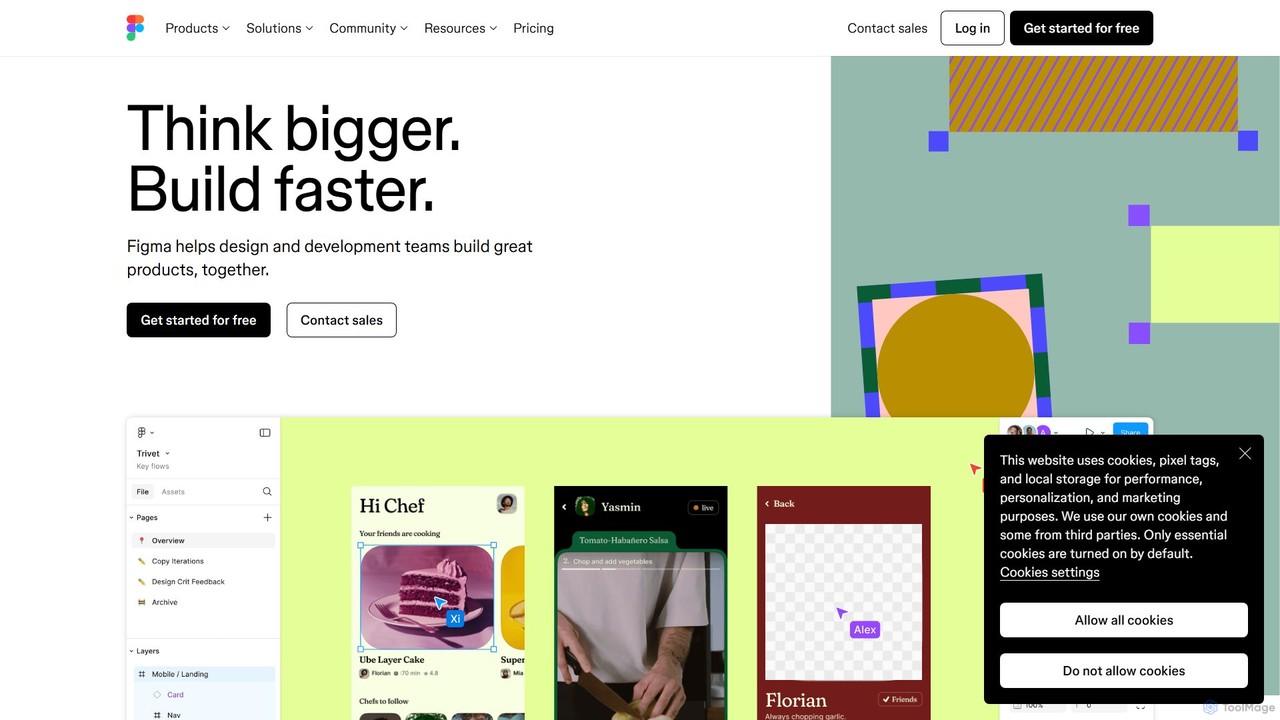
Figma
Figma is a leading collaborative interface design platform that allows teams to design, prototype, and gather feedback in one place. Powered by AI, it accelerates workflows from brainstorming in FigJam to creating high-fidelity designs and handing off to developers with Dev Mode, unifying the entire product development process.
Ui Ux DesignColorMagic
ColorMagic is a free AI-powered color palette generator. It allows designers, artists, and developers to instantly create beautiful and harmonious color schemes from text prompts, keywords, images, or hex codes. It's a versatile tool for finding color inspiration and practical design assets.
Color PalettePaletteMaker
PaletteMaker is a free, AI-powered color palette generator that allows designers and creatives to create and instantly preview color schemes on real-world design mockups. It supports various creative fields like UI/UX, branding, and illustration, offering powerful export options for professional workflows.
Inspiration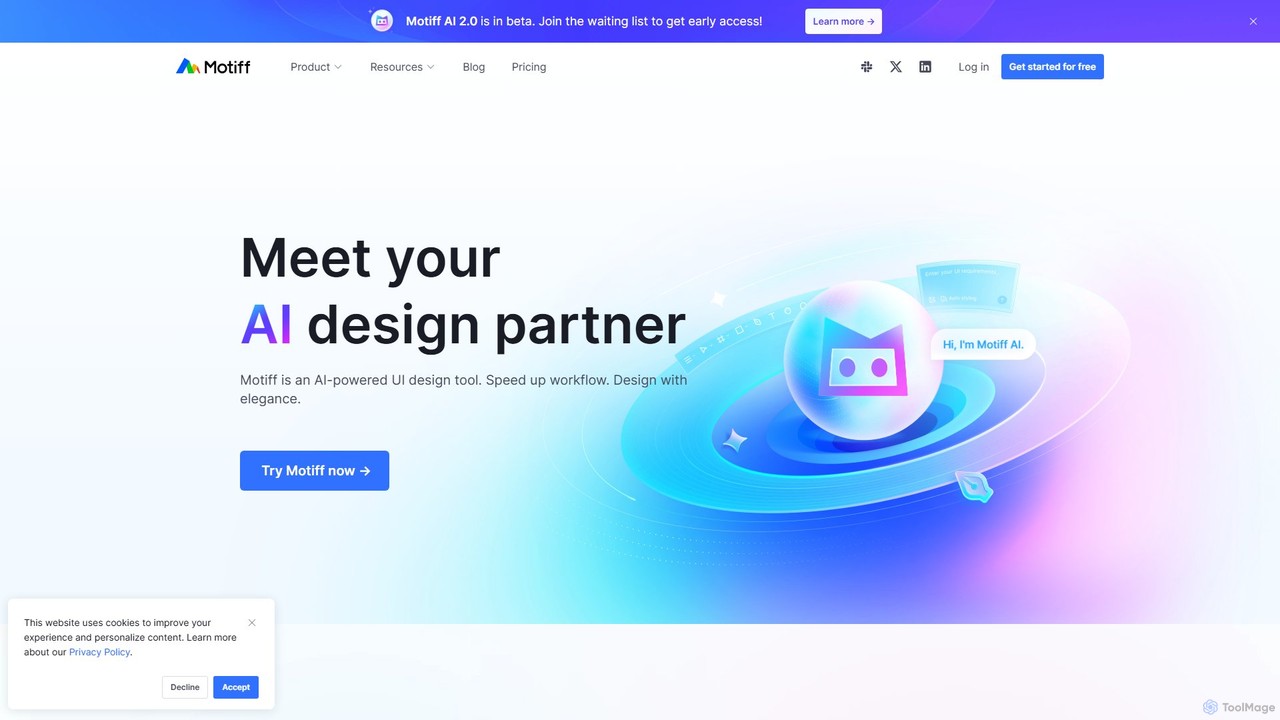
Motiff
Motiff is an AI-powered professional interface design tool that accelerates the entire workflow. It enables users to generate UIs from text and images, iterate on designs with AI assistance, and collaborate in real-time. Combining robust design tools, prototyping, and a developer-friendly handoff mode, Motiff serves as a comprehensive, high-performance platform for modern product teams.
Ui Ux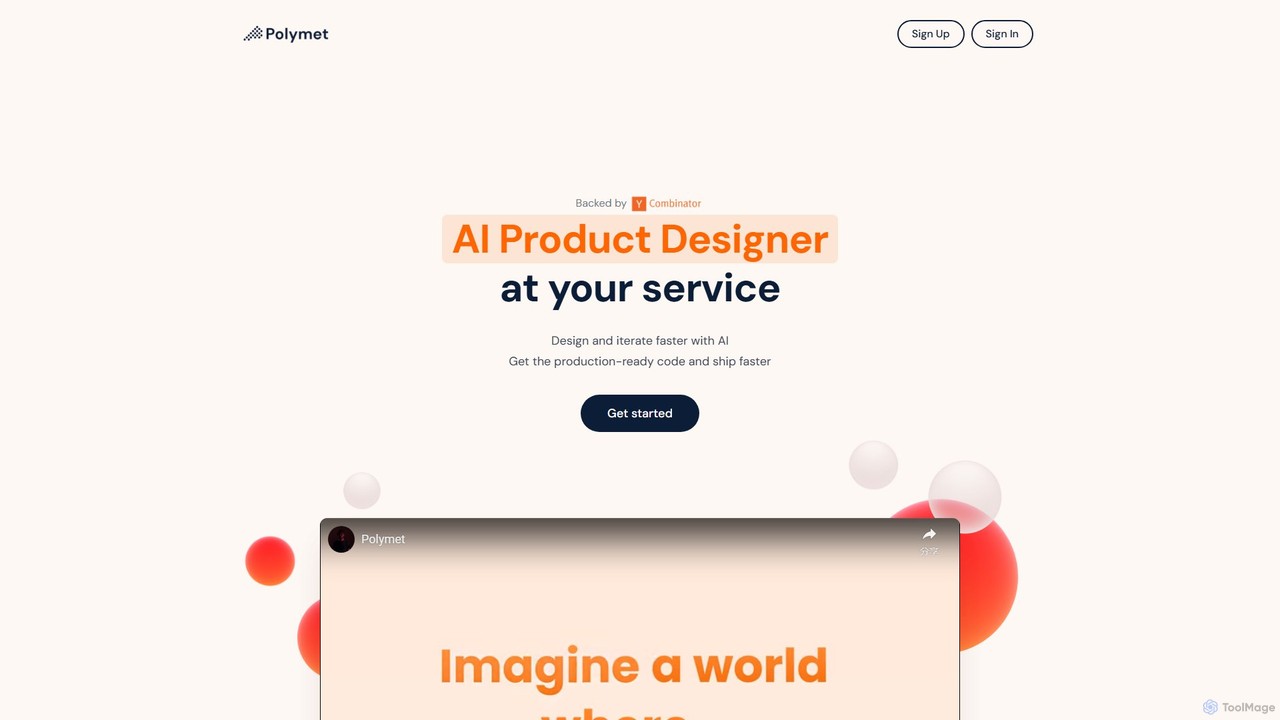
Polymet
Polymet is an AI-powered product designer that transforms ideas, text descriptions, or images into interactive prototypes with production-ready code in seconds. It streamlines the design and development workflow, integrating seamlessly with Figma and existing codebases.
Ui Ux
Creatie
Creatie is an intuitive, AI-powered product design and collaboration platform. It enables teams to move from wireframes to high-fidelity mockups, interactive prototypes, and developer handoff seamlessly. Featuring AI tools like a mockup wizard, icon generator, and image enhancer, it's designed to accelerate the UI/UX workflow for designers, product managers, and developers.
Icon Generation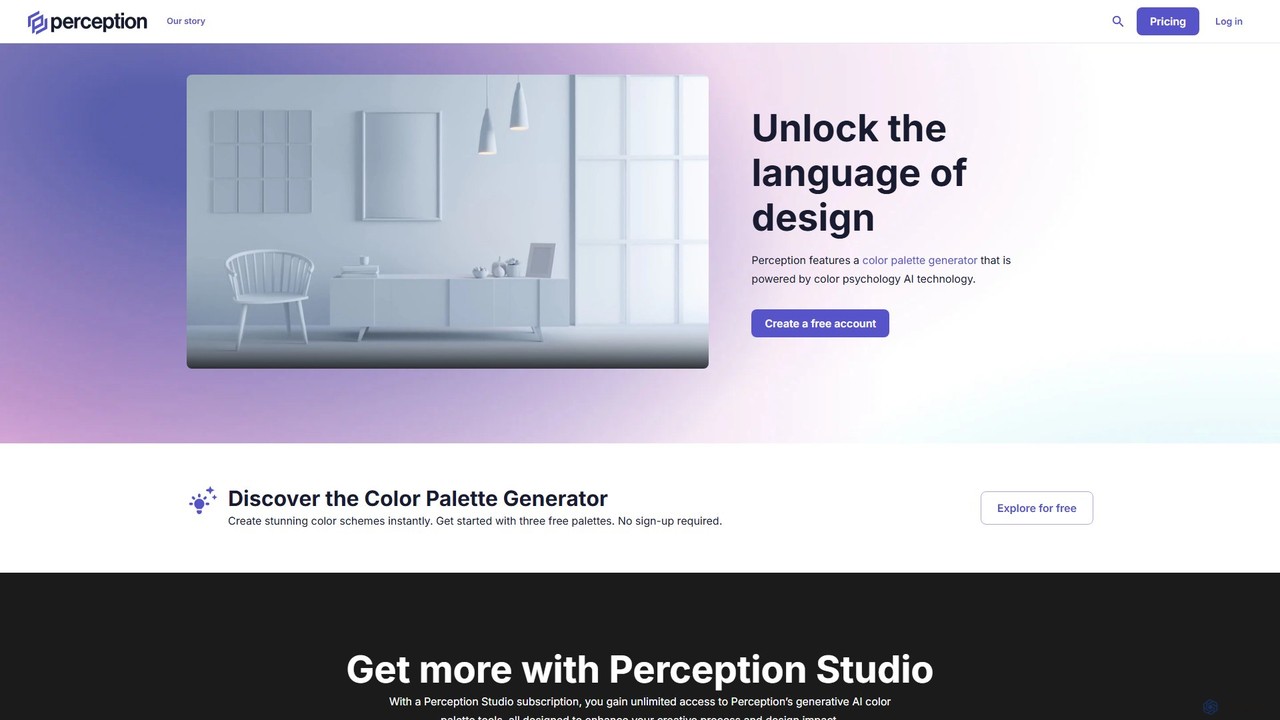
Perception
Perception is an AI-powered design intelligence platform that generates color palettes based on color psychology. It helps designers and creators build emotionally resonant color schemes using simple text prompts, analyze existing palettes, and explore a vast library of over 50 million AI-generated options to make impactful design choices.
Generative Art
Galileo AI
Galileo AI is a pioneering AI-powered UI design generator that transforms simple text prompts into beautiful, functional interface designs. Acquired by Google, it has now evolved into 'Stitch', a more powerful tool integrated with Google's Gemini models, making advanced design accessible to everyone for free.
Ui Ux Design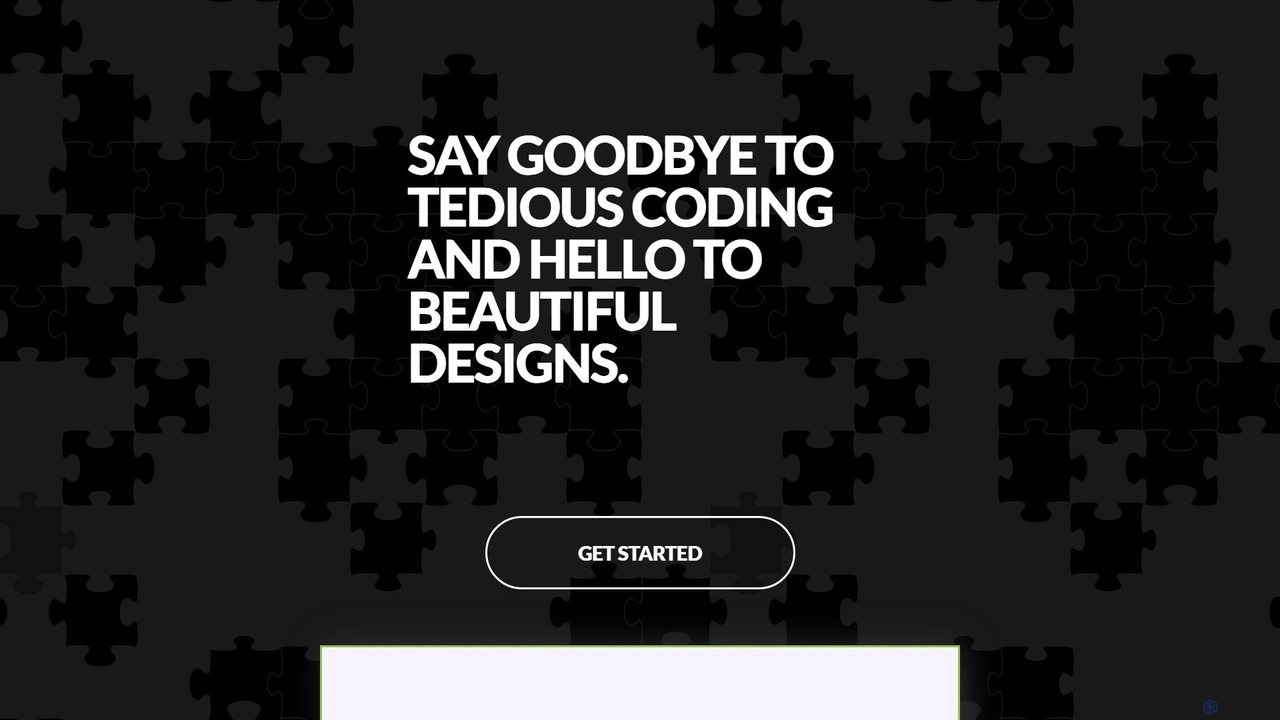
GeniusUI
GeniusUI is an AI-powered design tool that transforms text prompts into stunning, high-fidelity UI/UX designs and components. It automates the design and front-end coding process, allowing creators to build beautiful interfaces in minutes, not days, without writing a single line of code.
Ui Ux Design
ipalettes
ipalettes is an AI-powered color palette generator that creates stunning color schemes from text prompts, images, or URLs. Ideal for designers, developers, and creatives, it instantly translates ideas and visuals into harmonious and usable color palettes, streamlining the design workflow.
Inspiration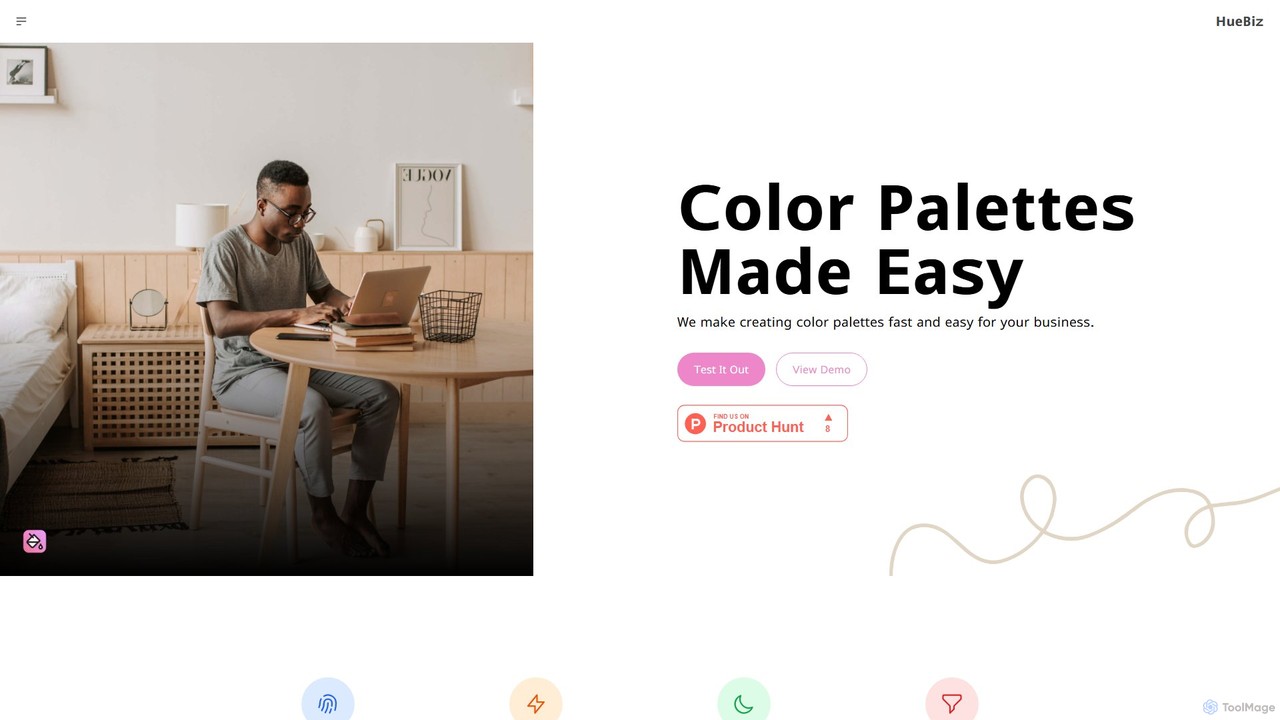
HueBizz
HueBizz is an AI-powered color palette generator that helps businesses create fast, easy, and effective color schemes. It leverages AI to analyze market trends and brand identity, delivering tailored palettes for various industries, complete with dynamic light and dark mode adjustments.
Color Palette
Jyek
Jyek is an AI agent platform that understands objectives, creates execution plans, uses tools, and delivers verifiable results for complex, multi-step tasks.
Automation
aicolors Comments (0)
Sign in to comment.
Sign inNo comments yet.