


Vivid Overview
Vivid is a cutting-edge AI tool designed to revolutionize the way custom icons and illustrations are created. By leveraging advanced generative AI models, Vivid transforms simple text descriptions into high-quality, production-ready SVG (Scalable Vector Graphics) files. This eliminates the need for complex design software or sifting through endless libraries of generic stock icons. Whether you're a developer building a new app, a marketer designing a campaign, or a designer prototyping ideas, Vivid provides a seamless and efficient solution for generating unique visual assets.
The platform is built with simplicity and speed at its core. Users can generate stunning, on-brand visuals in seconds, not hours. The generated graphics are in SVG format, which means they are infinitely scalable without any loss of quality, making them perfect for responsive web design, high-resolution displays, and print media. Vivid empowers creators of all skill levels to produce professional-grade vector art that is truly one-of-a-kind.
How to use Vivid
Using Vivid is an incredibly straightforward process, designed to be intuitive for everyone, regardless of their design background:
- Describe Your Vision: Start by navigating to the Vivid website. In the main input field, type a clear and descriptive prompt of the icon or illustration you want. For example, 'a minimalist icon of a brain with a glowing lightbulb' or 'a friendly robot waving while holding a coffee cup'.
- Select a Style: Choose from a variety of pre-defined visual styles to match your brand's aesthetic. Options may include linear, filled, duo-tone, colorful, or isometric. This helps guide the AI to produce results that fit your project's look and feel.
- Generate and Refine: Click the 'Generate' button. The AI will process your request and present several unique visual options based on your prompt and style selection.
- Customize Colors: Once you've selected a favorite design, you can use the on-platform color editor to tweak the color palette to perfectly match your brand guidelines or personal preference.
- Download and Use: With a single click, download the final design as an SVG file. This file is ready to be used directly in your website, application, presentation, or any other digital or print project.
Core Features of Vivid
- AI Text-to-SVG Generation: The core engine that interprets natural language prompts to create complex vector graphics.
- High-Quality SVG Output: All graphics are generated in SVG format, ensuring they are lightweight, scalable, and easily editable in code or design software.
- Multiple Style Options: A diverse library of styles (e.g., monochrome, linear, filled, colorful) to ensure visuals align with your brand identity.
- On-the-Fly Color Customization: An integrated color palette editor allows for quick and easy adjustments to the generated icons.
- Rapid Generation Speed: Create multiple unique icon options in a matter of seconds, dramatically accelerating the design workflow.
- Commercial Use License: Paid plans offer royalty-free licenses, allowing you to use the generated icons in any commercial project without attribution.
- API Access for Developers: An available API allows for the integration of Vivid's generation capabilities directly into your own applications and services.
Use Cases for Vivid
Vivid is a versatile tool that caters to a wide range of professionals and use cases:
- Web and App Developers: Quickly generate custom icons for UI elements, navigation bars, feature descriptions, and empty states, ensuring a unique and consistent user experience.
- Marketing and Social Media Managers: Create eye-catching illustrations for social media posts, email newsletters, ad campaigns, and landing pages to boost engagement.
- Brand and Graphic Designers: Rapidly prototype logo concepts, create complete sets of brand icons, or generate spot illustrations for larger design projects.
- Content Creators and Bloggers: Enhance articles, presentations, and videos with custom visuals that help explain complex topics and make content more engaging.
- Entrepreneurs and Startups: Design a professional visual identity for a new product or company without the high cost of hiring a designer.
Advantages of Vivid
Vivid offers significant advantages over traditional design methods and stock icon libraries:
- Unmatched Speed: Go from an idea to a finished, usable asset in under a minute.
- Creative Freedom: Generate visuals that are truly unique and tailored to your specific needs, breaking free from the limitations of stock assets.
- Accessibility: No advanced design skills or expensive software are required. If you can describe it, you can create it.
- Cost-Effectiveness: Provides an affordable alternative to commissioning custom design work, especially for startups and individual creators.
- Scalability and Quality: The SVG format ensures your visuals look crisp and professional on any device or at any size.
Pricing and Plans
Vivid typically operates on a freemium model to cater to different user needs:
- Free Plan: Ideal for personal projects, students, or testing the platform. This plan usually offers a limited number of icon generations per month, access to basic styles, and may require attribution for use.
- Pro Plan (Paid): Aimed at professionals and freelancers. This plan generally includes a high volume or unlimited generations, access to all premium styles, a full commercial use license (no attribution required), and priority support. Pricing is typically a monthly or annual subscription.
- Team/Enterprise Plan (Paid): Designed for agencies and larger companies. It includes all Pro features, plus collaborative workspaces, centralized billing, and potentially API access with higher rate limits. Pricing is often customized based on the team's size and needs.
Traffic
Latest traffic
Status
Monthly traffic trend
- 2025-7: 3.5K
- 2025-8: 161
- 2025-9: 1.9K
- 2026-3: 0
- 2026-4: 0
- 2026-5: 845
Vivid Alternatives
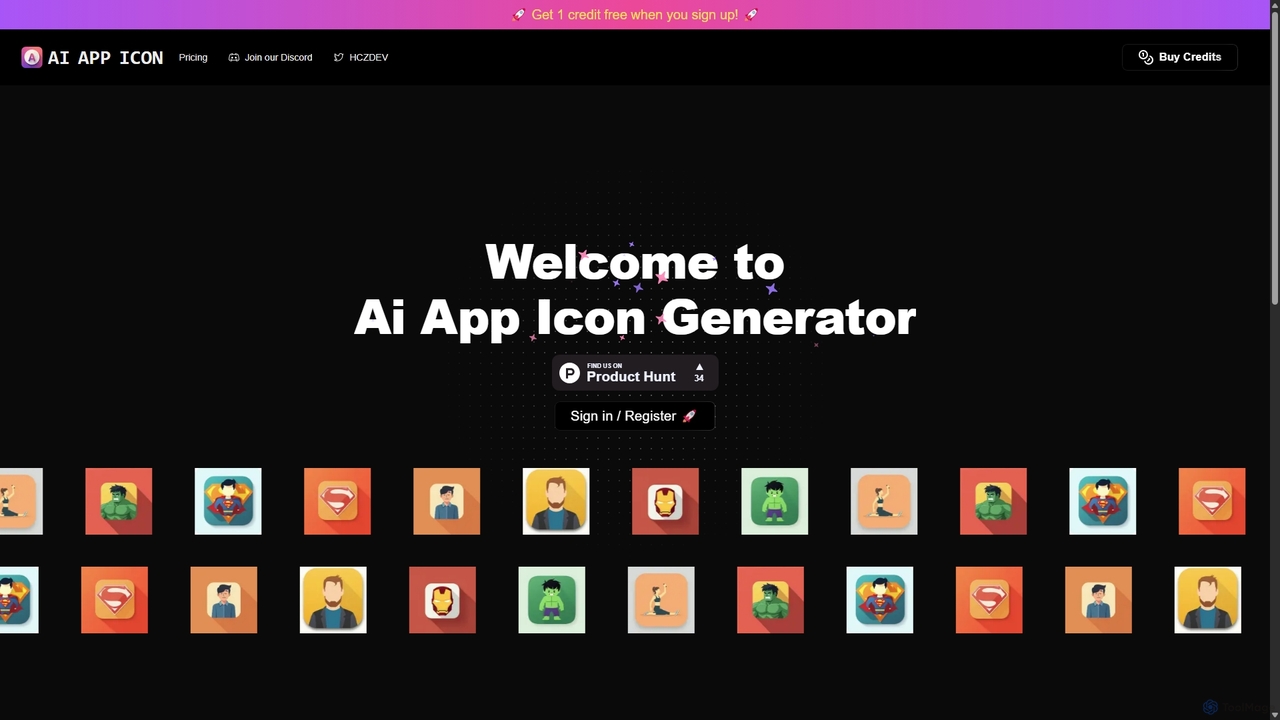
Aiappicon
An AI-powered tool for instantly generating unique and professional app icons. Ideal for developers, designers, and startups, it transforms text descriptions into stunning visual icons, offering a fast, cost-effective alternative to traditional design.
Icon Generation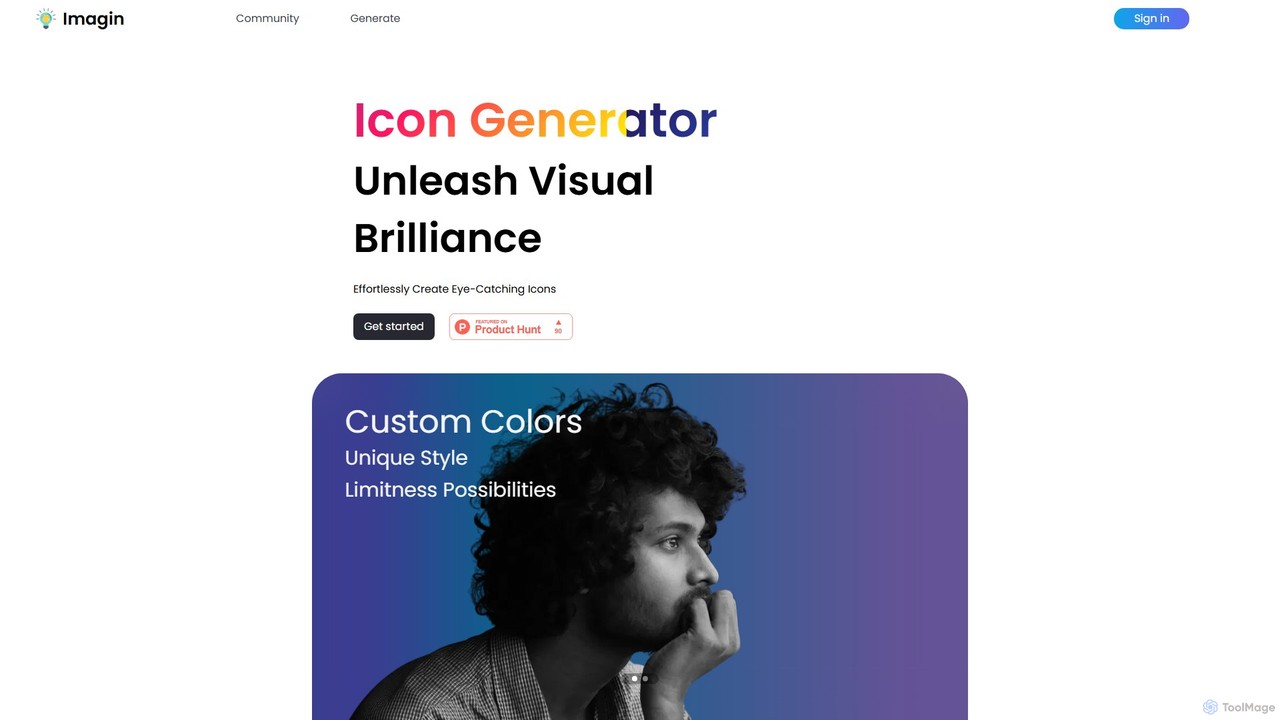
Imagin
Imagin is an AI-powered icon generator that transforms text prompts into unique, eye-catching icons. It offers deep customization options, including custom colors, various styles, and face orientation. Ideal for designers, developers, and marketers, Imagin saves time and unleashes creativity by effortlessly generating high-quality visual assets for any project.
Image Generation
Iconifyai
Iconifyai is an AI-powered icon generator that creates unique, high-quality app icons in seconds. Simply describe your desired icon, choose from over 11 styles and colors, and receive professional-grade designs for iOS, Android, websites, and more. It's a fast, affordable, and easy-to-use solution for developers, designers, and entrepreneurs.
Icon Generation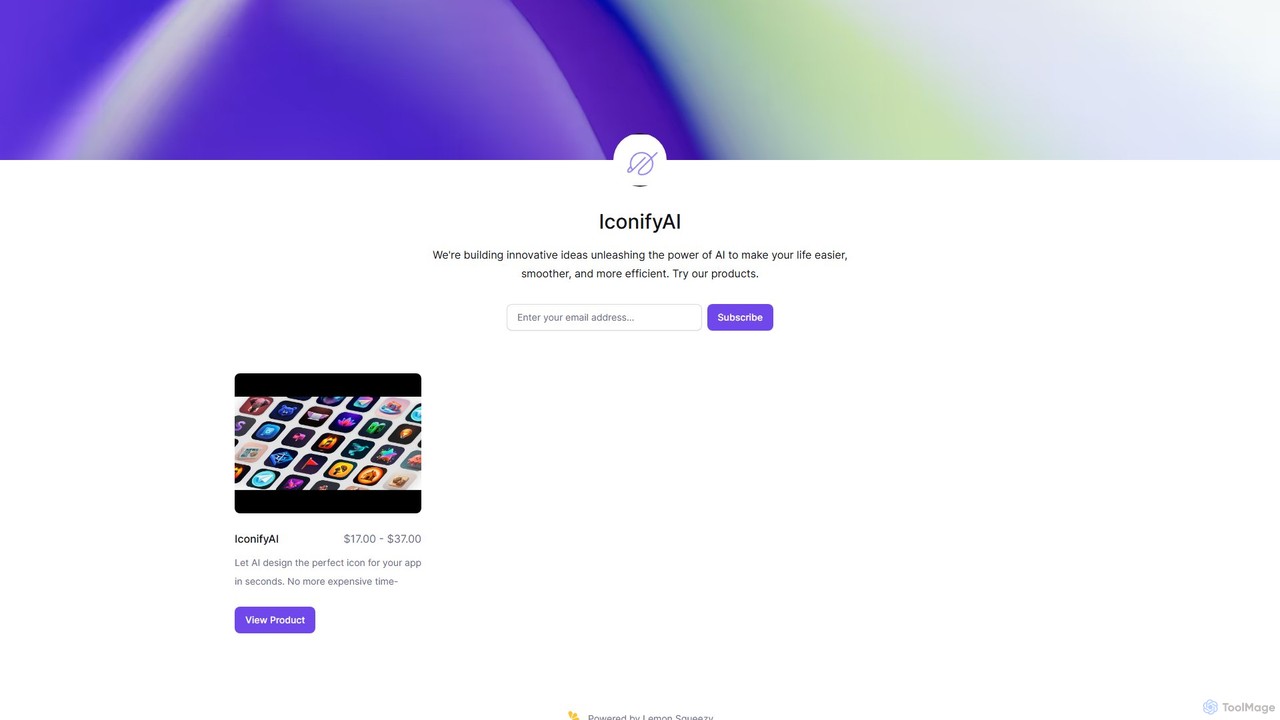
IconifyAI
IconifyAI is an AI-powered tool that designs and generates unique, professional-grade icons for your apps in seconds. It eliminates the need for expensive and time-consuming traditional design processes, offering high-resolution downloads with full ownership and commercial rights. Ideal for developers, designers, and startups.
Image Generation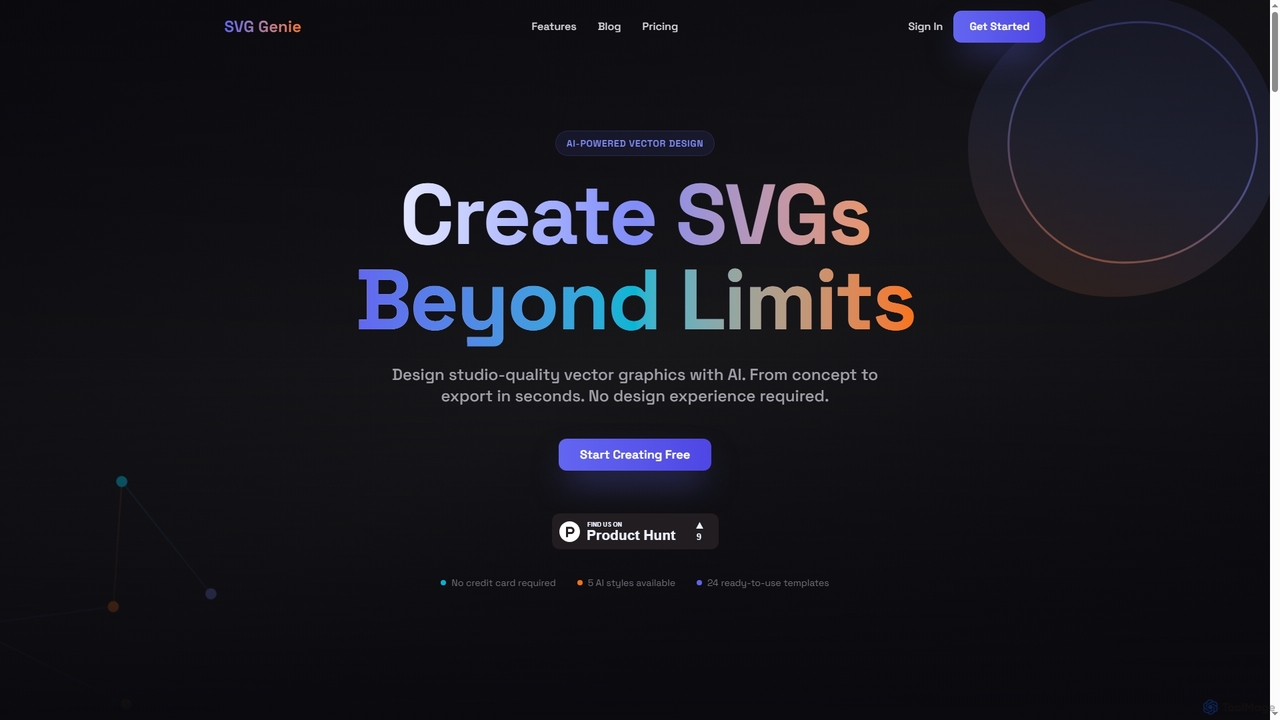
SVG Genie
SVG Genie is an AI-powered platform that transforms text descriptions into high-quality, infinitely scalable vector graphics (SVGs). Designed for users of all skill levels, it generates studio-quality logos, icons, and illustrations in seconds across five unique artistic styles, requiring no design experience.
IllustrationVivid Categories
Vivid Embed Widget
Copy this embed code to place the badge on your blog, article, or product site and send readers directly to this ToolMage detail page.

Related AI tools
Imagin
Imagin is an AI-powered icon generator that transforms text prompts into unique, eye-catching icons. It offers deep customization options, including custom colors, various styles, and face orientation. Ideal for designers, developers, and marketers, Imagin saves time and unleashes creativity by effortlessly generating high-quality visual assets for any project.
Image GenerationSVG Genie
SVG Genie is an AI-powered platform that transforms text descriptions into high-quality, infinitely scalable vector graphics (SVGs). Designed for users of all skill levels, it generates studio-quality logos, icons, and illustrations in seconds across five unique artistic styles, requiring no design experience.
Illustration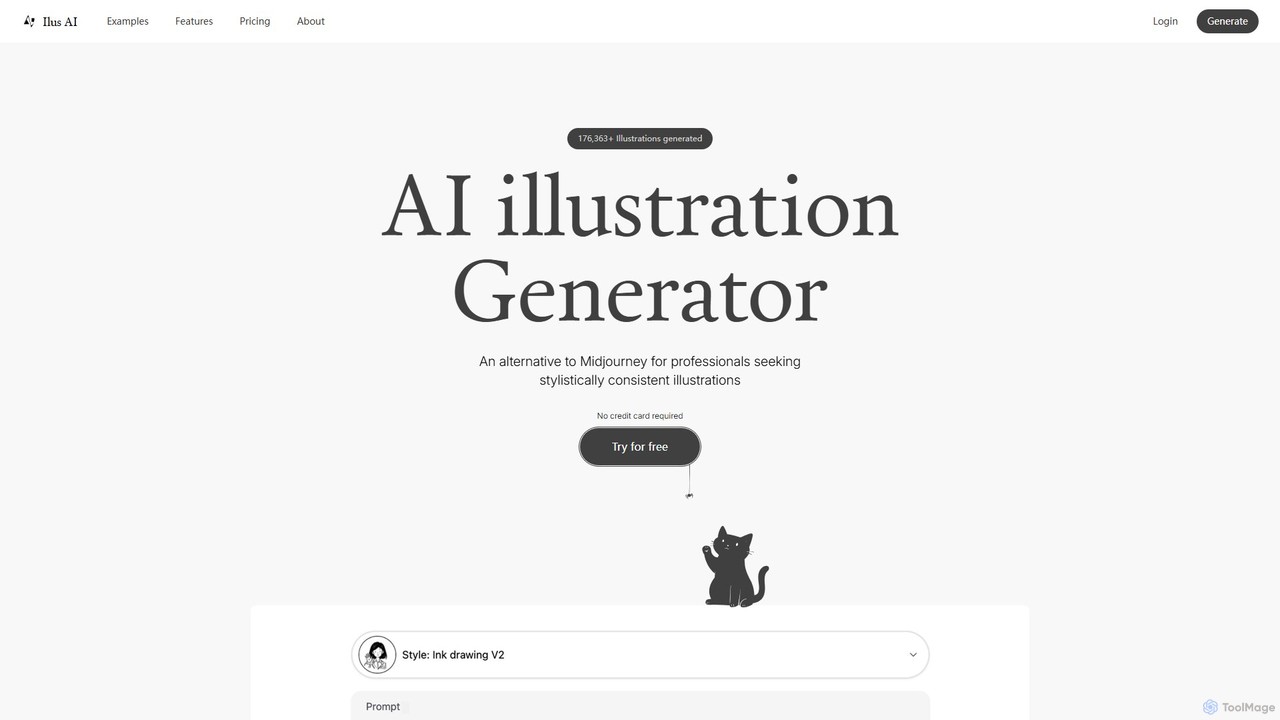
ilus
Ilus is an AI illustration generator designed for professionals seeking stylistically consistent visuals. It serves as a powerful alternative to mainstream tools by allowing users to fine-tune a unique art style using their own images. With features like prompt-based creation, built-in editing tools, and crucial SVG export, Ilus is perfect for designers, marketers, and founders. Its flexible pay-as-you-go pricing model, with no subscriptions and non-expiring credits, makes professional-grade illustration accessible to all.
Illustration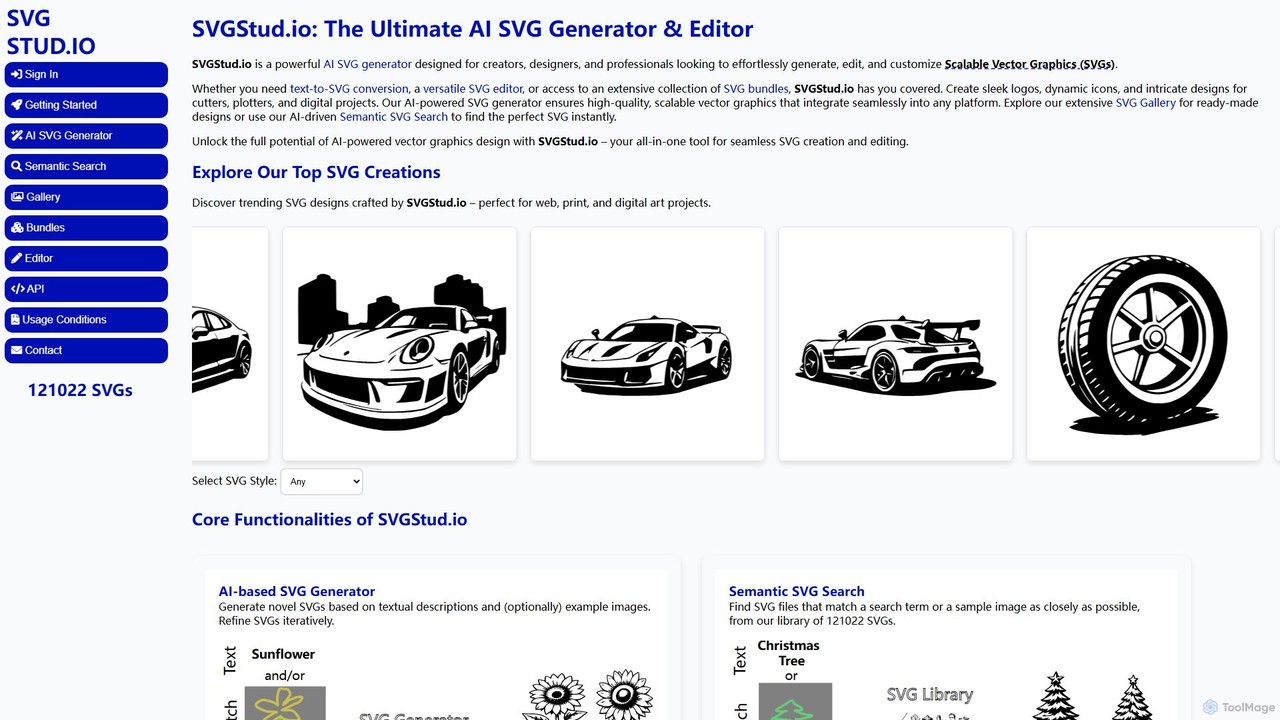
svgstud
SVGStud.io is an all-in-one AI platform for creating, editing, and discovering Scalable Vector Graphics (SVGs). It features a powerful text-to-SVG and image-to-SVG generator, an integrated in-browser editor, and a searchable library of over 120,000 SVGs. Ideal for designers, developers, and creators, it simplifies the process of producing high-quality, scalable vector assets for web, print, and digital projects.
Vector Graphics
SVG Bloom
SVG Bloom is an AI-powered SVG generator that creates unique, high-quality, and scalable vector graphics from simple text prompts in seconds. It's designed for crafters, designers, and developers, perfect for Cricut, print-on-demand, web design, and engraving. It offers a flexible pay-as-you-go pricing model with a free trial.
Vector Graphics
picogen.io
picogen.io is an AI-powered image generation platform designed for creating high-quality, unique icons, logos, and other small visual assets. By leveraging advanced generative models, it allows users to produce custom graphics from simple text prompts, streamlining the design process for developers, marketers, and creators. It's ideal for generating app icons, website favicons, and other specific design elements quickly and efficiently.
Logo Design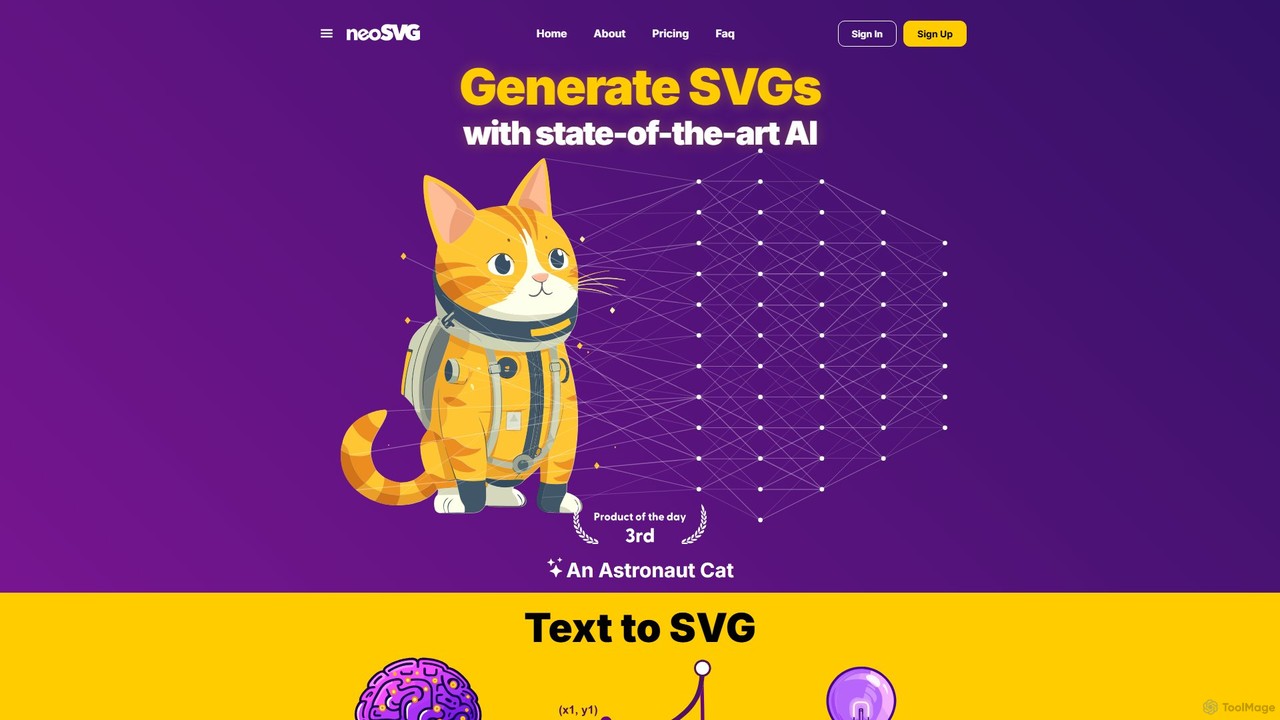
neosvg
neosvg is an AI-powered platform that transforms text prompts into high-quality, infinitely scalable SVG vector graphics. Leveraging proprietary technology, it enables designers, developers, and creators to generate unique icons, logos, and illustrations in minutes, streamlining the creative workflow for web design, print, and digital media.
Vector Graphics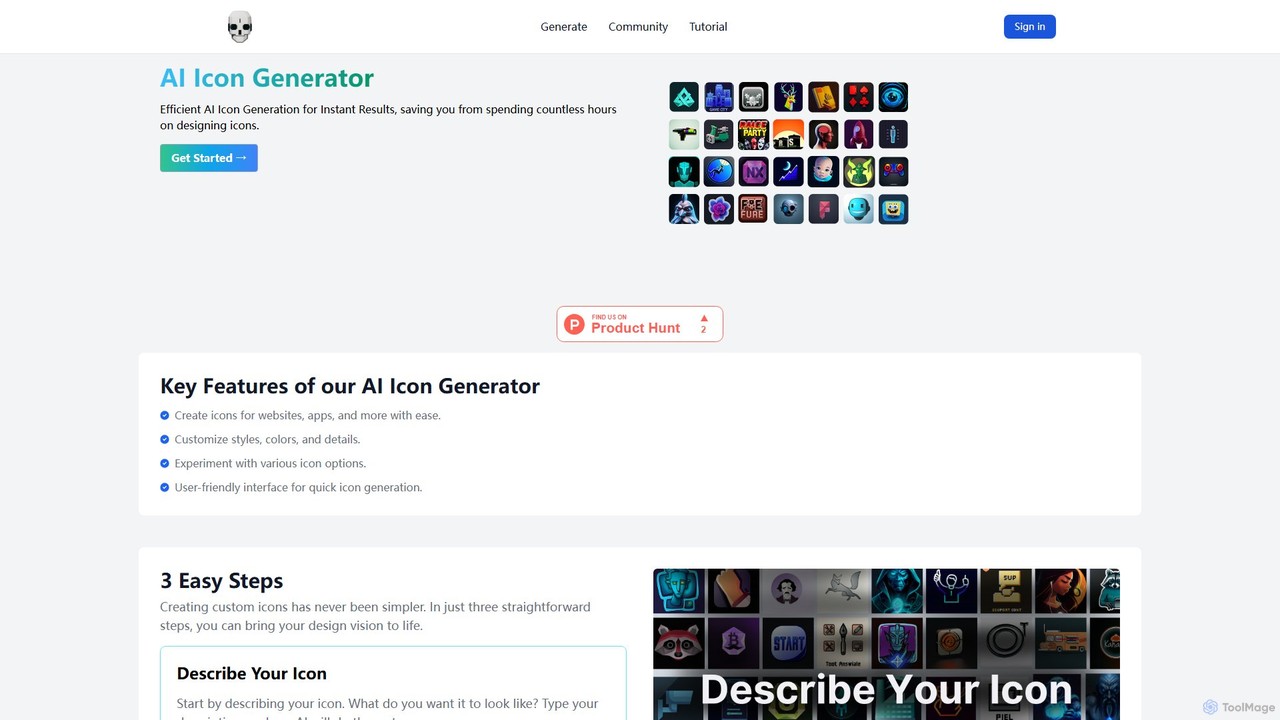
themebutler
themebutler is an AI-powered icon generator that creates unique, custom icons from text descriptions in seconds. It offers a wide range of styles, colors, and sizes, making it ideal for developers, designers, and businesses to enhance their websites, apps, and branding materials effortlessly.
Icon Generation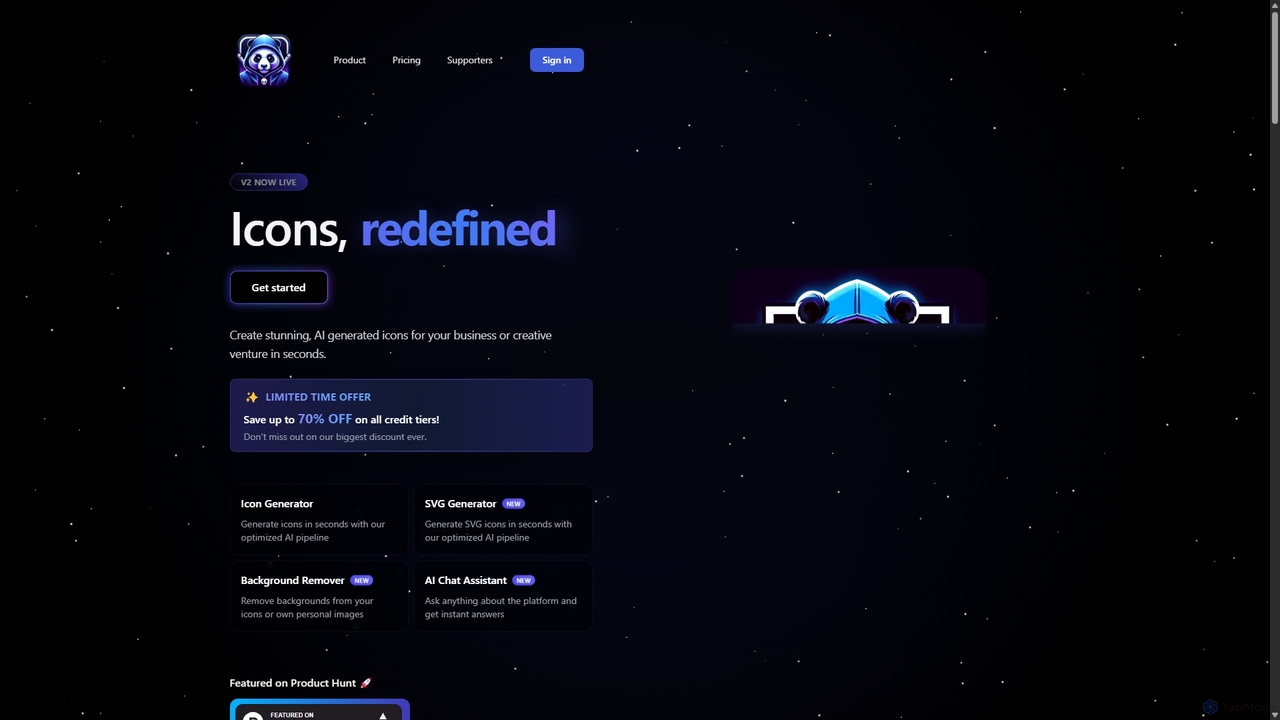
IconAI
IconAI is a powerful AI-driven platform that enables users to generate stunning, unique icons and high-quality SVG graphics in seconds. It features an intuitive icon generator, a robust SVG creator, a background removal tool, and an AI assistant, making it perfect for businesses, designers, and developers.
Icon Generation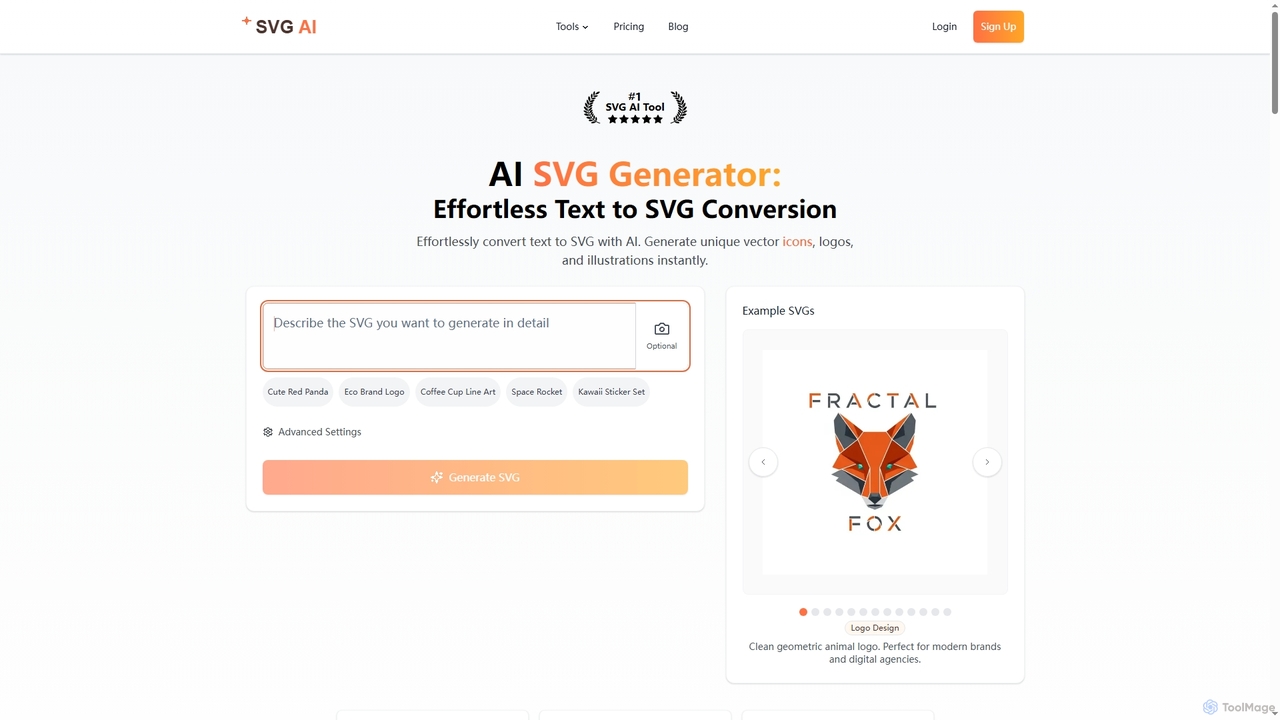
Svgai
Svgai is an AI-powered platform that instantly converts text descriptions into high-quality, scalable vector graphics (SVGs). It's designed for creating unique logos, icons, and illustrations with clean, production-ready code, supporting over 50 languages.
Graphics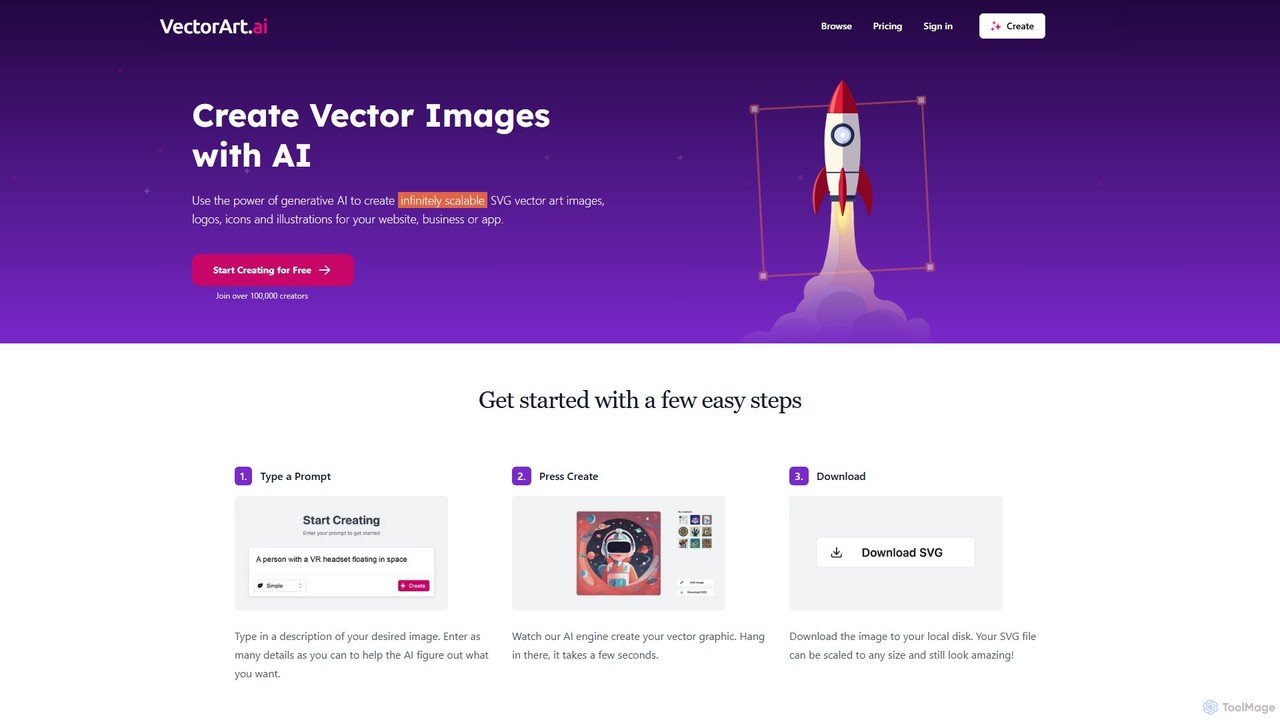
VectorArt.ai
VectorArt.ai is an AI-powered platform that generates high-quality, infinitely scalable SVG vector images, logos, icons, and illustrations from simple text prompts. It's designed for creators, marketers, and developers to produce professional graphics quickly and easily, without needing advanced design skills.
Illustration
Jyek
Jyek is an AI agent platform that understands objectives, creates execution plans, uses tools, and delivers verifiable results for complex, multi-step tasks.
Automation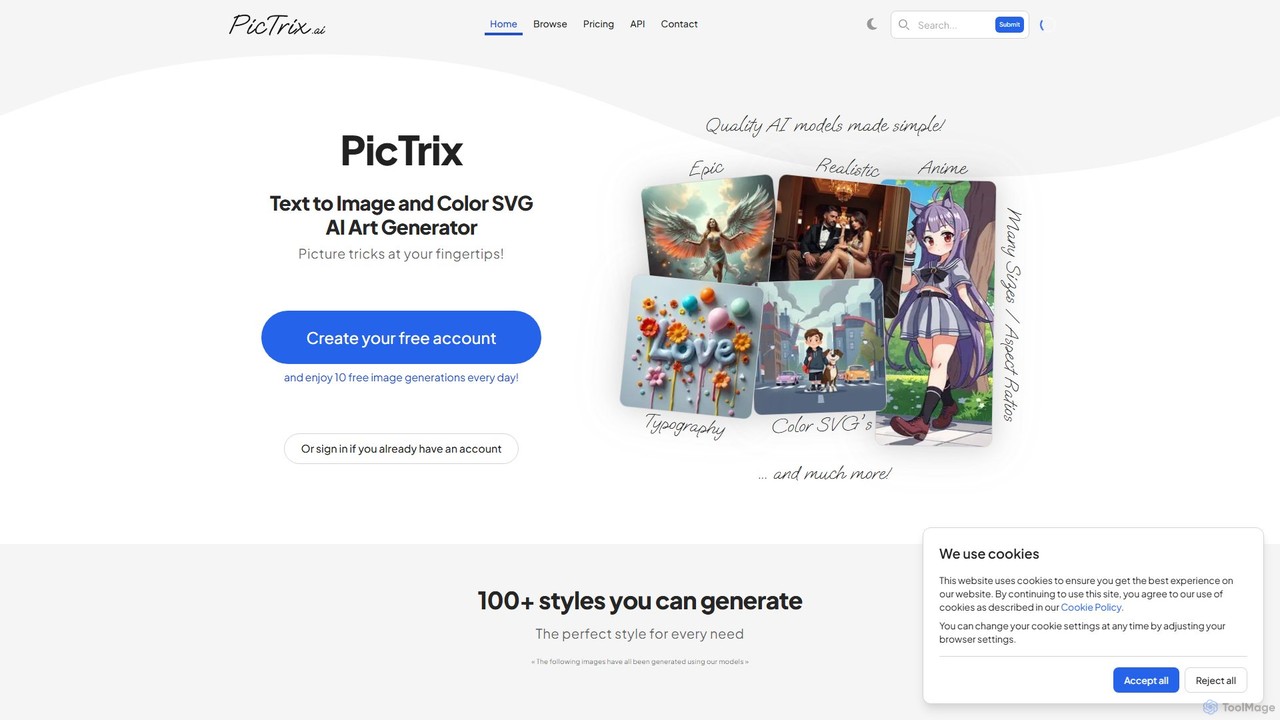
pictrix.ai
Pictrix.ai is a versatile AI art generator that transforms text prompts into high-quality images and unique color SVG files. It offers over 100 distinct styles, image-to-image transformation capabilities, and a generous free plan with 10 daily generations, making it ideal for artists, designers, and marketers.
Image Generation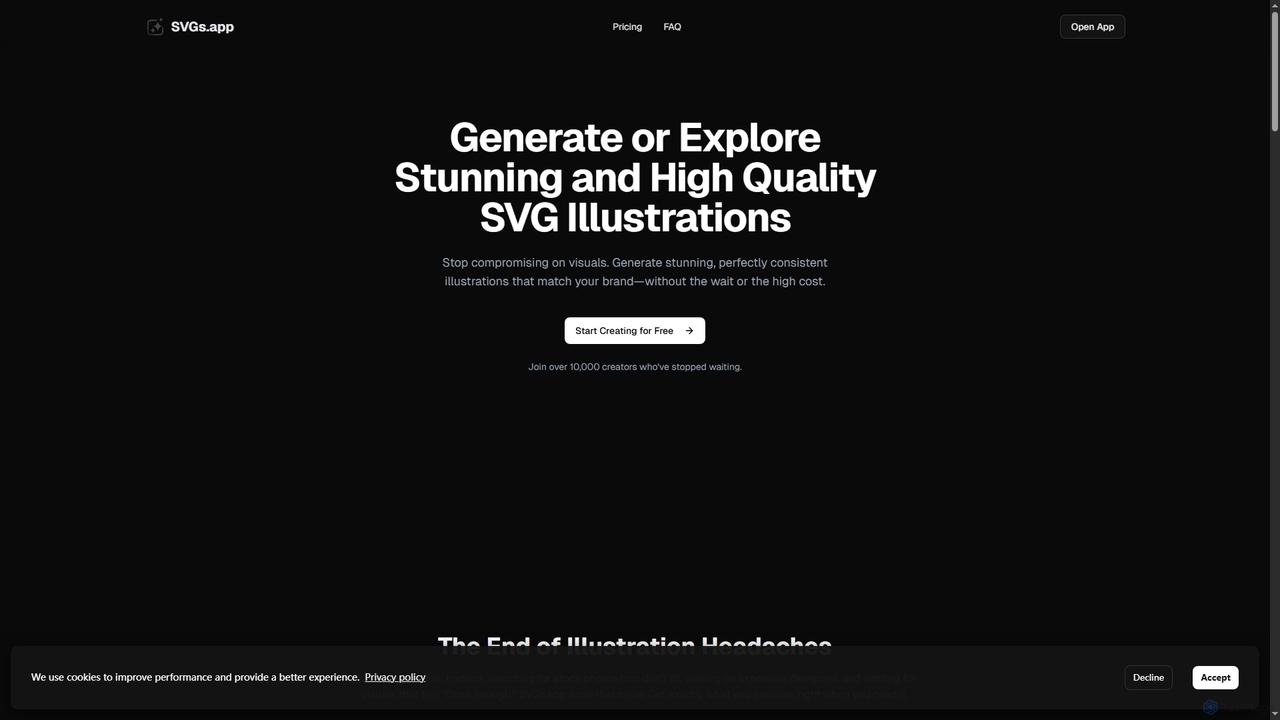
SVGs
SVGs is an AI-powered platform designed to generate high-quality, consistent SVG illustrations rapidly. It empowers individuals and teams to create stunning, on-brand visuals for various applications, from websites and apps to marketing materials, without requiring extensive design expertise or significant time and cost investments.
Illustration Generation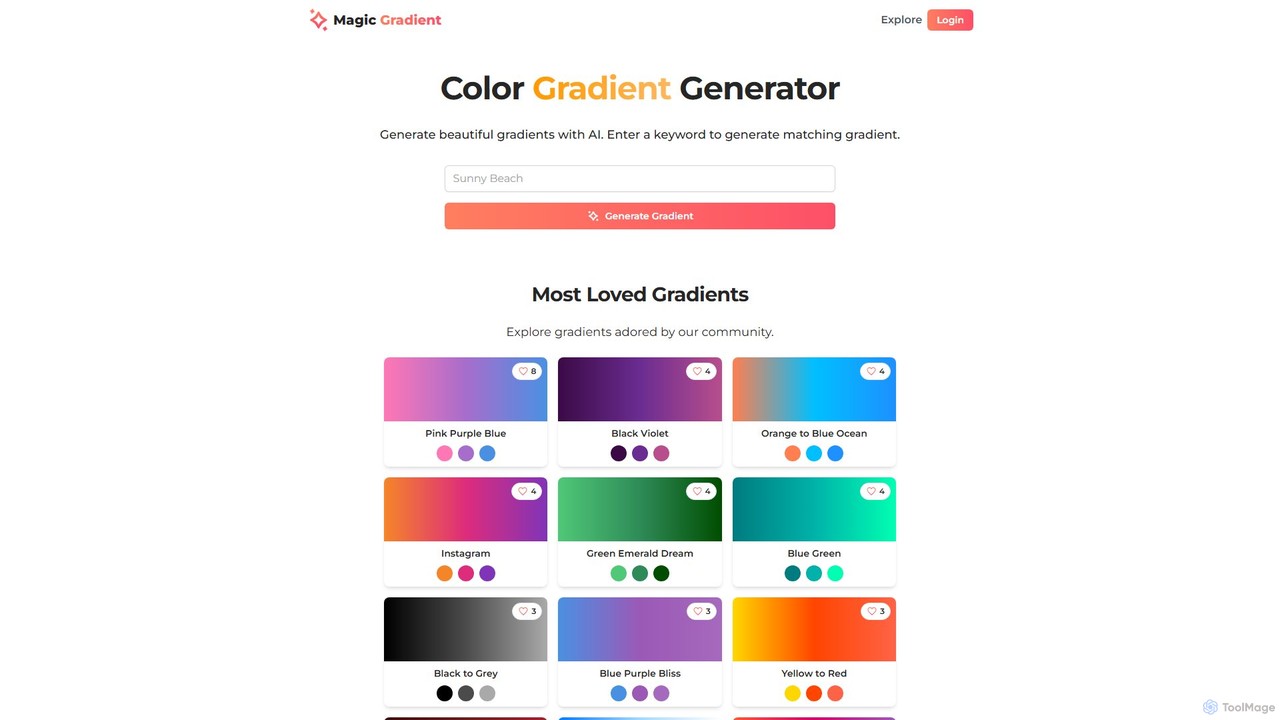
magicgradient
An AI-powered design suite for creating stunning color gradients, customizable SVG waves, and gradient-filled SVGs. Simply enter a keyword to generate unique color schemes, or use the advanced tools to create dynamic backgrounds and assets for your web and graphic design projects.
Color Palette Generator
Vivid Comments (0)
Sign in to comment.
Sign inNo comments yet.