

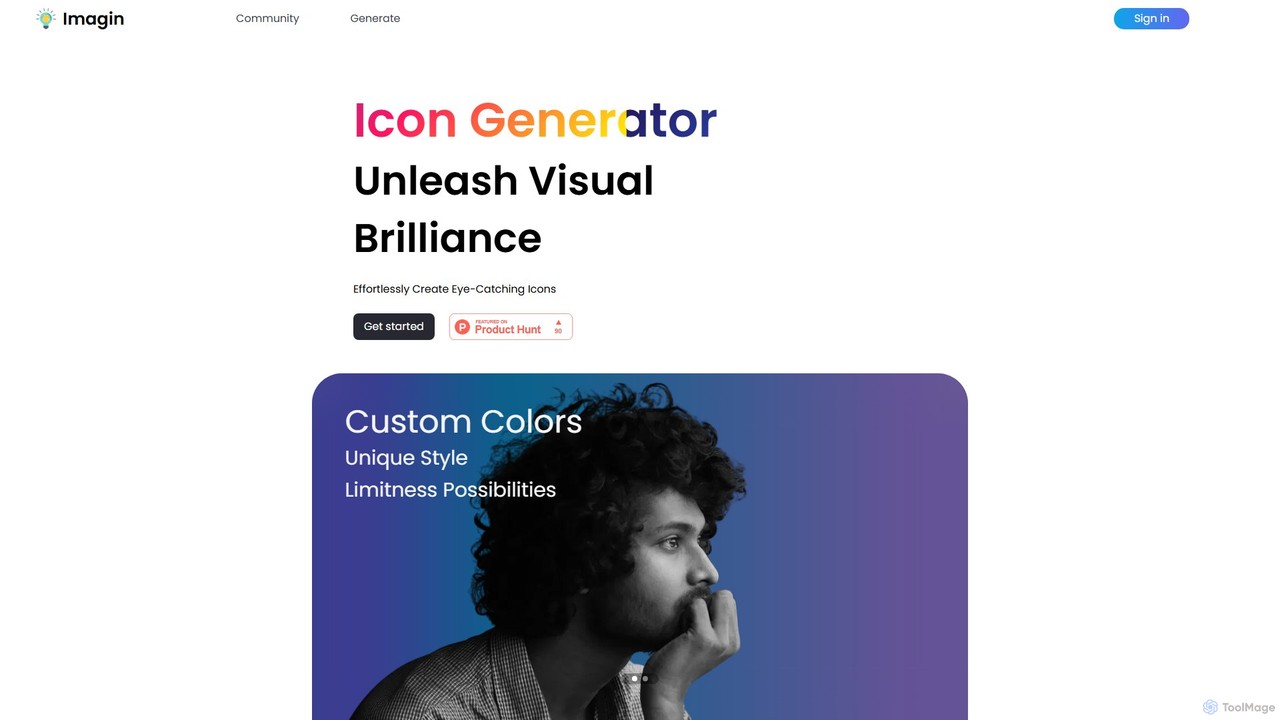
Imagin Overview
Imagin is a cutting-edge AI tool designed to revolutionize the way we create visual assets. At its core, Imagin is an AI-powered icon generator that allows users to bring their ideas to life by simply describing them in text. This platform empowers designers, developers, marketers, and creators of all skill levels to produce stunning, unique icons in a matter of seconds, eliminating the need for complex design software or expensive stock assets. With a growing community and thousands of creations already made, Imagin is establishing itself as a go-to solution for fast, customizable, and affordable icon design.
The platform is built on advanced algorithms that interpret natural language prompts to generate visually appealing icons. It's not just about creating an image from a word; Imagin provides a high degree of control over the final output. Users can specify styles, colors, and even the orientation of subjects, ensuring the generated icons perfectly match their brand identity or project requirements. The tool also actively educates its users on getting the best results through its detailed 'Prompt Engineering' guide, making it a valuable learning resource as well as a creation tool.
How to use Imagin
Using Imagin is a straightforward and intuitive process designed for efficiency and creativity. Here’s a step-by-step guide to generating your first icon:
- Sign Up for Free Credits: To begin, create an account on the Imagin website. New users are welcomed with 5 free credits, allowing you to start generating icons immediately at no cost.
- Describe Your Icon: Navigate to the generation page and enter a text prompt in the description box. For the best results, be specific. Imagin's prompt engineering guide suggests a structure like: {adjective} {emotion} {Subject}, {behavior}, {background}. For example, instead of 'a cat', try 'A joyful, fluffy calico cat, sleeping peacefully on a sunlit windowsill'.
- Customize Your Generation: Fine-tune the output using the available settings. You can select a specific theme color using the color picker or let the AI choose. Select a pre-configured style (like 'Logo', 'Face', etc.) to guide the AI, or choose 'default' and describe the style in your prompt for more freedom. You can also specify parameters like face orientation.
- Generate the Icon: Choose the number of images you want to create (1 credit is used per image). Click the 'Generate' button to dispatch the AI processing.
- Review and Download: Within seconds, Imagin will present the generated icons. You can then review the results, make adjustments to your prompt for another iteration, or download the icons that meet your needs.
Core Features of Imagin
- Advanced AI Text-to-Icon Generation: Utilizes sophisticated algorithms to accurately translate text descriptions into high-quality, relevant icons.
- Deep Customization: Offers extensive control over the final design, including a custom color picker, a variety of pre-tested styles, and specific orientation controls.
- Prompt Engineering Guidance: Provides users with a detailed guide and a recommended prompt structure to help them craft effective prompts and achieve superior results.
- Community & Prompt Recipes: Fosters a community of creators and offers 'Icon Recipes' (proven prompts) to inspire users and help them brainstorm new ideas.
- Fast and Efficient: Generates multiple icon options in seconds, dramatically speeding up the design workflow and saving valuable time.
- User-Friendly Interface: A clean, intuitive interface makes icon creation accessible to everyone, regardless of their technical or design expertise.
Use Cases for Imagin
Imagin is a versatile tool suitable for a wide range of professional and personal projects:
- Web and App Development: Developers can create custom icons for user interfaces (UI), navigation menus, and feature buttons, ensuring a unique and cohesive look for their applications.
- Marketing and Branding: Marketers can design unique icons for presentations, social media posts, email newsletters, and websites to enhance brand identity and engagement.
- Graphic Design: Designers can use Imagin as a rapid brainstorming tool to explore different icon concepts or to generate base elements for more complex designs.
- Logo Creation: Startups and small businesses can create affordable, professional-looking logo concepts without the need for a large budget.
- Content Creation: Bloggers and YouTubers can design custom icons for thumbnails, infographics, and other visual content to make their work stand out.
Advantages of Imagin
Imagin offers several key benefits over traditional design methods:
- Time-Saving: It automates the often time-consuming process of icon design, freeing up users to focus on other aspects of their projects.
- Cost-Effective: Provides an affordable alternative to hiring a graphic designer or purchasing expensive stock icon packs, with a free trial to get started.
- Limitless Creativity: Breaks down creative barriers by allowing anyone to turn a simple idea into a visual reality. The possibilities are only limited by your imagination.
- High Degree of Control: Unlike many basic AI generators, Imagin provides robust customization tools that give users significant influence over the final aesthetic.
Pricing and Plans
Imagin operates on a freemium model, making it accessible to everyone.
- Free Trial: New users receive 5 free credits upon signing up. Each credit can be used to generate one icon image.
- Credit-Based System: After using the free credits, users can purchase more credits through affordable pricing plans. The platform is designed to be budget-friendly, whether for a single project or ongoing needs. Specific pricing tiers are available on the website, typically offering better value for larger credit bundles.
Imagin Alternatives
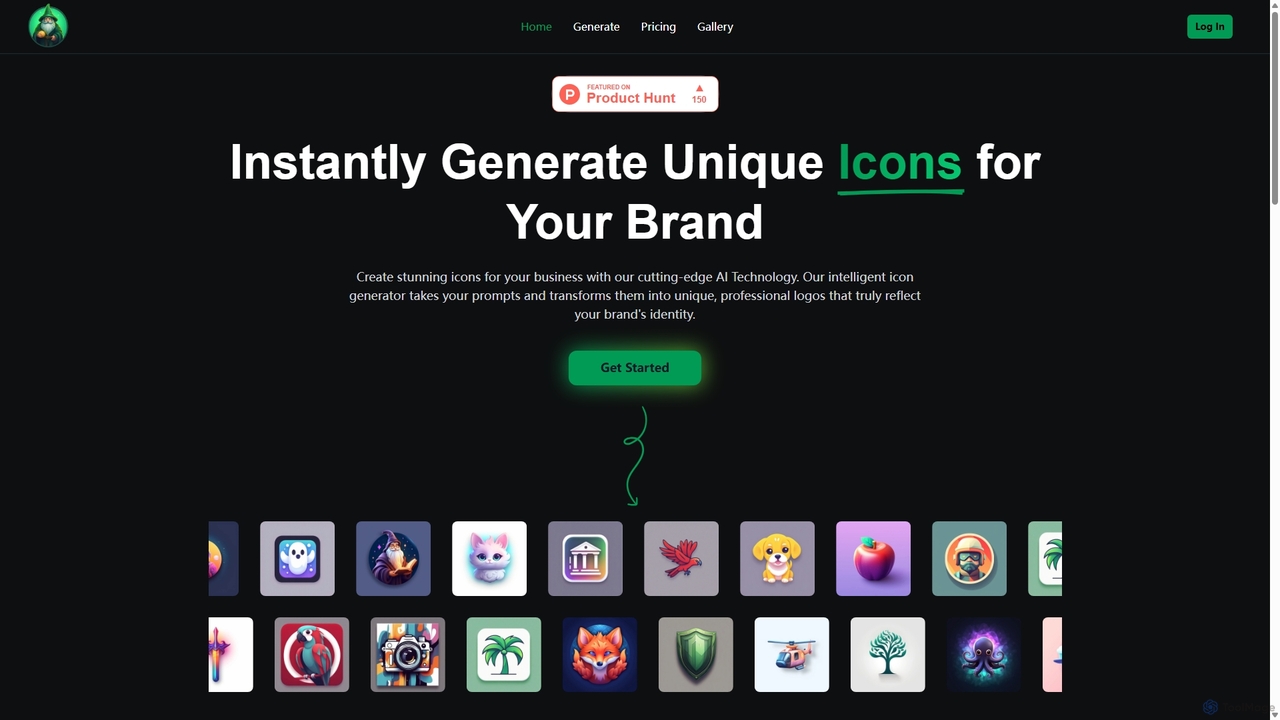
IconWizardAI
IconWizardAI is an AI-powered icon generator that allows users to create stunning, unique, and professional icons from simple text prompts. It offers a streamlined process, customization options for color and style, and is designed for developers, designers, and marketers to produce high-quality visual assets quickly and cost-effectively.
Image Generation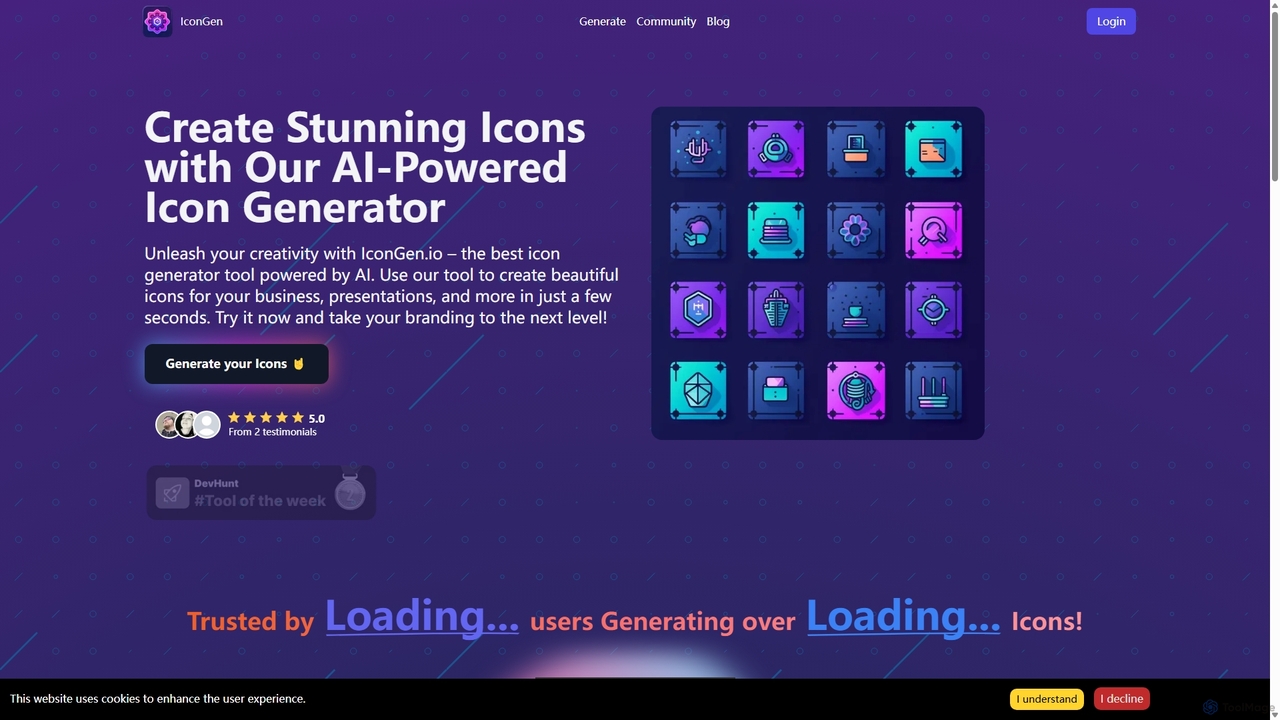
Icongen
Icongen is an AI-powered tool that enables users to generate unique, high-quality icons in seconds. By simply providing a text prompt, users can create custom icons tailored to their specific needs, choosing from 12 distinct styles, various colors, and shapes. It's designed for designers, developers, and marketers looking to enhance their projects with original visual assets.
Image Generation
Iconifyai
Iconifyai is an AI-powered icon generator that creates unique, high-quality app icons in seconds. Simply describe your desired icon, choose from over 11 styles and colors, and receive professional-grade designs for iOS, Android, websites, and more. It's a fast, affordable, and easy-to-use solution for developers, designers, and entrepreneurs.
Icon Generation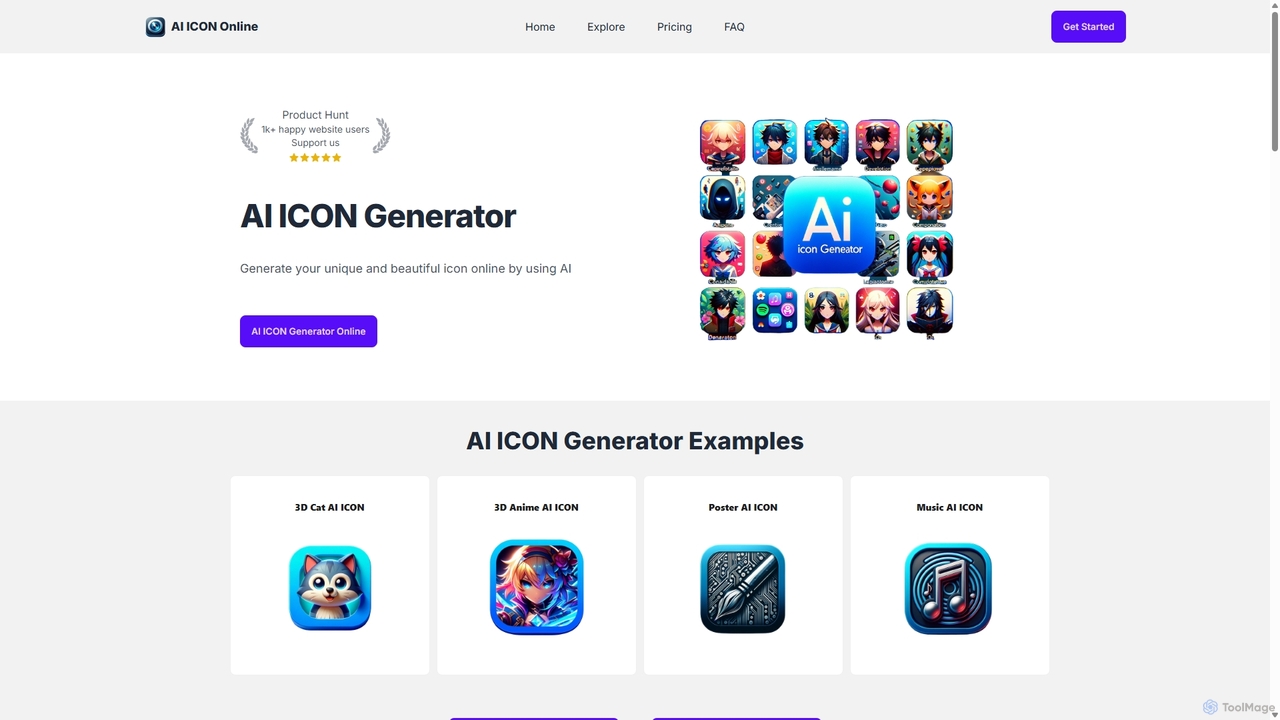
AI ICON Online
AI ICON Online is an AI-powered tool that generates unique, high-quality icons from simple text descriptions. Leveraging the advanced DALL-E 3 model, it allows users to create custom icons in various styles like 3D, flat, anime, and realistic, saving time and money. It's perfect for developers, designers, and marketers needing professional icons quickly.
Image Generation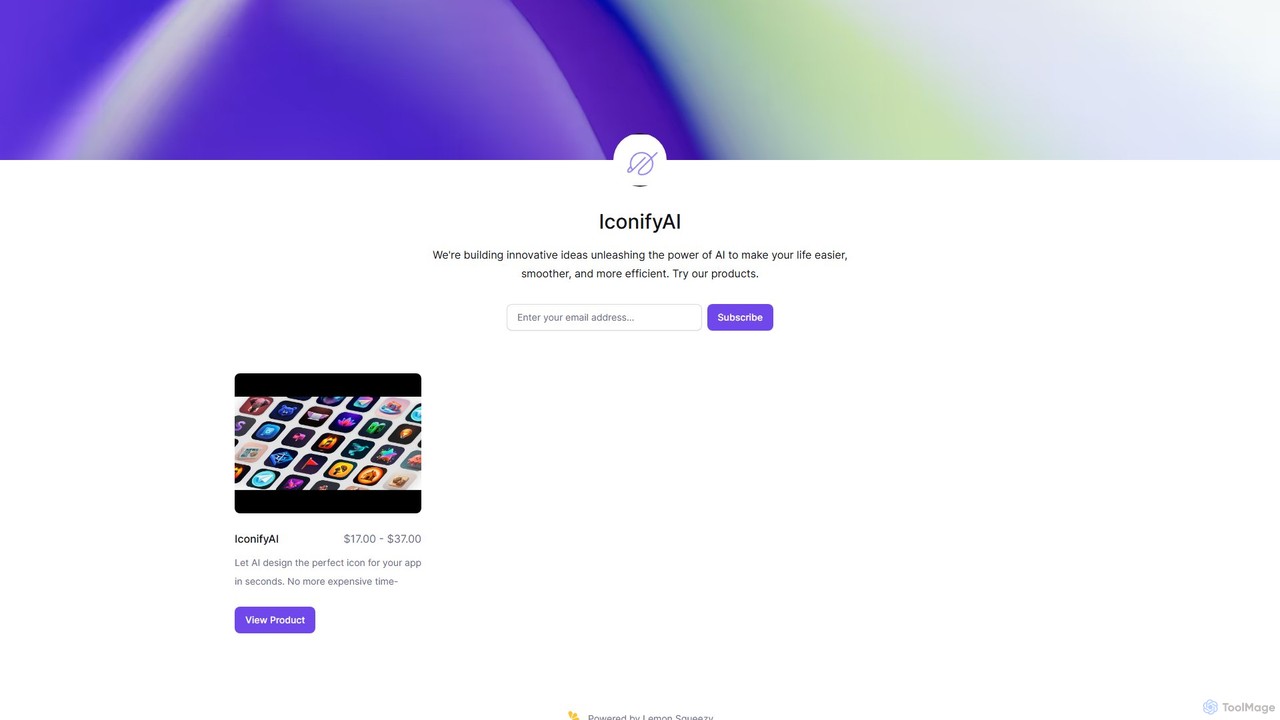
IconifyAI
IconifyAI is an AI-powered tool that designs and generates unique, professional-grade icons for your apps in seconds. It eliminates the need for expensive and time-consuming traditional design processes, offering high-resolution downloads with full ownership and commercial rights. Ideal for developers, designers, and startups.
Image GenerationImagin Categories
Imagin Embed Widget
Copy this embed code to place the badge on your blog, article, or product site and send readers directly to this ToolMage detail page.

Related AI tools
IconKit
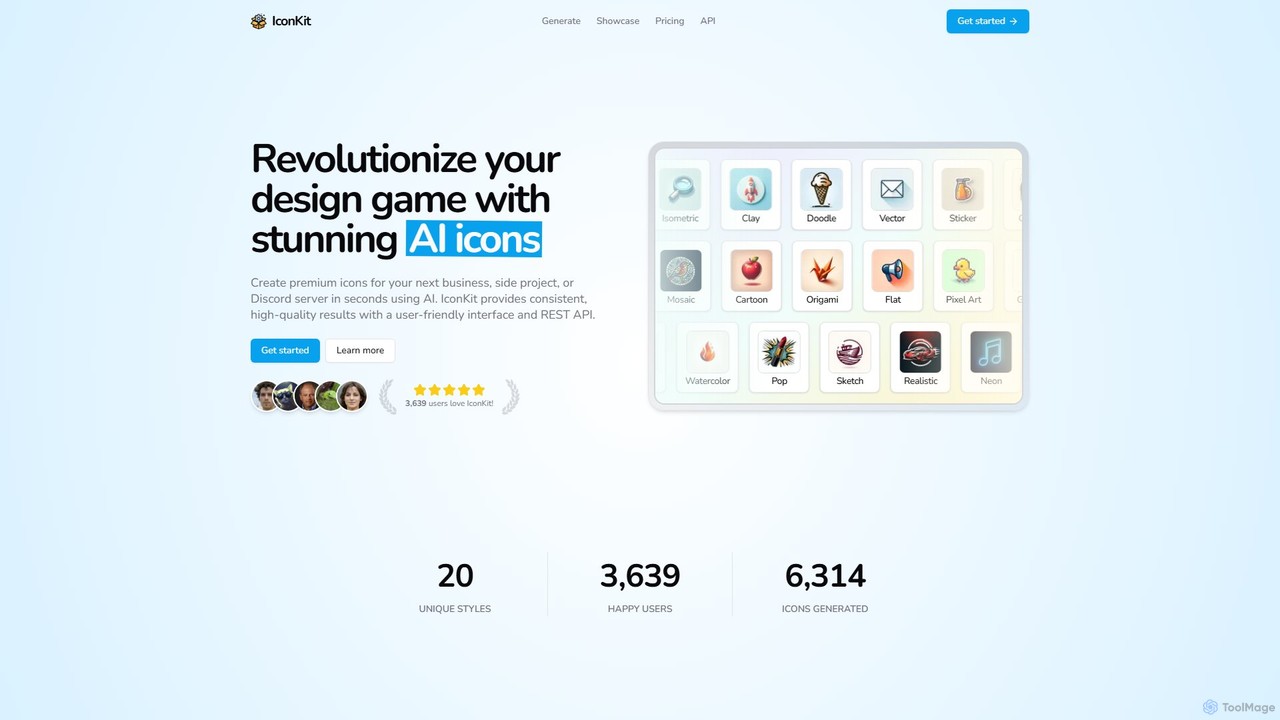
IconKit is an AI-powered icon generator that allows users to create stunning, unique, and high-quality icons in seconds. By simply describing the desired object, style, and color, users can generate custom icons for websites, apps, and projects. It offers a wide range of styles and provides commercial-friendly icons with a simple, credit-based pricing model.
Image Generation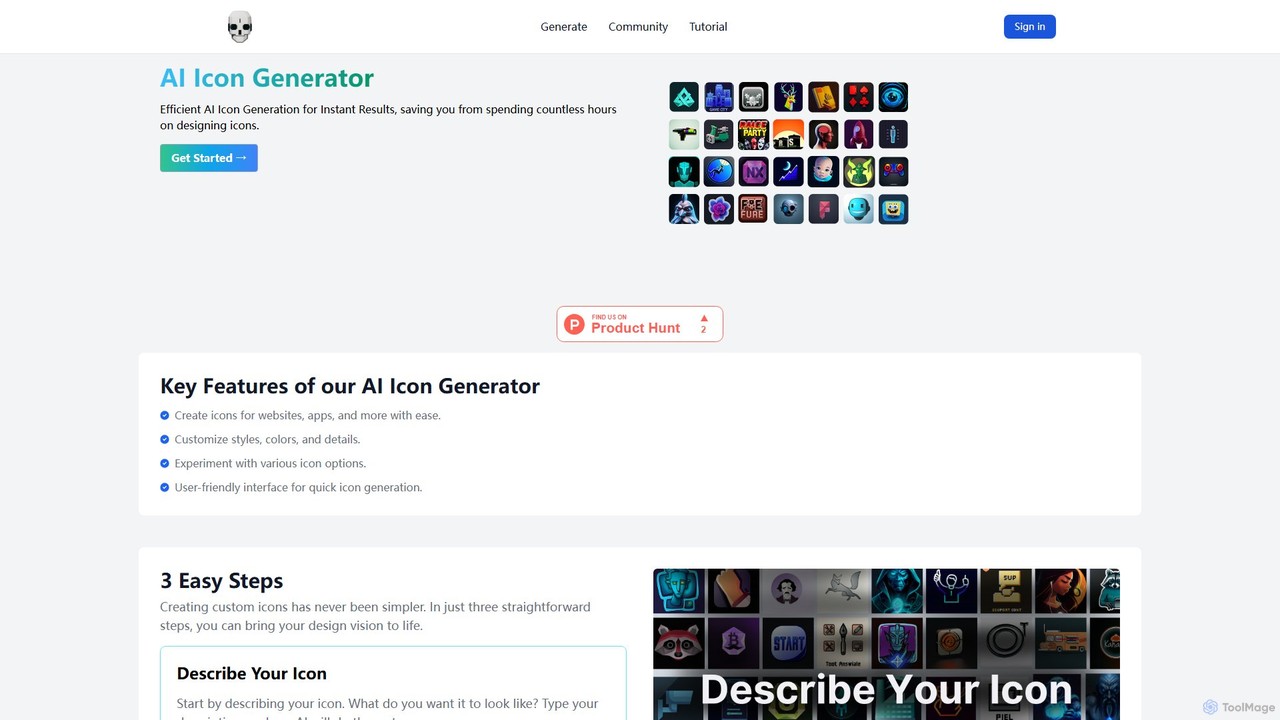
themebutler
themebutler is an AI-powered icon generator that creates unique, custom icons from text descriptions in seconds. It offers a wide range of styles, colors, and sizes, making it ideal for developers, designers, and businesses to enhance their websites, apps, and branding materials effortlessly.
Icon GenerationIconWizardAI
IconWizardAI is an AI-powered icon generator that allows users to create stunning, unique, and professional icons from simple text prompts. It offers a streamlined process, customization options for color and style, and is designed for developers, designers, and marketers to produce high-quality visual assets quickly and cost-effectively.
Image GenerationIcongen
Icongen is an AI-powered tool that enables users to generate unique, high-quality icons in seconds. By simply providing a text prompt, users can create custom icons tailored to their specific needs, choosing from 12 distinct styles, various colors, and shapes. It's designed for designers, developers, and marketers looking to enhance their projects with original visual assets.
Image GenerationIconifyai
Iconifyai is an AI-powered icon generator that creates unique, high-quality app icons in seconds. Simply describe your desired icon, choose from over 11 styles and colors, and receive professional-grade designs for iOS, Android, websites, and more. It's a fast, affordable, and easy-to-use solution for developers, designers, and entrepreneurs.
Icon GenerationAI ICON Online
AI ICON Online is an AI-powered tool that generates unique, high-quality icons from simple text descriptions. Leveraging the advanced DALL-E 3 model, it allows users to create custom icons in various styles like 3D, flat, anime, and realistic, saving time and money. It's perfect for developers, designers, and marketers needing professional icons quickly.
Image GenerationIconifyAI
IconifyAI is an AI-powered tool that designs and generates unique, professional-grade icons for your apps in seconds. It eliminates the need for expensive and time-consuming traditional design processes, offering high-resolution downloads with full ownership and commercial rights. Ideal for developers, designers, and startups.
Image Generation
Vivid
Vivid is an AI-powered SVG icon and illustration generator. It allows users to create unique, high-quality, and infinitely scalable vector graphics simply by describing them in natural language. It's an ideal tool for designers, developers, and marketers who need custom visuals quickly.
Icon Generation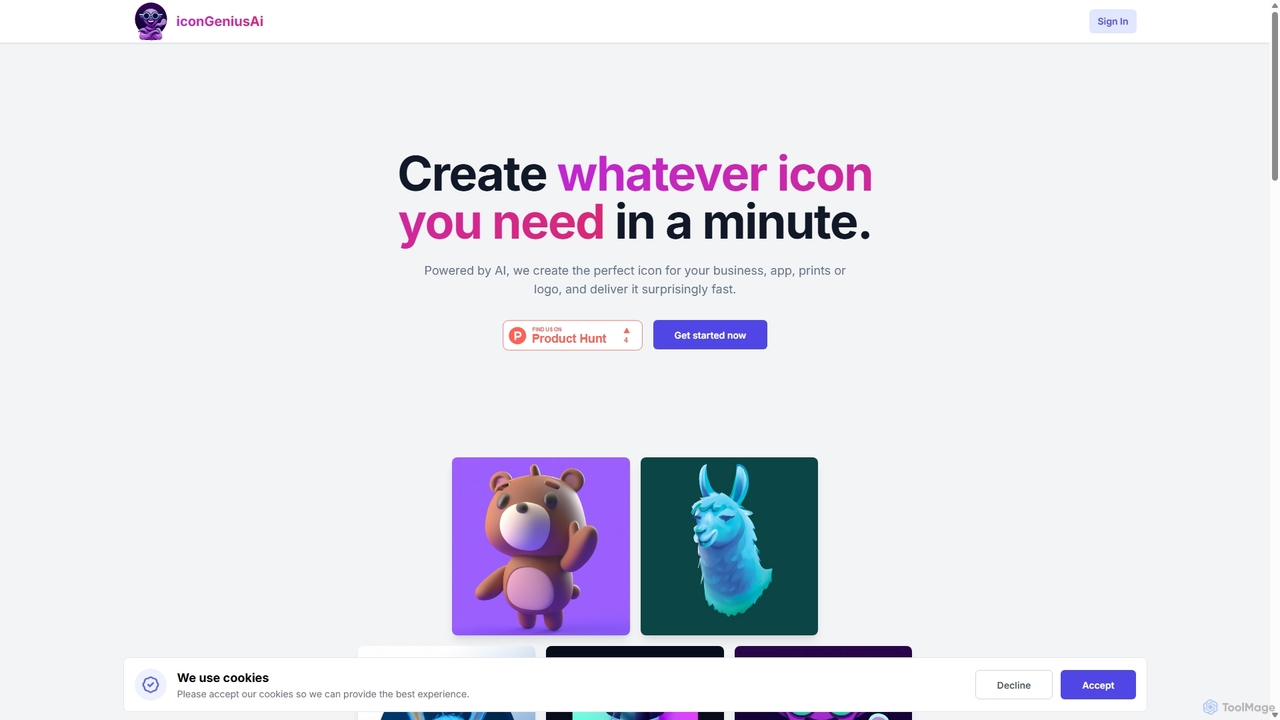
IconGeniusAi
iconGeniusAi is an AI-powered tool that allows users to create custom, high-resolution icons in minutes. Simply describe your desired icon, choose a color and style, and the AI generates unique visuals for your business, app, or personal projects. It offers a flexible, credit-based system instead of a recurring subscription.
Graphics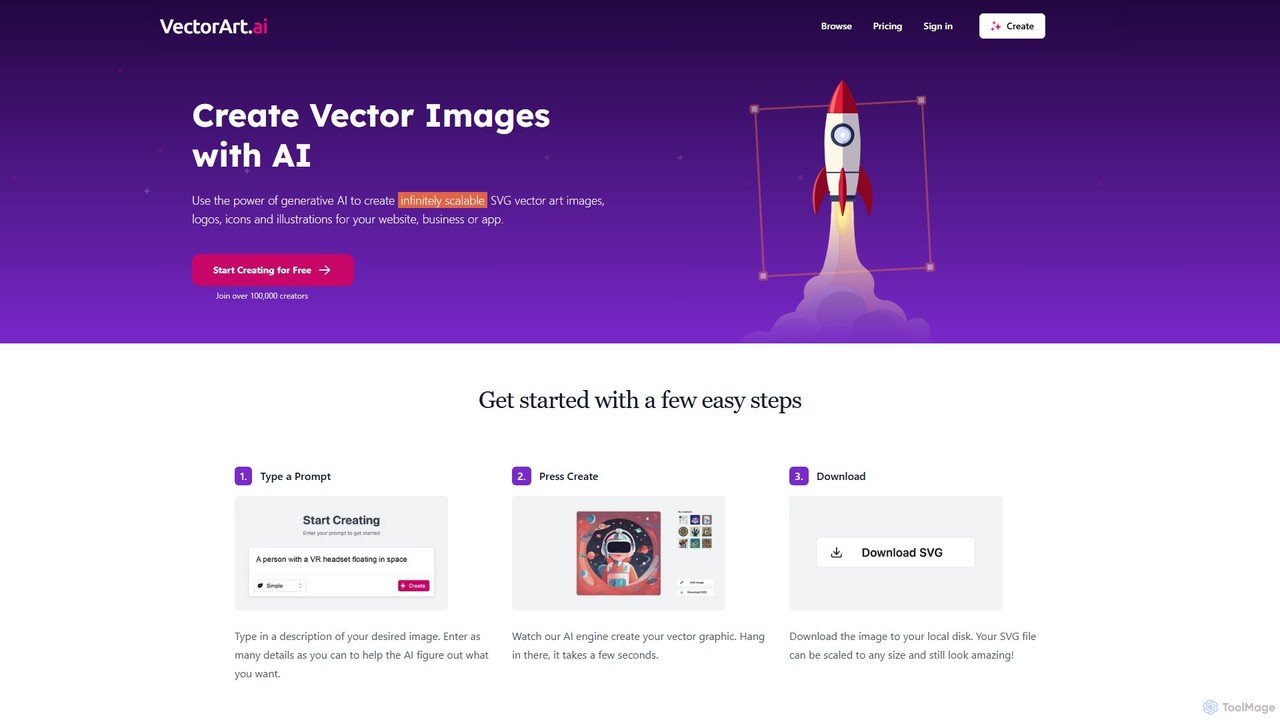
VectorArt.ai
VectorArt.ai is an AI-powered platform that generates high-quality, infinitely scalable SVG vector images, logos, icons, and illustrations from simple text prompts. It's designed for creators, marketers, and developers to produce professional graphics quickly and easily, without needing advanced design skills.
Illustration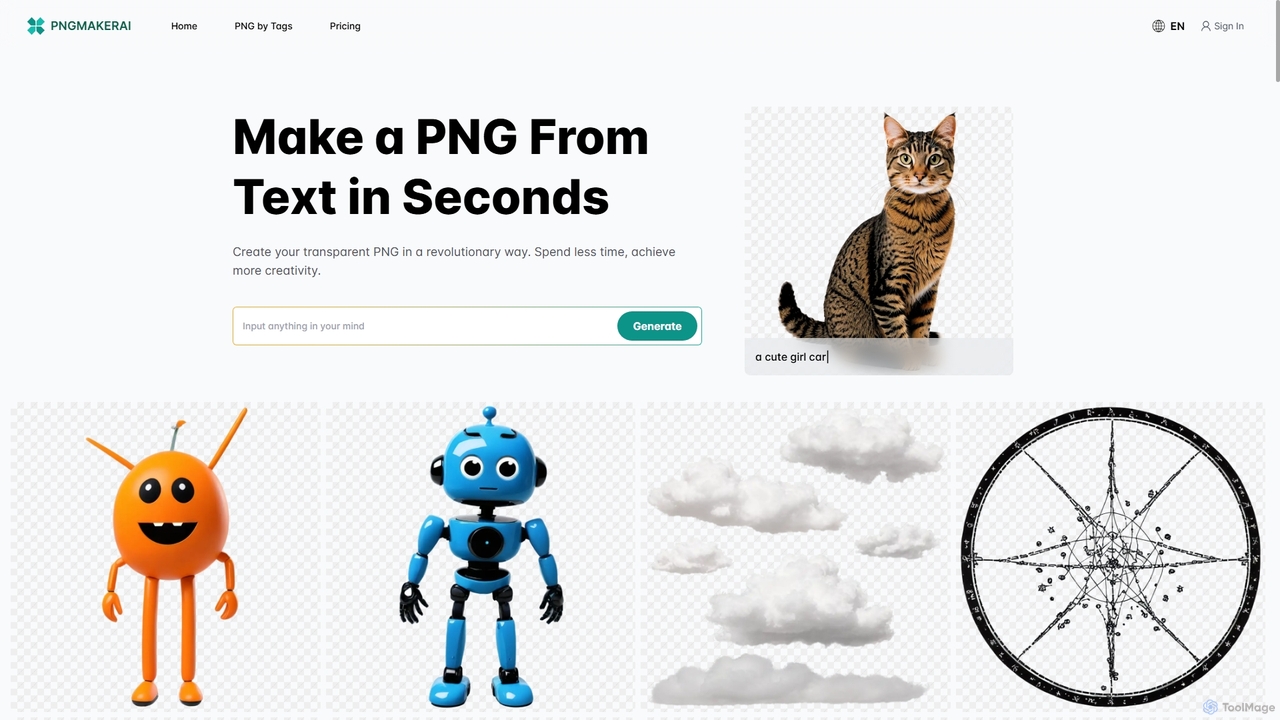
Pngmaker.ai
Pngmaker.ai is an AI-powered tool that generates high-quality, transparent PNG images from simple text descriptions in seconds. It's designed to streamline workflows for graphic designers, content creators, and marketers by eliminating the need for manual background removal. Users can instantly create logos, icons, marketing visuals, and more, unleashing their creativity without limits. A free plan is available to get started.
Graphics
picogen.io
picogen.io is an AI-powered image generation platform designed for creating high-quality, unique icons, logos, and other small visual assets. By leveraging advanced generative models, it allows users to produce custom graphics from simple text prompts, streamlining the design process for developers, marketers, and creators. It's ideal for generating app icons, website favicons, and other specific design elements quickly and efficiently.
Logo Design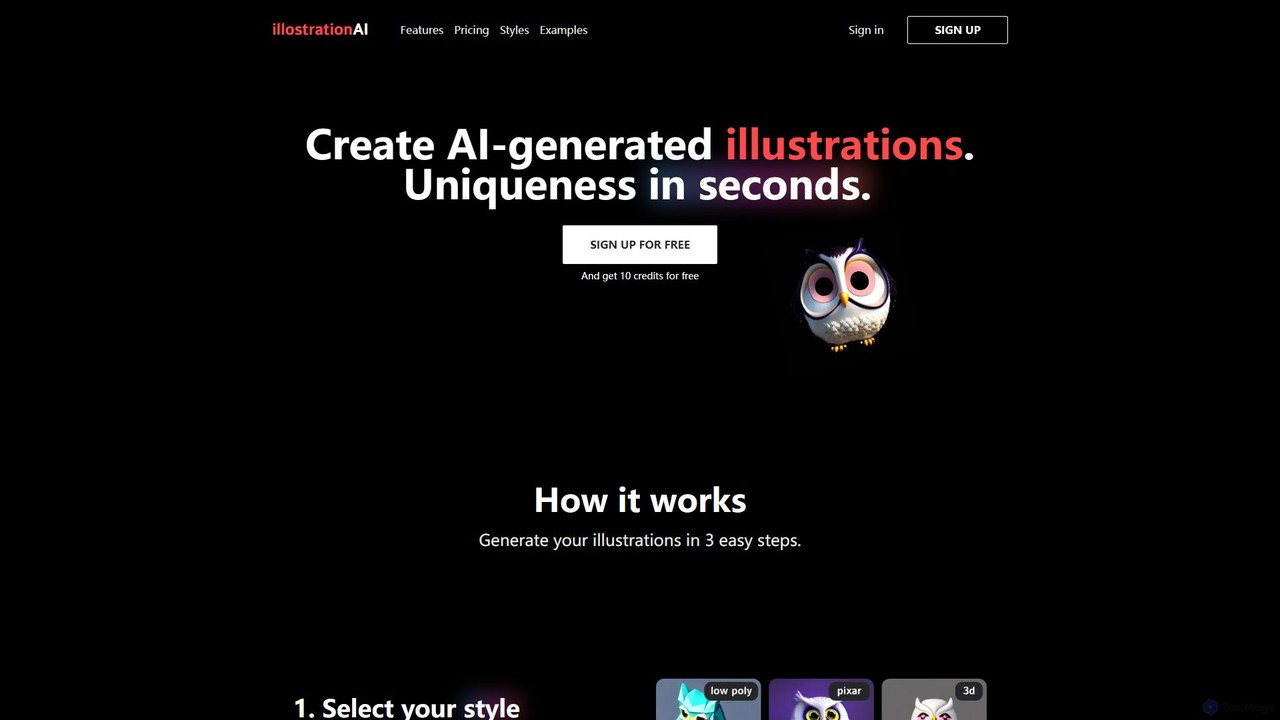
illostration
illostration is an AI-powered tool that generates unique, high-quality illustrations from text descriptions in seconds. It offers a wide variety of artistic styles, including 3D renders, vector art, Pixar style, and pixel art. Users can easily create and refine artwork, making it ideal for designers, marketers, and content creators who need custom visuals quickly.
Image Generator
Jyek
Jyek is an AI agent platform that understands objectives, creates execution plans, uses tools, and delivers verifiable results for complex, multi-step tasks.
Automation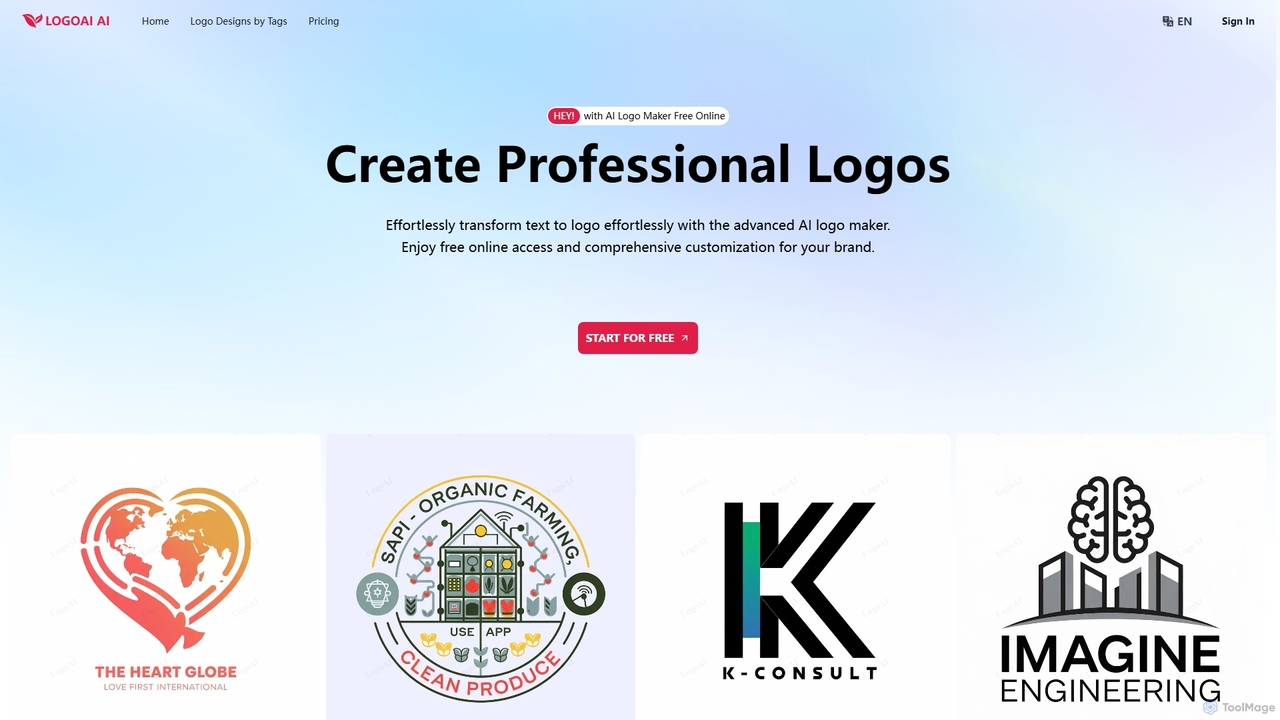
LogoAI
LogoAI is an advanced AI-powered logo maker that enables users to effortlessly create professional and unique logos from text descriptions. It offers extensive customization, high-quality vector downloads, and a user-friendly interface, making it ideal for startups, designers, and businesses seeking a strong brand identity without the need for design experience.
Image Generator
Imagin Comments (0)
Sign in to comment.
Sign inNo comments yet.