
Google Workspace
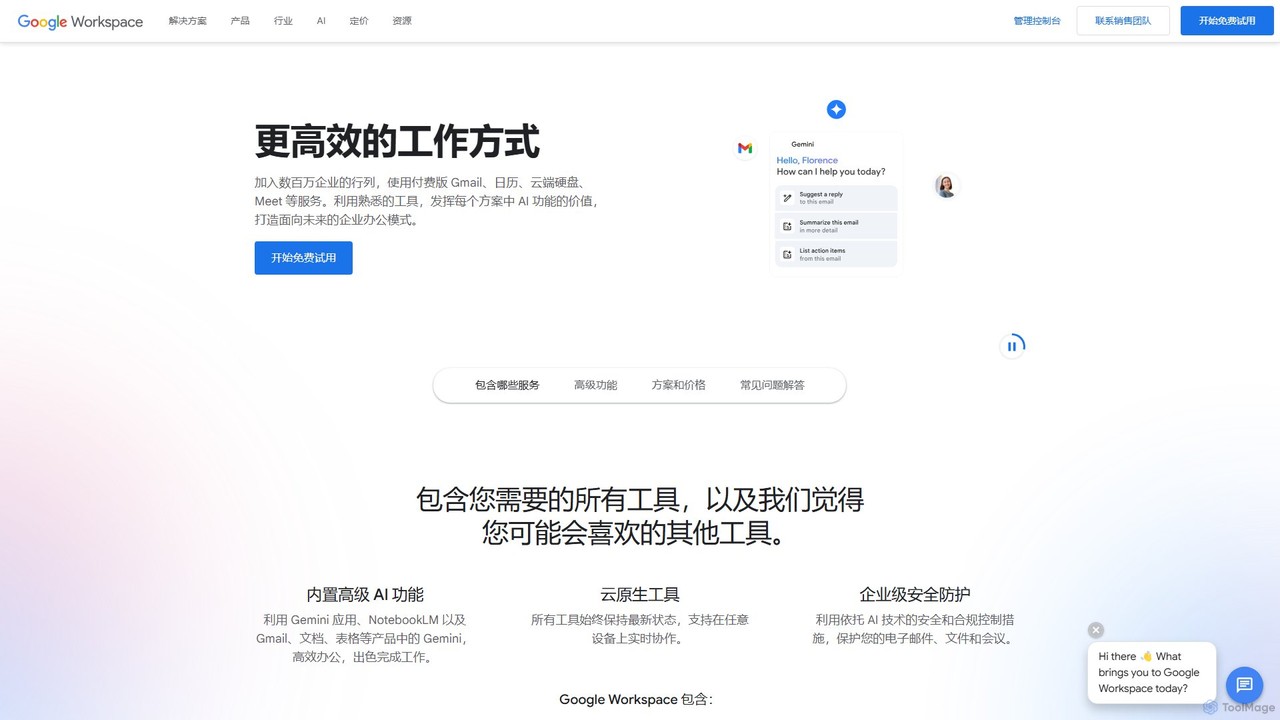
Google Workspace is an integrated suite of secure, cloud-native collaboration and productivity apps powered by Google AI. It …
Google Workspace is an integrated suite of secure, cloud-native collaboration and productivity apps powered by Google AI. It includes Gmail, Docs, Drive, Calendar, Meet, and more, designed to help teams of all sizes connect, create, and collaborate efficiently and securely from any device.
About Office Suite
AI Office Suites are integrated platforms that enhance traditional productivity applications with artificial intelligence. These tools leverage large language models (LLMs) and machine learning to automate content creation, analyze complex data in spreadsheets, and generate professional presentations from simple prompts. Their primary value lies in significantly boosting productivity by handling routine tasks, enabling users to focus on strategic thinking and creativity. This integration of AI transforms standard office workflows into more efficient, data-driven processes.
Core Features
- AI Writing Assistance: Generates, rewrites, and summarizes text within documents, emails, and notes, offering suggestions for tone and style.
- Automated Data Analysis: Analyzes spreadsheet data to identify trends, create visualizations, and generate formulas using natural language commands.
- Smart Presentation Generation: Creates complete, well-designed slide decks from a text outline, document, or simple prompt.
- Intelligent Meeting Summaries: Automatically transcribes and summarizes meetings, identifying key decisions and action items.
Use Cases
AI Office Suites are widely used in corporate environments for tasks like report generation, market analysis, and internal communications. Marketing teams use them to draft campaign copy and create pitch decks, while financial analysts leverage them for automated data interpretation and forecasting. They are also valuable for researchers and students for organizing notes and drafting papers.
How to Choose
When selecting an AI Office Suite, first consider its integration capabilities with your existing ecosystem (e.g., Google Drive, Microsoft 365). Evaluate the depth and quality of its core AI features—whether your priority is writing, data analysis, or presentation design. Also, assess its collaboration tools for team-based projects and review its data security and privacy policies, which are crucial for handling sensitive business information.
Office SuiteUse Cases
Automating Monthly Business Reports
A business analyst needs to create a comprehensive monthly performance report. Instead of manually compiling data and writing summaries, they use an AI Office Suite. They connect a data source to the spreadsheet tool, which automatically pulls the latest figures. Using a natural language prompt like 'summarize sales trends this month vs. last month and create a bar chart,' the AI generates the required analysis and visuals. This content is then seamlessly imported into a document, where the AI writing assistant drafts an executive summary and highlights key insights, reducing the entire process from a full day to under an hour.
Generating a Sales Pitch Deck from a Document
A sales manager has a detailed product brief in a document but needs a compelling presentation for a client meeting tomorrow. Using an AI Office Suite, they simply provide the document to the presentation tool and issue a command like 'Create a 10-slide sales pitch targeting enterprise clients.' The AI analyzes the document, extracts key features, benefits, and pricing, and then generates a complete, professionally designed slide deck. It includes a title slide, problem-solution slides, feature highlights, and a call-to-action slide, saving hours of manual design and content transfer work.
Drafting and Refining Marketing Campaign Emails
A marketing specialist is tasked with creating a new email campaign. They start by using the AI writing assistant to brainstorm subject lines optimized for high open rates. Then, they provide a few bullet points about the promotion and ask the AI to draft the full email body. The AI generates a persuasive draft, which the specialist then refines. They can ask the AI to 'make the tone more urgent' or 'rewrite this paragraph to be more concise.' This collaborative process accelerates content creation and improves the overall quality and effectiveness of the marketing copy.
Analyzing Customer Feedback in a Spreadsheet
A product manager has a spreadsheet with thousands of rows of raw customer feedback from surveys. Manually categorizing this data would take days. Using the AI features in their office suite's spreadsheet tool, they can run an analysis with a simple command: 'Categorize feedback into 'UI/UX', 'Performance', 'Pricing', and 'Feature Requests', and perform sentiment analysis for each.' The AI processes the text, adds new columns for category and sentiment (Positive, Negative, Neutral), and creates a pivot table summarizing the findings. This provides actionable insights in minutes, not days.
Creating Meeting Minutes and Action Items Instantly
A project team concludes a weekly sync meeting conducted online. The meeting was recorded within their AI Office Suite. Immediately after the call ends, the AI tool automatically generates a full transcript. More importantly, it also produces a concise summary highlighting the key topics discussed, decisions made, and a clear list of action items with assigned owners and due dates mentioned during the conversation. The project manager can review this summary, make minor edits, and share it with the team in less than five minutes, ensuring everyone is aligned and accountable.
Collaborative Brainstorming in a Shared Document
A creative team is brainstorming ideas for a new product launch. They open a shared document in their AI Office Suite and start by typing a central theme. Using the AI assistant, any team member can prompt for ideas, such as 'Generate 10 taglines for an eco-friendly tech product' or 'Create a mind map of potential marketing channels.' The AI instantly populates the document with structured suggestions. Team members can then vote on, edit, and expand upon these AI-generated ideas in real-time. This transforms a blank page into a rich canvas of possibilities, making brainstorming sessions more dynamic and productive.