
Google Workspace Overview
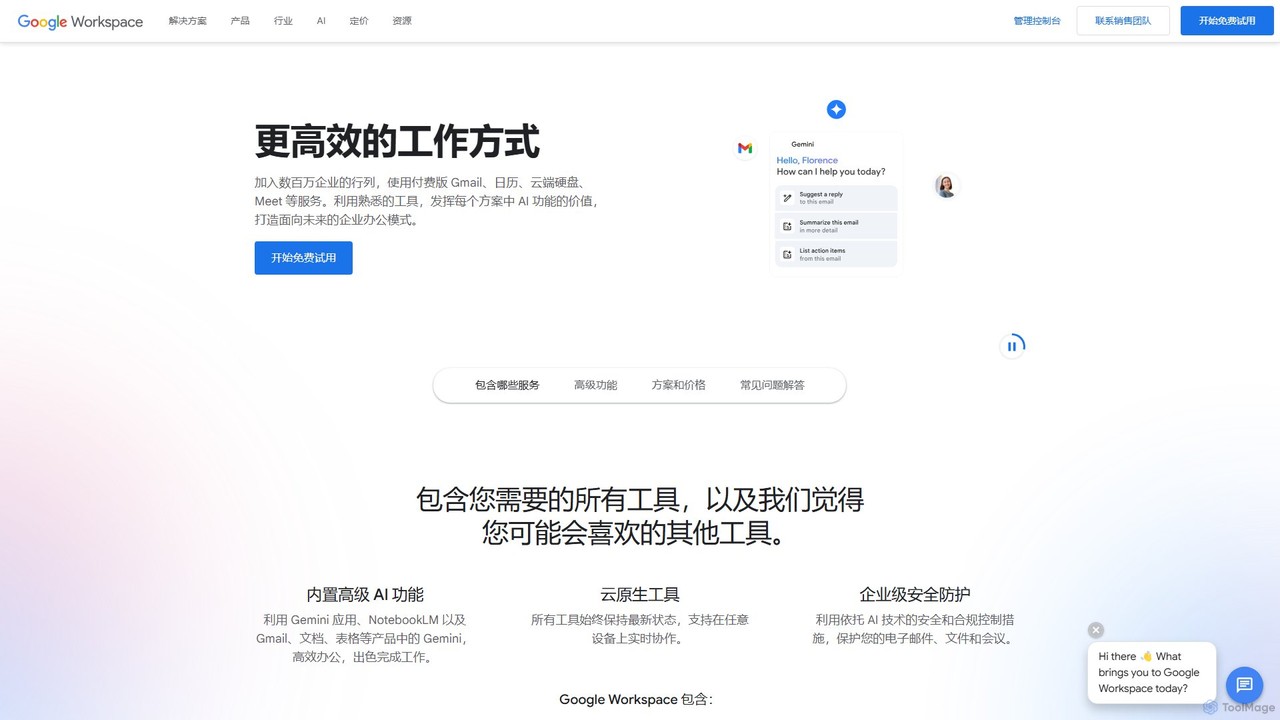
Google Workspace is a comprehensive, cloud-based productivity suite that brings together all the essential tools for modern work, enhanced with the power of Google's AI, Gemini. Designed for businesses, organizations, and individuals, it integrates familiar applications like Gmail, Calendar, Drive, Docs, Sheets, and Slides into a single, seamless experience. This allows teams to communicate, store files, and collaborate on projects in real-time, from anywhere and on any device. With a strong emphasis on security and scalability, Google Workspace provides an enterprise-grade solution that adapts to the needs of businesses, from startups to large corporations.
The integration of Gemini AI across the suite transforms how work gets done. Gemini acts as an intelligent assistant that can help draft professional emails in Gmail, generate creative content and summaries in Docs, analyze data and create formulas in Sheets, and build custom presentations in Slides. This not only accelerates tasks but also unlocks new levels of creativity and insight, allowing users to focus on more strategic work.
How to use Google Workspace
Getting started with Google Workspace is straightforward. First, choose a plan that fits your business needs and start a free 14-day trial. You can set up a custom, professional email address using your company's domain (e.g., [email protected]). Once set up, you and your team can immediately access the full suite of tools:
- Communicate: Use Gmail for professional email, Google Chat for instant messaging, and Google Meet for high-quality video conferences with features like recording, noise cancellation, and screen sharing.
- Create: Draft documents, reports, and contracts in Google Docs; build powerful spreadsheets in Google Sheets; and design compelling presentations in Google Slides. Leverage Gemini with simple prompts to generate content, images, and tables.
- Store & Share: Securely store all your files in Google Drive with pooled storage, and easily share them with team members or external partners for viewing or real-time collaboration.
- Organize: Manage your schedule with Google Calendar, which includes smart scheduling and the ability to create public appointment booking pages.
- Manage: Administrators can use the central Admin console to manage users, devices, security settings, and data retention policies with tools like Vault and advanced endpoint management.
Core Features of Google Workspace
- Integrated Application Suite: A complete set of tools including Gmail, Drive, Meet, Calendar, Chat, Docs, Sheets, Slides, Forms, Sites, Keep, and more.
- Gemini AI Integration: An AI-powered assistant embedded in Workspace apps to help write, summarize, analyze, and create content. Includes the standalone Gemini app and the AI research assistant, NotebookLM.
- Real-time Collaboration: Work together on the same document simultaneously, see edits as they happen, communicate through built-in chat, and use comments to assign tasks and provide feedback.
- Secure Cloud Storage: Centralized, secure file storage on Google Drive with flexible, pooled storage that grows with your organization (from 30 GB to 5 TB+ per user).
- Professional Communication Tools: Custom business email, high-definition video meetings for up to 1,000 participants, in-domain live streaming, and advanced features like noise cancellation and transcription.
- Enterprise-Grade Security: Protect your data with AI-driven security controls, two-step verification, data loss prevention (DLP), context-aware access, and advanced endpoint management.
- Advanced Document & Workflow Management: Native e-signature functionality in Google Docs, smart canvas features for embedding rich content, and seamless compatibility with Microsoft Office files.
Use Cases for Google Workspace
Google Workspace is versatile and supports a wide range of business functions. For example, a marketing team can collaborate on a campaign brief in Docs, track the budget in Sheets, create the pitch deck in Slides, and coordinate via Chat and Meet. A sales team can use custom email layouts and mail merge in Gmail for outreach, schedule demos with appointment pages in Calendar, and manage contracts with e-signatures in Docs. For IT administrators, the platform provides robust tools to manage security policies, control device access, and ensure compliance with data retention rules using Google Vault.
Advantages of Google Workspace
The primary advantage of Google Workspace is its all-in-one, fully integrated nature. It eliminates the need for multiple, disconnected software solutions, creating a unified and efficient workflow. Being cloud-native, it ensures that all tools are always up-to-date and accessible from any device with an internet connection. The deep integration of Gemini AI provides a significant productivity boost, automating routine tasks and enhancing creative capabilities. Its robust, multi-layered security infrastructure, built on Google's zero-trust model, provides peace of mind that company data is protected against threats.
Pricing and Plans
Google Workspace offers several plans tailored to different business sizes, with a 14-day free trial available.
- Business Starter: $7 USD/user/month. Includes custom business email, 100-participant video meetings, 30 GB of pooled storage per user, and standard security controls.
- Business Standard: $14 USD/user/month. Includes all Starter features plus 2 TB of pooled storage per user, 150-participant meetings with recording, appointment scheduling, and e-signature capabilities.
- Business Plus: $22 USD/user/month. Includes all Standard features plus 5 TB of pooled storage per user, 500-participant meetings with attendance tracking, eDiscovery and data retention with Google Vault, and enhanced security management.
- Enterprise: Custom pricing. Includes all Plus features with options for more storage, 1,000-participant meetings, in-domain live streaming, and the most advanced security features like S/MIME encryption, DLP, and enterprise-grade access controls.
Traffic
Latest traffic
Status
Monthly traffic trend
- 2025-9: 221.4M
- 2026-1: 227.9M
- 2026-2: 210.7M
- 2026-3: 232.0M
- 2026-4: 216.8M
- 2026-5: 210.4M
Geography
Top 5 countries / regions
- 🇺🇸United States60.7%
- 🇫🇷France12.4%
- 🇪🇸Spain9.6%
- 🇯🇵Japan9.4%
- 🇮🇳India7.9%
Traffic sources
| Source type | Percentage |
|---|---|
Direct | 50.6% |
Referral | 32.4% |
Email | 17.0% |
Top keywords
| Keyword | Cost per click |
|---|---|
| drive | $1.46 |
| gmail | $1.85 |
| google drive | $2.04 |
| google slides | $2.43 |
| google workspace | $6.33 |
Google Workspace Alternatives
Coda
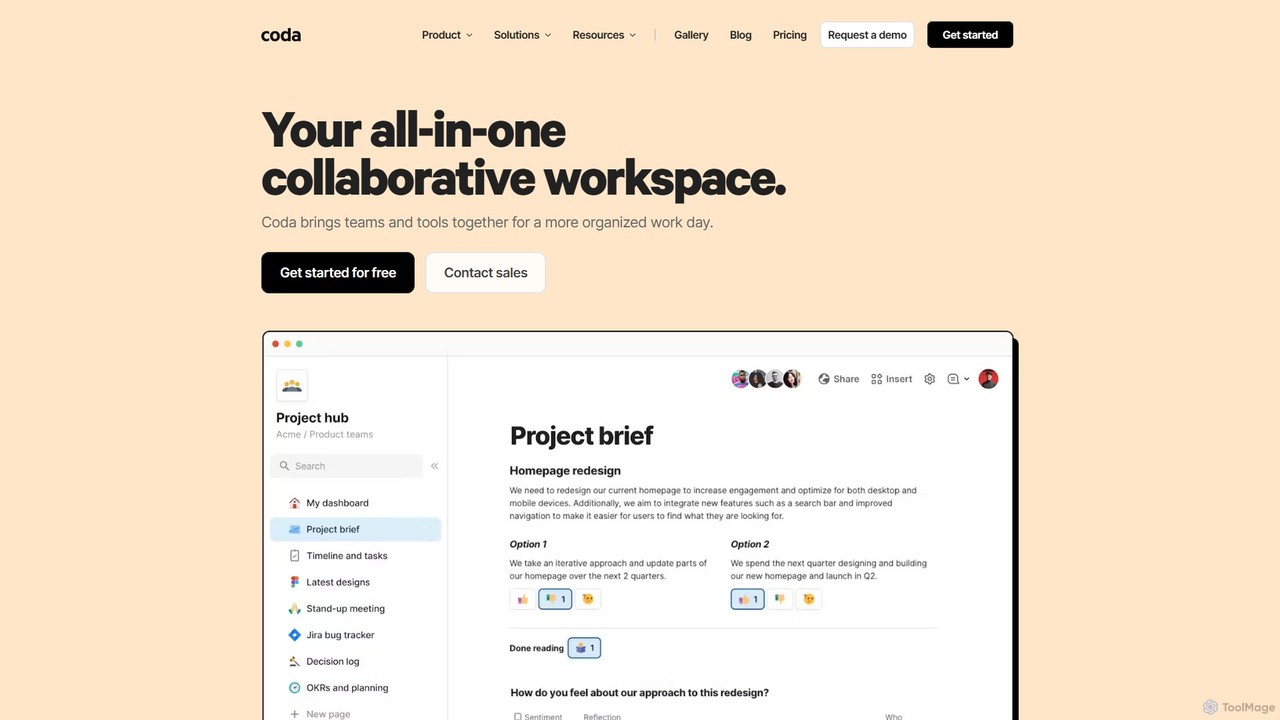
Coda is an all-in-one collaborative workspace that blends documents, spreadsheets, and applications into a single, flexible surface. Powered by Coda AI, it helps teams centralize information, automate workflows, and make faster decisions. Replace your scattered tool stack with a unified platform for writing, tracking, and building custom solutions.
Knowledge Base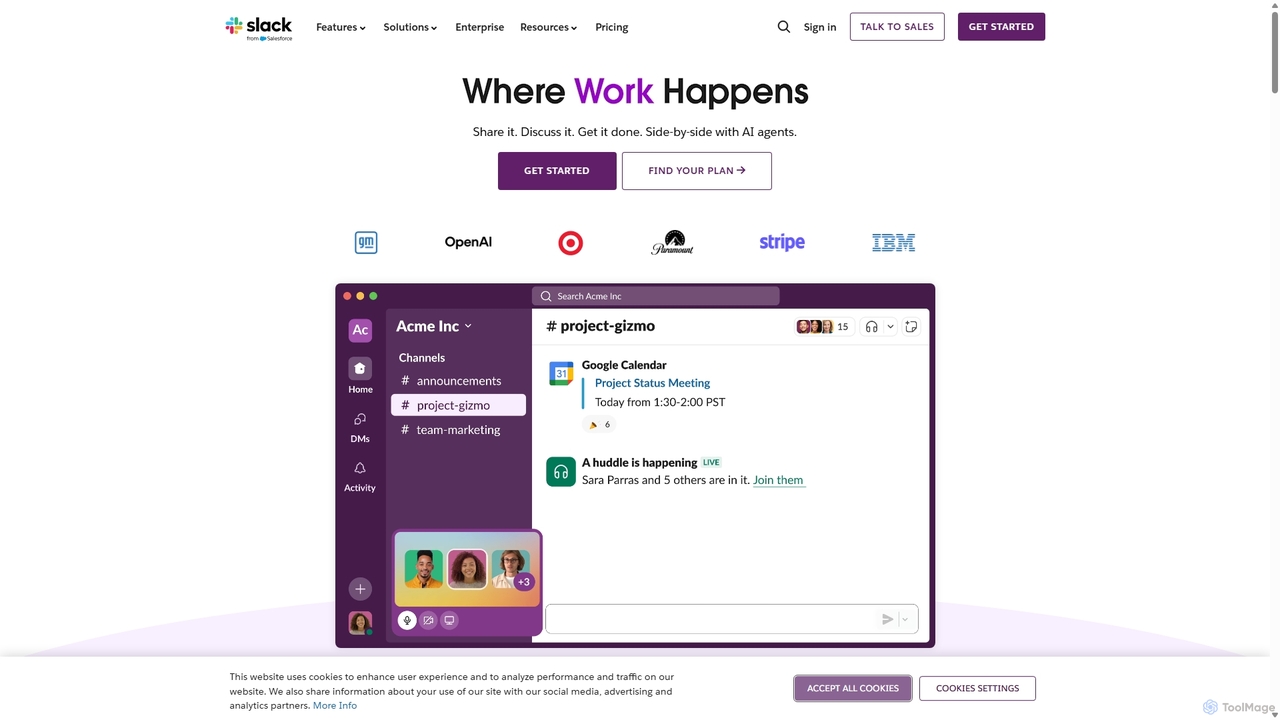
Slack
Slack is an AI-powered collaboration hub that connects your people, partners, and tools. It replaces email with faster, better-organized communication through channels. With integrated AI, workflow automation, and thousands of apps, Slack centralizes your work to boost productivity and streamline project management.
Project Management
DingTalk
DingTalk is an all-in-one enterprise collaboration and management platform powered by AI. It integrates instant messaging, video conferencing, project management, and a full office suite with advanced AI capabilities like intelligent assistants, automated meeting summaries, and AI-powered data analysis. Designed for businesses of all sizes, it streamlines workflows, enhances productivity, and digitizes organizational operations from HR to finance.
Management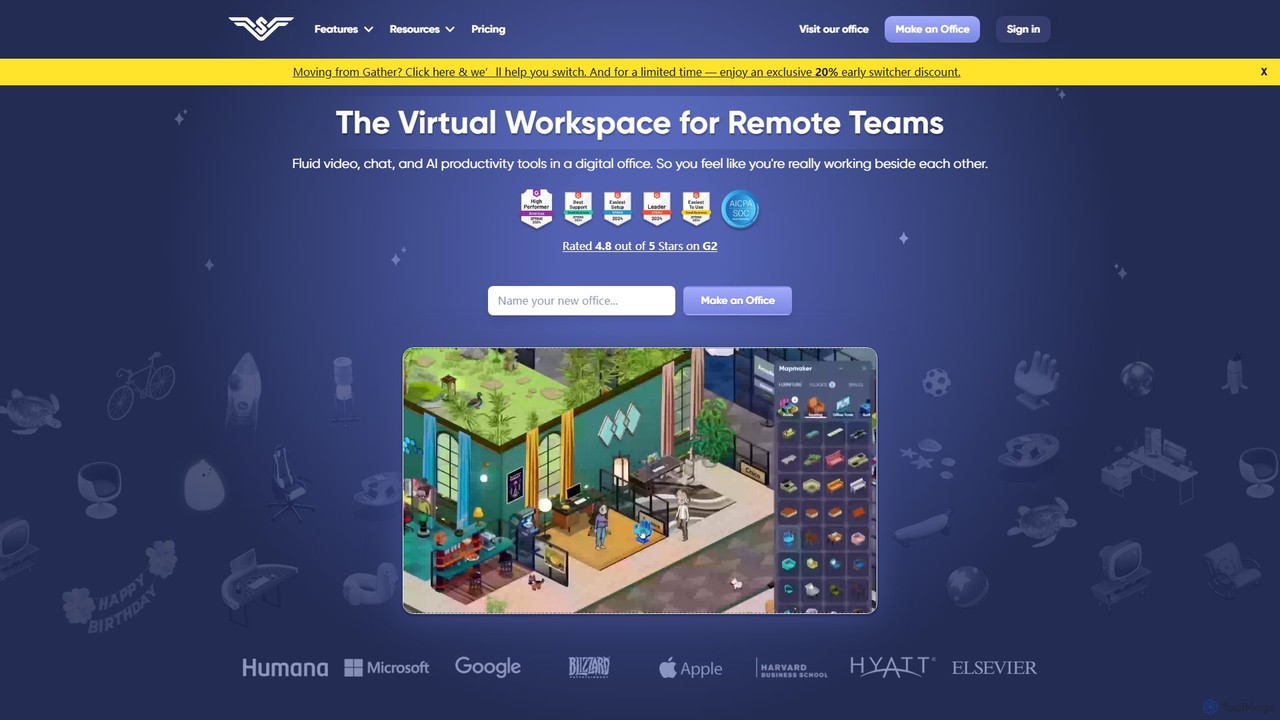
SoWork
SoWork is an AI-powered virtual workspace for remote teams, combining fluid video, chat, and productivity tools in a customizable digital office. It aims to foster a sense of presence and seamless collaboration, making remote teams feel like they're working side-by-side.
Video Conferencing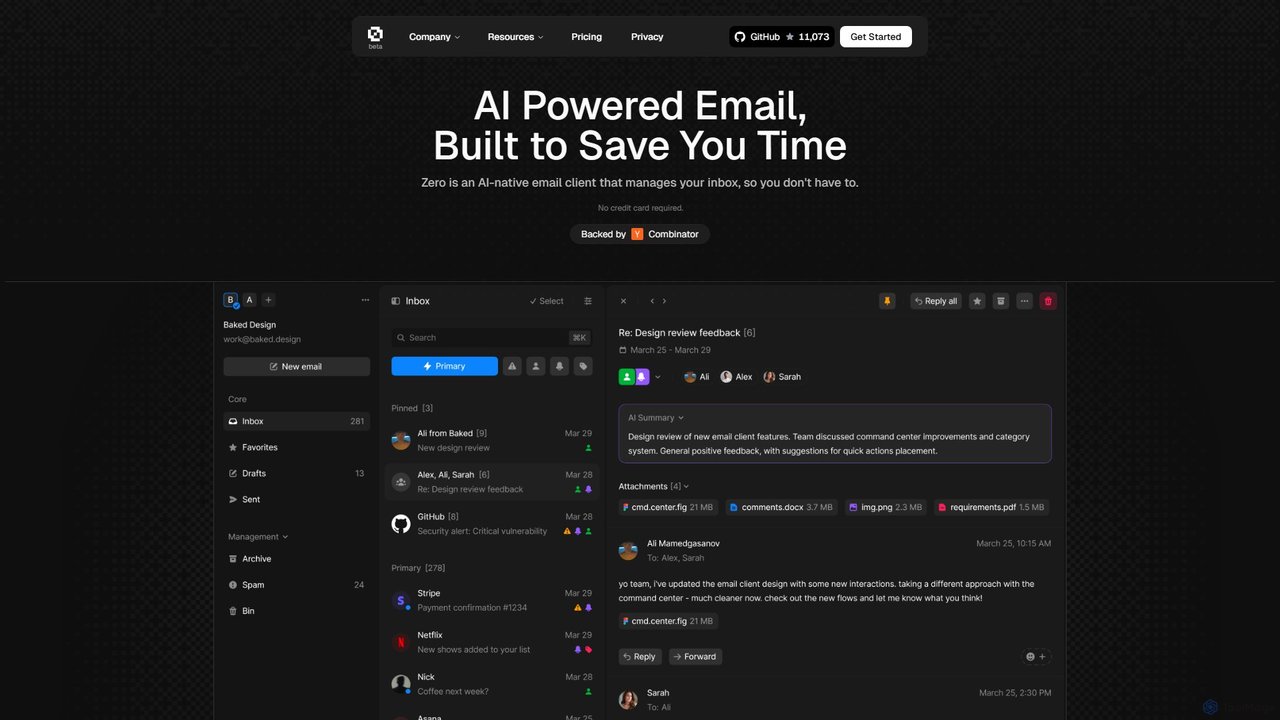
Zero
Zero is an AI-native email client designed to save you time. It automatically manages your inbox by summarizing threads, drafting replies, and extracting action items, allowing you to process emails at lightning speed with a keyboard-first interface.
Personal AssistantGoogle Workspace Categories
Google Workspace Embed Widget
Copy this embed code to place the badge on your blog, article, or product site and send readers directly to this ToolMage detail page.

Related AI tools
Coda
Coda is an all-in-one collaborative workspace that blends documents, spreadsheets, and applications into a single, flexible surface. Powered by Coda AI, it helps teams centralize information, automate workflows, and make faster decisions. Replace your scattered tool stack with a unified platform for writing, tracking, and building custom solutions.
Knowledge Base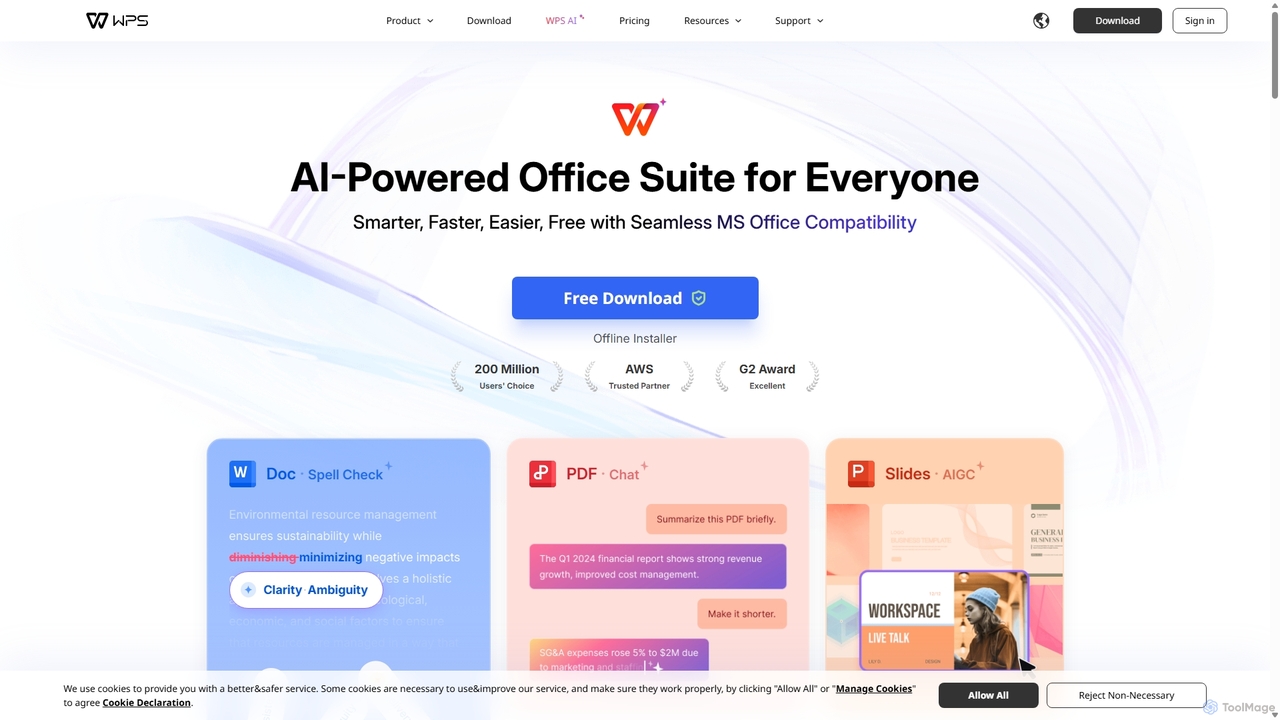
WPS Office
WPS Office is an AI-powered, all-in-one office suite offering a free and lightweight alternative to Microsoft Office. It integrates Writer, Spreadsheet, Presentation, and PDF tools with advanced AI features like content generation, spell checking, PDF summarization, and one-click presentation creation. With seamless MS Office compatibility and cross-platform support, it boosts productivity for individuals and teams.
Presentation Generator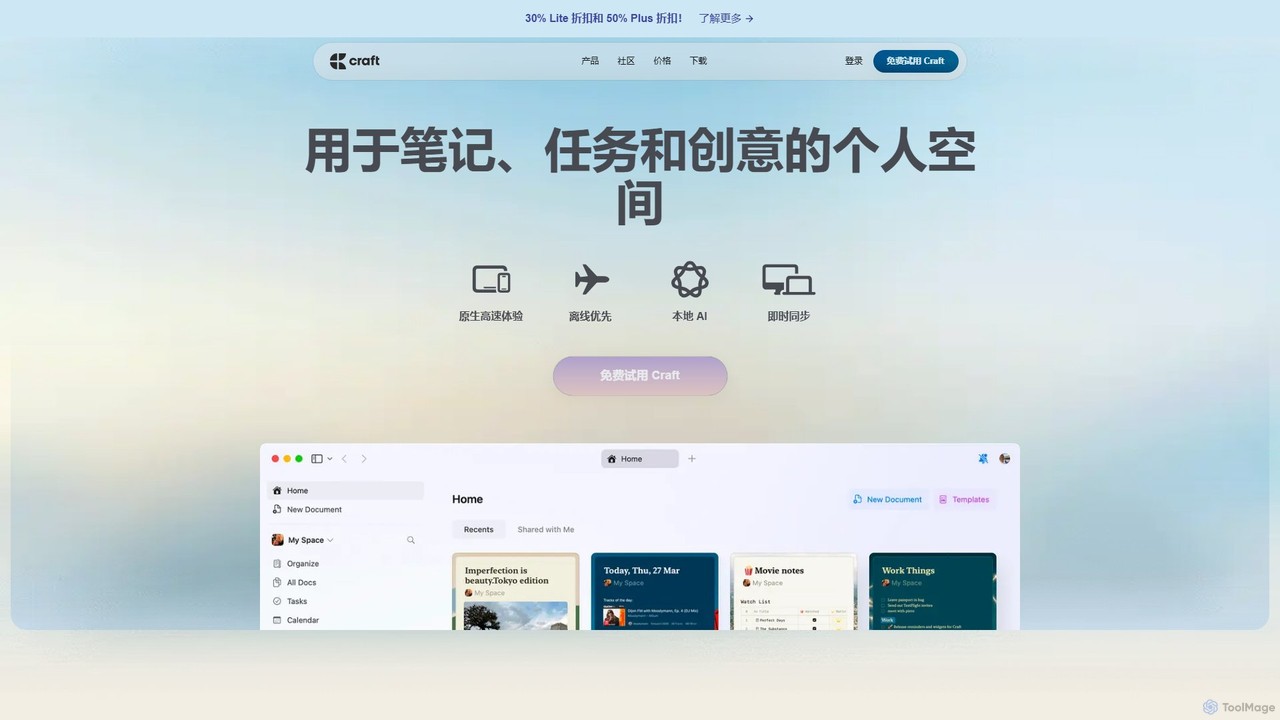
Craft
Craft is a beautifully designed, native document editor for notes, tasks, and ideas. It combines powerful features like a local AI assistant, task management, and flexible organization with a joyful, fast, and offline-first user experience, making it the perfect tool for writers, thinkers, and teams to capture and structure their thoughts.
Knowledge Management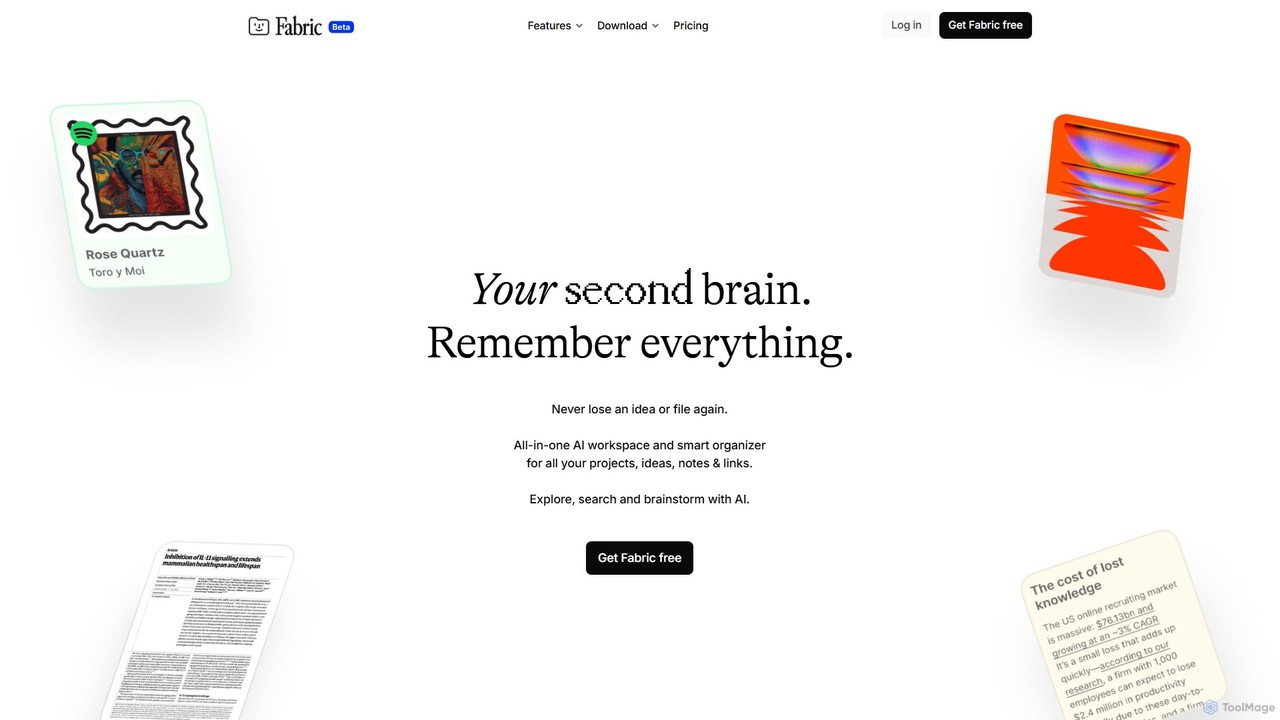
Fabric
Fabric is an AI-powered workspace and smart organizer that acts as your second brain. It automatically centralizes and connects all your notes, files, links, and ideas, eliminating the need for manual organization. Search your entire digital library with natural language and collaborate with an intelligent AI partner.
Personal Assistant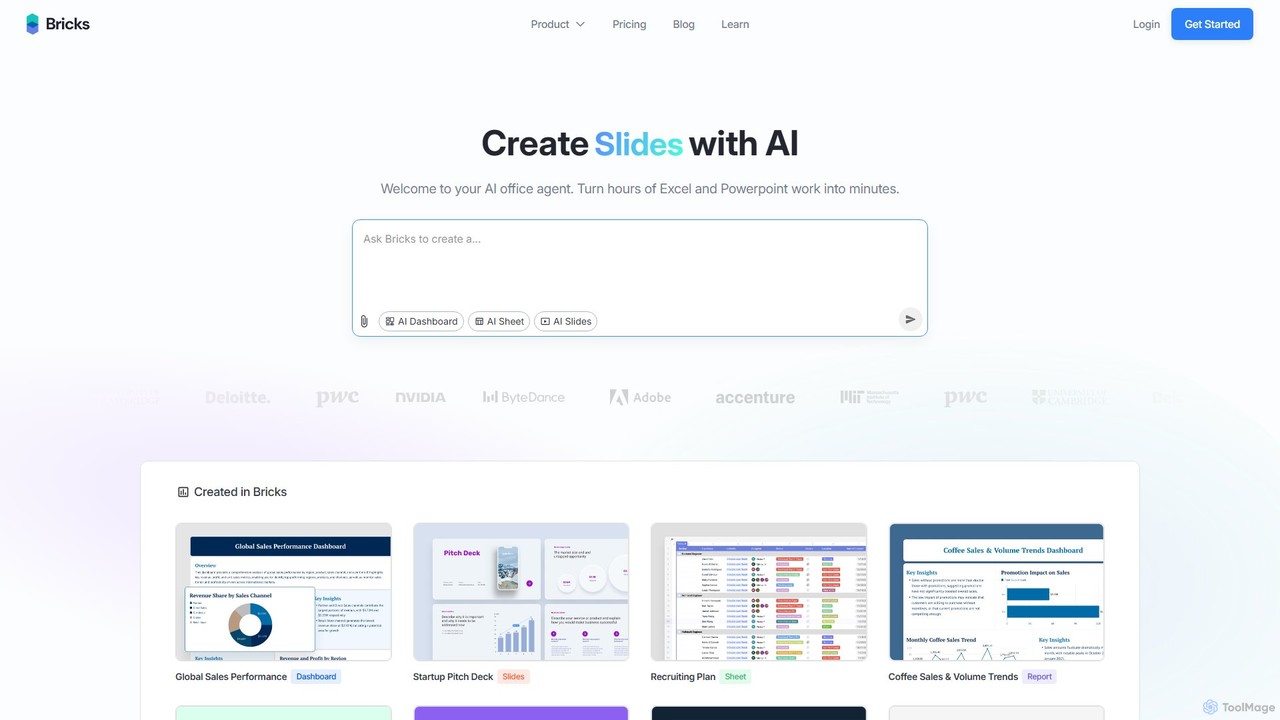
thebricks
thebricks is an AI-powered workspace that transforms data analysis and reporting. It allows users to create interactive dashboards, dynamic spreadsheets, and professional slides using simple natural language prompts. Turn hours of manual work in Excel and PowerPoint into minutes, streamlining your workflow and boosting productivity.
Business Intelligence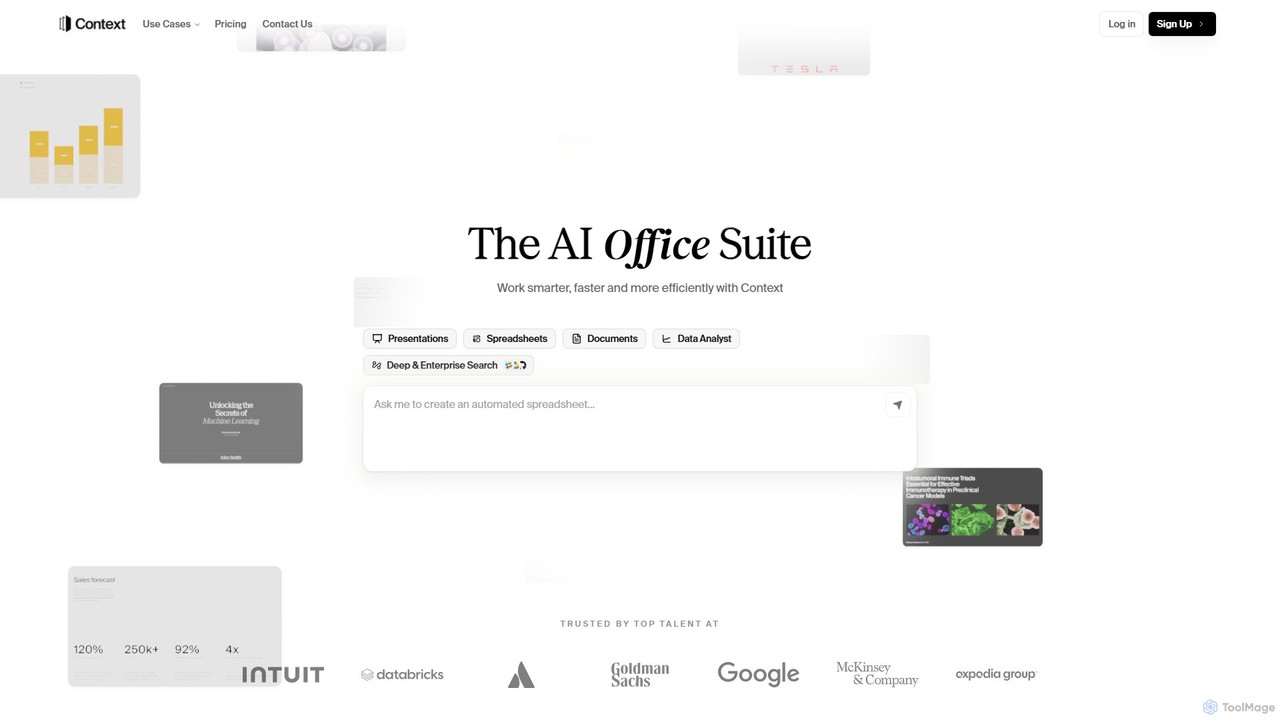
Context
Context is an AI-powered office suite designed to streamline professional workflows. It integrates with over 300 tools like Slack and Salesforce to gather data and automatically generate polished presentations, insightful spreadsheets, and professional documents. By learning your unique style and voice, Context automates research, analysis, and content creation, helping teams work smarter, faster, and more efficiently.
Presentation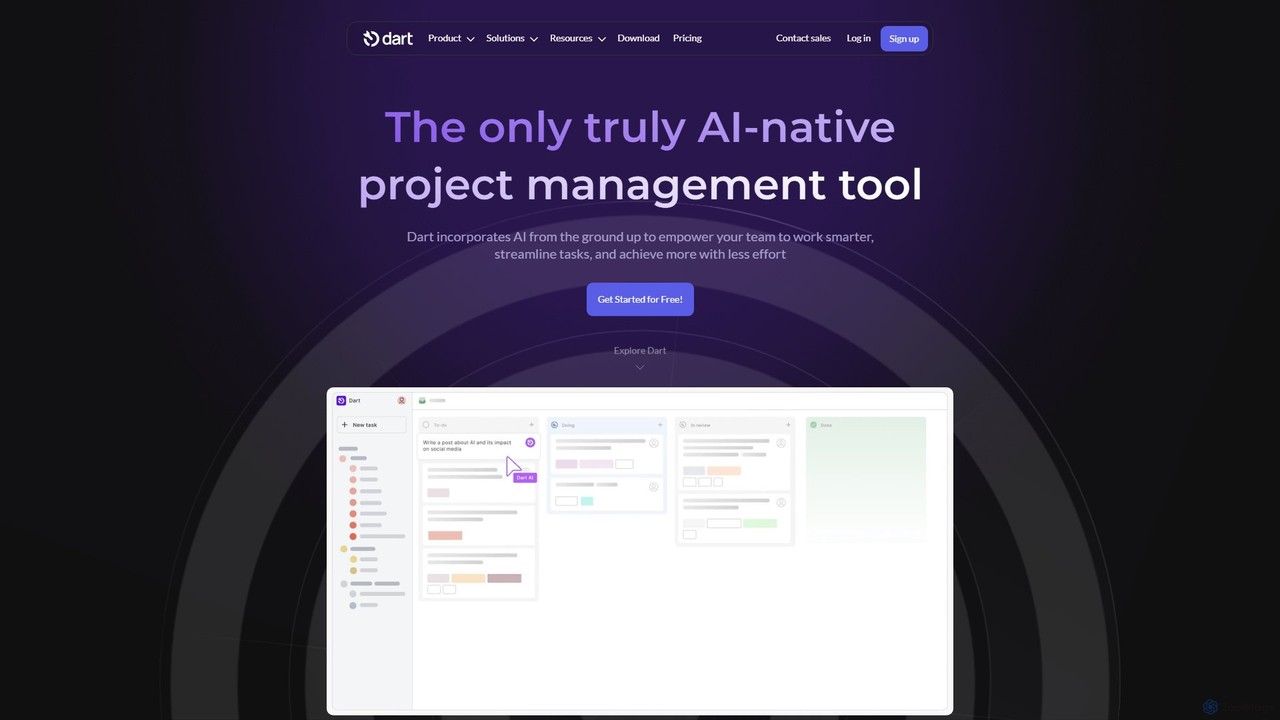
itsdart
Dart is an AI-native project management platform designed to automate workflows and enhance team productivity. It integrates AI from the ground up to handle tasks like subtask generation, project planning, and report creation. With features like intelligent task management, AI agents, integrated documents, and seamless integrations with tools like Slack and GitHub, Dart helps teams streamline operations, reduce manual overhead, and achieve goals faster.
Collaboration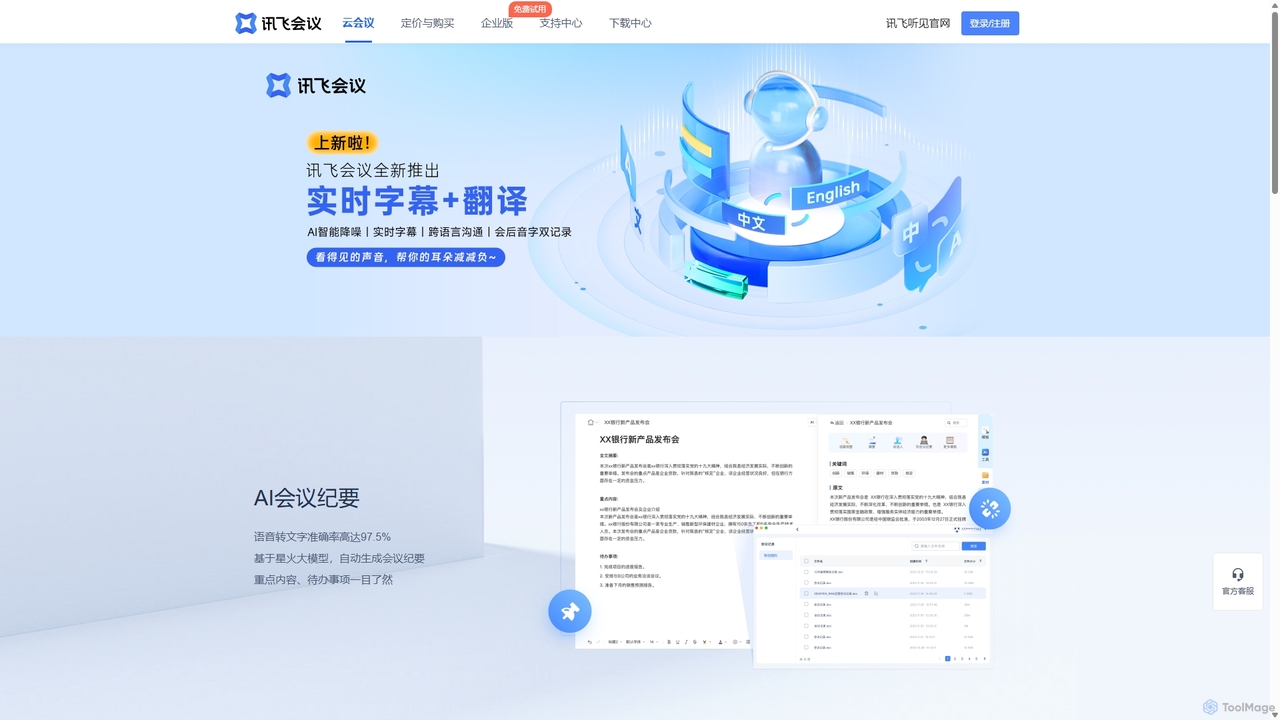
IFlytek Meeting
iFlytek Meeting is an AI-powered HD video conferencing platform. It offers high-accuracy real-time transcription, automatic meeting summaries, and to-do list generation. With features like stable HD video, cross-platform support, and robust security, it enhances meeting efficiency for individuals, teams, and large enterprises, providing a seamless remote collaboration experience.
Communication
Jyek
Jyek is an AI agent platform that understands objectives, creates execution plans, uses tools, and delivers verifiable results for complex, multi-step tasks.
Automation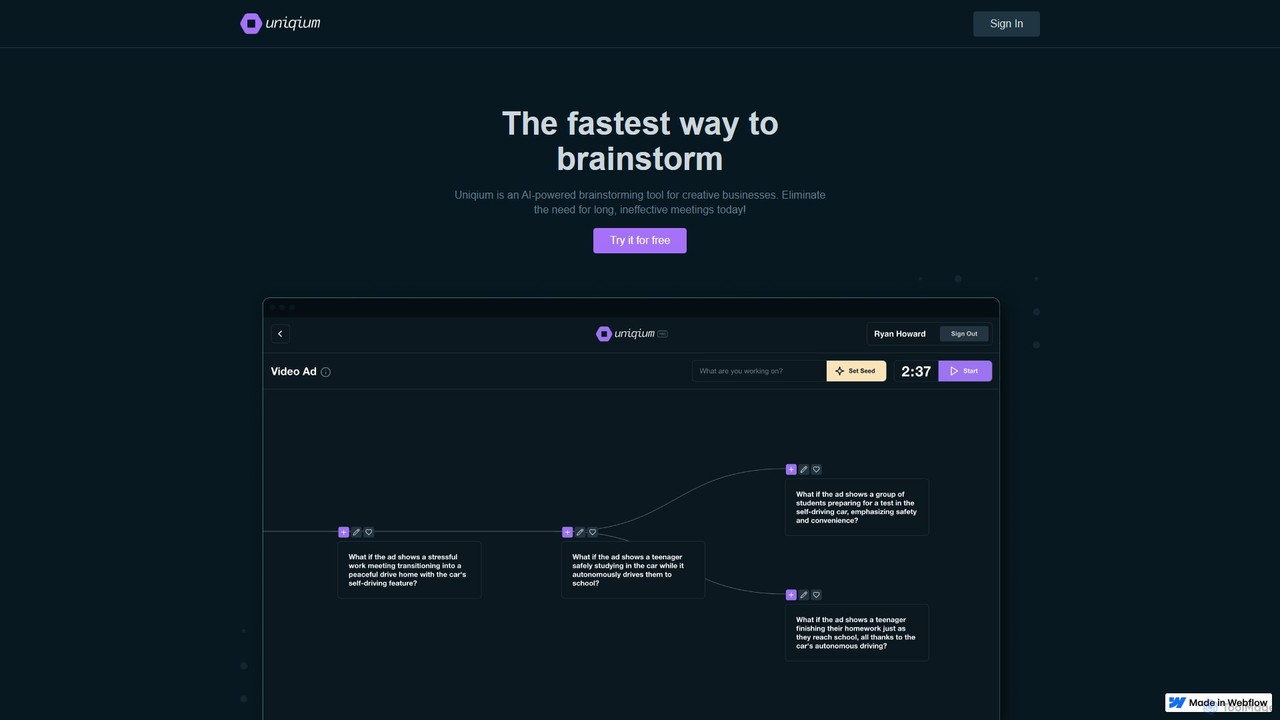
Uniqium
Uniqium is an AI-powered brainstorming platform designed for creative businesses. It replaces inefficient meetings with fast, focused, and individual AI-assisted sessions, helping teams generate high-quality ideas in minutes.
CollaborationSlack
Slack is an AI-powered collaboration hub that connects your people, partners, and tools. It replaces email with faster, better-organized communication through channels. With integrated AI, workflow automation, and thousands of apps, Slack centralizes your work to boost productivity and streamline project management.
Project ManagementDingTalk
DingTalk is an all-in-one enterprise collaboration and management platform powered by AI. It integrates instant messaging, video conferencing, project management, and a full office suite with advanced AI capabilities like intelligent assistants, automated meeting summaries, and AI-powered data analysis. Designed for businesses of all sizes, it streamlines workflows, enhances productivity, and digitizes organizational operations from HR to finance.
ManagementSoWork
SoWork is an AI-powered virtual workspace for remote teams, combining fluid video, chat, and productivity tools in a customizable digital office. It aims to foster a sense of presence and seamless collaboration, making remote teams feel like they're working side-by-side.
Video ConferencingZero
Zero is an AI-native email client designed to save you time. It automatically manages your inbox by summarizing threads, drafting replies, and extracting action items, allowing you to process emails at lightning speed with a keyboard-first interface.
Personal Assistant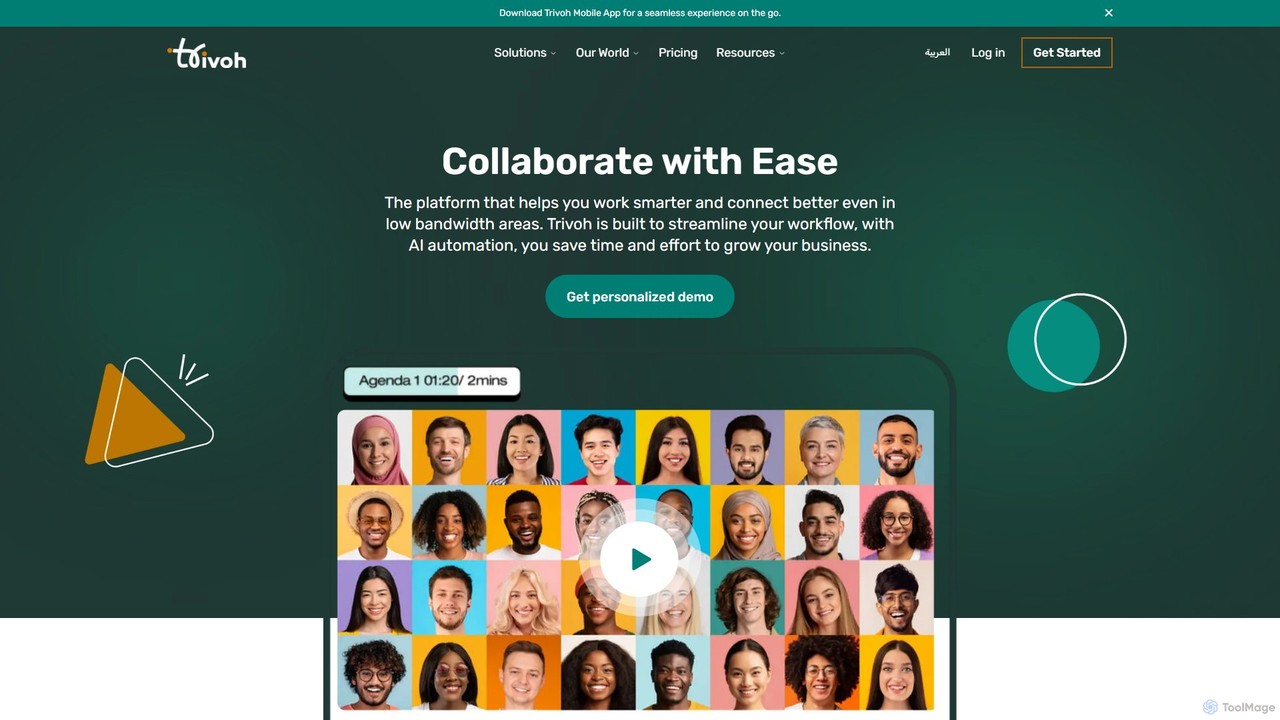
trivoh
trivoh is an AI-powered, all-in-one collaboration and productivity platform designed for seamless communication, even in low-bandwidth areas. It integrates virtual meetings, AI-driven summaries, project management, and real-time chat to streamline workflows. Key features include accessibility tools like real-time transcription and sign language interpretation, robust security, and an intuitive user interface, making it ideal for businesses, telehealth, and e-learning.
Meeting
Google Workspace Comments (0)
Sign in to comment.
Sign inNo comments yet.