ToolMage
Sign in

Best 5 Personal Assistant for Ai

Popular Personal Assistant in Ai include Fabric, Sparkle, sharedrecruiting, Zipgoals, and ArcaNotes, helping you work more efficiently.

Sparkle
Paid

Sparkle

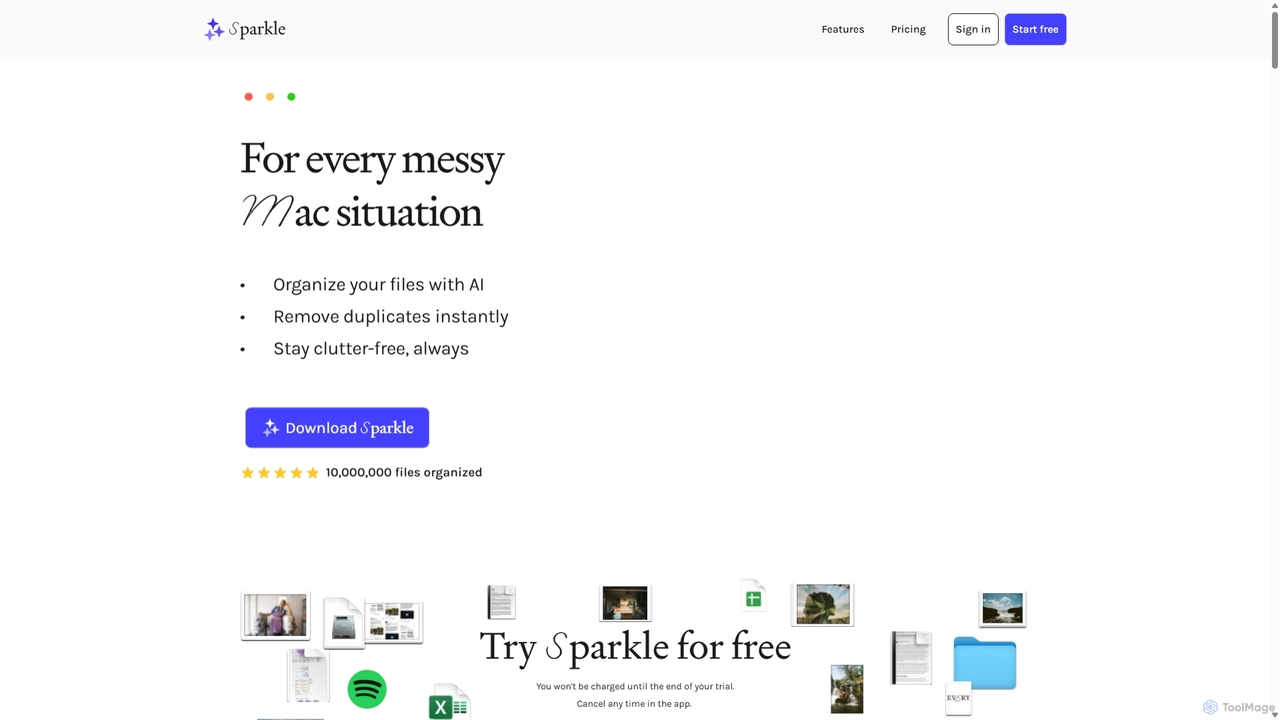
Sparkle is an AI-powered Mac application that automatically organizes your files. It intelligently creates custom folder structures for your Desktop, Downloads, and cloud drives, sorting files into relevant categories. With built-in duplicate detection and a privacy-first approach, Sparkle eliminates digital clutter and saves you hours of manual organization.

Personal Assistant
Visits 22.2KFavorites 116Likes 93
Zipgoals
Freemium

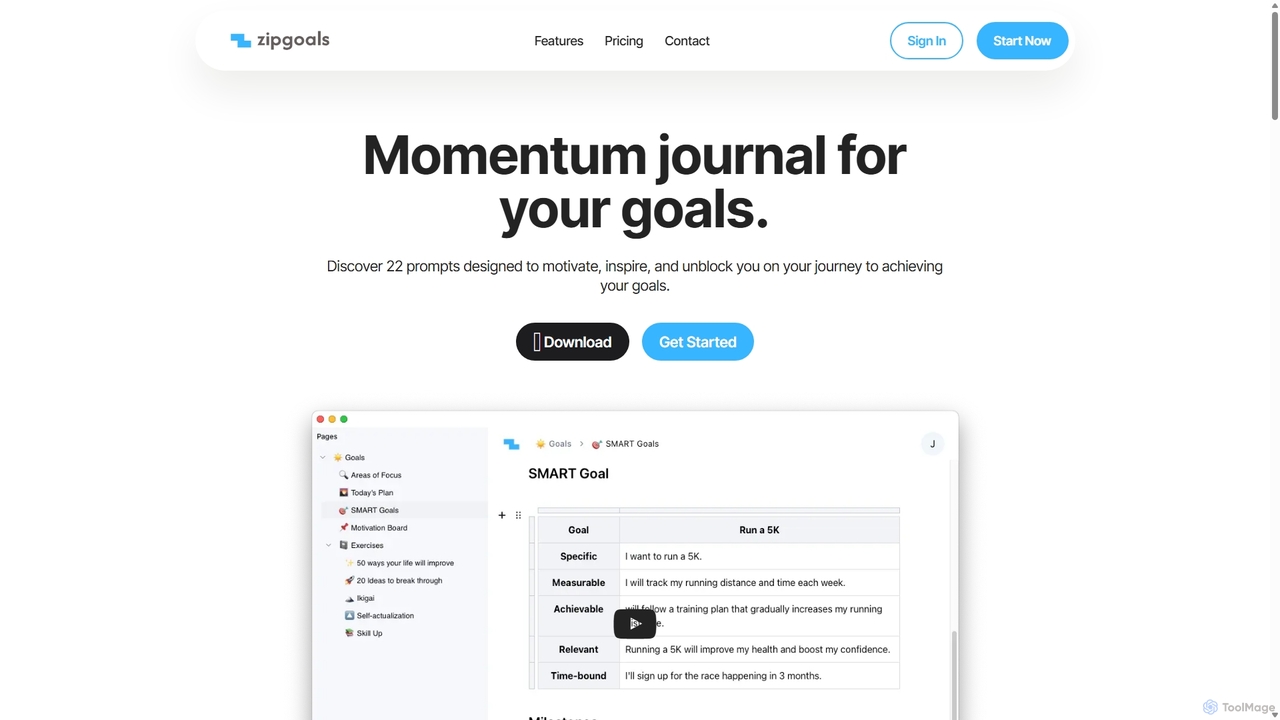
Zipgoals

Zipgoals is an AI-powered momentum journal designed to help you achieve your goals. It combines daily journaling, SMART goal setting, and habit tracking to build and maintain motivation. With an upcoming AI Coach, it provides personalized insights and encouragement to keep you on track and turn your ambitions into accomplishments.

Personal Assistant
Visits 5KFavorites 139Likes 137
Fabric
Freemium

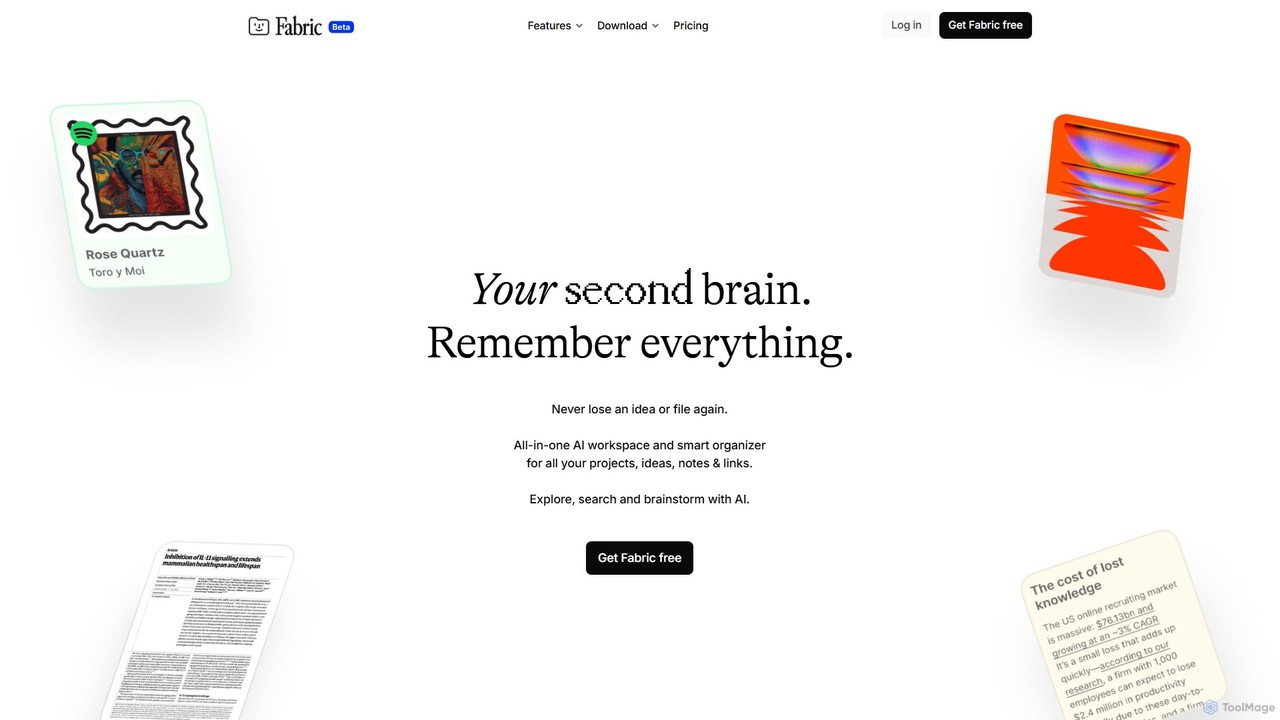
Fabric

Fabric is an AI-powered workspace and smart organizer that acts as your second brain. It automatically centralizes and connects all your notes, files, links, and ideas, eliminating the need for manual organization. Search your entire digital library with natural language and collaborate with an intelligent AI partner.

Personal Assistant
Visits 282.4KFavorites 108Likes 131
ArcaNotes
Freemium

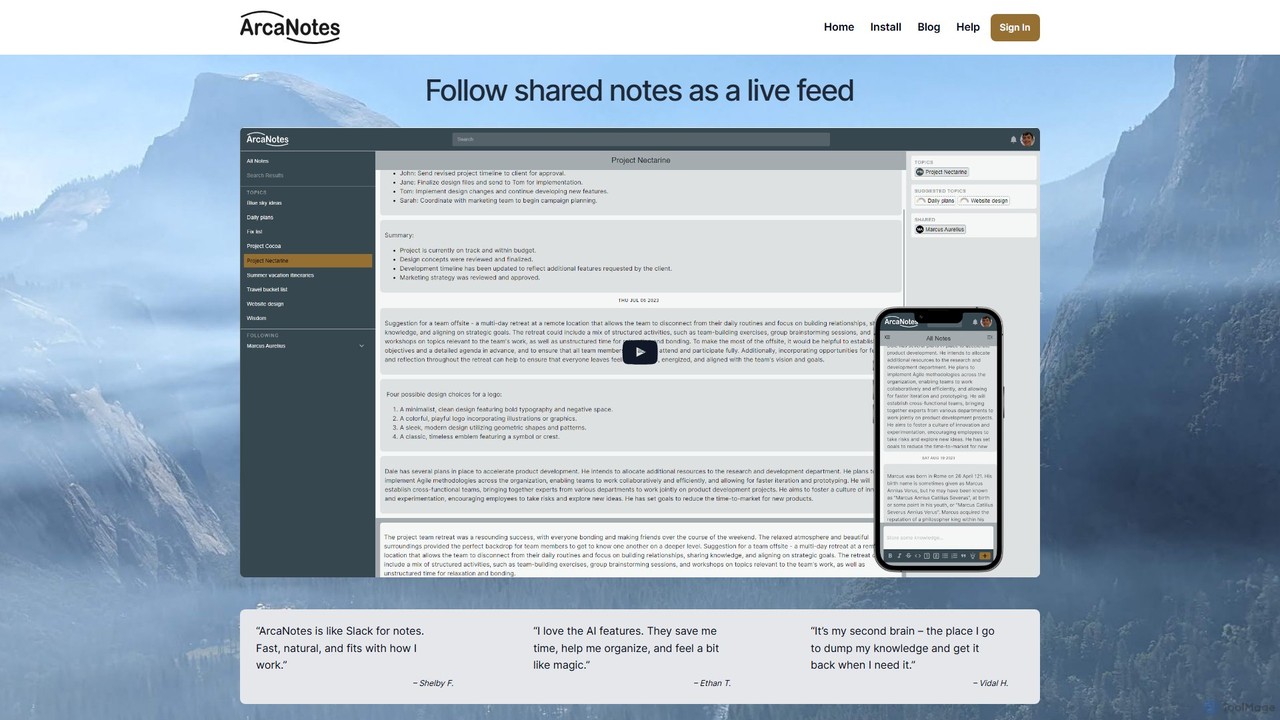
ArcaNotes

ArcaNotes is an AI-enhanced micro-note app designed for elevated productivity and knowledge management. It acts as your second brain, allowing you to quickly capture, organize, and retrieve information. With on-device AI, it offers intelligent topic suggestions, natural language Q&A with your notes, and collaborative sharing features, all while prioritizing user privacy with robust encryption.

Personal Assistant
Visits 4.9KFavorites 106Likes 117
sharedrecruiting
Freemium

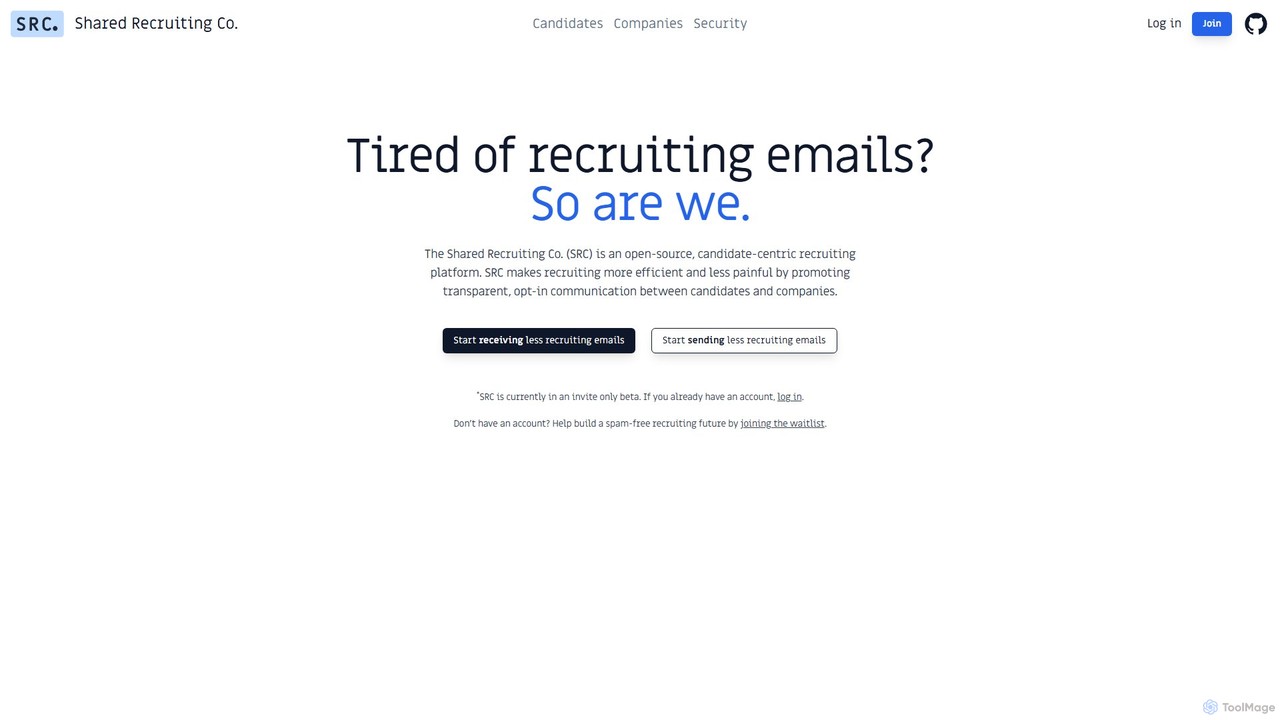
sharedrecruiting

sharedrecruiting (SRC) is an AI-powered, candidate-centric recruiting platform. It acts as an inbox assistant for job seekers to reduce spam and a smart sourcing sidekick for companies to connect with talent at the perfect time, fostering transparent, opt-in communication.

Personal Assistant
Visits 5.7KFavorites 138Likes 149

About Personal Assistant

AI Personal Assistants are tools designed to manage, automate, and streamline daily personal and professional tasks. They integrate deeply with your digital life, such as calendars, emails, and contact lists, to proactively organize schedules, prioritize tasks, and handle routine communications. By learning your preferences and work patterns, these assistants act as an intelligent digital secretary, helping you save time, reduce cognitive load, and focus on high-impact activities. Unlike general AI chatbots, they specialize in executing complex, multi-step administrative workflows.

Core Features

  • Intelligent Scheduling: Automatically finds optimal meeting times, books appointments, and resolves calendar conflicts with multiple participants.
  • Email & Communication Triage: Sorts, summarizes, and prioritizes incoming emails and messages, often drafting replies for common queries.
  • Task Management Automation: Captures tasks from conversations, emails, or voice commands and organizes them into prioritized to-do lists.
  • Proactive Briefings & Reminders: Delivers daily summaries of your schedule, important tasks, and relevant information for upcoming meetings.
  • Information Retrieval: Quickly locates documents, contacts, notes, or past conversations across your connected applications.

Use Cases

These tools are ideal for busy professionals, executives, entrepreneurs, and freelancers who need to manage complex schedules and high volumes of communication. For example, an executive can delegate the entire process of scheduling a board meeting across multiple time zones, or a freelancer can automate the sorting of client inquiries from their inbox, allowing them to focus on billable work.

How to Choose

When selecting an AI Personal Assistant, consider the depth of its integration with your existing tools (e.g., Google Workspace, Microsoft 365, Slack). Evaluate its automation capabilities—can it handle multi-step workflows or just simple reminders? Also, assess its platform availability (desktop, mobile, web) and, most importantly, review its data privacy and security policies to ensure your sensitive information is protected.

Personal Assistant use cases

1

Automated Meeting Scheduling for Executives

An executive assistant needs to schedule a critical meeting with five senior stakeholders across different time zones. Instead of spending hours on back-and-forth emails, the assistant provides the AI Personal Assistant with the participants' names, meeting topic, and duration. The AI analyzes everyone's calendar availability, identifies optimal time slots that work for all, sends out invitations with proposed times, and automatically confirms the meeting and books the calendar slot once a consensus is reached. This reduces a multi-hour task to a single command, eliminating scheduling errors and freeing up the assistant for more strategic work.

2

Daily Productivity Briefing for Professionals

A consultant starts their day with an overwhelming inbox and a packed schedule. Instead of manually sifting through everything, their AI Personal Assistant provides a consolidated morning briefing. This summary highlights the three most urgent emails, lists the day's appointments with links to relevant documents (like a client brief for a 10 AM call), and flags a potential scheduling conflict in the afternoon. It also presents a prioritized to-do list for the day. This allows the consultant to gain full context and create a clear action plan for the day in under five minutes, significantly improving focus and preparedness.

3

Email Triage and Management for Freelancers

A freelance designer juggles multiple client projects and receives dozens of emails daily, ranging from new inquiries to urgent feedback. Their AI Personal Assistant automatically sorts their inbox. It prioritizes emails from active clients, flags messages containing keywords like 'urgent' or 'revision,' and drafts standard replies to new inquiries with a link to their portfolio and availability. This system ensures they respond to critical client feedback promptly while efficiently handling new business leads without constant manual inbox management, saving them over an hour of administrative work each day.

4

Personal Task and Reminder Management

A busy parent needs to keep track of numerous personal tasks, such as scheduling a dentist appointment, paying a bill before its due date, and remembering to buy groceries. They use their AI Personal Assistant by simply speaking or typing commands like, 'Remind me to call the dentist next Tuesday morning' or 'Add milk and bread to my shopping list.' The assistant intelligently parses these commands, creates reminders with specific times, and adds items to a shared list. This offloads the mental burden of remembering small but important details, preventing missed appointments and ensuring household errands are completed on time.

5

Coordinating Complex Travel Itineraries

A sales manager frequently travels for business. For an upcoming multi-city trip, they forward all flight, hotel, and car rental confirmation emails to their AI Personal Assistant. The assistant automatically parses all the details—flight numbers, departure times, hotel addresses, and reservation codes. It then compiles a consolidated, chronological itinerary in their calendar, automatically adding travel time between the airport and hotel. It also sets reminders for flight check-ins and provides weather forecasts for each destination, turning a scattered collection of emails into a single, actionable travel plan.

6

Meeting Preparation and Follow-up Automation

A project manager has back-to-back meetings all day. Before each meeting, their AI Personal Assistant automatically generates a briefing document. This includes a list of attendees with their LinkedIn profiles, a summary of recent email conversations related to the meeting topic, and links to relevant project files. After the meeting, the manager can dictate a summary and action items. The assistant transcribes the notes, identifies tasks and assignees, and drafts a follow-up email to all attendees. This streamlines the entire meeting cycle, ensuring the manager is always prepared and that action items are never lost.

Personal Assistant FAQ

What is an AI Personal Assistant?

An AI Personal Assistant is a software tool that uses artificial intelligence to help individuals manage their daily administrative and organizational tasks. It acts like a digital secretary, automating functions such as scheduling meetings, managing emails, setting reminders, and organizing to-do lists. By integrating with your digital tools like calendars and inboxes, it learns your routines and preferences to proactively assist you, ultimately saving you time and improving your productivity.

How is an AI Personal Assistant different from a voice assistant like Siri or Alexa?

The key difference lies in their purpose and complexity. Voice assistants like Siri and Alexa are general-purpose tools designed for quick, reactive tasks like answering questions, playing music, or setting a timer. AI Personal Assistants are specialized productivity tools focused on proactively managing complex workflows. They have deeper integrations with work-related software (calendars, CRM, project management tools) and can automate multi-step processes, such as coordinating a meeting with ten people, which is beyond the scope of a typical voice assistant.

What are the key features to look for in an AI Personal Assistant?

When choosing an AI Personal Assistant, prioritize the following features:

  • Deep Calendar Integration: It should not just add events, but intelligently find open slots, understand meeting priorities, and handle rescheduling automatically.
  • Natural Language Processing (NLP): The ability to understand complex, conversational requests like 'Find a 30-minute slot for me and John next week for a coffee.'
  • Proactive Automation: Look for tools that anticipate your needs, such as preparing a meeting brief without being asked or reminding you to follow up on an email.
  • Cross-Platform Sync: Ensure it works seamlessly across all your devices, including desktop, mobile, and web, to capture tasks and information anywhere.
  • Robust Security and Privacy: Since it will access sensitive data, verify that the service uses strong encryption and has a clear privacy policy.
Who can benefit most from using an AI Personal Assistant?

While anyone can benefit from better organization, AI Personal Assistants are particularly valuable for individuals who spend a significant portion of their day on administrative tasks. This includes:

  • Executives and Managers: Who need to manage complex schedules, frequent meetings, and a high volume of email correspondence.
  • Entrepreneurs and Small Business Owners: Who often handle administrative, sales, and operational roles simultaneously.
  • Freelancers and Consultants: Who need to efficiently manage client communications, project deadlines, and invoicing.
  • Busy Professionals: Such as lawyers, real estate agents, or salespeople, whose success depends on timely follow-ups and meticulous scheduling.
How do AI Personal Assistants handle my private data like emails and calendars?

Reputable AI Personal Assistant providers prioritize user privacy and data security. They typically use end-to-end encryption to protect your data both in transit and at rest. The data is processed by AI models solely to perform the requested tasks, such as finding a meeting time or summarizing an email thread. It is crucial to choose a service with a transparent privacy policy that clearly states they do not sell user data to third parties. Always review a provider's security certifications and data handling practices before granting access to your accounts.