Google Workspace
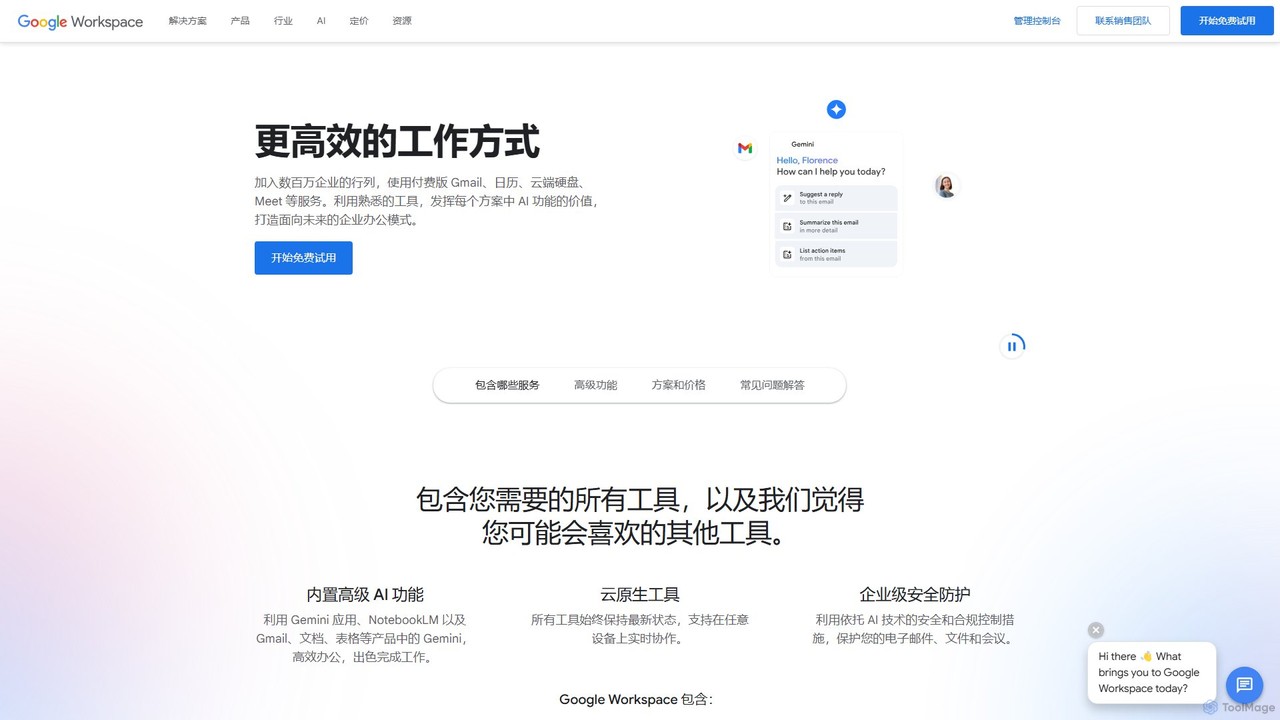
Google Workspace is an integrated suite of secure, cloud-native collaboration and productivity apps powered by Google AI. It …
Google Workspace is an integrated suite of secure, cloud-native collaboration and productivity apps powered by Google AI. It includes Gmail, Docs, Drive, Calendar, Meet, and more, designed to help teams of all sizes connect, create, and collaborate efficiently and securely from any device.
About File Sharing
File Sharing tools are specialized platforms designed to securely distribute, access, and collaborate on digital files with others. Leveraging cloud infrastructure, these tools provide robust mechanisms for managing who can view, edit, or download documents, images, and other data. They are essential for enhancing team productivity, streamlining workflows, and ensuring secure data exchange across various organizational and personal contexts.
Core Features
- Secure Access Control: Granular permissions to define user roles and access levels for shared files and folders.
- Version History & Recovery: Automatically track changes, allowing users to revert to previous file versions and prevent data loss.
- Real-time Collaboration: Enable multiple users to co-edit documents, add comments, and work simultaneously on shared files.
- Large File Transfer: Facilitate the efficient and secure transfer of large files that exceed typical email attachment limits.
- Shareable Links with Controls: Generate secure links with optional passwords, expiration dates, and download limits for external sharing.
Applicable Scenarios
File sharing tools are widely used across industries. Marketing teams utilize them to share campaign assets and creative briefs with external agencies. Software development teams collaborate on code repositories, documentation, and project plans. Consultants securely deliver sensitive reports and presentations to clients, ensuring controlled access and feedback loops.
How to Choose
When selecting a file sharing tool, prioritize security features like end-to-end encryption, multi-factor authentication, and compliance certifications. Evaluate its collaboration capabilities, including real-time co-editing and commenting. Consider integration with your existing productivity suites (e.g., Microsoft 365, Google Workspace) and assess storage limits, scalability, and pricing models to match your organizational needs.

File SharingUse Cases
Facilitate Team Project Collaboration
Project managers and team members can use file sharing tools to centralize all project-related documents, presentations, and spreadsheets. By granting specific editing or viewing permissions, teams can co-edit documents in real-time, leave comments, and track changes, ensuring everyone works on the latest version and streamlining the feedback process for faster project completion.
Securely Deliver Client Files and Gather Feedback
Consultants, agencies, and freelancers frequently need to share sensitive reports, design mockups, or large media files with clients. File sharing tools allow them to create password-protected links with expiration dates, ensuring only authorized clients can access the deliverables. Clients can then add comments directly to the files, streamlining the review and approval process without endless email chains.
Distribute Large Media Files for Creative Projects
Photographers, videographers, and graphic designers often work with extremely large files (e.g., RAW images, 4K video footage, high-resolution design assets) that are impractical to send via email. File sharing platforms provide a robust solution for uploading and distributing these large media files to clients, editors, or printers, often with bandwidth optimization and download tracking, ensuring efficient delivery and collaboration.
Securely Exchange Sensitive Documents in Legal/HR
Legal firms, HR departments, and financial institutions handle highly sensitive documents like contracts, employee records, and financial statements. File sharing tools with advanced security features such as end-to-end encryption, audit trails, and granular access permissions are crucial. They enable secure exchange of these documents with internal and external stakeholders while maintaining compliance with data privacy regulations and ensuring confidentiality.
Streamline Educational Resource Distribution
Educators and academic institutions can leverage file sharing tools to distribute course materials, assignments, lecture notes, and research papers to students. These platforms allow for organized content delivery, easy access for students from any device, and the ability to collect submitted assignments securely. Features like folder permissions and public/private sharing links simplify managing diverse educational content.
Facilitate Cross-Departmental Information Sharing
Large organizations often struggle with efficient information flow between different departments. File sharing tools can establish centralized repositories for shared operational data, marketing assets, HR policies, and financial reports. By setting appropriate access controls, departments can securely access and update relevant information, fostering transparency and reducing silos, which leads to better decision-making and operational efficiency.