ToolMage
Sign in

Best 8 Presentation AI tools for Marketing

Popular Presentation AI tools in Marketing include Presentations.AI, Context, Visual, ndeck, ChandlerAi, quinv, Me.bot, and SpeechCraftPro, helping you work more efficiently.

quinv
Freemium

quinv

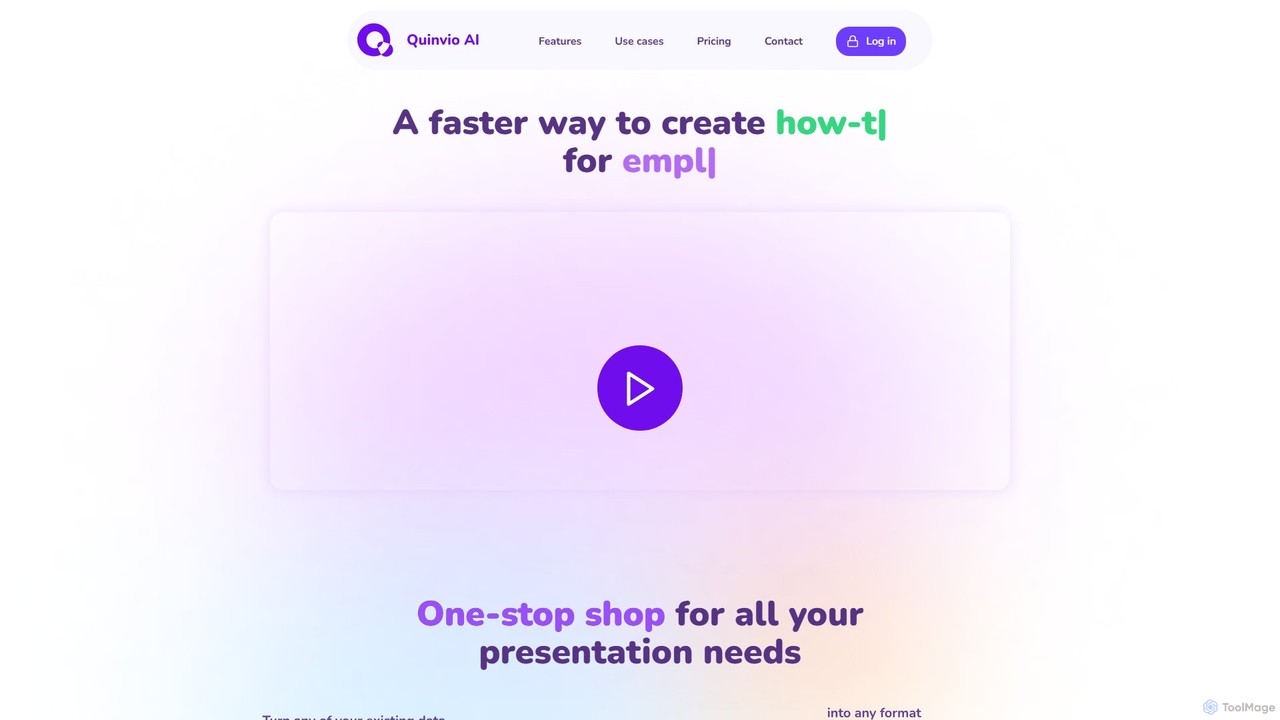
quinv is an AI-powered platform that transforms text scripts into professional video presentations. It automates the entire creation process, from copywriting and styling to generating videos with realistic AI avatars and multi-lingual voiceovers, eliminating the need for cameras or recording.

Training
Visits 4.3KFavorites 109Likes 114
Me.bot
Freemium

Me.bot

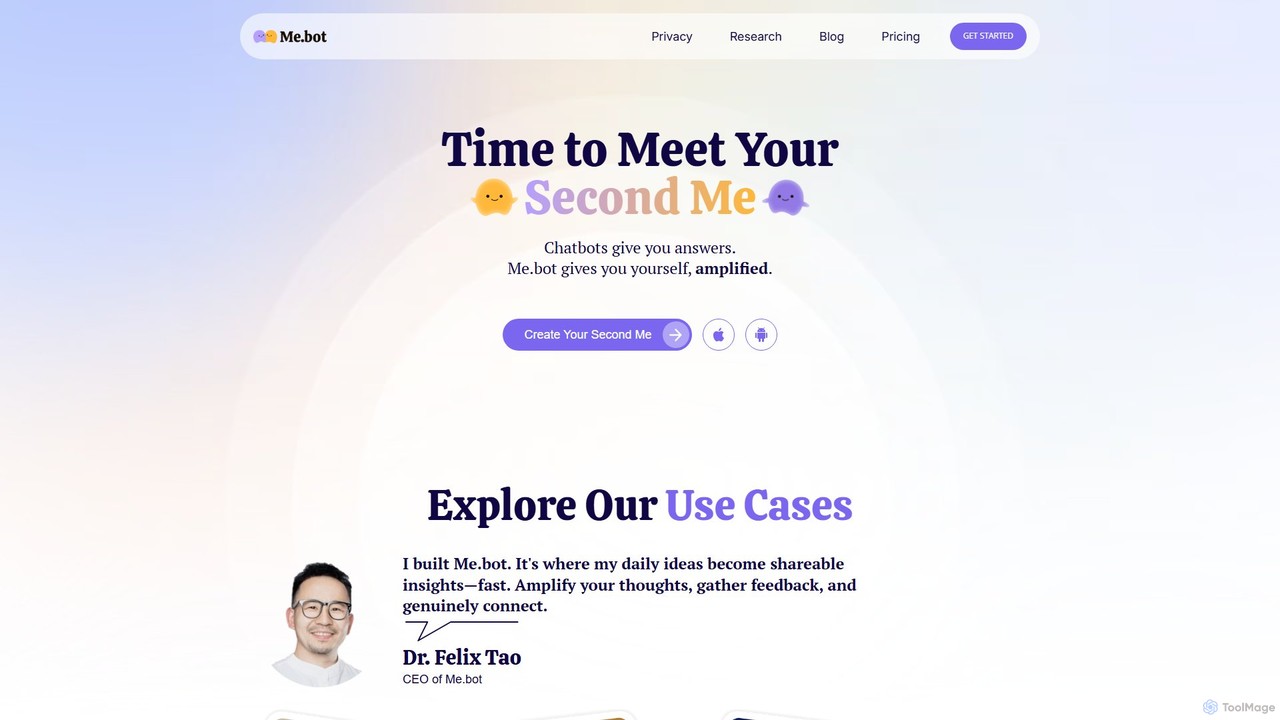
Me.bot is a personal AI that creates a digital version of you, your "Second Me." By learning from your notes, voice, and ideas, it helps you generate hyper-personalized content, interactive presentations, and communications that reflect your unique style and knowledge, amplifying your thoughts and saving you hours of work.

Presentation
Visits 4.3KFavorites 119Likes 123
Presentations.AI
Freemium

Presentations.AI

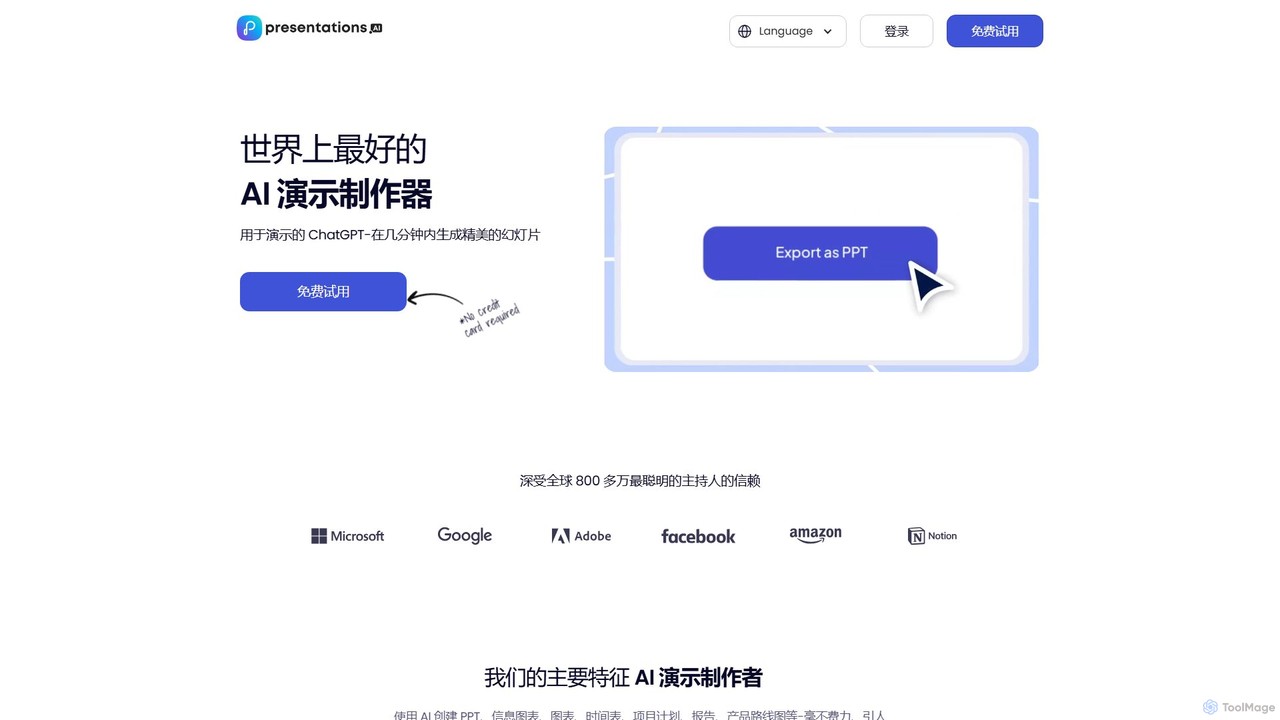
Presentations.AI is an AI-powered presentation maker, often called the 'ChatGPT for presentations.' It enables users to instantly generate professional, beautifully designed slides from simple text prompts, documents, or ideas. It focuses on automating design, ensuring brand consistency, and facilitating team collaboration, making it ideal for creating pitch decks, reports, and marketing materials in minutes.

Pitch Deck
Visits 1.3MFavorites 111Likes 116
ChandlerAi
Freemium

ChandlerAi

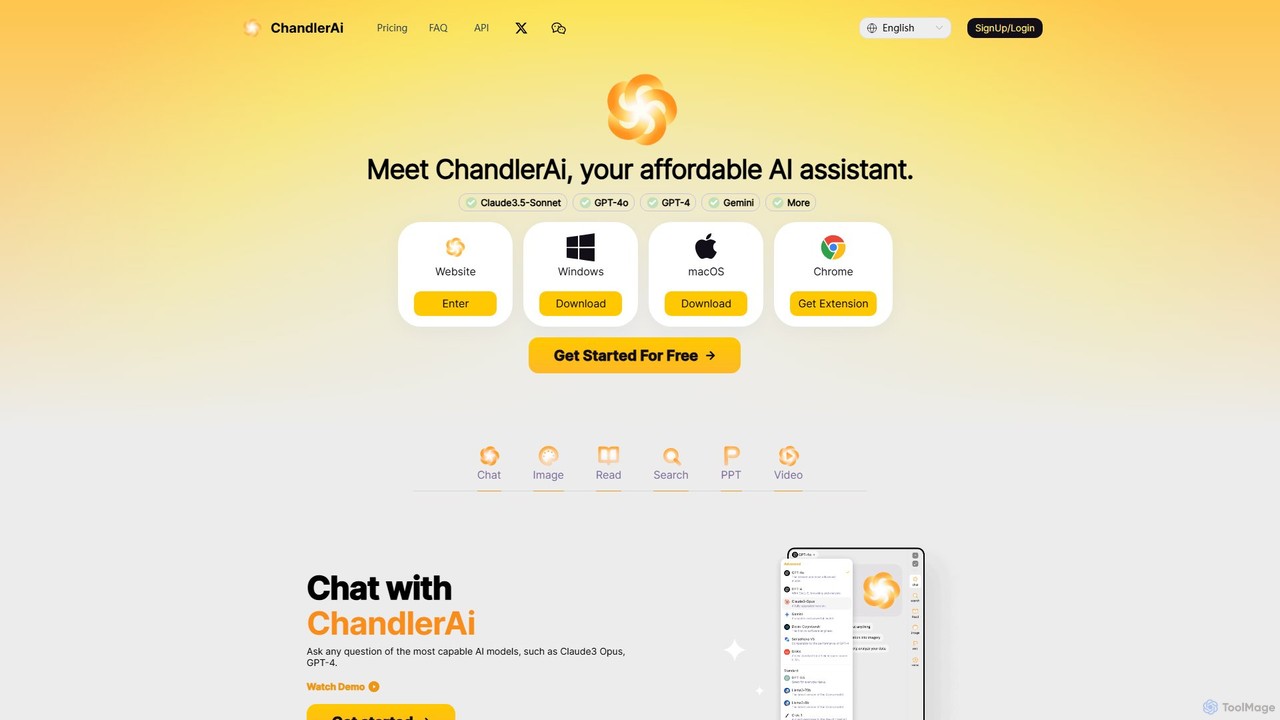
ChandlerAi is an affordable, all-in-one AI assistant that integrates leading models like Claude 3.5-Sonnet, GPT-4o, and Gemini. It offers a comprehensive suite of tools for chat, image and video generation, file analysis, real-time web search, and PPT creation, all accessible through a single, cost-effective subscription.

Image Generator
Visits 5KFavorites 106Likes 121
ndeck
Freemium

ndeck

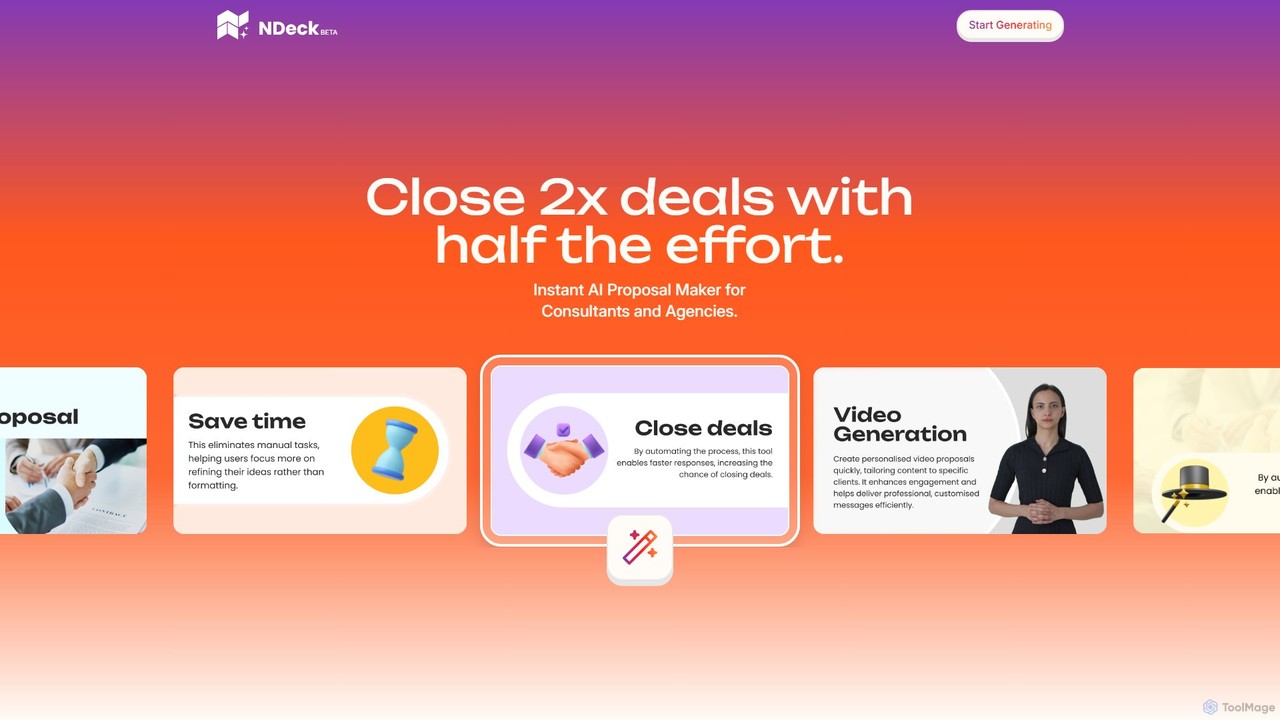
ndeck is an AI-powered proposal maker for consultants and agencies. It automates the creation of stunning, personalized proposals, including engaging video presentations and automatic technical diagrams. By streamlining the entire process, ndeck helps users save up to 80% of their time, close twice as many deals, and focus on their core business.

Presentation
Visits 5.6KFavorites 106Likes 119
SpeechCraftPro
Paid

SpeechCraftPro

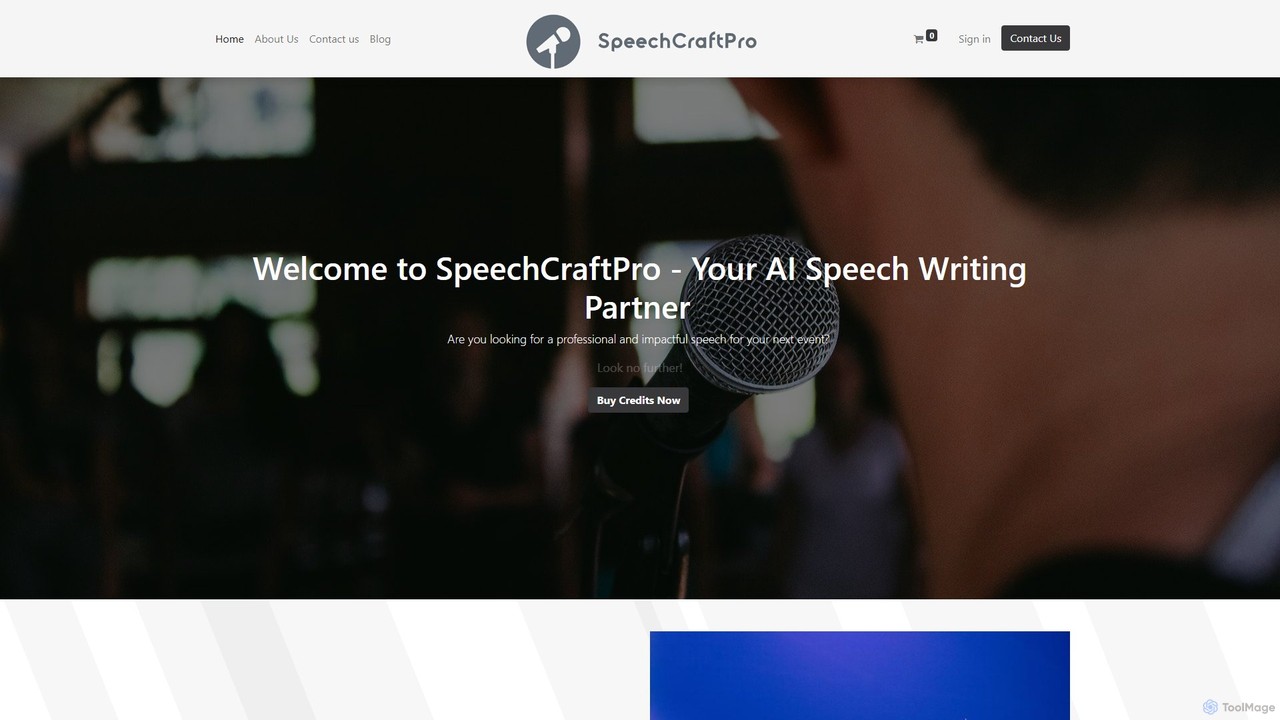
SpeechCraftPro is an AI-powered platform designed to help users effortlessly create professional, impactful, and customized speeches for any occasion. From weddings and business presentations to eulogies and graduation addresses, the tool uses advanced AI to transform simple inputs into well-structured and eloquent speeches, saving users time and reducing public speaking anxiety.

Public Speaking
Visits 4.2KFavorites 128Likes 114
Visual

Visual

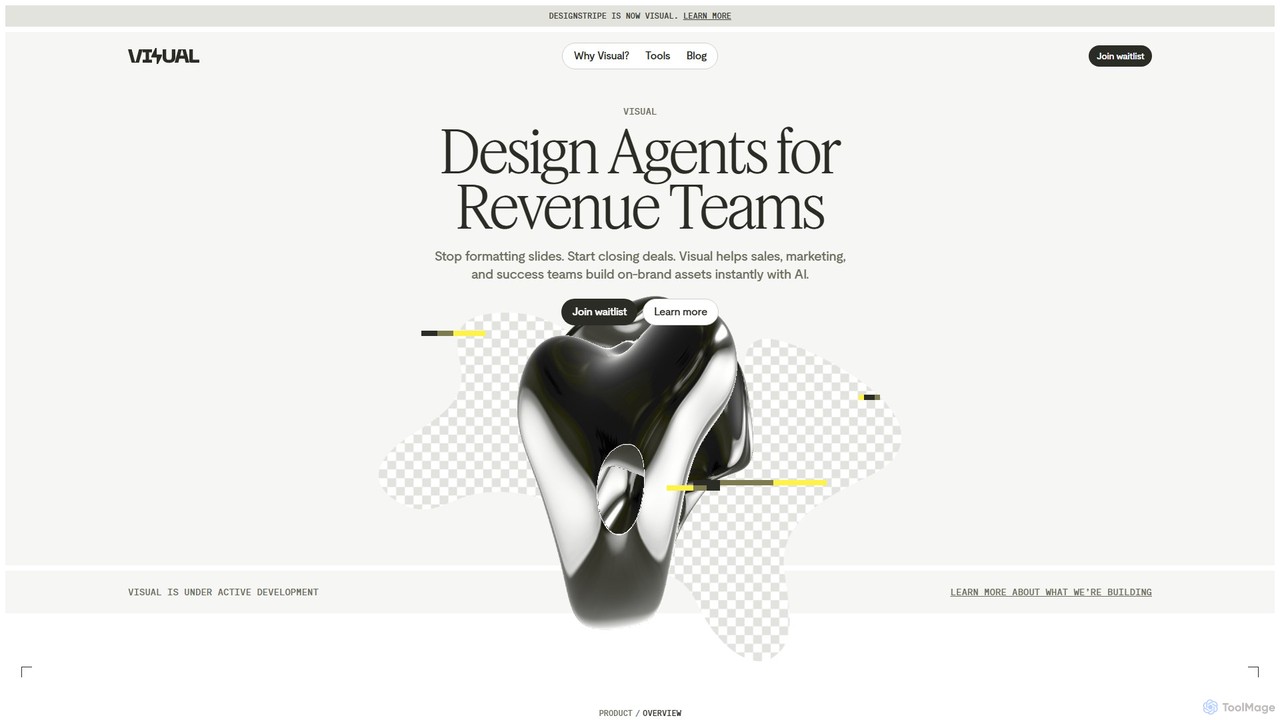
Visual is an AI design agent platform for revenue teams (sales, marketing, success) that automates the creation of presentations, proposals, and documents. Using a simple chat interface, teams can generate and edit on-brand materials in minutes, saving time and ensuring brand consistency.

Presentation
Visits 17.2KFavorites 115Likes 109
Context
Freemium

Context

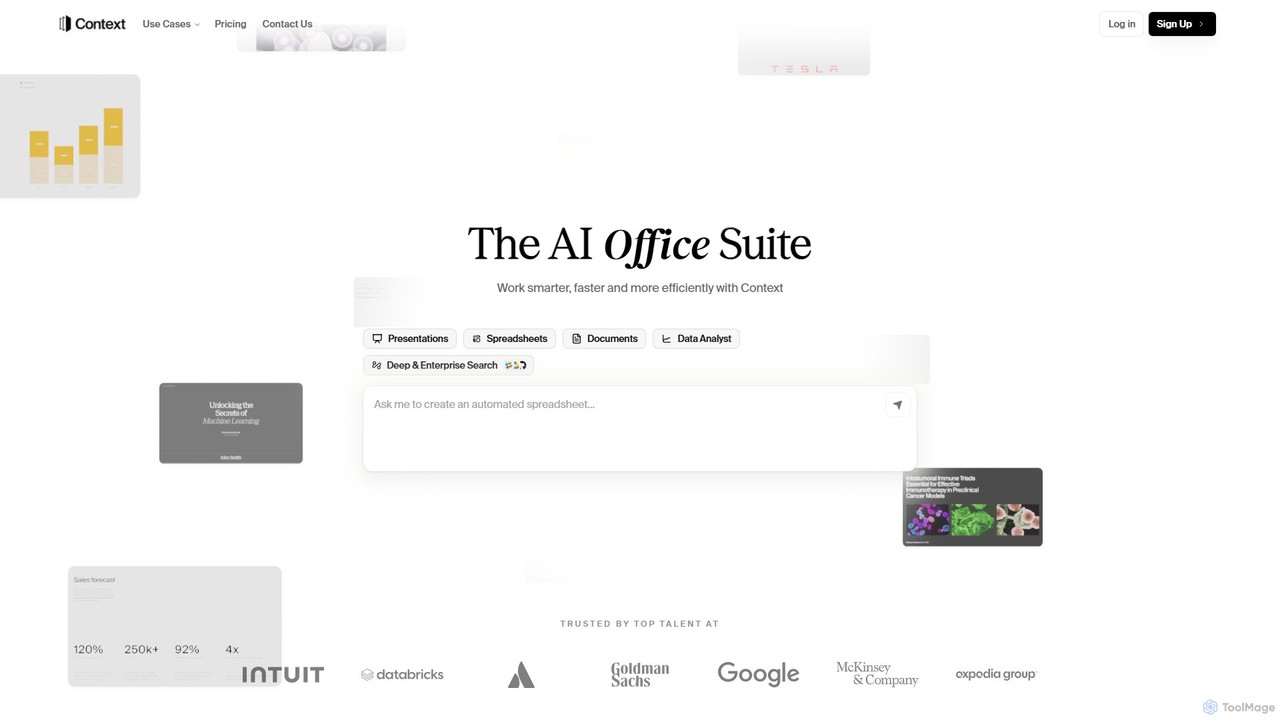
Context is an AI-powered office suite designed to streamline professional workflows. It integrates with over 300 tools like Slack and Salesforce to gather data and automatically generate polished presentations, insightful spreadsheets, and professional documents. By learning your unique style and voice, Context automates research, analysis, and content creation, helping teams work smarter, faster, and more efficiently.

Presentation
Visits 156.3KFavorites 163Likes 159

About Presentation

AI Presentation tools are applications that use artificial intelligence to automate and enhance the creation of slide decks. They leverage generative AI to transform text prompts, documents, or data into professionally designed slides, complete with layouts, images, and speaker notes. This significantly accelerates the content creation process for marketing professionals and sales teams, allowing them to focus on the narrative rather than manual design. These tools often integrate with data sources and can suggest visual aids to better illustrate key points within a marketing context.

Core Features

  • Automated Slide Generation: Creates entire presentations from a simple text prompt, document upload, or URL.
  • Smart Design & Layout: Intelligently applies brand guidelines, suggests layouts, and selects color palettes for visual consistency.
  • Content Structuring: Analyzes raw text or data and organizes it into a logical presentation flow with headlines and bullet points.
  • Visual Asset Sourcing: Automatically finds and inserts relevant, royalty-free images, icons, and charts based on slide content.
  • Data Visualization: Connects to data sources to generate up-to-date charts and graphs automatically.

Applicable Scenarios

These tools are widely used in marketing, sales, corporate communications, and education. Marketing teams use them to rapidly generate campaign proposals, market research summaries, and performance reports. Sales professionals can create customized client pitches in minutes, tailoring content to specific prospects without starting from scratch. They are also valuable for creating internal training materials and investor updates.

Selection Criteria

When choosing an AI Presentation tool, evaluate the level of design customization and brand control it offers. Assess its integration capabilities with your existing data sources (e.g., CRM, analytics platforms) and collaboration tools. Consider the quality of the AI-generated content and visuals, as well as the available export formats like PPTX, PDF, or Google Slides. Finally, review the pricing model based on your team's usage frequency.

Featured tool rankings

Presentation use cases

1

Generate a Marketing Campaign Proposal

A marketing manager needs to quickly draft a proposal for a new product launch. Instead of spending hours designing slides, they input a brief document outlining the campaign goals, target audience, and key messaging. The AI presentation tool instantly generates a complete deck, including slides for market analysis, competitor overview, proposed strategies, budget allocation, and a projected timeline. This allows the manager to focus on refining the strategy and data, reducing preparation time by over 70%.

2

Customize Sales Pitches at Scale

A sales representative needs to create personalized presentations for ten different potential clients this week. For each client, they input the client's website URL and a few key pain points discussed in a prior call. The AI tool scrapes the website for branding elements, analyzes the pain points, and generates a unique pitch deck for each prospect. The presentations highlight specific product features relevant to that client's needs, using their company logo and colors, enabling hyper-personalization without manual effort.

3

Automate Weekly Business Review Decks

A team lead connects their AI presentation tool to data sources like Google Analytics and their company's CRM. Every Monday morning, the tool automatically pulls the latest performance metrics—such as website traffic, lead generation, and conversion rates. It then populates a standardized weekly business review (WBR) template with up-to-date charts and data visualizations. The resulting presentation is ready for the team meeting in minutes, saving hours of manual data collection and slide creation.

4

Create Training and Onboarding Materials

An HR manager is tasked with creating an onboarding presentation for new hires. They upload several internal policy documents and a company overview PDF. The AI tool digests the information, structures it into logical modules (e.g., Company Culture, IT Policies, Department Overviews), and generates a visually engaging presentation. It automatically adds relevant icons and stock images, transforming dense documents into an easily digestible and professional-looking onboarding experience.

5

Draft a Conference Keynote Speech

A thought leader is preparing for a keynote speech. They provide the AI tool with a rough outline of their main arguments and key takeaways. The AI expands on these points, structures the content into a compelling narrative with an introduction, body, and conclusion, and suggests powerful visuals for each slide. It even generates speaker notes with talking points and timing cues, helping the speaker deliver a polished and impactful presentation with less preparation stress.

6

Summarize Research Reports into Presentations

A market analyst has a dense 50-page research report that needs to be presented to the leadership team. They upload the report to the AI presentation tool. The AI reads and understands the document, identifies the most critical findings, key statistics, and conclusions. It then automatically generates a concise and visually appealing summary presentation, complete with charts visualizing the data from the report. This transforms a time-consuming manual summarization task into an automated process that takes only minutes.

Presentation FAQ

What are AI Presentation tools?

AI Presentation tools are software applications that use artificial intelligence, particularly generative AI, to automate the creation of presentations. Instead of starting with a blank slide, users provide input like a text prompt, a document, or a topic, and the AI generates a structured presentation with text, layouts, and relevant visuals. Their primary purpose is to drastically reduce the time and design effort required to produce professional-looking slide decks, allowing users to focus on the content and message.

How to choose the right AI Presentation tool?

To choose the right tool, consider these factors:

  • Input Flexibility: Does the tool accept various inputs like simple text prompts, long documents, URLs, or data files?
  • Design Customization: How much control do you have over the final design? Look for options to apply brand kits (logos, colors, fonts) and edit layouts.
  • Integration Capabilities: Can it connect to your data sources (like Google Sheets, CRM) for live data visualization?
  • Output Formats: Ensure it can export to common formats you need, such as PPTX, PDF, or Google Slides.
  • Collaboration Features: If you work in a team, check for features like real-time editing, commenting, and sharing.
What's the difference between AI Presentation tools and PowerPoint?

The core difference lies in the creation process. Traditional tools like PowerPoint or Google Slides provide a blank canvas, requiring you to manually design each slide, write content, and find visuals. They are design-centric tools. In contrast, AI Presentation tools are content-centric. You provide the core information or idea, and the AI automates the design, structure, and visual sourcing. An AI tool acts as a creative assistant, building the foundation for you, while PowerPoint is a manual tool that gives you full, granular control from the start.

Can AI Presentation tools handle complex data and charts?

Yes, many advanced AI Presentation tools are designed to handle data. They can often integrate directly with data sources like spreadsheets (Excel, Google Sheets) or databases. When you provide raw data or connect a data source, the AI can analyze it, suggest the most appropriate chart type (e.g., bar chart, pie chart, line graph), and automatically generate the visualization. This feature is particularly useful for creating data-driven marketing reports, financial updates, and business reviews without manually creating each chart.

Who benefits most from using AI Presentation tools?

While anyone can use them, professionals who create presentations frequently but are not design experts benefit the most. This includes:

  • Marketing and Sales Teams: For quickly creating proposals, reports, and personalized pitches.
  • Consultants and Analysts: To transform complex data and findings into clear, digestible presentations for clients.
  • Educators and Trainers: To develop engaging lecture materials and training modules without spending hours on design.
  • Startup Founders: For rapidly creating investor pitches, company updates, and internal presentations.

Essentially, they are ideal for anyone who values speed and professional appearance but may lack the time or skills for manual design.