Communication Best in category 9 results Video Conferencing AI Tool

Popular AI tools in the Video Conferencing field of Communication include Zoom、VideoSDK、Tencent RTC、SoWork、QuickBlox、Teameet、frameable、CollabNow、UpMeet, etc., helping you quickly improve efficiency.

Zoom

Zoom

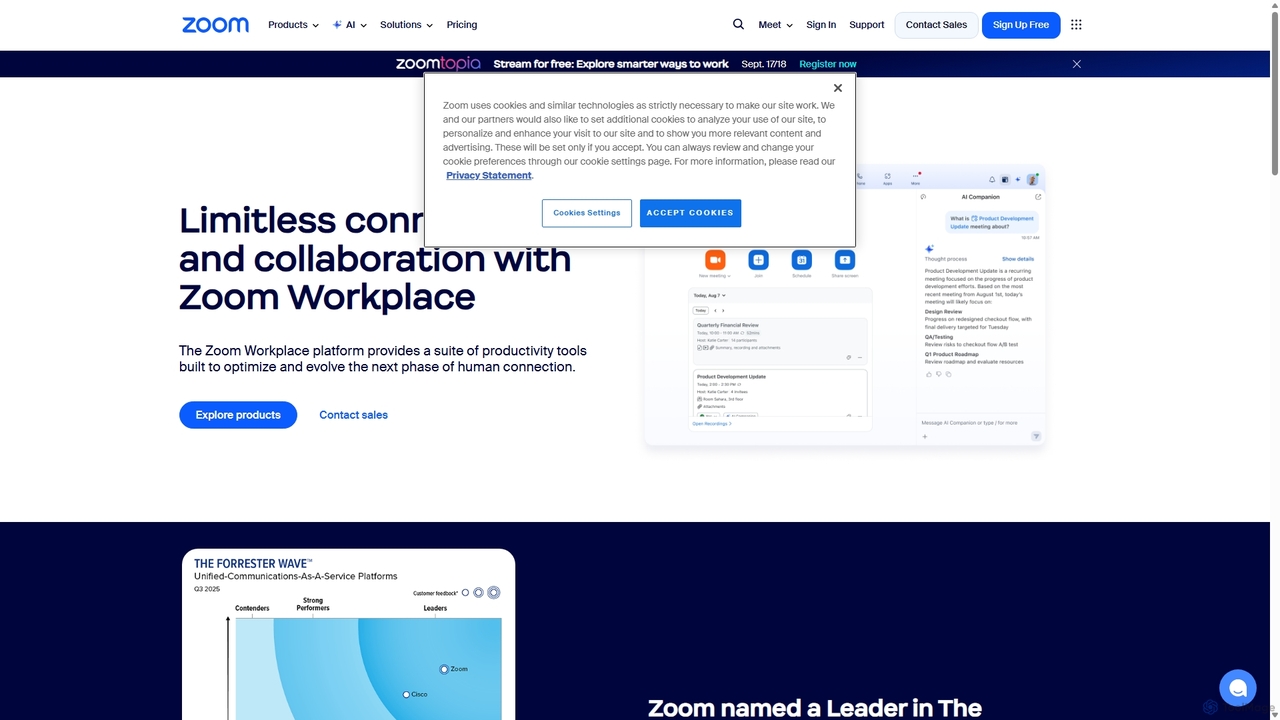
Zoom is an AI-first, unified collaboration platform that connects people through video meetings, phone calls, team chat, webinars, …

42.9M
QuickBlox

QuickBlox

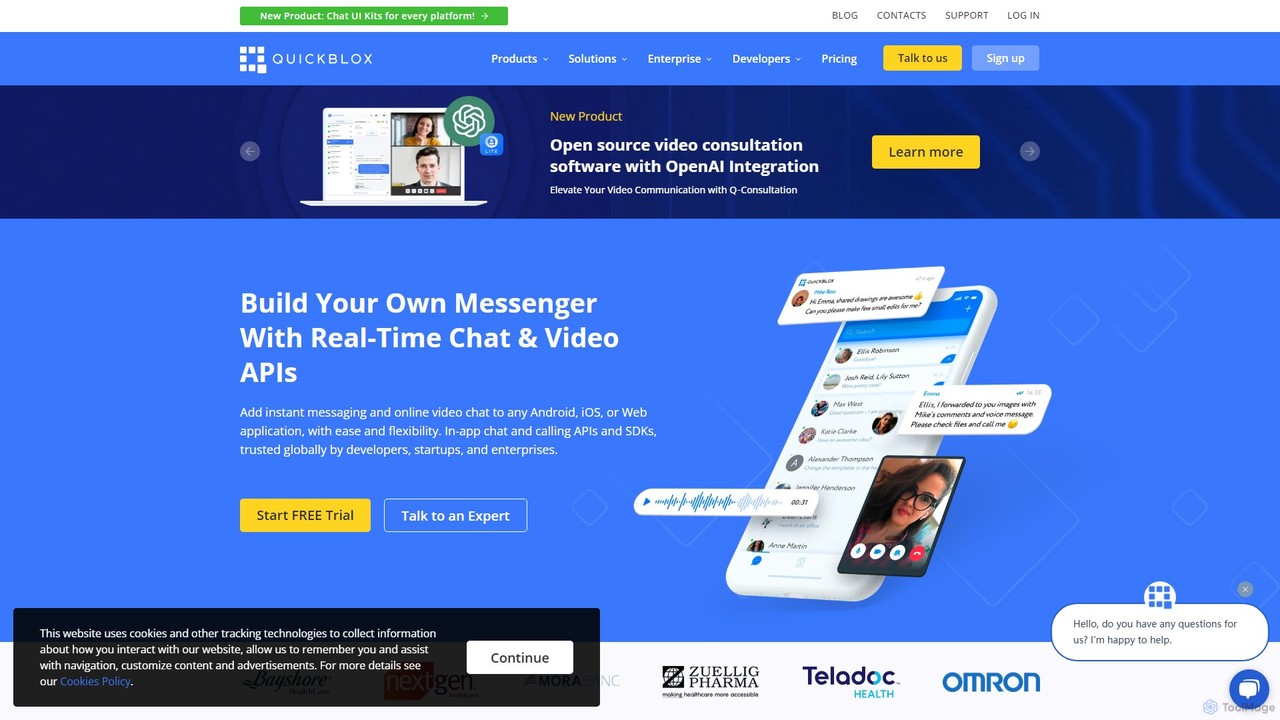
QuickBlox is a Communication Platform as a Service (CPaaS) that provides developers with APIs and SDKs to easily …

14.6K
Teameet

Teameet

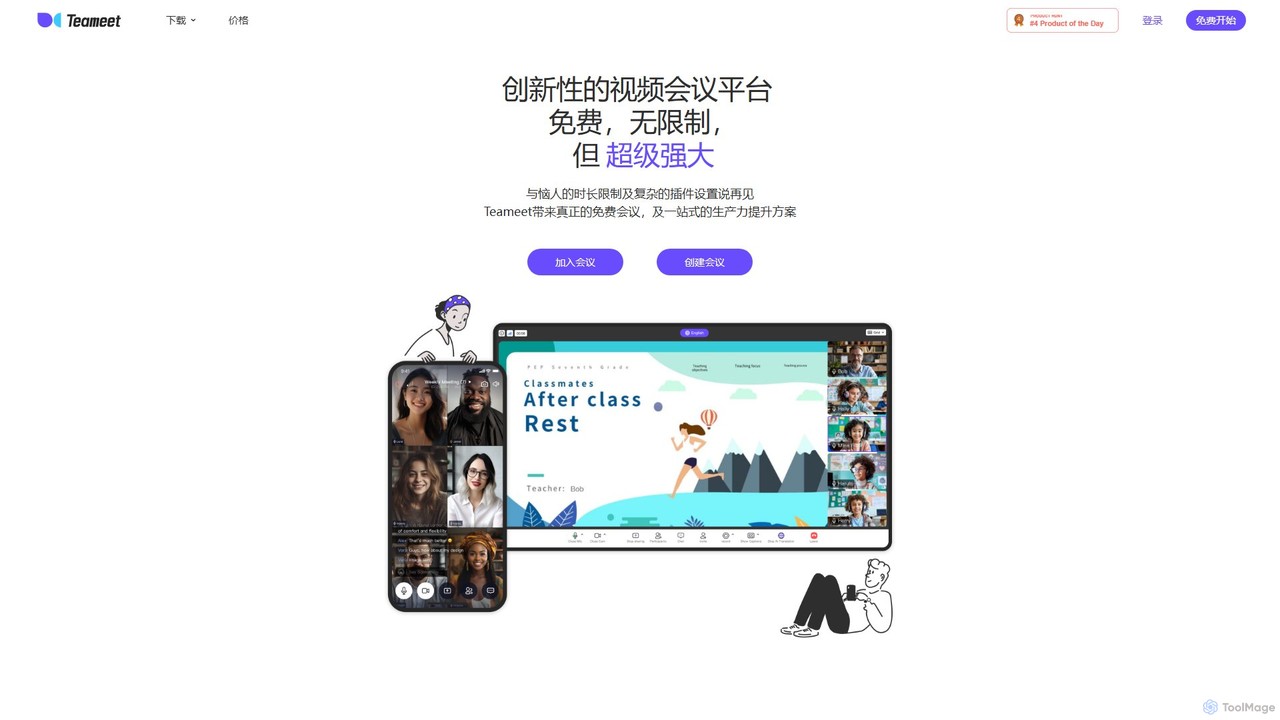
Teameet is an innovative and free video conferencing platform that offers unlimited meeting durations. It enhances productivity with …

11.4K
Tencent RTC

Tencent RTC

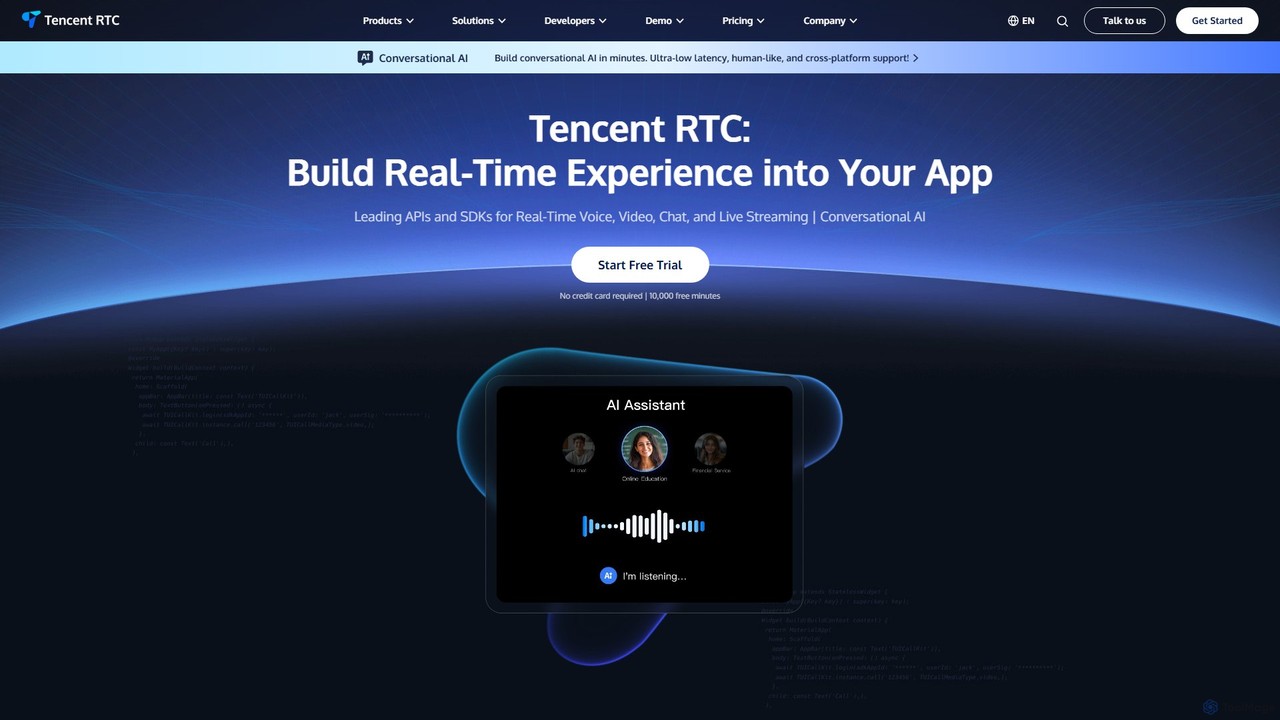
A comprehensive developer platform providing powerful APIs and SDKs for real-time voice, video, chat, and live streaming. Tencent …

130.9K
UpMeet

UpMeet

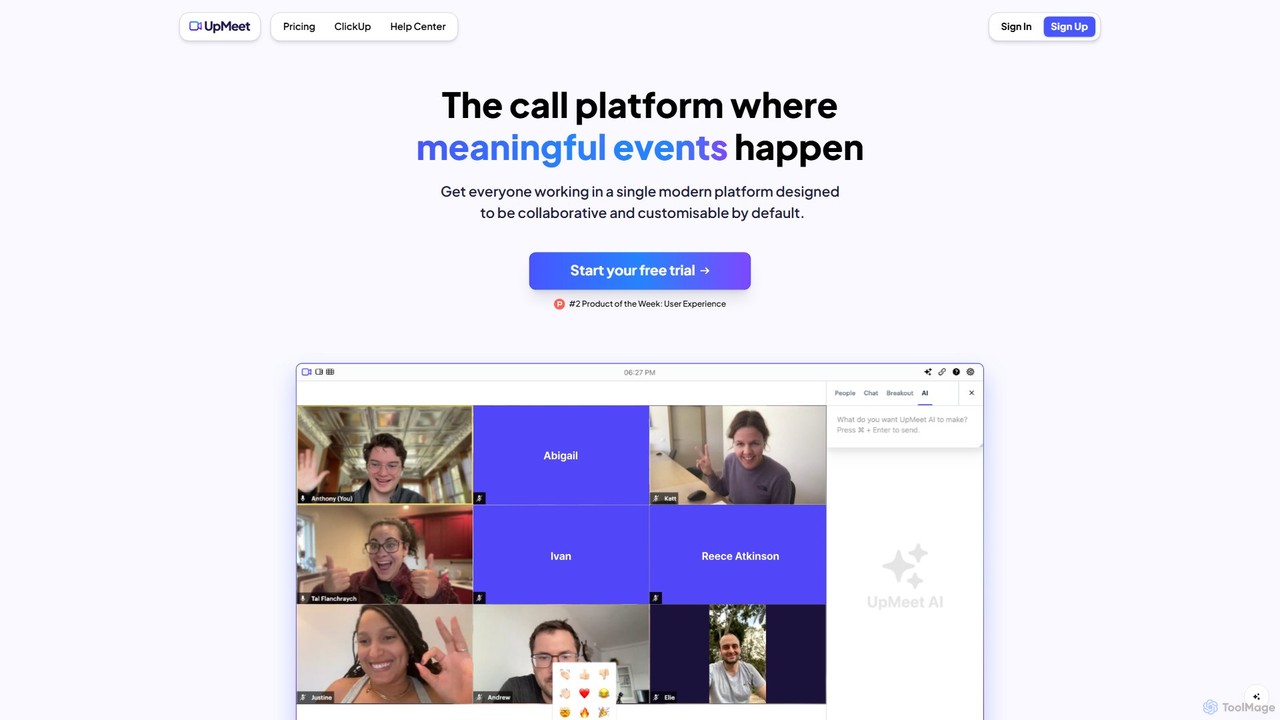
UpMeet is an AI-powered video conferencing platform designed for meaningful and productive online meetings. It offers deep integration …

3.9K
VideoSDK

VideoSDK

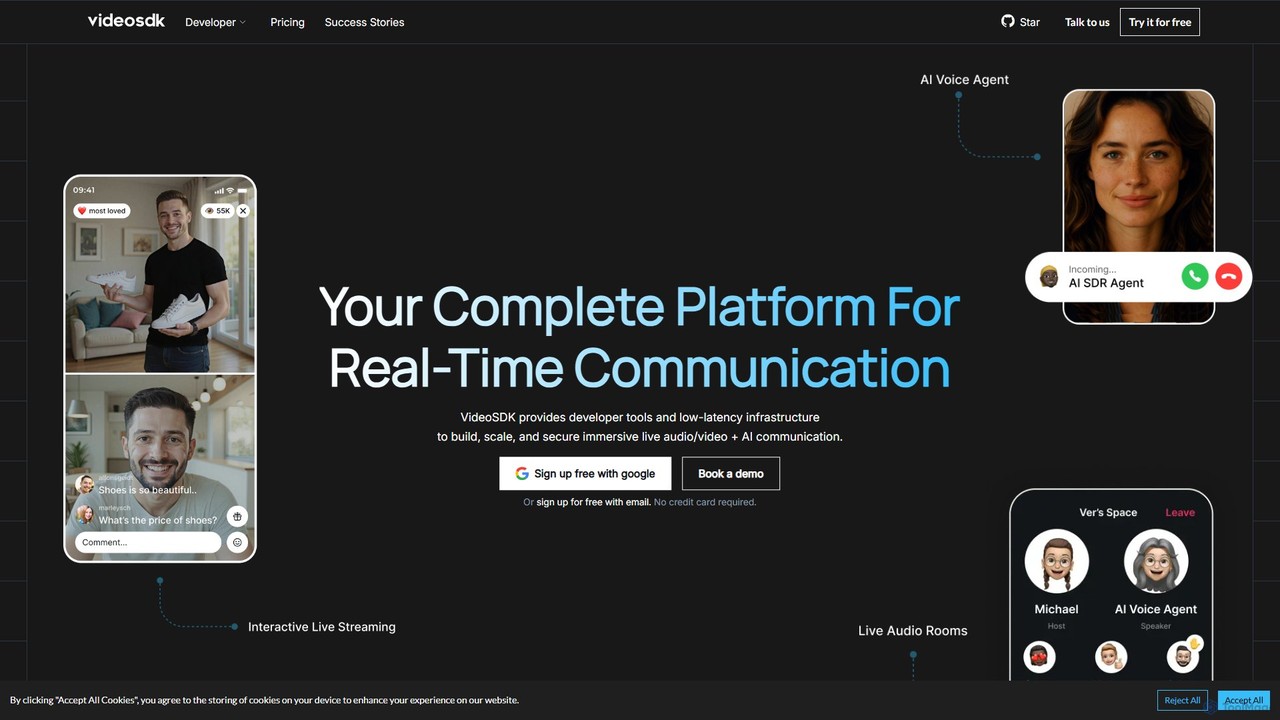
VideoSDK is a comprehensive developer platform providing APIs and SDKs to build, scale, and secure real-time audio/video communication …

169.9K
frameable

frameable

Frameable is an advanced virtual collaboration platform that integrates HD video conferencing with a persistent, interactive digital workspace. …

10.8K
SoWork

SoWork

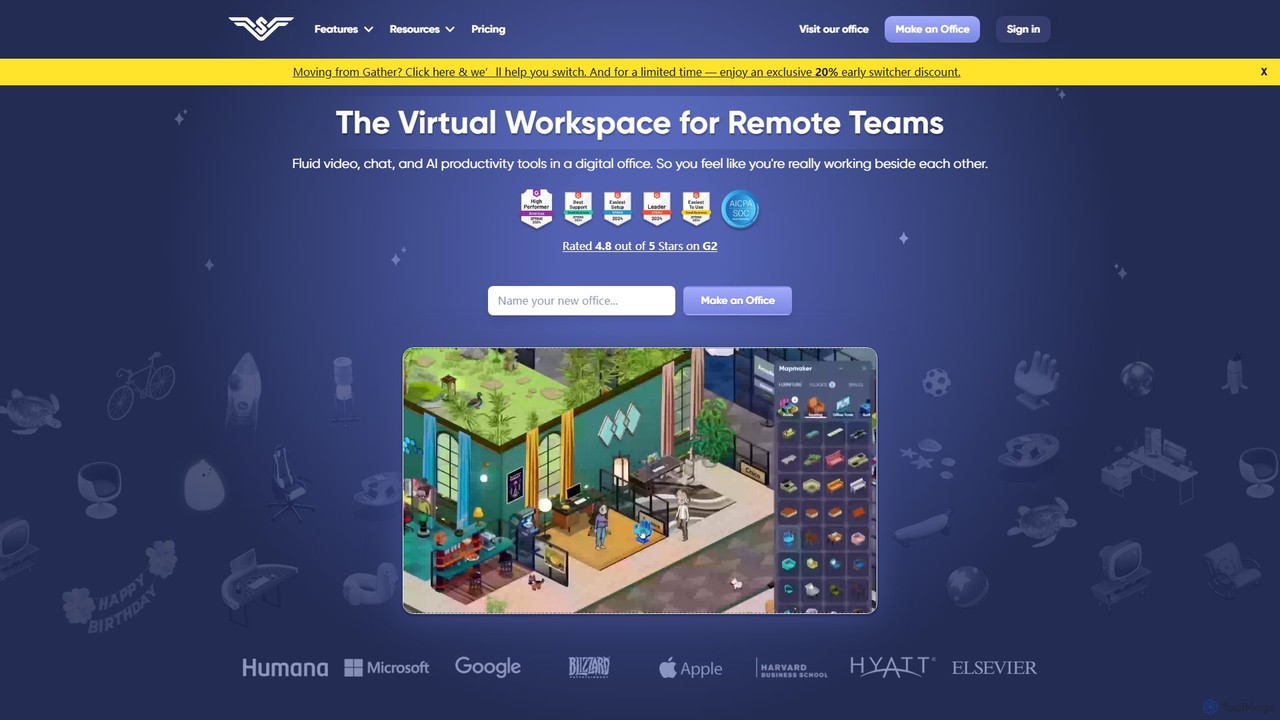
SoWork is an AI-powered virtual workspace for remote teams, combining fluid video, chat, and productivity tools in a …

64.7K
CollabNow

CollabNow

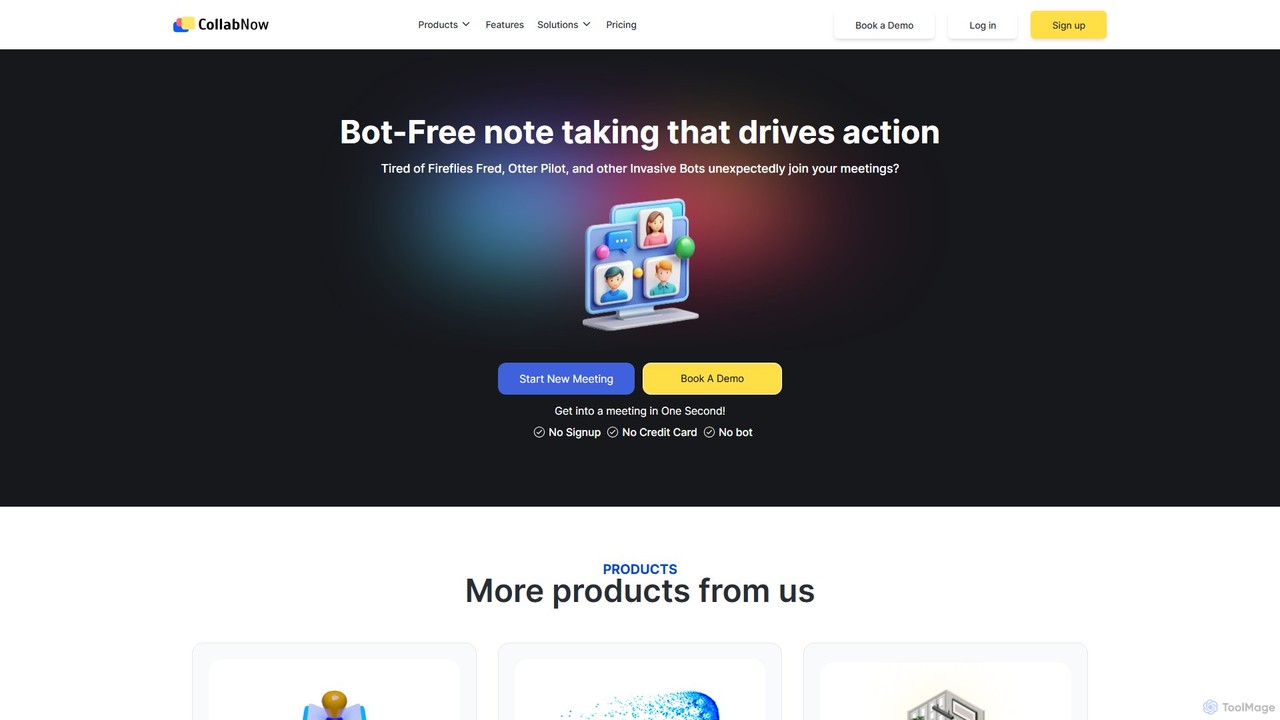
CollabNow is an all-in-one, AI-powered collaboration platform designed to enhance team productivity. It offers bot-free meeting transcription, automated …

7.7K

About Video Conferencing

Video Conferencing tools are AI-enhanced platforms that facilitate real-time visual and audio communication between geographically dispersed participants. These tools leverage advanced AI for features like noise suppression, transcription, and virtual backgrounds, enabling seamless remote collaboration and engagement. They are essential for businesses, educators, and individuals to connect effectively, fostering productivity and reducing travel needs.

Core Features

  • AI Noise Suppression: Intelligently filters out background noise for clearer audio during calls.
  • Real-time Transcription: Automatically converts spoken words into text, aiding accessibility and record-keeping.
  • Virtual Backgrounds: Allows users to customize their visual environment without needing a physical green screen.
  • Facial Recognition & Emotion Analysis: Enhances engagement tracking and provides meeting analytics.
  • Smart Meeting Summaries: AI-generated recaps of key discussion points and action items post-meeting.

Use Cases

Remote teams utilize video conferencing for daily stand-ups, project discussions, and client presentations, ensuring continuous workflow and team cohesion regardless of location. Educational institutions conduct virtual classes and seminars, providing interactive learning experiences for students worldwide.

How to Choose

Evaluate features like AI enhancements (noise cancellation, transcription), participant capacity, security protocols (encryption, access controls), and integration capabilities with existing calendars or CRM systems. Consider pricing models, ease of use, and cross-platform compatibility to match specific organizational needs.

Video ConferencingUse Cases

1

Conducting Global Team Meetings

Multinational corporations use AI video conferencing to host weekly all-hands meetings, leveraging real-time translation and smart summaries to ensure all team members, regardless of language or time zone, stay informed and aligned. This reduces communication barriers and travel costs, fostering a more inclusive global workforce.

2

Delivering Interactive Online Education

Educators employ video conferencing platforms with interactive whiteboards, breakout rooms, and AI-powered engagement analytics to deliver dynamic virtual lessons. Students can participate actively, ask questions, and collaborate on projects, making remote learning as effective and engaging as in-person classes, especially for distance learning programs.

3

Facilitating Remote Client Consultations

Consultants and service providers use secure video conferencing for client meetings, sharing screens for presentations and using AI transcription for accurate meeting notes. This allows for personalized, face-to-face interactions without geographical limitations, enhancing client relationships and ensuring all details are captured for follow-up.

4

Streamlining Recruitment Interviews

HR departments conduct remote job interviews via video conferencing, utilizing features like virtual waiting rooms and recording capabilities for review. AI tools can analyze candidate engagement and speech patterns, providing insights to streamline the hiring process and ensure a consistent evaluation across all applicants.

5

Hosting Large-Scale Webinars and Events

Marketing teams organize webinars and virtual events using video conferencing platforms that support large audiences, Q&A sessions, and interactive polls. AI moderation helps manage participant interactions, ensuring smooth event execution and broader reach, while also providing analytics on audience engagement and sentiment.

6

Enabling Telemedicine Appointments

Healthcare providers use secure, HIPAA-compliant video conferencing for virtual patient consultations. This allows patients to receive medical advice from home, reducing clinic visits and improving access to care, especially for those in remote areas or with mobility issues, while maintaining patient privacy and data security.

Video ConferencingFrequently Asked Questions