

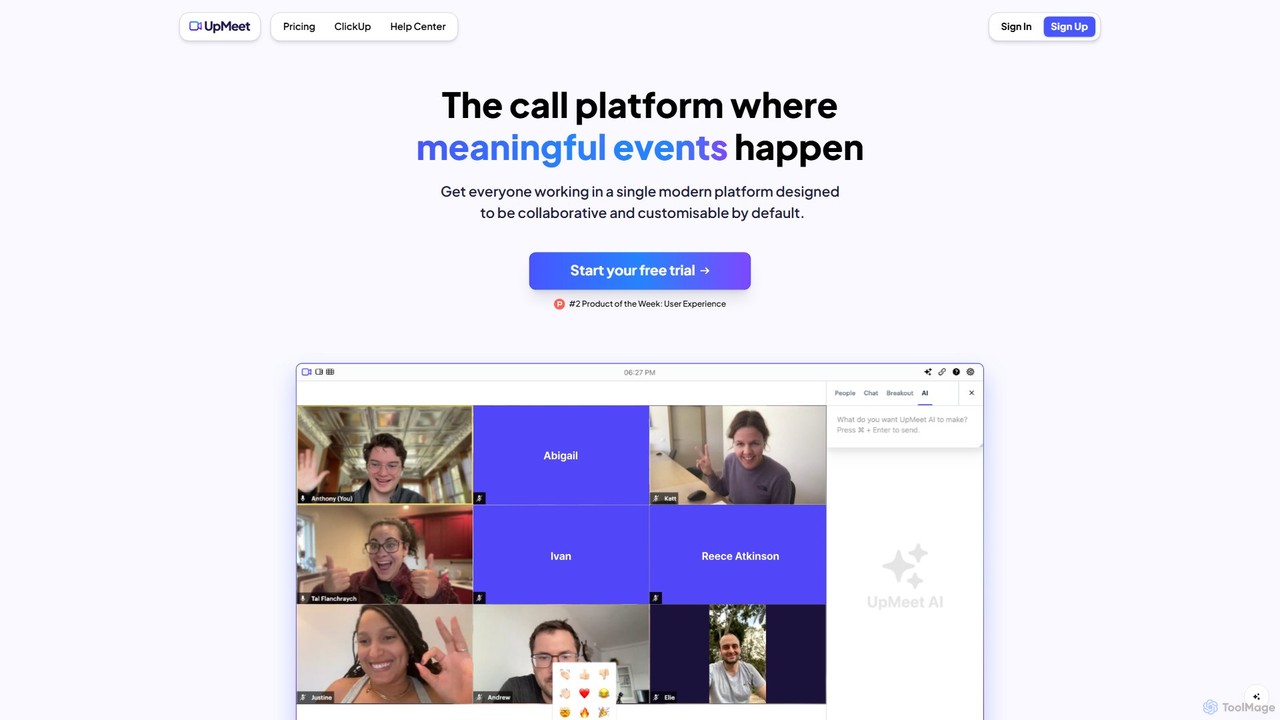
UpMeet Overview
UpMeet is a sophisticated, AI-driven video conferencing and collaboration platform built to transform standard online calls into productive, meaningful interactions. It moves beyond simple video chat by integrating powerful AI capabilities, deep workflow integrations, and extensive customization options. This makes it an ideal solution for modern businesses, remote teams, and project managers who rely on seamless communication and efficiency.
At its core, UpMeet is designed to eliminate the common hassles of virtual meetings. With its AI assistant, users can get automated summaries, key action points, and even a catch-up brief if they step away for a moment. The platform's standout feature is its deep integration with ClickUp, allowing teams to embed meetings directly into their project management workflows, discuss tasks, and maintain context without switching applications. Combined with high-quality video, robust security, and the ability to host a large number of participants, UpMeet positions itself as a comprehensive hub for team collaboration.
How to use UpMeet
Getting started with UpMeet is a straightforward process designed for quick adoption:
- Sign Up: Begin with a 14-day free trial to explore all the features. Choose a plan that best fits your team's size and needs.
- Customize Your Space: Personalize your meeting environment by adding your company's logo, selecting a color theme, and setting up a custom domain (e.g., calls.yourcompany.com). This ensures a professional and branded experience for all participants.
- Integrate with ClickUp: Connect UpMeet to your ClickUp workspace. This allows you to add meeting links directly to tasks, lists, dashboards, and whiteboards, making it easy for team members to join calls from within their project management tool.
- Schedule and Start Calls: Create meeting spaces and share links with internal or external participants. You can host small team huddles or large-scale webinars with up to 1,000 participants (or more on enterprise plans).
- Leverage In-Meeting Tools: During a call, use features like the Shared Chrome Browser to co-browse websites in real-time, use Breakout Rooms for focused group discussions, and engage with chat, emojis, and GIFs.
- Utilize AI Features: Let the UpMeet AI work for you. Get a recap of the discussion, a list of follow-up action points, or ask the AI to generate answers to questions. If you miss part of the meeting, the "Step Away" feature will summarize what you missed.
- Review and Share: After the call, access local or cloud recordings. Share the recording links and AI-generated summaries with attendees or those who couldn't make it.
Core Features of UpMeet
- AI Meeting Assistant: Includes AI-powered call recaps, automated action item generation, a "Step Away" summary for when you miss parts of a meeting, and an AI chat to generate templates and answers.
- Deep ClickUp Integration: Seamlessly embed and manage UpMeet calls within ClickUp lists, dashboards, and whiteboards, allowing teams to work on tasks directly within their project hub.
- Advanced Collaboration Tools: Features a unique Shared Chrome Browser for real-time, synchronized web browsing with participants, plus versatile Breakout Rooms for smaller group sessions.
- Full Customization & Branding: Users can apply their own logo, color theme, and custom domain to create a fully branded and professional meeting experience.
- High-Capacity & Quality Meetings: Supports up to 1,000 participants (with options for up to 15,000), AI Noise Cancellation for clear audio, and background blur/effects to maintain focus.
- Recording and Management: Offers both local and cloud recording options with shareable links. A central dashboard allows for easy management of spaces and provides audit logs.
- Interactive Experience: Includes in-meeting chat with GIFs and emoji reactions, hand-raising, and other interactive elements to keep participants engaged.
- Multi-Language Support: Automatically detects and supports 14 languages, making it accessible for global teams.
Use Cases for UpMeet
UpMeet is versatile and can be applied in various professional scenarios:
- Project Management Teams: Teams using ClickUp can conduct project reviews, sprint planning, and task discussions directly within their workspace, with AI capturing all action items automatically.
- Sales and Client Meetings: Professionals can create a polished impression with custom-branded meeting rooms. The shared browser is perfect for live demos and collaborative reviews of documents or websites with clients.
- Remote Team Collaboration: Distributed teams can use UpMeet for daily stand-ups, brainstorming sessions (using breakout rooms), and all-hands meetings, ensuring everyone stays connected and productive.
- Corporate Training and Webinars: The high participant capacity and recording features make it ideal for hosting large-scale training sessions, workshops, and webinars.
Advantages of UpMeet
UpMeet offers several key advantages over traditional video conferencing tools:
- Workflow Integration: The native ClickUp integration is a significant differentiator, reducing context switching and embedding communication directly into project workflows.
- Enhanced Productivity: The AI assistant automates tedious tasks like note-taking and summarizing, freeing up teams to focus on discussion and decision-making.
- Professionalism: Custom branding features allow businesses to maintain brand consistency and present a professional image in all external and internal communications.
- Scalability: With plans ranging from small teams to large enterprises, UpMeet can grow with your organization's needs.
Pricing and Plans
UpMeet offers a 14-day free trial and three main pricing tiers:
- Starter Plan: £10/month. Includes up to 10 participants, 40-minute call duration, reactions, background effects, AI noise cancellation, and custom domain branding.
- Pro Plan: £20/month. Includes up to 100 participants, 2-hour call duration, all Starter features, plus full custom branding, breakout groups, shared browser, call recordings, and priority support.
- Unlimited Plan: £60/month. Includes up to 1,000 participants, 5-hour call duration, and all features from the Pro plan with top-tier priority support.
Traffic
Latest traffic
Status
Monthly traffic trend
- 2025-8: 0
- 2025-9: 504
- 2026-2: 0
- 2026-3: 0
- 2026-4: 879
- 2026-5: 976
Geography
Top 5 countries / regions
- 🇫🇷France79.0%
- 🇺🇸United States21.0%
UpMeet Alternatives
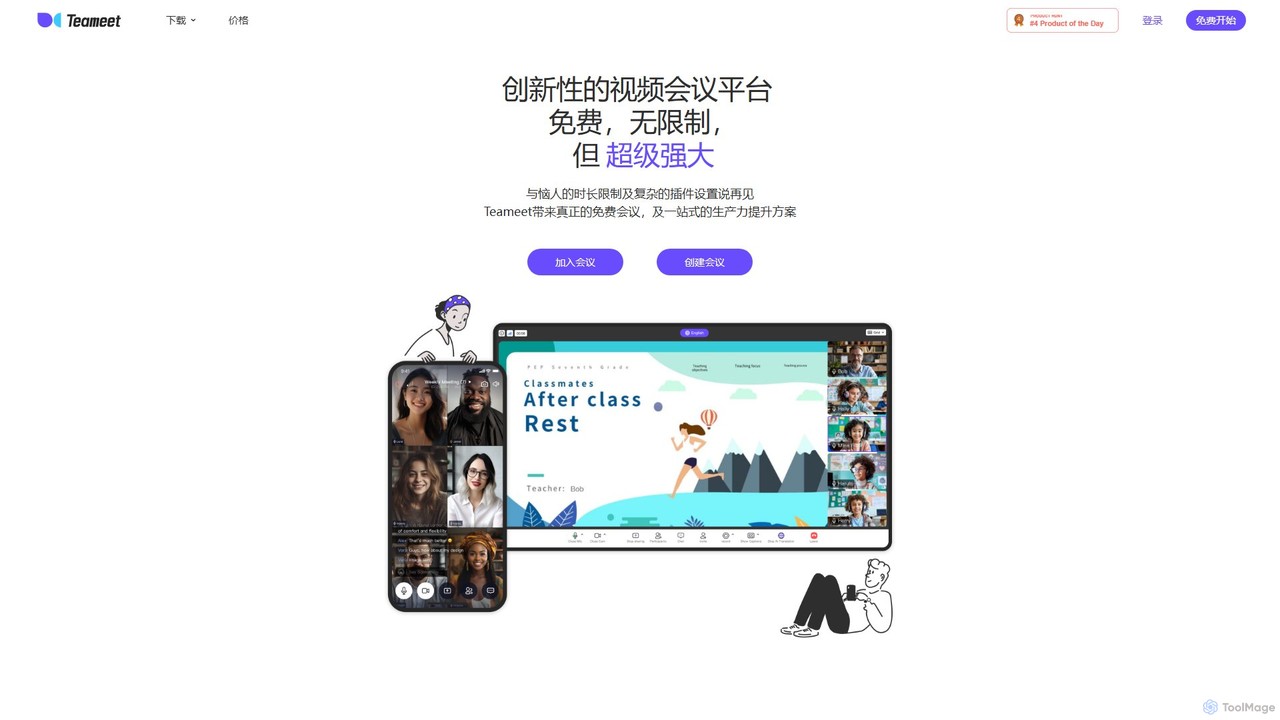
Teameet
Teameet is an innovative and free video conferencing platform that offers unlimited meeting durations. It enhances productivity with AI-powered features like real-time transcription and summaries, cloud recording, and multi-language subtitles. Ideal for startups and global teams, it provides a seamless, cross-platform experience without complex installations.
Video Conferencing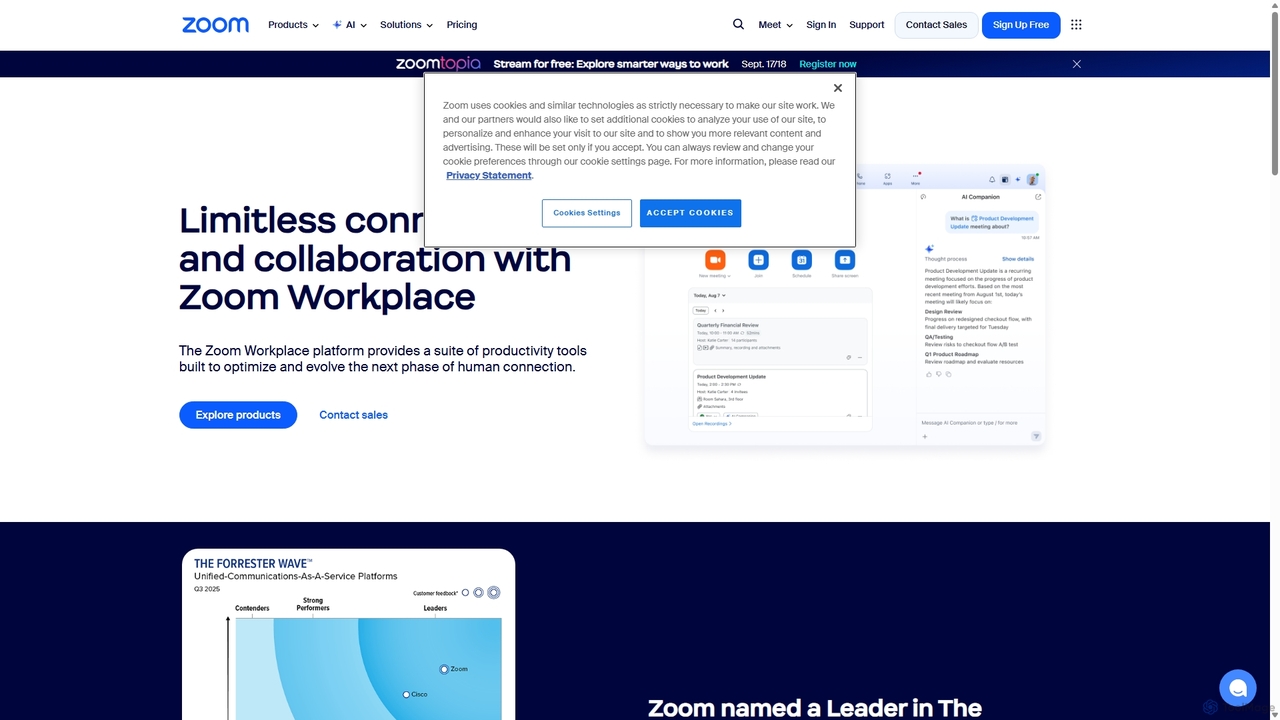
Zoom
Zoom is an AI-first, unified collaboration platform that connects people through video meetings, phone calls, team chat, webinars, and more. Featuring the AI Companion, it streamlines workflows, summarizes meetings, and enhances productivity for remote and hybrid teams across all industries.
Meeting Management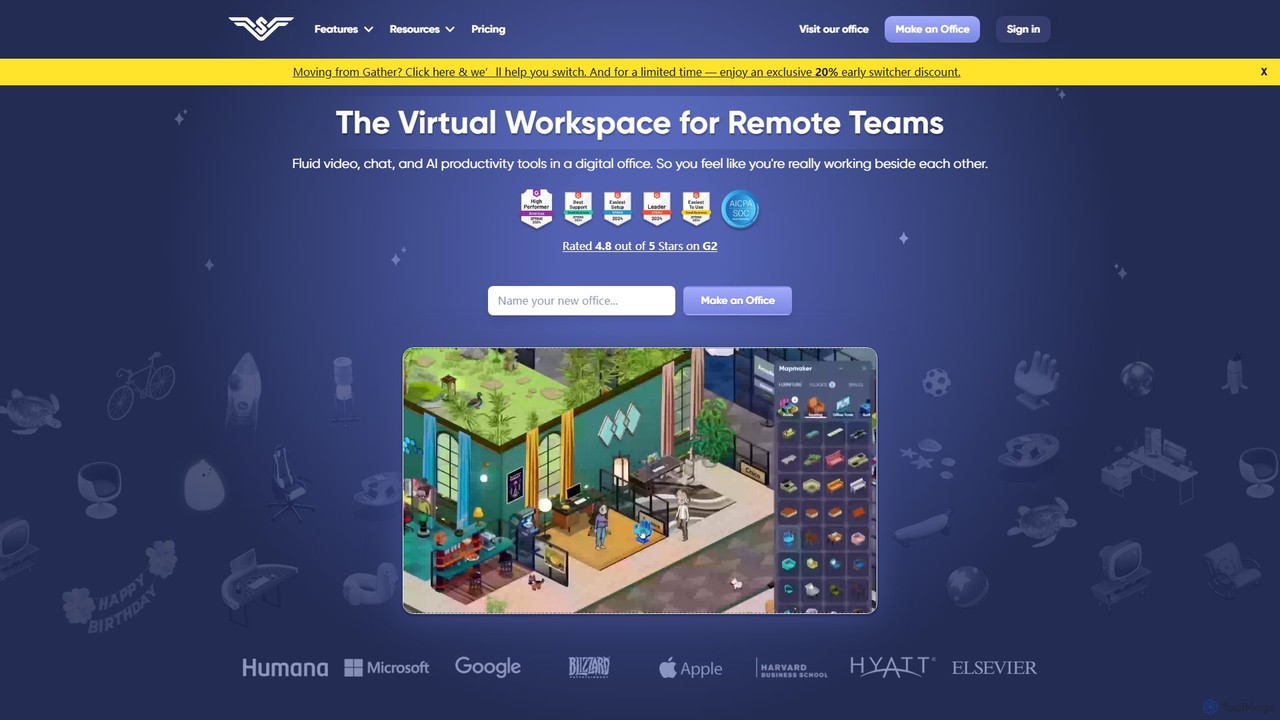
SoWork
SoWork is an AI-powered virtual workspace for remote teams, combining fluid video, chat, and productivity tools in a customizable digital office. It aims to foster a sense of presence and seamless collaboration, making remote teams feel like they're working side-by-side.
Video Conferencing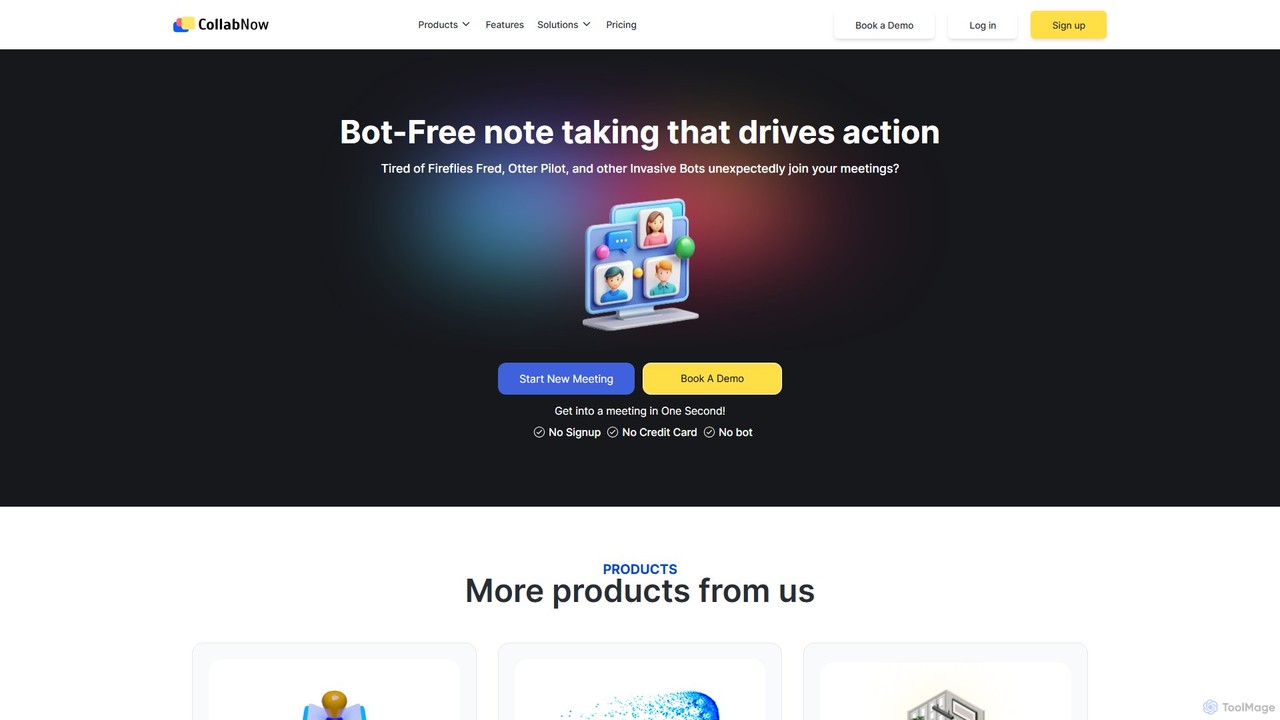
CollabNow
CollabNow is an all-in-one, AI-powered collaboration platform designed to enhance team productivity. It offers bot-free meeting transcription, automated summaries, action item tracking, and deep conversational analytics. With unique features like multi-user screen sharing and integrated video messaging, CollabNow unifies communication, turning discussions into actionable insights and streamlining workflows for teams of all sizes.
Teamwork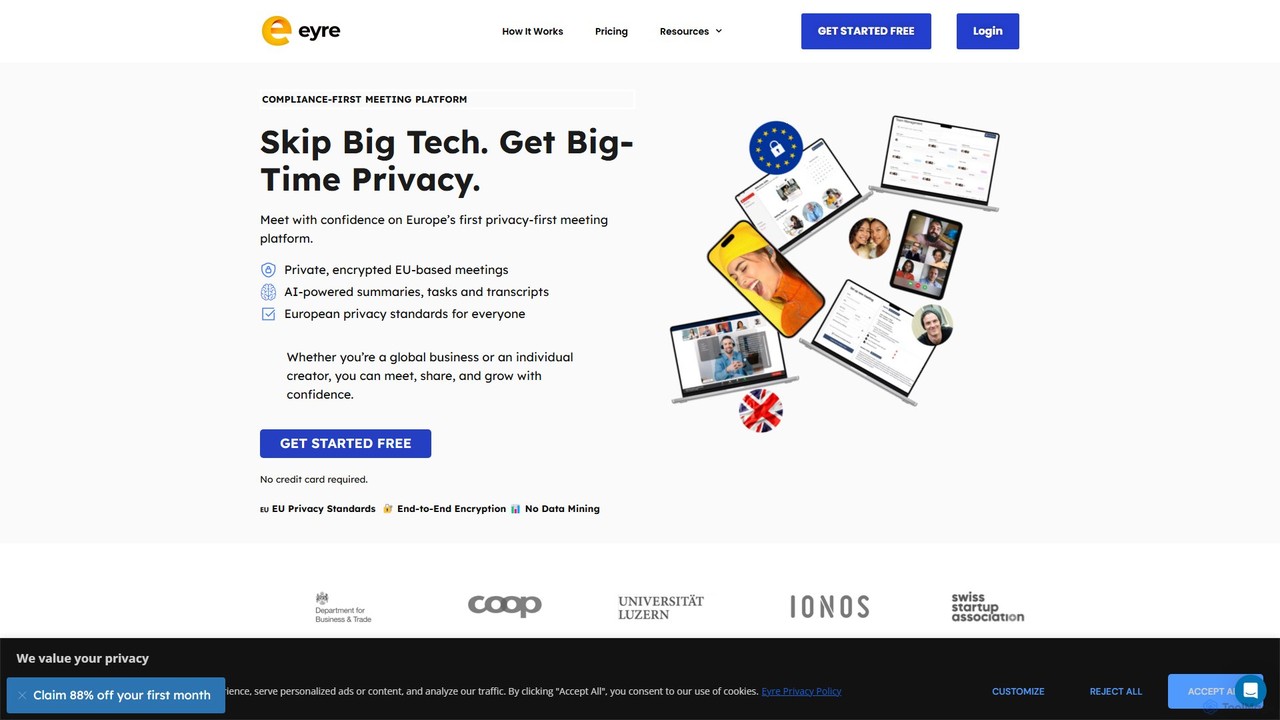
Eyre
Eyre is a privacy-first, EU-based video conferencing platform designed as a secure alternative to mainstream services. It offers end-to-end encrypted meetings with AI-powered features like summaries, transcripts, and task management. By keeping all data within Europe under strict GDPR compliance and a zero-knowledge architecture, Eyre ensures your conversations remain private and your data is never mined for advertising or AI training.
Video ConferencingUpMeet Categories
UpMeet Embed Widget
Copy this embed code to place the badge on your blog, article, or product site and send readers directly to this ToolMage detail page.

Related AI tools
Teameet
Teameet is an innovative and free video conferencing platform that offers unlimited meeting durations. It enhances productivity with AI-powered features like real-time transcription and summaries, cloud recording, and multi-language subtitles. Ideal for startups and global teams, it provides a seamless, cross-platform experience without complex installations.
Video ConferencingZoom
Zoom is an AI-first, unified collaboration platform that connects people through video meetings, phone calls, team chat, webinars, and more. Featuring the AI Companion, it streamlines workflows, summarizes meetings, and enhances productivity for remote and hybrid teams across all industries.
Meeting ManagementSoWork
SoWork is an AI-powered virtual workspace for remote teams, combining fluid video, chat, and productivity tools in a customizable digital office. It aims to foster a sense of presence and seamless collaboration, making remote teams feel like they're working side-by-side.
Video ConferencingEyre
Eyre is a privacy-first, EU-based video conferencing platform designed as a secure alternative to mainstream services. It offers end-to-end encrypted meetings with AI-powered features like summaries, transcripts, and task management. By keeping all data within Europe under strict GDPR compliance and a zero-knowledge architecture, Eyre ensures your conversations remain private and your data is never mined for advertising or AI training.
Video Conferencing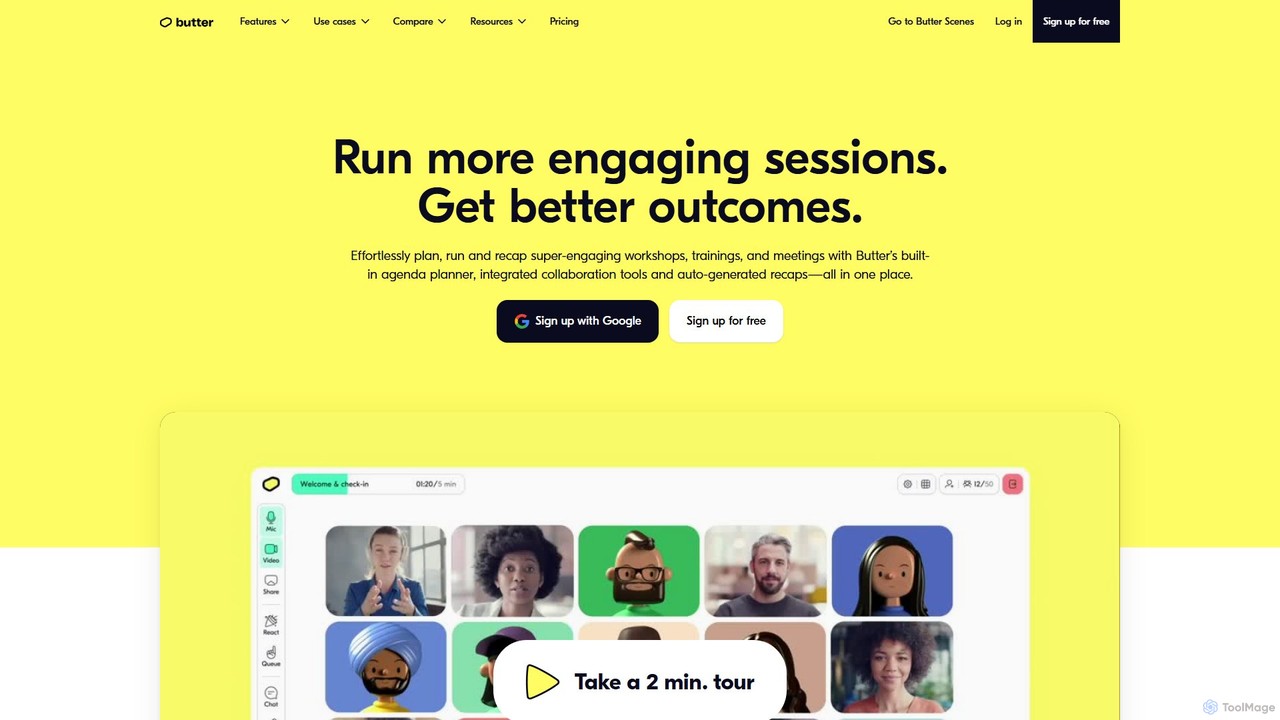
Butter
Butter is an AI-powered virtual collaboration platform designed for facilitators to run highly engaging and interactive workshops, training sessions, and meetings. It integrates interactive tools, agendas, and AI-driven recaps into a single window, eliminating tool-juggling and Zoom fatigue.
Team Management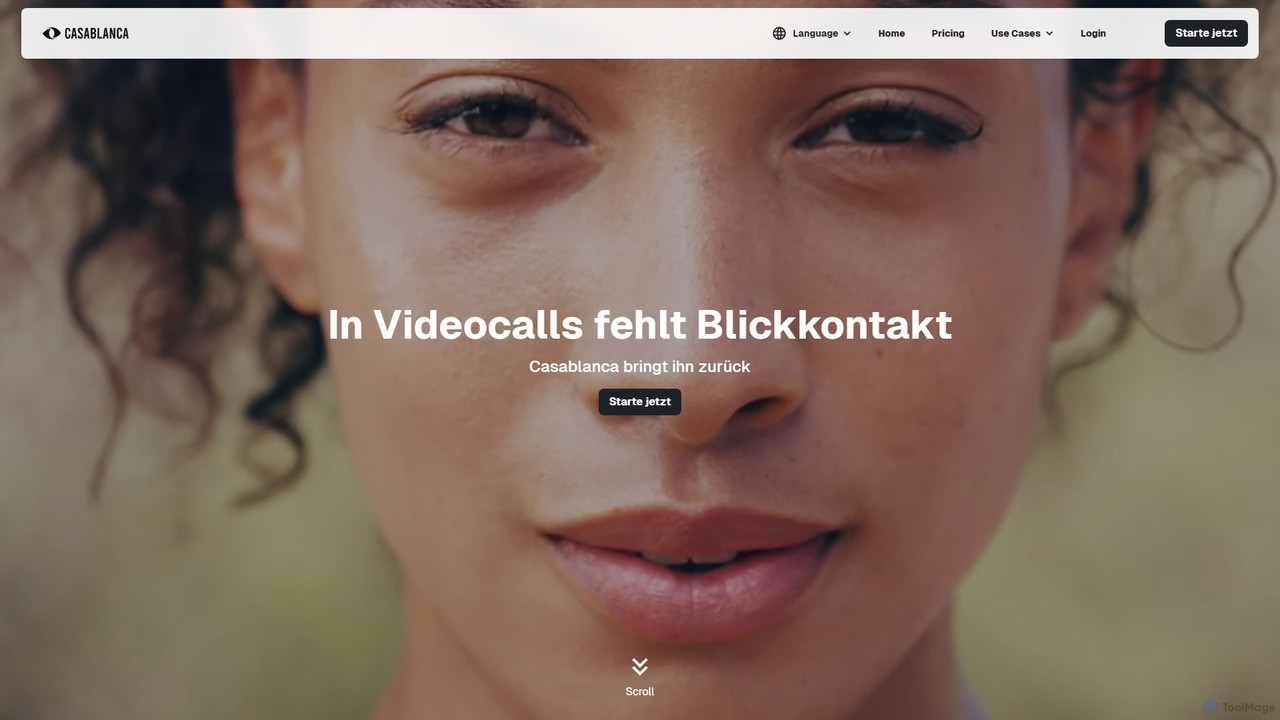
Casablanca
Casablanca is an AI-powered virtual camera that enhances your presence in online meetings. Its core feature, AI eye contact correction, ensures you always appear to be looking directly at the camera, fostering better engagement. It works seamlessly with popular platforms like Zoom, Teams, and Google Meet to make you look your best in every call.
Teleconferencing
frameable
Frameable is an advanced virtual collaboration platform that integrates HD video conferencing with a persistent, interactive digital workspace. It's designed for remote and hybrid teams to communicate, brainstorm, and interact with data in a unified, immersive environment, moving beyond traditional online meetings.
Virtual Workspace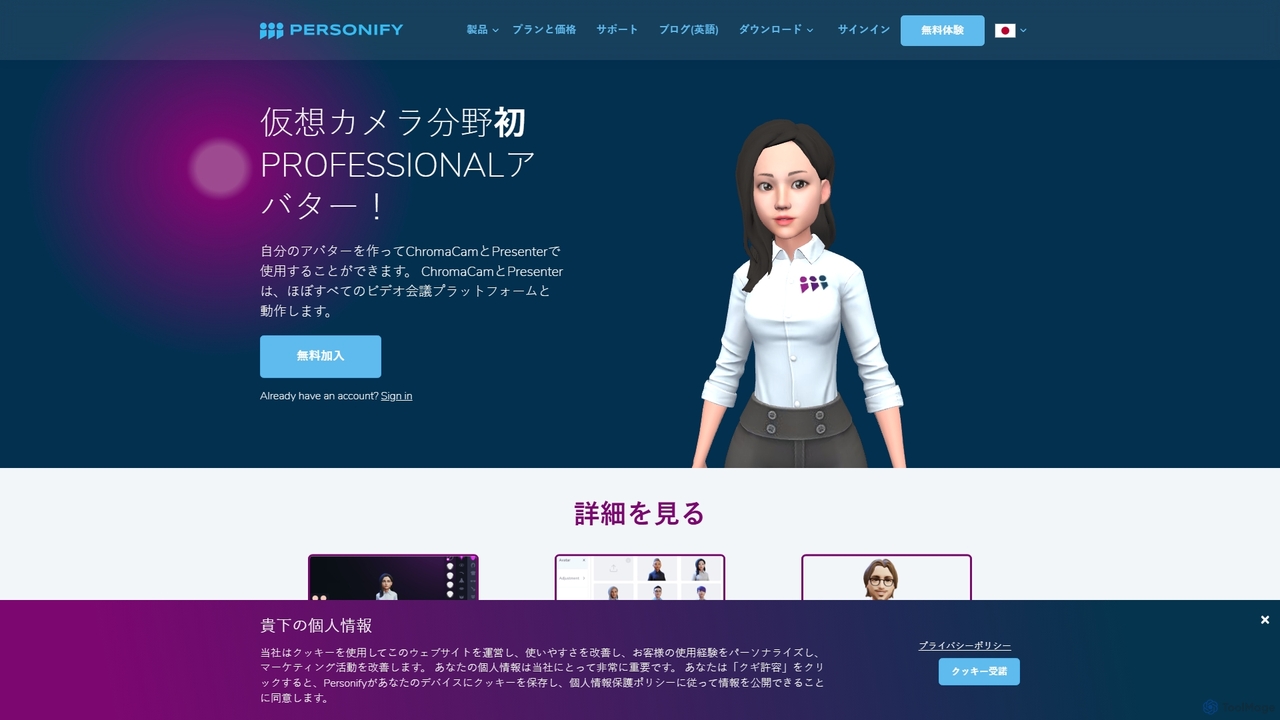
Personify
Personify is an AI-powered suite of virtual camera tools, including Presenter and ChromaCam, designed to create immersive and engaging video presentations. It allows users to overlay their video on content, use custom 3D avatars, and replace backgrounds in any video conferencing app.
Virtual Identity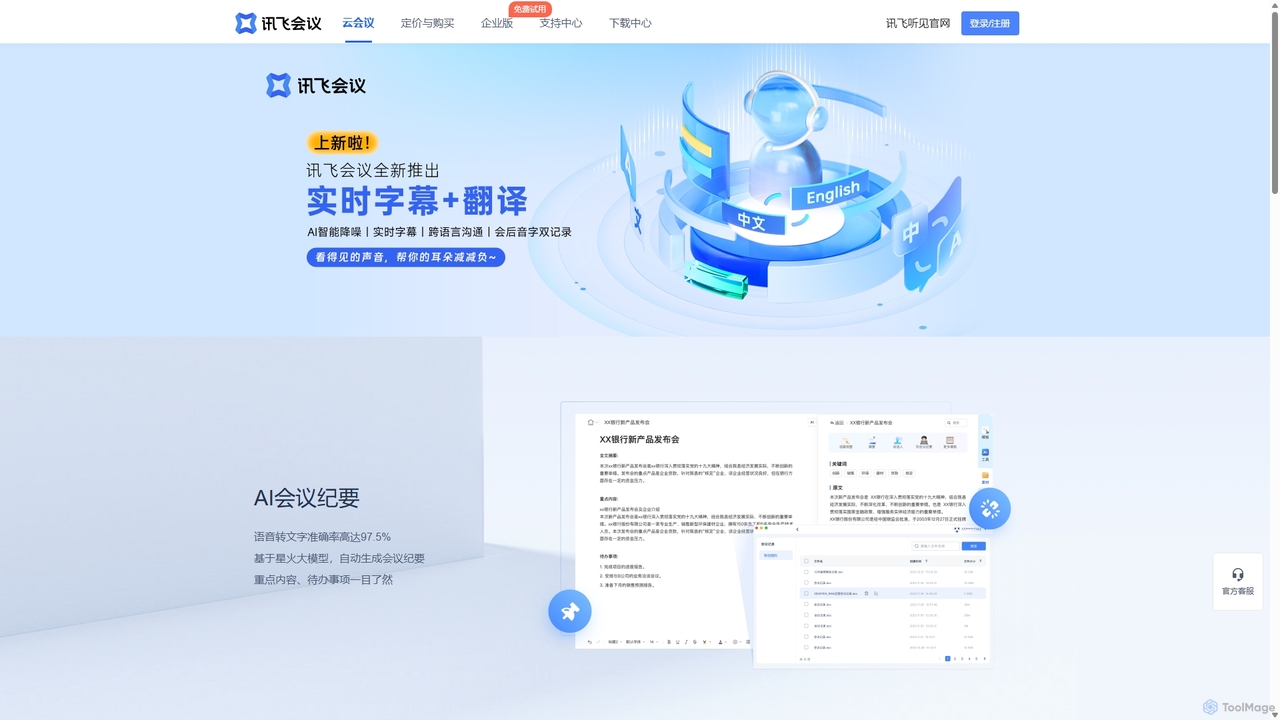
IFlytek Meeting
iFlytek Meeting is an AI-powered HD video conferencing platform. It offers high-accuracy real-time transcription, automatic meeting summaries, and to-do list generation. With features like stable HD video, cross-platform support, and robust security, it enhances meeting efficiency for individuals, teams, and large enterprises, providing a seamless remote collaboration experience.
Communication
Spotvirtual
Spotvirtual is a virtual office platform that transforms remote work by creating an immersive, customizable 3D workspace. It combines the features of Slack and Zoom with the spatial presence of a physical office, allowing teams to collaborate, communicate, and connect more naturally, boosting productivity and team morale.
Team Chat
flycom.ai
flycom.ai is an AI-powered unified communication platform that streamlines team collaboration. It offers real-time meeting summaries, intelligent messaging, and automated workflows to boost productivity for fast-paced, modern teams.
Project Management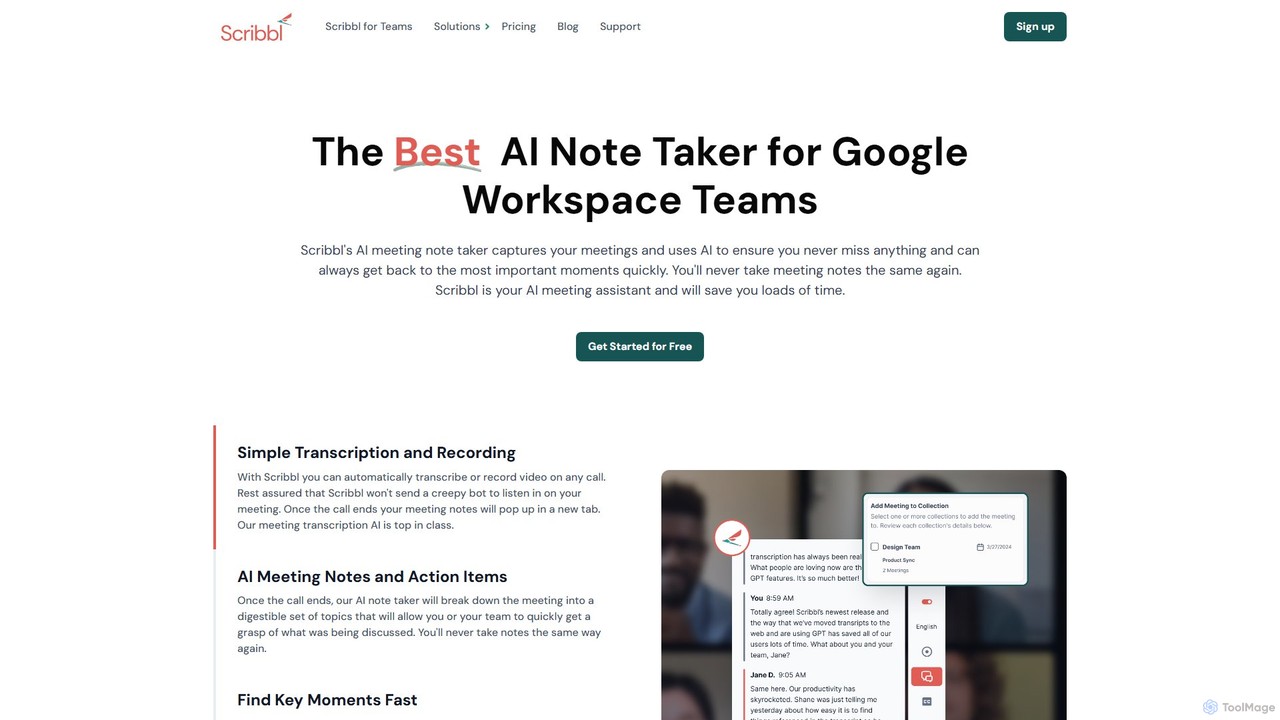
Scribbl
Scribbl is an AI-powered meeting assistant and note-taker designed as a Chrome extension for Google Meet. It automatically transcribes, records, and summarizes your meetings, generating digestible notes, key topics, and actionable items. This tool helps users and teams boost post-meeting productivity by making it easy to find key moments, share insights, and integrate with other workflow tools.
Meetings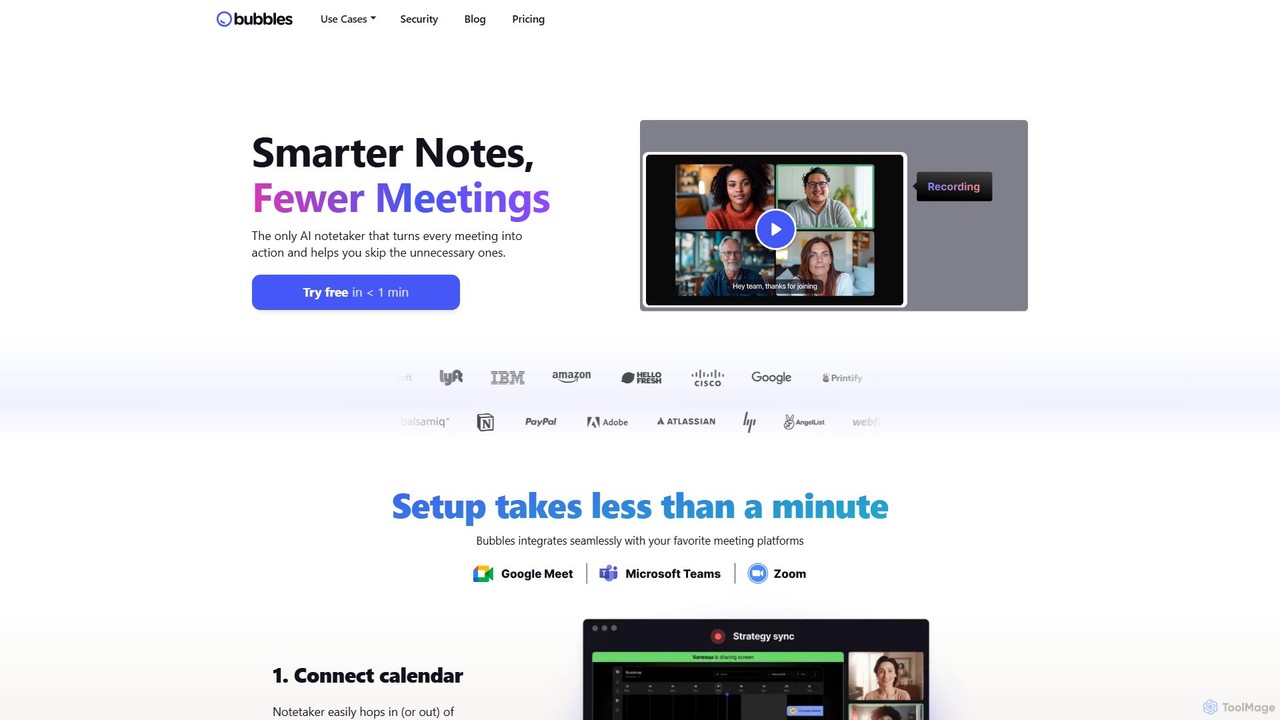
Bubbles
Bubbles is an AI-powered meeting assistant and screen recorder designed to reduce meeting fatigue and enhance team productivity. It automatically joins your meetings to record, transcribe, and generate concise summaries with actionable items. It also facilitates asynchronous communication through screen and video recordings, helping teams collaborate effectively without constant calls.
Collaboration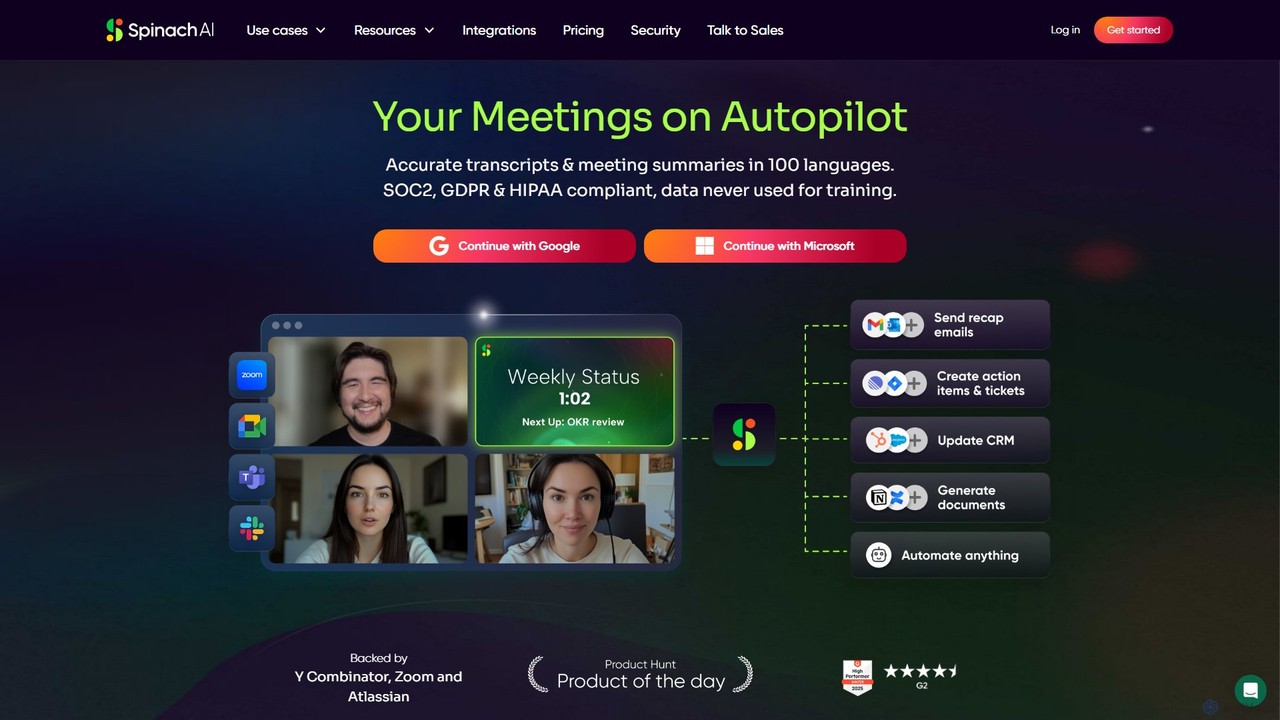
Spinach AI
Spinach AI is an intelligent meeting assistant and AI Scrum Master that automatically joins, records, transcribes, and summarizes your meetings. It captures key decisions and action items, integrating seamlessly with tools like Jira, Slack, and Salesforce to streamline workflows and boost team productivity.
Project Management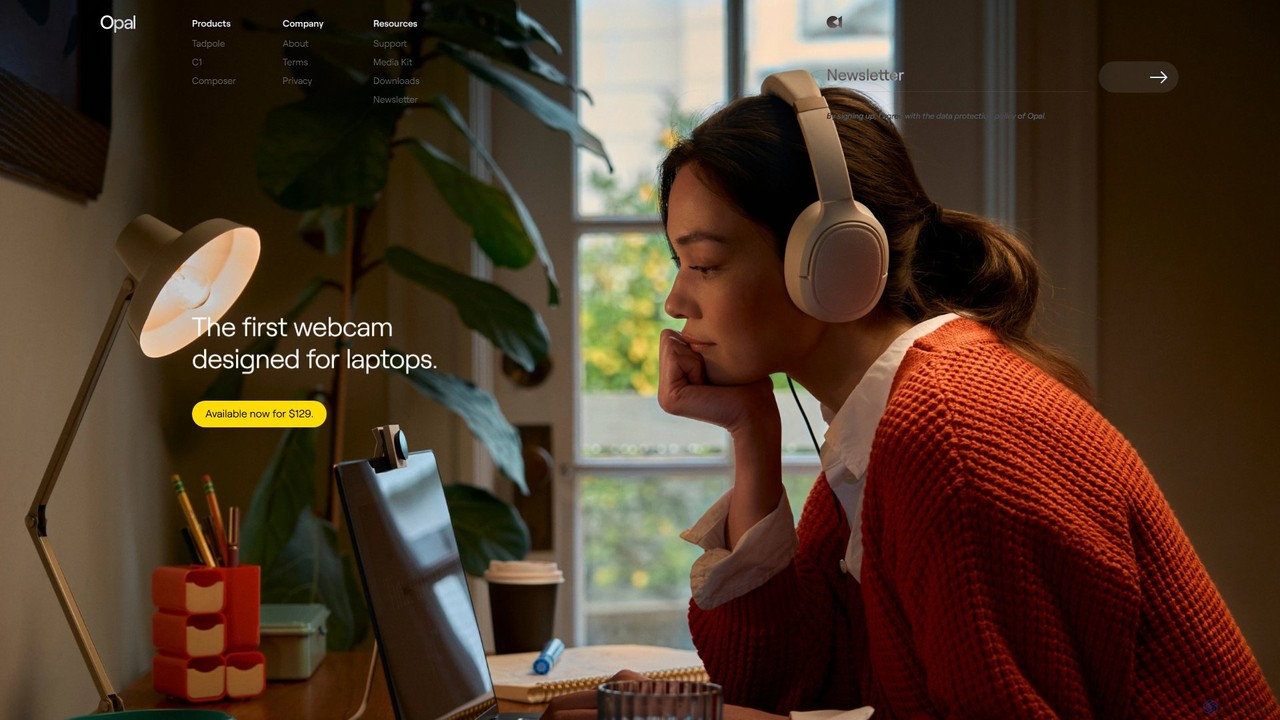
Opal Camera
Opal Camera offers a range of AI-powered webcams, including the C1 and Tadpole models, designed to deliver DSLR-like video quality. Paired with the intelligent Composer software, it provides features like professional bokeh, auto-framing, and advanced image processing for video conferencing, streaming, and content creation.
Smart Gadgets
UpMeet Comments (0)
Sign in to comment.
Sign inNo comments yet.