
Opal Camera Overview
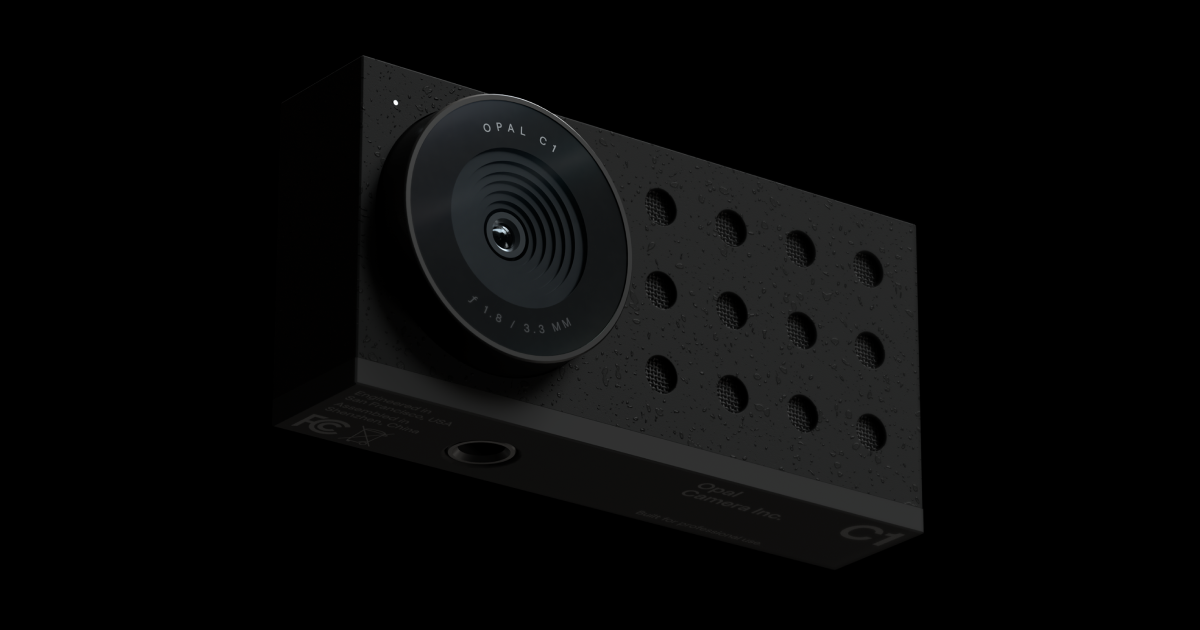
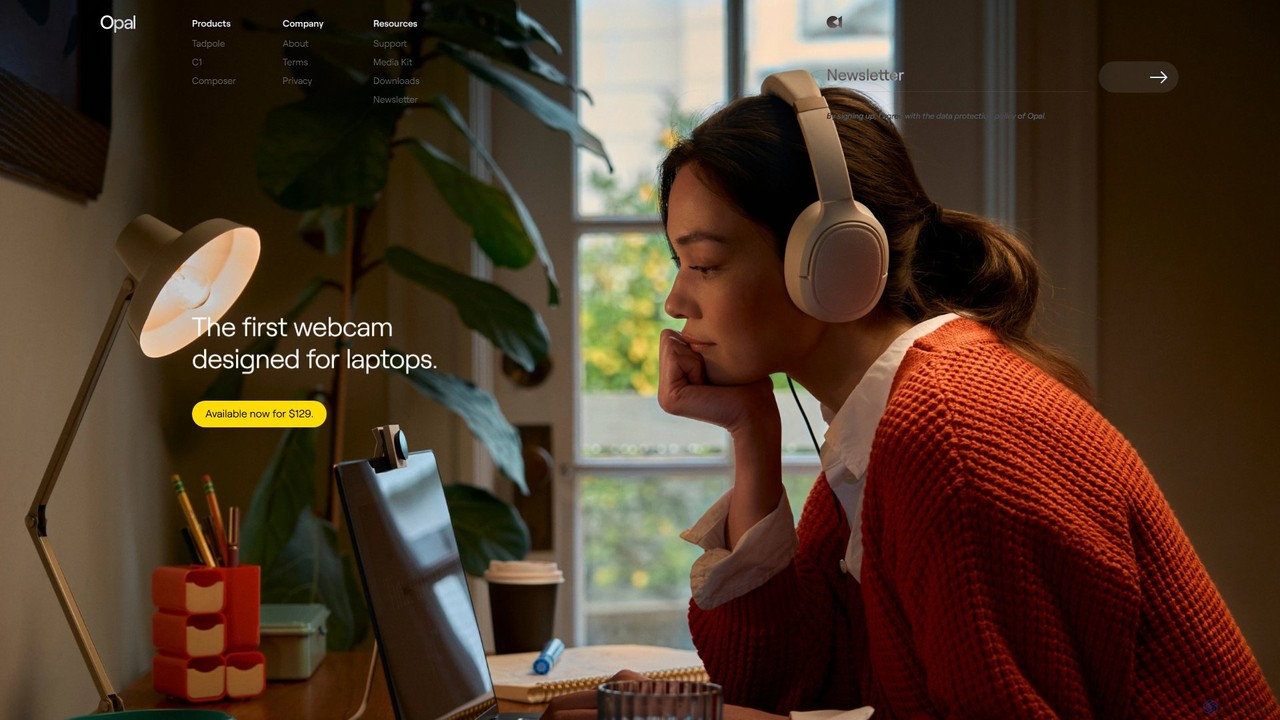
Opal Camera is a technology company dedicated to elevating the quality of everyday tools, starting with the webcam. It combines beautifully designed hardware with powerful, AI-driven software to deliver a superior video experience. The product line includes the Opal C1, a professional-grade webcam, and the Opal Tadpole, a tiny yet powerful webcam designed specifically for laptops. The company's mission is to replace mediocre built-in webcams with professional-quality alternatives, making high-end video accessible to everyone from remote workers to content creators. Backed by prominent figures in the tech community, Opal is setting a new standard for visual communication.
How to use Opal Camera
Using the Opal Camera system is designed to be simple and intuitive, seamlessly integrating into your existing workflow:
- Purchase and Connect: Choose your preferred model (Opal C1 or Tadpole) and purchase it from the official website. Once it arrives, connect the camera to your computer (Mac or PC) using the provided USB-C cable.
- Install Composer Software: Download the free Opal Composer application from the Opal website. This software is the brain behind the camera, unlocking all its AI capabilities.
- Select as Video Source: Open your favorite video application, such as Zoom, Microsoft Teams, Google Meet, OBS, or FaceTime. In the video settings, choose "Opal Camera" as your camera source.
- Customize Your Look: Open the Opal Composer app to access a control panel for your video feed. Here, you can adjust settings in real-time, such as the intensity of the background blur (Bokeh), framing, color temperature, exposure, and other advanced image controls.
- Start Your Call or Recording: With your settings dialed in, you can start your video call or recording with a professional, high-quality image that stands out.
Core Features of Opal Camera
- Professional Hardware: Both the C1 and Tadpole models feature large sensors and high-quality lenses that capture more light and detail than traditional webcams, resulting in a crisp, clear image.
- AI-Powered Composer Software: This companion app uses machine learning algorithms to process the video feed in real-time, offering a suite of intelligent features.
- DSLR-like Bokeh: Achieves a natural and cinematic background blur effect that professionally separates you from your environment, without the need for a green screen or clunky software effects.
- Intelligent Framing (FaceLight & Auto-Focus): The camera automatically keeps you perfectly in frame and in focus, adjusting as you move. Features like FaceLight intelligently illuminate your face for optimal clarity.
- Advanced Image Processing: Fine-tune your video with granular controls over brightness, contrast, saturation, and white balance to achieve the perfect look in any lighting condition.
- Directional Microphone with AI Noise Cancellation: The built-in microphone array focuses on your voice while actively filtering out distracting background noises, ensuring your audio is as clear as your video.
- Premium Design and Build Quality: Opal cameras are crafted from high-quality materials with a sleek, minimalist aesthetic that complements any professional setup.
Use Cases for Opal Camera
Opal Camera is ideal for anyone who relies on video for communication or content creation:
- Remote Professionals: Elevate your presence in virtual meetings, client calls, and presentations with a crystal-clear, professional video feed that conveys confidence and attention to detail.
- Content Creators and Streamers: Achieve a high-production-value look for YouTube videos, Twitch streams, and online courses without investing in a complex and expensive DSLR camera setup.
- Online Educators and Tutors: Deliver engaging and clear lessons where students can see facial expressions and teaching materials in high fidelity.
- Digital Entrepreneurs: Record high-quality marketing videos, webinars, and sales pitches directly from your desktop.
Advantages of Opal Camera
The primary advantage of Opal Camera is its ability to deliver professional-grade video quality through a seamless integration of hardware and software. It democratizes the high-end "DSLR look," making it accessible and easy to use. The Tadpole model offers unparalleled portability for those on the go, while the C1 provides the ultimate desktop experience. Compared to standard webcams, Opal offers vastly superior image quality, more intelligent features, and a premium user experience from unboxing to daily use.
Pricing and Plans
Opal Camera is sold as a one-time hardware purchase. The companion Opal Composer software is free to download for camera owners.
- Opal Tadpole: Available for a one-time payment of $129. Designed for laptops, offering incredible quality in a tiny form factor.
- Opal C1: Available for a one-time payment of $299. The flagship professional webcam for the ultimate desktop video experience.
Traffic
Latest traffic
Status
Monthly traffic trend
- 2025-9: 61.6K
- 2026-1: 66.0K
- 2026-2: 57.5K
- 2026-3: 85.2K
- 2026-4: 68.8K
- 2026-5: 58.8K
Geography
Top 5 countries / regions
- 🇨🇭Switzerland42.0%
- 🇺🇸United States27.8%
- 🇮🇳India16.6%
- 🇧🇷Brazil6.9%
- 🇳🇬Nigeria6.7%
Traffic sources
| Source type | Percentage |
|---|---|
Direct | 77.8% |
Referral | 20.9% |
Email | 1.3% |
Top keywords
| Keyword | Cost per click |
|---|---|
| opal c1 | $1.45 |
| opal c1 webcam | $1.02 |
| opal camera | $1.21 |
| opal tadpole | $1.34 |
| opal webcam | $1.26 |
Opal Camera Alternatives
Personify
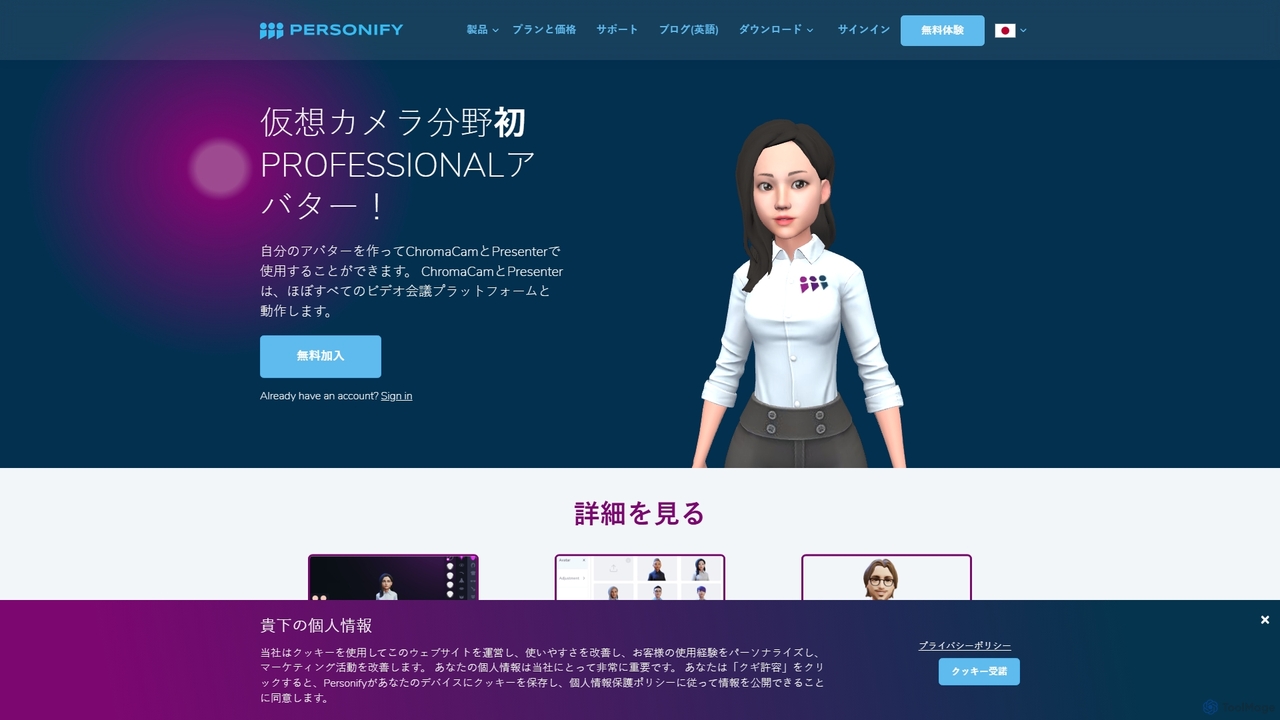
Personify is an AI-powered suite of virtual camera tools, including Presenter and ChromaCam, designed to create immersive and engaging video presentations. It allows users to overlay their video on content, use custom 3D avatars, and replace backgrounds in any video conferencing app.
Virtual Identity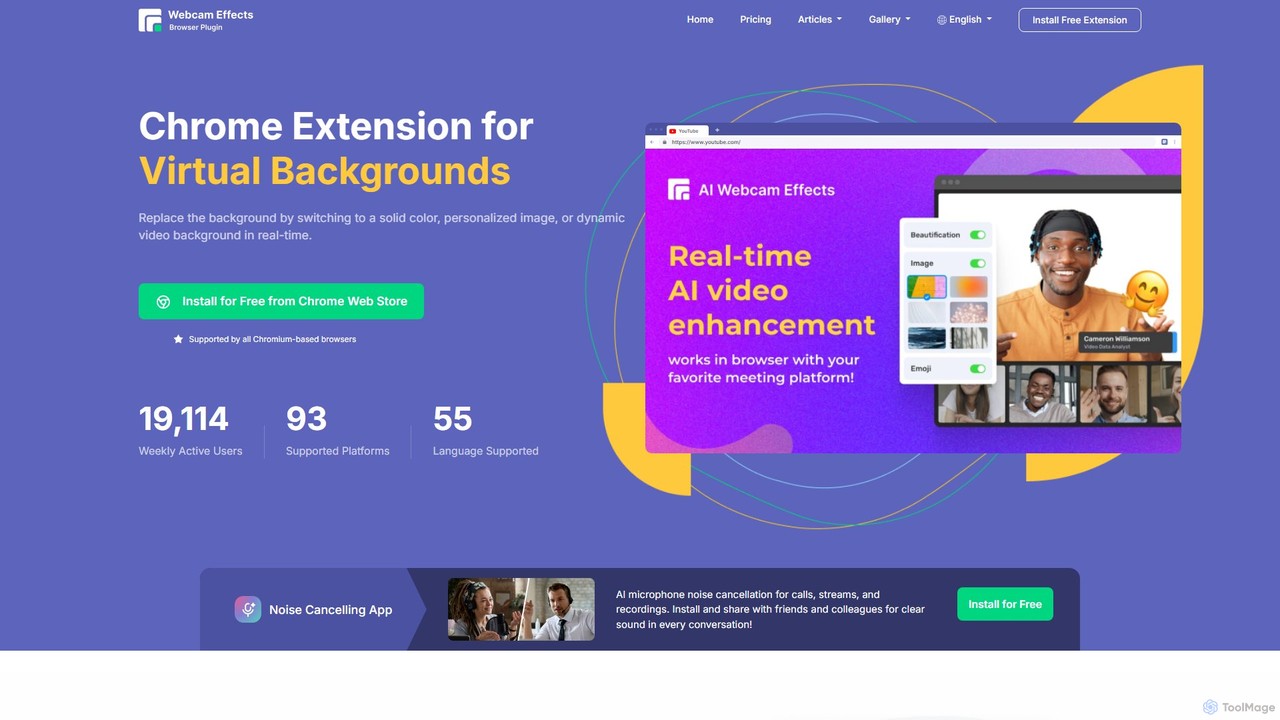
Webcam Effects
Webcam Effects is an AI-powered Chrome extension that enhances your video calls directly in your browser. It offers features like virtual backgrounds, background blur, auto-framing, beautification, and real-time emoji reactions. Compatible with major platforms like Google Meet, Zoom, and Teams, it helps you maintain a professional look, protect your privacy, and make your video conversations more engaging.
Chrome Extensions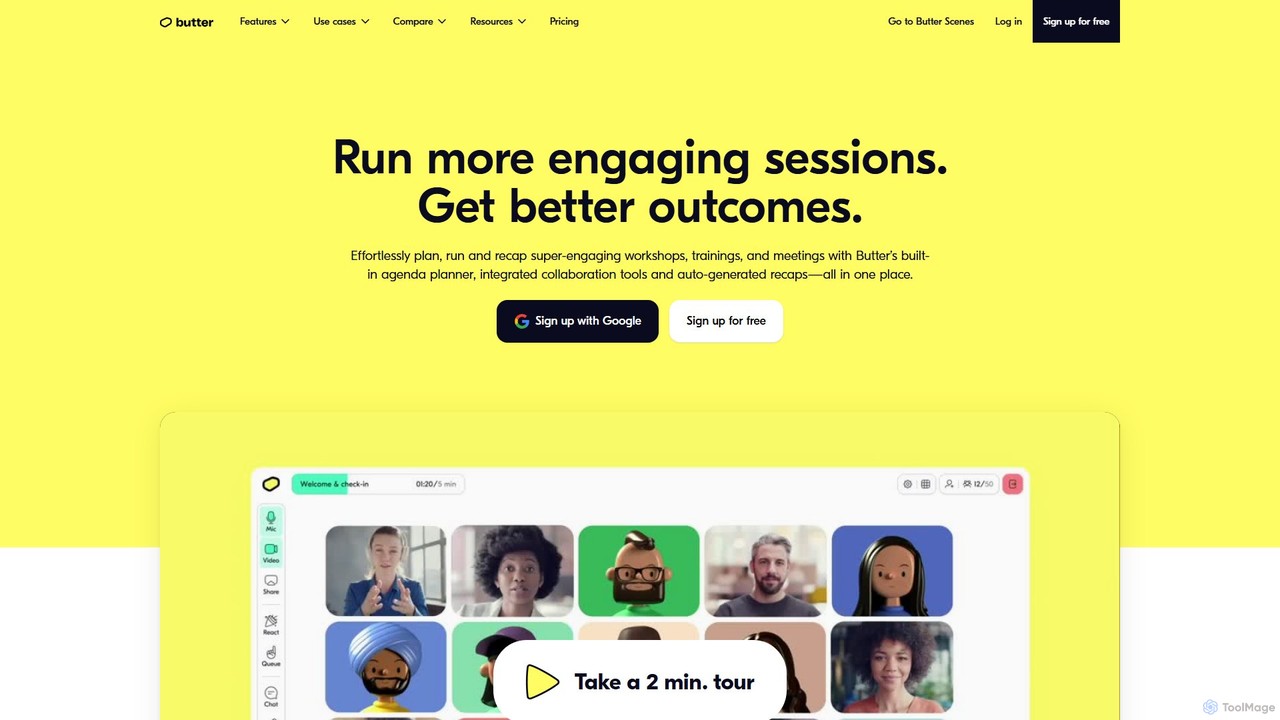
Butter
Butter is an AI-powered virtual collaboration platform designed for facilitators to run highly engaging and interactive workshops, training sessions, and meetings. It integrates interactive tools, agendas, and AI-driven recaps into a single window, eliminating tool-juggling and Zoom fatigue.
Team Management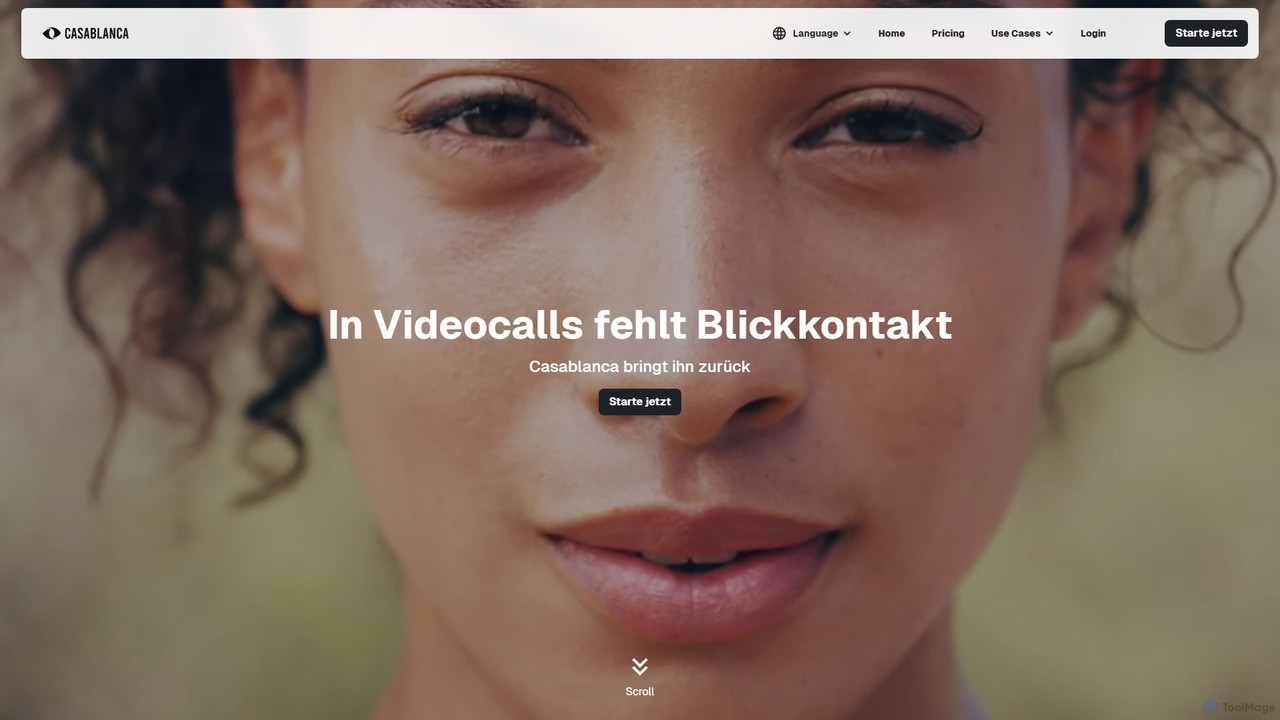
Casablanca
Casablanca is an AI-powered virtual camera that enhances your presence in online meetings. Its core feature, AI eye contact correction, ensures you always appear to be looking directly at the camera, fostering better engagement. It works seamlessly with popular platforms like Zoom, Teams, and Google Meet to make you look your best in every call.
Teleconferencing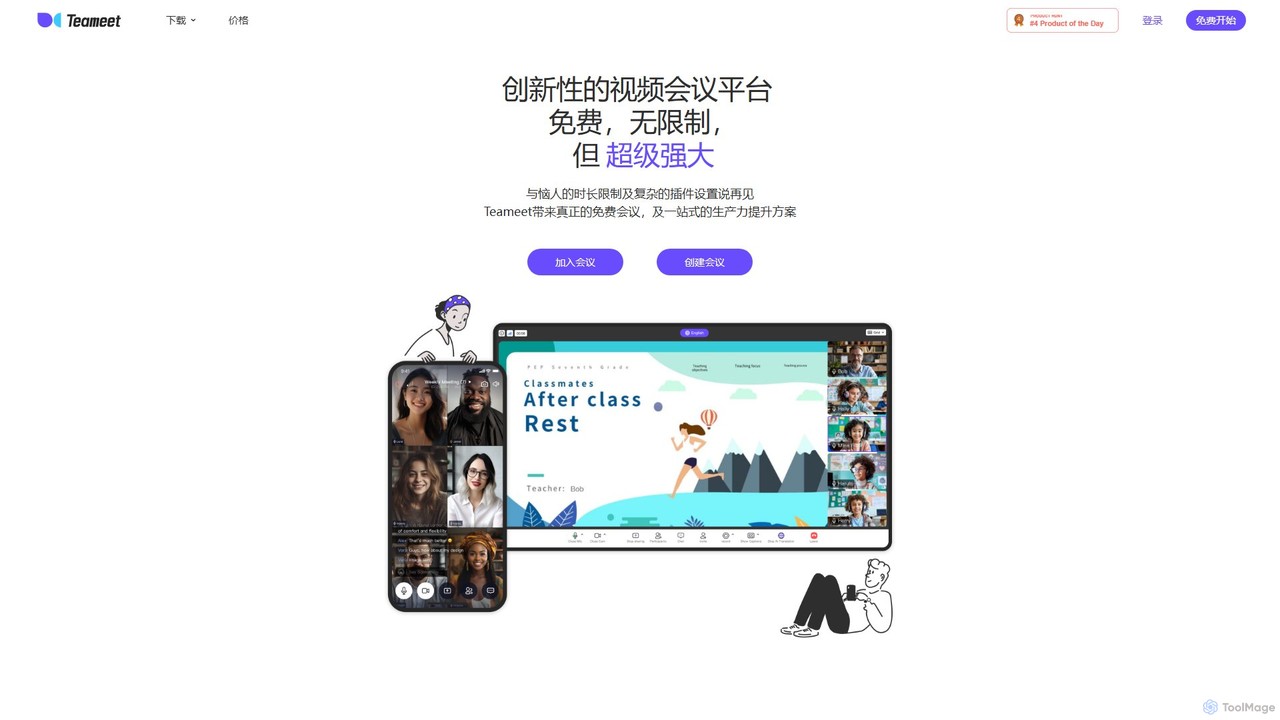
Teameet
Teameet is an innovative and free video conferencing platform that offers unlimited meeting durations. It enhances productivity with AI-powered features like real-time transcription and summaries, cloud recording, and multi-language subtitles. Ideal for startups and global teams, it provides a seamless, cross-platform experience without complex installations.
Video ConferencingOpal Camera Categories
Opal Camera Embed Widget
Copy this embed code to place the badge on your blog, article, or product site and send readers directly to this ToolMage detail page.

Related AI tools
Personify
Personify is an AI-powered suite of virtual camera tools, including Presenter and ChromaCam, designed to create immersive and engaging video presentations. It allows users to overlay their video on content, use custom 3D avatars, and replace backgrounds in any video conferencing app.
Virtual IdentityWebcam Effects
Webcam Effects is an AI-powered Chrome extension that enhances your video calls directly in your browser. It offers features like virtual backgrounds, background blur, auto-framing, beautification, and real-time emoji reactions. Compatible with major platforms like Google Meet, Zoom, and Teams, it helps you maintain a professional look, protect your privacy, and make your video conversations more engaging.
Chrome ExtensionsButter
Butter is an AI-powered virtual collaboration platform designed for facilitators to run highly engaging and interactive workshops, training sessions, and meetings. It integrates interactive tools, agendas, and AI-driven recaps into a single window, eliminating tool-juggling and Zoom fatigue.
Team ManagementCasablanca
Casablanca is an AI-powered virtual camera that enhances your presence in online meetings. Its core feature, AI eye contact correction, ensures you always appear to be looking directly at the camera, fostering better engagement. It works seamlessly with popular platforms like Zoom, Teams, and Google Meet to make you look your best in every call.
TeleconferencingTeameet
Teameet is an innovative and free video conferencing platform that offers unlimited meeting durations. It enhances productivity with AI-powered features like real-time transcription and summaries, cloud recording, and multi-language subtitles. Ideal for startups and global teams, it provides a seamless, cross-platform experience without complex installations.
Video Conferencing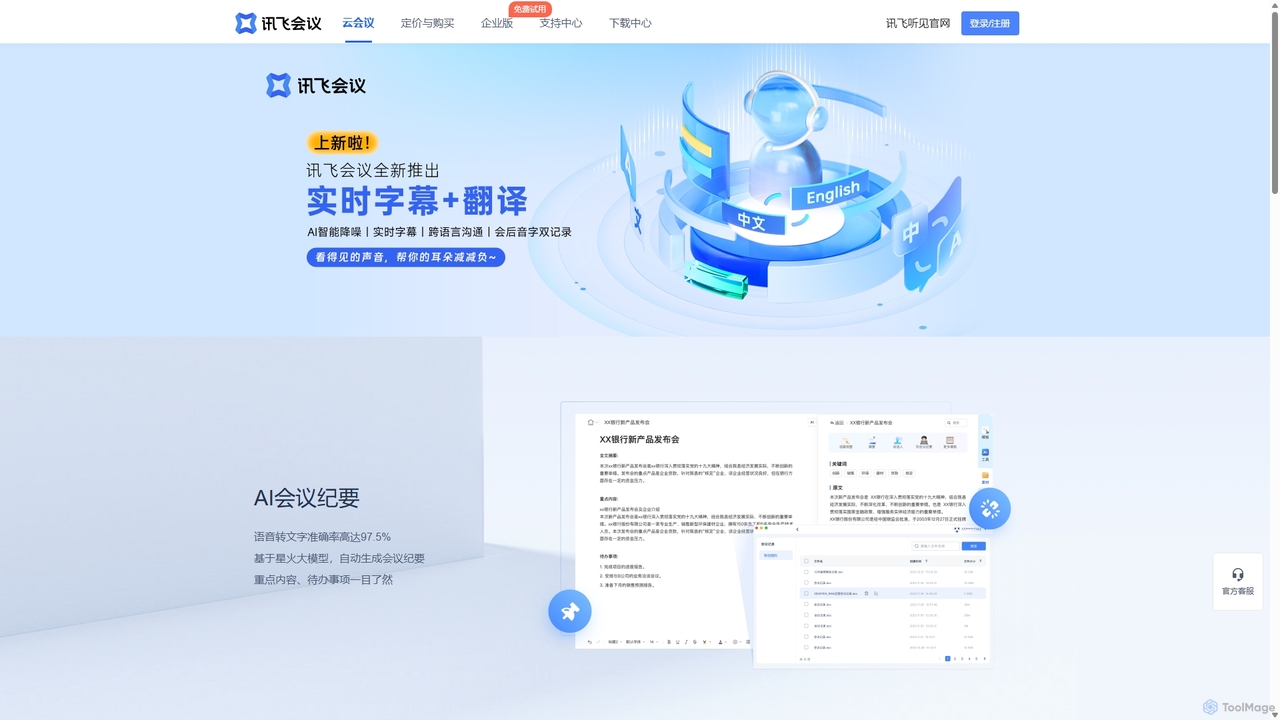
IFlytek Meeting
iFlytek Meeting is an AI-powered HD video conferencing platform. It offers high-accuracy real-time transcription, automatic meeting summaries, and to-do list generation. With features like stable HD video, cross-platform support, and robust security, it enhances meeting efficiency for individuals, teams, and large enterprises, providing a seamless remote collaboration experience.
Communication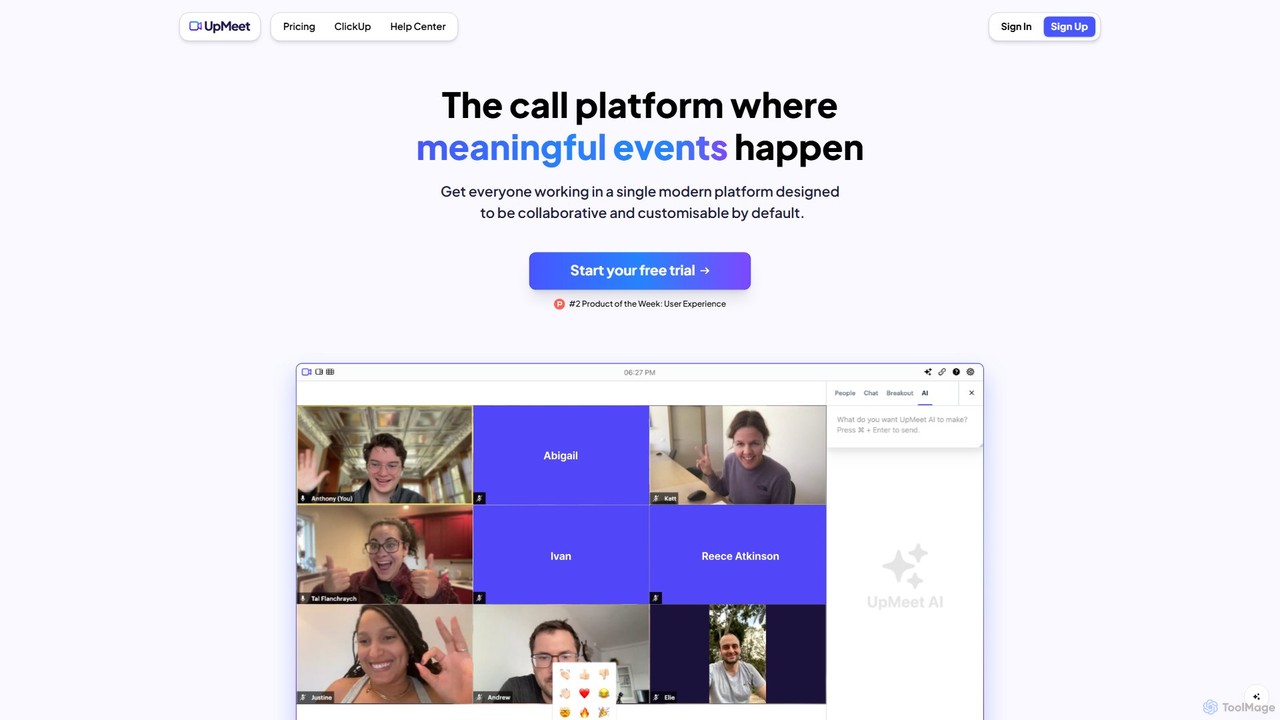
UpMeet
UpMeet is an AI-powered video conferencing platform designed for meaningful and productive online meetings. It offers deep integration with ClickUp, custom branding, and intelligent features like AI-generated summaries, action items, and real-time co-browsing. Ideal for remote teams and businesses seeking to streamline collaboration and enhance meeting efficiency with scalable plans for any team size.
Video Conferencing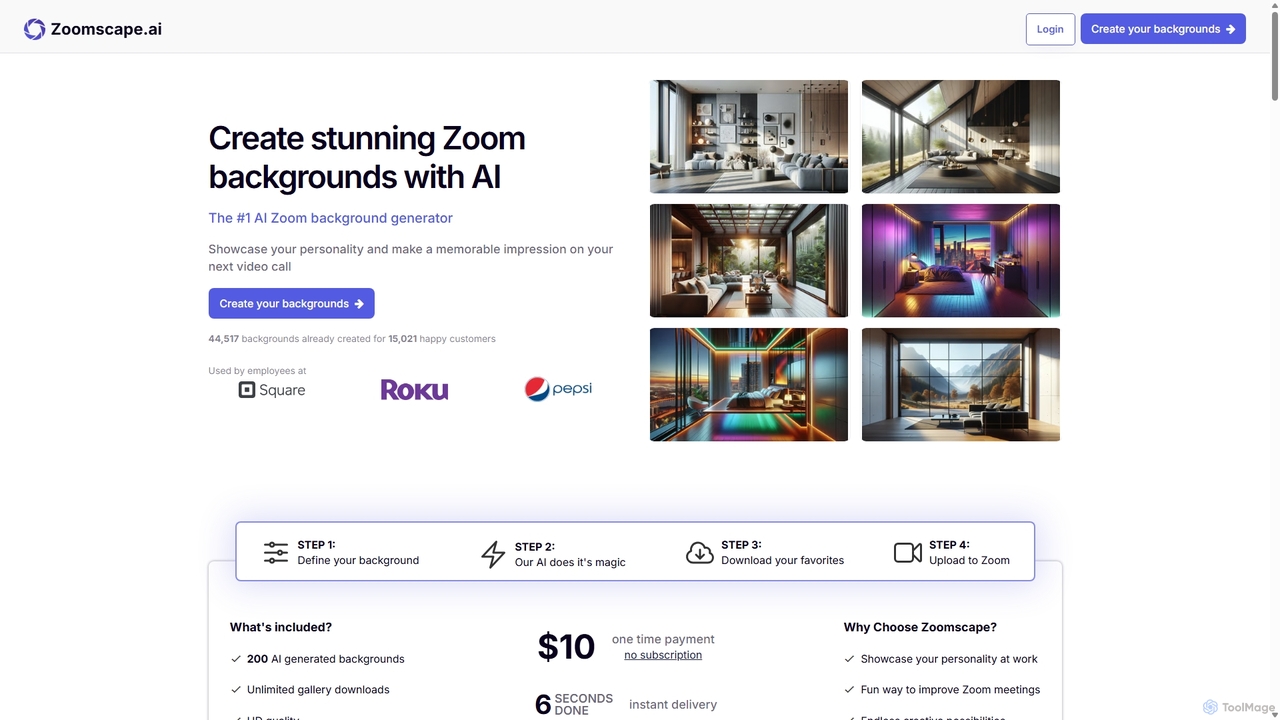
ZoomScape.ai
ZoomScape.ai is an AI-powered generator that creates hundreds of unique, stunning, and high-definition virtual backgrounds for Zoom and other video conferencing platforms. In seconds, you can generate personalized backdrops that showcase your personality, enhance your professional brand, and make your meetings more engaging.
Miscellaneous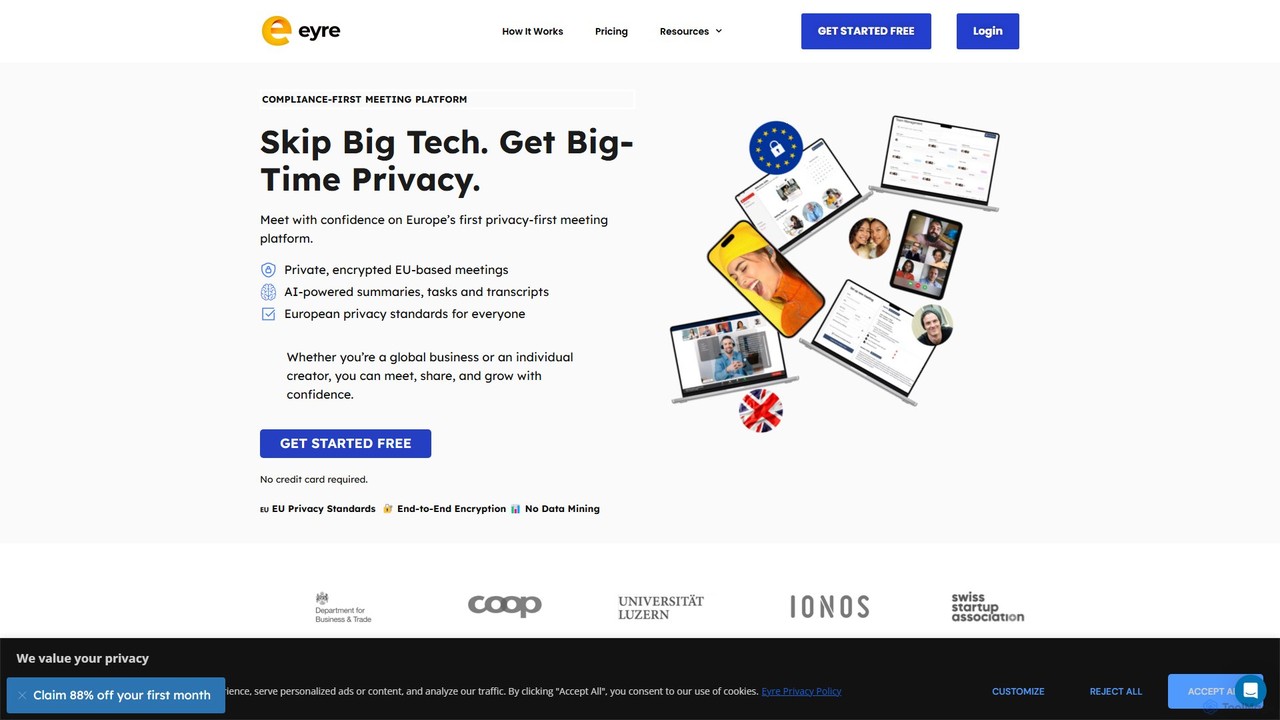
Eyre
Eyre is a privacy-first, EU-based video conferencing platform designed as a secure alternative to mainstream services. It offers end-to-end encrypted meetings with AI-powered features like summaries, transcripts, and task management. By keeping all data within Europe under strict GDPR compliance and a zero-knowledge architecture, Eyre ensures your conversations remain private and your data is never mined for advertising or AI training.
Video Conferencing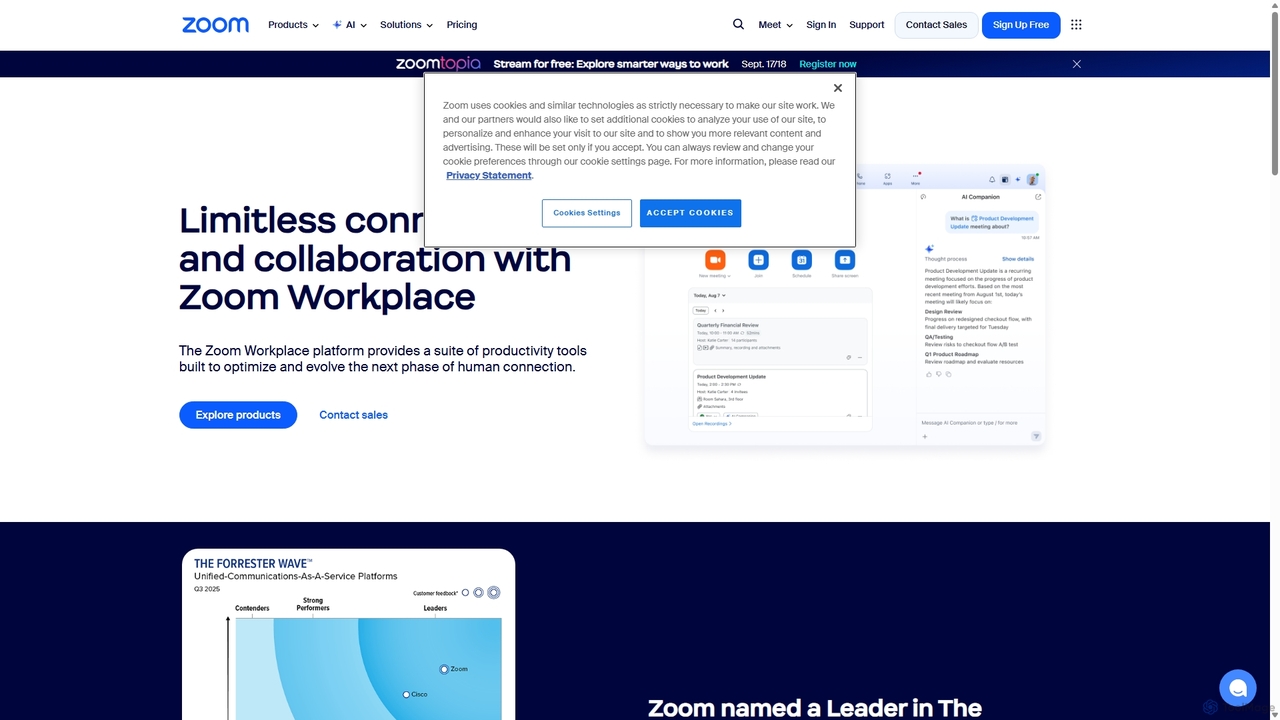
Zoom
Zoom is an AI-first, unified collaboration platform that connects people through video meetings, phone calls, team chat, webinars, and more. Featuring the AI Companion, it streamlines workflows, summarizes meetings, and enhances productivity for remote and hybrid teams across all industries.
Meeting Management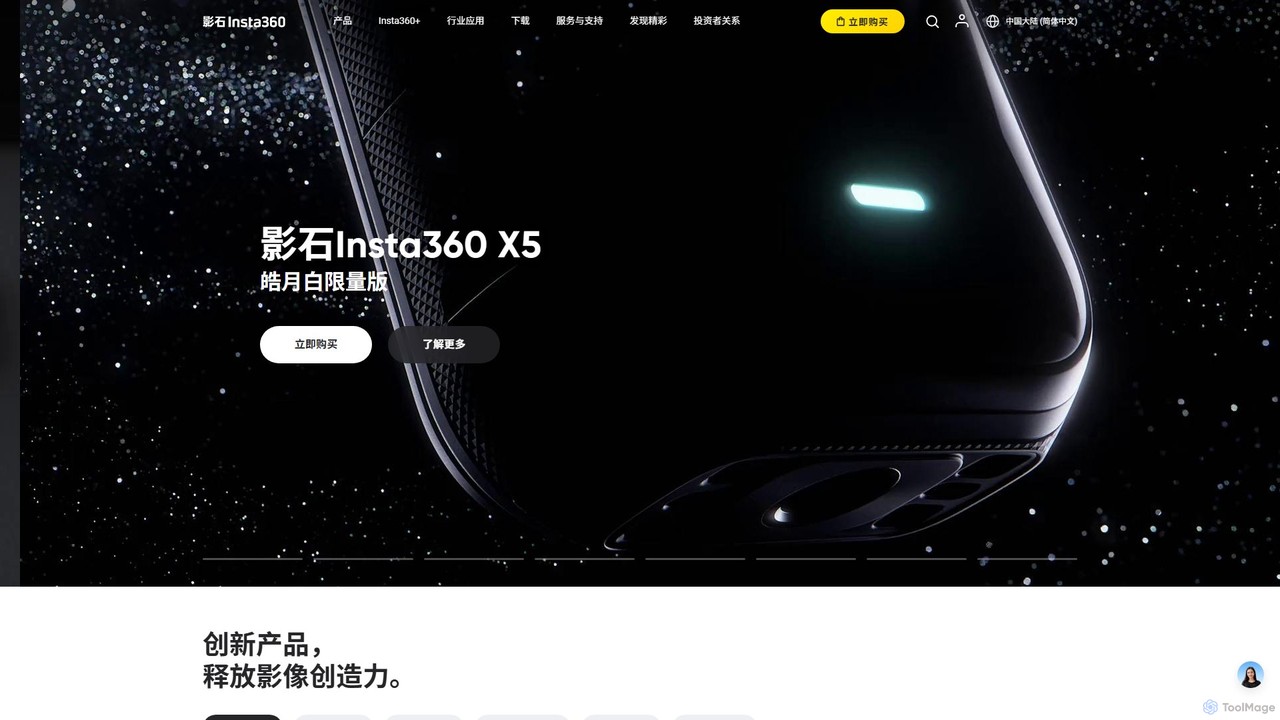
Insta360
Insta360 is a global leader in AI-powered cameras, offering a range of 360° and action cameras. Its ecosystem combines innovative hardware with intelligent software, featuring AI-driven functions like FlowState stabilization, AI reframing, and one-tap editing templates. This empowers creators of all levels to effortlessly capture and share stunning, dynamic video content.
Camera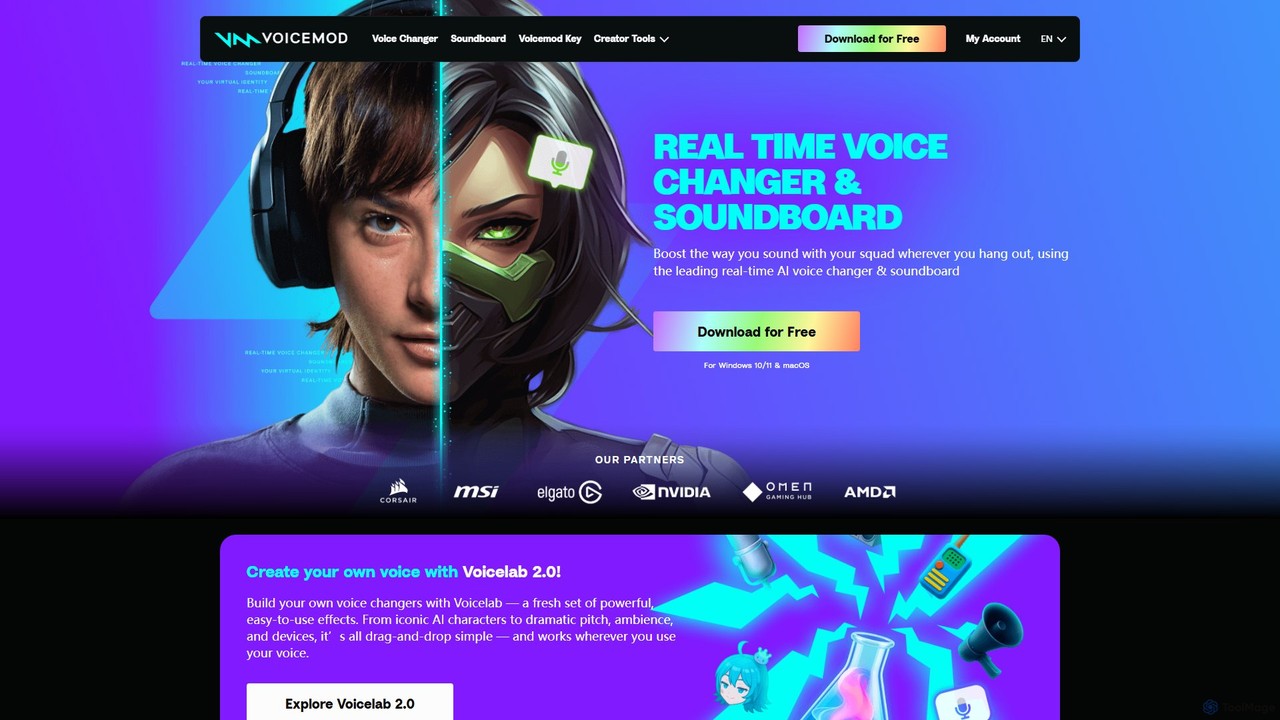
Voicemod
Voicemod is the leading real-time AI voice changer and soundboard for PC and Mac. Designed for gamers, streamers, and content creators, it allows you to transform your voice into anything you can imagine, from a robot to an anime character. With a vast library of voices, sound effects, and the powerful Voicelab for custom voice creation, Voicemod integrates seamlessly with all your favorite games and communication apps like Discord, Zoom, and VRChat.
Voice Modulation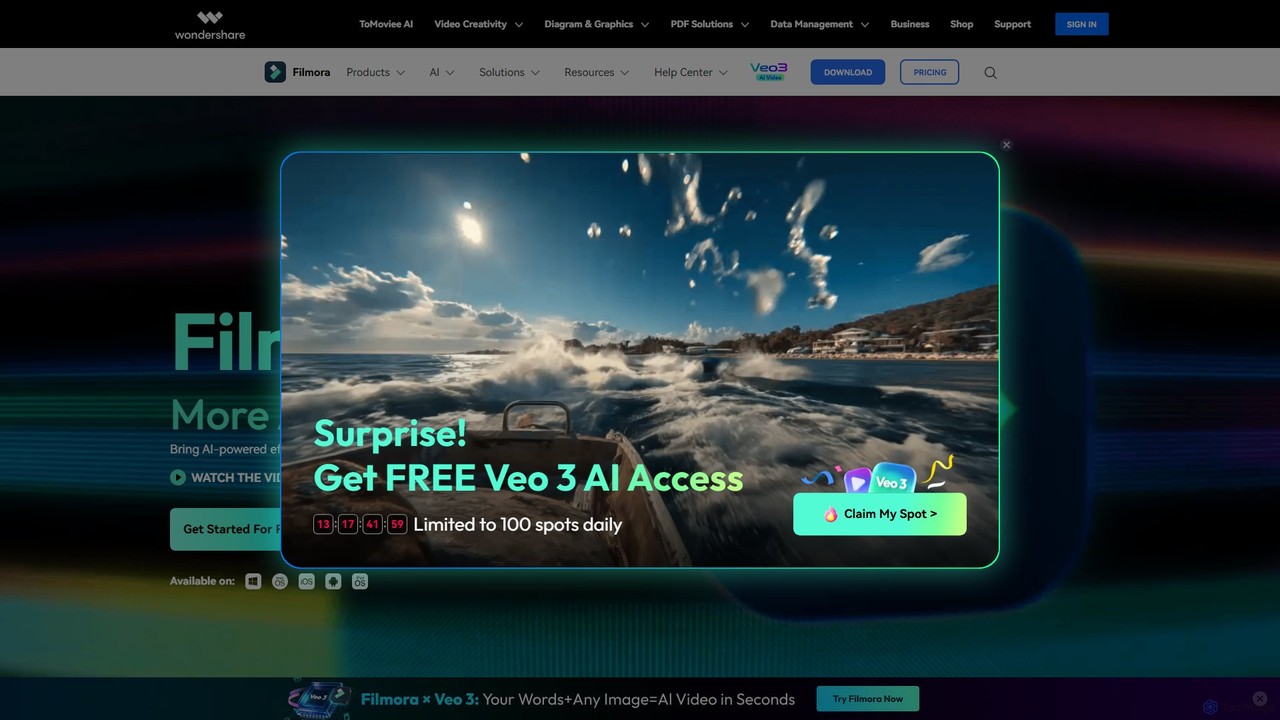
Filmora
Filmora is a powerful and intuitive AI video editor designed for creators of all skill levels. It simplifies the editing process with a suite of AI-powered tools, an extensive library of assets, and a user-friendly interface, making it easy to create professional-quality videos for social media, personal projects, and commercial use.
Social Media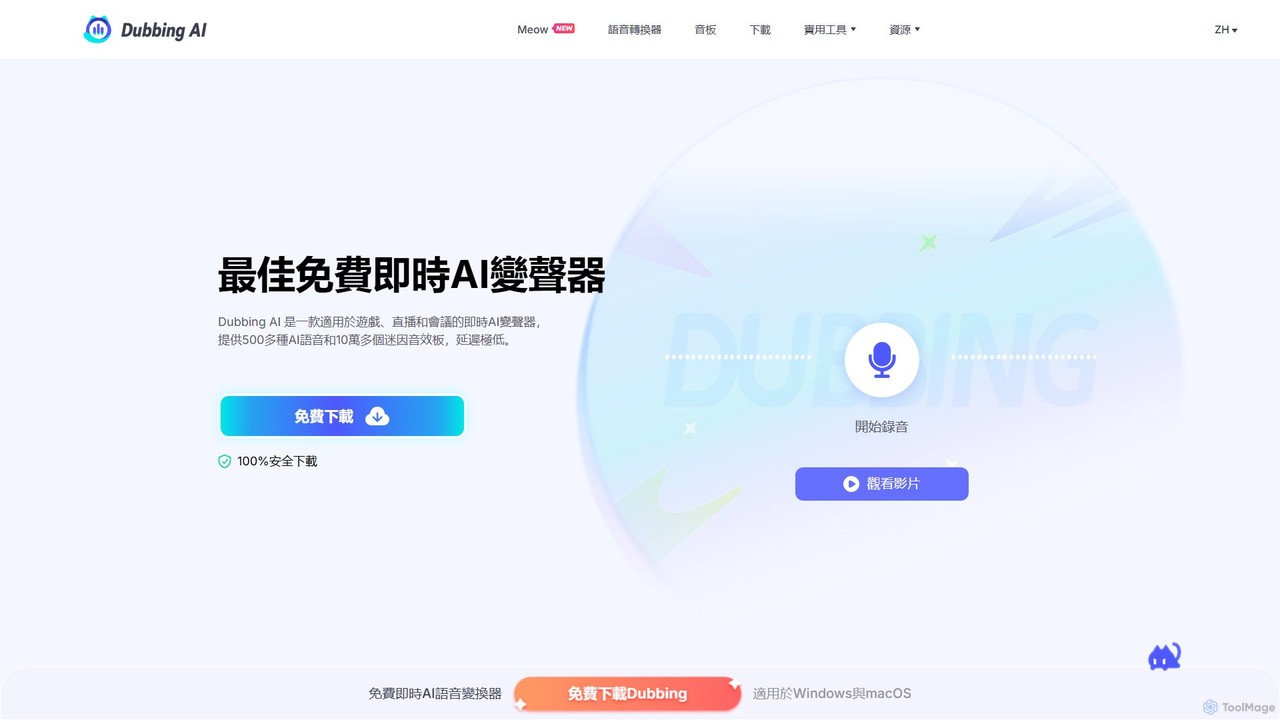
Dubbing AI
Dubbing AI is a free, real-time AI voice changer and soundboard designed for gamers, streamers, and content creators. It offers over 500 AI voices and 100,000+ meme sounds with ultra-low latency, enhancing online interactions on platforms like Discord, OBS, and popular games. Easy to set up and light on system resources, it allows users to transform their voice into characters, celebrities, and more.
Voice Modulation
Filme
Filme by iMyFone is an all-in-one AI-powered creative suite for content creators and gamers. It includes a real-time voice changer, a user-friendly video editor, text-to-speech, AI music generation, and image editing tools. Enhance your gaming, streaming, and video production with a comprehensive set of easy-to-use applications for desktop and mobile.
Voice Modulation
Opal Camera Comments (0)
Sign in to comment.
Sign inNo comments yet.