

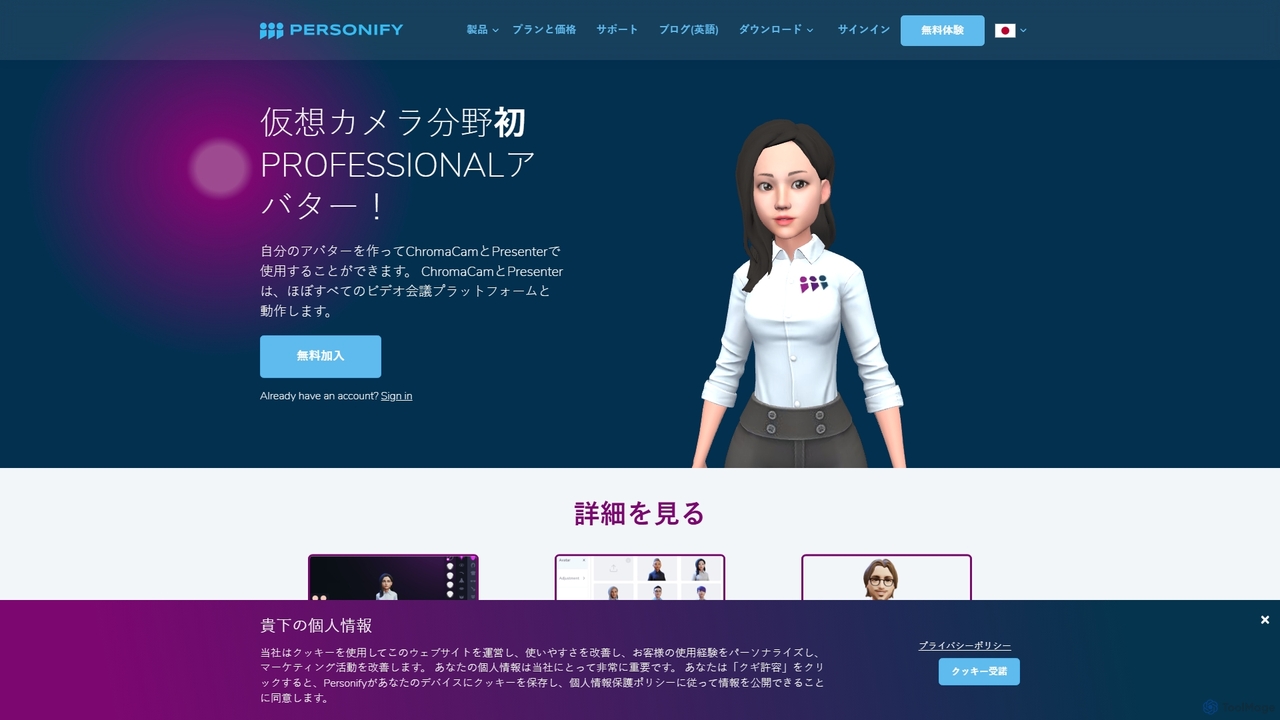
Personify Overview
Personify offers a suite of AI-driven video enhancement tools designed to revolutionize virtual communication. Comprising two main products, Personify Presenter and ChromaCam, it transforms standard video calls and presentations into dynamic, immersive experiences. By leveraging advanced AI and machine learning, Personify allows users to appear alongside their content, much like a weathercaster, creating a more personal and engaging connection with the audience. It's built for professionals in education, sales, marketing, and corporate training who want to stand out in a hybrid work environment.
How to use Personify
Using Personify is straightforward and integrates seamlessly with your existing workflow. Here's a typical process:
- Choose Your Tool: Select Personify Presenter for immersive presentations where you appear alongside your content, or ChromaCam for advanced virtual background features like replacement, blur, and avatars within your standard video frame.
- Installation: Download the desktop application for Windows or macOS. Personify Presenter also offers a new browser-based version, requiring no installation.
- Create Your Avatar (Optional): You can create a personalized 3D avatar using platforms like ReadyPlayerMe or VRoidStudio, or purchase the Personify Avatar Creator. Import your avatar into the Personify application to use it in meetings.
- Configure Your Virtual Camera: In your preferred video conferencing platform (e.g., Zoom, Microsoft Teams, Google Meet, WebEx), go to the camera settings and select 'Personify Presenter' or 'Personify ChromaCam' as your video source.
- Start Presenting: With Presenter, share your screen or application. Your video feed will be overlaid, and you can move, resize, or position it anywhere on the screen. Use Studio Mode to pre-arrange scenes and layouts for a polished presentation. With ChromaCam, simply enable it to apply your chosen background effect or avatar.
Core Features of Personify
- Immersive Presentation Mode: Personify Presenter removes your background and places you directly into your presentation, allowing you to interact with slides, applications, and media as if you were in the same space.
- AI-Powered Background Removal & Replacement: Both products use a sophisticated AI segmentation engine (Dynamic Green Screen Technology) to cleanly separate you from your background without needing a physical green screen.
- Custom 3D Avatars: Express yourself without being on camera. Create and import personalized 3D avatars that mimic your movements and expressions, adding a fun and professional touch to meetings.
- AI Image Generation: The web version of Presenter includes a built-in AI tool to generate custom images for your slides, enhancing your creative possibilities.
- Studio & Pro Modes (Presenter): Studio Mode lets you design your entire presentation with multiple scenes, media layers, and pre-set video positions. Pro Mode is ideal for live, dynamic presentations and demos.
- High Compatibility: Personify's virtual camera works with virtually all popular video conferencing, recording, and streaming applications, including Zoom, MS Teams, Skype, Google Meet, and more.
- Developer SDK: Personify offers a robust SDK for businesses to integrate its powerful user segmentation, background effects, and avatar technology directly into their own software.
Use Cases for Personify
Personify is ideal for a wide range of professional scenarios:
- Education & E-Learning: Teachers and professors can create engaging virtual classrooms by appearing next to their lecture slides, diagrams, and videos, improving student focus and comprehension.
- Sales & Product Demos: Sales representatives can build stronger connections with clients by maintaining a personal presence while demonstrating software or walking through a sales deck.
- Marketing & Webinars: Marketers can deliver more compelling and professional-looking webinars and promotional videos that capture and hold audience attention.
- Corporate Training: Trainers can develop high-impact virtual training modules that are more effective and memorable than traditional screen-sharing sessions.
- Content Creation & Streaming: Streamers and video creators can produce high-quality content with dynamic layouts and effects without the need for complex studio setups.
Advantages of Personify
Personify provides a significant competitive edge in virtual communication. Its primary advantage is the ability to create a 'virtual face-to-face' experience that is far more persuasive and engaging than a simple voice-over or a small talking head in the corner. Testimonials from users at institutions like the University of Illinois and companies like Adobe highlight its transformative impact. It delivers studio-quality production value at a fraction of the cost and time, eliminating the need for expensive hardware like green screens and lighting rigs. The SOC2 certification also ensures it's a secure and reliable partner for enterprise needs.
Pricing and Plans
Personify offers a flexible pricing structure to suit different needs:
- ChromaCam Lite: Free. Includes basic virtual green screen, fixed background blur, and avatar trials. Comes with a ChromaCam watermark.
- ChromaCam Pro: $24.99/year. Removes watermarks and limitations, adds customizable backgrounds, logos, video backgrounds, and PowerPoint slide integration.
- Presenter: $199.99/year. Includes all features for immersive presentations, such as Studio Mode, Pro Mode, MP4 recording, and placing your video anywhere on the screen.
- Presenter Ultimate: $224.99/year. The best value package, combining all features of both Presenter and ChromaCam Pro.
- Personify Avatar Creator: $1.99 one-time purchase to create and customize 3D avatars.
Monthly payment options are also available. Volume pricing is available upon inquiry.
Traffic
Latest traffic
Status
Monthly traffic trend
- 2025-9: 11.2K
- 2026-1: 7.2K
- 2026-2: 5.9K
- 2026-3: 7.8K
- 2026-4: 8.2K
- 2026-5: 4.3K
Geography
Top 5 countries / regions
- 🇺🇸United States79.2%
- 🇨🇦Canada20.8%
Top keywords
| Keyword | Cost per click |
|---|---|
| how to add new personalification account to computer | $0.00 |
| personify | $4.60 |
| personify financial | $8.23 |
| personify login | $5.14 |
| personify presenter | $0.00 |
Personify Alternatives
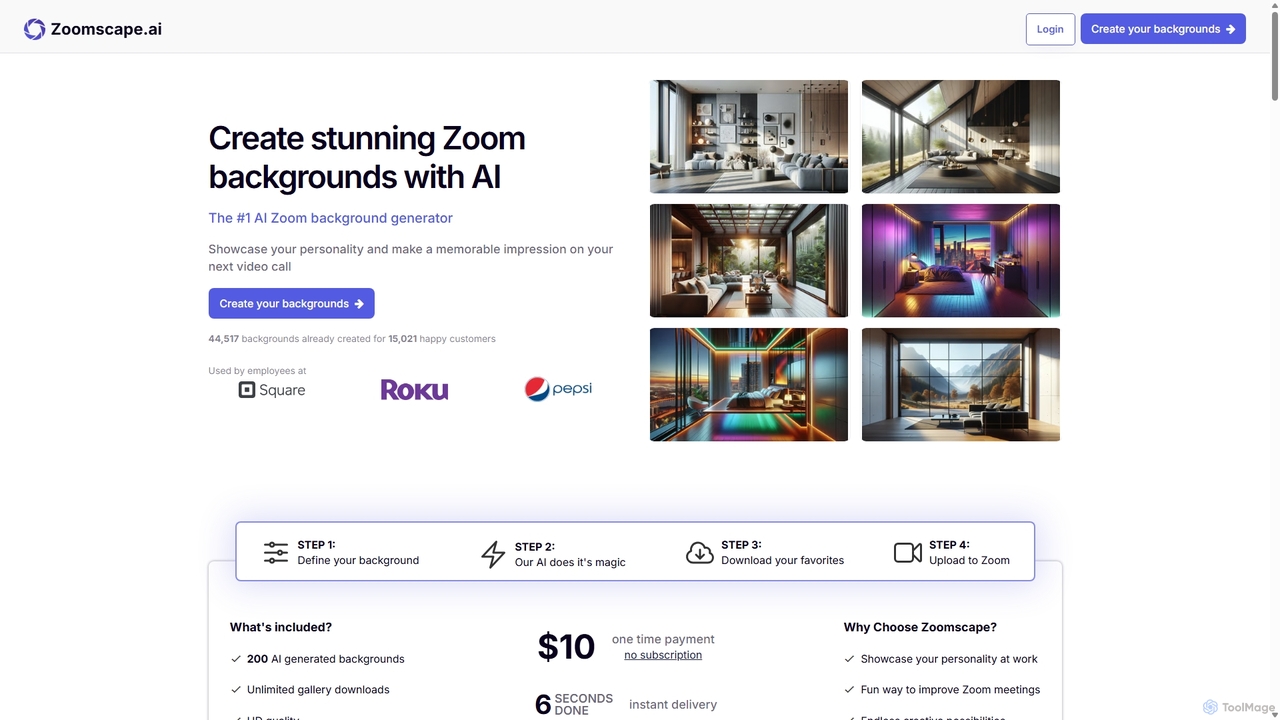
ZoomScape.ai
ZoomScape.ai is an AI-powered generator that creates hundreds of unique, stunning, and high-definition virtual backgrounds for Zoom and other video conferencing platforms. In seconds, you can generate personalized backdrops that showcase your personality, enhance your professional brand, and make your meetings more engaging.
Miscellaneous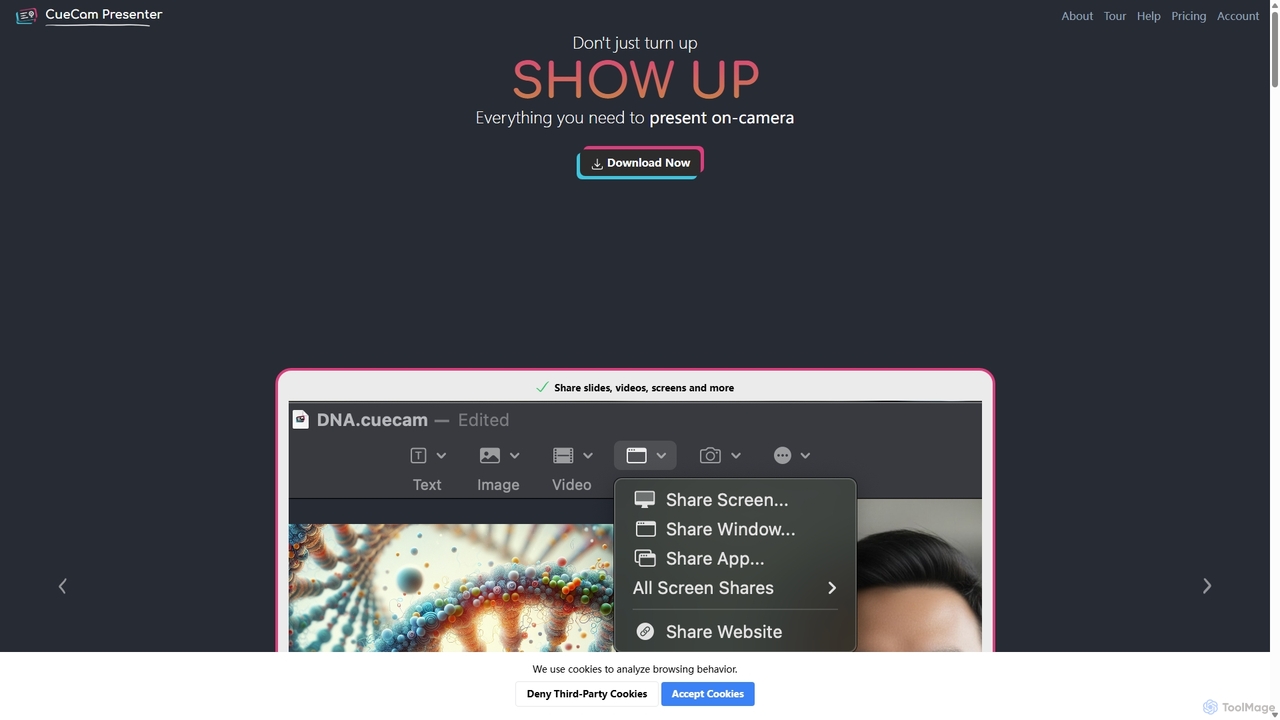
CueCam Presenter
A powerful Mac application that transforms your webcam into a professional presentation studio. It integrates a teleprompter, smart cue cards, screen sharing, and live annotation via iPad. Ideal for remote calls, video recording, and live streaming, it simplifies complex production workflows into a single "next" button.
Live Streaming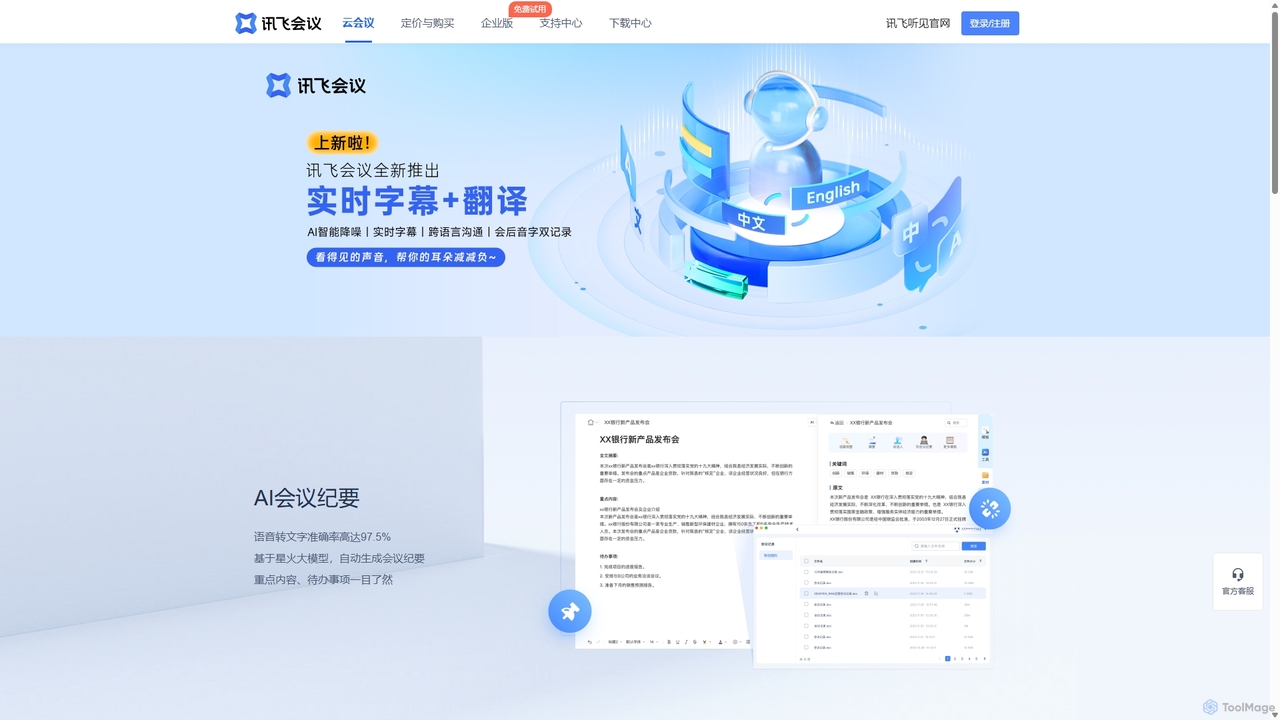
IFlytek Meeting
iFlytek Meeting is an AI-powered HD video conferencing platform. It offers high-accuracy real-time transcription, automatic meeting summaries, and to-do list generation. With features like stable HD video, cross-platform support, and robust security, it enhances meeting efficiency for individuals, teams, and large enterprises, providing a seamless remote collaboration experience.
Communication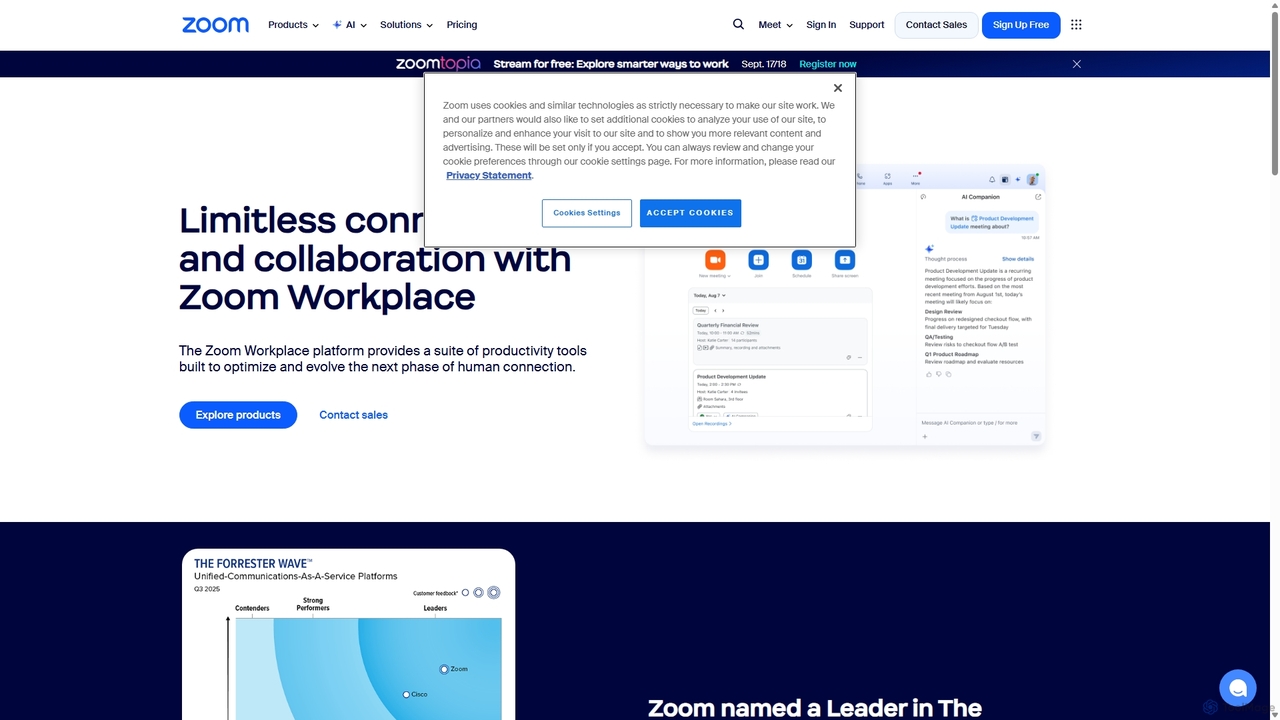
Zoom
Zoom is an AI-first, unified collaboration platform that connects people through video meetings, phone calls, team chat, webinars, and more. Featuring the AI Companion, it streamlines workflows, summarizes meetings, and enhances productivity for remote and hybrid teams across all industries.
Meeting Management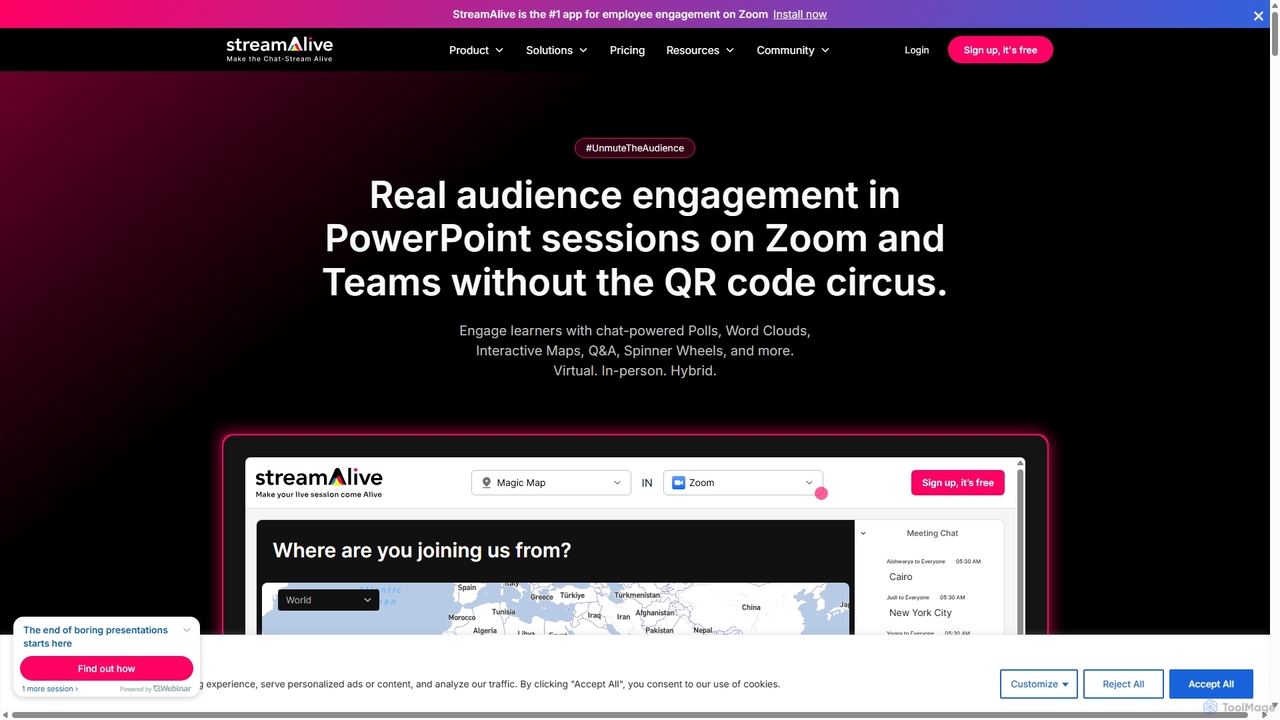
StreamAlive
StreamAlive is an AI-powered audience engagement tool for live sessions on platforms like Zoom, Teams, and YouTube. It transforms passive presentations into interactive experiences using chat-powered features like polls, word clouds, interactive maps, and Q&A. Its AI can automatically generate engagement questions from your presentation material, making it easy for trainers, educators, and presenters to keep their audience captivated without complex setups or QR codes.
TrainingPersonify Categories
Personify Jobs
Personify Embed Widget
Copy this embed code to place the badge on your blog, article, or product site and send readers directly to this ToolMage detail page.

Related AI tools
ZoomScape.ai
ZoomScape.ai is an AI-powered generator that creates hundreds of unique, stunning, and high-definition virtual backgrounds for Zoom and other video conferencing platforms. In seconds, you can generate personalized backdrops that showcase your personality, enhance your professional brand, and make your meetings more engaging.
MiscellaneousZoom
Zoom is an AI-first, unified collaboration platform that connects people through video meetings, phone calls, team chat, webinars, and more. Featuring the AI Companion, it streamlines workflows, summarizes meetings, and enhances productivity for remote and hybrid teams across all industries.
Meeting Management
HeyGen Labs
HeyGen Labs showcases advanced AI video generation features, including real-time interactive avatars. It's an all-in-one platform for creating professional spokesperson videos with customizable avatars, voice cloning, and multi-language support. Ideal for marketing, sales, training, and customer support, it simplifies video production, making it scalable and cost-effective.
Virtual Assistant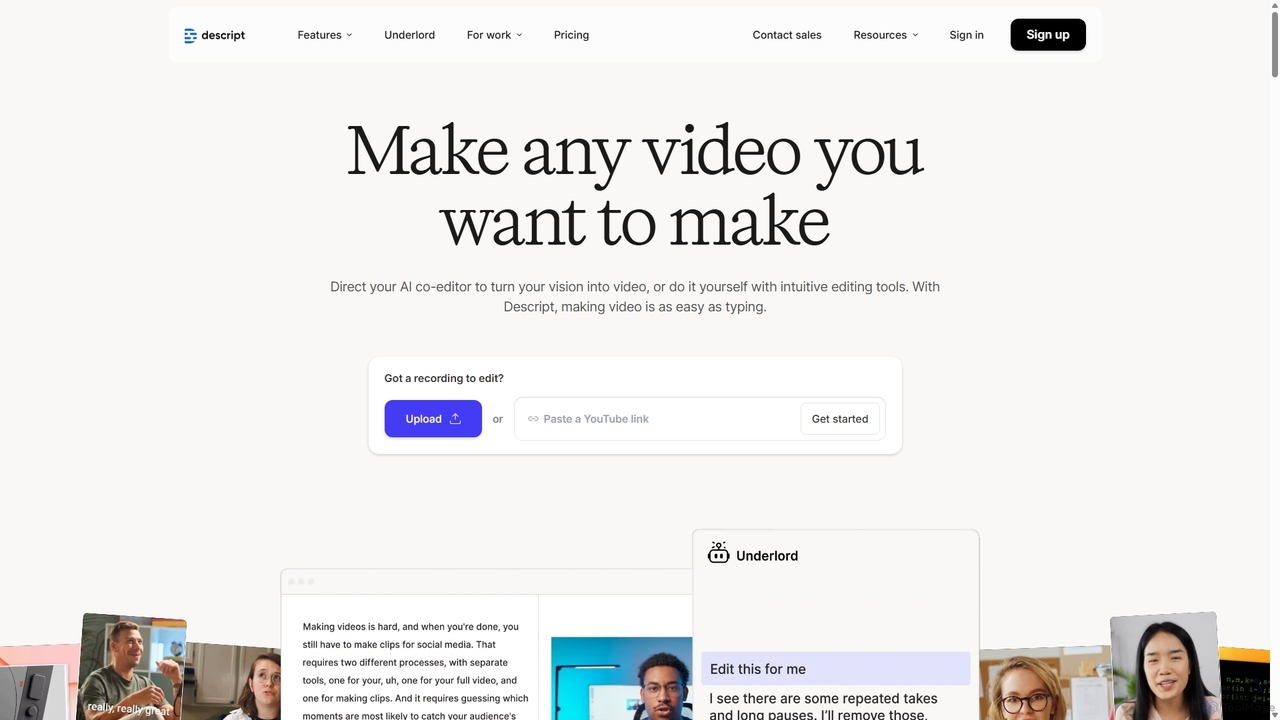
Descript
Descript is an all-in-one AI-powered video and podcast editor that lets you edit media as easily as editing a text document. It features automatic transcription, screen recording, AI voice cloning, filler word removal, and powerful AI effects like Studio Sound and Green Screen to streamline content creation for creators, marketers, and businesses.
Social MediaIFlytek Meeting
iFlytek Meeting is an AI-powered HD video conferencing platform. It offers high-accuracy real-time transcription, automatic meeting summaries, and to-do list generation. With features like stable HD video, cross-platform support, and robust security, it enhances meeting efficiency for individuals, teams, and large enterprises, providing a seamless remote collaboration experience.
Communication
HeyGen
HeyGen is a cutting-edge AI video generation platform that enables users to create professional, studio-quality videos with realistic AI avatars and voices. Effortlessly convert text into engaging spokesperson videos for marketing, training, and communication without the need for cameras, actors, or complex editing software. It's designed to scale video production quickly and affordably.
E Learning
Muse.ai
Muse.ai is an intelligent AI-powered video platform that simplifies video hosting, management, and monetization. It offers a unique in-video search capability, allowing users to find specific moments by searching for speech, text, people, objects, and actions. With automatic transcription, a customizable player, and powerful analytics, it's designed for educators, creators, teams, and marketers to unlock the full potential of their video content.
E LearningCueCam Presenter
A powerful Mac application that transforms your webcam into a professional presentation studio. It integrates a teleprompter, smart cue cards, screen sharing, and live annotation via iPad. Ideal for remote calls, video recording, and live streaming, it simplifies complex production workflows into a single "next" button.
Live Streaming
Loom
Loom is an AI-powered video messaging platform for work that allows users to instantly record and share their screen, camera, and audio. It streamlines communication, reduces meetings, and enhances team collaboration with features like AI-powered summaries, transcriptions, and editing tools.
Team Management
Tella
Tella is an AI-powered screen recorder and video editor for Mac & Windows that simplifies video creation. It automatically removes silences and filler words, offers transcript-based editing, and provides professional customization options like backgrounds, layouts, and zooms. Ideal for creating tutorials, product demos, and online courses in minutes, not hours.
E Learning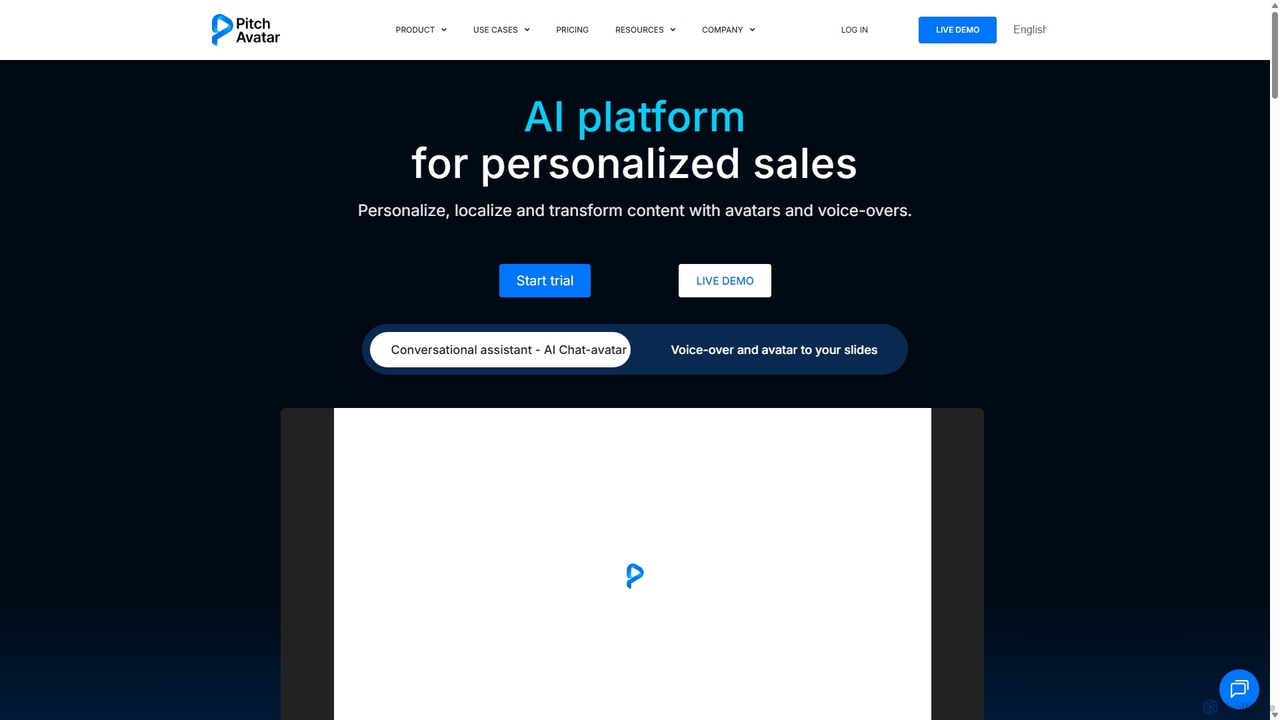
Pitch Avatar
Pitch Avatar is an AI platform that transforms standard presentations and videos into interactive, multilingual experiences. It uses AI avatars and voice-overs to personalize content, automate training, enhance sales pitches, and provide 24/7 customer support. With features like instant video localization in over 70 languages, AI chat-avatars, and seamless CRM integrations, Pitch Avatar helps businesses engage global audiences, generate leads, and scale communication effortlessly.
Chatbot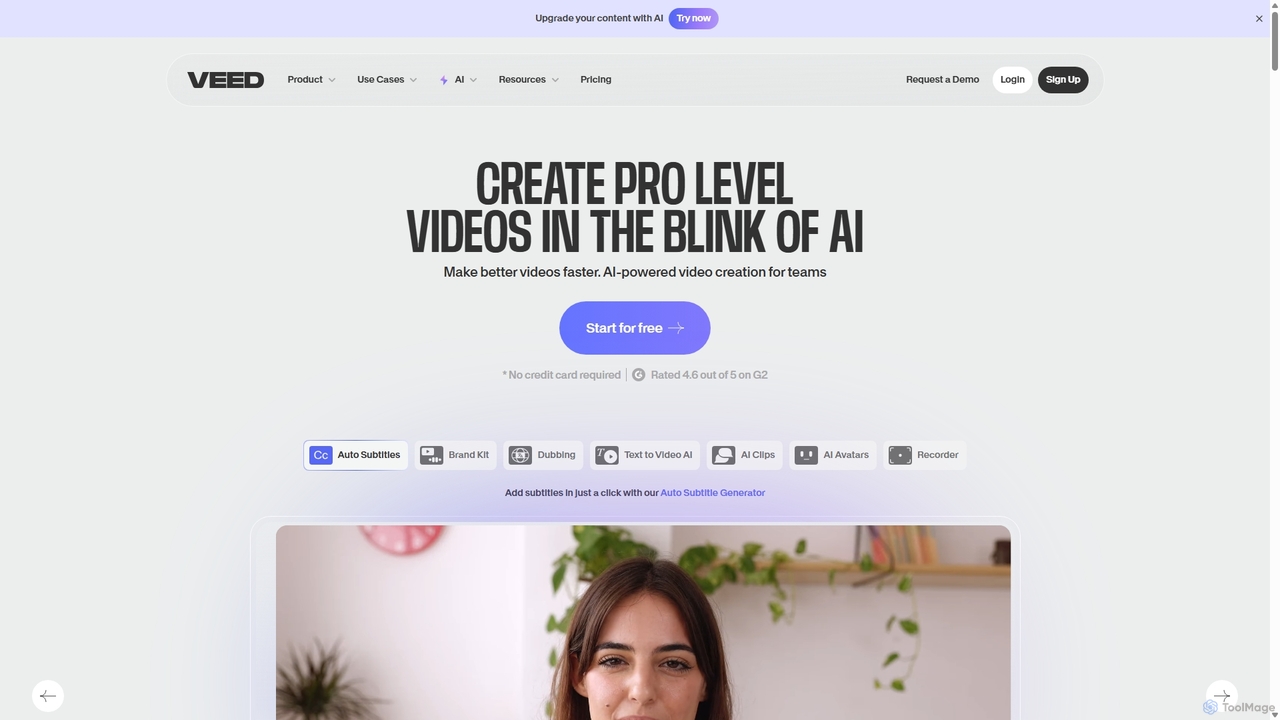
VEED.IO
VEED.IO is a powerful, AI-driven online video editor designed for teams and creators. It simplifies professional video creation with a suite of intuitive tools, including auto-subtitling, text-to-video, AI avatars, and collaborative workspaces. Create, edit, and share high-quality videos directly from your browser, no complex software required.
Social Media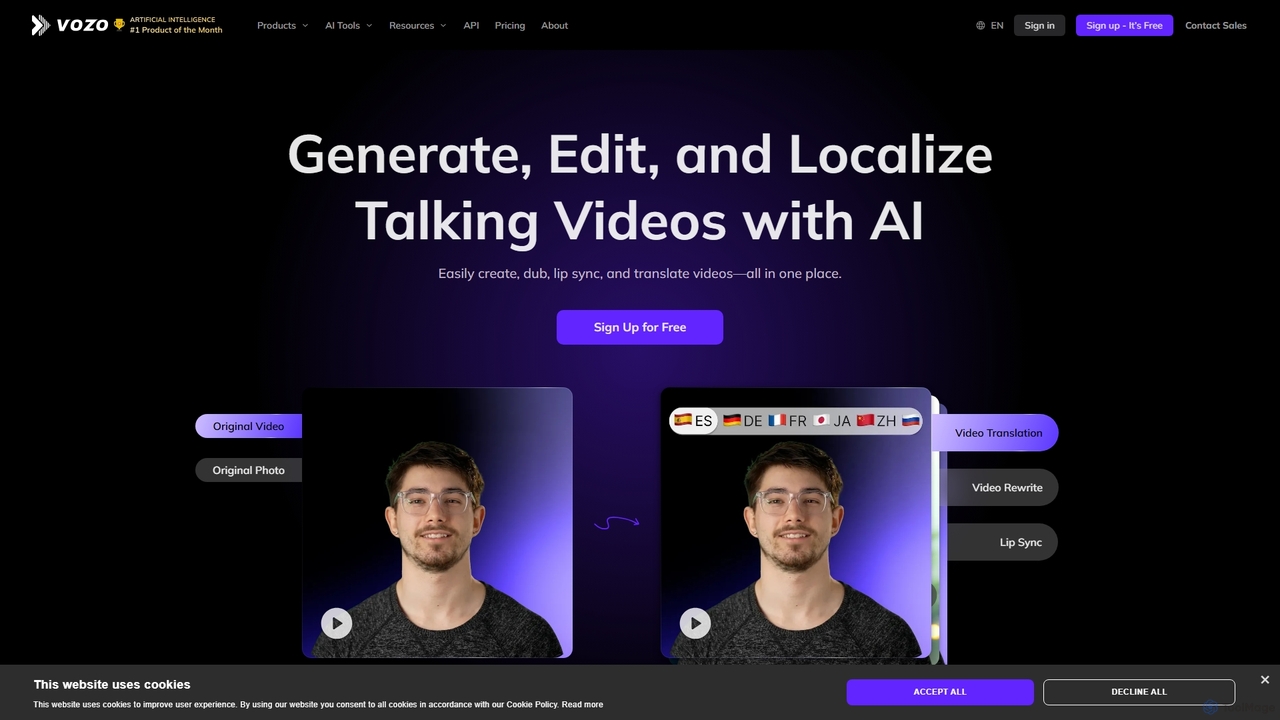
Vozo
Vozo is an all-in-one AI video platform that enables users to generate, edit, and localize talking videos. It offers features like precise video translation, realistic lip-syncing, authentic voice cloning, and talking photo animation. Designed for marketers, creators, and businesses, Vozo simplifies video production, allowing for easy content updates, multilingual dubbing, and repurposing for global audiences across various social media platforms, all within a single, user-friendly interface.
Translation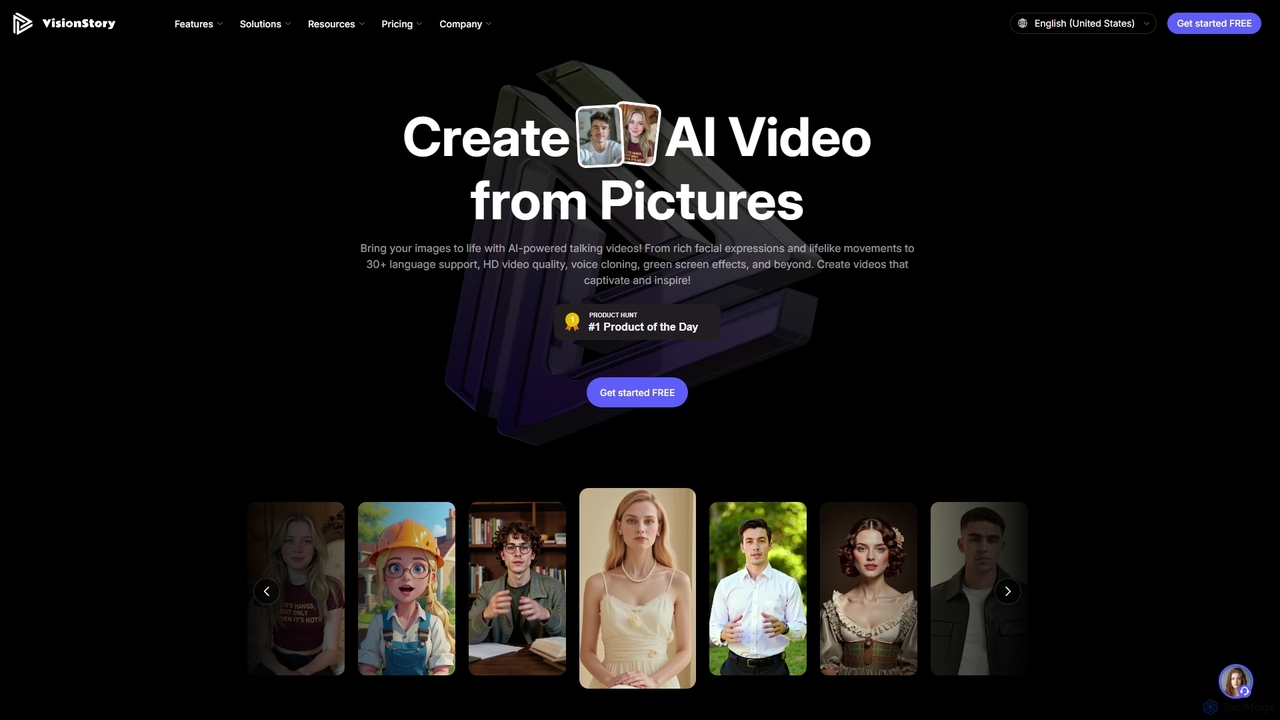
VisionStory
VisionStory is a powerful AI video creation platform that transforms static images into dynamic talking videos. Generate lifelike avatars with rich facial expressions, customizable emotions, and lip-synced audio in over 30 languages. Ideal for marketers, creators, and educators, it also offers features like AI presentations, video podcasts, and voice cloning to create captivating content effortlessly.
Video MarketingStreamAlive
StreamAlive is an AI-powered audience engagement tool for live sessions on platforms like Zoom, Teams, and YouTube. It transforms passive presentations into interactive experiences using chat-powered features like polls, word clouds, interactive maps, and Q&A. Its AI can automatically generate engagement questions from your presentation material, making it easy for trainers, educators, and presenters to keep their audience captivated without complex setups or QR codes.
Training
Personify Comments (0)
Sign in to comment.
Sign inNo comments yet.