

Tella Overview
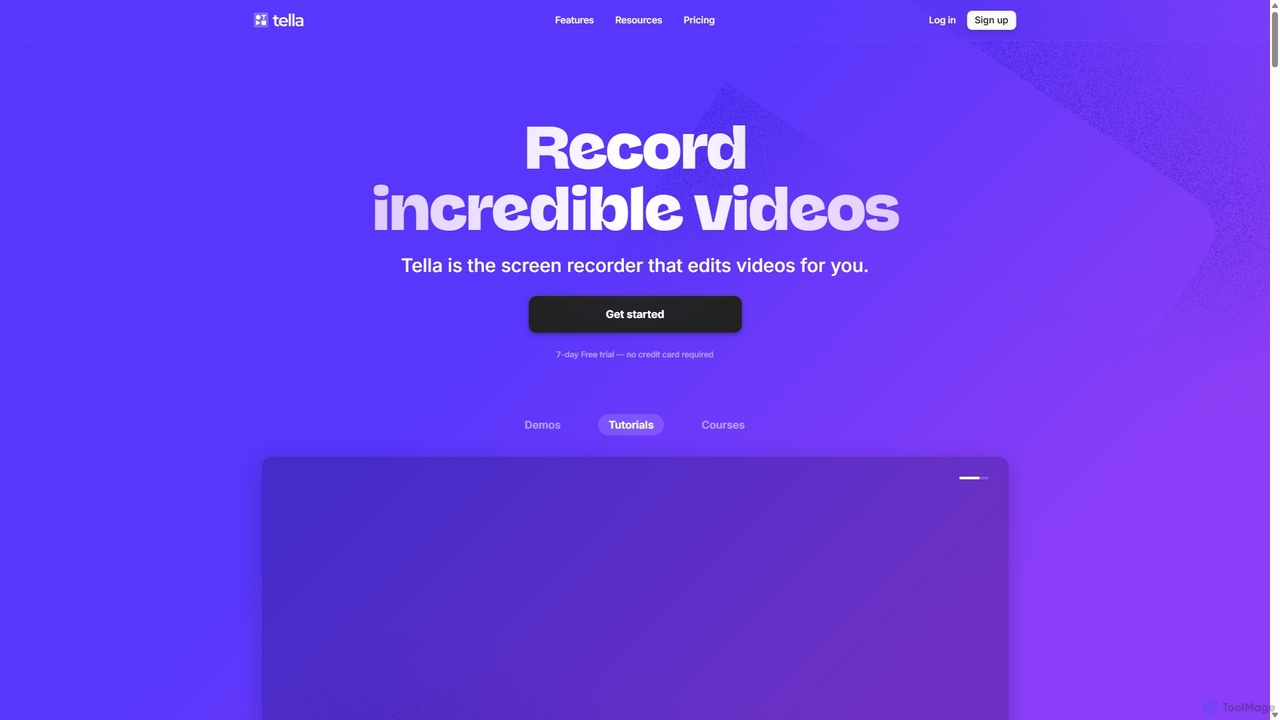
Tella is a comprehensive, AI-driven video creation platform designed to empower entrepreneurs, educators, and marketers to produce professional-quality videos with remarkable ease. It combines a powerful screen recorder with an intuitive, AI-enhanced editor, eliminating the steep learning curve and time-consuming processes associated with traditional video production. Tella is available as a native macOS app, a web-based application for cross-platform compatibility, and a convenient Chrome extension, making it accessible wherever you work.
How to use Tella
Creating a polished video with Tella is a streamlined, three-step process:
- Record: Start by capturing your screen, camera, or both simultaneously. Tella encourages recording in short, manageable "clips," which makes the content easier to organize and edit. You can use built-in speaker notes to stay on topic and ensure you cover all key points without needing a separate script.
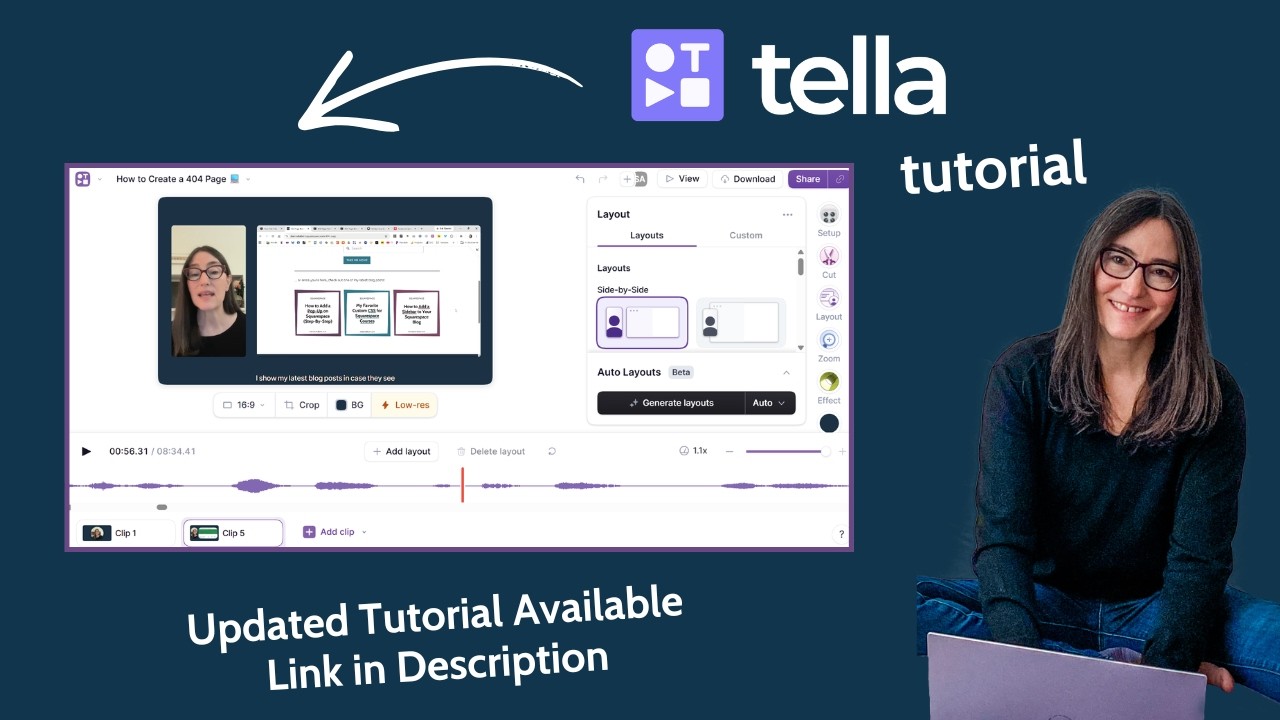
- Edit & Customize: This is where Tella's magic shines. Once your clips are recorded, the AI editing features take over. Automatically remove awkward silences and filler words (like 'um' and 'ah') with a single click. Edit your video by simply editing the auto-generated text transcript—deleting a word or sentence in the text removes the corresponding video segment. Further enhance your video with professional touches: add dynamic transitions between clips, use smooth zoom effects to highlight important details, and choose from a library of backgrounds, Unsplash images, or upload your own for a branded look.
- Share & Publish: When your video is ready, Tella makes sharing effortless. Instantly generate a shareable link to a customizable landing page where viewers can comment or download. You can also export your video in stunning 4K resolution for platforms like YouTube and LinkedIn, or embed it directly into your website or application for a seamless viewing experience.
Core Features of Tella
- AI-Powered Editing: Automatically removes silences and filler words, trims the start and end of clips, and allows for video editing directly from the text transcript.
- Clip-Based Recording: Record videos in small, manageable segments instead of long, single takes, simplifying the editing and re-arranging process.
- Professional Customization: A wide range of options including multiple layouts, dynamic zoom effects, custom backgrounds, transitions, and cropping tools.
- Multi-Platform Support: Available as a native macOS app, a web app for all browsers, and a Chrome extension for quick captures.
- High-Quality Sharing: Host videos on Tella's platform, export in 4K resolution, create GIF thumbnails, and embed videos anywhere on the web.
- Auto-Subtitles: Automatically generate subtitles for your videos to improve accessibility and engagement.
- Custom Branding: Add your own branding and use a custom domain for your video sharing pages (Premium feature).
Use Cases for Tella
Tella is versatile and perfectly suited for a variety of professional applications:
- Online Courses & Tutorials: Create clear, engaging, and easy-to-follow educational content without needing advanced editing skills.
- Product Demos: Showcase your software or product's features with polished, professional presentations that highlight key details.
- Marketing & Sales Videos: Produce compelling content for product launches, outbound sales messages, and social media campaigns.
- Team Communication: Share internal updates, training materials, and feedback with your team in a more personal and effective way than text.
Advantages of Tella
Tella stands out as a superior alternative to tools like Loom by focusing on both ease of use and professional output. Its AI features drastically reduce editing time, transforming a process that once took hours into minutes. The platform is designed for non-editors, ensuring that anyone can create a high-quality video by default. The combination of clip-based recording, transcript editing, and extensive customization options provides a level of flexibility and polish that is difficult to achieve with simpler screen recorders.
Pricing and Plans
Tella offers a 7-day free trial with no credit card required, allowing users to experience its full capabilities. After the trial, users can choose from paid plans:
- Tella Pro: Designed for individual creators and professionals, offering all core recording and editing features, 4K exports, and generous video limits.
- Tella Premium: Aimed at businesses and power users, this plan includes all Pro features plus advanced functionalities like custom branding, custom domains, viewer analytics, and collaborative tools.
Users can choose between monthly and yearly subscriptions and can cancel their plan at any time.
Traffic
Latest traffic
Status
Monthly traffic trend
- 2025-9: 240.2K
- 2026-1: 361.7K
- 2026-2: 370.0K
- 2026-3: 360.4K
- 2026-4: 327.8K
- 2026-5: 381.1K
Geography
Top 5 countries / regions
- 🇺🇸United States49.3%
- 🇫🇷France17.4%
- 🇦🇺Australia12.8%
- 🇮🇳India10.3%
- 🇬🇧United Kingdom10.2%
Traffic sources
| Source type | Percentage |
|---|---|
Direct | 92.0% |
Referral | 4.8% |
Email | 3.2% |
Tella Videos on YouTube


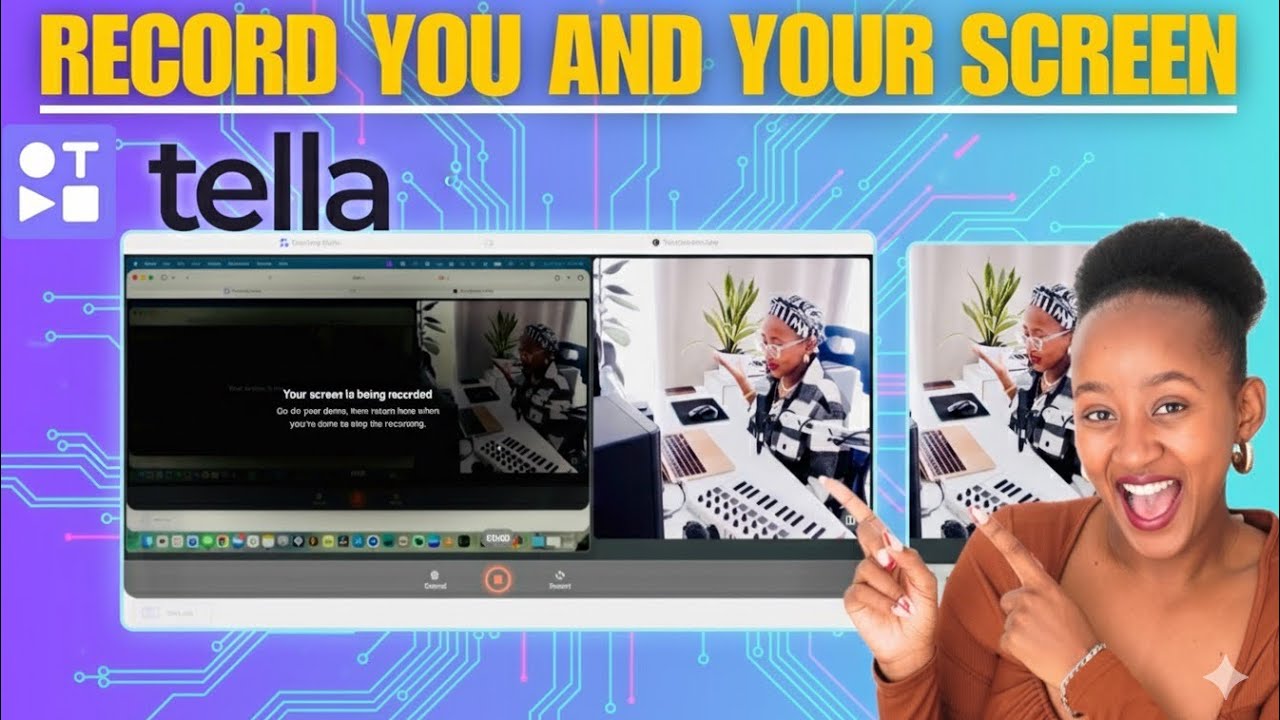
Tech Talk With Tate
Laptop lifestyle Hub

Alberto Di Risio
Tella Alternatives

Tella
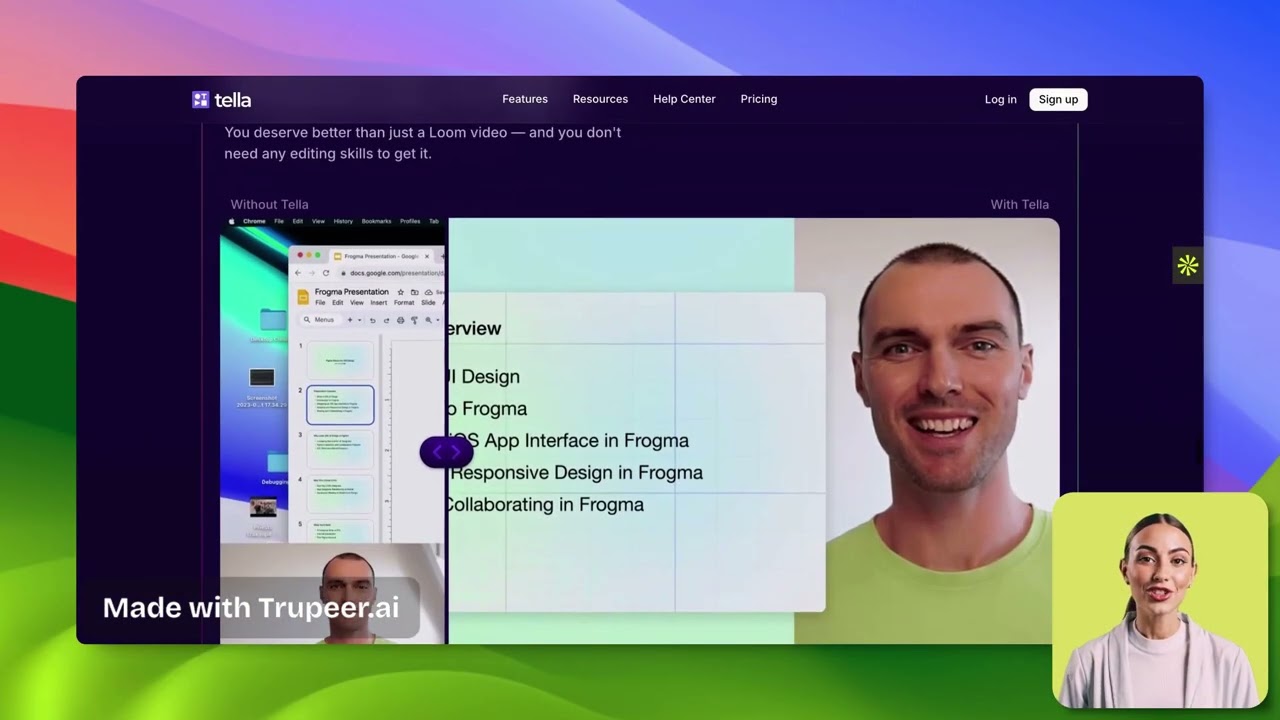
Tella is an AI-powered screen recorder and video editor for Mac and Windows, designed for entrepreneurs and creators. It simplifies video production by recording in manageable clips and using AI to automatically remove filler words and silences. With features like customizable backgrounds, dynamic zooms, and 4K exports, Tella helps users create professional-looking demos, tutorials, and courses in minutes, not hours, without needing any video editing expertise.
Course Creation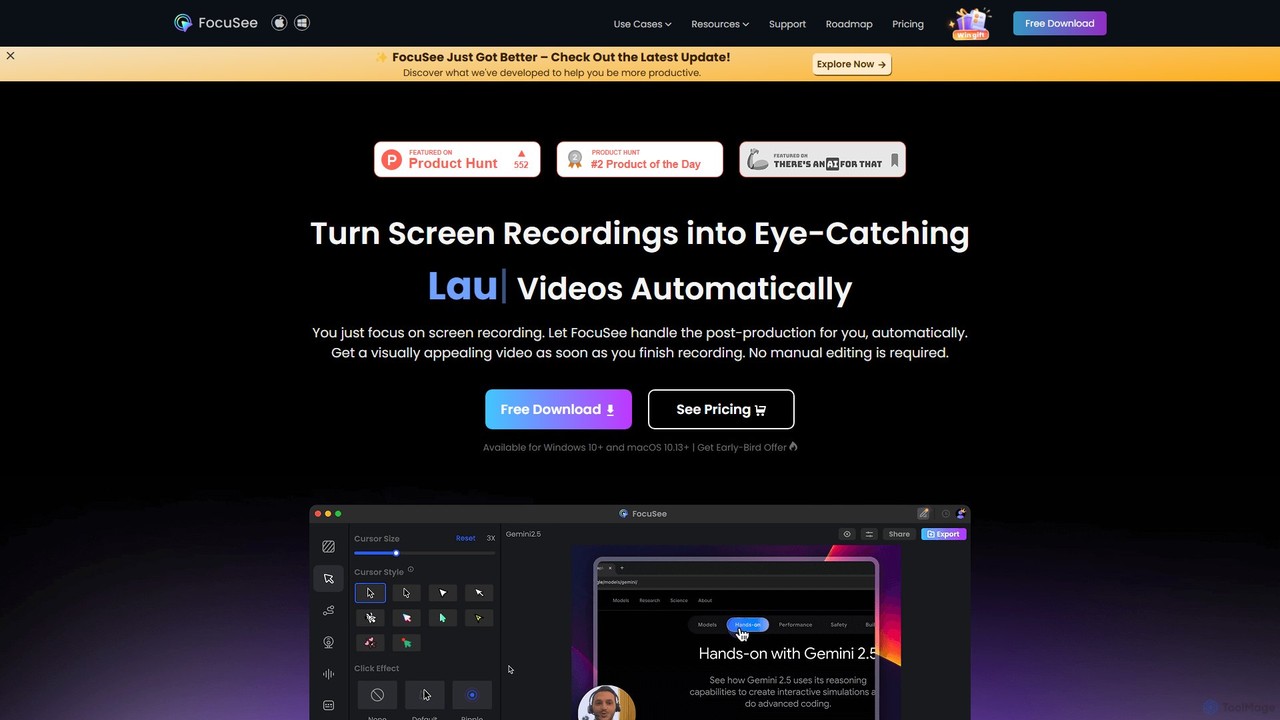
FocuSee
FocuSee is an AI-powered screen recording and video editing software designed to create professional-looking videos with ease. Its standout feature is the automatic zoom and pan effect, which intelligently follows your cursor movements to highlight key actions. This makes it ideal for creating engaging product demos, tutorials, and presentations without complex manual editing, simplifying the entire video creation workflow.
E Learning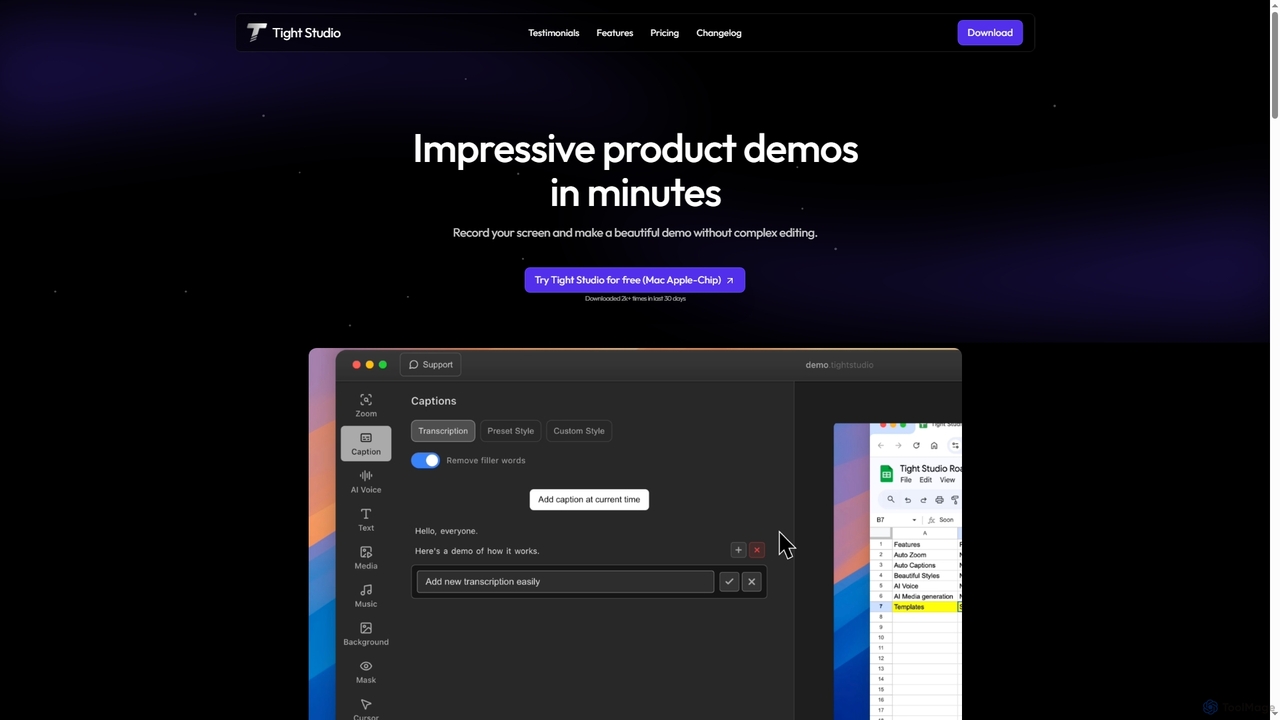
Tight Studio
Tight Studio is an AI-powered screen recording and video editing application for Mac, designed to create professional product demos and tutorials in minutes. It features smart zoom, automatic captions, AI narration, and an intuitive editor, enabling users without editing skills to produce high-quality, engaging videos effortlessly.
Tutorials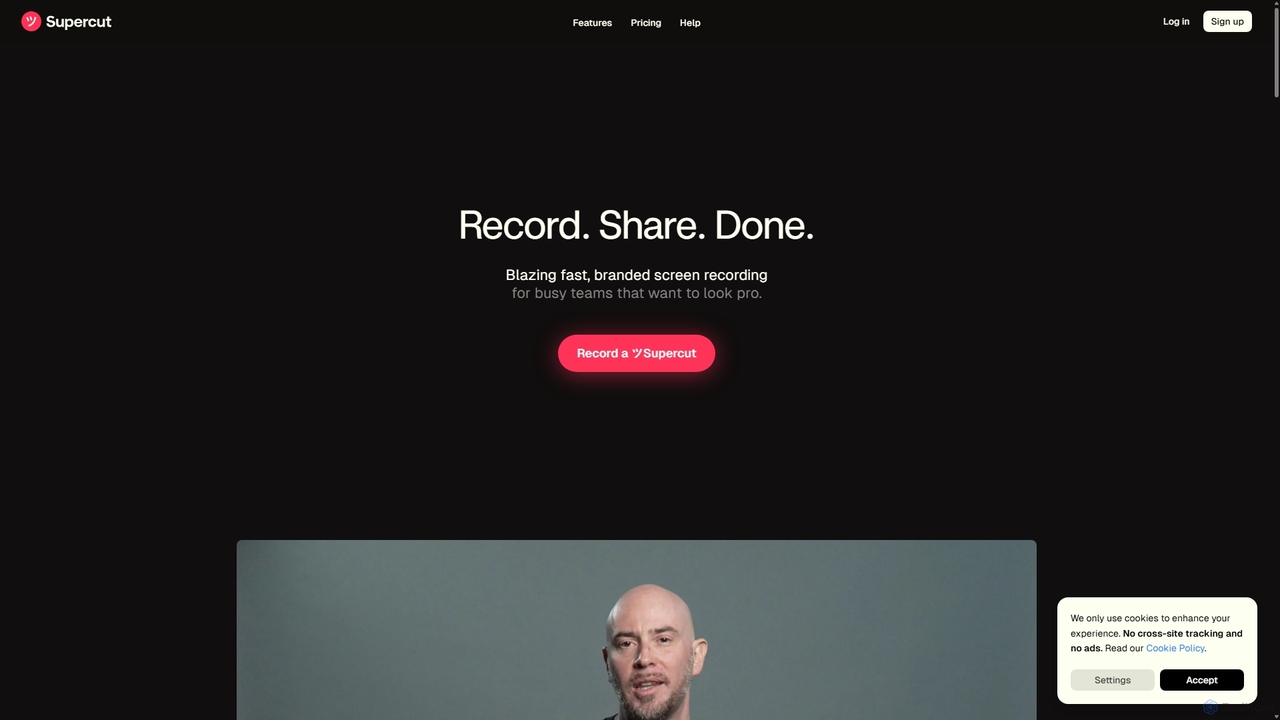
Supercut
Supercut is an AI-powered screen recording tool designed for teams to create professional, branded videos with blazing speed. It automates tedious tasks like chapter creation and editing, enabling users to record, share, and get results instantly. Ideal for sales, customer support, and team collaboration.
Helpdesk
DemoGPT
DemoGPT is an AI-powered platform that instantly creates interactive product demos and guided tutorials. Simply provide a text prompt, URL, or screen recording, and DemoGPT automatically generates a clickable, shareable, and embeddable demo, eliminating the need for coding or design skills.
OnboardingTella Categories
Tella Jobs
Tella Embed Widget
Copy this embed code to place the badge on your blog, article, or product site and send readers directly to this ToolMage detail page.

Related AI tools
Supercut
Supercut is an AI-powered screen recording tool designed for teams to create professional, branded videos with blazing speed. It automates tedious tasks like chapter creation and editing, enabling users to record, share, and get results instantly. Ideal for sales, customer support, and team collaboration.
HelpdeskTight Studio
Tight Studio is an AI-powered screen recording and video editing application for Mac, designed to create professional product demos and tutorials in minutes. It features smart zoom, automatic captions, AI narration, and an intuitive editor, enabling users without editing skills to produce high-quality, engaging videos effortlessly.
TutorialsTella
Tella is an AI-powered screen recorder and video editor for Mac and Windows, designed for entrepreneurs and creators. It simplifies video production by recording in manageable clips and using AI to automatically remove filler words and silences. With features like customizable backgrounds, dynamic zooms, and 4K exports, Tella helps users create professional-looking demos, tutorials, and courses in minutes, not hours, without needing any video editing expertise.
Course Creation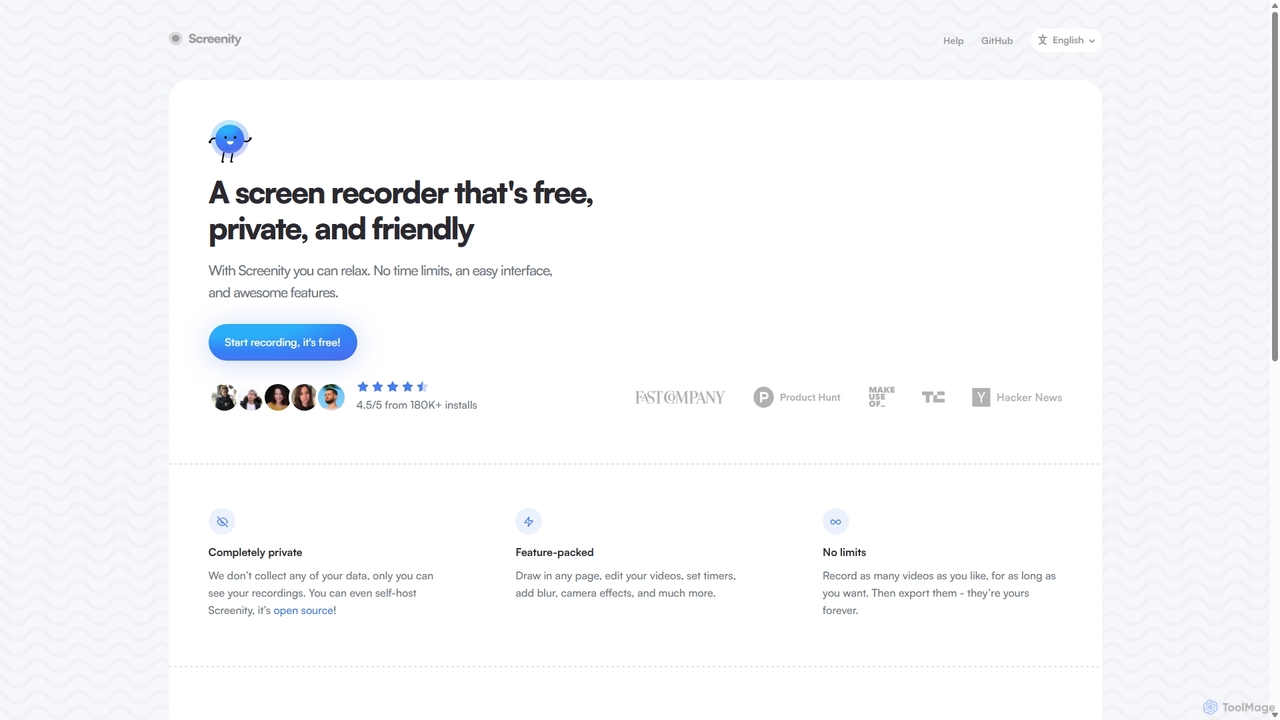
Screenity
Screenity is a powerful, free, and privacy-focused screen and camera recorder for Chrome. It offers unlimited recording, annotation tools, and basic video editing without collecting any user data. Ideal for creating tutorials, demos, and presentations.
Bug Reporting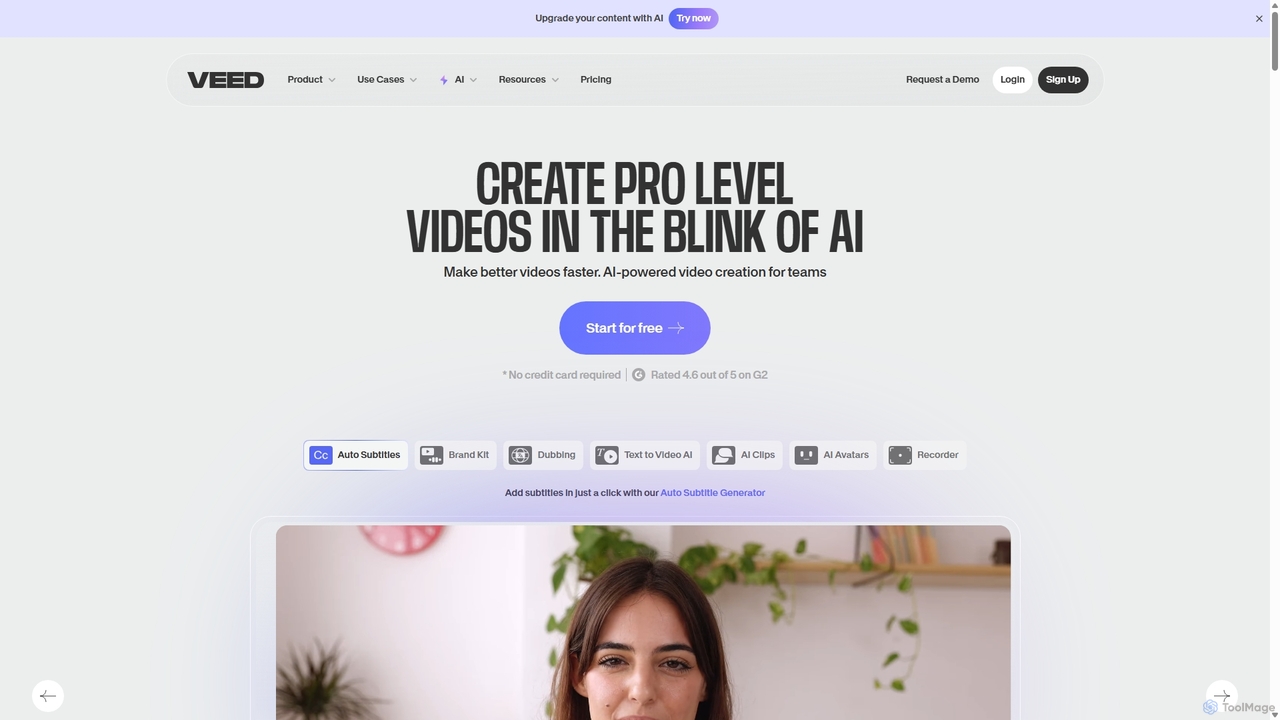
VEED.IO
VEED.IO is a powerful, AI-driven online video editor designed for teams and creators. It simplifies professional video creation with a suite of intuitive tools, including auto-subtitling, text-to-video, AI avatars, and collaborative workspaces. Create, edit, and share high-quality videos directly from your browser, no complex software required.
Social Media
Jyek
Jyek is an AI agent platform that understands objectives, creates execution plans, uses tools, and delivers verifiable results for complex, multi-step tasks.
Automation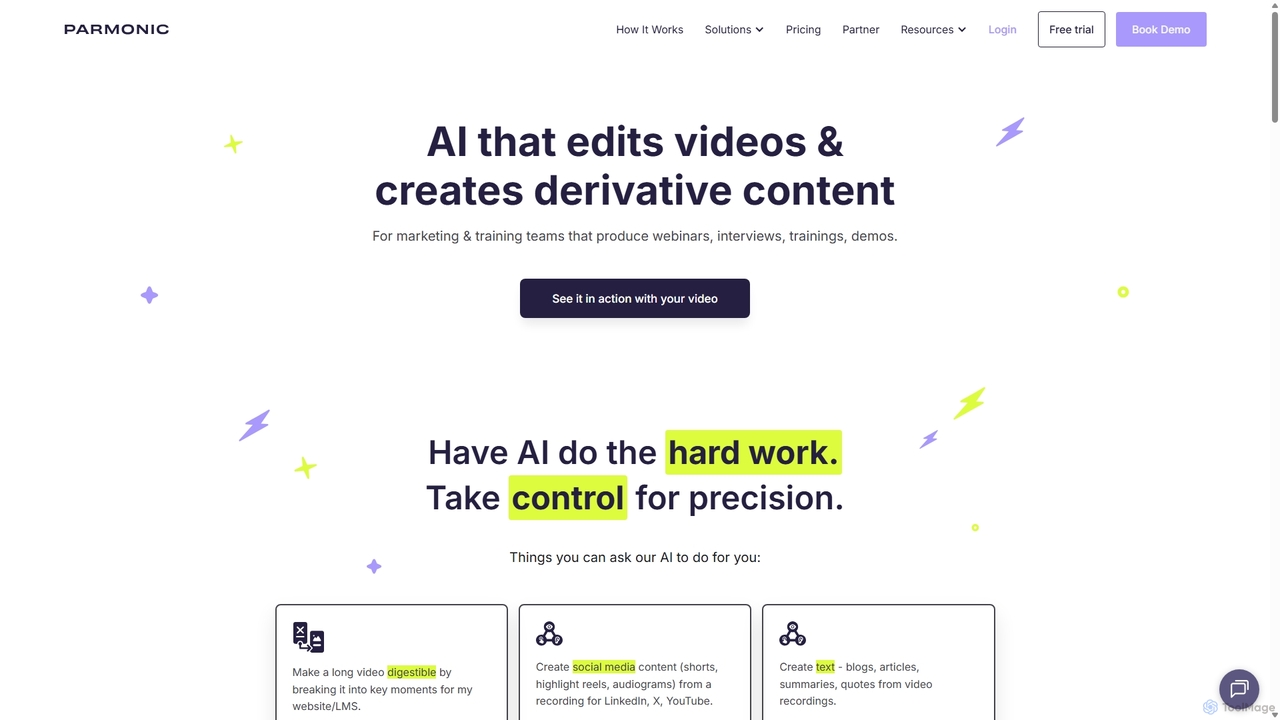
Parmonic
Parmonic is an AI-powered video editor and content repurposing platform designed for marketing and training teams. It automatically transforms long-form videos like webinars, interviews, and training sessions into digestible, shareable content such as social media clips, blogs, summaries, and highlight reels, streamlining content creation and maximizing engagement.
Content Creation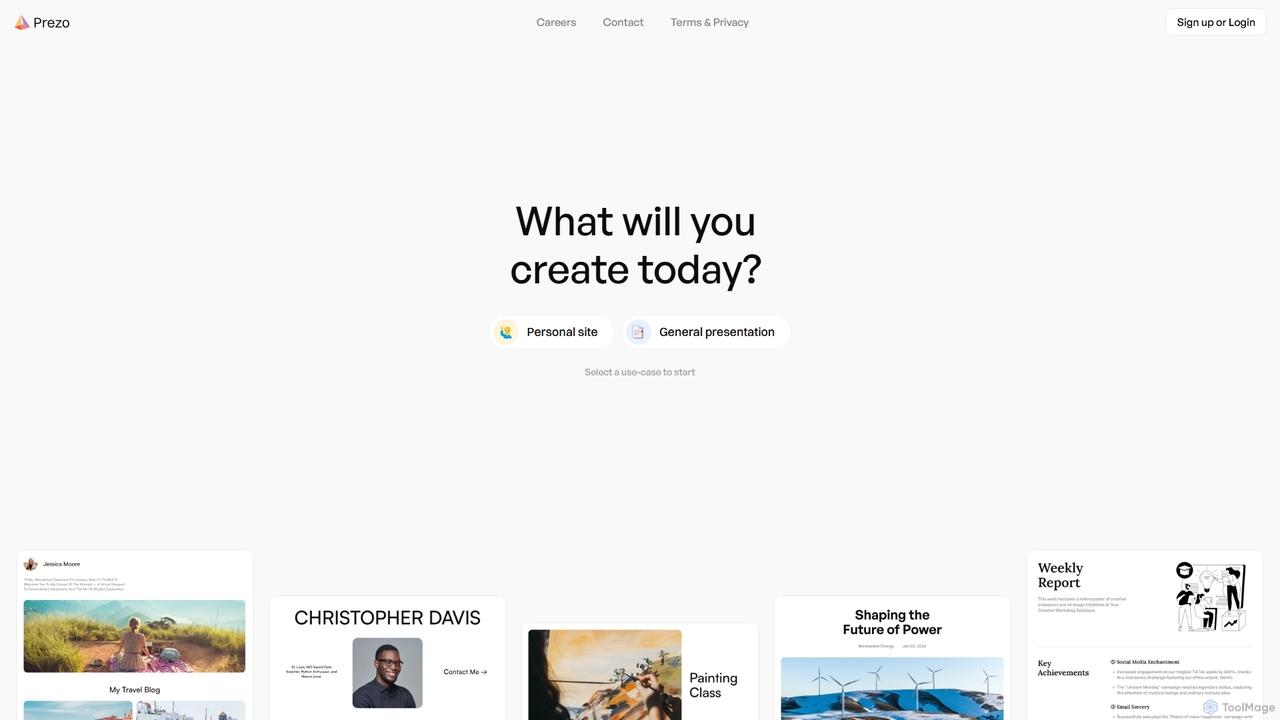
Prezo
Prezo is an AI-powered platform that enables users to effortlessly create professional presentations, documents, and websites. By simply providing a text prompt or an idea, Prezo's AI generates a complete, well-structured, and visually appealing draft in seconds. It's designed to streamline content creation for professionals, educators, and individuals, eliminating the need for design skills and saving valuable time.
Website BuilderDemoGPT
DemoGPT is an AI-powered platform that instantly creates interactive product demos and guided tutorials. Simply provide a text prompt, URL, or screen recording, and DemoGPT automatically generates a clickable, shareable, and embeddable demo, eliminating the need for coding or design skills.
Onboarding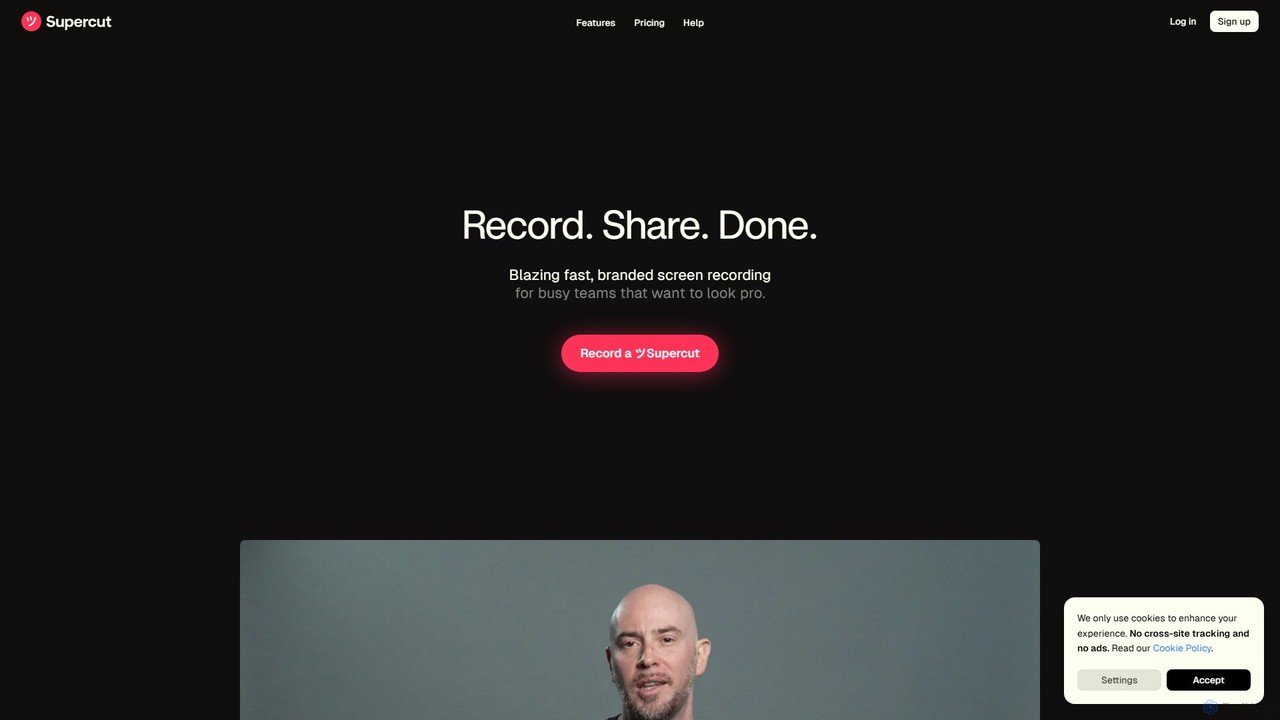
Supercut
Supercut is an AI-powered screen recording tool designed for teams to create professional, branded videos with blazing speed. It automates editing, generates smart chapters, and facilitates collaboration, making it ideal for product demos, sales outreach, and tutorials without a steep learning curve.
Content Creation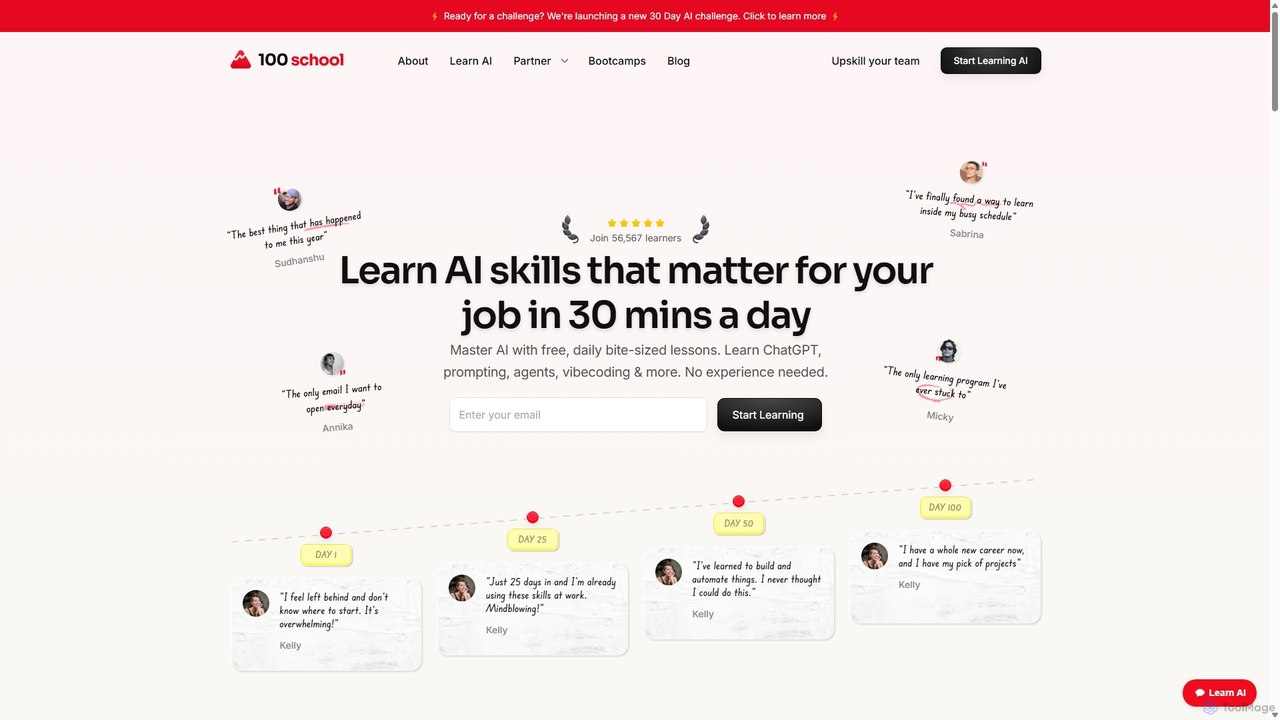
100 School
100 School is an online learning platform designed to make AI and tech skills accessible to everyone. It offers free, daily, bite-sized lessons (30 minutes) that help professionals, career switchers, and lifelong learners master practical skills like ChatGPT, prompting, no-code, and automation without needing prior experience. The focus is on building real-world skills and forming a consistent learning habit.
Ai Learning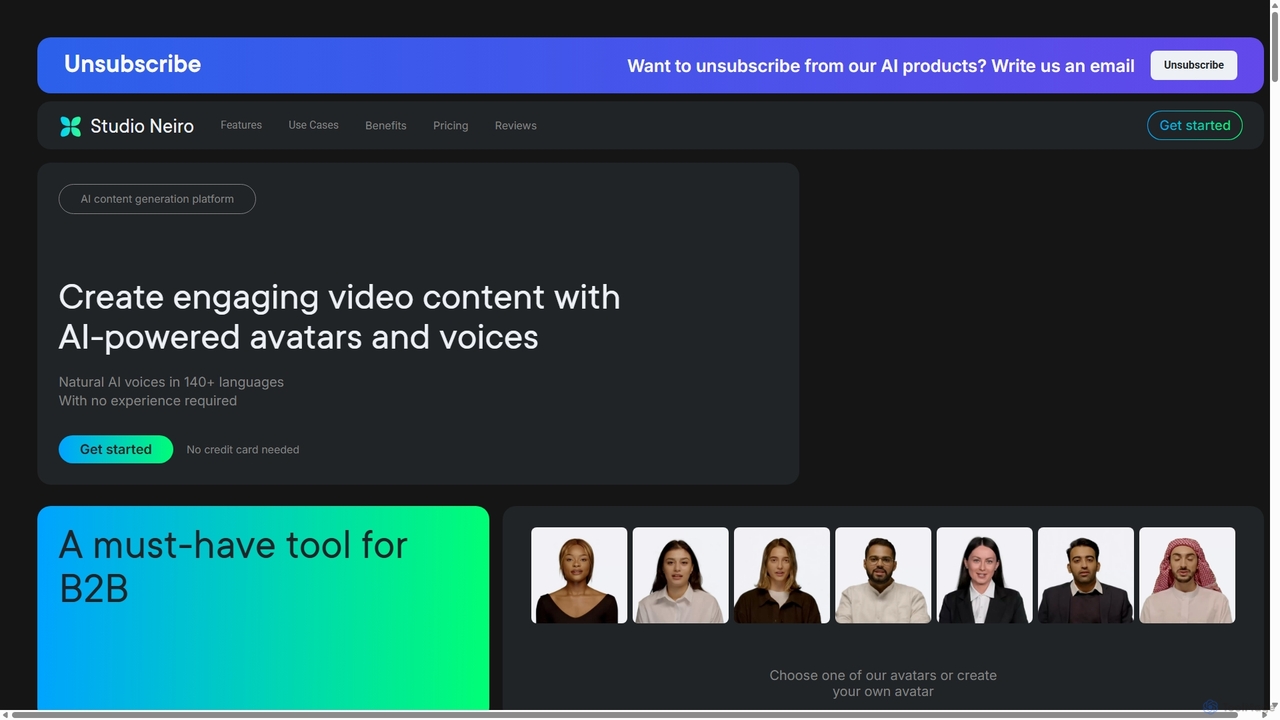
Neiro.ai
Neiro.ai is an AI content generation platform that enables users to create engaging videos with AI-powered avatars and natural-sounding voices in over 140 languages. It simplifies video production for marketing, education, and communication without requiring any prior experience.
E Learning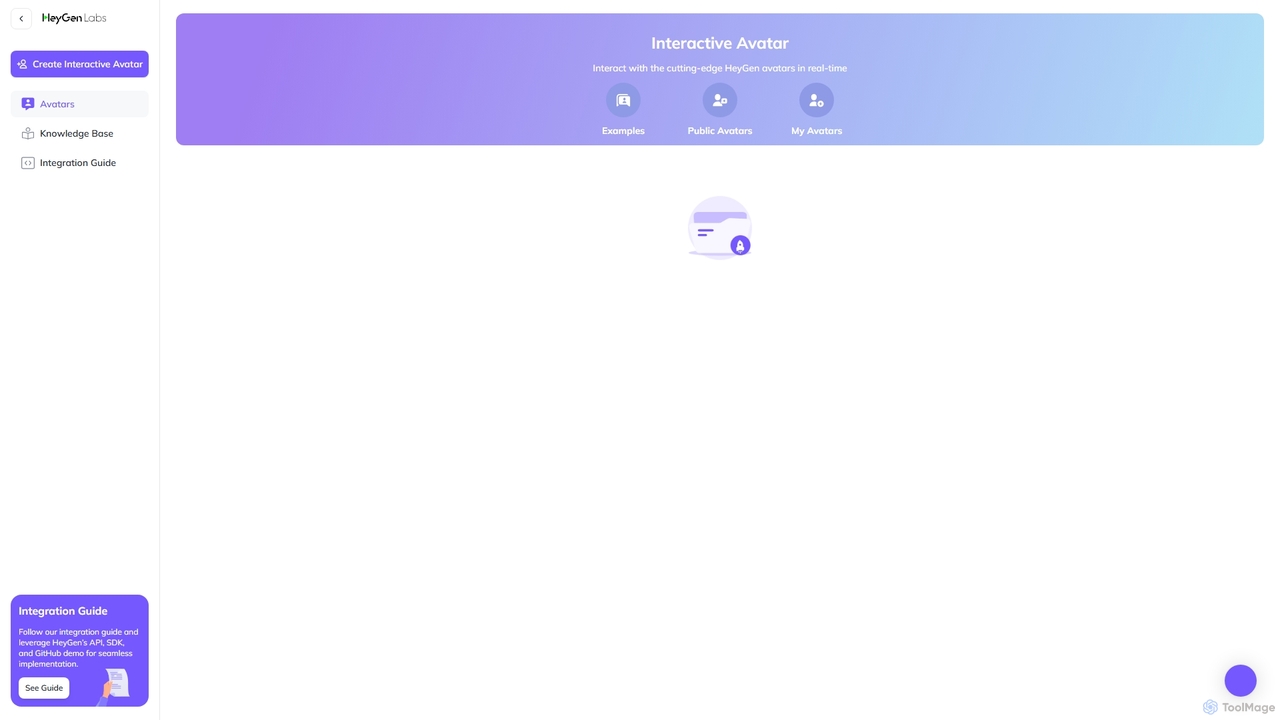
HeyGen Labs
HeyGen Labs showcases advanced AI video generation features, including real-time interactive avatars. It's an all-in-one platform for creating professional spokesperson videos with customizable avatars, voice cloning, and multi-language support. Ideal for marketing, sales, training, and customer support, it simplifies video production, making it scalable and cost-effective.
Virtual Assistant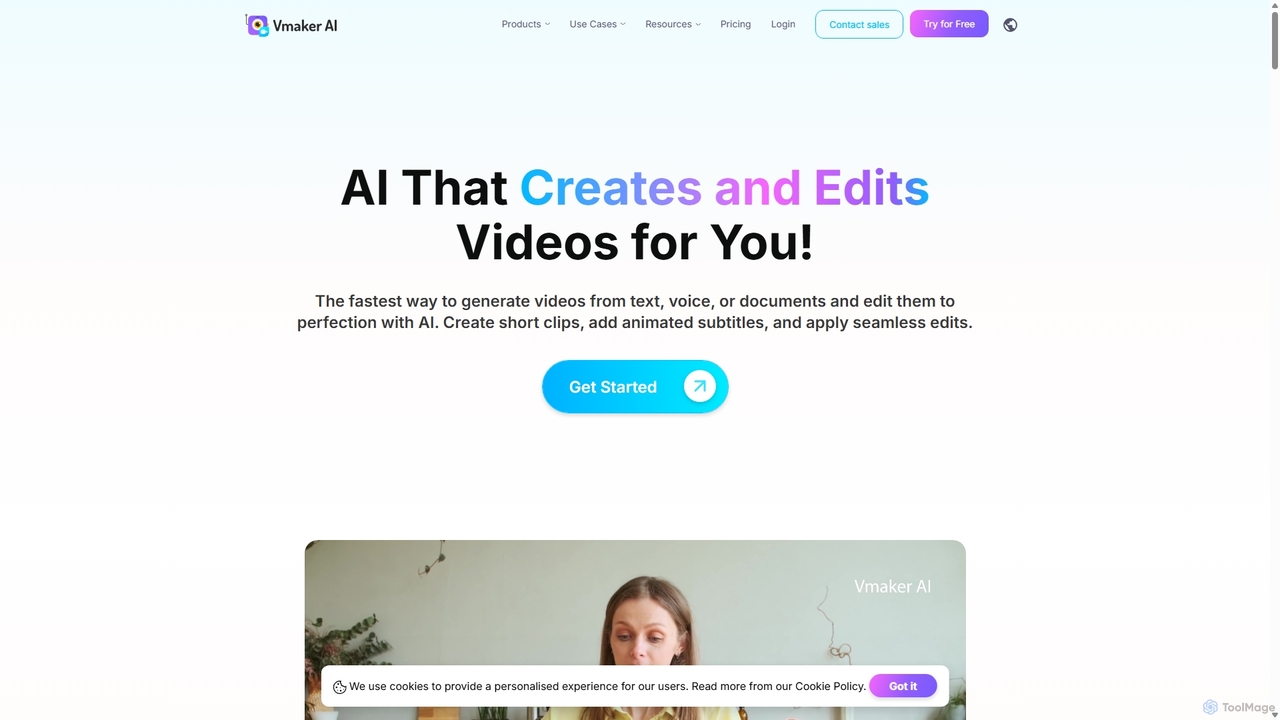
Vmaker
Vmaker is an all-in-one AI video creation and editing suite. It enables users to generate videos from text, audio, or documents using AI avatars, record screens in 4K, and edit footage with a powerful AI editor. Key features include auto-subtitles, background removal, and content repurposing tools, designed for marketers, content creators, and L&D teams.
Training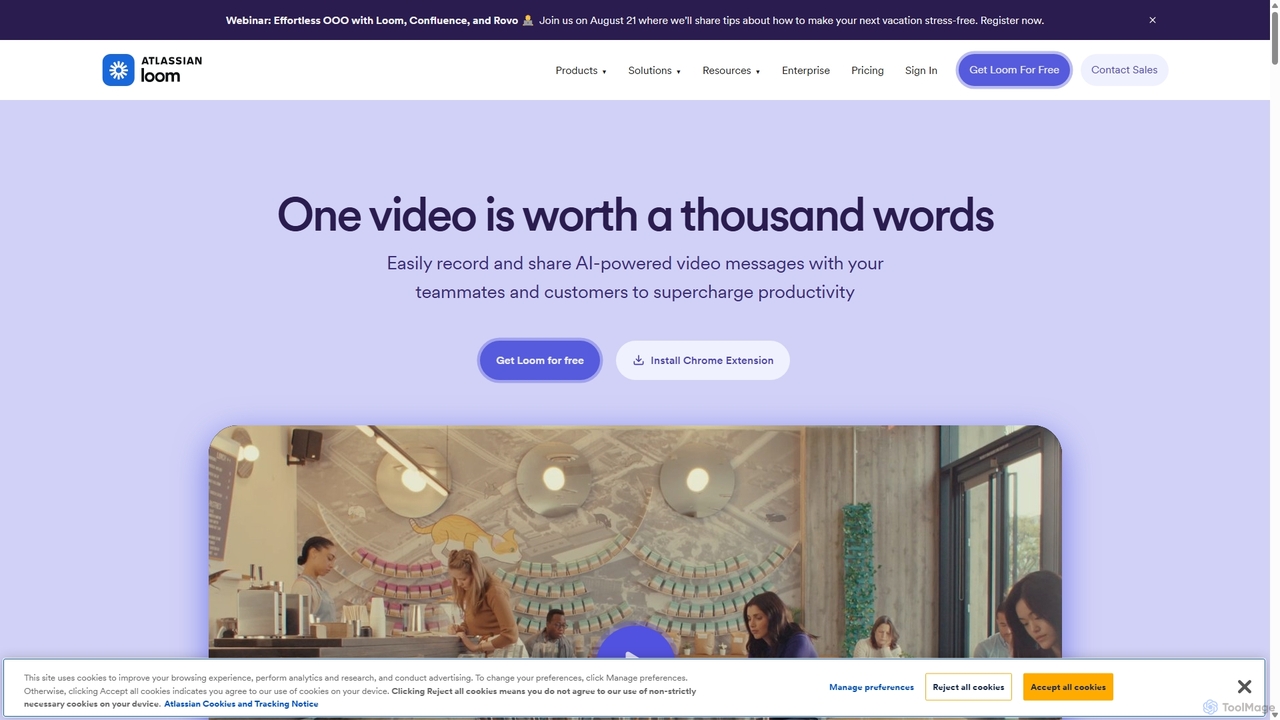
Loom
Loom is an AI-powered video messaging platform for work that allows users to instantly record and share their screen, camera, and audio. It streamlines communication, reduces meetings, and enhances team collaboration with features like AI-powered summaries, transcriptions, and editing tools.
Team Management
Tella Comments (0)
Sign in to comment.
Sign inNo comments yet.