
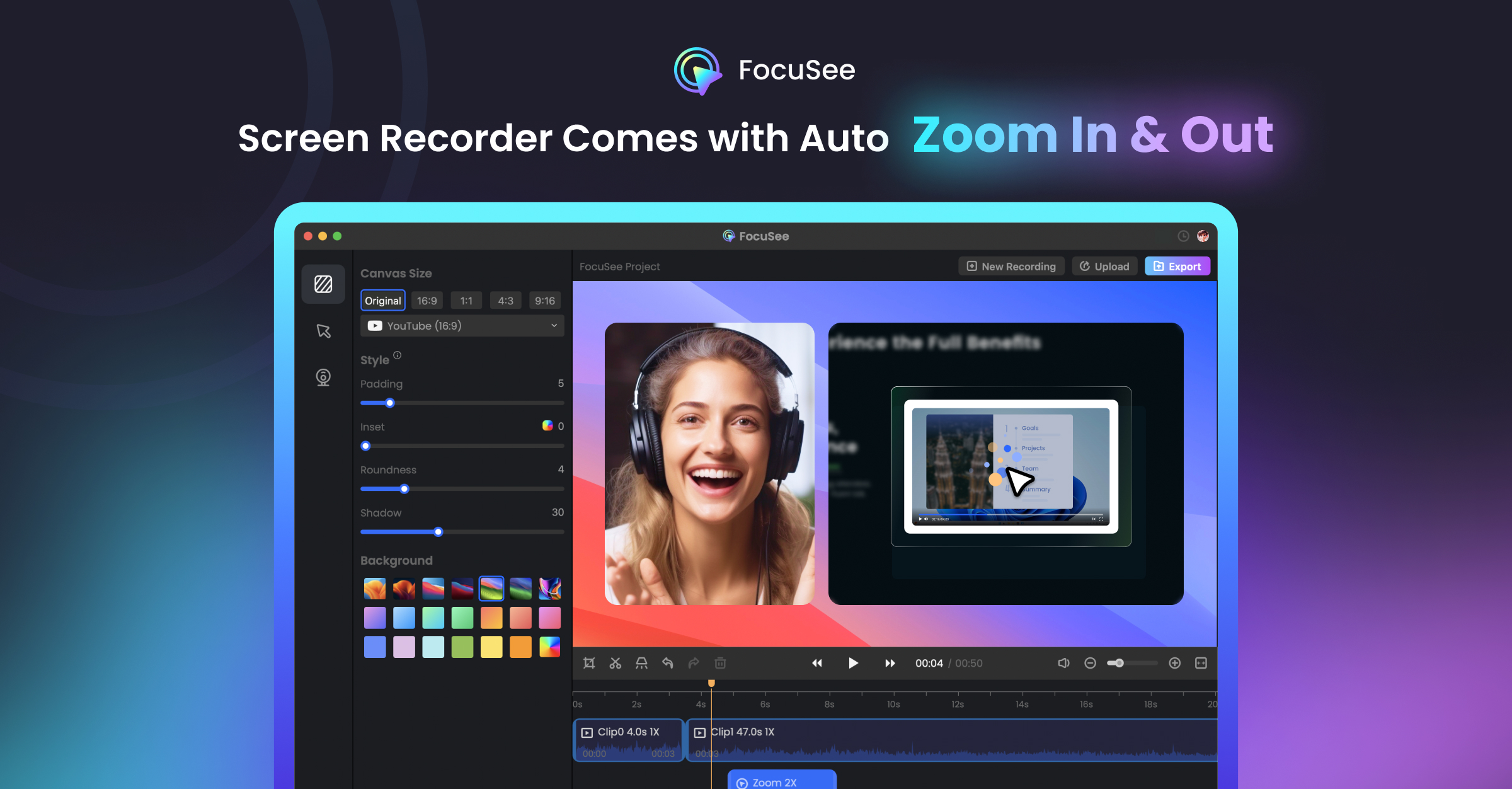
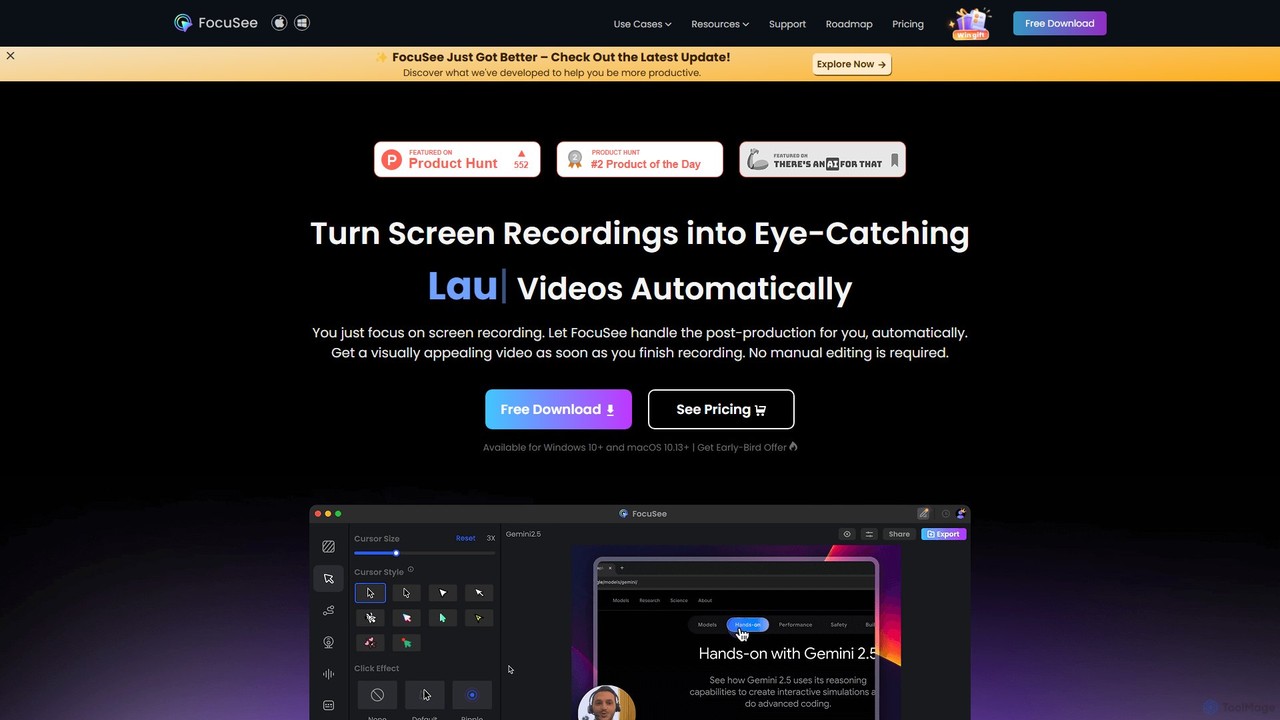
FocuSee Overview
FocuSee is a revolutionary screen recording and video editing tool designed to help users create visually appealing and professional videos with minimal effort. Powered by AI, it automates the most time-consuming aspects of video editing, allowing content creators, marketers, educators, and developers to produce high-quality content 10 times faster. The core innovation of FocuSee lies in its ability to automatically track cursor movements and apply dynamic zoom and pan effects, ensuring that the audience's attention is always directed to the most important parts of the screen.
This intelligent functionality eliminates the need for tedious manual keyframing and editing, transforming a raw screen recording into a polished, engaging video in just minutes. Whether you're creating a product demonstration, an educational tutorial, a marketing video, or a software walkthrough, FocuSee provides all the necessary tools to make your content clear, concise, and captivating.
How to use FocuSee
The workflow in FocuSee is designed for simplicity and efficiency, allowing anyone to create professional videos in a few simple steps:
- Record Your Screen: Start by capturing your screen, webcam, and microphone audio simultaneously or individually. You can choose to record the full screen, a specific window, or a custom area.
- Automatic AI Editing: Once the recording is complete, FocuSee's AI engine gets to work. It automatically analyzes your cursor movements and applies smooth zoom-in and pan effects to follow your actions, creating a dynamic and focused narrative.
- Customize and Refine: Dive into the intuitive editor to personalize your video. You can adjust the automatically generated zoom effects, customize the style and color of the cursor and click effects, add text annotations, and insert overlays. The timeline editor allows you to trim unwanted sections and fine-tune the timing.
- Enhance with Branding and Effects: Add a professional touch by applying custom backgrounds, choosing from various layout options for your webcam feed, and adding your brand logo. You can also generate automatic subtitles and enhance audio quality.
- Export and Share: Export your finished video in high-definition formats like MP4 or as an animated GIF. The optimized export process is fast, allowing you to quickly share your content on social media, your website, or with your team.
Core Features of FocuSee
- AI-Powered Auto Zoom & Pan: Intelligently tracks your cursor and automatically creates dynamic zoom and pan effects to highlight key actions and details.
- Customizable Cursor Effects: A wide range of effects to make your cursor stand out, including spotlights, rings, and click animations, with full control over color and size.
- Integrated Video Editor: A user-friendly timeline editor for trimming, cropping, and arranging clips without needing a separate, complex video editing application.
- Flexible Recording Options: Record your screen, webcam, and system/microphone audio. Choose from various webcam layouts, such as picture-in-picture, full screen, or side-by-side.
- Automatic Subtitles: Generate accurate subtitles for your videos automatically, with options to edit the text and customize the style to match your brand.
- Professional Backgrounds & Branding: Replace messy desktop backgrounds with clean colors, beautiful images, or your own branded backdrops.
- Multiple Export Formats: Export videos in high-quality MP4 (up to 4K resolution) or as lightweight animated GIFs, perfect for different platforms and use cases.
- Audio Enhancement: Tools to improve the clarity of your voice recordings and reduce background noise.
Use Cases for FocuSee
FocuSee is a versatile tool suitable for a wide range of applications:
- Product Demos: Create clear, compelling, and easy-to-follow demonstrations of software, apps, and websites for marketing and sales teams.
- Educational Tutorials: Produce engaging how-to guides, online courses, and e-learning materials that keep students focused and improve comprehension.
- Marketing & Sales Videos: Craft dynamic promotional videos, feature announcements, and personalized sales outreach videos that capture attention and drive conversions.
- Corporate Training & Onboarding: Develop standardized training materials, SOP walkthroughs, and employee onboarding videos that are effective and easy to digest.
- Technical Support & Bug Reporting: Clearly document software issues or provide step-by-step solutions for customer support, reducing ambiguity and resolution time.
Advantages of FocuSee
FocuSee stands out from traditional screen recorders with several key advantages:
- Unmatched Efficiency: Automates the editing process, saving hours of manual work and enabling rapid video production.
- Professional Aesthetics: Delivers a polished, modern look that was previously only achievable with advanced video editing skills and expensive software.
- Simplicity and Ease of Use: An intuitive interface makes it accessible to everyone, from beginners to experienced creators, without a steep learning curve.
- Enhanced Viewer Engagement: The dynamic camera movements keep viewers engaged and focused on the critical information being presented.
Pricing and Plans
FocuSee offers a flexible pricing structure to suit different needs, including a free version to test the core features.
- Free Plan: A great way to get started. This plan allows users to experience the automatic zoom feature but includes a watermark on exported videos.
- Pro Plan (Subscription): Offered on a monthly or annual basis, this plan unlocks all features, including watermark-free exports in 4K, advanced editing capabilities, and priority customer support.
- Lifetime Deal: For a one-time payment, users can get lifetime access to all current and future Pro features. This plan is ideal for dedicated creators and businesses looking for the best long-term value.
Traffic
Latest traffic
Status
Monthly traffic trend
- 2025-9: 78.3K
- 2026-1: 98.3K
- 2026-2: 85.6K
- 2026-3: 78.7K
- 2026-4: 85.5K
- 2026-5: 108.0K
Geography
Top 5 countries / regions
- 🇻🇳Vietnam41.2%
- 🇺🇸United States28.4%
- 🇮🇳India16.7%
- 🇰🇭Cambodia7.2%
- 🇬🇧United Kingdom6.5%
Traffic sources
| Source type | Percentage |
|---|---|
Direct | 74.6% |
Referral | 22.7% |
Email | 2.7% |
Top keywords
| Keyword | Cost per click |
|---|---|
| focusee | $2.37 |
| focusee online | $0.00 |
| focusee screen recorder | $0.00 |
| focusee программа документация | $0.00 |
| focussee | $0.00 |
FocuSee Videos on YouTube

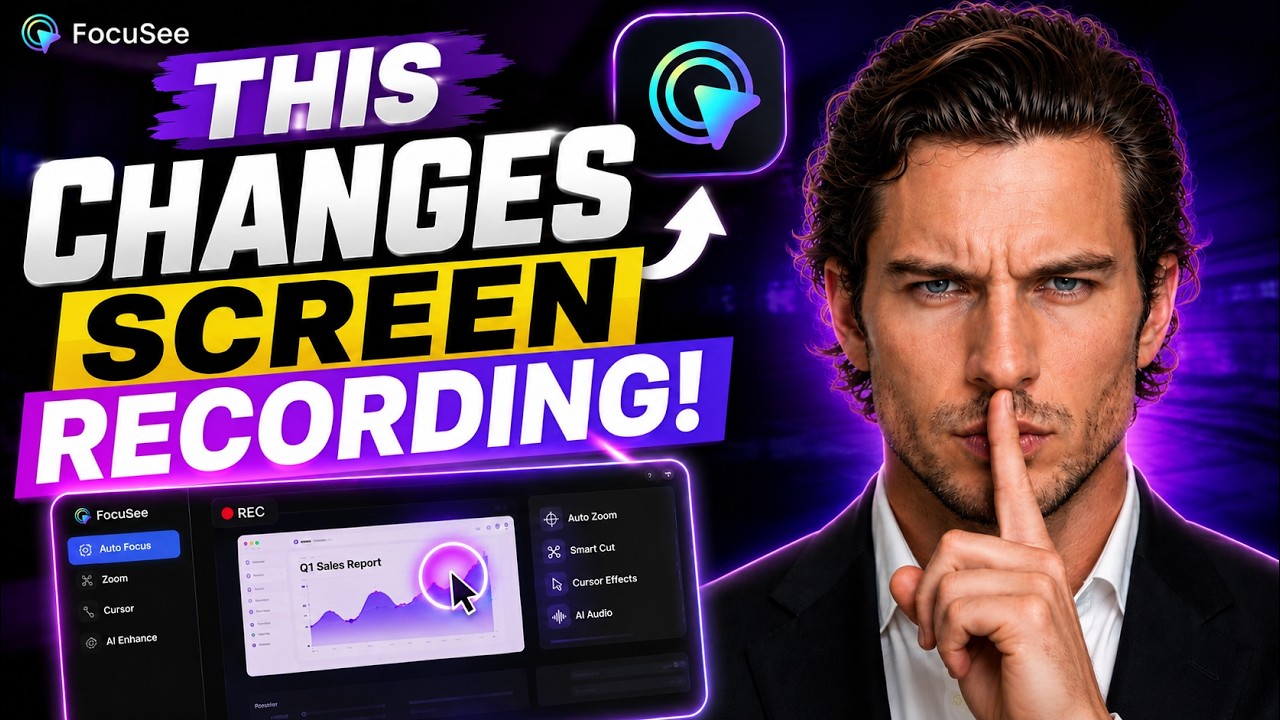
Jean Pak | Human-Centered AI Educator

Edit Toonz

FocuSee Alternatives
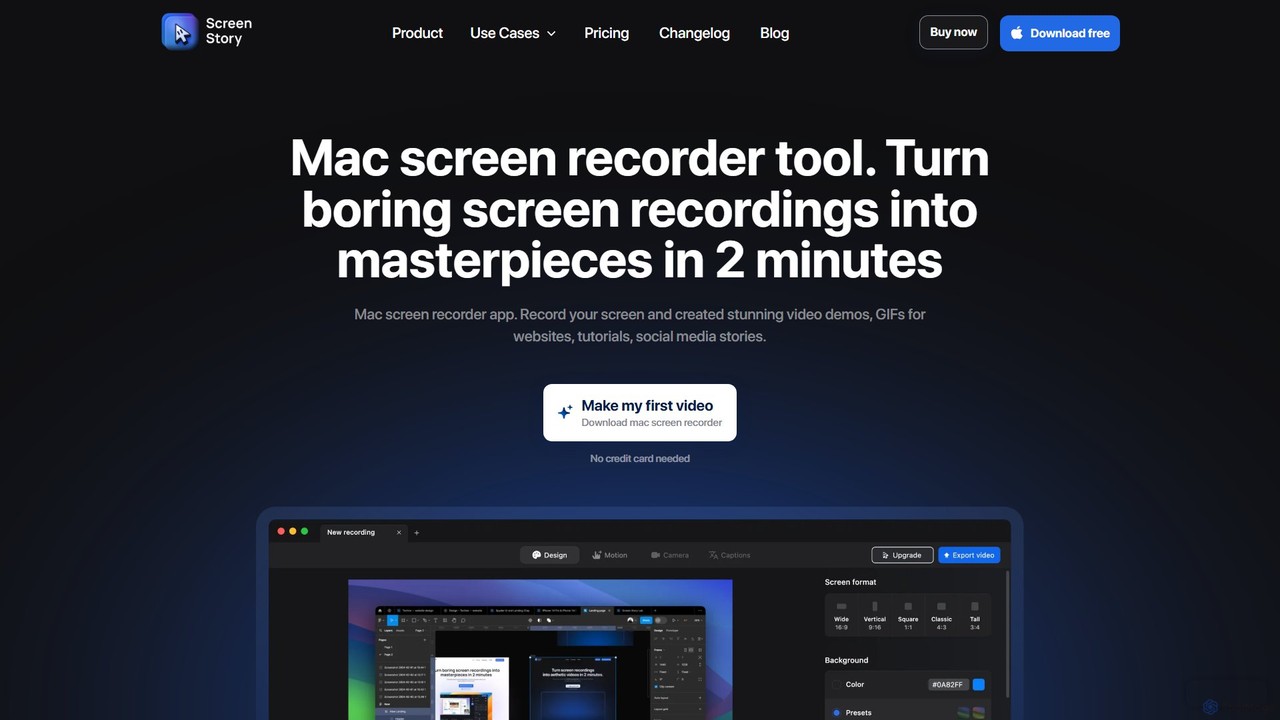
ScreenStory
ScreenStory is an intelligent screen recording app for macOS that automatically transforms standard screen captures into polished, professional-looking videos. It adds dynamic zooms, smooth cursor movements, and motion blur without manual editing. Ideal for creating engaging product demos, tutorials, and marketing content, it simplifies video production for users of all skill levels.
Tutorials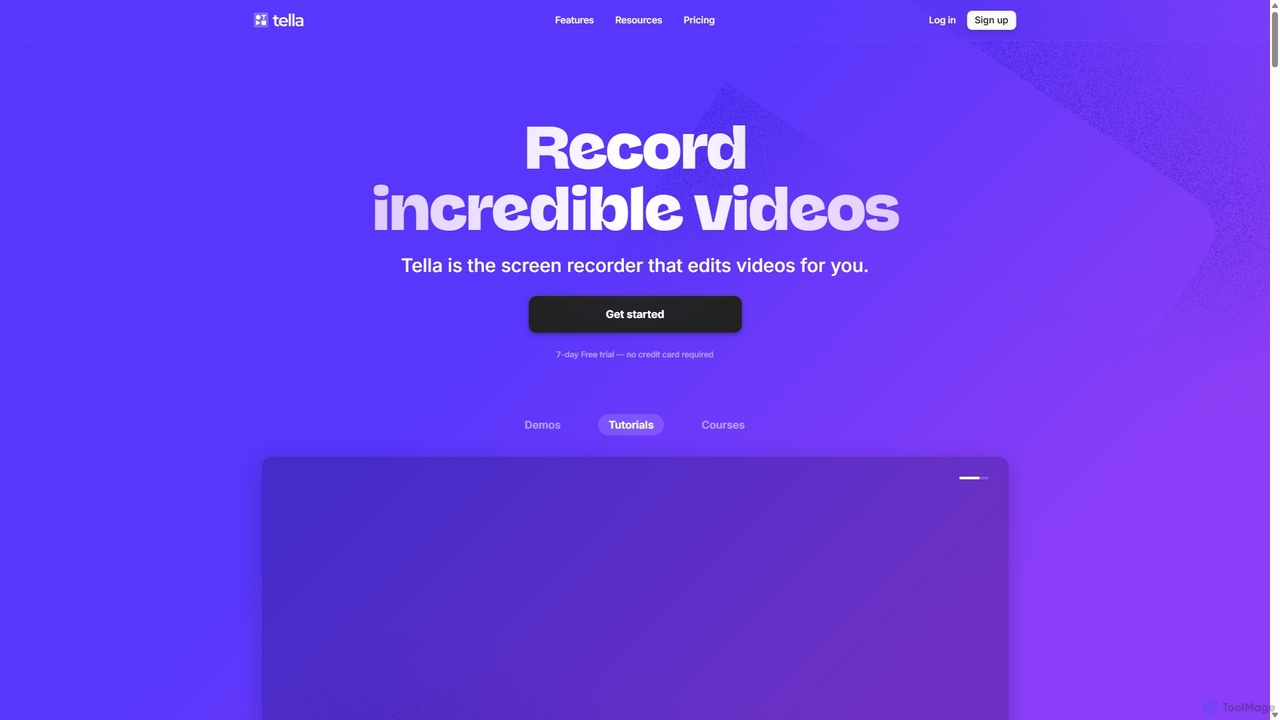
Tella
Tella is an AI-powered screen recorder and video editor for Mac & Windows that simplifies video creation. It automatically removes silences and filler words, offers transcript-based editing, and provides professional customization options like backgrounds, layouts, and zooms. Ideal for creating tutorials, product demos, and online courses in minutes, not hours.
E Learning
Tella
Tella is an AI-powered screen recorder and video editor for Mac and Windows, designed for entrepreneurs and creators. It simplifies video production by recording in manageable clips and using AI to automatically remove filler words and silences. With features like customizable backgrounds, dynamic zooms, and 4K exports, Tella helps users create professional-looking demos, tutorials, and courses in minutes, not hours, without needing any video editing expertise.
Course Creation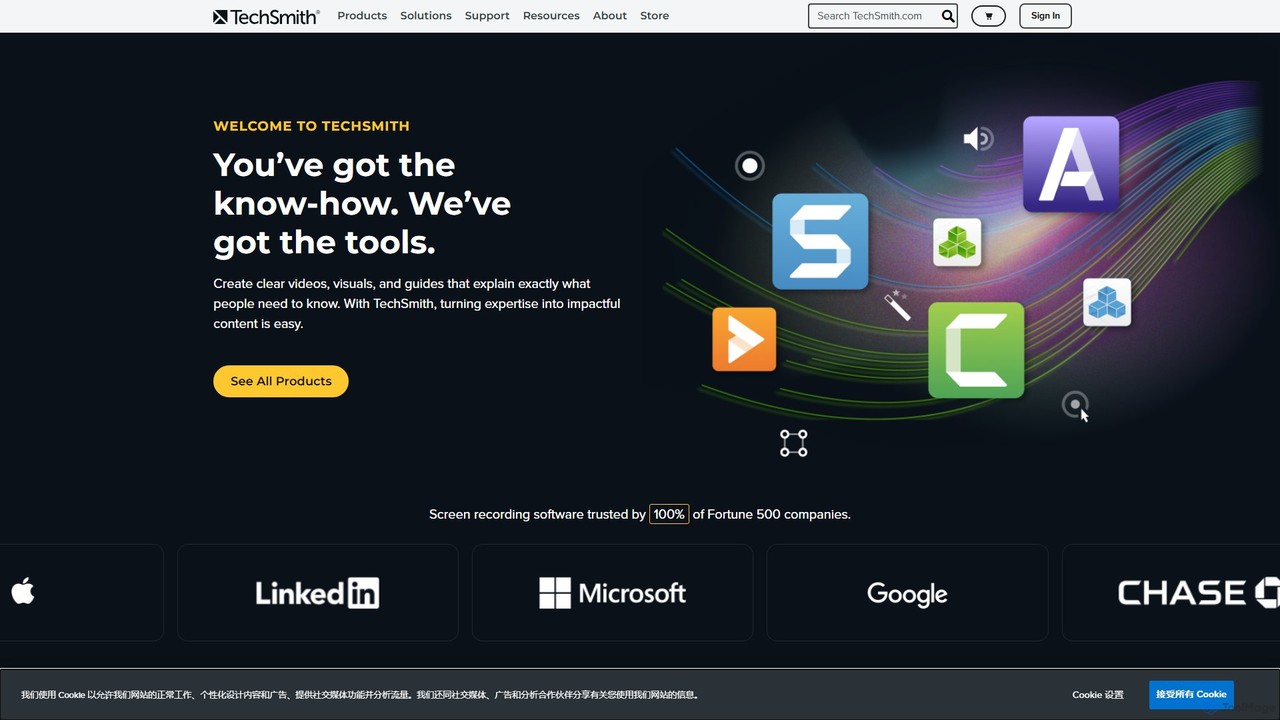
TechSmith
TechSmith offers a powerful suite of tools, including Snagit and Camtasia, for professional screen capture and video creation. Leveraging AI-assisted features, users can easily record, edit, and share high-quality tutorials, training videos, and presentations. It simplifies complex communication by transforming expertise into clear, engaging visual content, trusted by professionals and Fortune 500 companies worldwide.
E Learning
Genially
Genially is an all-in-one online tool for creating stunning interactive and animated content. Without any coding skills, users can design presentations, infographics, gamified quizzes, and eLearning materials. It leverages AI to accelerate content creation, making it ideal for educators, marketers, and corporate trainers to boost audience engagement.
InfographicsFocuSee Categories
FocuSee Embed Widget
Copy this embed code to place the badge on your blog, article, or product site and send readers directly to this ToolMage detail page.

Related AI tools
ScreenStory
ScreenStory is an intelligent screen recording app for macOS that automatically transforms standard screen captures into polished, professional-looking videos. It adds dynamic zooms, smooth cursor movements, and motion blur without manual editing. Ideal for creating engaging product demos, tutorials, and marketing content, it simplifies video production for users of all skill levels.
TutorialsTella
Tella is an AI-powered screen recorder and video editor for Mac and Windows, designed for entrepreneurs and creators. It simplifies video production by recording in manageable clips and using AI to automatically remove filler words and silences. With features like customizable backgrounds, dynamic zooms, and 4K exports, Tella helps users create professional-looking demos, tutorials, and courses in minutes, not hours, without needing any video editing expertise.
Course Creation
Kite
Kite is a powerful screen recorder for Mac that helps you create stunning, professional-grade product demo videos in minutes. It combines screen recording with AI-powered features like automatic zoom, 3D animations, AI voiceovers, and a music library to make your videos look as polished as an Apple commercial.
Voice SynthesisTechSmith
TechSmith offers a powerful suite of tools, including Snagit and Camtasia, for professional screen capture and video creation. Leveraging AI-assisted features, users can easily record, edit, and share high-quality tutorials, training videos, and presentations. It simplifies complex communication by transforming expertise into clear, engaging visual content, trusted by professionals and Fortune 500 companies worldwide.
E Learning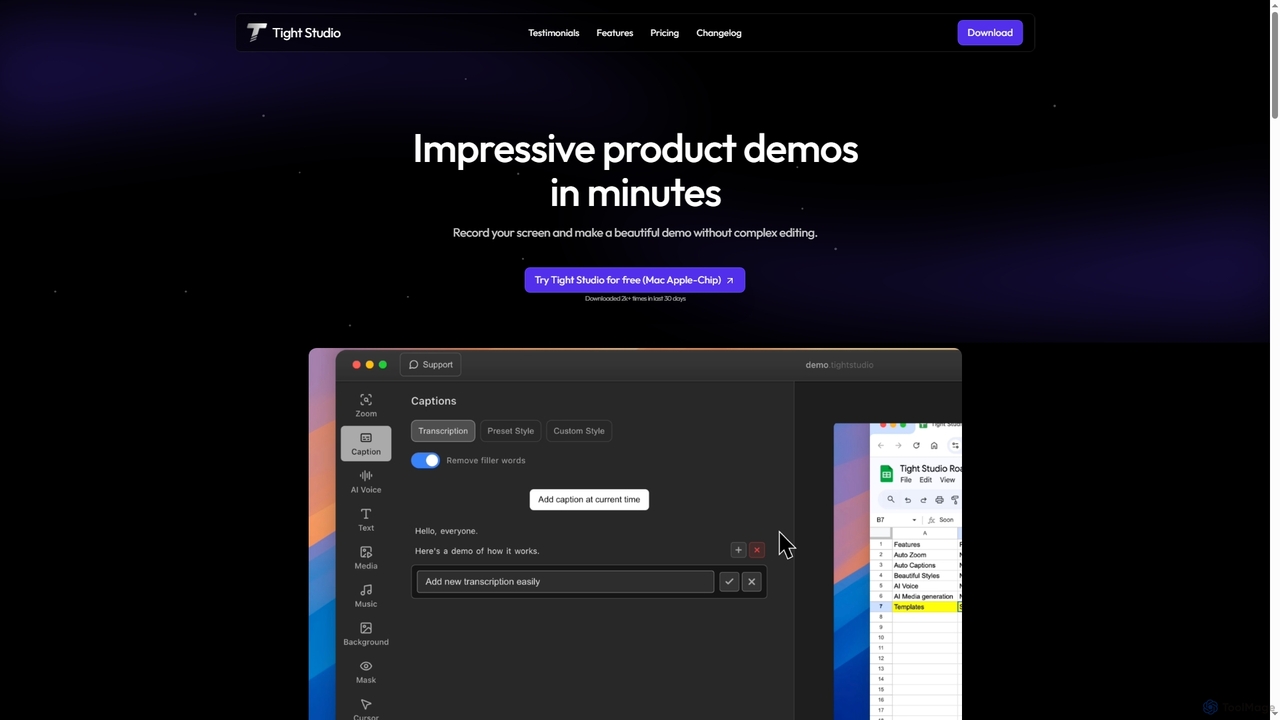
Tight Studio
Tight Studio is an AI-powered screen recording and video editing application for Mac, designed to create professional product demos and tutorials in minutes. It features smart zoom, automatic captions, AI narration, and an intuitive editor, enabling users without editing skills to produce high-quality, engaging videos effortlessly.
TutorialsTella
Tella is an AI-powered screen recorder and video editor for Mac & Windows that simplifies video creation. It automatically removes silences and filler words, offers transcript-based editing, and provides professional customization options like backgrounds, layouts, and zooms. Ideal for creating tutorials, product demos, and online courses in minutes, not hours.
E Learning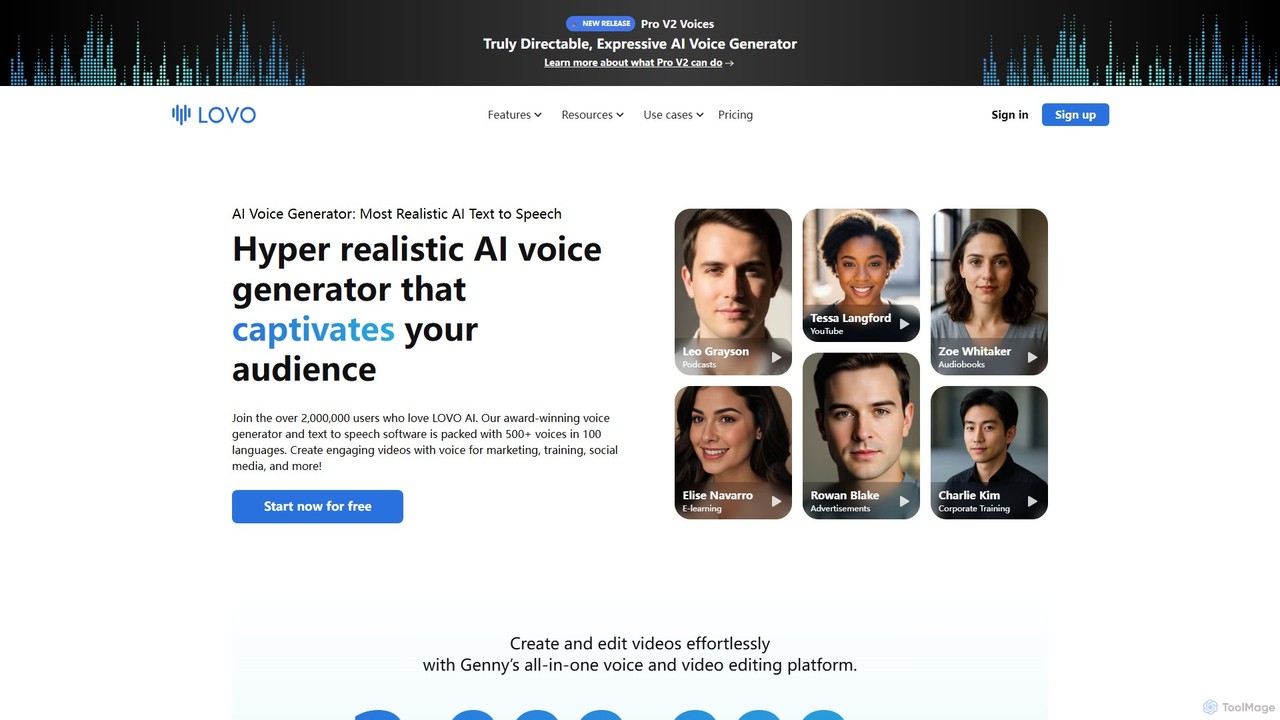
LOVO
LOVO is an award-winning AI voice generator and text-to-speech platform featuring over 500 hyper-realistic voices in 100+ languages. Its all-in-one tool, Genny, combines voice generation with a powerful online video editor, AI writer, and art generator, enabling users to create engaging content for marketing, training, and social media efficiently.
Text To Speech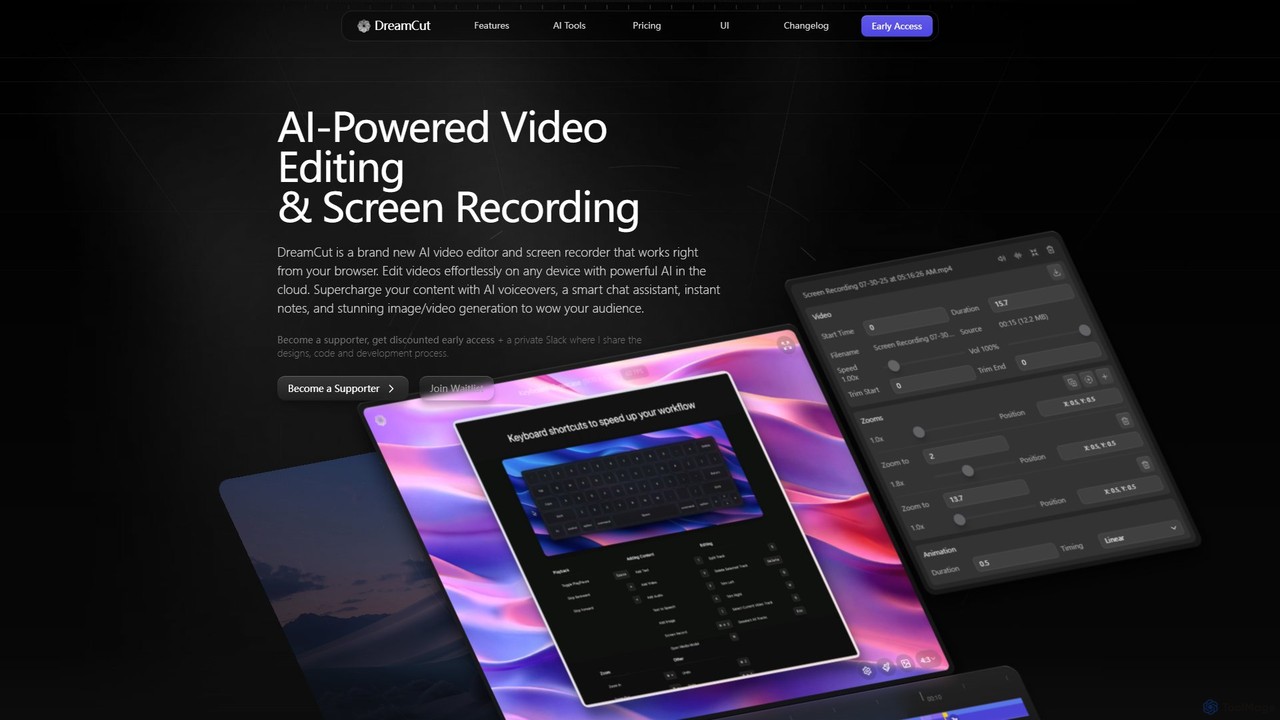
DreamCut
DreamCut is an all-in-one, AI-powered video editor and screen recorder that operates directly from your browser. It combines a multi-track editor, high-quality screen capture, AI voice generation, an AI chat assistant, and image/video creation into a single, cloud-based platform, enabling users to create professional content effortlessly on any device.
Text To Speech
Canvid
Canvid is an AI-powered screen recorder for Windows and Mac designed to create professional-looking demos effortlessly. It automatically tracks clicks, applies smart zooms, and uses AI to enhance audio by removing background noise. With features like webcam background replacement and instant captions, Canvid simplifies video production, making it a powerful alternative to tools like Loom.
Content Creation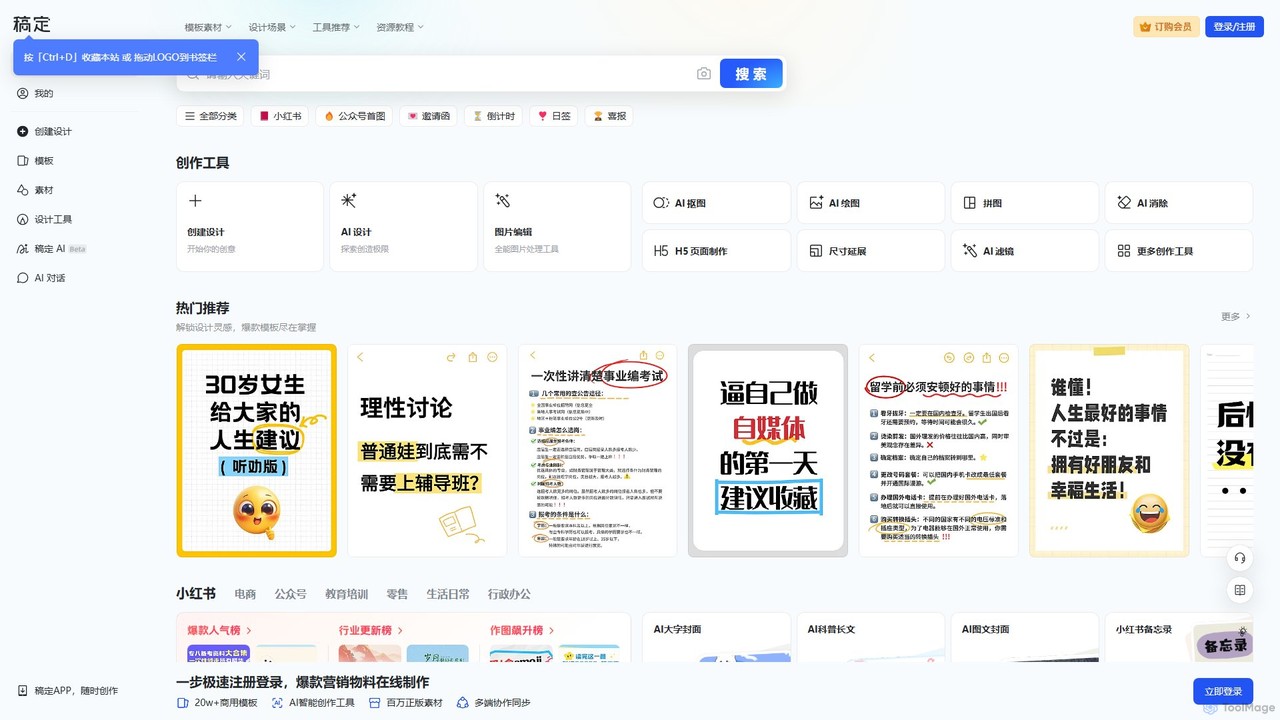
Gaoding Design
Gaoding Design is an all-in-one AI-powered online design platform. It offers a vast library of templates, AI-driven tools for image and video editing, content generation, and smart design automation. Ideal for marketers, content creators, and businesses, it simplifies the creation of professional marketing materials, social media posts, and presentations with collaborative workflows.
Graphic Design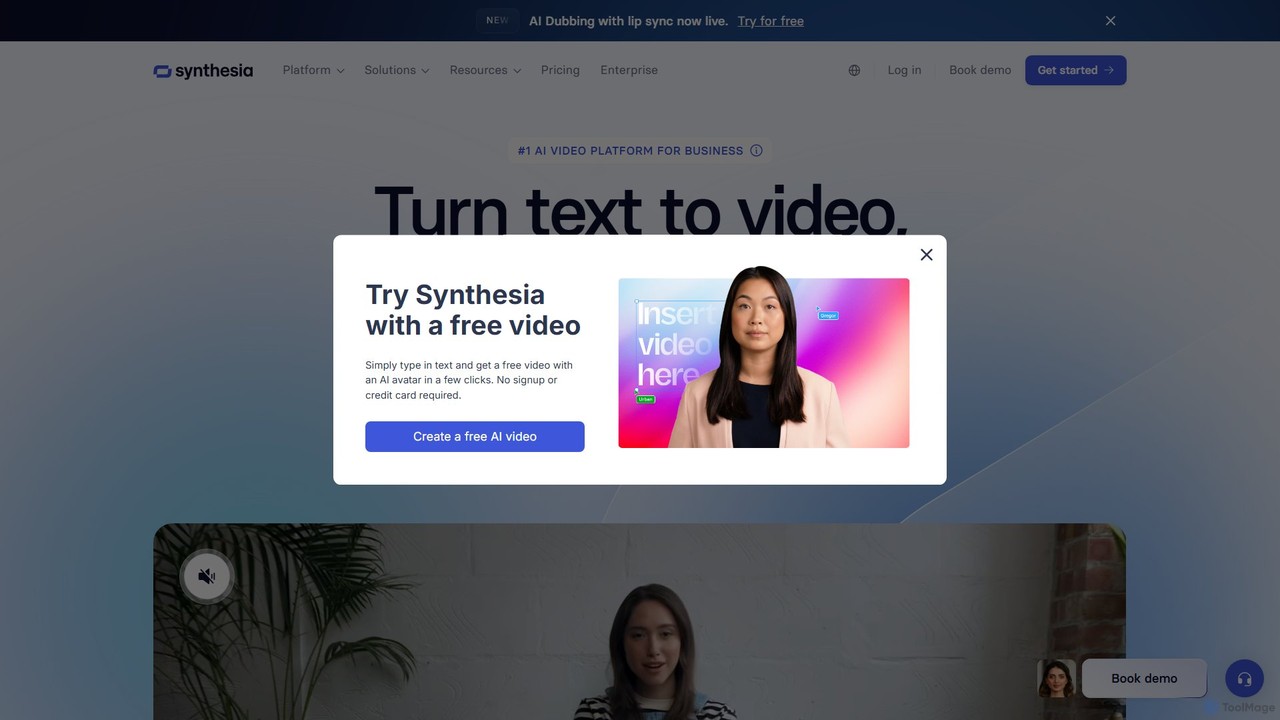
Synthesia
Synthesia is a leading AI video generation platform that enables users to create professional-quality videos with realistic AI avatars and voiceovers in over 140 languages. It eliminates the need for cameras, microphones, and studios, making video production scalable, affordable, and fast. Ideal for corporate training, marketing, and sales communications.
E Learning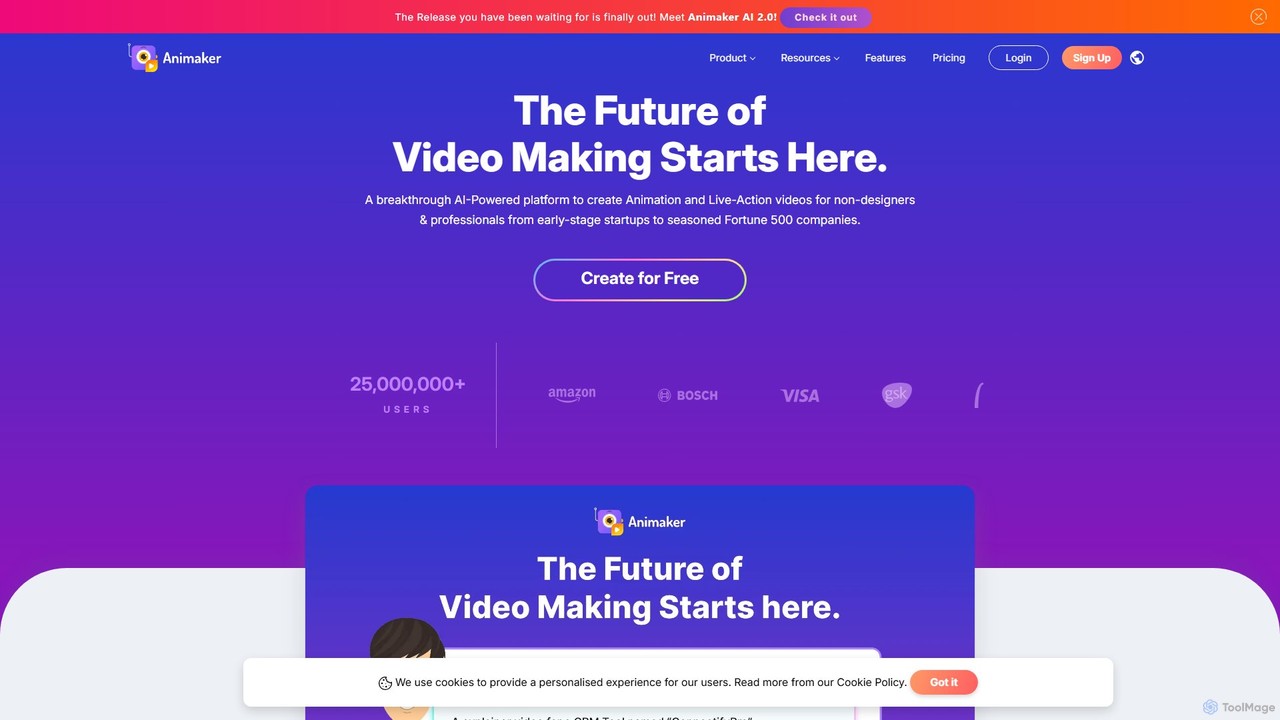
Animaker
Animaker is a powerful AI-driven online platform for creating studio-quality animated and live-action videos. Designed for both beginners and professionals, it features an advanced character builder, a vast asset library, and thousands of templates to produce engaging video content in minutes.
E Learning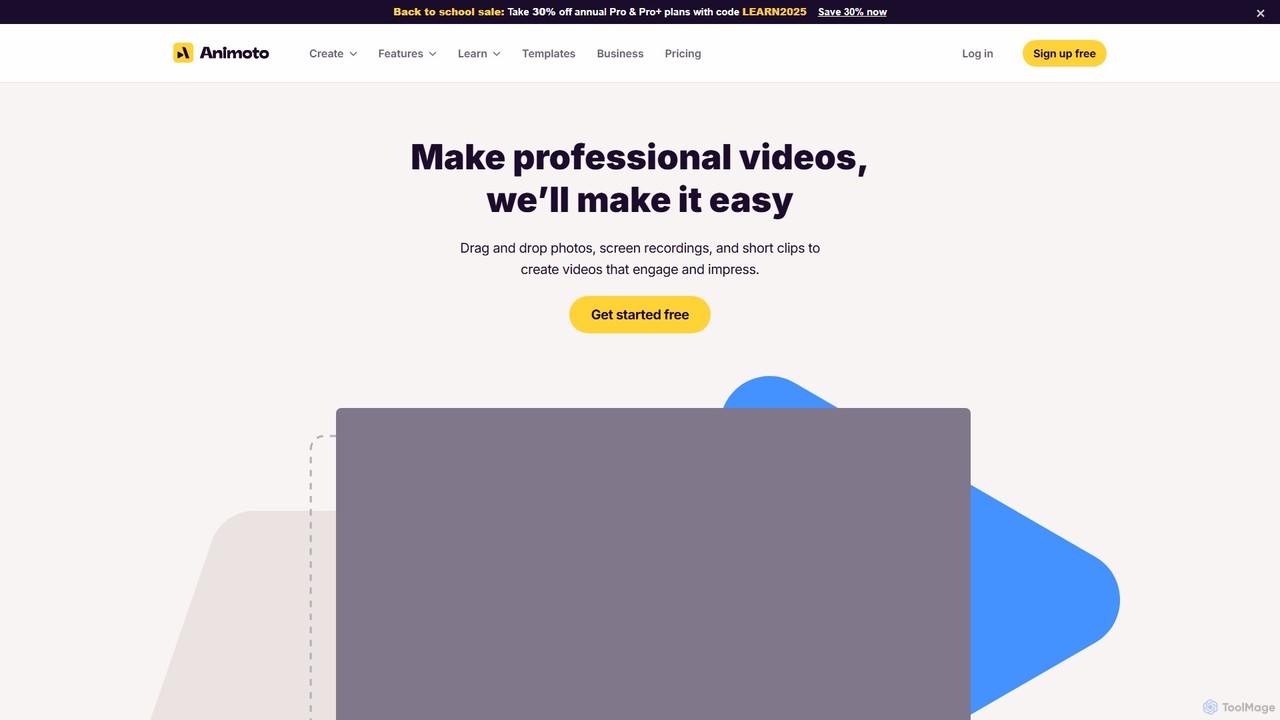
Animoto
Animoto is an intuitive online video maker that enables users to create professional-quality videos with ease. Using a drag-and-drop interface, you can combine photos, video clips, and screen recordings. It offers a vast library of templates, licensed music, and stock media from Getty Images, making it ideal for marketing, business communications, and personal projects without requiring any prior editing experience.
Corporate Communications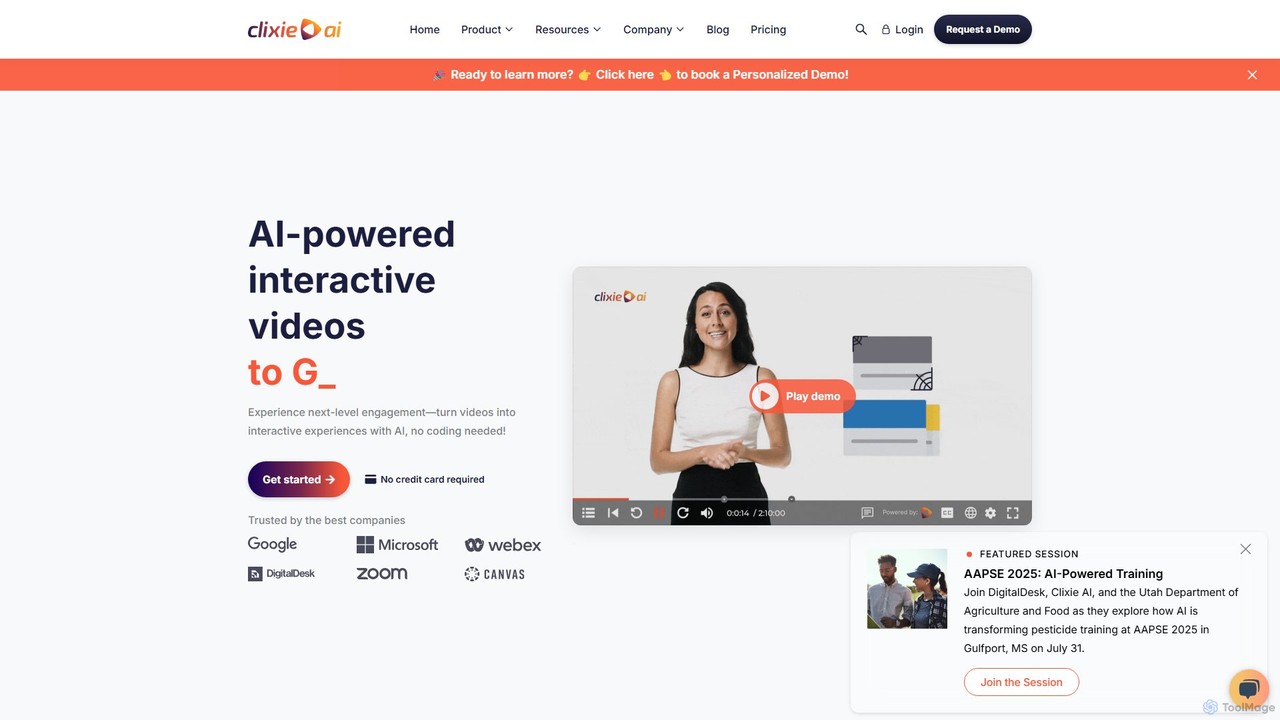
Clixie
Clixie is an AI-powered platform that transforms standard videos into captivating, interactive experiences. It enables users to add elements like quizzes, hotspots, and branching logic without any coding. Ideal for corporate training, e-learning, and marketing, Clixie boosts viewer engagement, provides deep analytics, and supports content localization in over 40 languages.
E LearningGenially
Genially is an all-in-one online tool for creating stunning interactive and animated content. Without any coding skills, users can design presentations, infographics, gamified quizzes, and eLearning materials. It leverages AI to accelerate content creation, making it ideal for educators, marketers, and corporate trainers to boost audience engagement.
Infographics
FocuSee Comments (0)
Sign in to comment.
Sign inNo comments yet.