
ScreenStory Overview
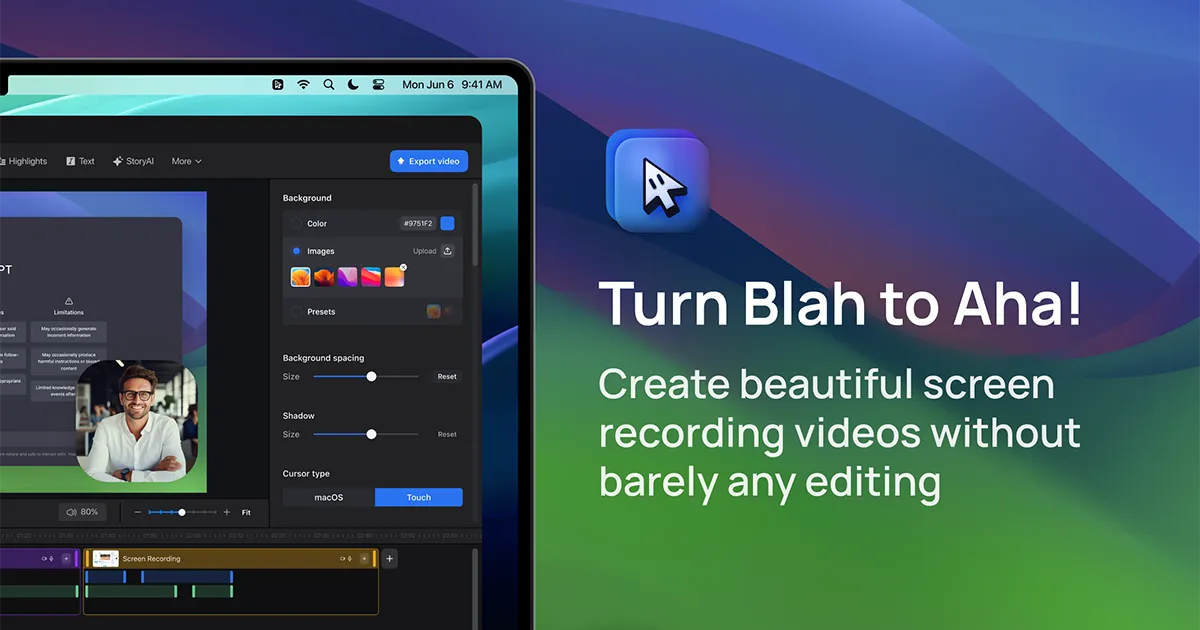
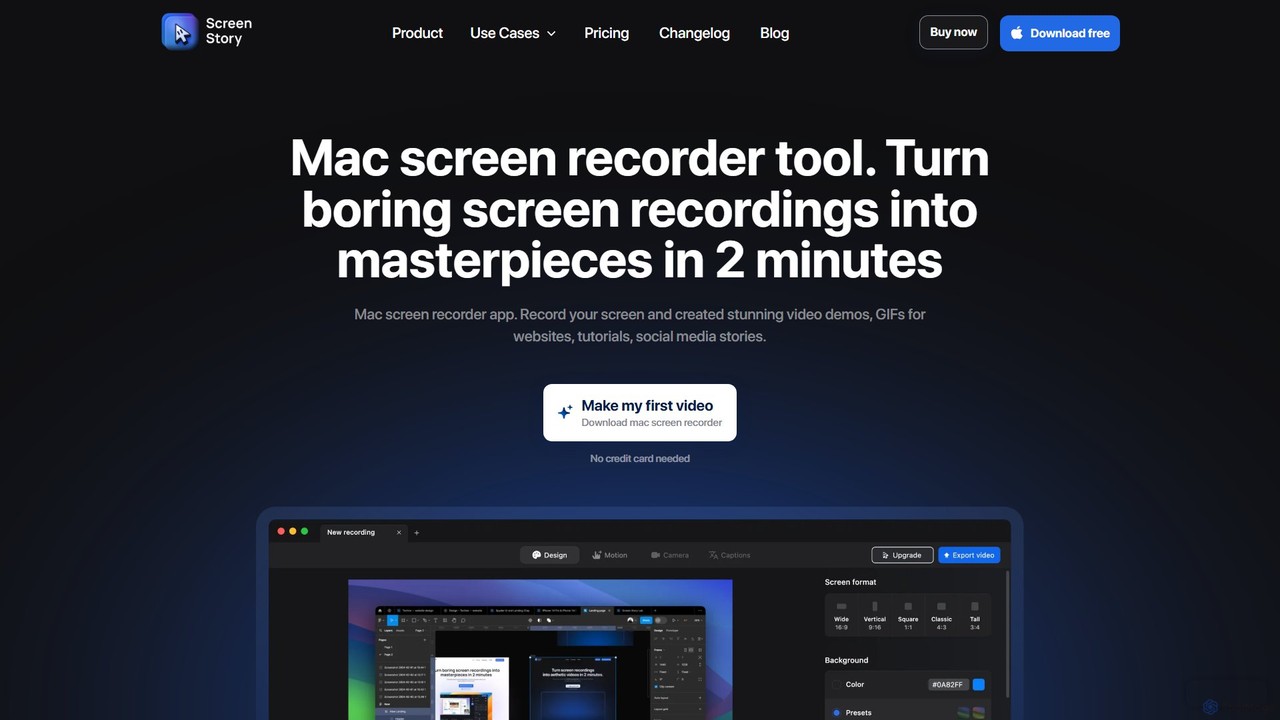
ScreenStory is a powerful screen recording application for macOS, designed to elevate your screen captures into professionally animated videos with minimal effort. It goes beyond simple recording by automatically applying cinematic effects like intelligent zooming on user actions, smoothing out erratic cursor movements, and adding motion blur. This makes it an invaluable tool for entrepreneurs, marketers, designers, and educators who need to create high-quality product demos, tutorials, social media content, and presentations without the steep learning curve of traditional video editing software.
How to use ScreenStory
ScreenStory streamlines the video creation process into a few simple steps:
- Record Your Screen: Select the area to record—be it the full screen, a specific window, or an application. You can simultaneously record your webcam and microphone, using either internal or external devices like an iPhone.
- Automatic Enhancement: Once you stop recording, ScreenStory instantly works its magic. It automatically zooms in on your clicks and on-screen actions, smooths cursor paths to look deliberate and professional, and adds motion blur to create a dynamic, engaging video.
- Customize and Refine: Easily customize the video to fit your brand. Change the background, adjust window frames, modify the cursor's appearance (or hide it completely), trim unwanted parts, and speed up the recording. You can also add your selfie video with various layout options.
- Export and Share: Export your final creation in high-quality formats like MP4 (up to 4K, 60 FPS) or animated GIF. You can also instantly share it with a cloud link or copy it directly to your clipboard for easy pasting into social media platforms or chat applications.
Core Features of ScreenStory
- Automatic Zoom & Pan: Intelligently follows your on-screen actions, automatically zooming and panning to keep the focus on what's important, saving you hours of manual keyframing.
- Smooth Cursor Motion: Converts jerky and rapid mouse movements into smooth, cinematic glides, making your demonstrations look clean and professional.
- Selfie Camera & Multi-Layouts: Record your webcam alongside your screen and switch between different layouts (e.g., picture-in-picture, full screen) with seamless animations.
- On-Device AI Captions: Automatically generate subtitles for your videos. The process is done locally on your Mac, ensuring both privacy and speed without needing an internet connection.
- Customizable Aesthetics: Choose from a variety of backgrounds and window frames to match your brand identity and make your videos stand out.
- High-Quality Export Options: Export videos in MP4 (up to 4K at 60 FPS) and animated GIFs, ensuring your content looks crisp on any platform.
- Basic Video Editing: Includes essential tools to trim, split, and adjust the speed of your recordings, allowing for quick post-production tweaks.
- Teleprompter: Read from a script in an invisible window while recording to deliver a flawless and confident narration.
- Cloud Sharing: Instantly generate a shareable link for your video, hosted on ScreenStory's cloud, for easy collaboration and distribution.
Use Cases for ScreenStory
ScreenStory is versatile and ideal for a wide range of applications:
- Product Demos: Create compelling demonstrations of software features, user flows, and product updates.
- Video Tutorials: Produce clear, engaging, and easy-to-follow "how-to" guides and educational content.
- Marketing & Social Media: Generate eye-catching videos and GIFs for social media stories (Instagram, TikTok), feature announcements, and newsletters.
- Onboarding & Training: Develop effective onboarding materials for new users or internal training videos for employees.
- Asynchronous Communication: Record video messages, bug reports, and team updates to improve remote collaboration and clarity.
Advantages of ScreenStory
Using ScreenStory offers significant benefits:
- No Editing Skills Required: It automates the most tedious parts of video editing, allowing anyone to create professional-looking videos.
- Efficiency and Speed: The streamlined record-enhance-share workflow enables rapid content creation, turning hours of work into minutes.
- Professional Quality: Features like auto-zoom and smooth cursor give recordings a high-end, polished feel that captures and retains viewer attention.
- Privacy-Focused: On-device processing for features like AI captions means your sensitive data stays secure on your machine.
- Versatility: It is a multi-purpose tool suitable for marketing, education, development, and internal communication.
Pricing and Plans
ScreenStory offers a straightforward pricing model with a free trial:
- Free Trial: You can download the app and test all its features for free. A subscription is required to export the final video.
- Month Pass: Priced at $19 per month. This plan includes access to all features, unlimited exports, priority support, and secure on-device rendering for 30 days.
- Yearly Pass: Priced at $89 per year. This plan offers the best value for regular users, providing a full year of access with all the benefits of the monthly plan at a discounted rate.
Traffic
Latest traffic
Status
Monthly traffic trend
- 2025-9: 26.4K
- 2026-1: 26.9K
- 2026-2: 16.3K
- 2026-3: 14.7K
- 2026-4: 10.3K
- 2026-5: 9.3K
Geography
Top 5 countries / regions
- 🇺🇸United States49.7%
- 🇩🇪Germany18.1%
- 🇮🇳India12.9%
- 🇧🇷Brazil10.4%
- 🇬🇧United Kingdom8.9%
Top keywords
| Keyword | Cost per click |
|---|---|
| convert .screenstudio to mp4 | $0.00 |
| hotkey zoom in group obs | $0.00 |
| obs magnify | $0.00 |
| obs studio zoom out | $0.00 |
| the aspect ratio of the video you tried to upload was too large. twitter | $0.00 |
ScreenStory Alternatives
FocuSee
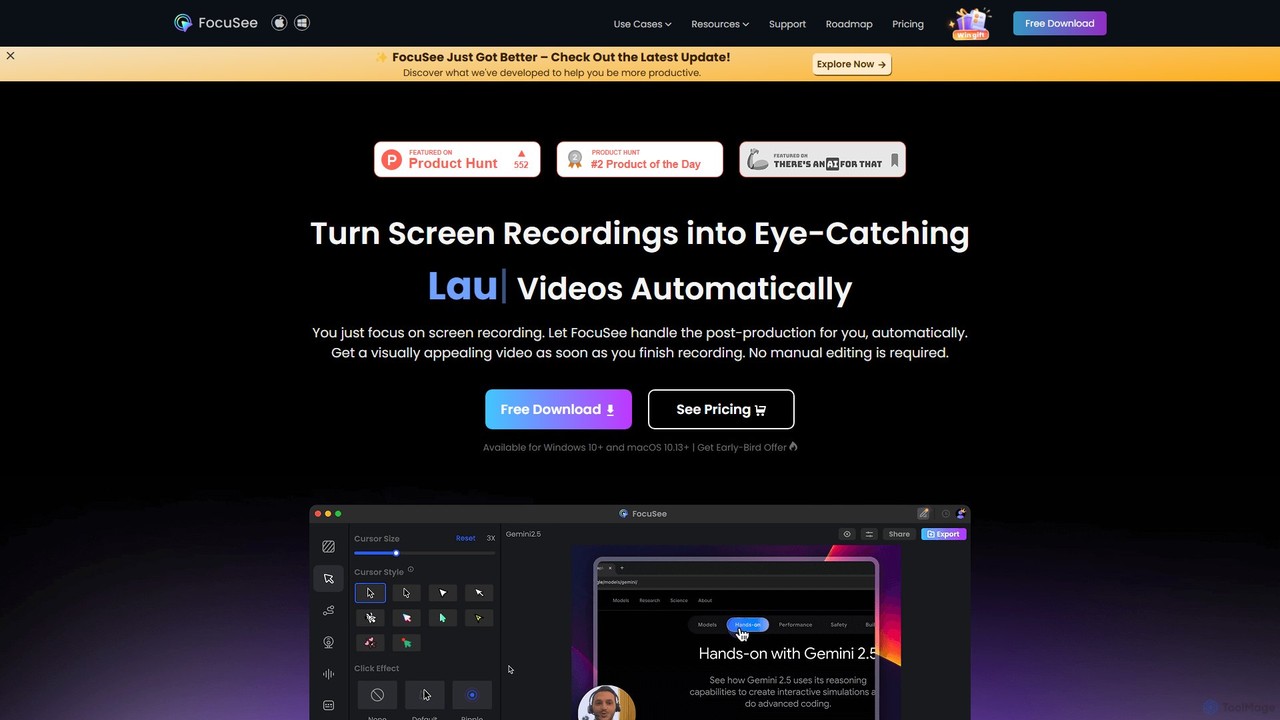
FocuSee is an AI-powered screen recording and video editing software designed to create professional-looking videos with ease. Its standout feature is the automatic zoom and pan effect, which intelligently follows your cursor movements to highlight key actions. This makes it ideal for creating engaging product demos, tutorials, and presentations without complex manual editing, simplifying the entire video creation workflow.
E Learning
Tella
Tella is an AI-powered screen recorder and video editor for Mac and Windows, designed for entrepreneurs and creators. It simplifies video production by recording in manageable clips and using AI to automatically remove filler words and silences. With features like customizable backgrounds, dynamic zooms, and 4K exports, Tella helps users create professional-looking demos, tutorials, and courses in minutes, not hours, without needing any video editing expertise.
Course Creation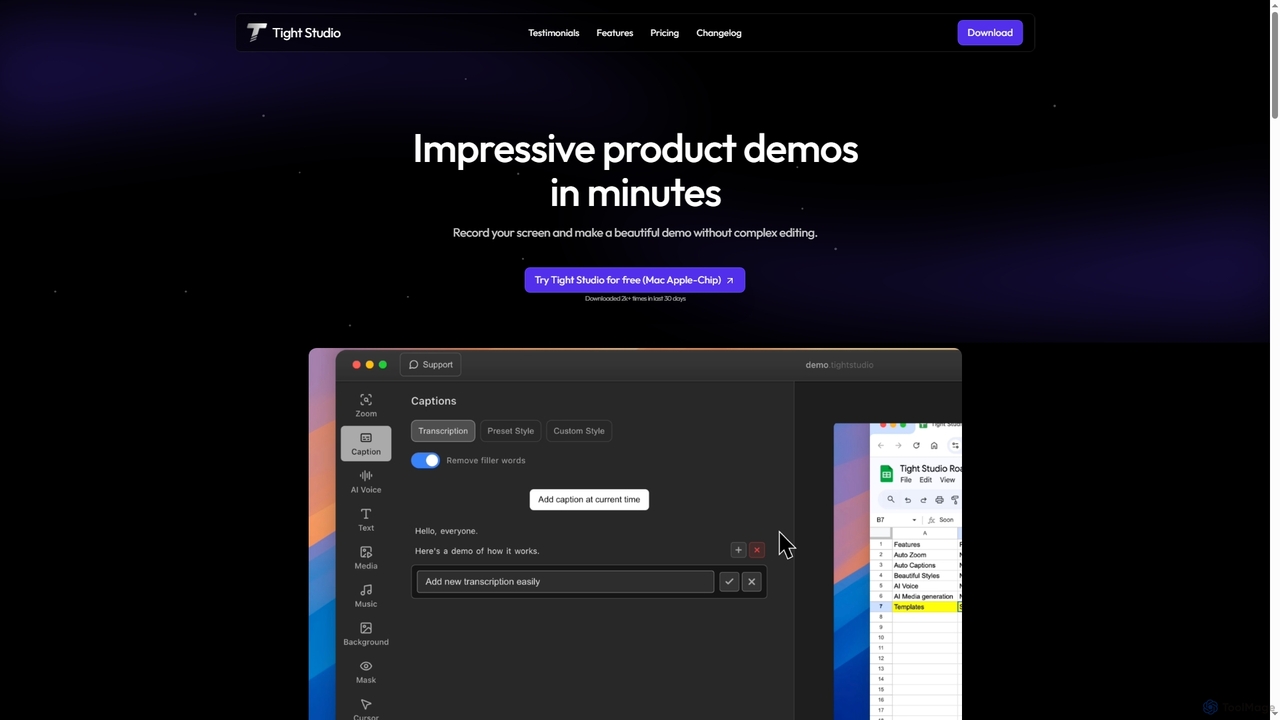
Tight Studio
Tight Studio is an AI-powered screen recording and video editing application for Mac, designed to create professional product demos and tutorials in minutes. It features smart zoom, automatic captions, AI narration, and an intuitive editor, enabling users without editing skills to produce high-quality, engaging videos effortlessly.
Tutorials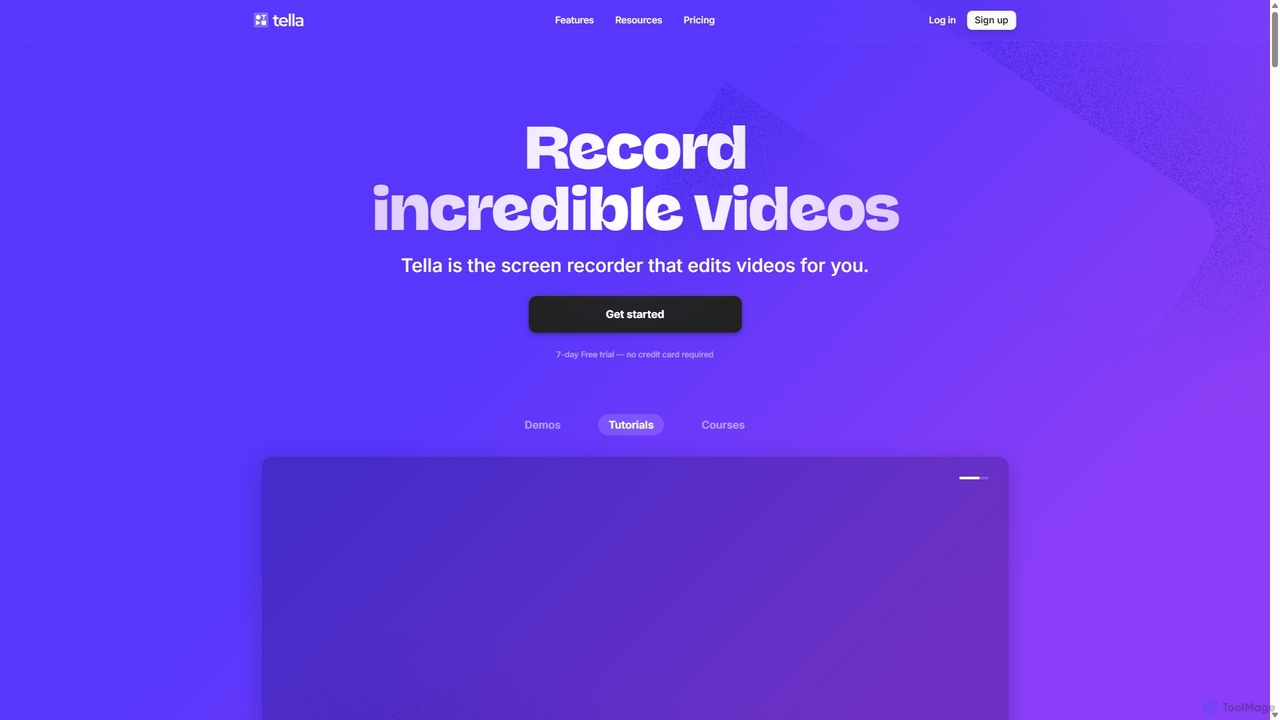
Tella
Tella is an AI-powered screen recorder and video editor for Mac & Windows that simplifies video creation. It automatically removes silences and filler words, offers transcript-based editing, and provides professional customization options like backgrounds, layouts, and zooms. Ideal for creating tutorials, product demos, and online courses in minutes, not hours.
E Learning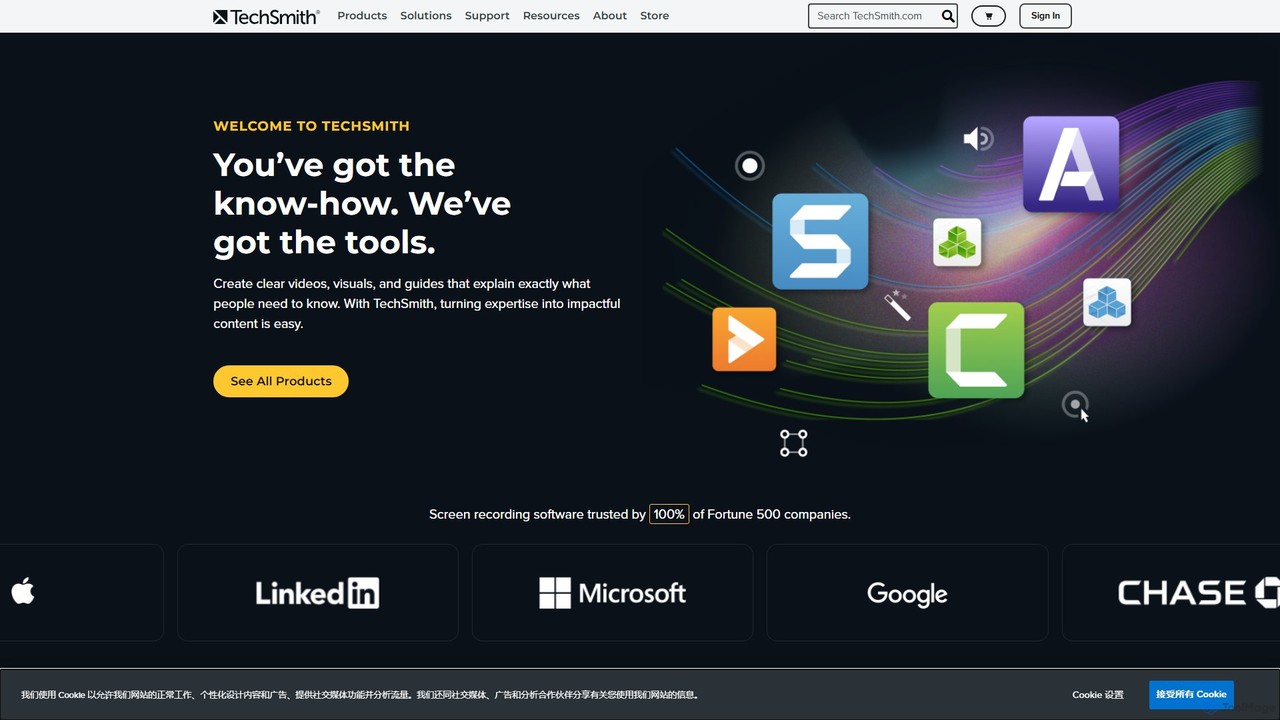
TechSmith
TechSmith offers a powerful suite of tools, including Snagit and Camtasia, for professional screen capture and video creation. Leveraging AI-assisted features, users can easily record, edit, and share high-quality tutorials, training videos, and presentations. It simplifies complex communication by transforming expertise into clear, engaging visual content, trusted by professionals and Fortune 500 companies worldwide.
E LearningScreenStory Categories
ScreenStory Embed Widget
Copy this embed code to place the badge on your blog, article, or product site and send readers directly to this ToolMage detail page.

Related AI tools
FocuSee
FocuSee is an AI-powered screen recording and video editing software designed to create professional-looking videos with ease. Its standout feature is the automatic zoom and pan effect, which intelligently follows your cursor movements to highlight key actions. This makes it ideal for creating engaging product demos, tutorials, and presentations without complex manual editing, simplifying the entire video creation workflow.
E LearningTella
Tella is an AI-powered screen recorder and video editor for Mac and Windows, designed for entrepreneurs and creators. It simplifies video production by recording in manageable clips and using AI to automatically remove filler words and silences. With features like customizable backgrounds, dynamic zooms, and 4K exports, Tella helps users create professional-looking demos, tutorials, and courses in minutes, not hours, without needing any video editing expertise.
Course CreationTight Studio
Tight Studio is an AI-powered screen recording and video editing application for Mac, designed to create professional product demos and tutorials in minutes. It features smart zoom, automatic captions, AI narration, and an intuitive editor, enabling users without editing skills to produce high-quality, engaging videos effortlessly.
Tutorials
Kite
Kite is a powerful screen recorder for Mac that helps you create stunning, professional-grade product demo videos in minutes. It combines screen recording with AI-powered features like automatic zoom, 3D animations, AI voiceovers, and a music library to make your videos look as polished as an Apple commercial.
Voice SynthesisTella
Tella is an AI-powered screen recorder and video editor for Mac & Windows that simplifies video creation. It automatically removes silences and filler words, offers transcript-based editing, and provides professional customization options like backgrounds, layouts, and zooms. Ideal for creating tutorials, product demos, and online courses in minutes, not hours.
E Learning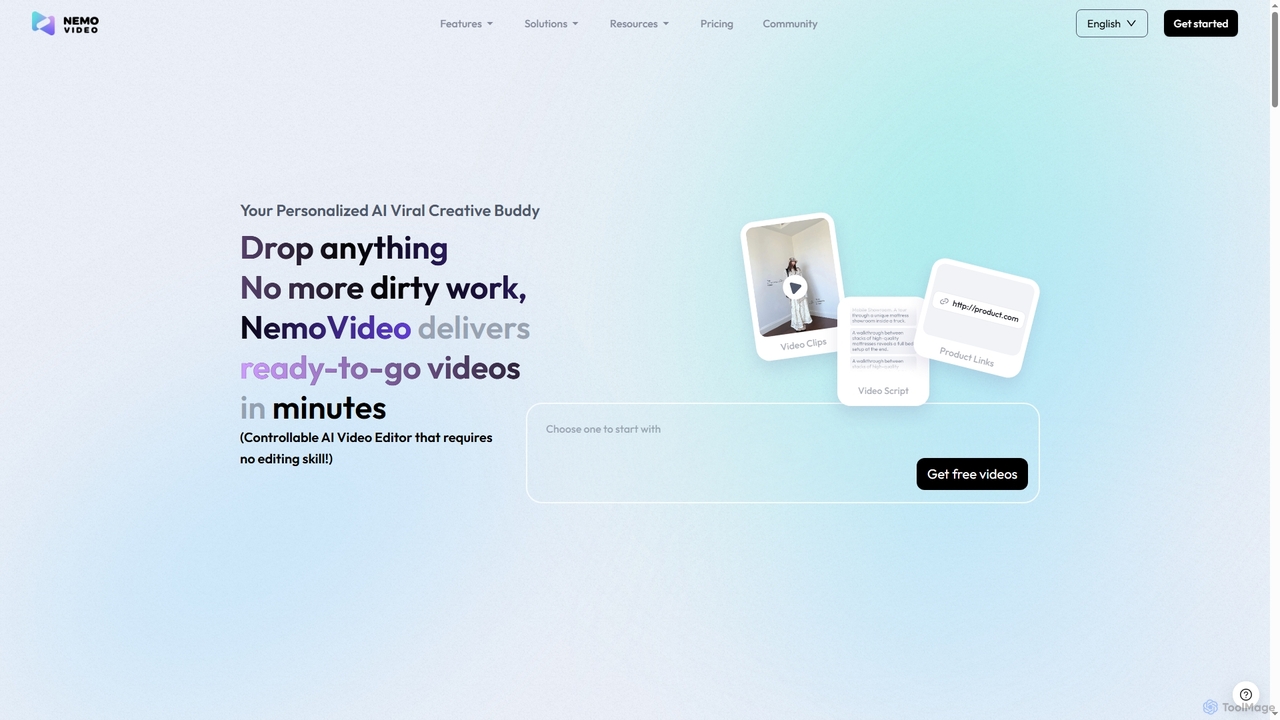
Nemovideo
Nemovideo is an AI-powered video editor that transforms your ideas, links, or raw clips into viral-ready marketing videos. It analyzes successful video formulas and automates the entire editing process, from scriptwriting to final cuts, requiring no prior editing skills.
Social Media Marketing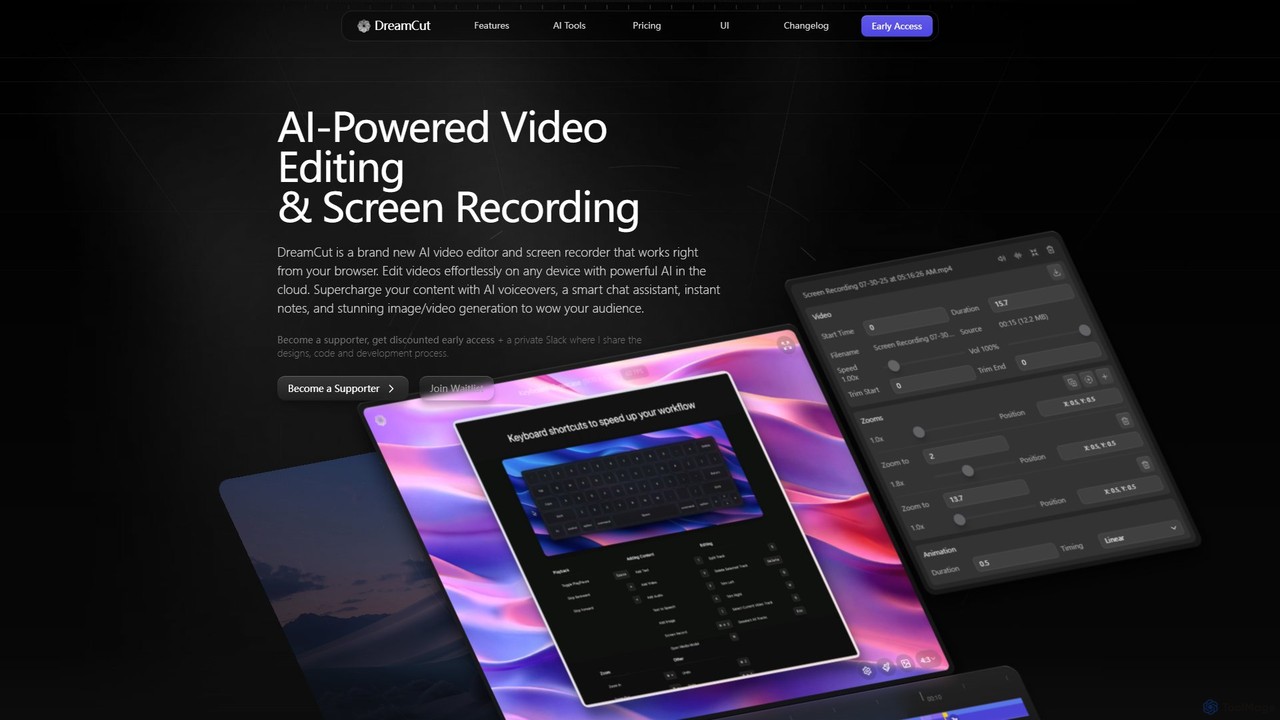
DreamCut
DreamCut is an all-in-one, AI-powered video editor and screen recorder that operates directly from your browser. It combines a multi-track editor, high-quality screen capture, AI voice generation, an AI chat assistant, and image/video creation into a single, cloud-based platform, enabling users to create professional content effortlessly on any device.
Text To SpeechTechSmith
TechSmith offers a powerful suite of tools, including Snagit and Camtasia, for professional screen capture and video creation. Leveraging AI-assisted features, users can easily record, edit, and share high-quality tutorials, training videos, and presentations. It simplifies complex communication by transforming expertise into clear, engaging visual content, trusted by professionals and Fortune 500 companies worldwide.
E Learning
Canvid
Canvid is an AI-powered screen recorder for Windows and Mac designed to create professional-looking demos effortlessly. It automatically tracks clicks, applies smart zooms, and uses AI to enhance audio by removing background noise. With features like webcam background replacement and instant captions, Canvid simplifies video production, making it a powerful alternative to tools like Loom.
Content Creation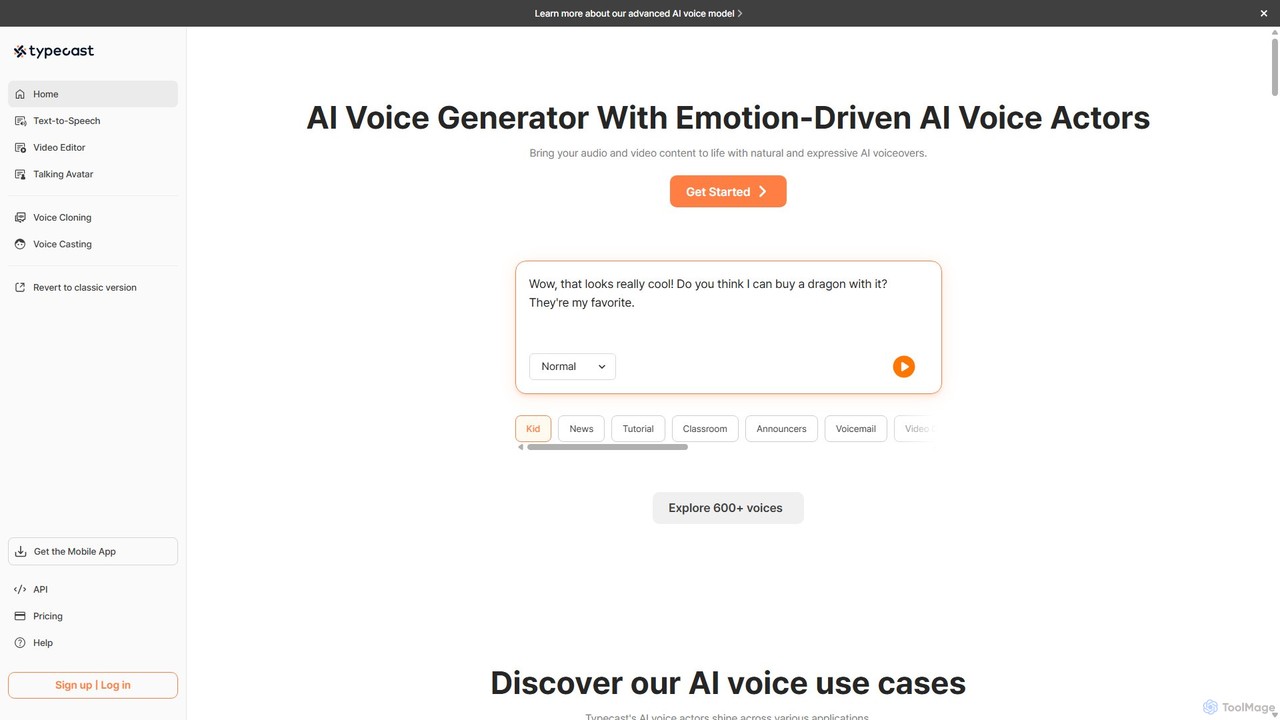
Typecast
Typecast is a powerful AI voice and video creation platform. Generate realistic, emotion-driven text-to-speech voiceovers from a library of 600+ voices. Features include voice cloning, an integrated video editor, and AI talking avatars to bring your content to life for audiobooks, marketing, and more.
Text To Speech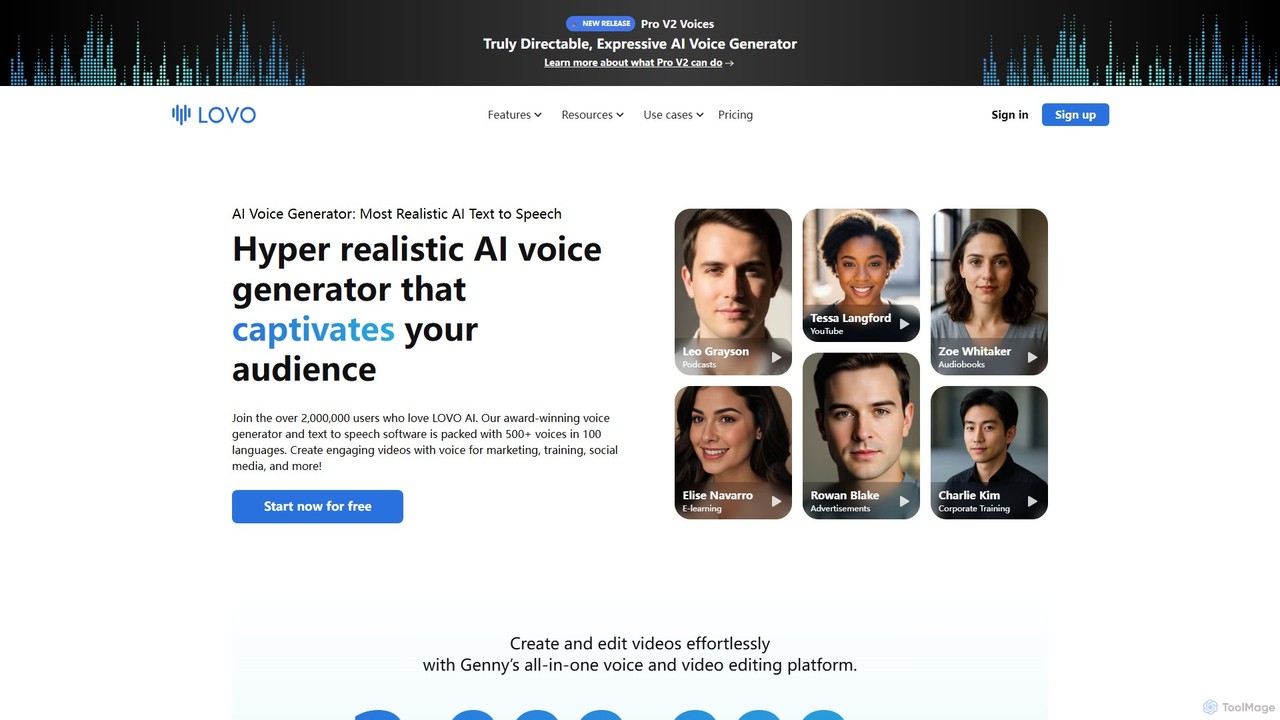
LOVO
LOVO is an award-winning AI voice generator and text-to-speech platform featuring over 500 hyper-realistic voices in 100+ languages. Its all-in-one tool, Genny, combines voice generation with a powerful online video editor, AI writer, and art generator, enabling users to create engaging content for marketing, training, and social media efficiently.
Text To Speech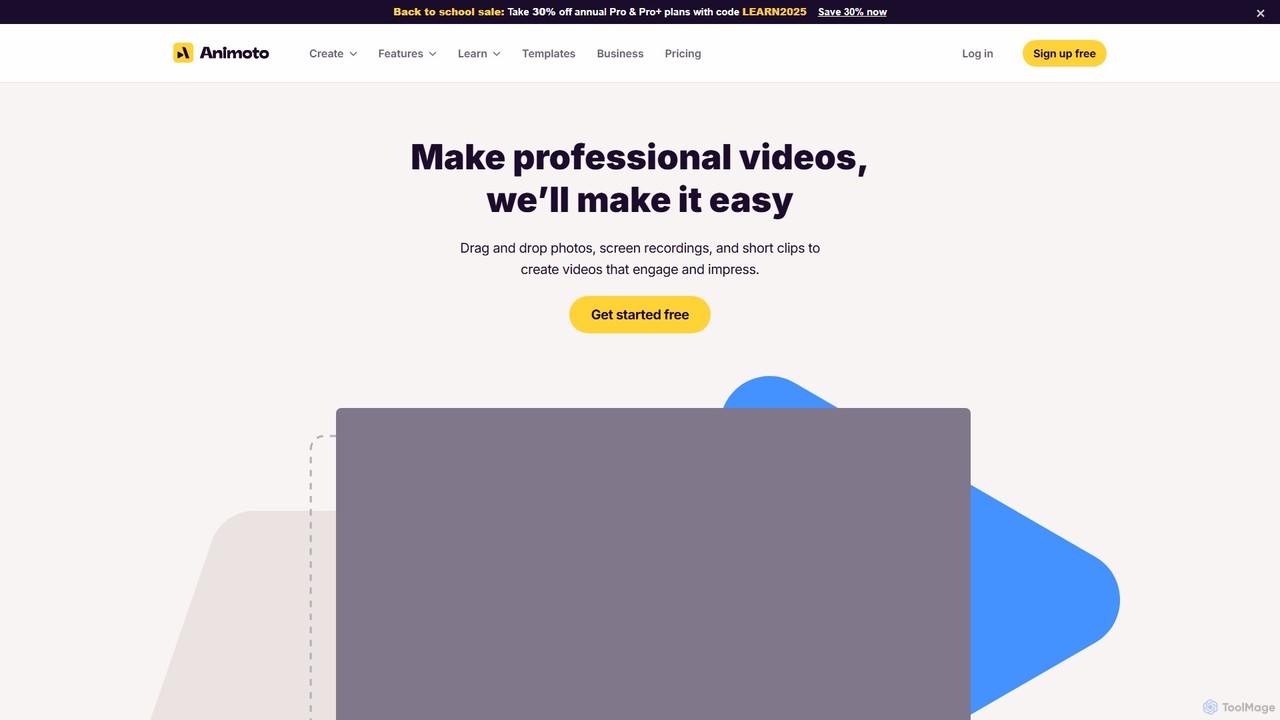
Animoto
Animoto is an intuitive online video maker that enables users to create professional-quality videos with ease. Using a drag-and-drop interface, you can combine photos, video clips, and screen recordings. It offers a vast library of templates, licensed music, and stock media from Getty Images, making it ideal for marketing, business communications, and personal projects without requiring any prior editing experience.
Corporate Communications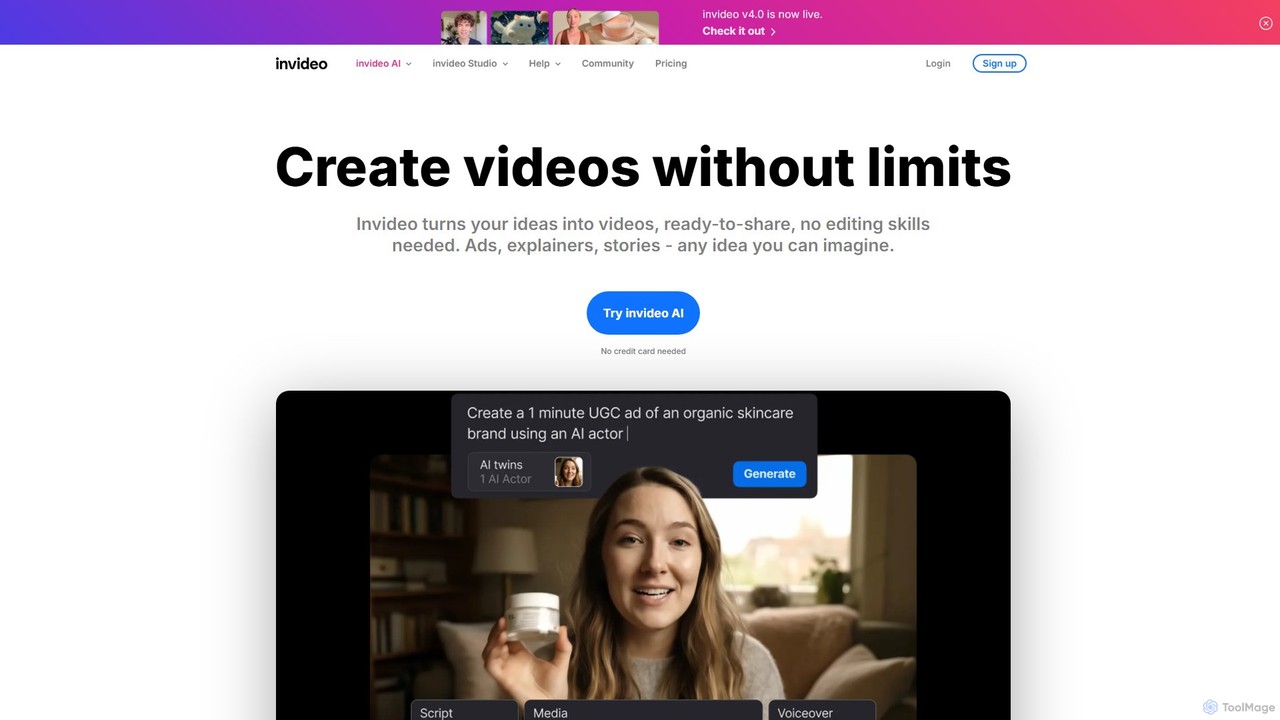
invideo
invideo is an AI-powered video creation platform that transforms text prompts, ideas, or URLs into publish-ready videos. It automates scriptwriting, visual creation, voiceovers, and editing, enabling users without technical skills to produce high-quality ads, social media content, and explainer videos in minutes.
Text To Speech
Clipchamp
Clipchamp is a user-friendly, AI-powered online video editor from Microsoft. It enables everyone, from beginners to professionals, to create stunning videos with features like AI-driven text-to-speech, automatic subtitles, and smart editing tools. Available on browsers, Windows, and iOS, it's an all-in-one solution for content creators, businesses, and educators.
Text To Speech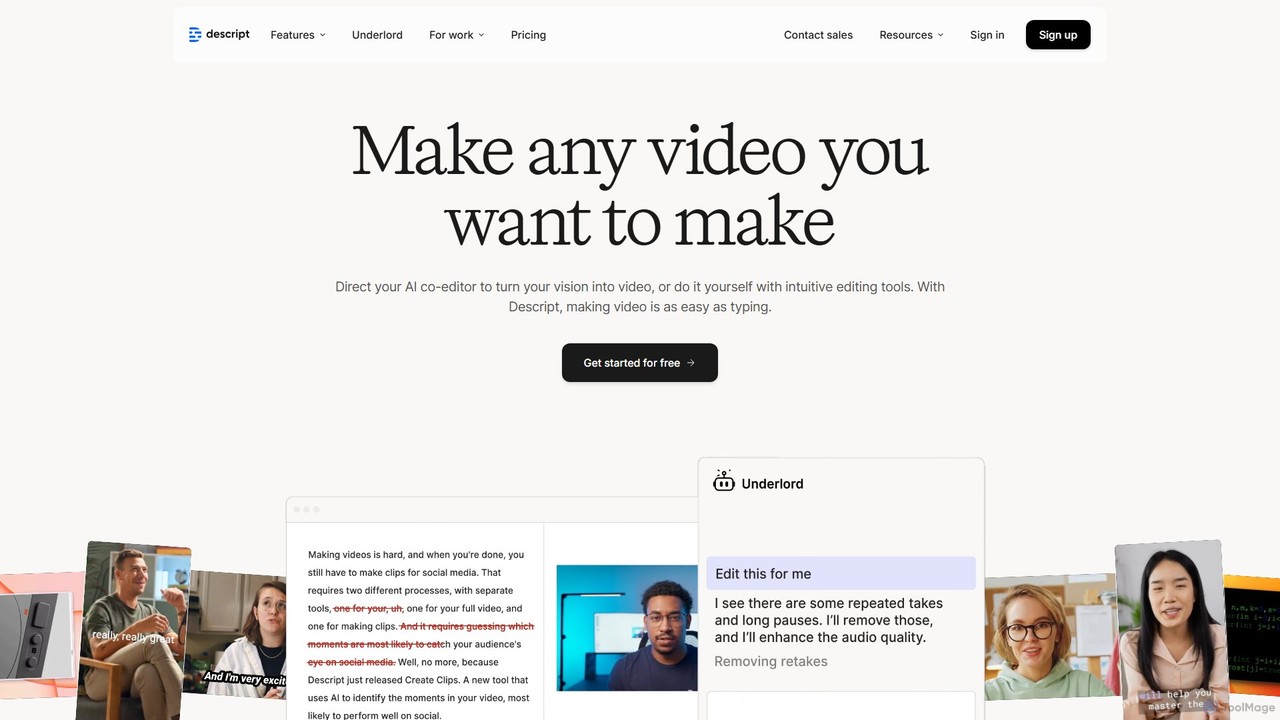
Descript
Descript is an all-in-one AI-powered video and podcast editor that revolutionizes content creation by allowing you to edit media as easily as a text document. It features text-based editing, automatic transcription, and powerful AI tools like Studio Sound, green screen, eye contact correction, and filler word removal. It's the ideal solution for creators and businesses aiming to produce high-quality, professional content with unparalleled efficiency.
Social Media
ScreenStory Comments (0)
Sign in to comment.
Sign inNo comments yet.